Bulk renaming carries one obvious risk: if a rule behaves slightly differently than you expected, you could end up with hundreds of files renamed incorrectly all at once. A live rename preview removes most of that risk by showing you the exact resulting filename for every file in your batch before you click the button that actually changes anything on disk.
This matters most for rules with multiple settings — sequential numbering with a custom start value, regex-based find and replace, or character trimming — where it's easy to get a setting slightly wrong without realizing it until you see the actual output.
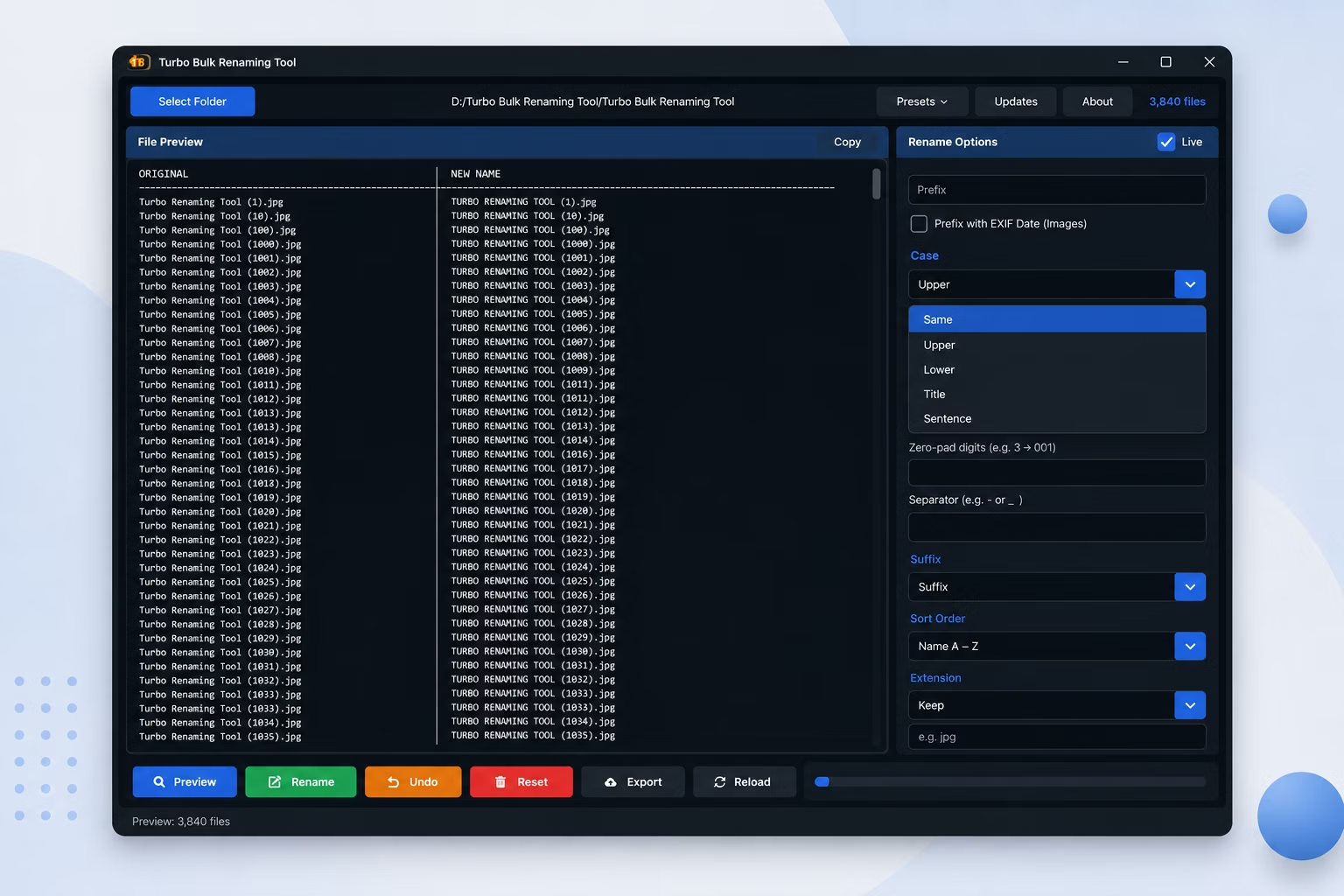
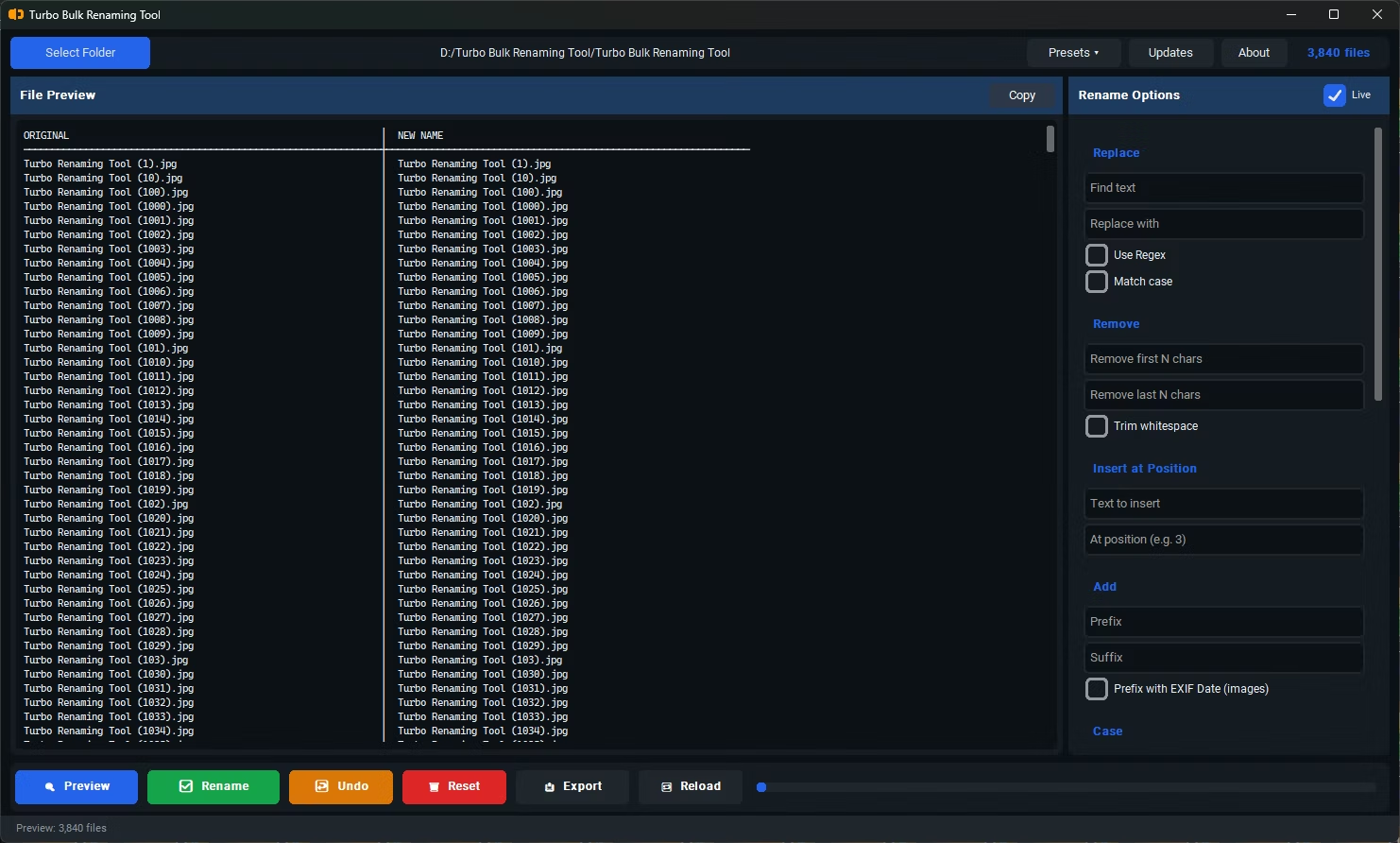
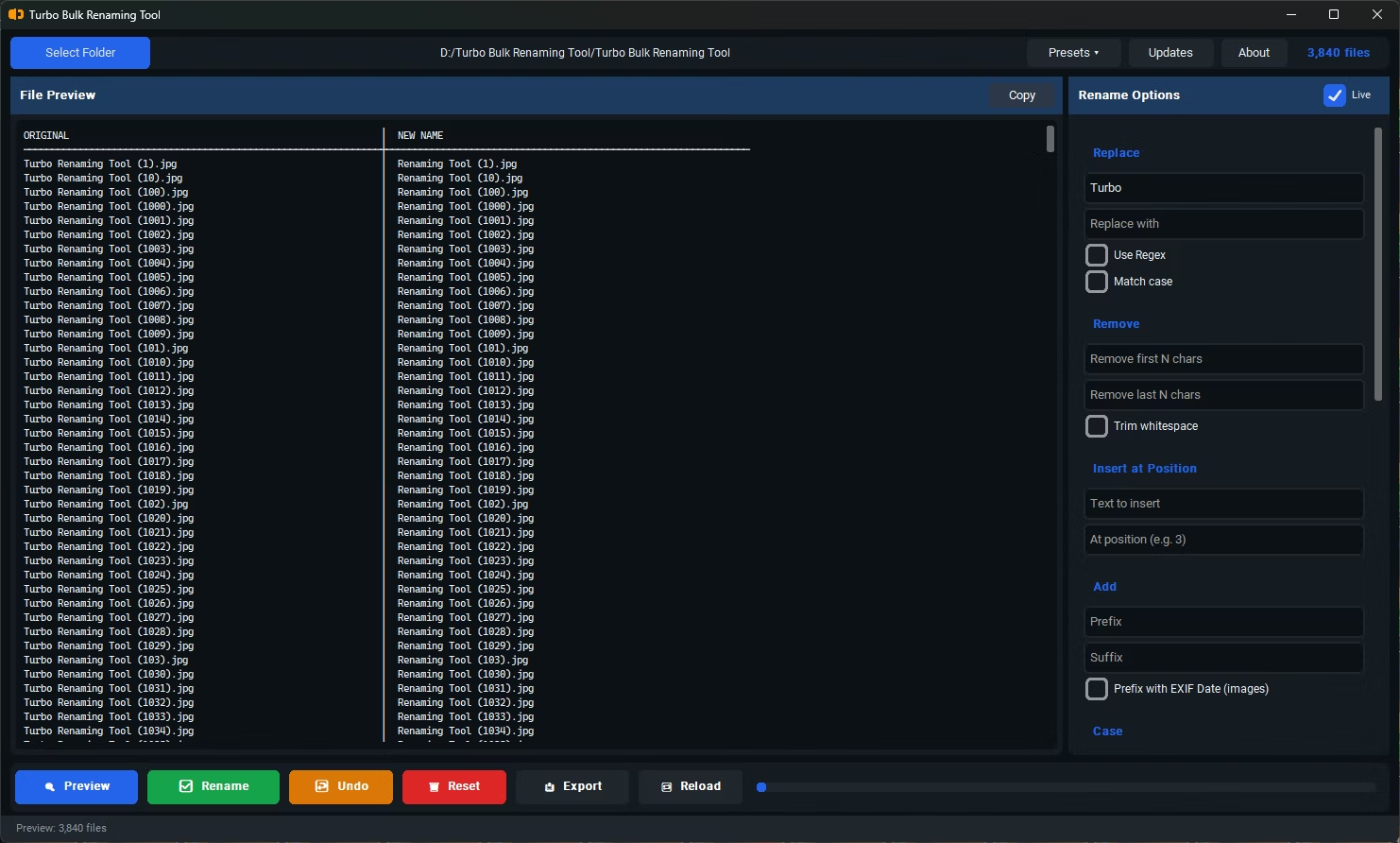
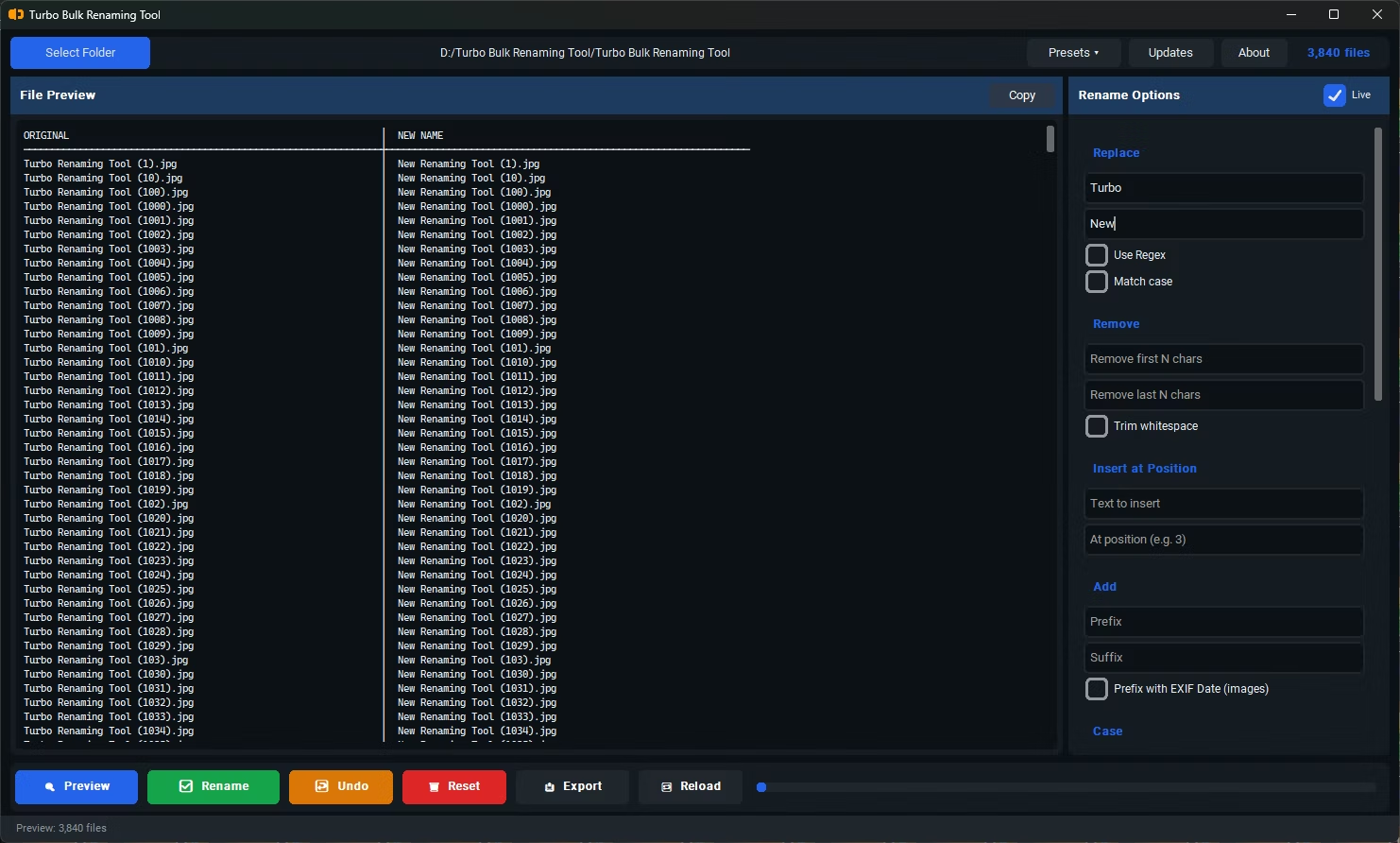
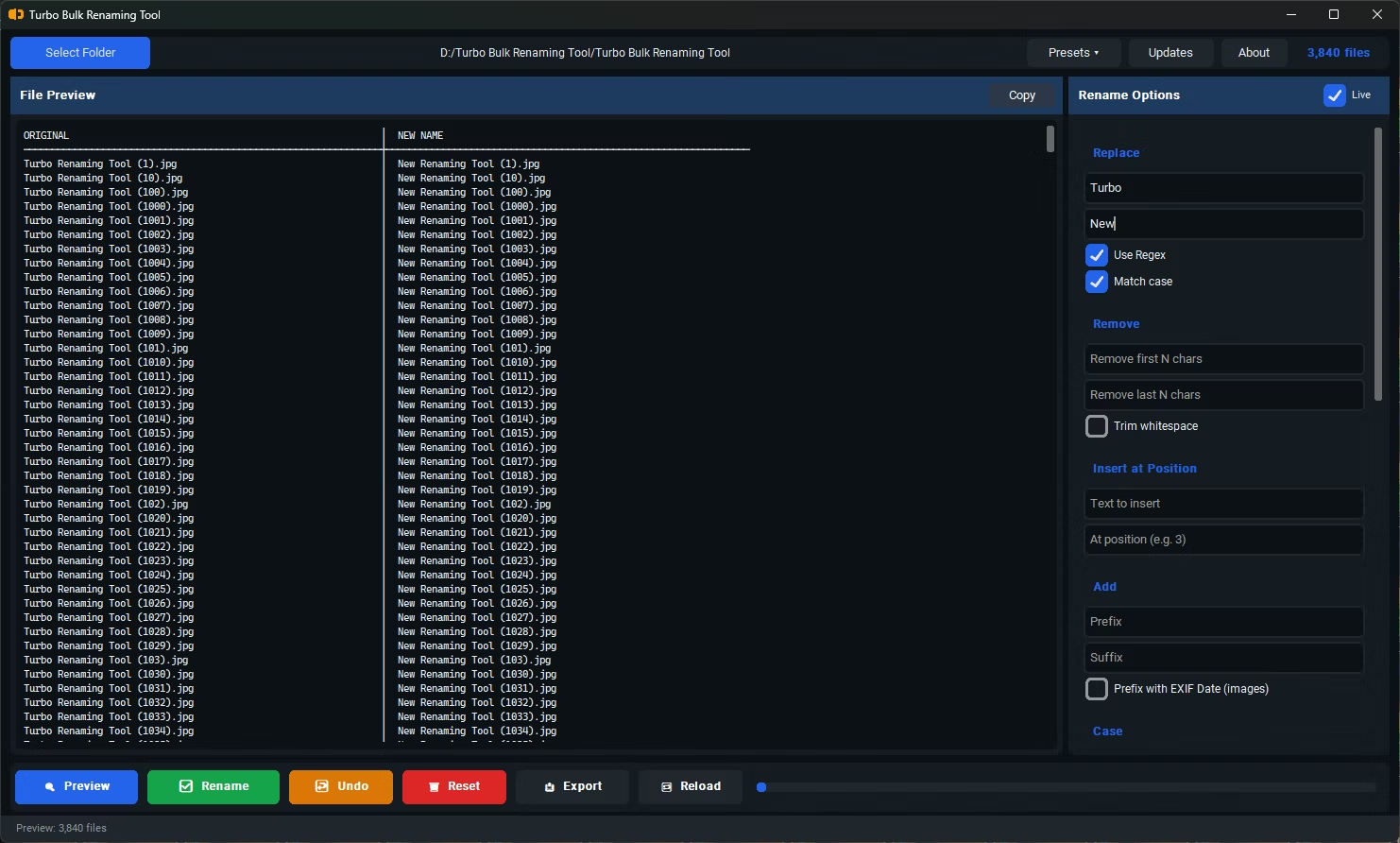
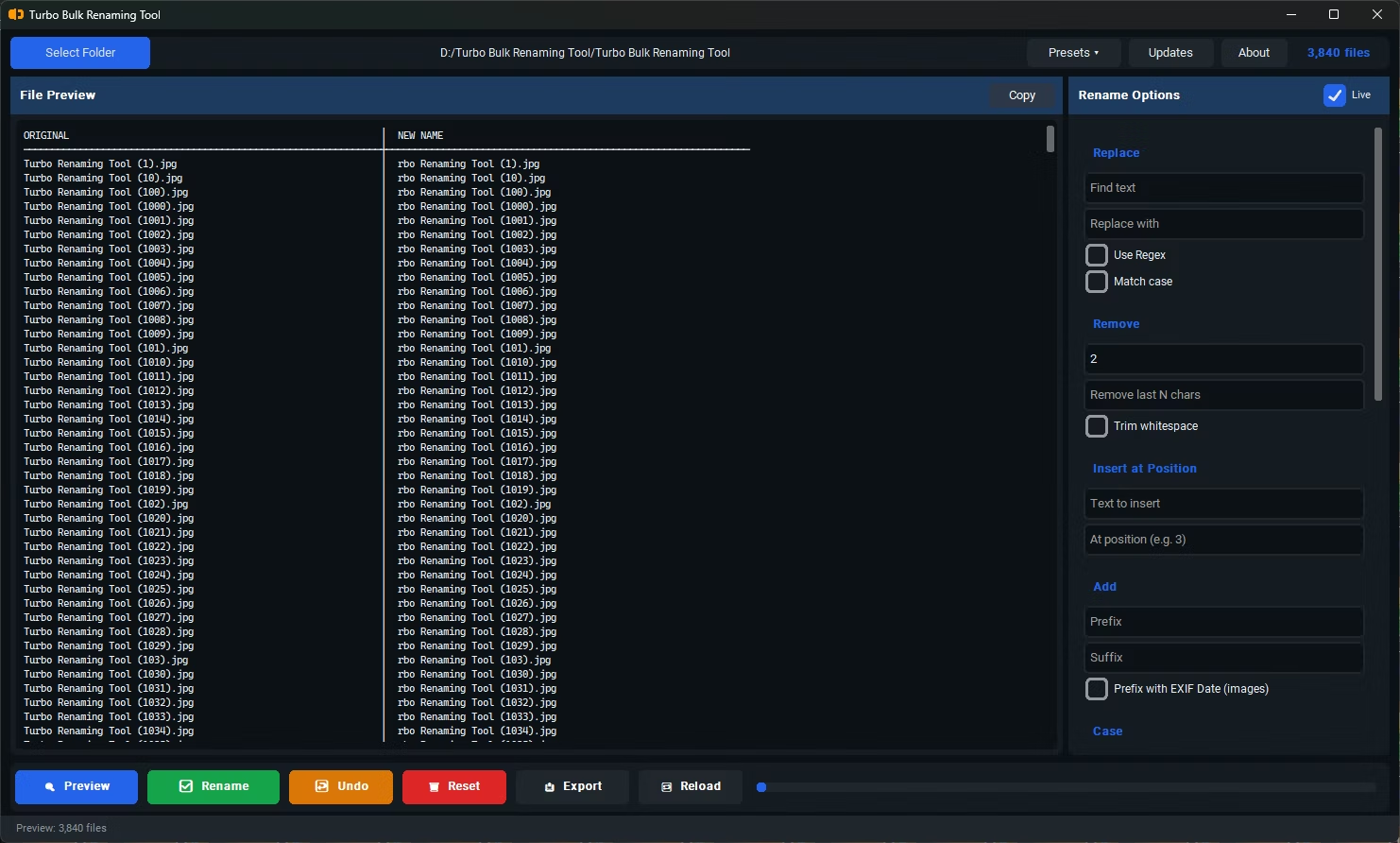
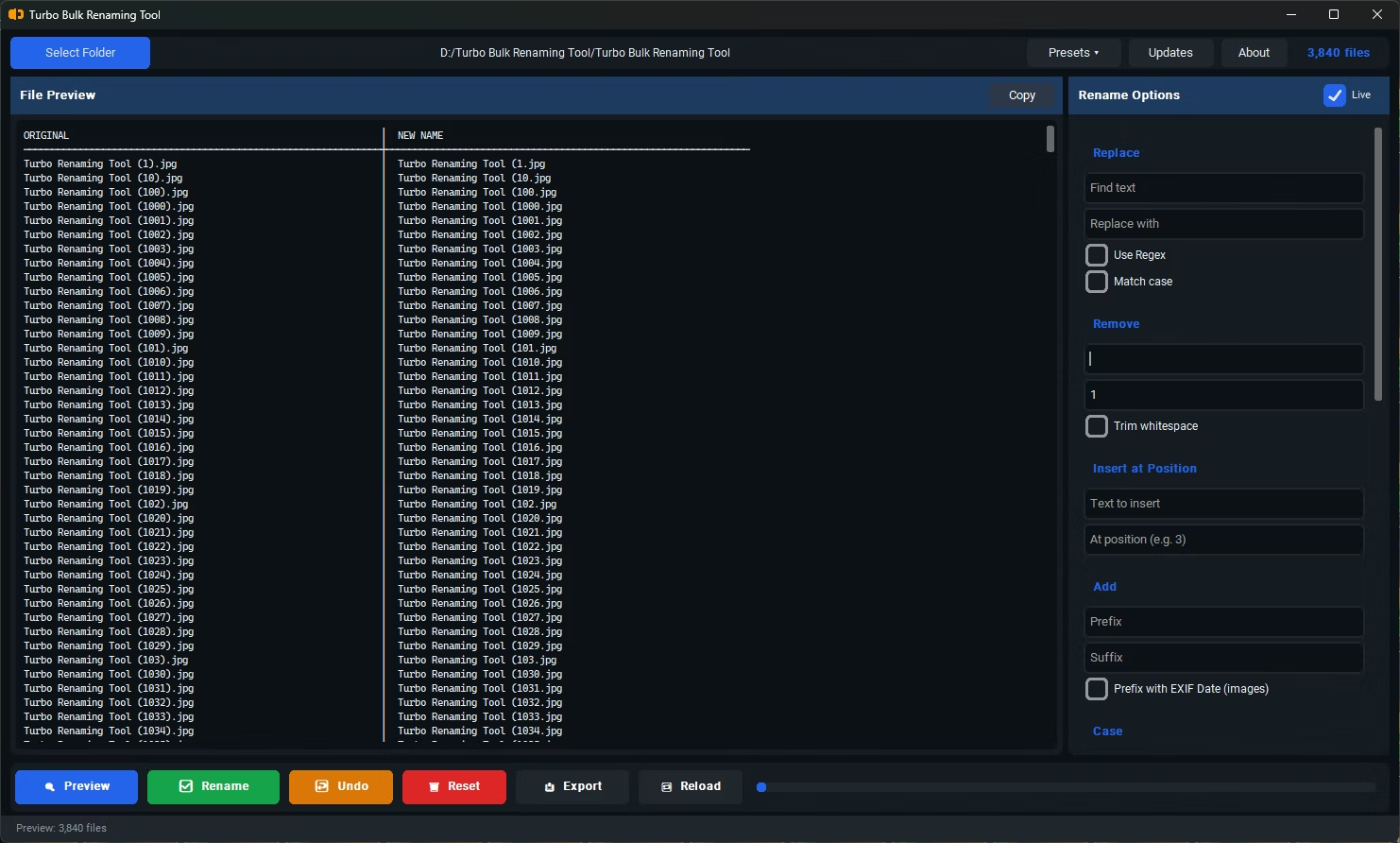
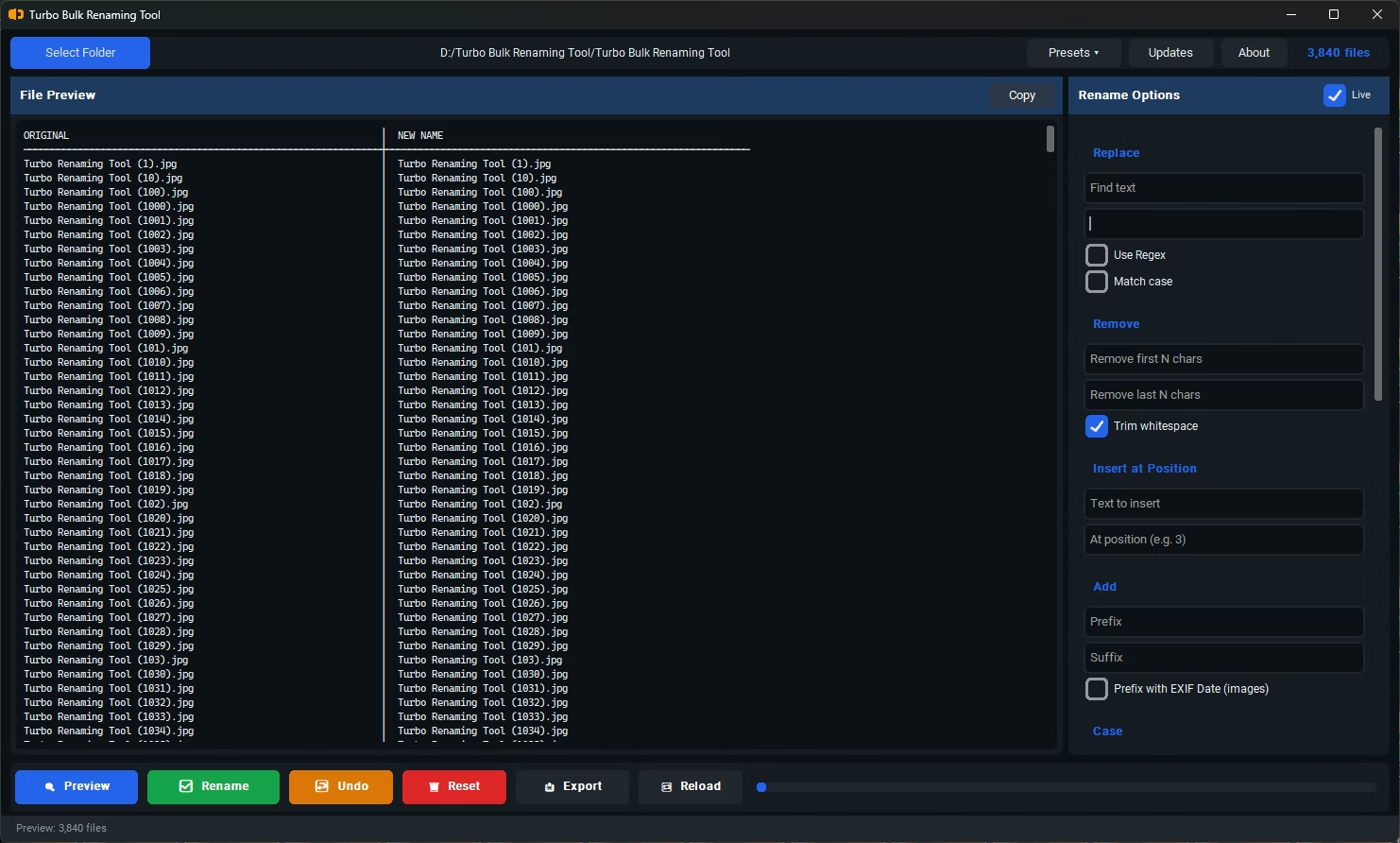
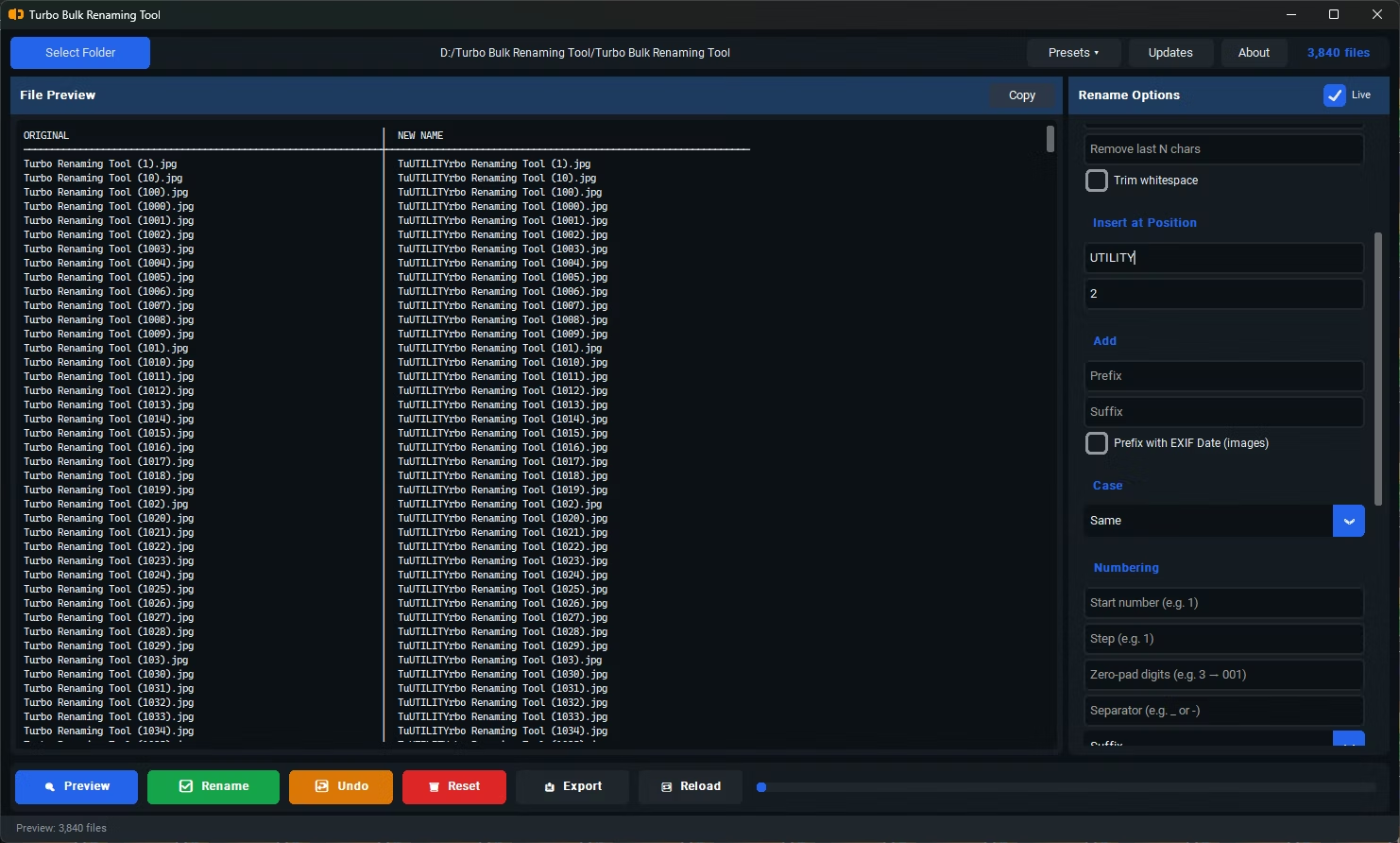
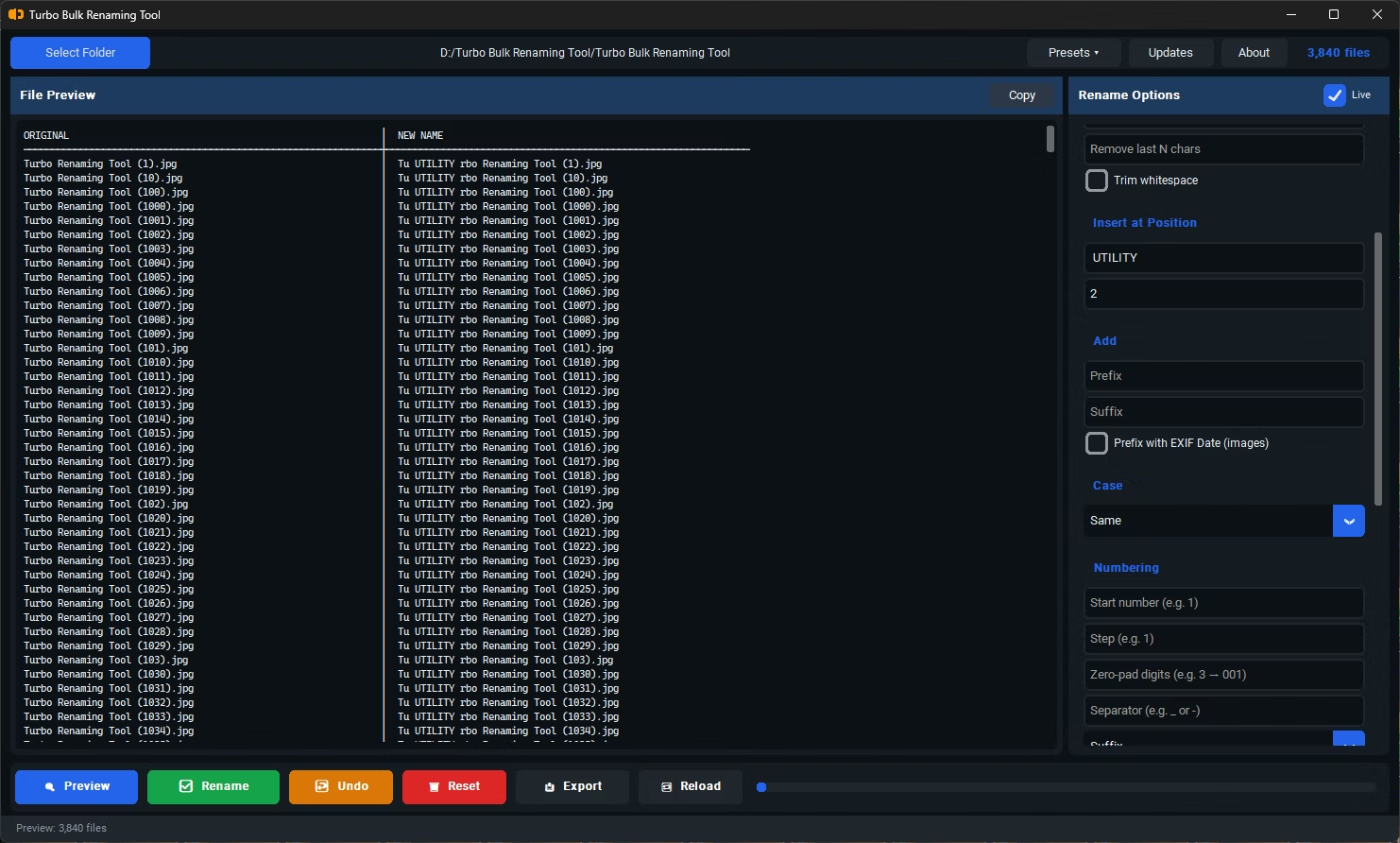
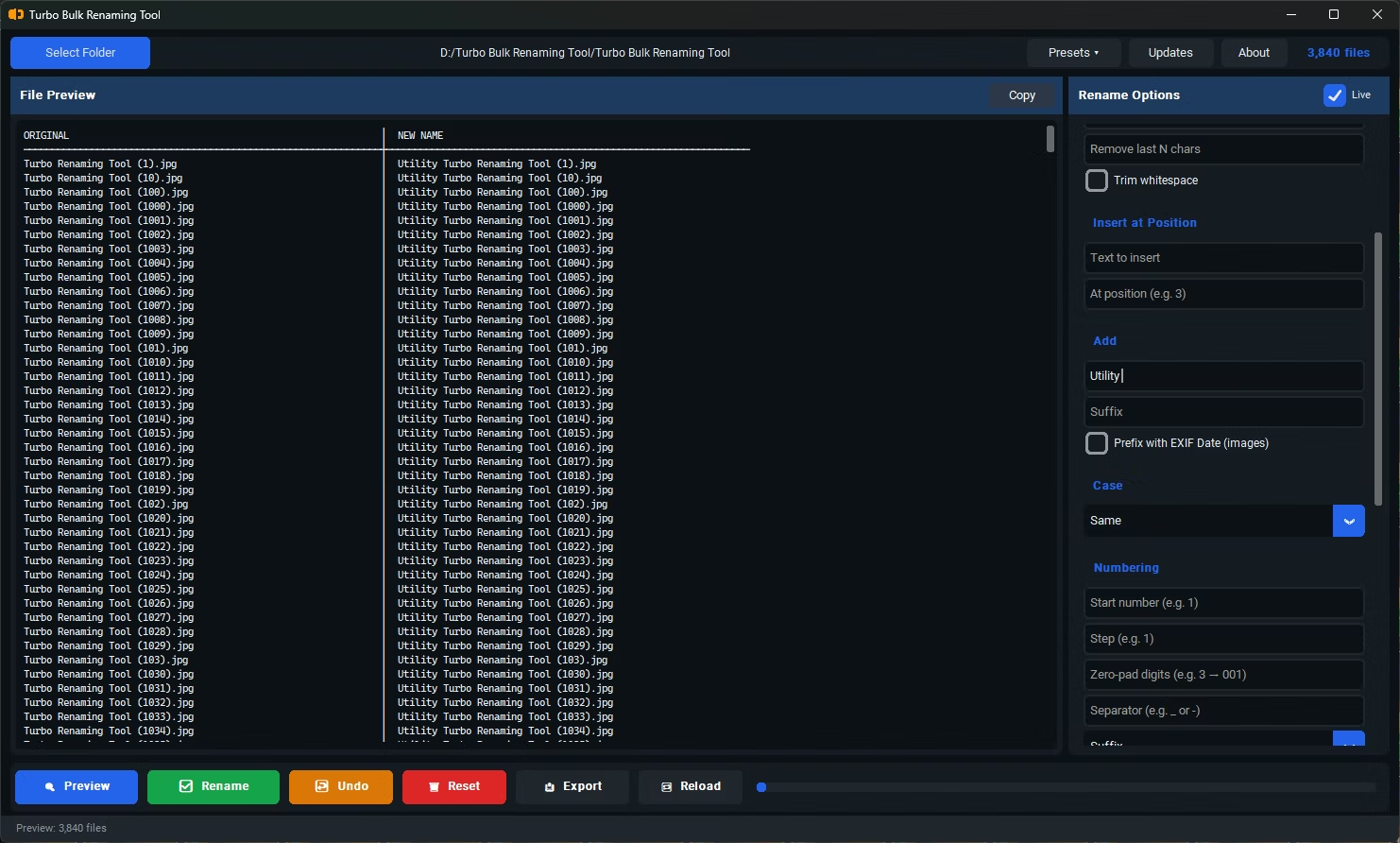
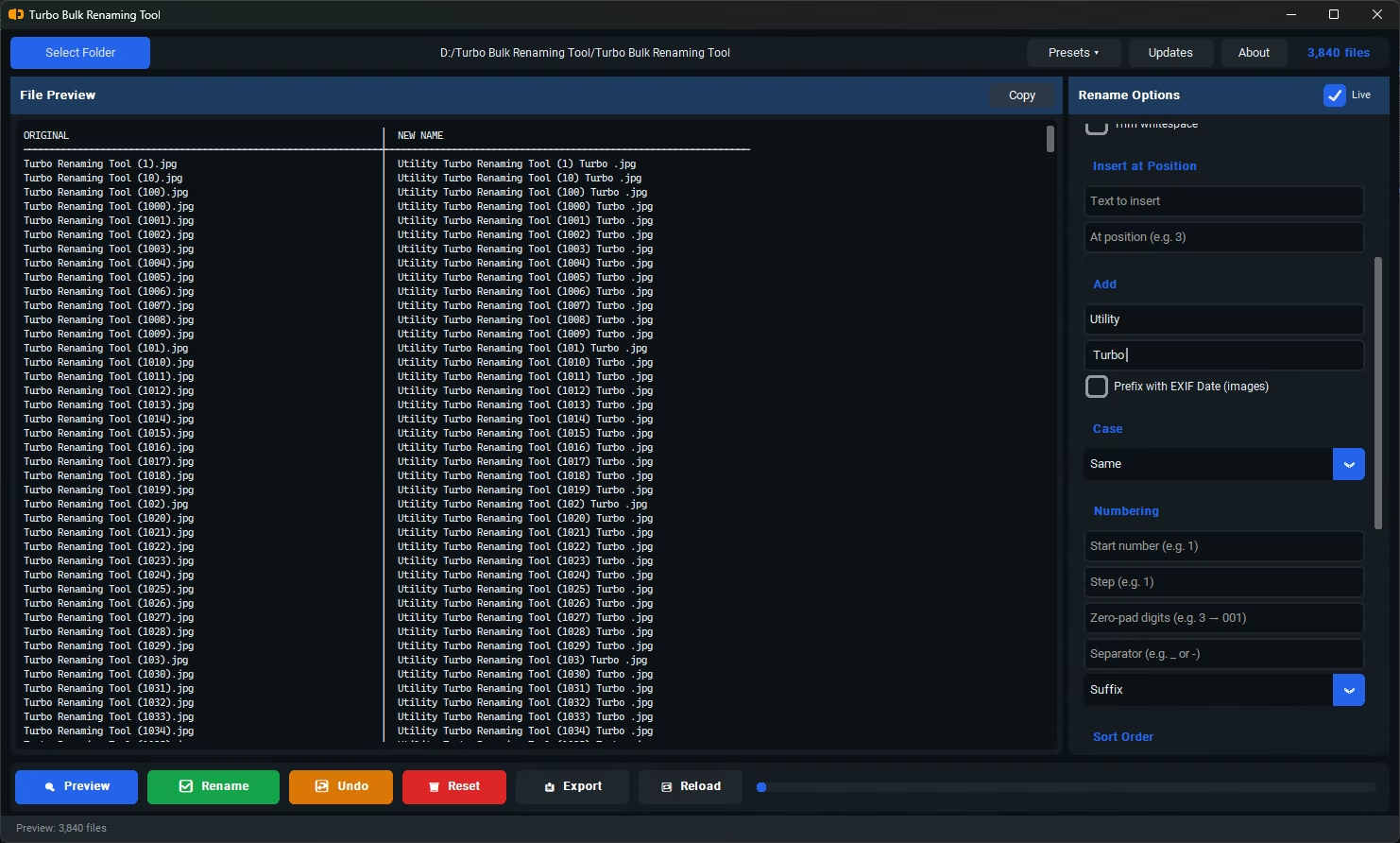
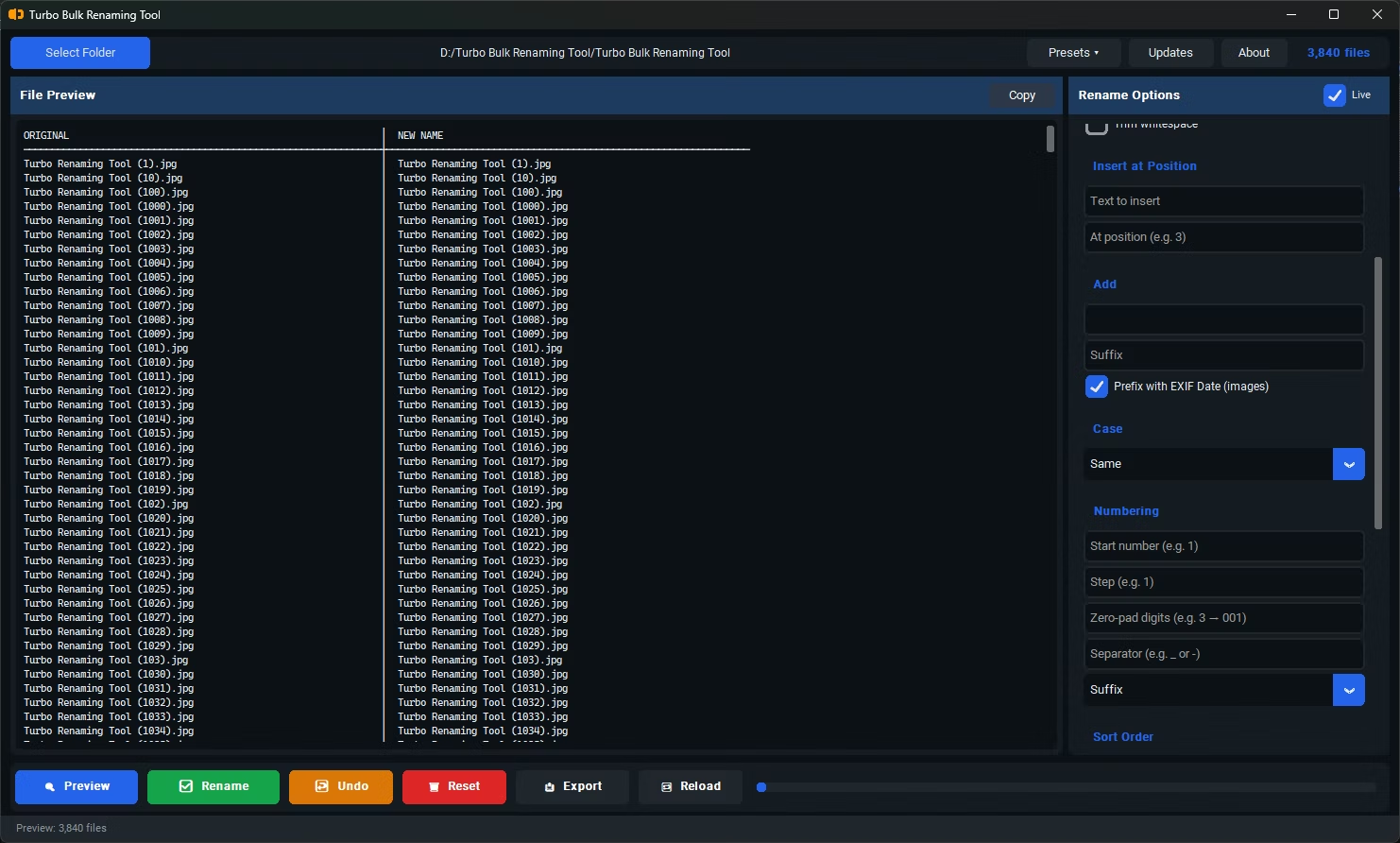
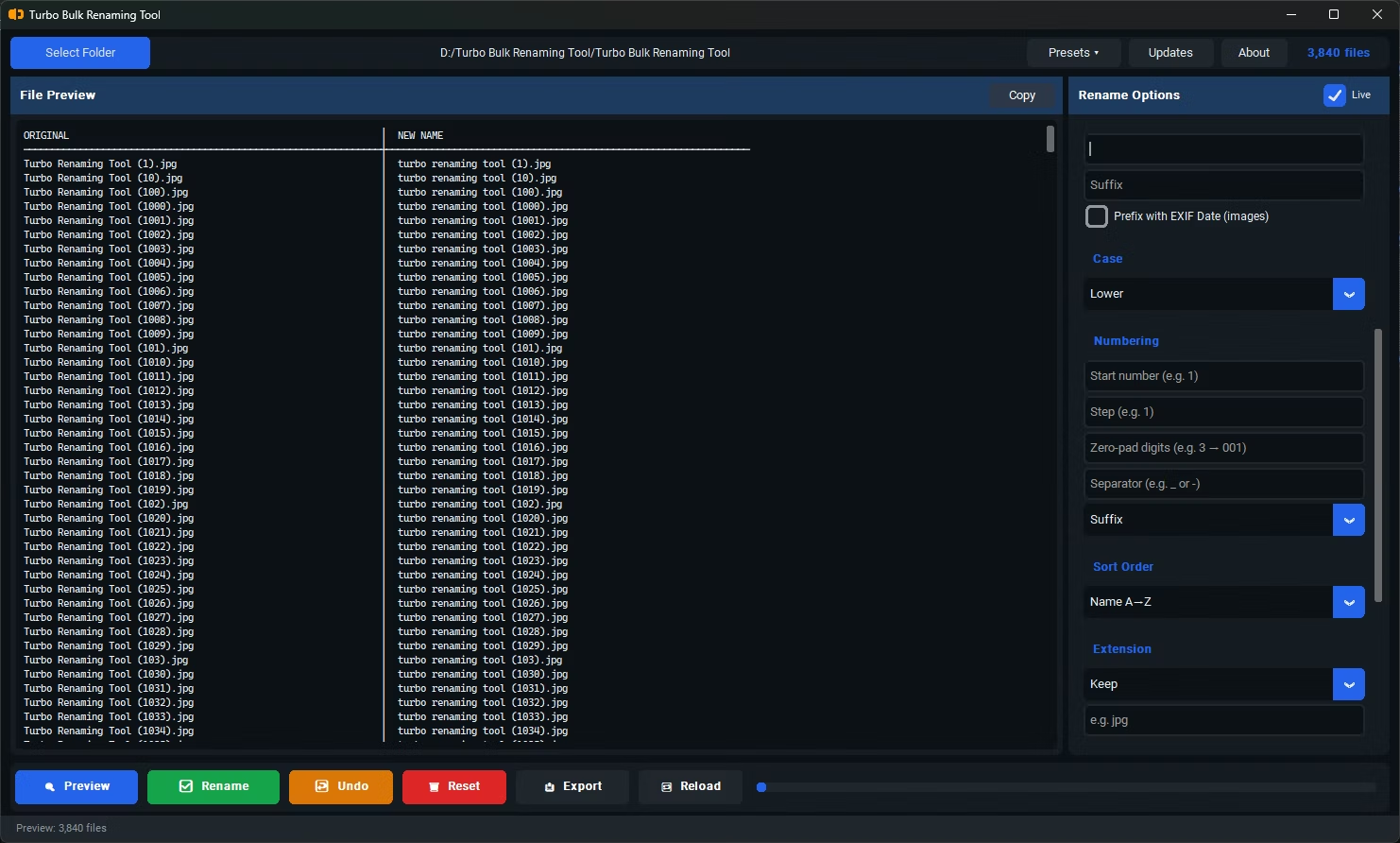
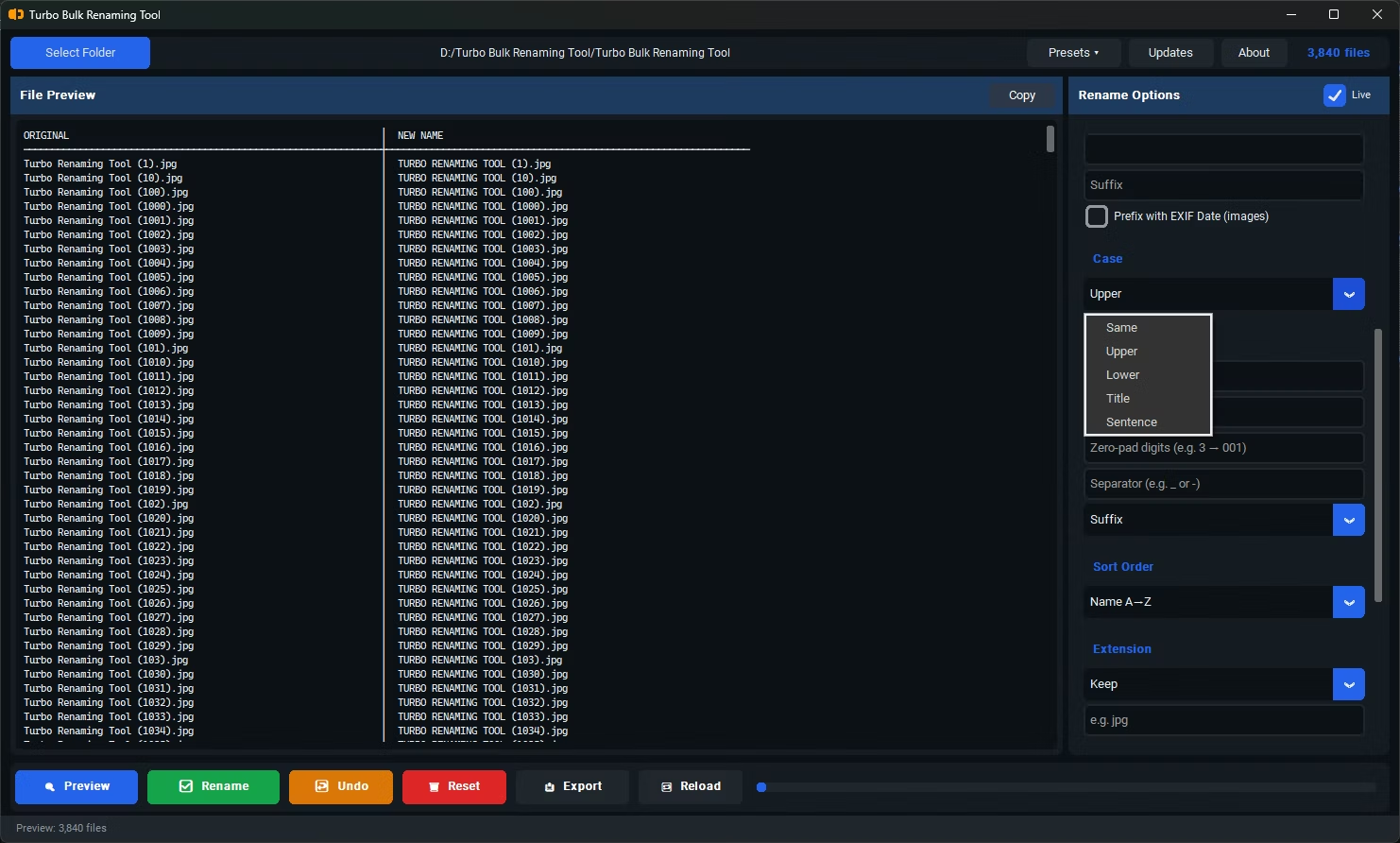
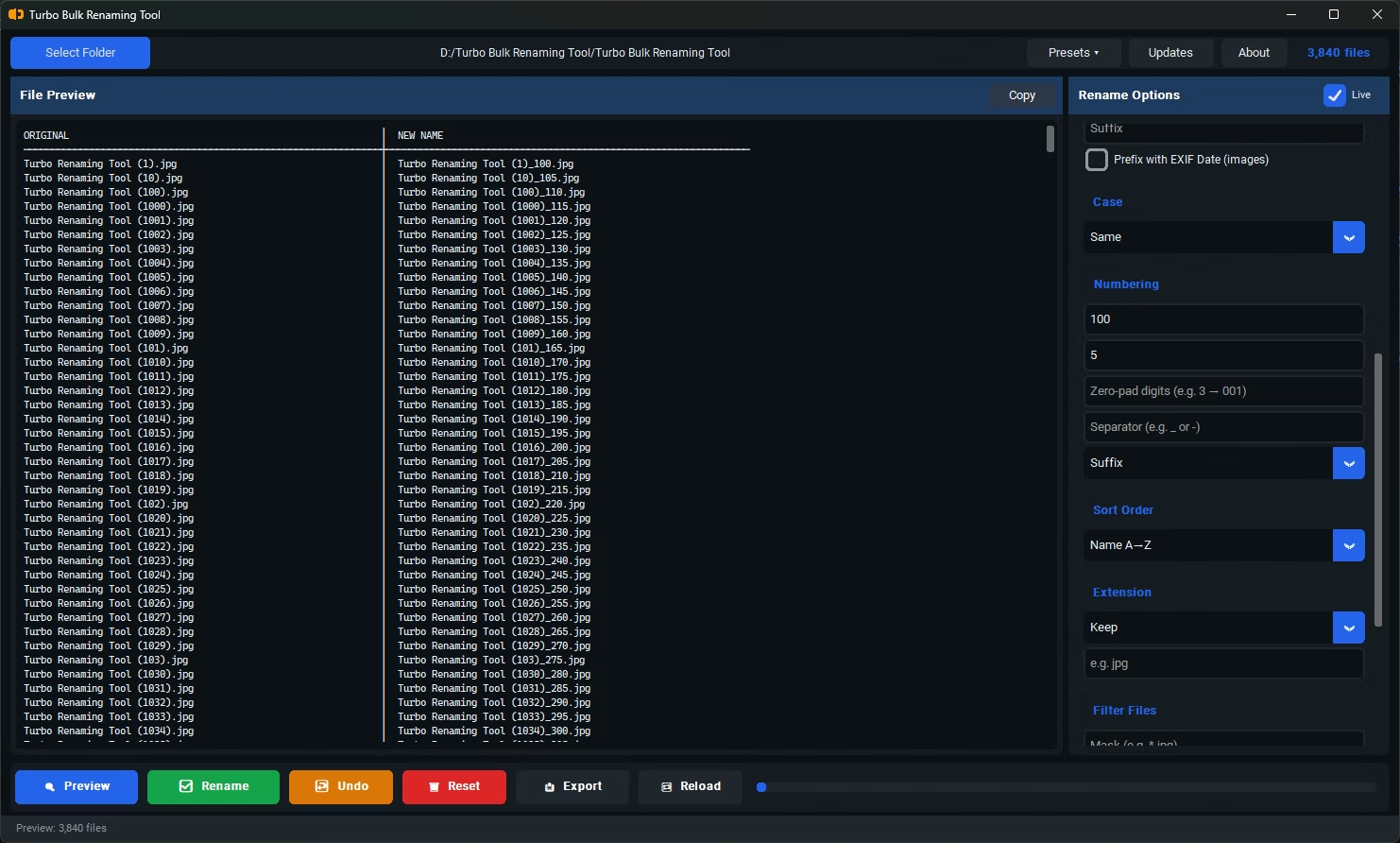
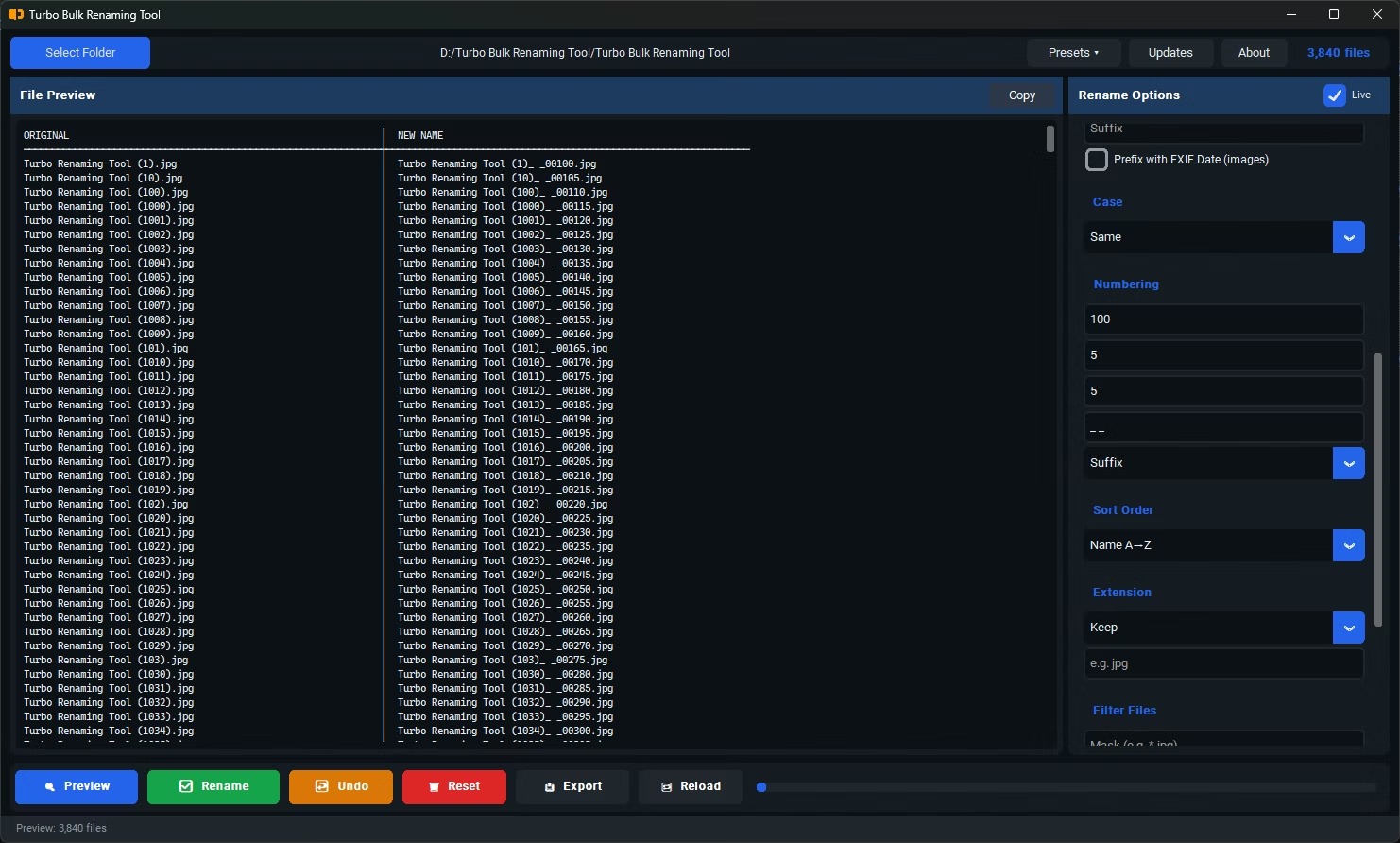
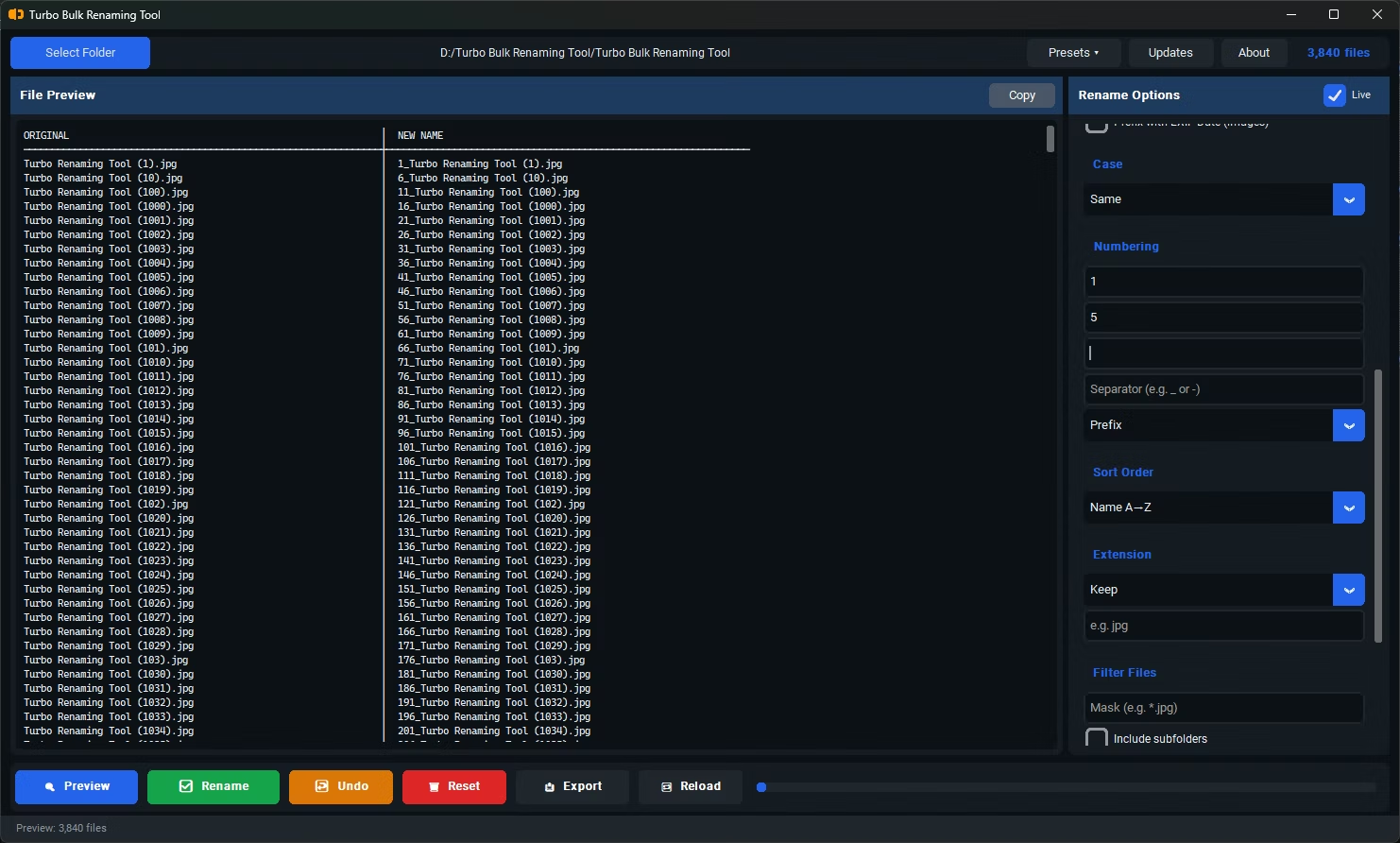
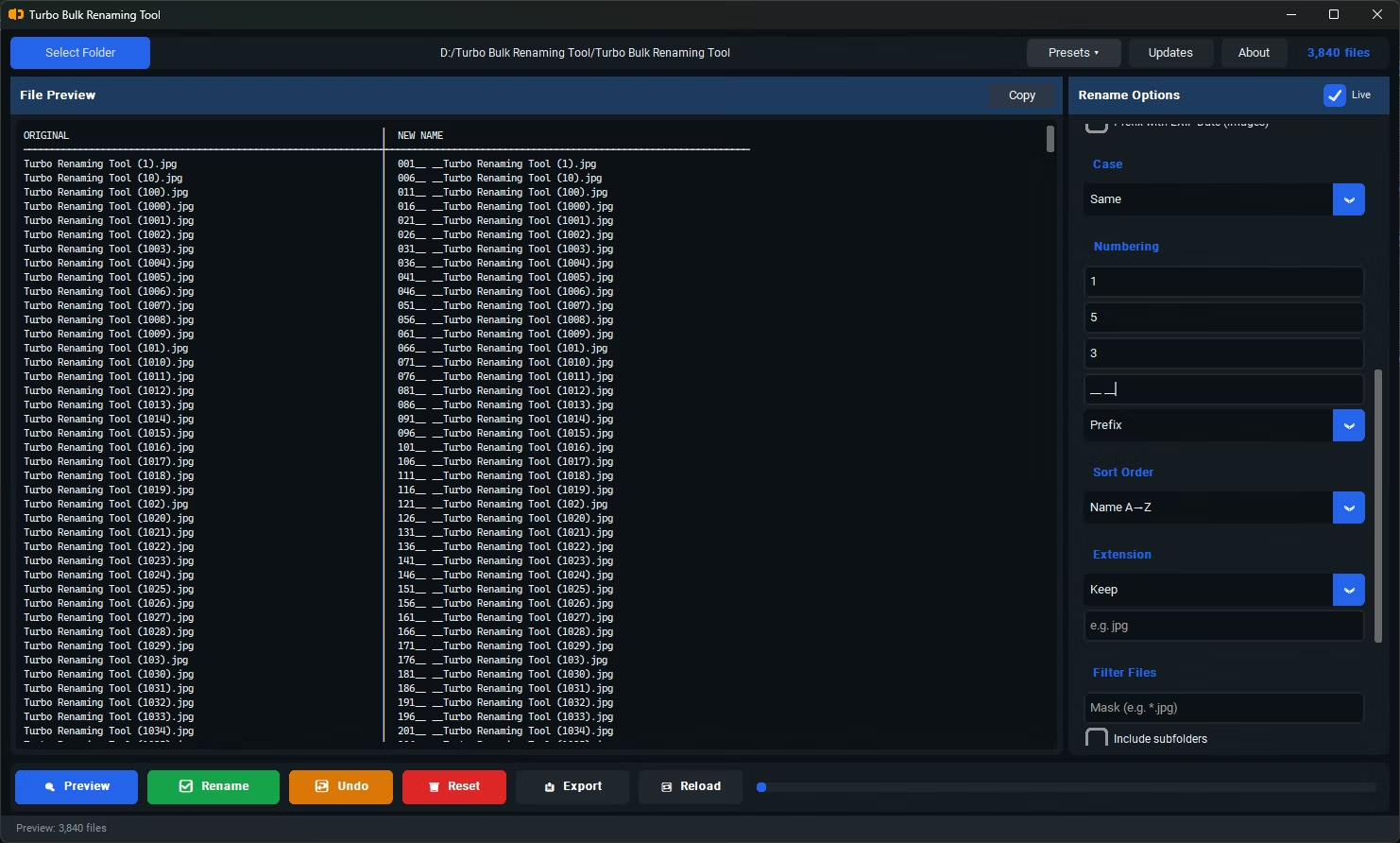
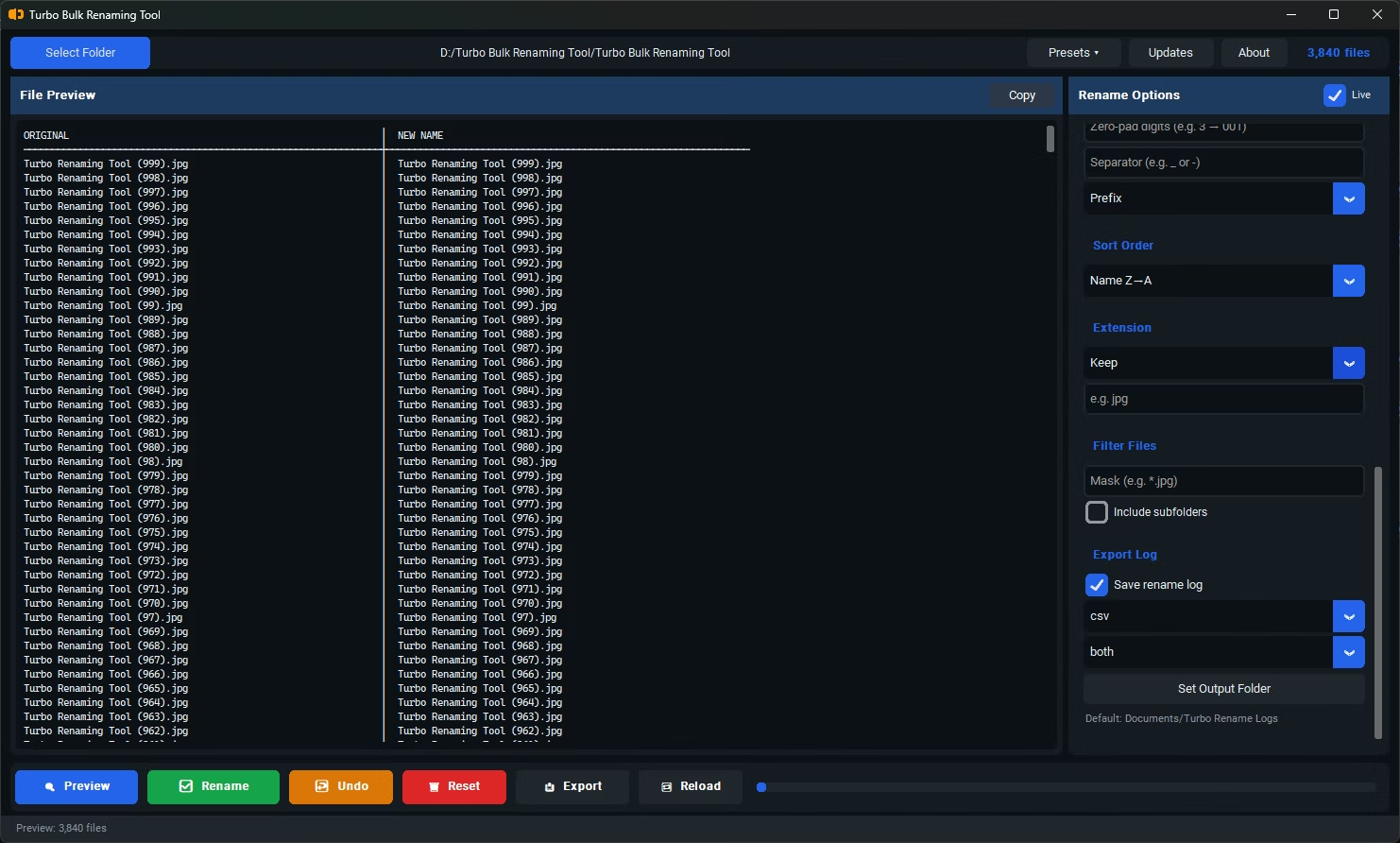
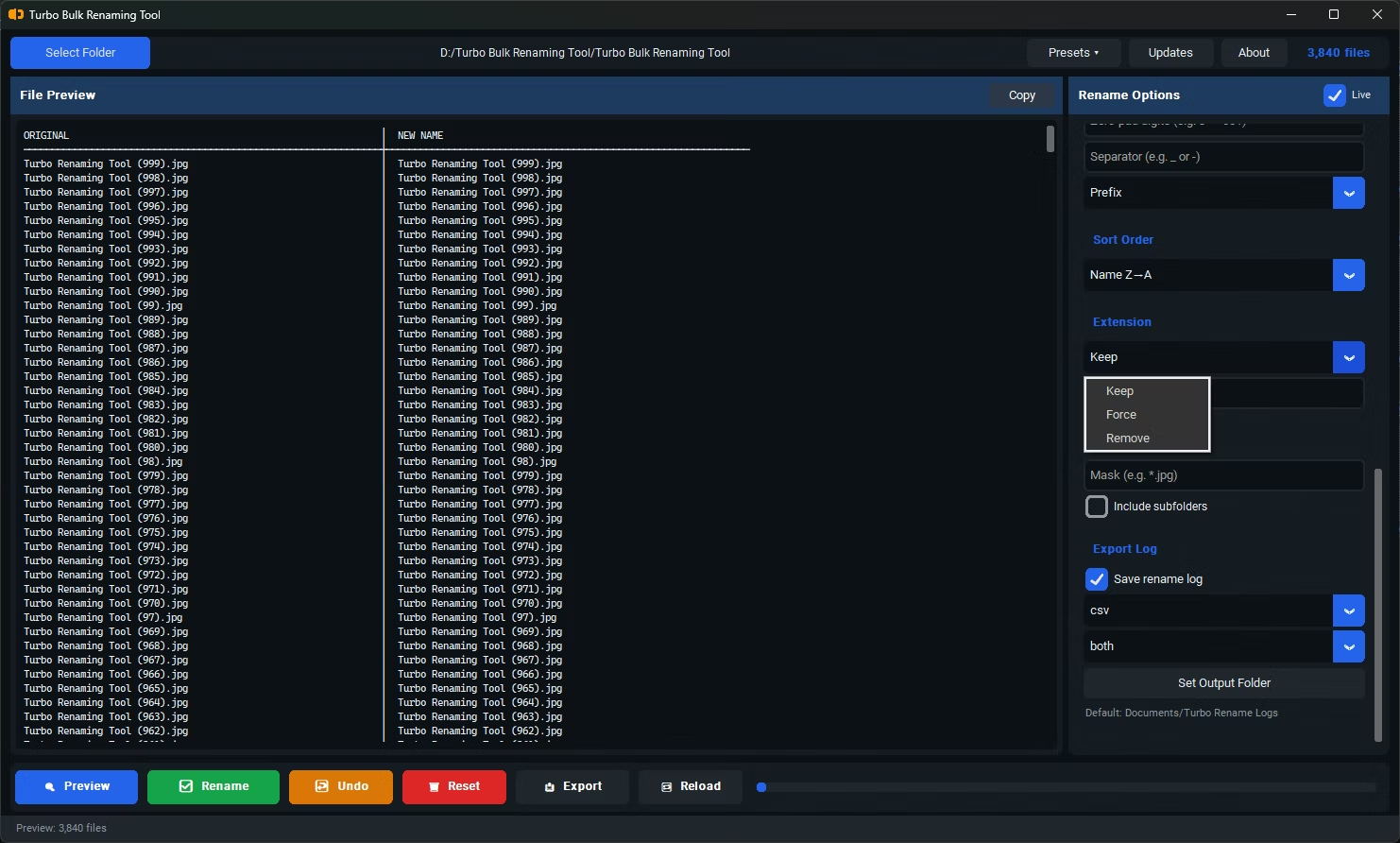
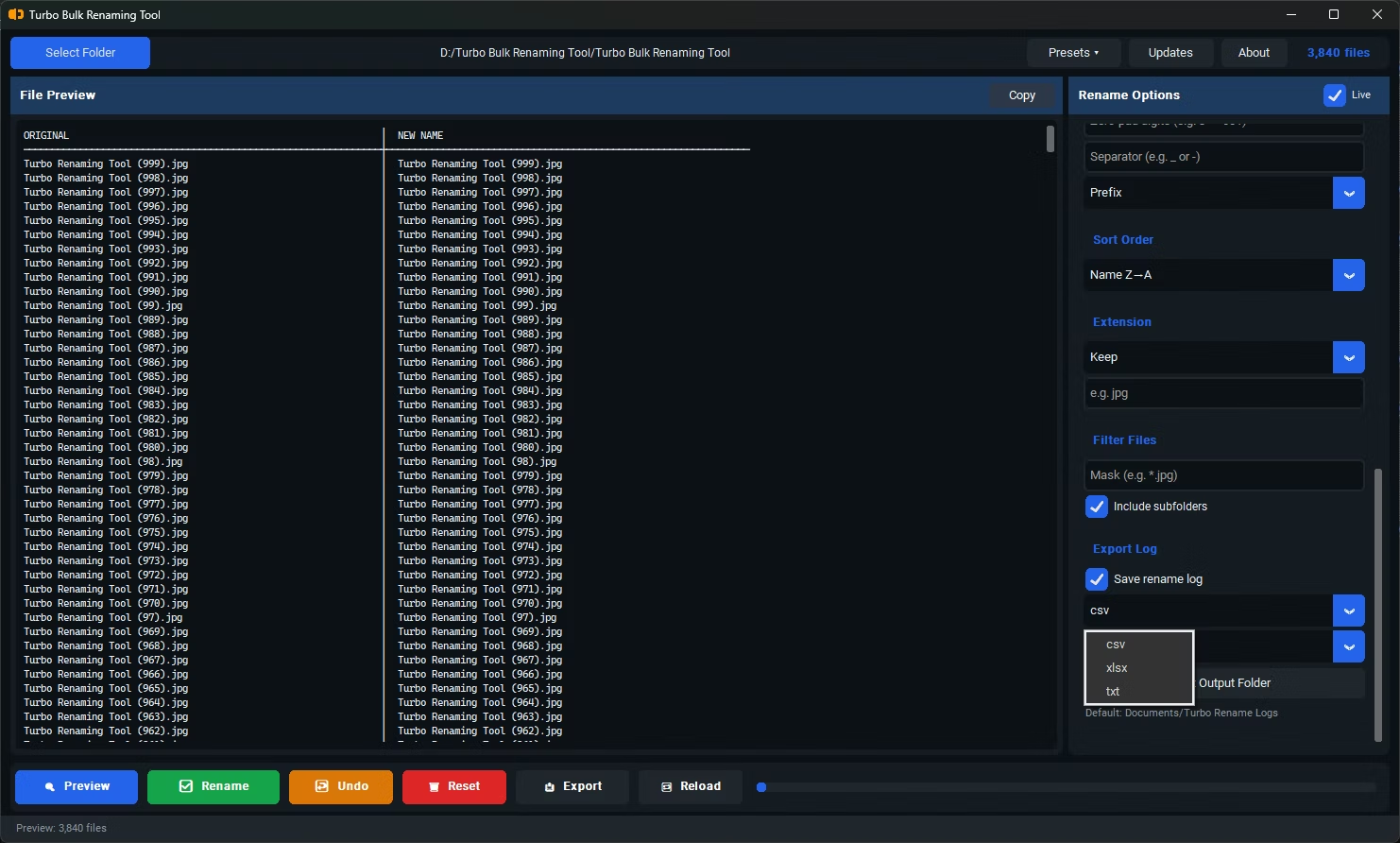
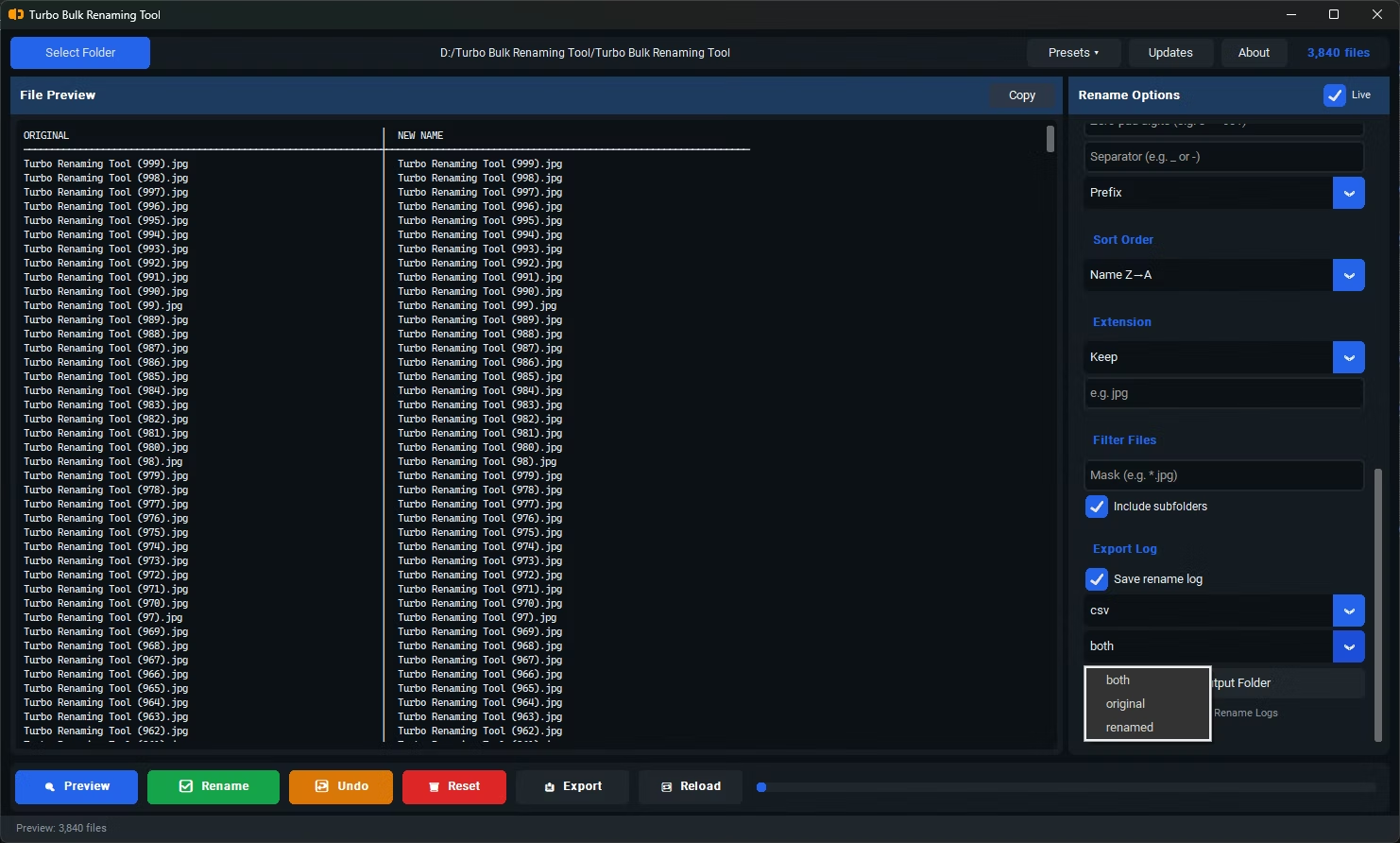
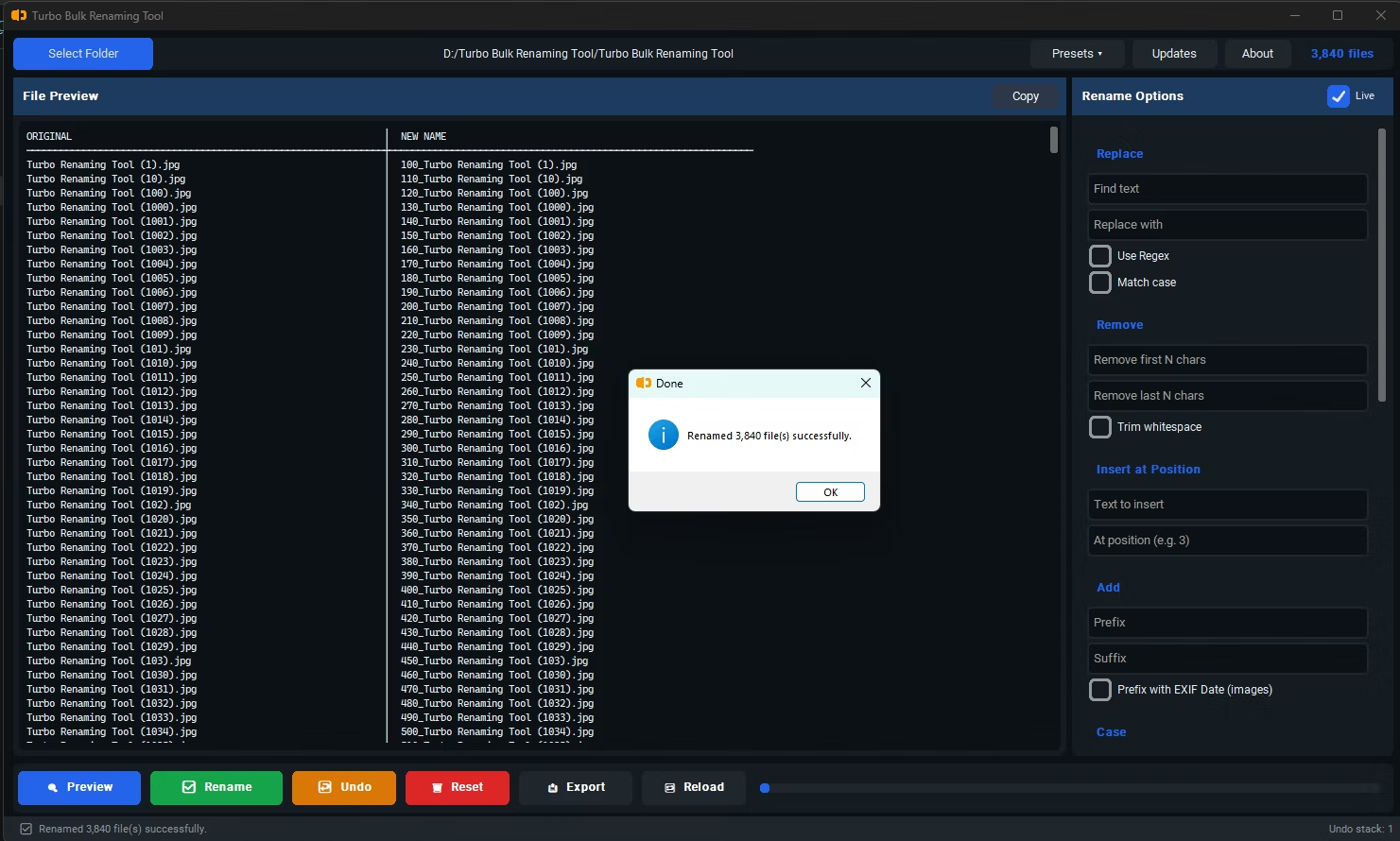
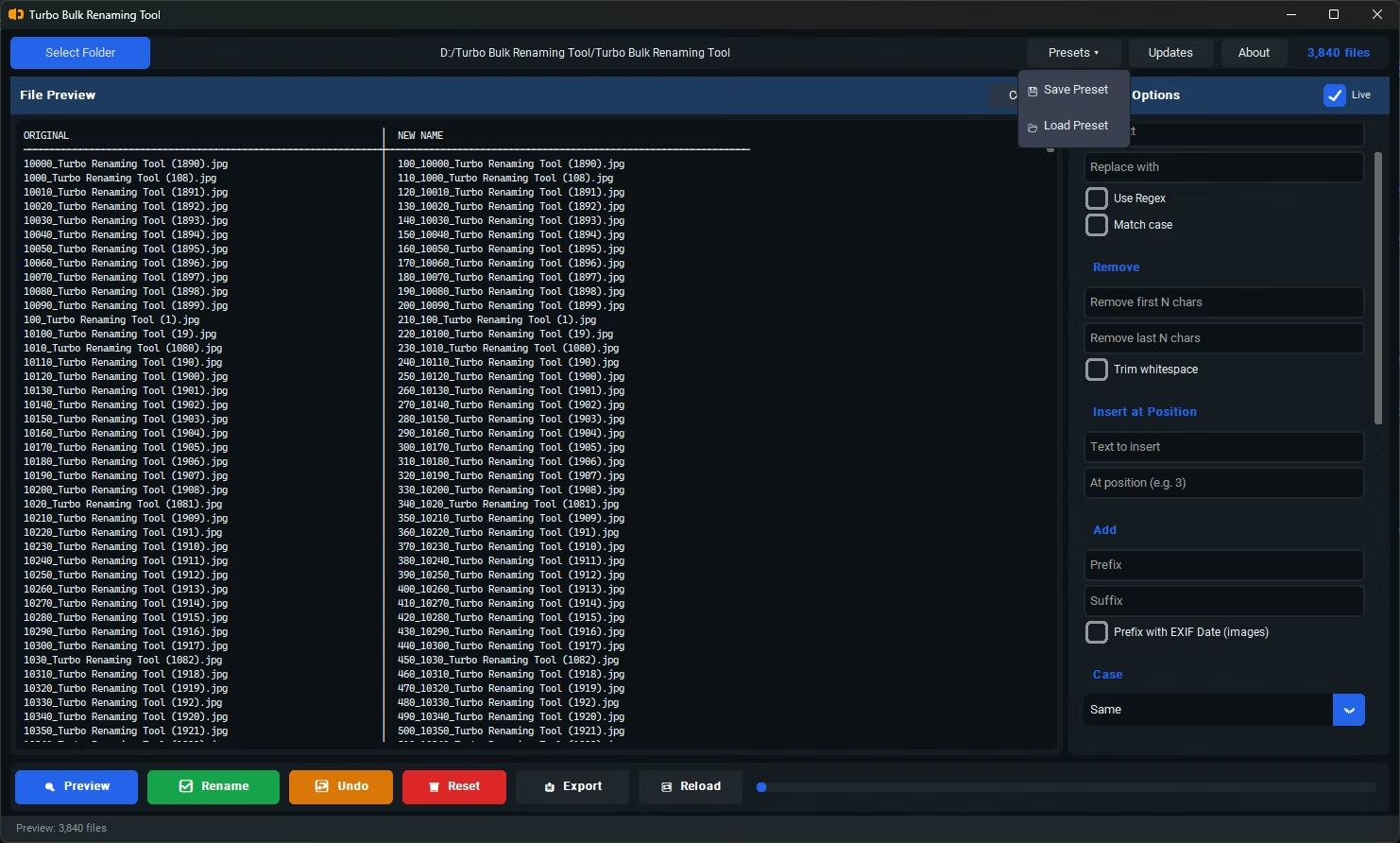
- Install Turbo Bulk Renaming Tool, which includes live preview for all 15 of its renaming rules.
- Open the app and load the folder containing your files.
- Select any renaming rule, such as Sequential Numbering, Find & Replace, or Case Conversion.
- As you adjust the rule's settings, the preview list updates instantly, showing the new filename for every file.
- Scroll through the preview to confirm the result looks correct across the whole batch, not just the first few files.
- Once you're satisfied, click Rename to apply exactly what you saw in the preview.
- Updates instantly as you change rule settings, with debouncing to stay responsive on large folders
- Shows the full resulting filename, not just a sample or summary
- Highlights potential naming conflicts directly within the preview
- Works the same way across every renaming rule, so the experience is consistent
- For very large photo folders, EXIF preview is selectively skipped above 100 files to stay fast, while the rule still applies in full when you commit
- No files are changed until you explicitly click Rename
Does the preview show every file, or just a sample?
The preview list reflects every file currently loaded, so you can scroll through and check the full result rather than just a small sample.
Does live preview slow down the app with large folders?
Updates are debounced so the preview doesn't recalculate on every single keystroke, which keeps the interface responsive even with large file counts loaded.
Can the preview catch naming conflicts before I rename?
Yes, conflict detection runs alongside the preview, flagging any rename that would result in duplicate filenames before you commit the change.
Ready to rename your files in bulk, offline, with full privacy?