Extra spaces at the start or end of a filename, or doubled-up spaces in the middle, are a common side effect of copying files from different sources, exporting from certain software, or manual typos during file creation. These stray spaces can be invisible at a glance but cause real problems — broken links in scripts, inconsistent sorting, and awkward appearance in file listings.
Cleaning this up file by file is tedious since the extra space is often hard to spot. A dedicated trim rule scans every filename in a batch and removes unwanted whitespace automatically, leaving the meaningful text intact.
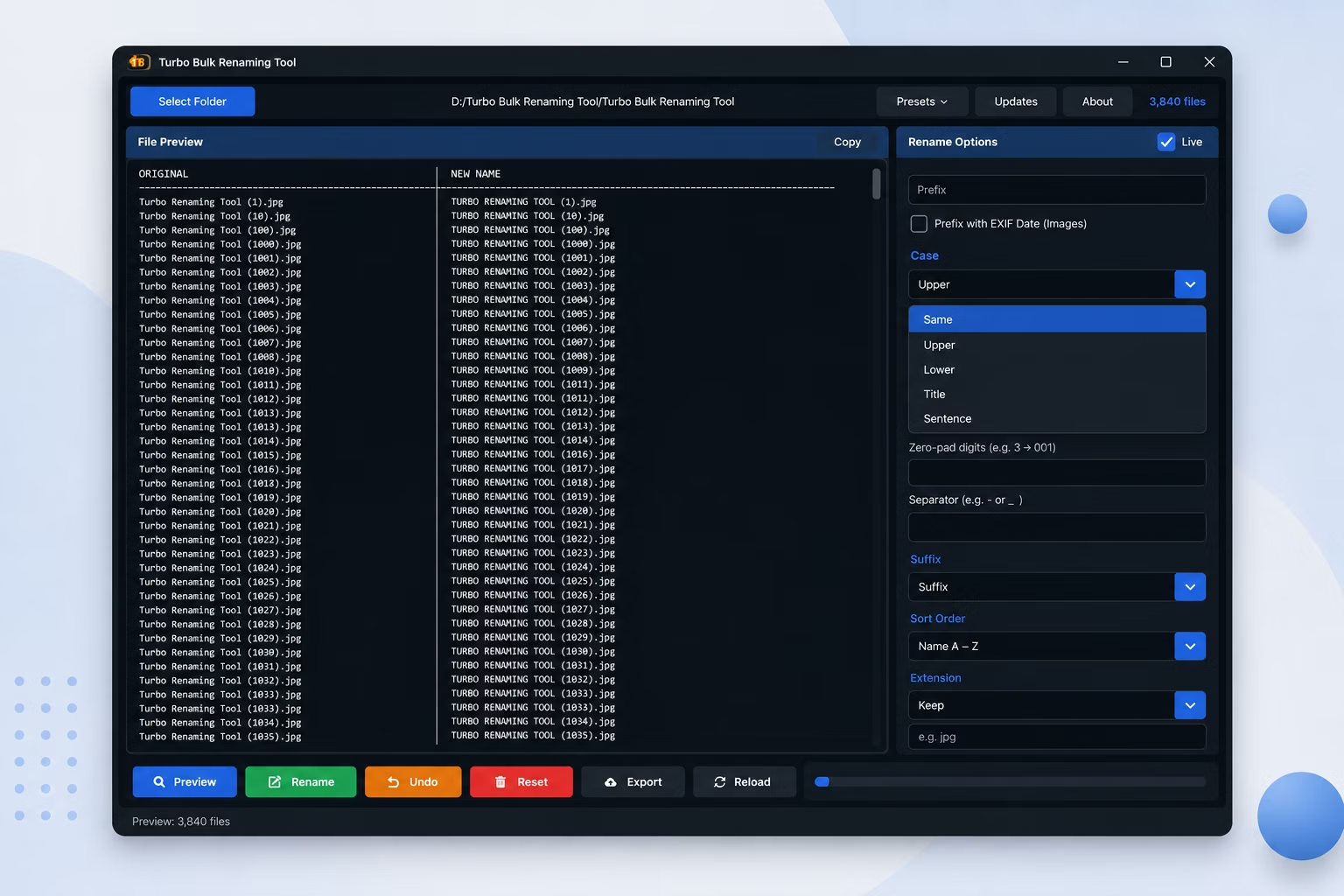
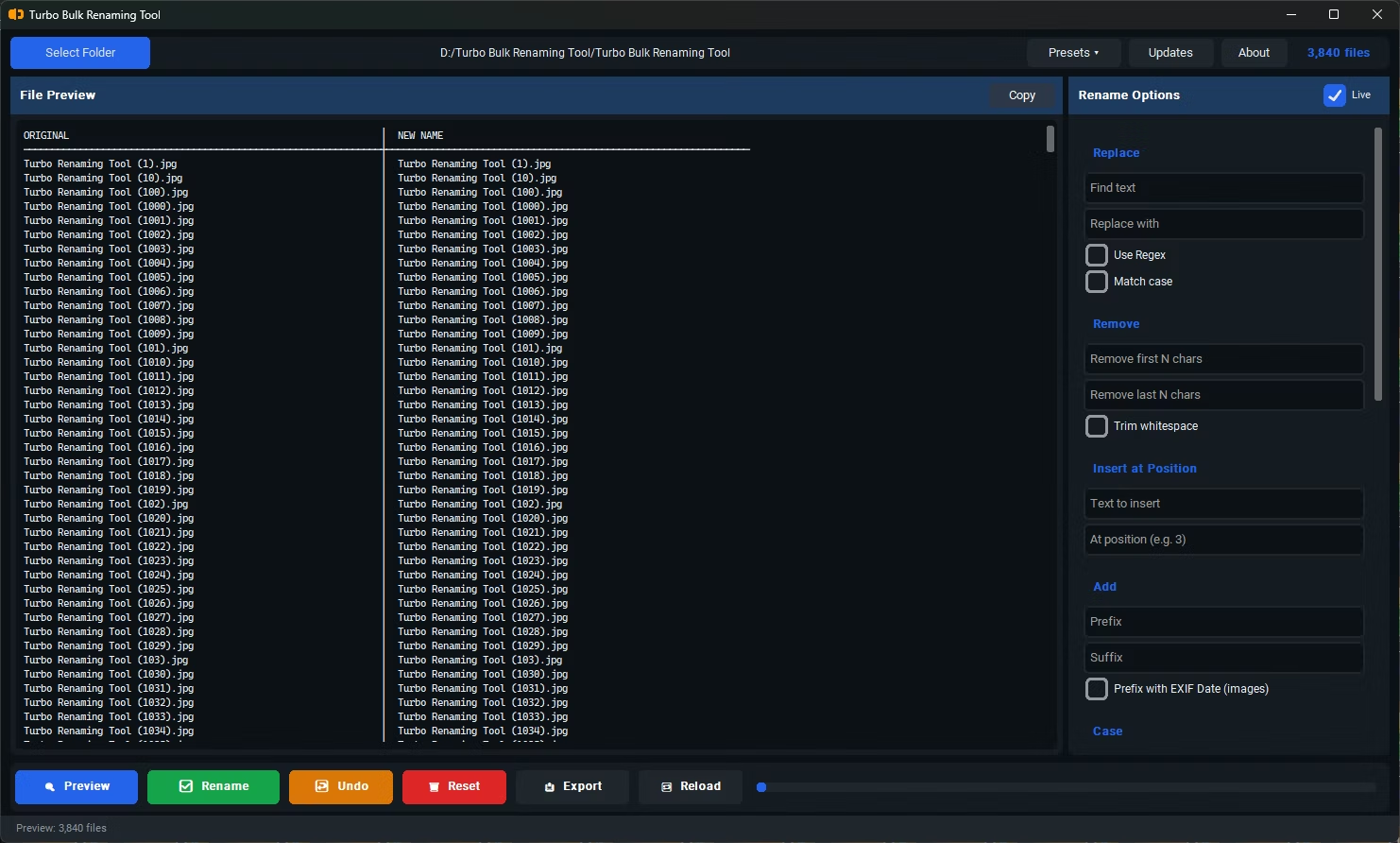
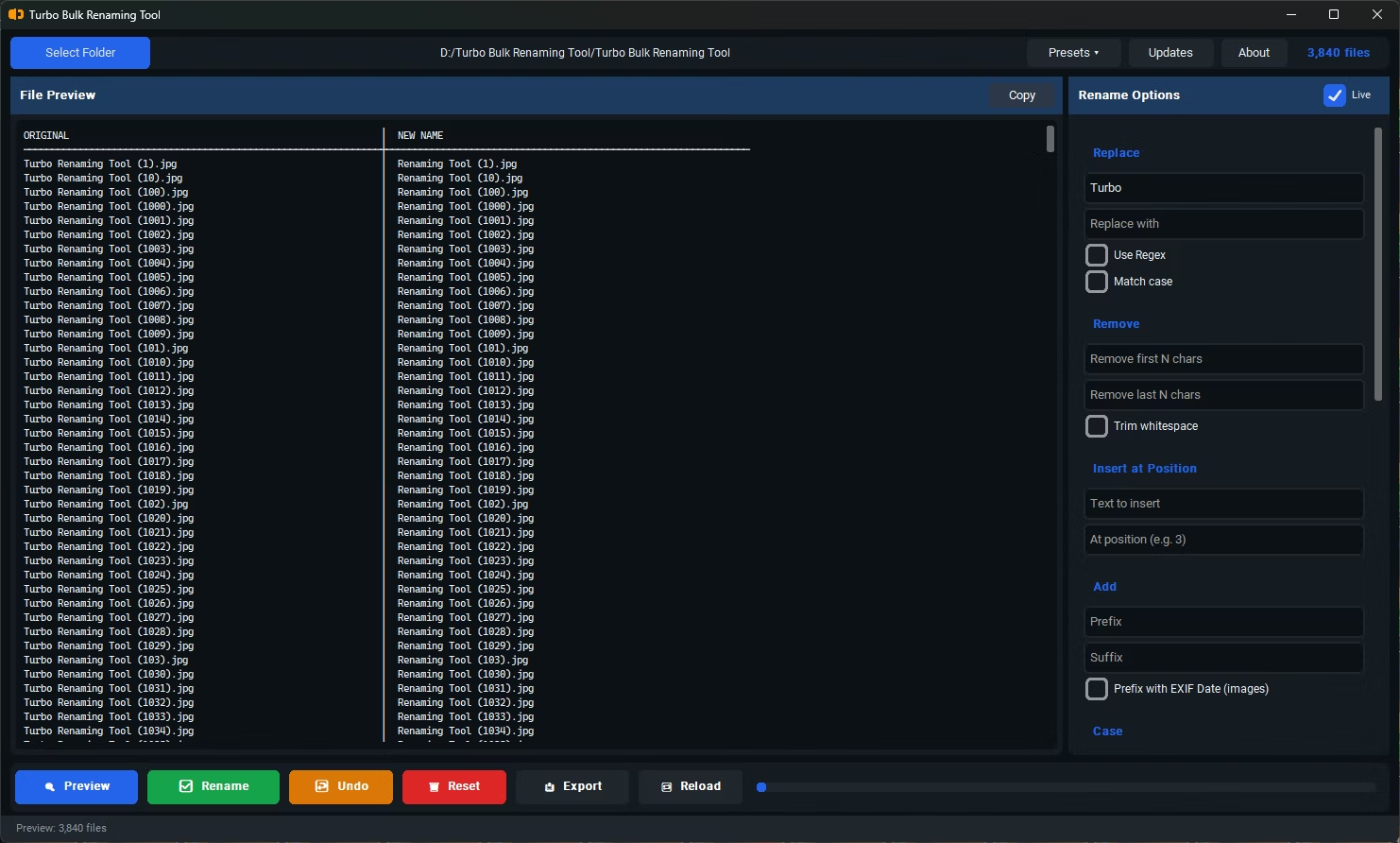
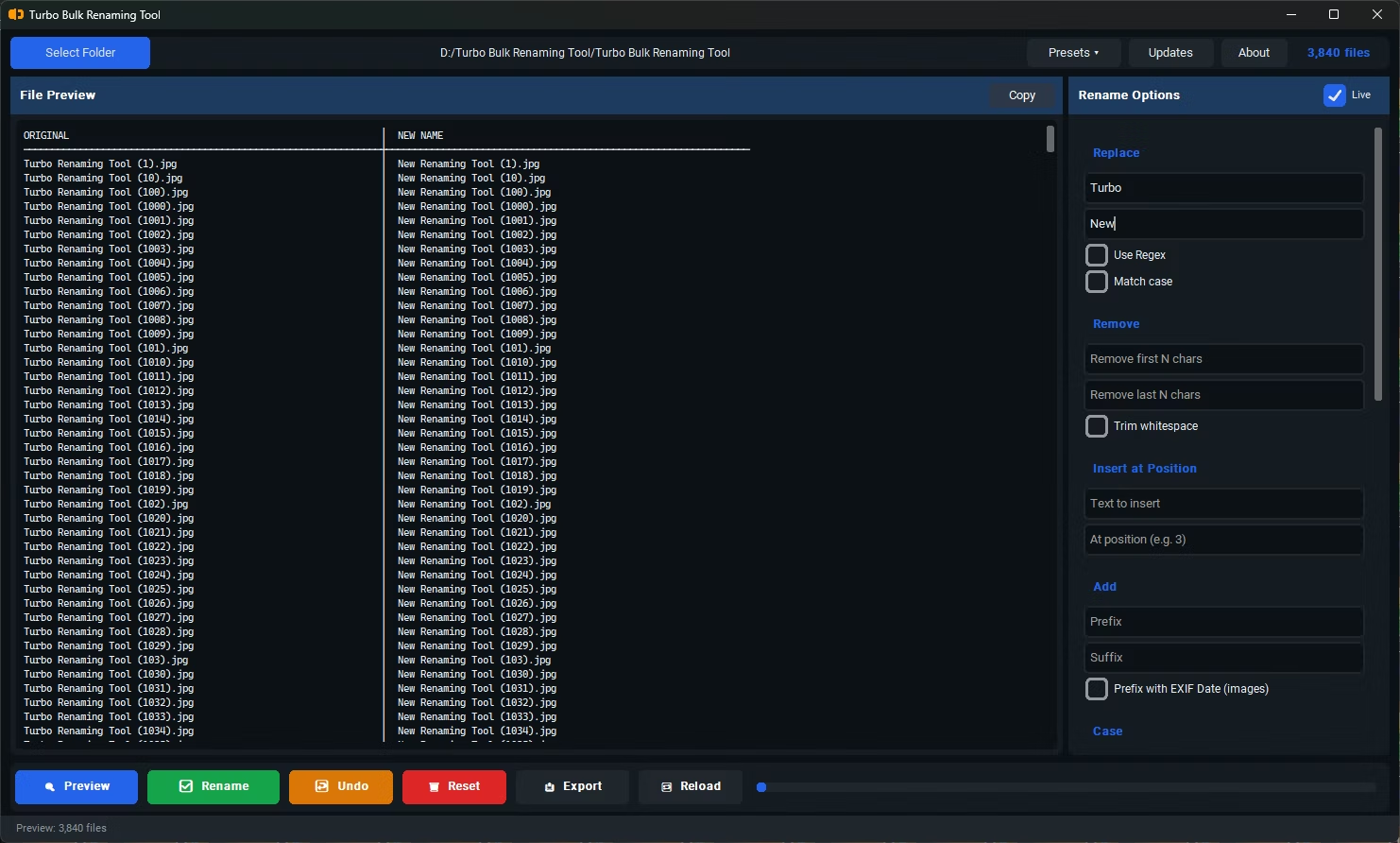
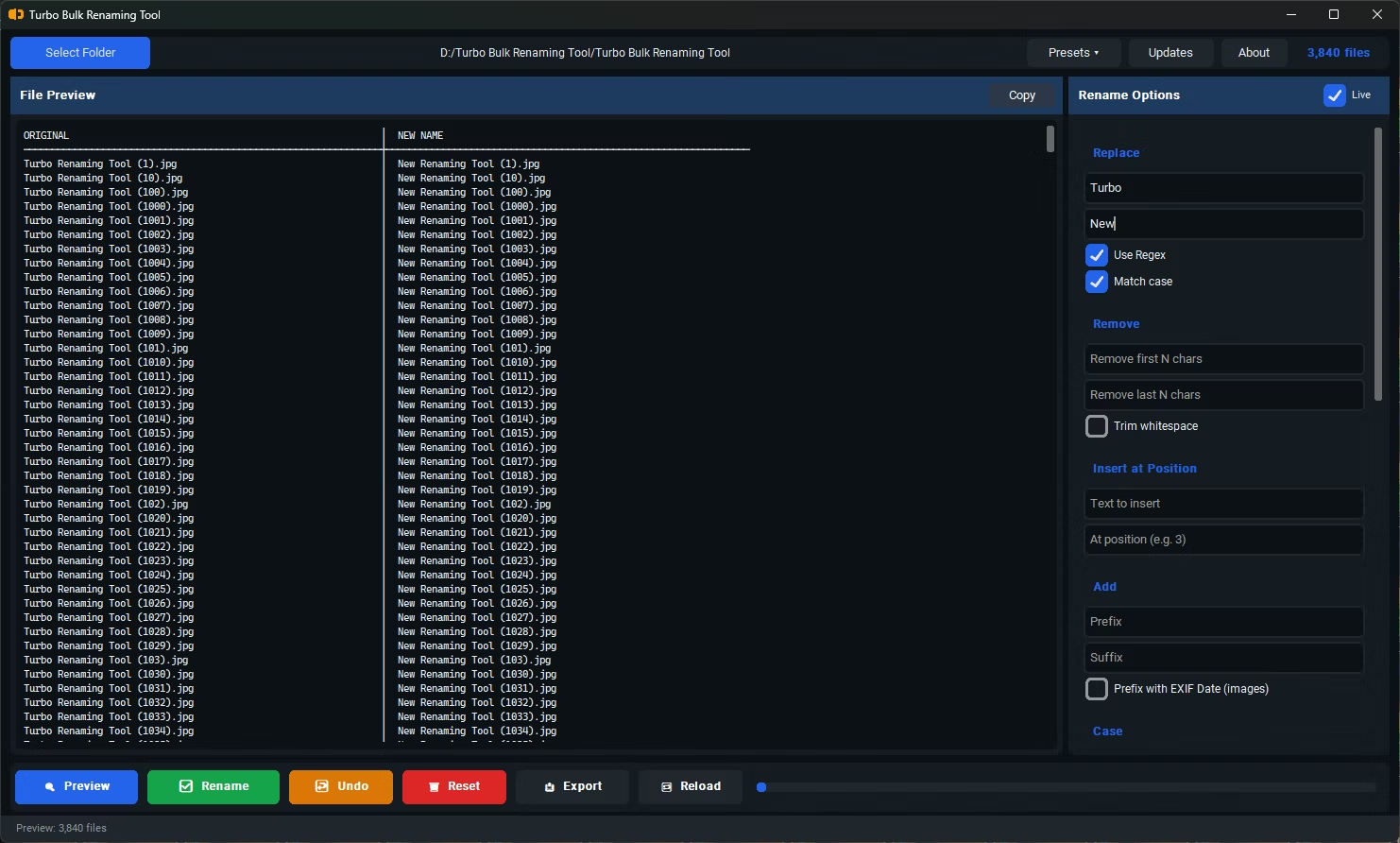
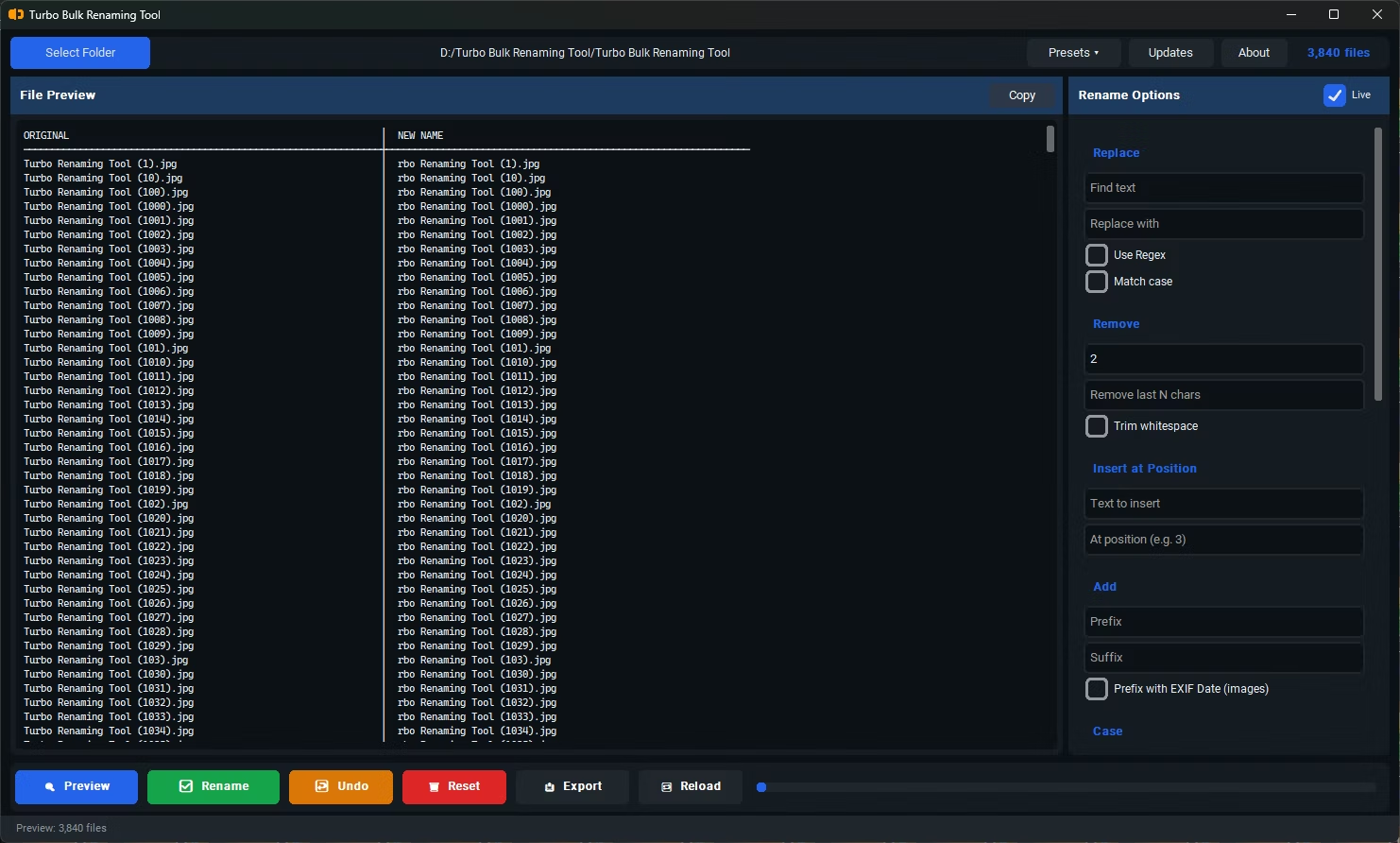
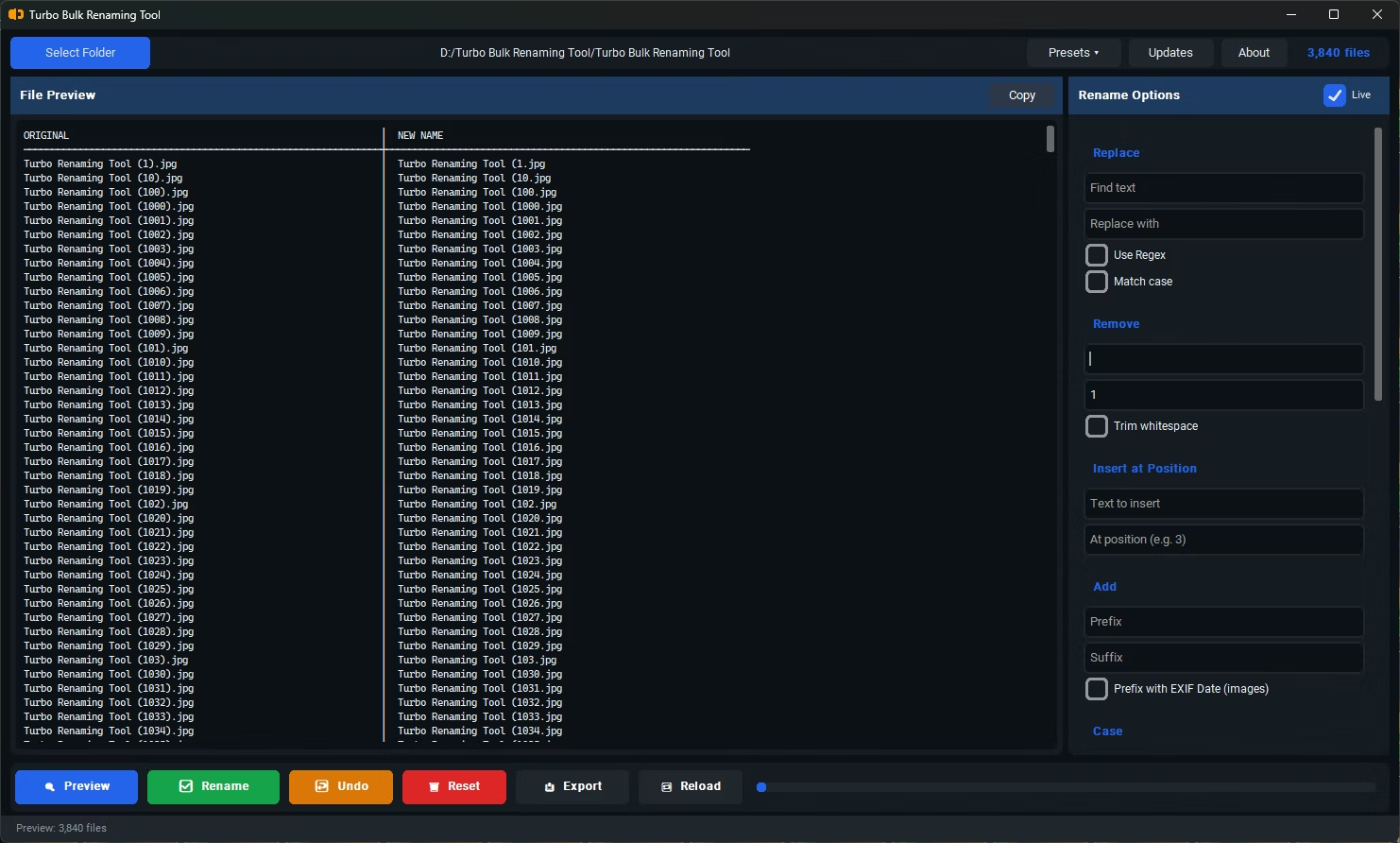
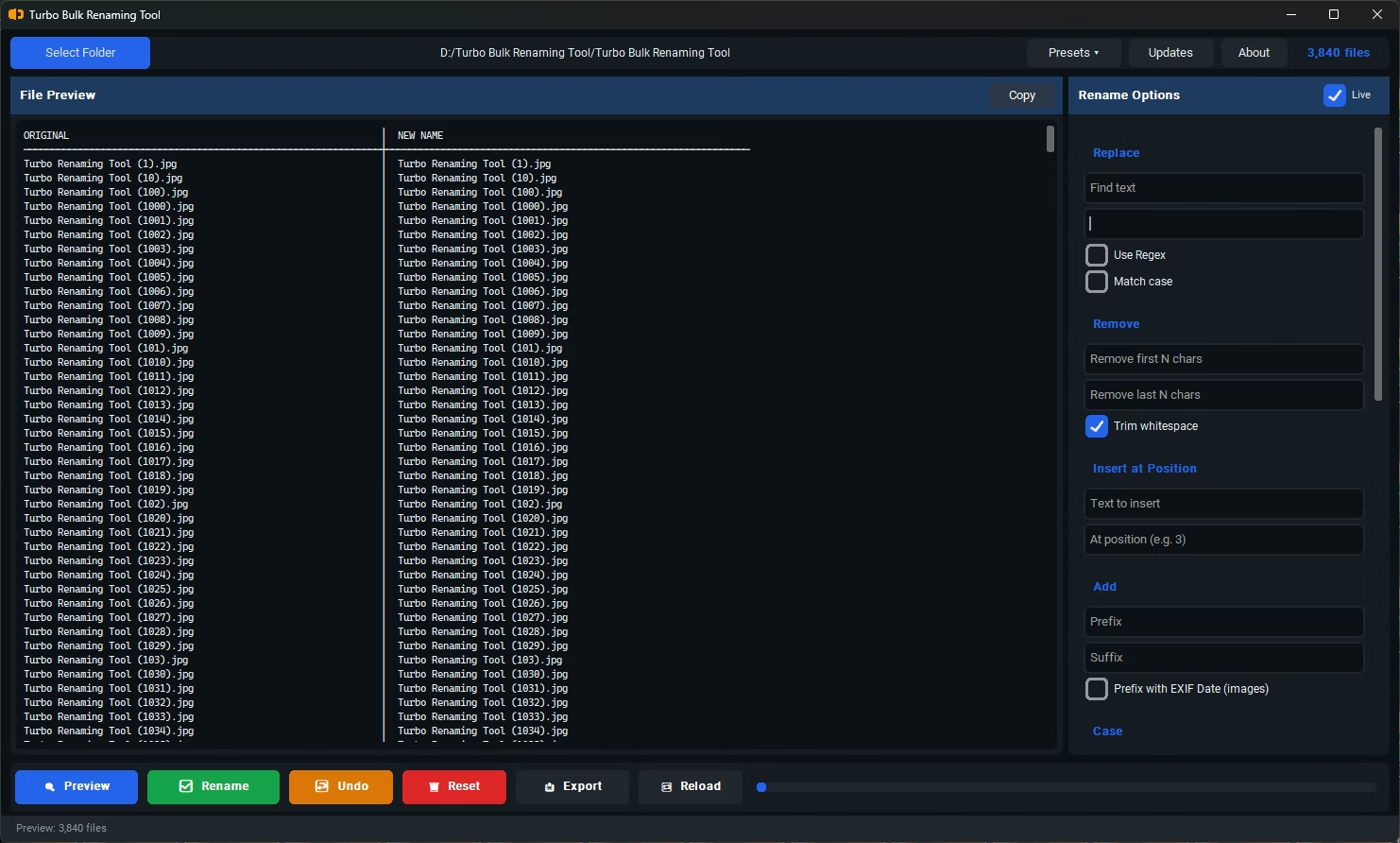
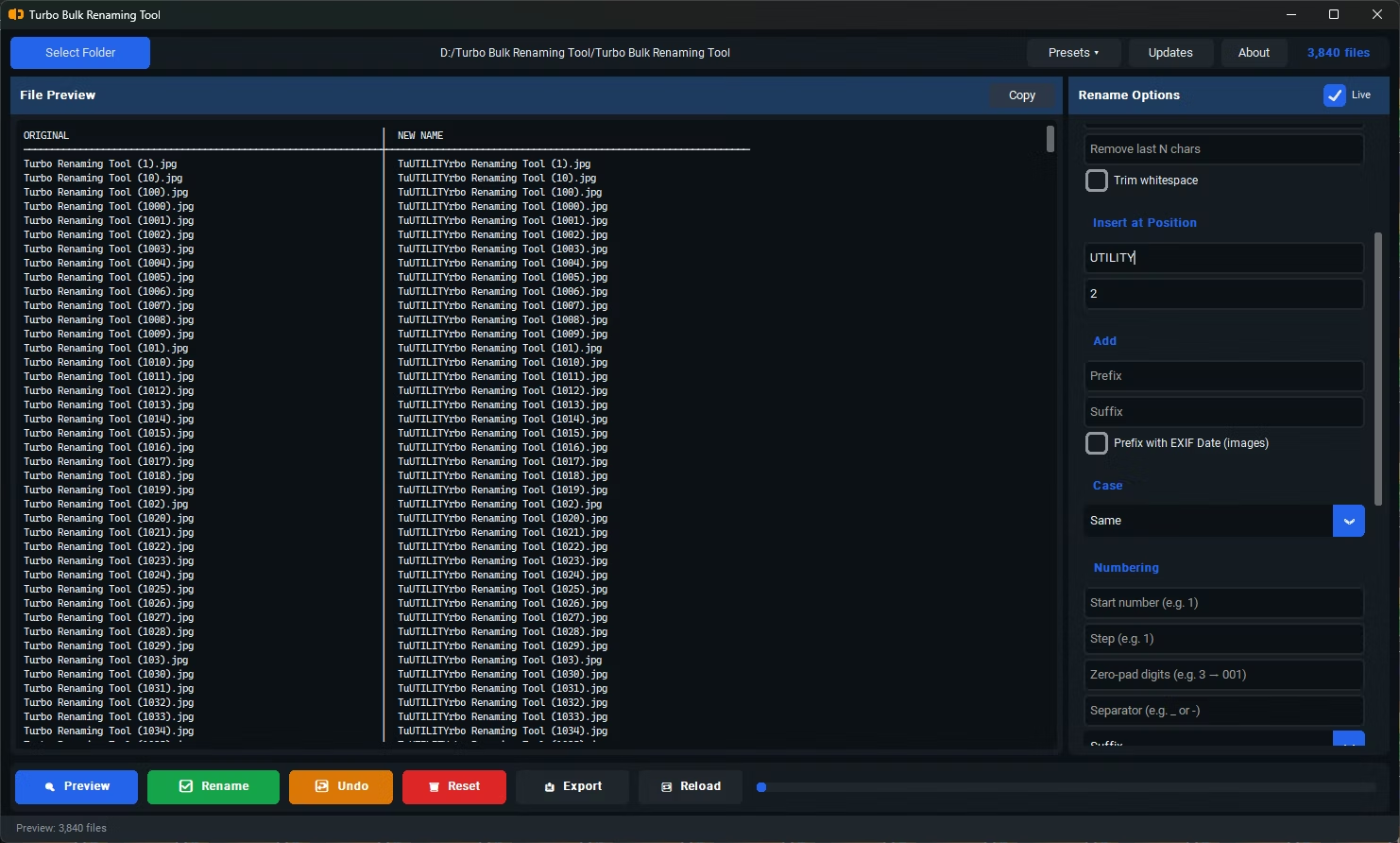
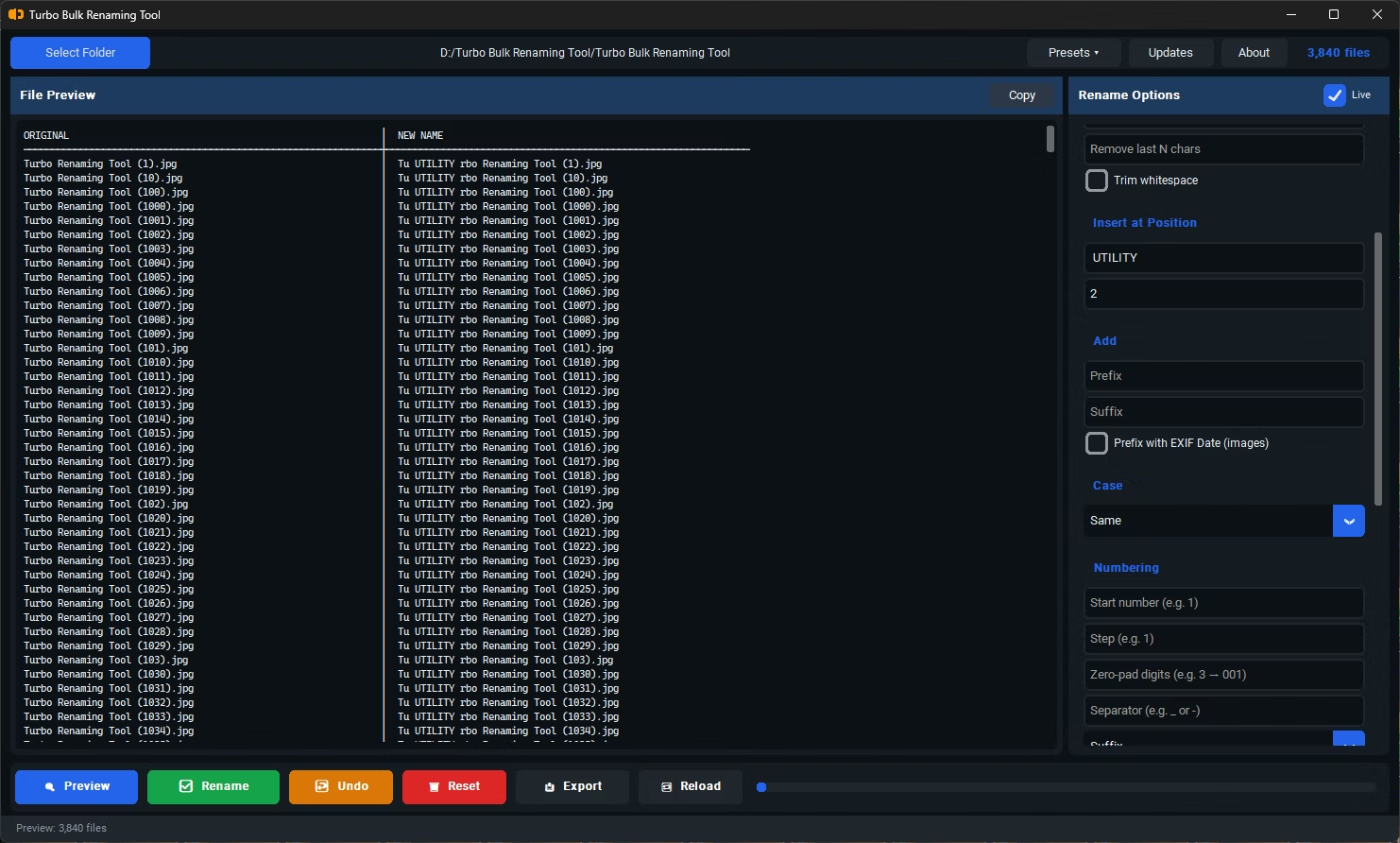
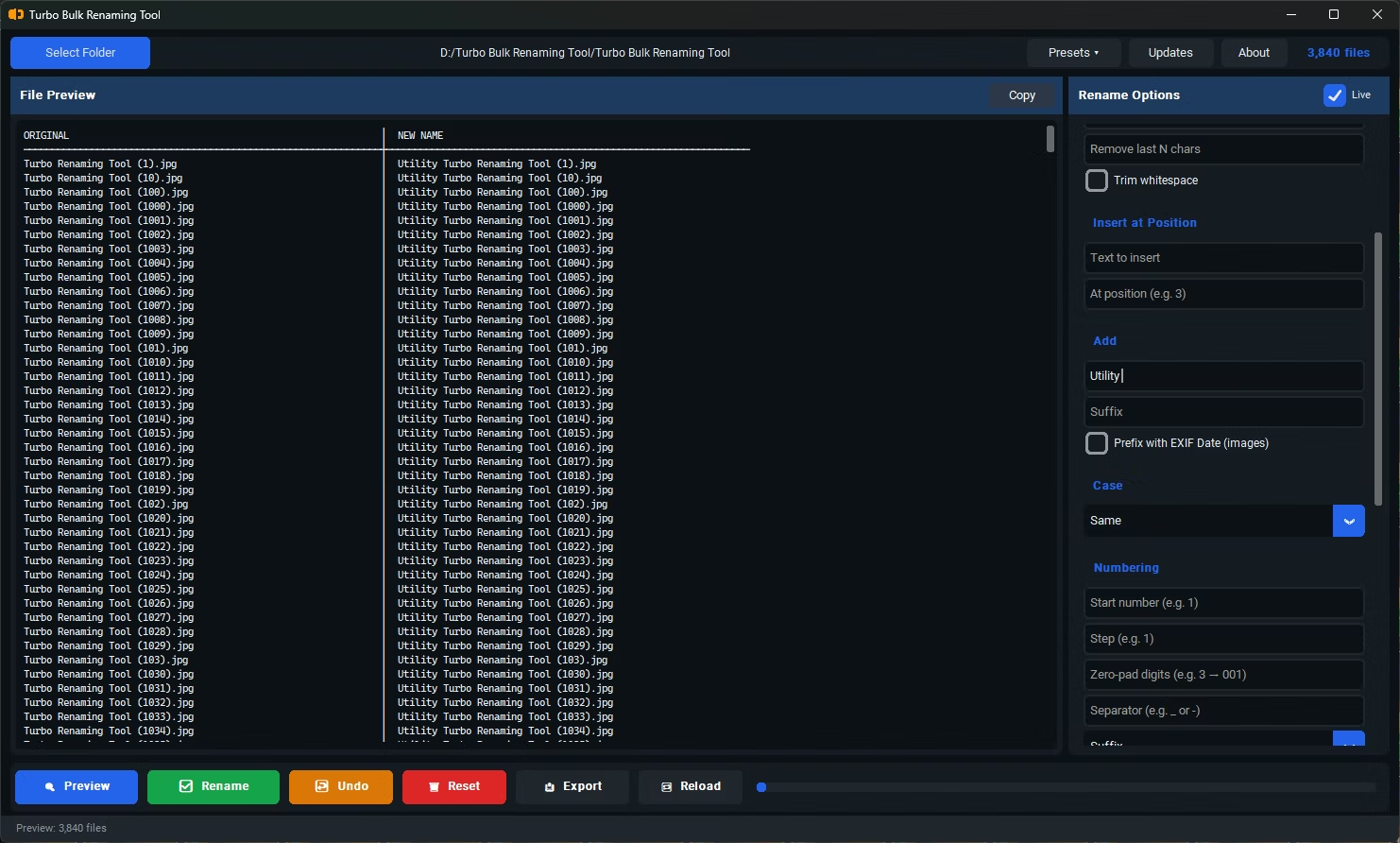
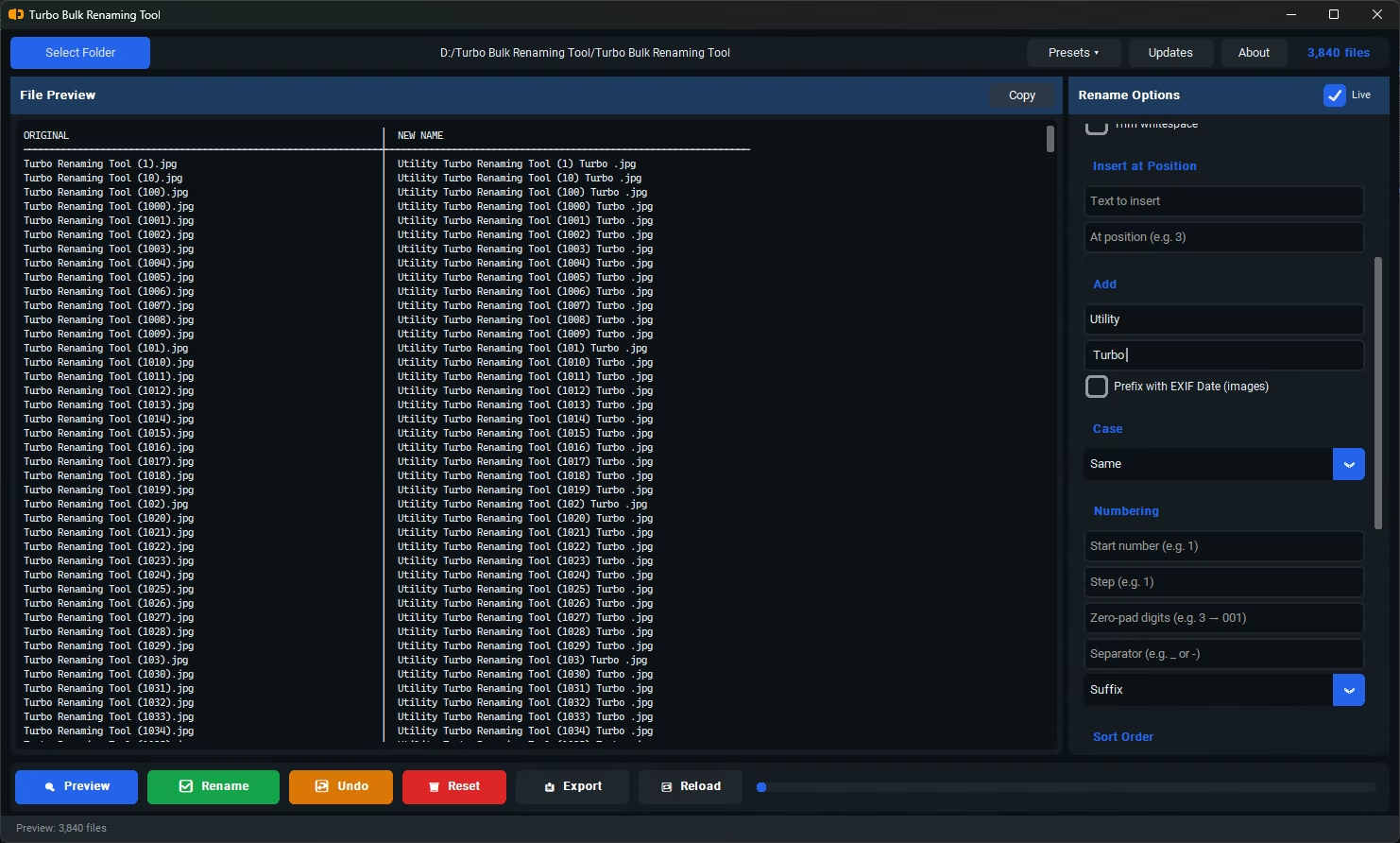
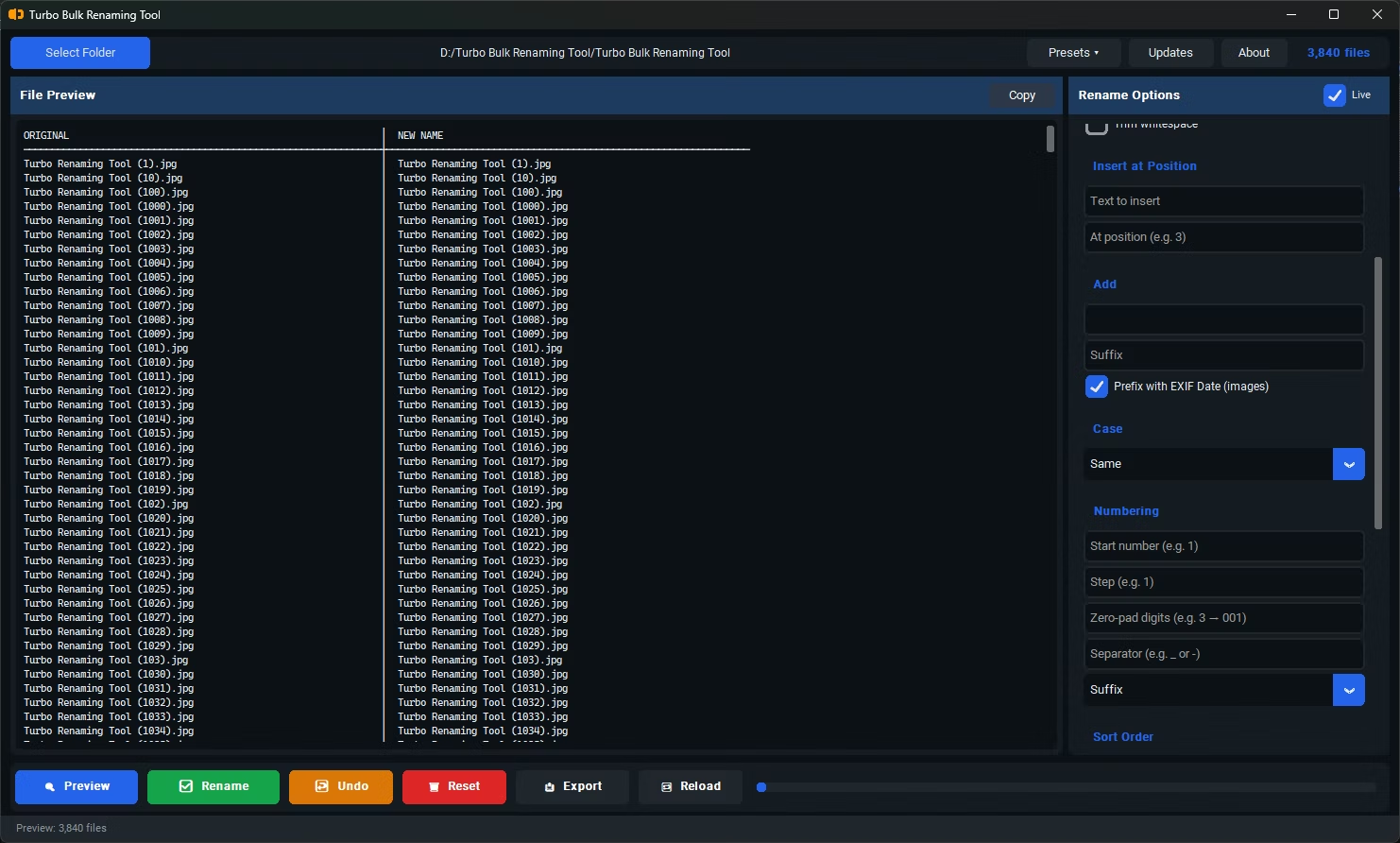
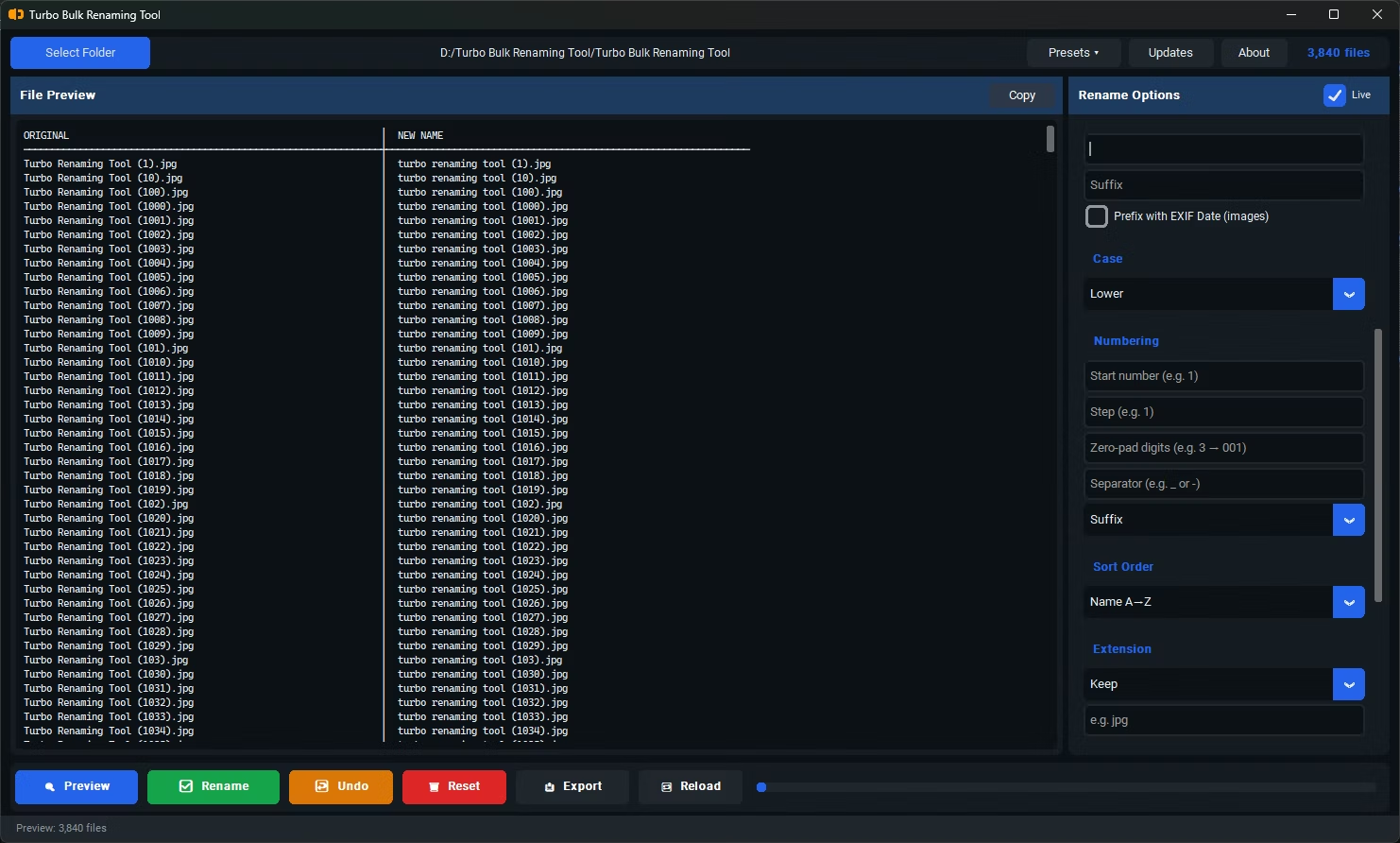
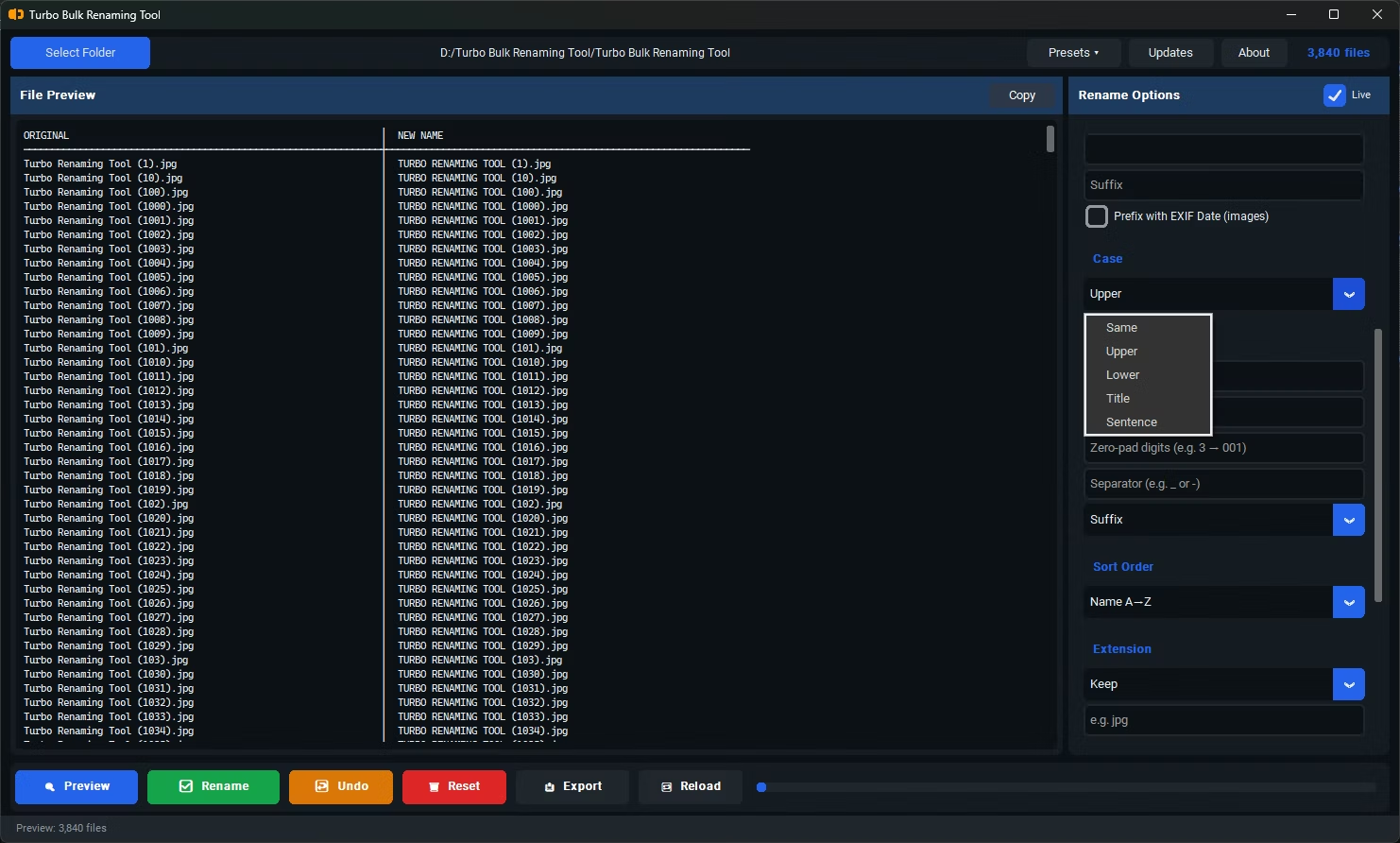
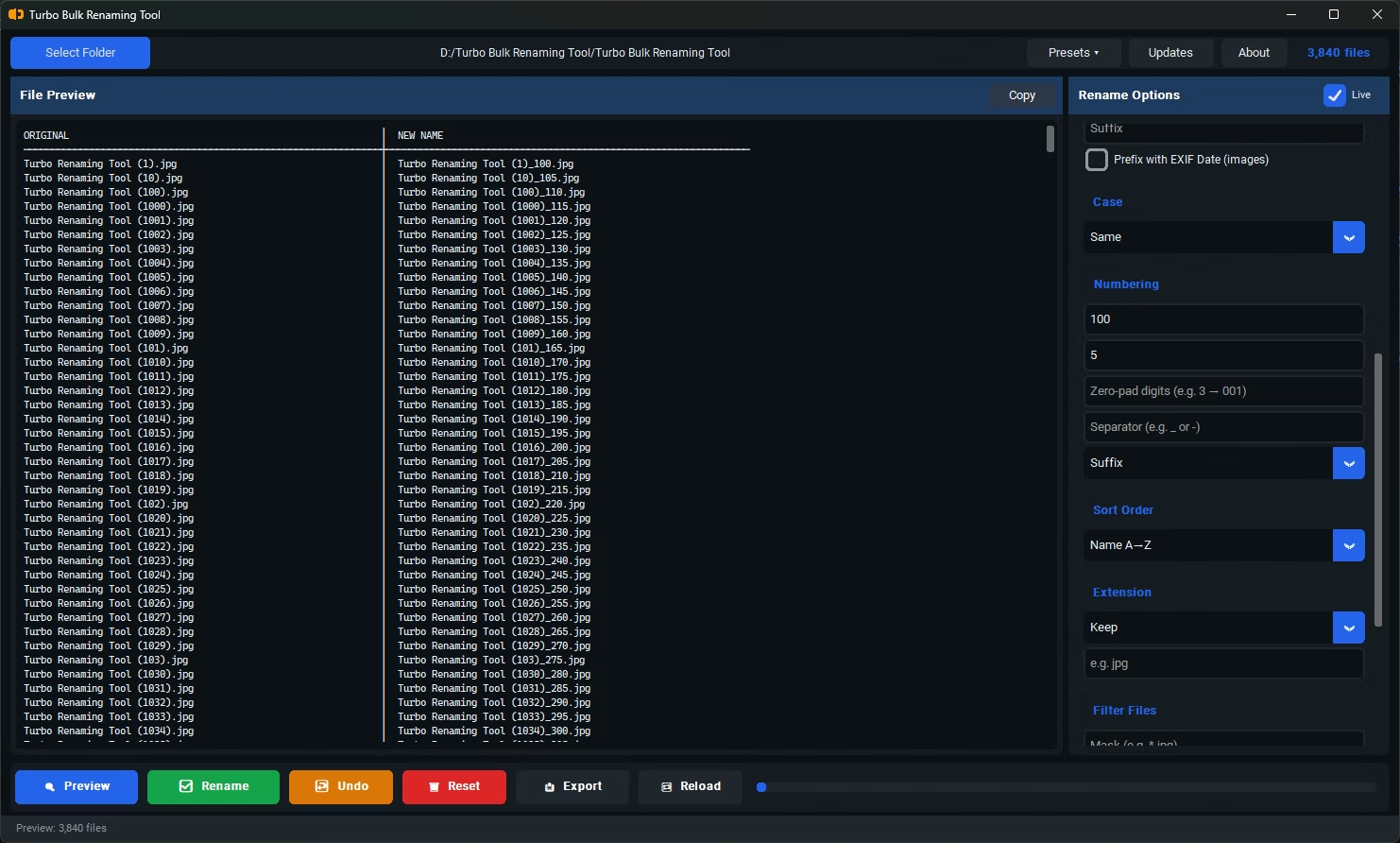
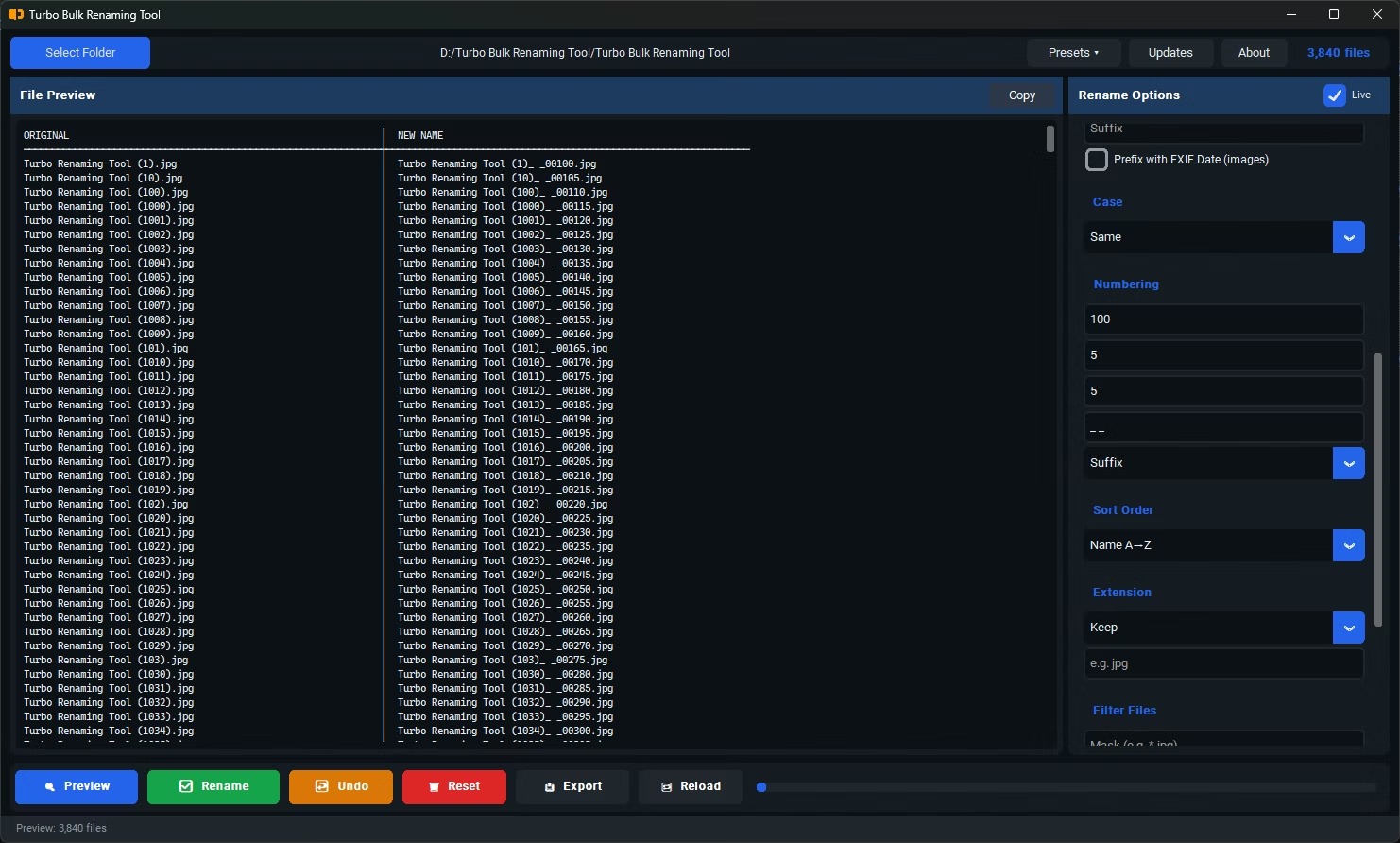
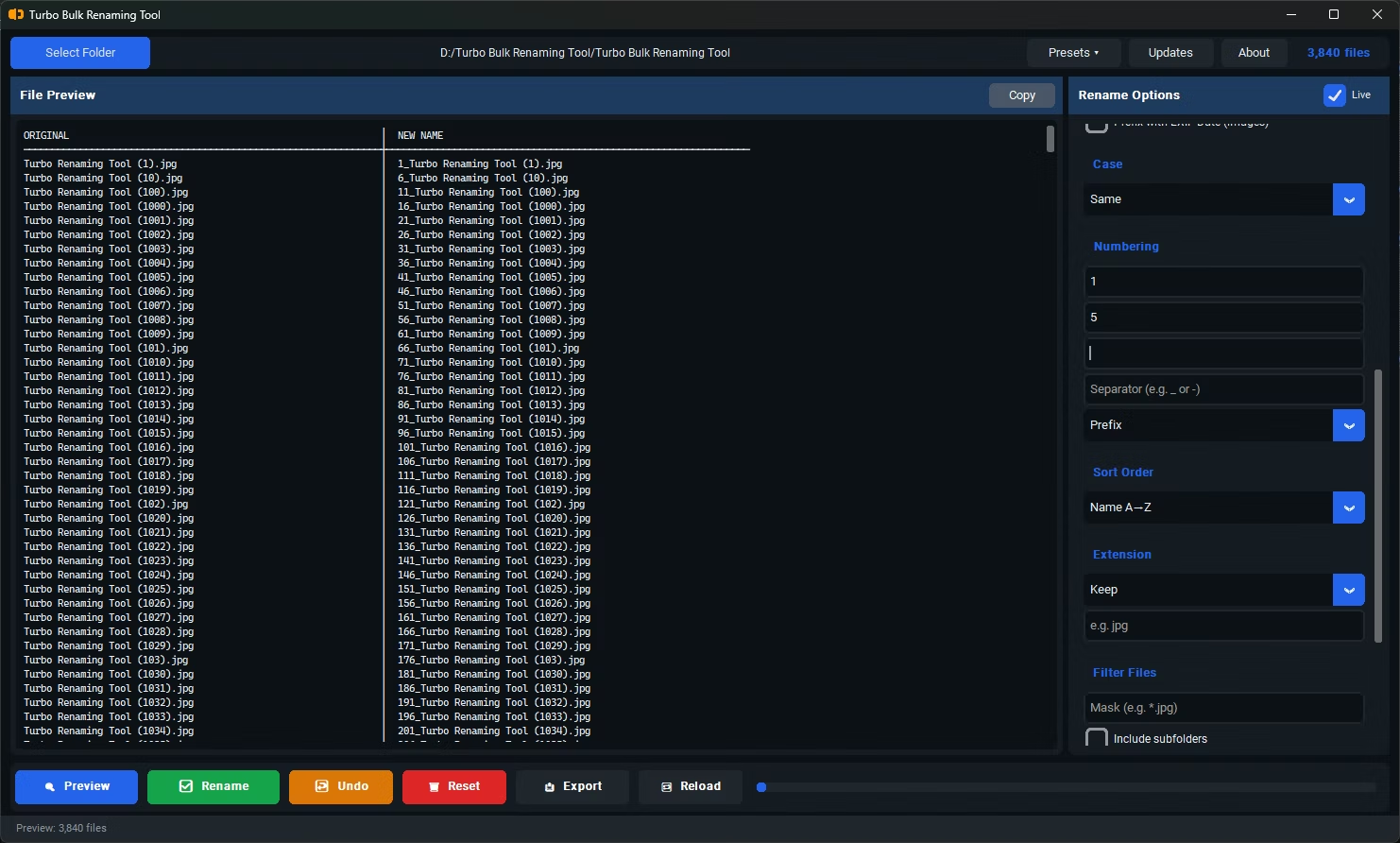
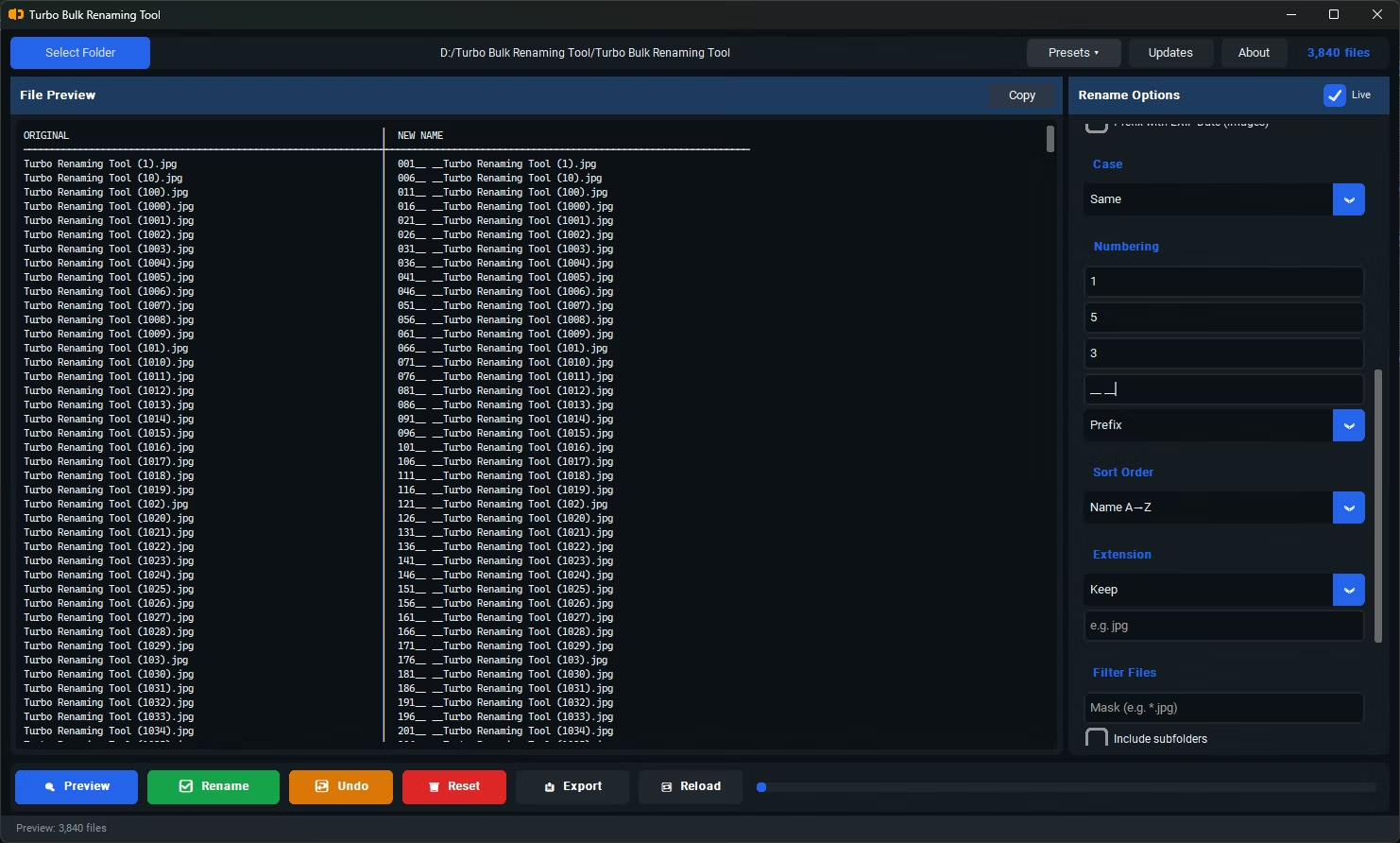
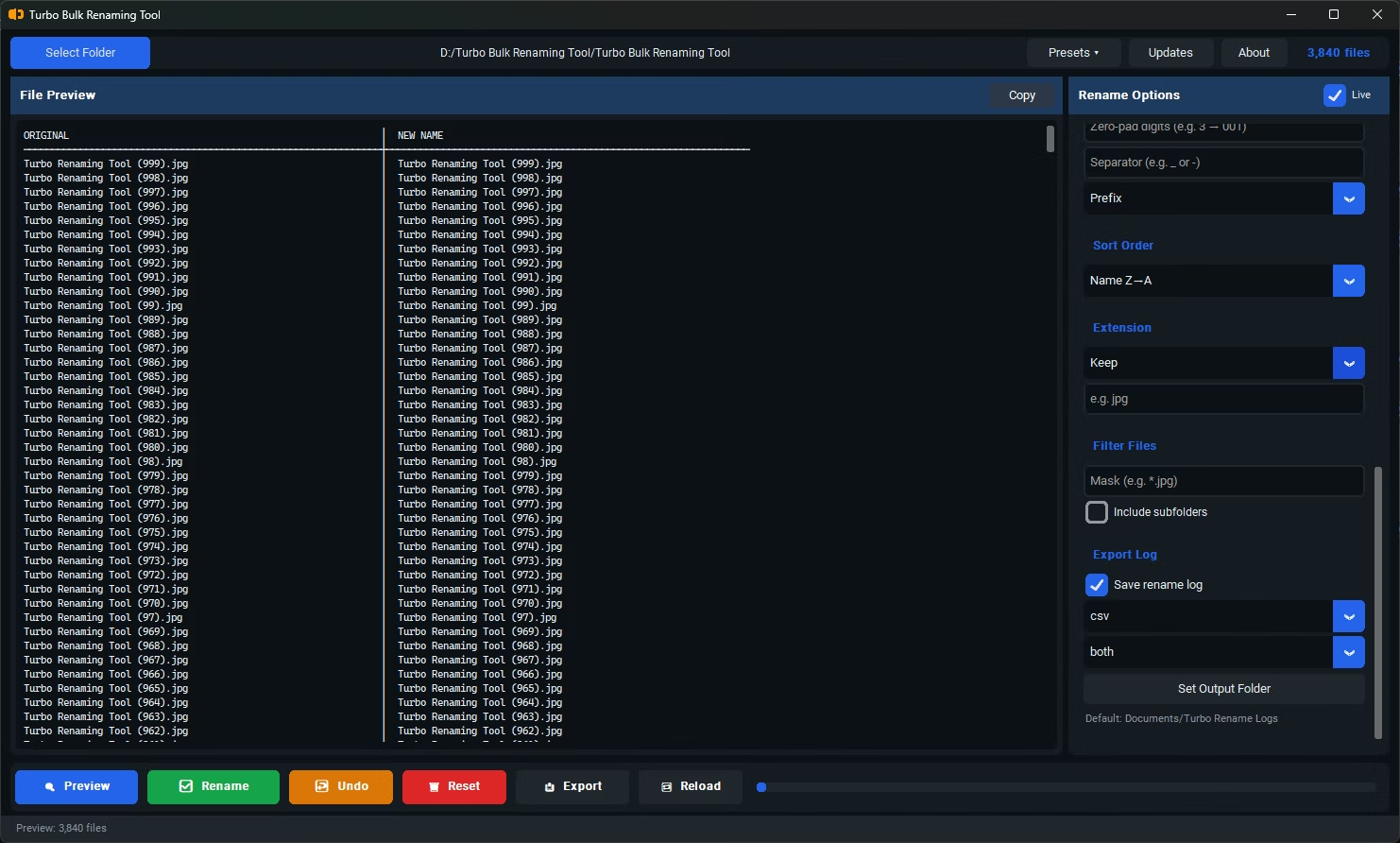
- Install Turbo Bulk Renaming Tool on your Windows PC.
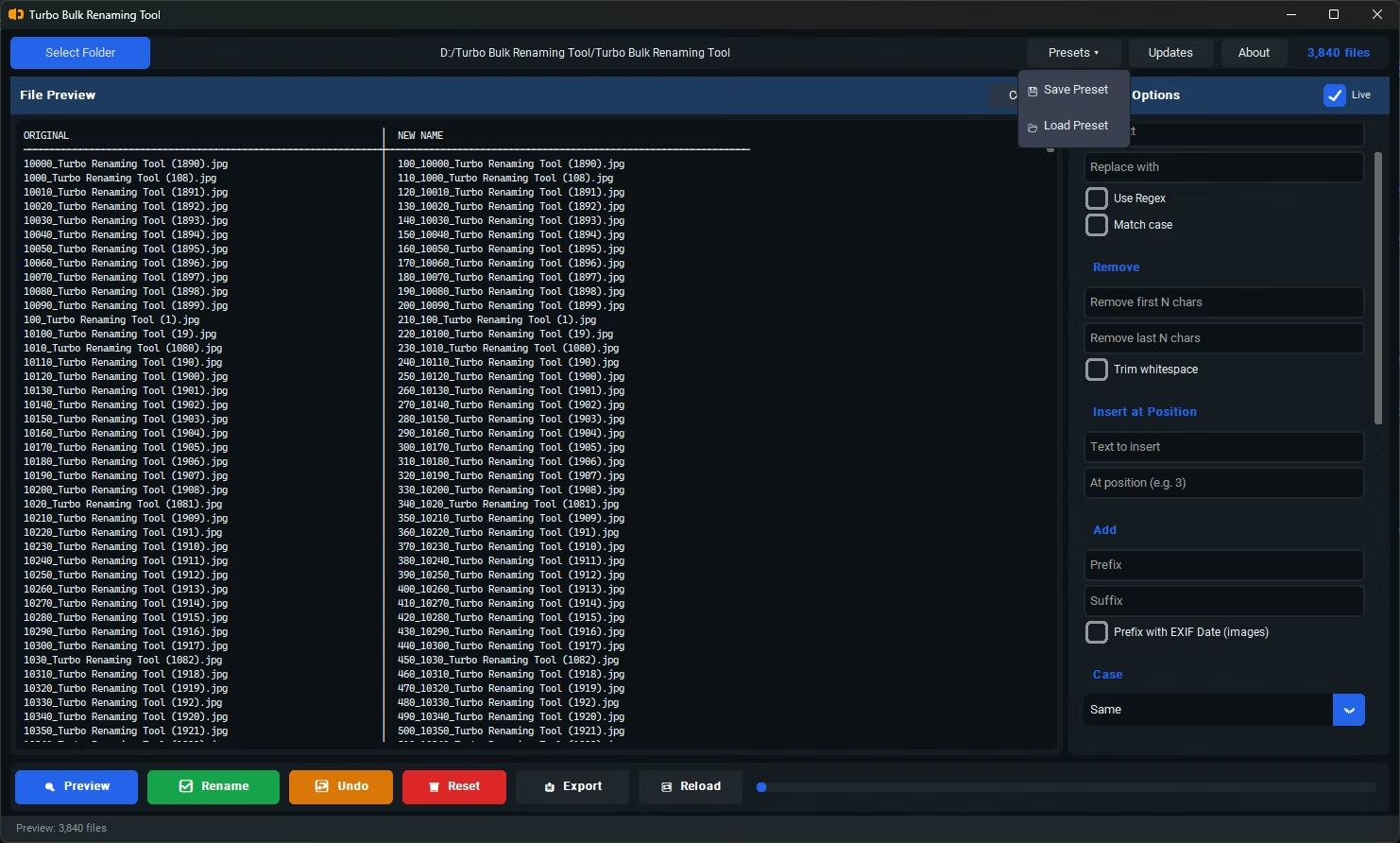
- Open the app and load the folder containing the files you want to clean up.
- Select the Trim Whitespace renaming rule.
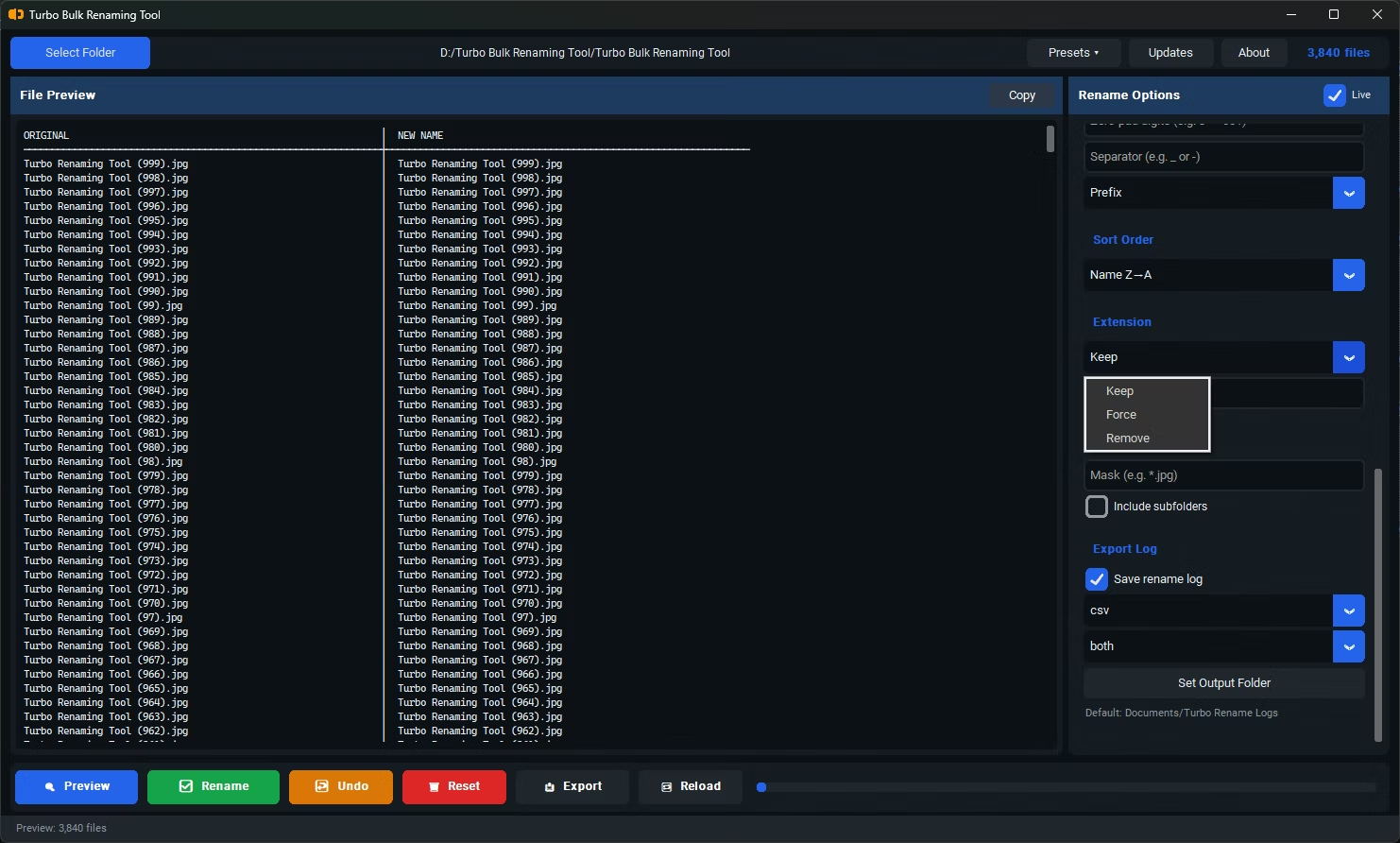
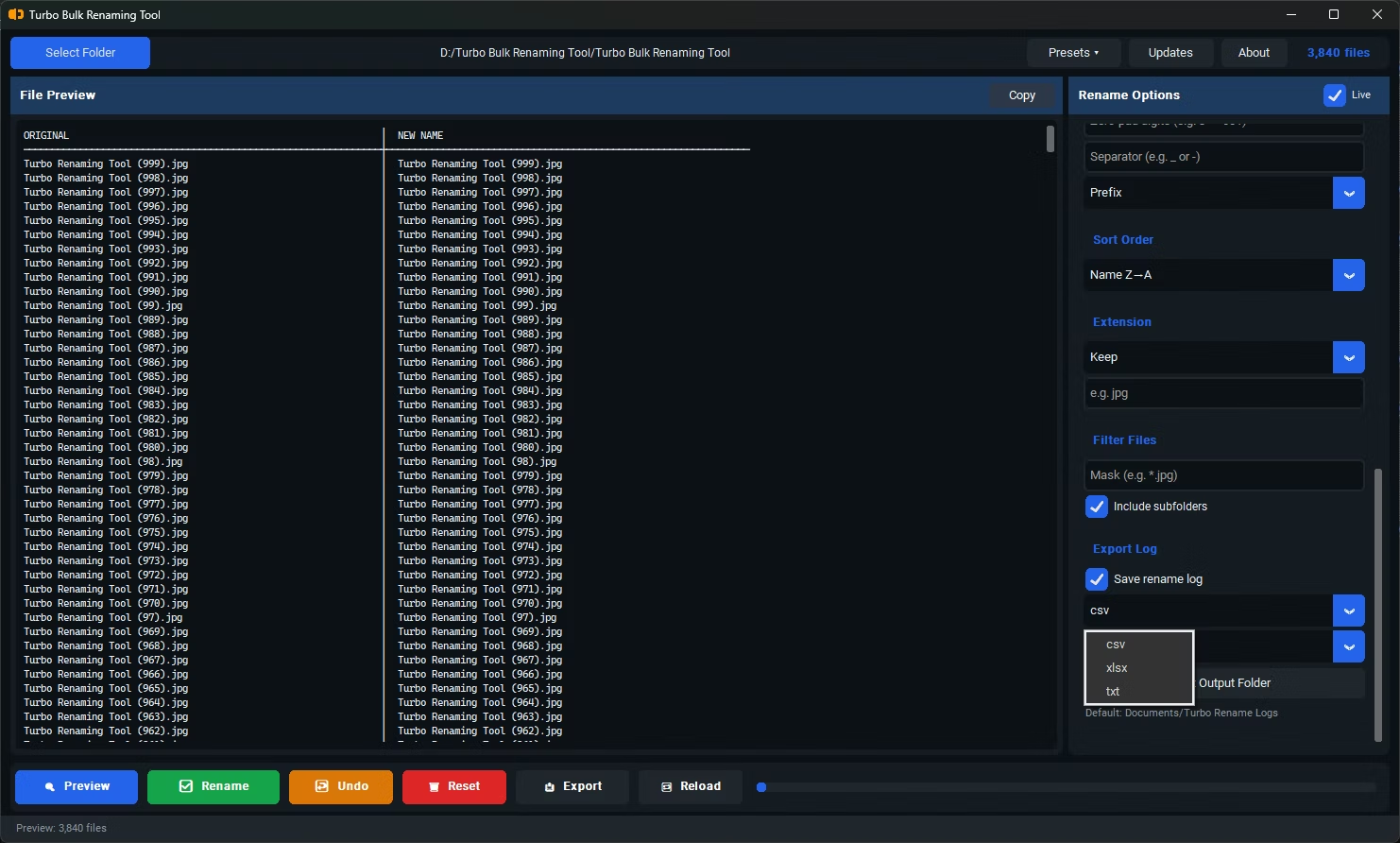
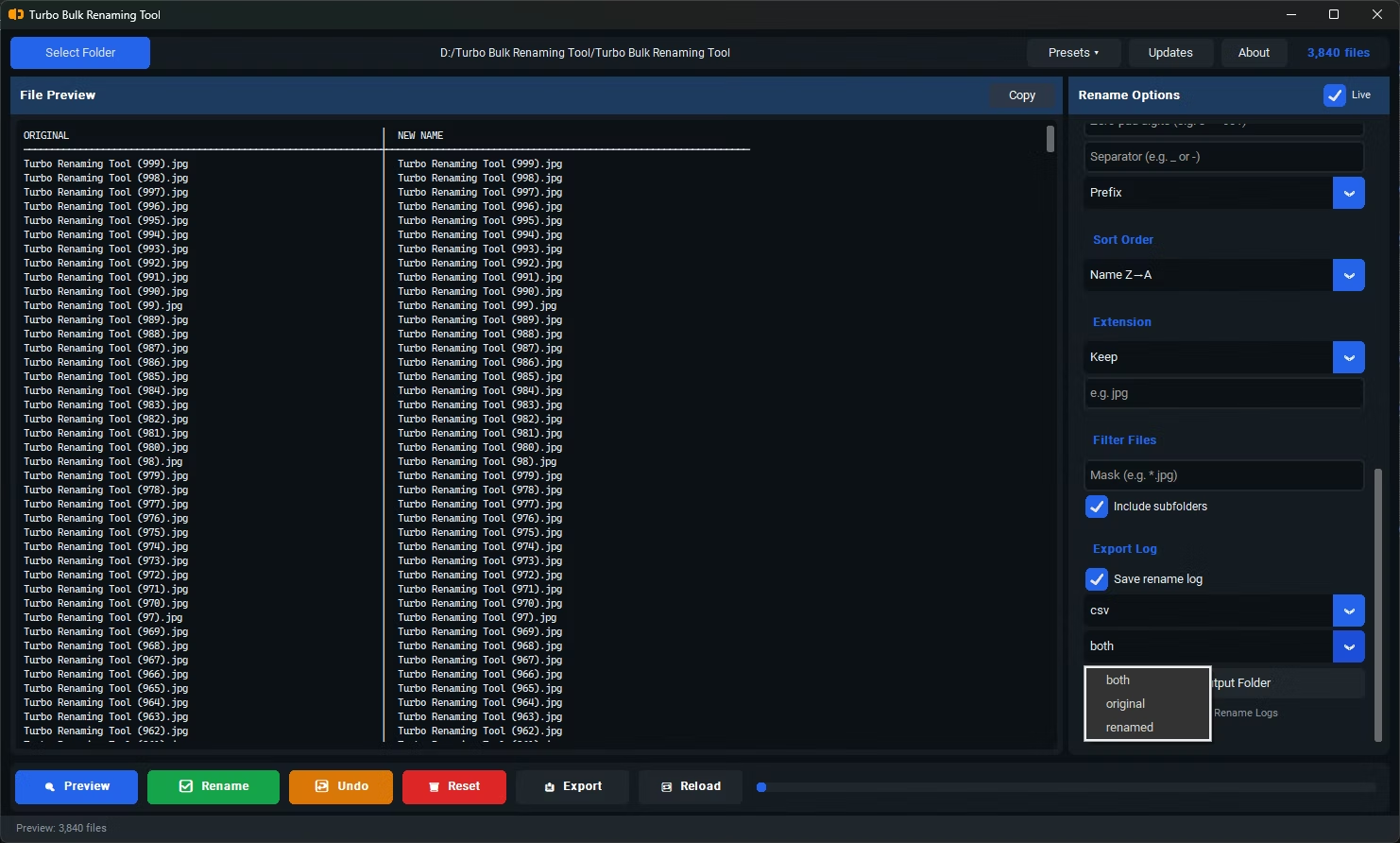
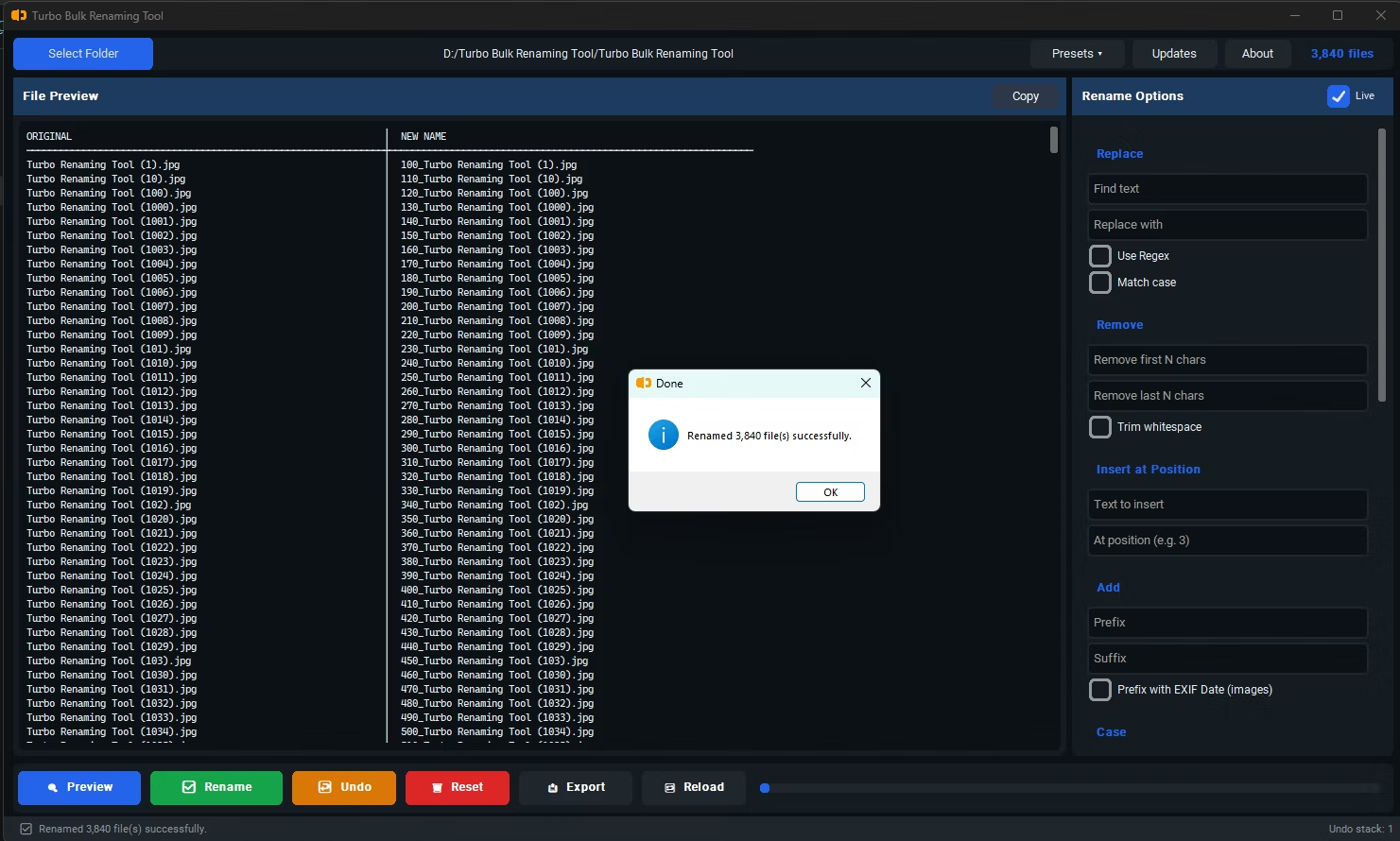
- Review the live preview, which highlights filenames affected by leading, trailing, or doubled-up spaces.
- Click Rename to apply the cleanup across every file in the batch at once.
- Removes leading and trailing spaces from filenames automatically
- Collapses multiple consecutive spaces into a single space
- Applies across an entire folder in one action, not file by file
- Live preview shows exactly which files are affected before you commit
- Can be combined with Case Conversion or Find & Replace for further cleanup
- Recursive sub-folder support for cleaning up nested file structures
Why are extra spaces in filenames a problem?
They can cause inconsistent sorting, break scripts or automated processes that reference exact filenames, and create a messy appearance in file listings, even though they're often hard to notice visually.
Does trimming whitespace affect the file extension?
No, the trim rule applies to the filename portion and leaves the file extension unaffected.
Can I see which files will be changed before committing?
Yes, the live preview shows the exact result for every file, so you can confirm the whitespace cleanup looks correct before applying it.
Ready to rename your files in bulk, offline, with full privacy?