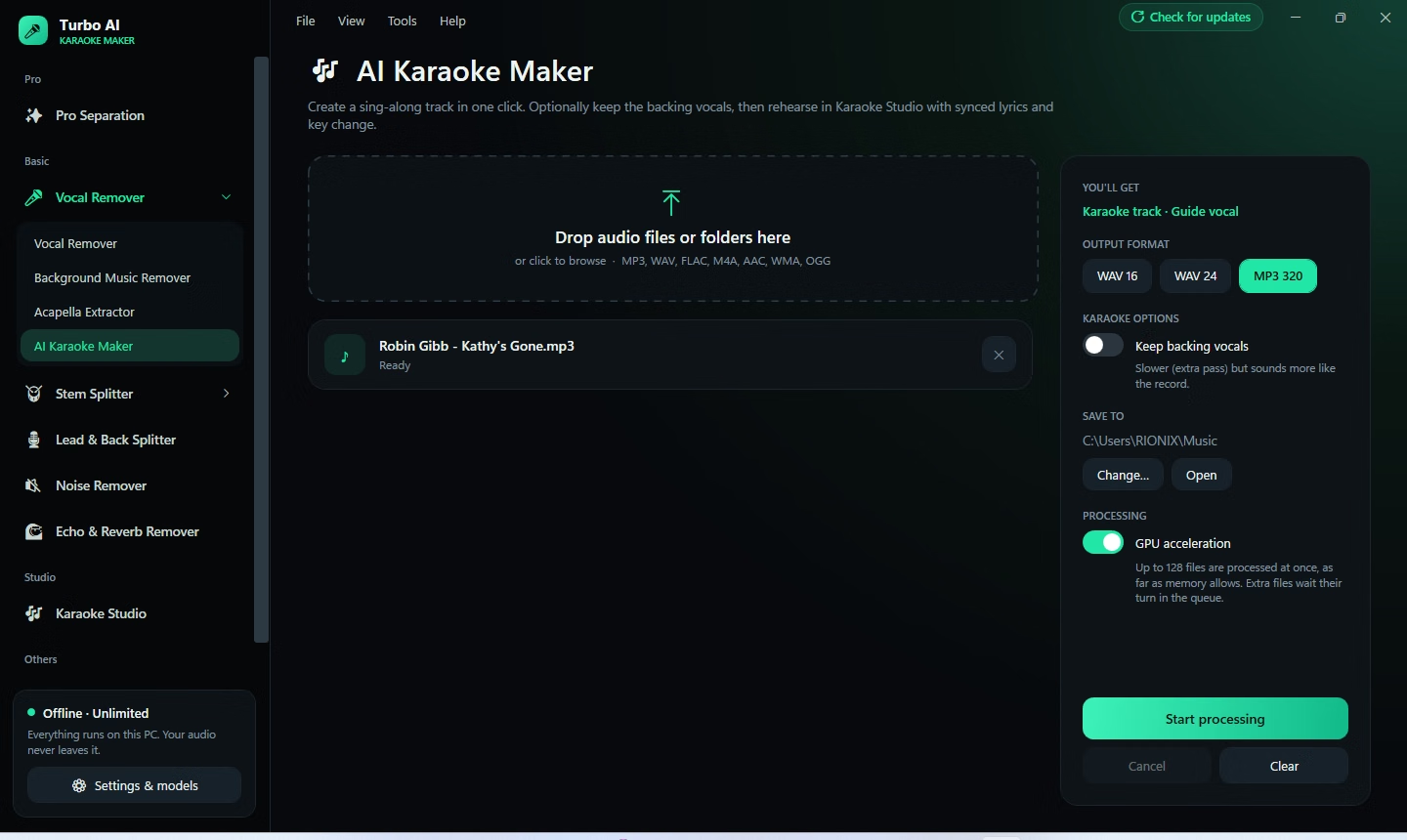
Turbo AI Karaoke Maker is a Windows desktop application that separates songs into their parts using artificial intelligence. Drop a track onto the window, press one button, and a few minutes later you have a clean karaoke version with the lead vocal taken out, plus the vocal itself saved as a guide. No account, no subscription credits and no waiting in a cloud queue.
It goes well beyond a single vocal remover. The sidebar groups eleven working tools: Pro Separation, Vocal Remover, Background Music Remover, Acapella Extractor, AI Karaoke Maker, Stem Splitter, AI Drum Remover, Bass Remover, Lead & Back Splitter, Echo & Reverb Remover and Noise Remover. A twelfth and thirteenth, Piano Remover and Guitar Remover, are listed as coming soon. Two extra sections round things out: Karaoke Studio for rehearsing and exporting, and Audio Tools for converting, normalizing and key-shifting files.
The program is built for people who use the results: singers who want a backing track in their own key, DJs and producers who need acapellas and instrumentals, drummers and bass players who want to play along, podcasters and video editors who need clean dialogue, and teachers who want to isolate harmonies. It looks like a premium studio tool, with a dark interface, a waveform player and a custom title bar, and it is engineered to stay smooth while the heavy work runs.
Everything happens locally. The application window itself is titled Turbo Karaoke Studio, and the sidebar carries the promise in plain words: offline, unlimited, and your audio never leaves your PC.