PBM's strictly 1-bit-per-pixel structure is about as simple as a digital image format gets, while TIFF is the long-established standard in professional archival and document-scanning workflows, supporting a much broader range of color depths and compression options — including its own bilevel CCITT Group 4 fax compression, historically used for the exact kind of document scans PBM also represents. Converting PBM to TIFF is common when legacy document scans need to be preserved in an institutional archive that standardizes on TIFF for all incoming scanned content.
This conversion changes the container format without adding any color or grayscale data that the original PBM file didn't already contain — it's purely a compatibility step for archival systems built around TIFF.
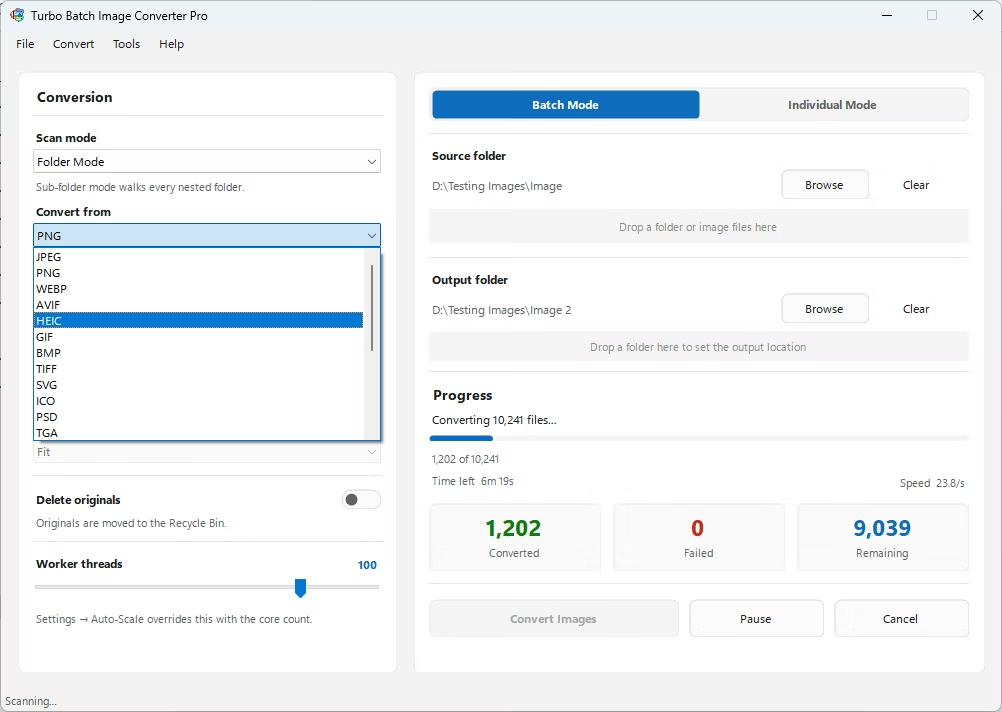
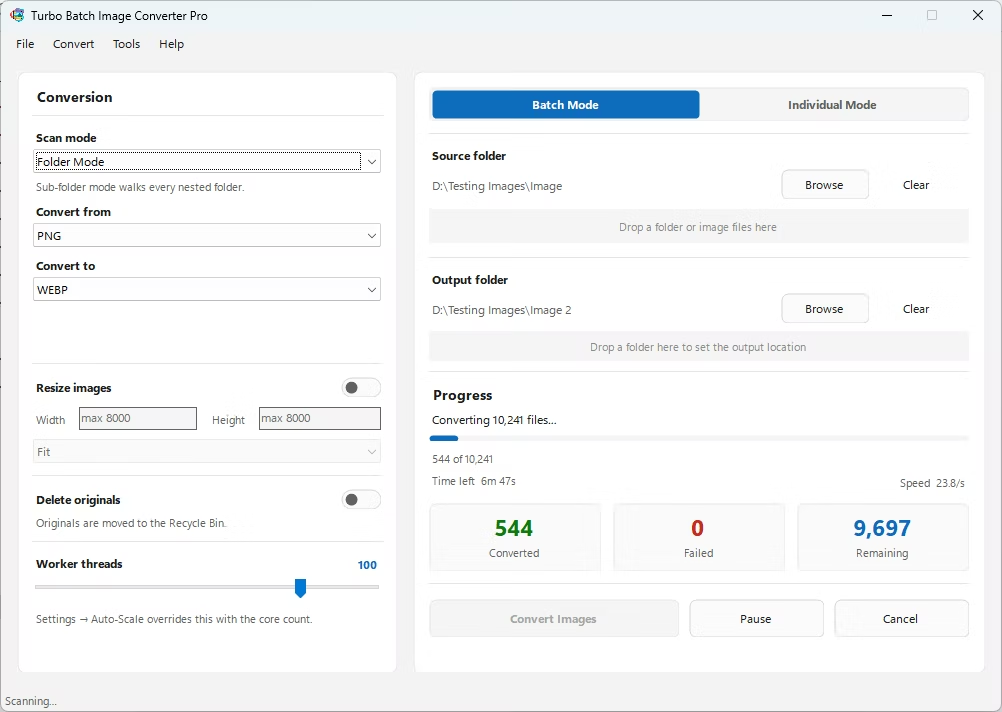
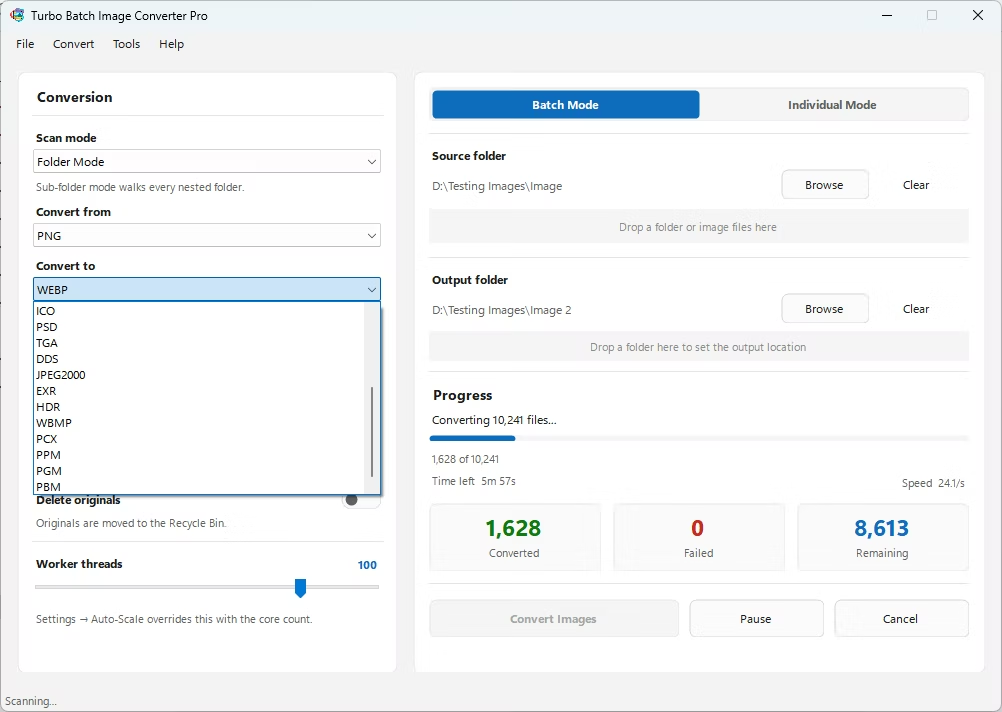
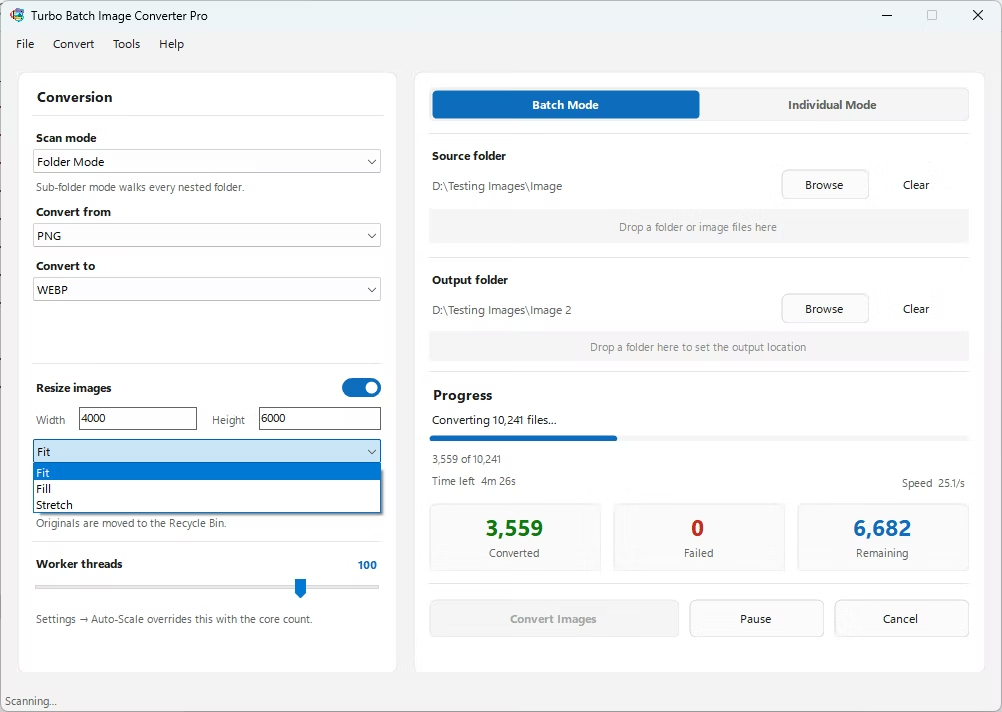
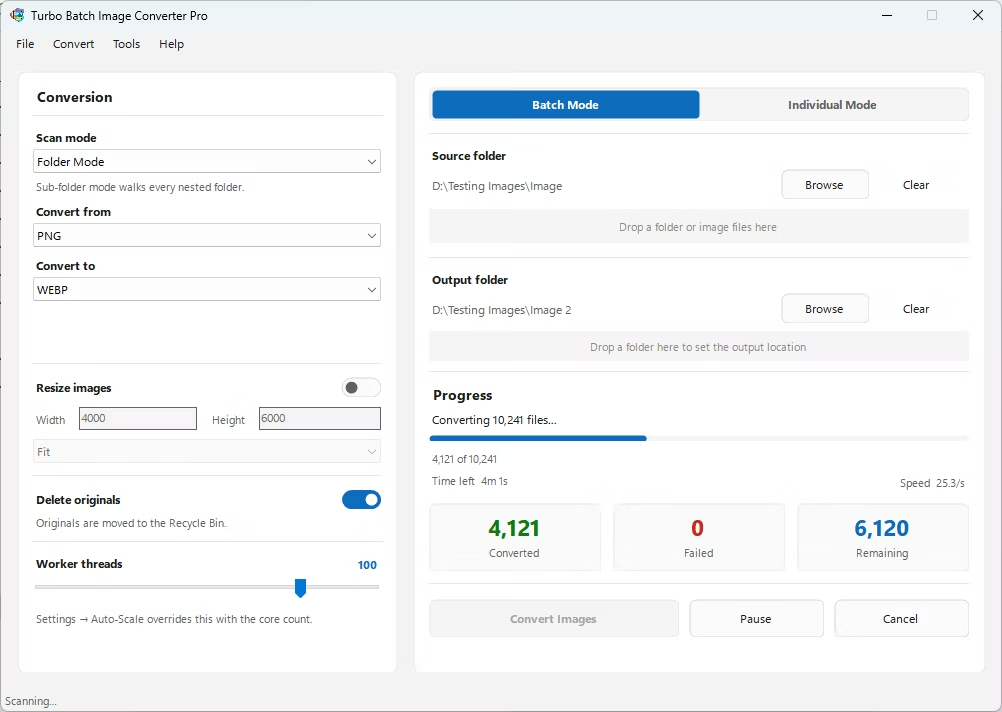
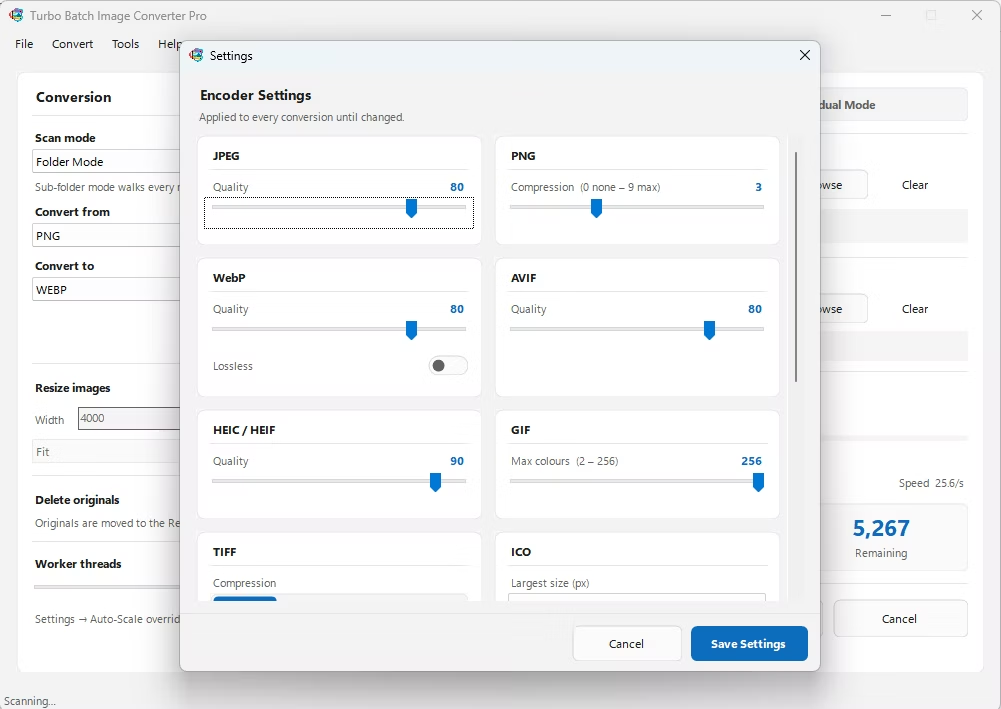
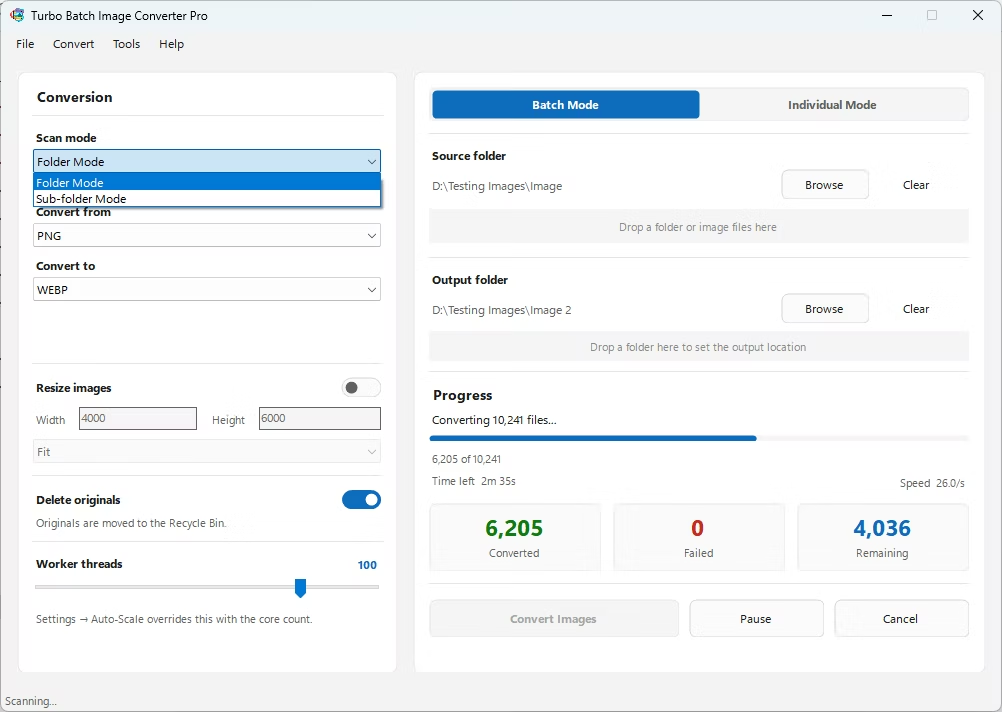
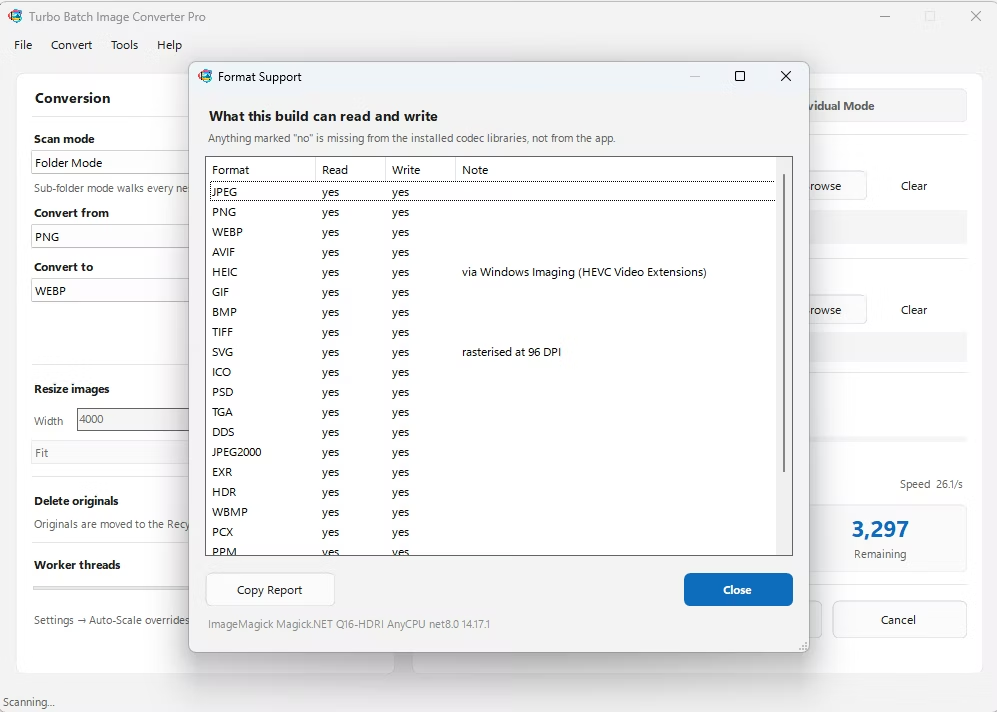
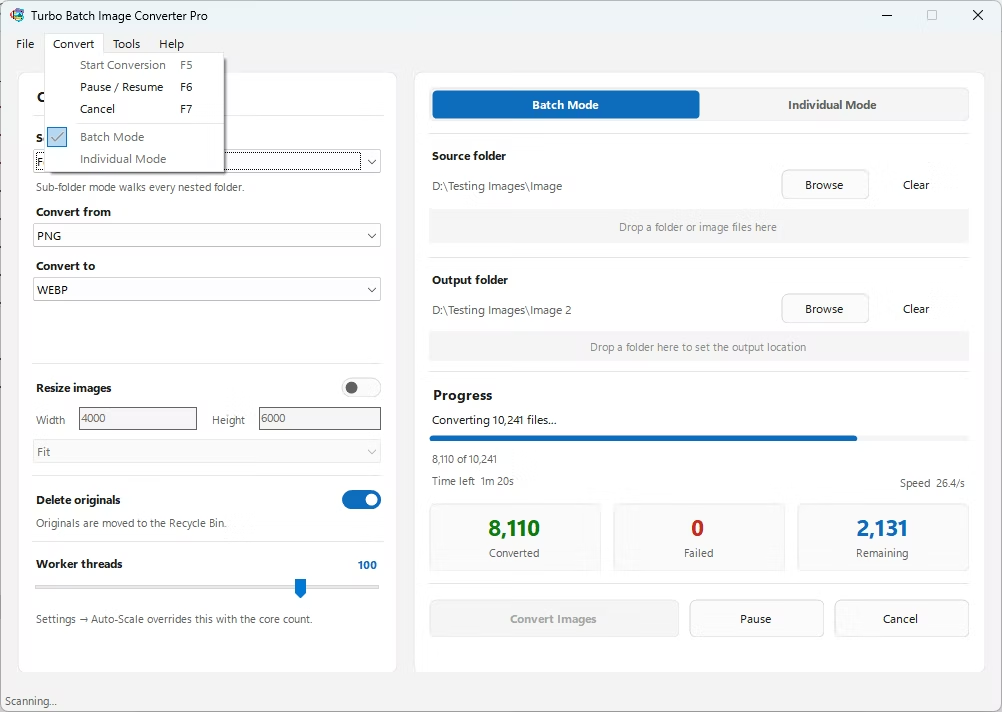
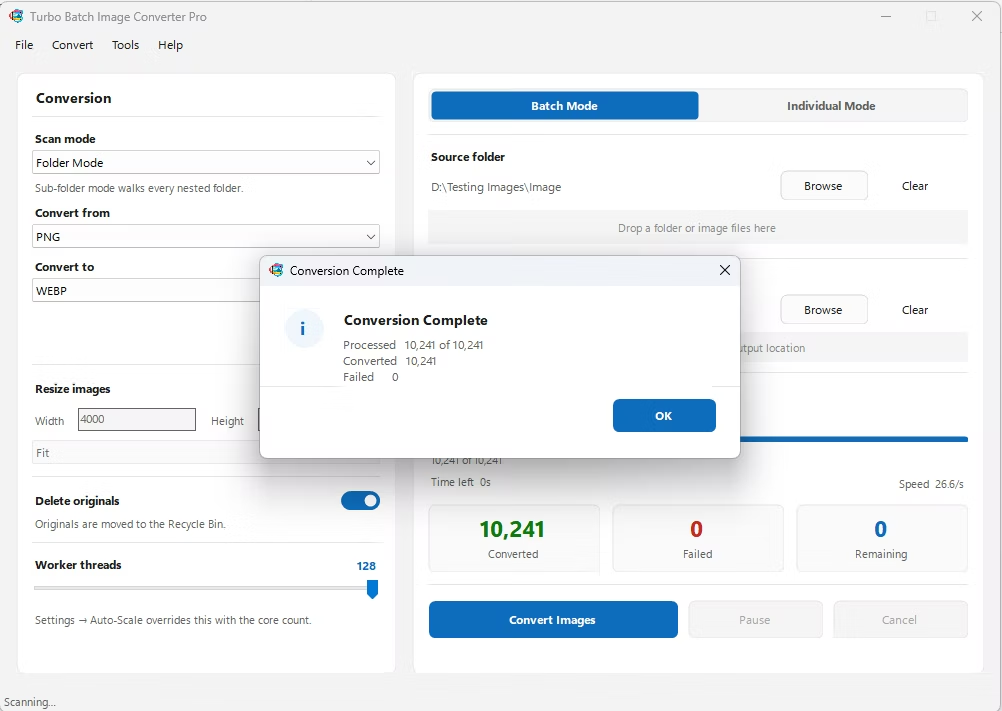
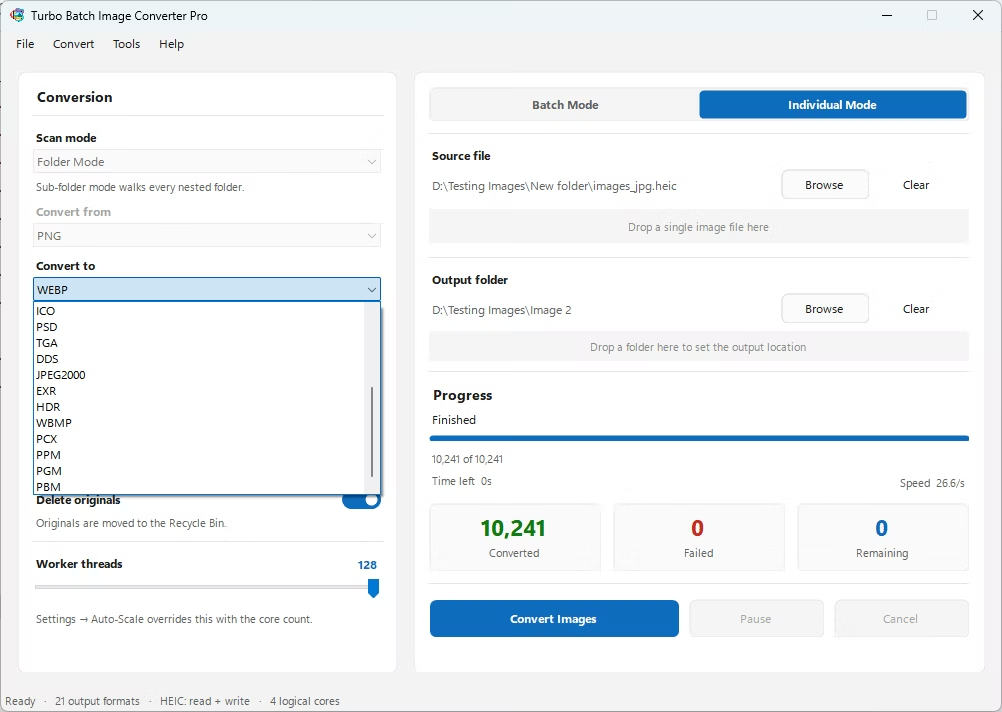
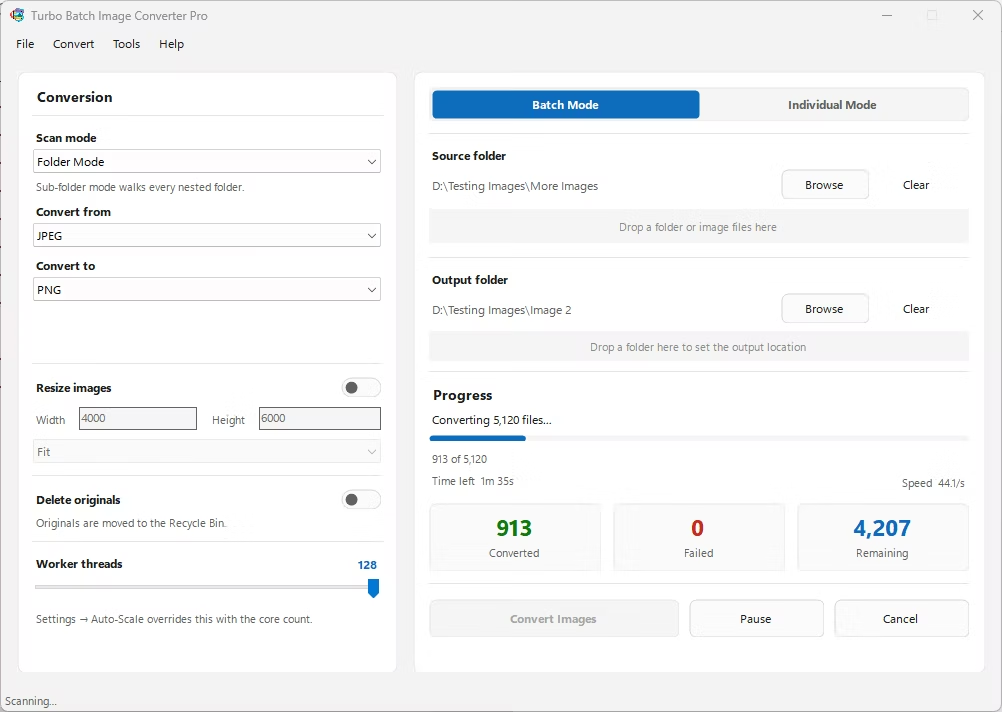
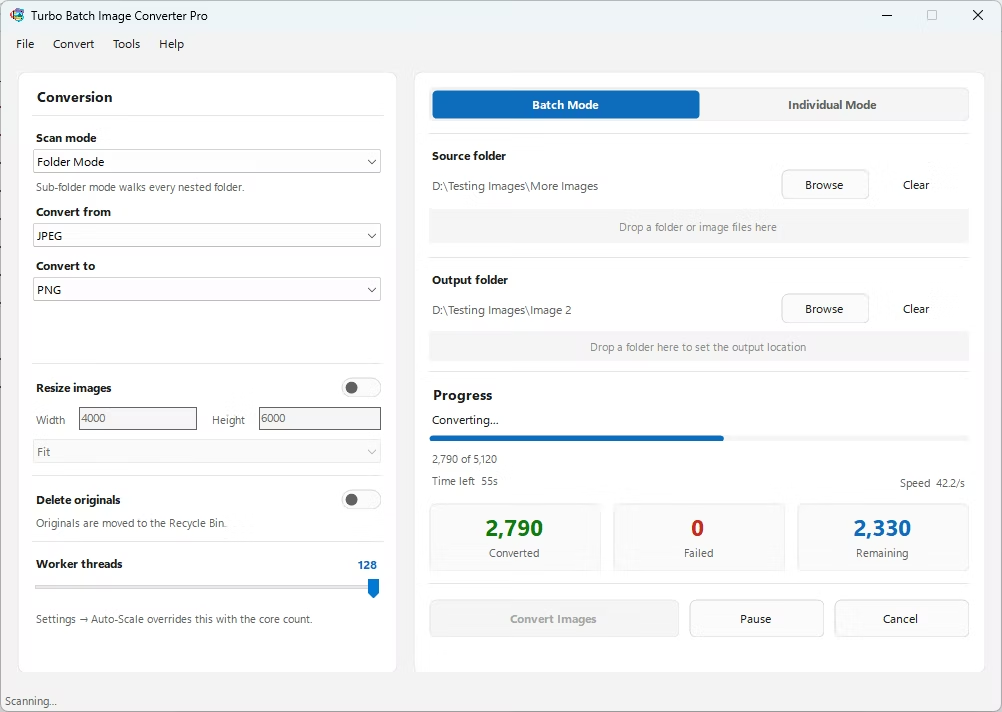
- Install Turbo Batch Image Converter Pro on your Windows PC.
- Open the app and select Batch Mode for multiple files, or Individual Mode for a single PBM.
- Drag your PBM file or folder into the app window, enabling recursive folder scanning if needed.
- Set the "From" format to PBM and the "To" format to TIFF.
- Click Convert. TIFF files are written to the output folder, fully offline.
- 100% offline — your document and pipeline output is never uploaded anywhere
- Bulk conversion of entire folders, including sub-folders, in one click
- Compatible with professional document archival workflows
- Multi-core processing for fast handling of large batches
- Option to delete original PBM files automatically after conversion
- No recurring subscription or hidden upload limits
Why would a bilevel PBM scan need to become TIFF?
Many institutional archives standardize on TIFF for all incoming scanned documents, and TIFF even has its own bilevel fax compression mode historically used for the same kind of black-and-white scans PBM represents.
Does TIFF add any quality to the original PBM image?
No, the conversion changes the container format without adding color or grayscale data that wasn't already present in the original bilevel image.
Can I batch-convert an entire folder of PBM files to TIFF at once?
Yes, Batch Mode handles entire folders, including nested sub-folders, in a single conversion run.
Ready to convert your images offline, in bulk, with full privacy?