General file tools and spreadsheet applications weren't built to process huge data files reliably; they either try to load the entire file into memory, which fails once a file exceeds available RAM, or lack dedicated splitting functionality across more than one format.
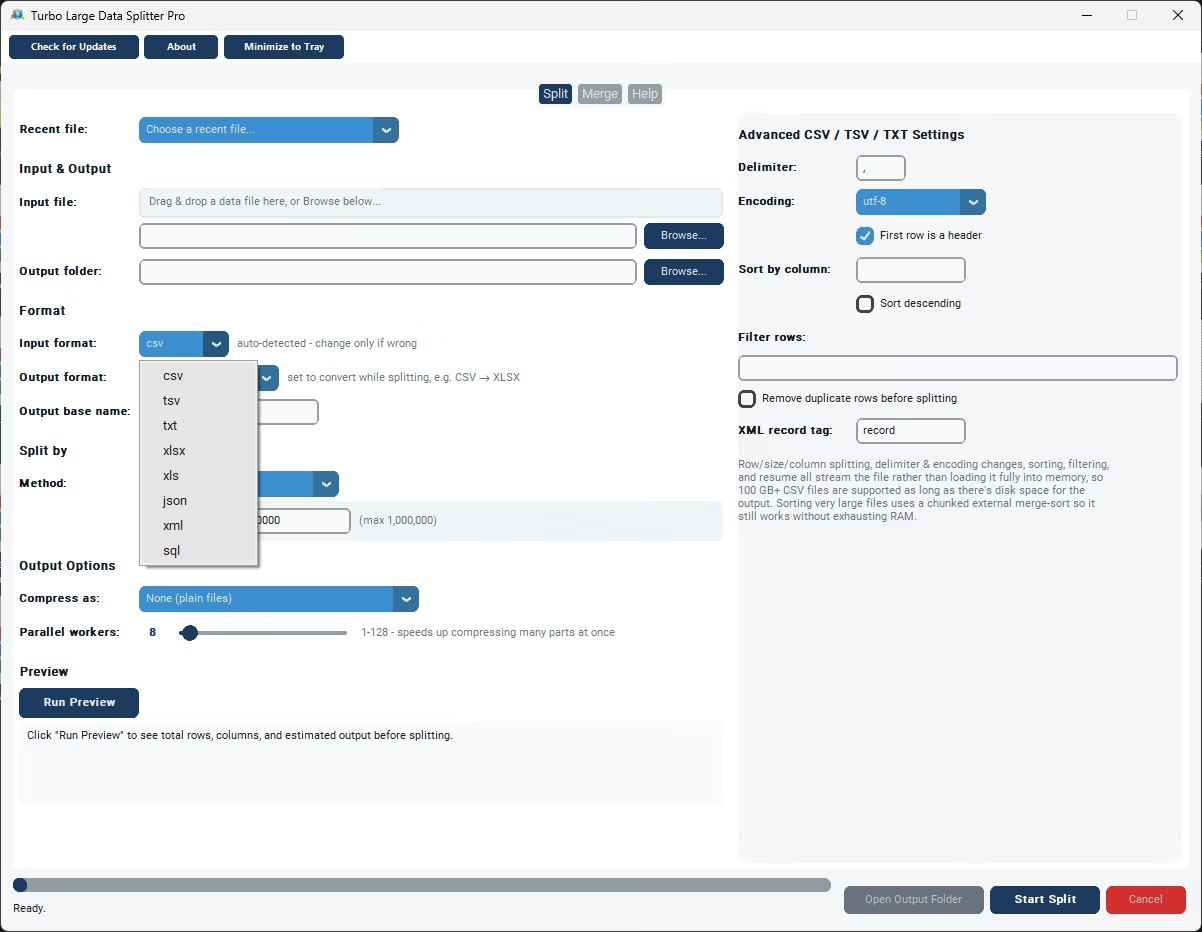
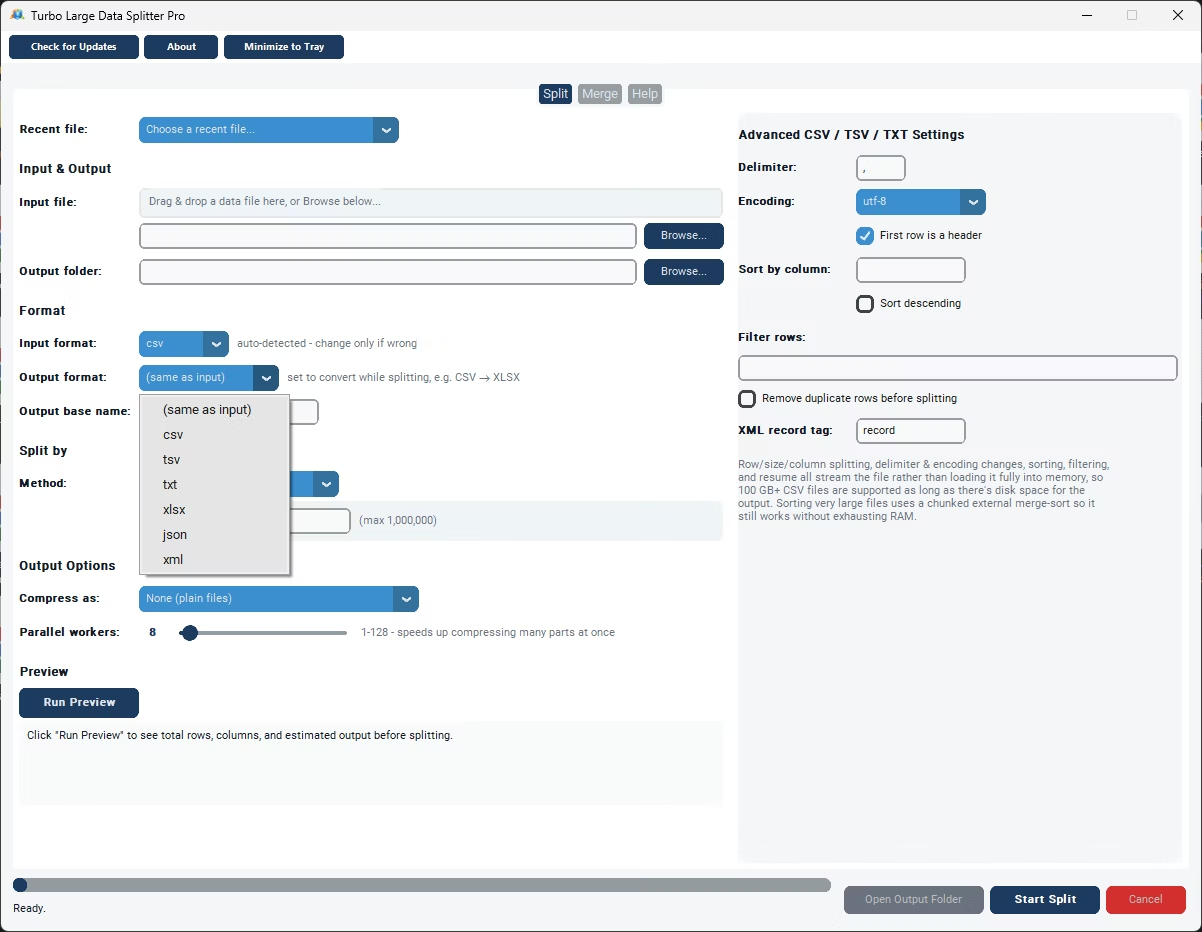
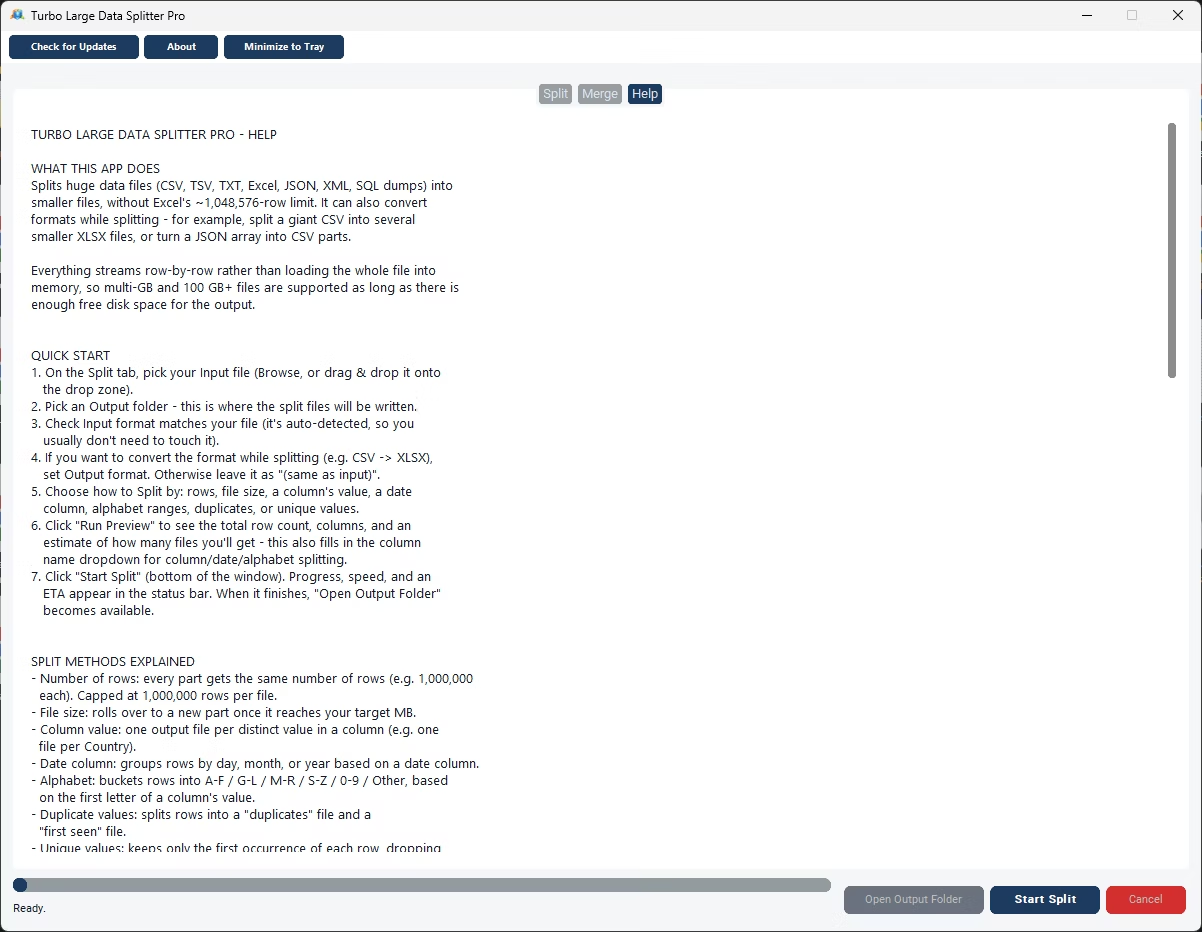
Turbo Large Data Splitter is dedicated software built specifically for processing huge data files. It reads eight input formats, CSV, TSV, TXT, XLSX, XLS, JSON arrays, XML, and line-oriented SQL dumps, and writes six output formats, with format conversion built directly into the splitting process.
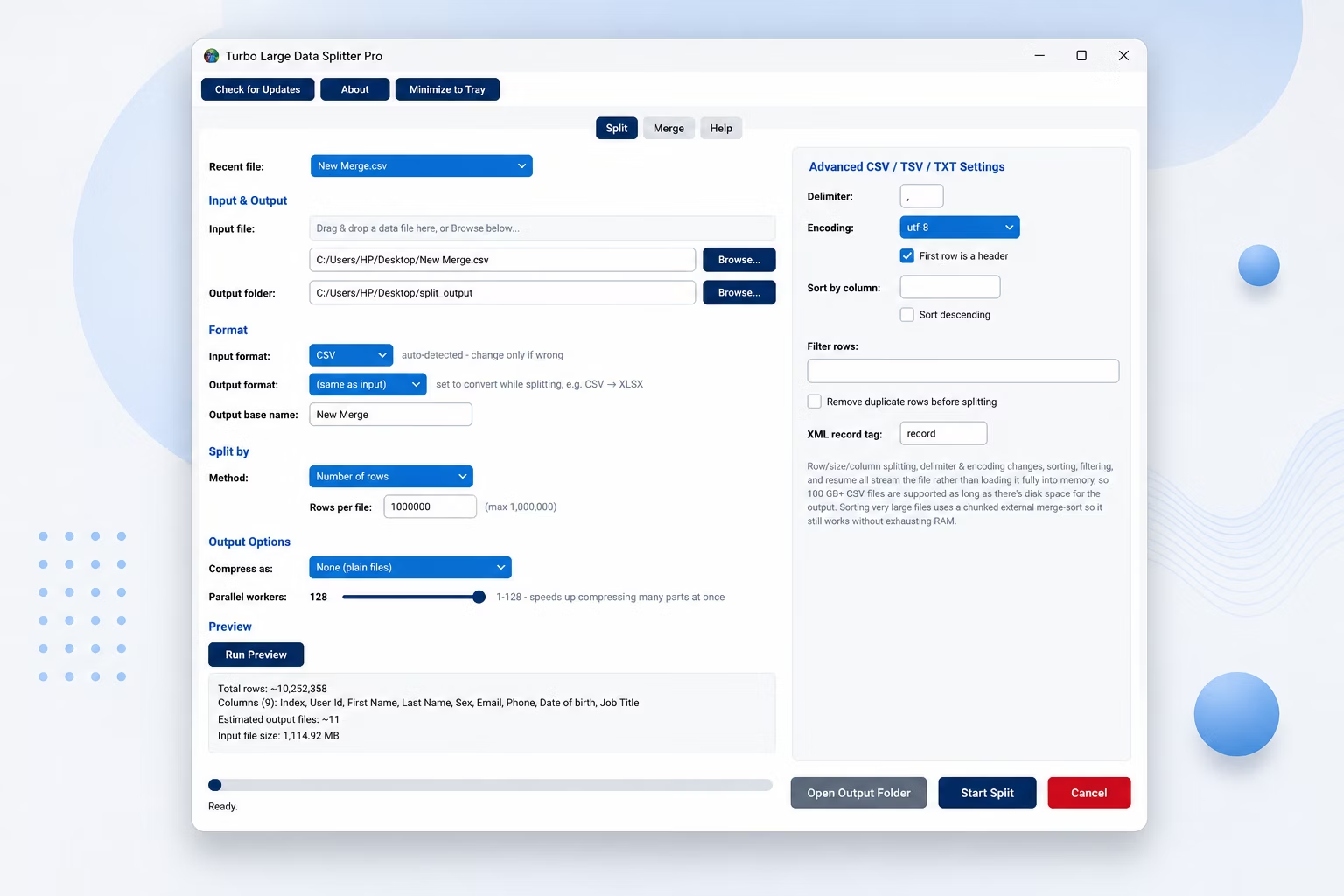
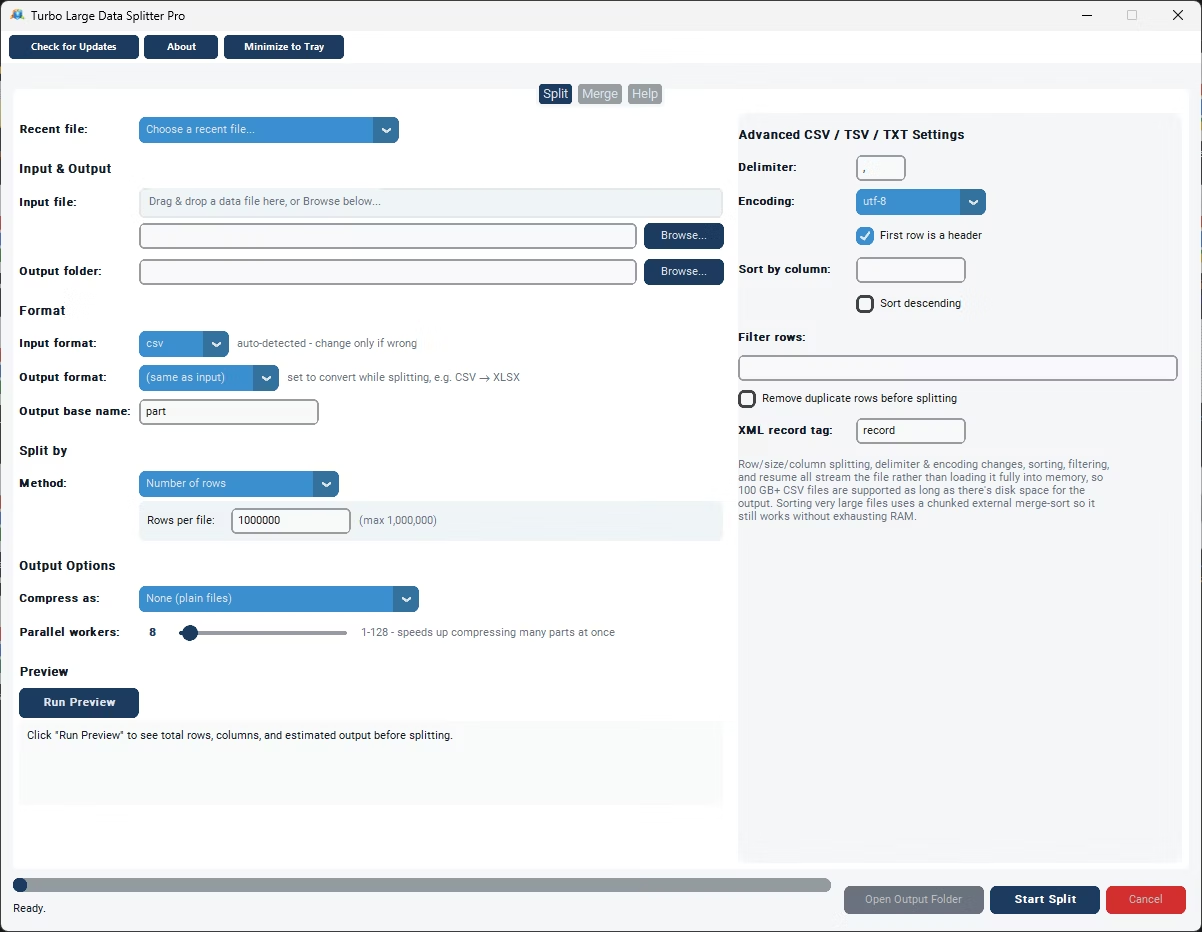
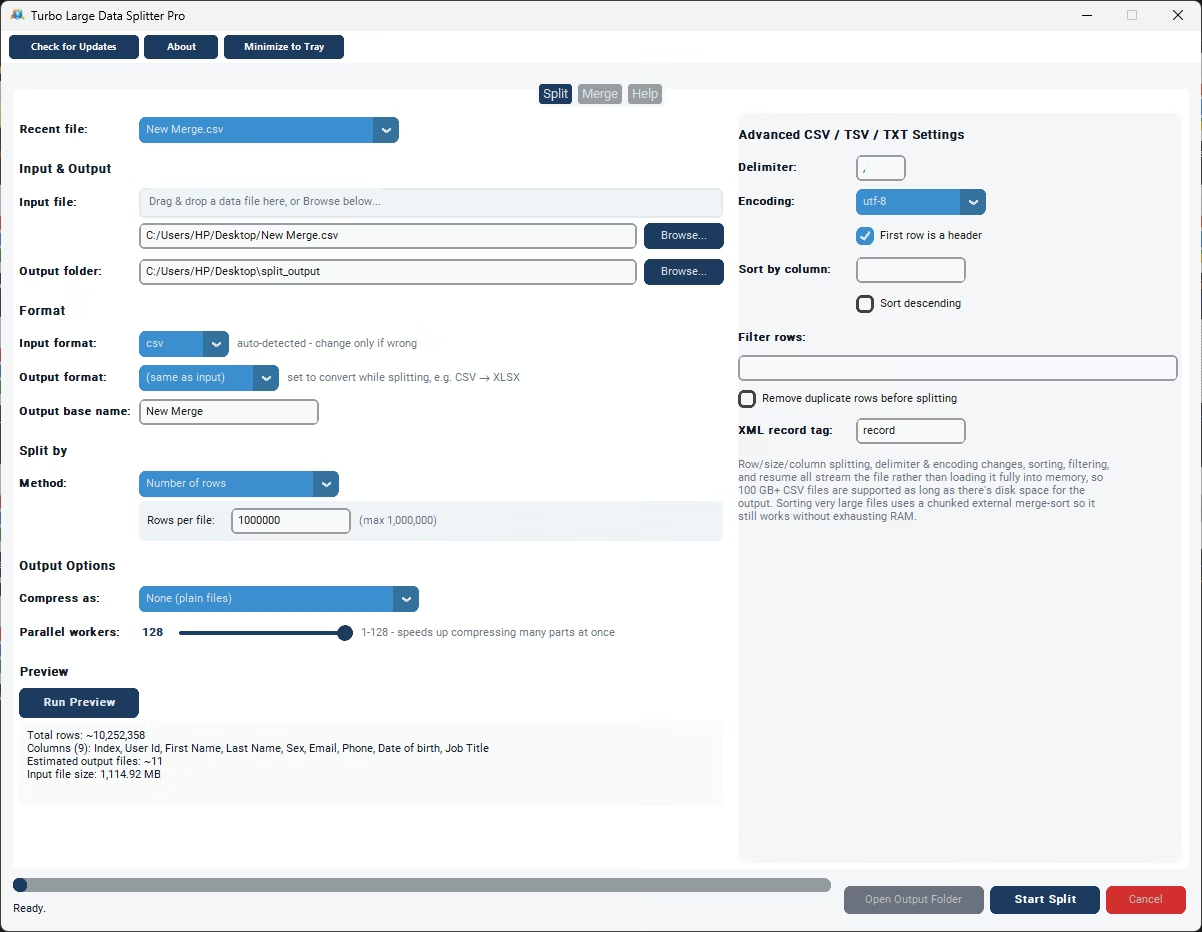
Because it's purpose-built software rather than a general tool, it handles the details that matter at scale: a streaming engine that never loads most formats entirely into memory, advanced settings for delimiter, encoding, header handling, sorting, filtering, and deduplication, and a checkpoint-based resume system.
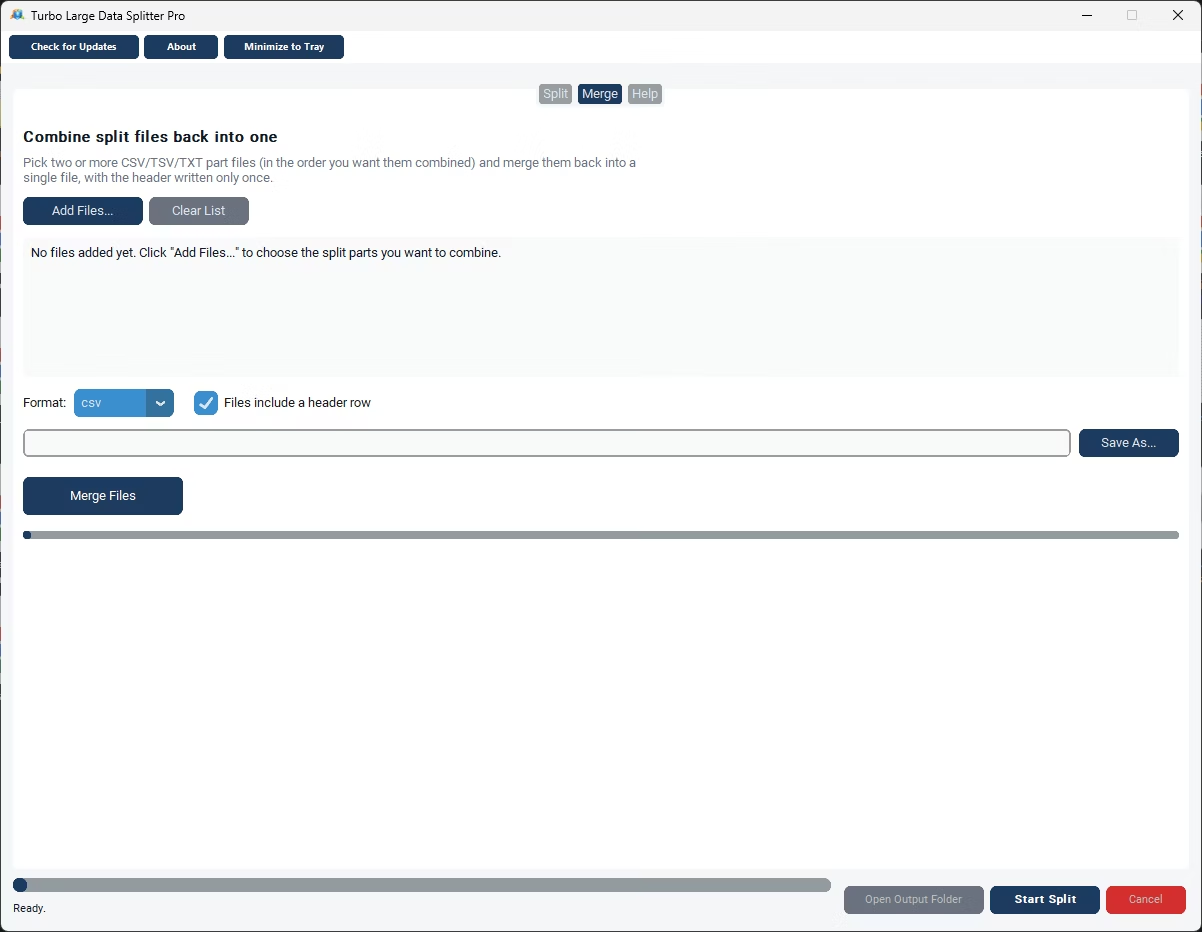
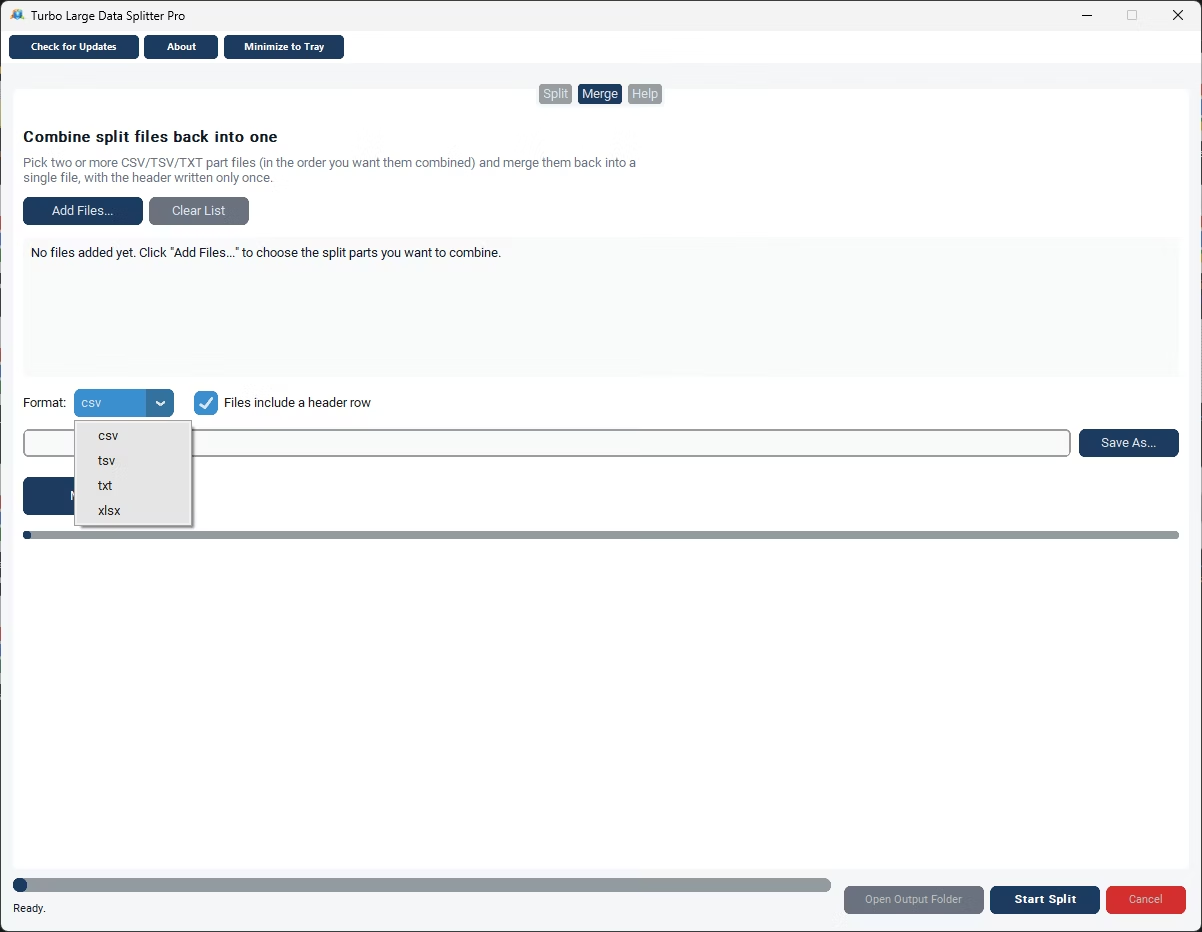
Beyond splitting, the software includes a Merge tab for combining files back together, letting you merge CSV files into one file, merge CSV files into an Excel workbook, or merge XLSX files into one workbook.
A real-time status bar shows progress, speed, and an ETA during processing, giving visibility into large jobs that would otherwise run silently for an unpredictable amount of time.
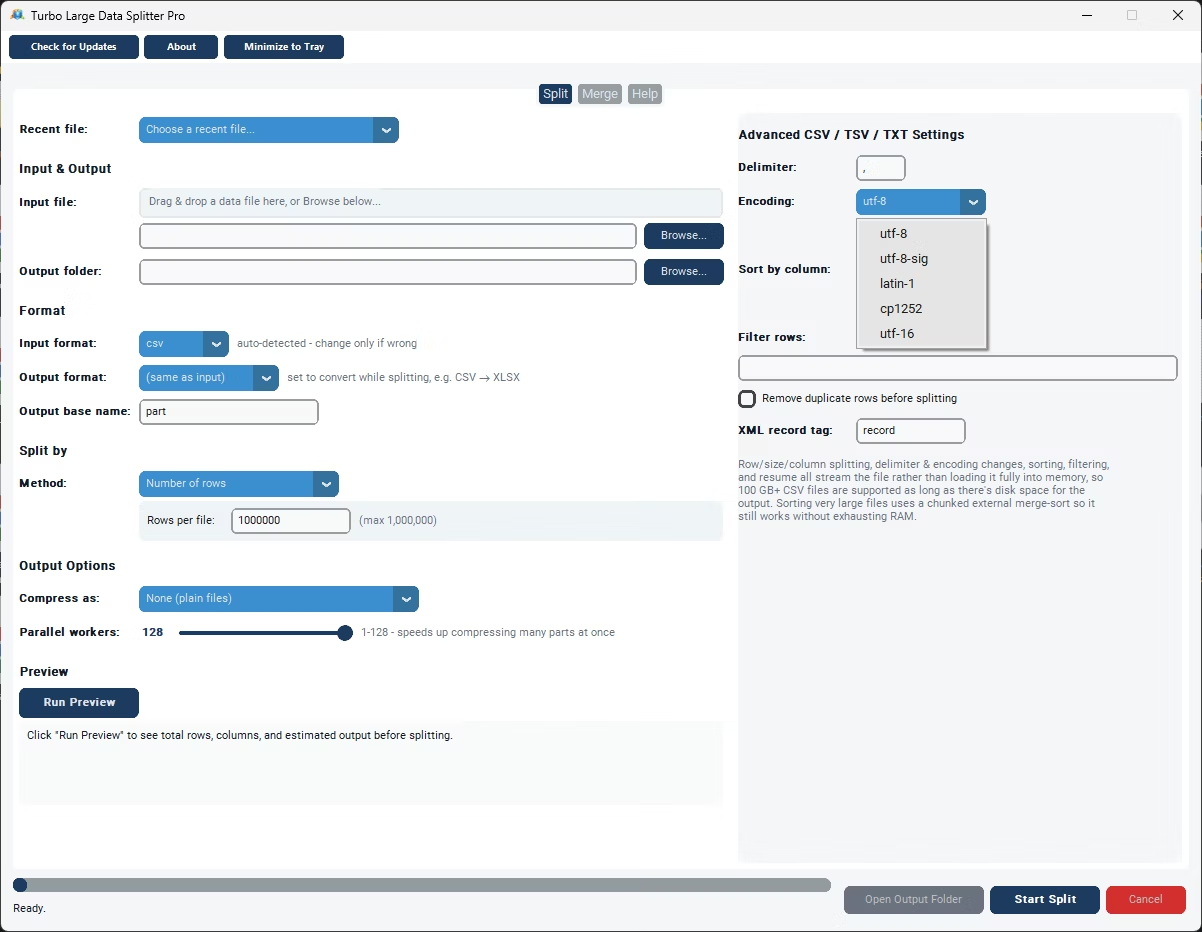
As dedicated Windows software, it runs entirely offline, with no files uploaded, no cloud size limits, and no waiting queues, keeping large or sensitive data files fully under your control throughout processing. Delimiter and encoding both default to Auto for relevant formats and are detected directly from the file itself, so you only need to touch them in the rare case detection gets something wrong, an unusual delimiter or a legacy encoding, for example. This makes the tool equally useful for data analysts working with irregular exports, developers automating a recurring pipeline step, e-commerce teams distributing catalog data by category, and anyone else who regularly runs into the practical limits of opening a large data file directly in a spreadsheet program.
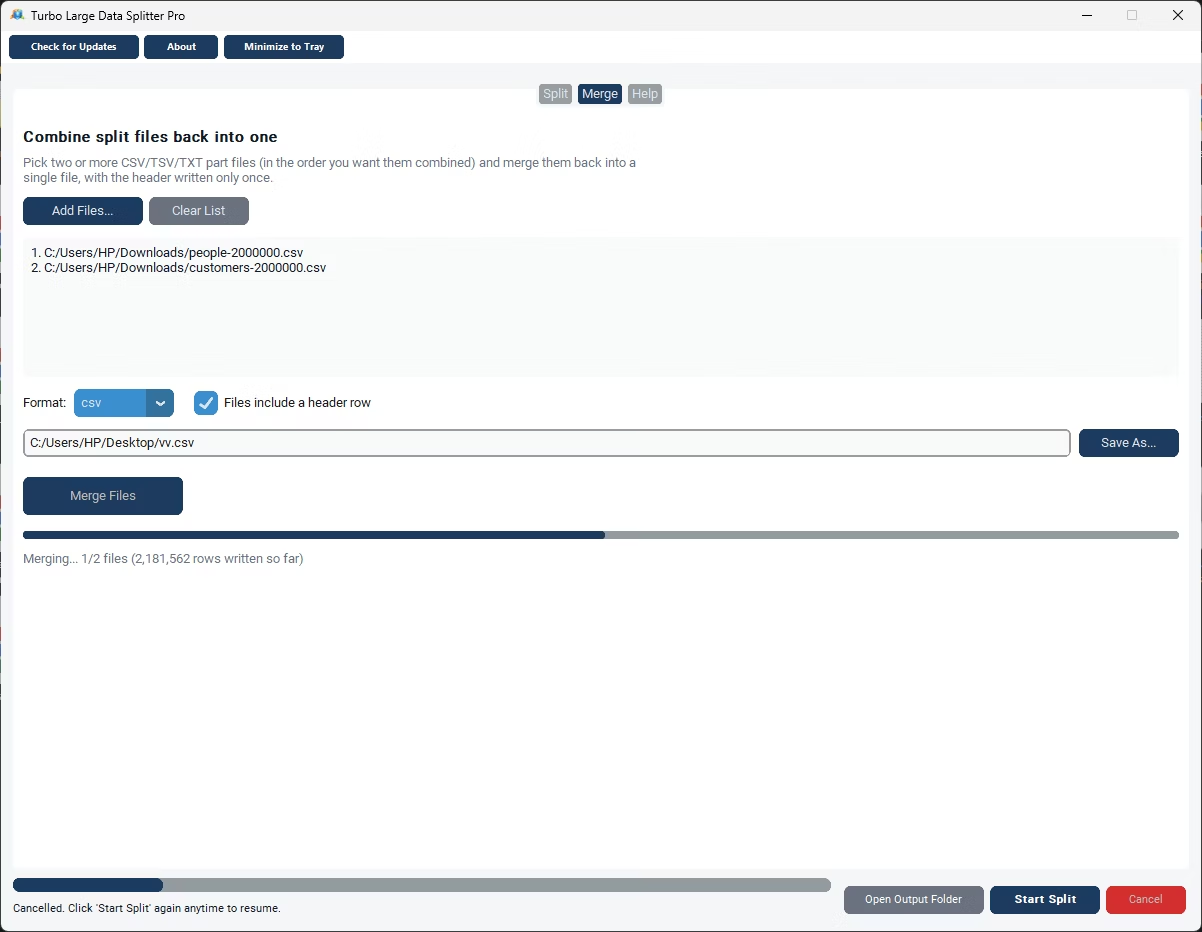
- Install Turbo Large Data Splitter on your Windows PC.
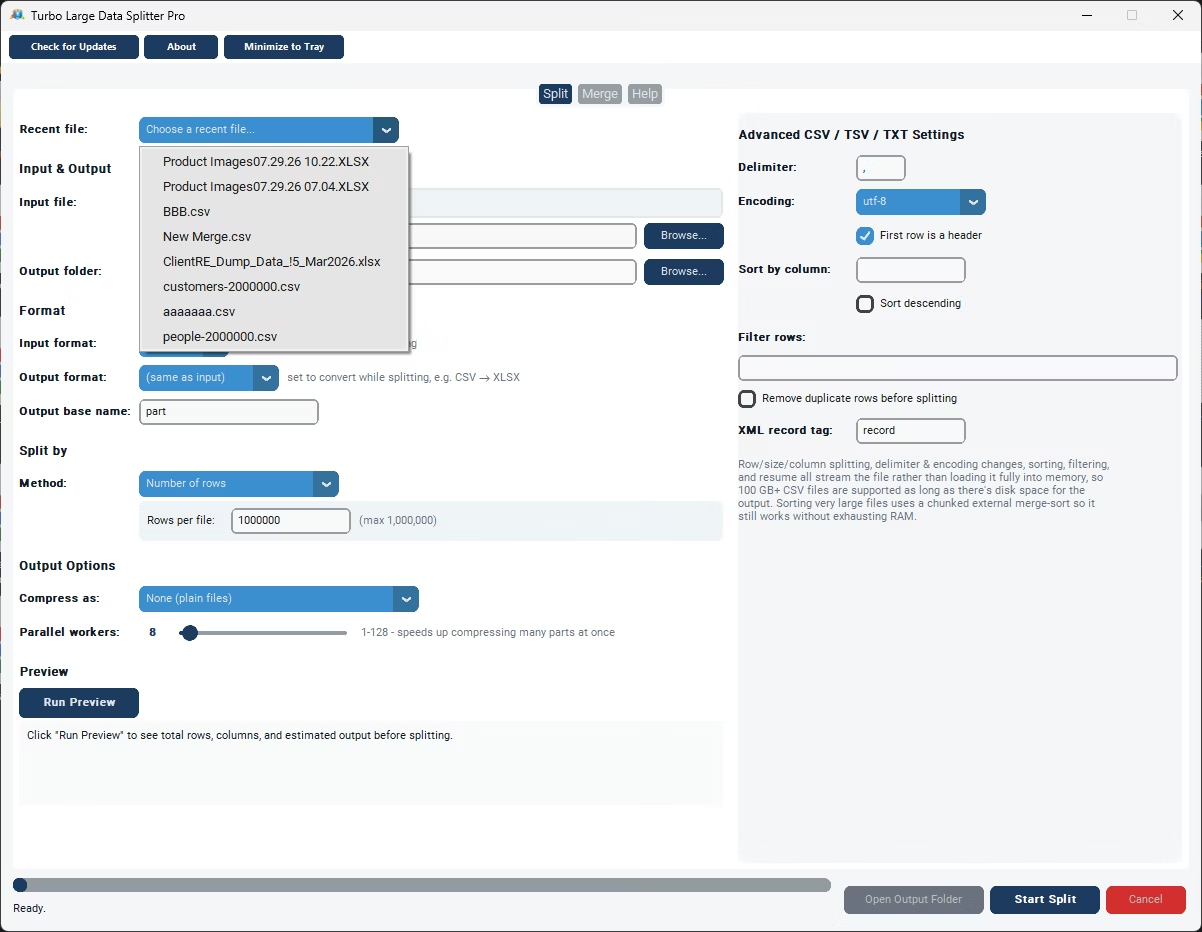
- Browse to or drag and drop your huge data file.
- Choose your output folder and format.
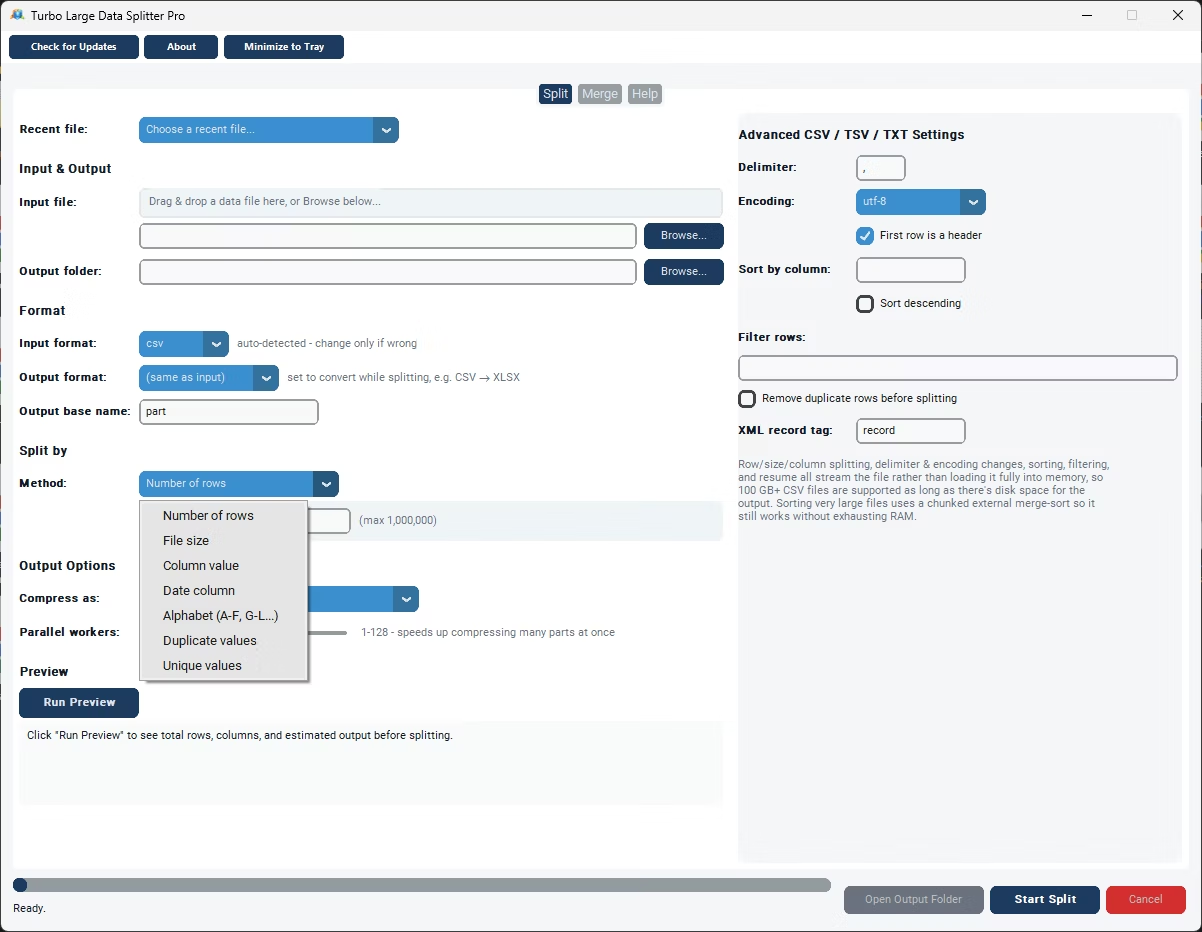
- Choose the split method that matches your need.
- Run Preview to confirm the setup.
- Click Start Split and let the software process the file.
- Monitor live speed and ETA in the status bar.
- Use the Merge tab afterward if you need to combine files back together.
- Adjust the parallel worker slider if compressing many output parts.
- Check the status bar for the final row count and file count summary.
- Purpose-built software supporting eight input formats
- Streaming engine avoids memory limits for most formats
- Advanced settings for delimiter, encoding, sort, filter, dedupe
- Checkpoint-based resume for interrupted large jobs
- Includes a Merge tab for combining files back together
- Real-time status bar with speed and ETA
- Runs fully offline with no cloud size limits
- One-time purchase for Windows, with Gumroad license activation
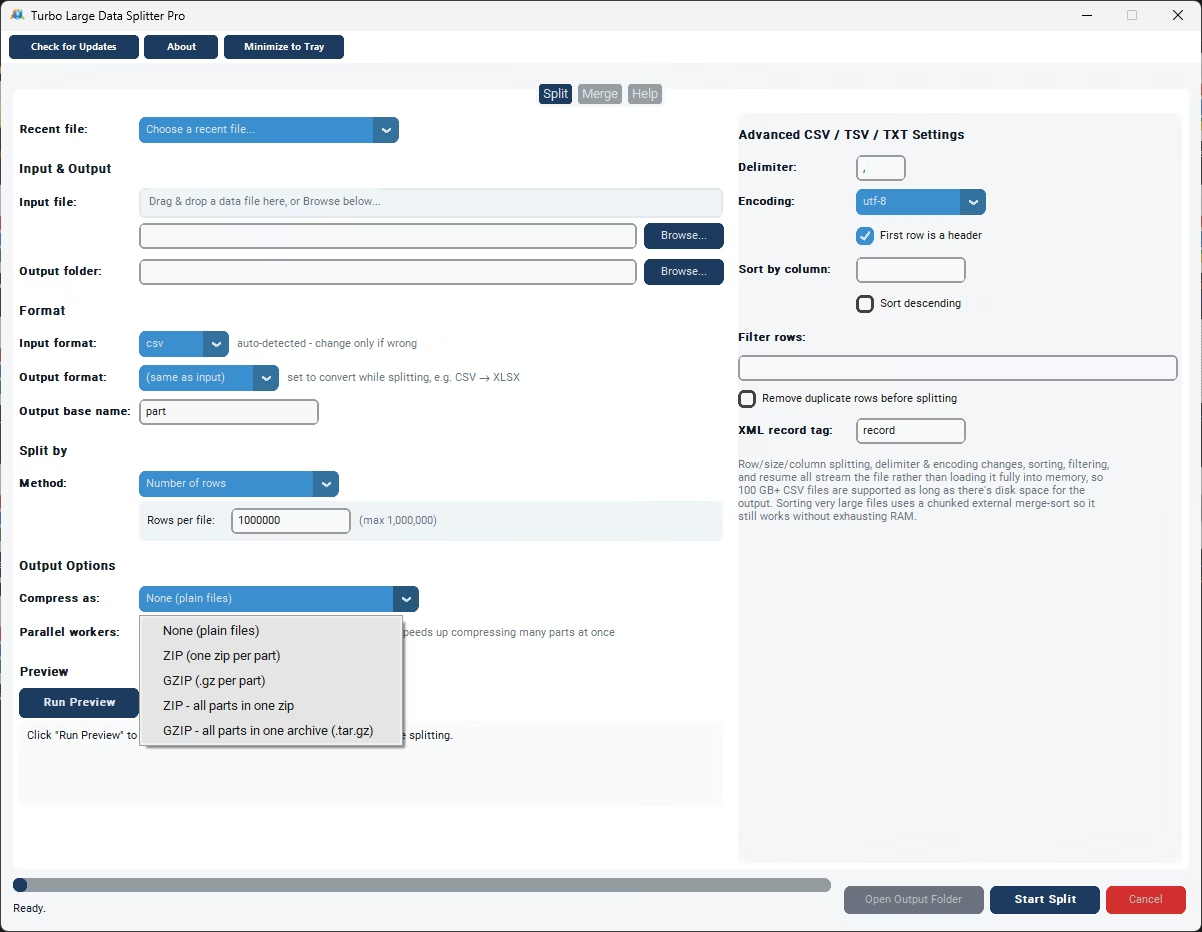
- Compression options: uncompressed, per-part ZIP/gzip, or a single bundled archive
- Works with files on local drives, external drives, and network shares
How is this different from processing a huge file in a spreadsheet program?
A spreadsheet program would need to load the entire file, which fails for large files past its row or memory limits; this software streams the file and offers seven dedicated split methods across eight formats.
Does the software include anything beyond splitting?
Yes, a Merge tab combines files back together, including merging CSV files into an Excel workbook or merging multiple XLSX files into one.
Is this a one-time purchase or a subscription?
It's licensed through Gumroad with an email and license key verified once and then cached locally, structured as a one-time purchase rather than a recurring subscription.
Can the software handle files too large for other applications to open?
Yes, the streaming engine is specifically built to handle multi-GB and 100 GB+ files that would be impossible to open directly in most other applications.
Does this work on both Windows 10 and Windows 11?
Yes, Turbo Large Data Splitter is built and tested for both Windows 10 and Windows 11.
Is my data safe when using this tool?
Yes, all processing happens locally on your PC; no files are ever uploaded, so proprietary or sensitive data stays fully under your control.
Can I compress the split output files?
Yes, you can leave parts uncompressed, zip or gzip each part individually, or bundle everything into a single ZIP or gzip archive, sped up by a parallel worker slider.
Can I use this on files stored on an external or network drive?
Yes, data files on local drives, external drives, or mapped network shares all work the same as any local file.
Can I cancel a split job partway through if I need to?
Yes, cancelling saves a checkpoint file in the output folder, so you can resume the job later exactly where it left off instead of starting over.
Is there a trial version available before buying?
Check the product page on turbo-soft.com for current trial availability and details.
Ready to process your huge data files with dedicated software, fully offline?