Breaking a large data file into groups of rows, a thousand at a time, a hundred thousand at a time, whatever fits your workflow, is the most straightforward way to make an oversized file manageable, regardless of whether it started as a CSV, an Excel workbook, or a JSON export.
Turbo Large Data Splitter's Number of Rows method groups rows this way directly: every output file gets the same number of rows, up to 1,000,000 per file, working consistently across CSV, TSV, TXT, XLSX, JSON, and XML.
Each row group is written as an independently valid file in your chosen output format, with headers preserved, so every group can be opened, imported, or shared on its own without needing the other files for context.
Because the split is purely row-count based, the resulting groups are predictable: you know in advance roughly how many files you'll get by dividing the total row count by your chosen group size, and Preview confirms the exact row count and estimated file count before you commit.
The streaming engine handles row grouping on files of any size for most formats, processing row by row rather than loading the whole file into memory, so grouping rows in a multi-million-row file works the same way as a small one, just taking longer proportionally.
Everything runs offline, entirely on your own PC, so dividing data into row groups never requires uploading your data anywhere. Delimiter and encoding both default to Auto for relevant formats and are detected directly from the file itself, so you only need to touch them in the rare case detection gets something wrong, an unusual delimiter or a legacy encoding, for example. This makes the tool equally useful for data analysts working with irregular exports, developers automating a recurring pipeline step, e-commerce teams distributing catalog data by category, and anyone else who regularly runs into the practical limits of opening a large data file directly in a spreadsheet program.
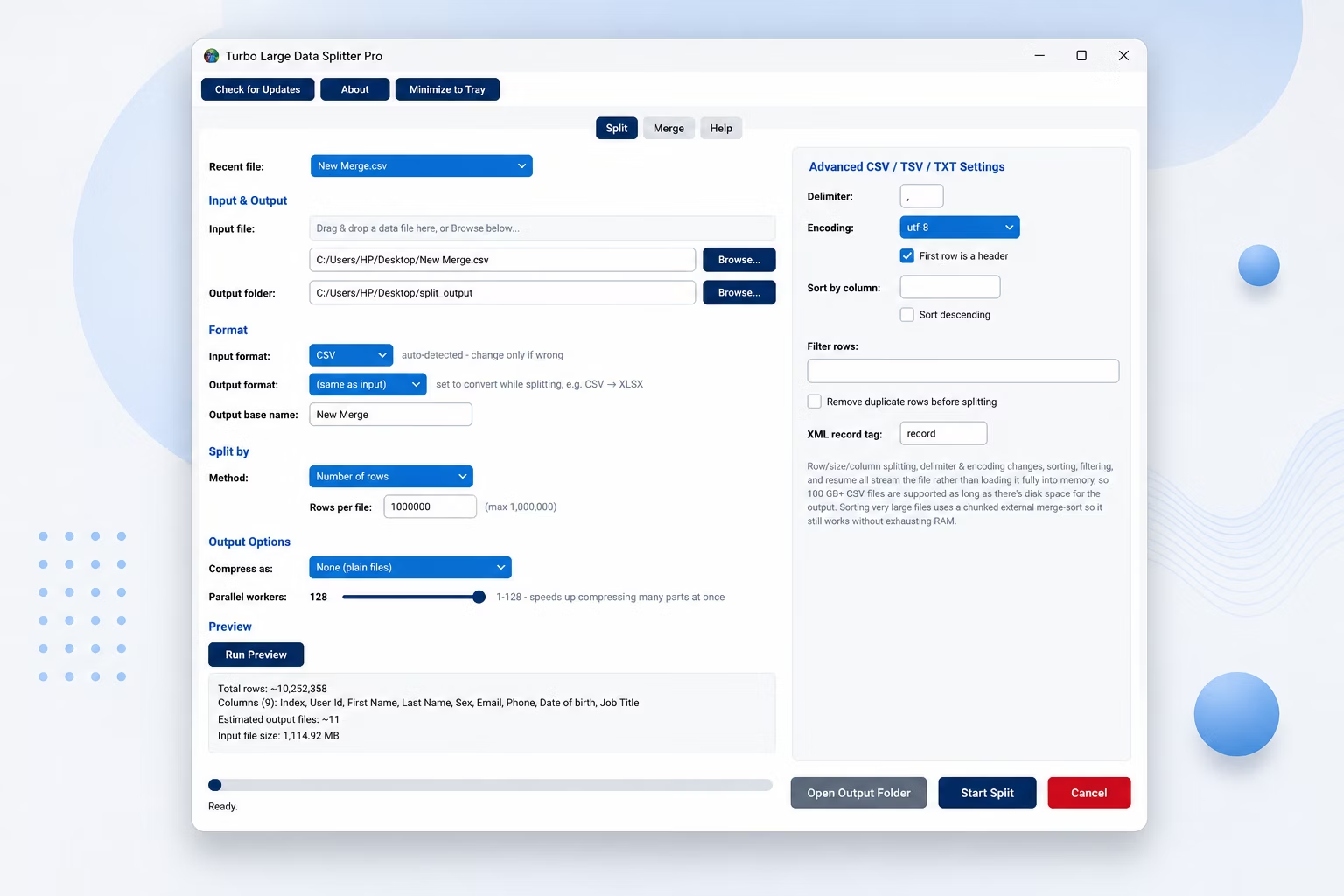
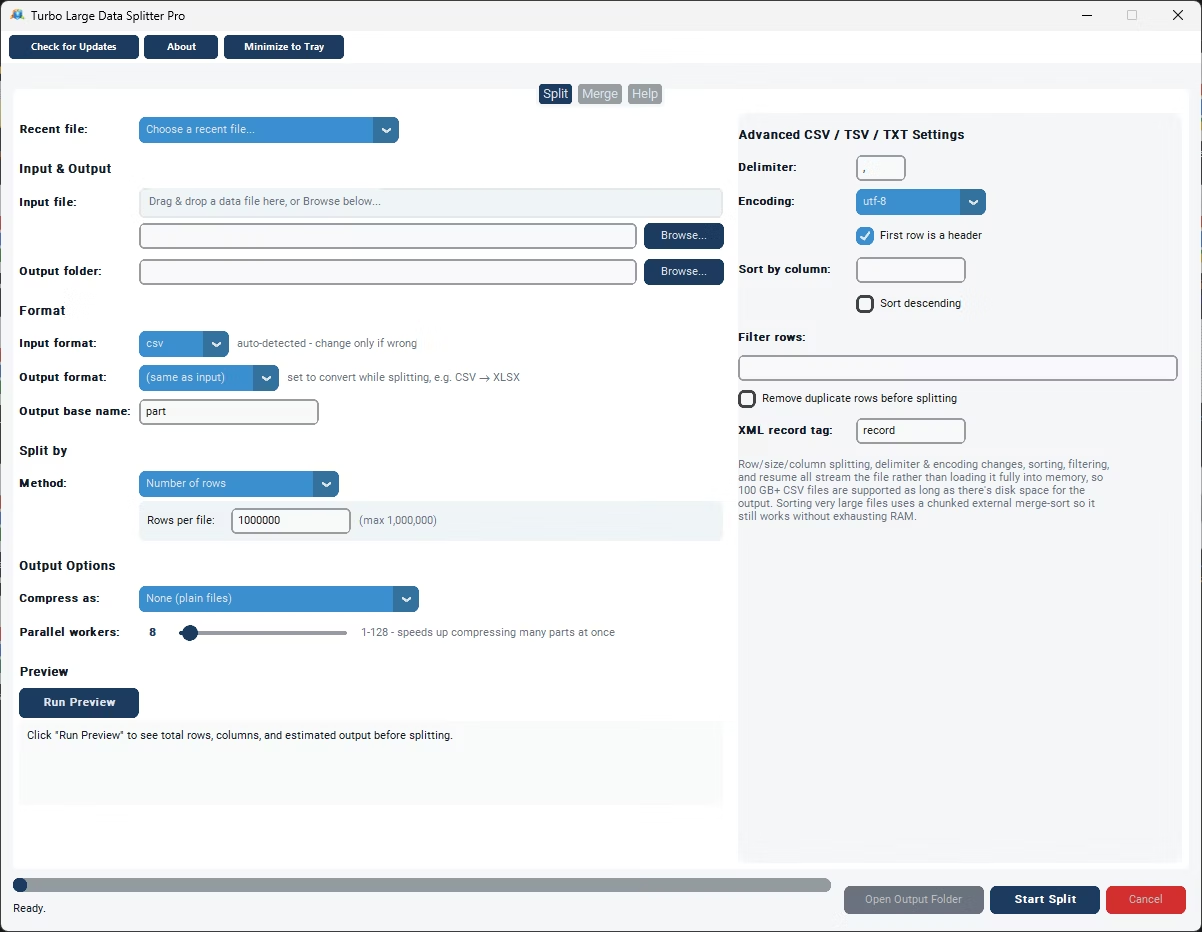
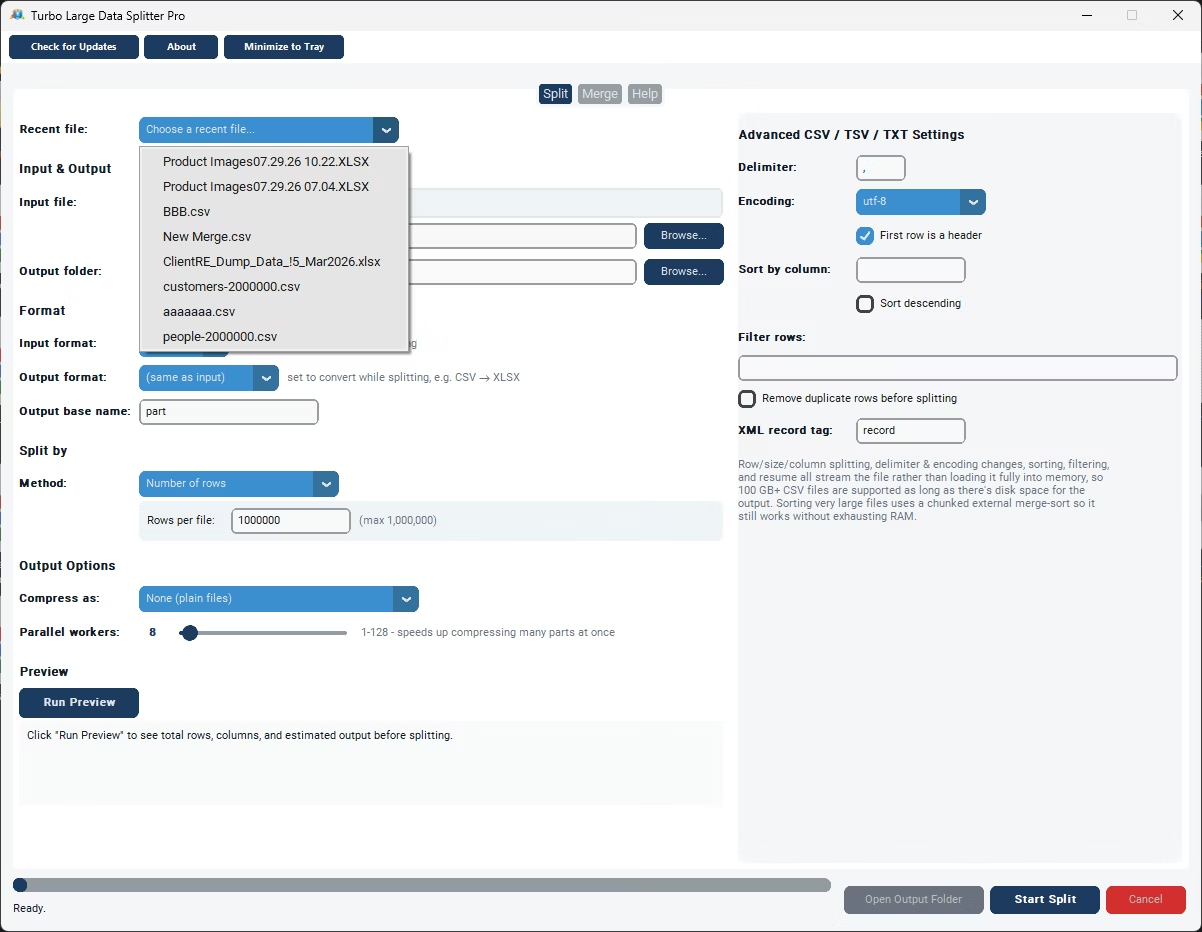
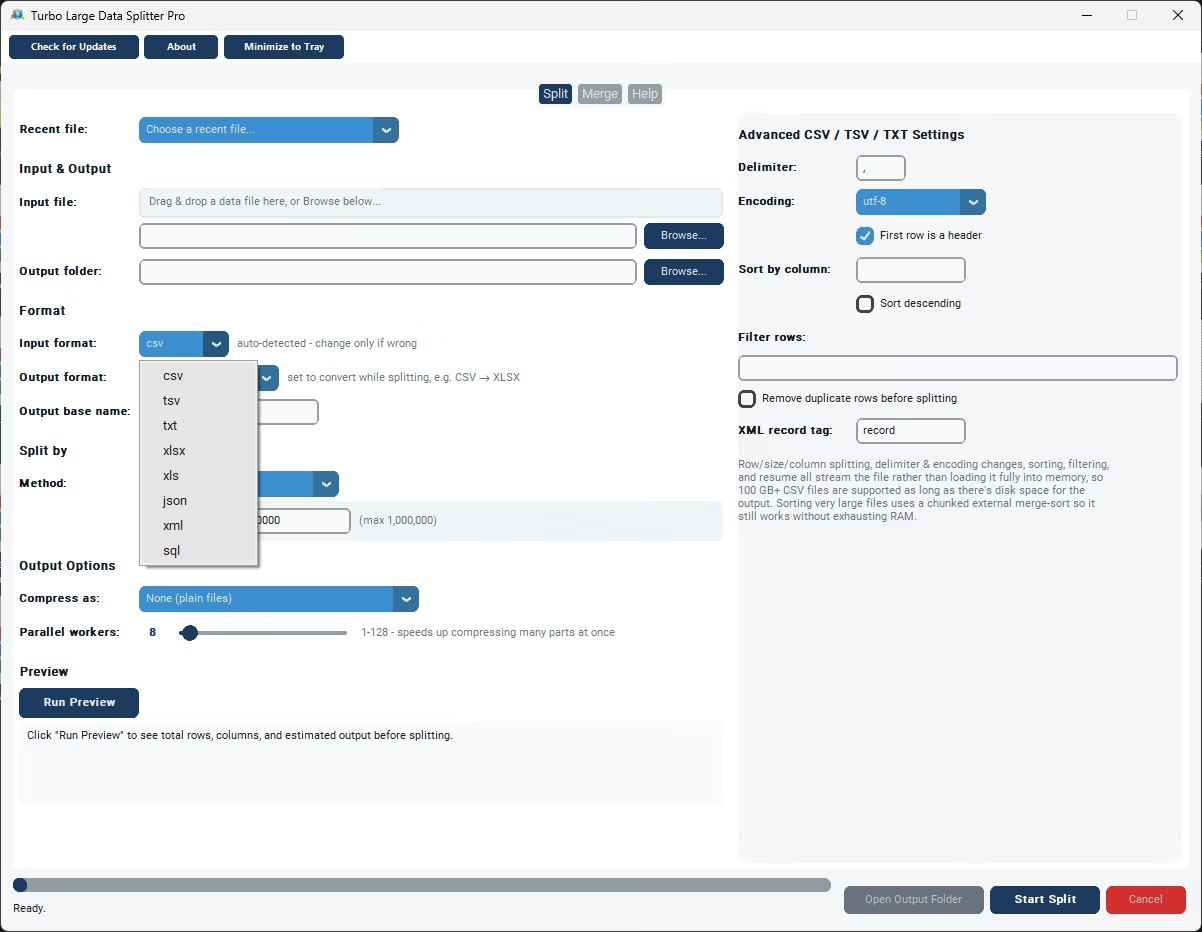
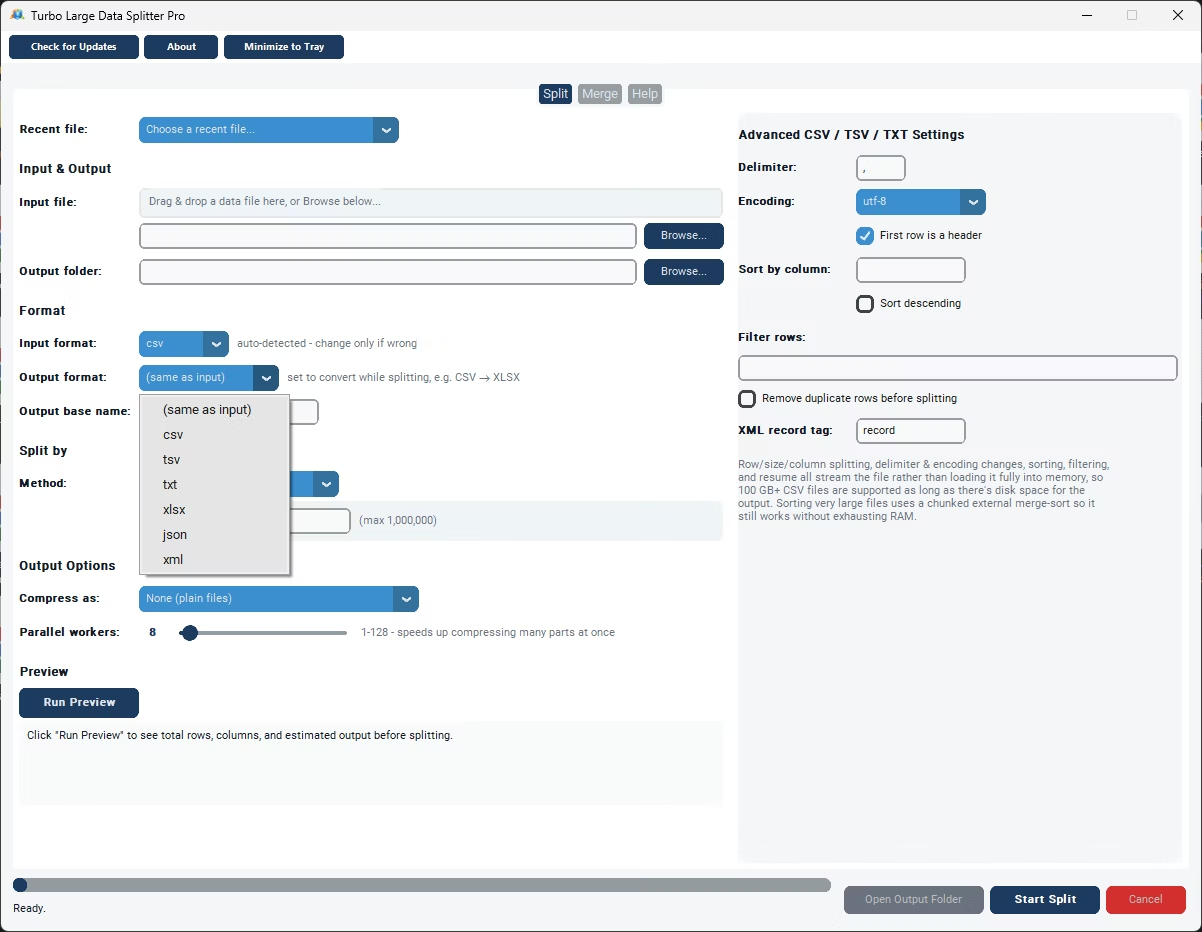
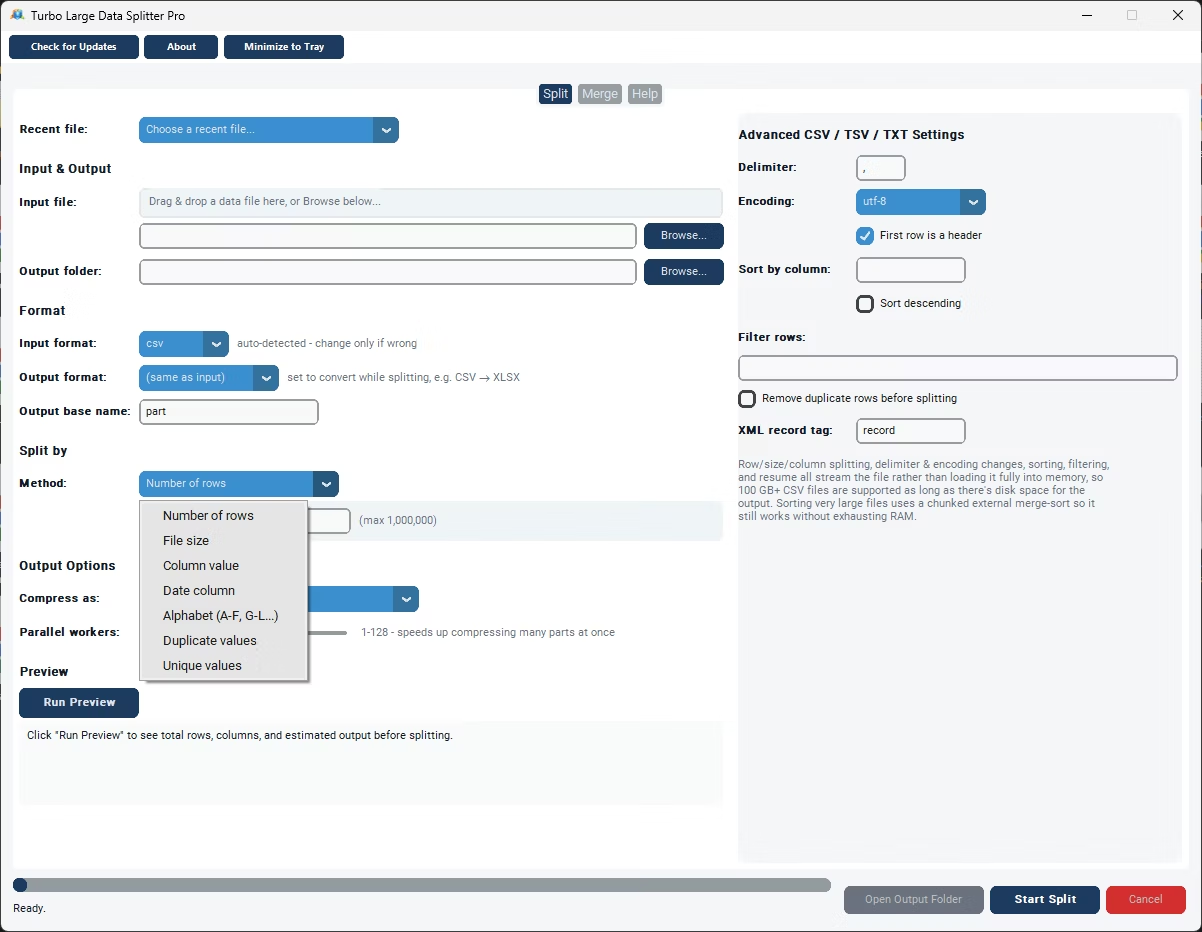
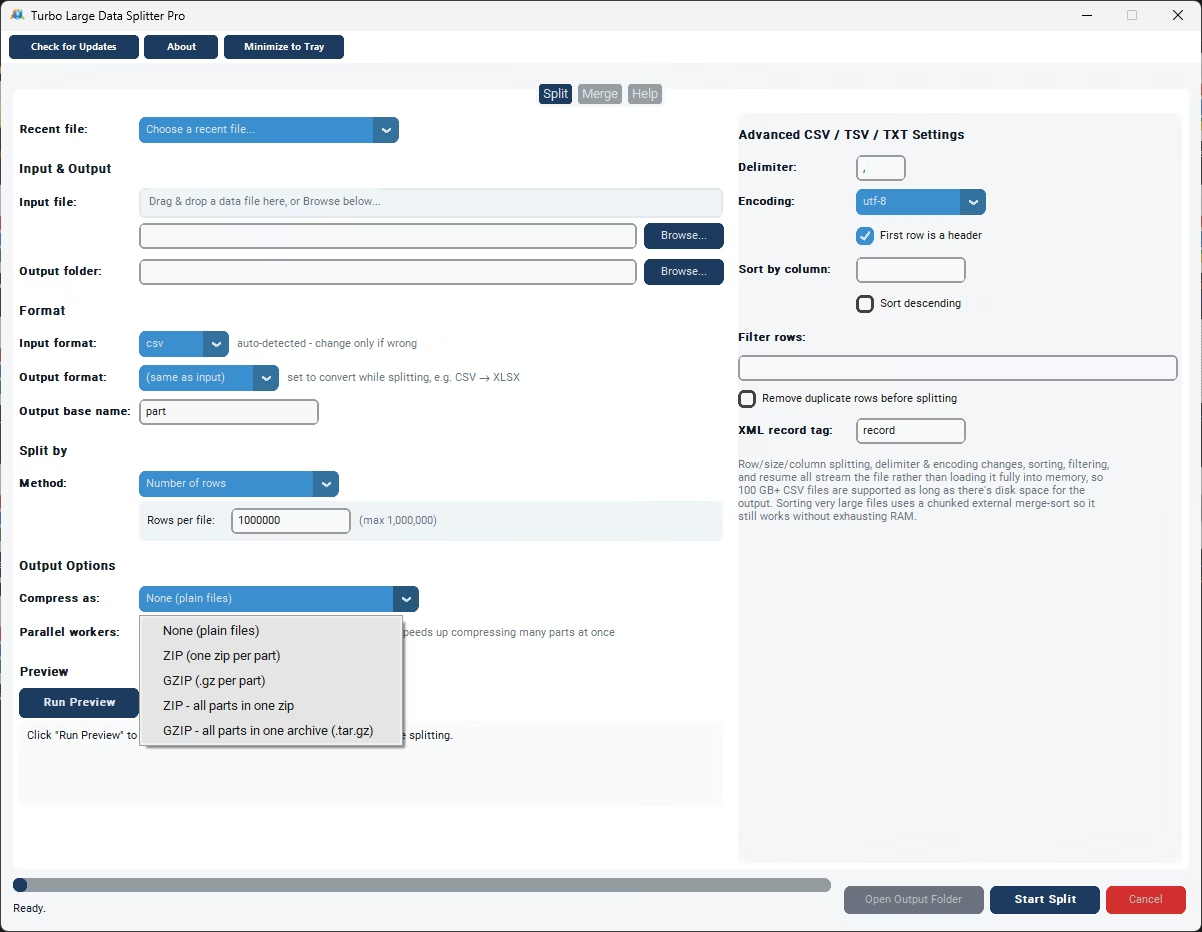
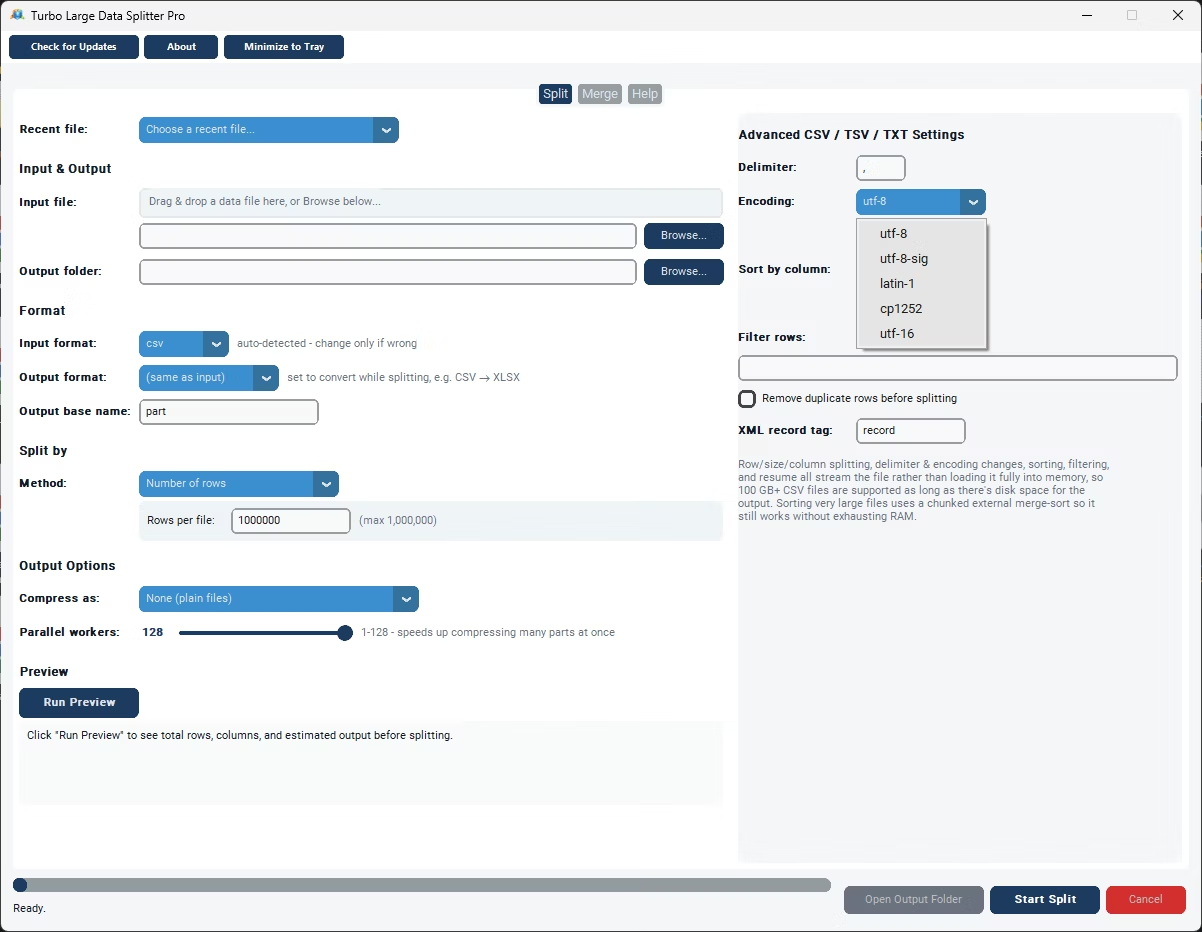
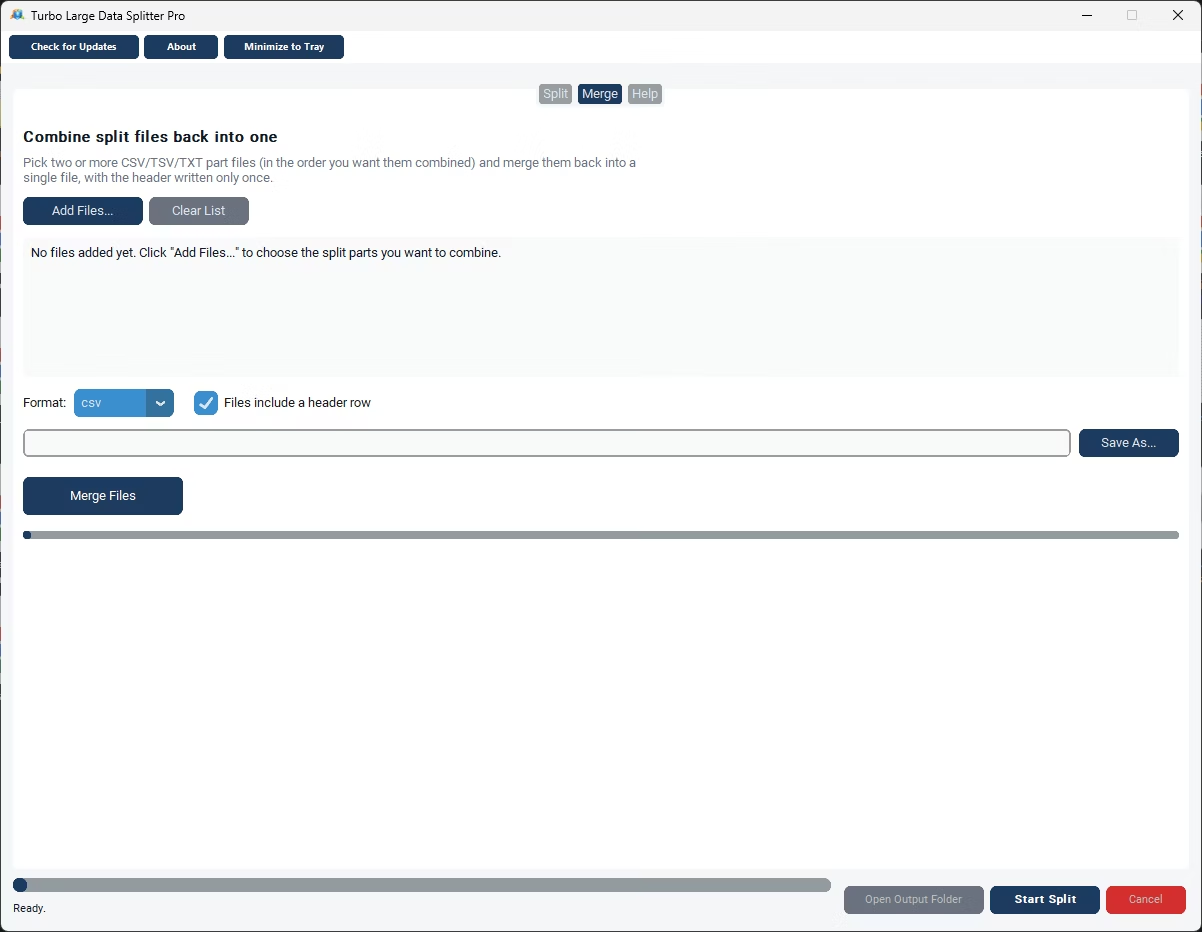
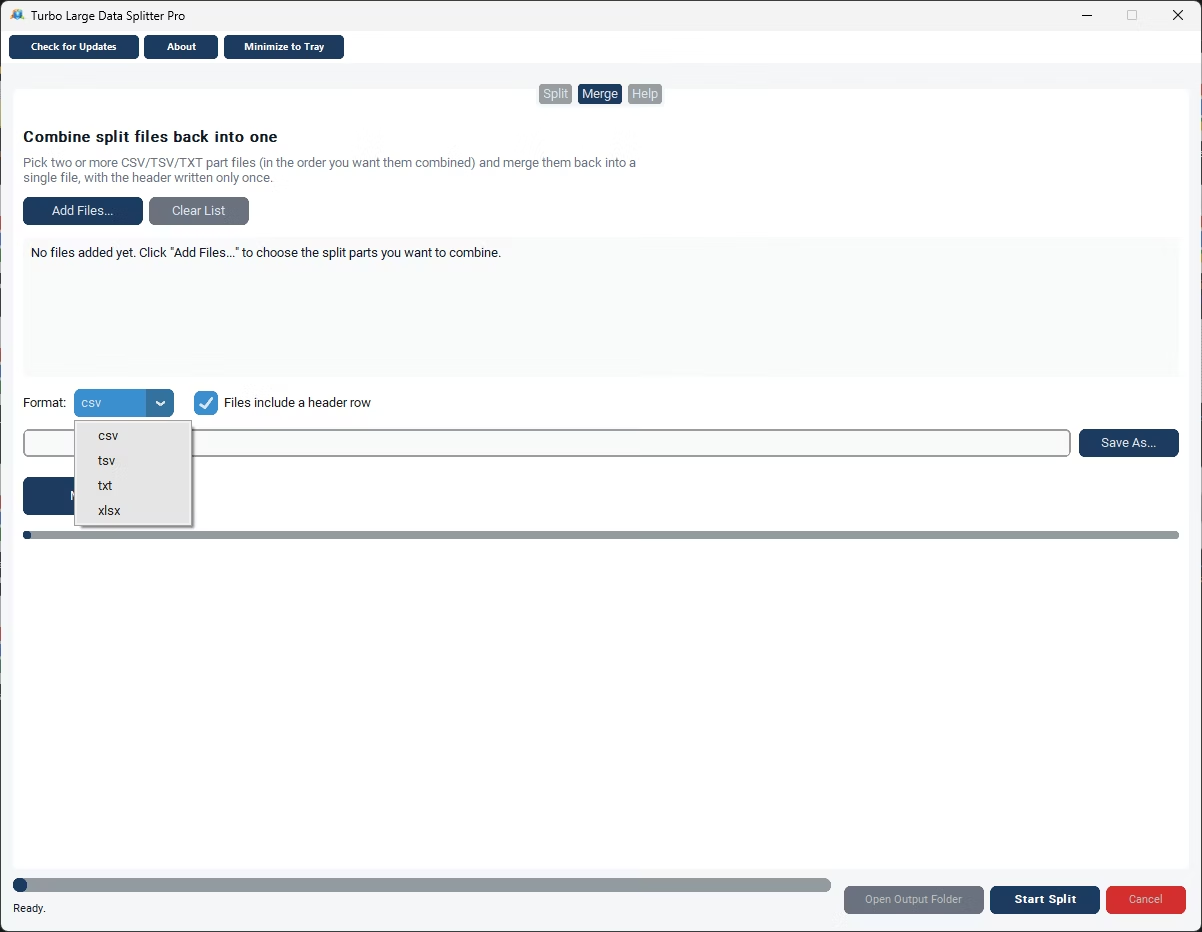
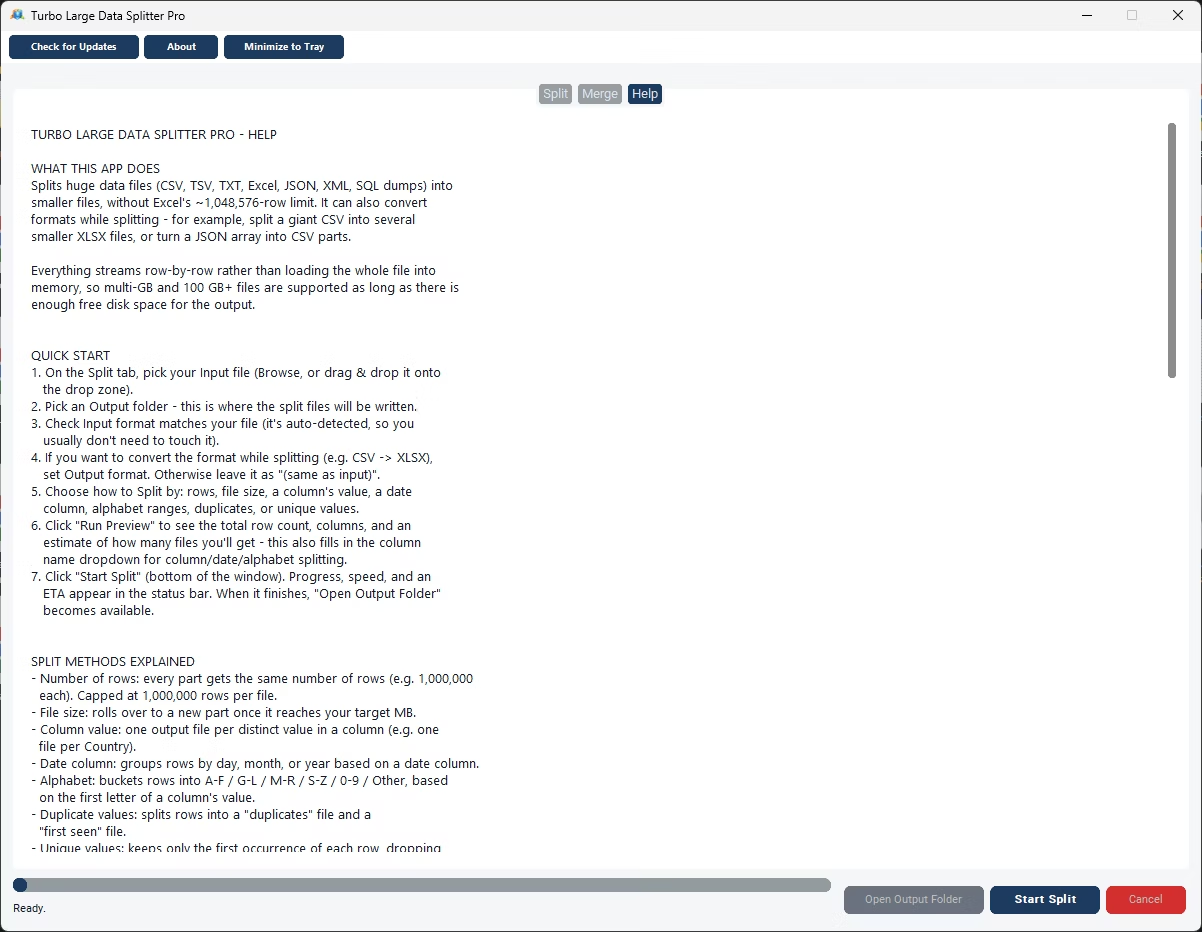
- Install Turbo Large Data Splitter on your Windows PC.
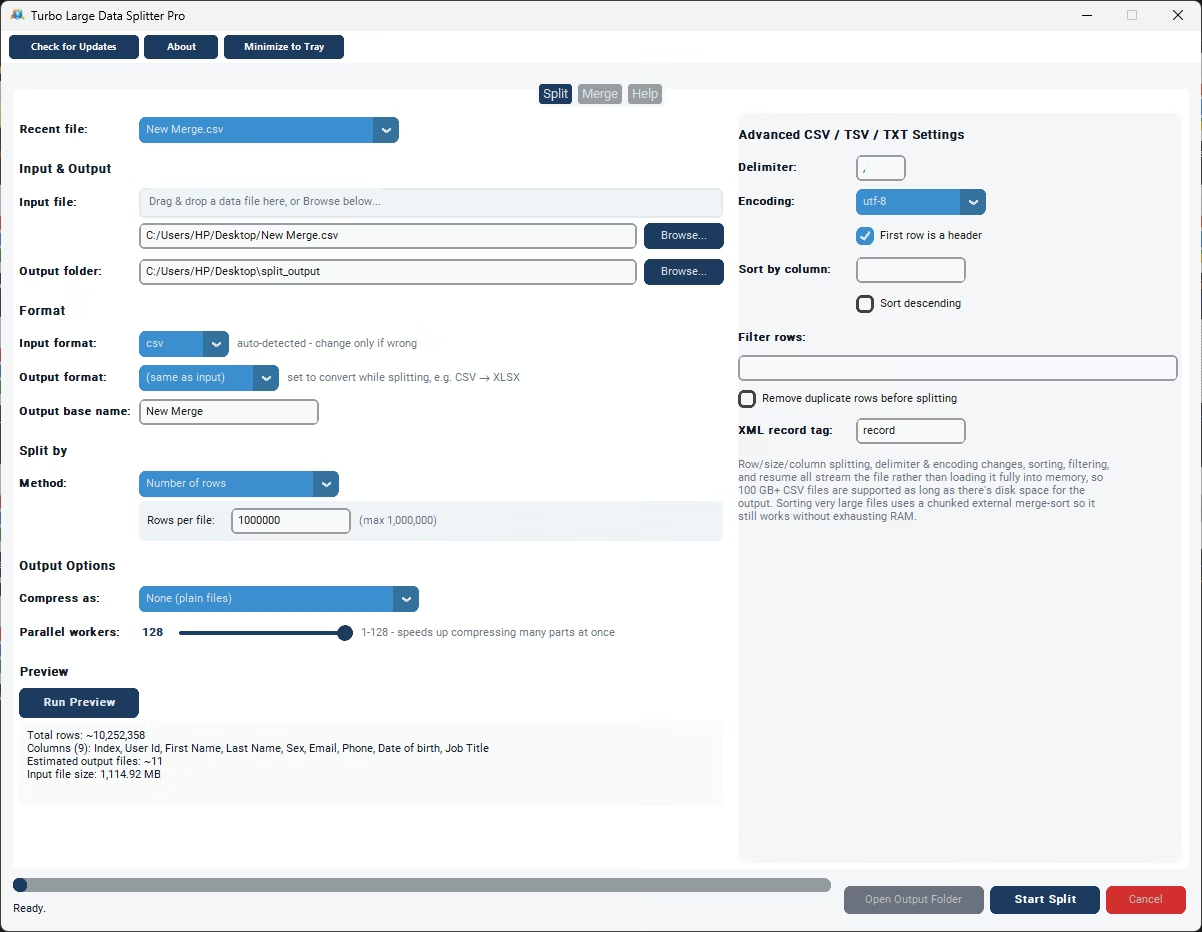
- Browse to or drag and drop your data file.
- Choose your output folder and format.
- Select the Number of Rows split method.
- Set your desired rows per group, up to 1,000,000.
- Run Preview to confirm the row count and estimated groups.
- Click Start Split and monitor progress.
- Open the output folder to find your row groups.
- Adjust the parallel worker slider if compressing many output parts.
- Check the status bar for the final row count and file count summary.
- Groups rows into consistently-sized output files
- Works across CSV, TSV, TXT, XLSX, JSON, and XML
- Up to 1,000,000 rows per group
- Predictable output file count based on your chosen group size
- Preview confirms exact row count before splitting
- Works on files of any size via streaming
- Runs fully offline with no uploads required
- One-time purchase for Windows, with Gumroad license activation
- Compression options: uncompressed, per-part ZIP/gzip, or a single bundled archive
- Works with files on local drives, external drives, and network shares
Can I group rows from a JSON file the same way as CSV?
Yes, the Number of Rows method works consistently across all supported input formats, including JSON arrays.
Will the last row group be a different size than the others?
Yes, if the total row count doesn't divide evenly by your group size, the last file holds whatever rows remain, which may be smaller than the others.
Does every row group include the header or column structure?
Yes, the header or equivalent structure is preserved in every group, so each one is independently valid and opens correctly on its own.
Can I split into very small row groups, like a few hundred rows each?
Yes, you can set rows per group to any value up to the 1,000,000-row ceiling, including much smaller groupings if that fits your workflow better.
Does this work on both Windows 10 and Windows 11?
Yes, Turbo Large Data Splitter is built and tested for both Windows 10 and Windows 11.
Is my data safe when using this tool?
Yes, all processing happens locally on your PC; no files are ever uploaded, so proprietary or sensitive data stays fully under your control.
Can I compress the split output files?
Yes, you can leave parts uncompressed, zip or gzip each part individually, or bundle everything into a single ZIP or gzip archive, sped up by a parallel worker slider.
Can I use this on files stored on an external or network drive?
Yes, data files on local drives, external drives, or mapped network shares all work the same as any local file.
Can I cancel a split job partway through if I need to?
Yes, cancelling saves a checkpoint file in the output folder, so you can resume the job later exactly where it left off instead of starting over.
Is there a trial version available before buying?
Check the product page on turbo-soft.com for current trial availability and details.
Ready to divide your large data into row groups, fully offline?