Many exported spreadsheets use placeholder text - "N/A", "NULL", "n.a.", "--", or "None" - to represent a missing value instead of leaving the cell genuinely empty. To a person reading the sheet, these placeholders communicate the same idea as a blank cell, but to Excel they are simply text, which means a SUM or AVERAGE formula will not treat them as zero or ignore them the way it does a truly empty cell, and functions like COUNTBLANK will not count them either.
Converting these placeholder values into true blank cells makes formulas behave the way most people expect, and it also makes it easier to use tools like Go To Special "Blanks" to find and handle missing data consistently.





The tricky part of this cleanup is that different systems use different placeholder text for the same underlying concept of a missing value - one export might use "N/A", another "NULL", another simply "--". A single Find & Replace only catches one exact pattern at a time, so cleaning a sheet thoroughly usually means running several separate replace operations, one for each placeholder variant you find in your data, and being careful not to accidentally match a legitimate value that happens to contain the same text.
Reviewing your data for the specific placeholder patterns it actually contains before you start is the safest way to avoid missing a variant or over-matching real data.
A common mistake is using Match entire cell contents incorrectly, or forgetting it entirely, which can cause a Find & Replace search for "NA" to also match a cell that legitimately contains the word "Canada" or any other text containing that same substring. It is also easy to miss a placeholder variant that only appears a handful of times in a large file, which is why a systematic review of the sheet's unique text values is worth doing before finalizing the search patterns.
- Identify the specific placeholder text patterns present in your sheet, such as N/A, NULL, or --.
- Open Find & Replace with Ctrl+H and enable Match entire cell contents.
- Enter the first placeholder pattern in Find what, leave Replace with blank, and click Replace All.
- Repeat for each additional placeholder variant found in your data.
- Confirm the affected cells are now genuinely empty rather than containing invisible leftover text.
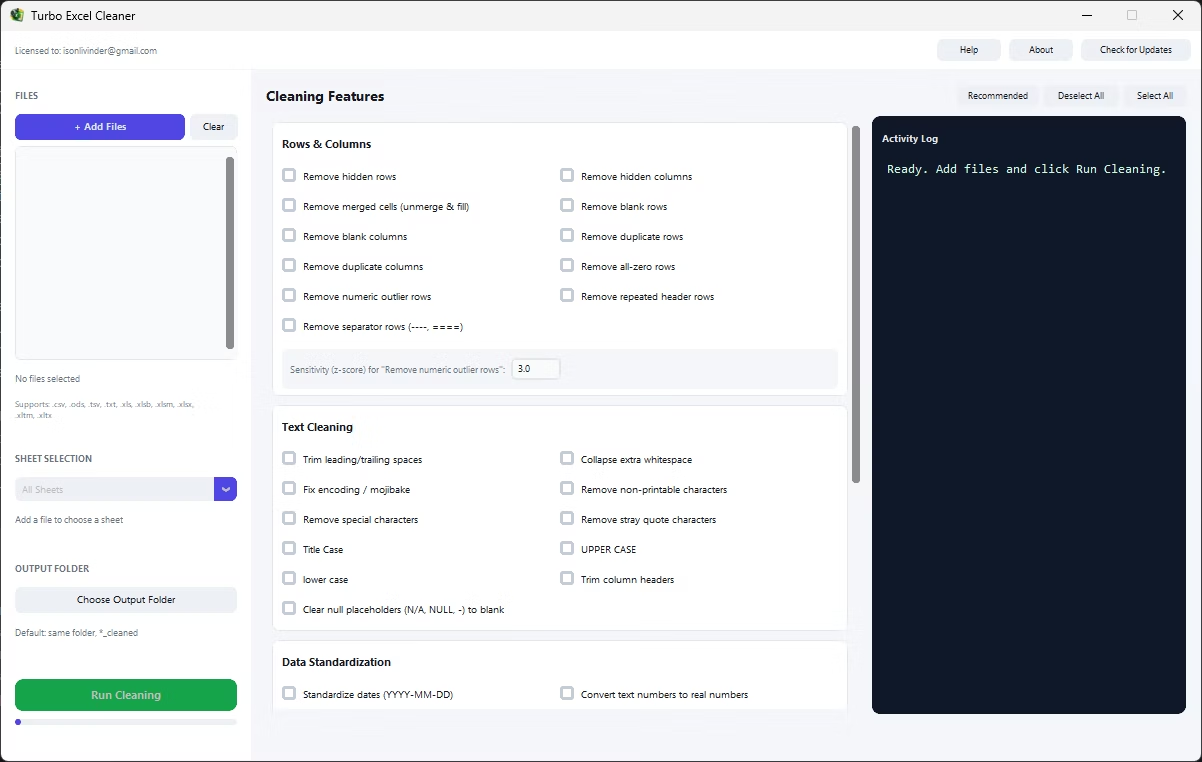
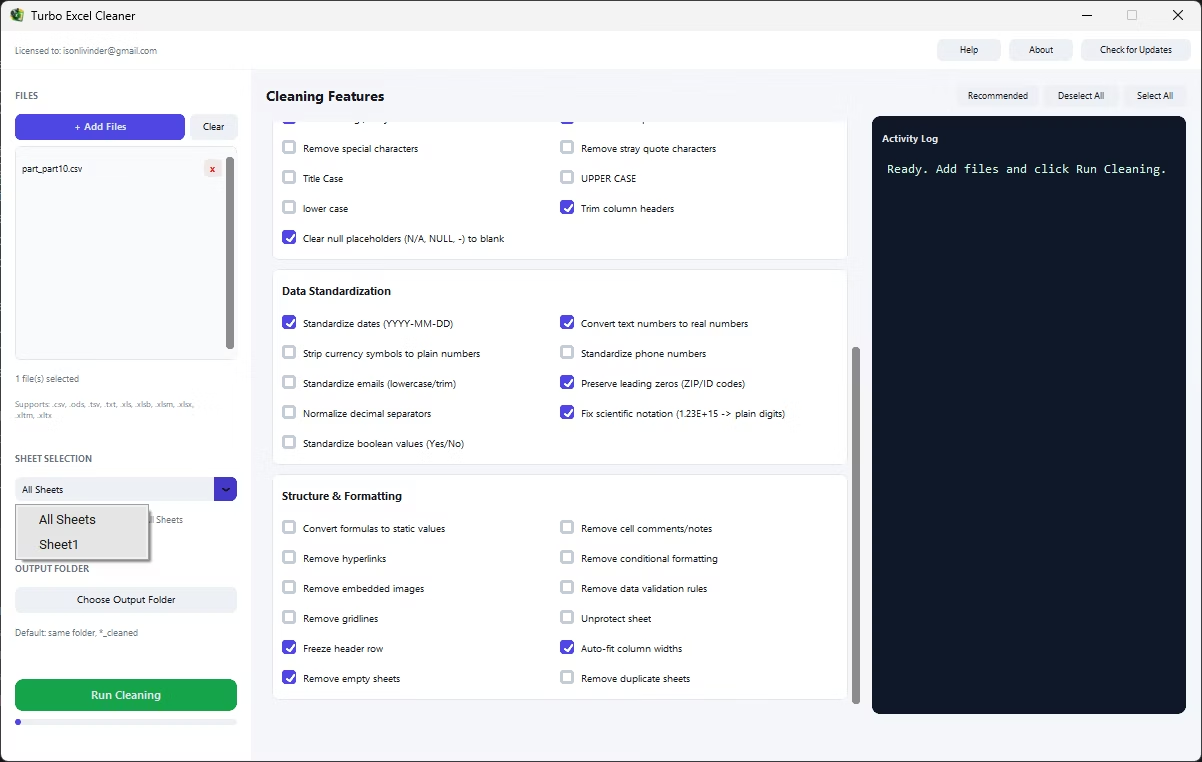
Running several rounds of Find & Replace for every placeholder variant, across every file in a batch, adds up to a lot of repetitive manual work. Turbo Excel Cleaner's Clear Null Placeholders feature recognizes the common placeholder patterns used to represent missing data and converts them to true blank cells automatically, without you needing to run a separate replace operation for each variant.
This is particularly useful before running numeric analysis or exporting data into another system, since a true blank cell behaves predictably in formulas and imports in a way that placeholder text never does.
- Recognizes common placeholder patterns like N/A, NULL, and --
- Converts placeholder text into true blank cells
- No repeated Find & Replace operations required
- Applies across every sheet in every file in the batch
- Works on Excel, OpenDocument, CSV, TSV, and TXT files
What placeholder text does this feature recognize?
The feature targets commonly used missing-value placeholders such as N/A, NULL, n.a., None, and similar short text patterns that typically stand in for an empty value.
Will this affect a cell that legitimately contains the text NA as data?
The feature targets standard placeholder patterns for missing values; reviewing the cleaned file is recommended if your dataset uses similar short text as genuine data rather than a null indicator.
Does clearing placeholders help with SUM and AVERAGE formulas?
Yes, once a cell is truly blank rather than containing placeholder text, standard numeric formulas correctly ignore it instead of producing an error or an unexpected result.
Ready to clean your spreadsheets in bulk, offline, with full privacy?