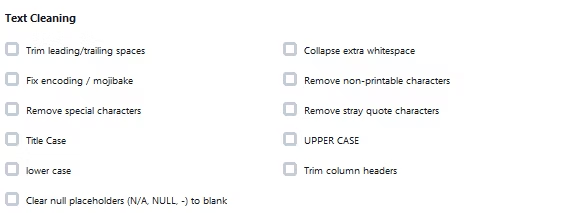
Individual cells accumulate their own small problems over time: a stray space at the start of a name, a placeholder like N/A sitting where a true blank belongs, non-printable characters invisibly embedded from a copy-paste, or a quote character left behind by a CSV export. None of these show up clearly at a glance, but they quietly break formulas, filters, and lookups.
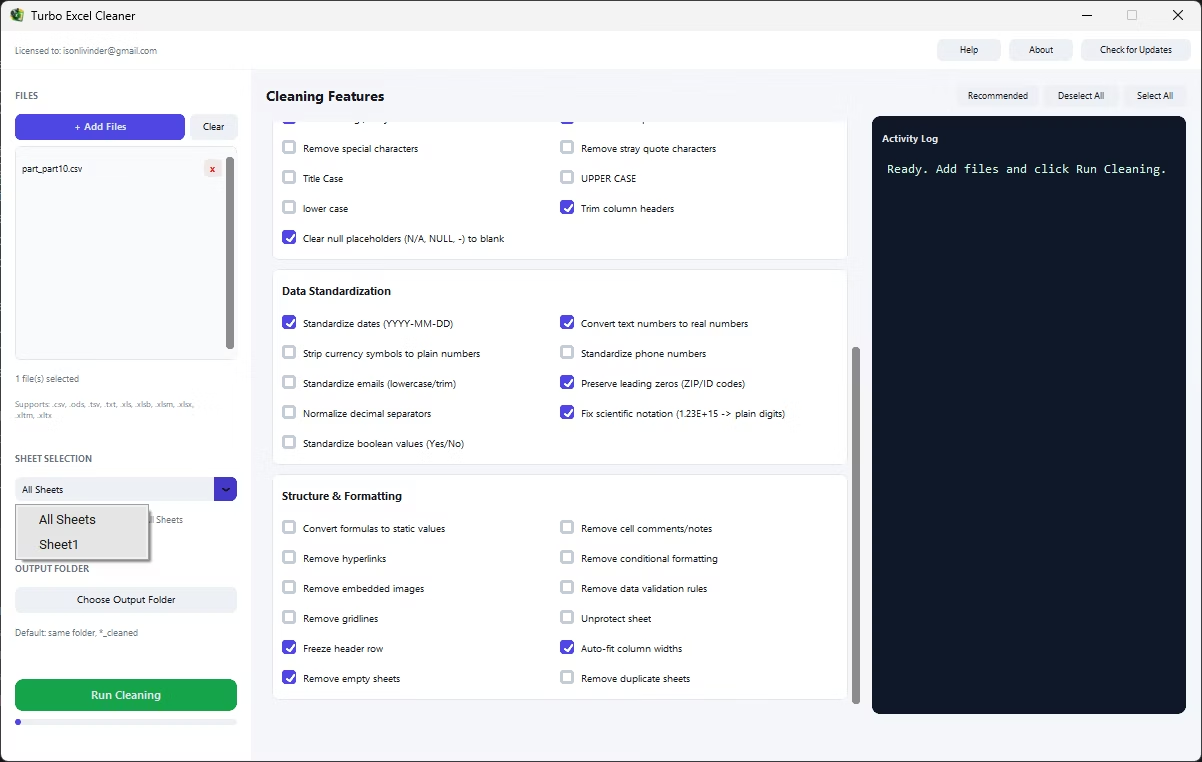
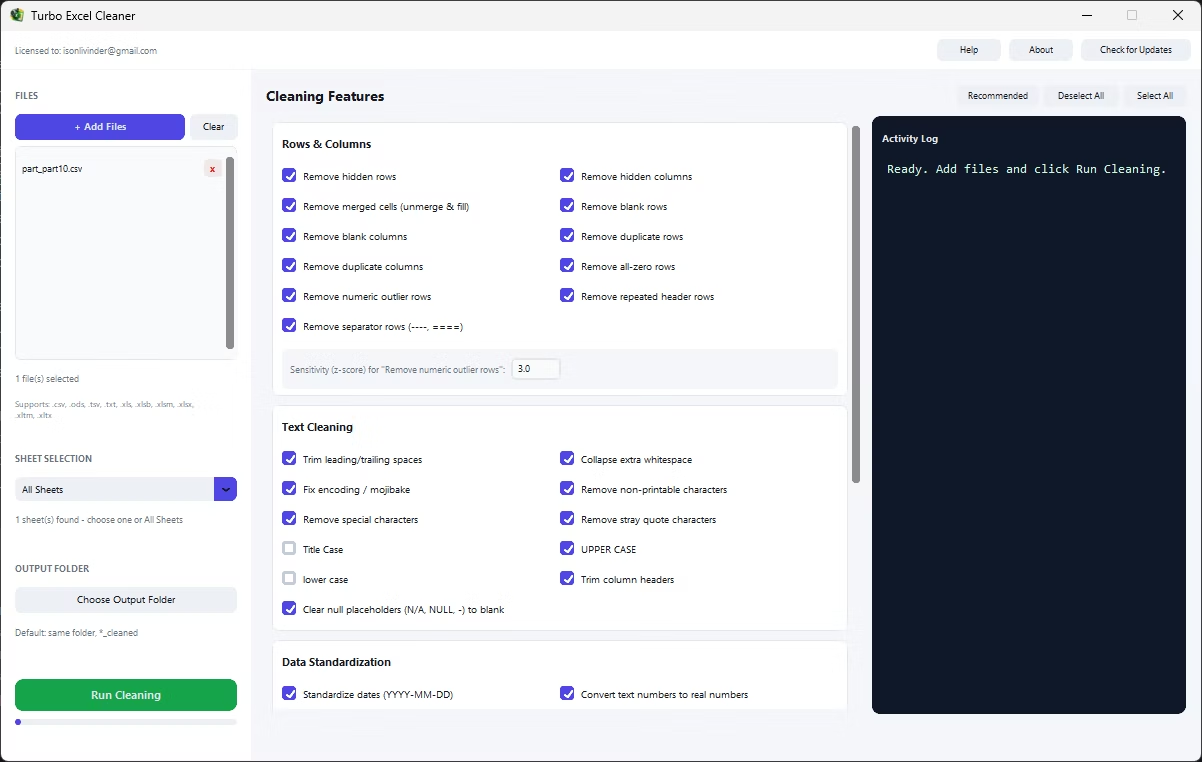
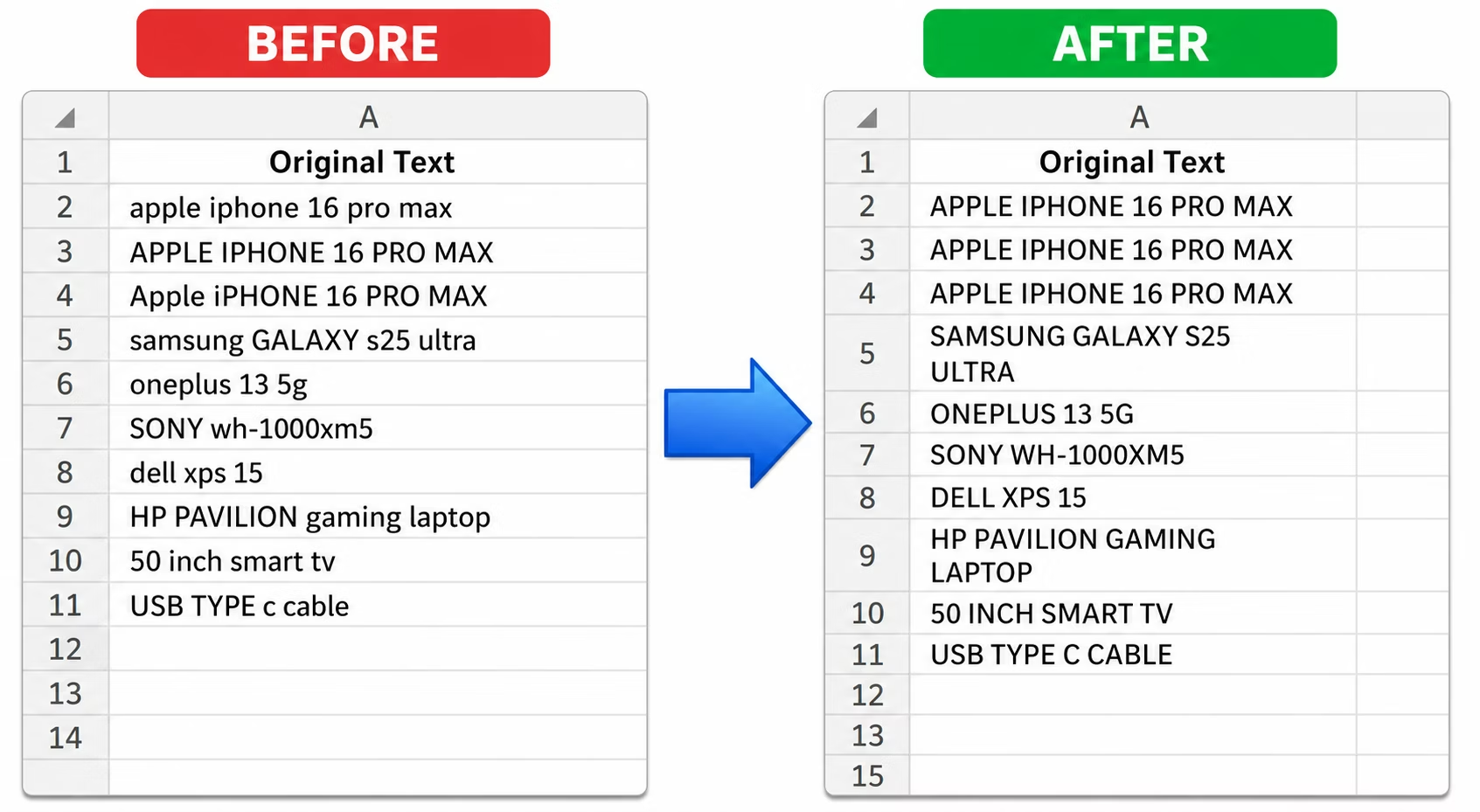
Turbo Excel Cleaner cleans unwanted cell content through a set of targeted, one-click features: Trim Leading/Trailing Spaces, Remove Non-Printable Characters, Remove Special Characters, Remove Stray Quote Characters, and Clear Null Placeholders, which detects common placeholder text such as N/A, NULL, or a lone dash and clears the cell to a true blank instead.
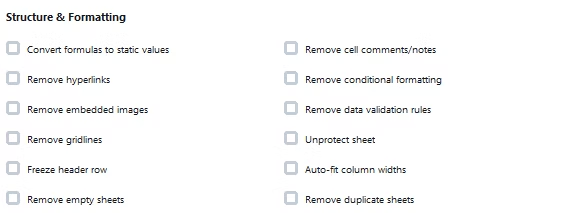
Cell-level cleaning covers formatting too, not just content: Convert Formulas to Static Values replaces formulas with their calculated results, useful when a cleaned file shouldn't depend on external references anymore, and Remove Cell Comments/Notes strips reviewer comments before a file is shared externally.
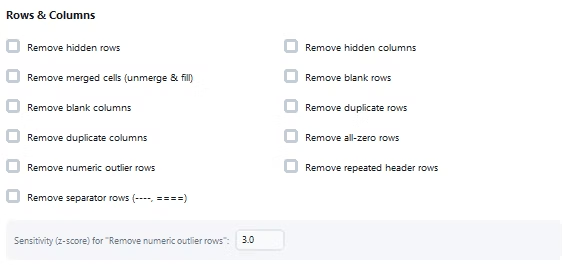
Because each cell-level feature is a simple checkbox, cleaning several kinds of hidden cell issues, stray characters, placeholder text, and unwanted whitespace, together takes one run rather than hunting for each problem individually across a large sheet.
A real-time activity log documents cell-level cleaning as it happens, and cleanup can be scoped to a specific sheet or the whole workbook, with deterministic processing ensuring cell content is standardized in a sensible, non-conflicting order.
The entire process runs offline, on your own PC, keeping sensitive cell content private throughout the cleaning process. The application supports a wide range of spreadsheet formats and works whether your files come from an accounting system, a CRM export, a survey platform, or an internal template, since the cleaning logic operates on the underlying rows, columns, and cells rather than assuming any particular source. Bookkeepers and accountants, operations and data analysts, e-commerce and inventory teams, researchers and survey teams, marketing and contact list owners, and IT and migration teams all rely on the same underlying feature set for their own recurring cleanup needs.
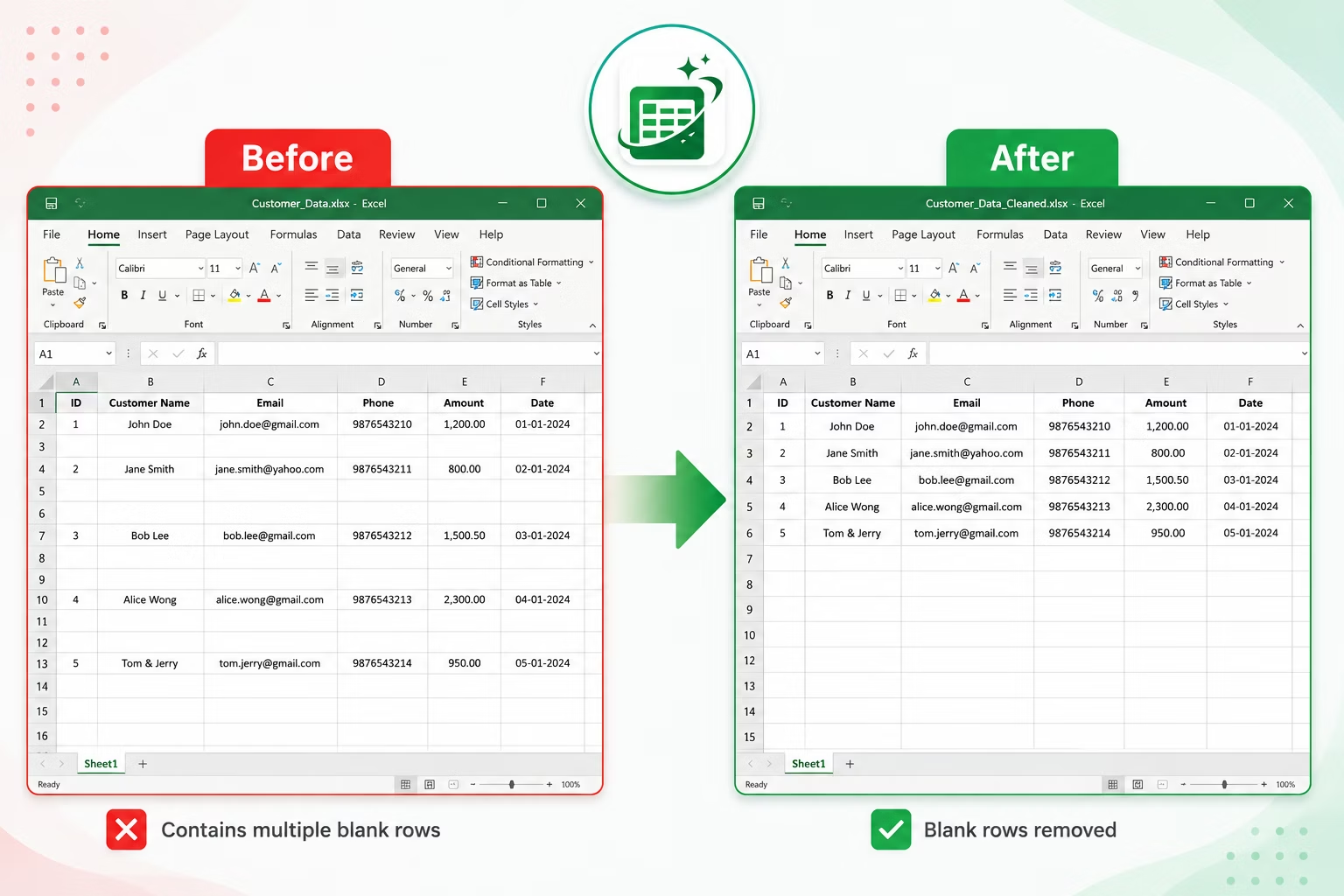
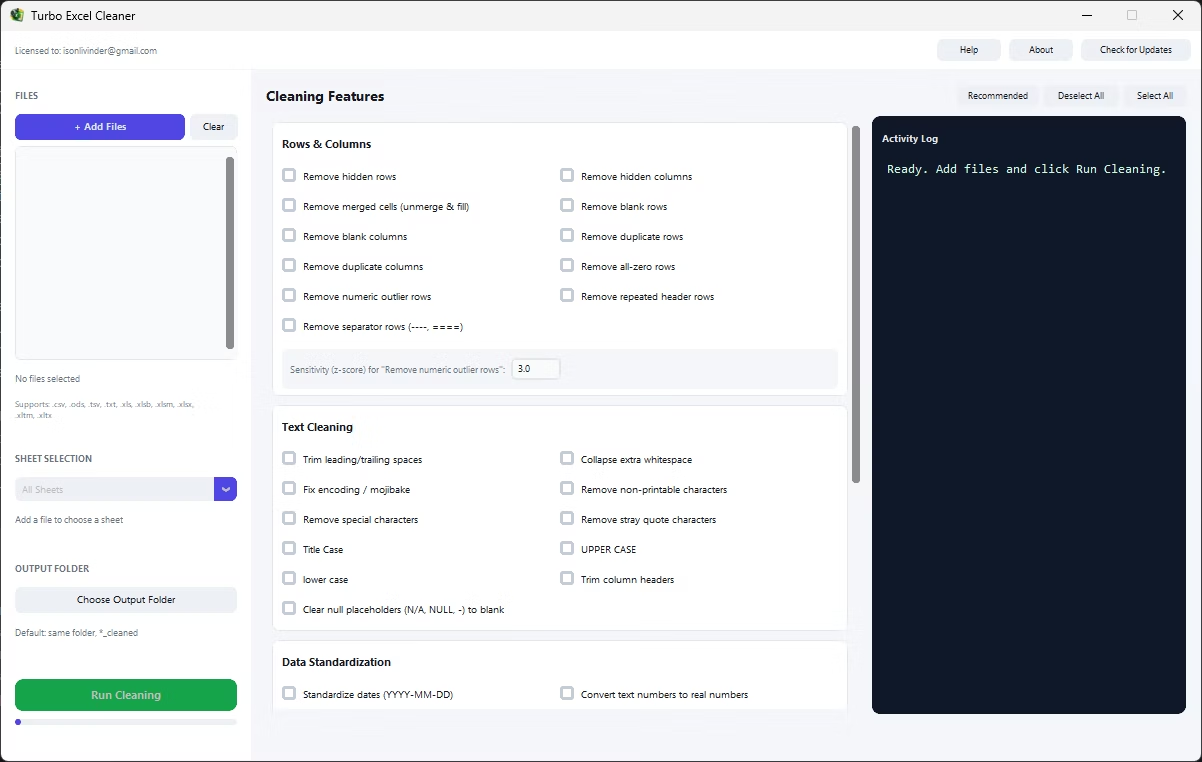
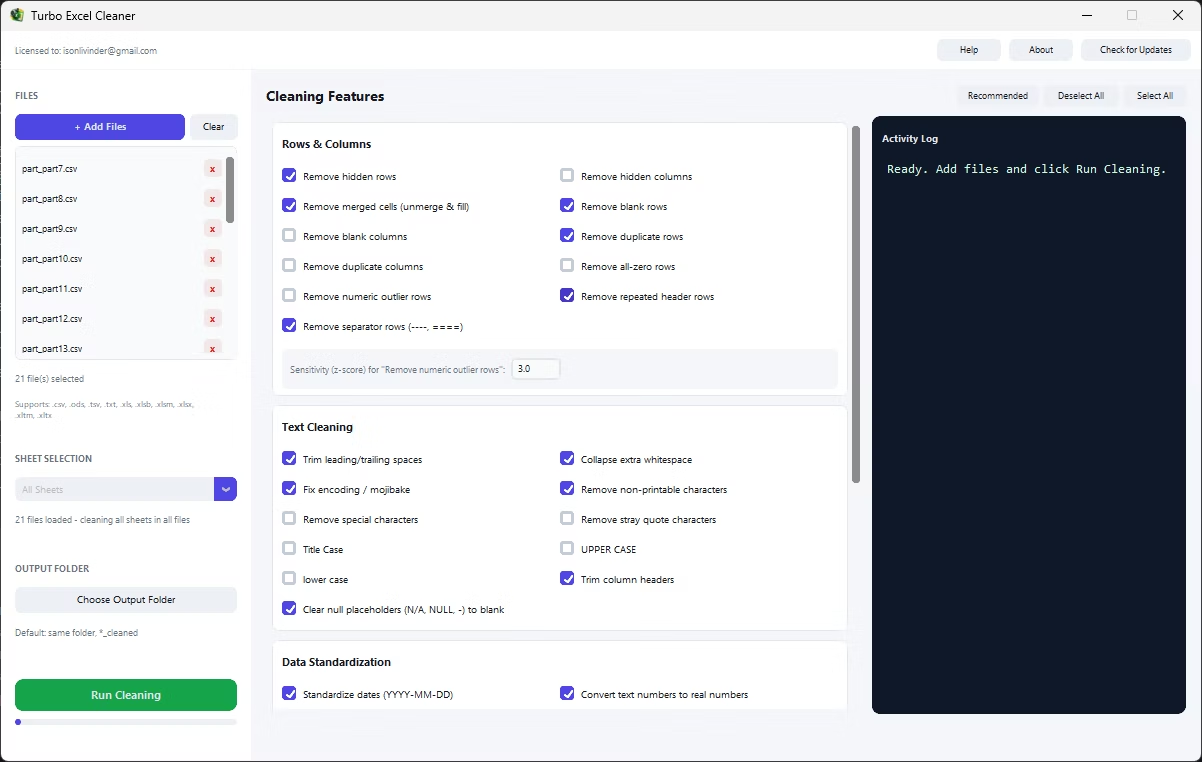
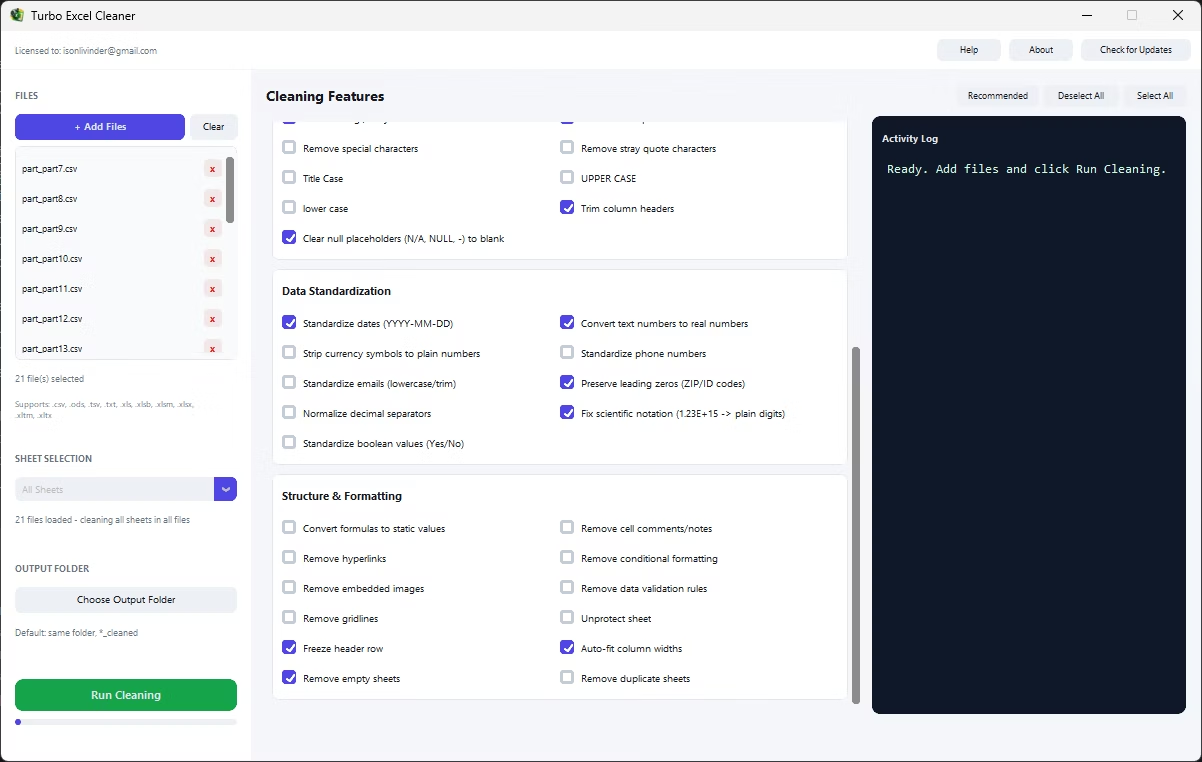
- Install Turbo Excel Cleaner on your Windows PC.
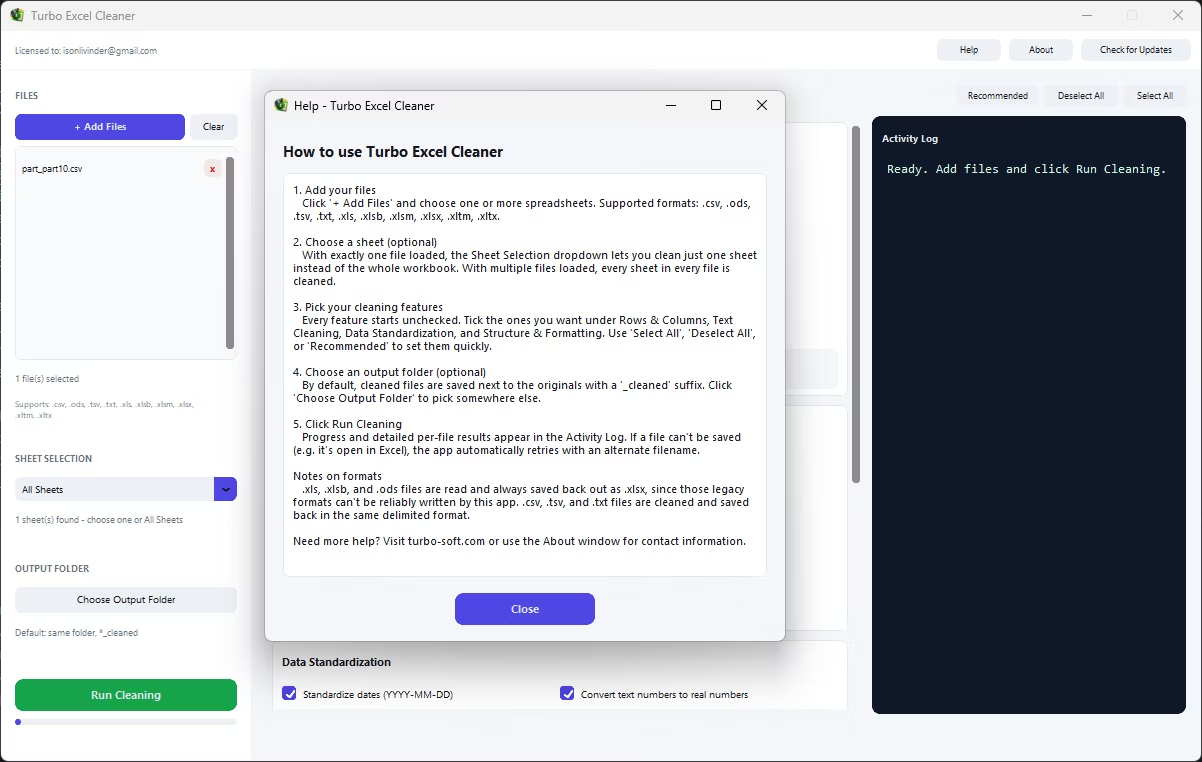
- Load your workbook or workbooks.
- Select cell-level features: whitespace, special characters, null placeholders.
- Add Convert Formulas to Static Values or Remove Comments if needed.
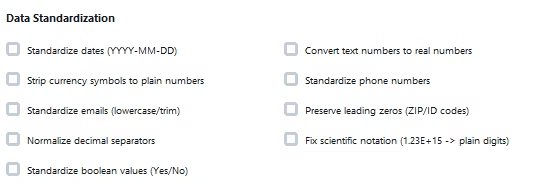
- Combine with other cleaning features if needed.
- Target a specific sheet or the whole workbook.
- Set your output folder and click Start.
- Review the cleaned cells once processing completes.
- Double-check the activity log for any files that need a second look.
- Save your feature selection to reuse the same configuration next time.
- Trims whitespace and removes stray or non-printable characters
- Clears null placeholders like N/A, NULL, or a lone dash
- Removes stray quote characters left from CSV exports
- Converts formulas to static values and strips comments
- Combine multiple cell-level fixes in one run
- Real-time activity log documents the cleanup
- Runs fully offline with no uploads required
- One-time purchase for Windows, with Gumroad license activation
- Safe output handling protects your original files from being overwritten
- Works with files on local drives, external drives, and network shares
What are non-printable characters, and why do they matter?
They're invisible control characters that sneak in during copy-paste or system exports, and they can silently break formulas and comparisons even though they're not visible in the cell.
Can this recognize different kinds of null placeholders?
Yes, Clear Null Placeholders detects common placeholder text such as N/A, NULL, or a lone dash and converts the cell to a true blank.
Will converting formulas to static values change my numbers?
No, it replaces each formula with its currently calculated result, so the displayed values stay the same while the formula dependency is removed.
Does removing comments affect the actual data in the cell?
No, Remove Cell Comments/Notes strips only the reviewer comments and notes, leaving the cell's data value untouched.
Does this work on both Windows 10 and Windows 11?
Yes, Turbo Excel Cleaner is built and tested for both Windows 10 and Windows 11.
Is my data safe when using this tool?
Yes, all cleaning happens locally on your PC; no workbooks are ever uploaded, so proprietary or sensitive spreadsheet data stays fully under your control.
Does the tool overwrite my original files?
No, safe output handling writes cleaned files to your chosen output folder, leaving your original files untouched.
Can I use this on files stored on an external or network drive?
Yes, workbooks on local drives, external drives, or mapped network shares all work the same as any local folder.
Can I cancel a cleaning job partway through if I need to?
Yes, if a run needs to be stopped, files already processed at that point remain cleaned while the rest keep their original state.
Is there a trial version available before buying?
Check the product page on turbo-soft.com for current trial availability and details.
Can I preview results before running the cleanup on my real data?
Testing your feature selection on a small sample file first, then reviewing the result, is a good way to confirm settings before running the full job.
Ready to clean unwanted cell data and formatting in Excel, fully offline?