A workbook built from a source that auto-linked every reference, imported email addresses, web-scraped URLs, or a template that hyperlinks every cell it recognizes, can end up cluttered with clickable links that weren't intentionally added and don't serve any purpose in the finished file.
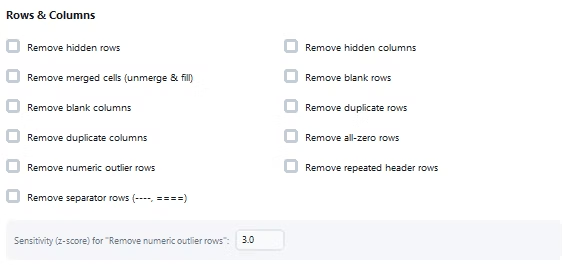
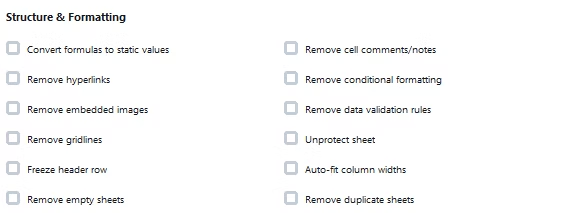
Turbo Excel Cleaner removes hyperlinks automatically with the Remove Hyperlinks feature, which removes clickable hyperlinks embedded in cells, useful when a sheet was built from a source that auto-linked every reference, no manual right-click and Remove Hyperlink for each affected cell required.
Because the feature clears hyperlinks across the whole selected scope at once, cleaning up a sheet where every email address or URL became an unwanted clickable link takes one run rather than clicking through each cell individually, a process that becomes genuinely impractical past a handful of links.
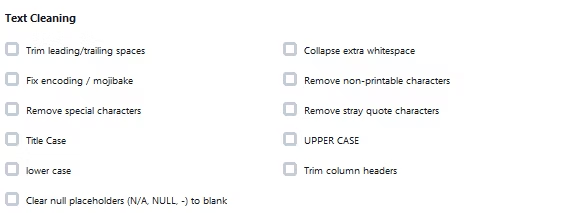
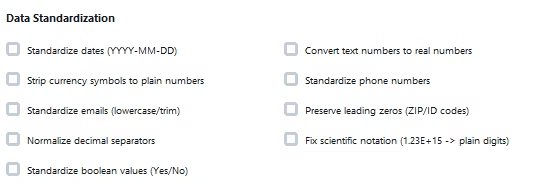
Hyperlink removal can be combined with other cleaning features in the same pass, so a workbook that needs both hyperlinks cleared and other formatting or data issues addressed gets everything fixed together.
A real-time activity log documents hyperlink removal as it happens, and the feature works across a single file or an entire batch, with cleaning scoped to a specific sheet or the whole workbook.
Everything runs offline, on your own Windows PC, so removing hyperlinks from a workbook you're preparing to distribute never requires uploading it to an external service. The application supports a wide range of spreadsheet formats and works whether your files come from an accounting system, a CRM export, a survey platform, or an internal template, since the cleaning logic operates on the underlying rows, columns, and cells rather than assuming any particular source. Bookkeepers and accountants, operations and data analysts, e-commerce and inventory teams, researchers and survey teams, marketing and contact list owners, and IT and migration teams all rely on the same underlying feature set for their own recurring cleanup needs.
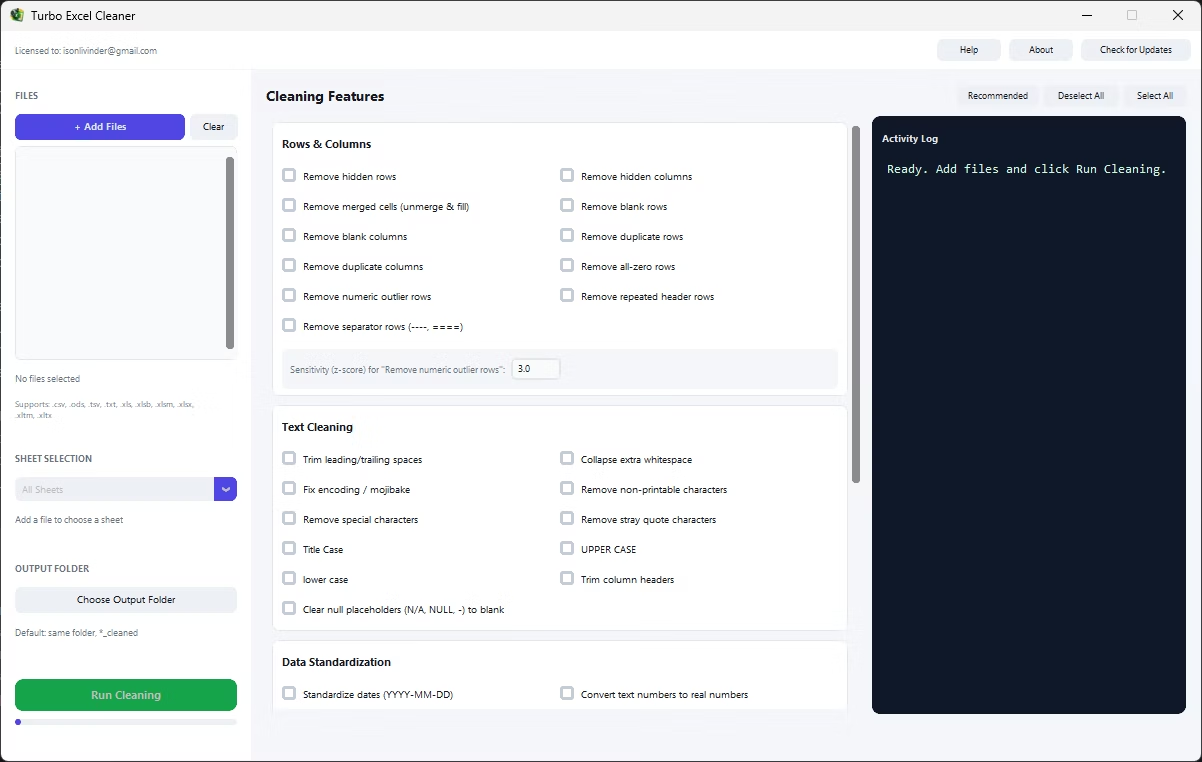
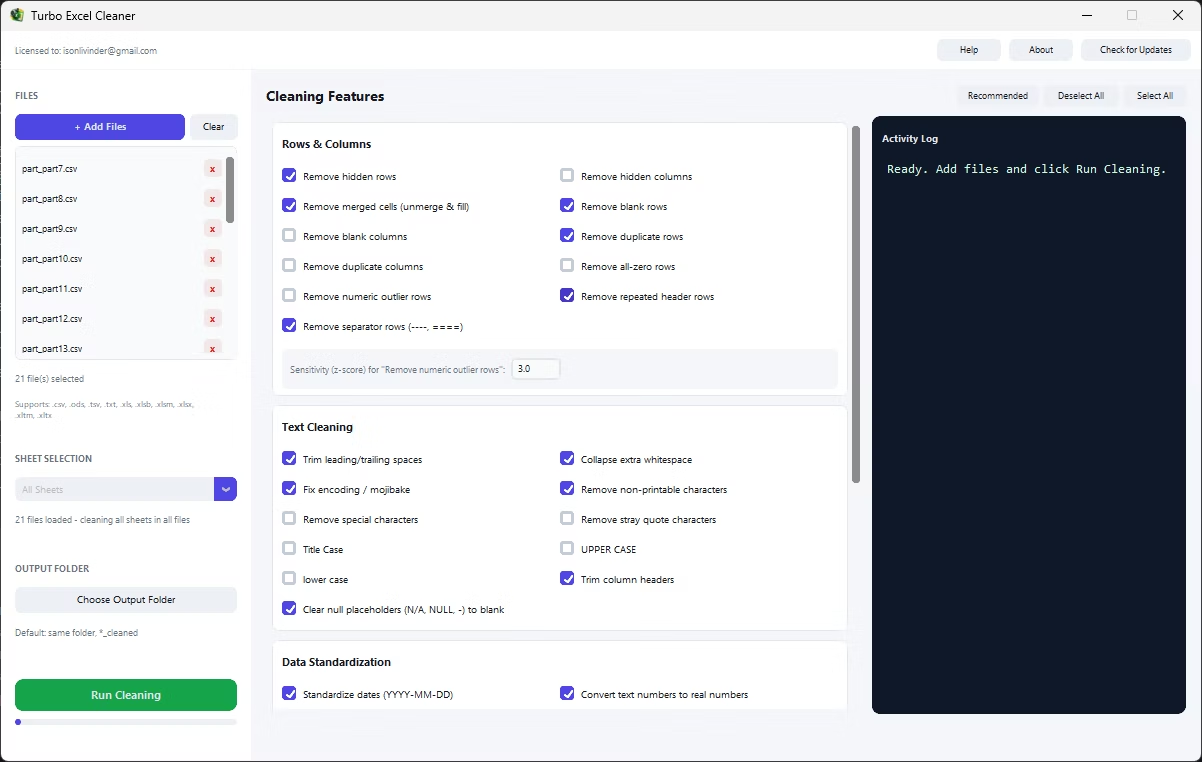
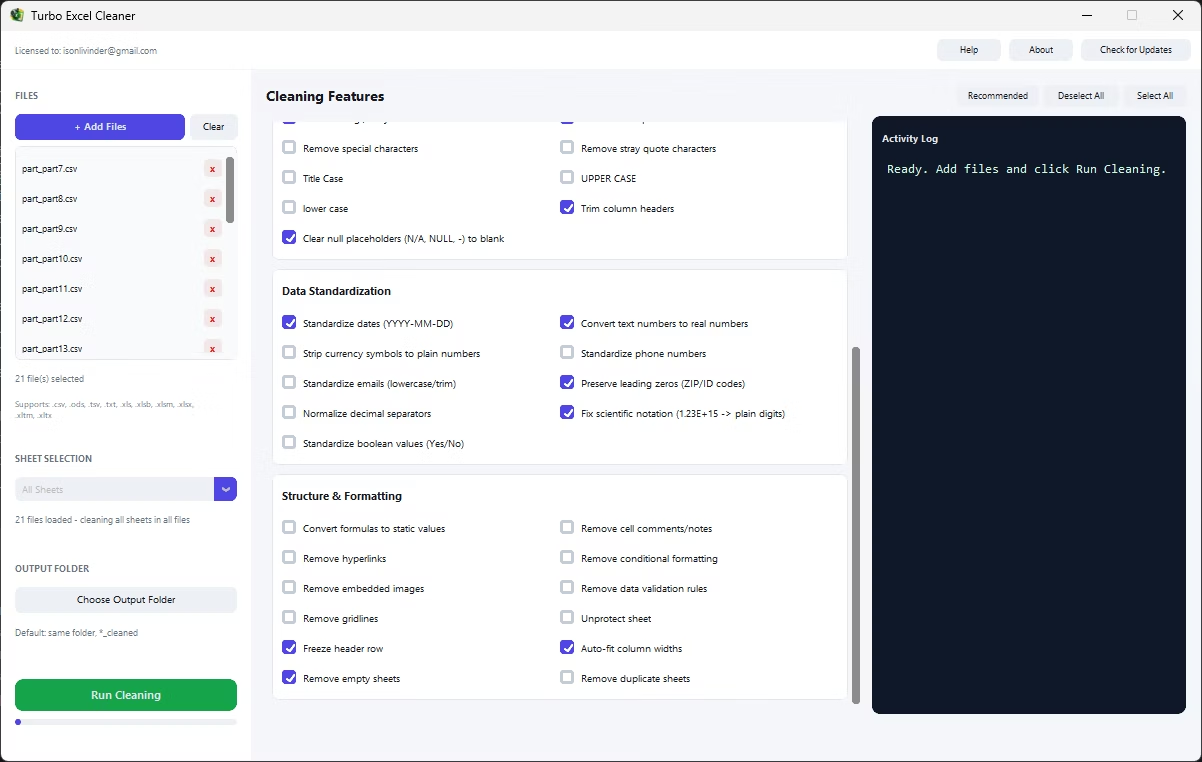
- Install Turbo Excel Cleaner on your Windows PC.
- Load your workbook or workbooks.
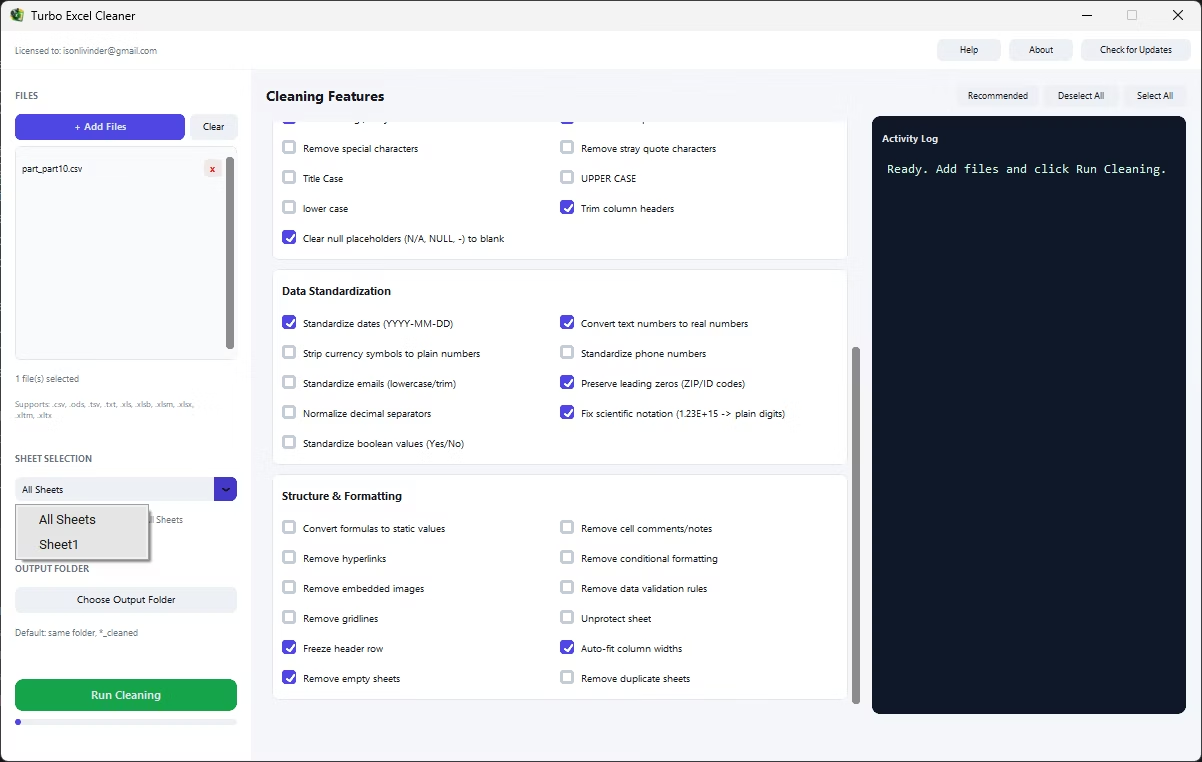
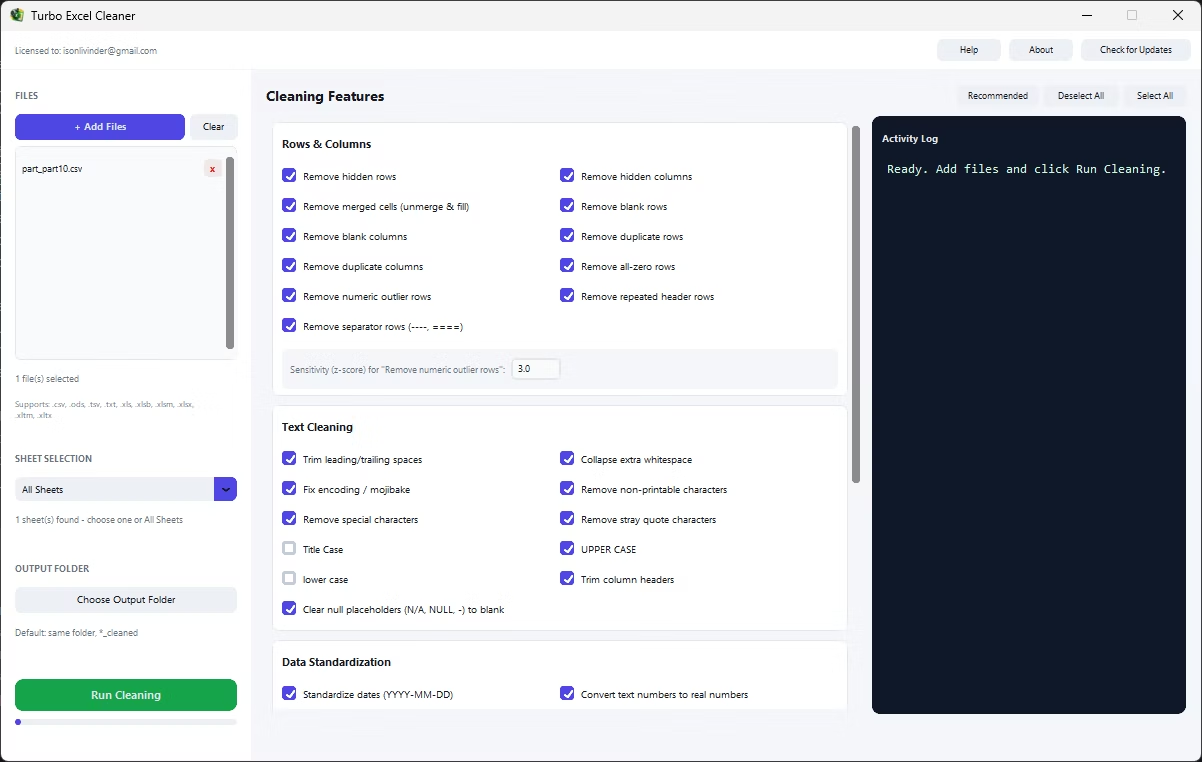
- Select the Remove Hyperlinks feature.
- Combine with other cleaning features if needed.
- Target a specific sheet or the whole workbook.
- Set your output folder.
- Click Start and monitor the activity log.
- Review the cleaned file to confirm hyperlinks are gone.
- Double-check the activity log for any files that need a second look.
- Save your feature selection to reuse the same configuration next time.
- Removes clickable hyperlinks embedded in cells automatically
- Clears auto-linked references from imported or scraped data
- No manual right-click removal needed for each cell
- Combine with other cleaning features in the same run
- Real-time activity log documents the removal
- Single-sheet or whole-workbook targeting
- Runs fully offline with no uploads required
- One-time purchase for Windows, with Gumroad license activation
- Safe output handling protects your original files from being overwritten
- Works with files on local drives, external drives, and network shares
Does removing hyperlinks change the text displayed in the cell?
No, the visible text stays the same; only the clickable hyperlink behavior is removed.
Can this fix a sheet where every email address became a clickable link?
Yes, this is exactly the kind of case Remove Hyperlinks is built for, clearing auto-linked references across the whole selected scope at once.
Will this remove hyperlinks I actually want to keep?
The feature removes hyperlinks across your selected scope indiscriminately, so review whether any intentional links exist before running it if that matters for your file.
Can hyperlink removal run across many files at once?
Yes, it works across a single file or an entire batch loaded together.
Does this work on both Windows 10 and Windows 11?
Yes, Turbo Excel Cleaner is built and tested for both Windows 10 and Windows 11.
Is my data safe when using this tool?
Yes, all cleaning happens locally on your PC; no workbooks are ever uploaded, so proprietary or sensitive spreadsheet data stays fully under your control.
Does the tool overwrite my original files?
No, safe output handling writes cleaned files to your chosen output folder, leaving your original files untouched.
Can I use this on files stored on an external or network drive?
Yes, workbooks on local drives, external drives, or mapped network shares all work the same as any local folder.
Can I cancel a cleaning job partway through if I need to?
Yes, if a run needs to be stopped, files already processed at that point remain cleaned while the rest keep their original state.
Is there a trial version available before buying?
Check the product page on turbo-soft.com for current trial availability and details.
Can I preview results before running the cleanup on my real data?
Testing your feature selection on a small sample file first, then reviewing the result, is a good way to confirm settings before running the full job.
Ready to remove hyperlinks from your Excel files, fully offline?