A common real-world scenario is not one workbook with many sheets, but many workbooks that each share the same sheet name - a folder of weekly reports that all have a 'Photos' tab, or a set of supplier catalogs that each include a 'Product Images' sheet. Exporting images from that sheet, consistently, across every file in the folder, is a different job from extracting from a single workbook.
Excel obviously has no way to reach across multiple open or closed files and export from a matching sheet name in each - every workbook has to be opened individually, and every picture on the target sheet saved by hand before moving on to the next file.
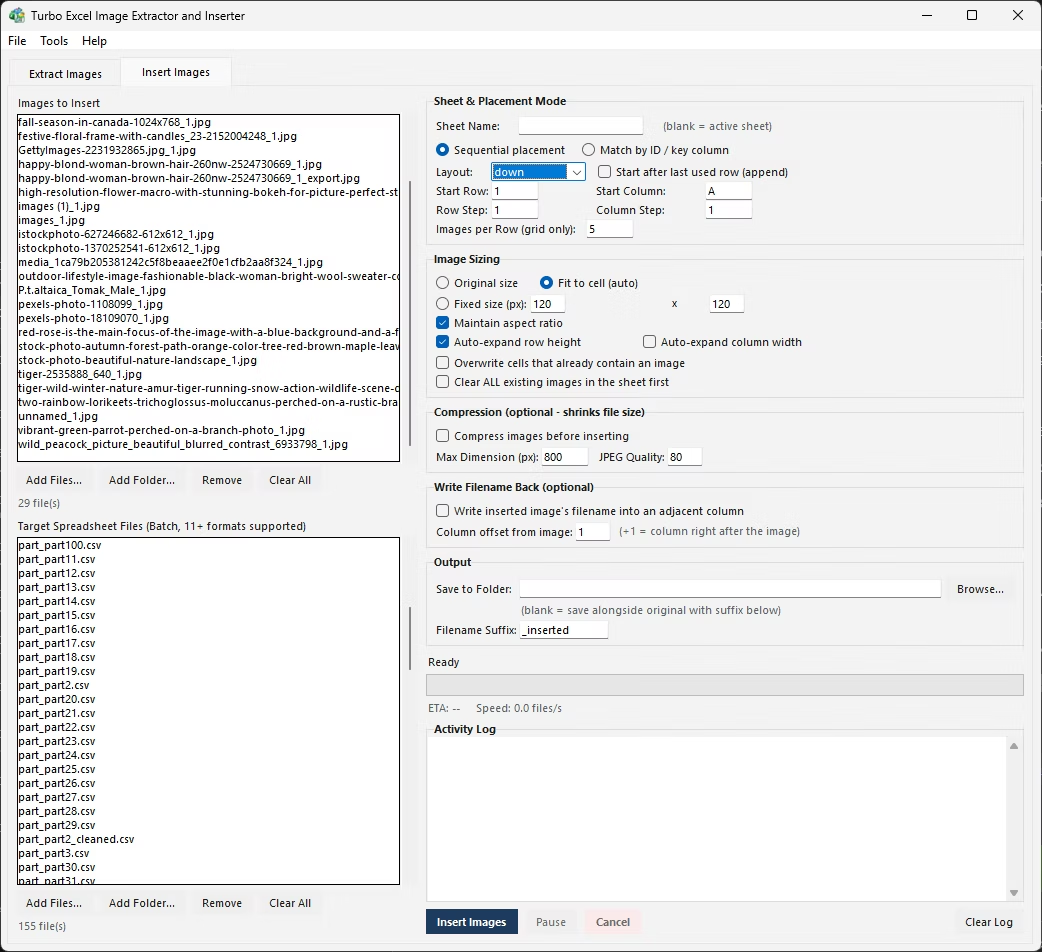
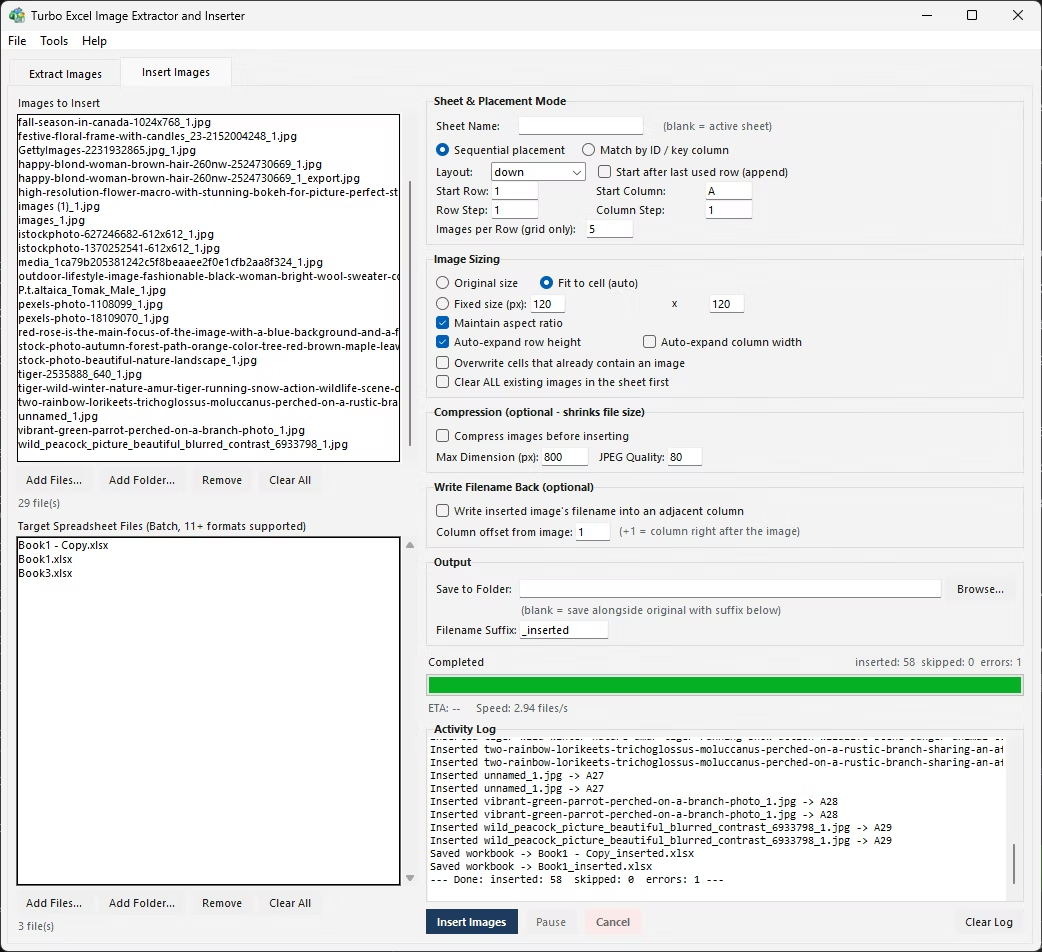
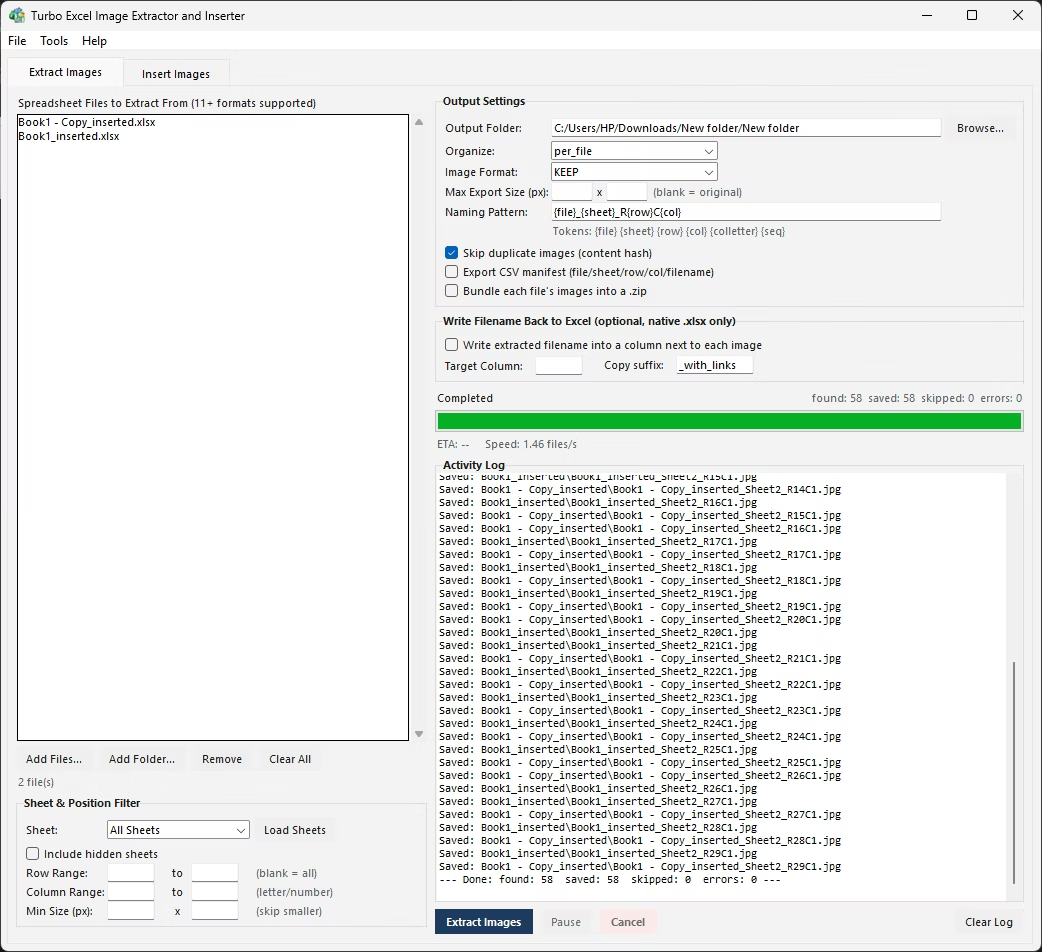
Consider a folder of thirty supplier catalog files, each with a 'Product Images' sheet among several others covering pricing and specifications. Exporting images from just that one sheet, in every file, manually means opening each workbook, clicking to the right tab, saving each picture, and closing the file before repeating the whole process for the next catalog - thirty times over.
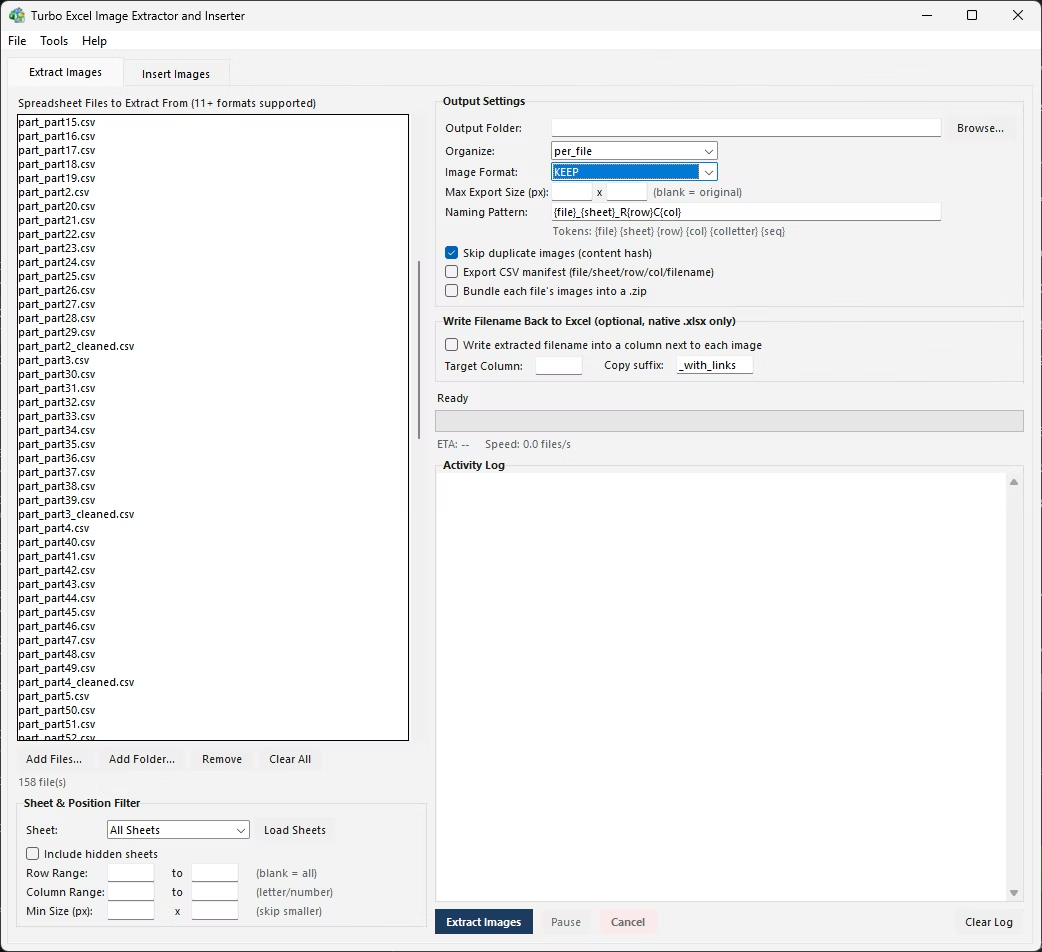
What is needed is a tool that can be pointed at a folder of workbooks and a single target sheet name, and have it apply that same sheet targeting to every file in the batch automatically, extracting only from the matching sheet in each one without opening a single file by hand.
- Open the first workbook in the folder and click to its Product Images (or equivalent) sheet.
- Right-click each picture on that sheet and choose Save as Picture, saving into an organized folder.
- Close the workbook without saving changes to avoid altering the source file.
- Open the next workbook, repeat the same sheet selection and saving process.
- Continue until every workbook in the folder has been processed individually.
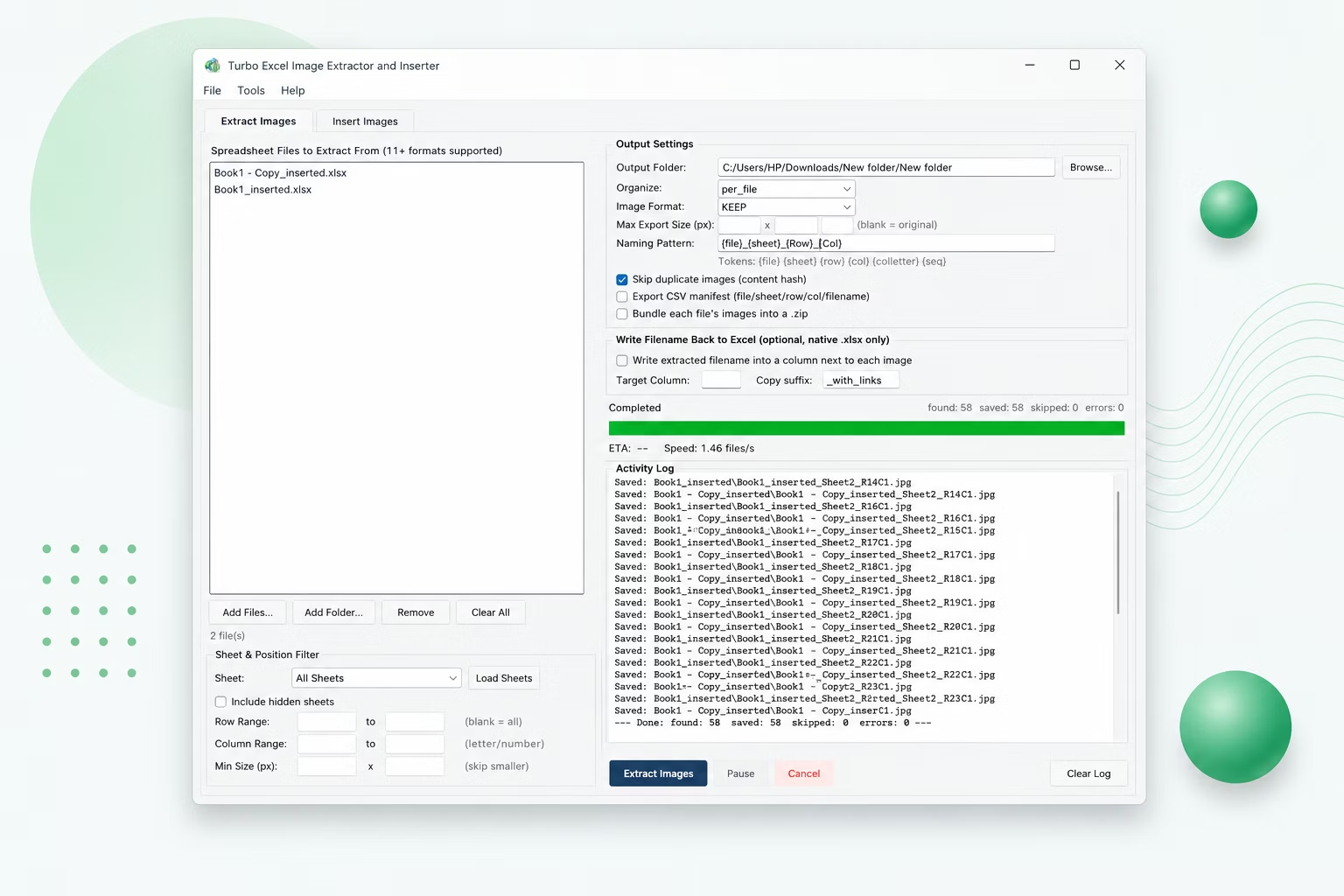
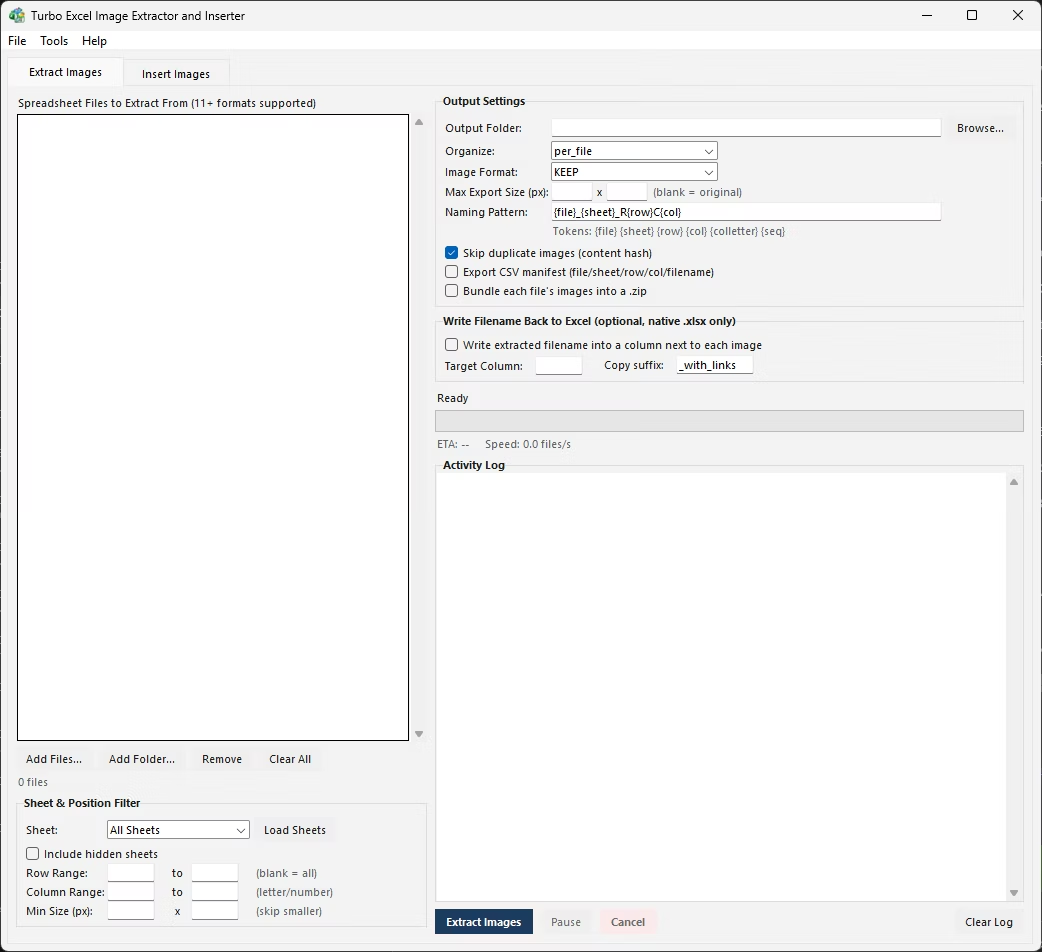
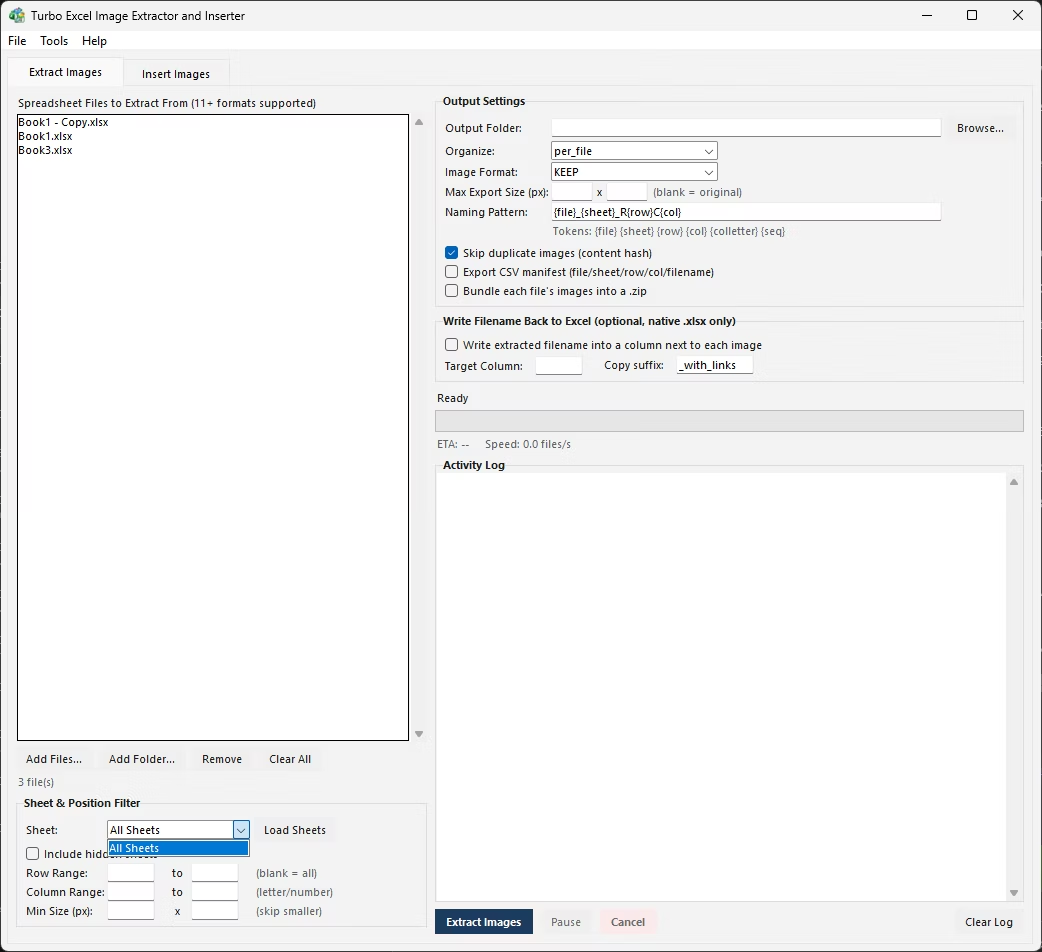
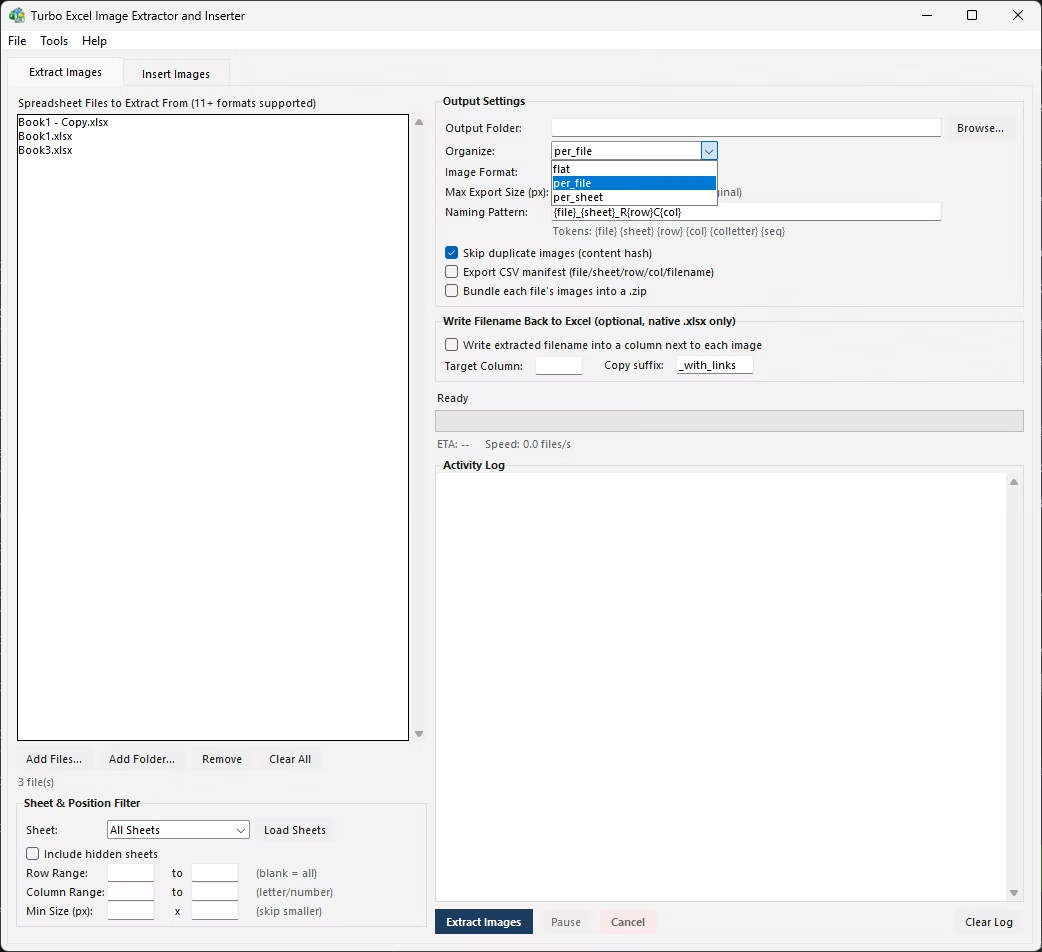
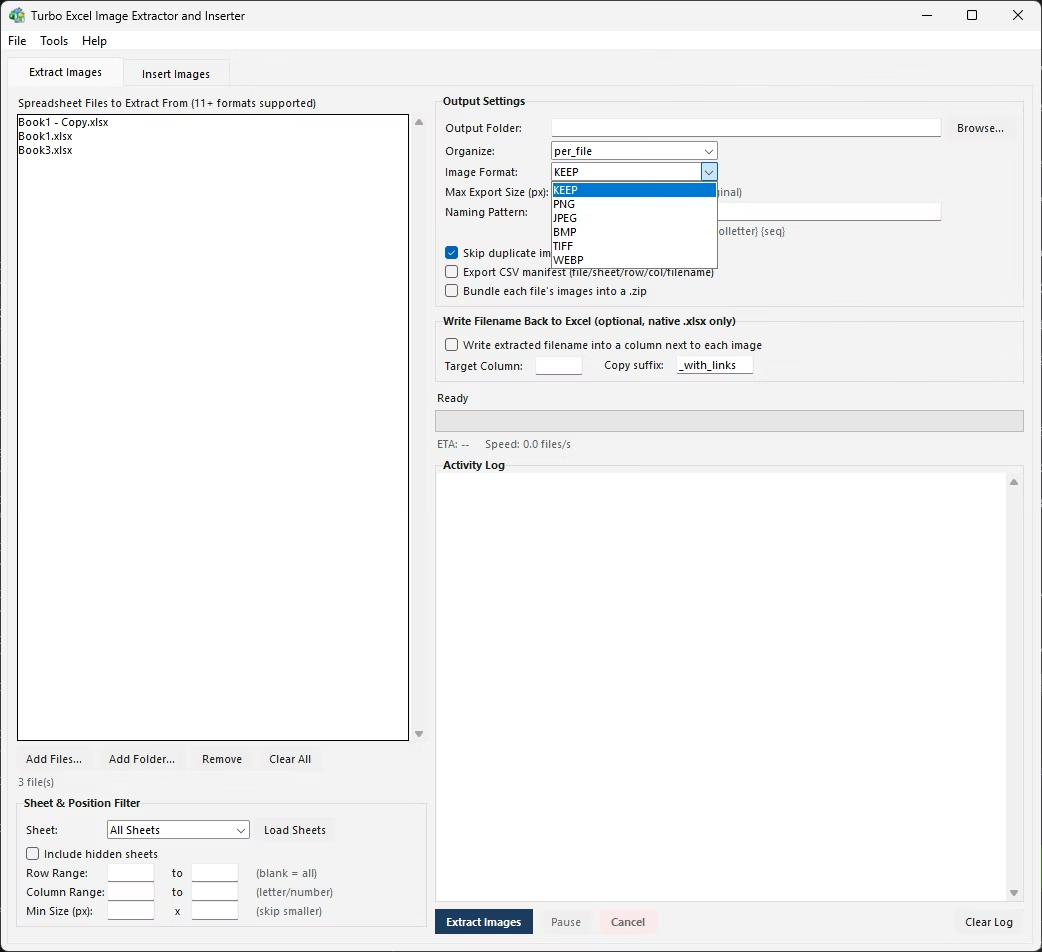
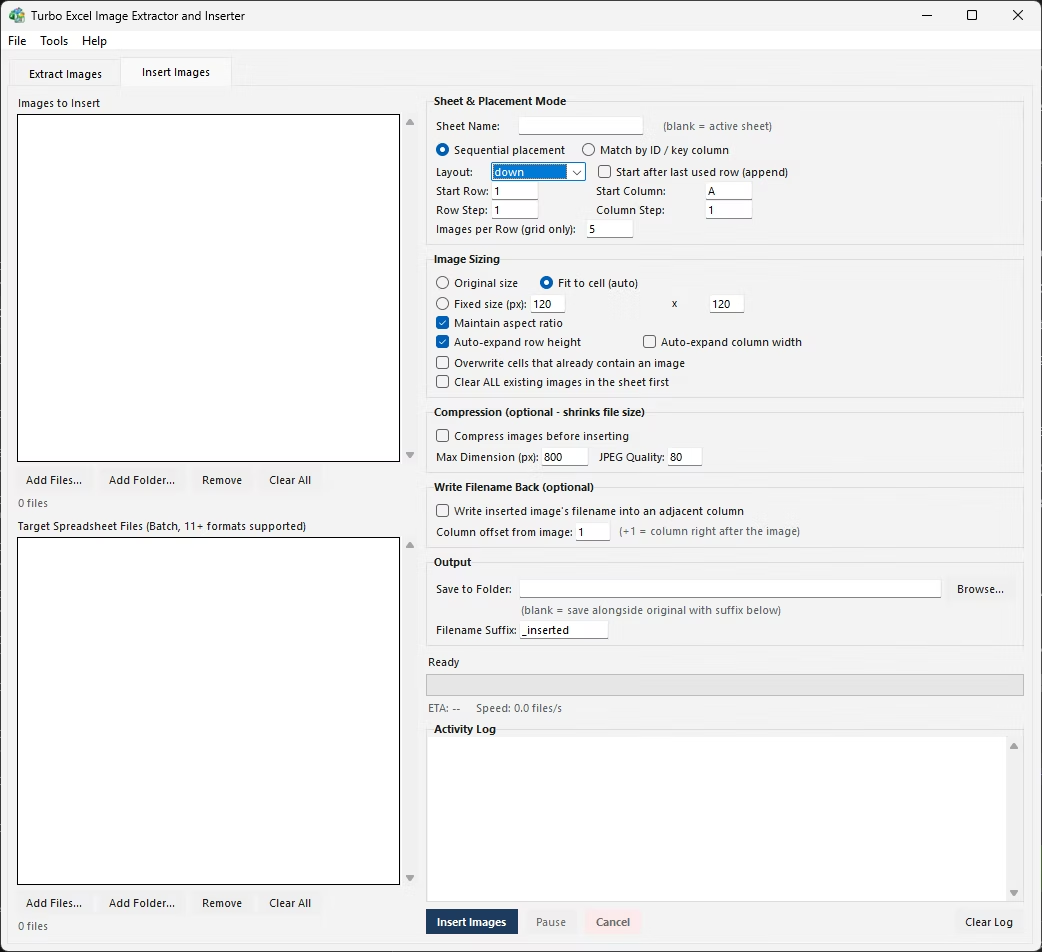
Turbo Excel Image Extractor and Inserter's Extract Images tab accepts a whole folder of source workbooks in one queue, and a single sheet-selection setting is applied to every file in that batch - so pointing it at a 'Product Images' sheet name extracts from that sheet in every workbook loaded, without opening any of them individually. Files where a sheet by that name does not exist are simply skipped for that step, logged clearly in the activity log rather than causing the whole batch to fail.
Combined with the {file} naming token, every image exported this way carries its source workbook's name in the filename, so even with thirty catalogs feeding into one output location, it stays immediately clear which supplier or report each picture came from. The batch runs on a multi-threaded engine, processing every file in parallel with a live progress bar showing speed and estimated time remaining.
A recurring pattern in retail and distribution businesses is a monthly folder of supplier catalog files, each with the same 'Product Images' sheet layout but different products and photos inside. Exporting from that sheet across the whole folder, every month, by hand means repeating the same file-opening and picture-saving routine indefinitely.
Once the sheet name and export settings are configured for this kind of recurring batch, the same setup handles next month's folder the same way - point it at the new set of files, run it, and the export completes with the same naming, deduplication, and manifest logging as every previous month, with no manual reconfiguration needed.
The CSV manifest becomes especially useful in this recurring scenario, since it gives a month-over-month record of exactly which images came from which supplier file and sheet, something that would otherwise require separate manual notes kept alongside each batch of catalogs.
- One sheet-name setting applied to an entire folder of workbooks
- Files missing the target sheet are skipped and logged, not fatal errors
- {file} naming token keeps images traceable back to their source workbook
- Row and column filters narrow scope further within the target sheet
- Parallel multi-threaded processing across the whole batch
- Live progress, speed, and ETA displayed for the entire run
Can I target the same sheet name across many different workbooks in one run?
Yes. A single sheet-selection setting is applied to every file loaded into the batch, so images are extracted from the matching sheet name in each workbook automatically.
What happens if a workbook in the batch doesn't have that sheet?
That file is skipped for the extraction step and the skip is recorded in the activity log, without stopping or failing the rest of the batch.
How do I know which workbook a given exported image came from?
Including the {file} token in the naming pattern writes the source workbook's name directly into every exported filename, so origin stays clear even when many files feed into one output folder.
Is there a limit to how many workbooks can be processed in one batch?
No fixed limit - the queue accepts an entire folder of workbooks and processes them in parallel on a multi-threaded engine, with the same progress and logging controls regardless of batch size.
Ready to handle images in bulk, offline, with full privacy?