Exporting images from Excel usually implies something a bit more formal than a quick one-off save - it suggests a repeatable process that produces a clean batch of files you can hand off, archive, or feed into another system, ideally with some record of what was exported and where it came from. That is a step beyond simply right-clicking a picture and saving it.
Excel offers no export command for images at all, formal or otherwise. Every picture has to be saved individually through Save as Picture, with no built-in way to track what has been exported, skip duplicates, or produce any kind of log once the job is done.
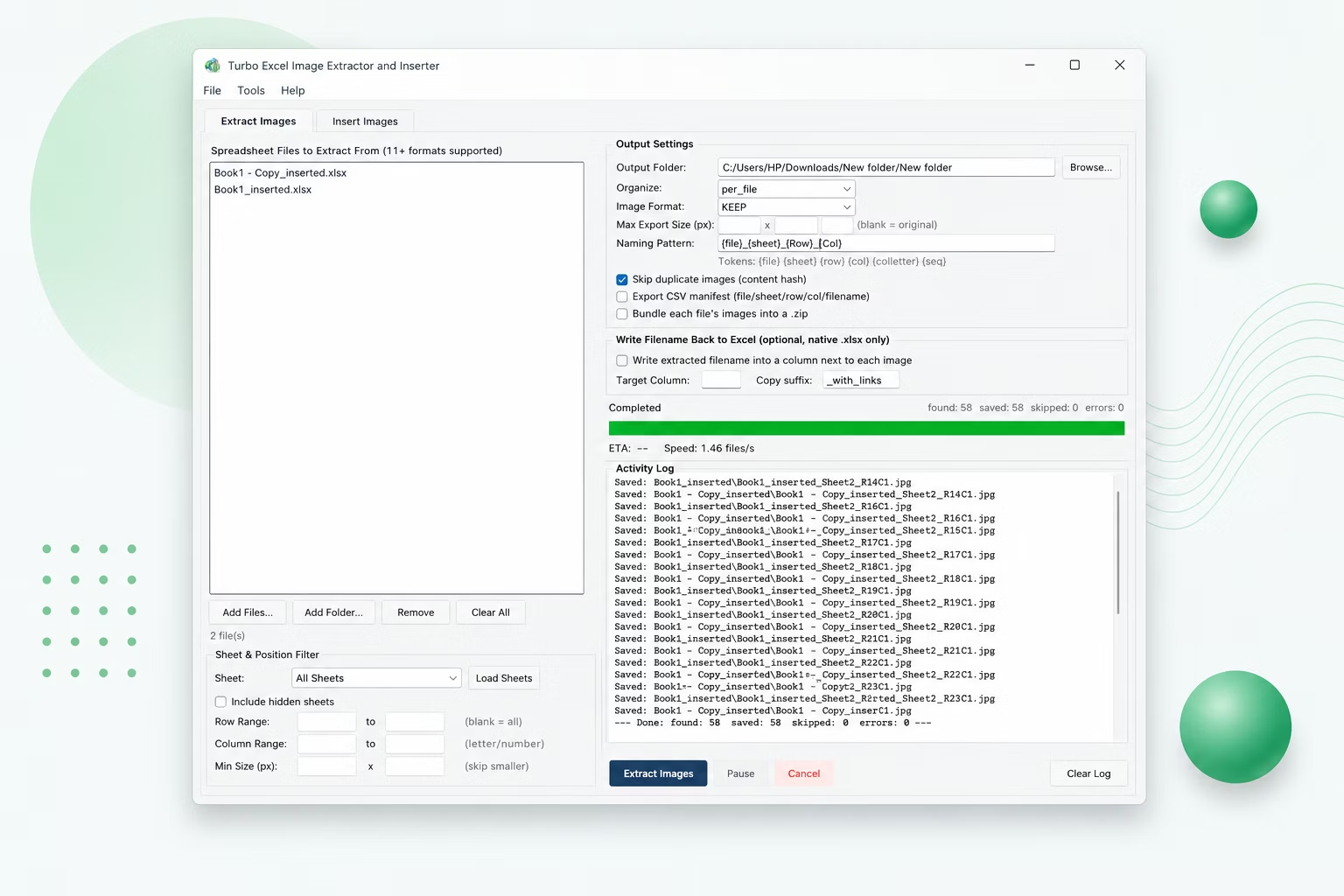
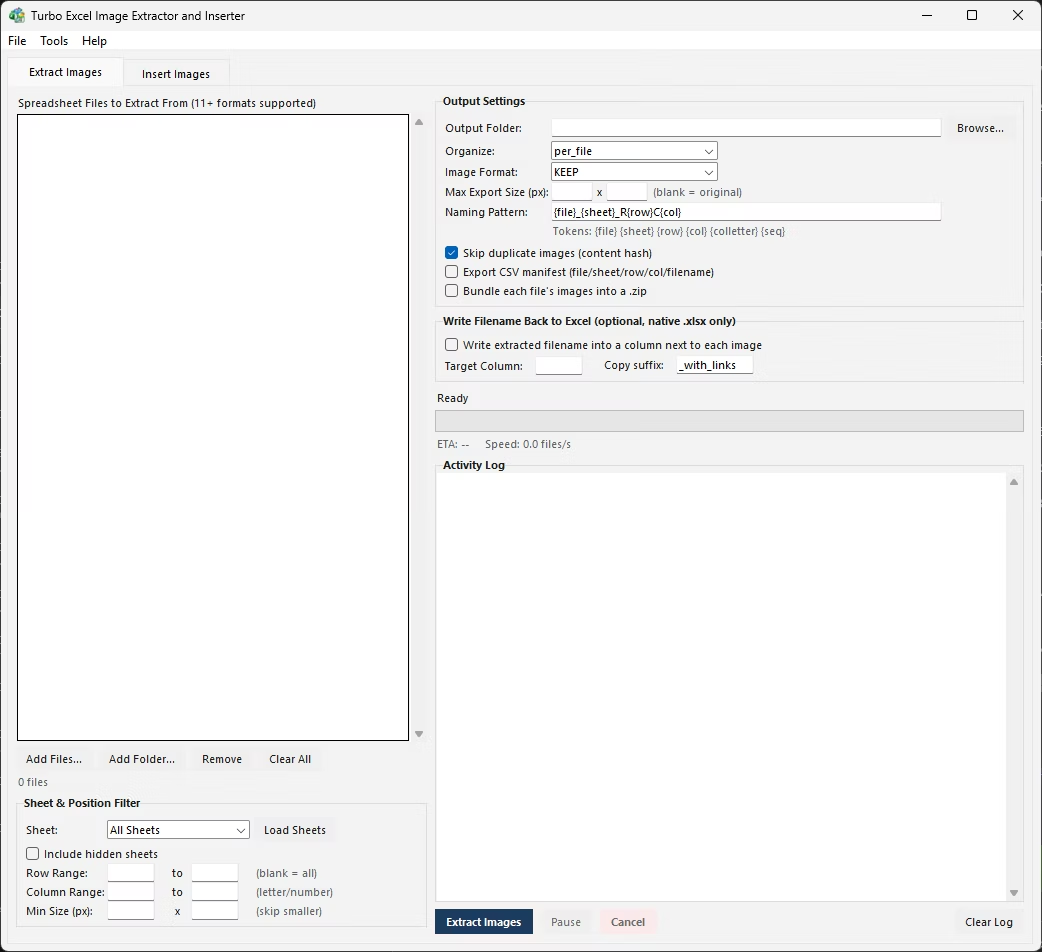
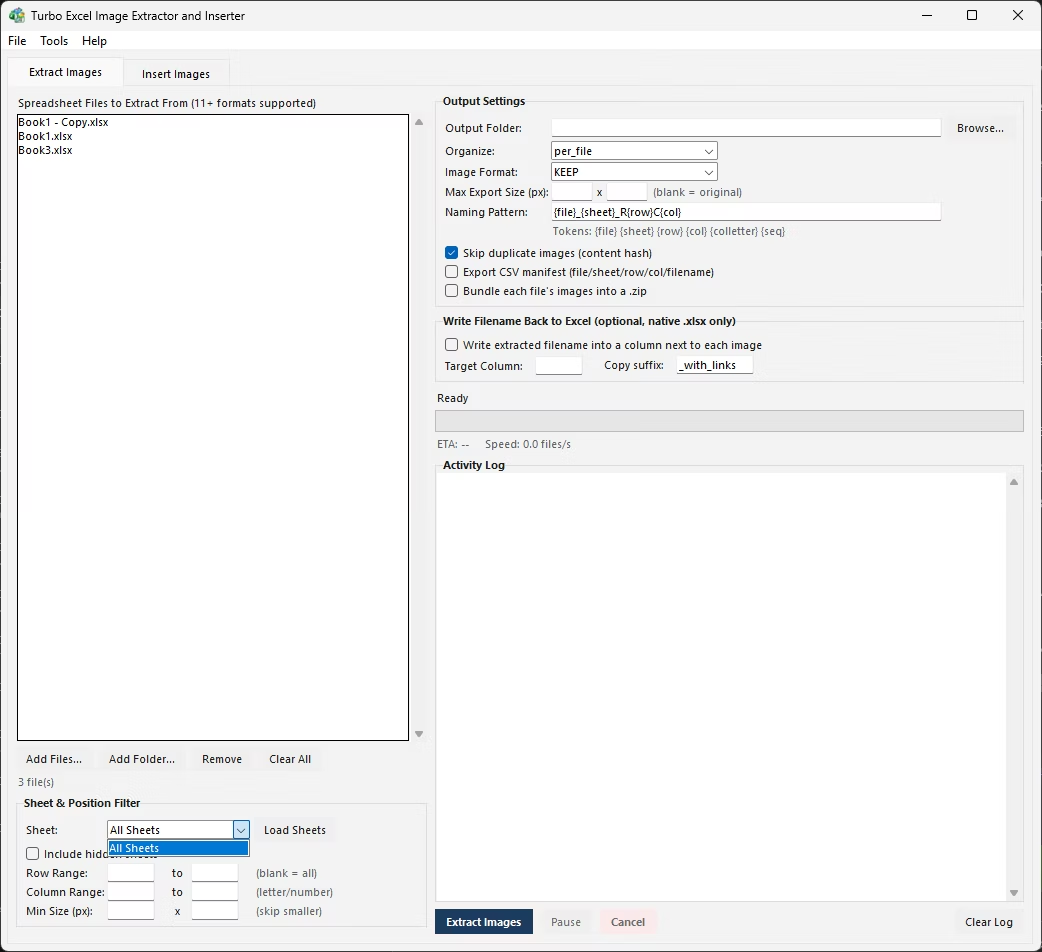
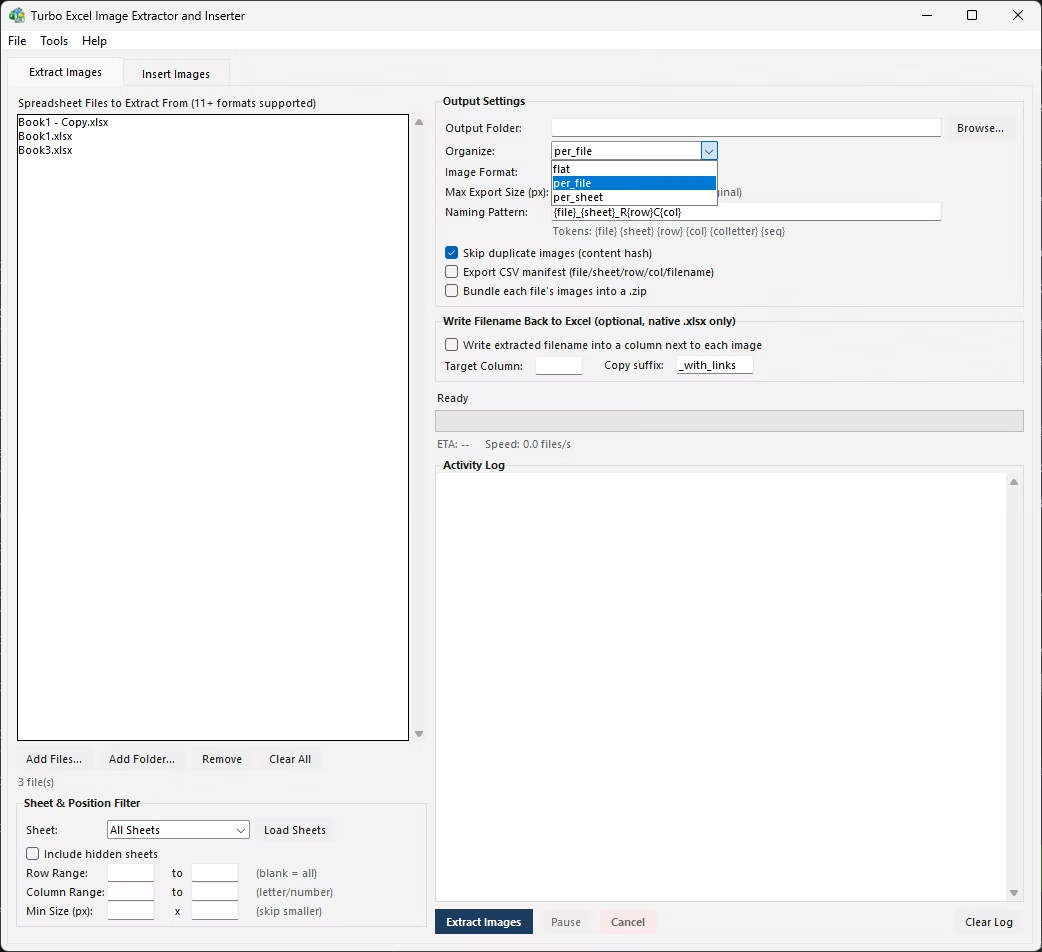
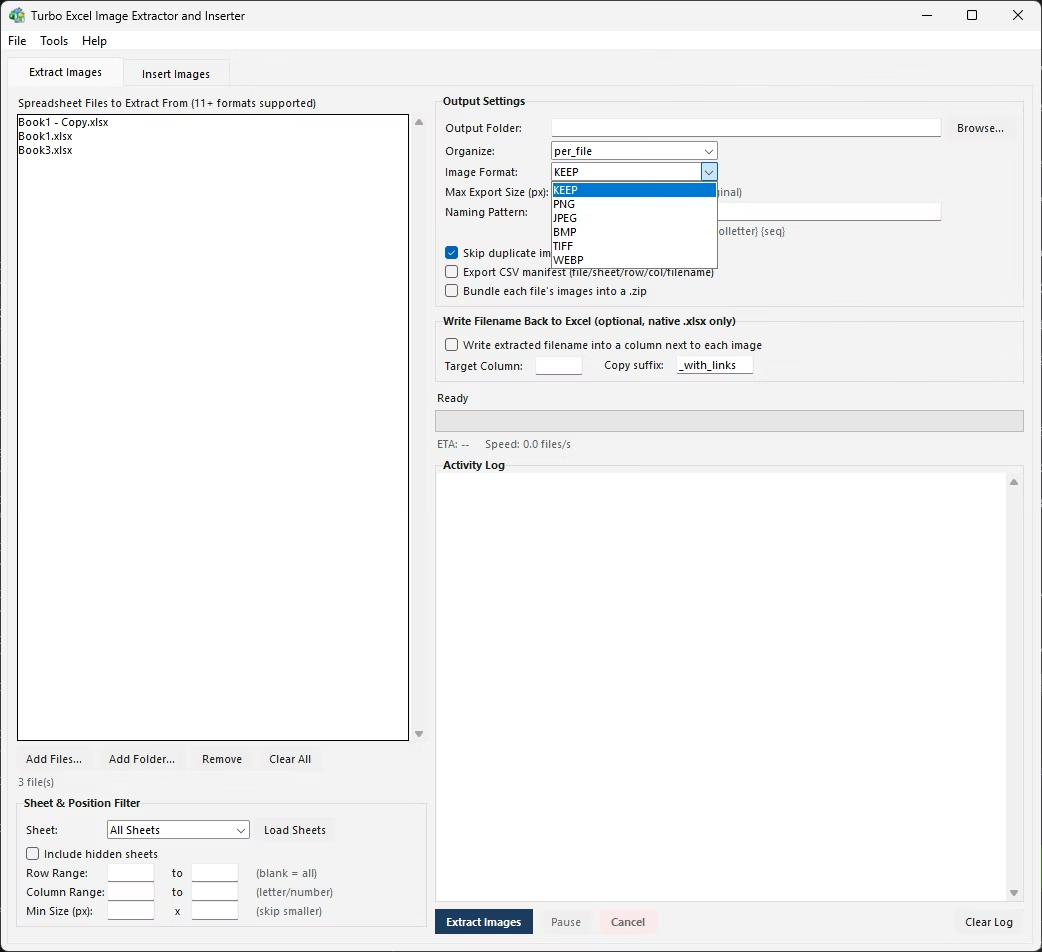
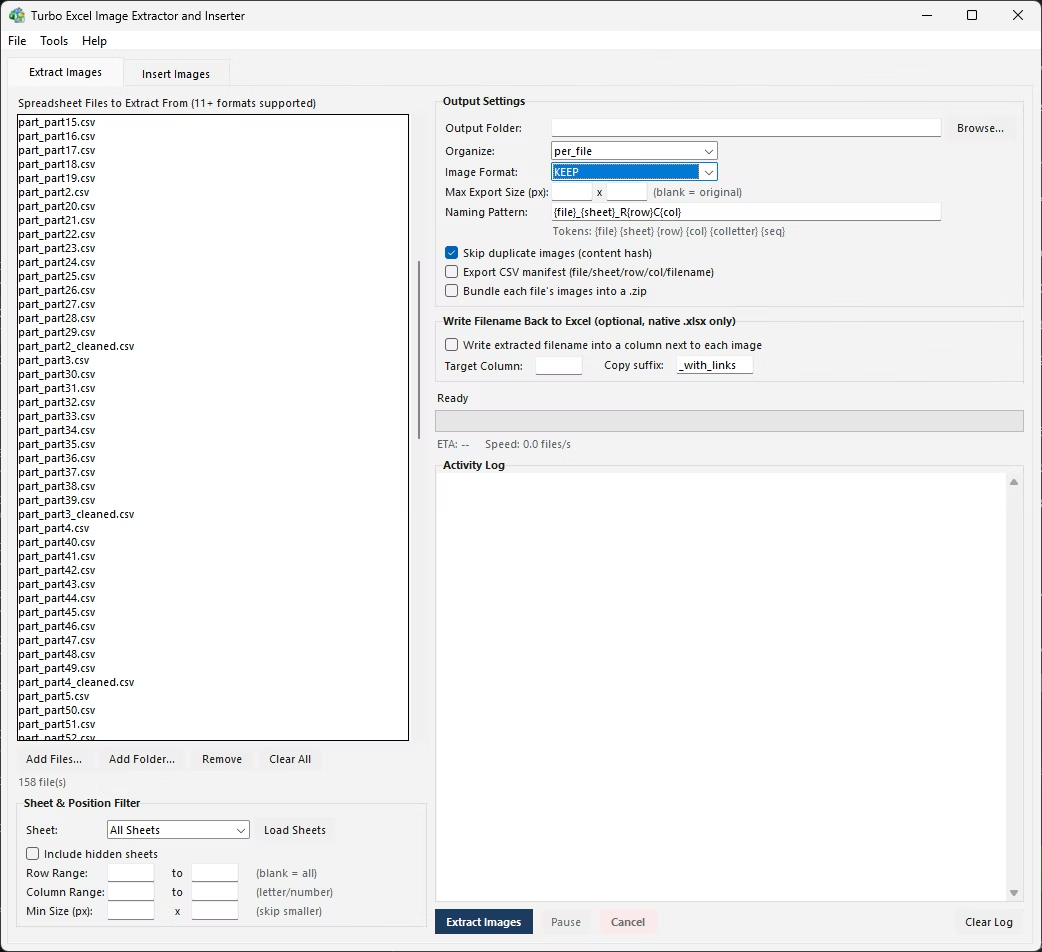
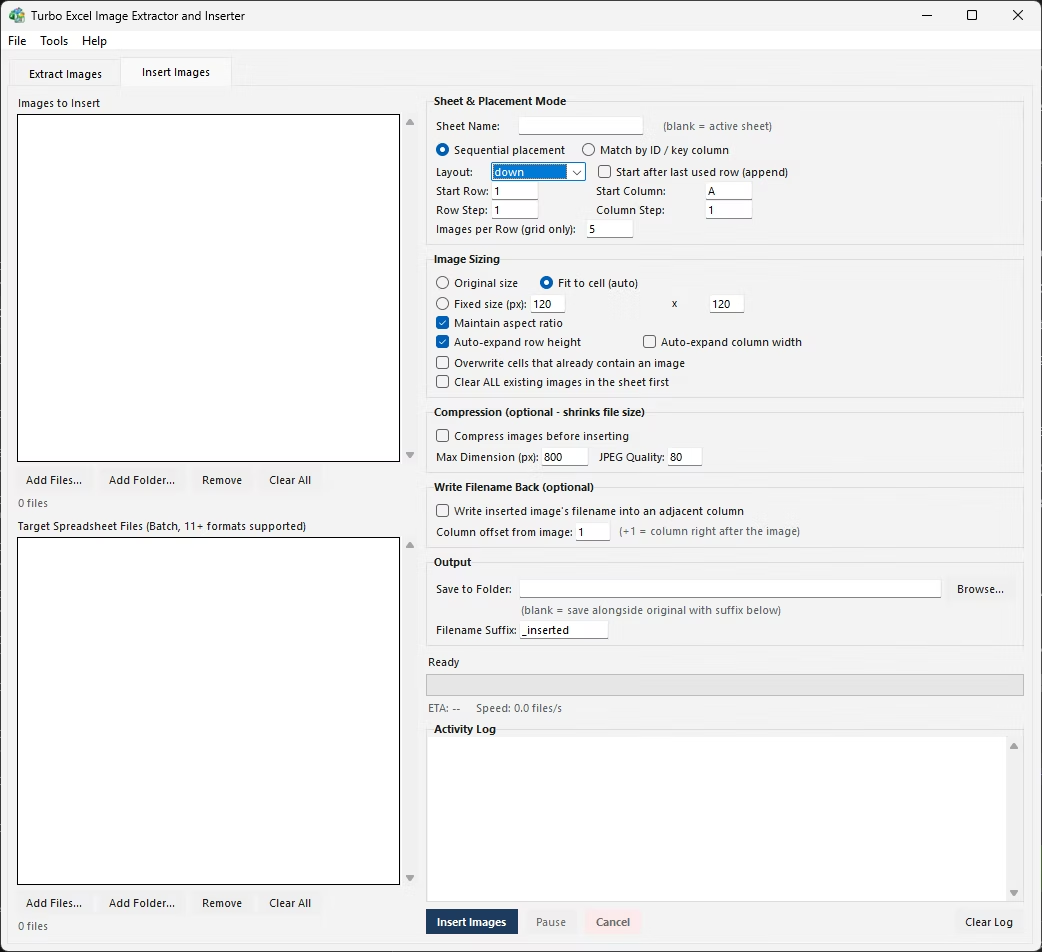
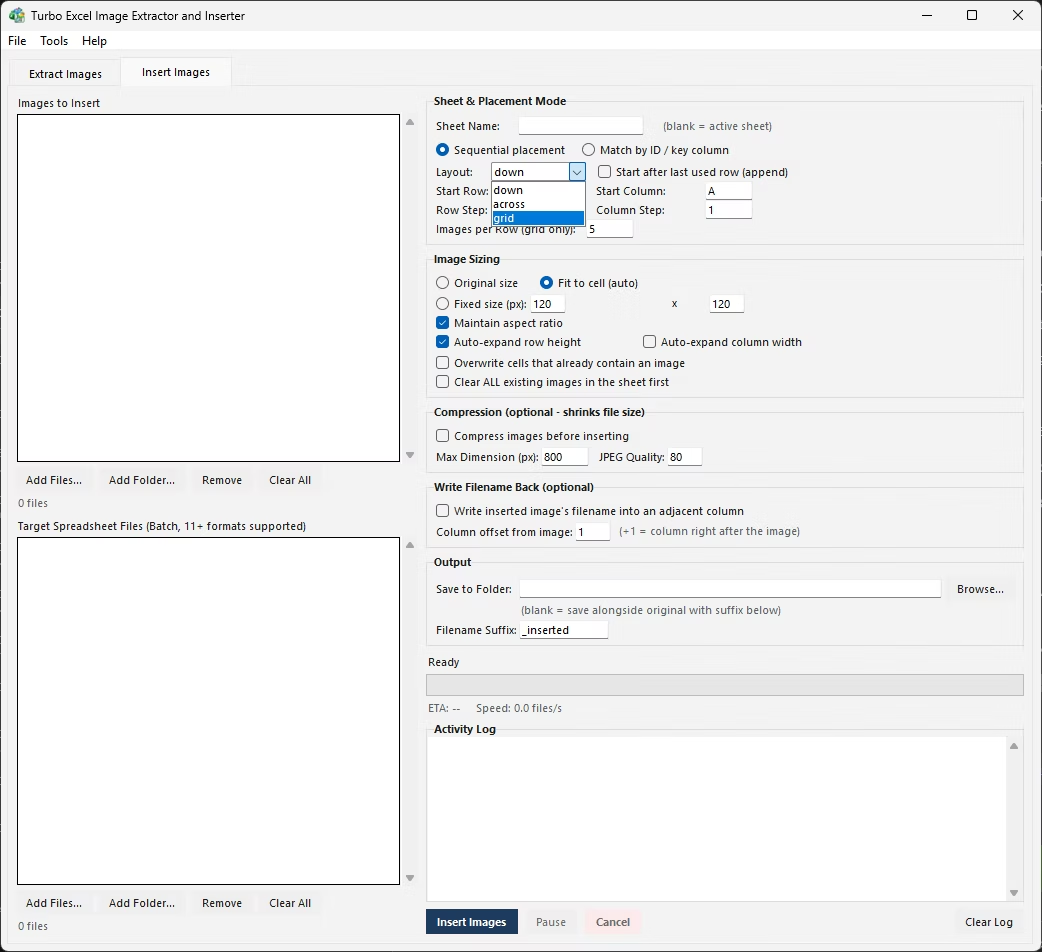
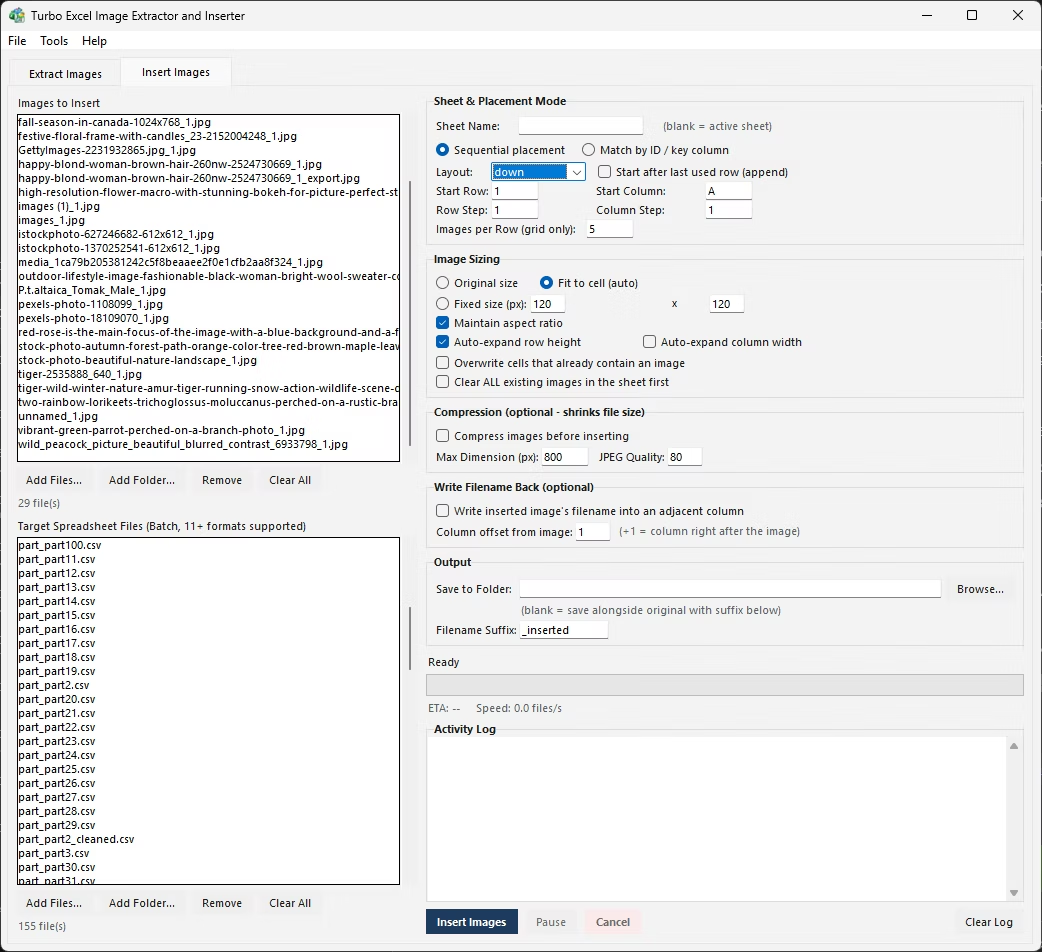
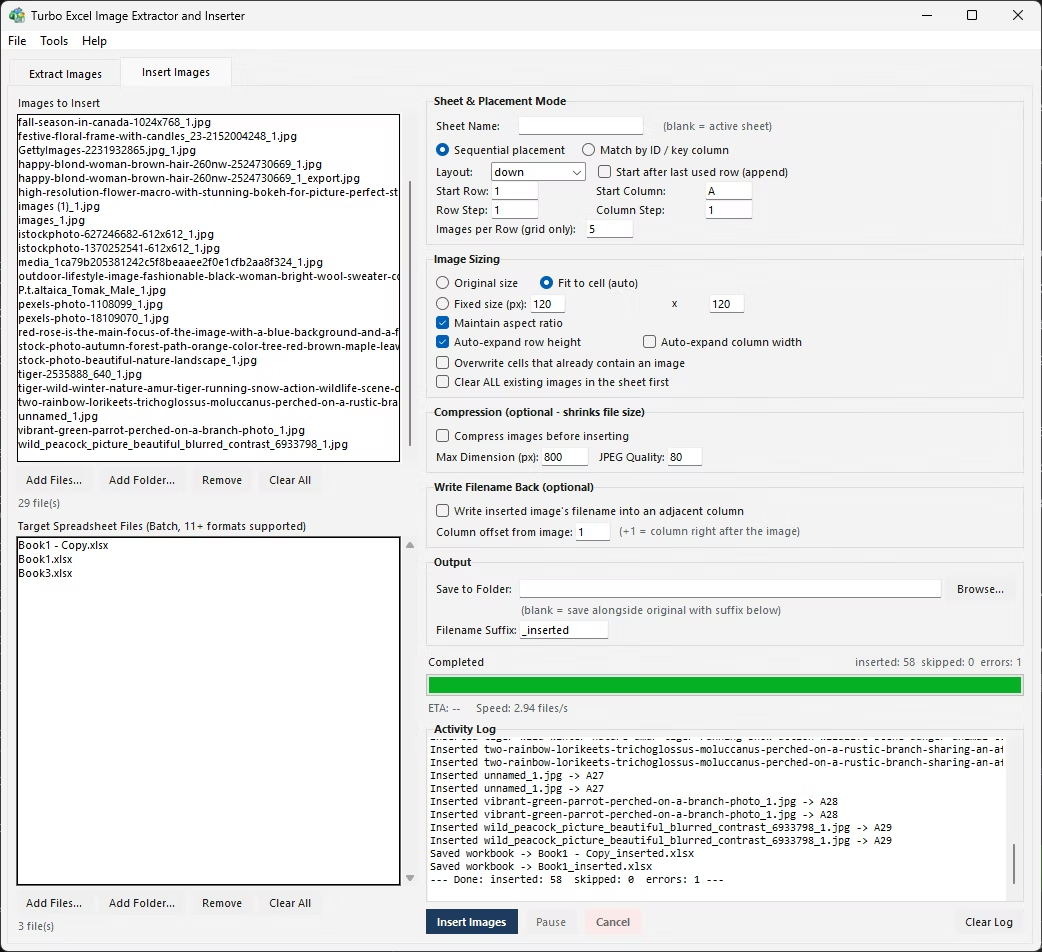
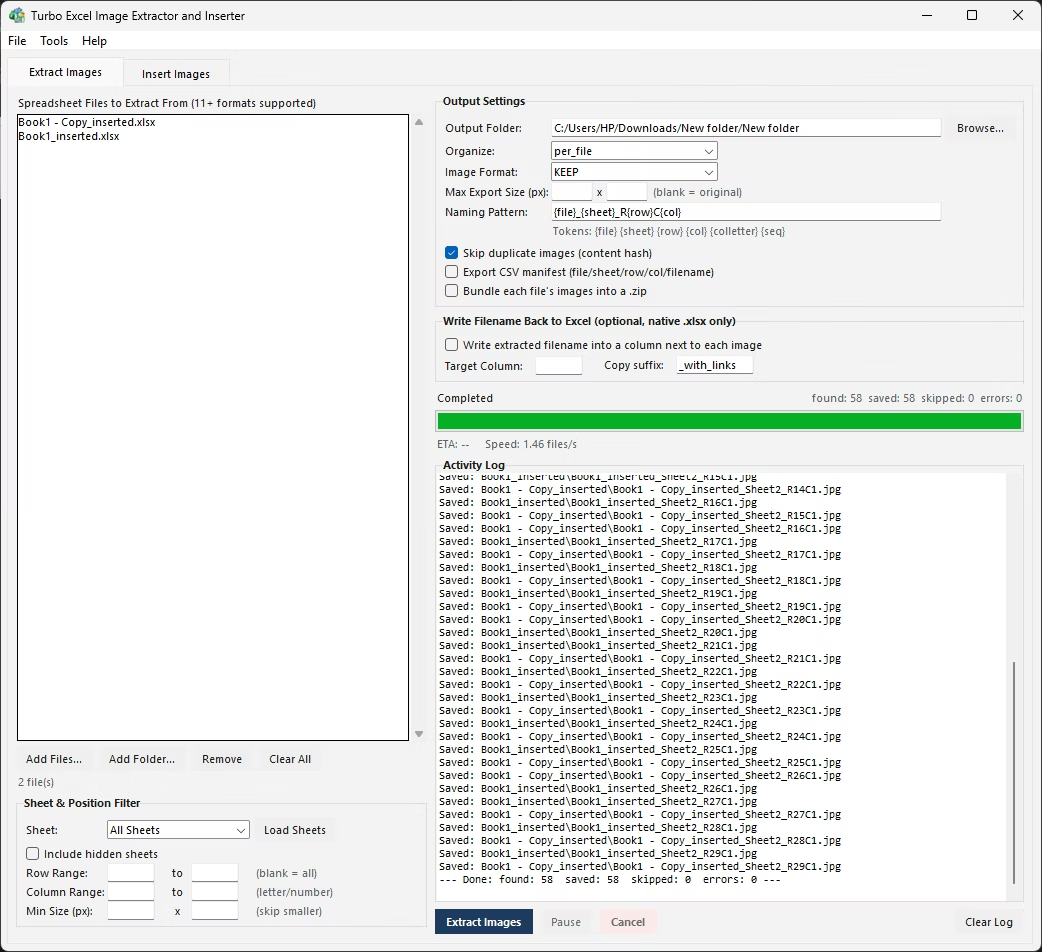
A real export process needs a few things a simple manual save does not provide: a record of exactly what was exported and from where, so the output can be trusted and audited later; protection against exporting the same image twice if it happens to be reused across multiple cells or sheets; and a consistent way to package the result, whether that means one folder, several folders, or a set of ZIP archives.
None of that exists in Excel's own picture-saving flow. Building it manually means keeping a separate spreadsheet or notes file tracking which images have been saved, checking new images against ones already exported to avoid duplicates, and manually zipping folders afterward if a packaged deliverable is needed.
- Create a tracking spreadsheet or notes file to log each image as you export it.
- Right-click each image and choose Save as Picture, saving to your chosen folder.
- Record the source sheet, cell, and saved filename in your tracking file.
- Check new images against ones already logged before saving, to catch duplicates.
- Once finished, manually zip the output folder if a packaged deliverable is required.
The Extract Images tab handles the accountability side of exporting automatically. A dedup option hashes each image's actual content and skips any image that has already been saved during that run, so a picture reused across multiple cells or sheets is not exported multiple times - no manual tracking required. An optional CSV manifest then logs the source file, sheet, row, column, cell reference, saved filename, and pixel dimensions for every image exported, giving you a complete, ready-made record of the entire batch.
For packaging, an optional setting bundles every image exported from a given source file into its own ZIP archive automatically, so the final deliverable is already organized into per-file packages without a separate zipping step. All of this runs across an entire folder of source workbooks loaded into the queue at once, processed in parallel on a multi-threaded engine.
Company logos, category icons, and 'no image available' placeholders are commonly pasted into the same cell position across dozens or hundreds of rows in a workbook - the same file, reused everywhere. Without deduplication, exporting a sheet like that produces hundreds of identical copies of the same handful of images, bloating the output and making it harder to see which files are actually unique product photos.
Content-hash deduplication catches this regardless of what the images are named internally, since it compares actual pixel data rather than relying on filenames or cell positions that might differ even when the picture itself is identical. The result is an export folder that reflects what's genuinely unique in the workbook, not an inflated copy of every repeated placeholder graphic.
This matters just as much for storage as it does for clarity - a few hundred redundant copies of the same logo can add a surprising amount of dead weight to an export folder, and cleaning that up after the fact by eye is far more tedious than letting deduplication skip them automatically during the export itself.
- Content-hash deduplication skips images already exported in the same run
- Optional CSV manifest logs source, position, filename, and size for every export
- Optional automatic per-file ZIP bundling for clean deliverables
- Naming pattern keeps exported filenames consistent and traceable
- Runs across an entire folder of workbooks in one parallel batch
- No manual tracking spreadsheet or duplicate-checking needed
How does deduplication decide two images are the same?
It hashes each image's actual content rather than comparing filenames or positions, so a picture reused across multiple cells or sheets is recognized as identical and only exported once per run.
What does the CSV manifest give me that a plain folder of images doesn't?
A structured, auditable record - for every exported image it lists the source file, sheet, row, column, cell reference, saved filename, and pixel dimensions, which is difficult to reconstruct by hand after the fact.
Can exported images be packaged into ZIP files automatically?
Yes, an optional setting creates one ZIP archive per source workbook, bundling everything exported from that file automatically as part of the batch run.
Does Excel track which images have already been exported?
No. Excel has no memory of what has been saved via Save as Picture, so avoiding duplicate exports manually means keeping your own separate tracking record.
Ready to handle images in bulk, offline, with full privacy?