WebP was built by Google specifically to make websites faster, typically producing files noticeably smaller than equivalent JPG or PNG images at similar visual quality, which is why so many site migrations involve converting an entire image library to WebP in one pass.
Turbo Batch Image Converter Lite batch converts folders of JPG, PNG, and other everyday images into WebP, or converts existing WebP files back to a more universally editable format, all processed offline with adjustable WebP quality.
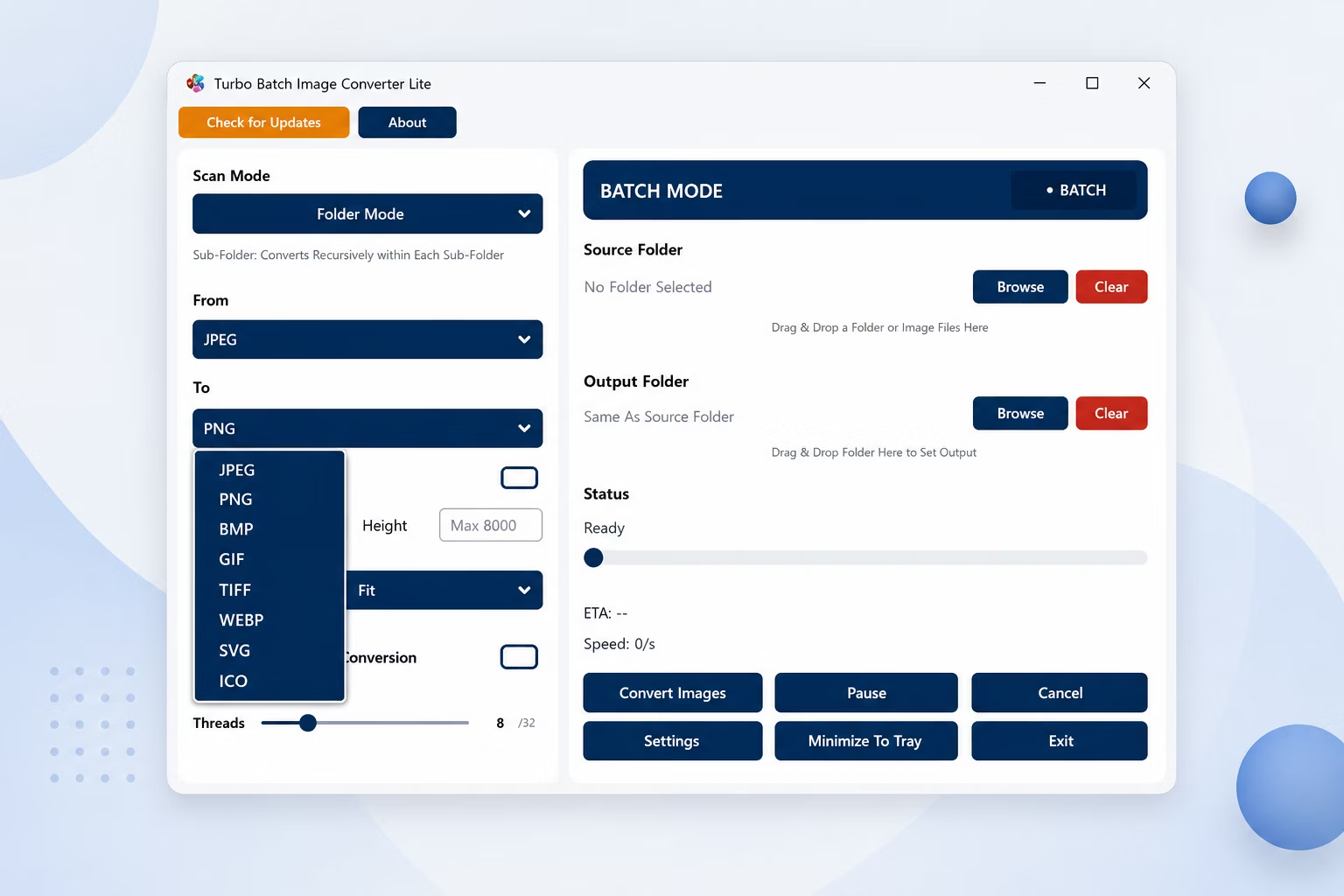
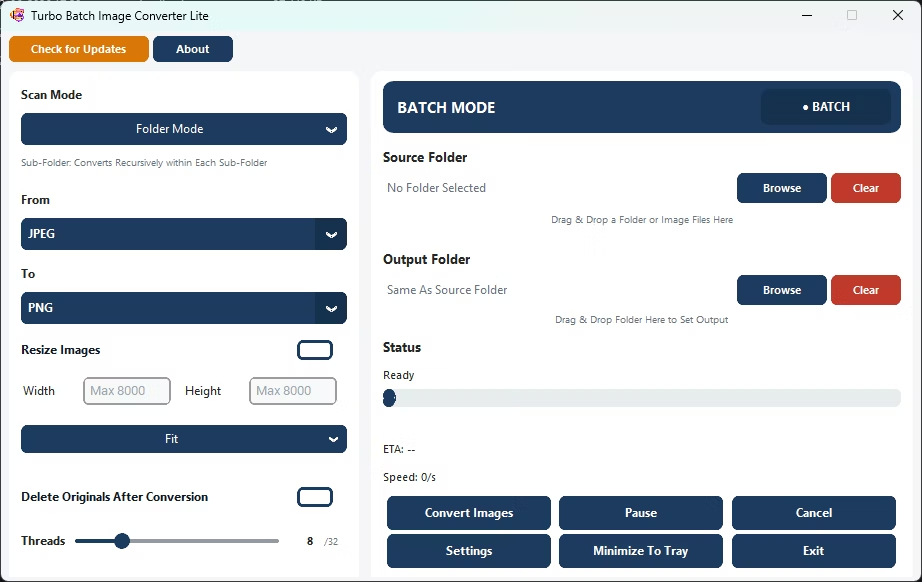
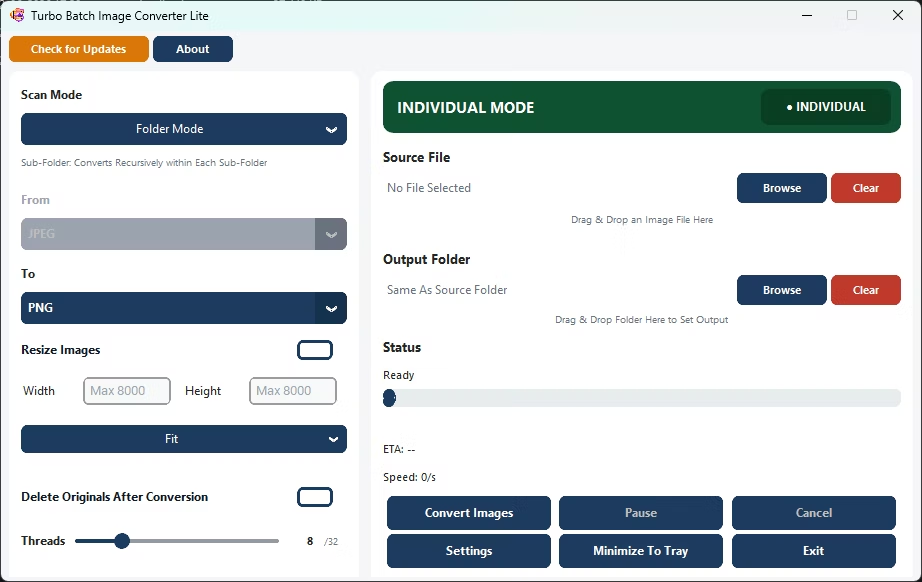
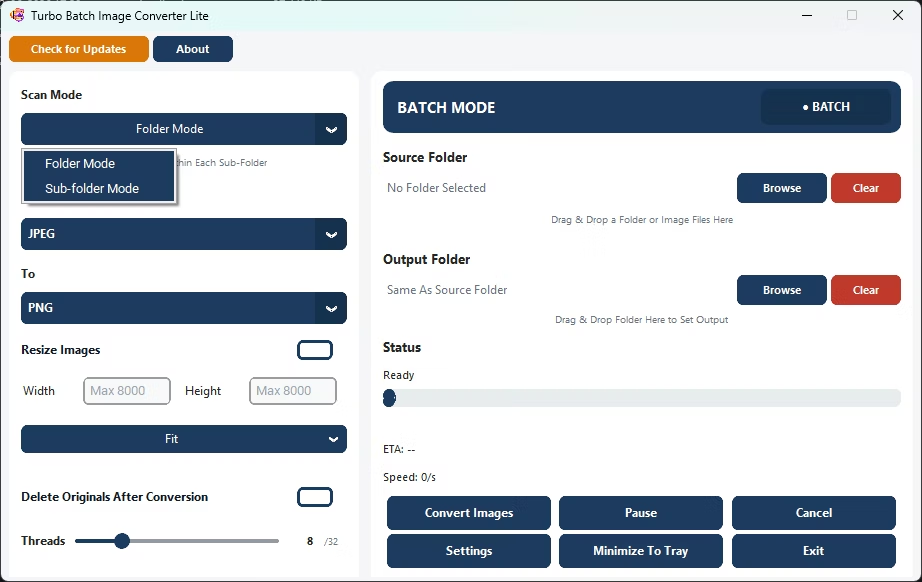
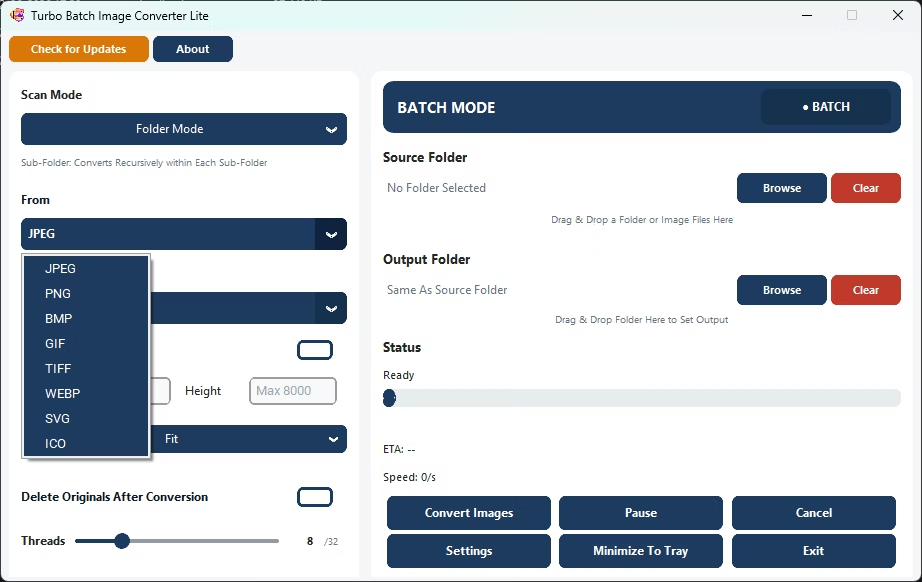
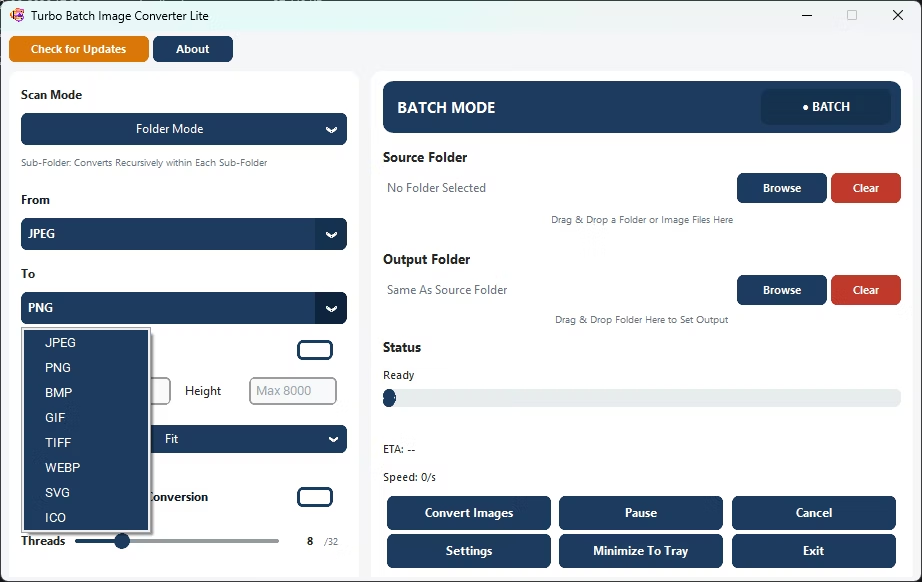
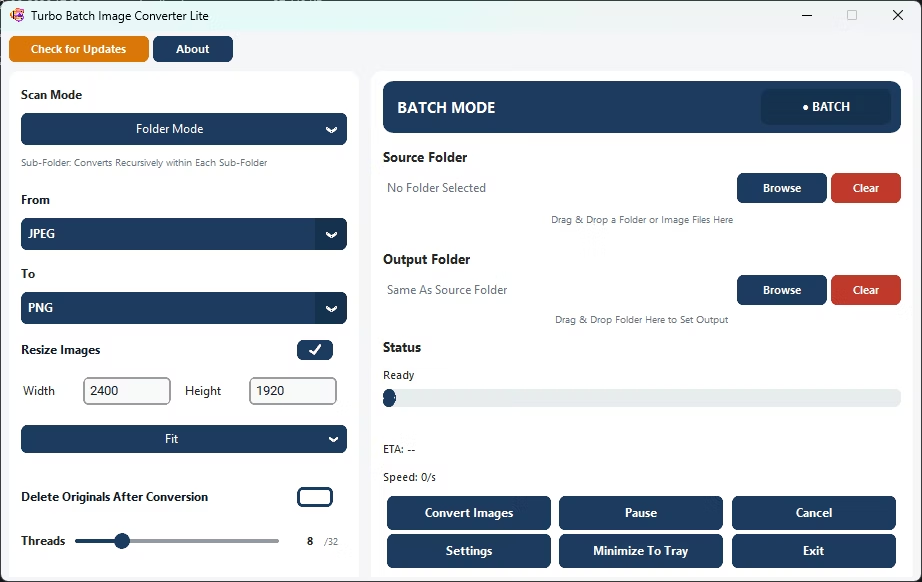
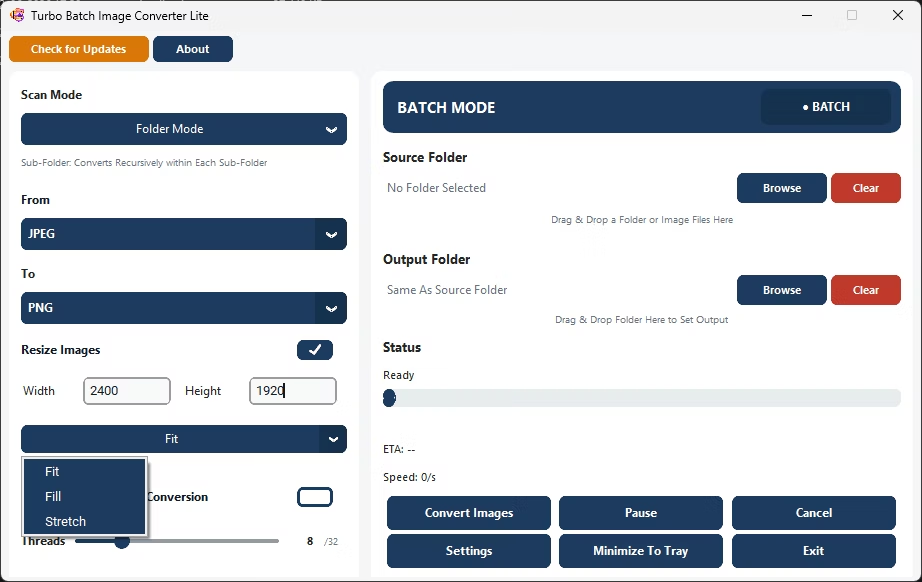
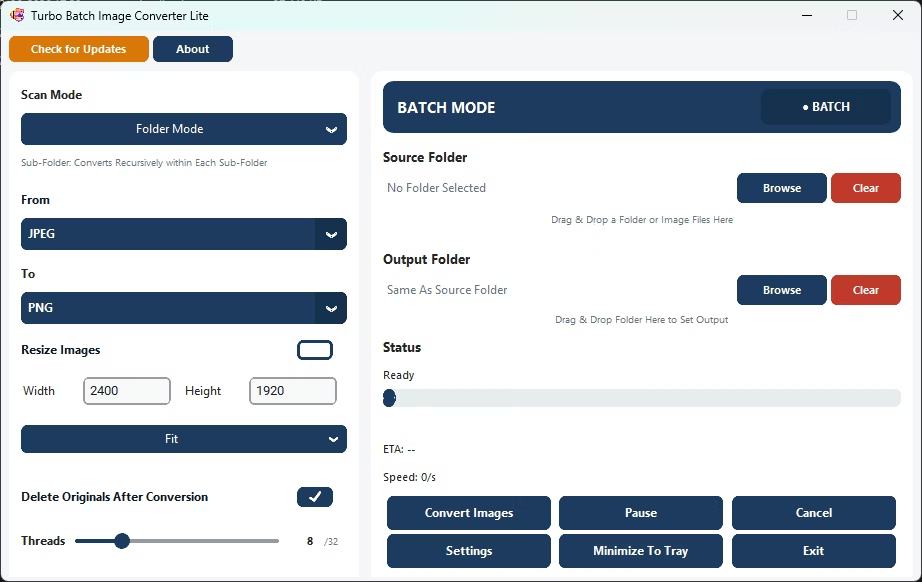
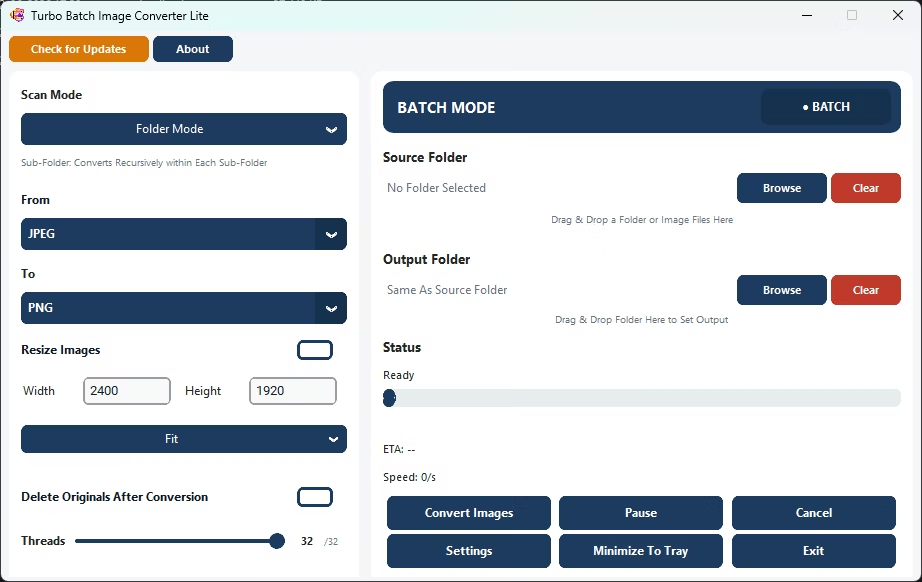
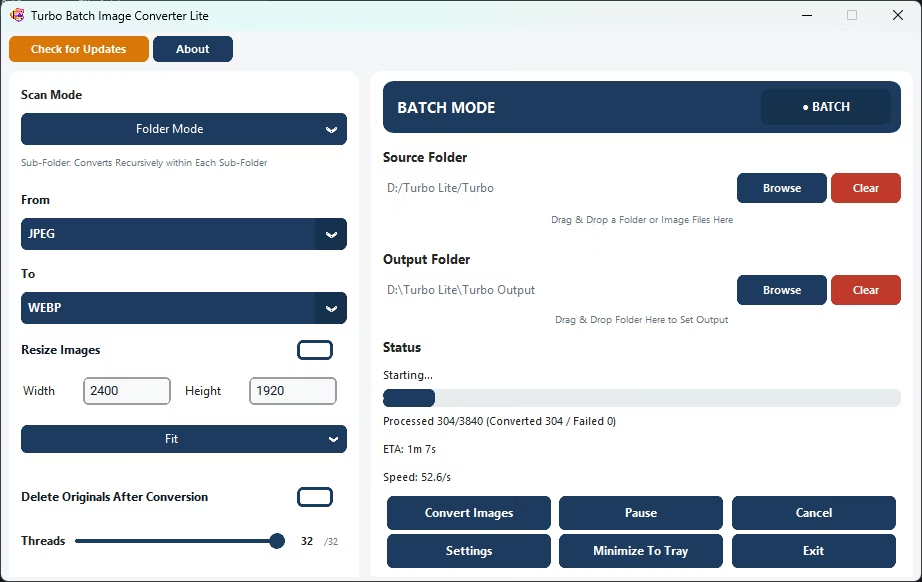
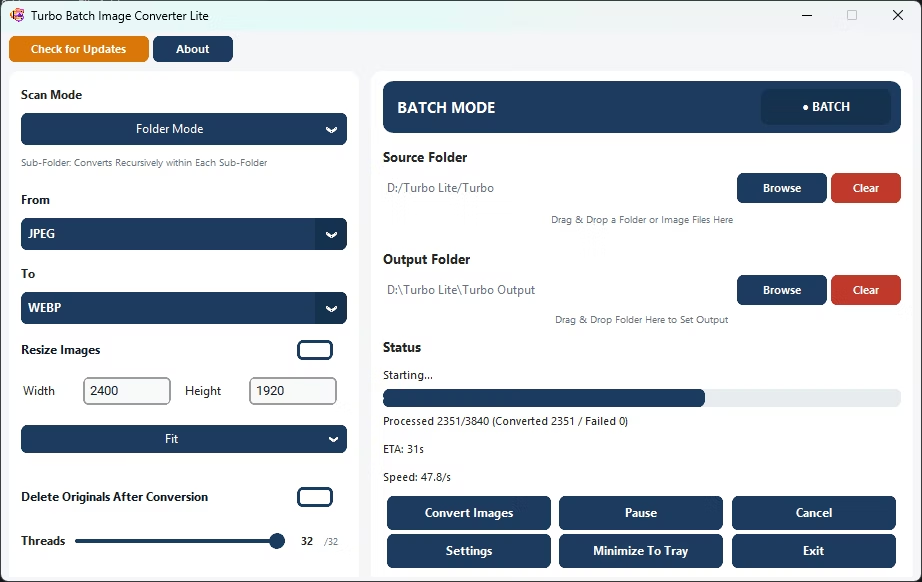
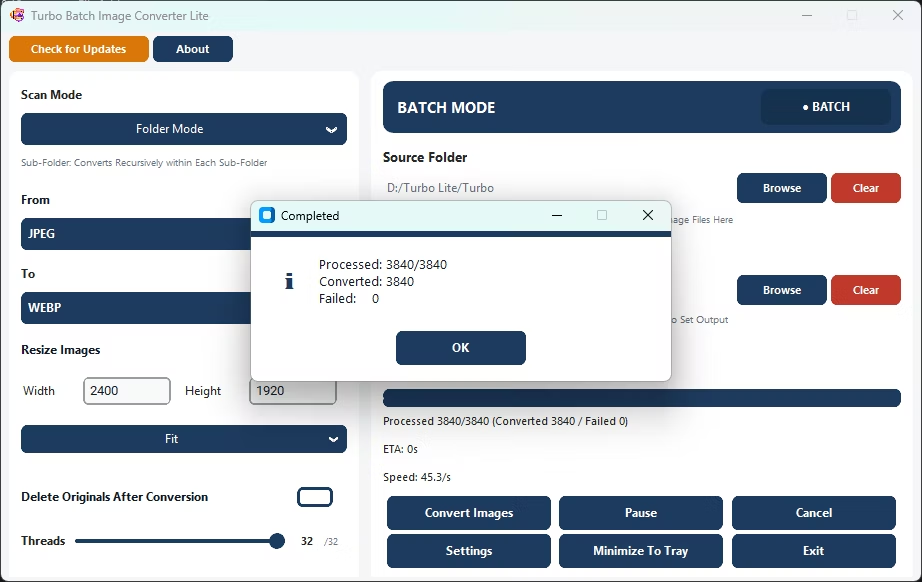
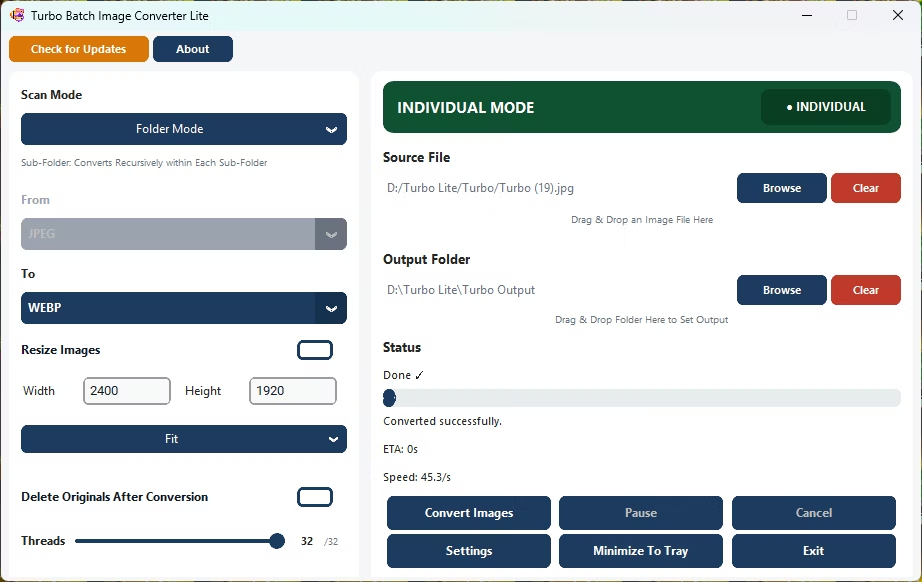
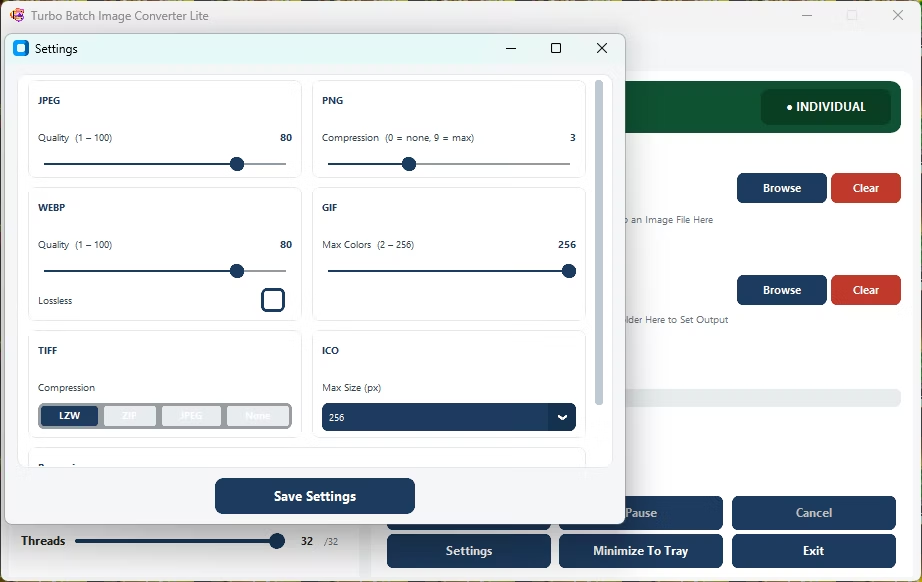
- Install Turbo Batch Image Converter Lite on your Windows PC.
- Open Batch Mode and select your website's image folder.
- Enable recursive scanning if images are spread across sub-folders.
- Set WebP as the "To" format.
- Adjust the WebP quality slider to balance file size against visual quality.
- Click Convert and upload the smaller WebP files to your site.
- Shrinks JPG and PNG folders into smaller WebP files
- Adjustable WebP quality for the right size-to-quality tradeoff
- Recursive scanning covers an entire website's image directory
- Also converts existing WebP files back to JPG or PNG when needed
- Runs fully offline with no per-file upload limits
How much smaller are WebP files compared to JPG or PNG?
It varies by image, but WebP commonly produces noticeably smaller files than JPG or PNG at a comparable visual quality.
Can I convert my entire website's image folder in one batch?
Yes, enable recursive scanning and the app will convert images across every nested folder in one run.
Can I convert WebP images back to JPG or PNG?
Yes, set WebP as the "From" format and choose JPG, PNG, or any other supported output.
Ready to batch convert your images to WebP, fully offline and for free?