PBM's 1-bit-per-pixel structure has no color or grayscale capability, built for the simplest possible monochrome document representation. Converting a PBM file to HEIC moves the same black-and-white content into a format that integrates with Apple's photo ecosystem, which can be useful if you want a scanned document or bilevel output to live alongside other photos in an iOS or macOS photo library.
HEIC's 10-bit color and efficient compression don't add anything to the actual image content here, since PBM's source data never had color or grayscale information to begin with — this conversion is purely about compatibility and organization, not visual improvement.
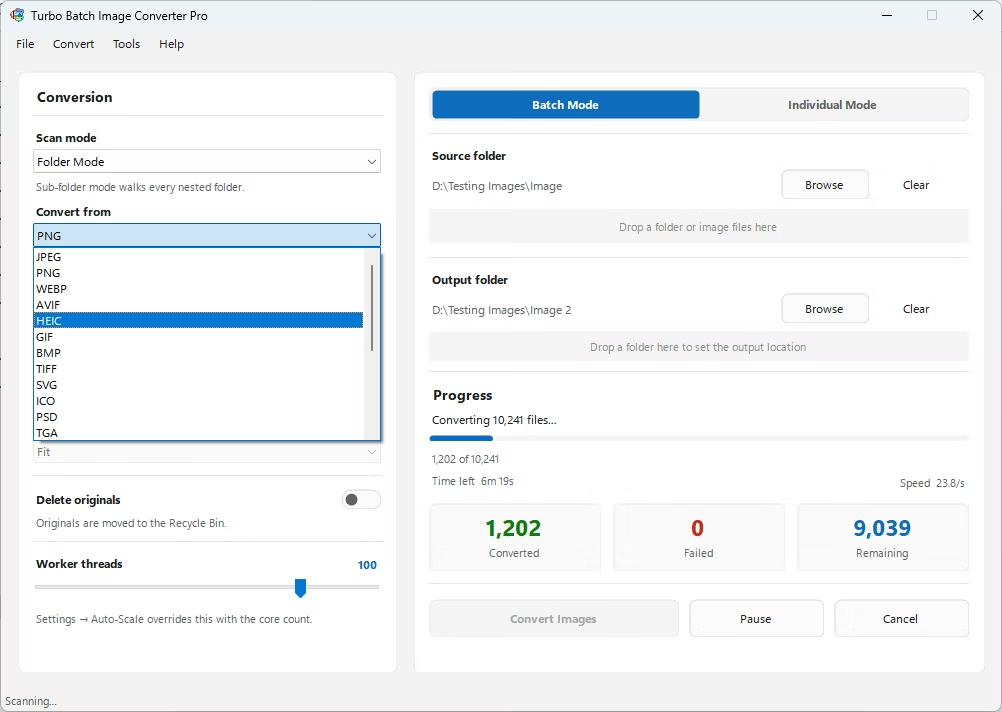
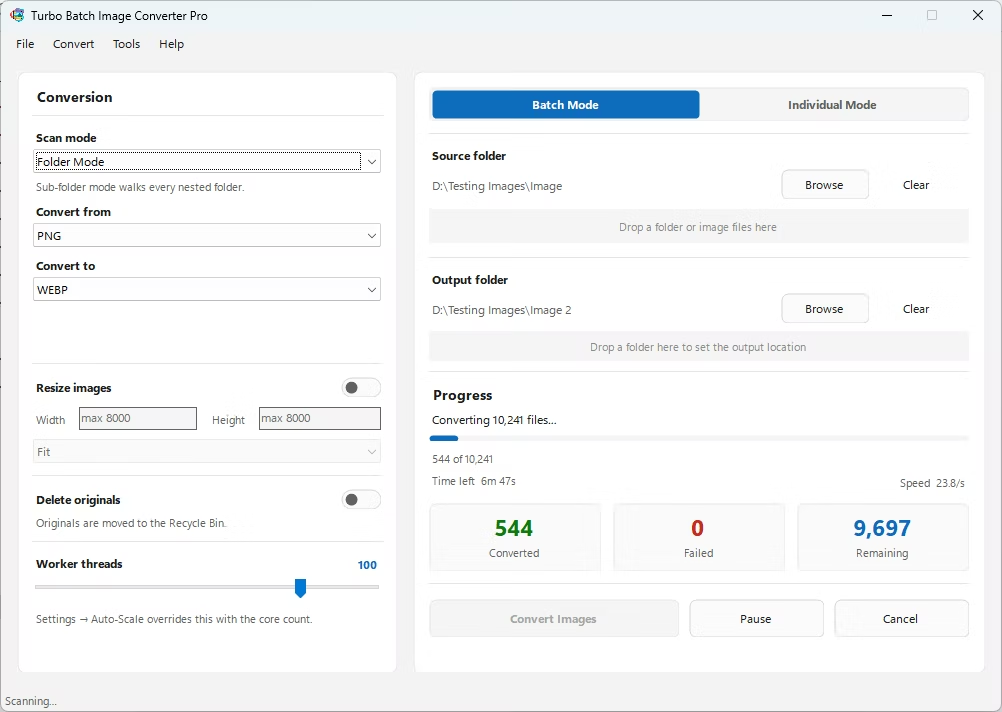
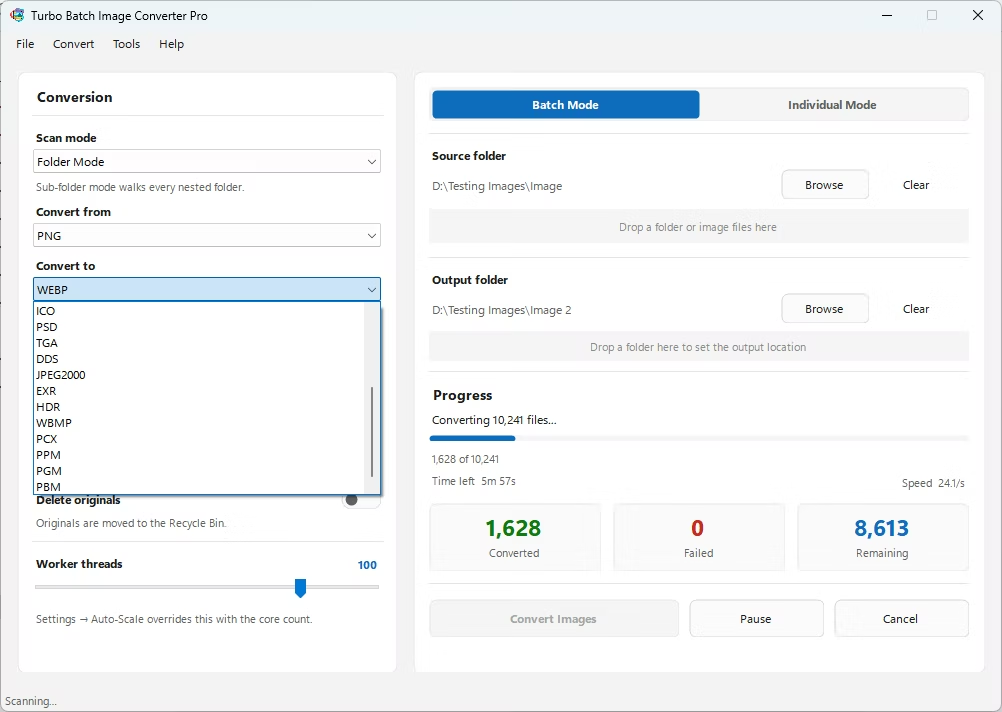
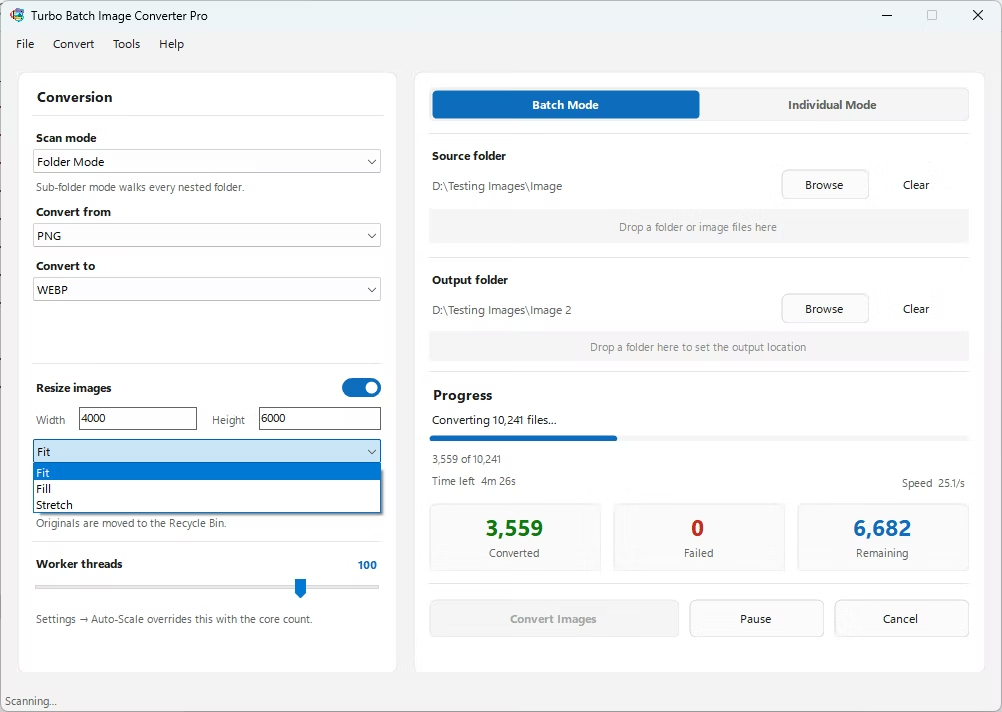
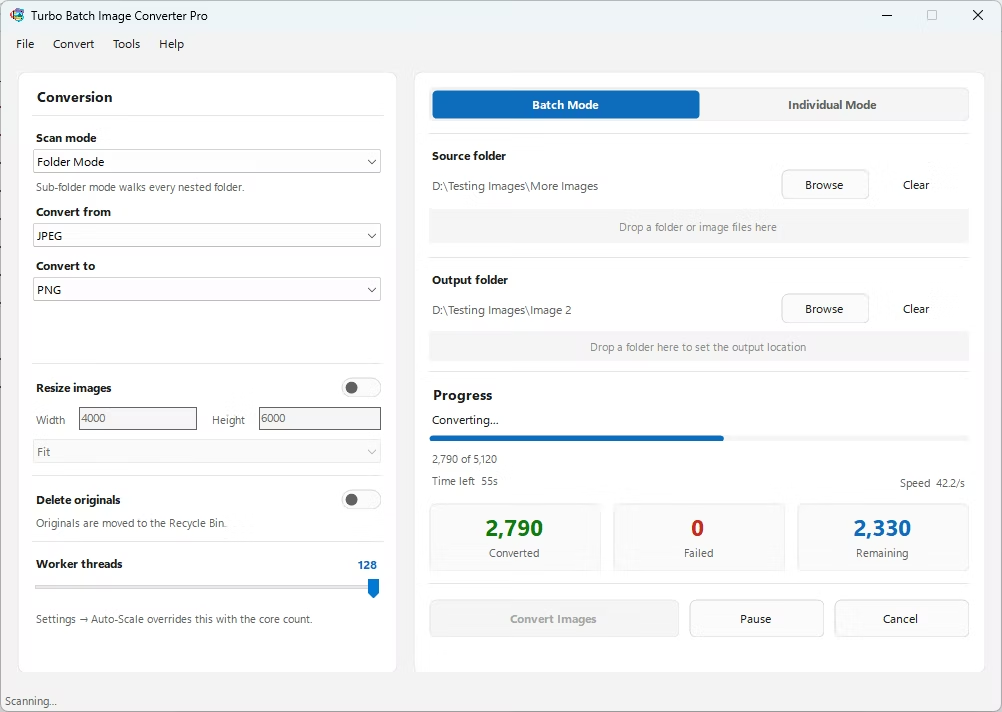
- Install Turbo Batch Image Converter Pro on your Windows PC.
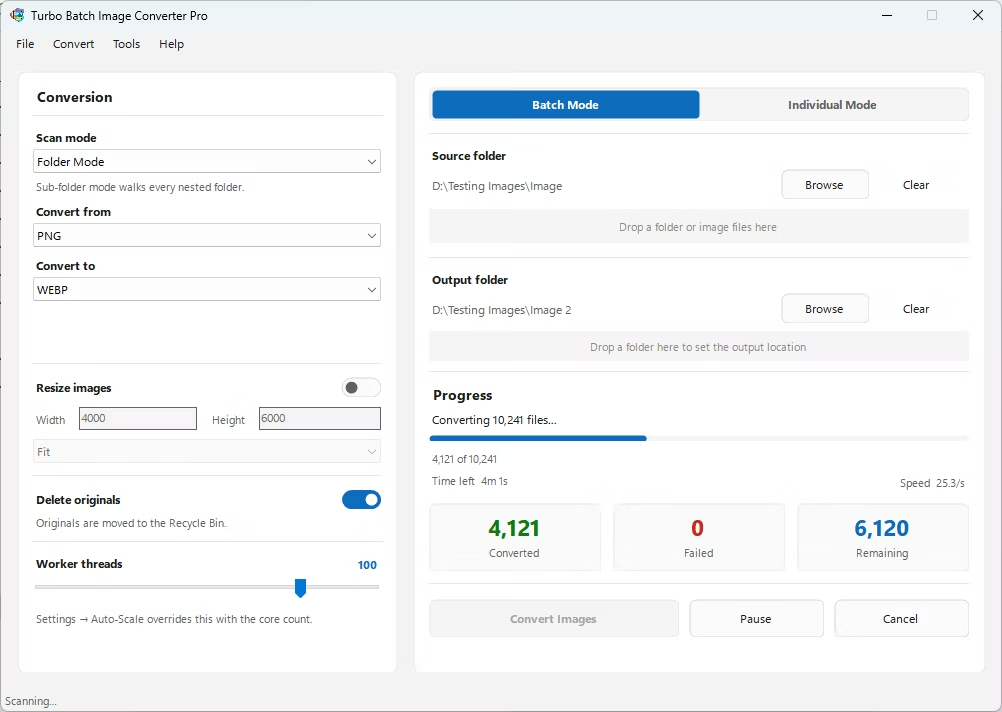
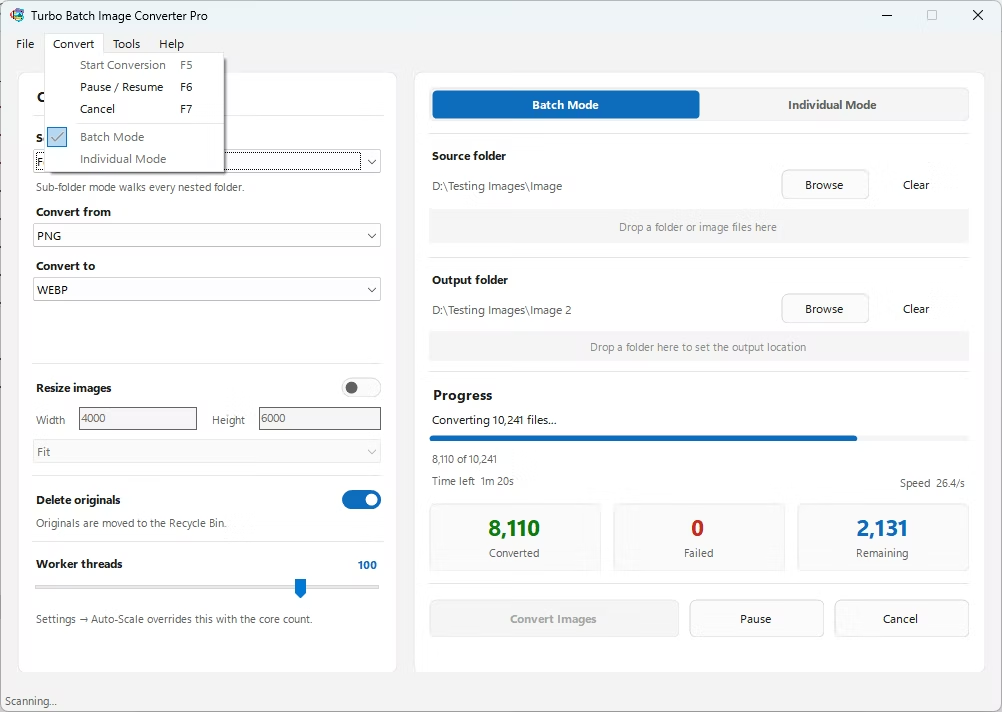
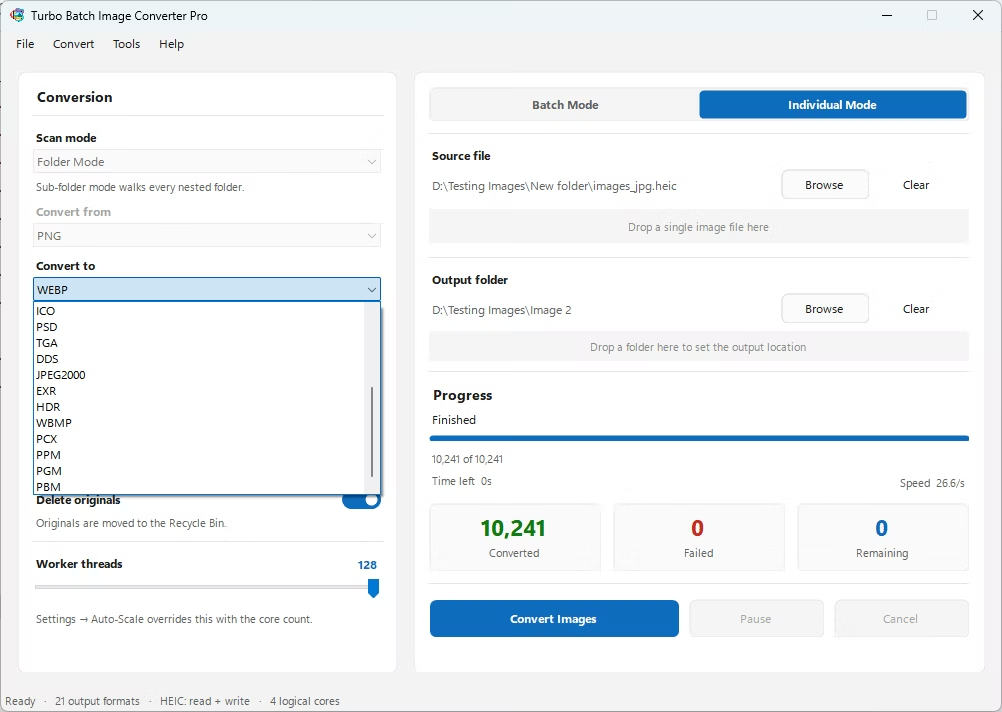
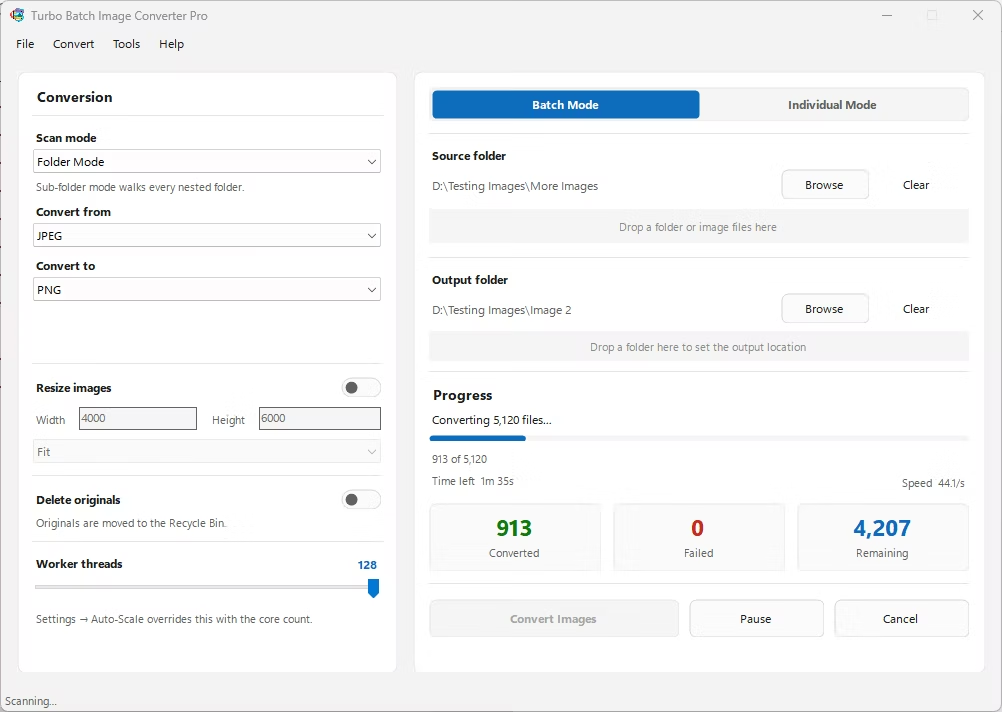
- Open the app and select Batch Mode for multiple files, or Individual Mode for a single PBM.
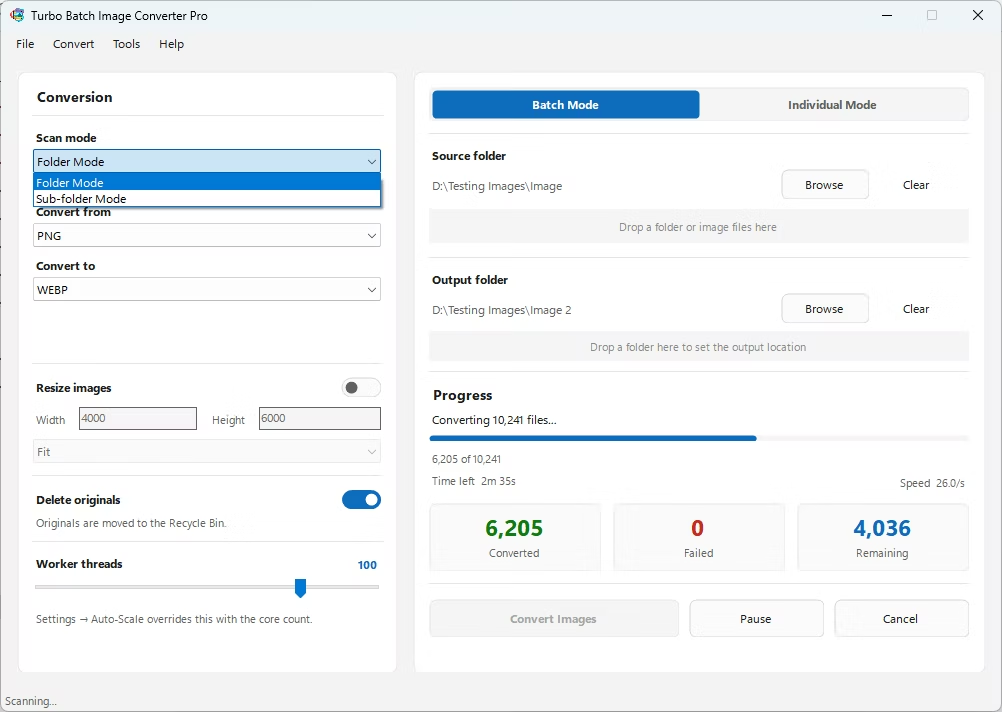
- Drag your PBM file or folder into the app window, enabling recursive folder scanning if needed.
- Set the "From" format to PBM and the "To" format to HEIC.
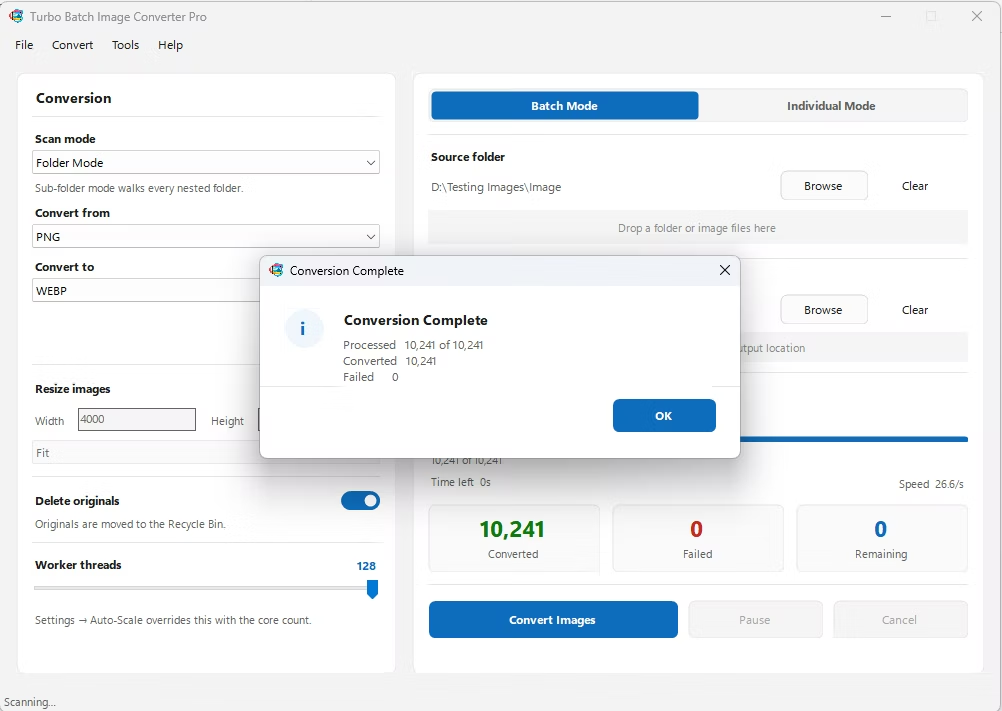
- Click Convert. HEIC files are written to the output folder, fully offline.
- 100% offline — your document and pipeline output is never uploaded anywhere
- Bulk conversion of entire folders, including sub-folders, in one pass
- Produces HEIC files with native support across Apple devices and software
- Multi-core processing for fast handling of large batches
- Option to delete original PBM files automatically once converted
- No recurring subscription or hidden upload limits
Will HEIC's 10-bit color improve my PBM image?
No, the original PBM file only ever stored black-and-white data, so converting to HEIC doesn't add color depth that wasn't captured in the source image.
Why would I need a scanned document in HEIC format?
Converting to HEIC can make sense if you want an old PBM-format scan to integrate cleanly with a personal photo library or app built around Apple's photo ecosystem.
Can I batch-convert an entire folder of PBM files to HEIC at once?
Yes, Batch Mode with recursive folder scanning handles entire folders, including nested sub-folders, in a single run.
Ready to convert your images offline, in bulk, with full privacy?