The difference between VLOOKUP and HLOOKUP comes down to a single detail: the direction they search in. Everything else about how the two functions are structured, how they handle exact versus approximate matches, and how they can fail is identical. This page isolates that one distinction clearly, with a direct example of the same data laid out both ways.
Understanding this single difference is usually enough to pick the correct function immediately, without needing to memorize two separate sets of rules.
| Vertical layout (use VLOOKUP) | ||
|---|---|---|
| Region | Q1 Sales | Q2 Sales |
| North | 44,200 | 51,800 |
| South | 38,900 | 40,150 |
| Horizontal layout (use HLOOKUP) | ||
|---|---|---|
| Region | North | South |
| Q1 Sales | 44,200 | 38,900 |
The information is identical in both tables - only the orientation differs. Searching for "North" in the first table means searching down a column (VLOOKUP); searching for "North" in the second means searching across a row (HLOOKUP).
Excel's earliest lookup functions were built before more flexible, orientation-agnostic functions like INDEX/MATCH and XLOOKUP existed, so VLOOKUP and HLOOKUP were designed as two separate, purpose-built functions rather than one function with a direction argument. That design has stuck around because so many existing workbooks still depend on it, even though newer functions have since made the direction distinction largely unnecessary for people building new sheets.
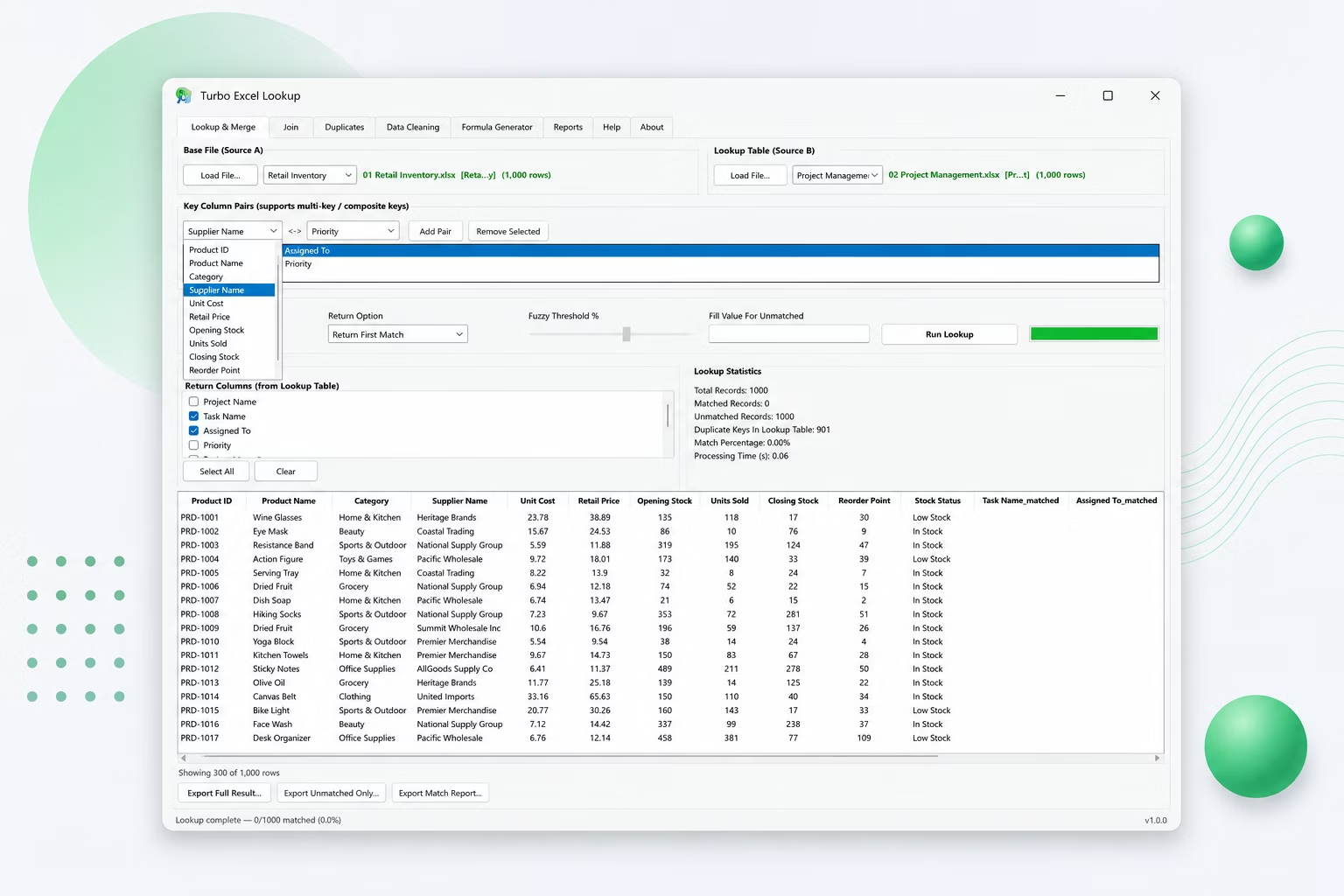
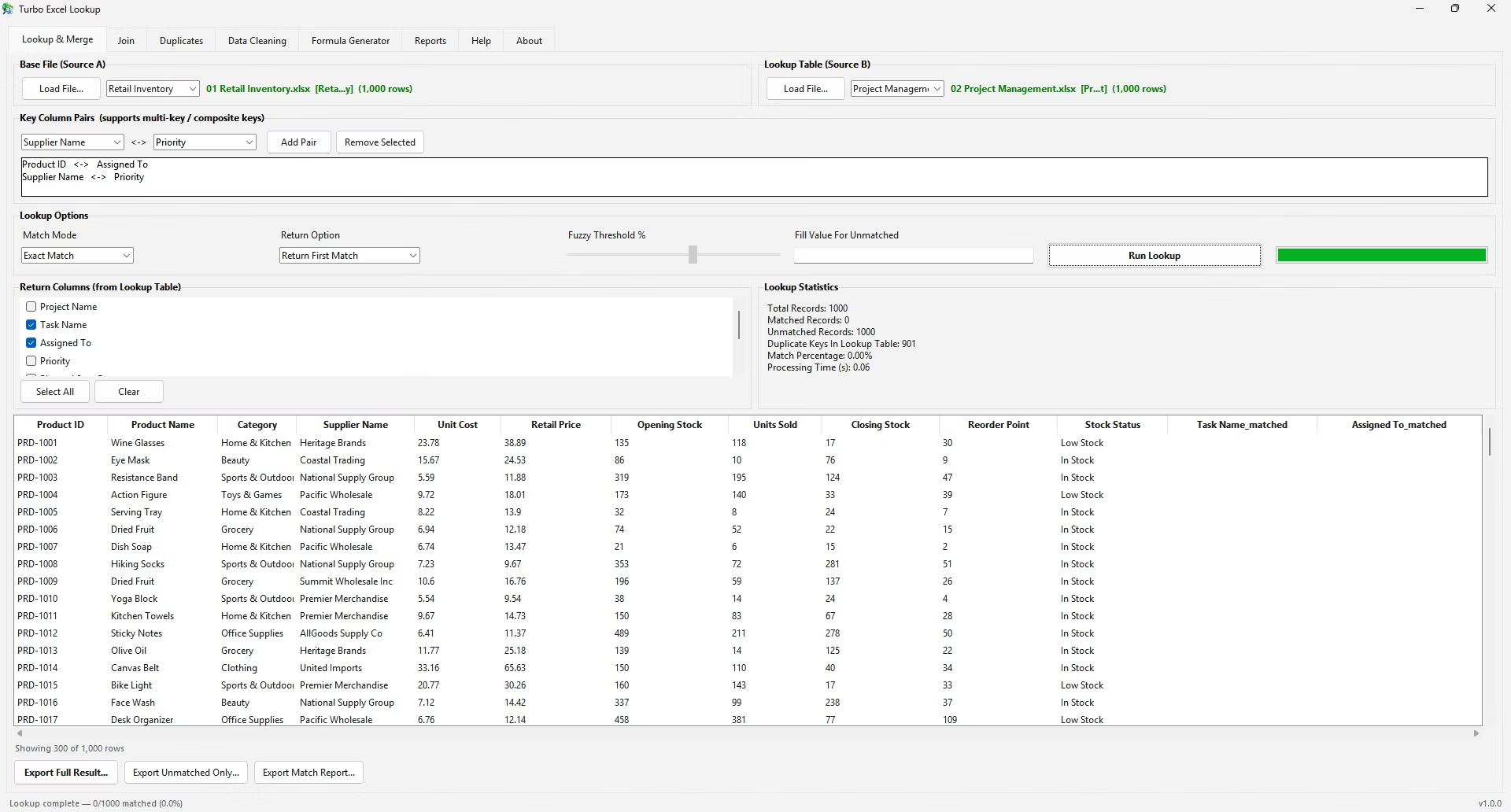
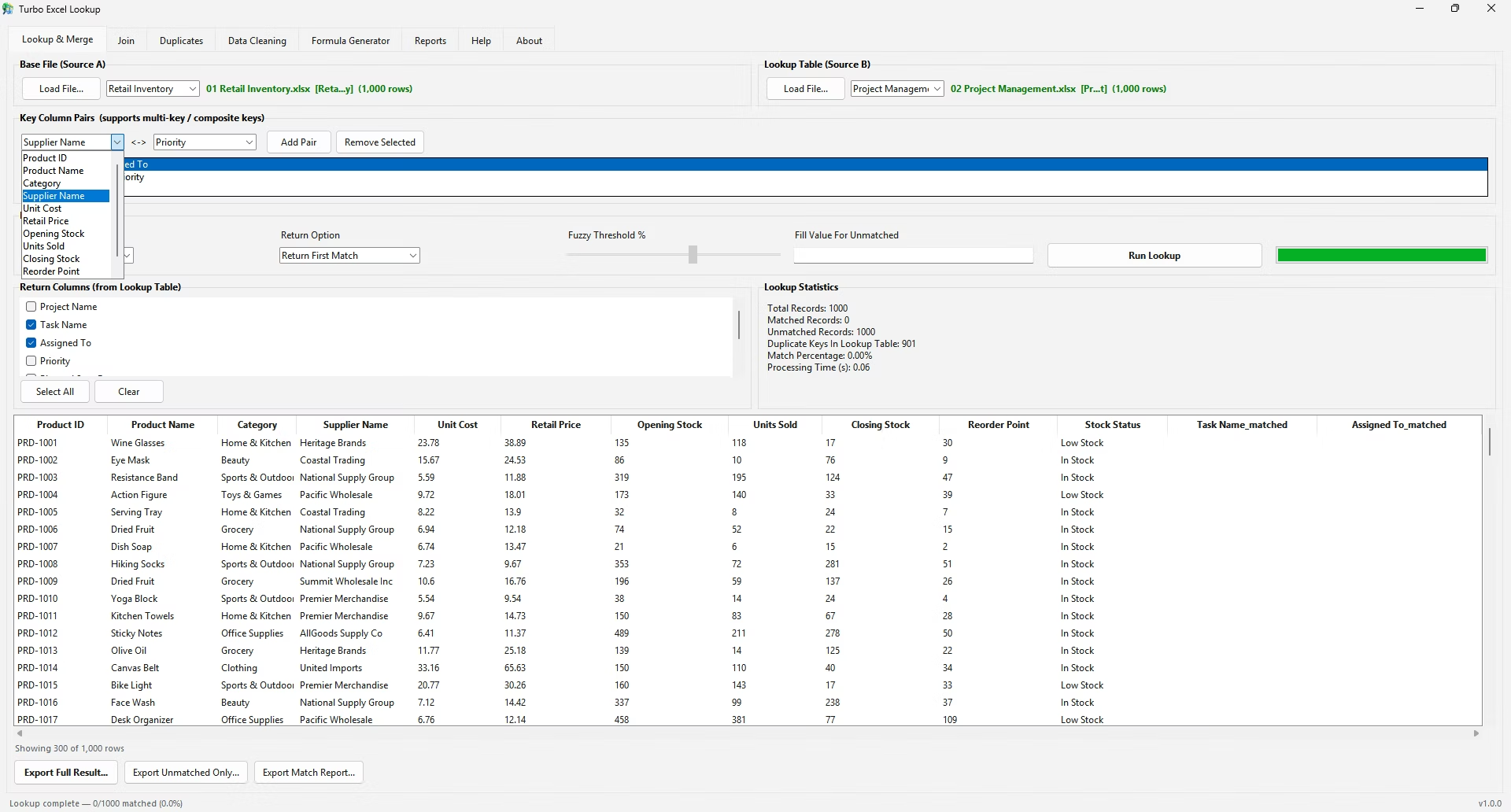
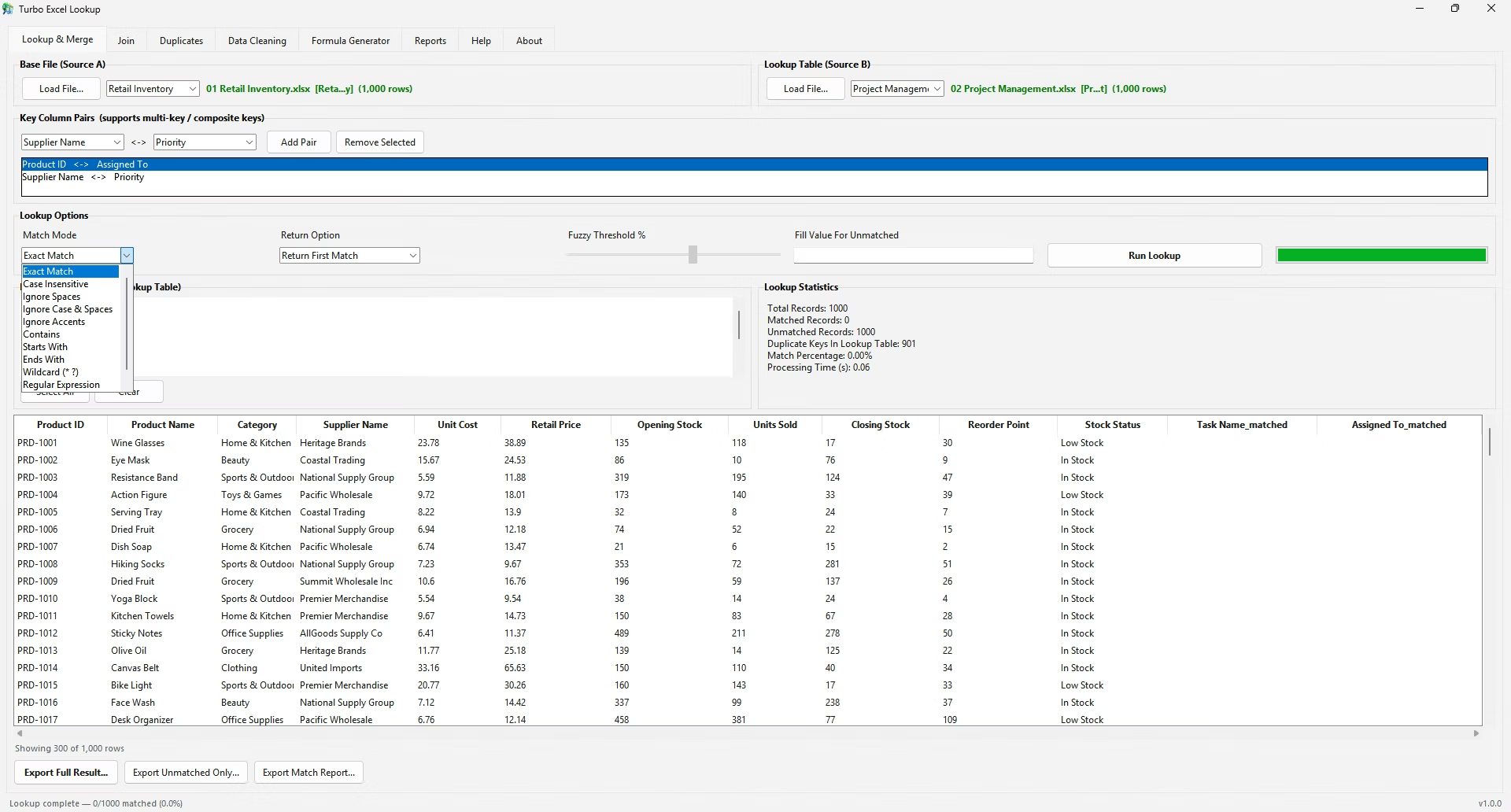
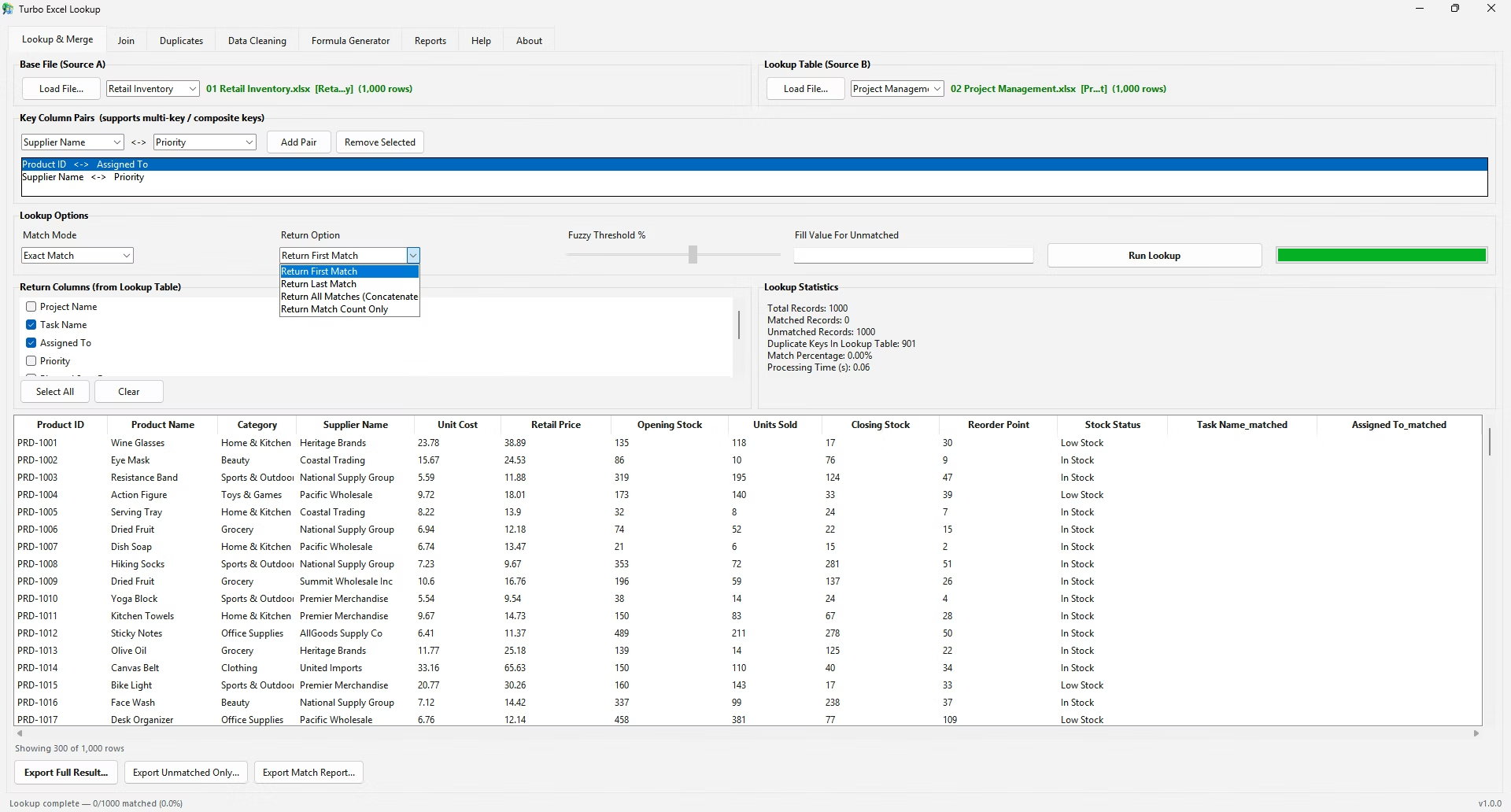
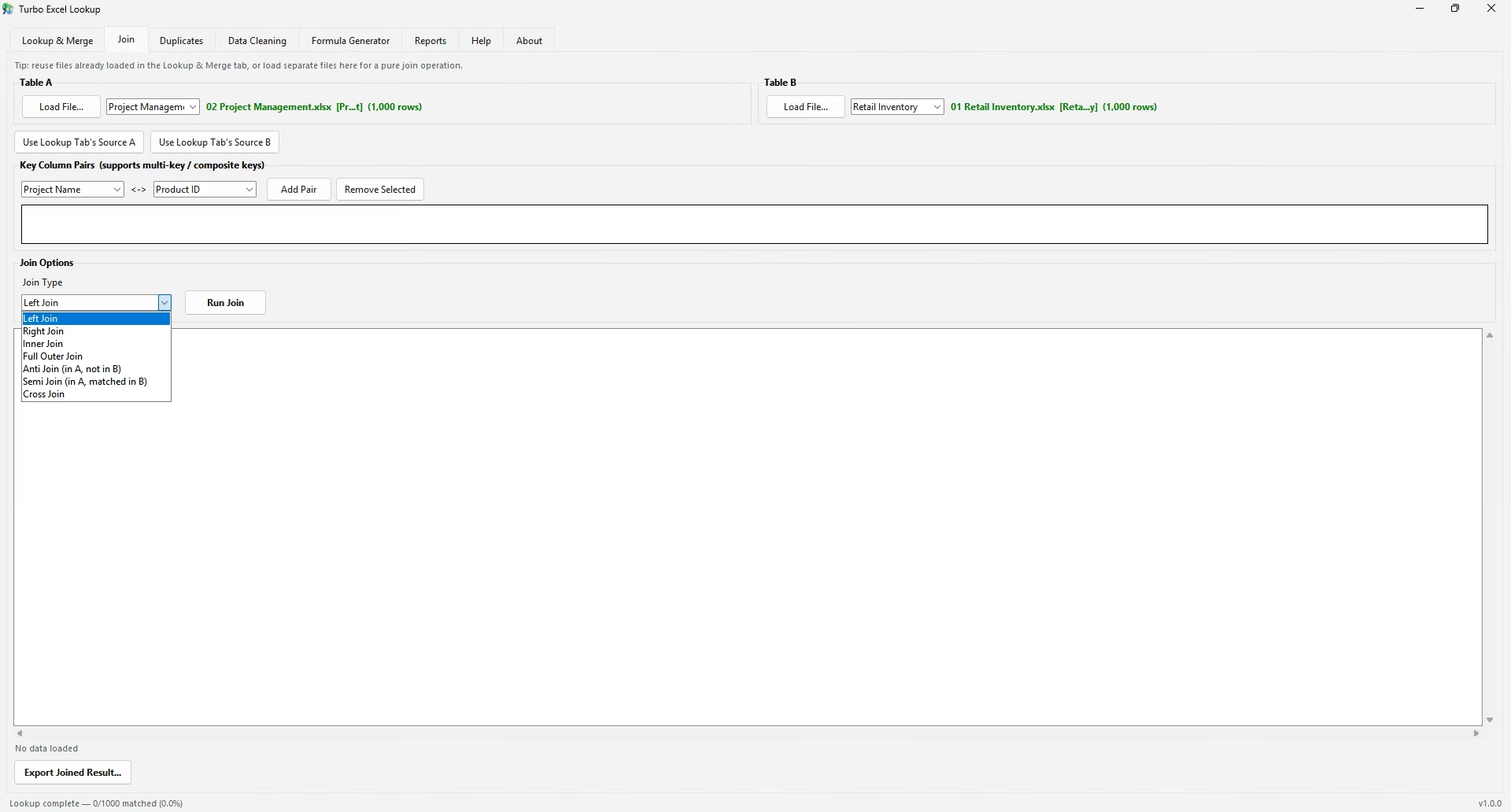
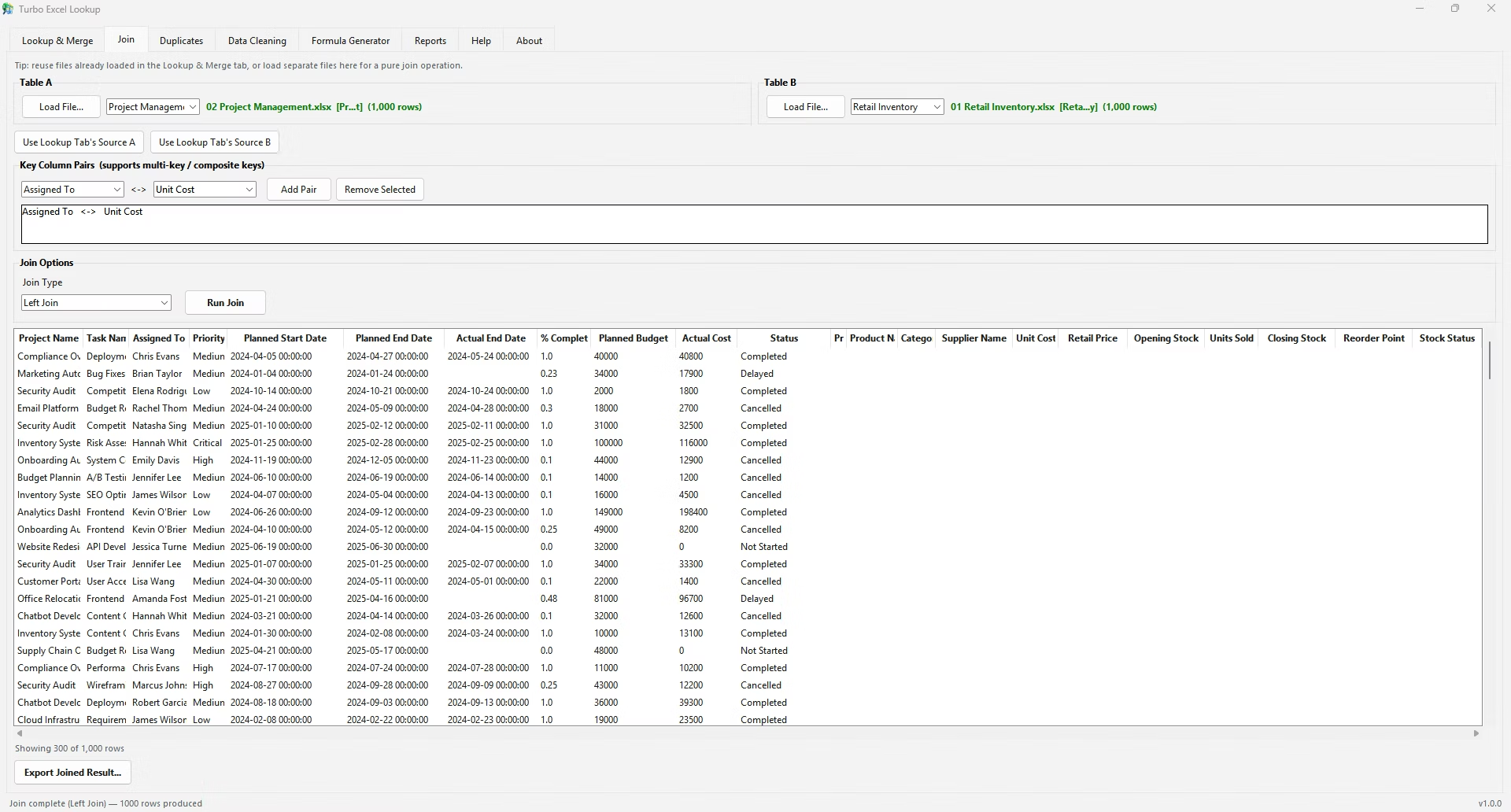
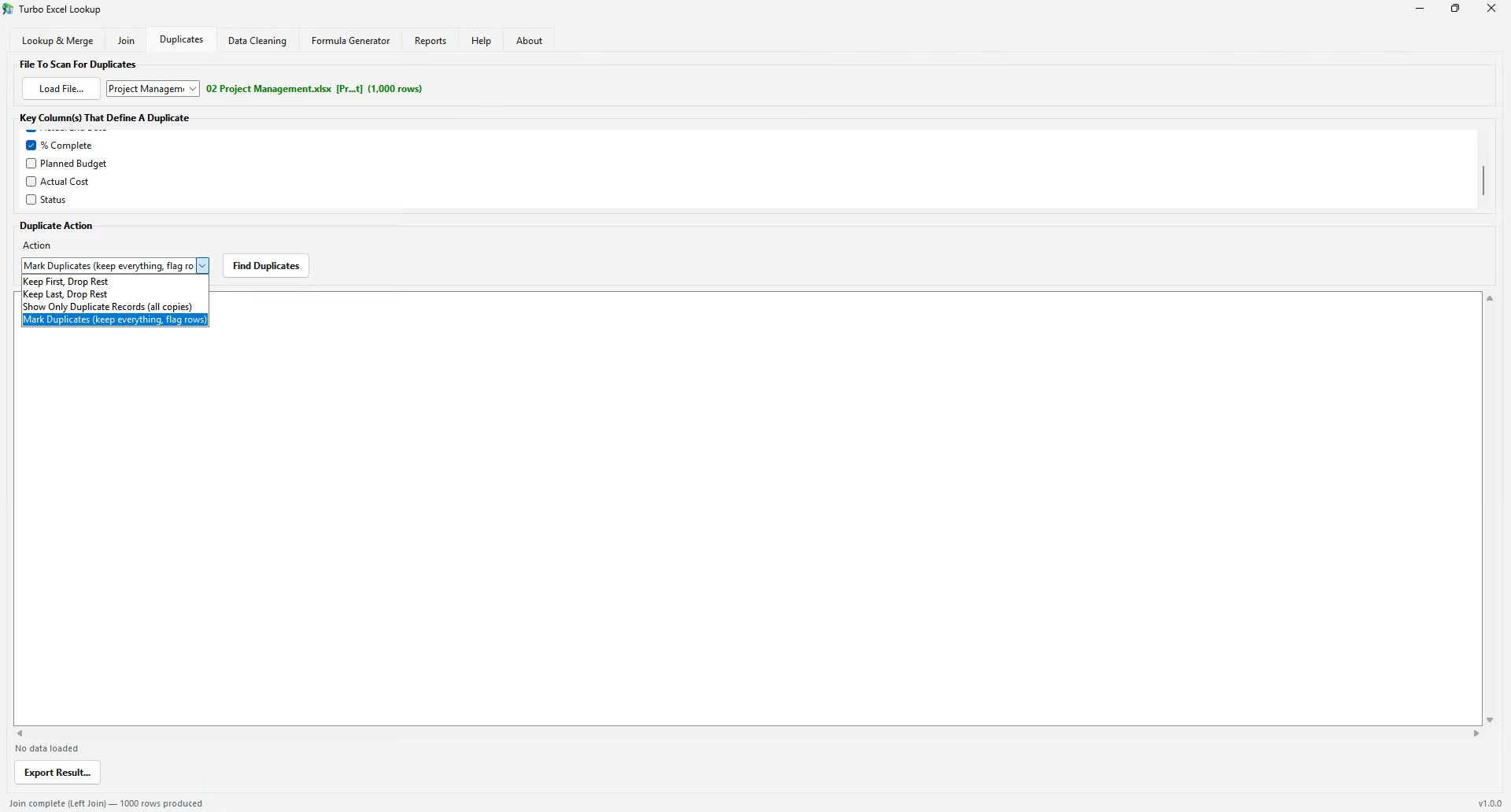
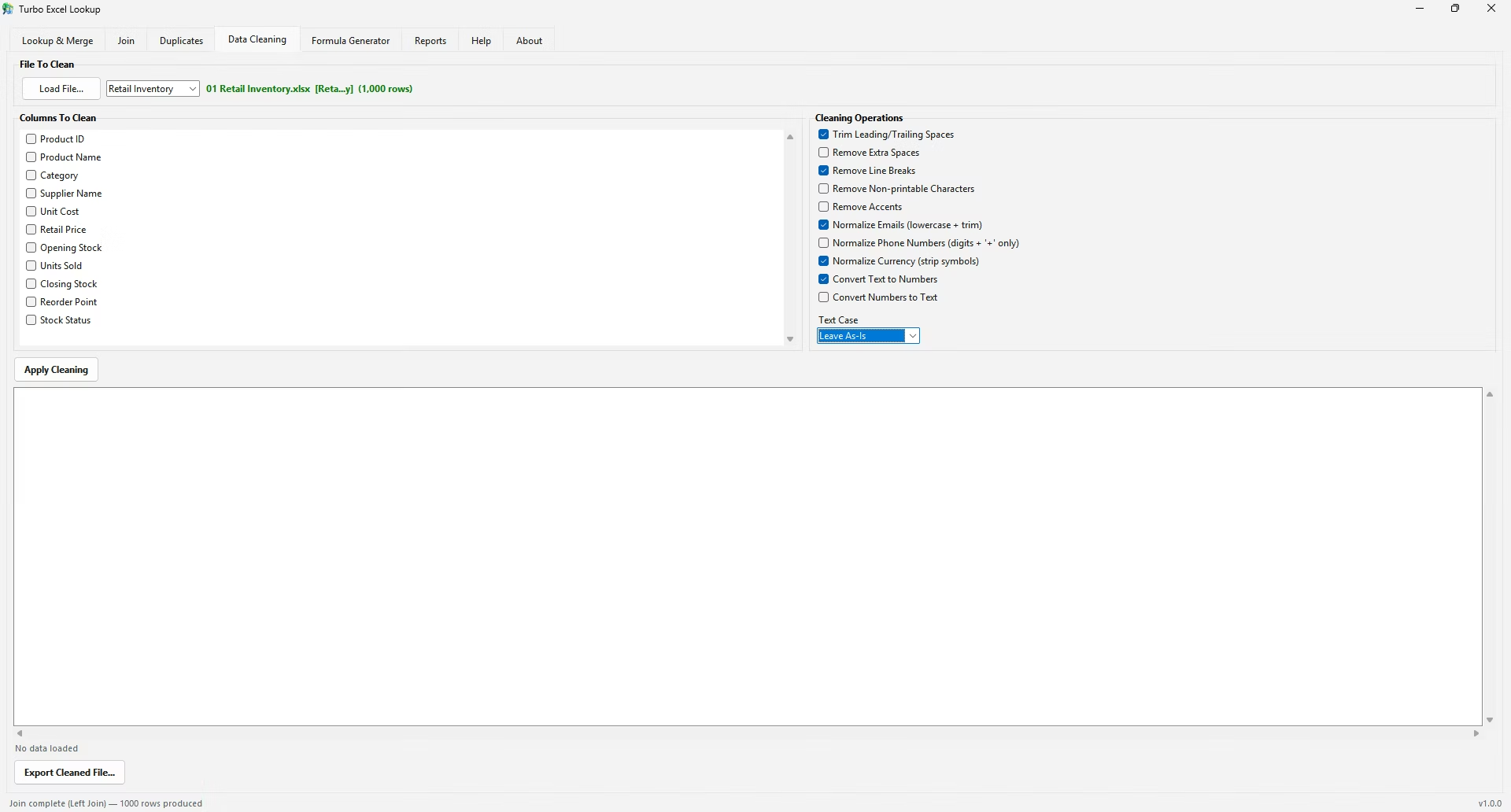
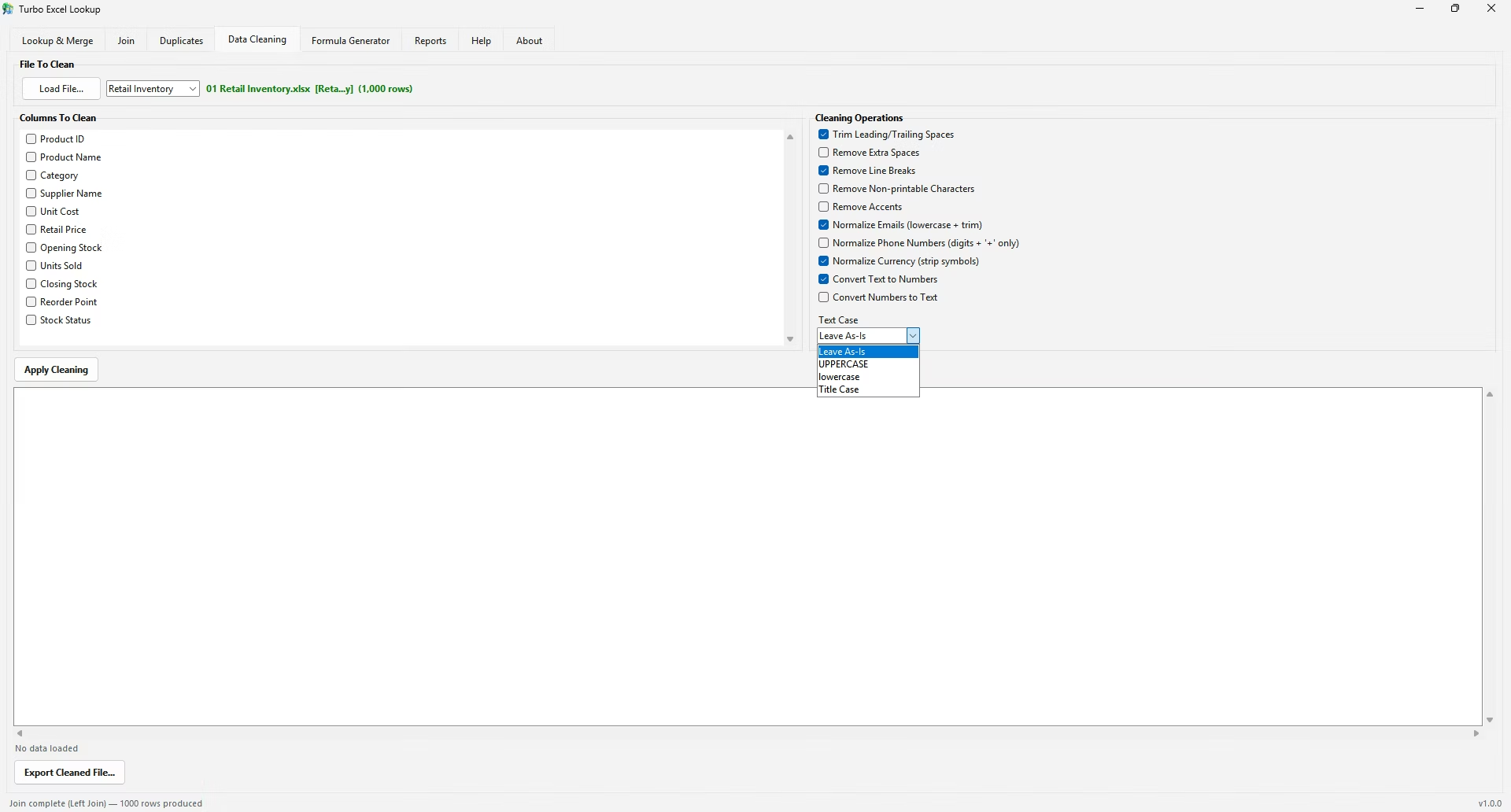
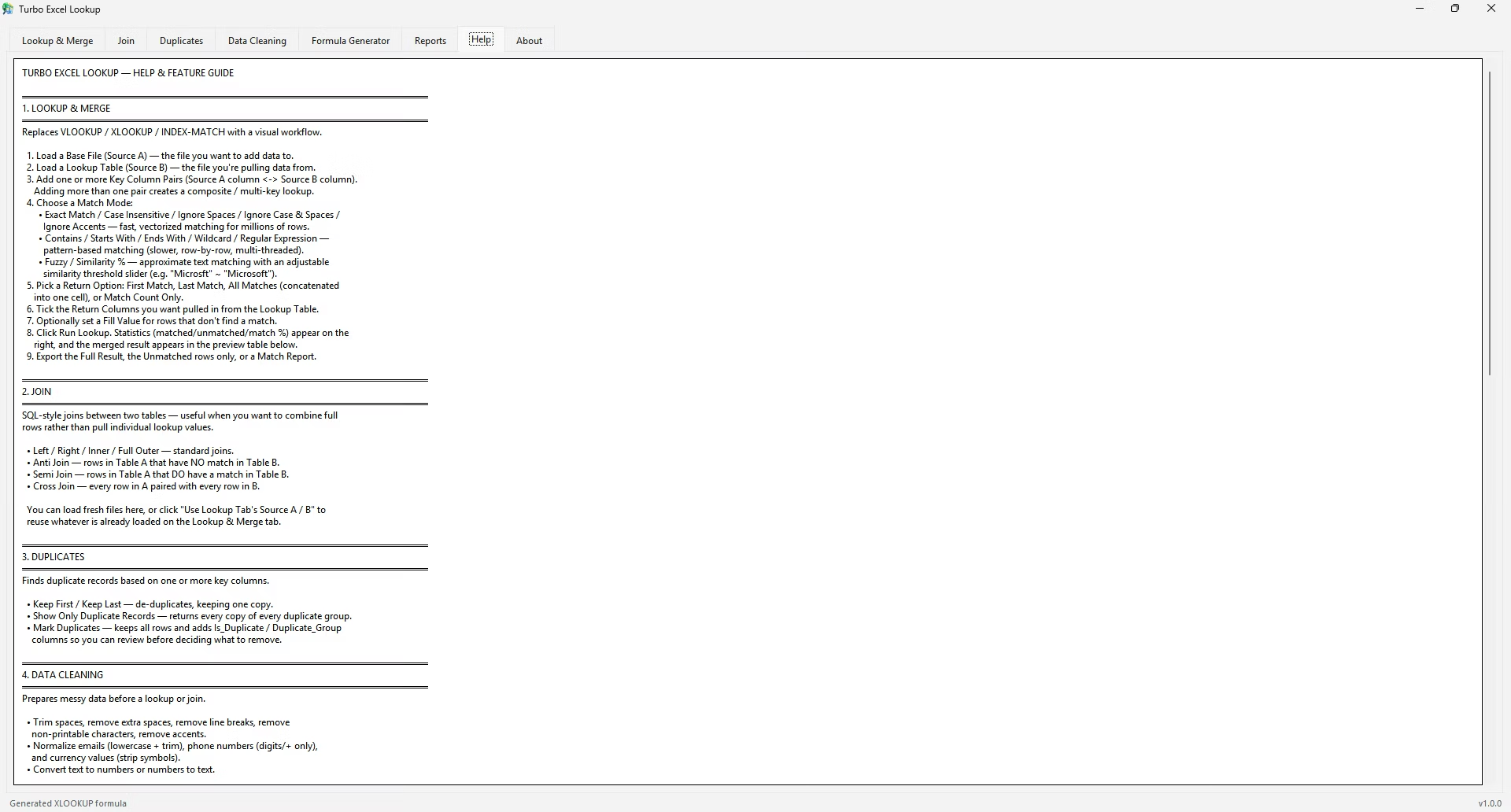
Because Turbo Excel Lookup works from selected files and column headers rather than raw cell ranges, it doesn't inherit the row-versus-column distinction that separates VLOOKUP from HLOOKUP in Excel. Its Lookup & Merge tab matches based on which columns you designate as keys, regardless of whether your source spreadsheet happens to be organized vertically or horizontally, and its Data Cleaning tab includes a transpose option for the cases where converting a horizontal table to a vertical one is the simpler fix.
A simple way to remember which function applies is the letter itself: V in VLOOKUP stands for vertical, and the function searches vertically down a column. H in HLOOKUP stands for horizontal, searching across a row. If your data's category labels run down the left edge of a table, you're looking at a vertical layout and need VLOOKUP; if the category labels run along the top edge instead, it's a horizontal layout and needs HLOOKUP.
This same visual check - does the label list run down or across - works just as well when deciding how to lay data out for Turbo Excel Lookup, though the app itself doesn't require a decision either way, since its Data Cleaning tab can transpose a horizontal table into a vertical one first if that layout is preferred for a particular workflow.
Neither function has a meaningful performance advantage over the other for equivalent dataset sizes, since both perform the same type of scan, just along a different axis. The practical difference is entirely about matching your formula to how your specific data happens to be laid out, not about speed or efficiency.
INDEX combined with MATCH can be configured to search either direction depending on how the MATCH function's arguments are set up, effectively collapsing the VLOOKUP-versus-HLOOKUP decision into a single, more flexible pattern. This is one reason experienced Excel users sometimes prefer INDEX/MATCH over either standalone function - one formula pattern handles both orientations, at the cost of being slightly more complex to write initially.
The entire difference between these two functions comes down to search direction - everything else about their syntax and behavior is identical. Once that single distinction is clear, choosing correctly between them becomes an automatic, quick check rather than something requiring further thought.
If you regularly work with data from different teams or systems, it's worth building a habit of checking orientation first, before writing any formula at all, since a few seconds spent confirming whether values run down a column or across a row saves the trouble of writing the wrong function entirely.
Is HLOOKUP just a rotated version of VLOOKUP?
Functionally yes - the logic is identical, only the search direction differs.
Can I use VLOOKUP on horizontally laid out data by transposing it first?
Yes, using Excel's Paste Special > Transpose, or a tool with a built-in transpose option, converts horizontal data to a vertical layout that VLOOKUP can then search normally.
Does one function process faster than the other?
No meaningful performance difference exists between VLOOKUP and HLOOKUP; both scan the same number of cells for a given dataset size.
Which function should I default to if I'm not sure of the layout?
Check your data's orientation first - if you're unsure, VLOOKUP's vertical convention is more common in day-to-day spreadsheets, so it's usually the safer first check.
Is there a quick way to remember which function to use?
Yes - V is for vertical (down a column), H is for horizontal (across a row), matching the direction each function actually searches in.
Can a table be converted from horizontal to vertical easily?
Yes, Excel's Paste Special > Transpose option flips a table's orientation in a few clicks, and Turbo Excel Lookup's Data Cleaning tab offers the same capability before running a match.
Is HLOOKUP ever faster or slower than VLOOKUP for the same amount of data?
No, there's no meaningful performance difference between the two for equivalent dataset sizes; the only real difference is which axis of the data each one searches.
Can one formula handle both vertical and horizontal lookups without switching functions?
Yes, INDEX combined with MATCH can be configured for either orientation depending on how its arguments are set up, avoiding the need to choose between VLOOKUP and HLOOKUP as separate functions.
Ready to stop fighting #N/A errors and match your spreadsheets visually?