Being unable to paste large data in Excel almost always traces back to one cause: the worksheet is being asked to hold more than 1,048,576 rows, which Excel simply cannot do, no matter how the data is formatted or how much RAM the computer has.
When this happens, Excel may show a clear error message, or it may silently paste only part of the data, which is often worse since the missing rows aren't always obvious right away.
Million by Million Rows Copier fixes this by never asking Excel to accept more than it can handle. The full dataset, up to 50,000,000 rows, is loaded into a local SQLite file, and Copy Next Chunk hands it back out in 1,000,000-row pieces that always paste cleanly.
Instead of troubleshooting a failed paste after the fact, you get a predictable workflow: load once, then copy and paste one confirmed chunk at a time until every row has made it across.

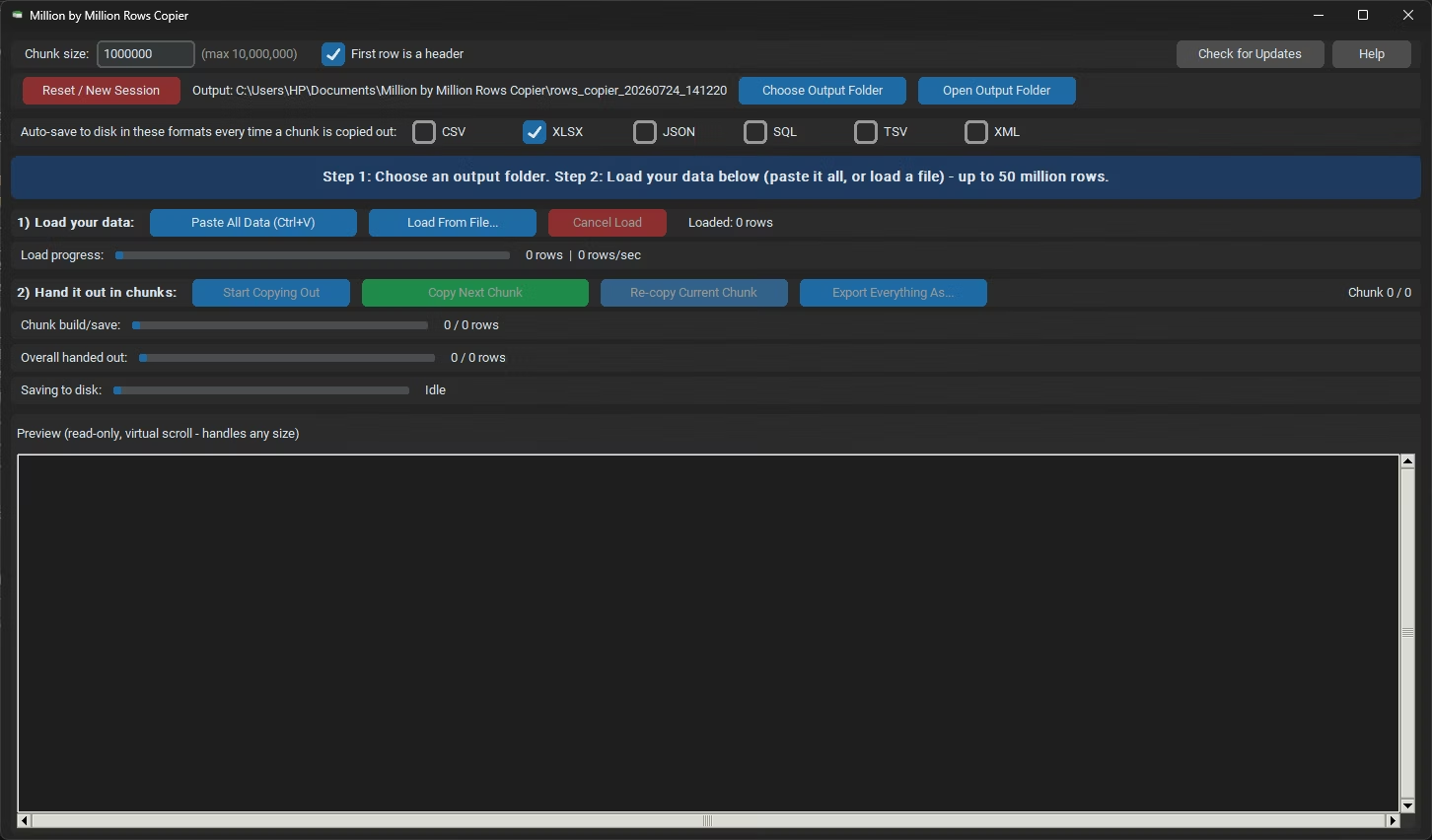
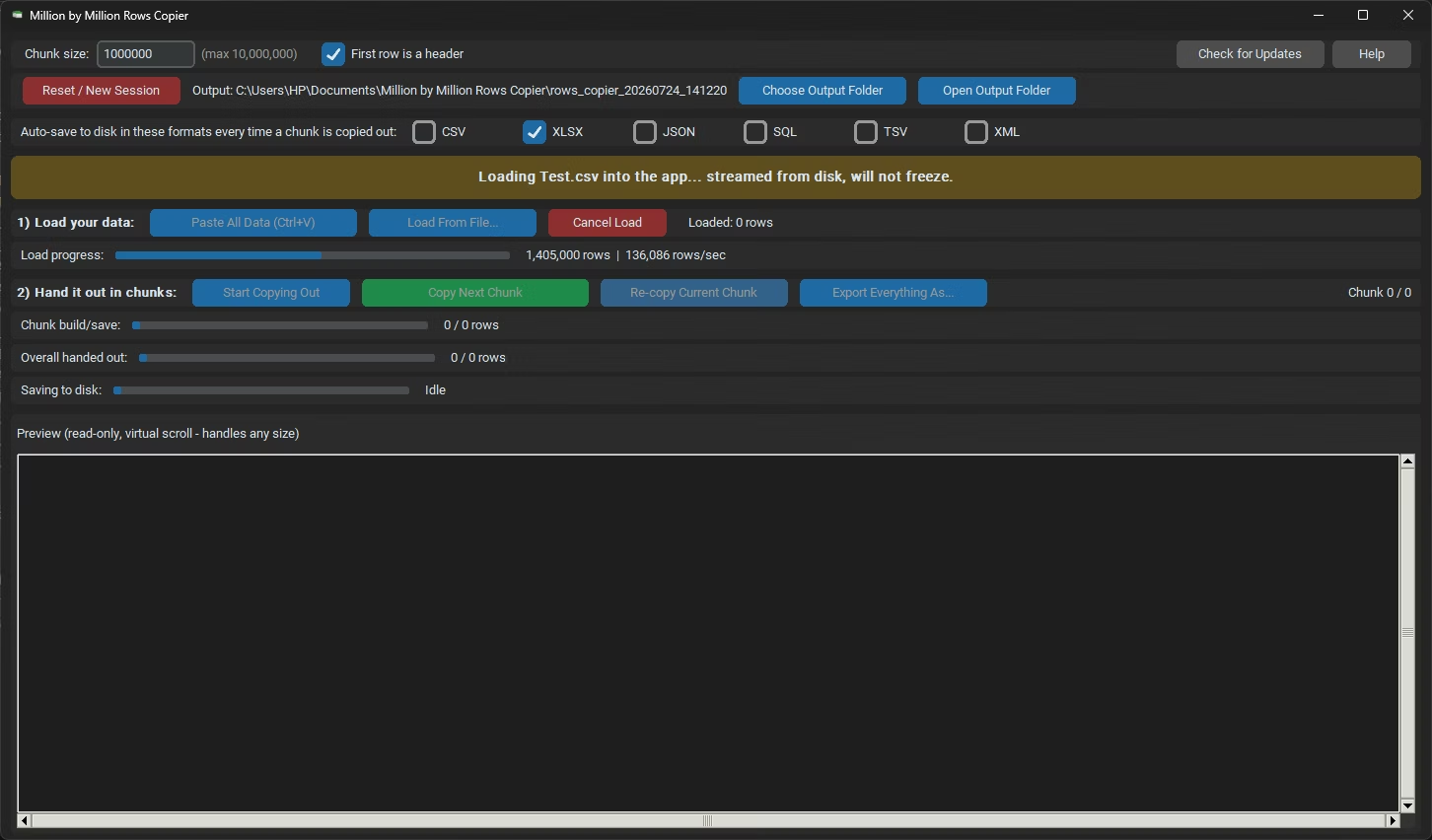
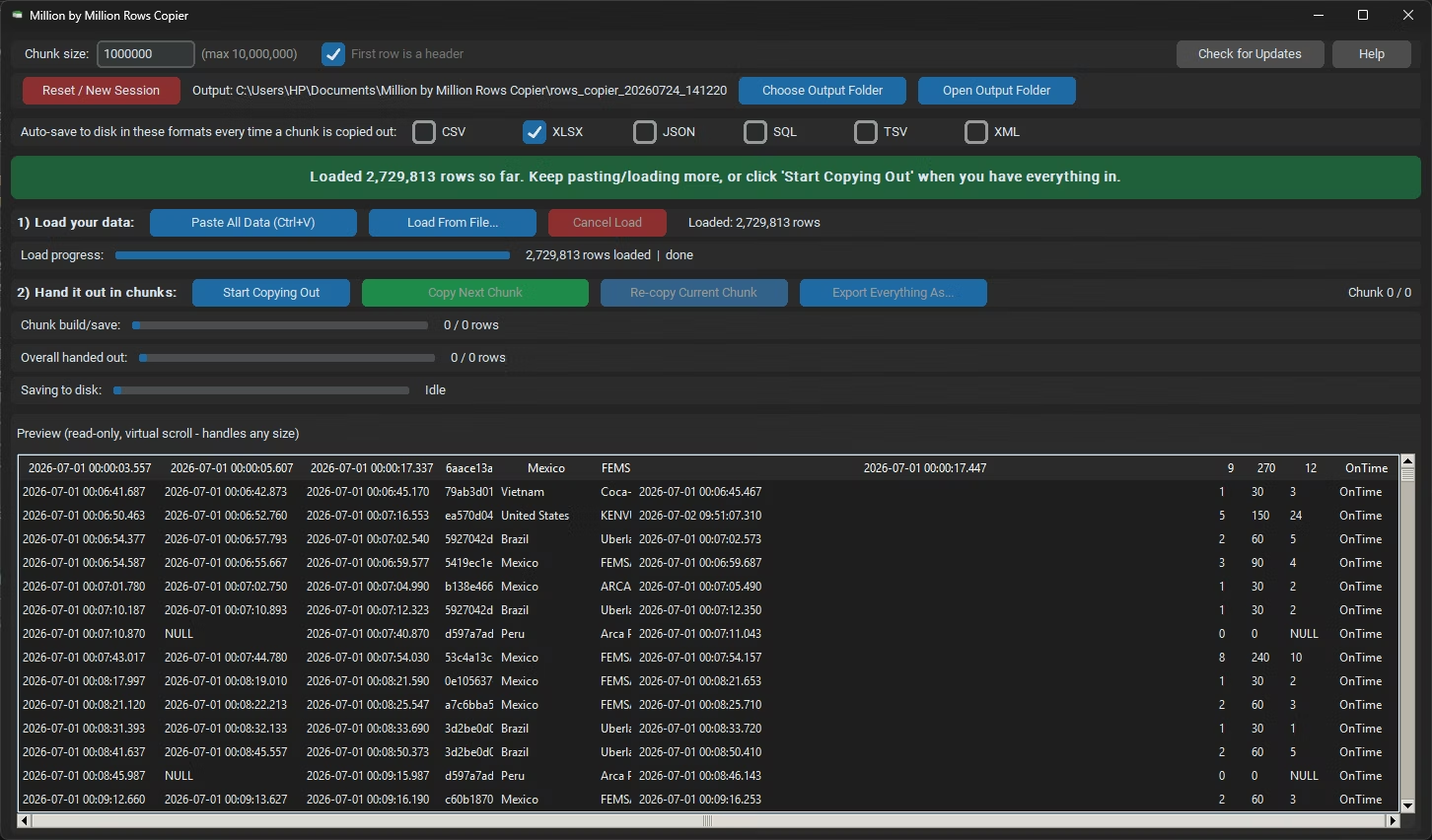
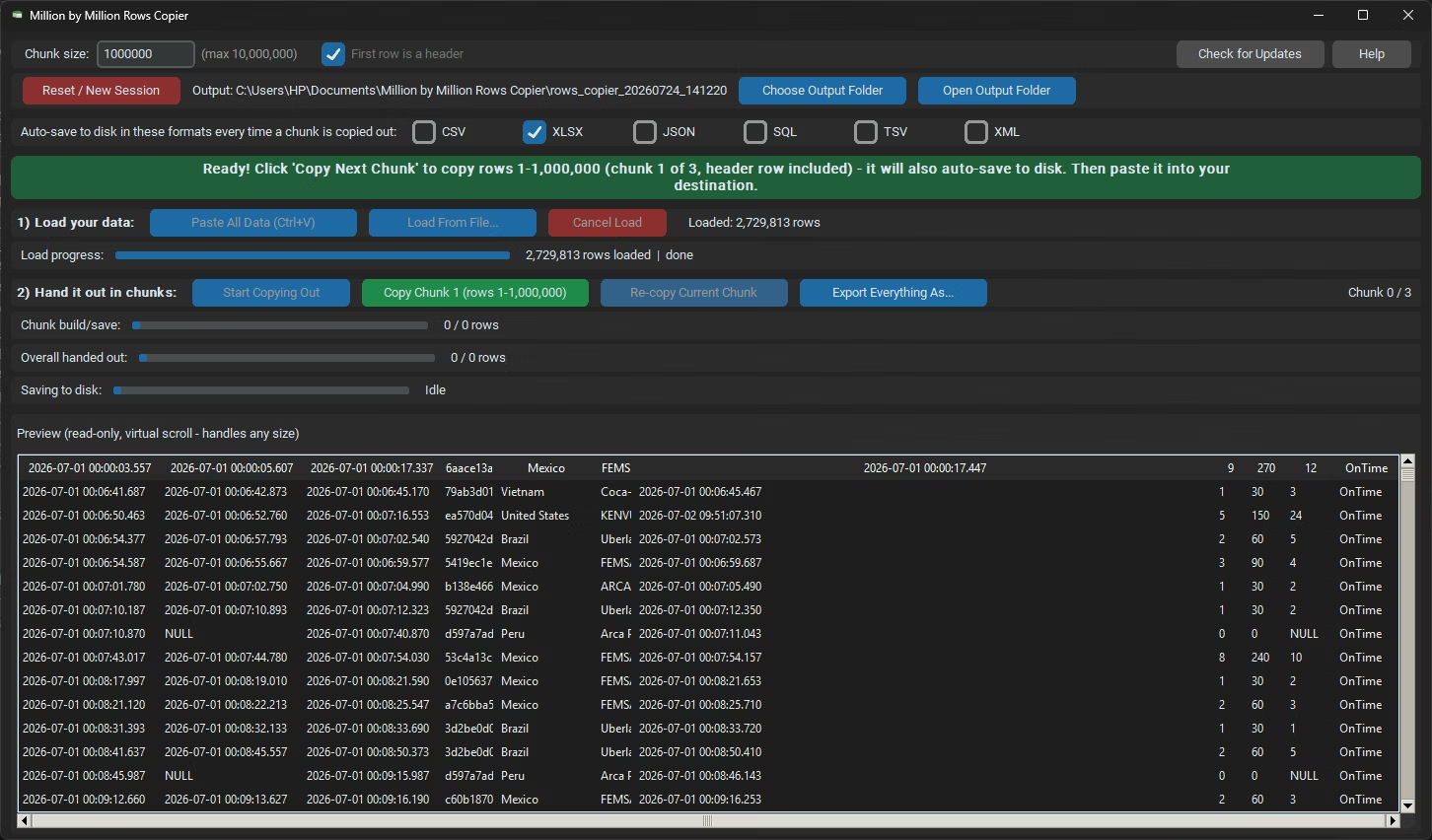
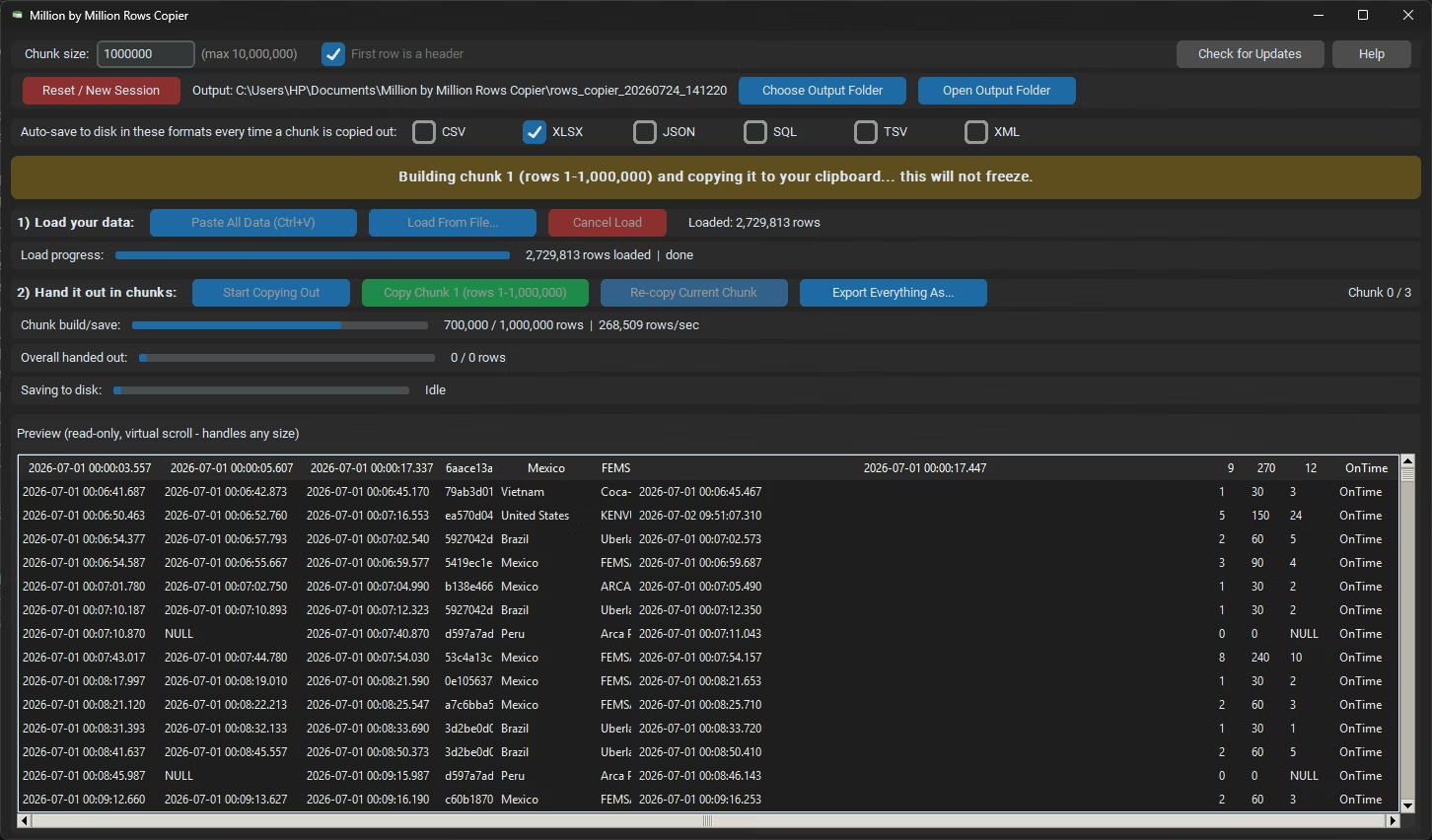
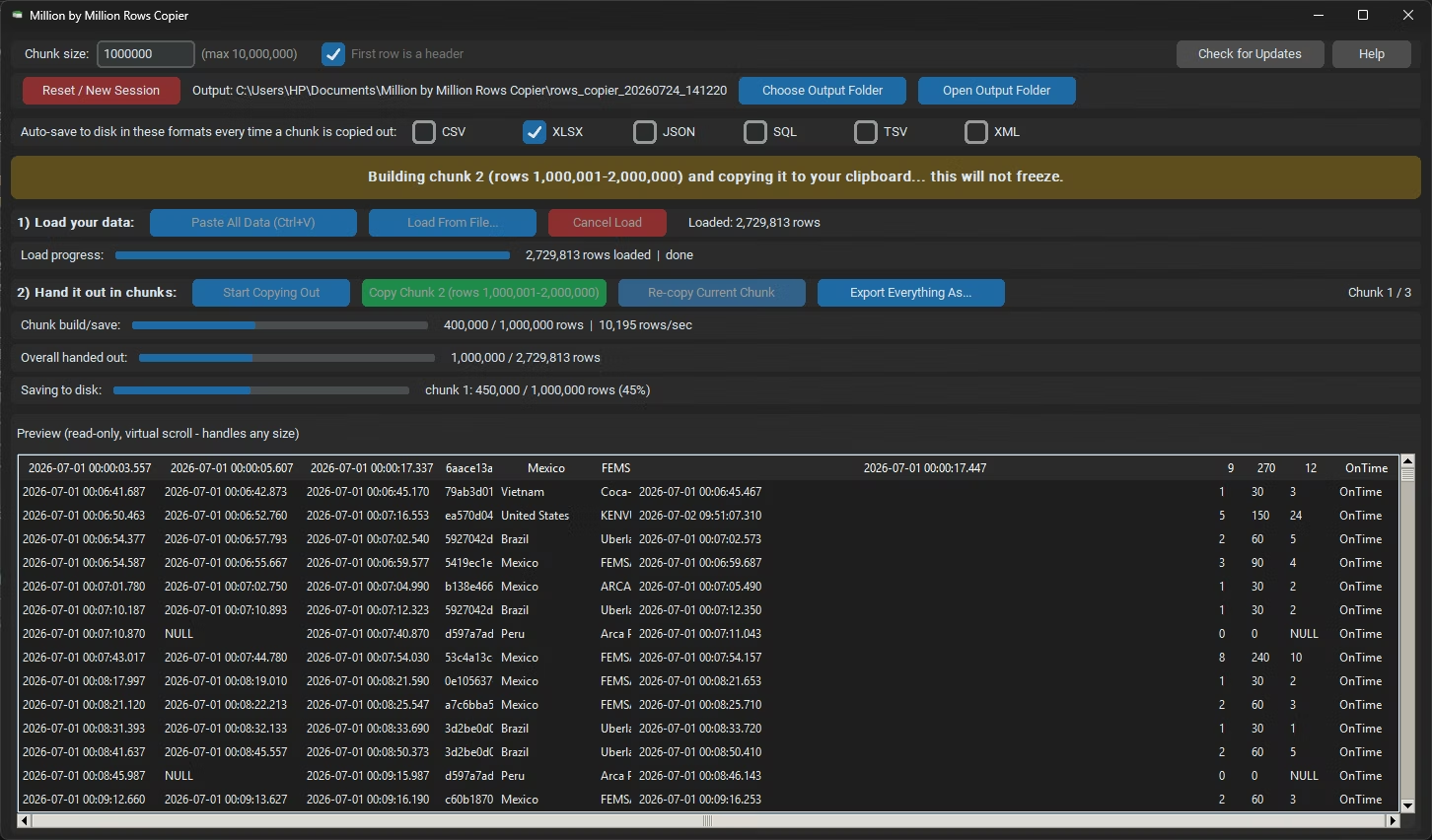
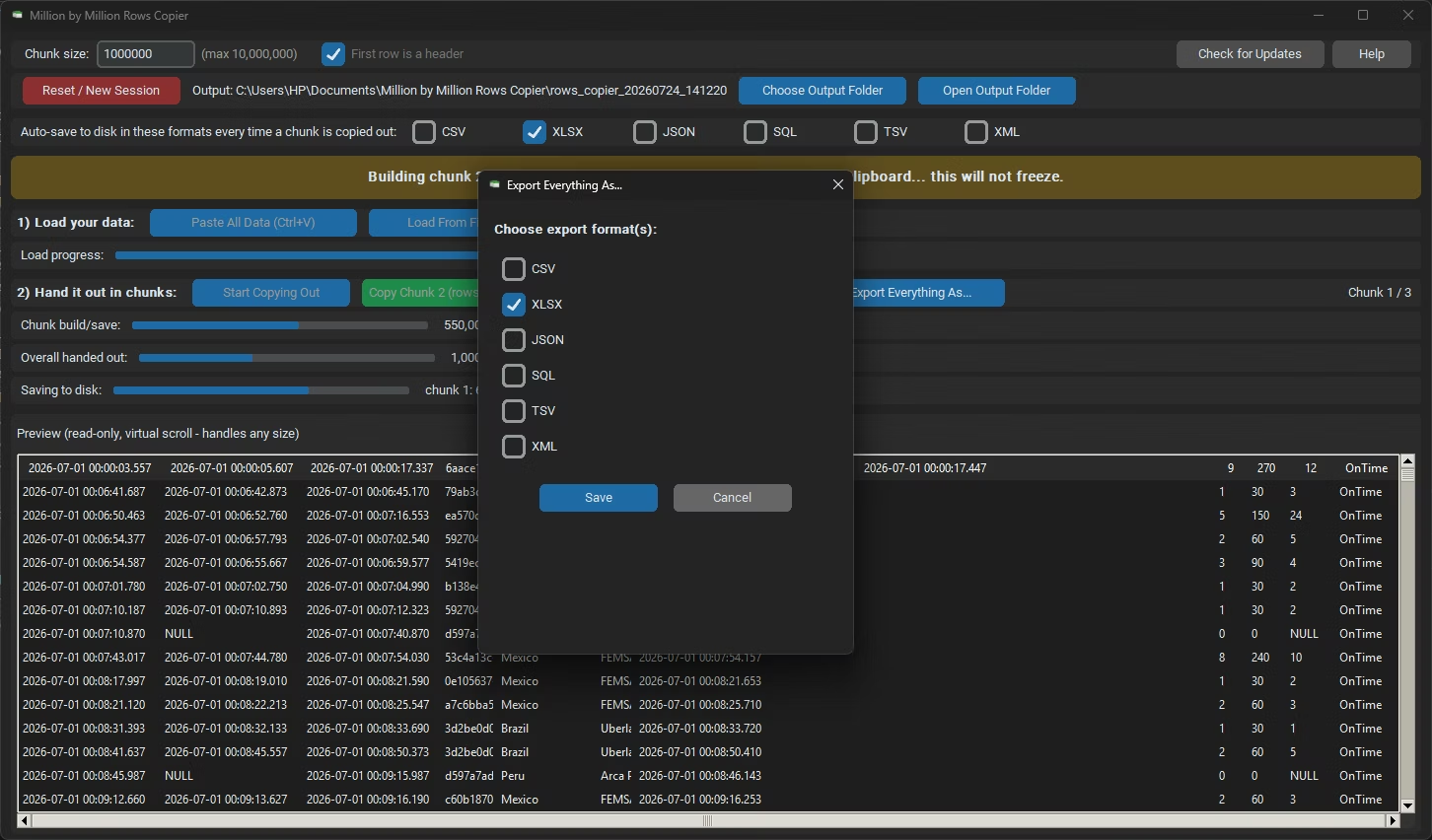
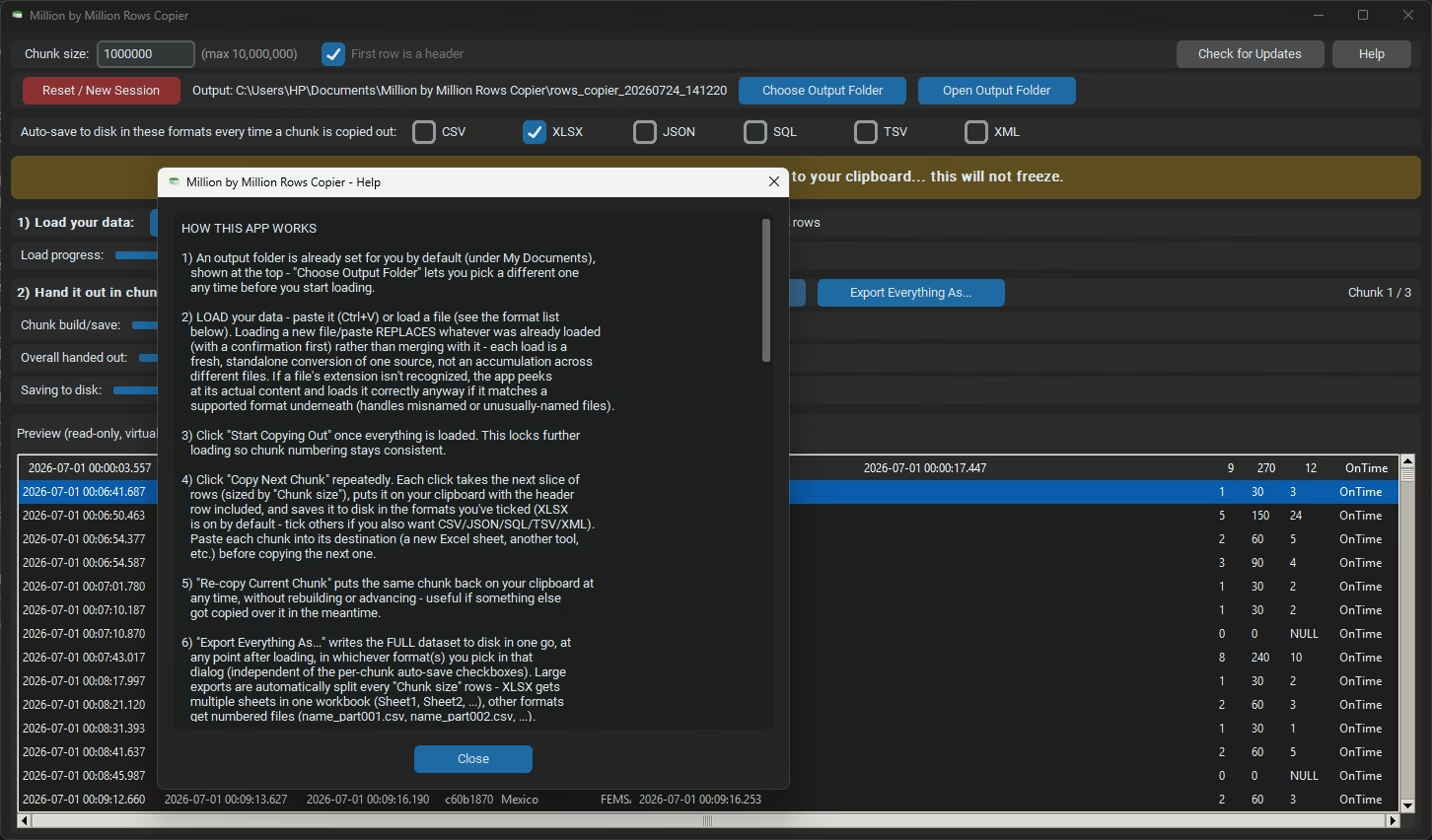
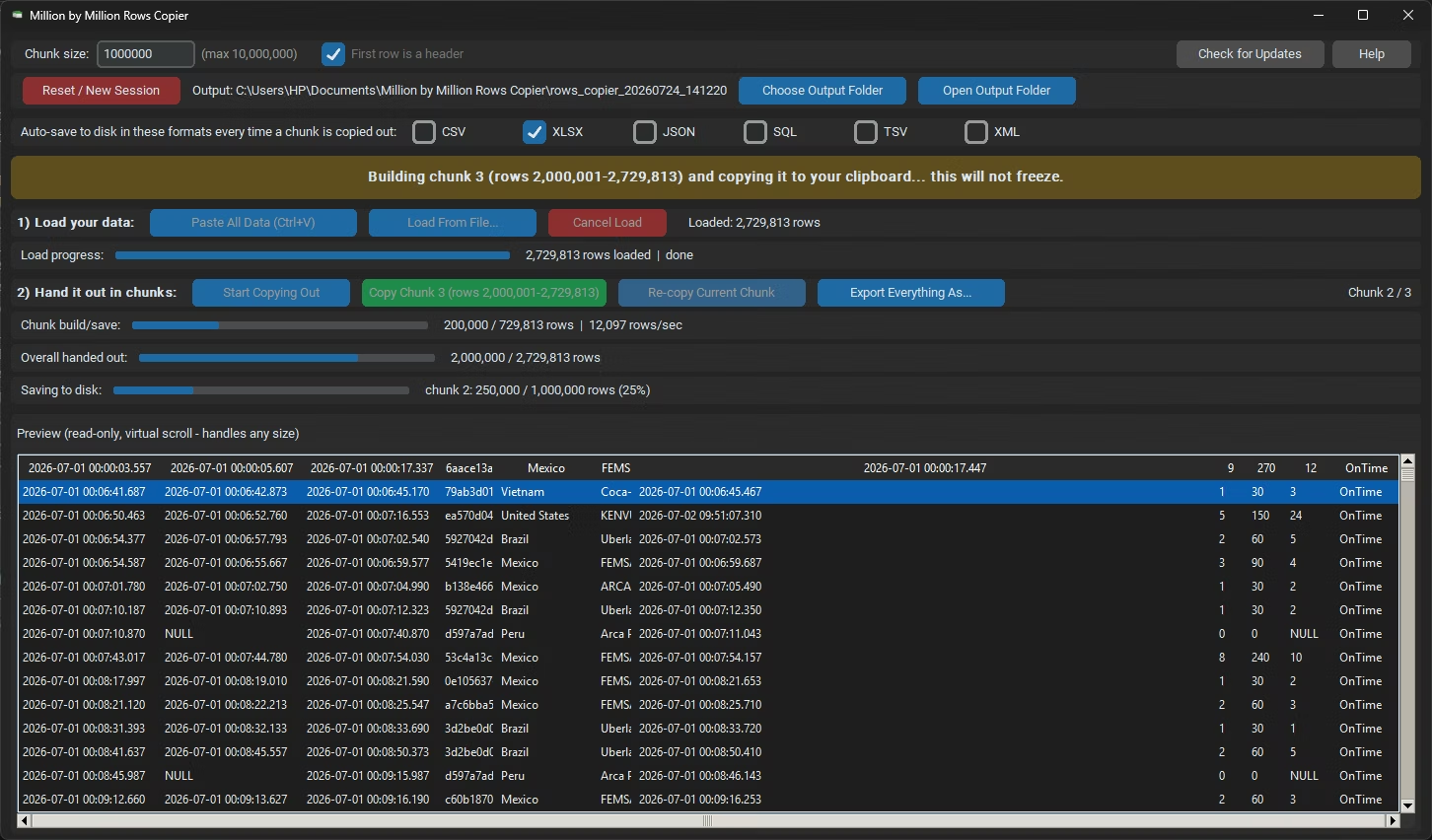
- Load the dataset you were unable to paste directly into Million by Million Rows Copier.
- Let the app import the data into local storage; the row count is confirmed on completion.
- Click Start Copying, then Copy Next Chunk to generate the first safe block.
- Paste into a fresh Excel worksheet and confirm the row count matches the chunk.
- Continue with Copy Next Chunk until the full dataset has been pasted.
- Every chunk is capped at 1,000,000 rows, always under Excel's paste limit
- Local SQLite storage removes the memory pressure that causes failed pastes
- Progress tracking shows exactly how many rows have been pasted so far
- Re-copy any chunk again if a particular paste needs to be redone
- Loads from 25 or more formats, so the original file rarely needs converting first
- Auto-saved chunk files back up the data outside of Excel as well
Why am I unable to paste large data in Excel at all?
If the data exceeds 1,048,576 rows, Excel cannot accept it in a single paste, and the operation will fail or only partially complete.
Is there a setting in Excel that fixes this?
No, the row limit is fixed at the worksheet level and cannot be changed through any Excel setting.
What's the reliable fix for data too large to paste?
Load the data into Million by Million Rows Copier and paste it in 1,000,000-row chunks using Copy Next Chunk, which always stays under the limit.
How do I confirm nothing was lost after a failed paste?
Compare the row count Million by Million Rows Copier reports after loading against the rows pasted across your chunks to confirm everything transferred.
Stop fighting a paste that won't complete, fix it with safe 1,000,000-row chunks.