Uploading photos to an online converter means sending your files to someone else's server, which raises privacy concerns and is simply slower for large batches since every file has to be uploaded before it's even processed.
Turbo Batch Image Converter Lite runs entirely on your own Windows PC. No file is ever uploaded, no internet connection is required to convert, and your images stay exactly where you put them.
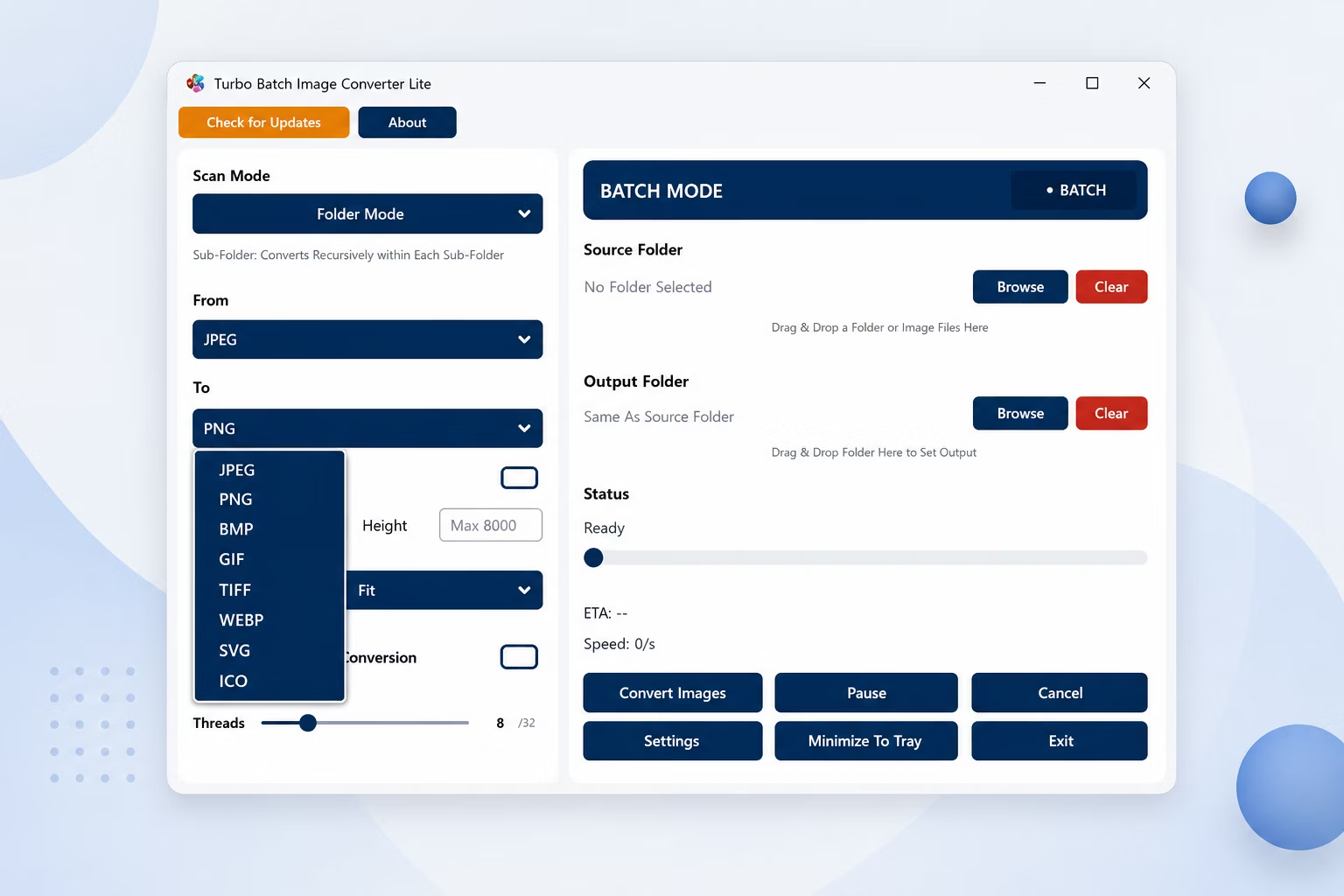
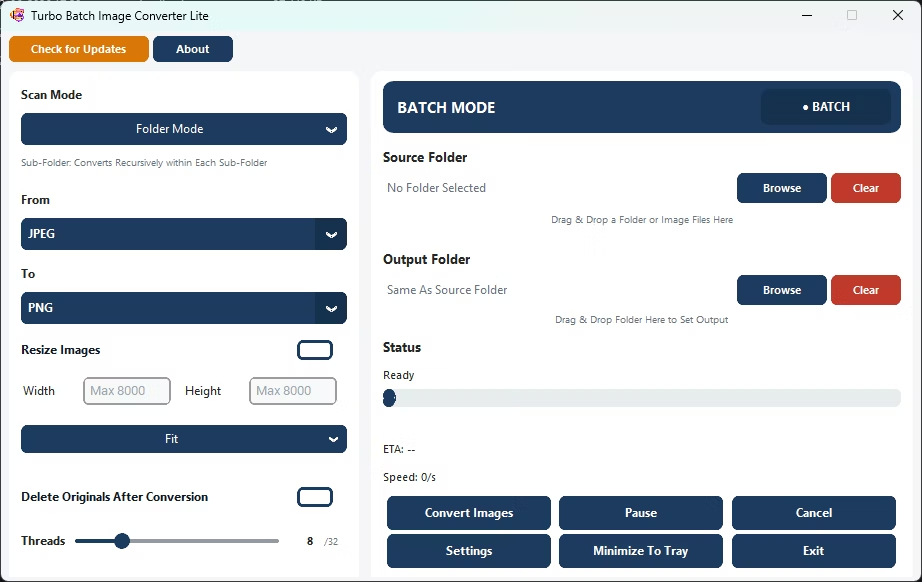
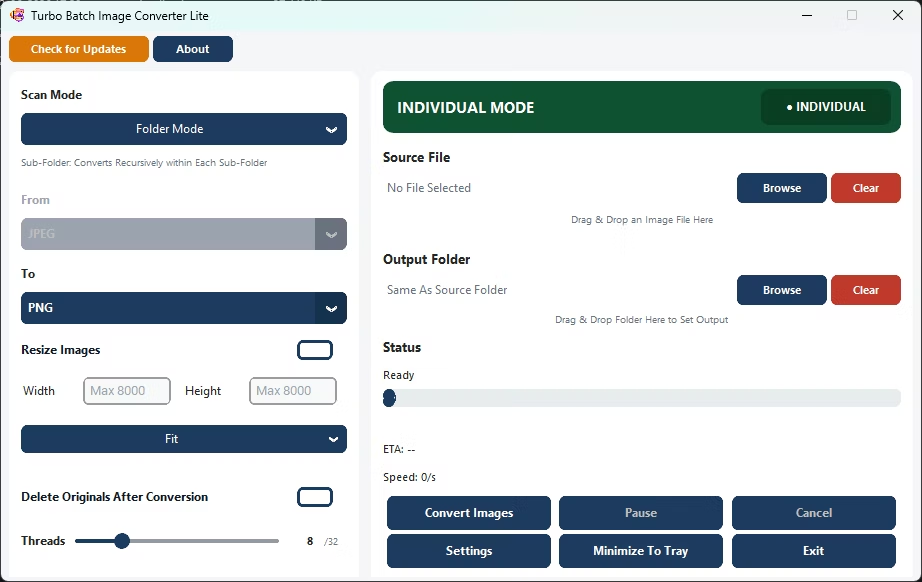
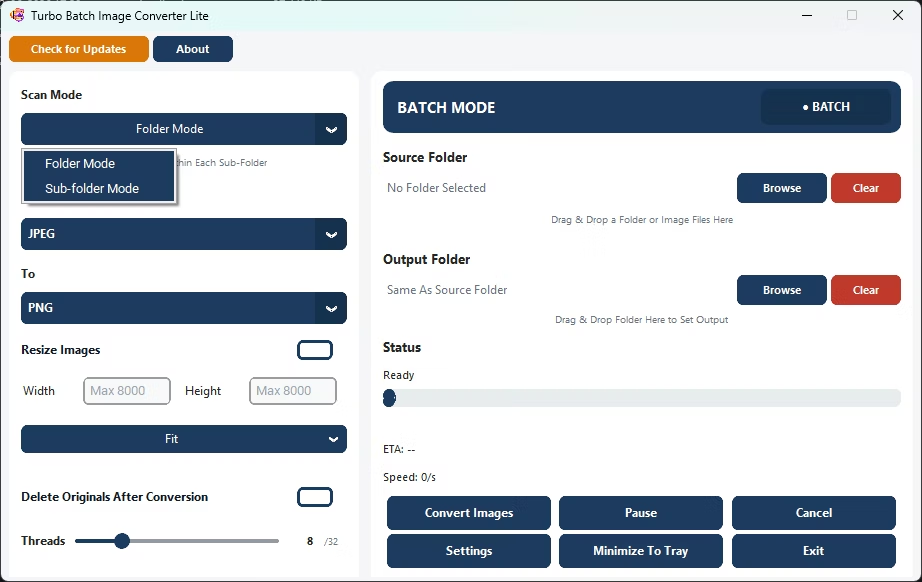
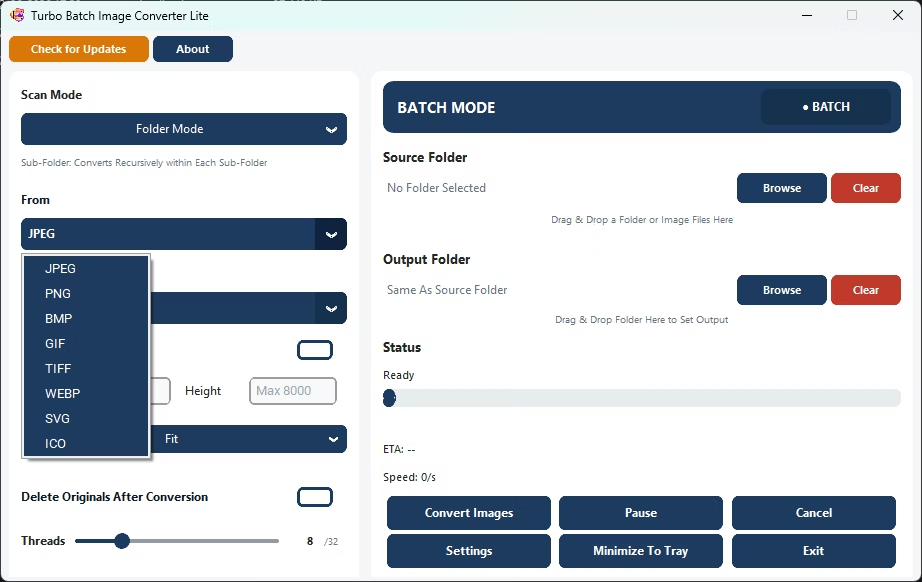
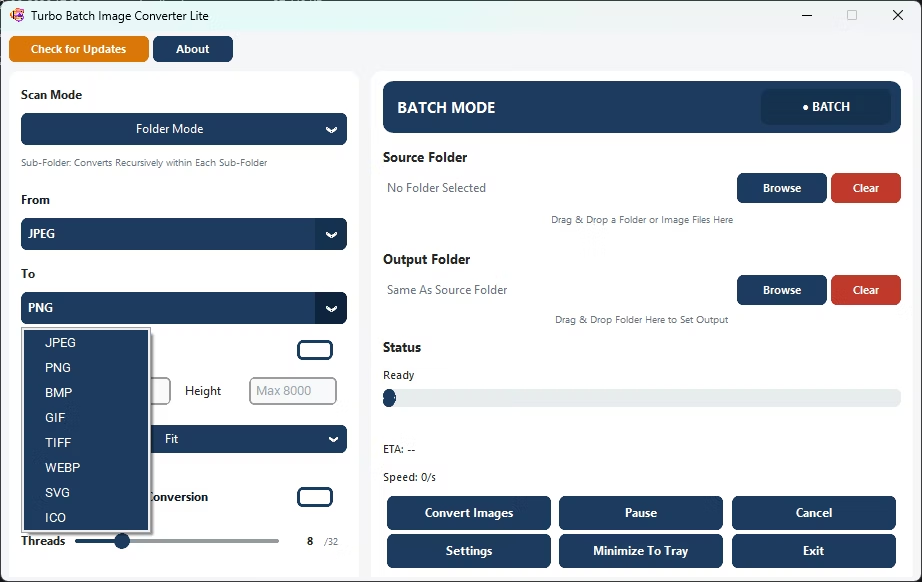
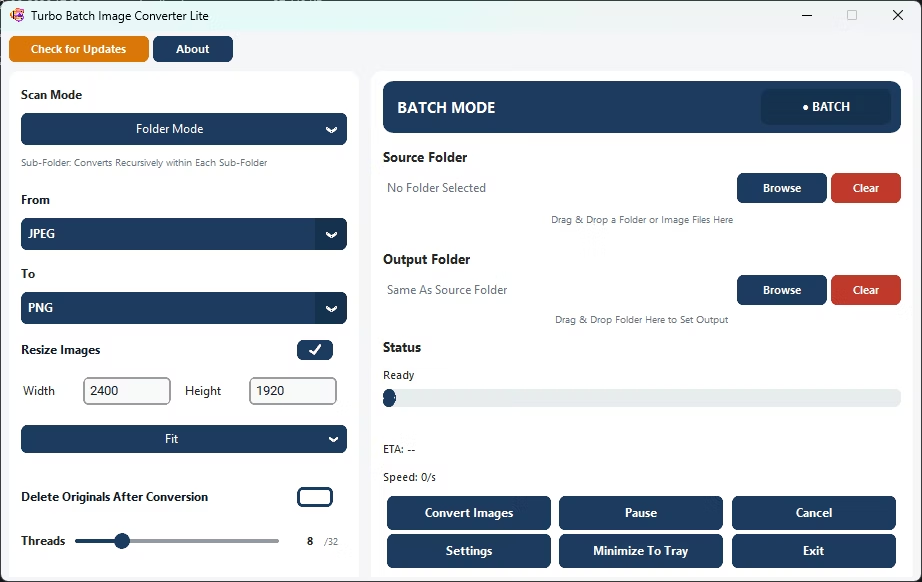
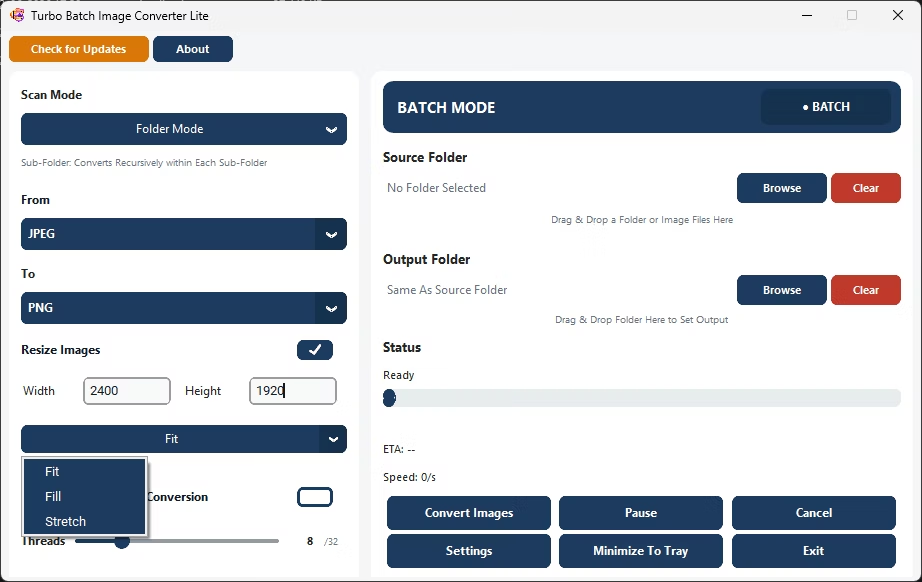
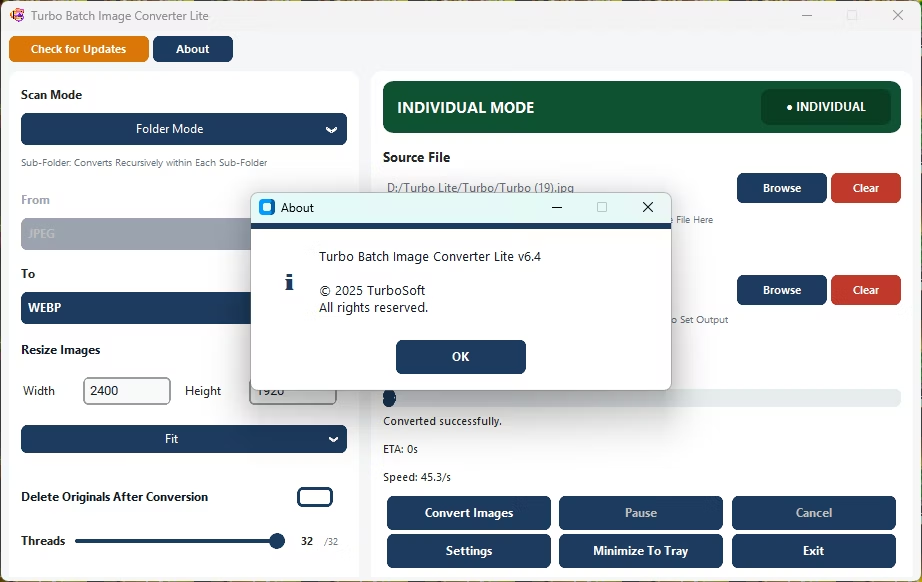
- Install Turbo Batch Image Converter Lite on your Windows PC.
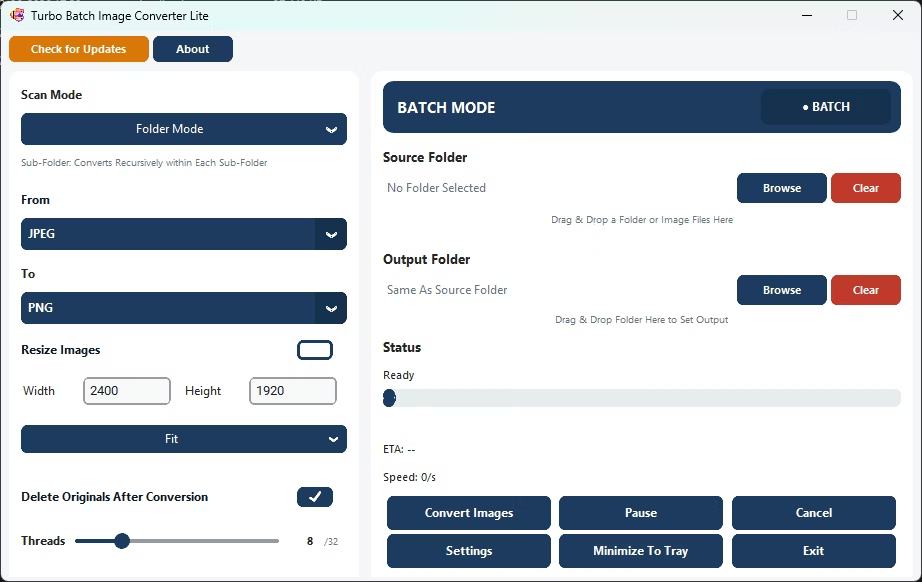
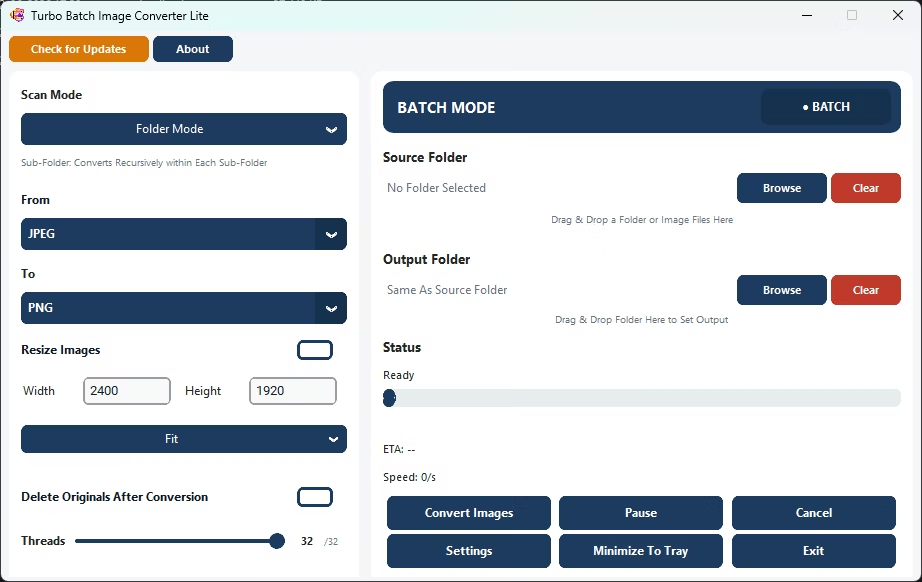
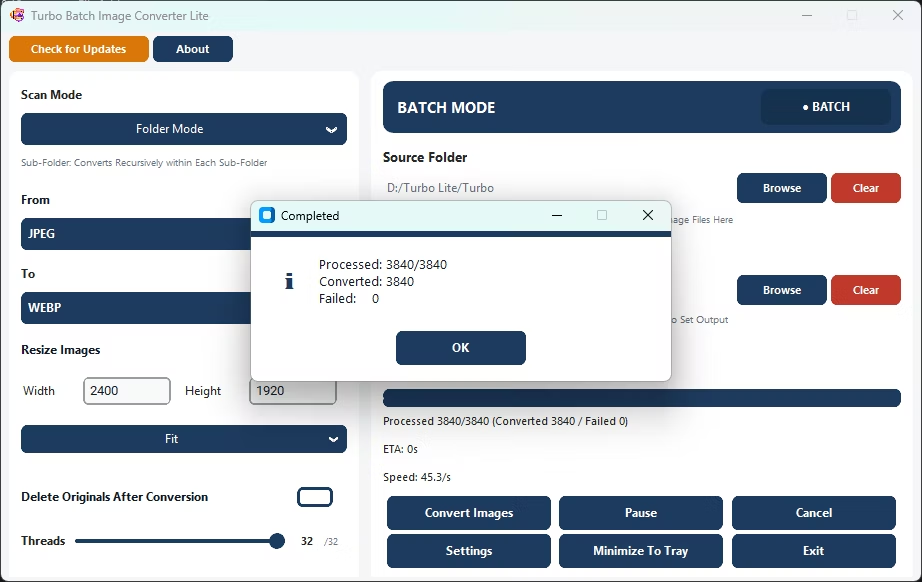
- Open Batch Mode and select your image folder.
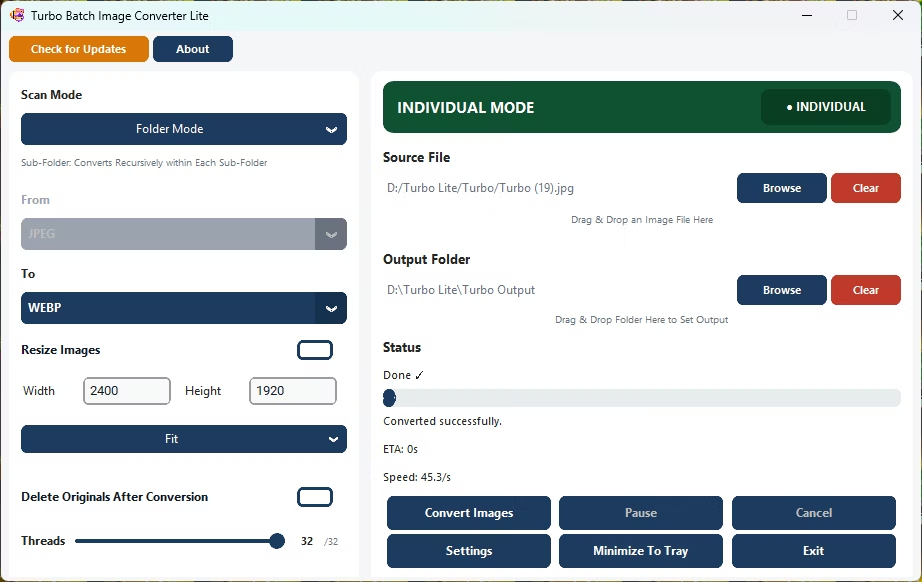
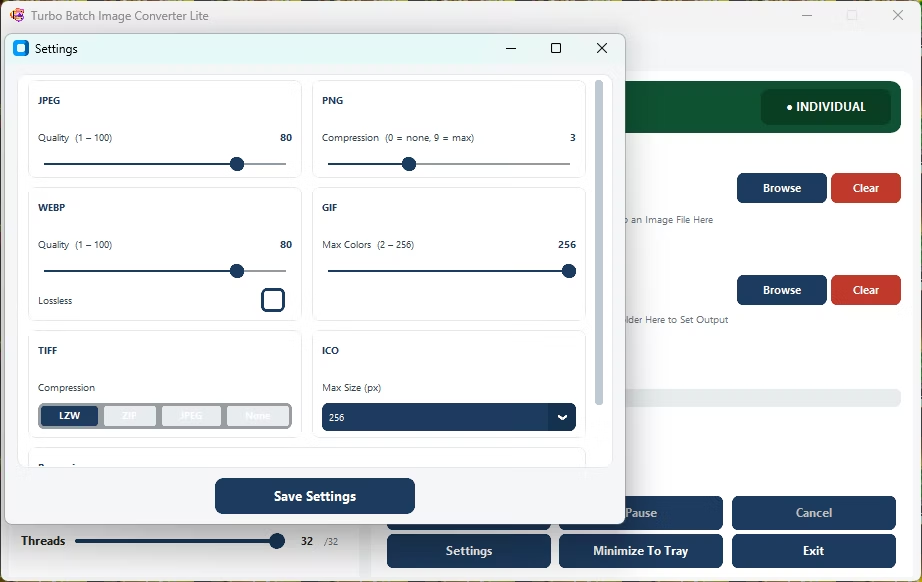
- Choose your target format and quality settings.
- Disconnect from the internet if you want to confirm the app works fully offline.
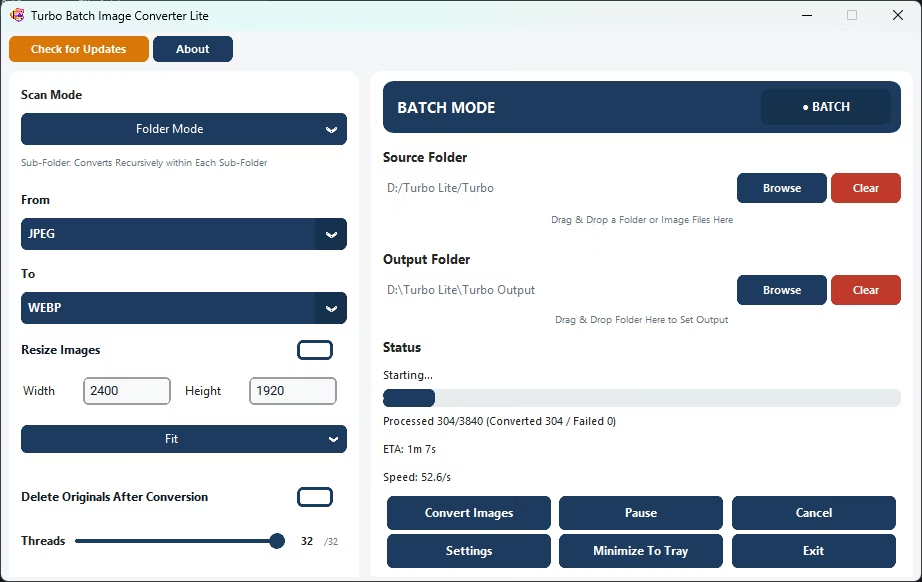
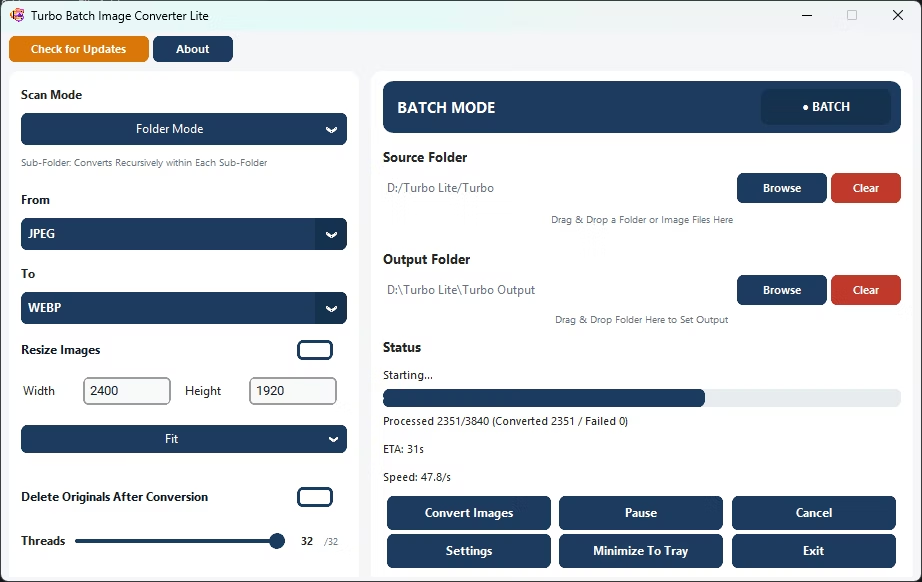
- Click Convert; the app processes every file locally.
- Find your converted files in the output folder, never having left your PC.
- No files are ever uploaded to any server
- Works with no internet connection required
- Keeps private or personal images fully local
- No file size or file count limits imposed by an upload service
- Multi-core engine scales up to 32 parallel workers
Does the app ever send my images anywhere?
No, conversion happens entirely on your PC and no image data is uploaded or transmitted.
Do I need an internet connection to convert images?
No, the app converts images fully offline once installed.
Is this safer for private photos than an online tool?
Because nothing is uploaded, offline conversion avoids the privacy exposure that comes with sending files to a third-party server.
Ready to convert your images offline, without uploading a single file?