A million rows dataset sits right at the edge of what a single Excel worksheet can hold, since the limit is 1,048,576 rows. That leaves very little room for a header row, extra columns, or any growth in the data before the sheet is full.
Million by Million Rows Copier gives that dataset breathing room. It loads the full million rows dataset into a local SQLite file, then hands it back out in a clean 1,000,000-row chunk that pastes into Excel with the header intact and full room to spare.
If the dataset grows beyond a million rows later, the same workflow continues to work, since the app supports up to 50,000,000 rows and simply produces an additional chunk for each million rows added.
This makes it a practical way to future-proof how you handle a million rows dataset, since you're never stuck rebuilding your process if the data set grows past the point a single sheet can hold.
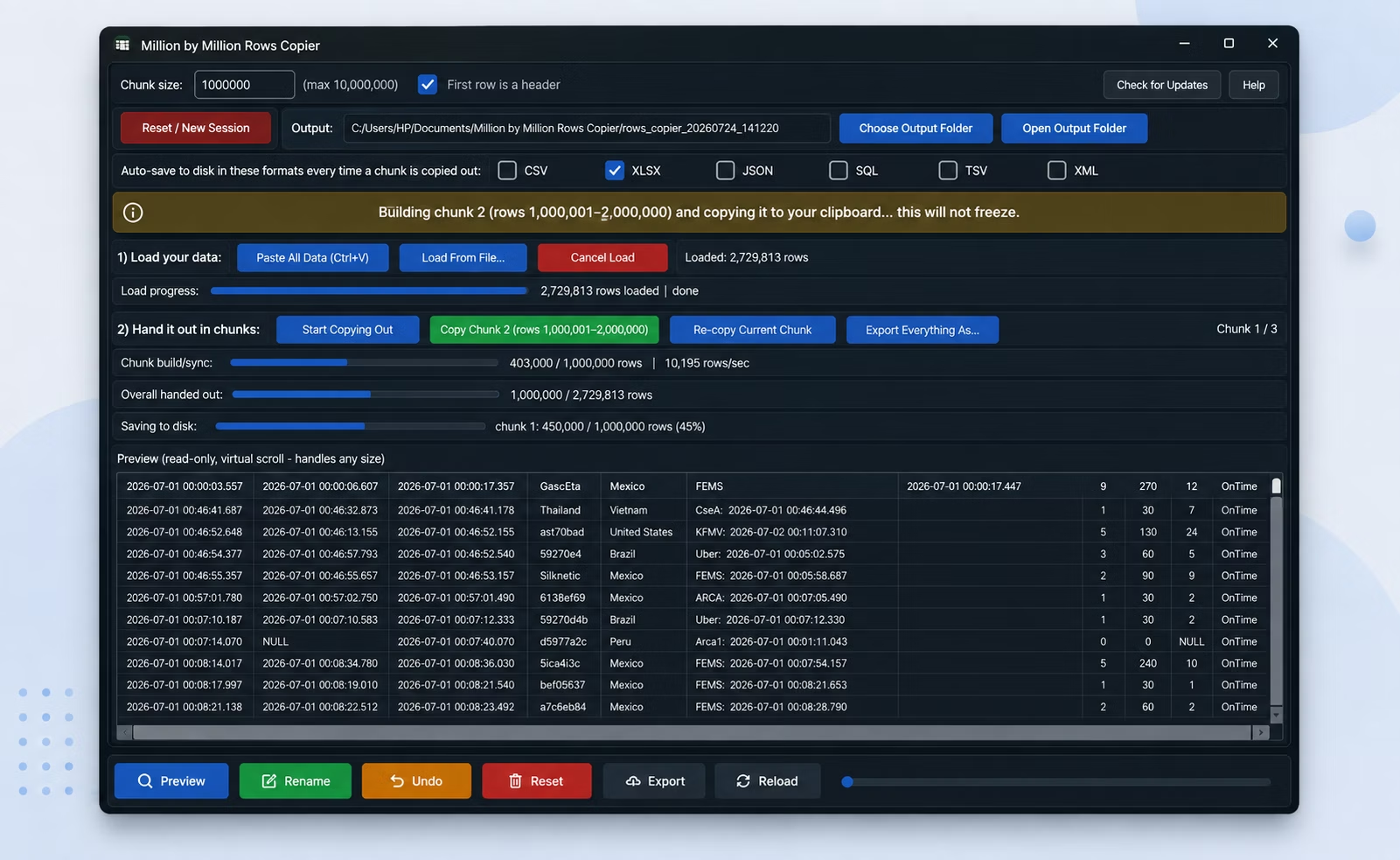
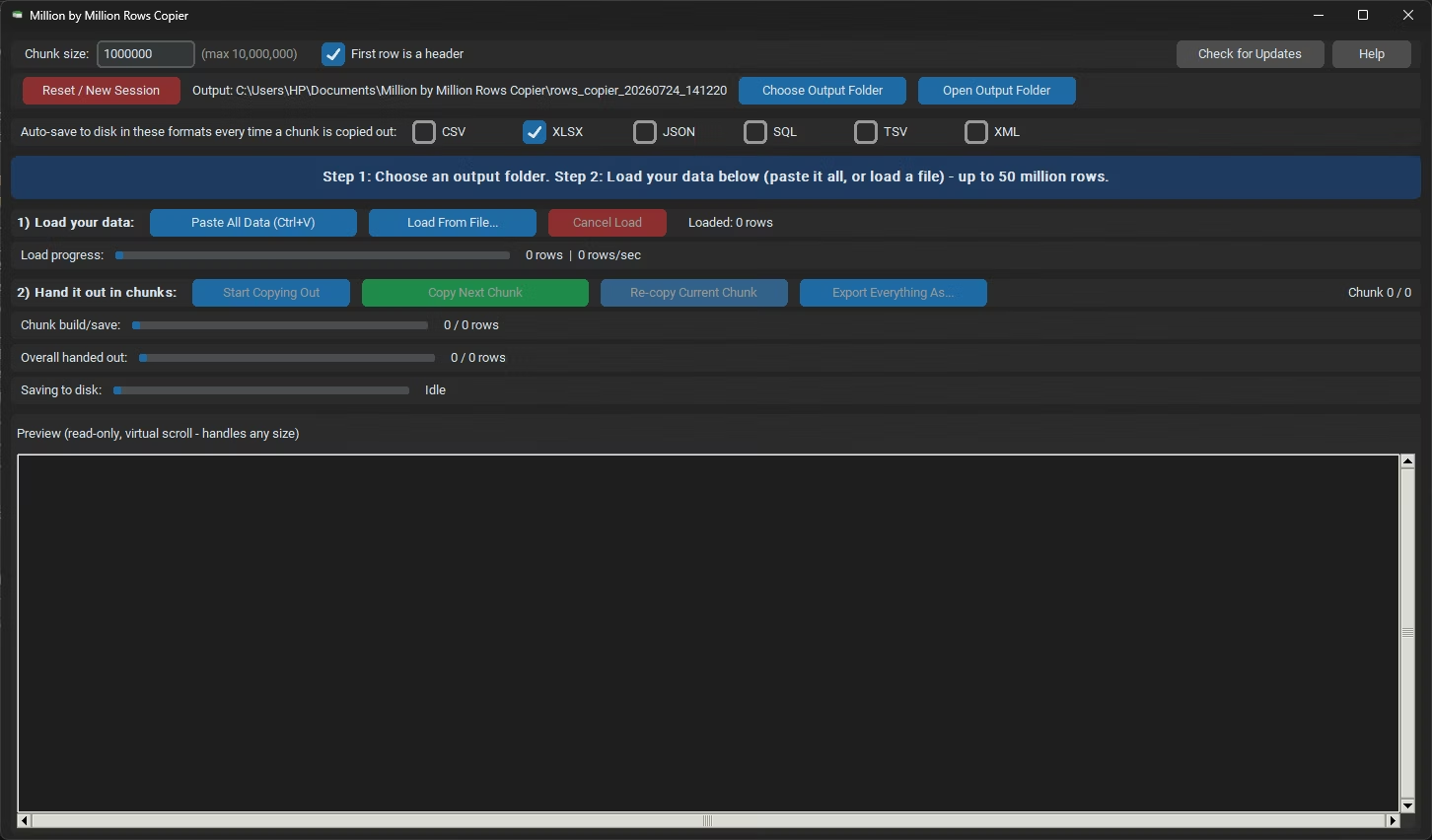
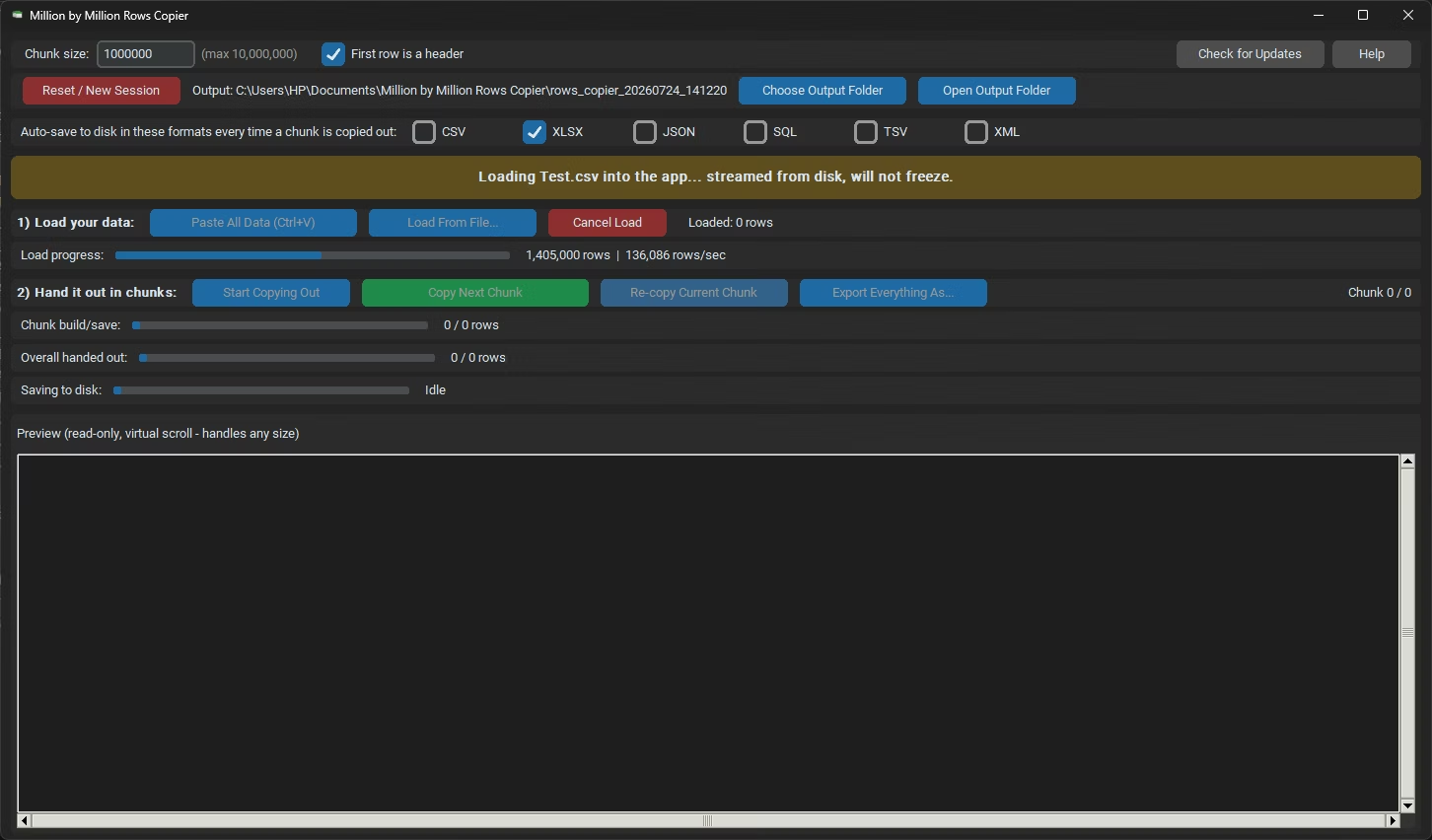
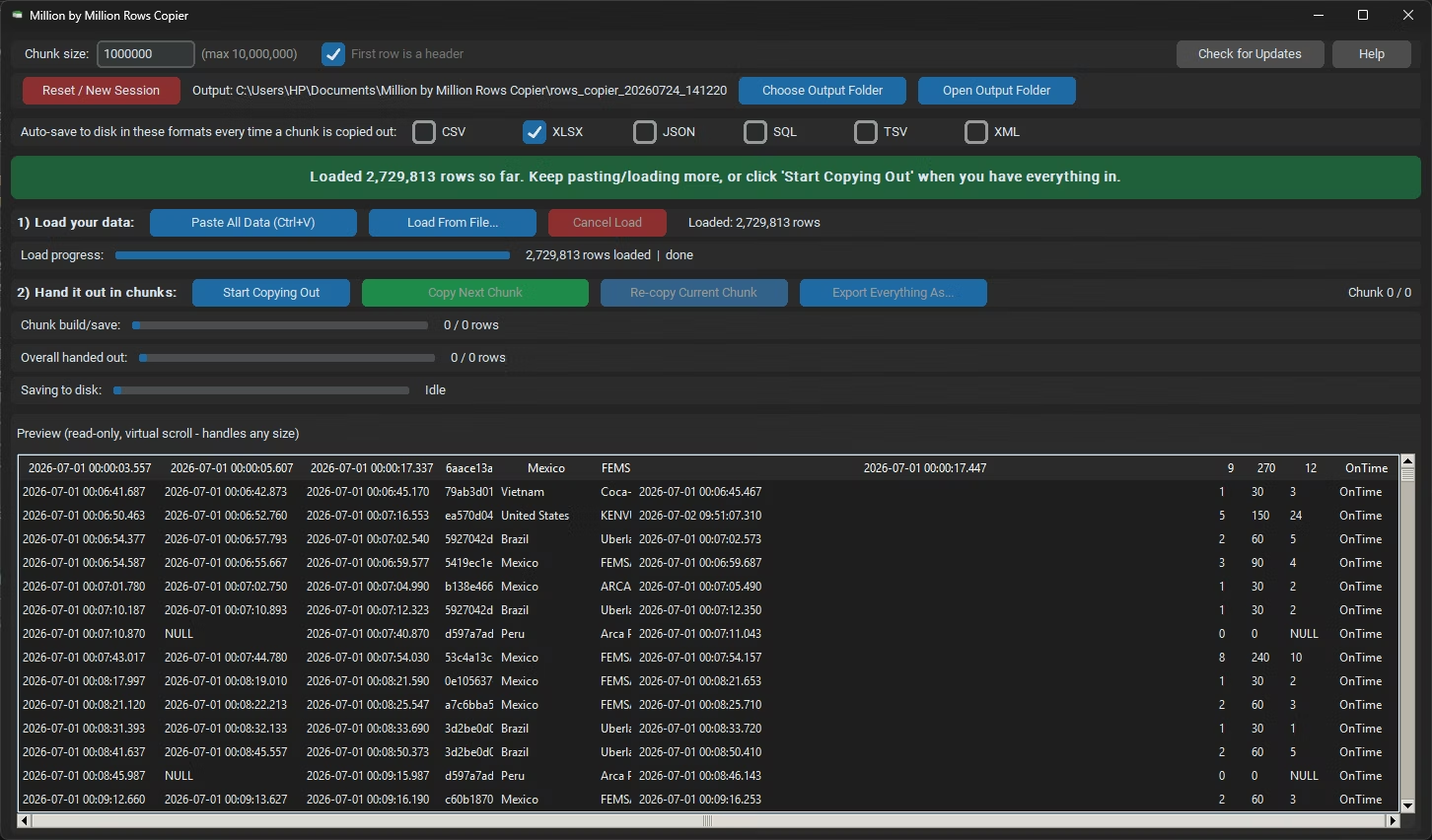
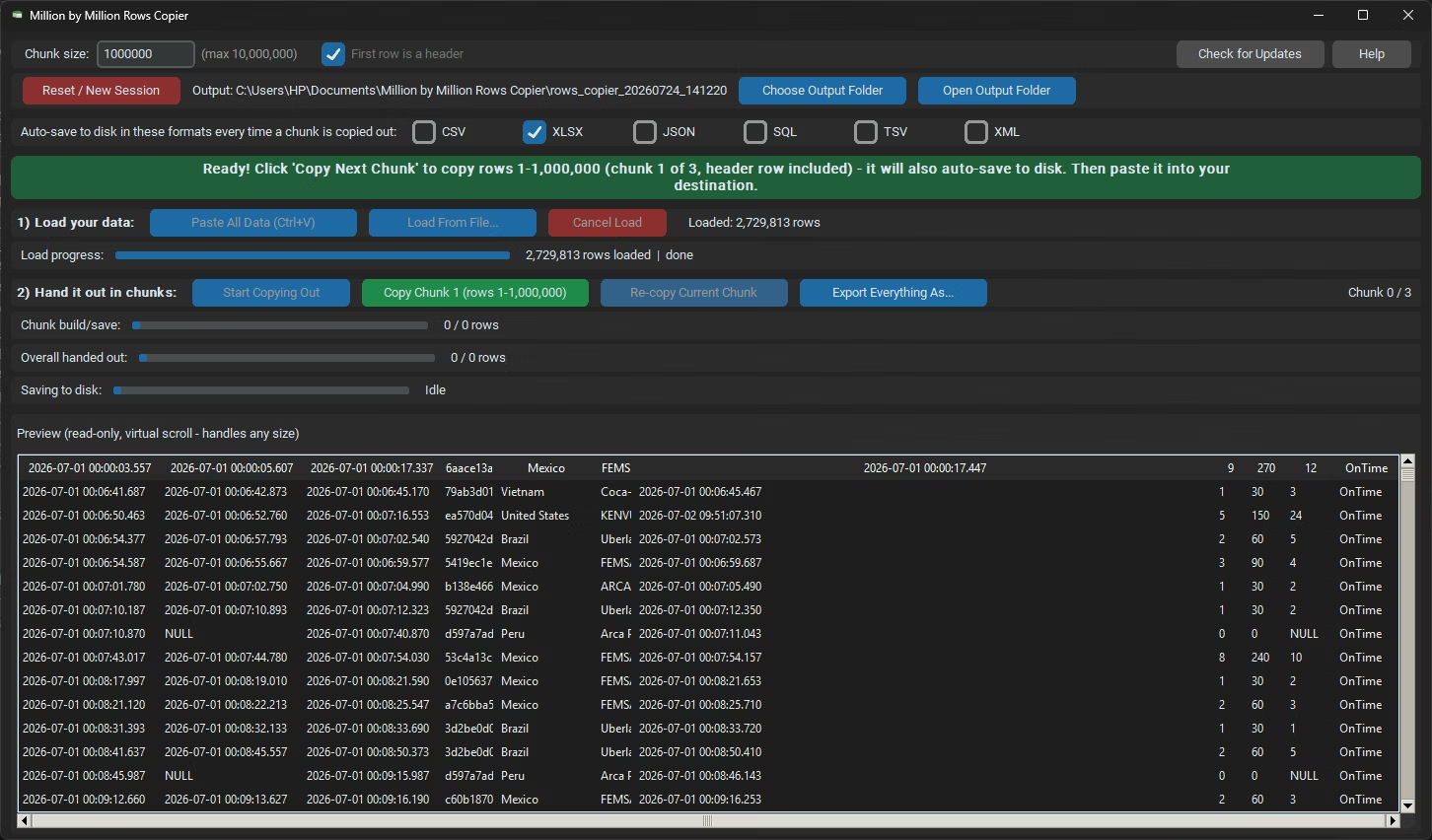
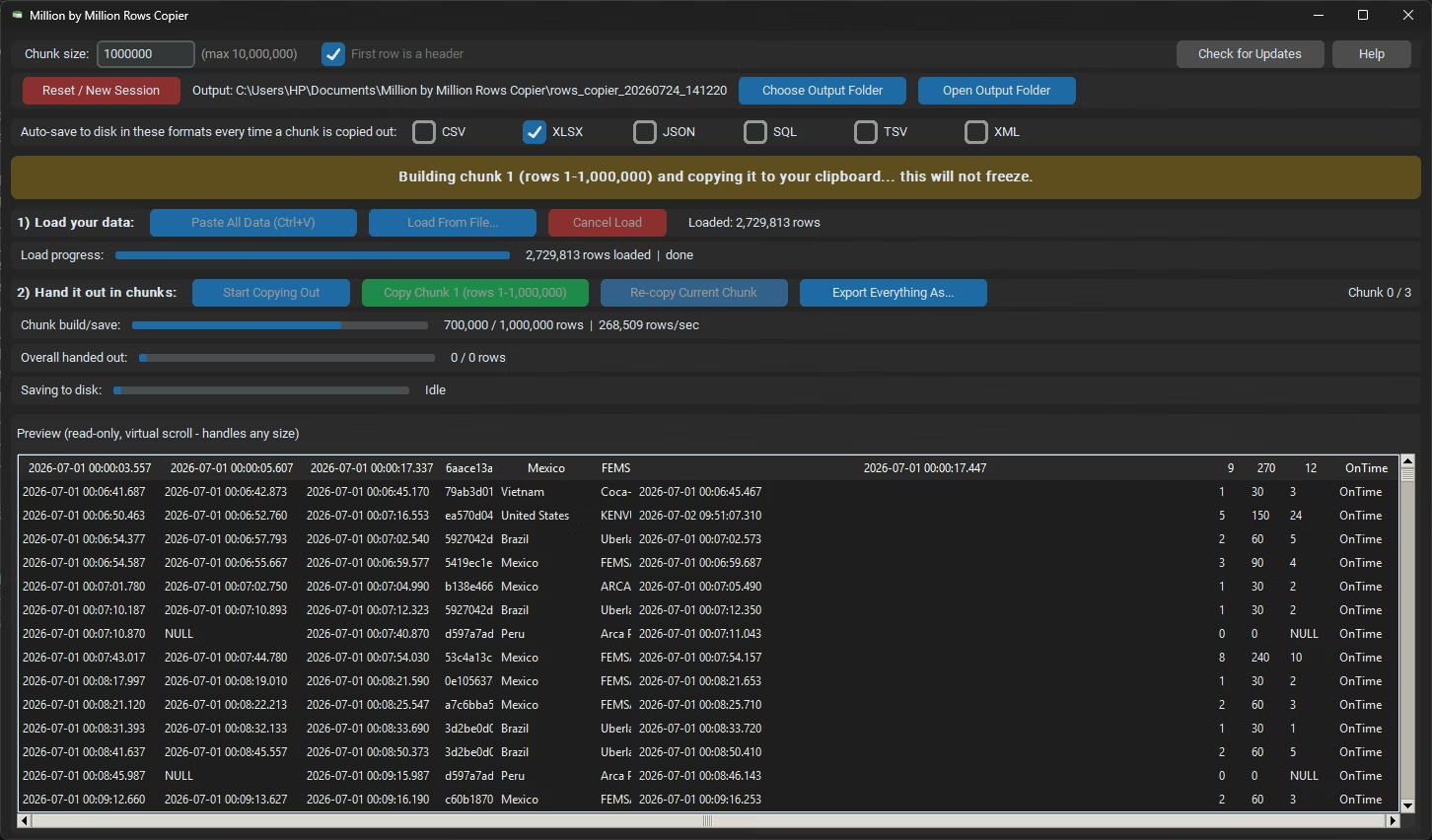
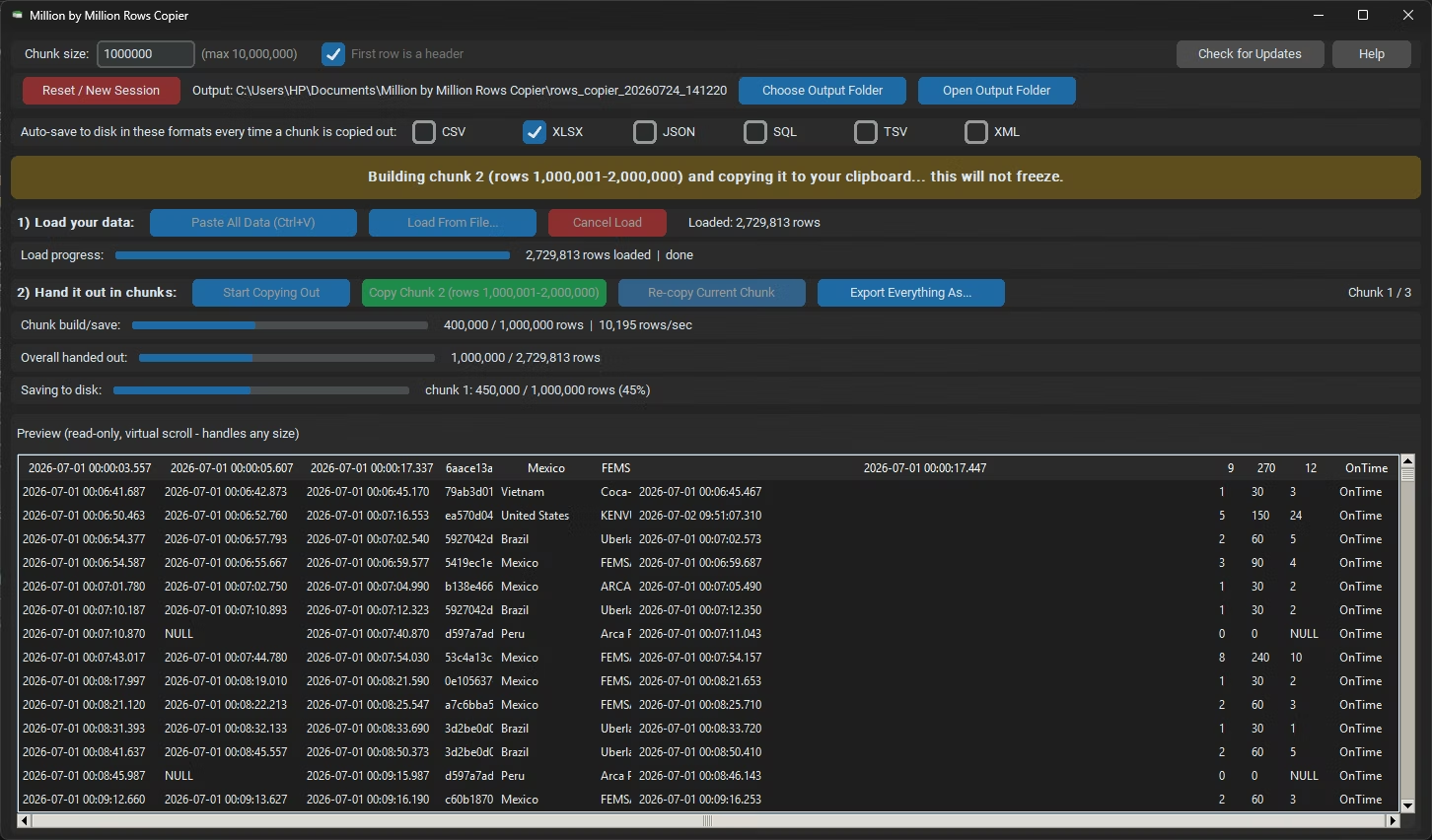
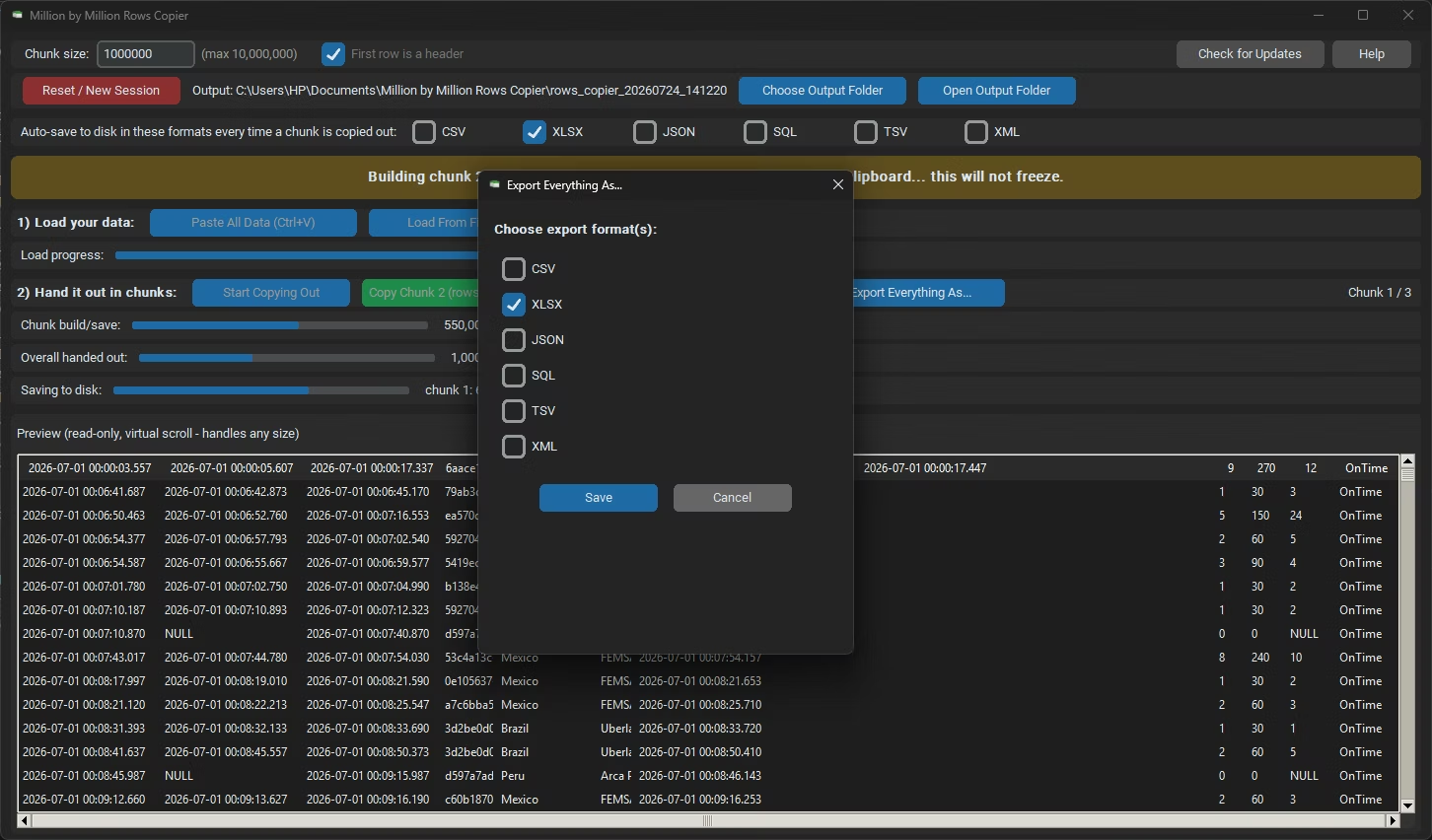
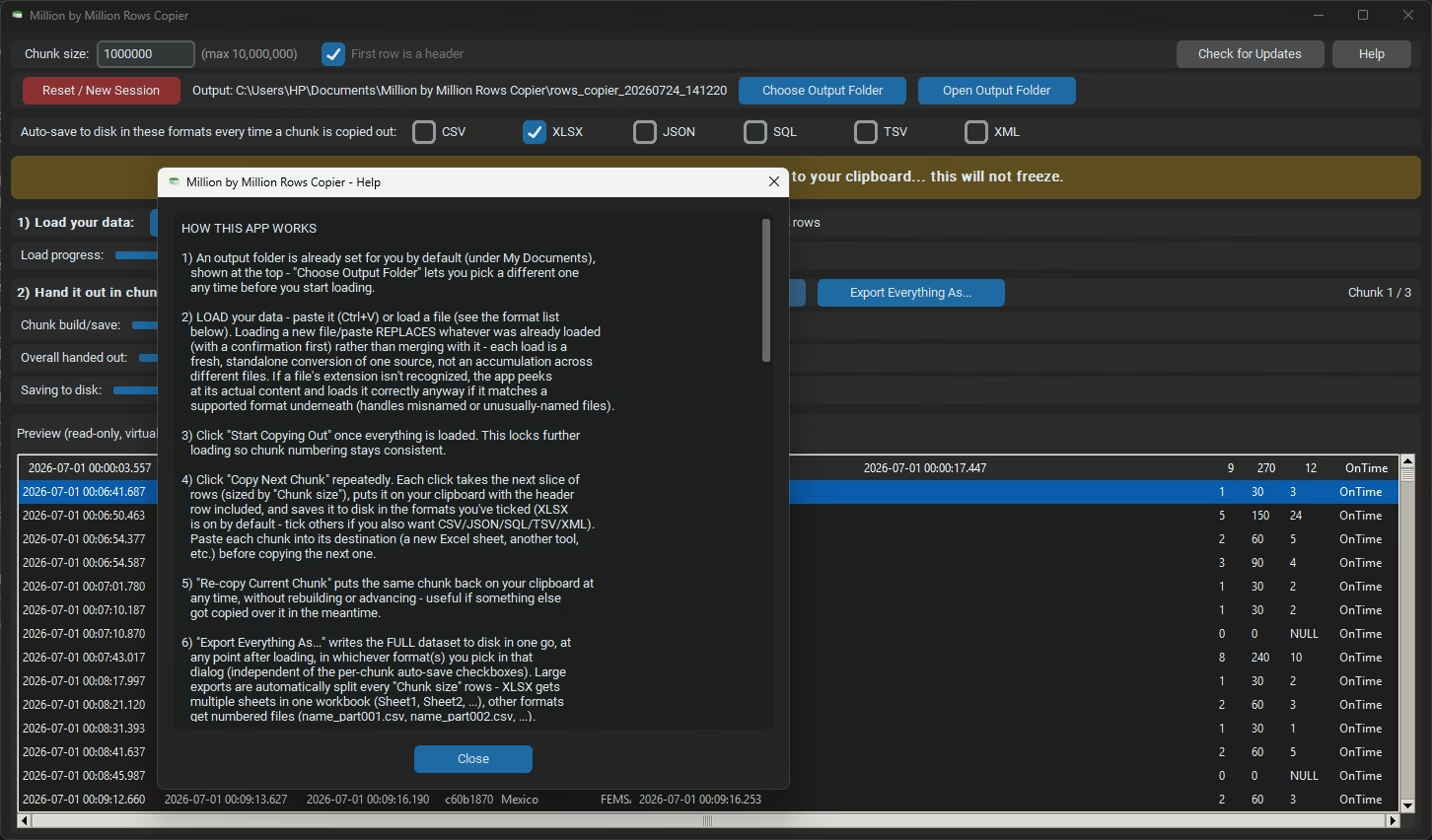
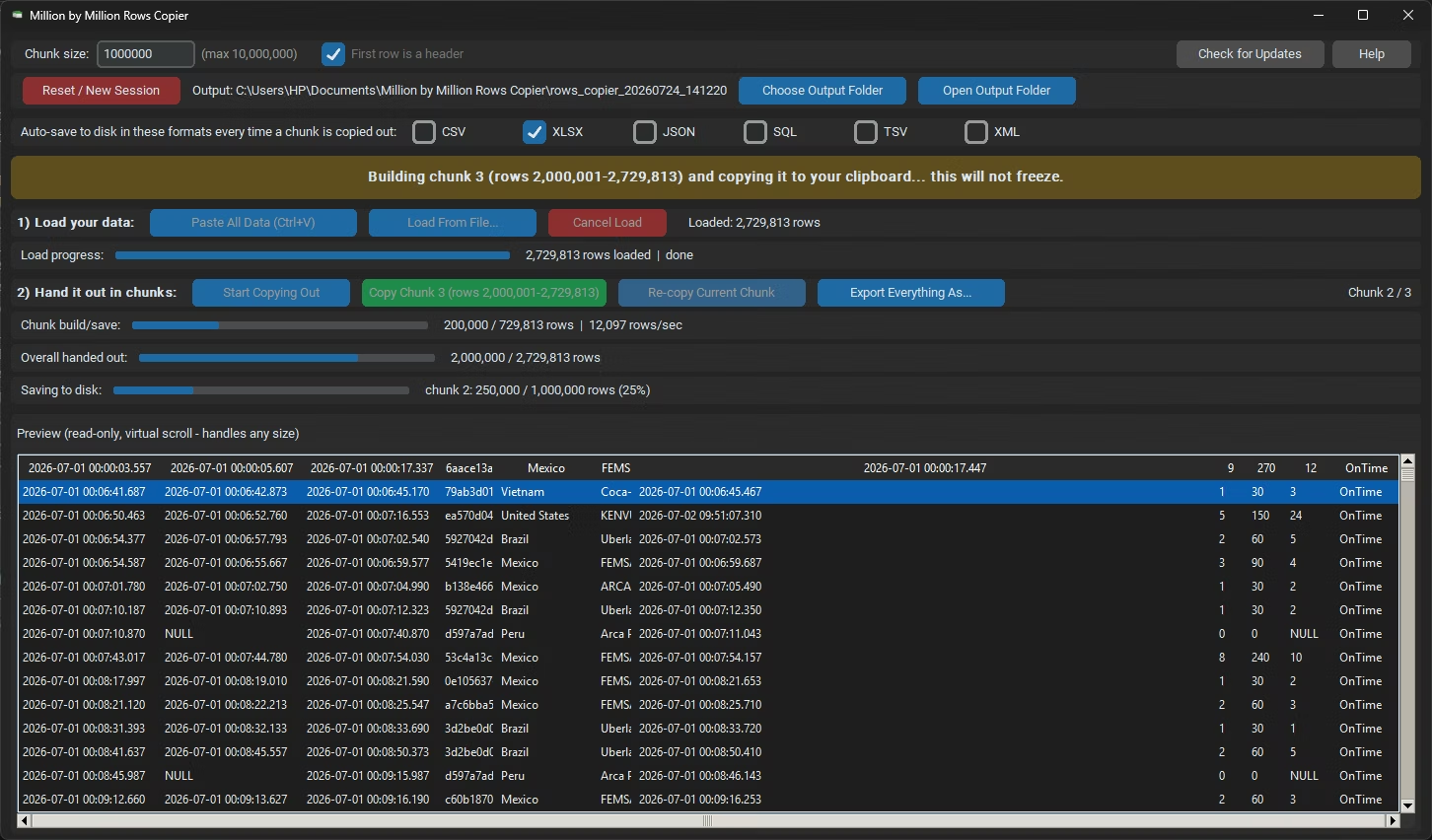
- Load your million rows dataset into Million by Million Rows Copier, from file or clipboard.
- Confirm the row count once the import finishes.
- Click Start Copying, then Copy Next Chunk to prepare the data for pasting.
- Paste into a new Excel worksheet, with the header row included automatically.
- Export the same data to CSV, XLSX or another format if you need a copy outside Excel.
- 1,000,000-row chunks match the scale of a typical million rows dataset exactly
- Scales automatically to 50,000,000 rows if your dataset grows
- Loads from more than 25 formats, so most exports need no conversion
- Header row detection keeps every chunk properly labeled
- Local SQLite storage keeps performance stable even as row counts climb
- Export options let you save the dataset outside Excel in six formats
Will a million rows dataset fit in a single Excel worksheet?
Yes, but only just, since Excel's limit is 1,048,576 rows, leaving little margin for a header row or any additional rows.
What happens if my million rows dataset grows over time?
Million by Million Rows Copier supports up to 50,000,000 rows, so a growing dataset simply produces one more 1,000,000-row chunk as needed.
Can I export a million rows dataset without using Excel at all?
Yes, the app can export the full dataset directly to CSV, XLSX, JSON, SQL, TSV or XML.
Does loading a million rows dataset take long?
Loading runs on a background thread with a visible progress bar, and a dataset of that size typically loads in well under a minute on a modern PC.
Give your million rows dataset room to grow, starting with a clean chunked paste into Excel.