Having data spread across several CSV files is common when working with exports, backups, or reports generated in batches, but it makes analysis harder since every question means checking multiple files instead of one. Merging them into a single file puts everything in one place, ready for filtering, sorting, or importing elsewhere.
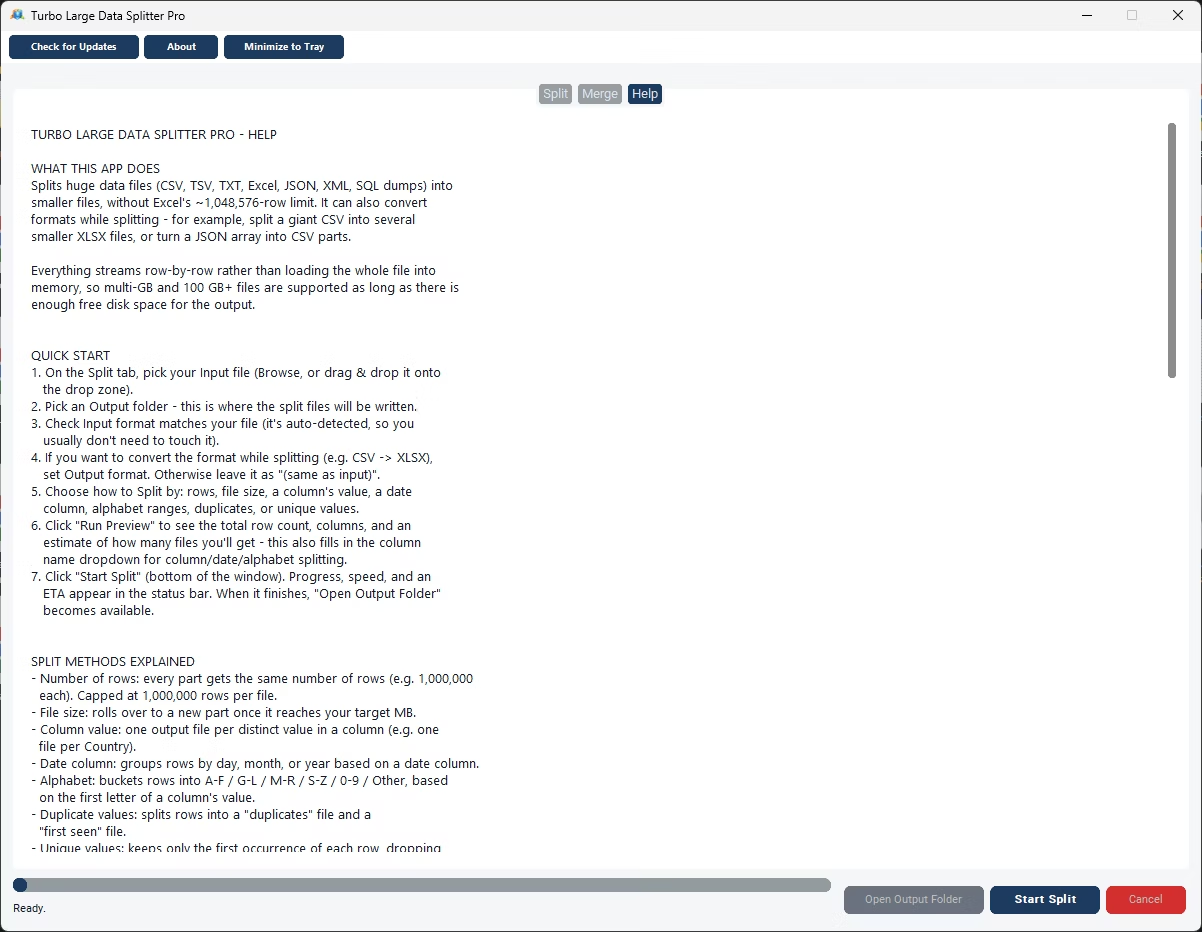
Turbo Large Data Splitter lets you select every CSV file you want merged and produces one combined file in return. The process runs locally, so there's no upload step and no limit on how many files or rows you can merge together.
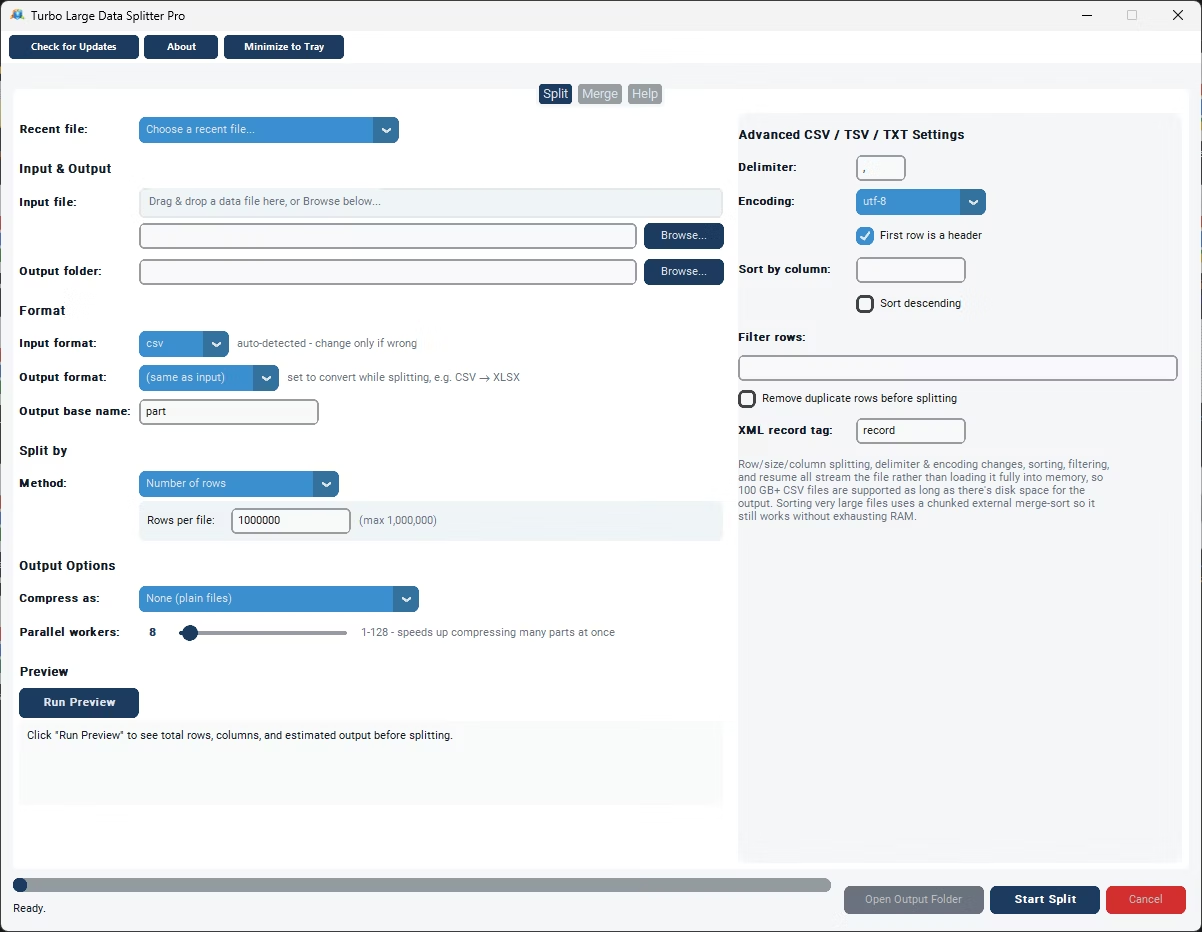
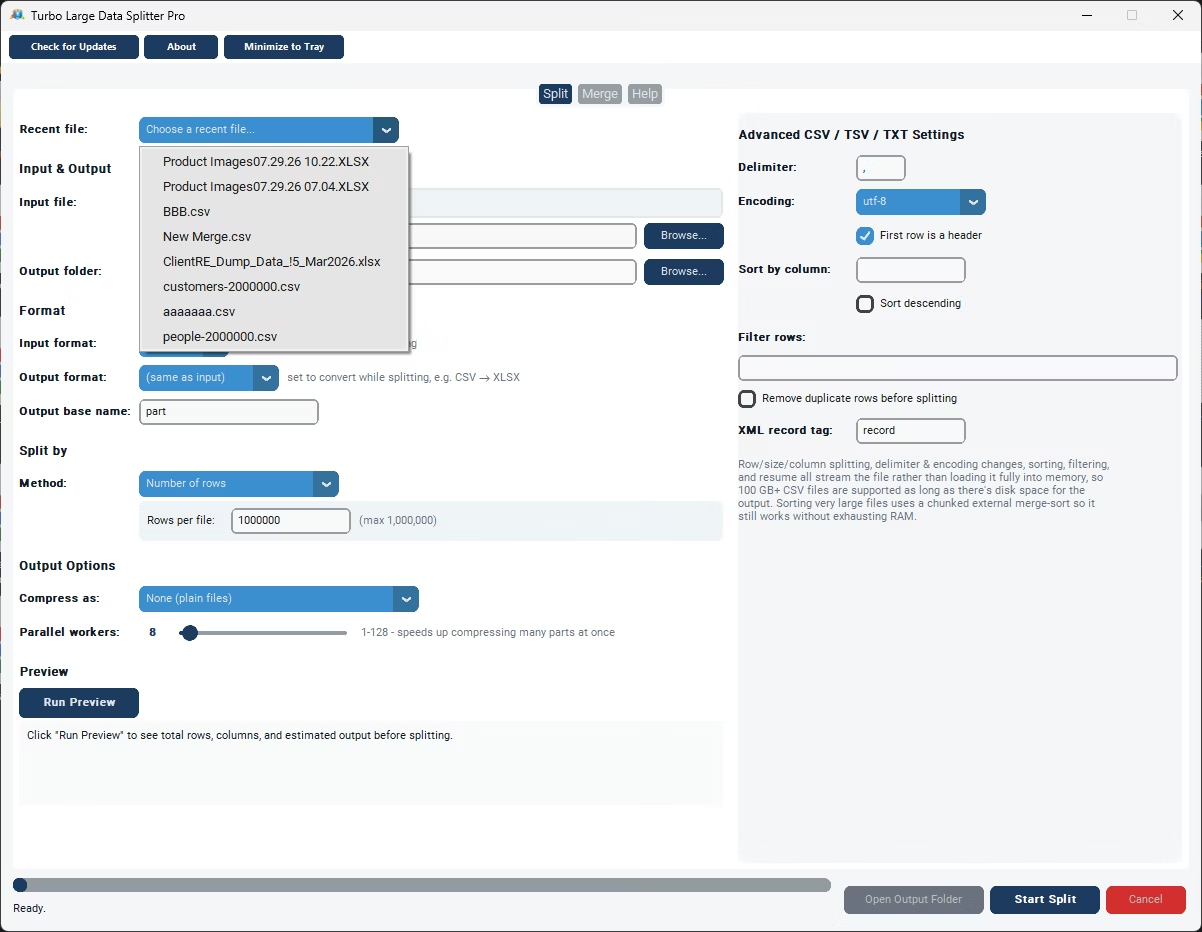
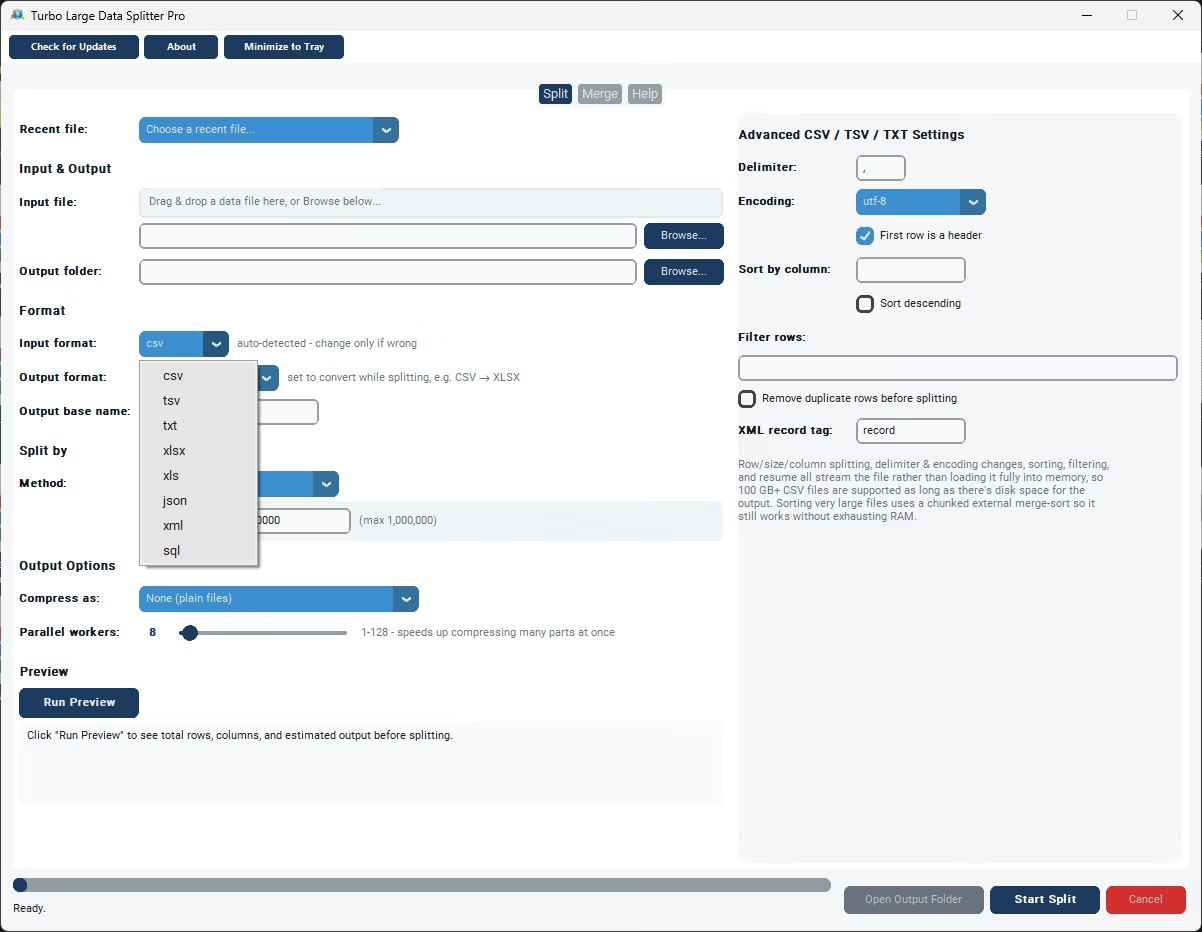
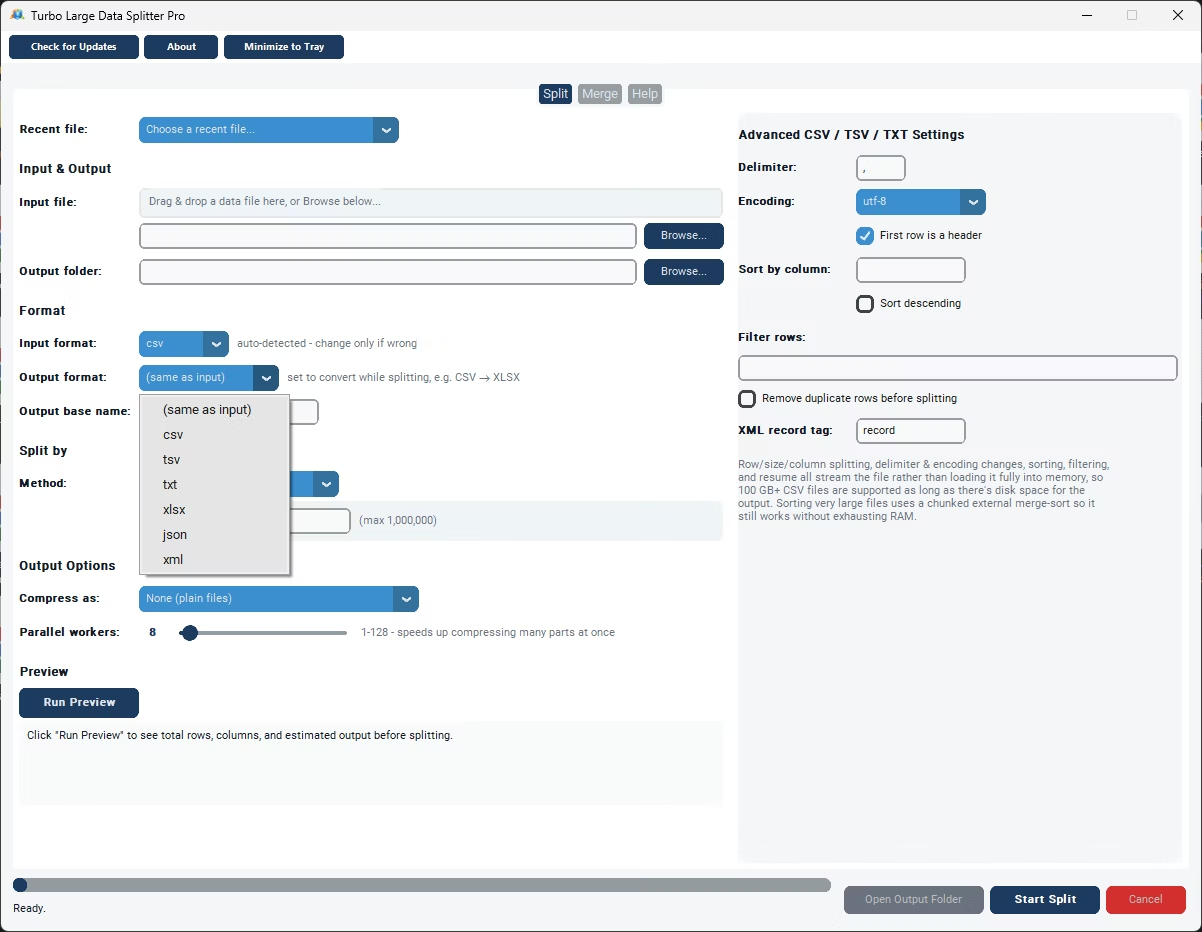
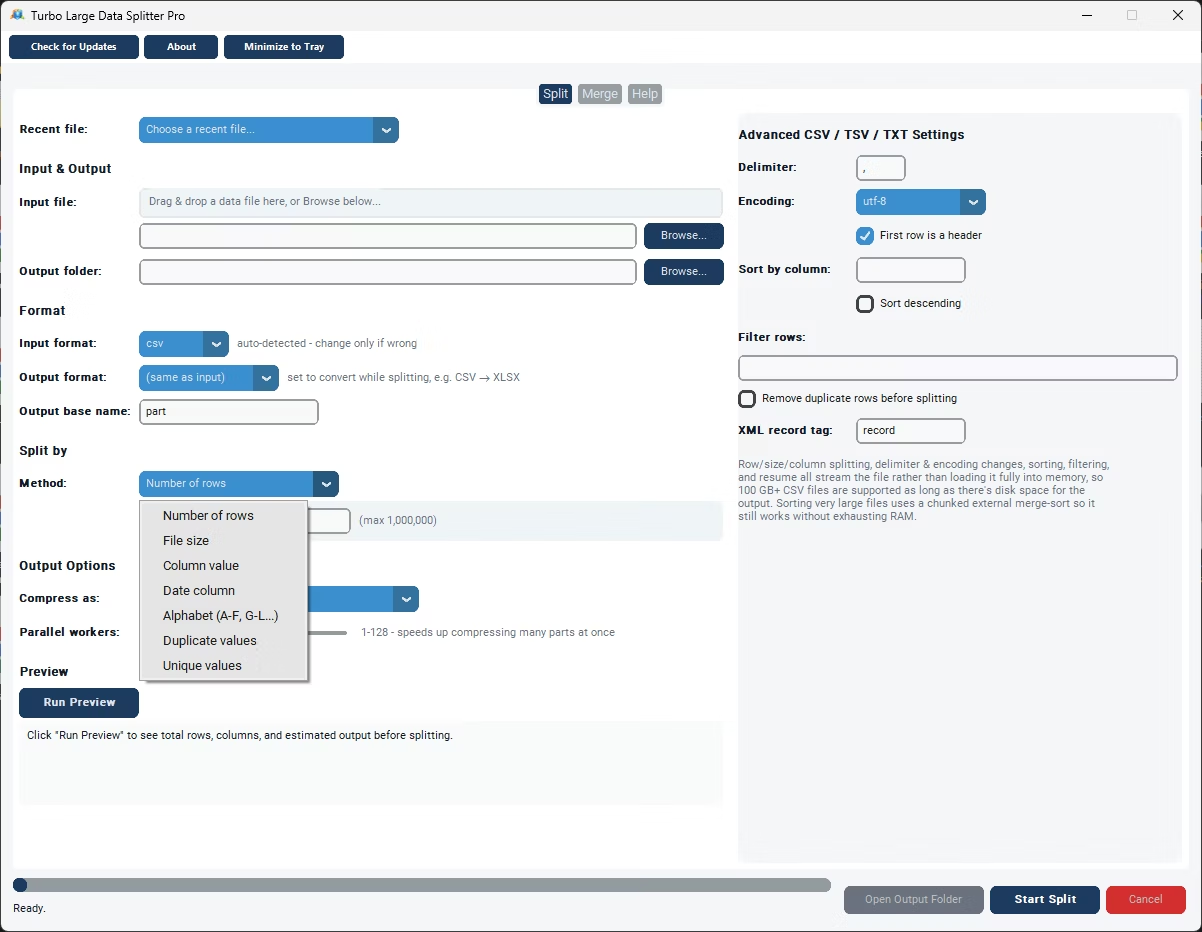
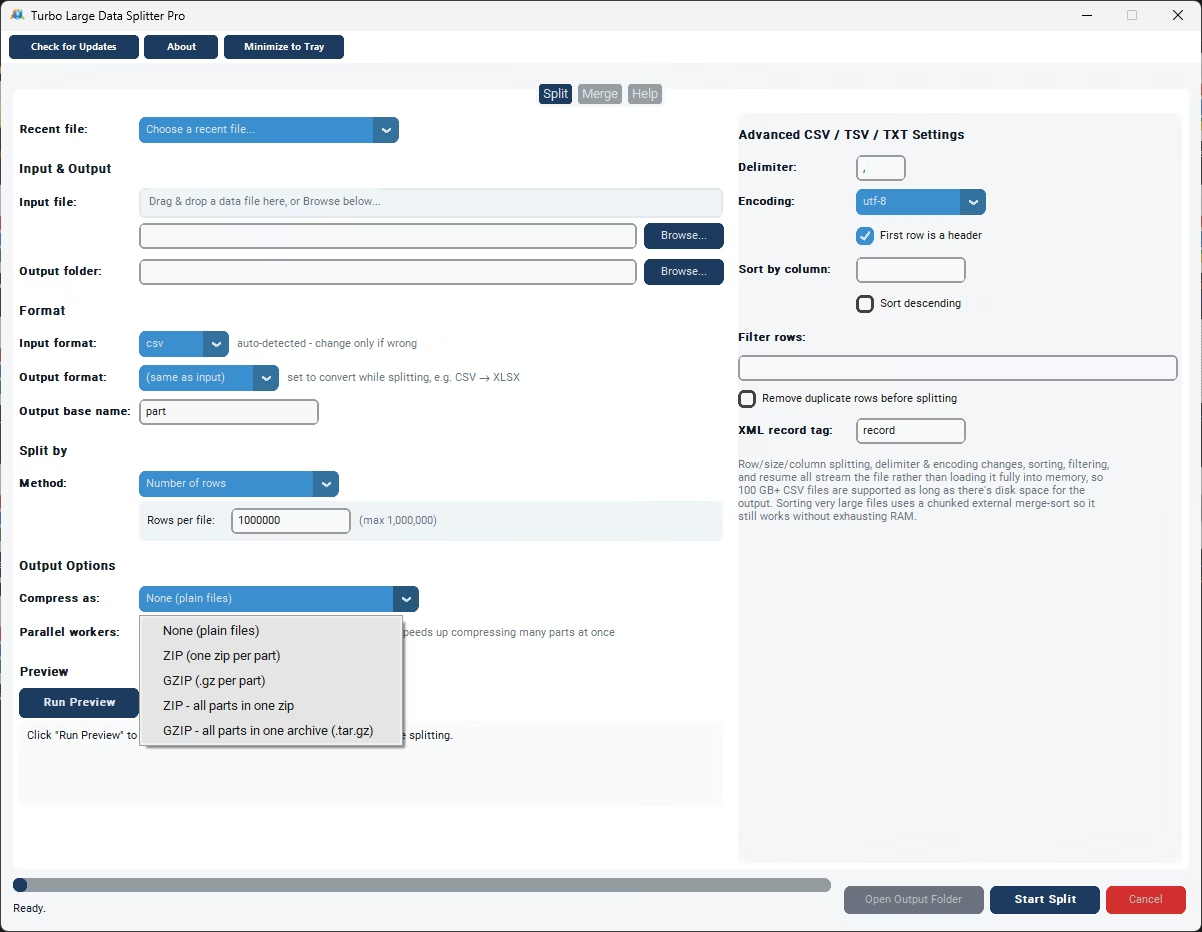
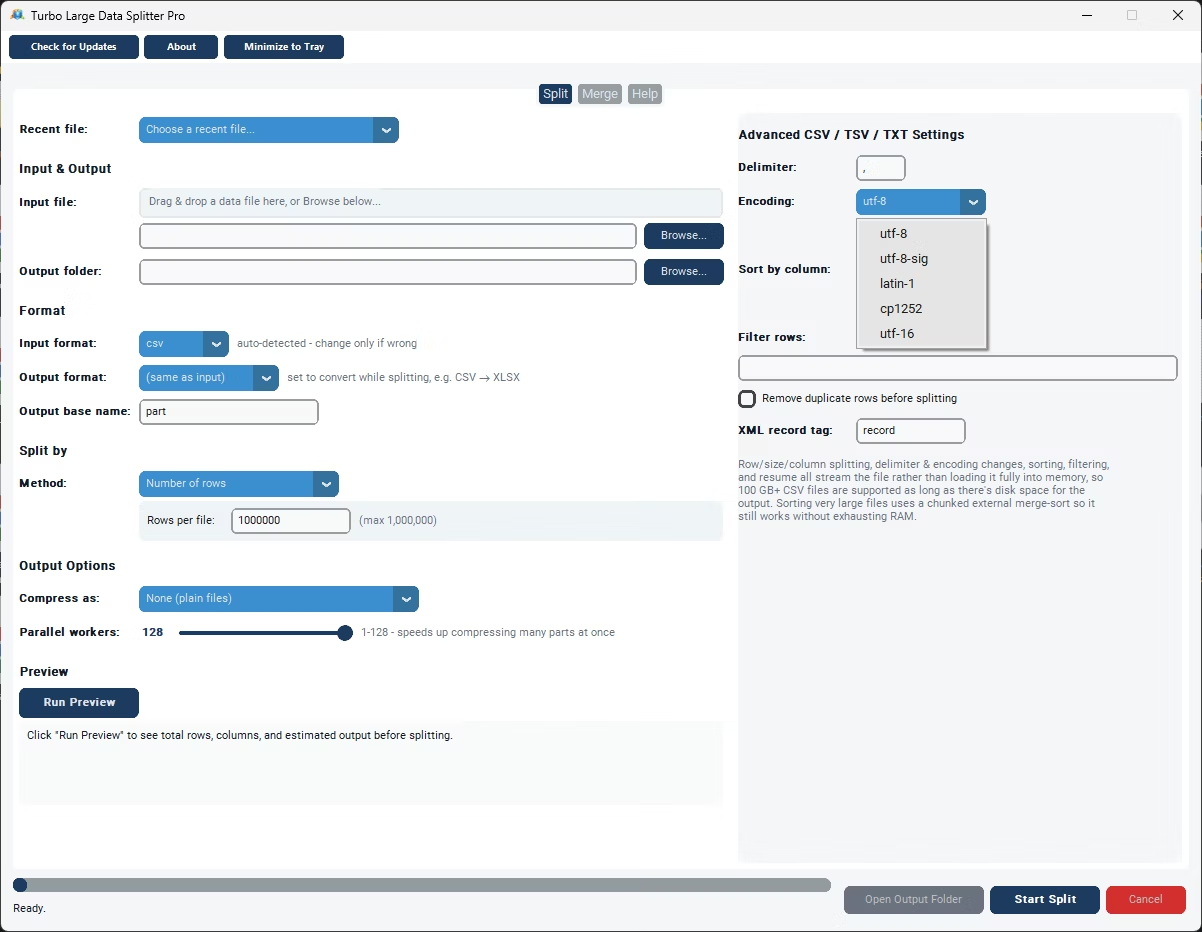
- Install Turbo Large Data Splitter on your Windows PC.
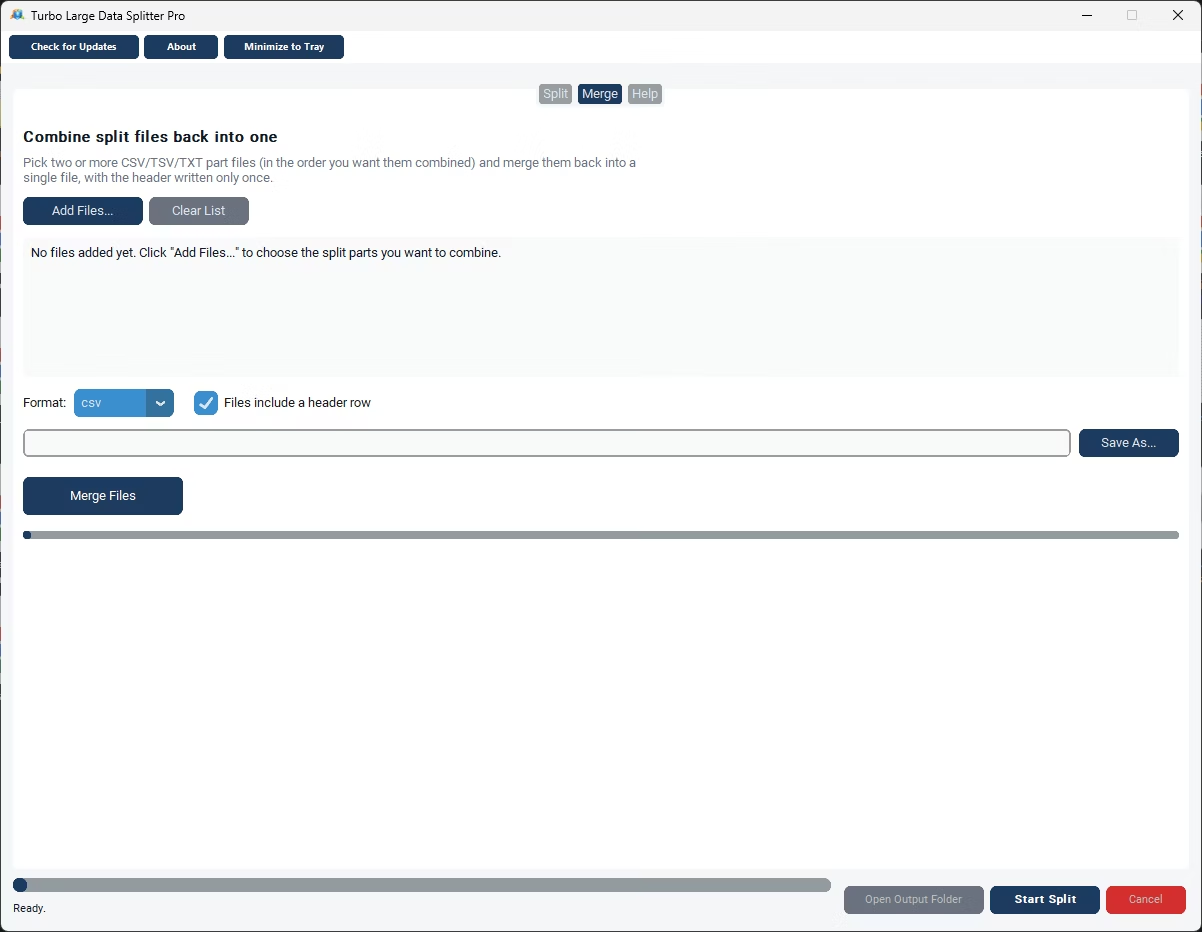
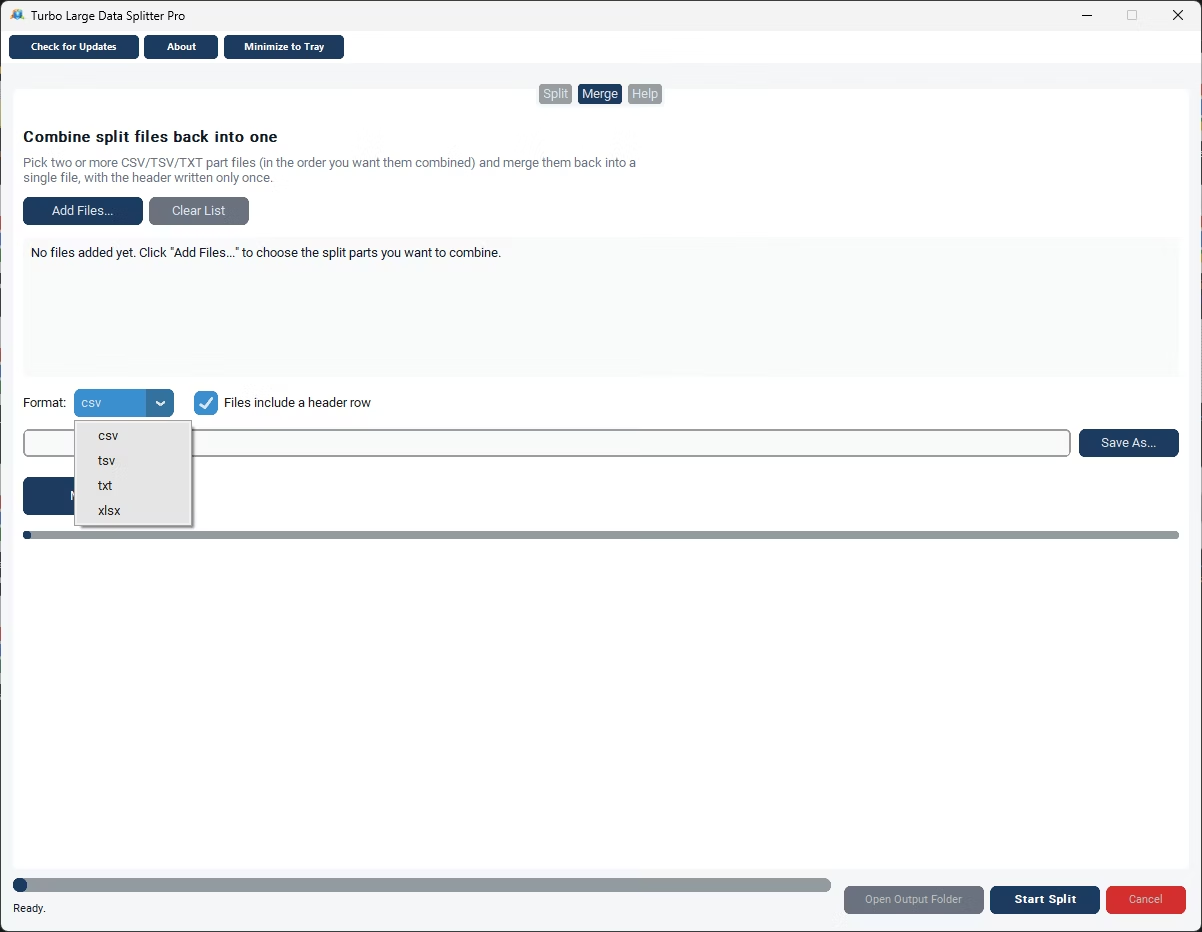
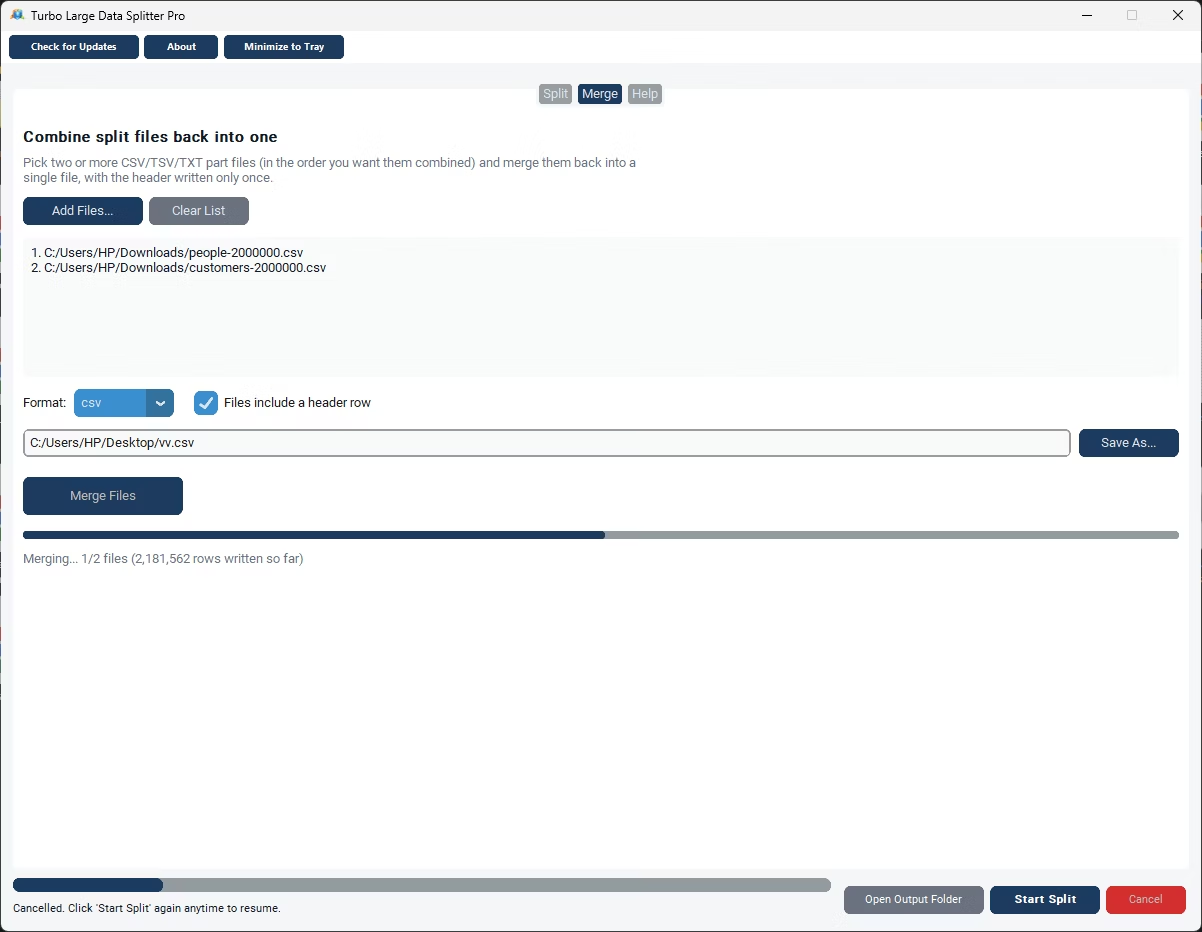
- Open the merge feature and add all the CSV files you want combined.
- Let the app detect and align the columns across your files.
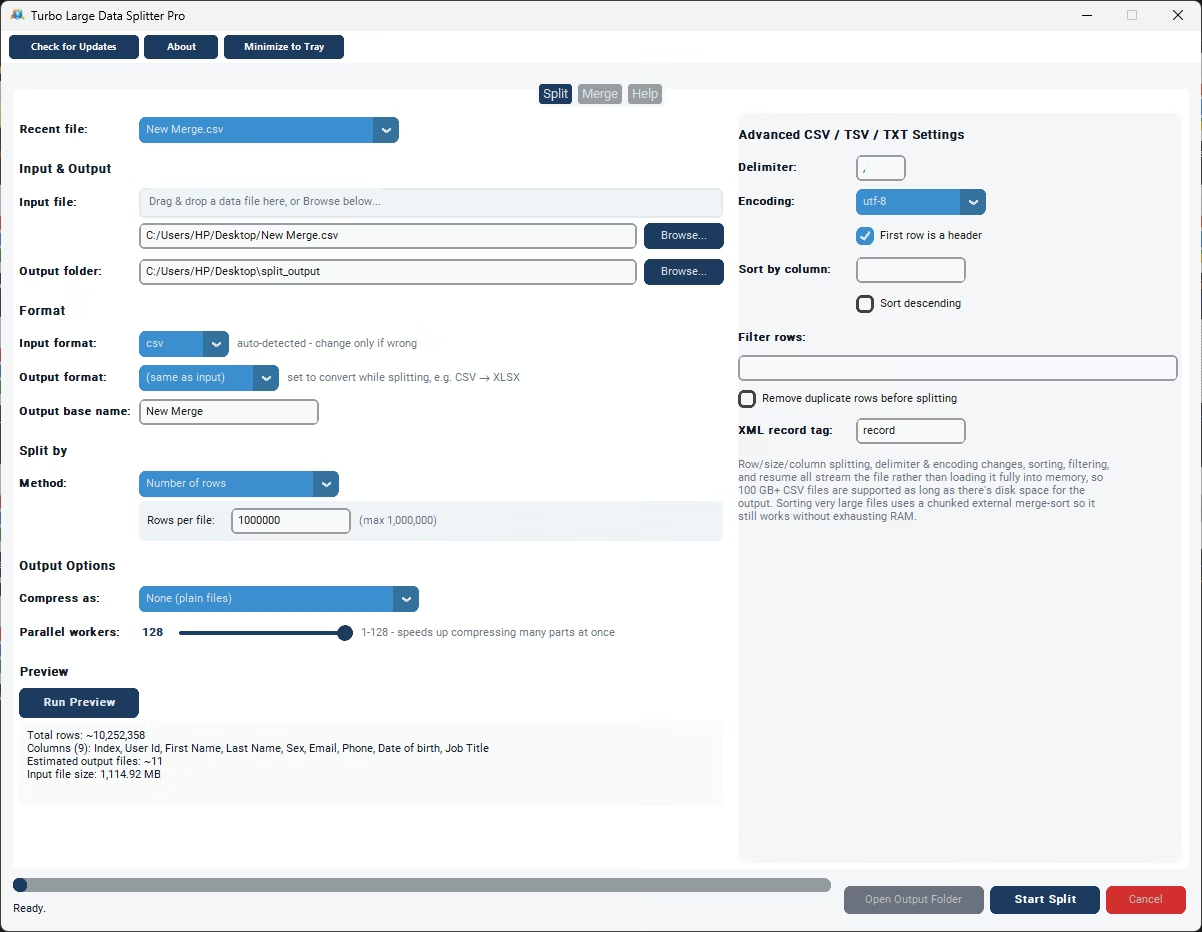
- Review the preview to confirm everything looks correct.
- Click Merge to combine the files into one.
- Save the resulting CSV file to your chosen location.
- Merge any number of CSV files into a single output file
- Automatic column detection and alignment
- No upload required, everything runs on your PC
- Handles large files and large batches of files alike
- Fully offline for complete data privacy
- Simple point-and-click interface
Can I merge CSV files that come from different systems?
Yes, as long as the column headers are reasonably similar, the app can align them; files with very different structures may need some manual review afterward.
Is there a limit on how many files I can merge at once?
No fixed limit is imposed, though very large batches will naturally take a little longer to process.
What format is the merged output file?
The merged file is saved as a standard CSV file, compatible with Excel, Google Sheets, and most data tools.
Ready to merge your CSV files into one complete file?