Moving a large table between tools that only exchange data through copy and paste is one of the more common, and more frustrating, data tasks, since the destination application often locks up the moment it's asked to accept more rows than it can comfortably handle at once.
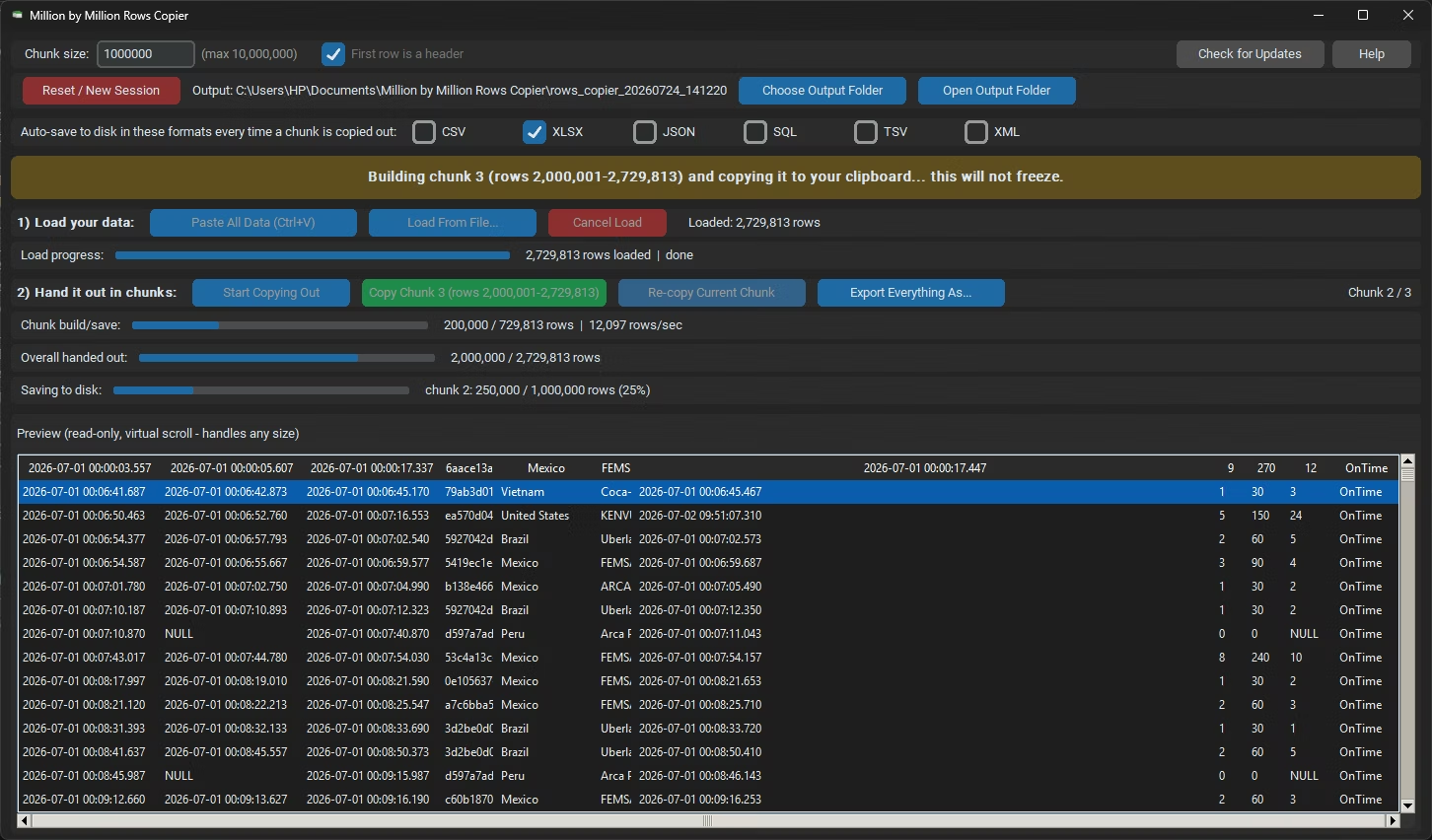
Million by Million Rows Copier transfers millions of rows without triggering that lockup, by handing the destination application data in chunks it can actually process, by default 1,000,000 rows at a time, rather than attempting the entire transfer in one massive paste.
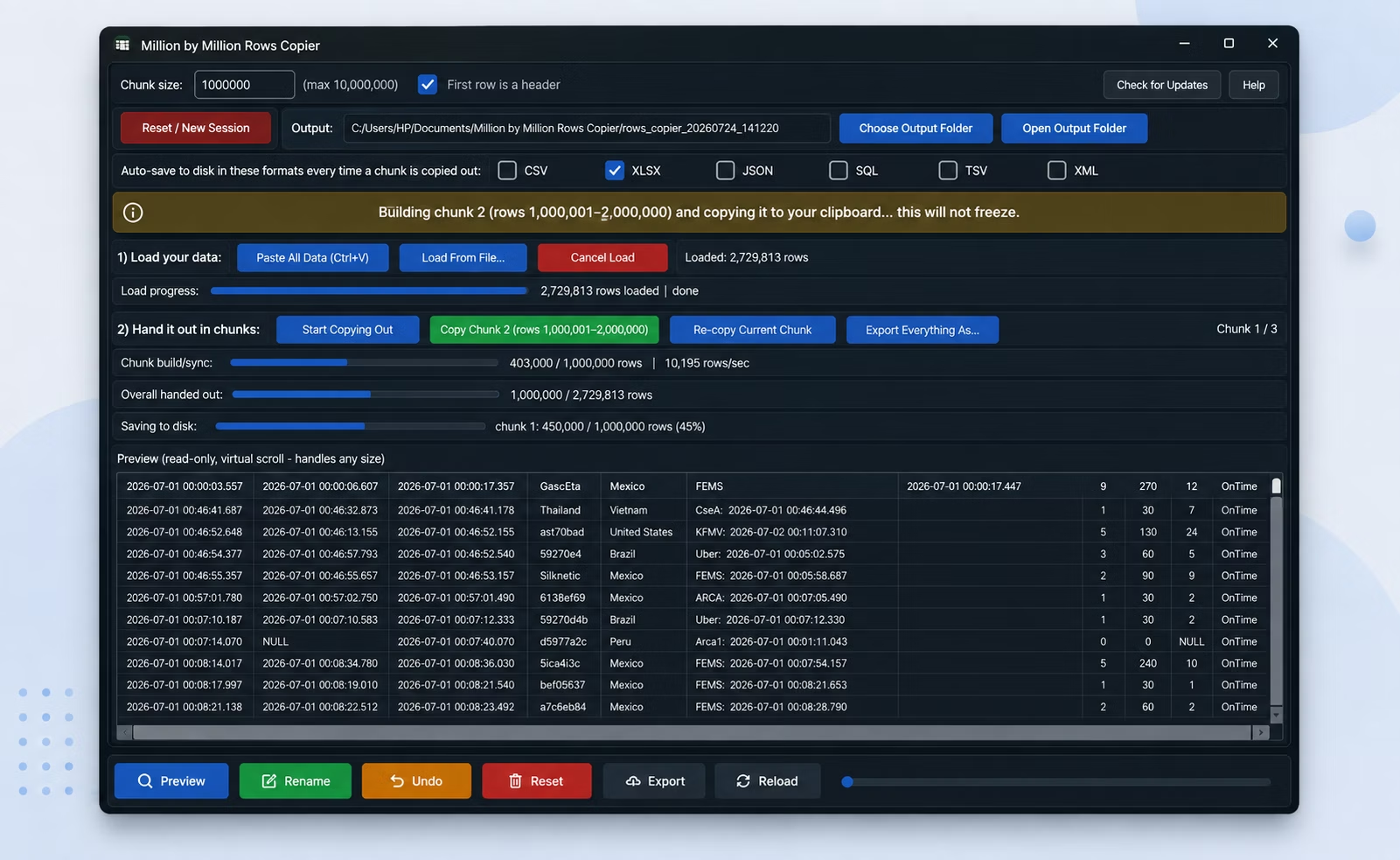
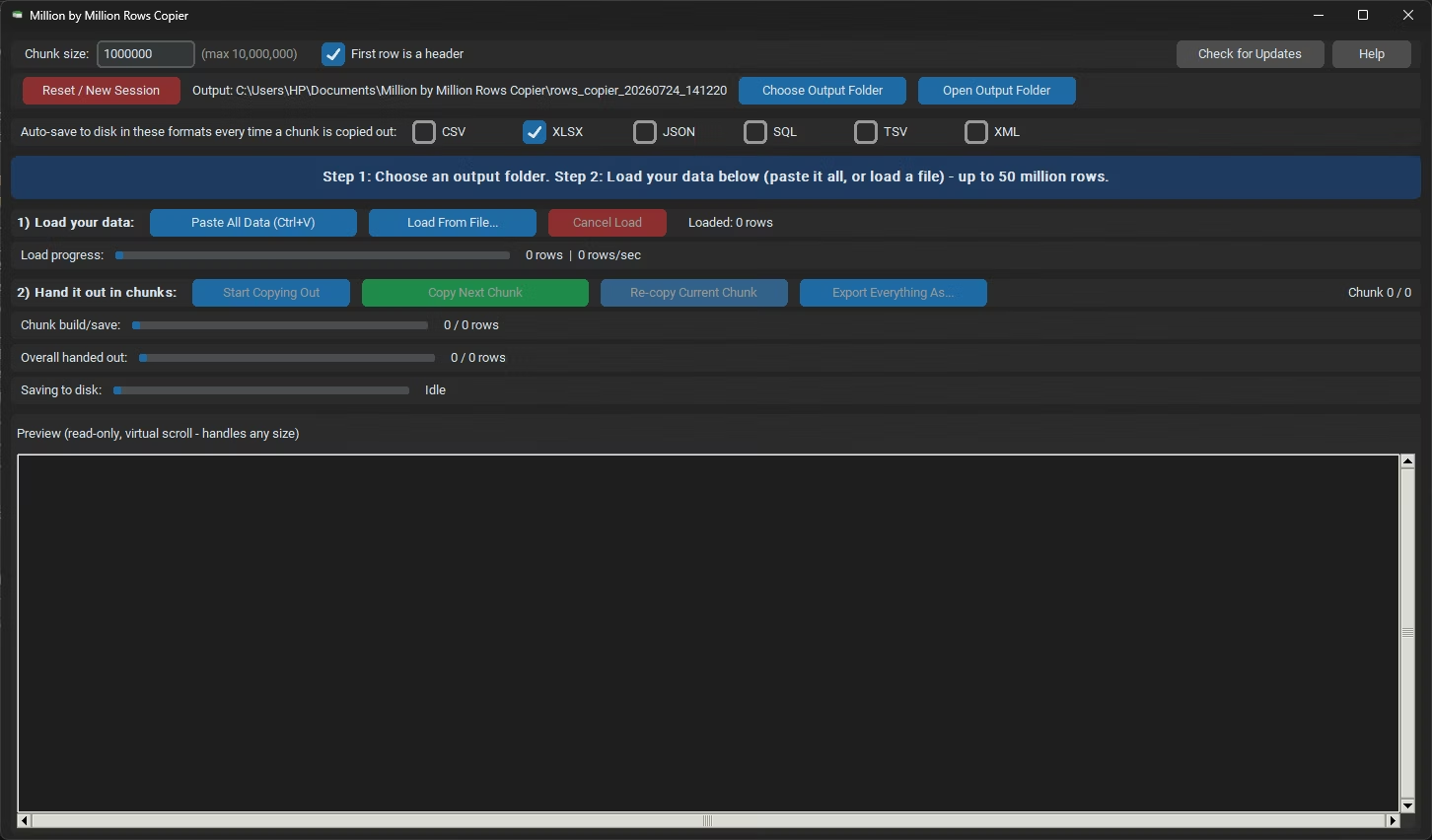
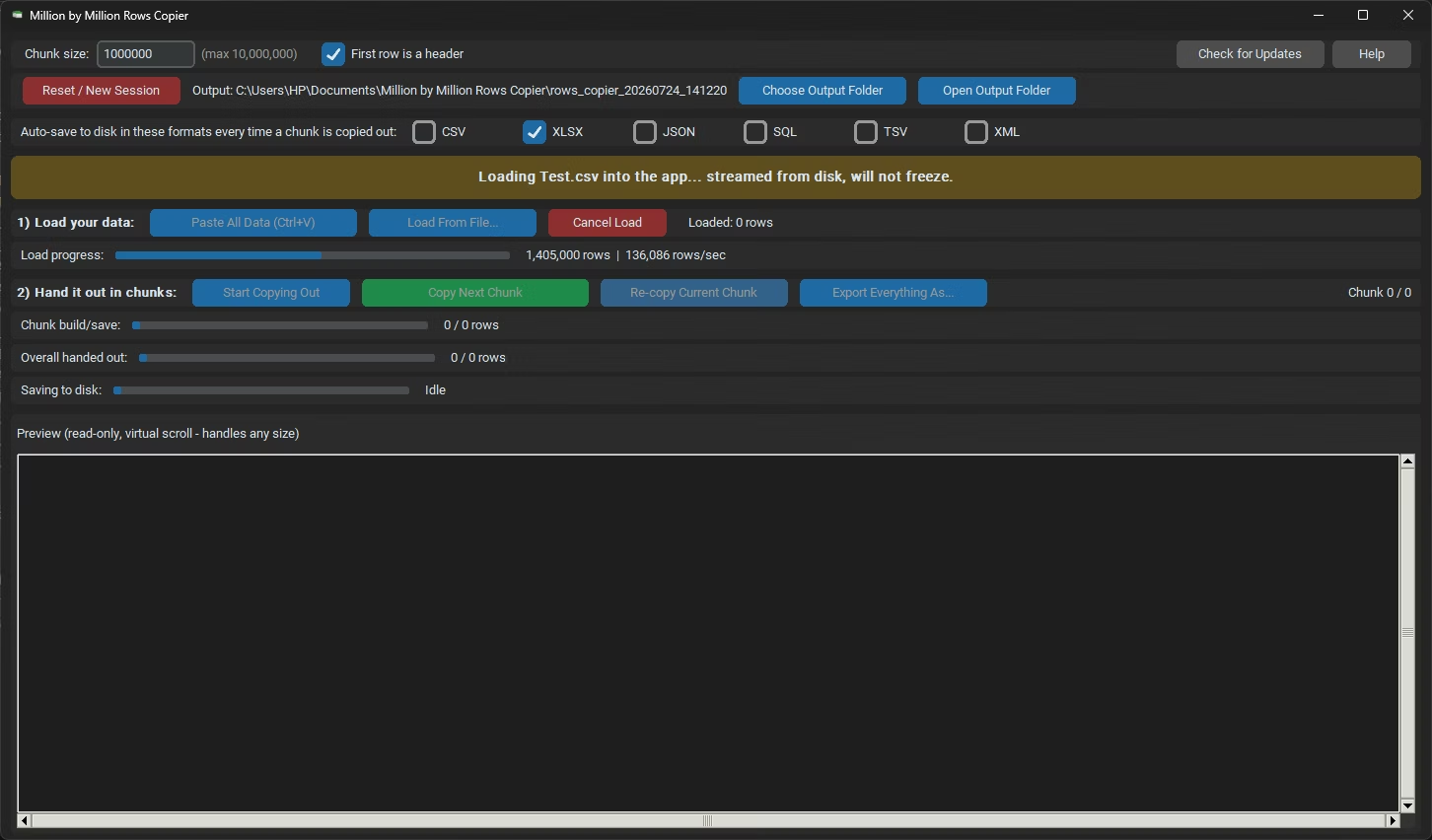
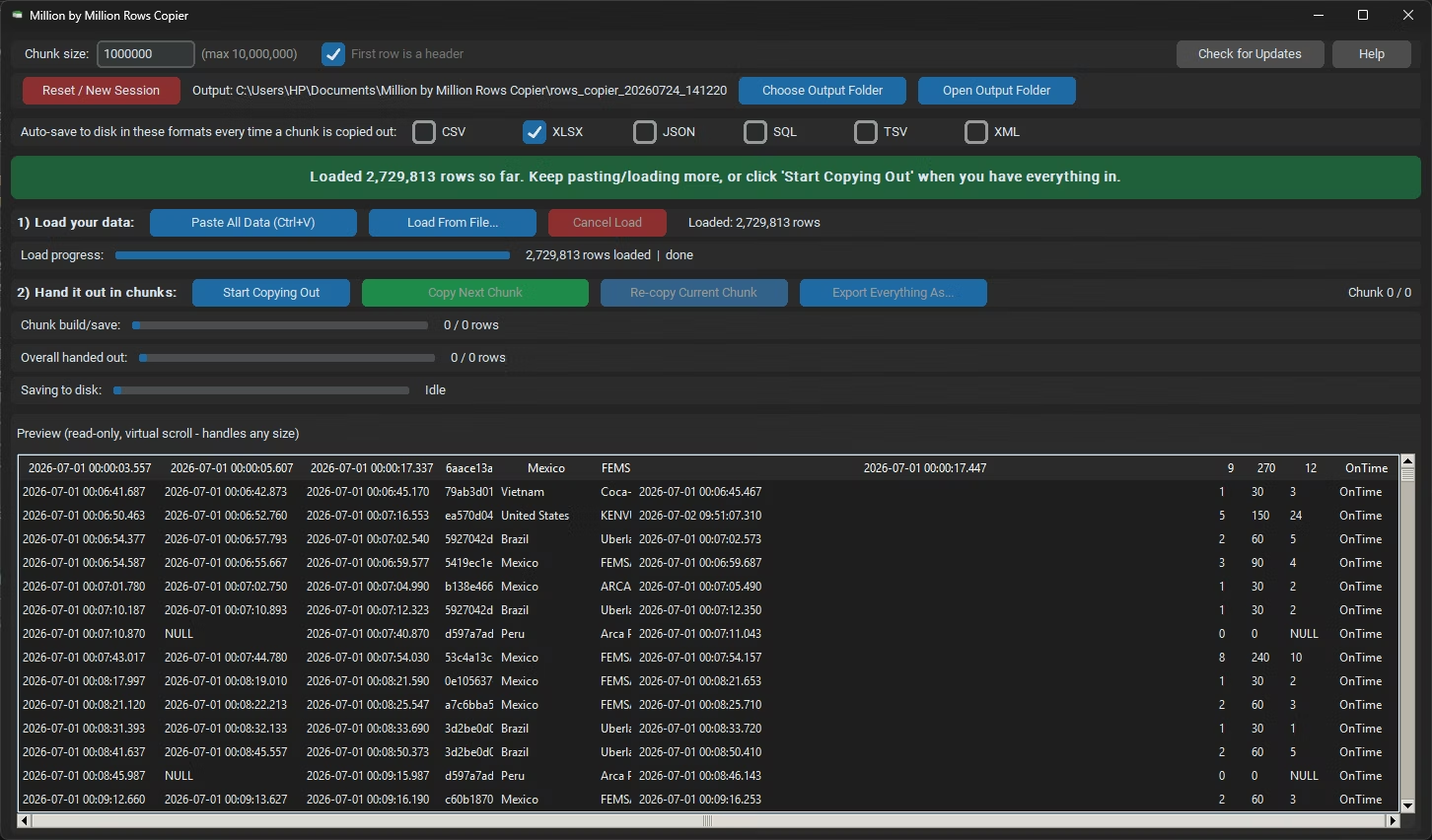
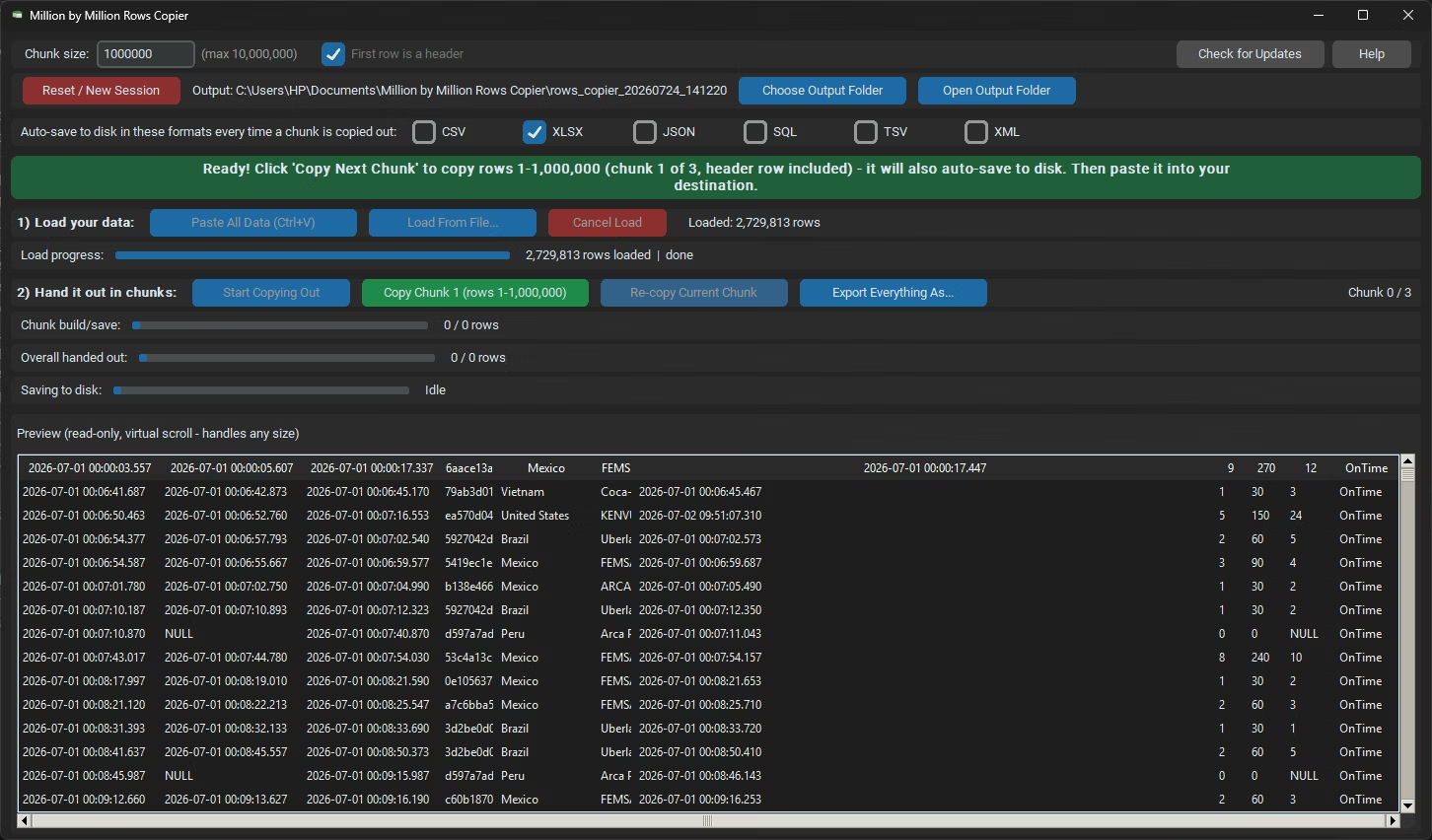
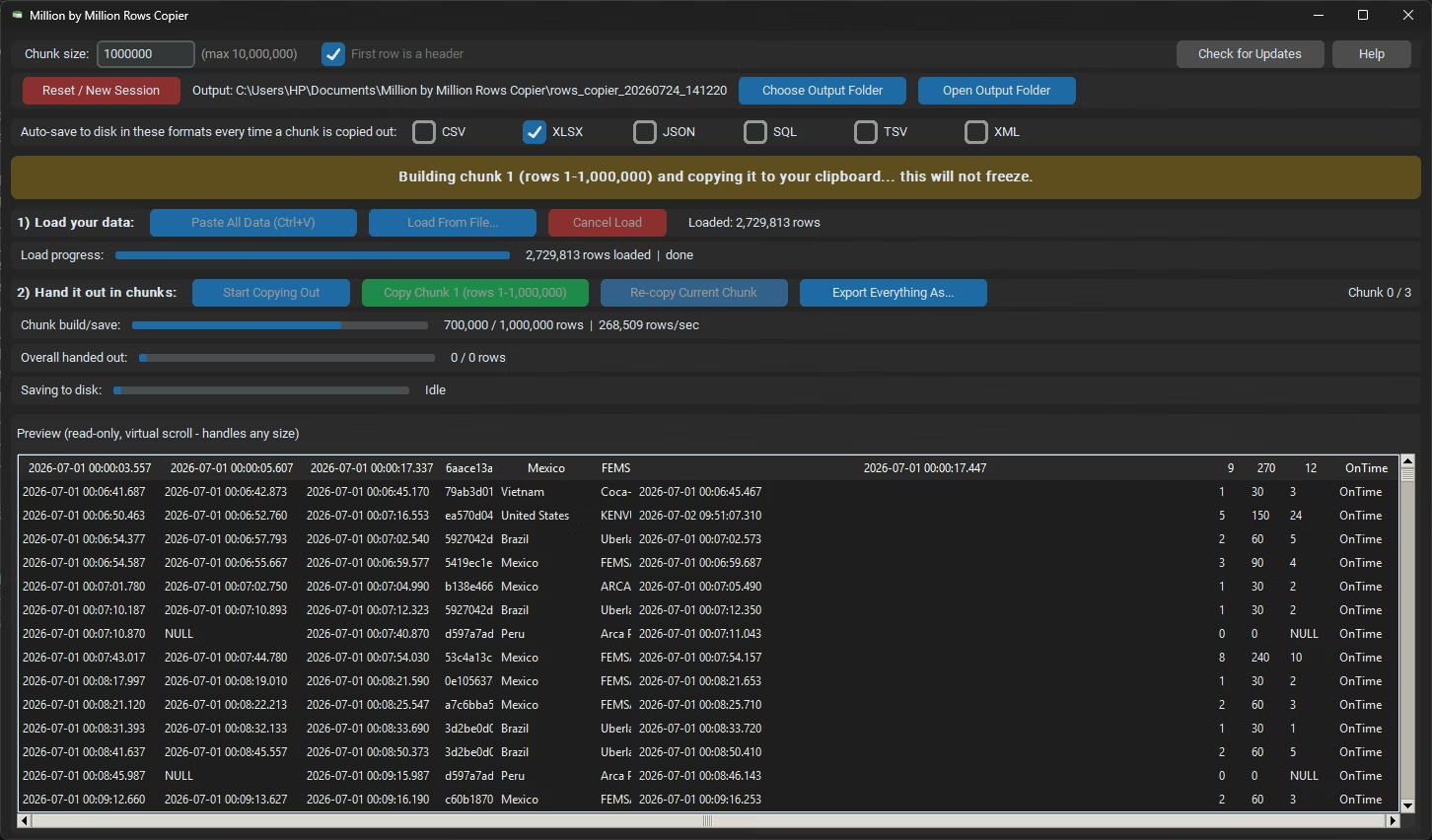
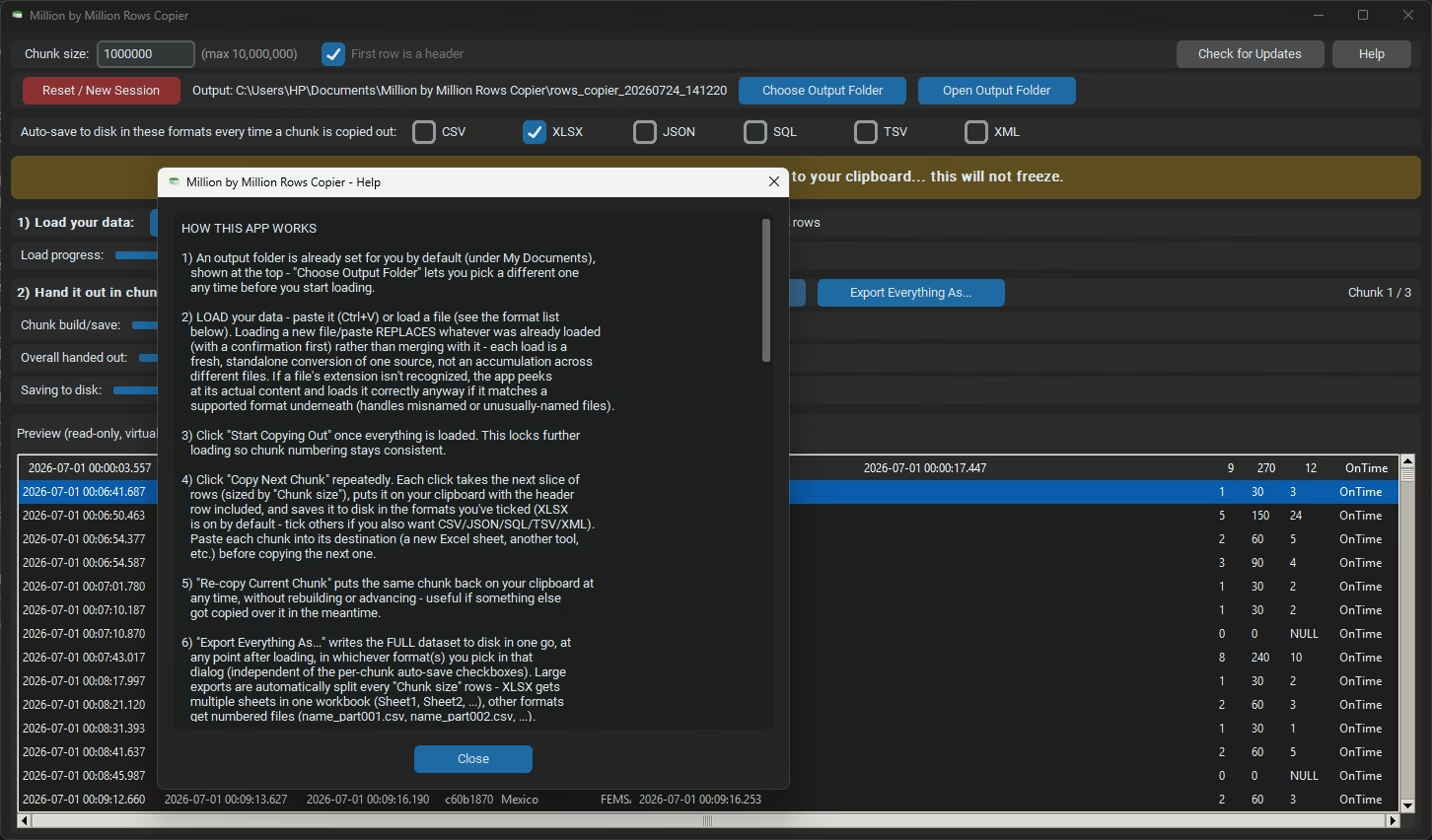
Load your source dataset once, by pasting with Ctrl+V or loading a file in any of 33 supported formats, click Start Copying Out, then use Copy Next Chunk to build and copy each transferable piece, pasting it into the destination before moving to the next.
Because your data is stored in a local SQLite database rather than memory during the transfer, the source side of the process stays responsive too, no lag or freezing while the app builds the next chunk for you.
Chunk size adjusts anywhere from 1 to 10,000,000 rows, so if your specific destination has a different comfortable limit than Excel's roughly 1,048,576-row ceiling, you can tune the transfer size accordingly.
Everything runs locally on your PC, aside from a one-time license check. Loading, chunking, and exporting all happen offline, with your dataset never uploaded anywhere during the transfer. Data analysts and engineers moving large extracts between tools, database administrators handing off query results, finance and accounting teams transferring big ledgers, operations and reporting staff assembling data from many sources, and anyone who has ever tried to paste more rows into Excel than it was willing to accept, all use the same underlying workflow. Virtual rendering keeps the loaded-data view smooth even at the upper end of the app's capacity, and every worker thread runs its own SQLite connection in WAL mode, so nothing here depends on your PC having an unusual amount of memory to spare.
- Install Million by Million Rows Copier on your Windows PC.
- Paste your source data with Ctrl+V or load a file.
- Click Start Copying Out to lock the dataset in place.
- Click Copy Next Chunk to build the first transferable piece.
- Paste that piece into your destination application.
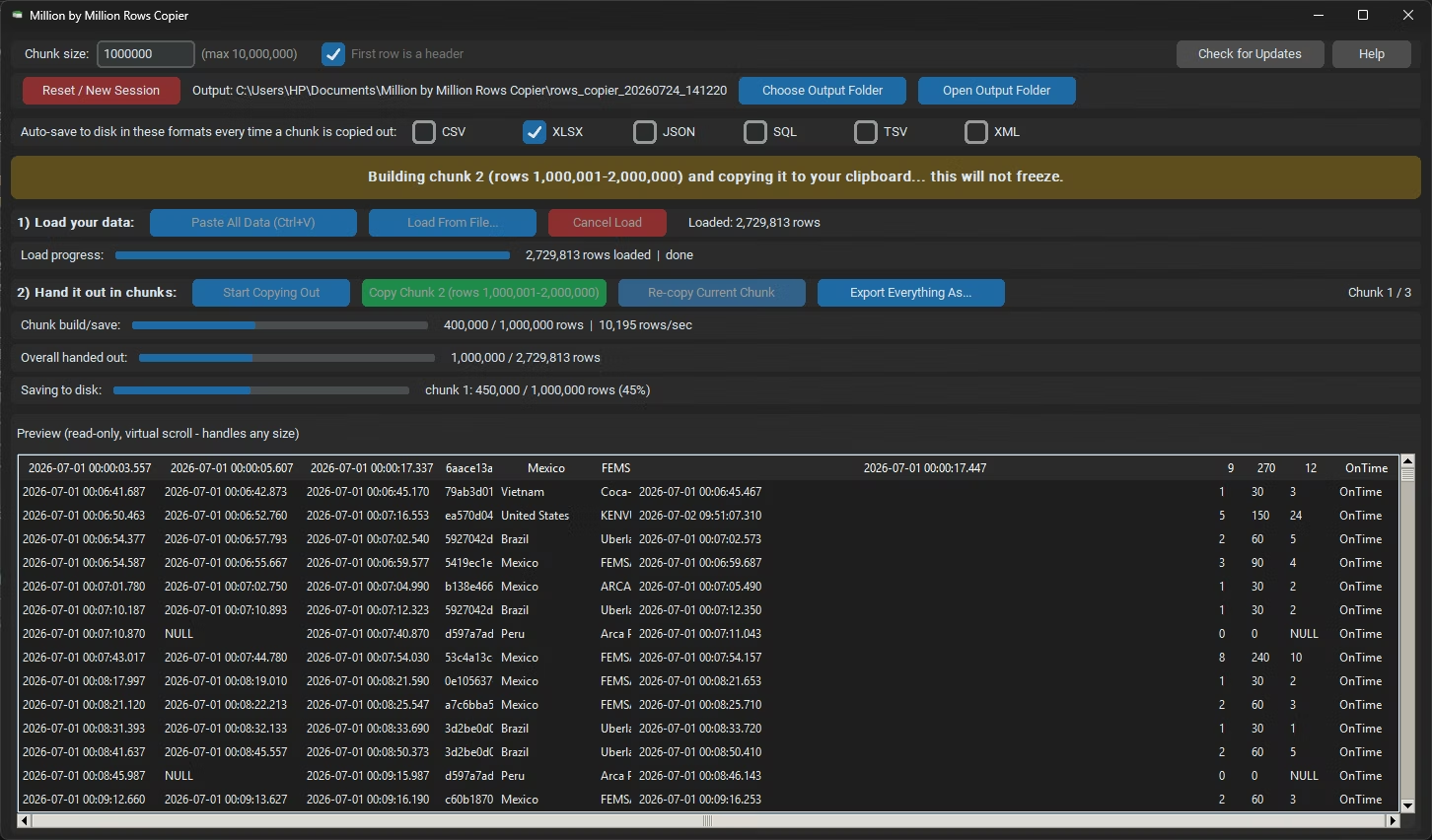
- Click Copy Next Chunk for the next piece.
- Repeat until every row has been transferred.
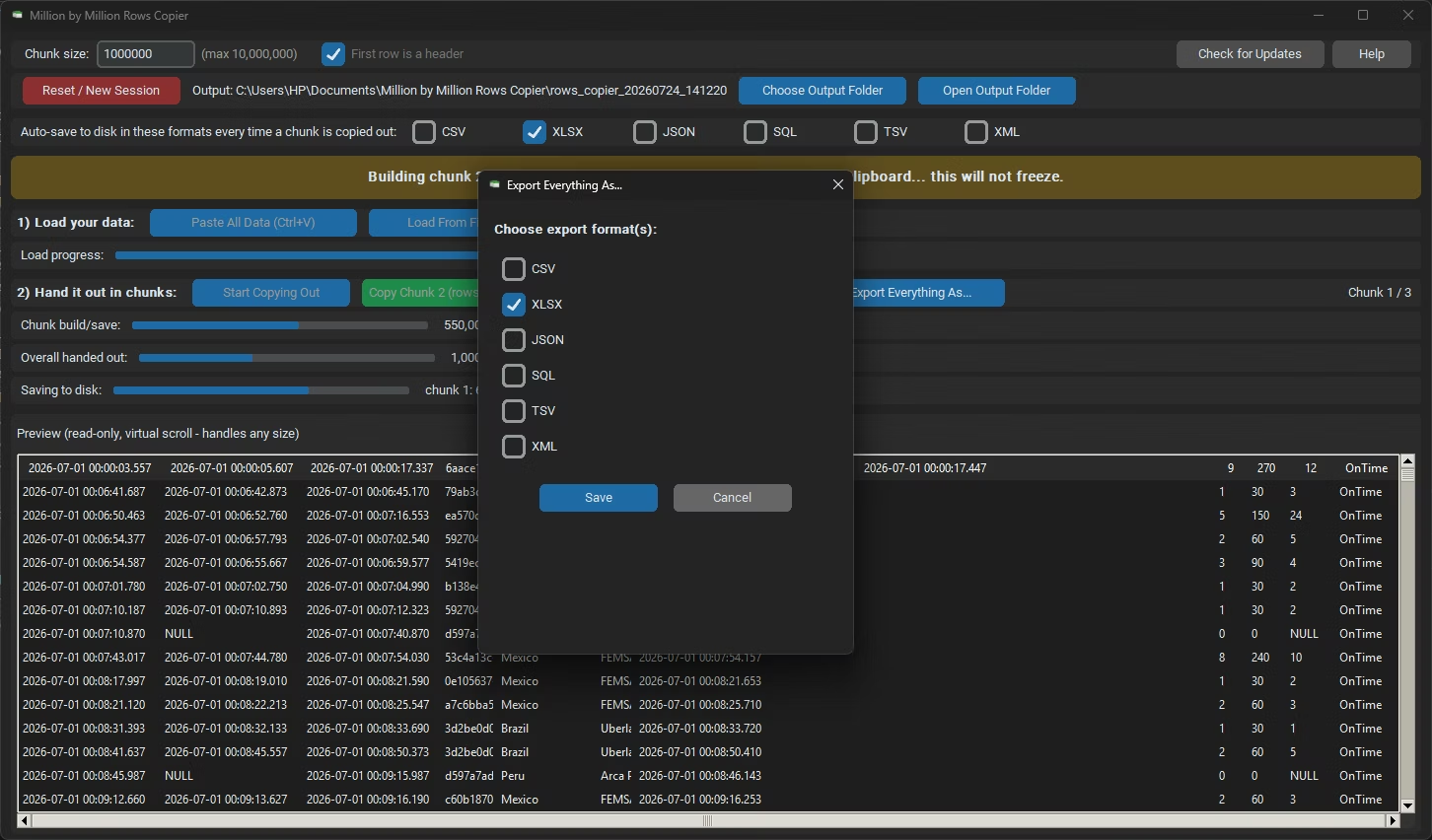
- Review the auto-saved chunks in your output folder.
- Use Re-copy Current Chunk if your clipboard gets overwritten mid-paste.
- Click Open Output Folder to review everything you've saved so far.
- Transfers rows in chunks the destination can actually handle
- Avoids the lockup a single massive paste would cause
- SQLite-backed storage keeps the source side responsive
- Header row included automatically in every transferred chunk
- Chunk size adjustable from 1 to 10,000,000 rows
- Handles datasets up to 50,000,000 rows total
- Runs fully offline aside from a one-time license check
- One-time purchase for Windows, with Gumroad license activation
- Choose your own output folder, or use the default under My Documents
- Works with files on local drives, external drives, and network shares
Why does the destination application lock up during a large transfer?
Most destination applications aren't built to process an enormous single paste operation, and locking up is a common result once the row count gets large enough.
Does breaking the transfer into chunks fully solve that problem?
Yes, since each chunk stays within a size the destination can comfortably process, the lockup that a single massive paste would cause is avoided.
Can I adjust chunk size for a destination with a different limit than Excel?
Yes, chunk size can be set anywhere from 1 to 10,000,000 rows to match whatever specific limit your destination application has.
Does the source side of the transfer stay responsive too?
Yes, the source data is stored in a local SQLite database rather than memory, keeping the app responsive as it builds each transfer chunk.
Does this work on both Windows 10 and Windows 11?
Yes, Million by Million Rows Copier is built and tested for both Windows 10 and Windows 11.
Is my data safe when using this tool?
Yes, all processing happens locally on your PC; no data is ever uploaded, so proprietary or sensitive records stay fully under your control.
Where do saved chunks and exports go by default?
A default output folder under My Documents is set automatically at startup, though you can choose a different folder before loading begins.
Can I use this on files stored on an external or network drive?
Yes, files on local drives, external drives, or mapped network shares all load the same as any local file.
What happens if the app is closed partway through a session?
Each chunk is saved to disk automatically the moment it's copied, so a closed app or crash never loses more than the chunk that was in progress.
Is there a trial version available before buying?
Check the product page on turbo-soft.com for current trial availability and details.
Ready to transfer millions of rows without locking up, fully offline?