Different tools and platforms expect different image formats: a website wants WebP for speed, a designer wants PNG with transparency, and a client wants JPG. Manually re-exporting the same images for each destination is repetitive.
Turbo Batch Image Converter Lite is a general-purpose image format converter that moves images between the 8 everyday formats — JPEG, PNG, WebP, GIF, BMP, TIFF, SVG and ICO — so you can standardize an entire folder on whichever format your next step needs.
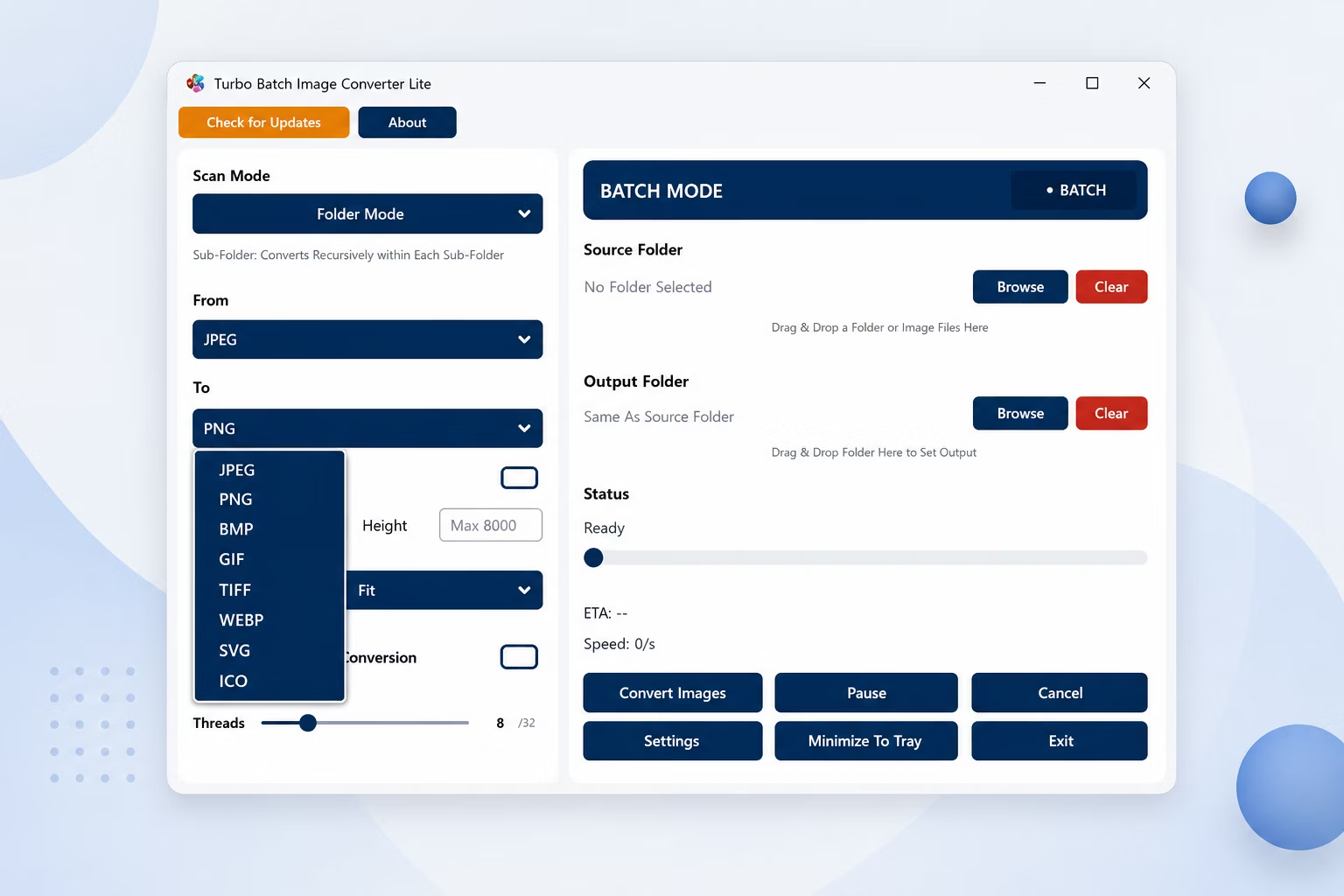
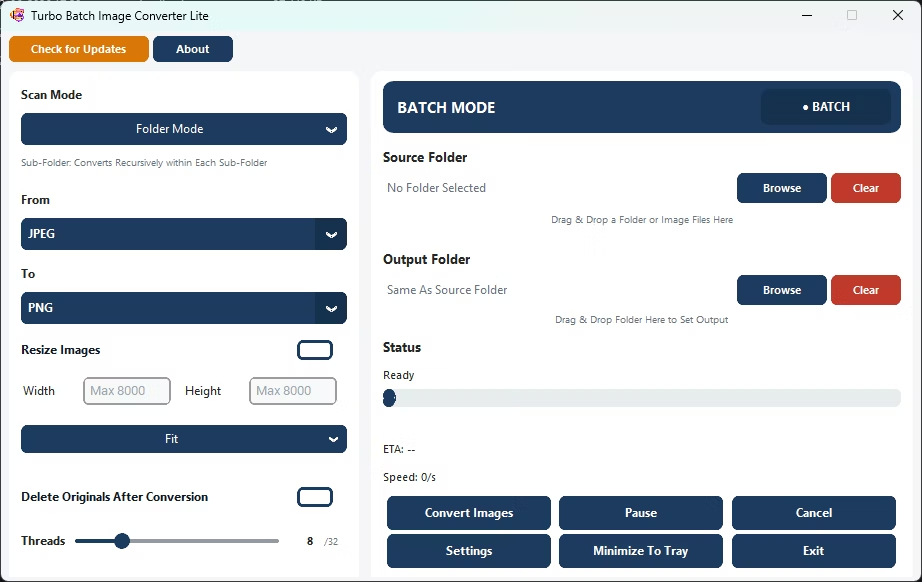
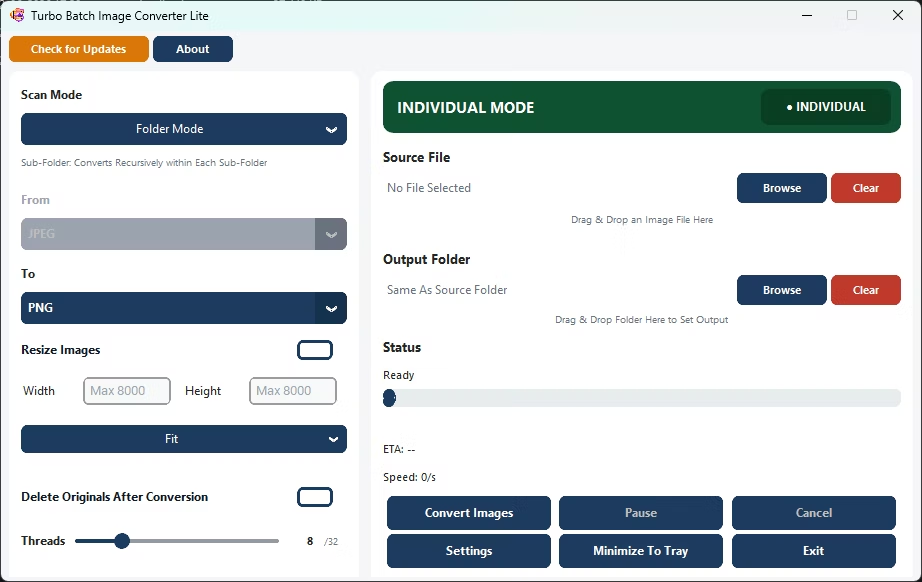
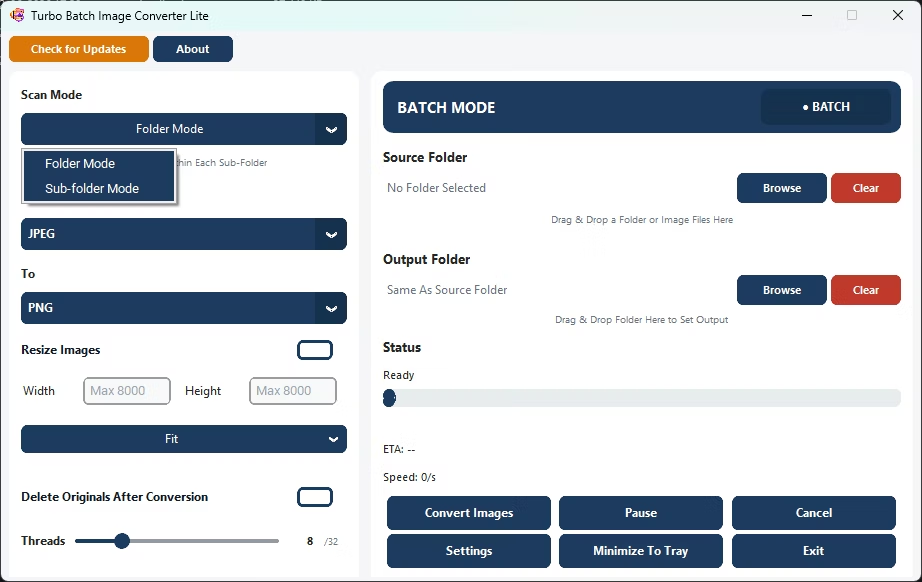
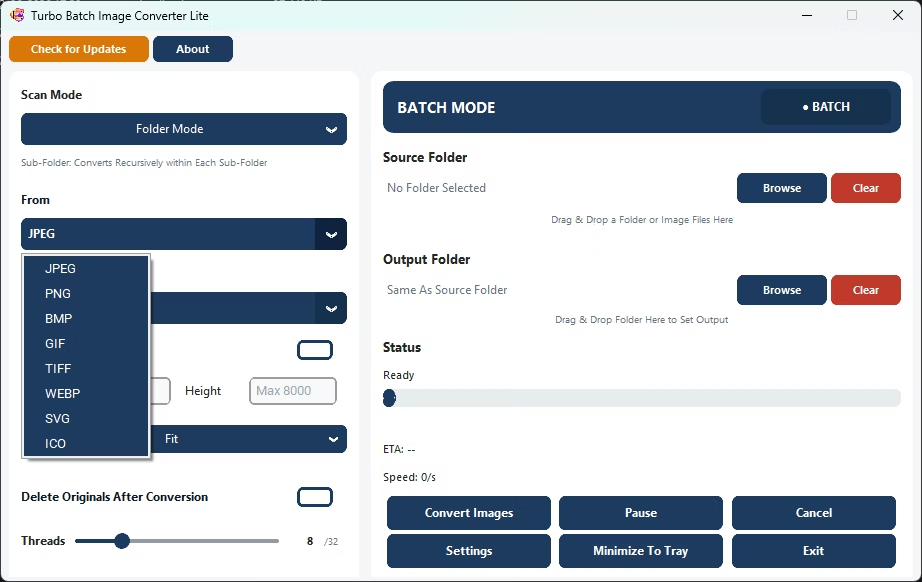
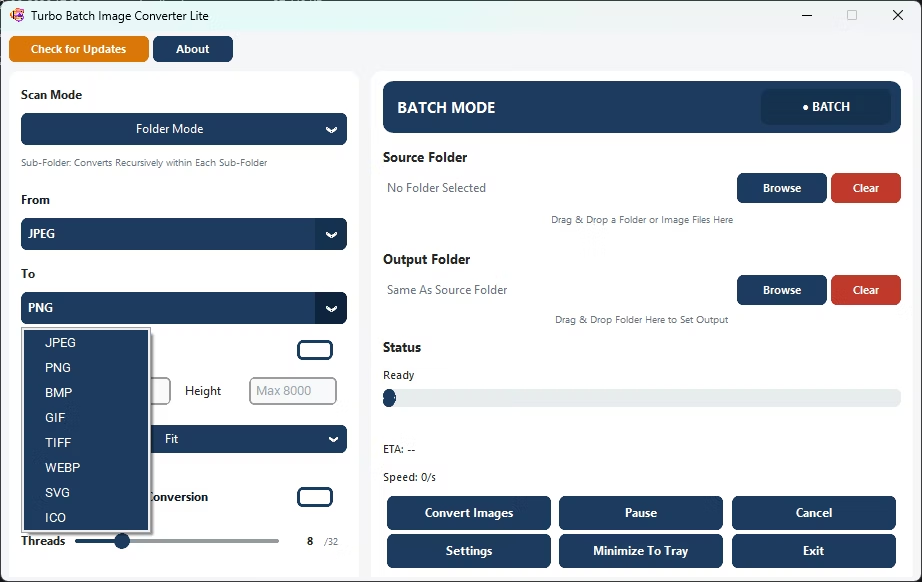
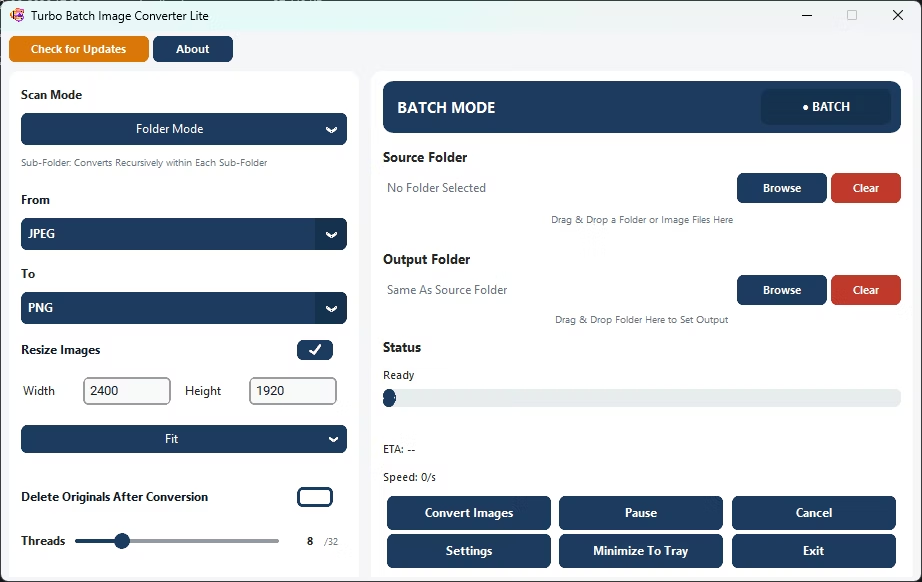
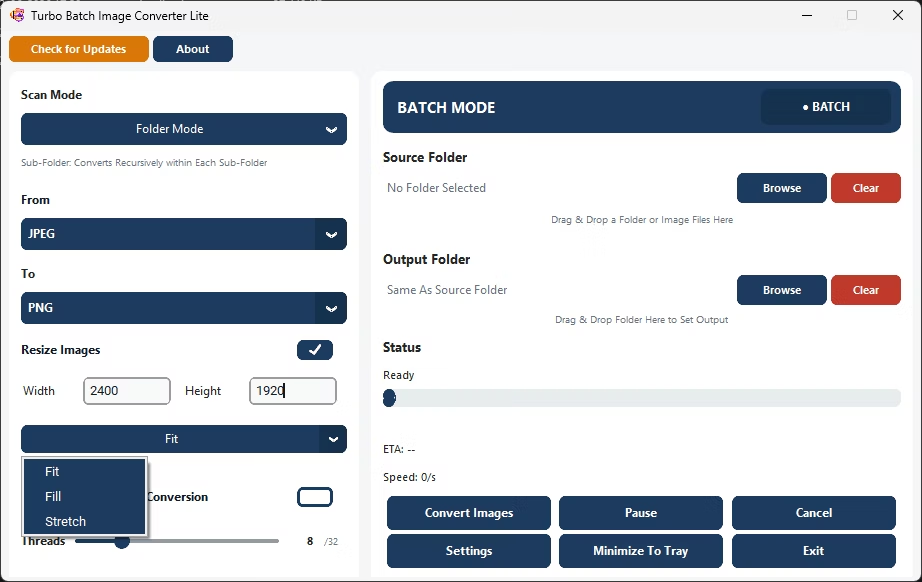
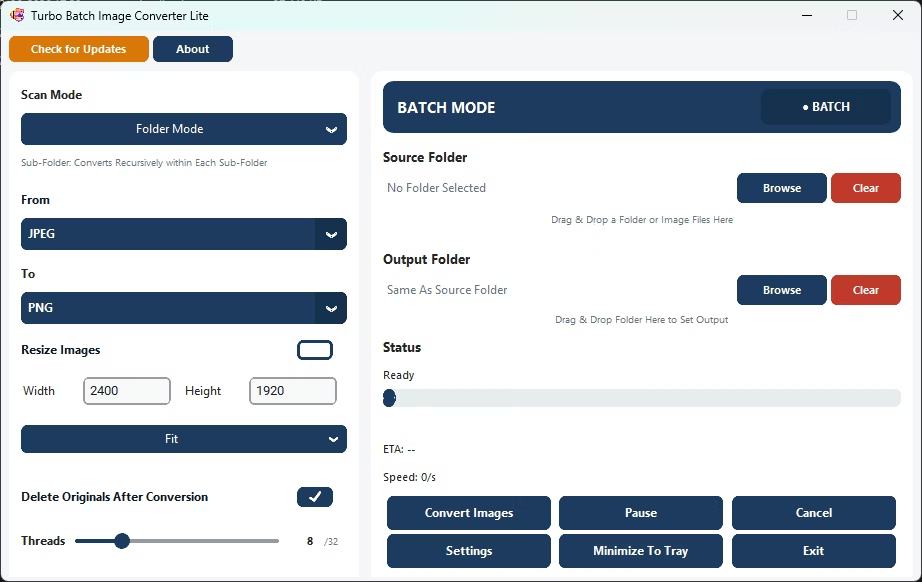
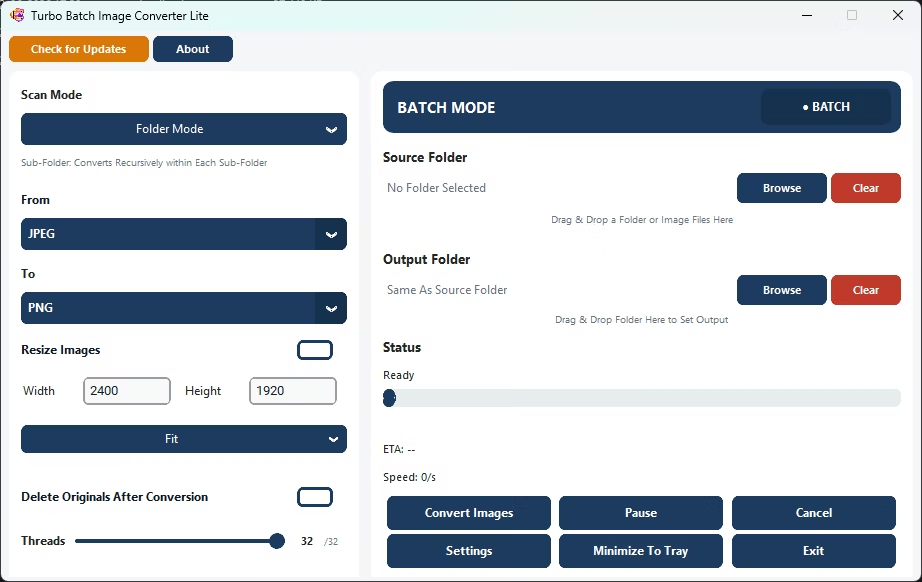
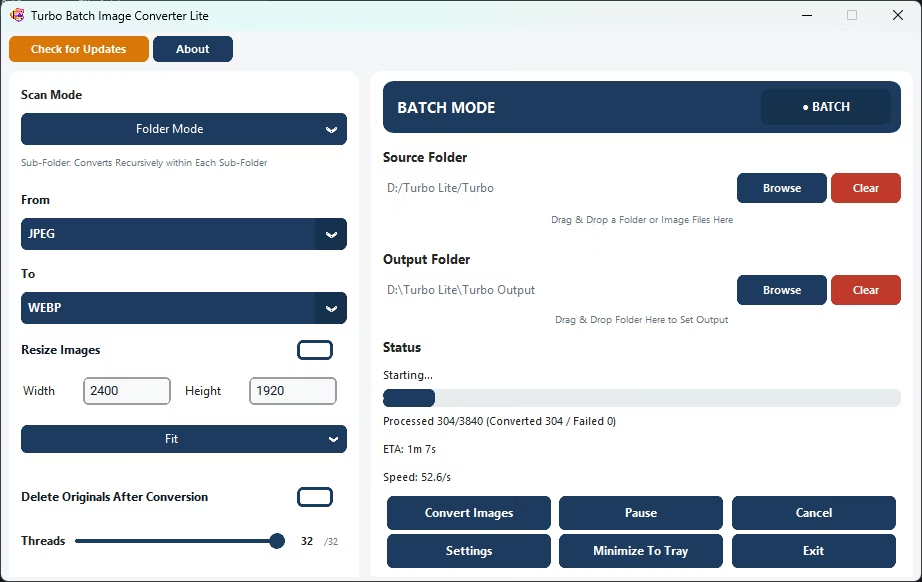
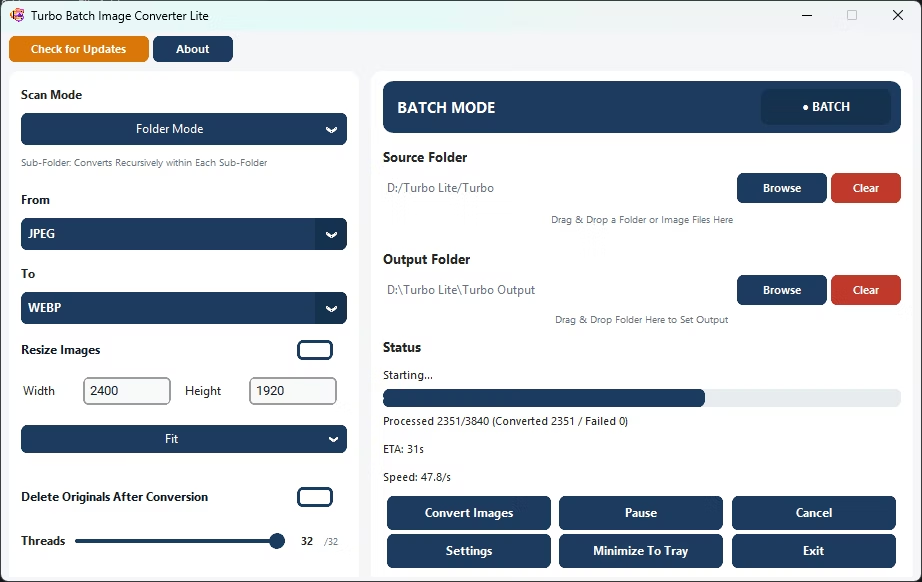
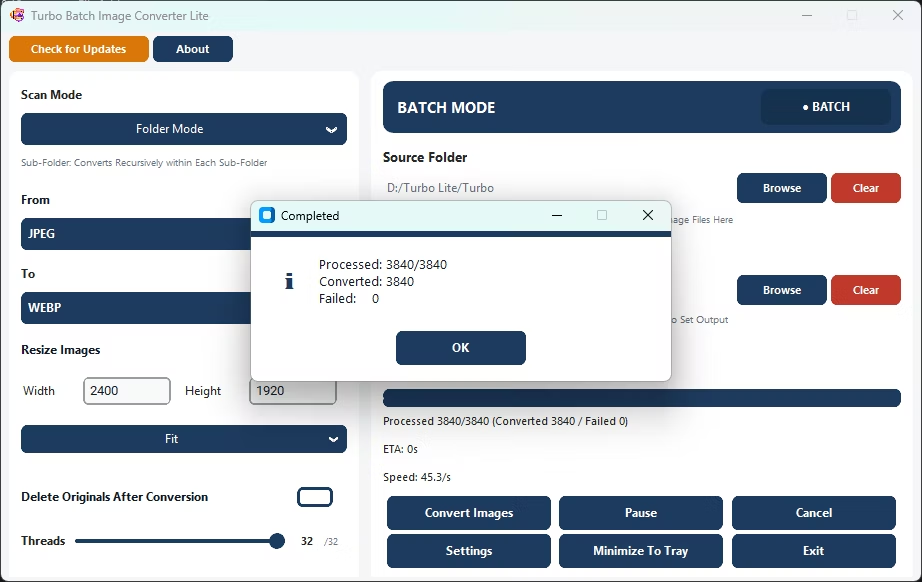
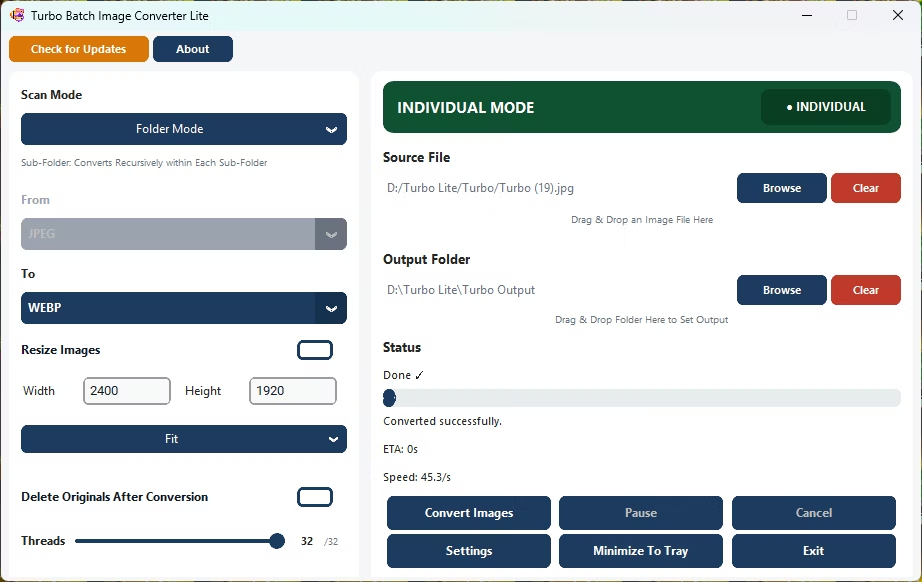
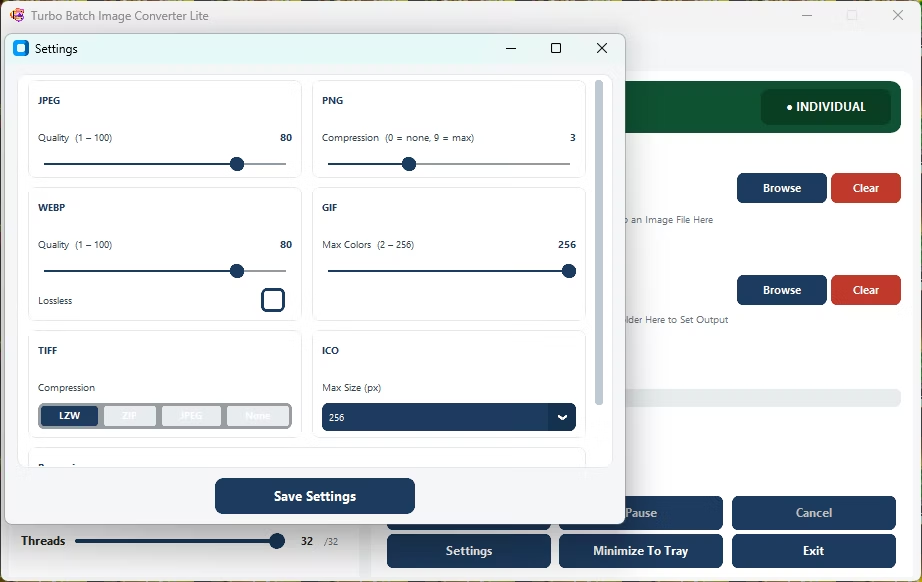
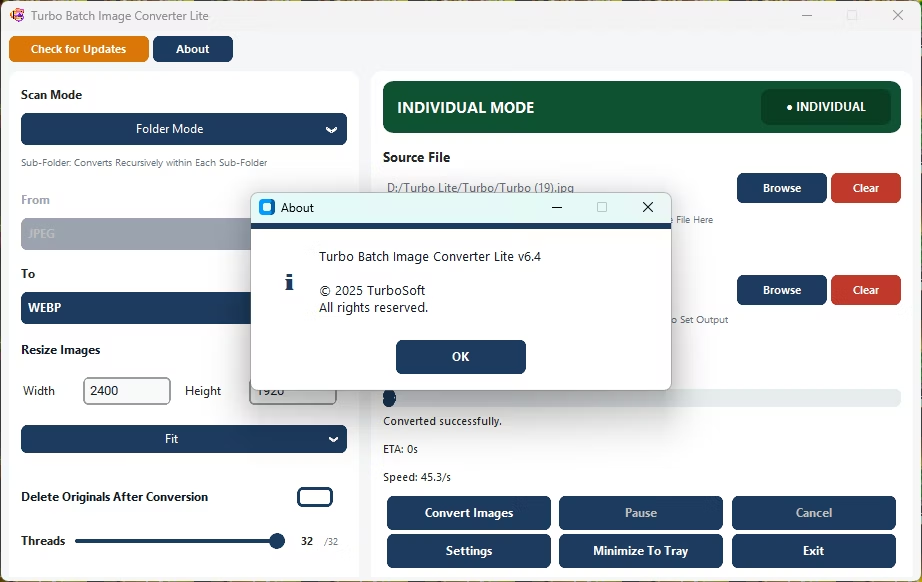
- Install Turbo Batch Image Converter Lite on your Windows PC.
- Open Batch Mode for a folder, or Single Mode for one file.
- Set the "From" format, or leave it on auto-detect for mixed folders.
- Choose the "To" format you need for your next step.
- Adjust quality or compression settings for that output format.
- Click Convert to write the new files to your output folder.
- Convert between 8 everyday formats in one lightweight app
- Per-format quality and compression controls for precise output
- Works on a single image or an entire batch
- No uploads required, since conversion happens on your own PC
- Multi-core engine scales up to 32 parallel workers
Which image formats are supported?
The app supports 8 everyday formats: JPEG, PNG, WebP, GIF, BMP, TIFF, SVG and ICO.
Can I convert a mixed folder of different formats in one go?
Yes, Batch Mode can auto-detect and convert a folder containing several different source formats in a single run.
Does the converter preserve transparency when converting to PNG or WebP?
Yes, transparency is preserved when converting into formats that support it, such as PNG and WebP.
Ready to convert your images between formats, fully offline and in bulk?