Radiance HDR (.hdr), created in 1991, remains in use today by architectural lighting tools and some 3D rendering software for HDRI environment maps and reference overlays. Converting ICO to HDR doesn't add the extended dynamic range that true HDR capture or rendering provides, since ICO stores standard 8-bit integer color, so this conversion simply changes the container format to one specific lighting or rendering software expects.
This is useful only when an icon or logo asset needs to enter a workflow that specifically expects a .hdr file as input, such as a UI overlay reference within an architectural visualization project.
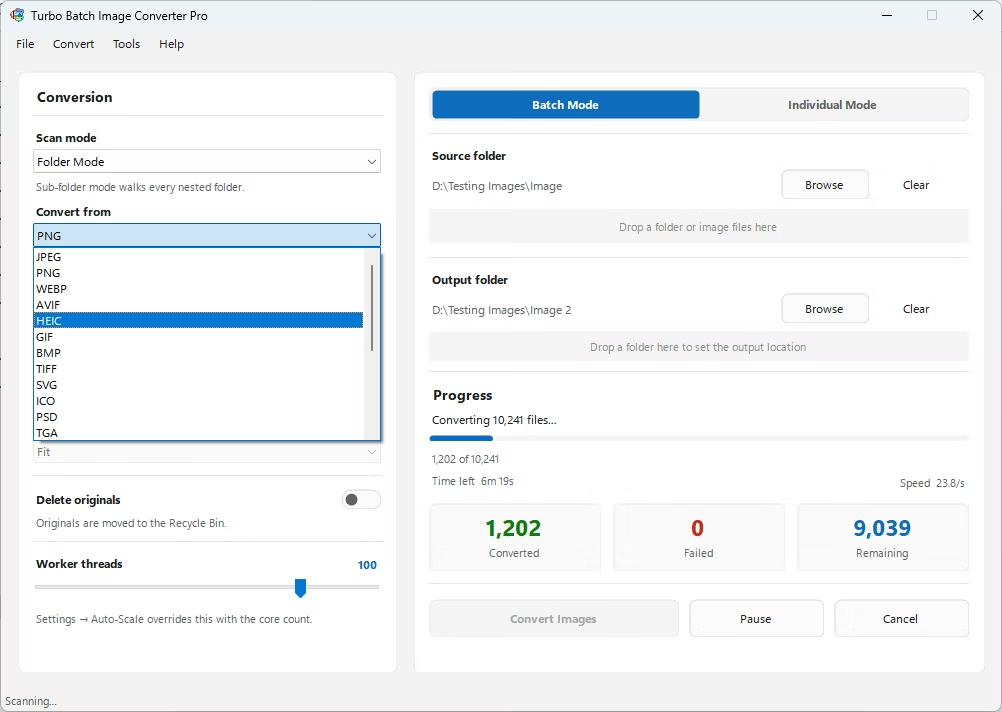
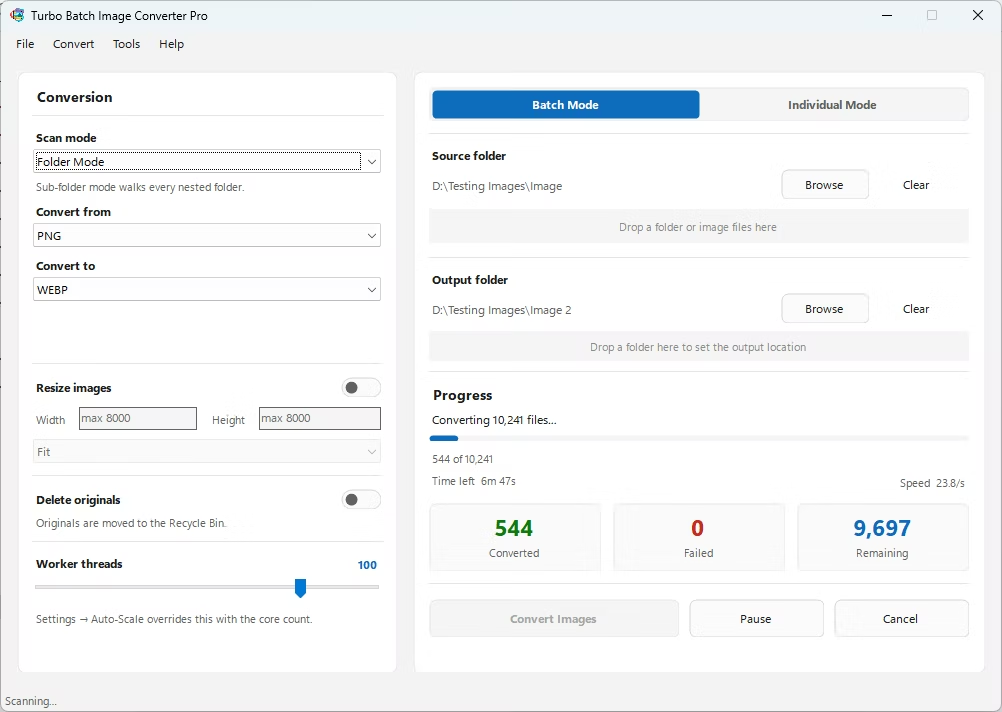
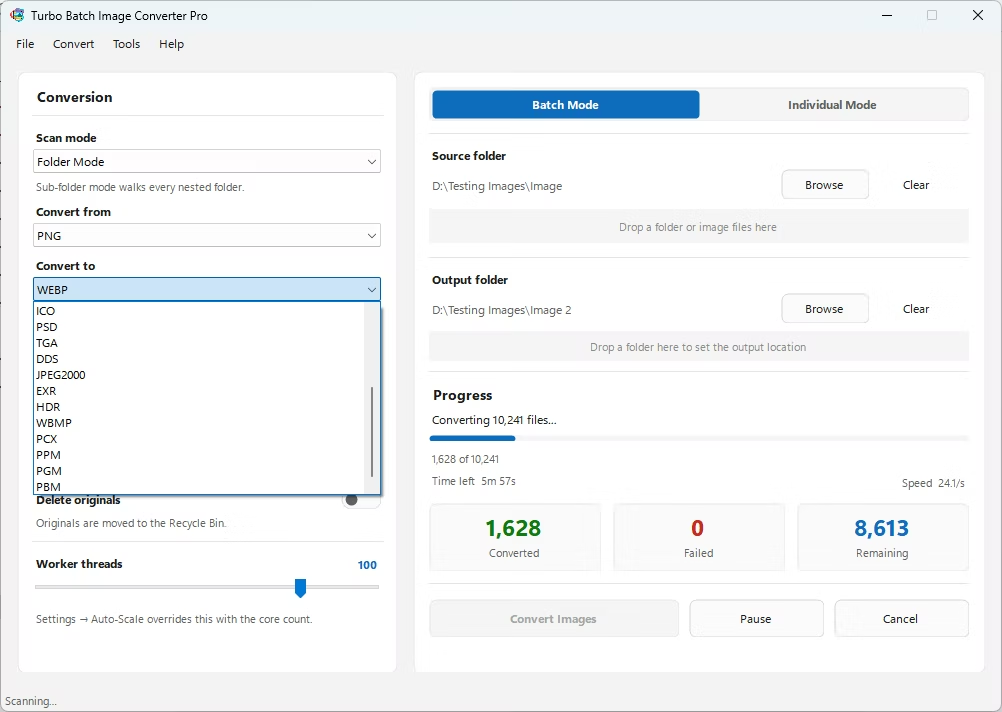
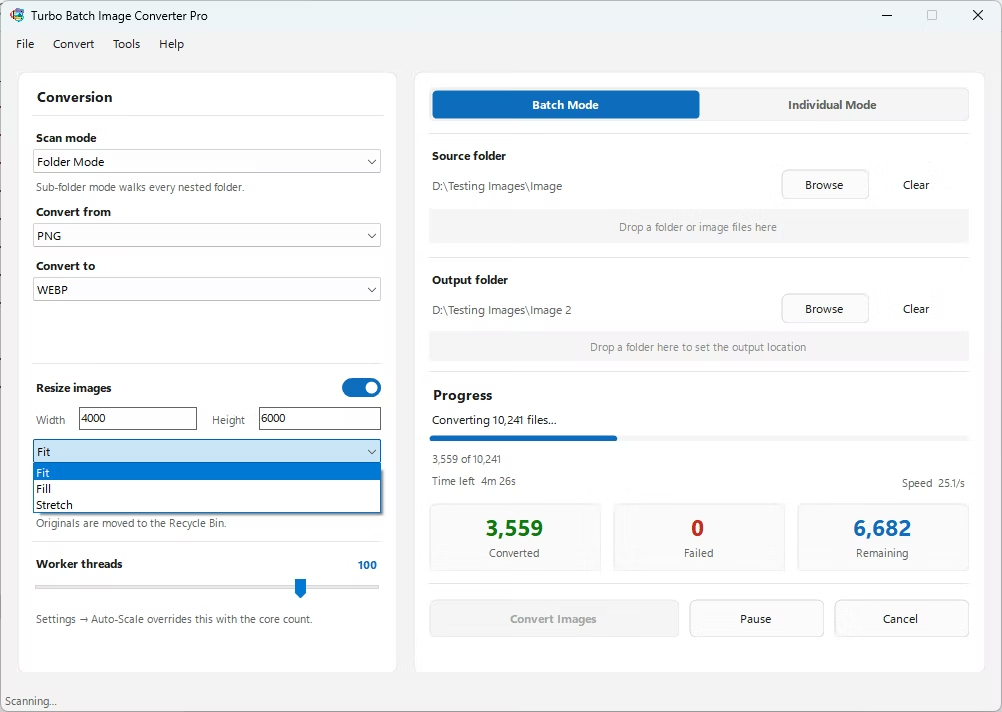
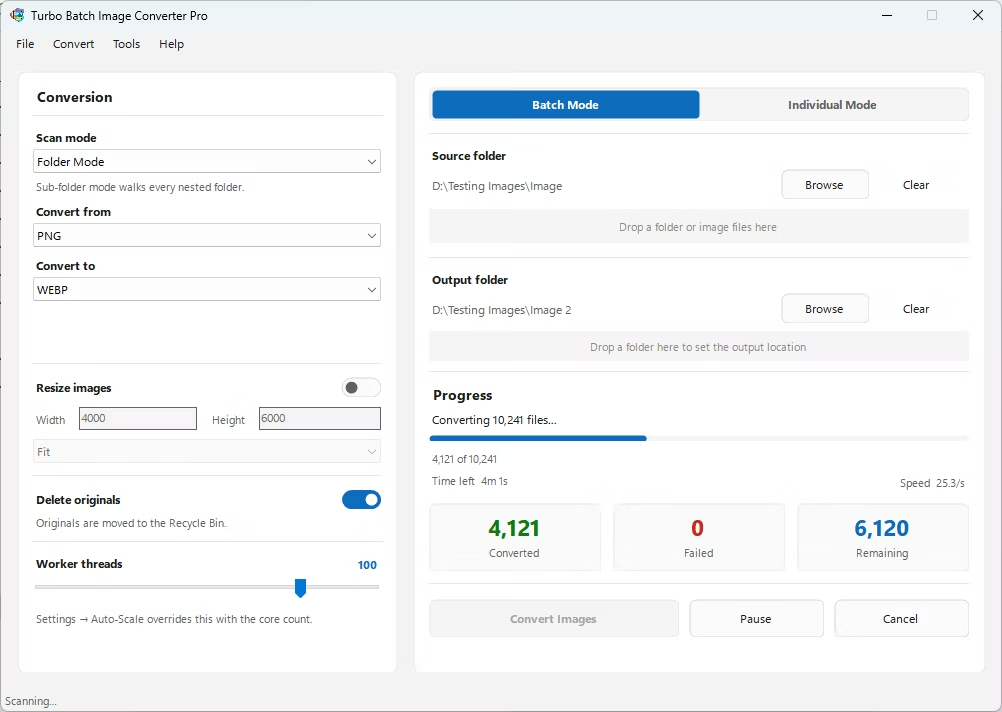
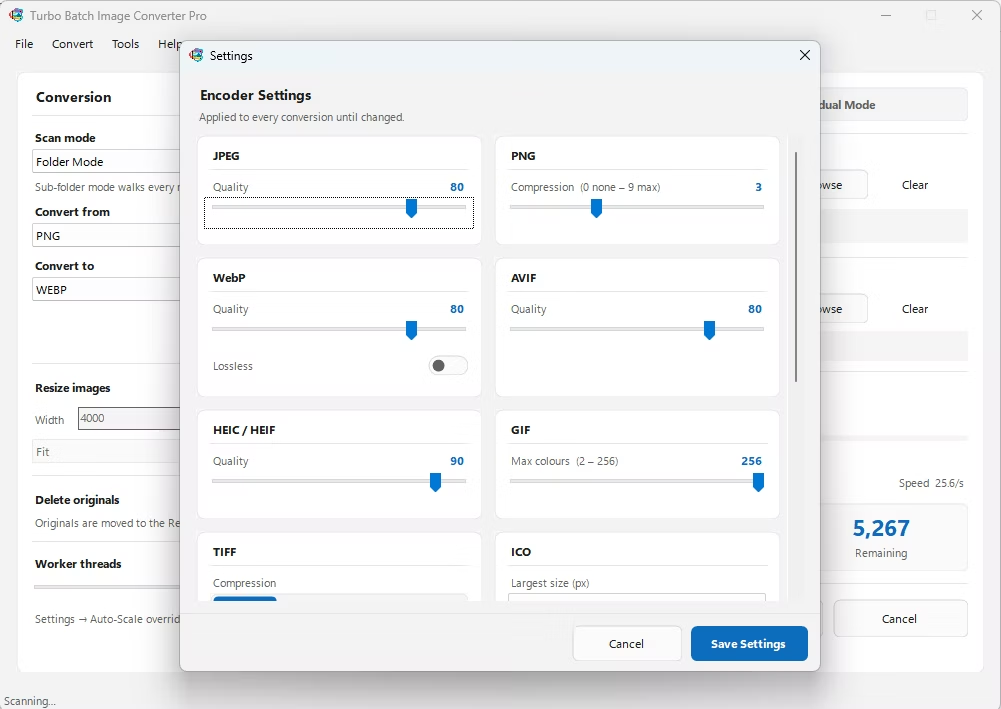
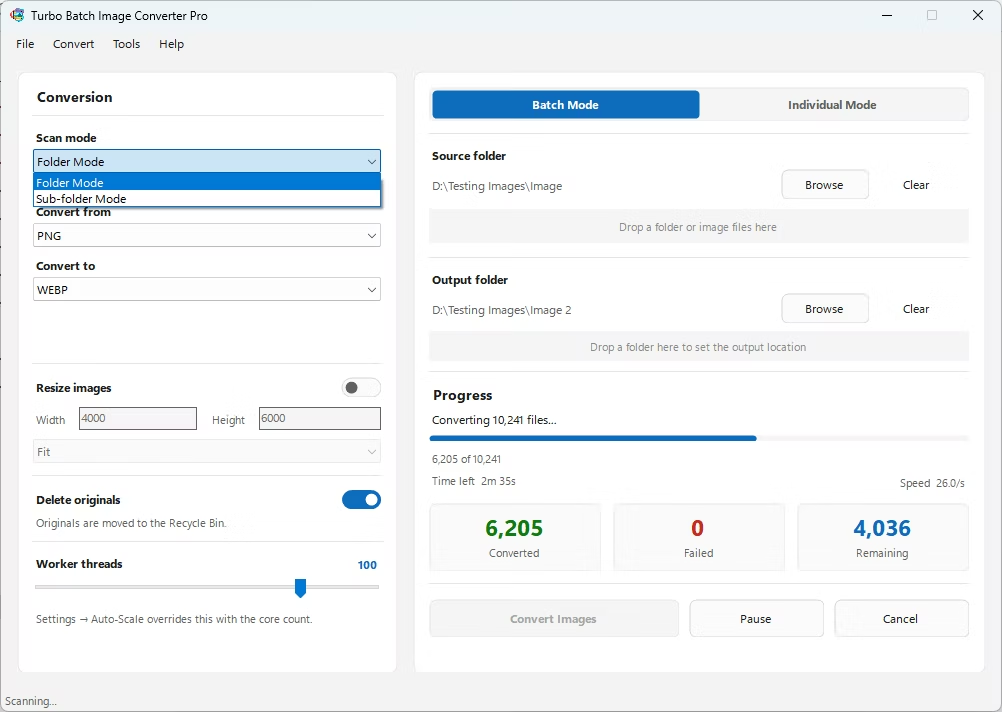
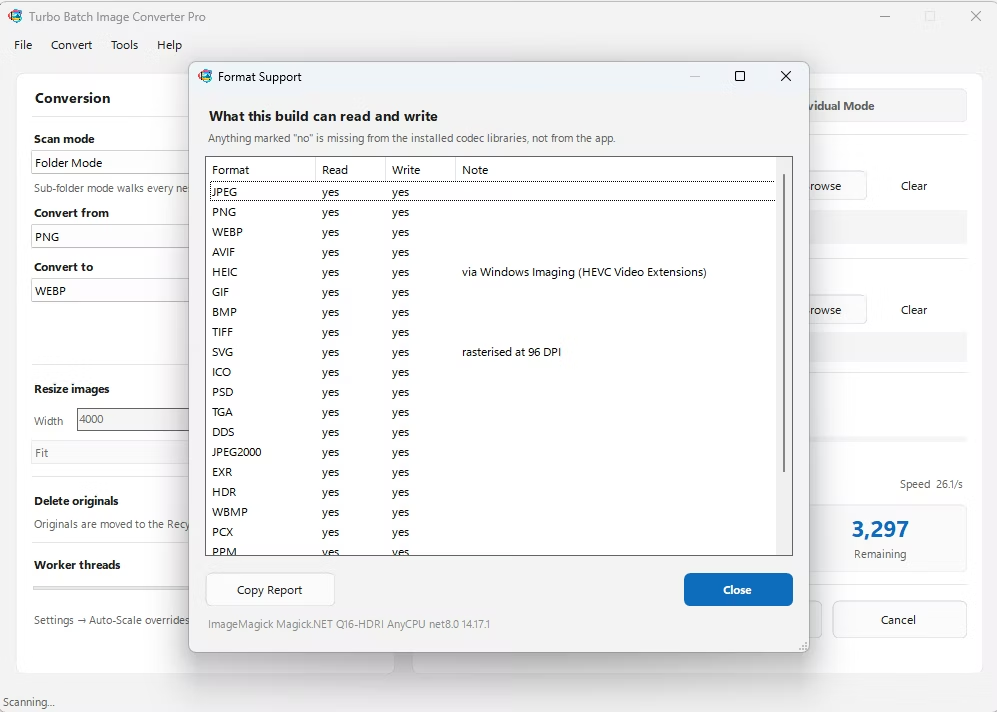
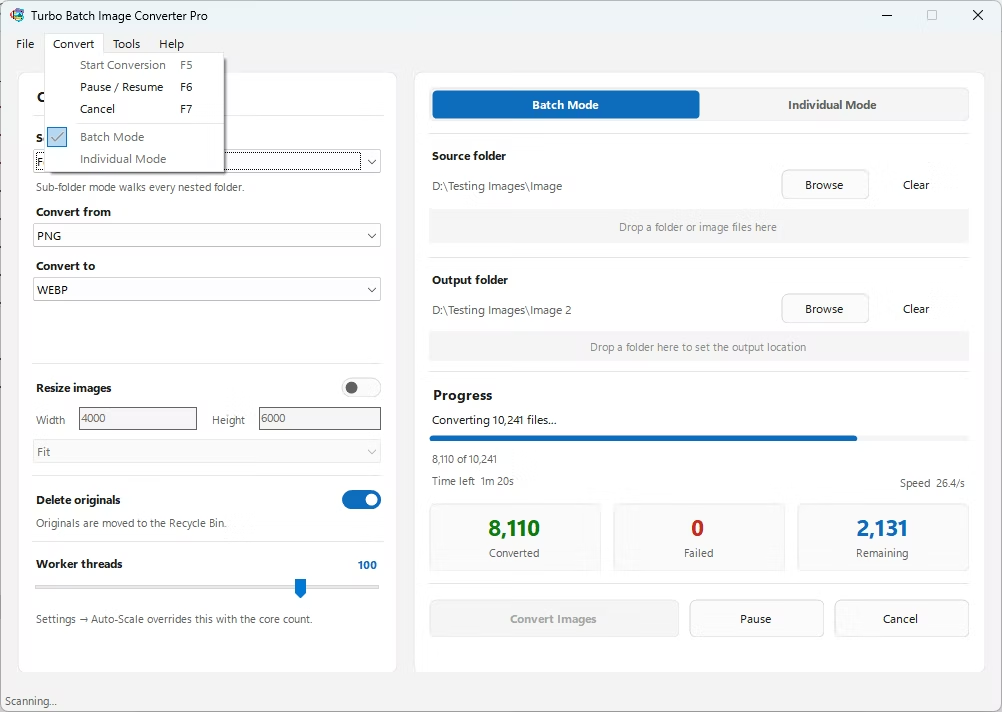
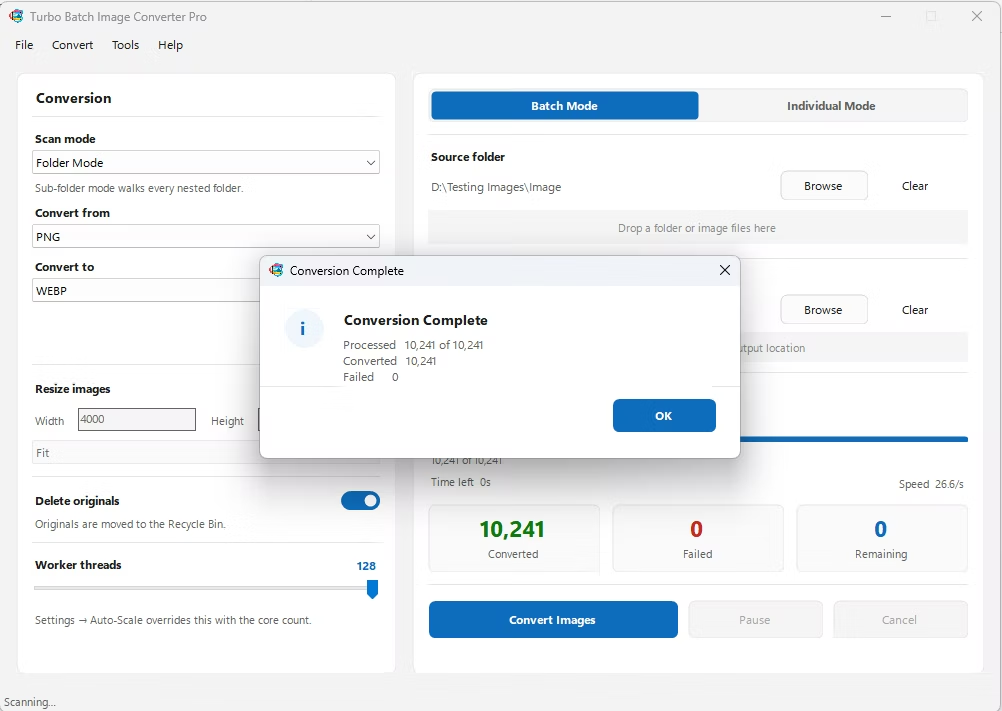
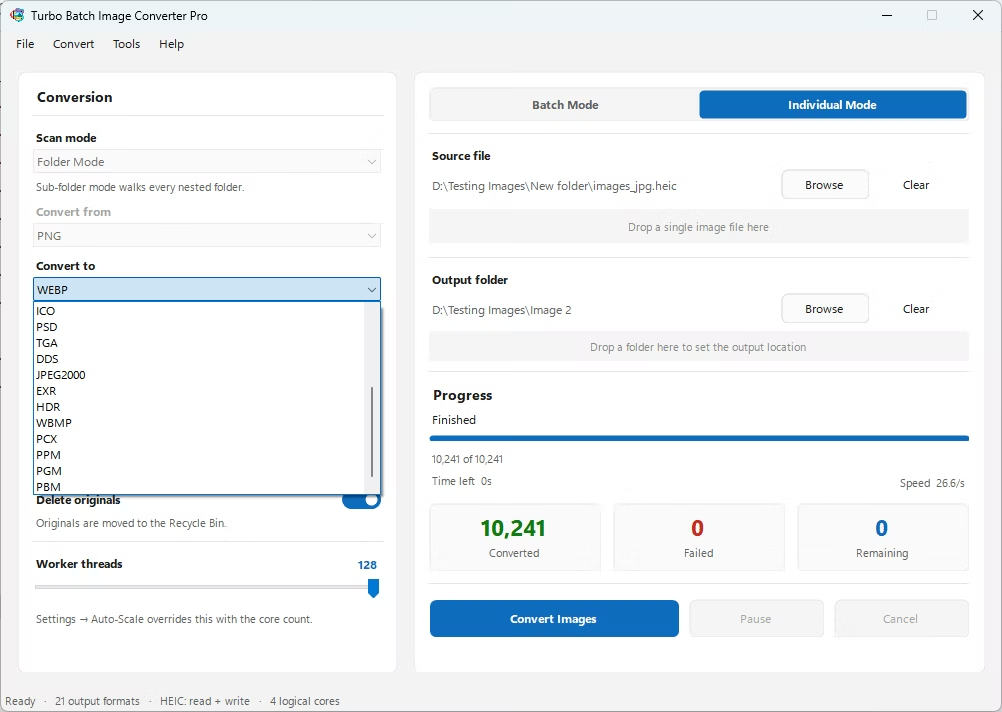
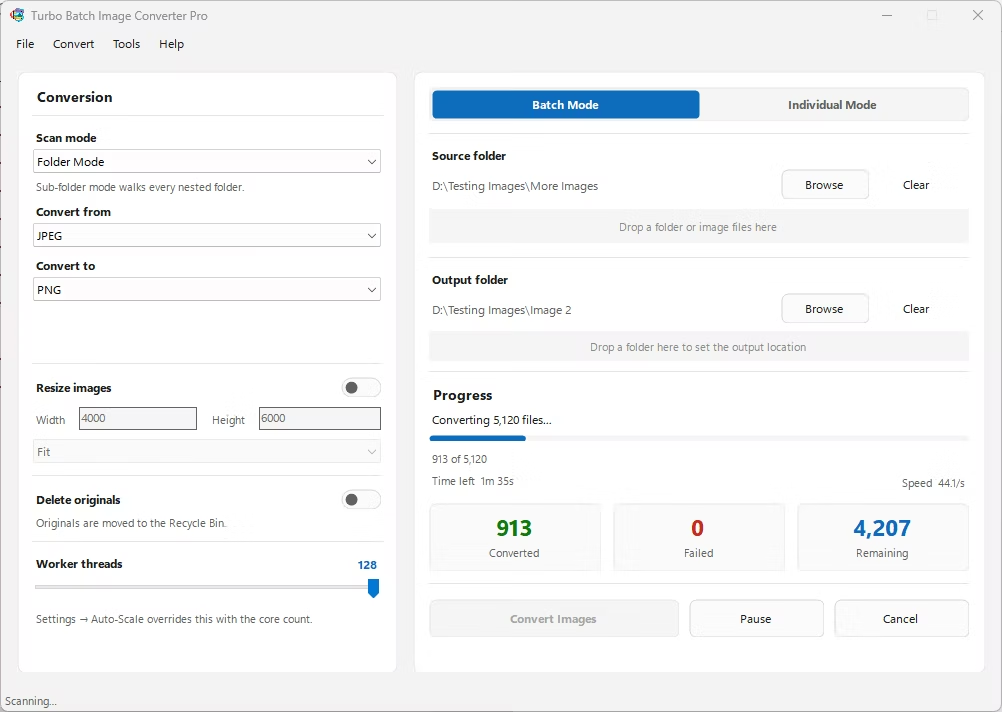
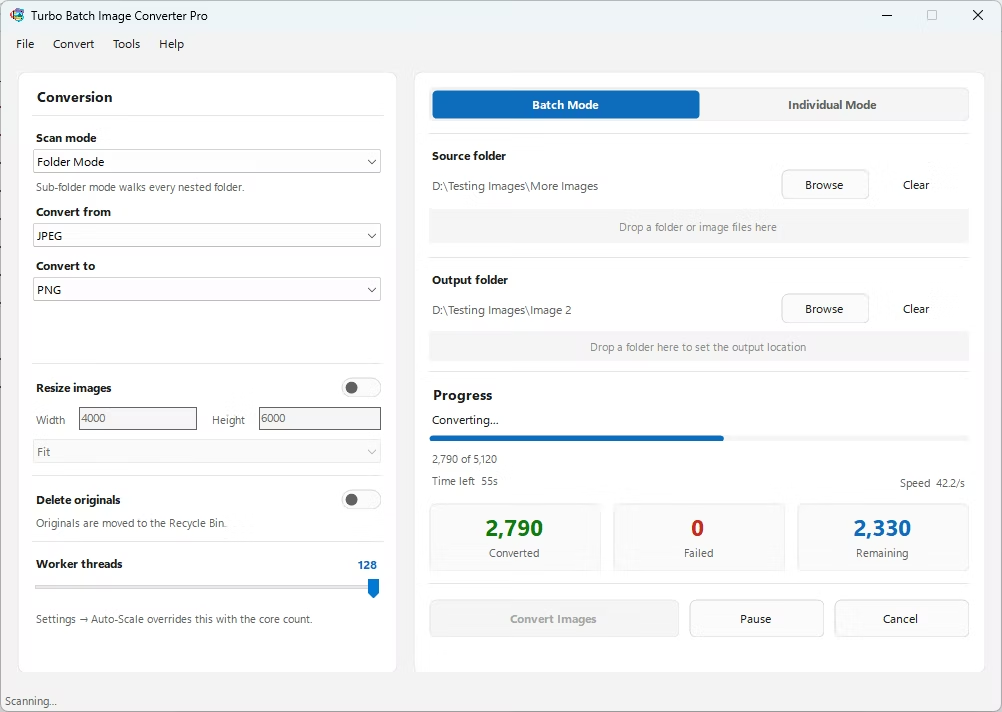
- Install Turbo Batch Image Converter Pro on your Windows PC.
- Open the app and select Batch Mode for multiple files, or Individual Mode for a single ICO.
- Drag your ICO file or folder into the app window, enabling recursive folder scanning if needed.
- Set the "From" format to ICO and the "To" format to HDR.
- Click Convert. HDR files are written to the output folder, fully offline.
- 100% offline — your icon and logo files are never uploaded anywhere
- Produces .hdr files compatible with architectural lighting and rendering tools
- Bulk conversion of entire folders, including sub-folders, in one click
- Multi-core processing for fast handling of large batches
- Option to delete original ICO files automatically after conversion
- No recurring subscription or hidden upload limits
Does converting ICO to HDR add dynamic range?
No, ICO stores standard 8-bit integer color, so this conversion changes the container format without adding range that wasn't there originally.
What software uses the .hdr format?
Photoshop, GIMP, Blender, and most major 3D renderers support .hdr, along with architectural lighting simulation tools that have long relied on the Radiance format specifically.
Can I batch-convert many ICO files to HDR at once?
Yes, Batch Mode handles entire folders, including nested sub-folders, in a single conversion run.
Ready to convert your images offline, in bulk, with full privacy?