A file with millions of records crosses a threshold where most tools stop working reliably: spreadsheet programs refuse to open it past their row limit, and general-purpose scripts that load the whole file into memory can run out of RAM before they even start processing.
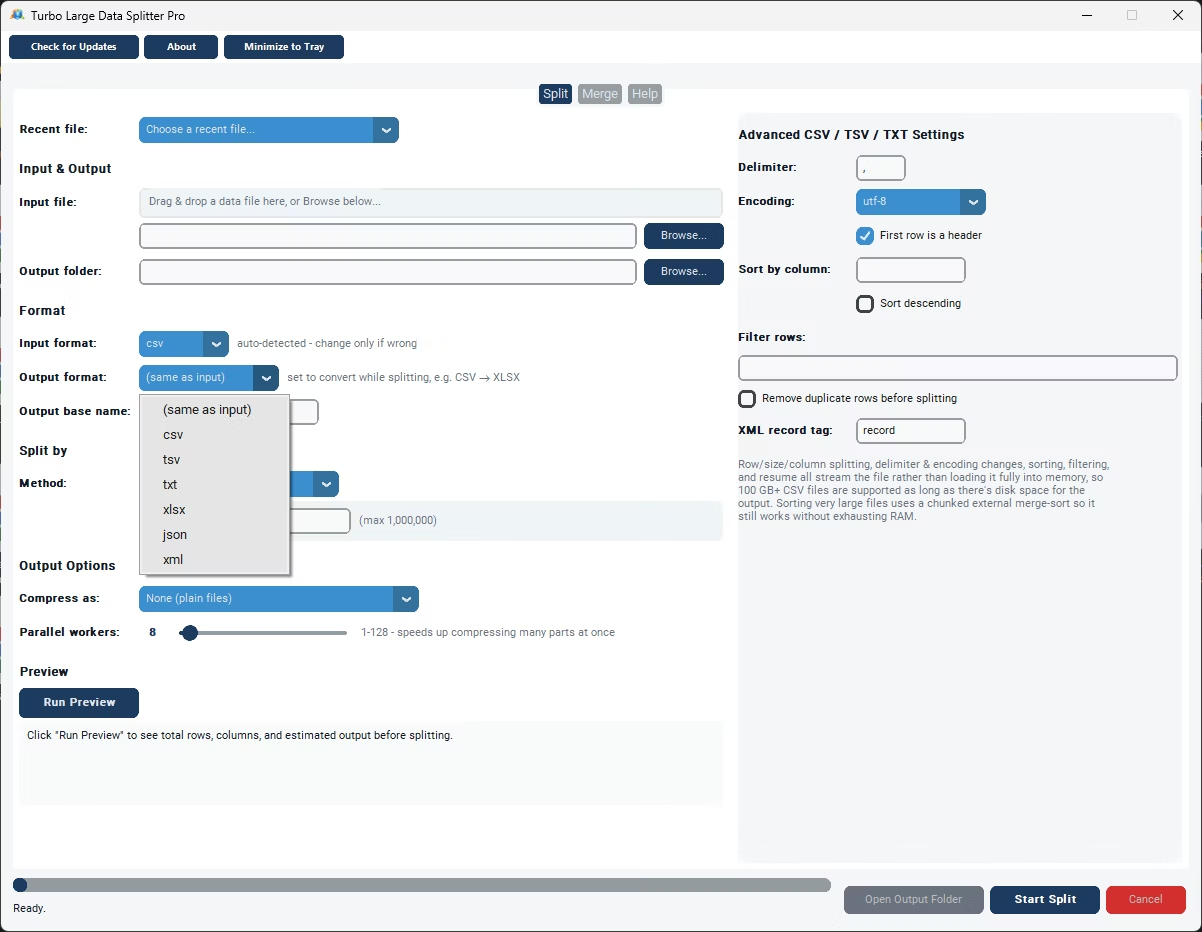
Turbo Large Data Splitter is built to split files with millions of records without hitting those limits, across CSV, TSV, TXT, XLSX, JSON, and XML input, streaming row by row rather than loading the whole file into memory.
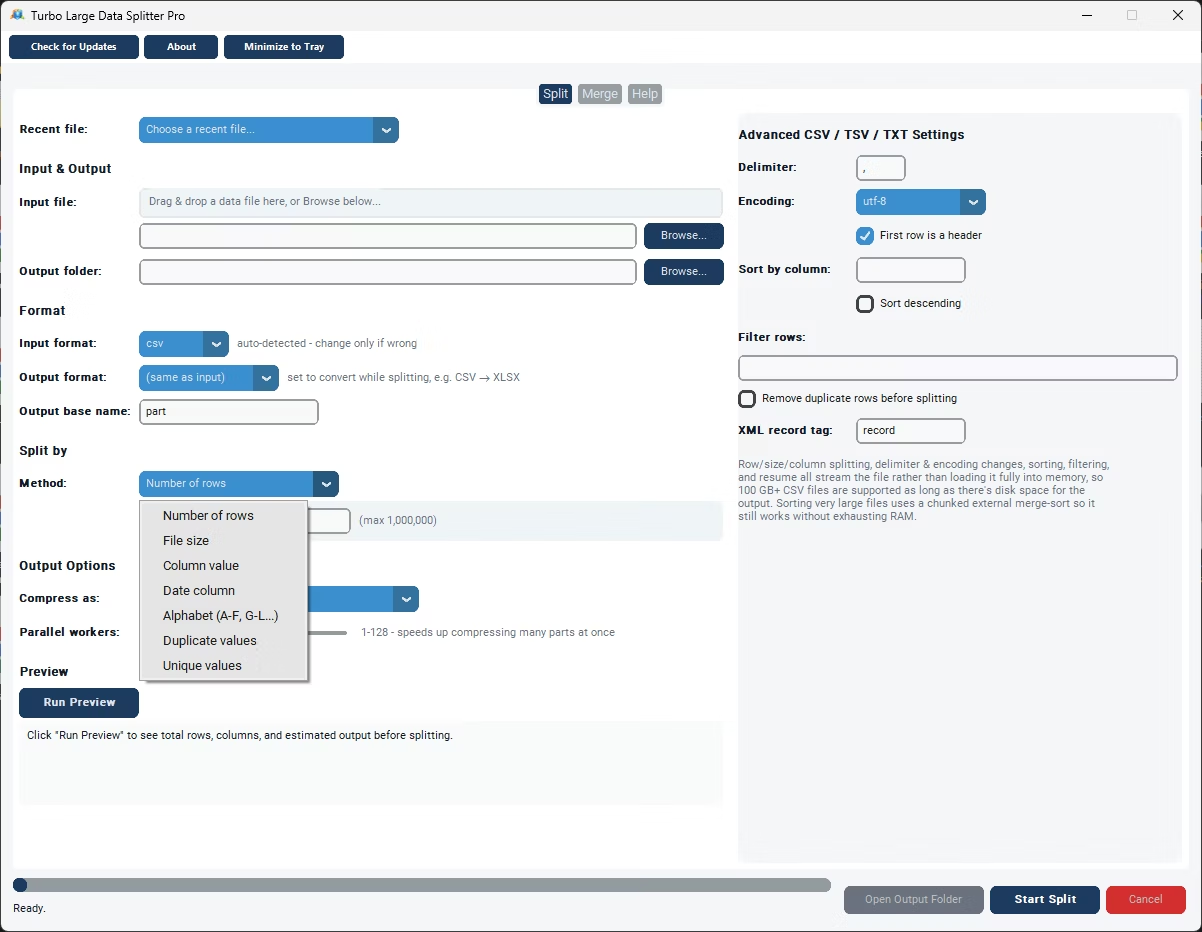
The Number of Rows method handles the most common scenario directly: set your rows per file, up to 1,000,000, and a twelve-million-record file becomes twelve clean parts, each independently valid with the header repeated at the top, none of them anywhere near a spreadsheet's row ceiling.
For files with millions of records, Preview becomes especially useful, confirming the actual row count and giving an accurate estimate of how many output files your chosen setting will produce, before you commit to running a split that could take a meaningful amount of time.
A live status bar tracks speed and an ETA throughout, giving you a realistic sense of progress on a job processing millions of records, and a checkpoint-based resume system means an interrupted job on a file this size doesn't have to restart from zero.
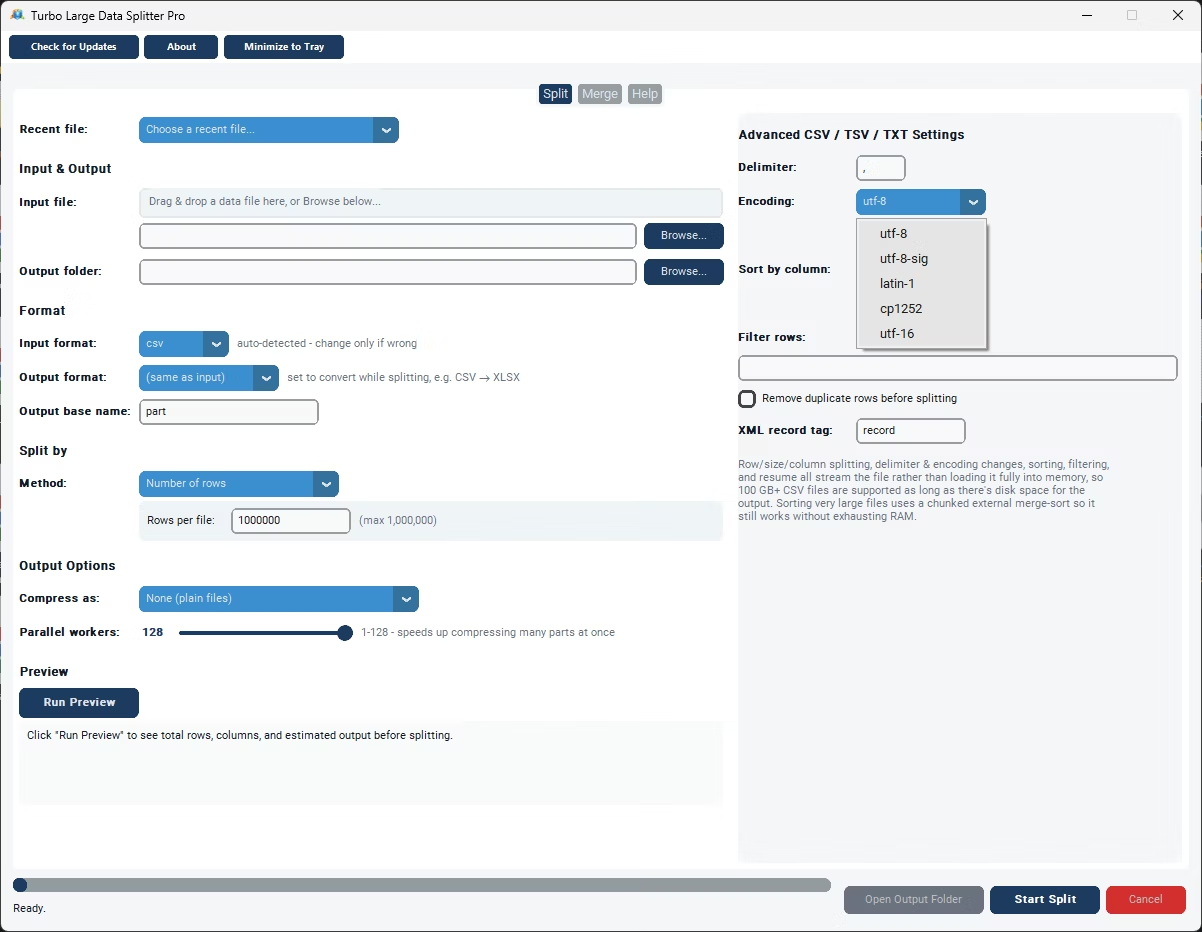
The entire process runs offline, on your own Windows PC, so splitting a file with millions of records of potentially sensitive data never requires uploading that volume of data to an external service. Delimiter and encoding both default to Auto for relevant formats and are detected directly from the file itself, so you only need to touch them in the rare case detection gets something wrong, an unusual delimiter or a legacy encoding, for example. This makes the tool equally useful for data analysts working with irregular exports, developers automating a recurring pipeline step, e-commerce teams distributing catalog data by category, and anyone else who regularly runs into the practical limits of opening a large data file directly in a spreadsheet program.
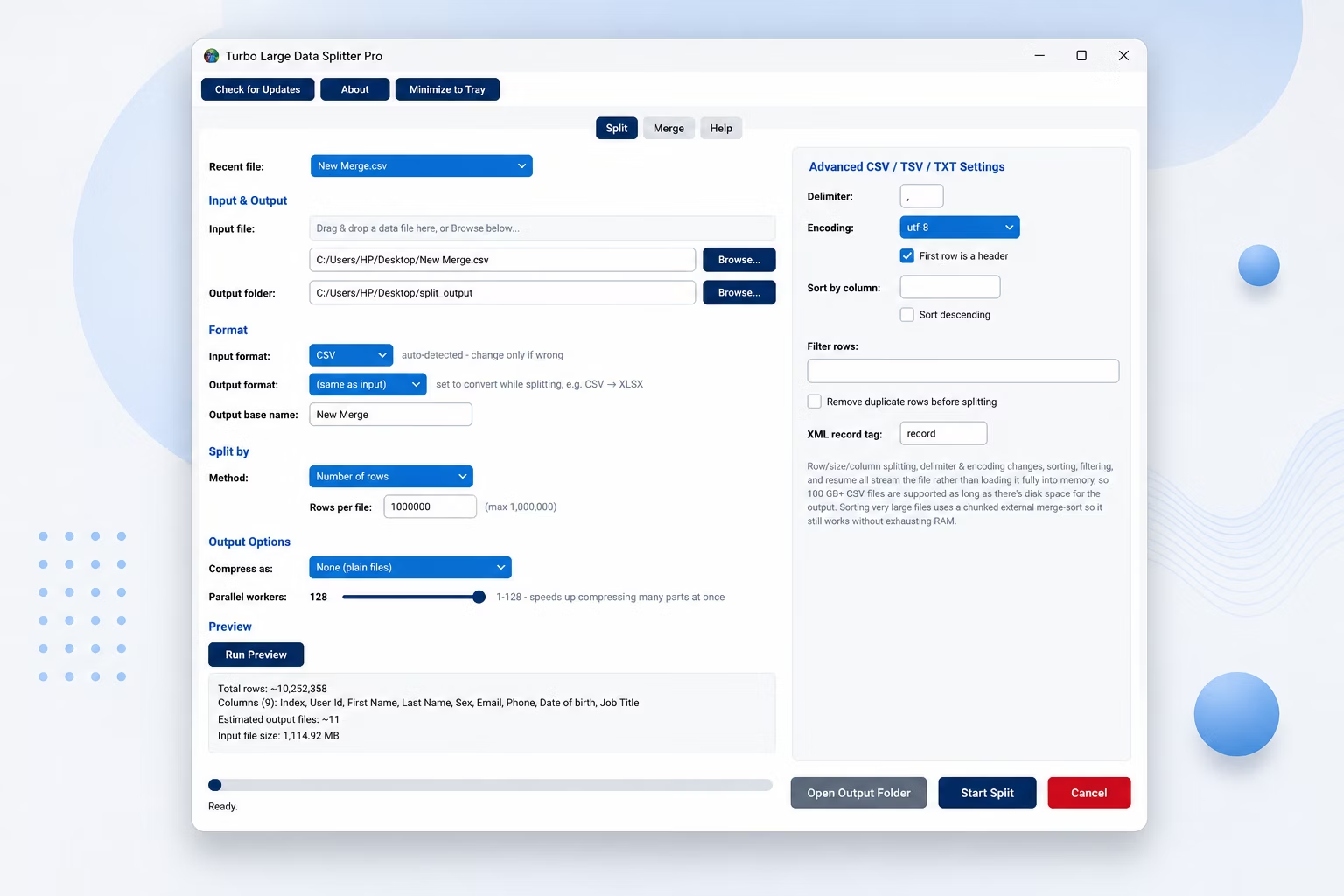
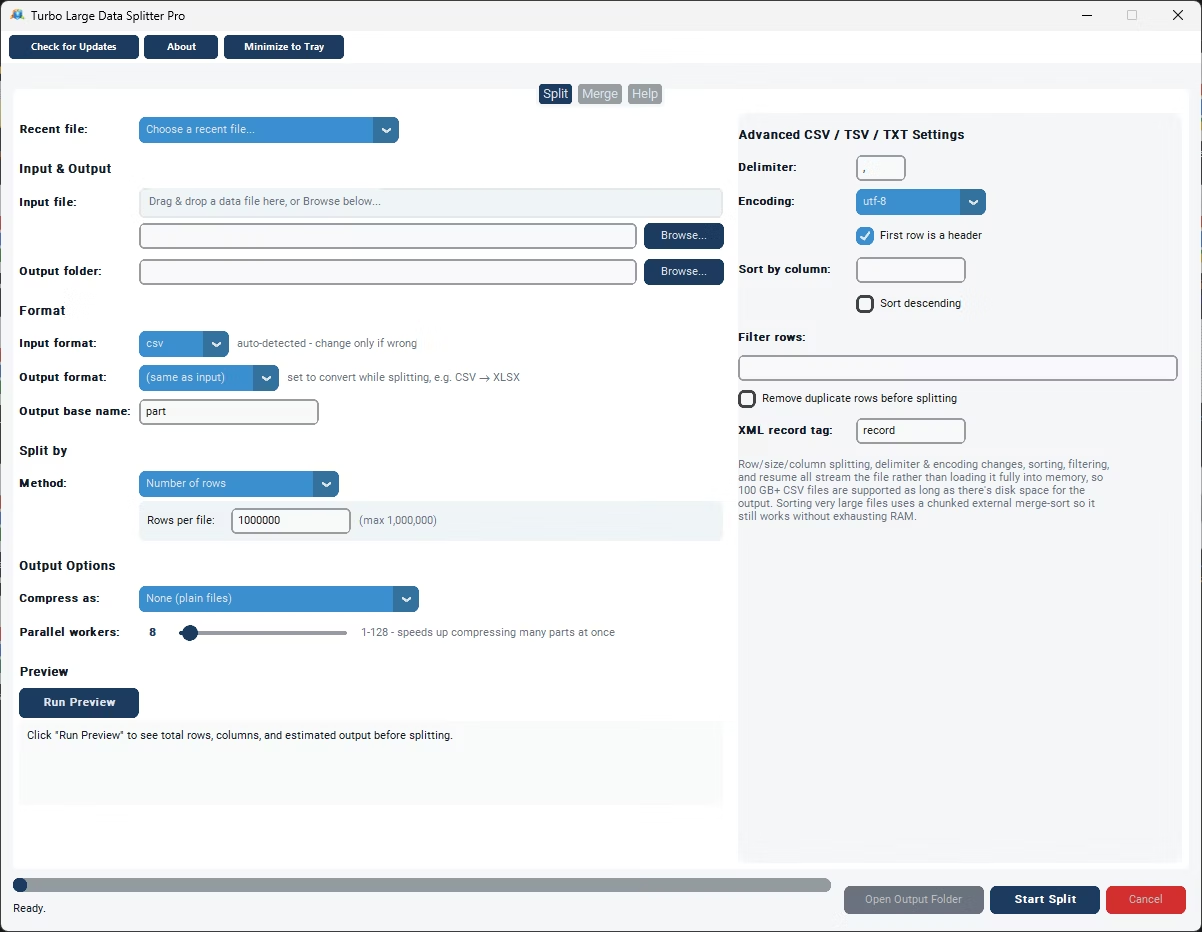
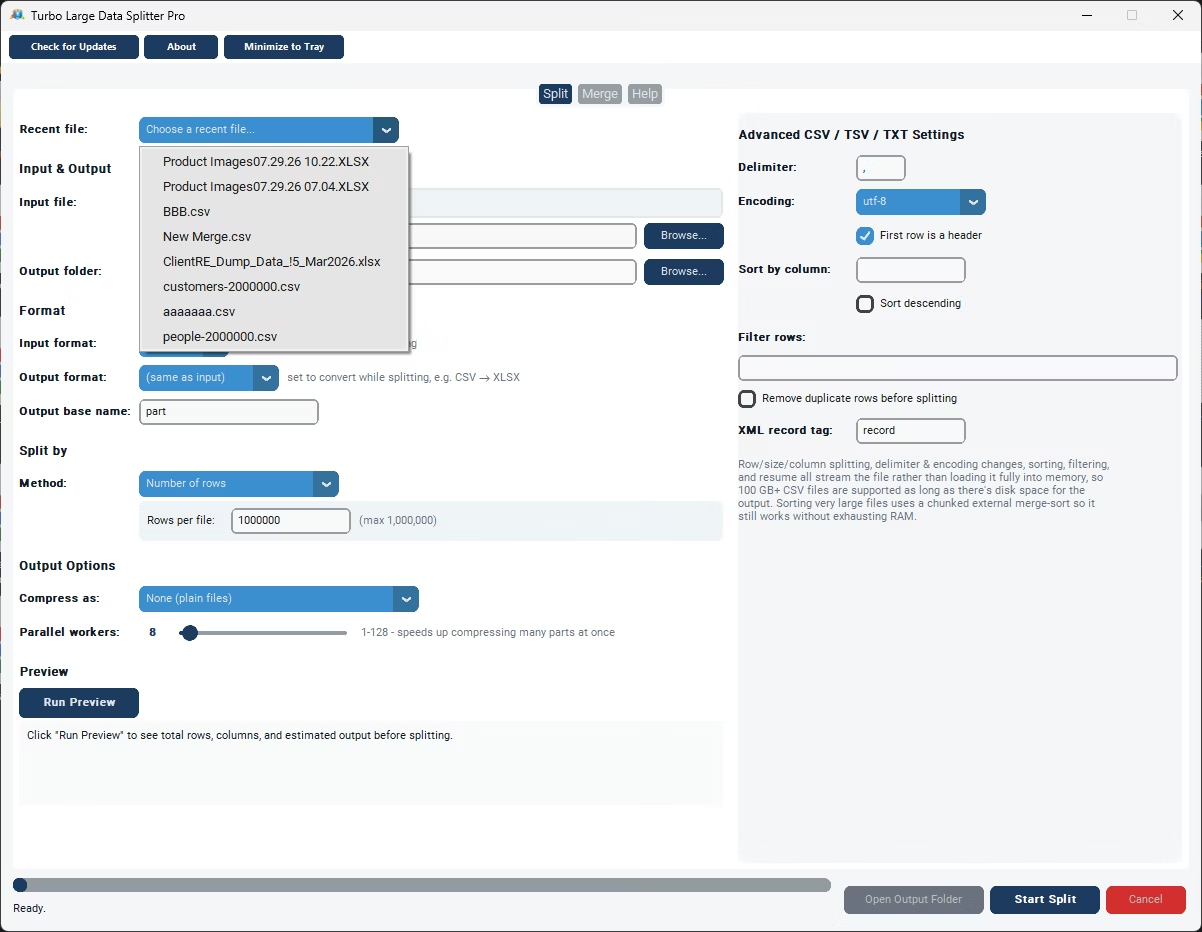
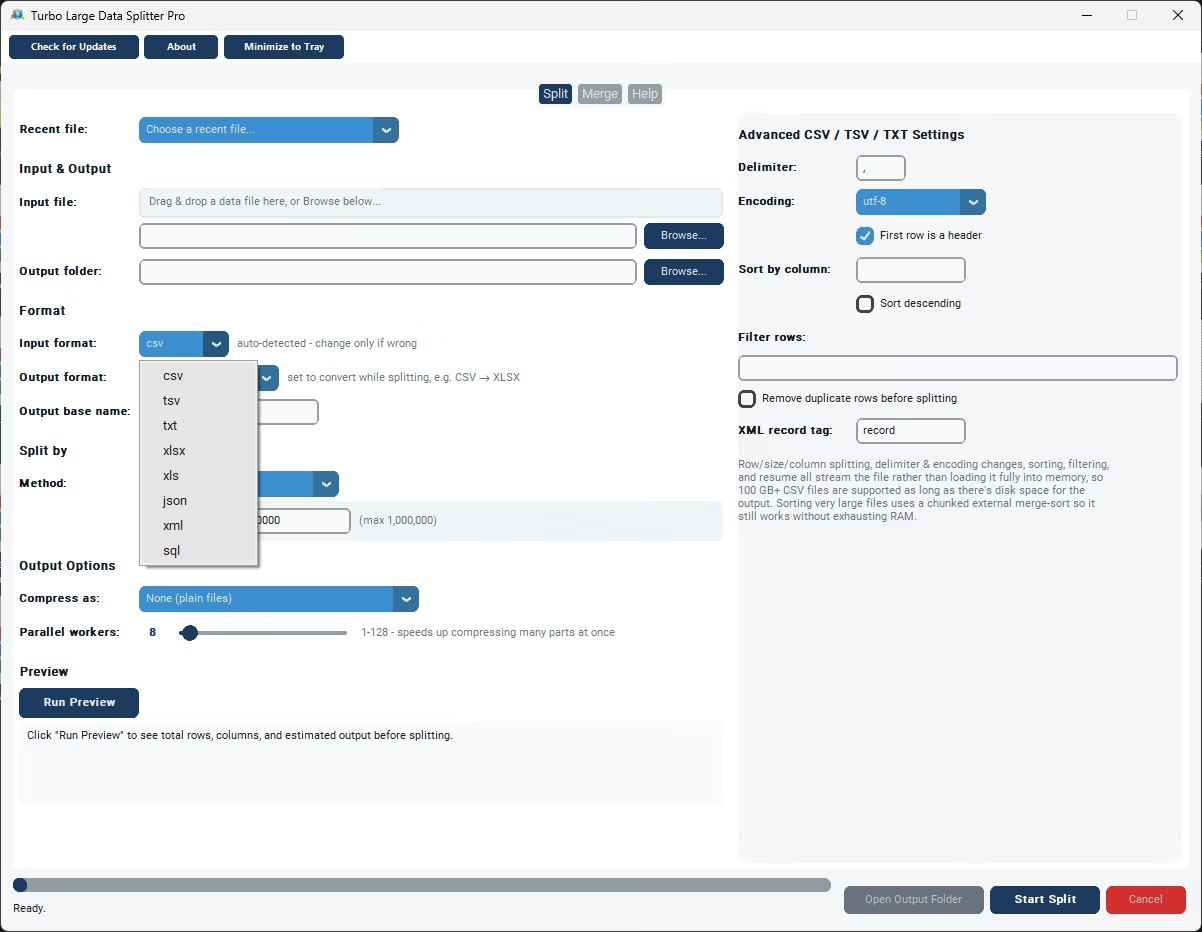
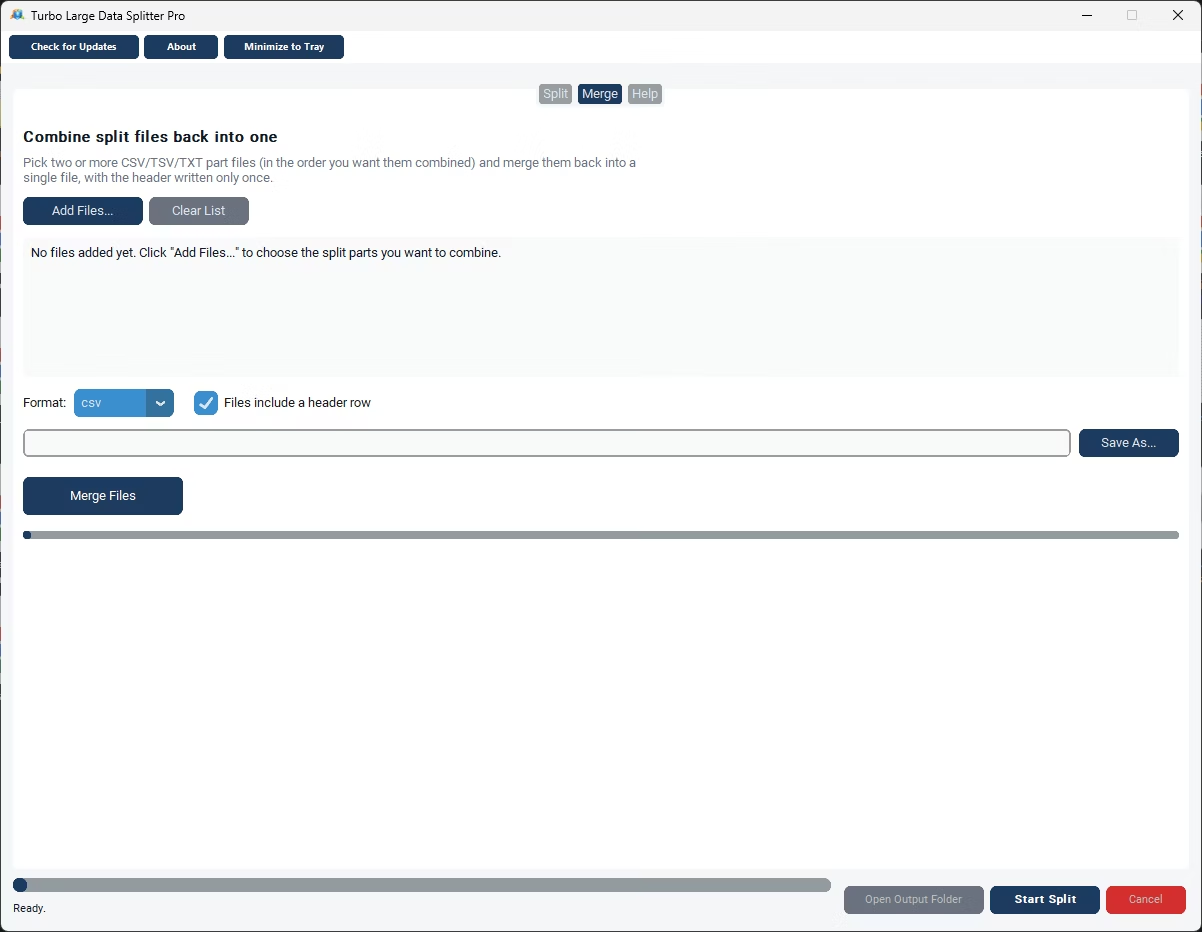
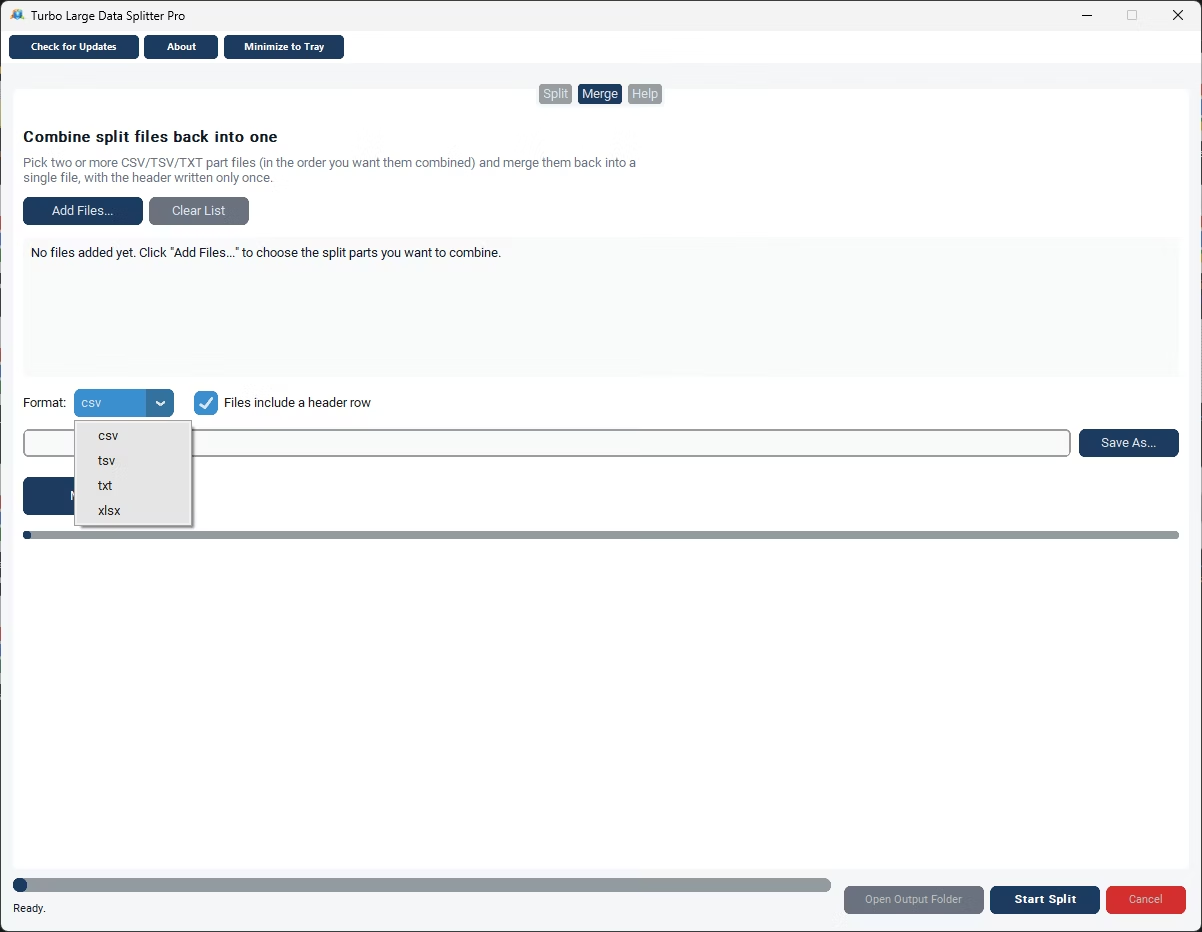
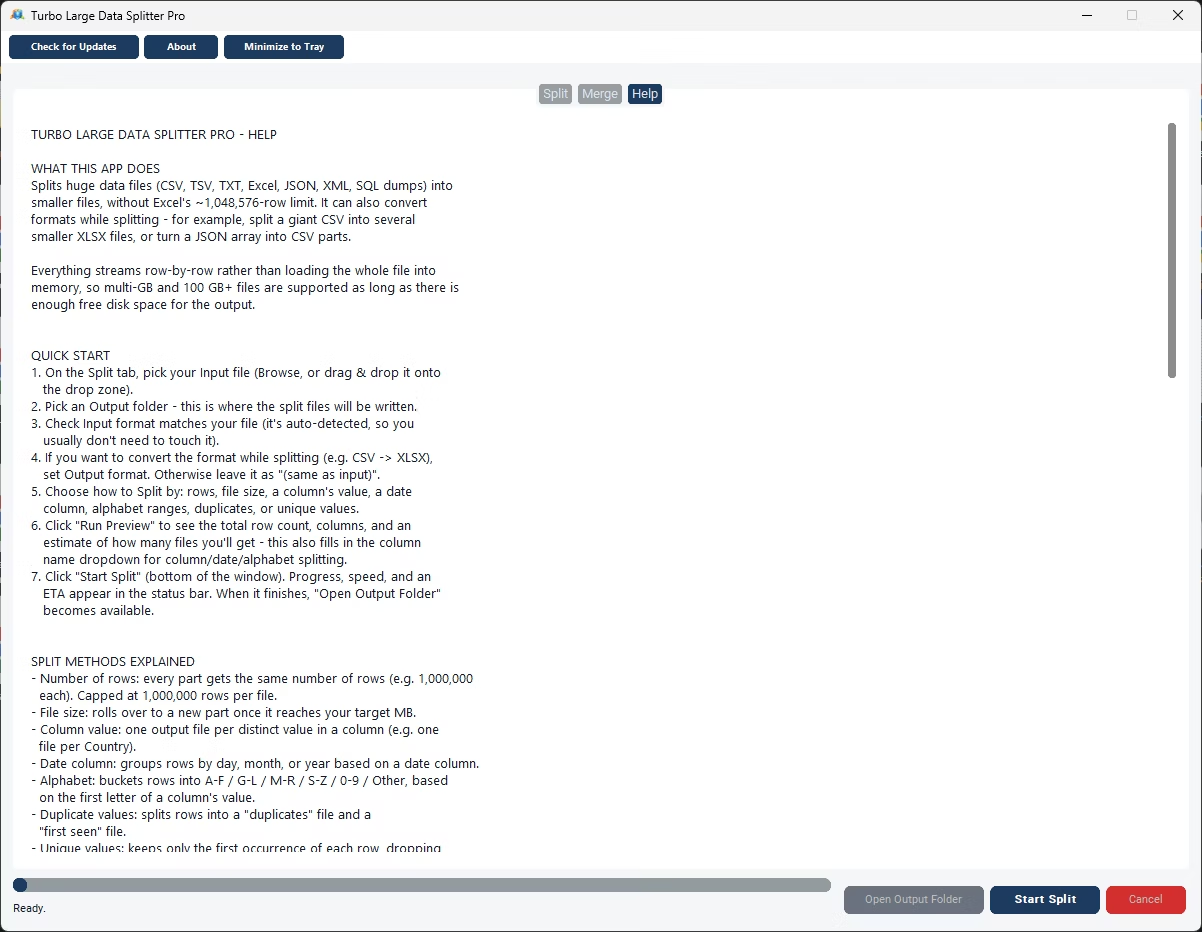
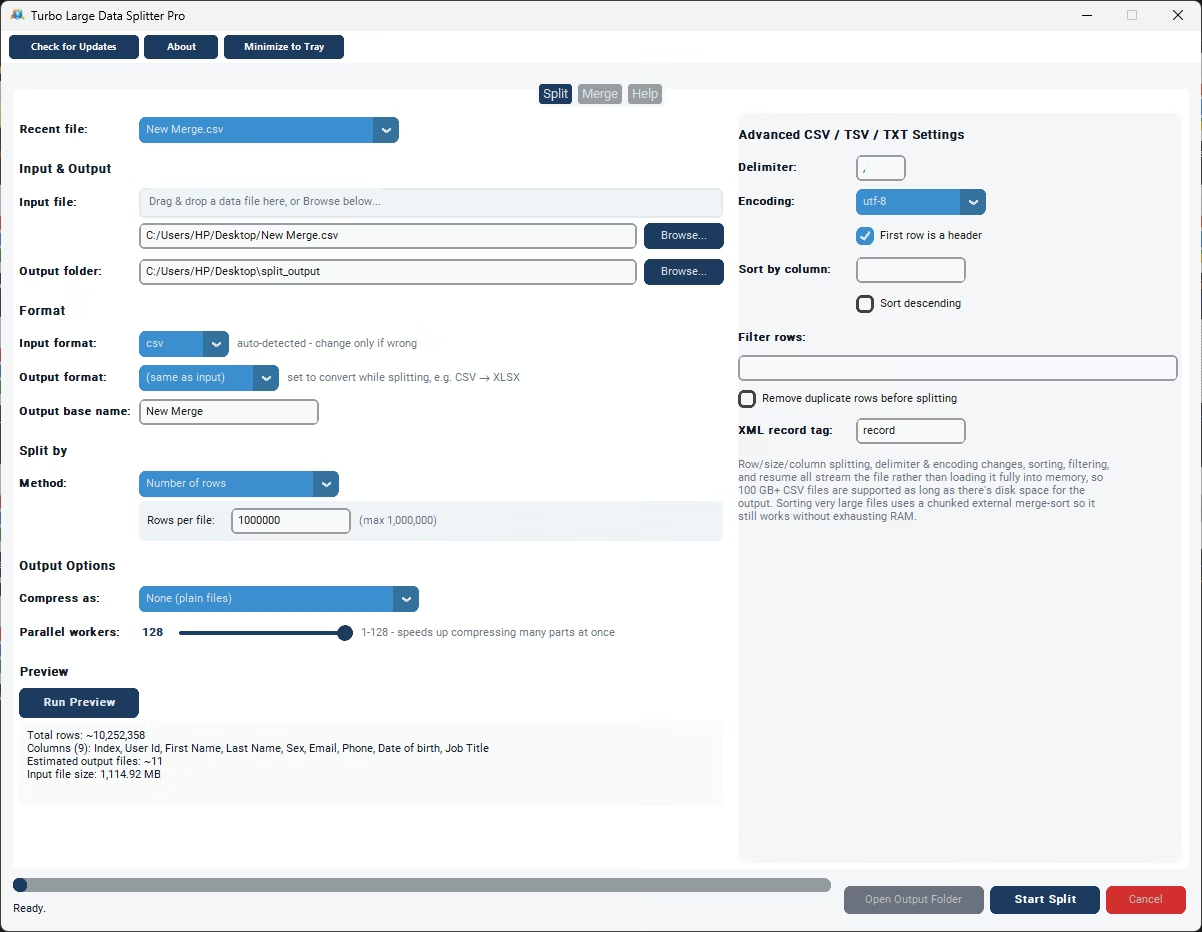
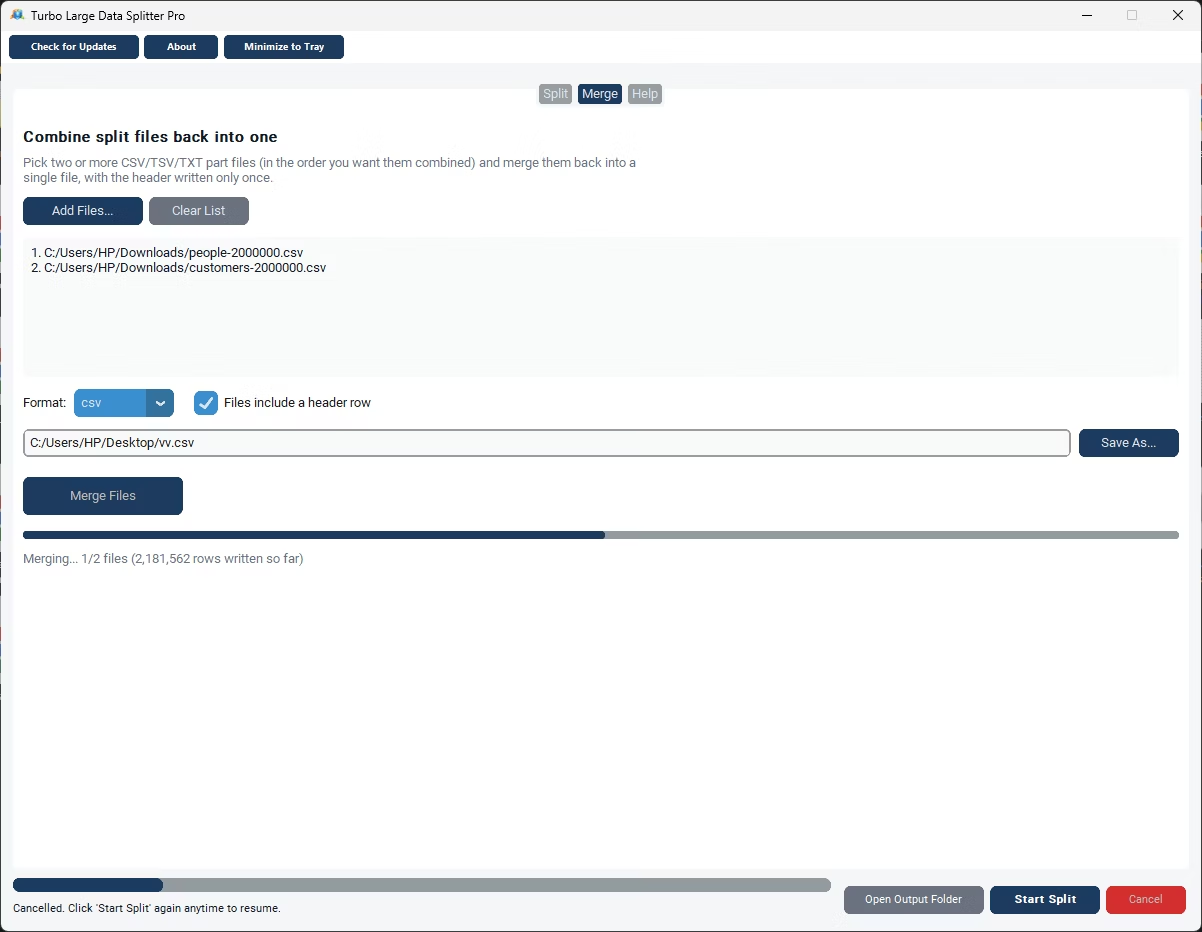
- Install Turbo Large Data Splitter on your Windows PC.
- Browse to or drag and drop your large data file.
- Choose your output folder with enough free disk space.
- Select the Number of Rows method and set rows per file, up to 1,000,000.
- Run Preview to confirm the row count and estimated output files.
- Click Start Split and monitor speed and ETA.
- Resume from checkpoint if the job is interrupted.
- Open the output folder once the split completes.
- Adjust the parallel worker slider if compressing many output parts.
- Check the status bar for the final row count and file count summary.
- Handles files with millions of records without memory limits
- Number of Rows method splits up to 1,000,000 rows per file
- Streaming engine works across CSV, TSV, TXT, XLSX, JSON, XML
- Preview confirms actual row count before committing
- Live speed and ETA for realistic progress tracking
- Checkpoint-based resume for large, long-running jobs
- Runs fully offline with no upload of large data volumes
- One-time purchase for Windows, with Gumroad license activation
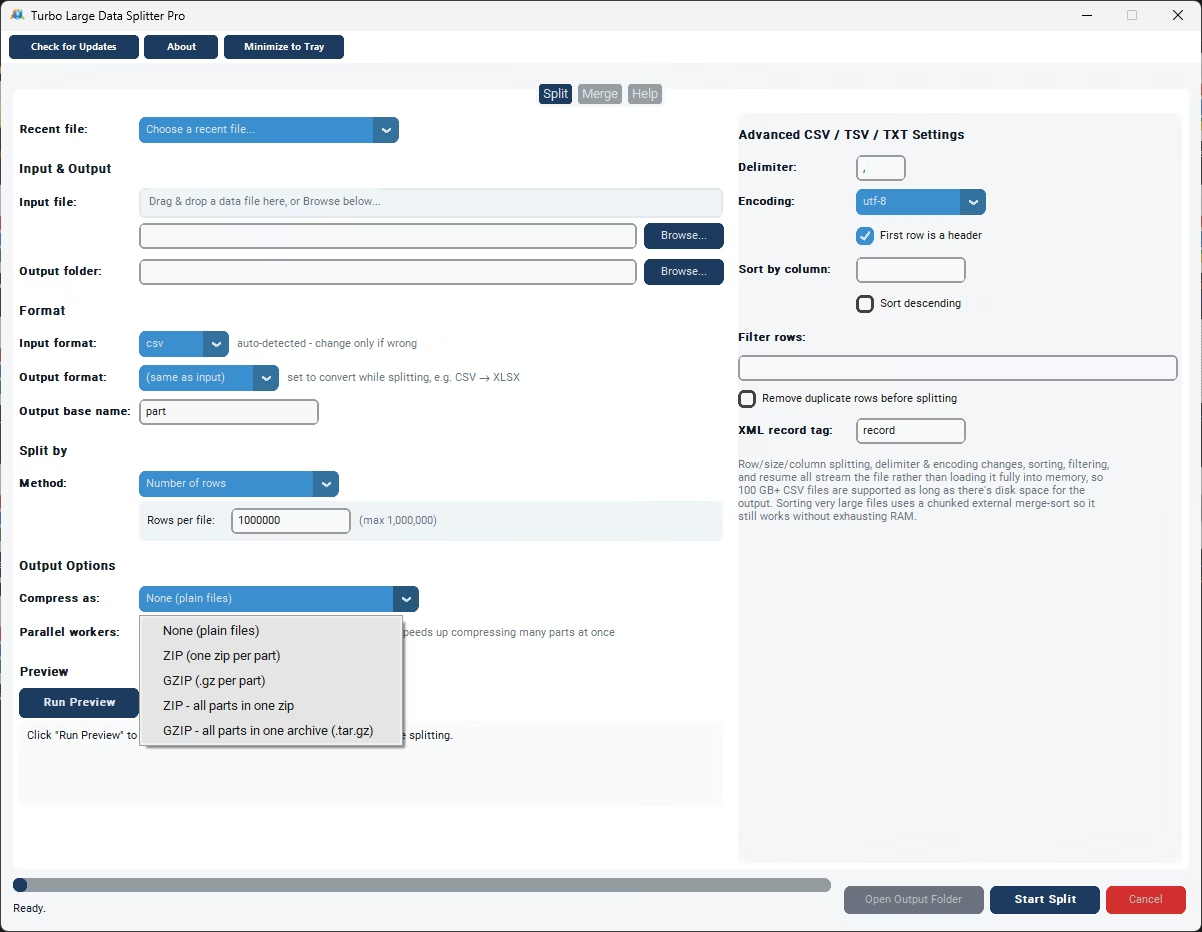
- Compression options: uncompressed, per-part ZIP/gzip, or a single bundled archive
- Works with files on local drives, external drives, and network shares
Will a file with millions of records crash the application?
No, the streaming engine processes rows one at a time for most formats rather than loading the entire file into memory, so files with millions of records are handled reliably.
How many records can each output file contain?
Up to 1,000,000 rows per file when using the Number of Rows split method.
How long does splitting a multi-million-record file take?
It depends on your PC and file size, but the live speed and ETA in the status bar give you a real-time estimate as the job runs.
What if the split gets interrupted on a very large file?
A checkpoint lets you resume exactly where the job left off, by byte offset or row count depending on the format.
Does this work on both Windows 10 and Windows 11?
Yes, Turbo Large Data Splitter is built and tested for both Windows 10 and Windows 11.
Is my data safe when using this tool?
Yes, all processing happens locally on your PC; no files are ever uploaded, so proprietary or sensitive data stays fully under your control.
Can I compress the split output files?
Yes, you can leave parts uncompressed, zip or gzip each part individually, or bundle everything into a single ZIP or gzip archive, sped up by a parallel worker slider.
Can I use this on files stored on an external or network drive?
Yes, data files on local drives, external drives, or mapped network shares all work the same as any local file.
Can I cancel a split job partway through if I need to?
Yes, cancelling saves a checkpoint file in the output folder, so you can resume the job later exactly where it left off instead of starting over.
Is there a trial version available before buying?
Check the product page on turbo-soft.com for current trial availability and details.
Ready to split your data file with millions of records, fully offline?