Anyone who has tried to insert large data in Excel from a database export or a big CSV file has probably run into the same wall: the worksheet stops accepting rows at 1,048,576, and anything beyond that is either rejected or silently dropped.
Million by Million Rows Copier solves this by acting as a staging area between your source data and Excel. It loads datasets up to 50,000,000 rows into a local SQLite file, keeping the app responsive and the data intact no matter how large the source file is.
Once loaded, the data is handed back out in 1,000,000-row chunks through the Copy Next Chunk button, each one small enough to insert directly into a fresh worksheet without hitting the row limit.
Because you control the chunk size and can re-copy any chunk if a paste goes wrong, inserting a large dataset becomes a controlled, repeatable process instead of a single high-stakes operation.
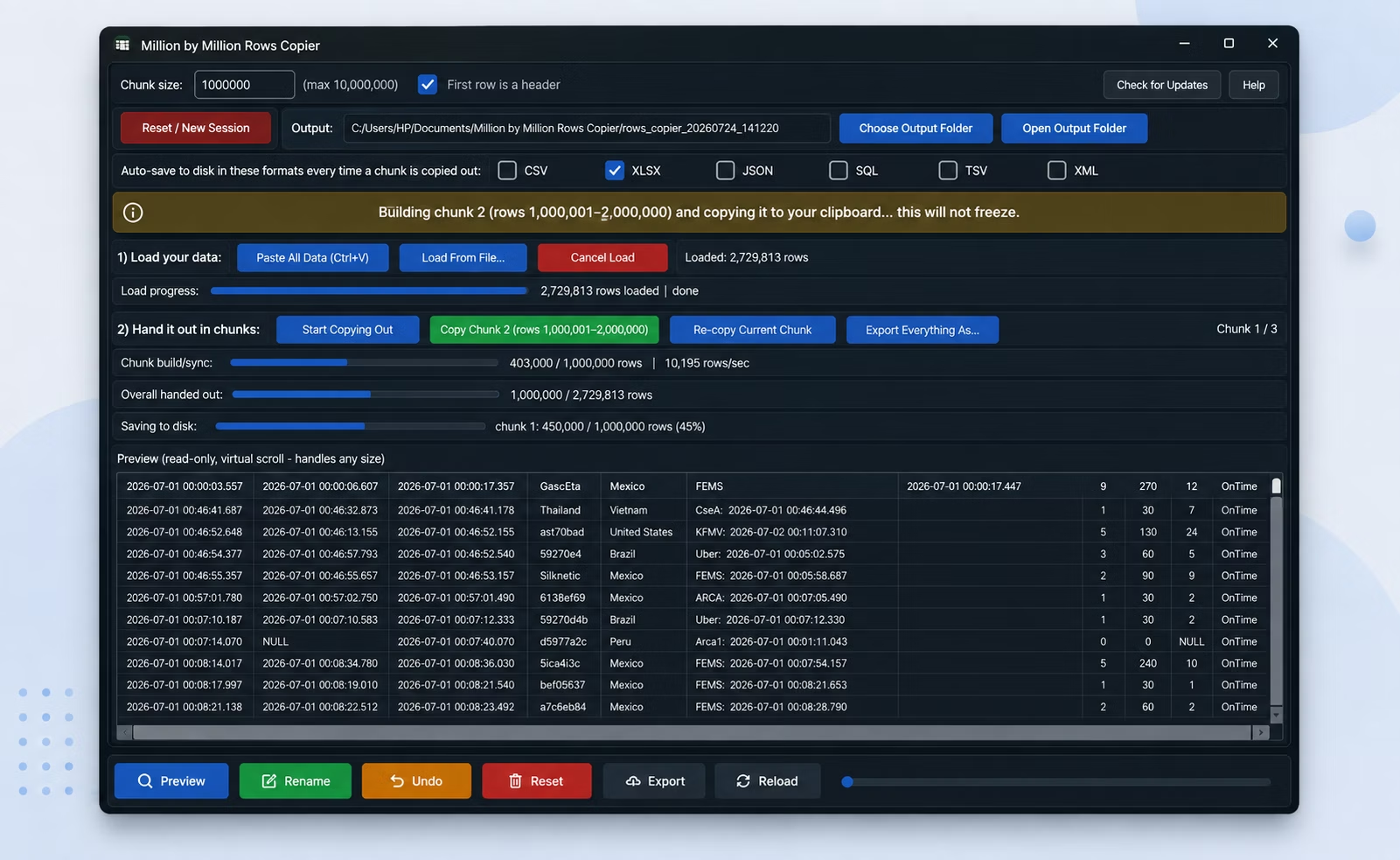
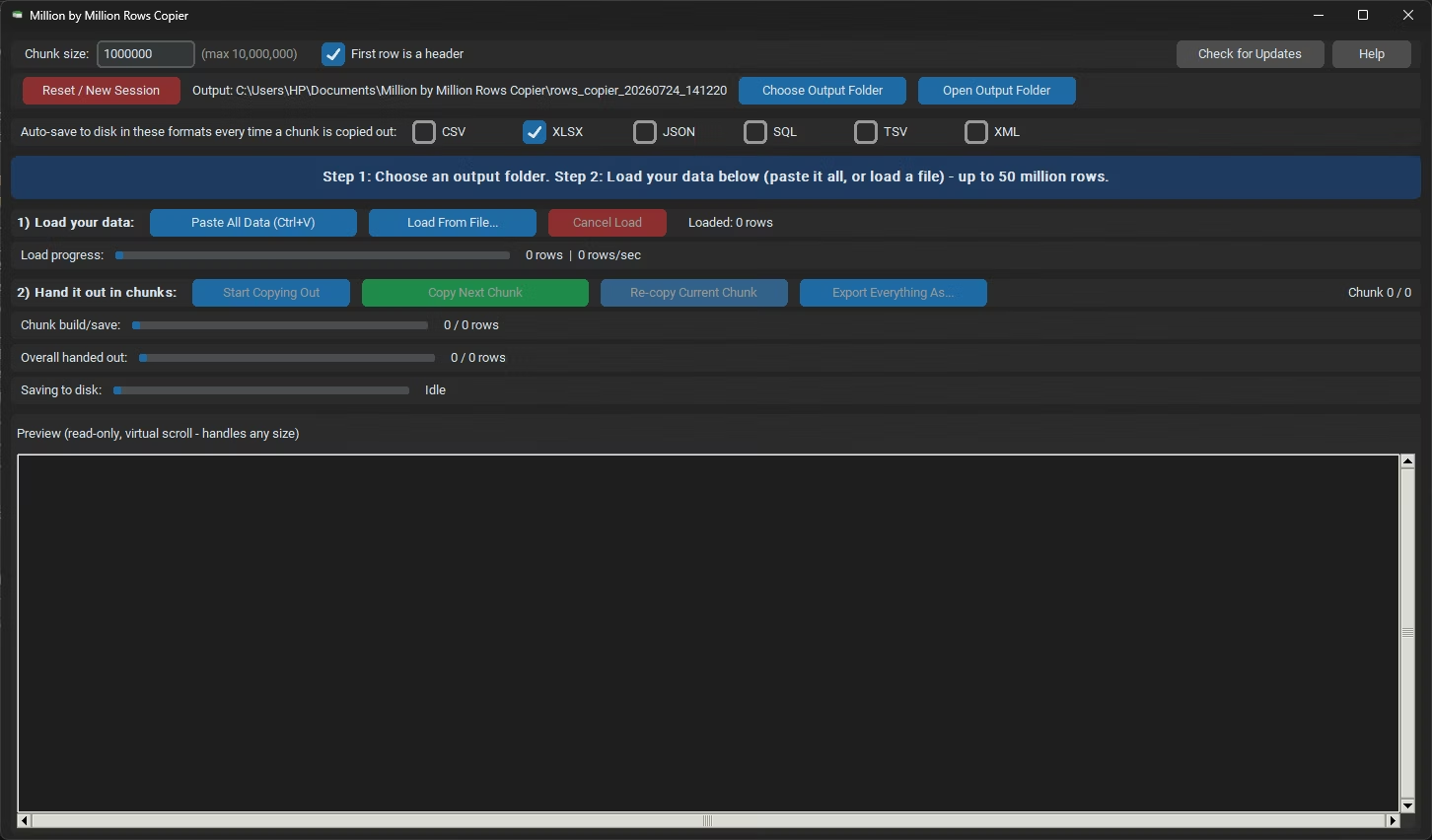
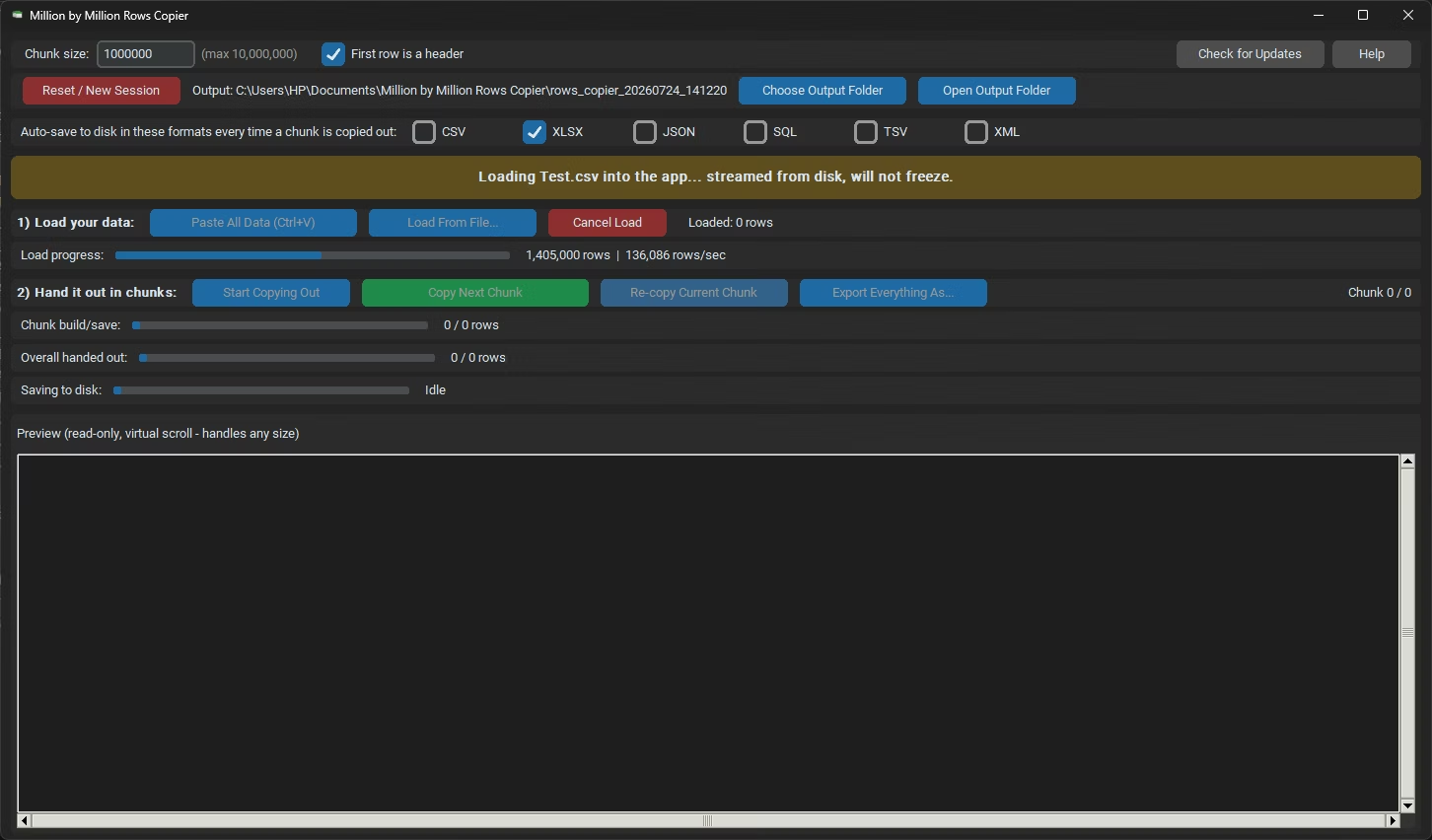
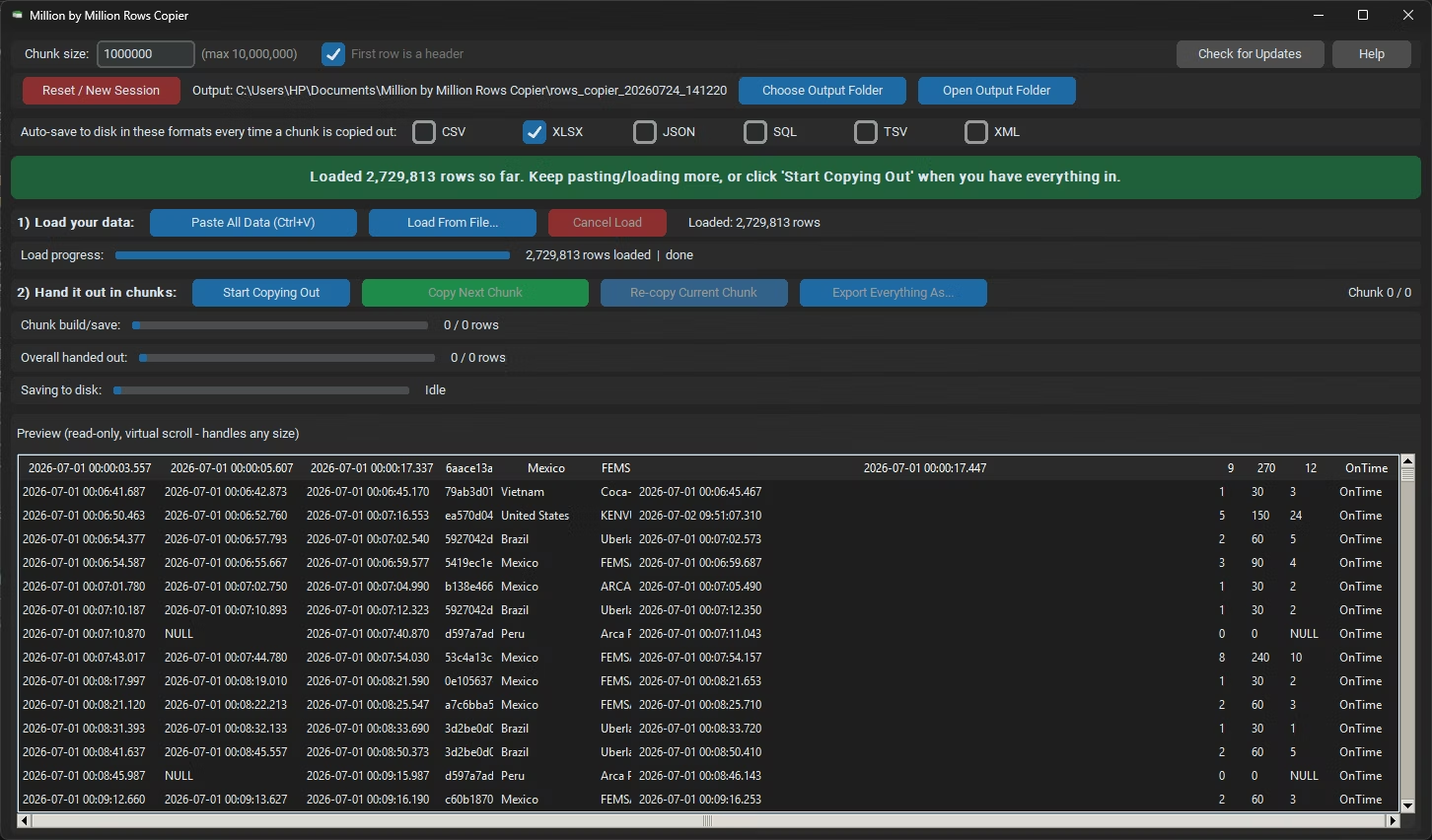
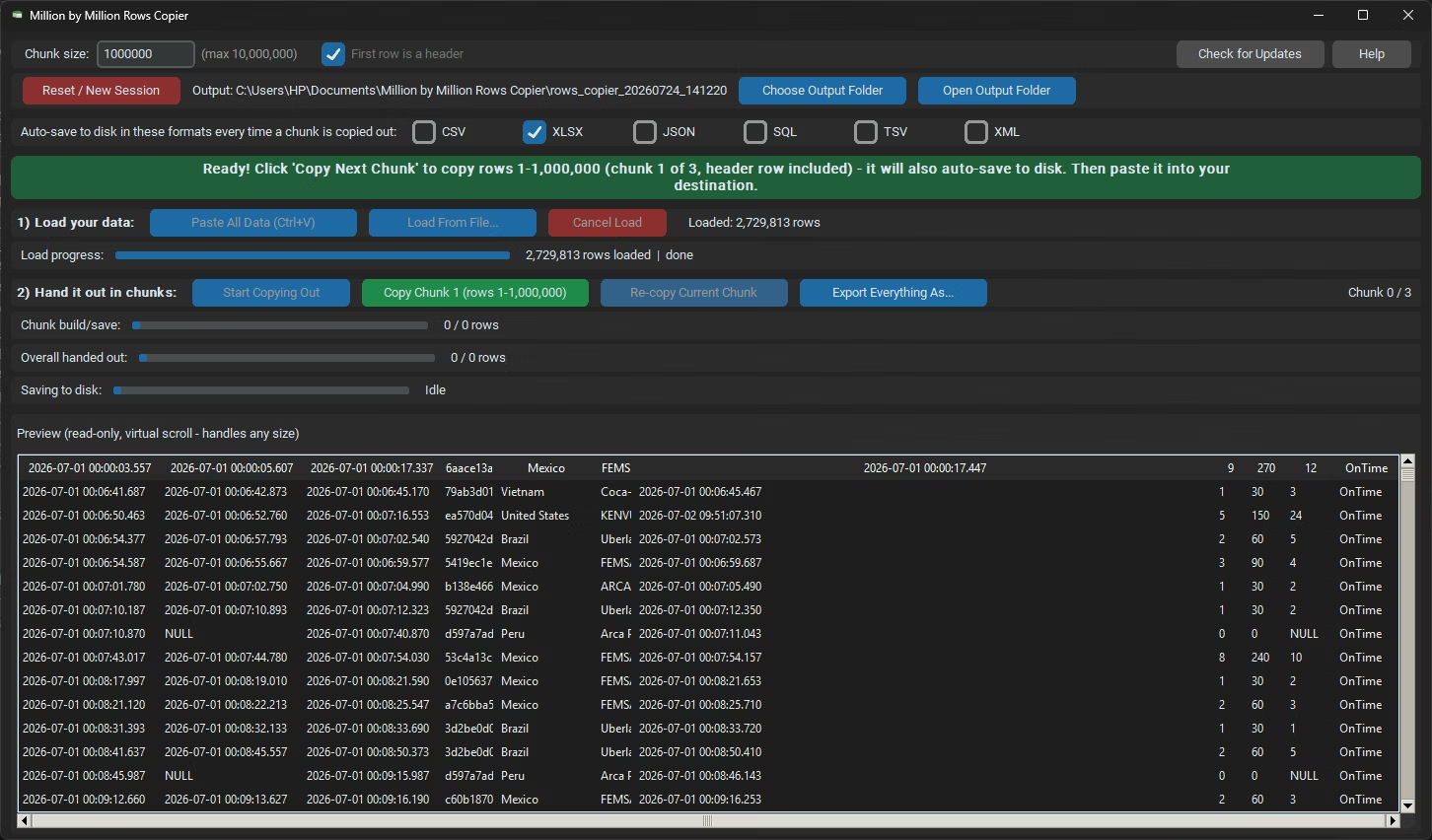
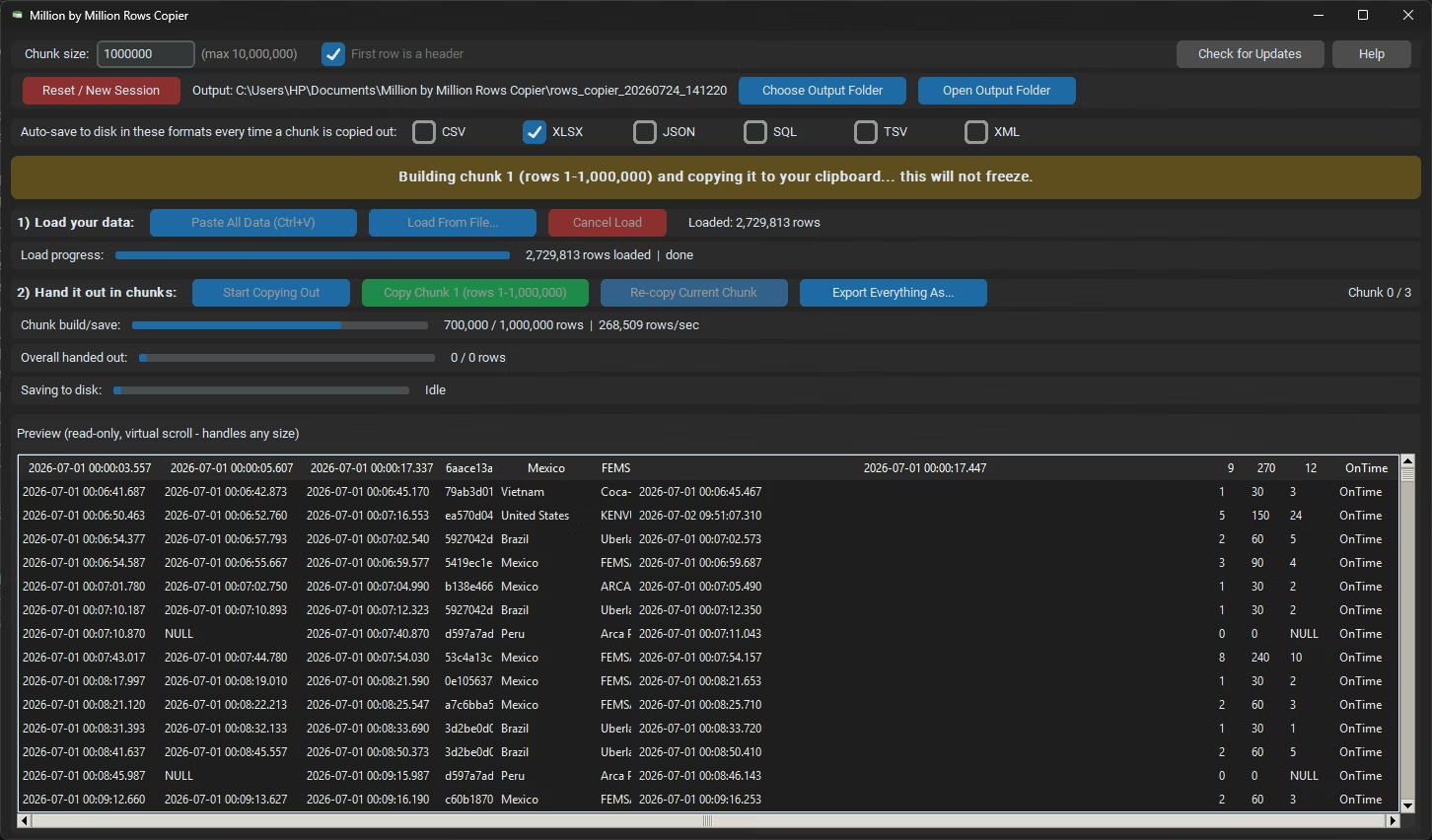
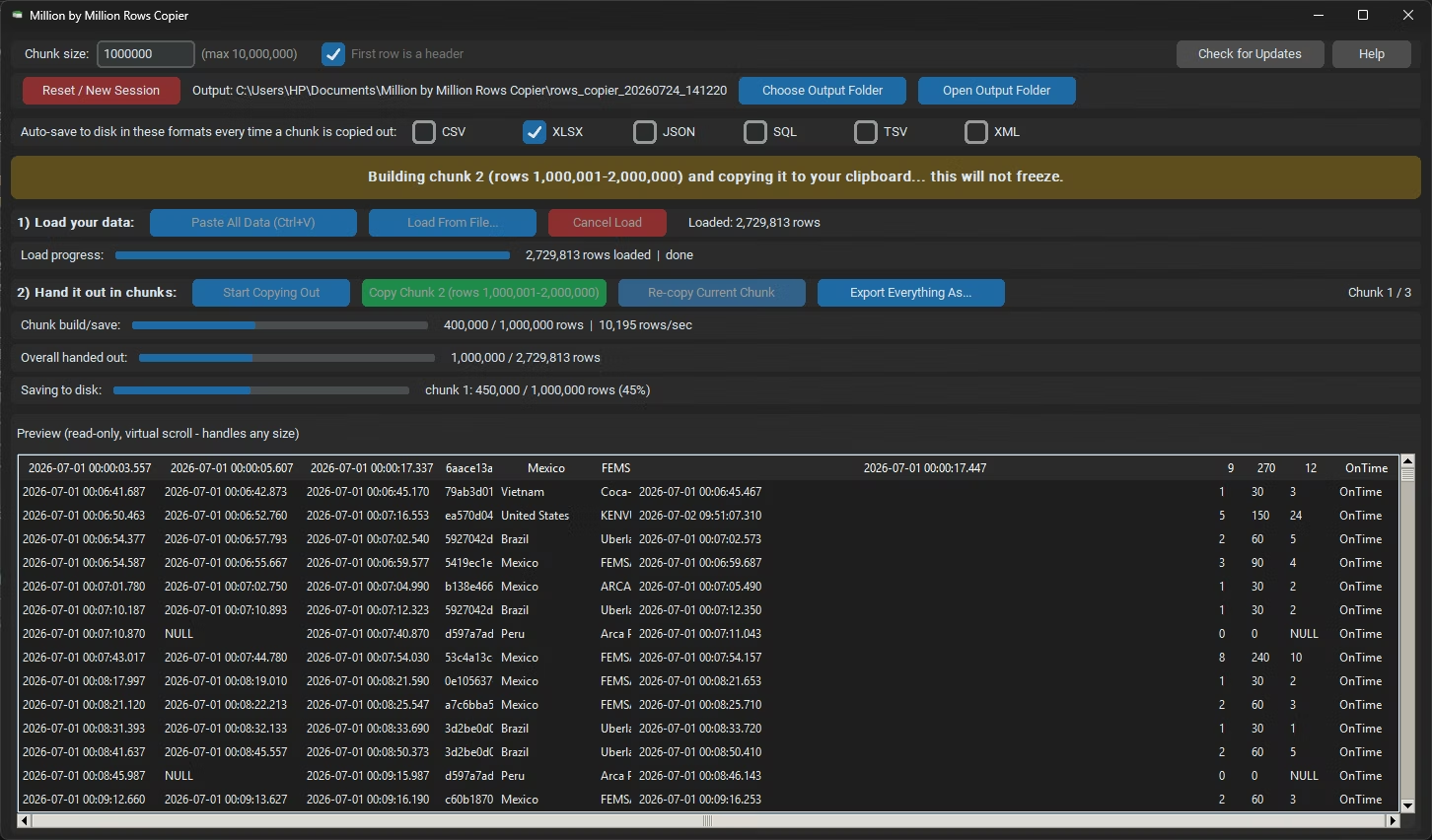
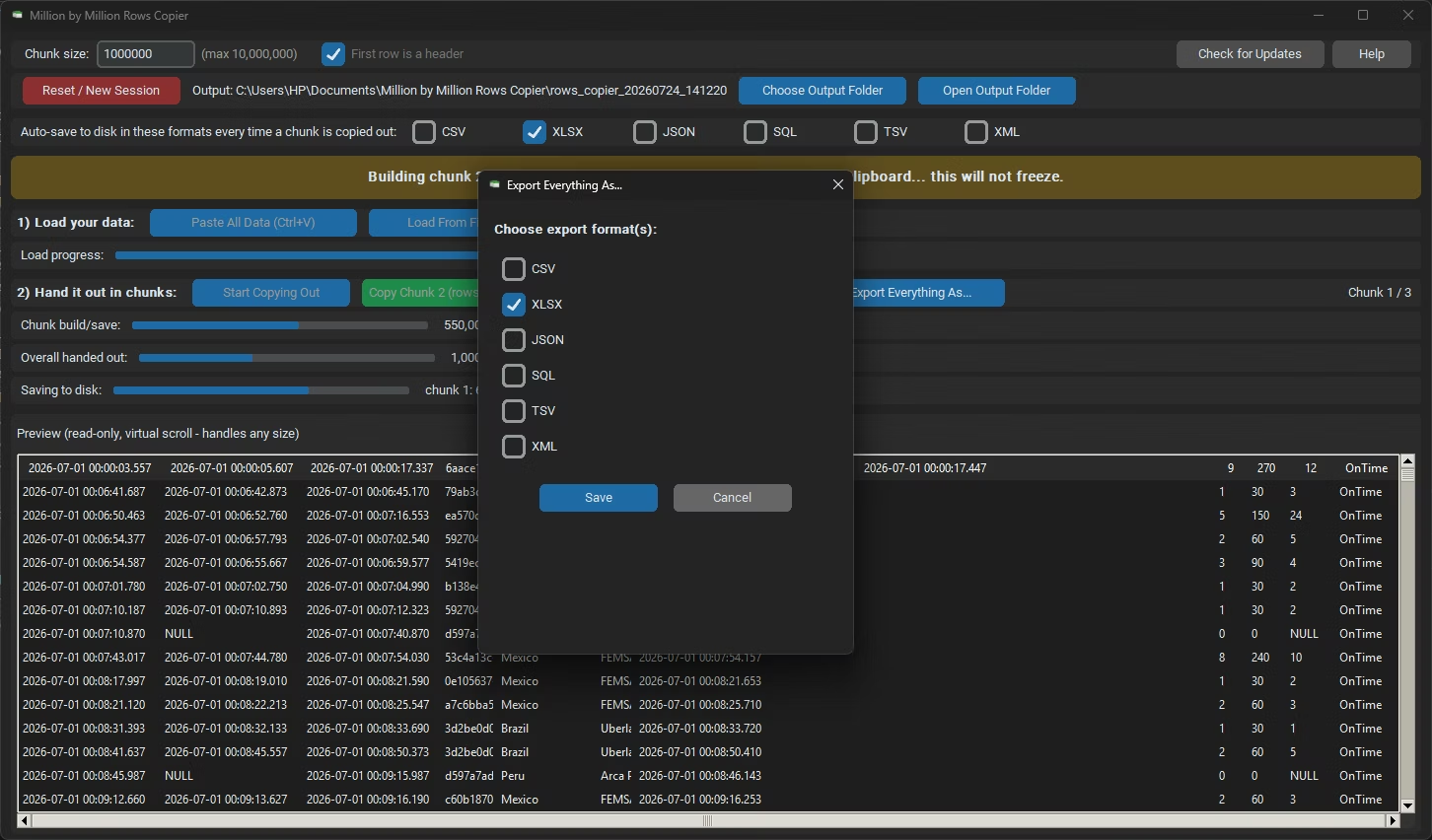
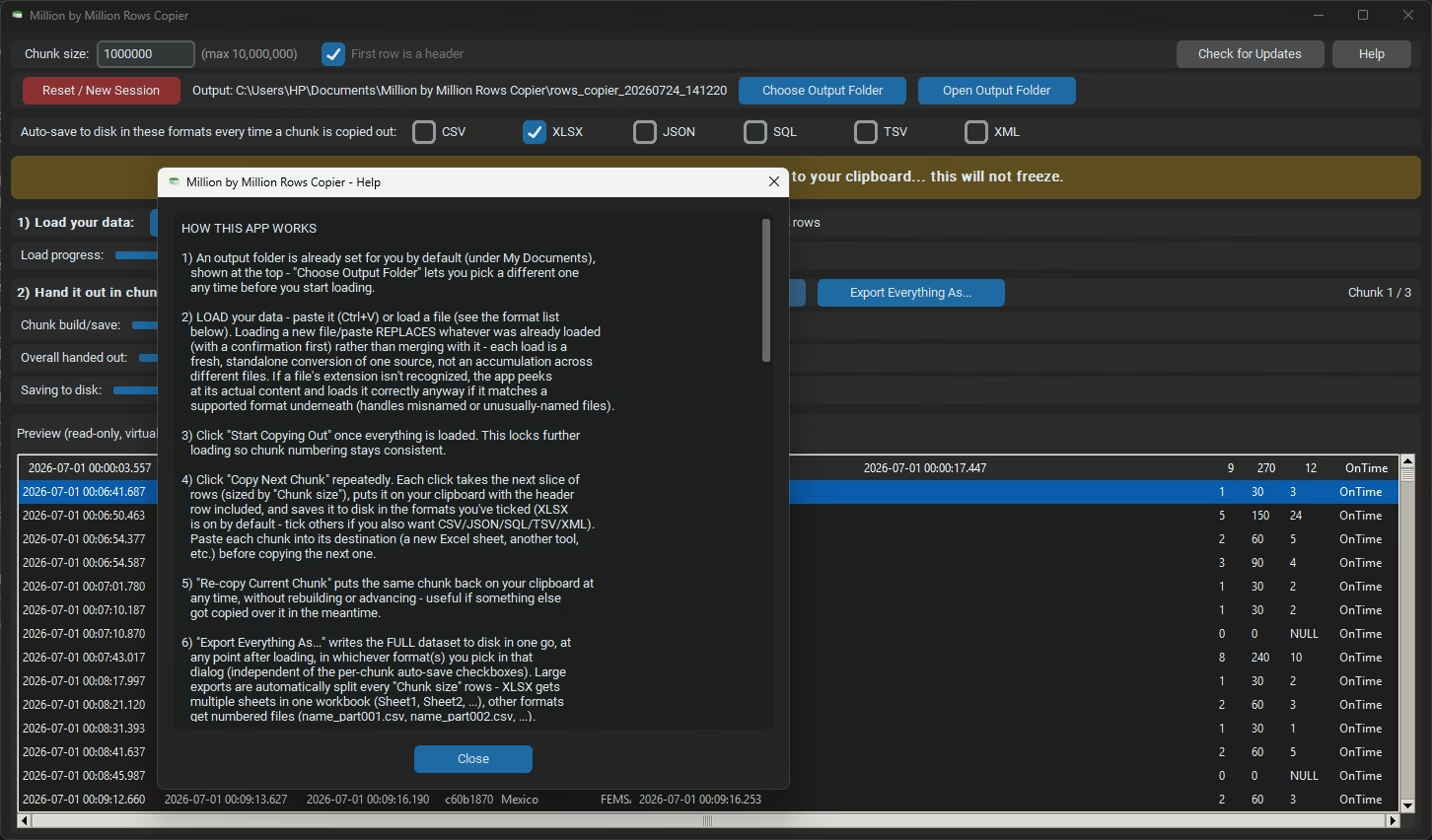
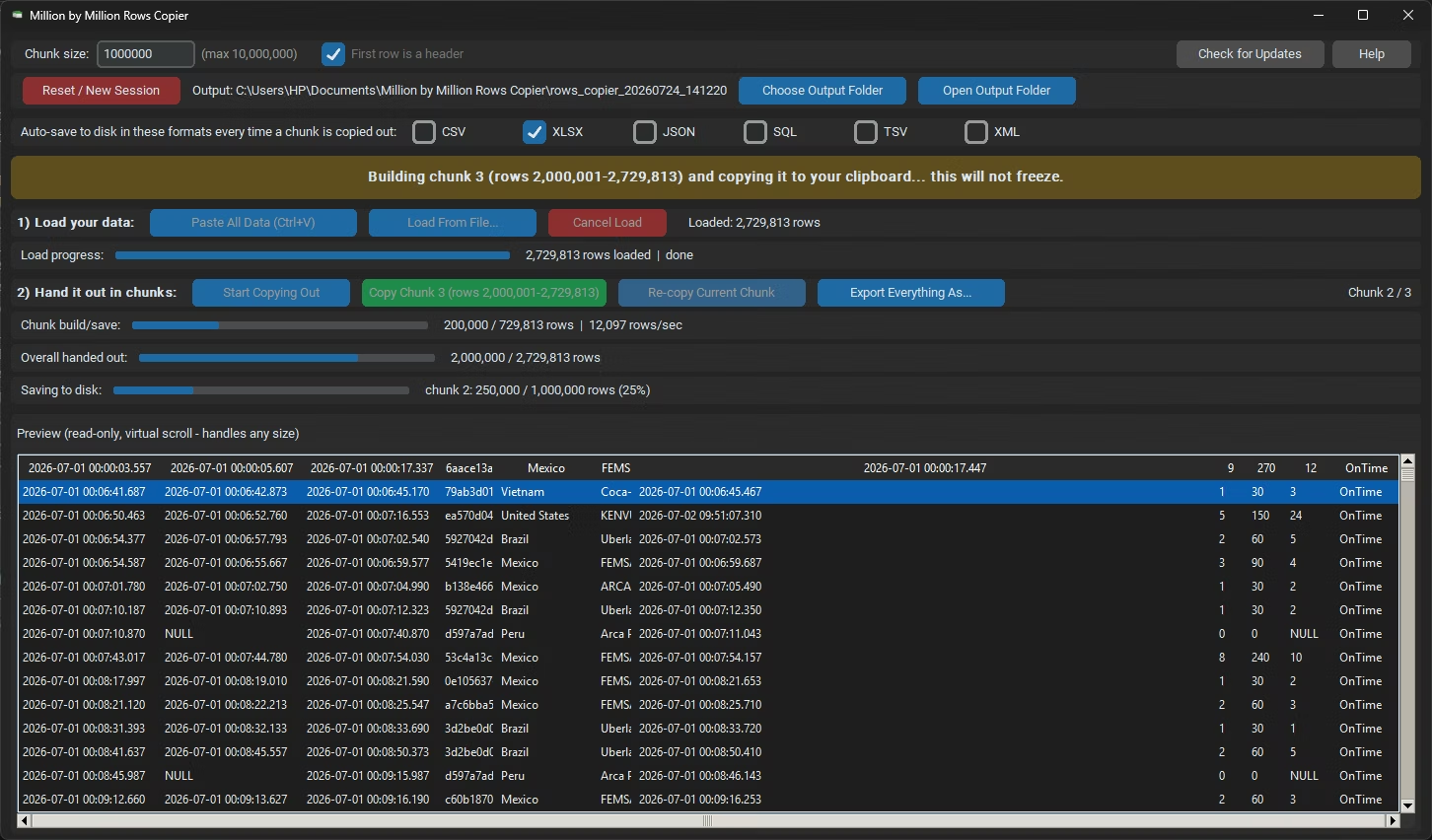
- Load your source file, or paste your data directly, into Million by Million Rows Copier.
- Check the row count reported after loading to plan how many chunks you will need.
- Set the chunk size if you want something other than the default 1,000,000 rows.
- Click Copy Next Chunk and insert the data into your first worksheet.
- Move to a new sheet, click Copy Next Chunk again, and insert the next block.
- Continue until every row has been inserted across your workbook.
- Supports datasets up to 50,000,000 rows in a single load
- Insert-ready 1,000,000-row chunks that fit any Excel worksheet
- Re-copy any chunk again if a paste is interrupted or fails
- Loads from 25 or more file formats without manual conversion
- Background threading keeps the app responsive while loading huge files
- Auto-saved chunk files give you a backup copy on disk at every step
Why can't I insert a very large dataset into Excel in one step?
Excel worksheets have a fixed limit of 1,048,576 rows, so a single insert operation cannot bring in more rows than that, regardless of the source file's size.
How do I insert large data in Excel without errors?
Load the data into Million by Million Rows Copier, which breaks it into 1,000,000-row chunks you can insert one at a time using Copy Next Chunk.
Can I re-insert a chunk if the paste goes wrong?
Yes, any chunk can be copied to the clipboard again, so a failed or incomplete paste is easy to redo.
Does the app support inserting data from formats other than CSV?
Yes, it loads more than 25 formats, including XLSX, XLS, JSON and SQL exports, in addition to CSV.
Ready to insert your large dataset into Excel without hitting the row limit?