Conversion speed compounds quickly across a batch: a slow tool adds up to real time lost across a folder of many files. Speed comes down to how efficiently a converter can use your CPU, and whether it's limited by an upload connection at all.
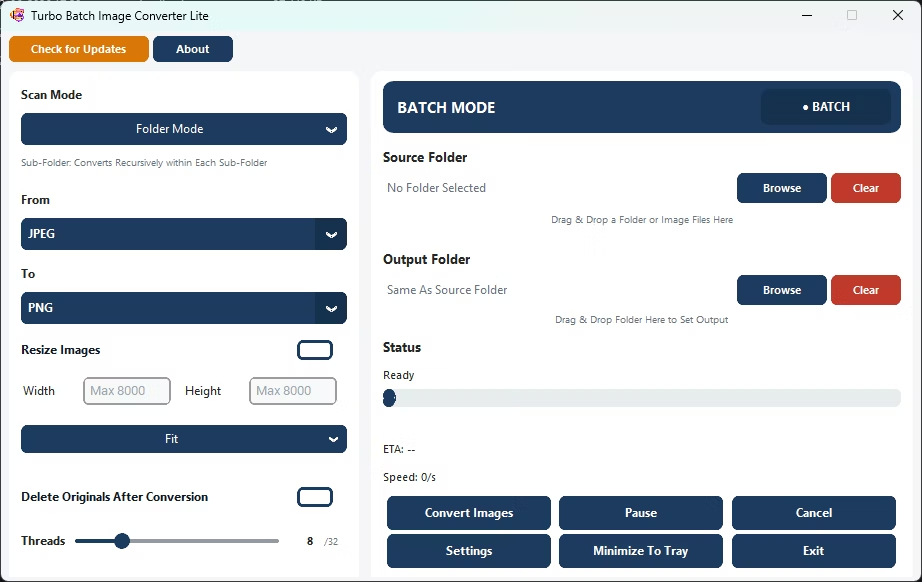
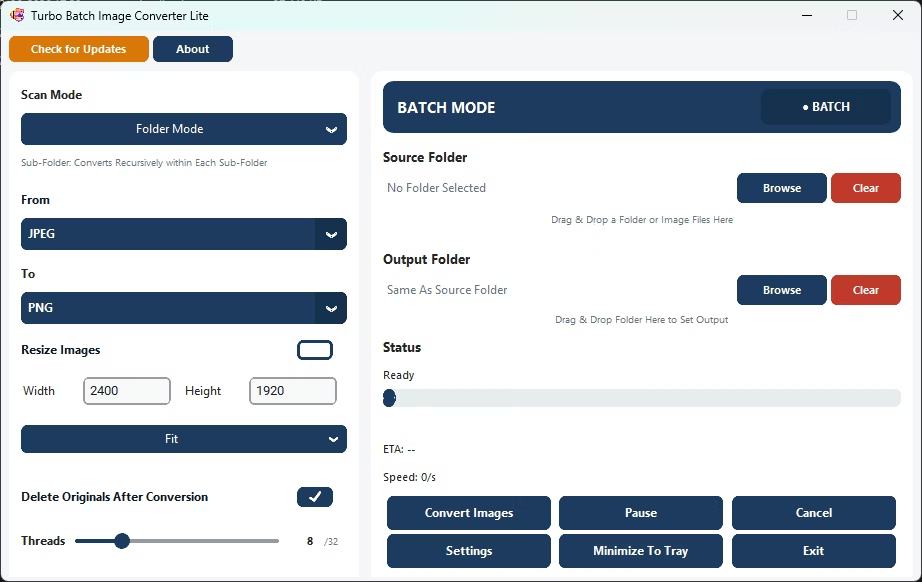
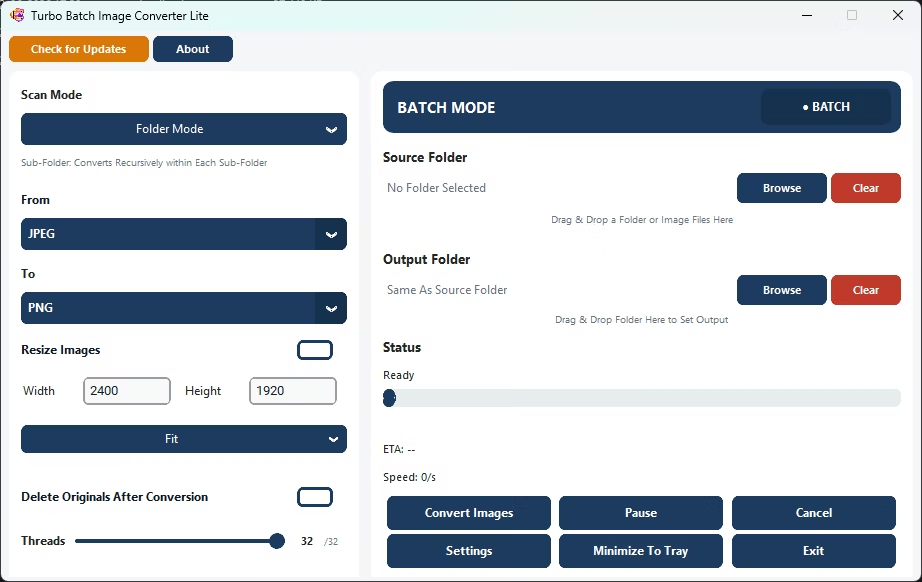
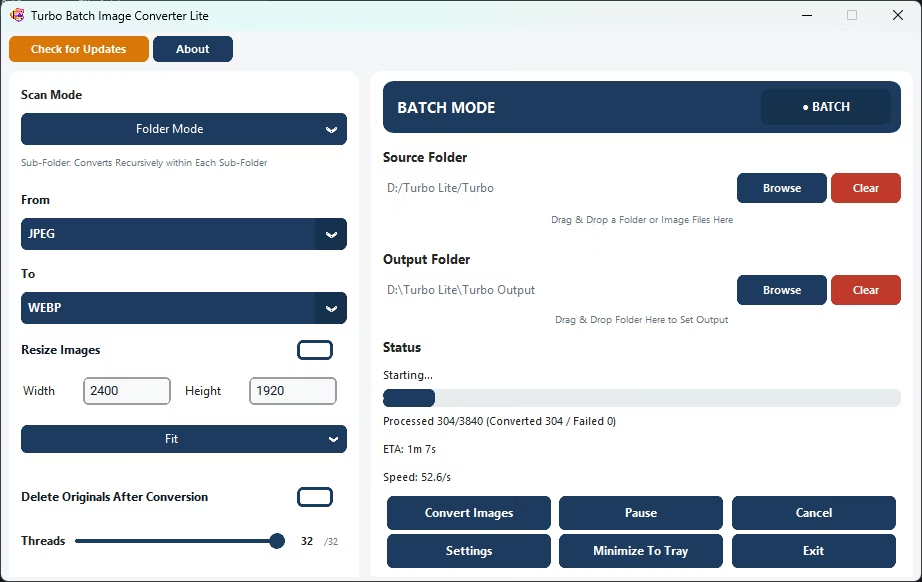
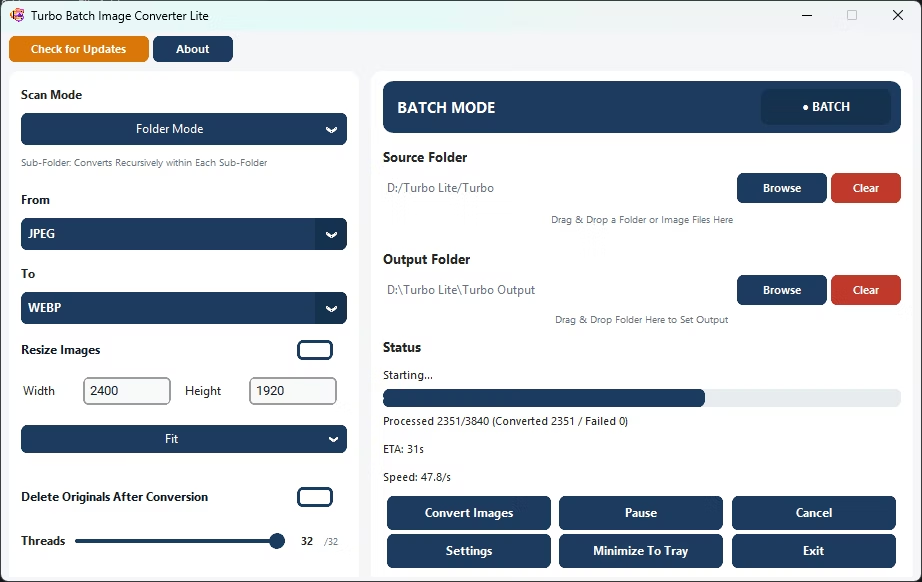
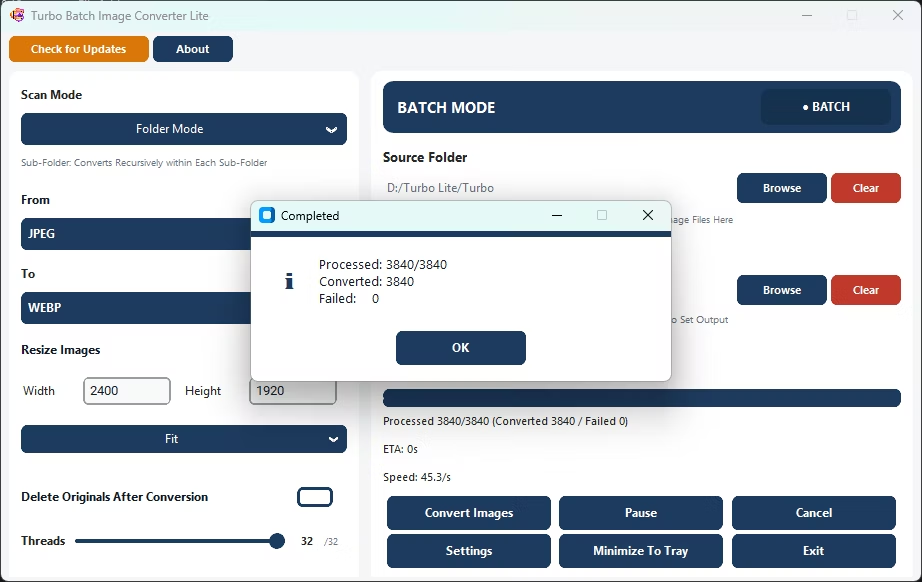
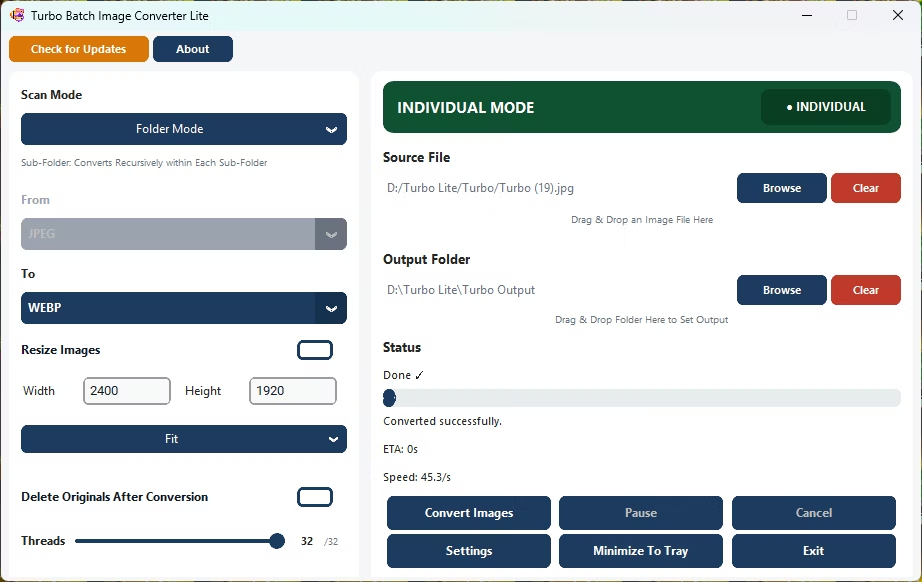
Turbo Batch Image Converter Lite uses a multi-threaded engine that scales up to 32 parallel workers, converting batches quickly entirely on your local CPU, with a live dashboard showing real-time conversion speed.
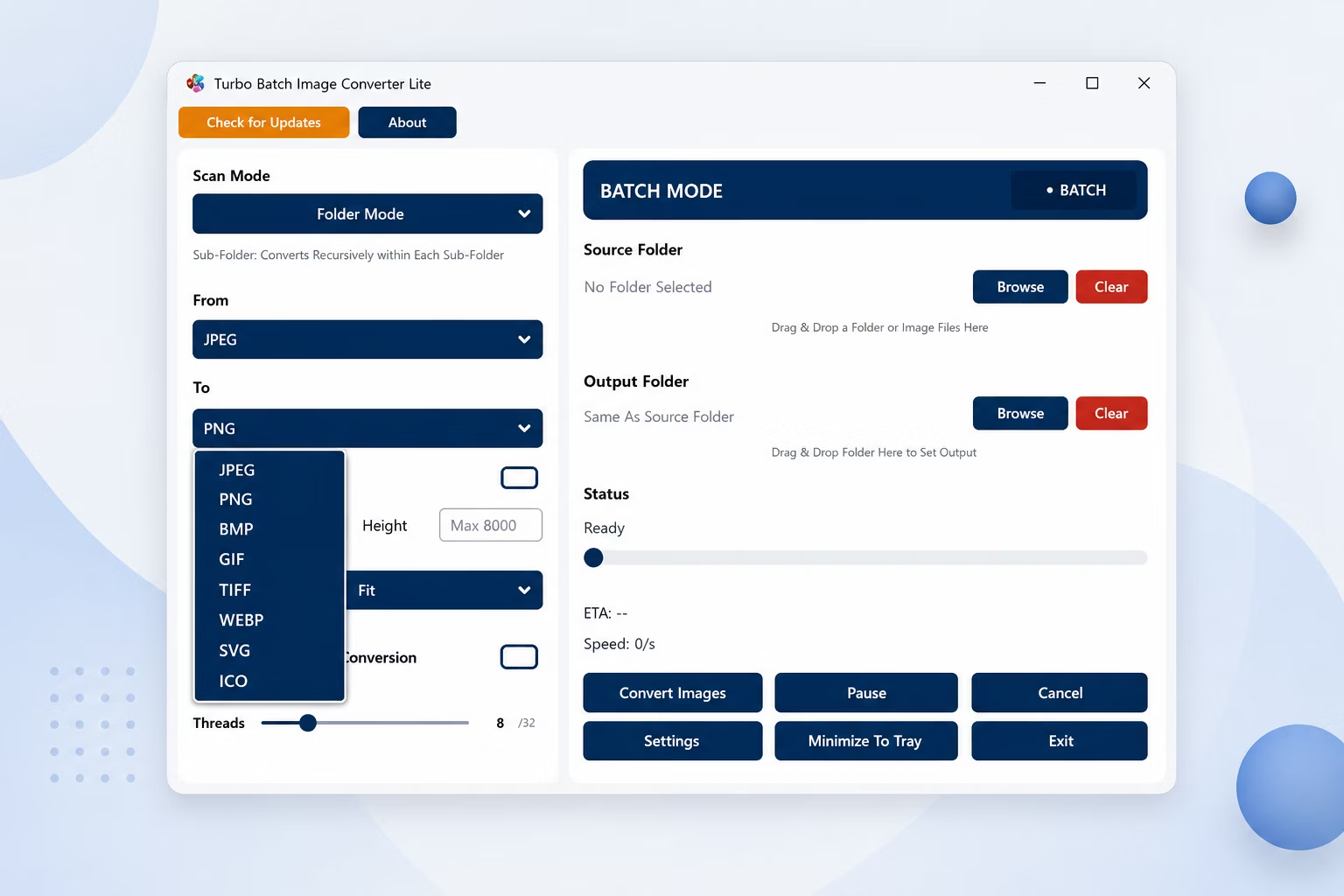
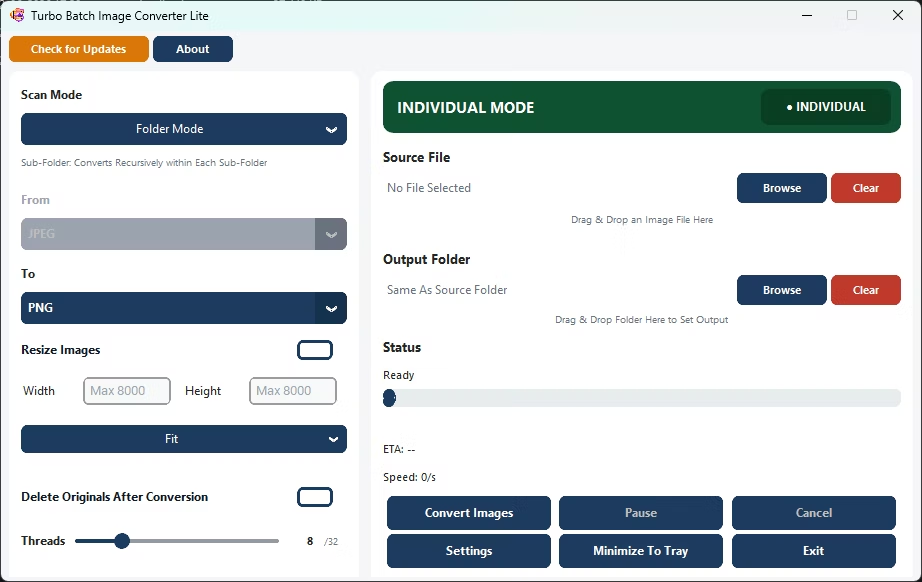
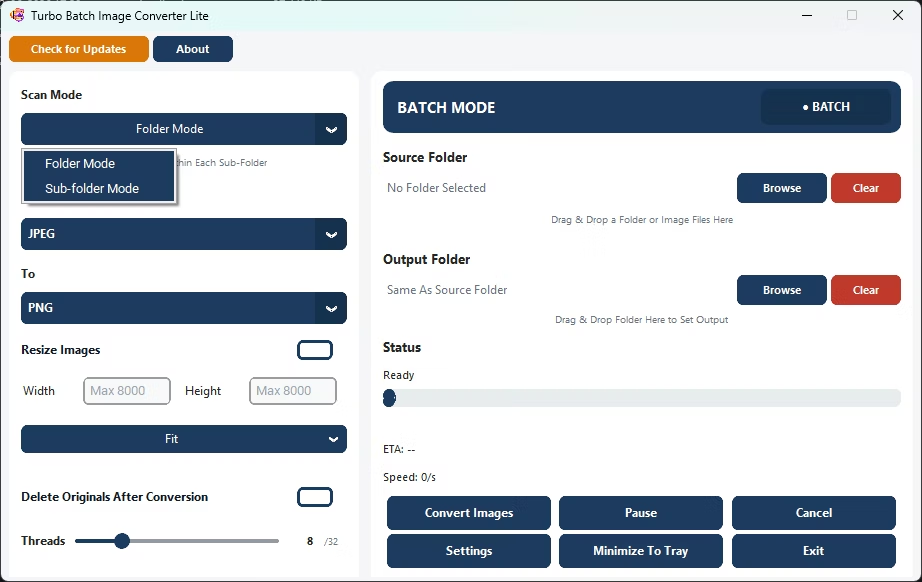
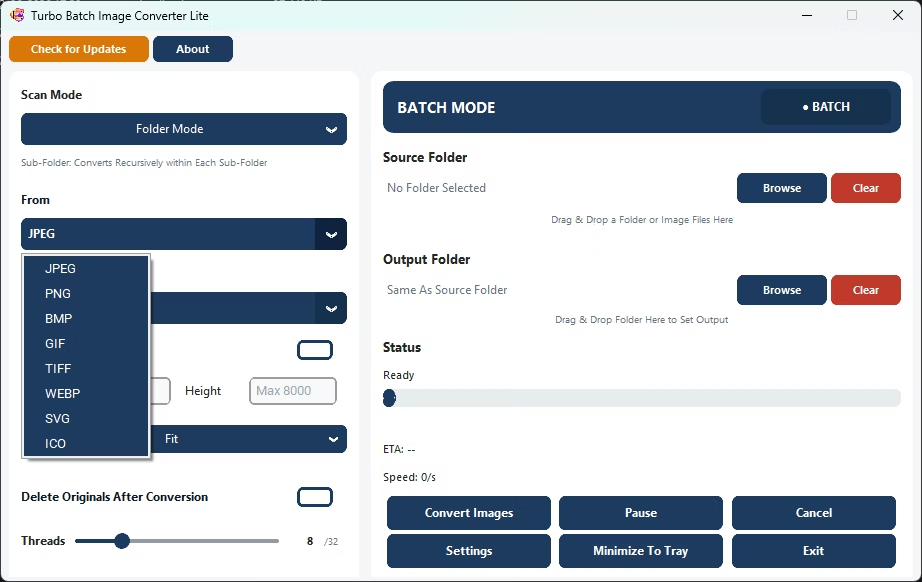
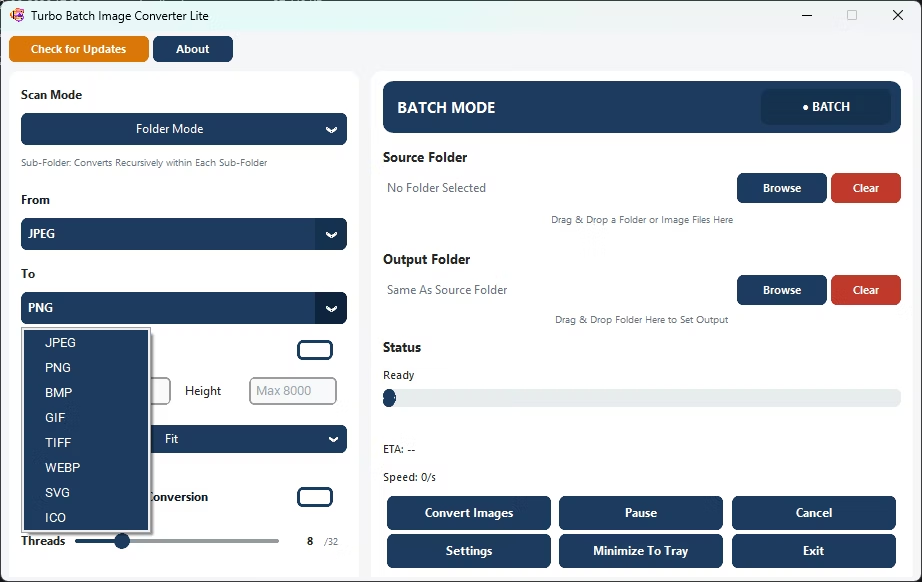
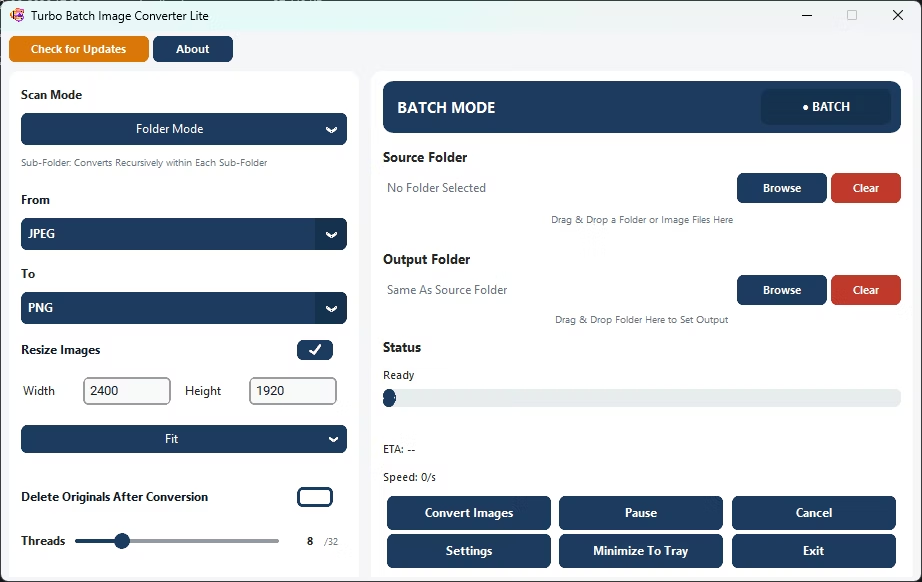
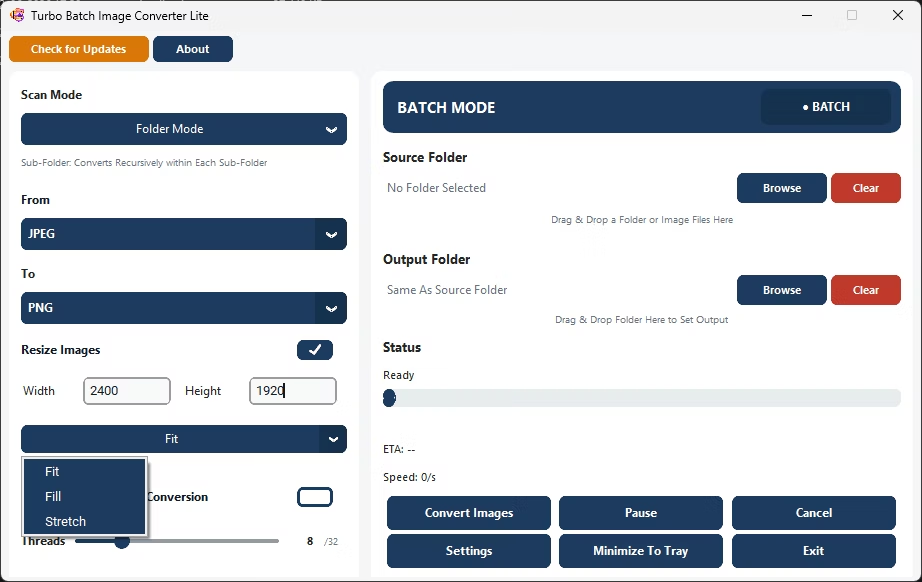
- Install Turbo Batch Image Converter Lite on your Windows PC.
- Open Batch Mode and select your image folder.
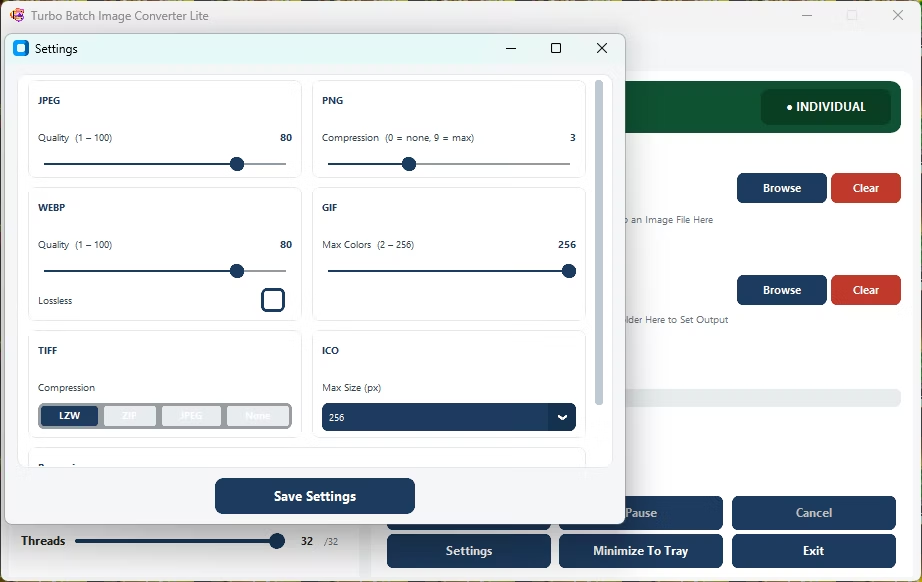
- Increase the worker count under Settings, up to 32 parallel workers.
- Choose your target format and quality settings.
- Click Convert and watch the live speed and progress dashboard.
- Review the completion pop-up once the batch finishes.
- Multi-core engine scales up to 32 parallel workers
- Live dashboard reports real-time conversion speed
- No upload bottleneck, since everything runs locally
- Small, lightweight app that stays fast even on modest hardware
- Runs fully offline on your own Windows PC
What makes this converter fast?
A multi-threaded engine processes many images in parallel across your CPU cores, rather than converting one file at a time.
Can I see how fast a batch is converting?
Yes, a live dashboard shows conversion speed, progress, and estimated time remaining during a run.
Does this run well on lower-end PCs?
Since it's a lightweight app focused on everyday formats, it tends to run comfortably even on more modest hardware.
Ready to convert your images quickly, fully offline?