A supplier price list or product catalog delivered as an Excel workbook often has product photos embedded directly alongside each item, which is convenient for browsing inside the sheet but useless the moment you need those photos as separate files for your own catalog, website, or marketplace listing.
Turbo Excel Image Extractor and Inserter extracts product images in bulk, reading every embedded photo in a supplier's workbook, or an entire folder of them, filtered by sheet, row, column, or minimum size, and writing each one out as a standard file with a naming pattern tied to your product data, such as SKU or product code.
A CSV manifest documents which row, and therefore which product, each extracted image came from, making it straightforward to match extracted photos back to your own product records afterward. Deduplication catches repeated images across a large catalog, and format conversion can prepare images for your specific website or platform requirements during the same pass.
Processing runs on a multi-threaded engine, handling large product catalogs efficiently regardless of how many items or workbooks are involved, with a live progress bar and activity log tracking a large extraction job in real time. Everything happens locally, keeping supplier or proprietary product images private during processing.
Beyond the core workflow built for excel Product Image Extractor, Turbo Excel Image Extractor and Inserter includes the full toolkit found throughout the application: content-hash deduplication that compares actual pixel data rather than filenames, per-format quality and compression controls, folder organization on output, and a license activation system tied to a single one-time purchase. Any of these can be combined with the workflow described above, so a job that starts simple can grow into a fully configured pipeline without switching tools.
The application itself is a one-time purchase for Windows, with no subscription and no watermarks added to extracted or inserted images, and no data ever leaving your PC during a run. Every extraction can be documented with a CSV manifest recording the source file, sheet, row, column, cell reference, saved filename, and pixel dimensions for each image, and every insertion job can be paused, resumed, or cancelled, giving you full control over even a very large batch.
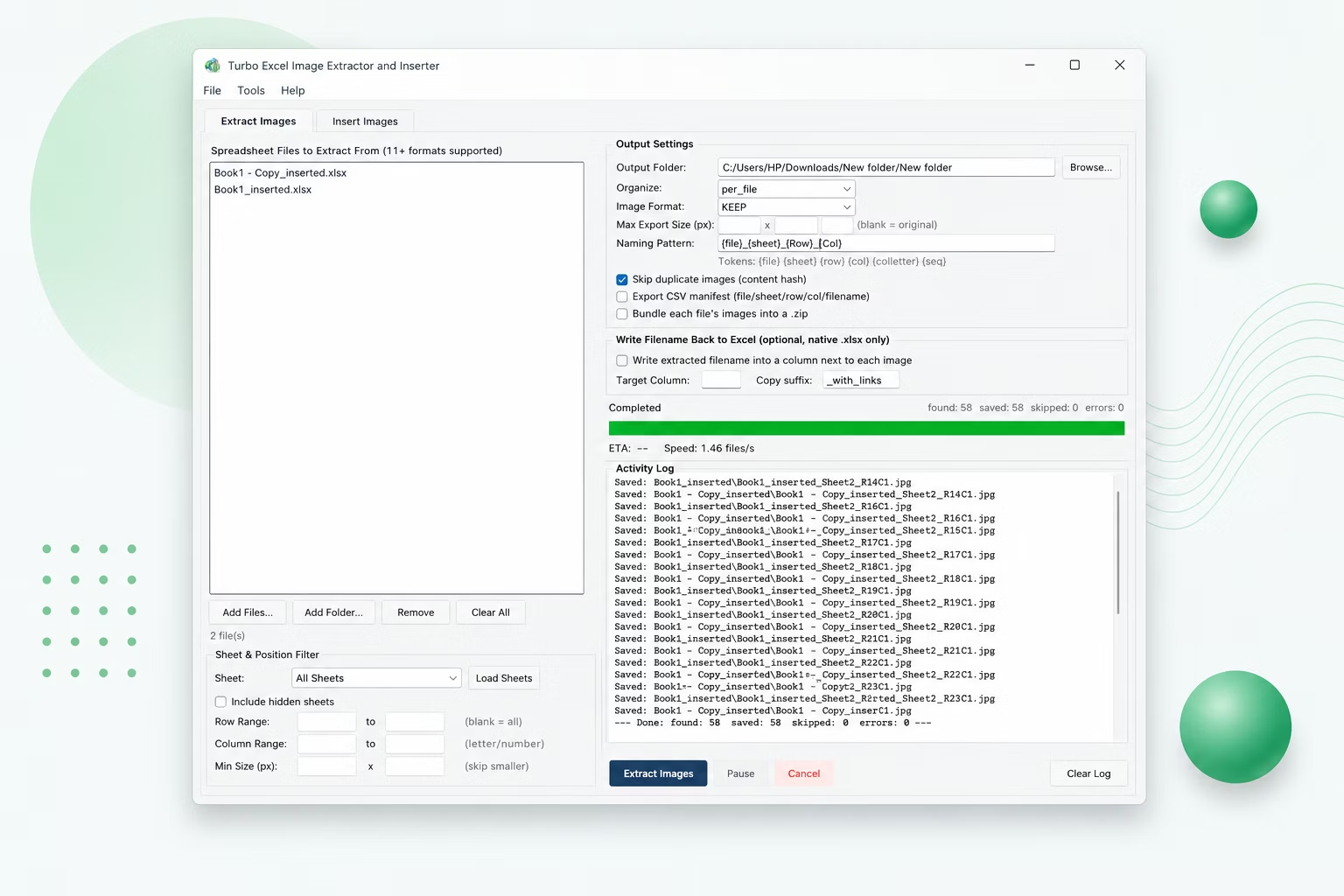
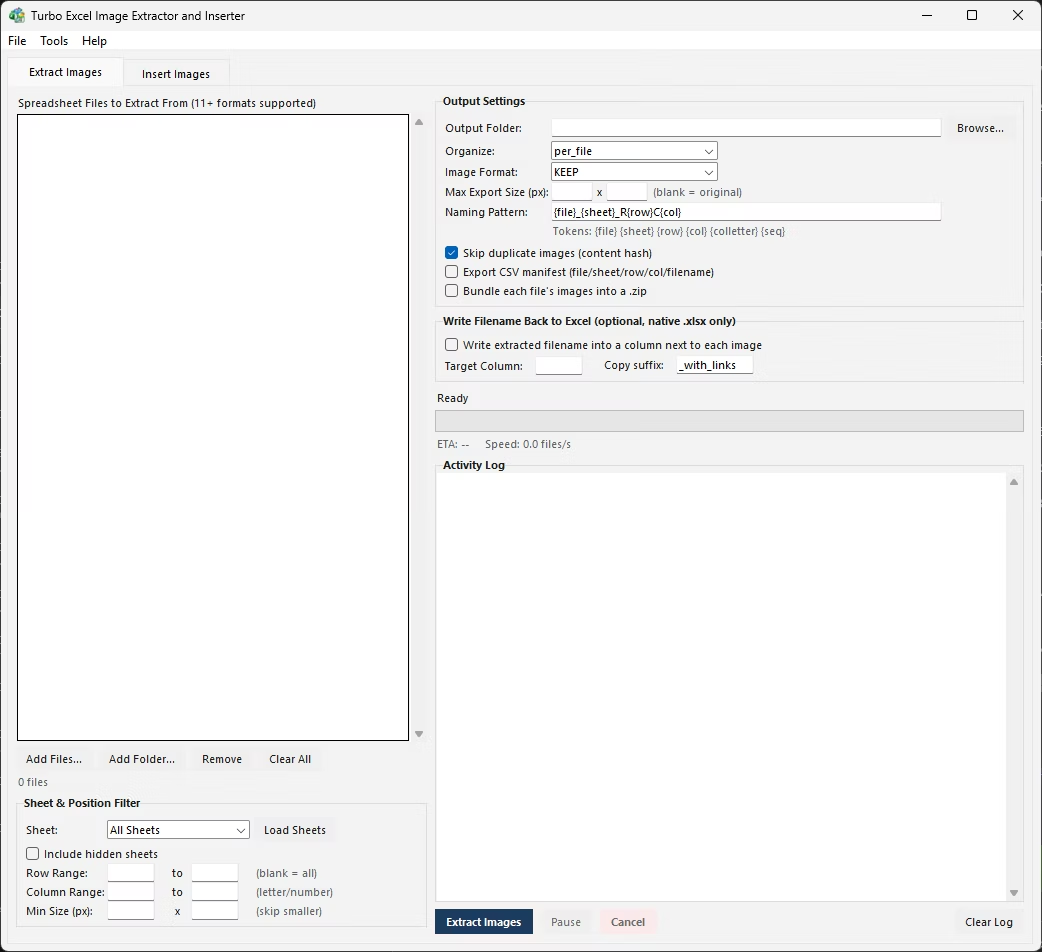
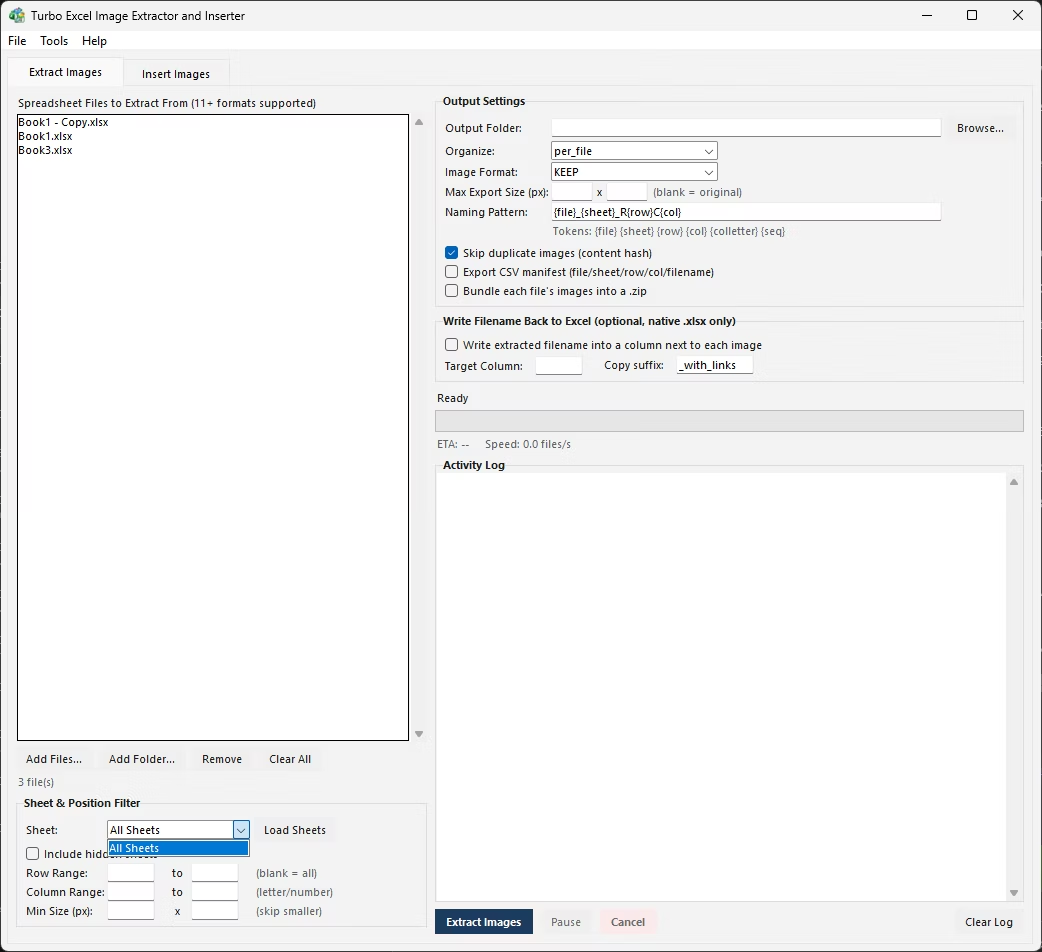
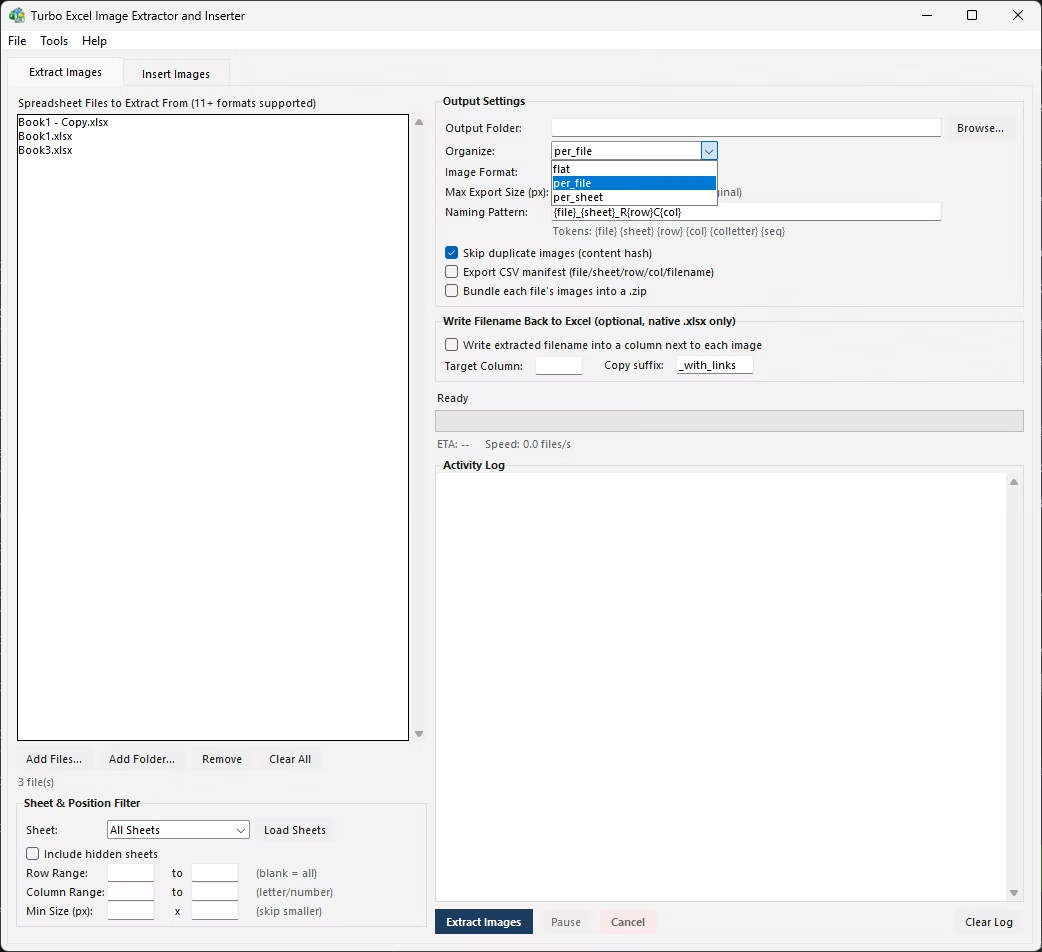
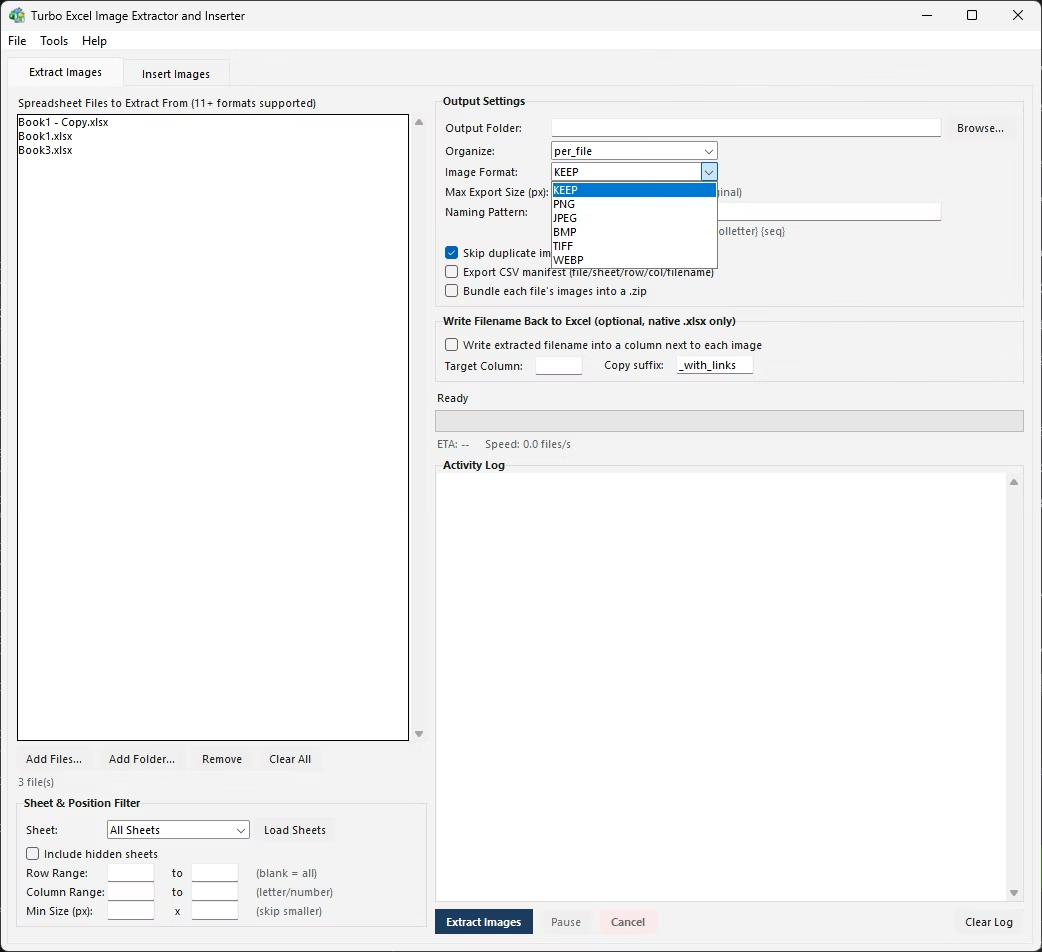
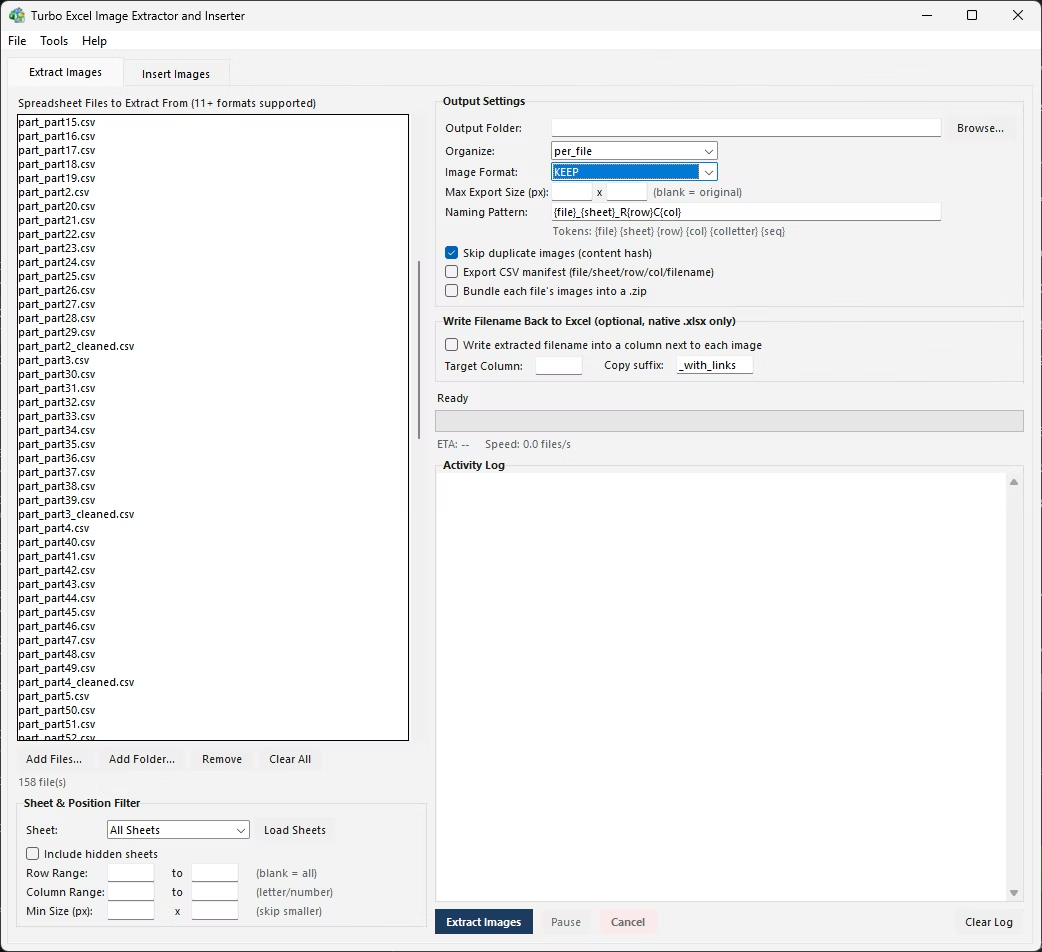
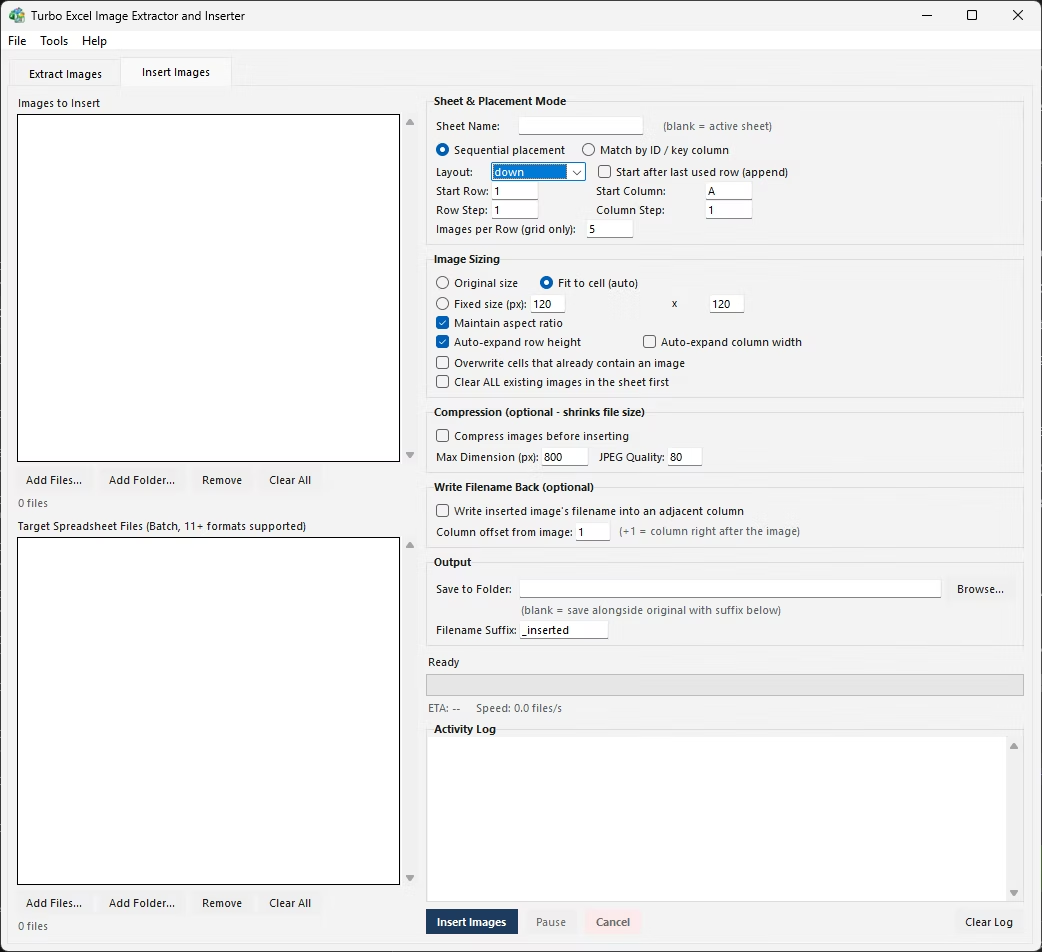
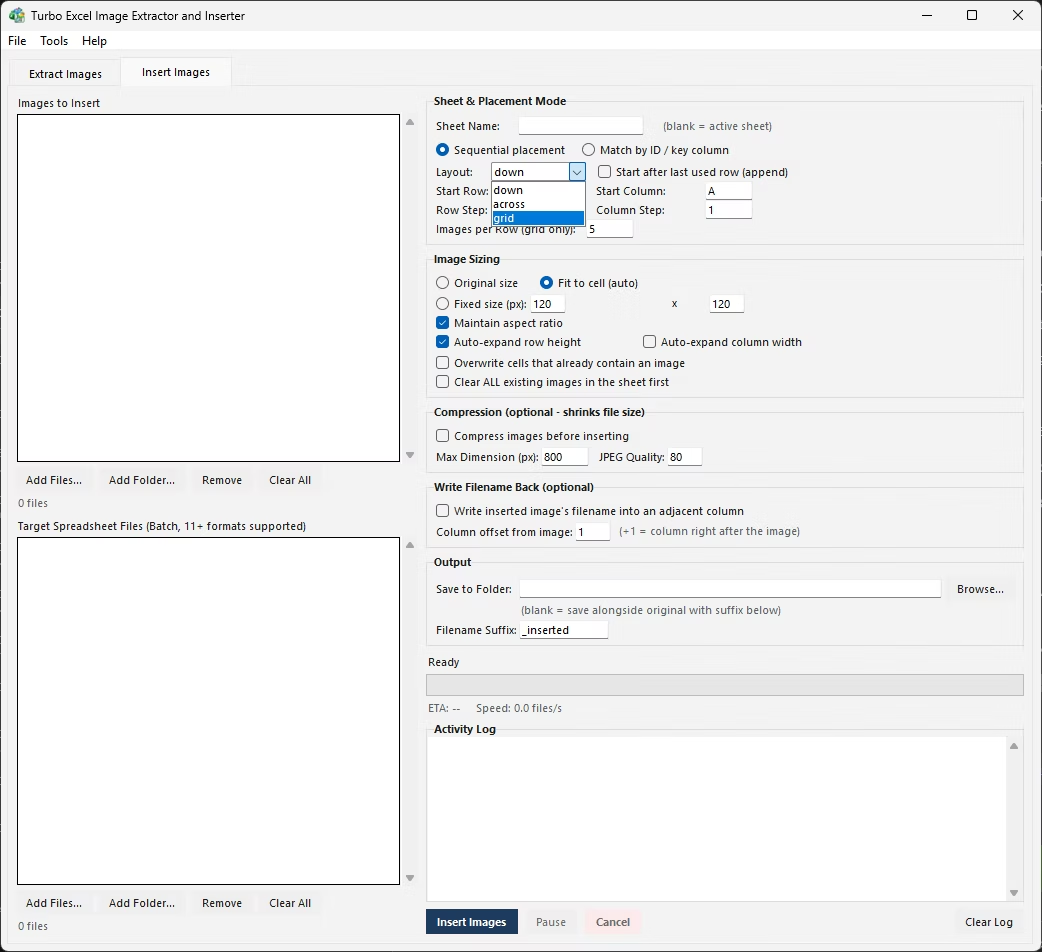
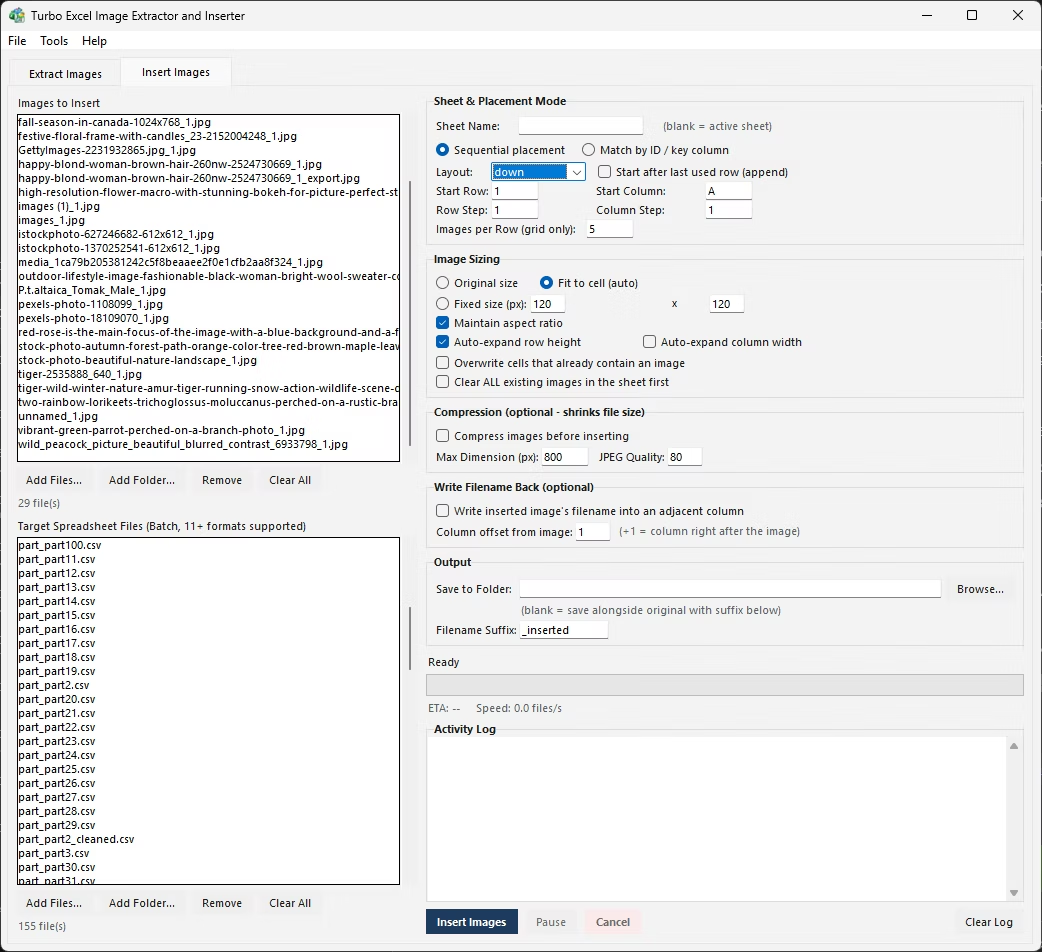
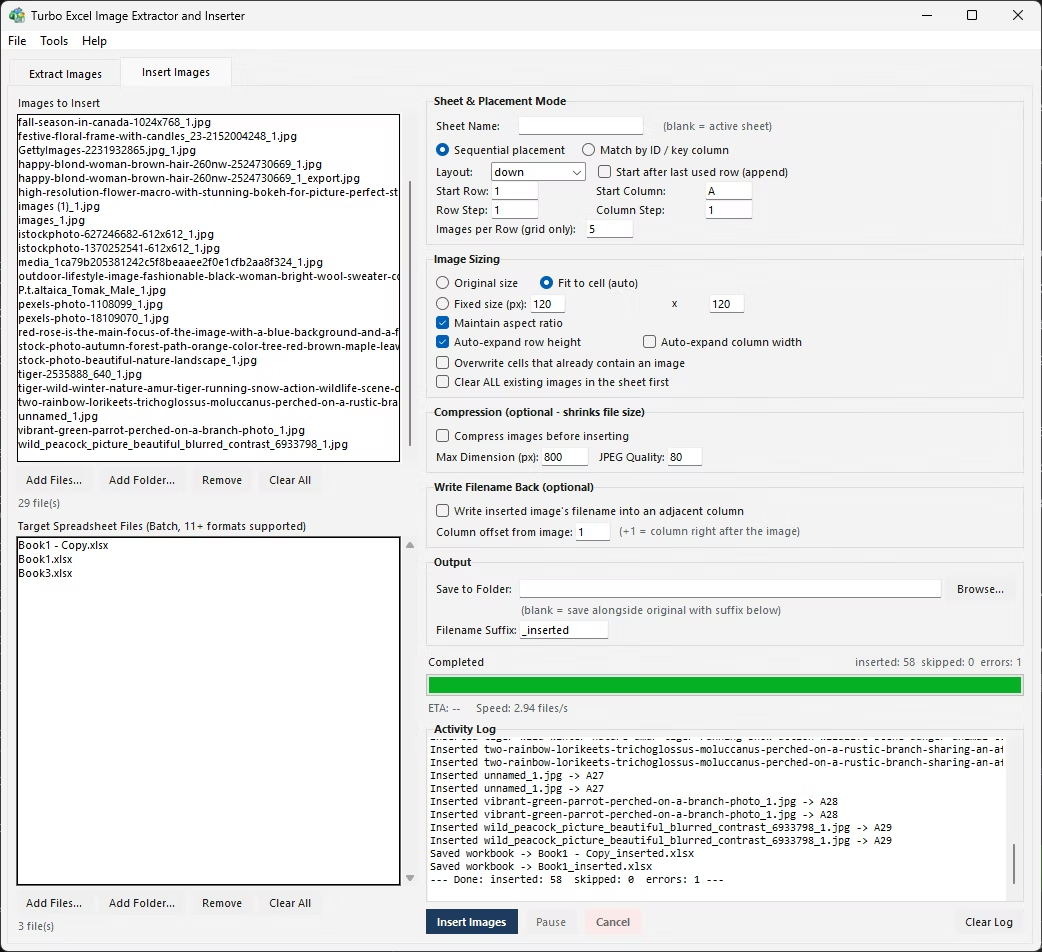
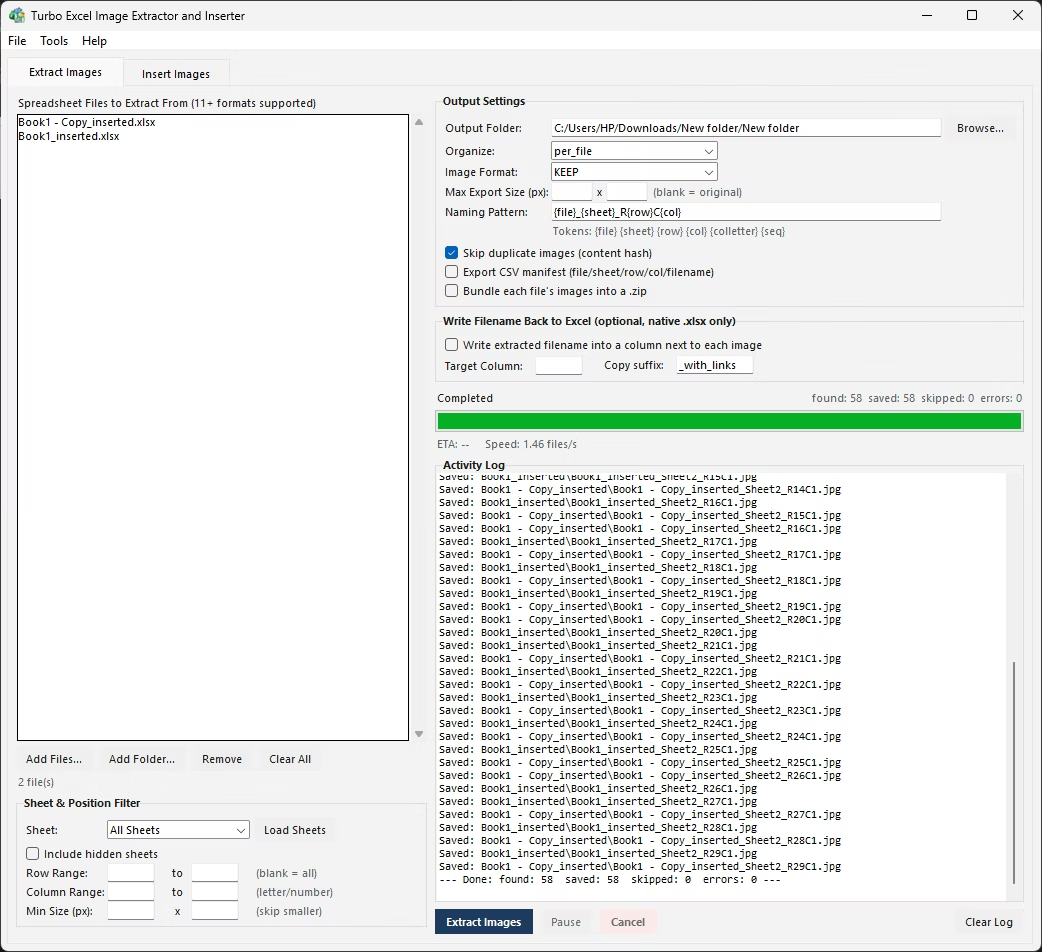
- Install Turbo Excel Image Extractor and Inserter on your Windows PC.
- Open the Extract Images tab.
- Add the supplier workbook or workbooks with product photos.
- Set filters and a naming pattern tied to your product identifiers.
- Choose your output format for your catalog or website needs.
- Enable deduplication if products may repeat across files.
- Click Start and monitor the live progress.
- Collect your product images and CSV manifest, ready for your catalog.
- Double-check the activity log for any files or images that need a second look.
- Repeat the process on additional workbooks or folders as your workflow requires.
- Extracts product photos from supplier or catalog workbooks
- Naming patterns tied to SKU or product code identifiers
- CSV manifest matches extracted images back to product rows
- Format conversion prepares images for website or platform use
- Deduplication catches repeated product photos
- Multi-threaded engine handles large catalogs efficiently
- Runs fully offline, keeping supplier images private
- One-time purchase for Windows, with no subscription or watermarks
- Content-hash deduplication compares actual pixel data, not just filenames
- Works with files on local drives, external drives, and network shares
Can extracted images be named after the product SKU automatically?
Yes, a naming pattern can be defined to incorporate a product identifier, such as SKU, taken from the row each image came from.
How do I match extracted photos back to my own product catalog?
The CSV manifest documents which row, and by extension which product, each extracted image originated from, making the matching process straightforward.
Can this handle a supplier catalog with thousands of product photos?
Yes, the multi-threaded engine is built to process large catalogs efficiently, whether that's one large workbook or many smaller ones.
Can extracted images be converted to a format suitable for my website?
Yes, format conversion happens during extraction, so images can come out ready for whatever platform you're using.
Does this work on both Windows 10 and Windows 11?
Yes, Turbo Excel Image Extractor and Inserter is built and tested for both Windows 10 and Windows 11.
Is my data safe when using this tool?
Yes, all processing happens locally on your PC; no workbooks or images are ever uploaded, so proprietary or sensitive content stays fully under your control.
Can I cancel a job partway through if I need to?
Yes, both extraction and insertion jobs support pausing, resuming, and cancelling at any point during processing.
Can I use this on files stored on an external or network drive?
Yes, workbooks and image folders on local drives, external drives, or mapped network shares all work the same as any local folder.
Is there a trial version available before buying?
Check the product page on turbo-soft.com for current trial availability and details.
Ready to extract product images from your Excel catalog, fully offline and in bulk?