DNG is Adobe's open, camera-agnostic RAW format, used across cameras that shoot DNG natively, and as a common RAW archive format from Adobe's converters, storing unprocessed sensor data with full editing flexibility for exposure, white balance, and color correction. DNG files can't be viewed directly in browsers, photo viewers, or social platforms, since they need to be demosaiced before they're even a viewable image.
Turbo Batch Image Converter Pro batch converts an entire folder of DNG files into JPG, PNG, TIFF, or any other supported format in one pass, which is the standard step once a Adobe shoot has been edited and is ready to share, upload, or print.
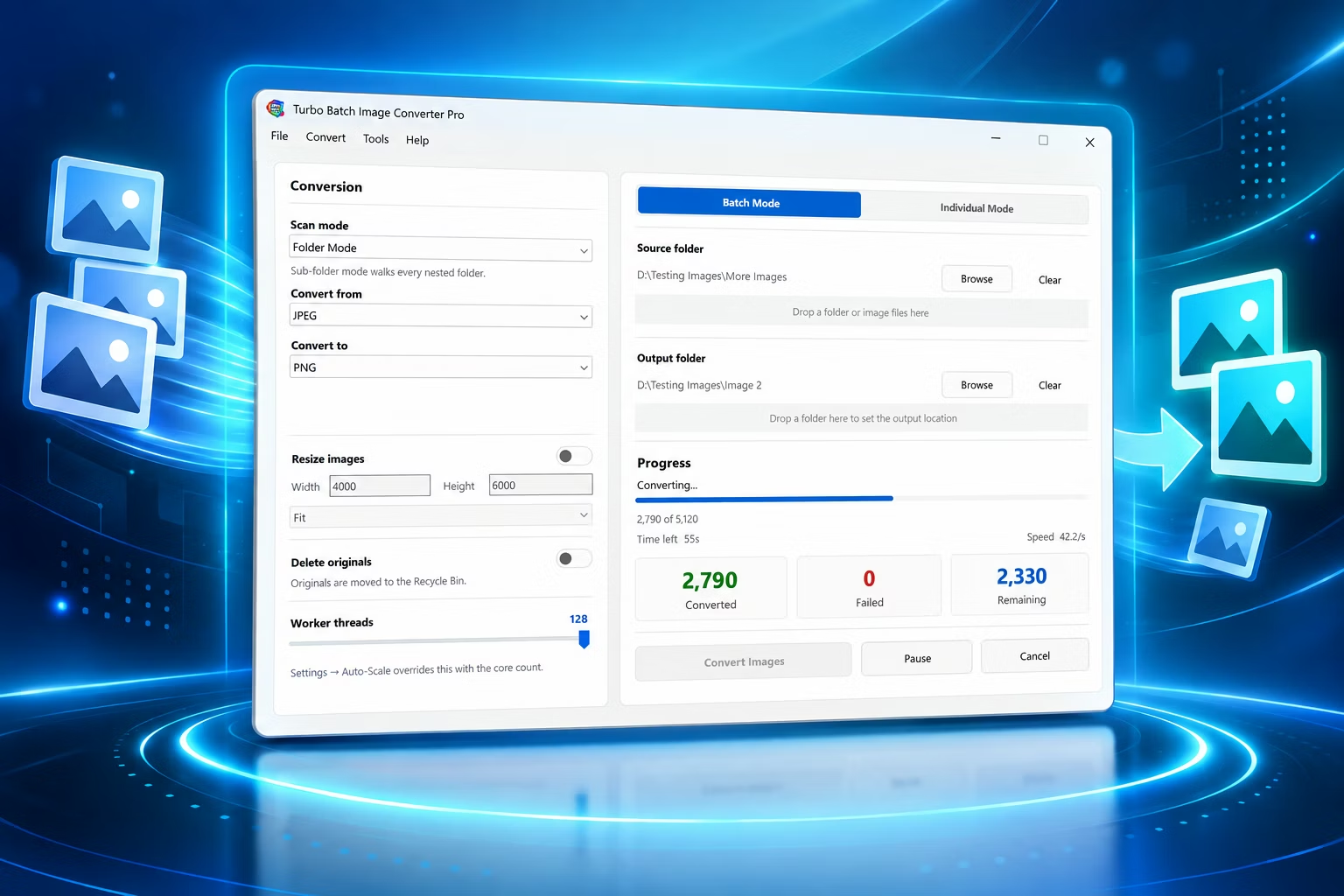
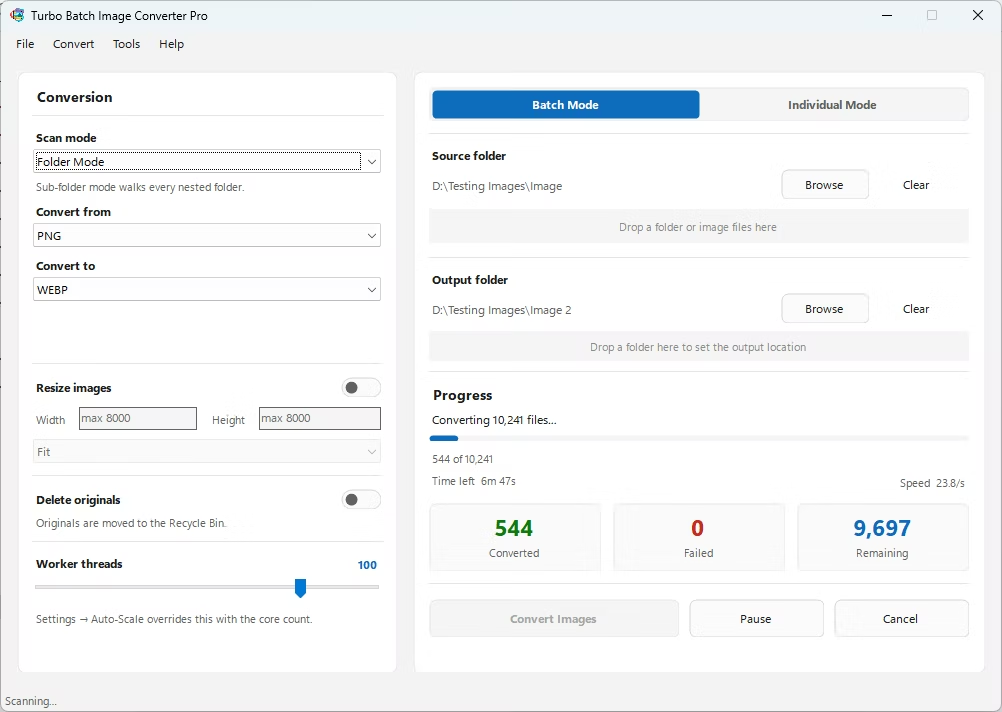
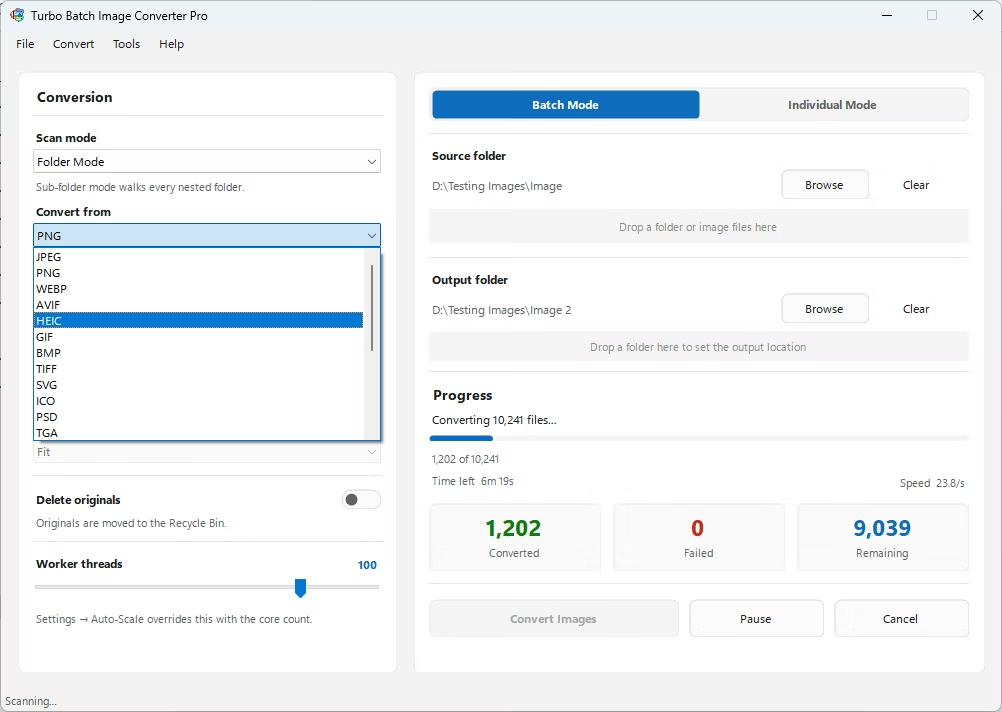
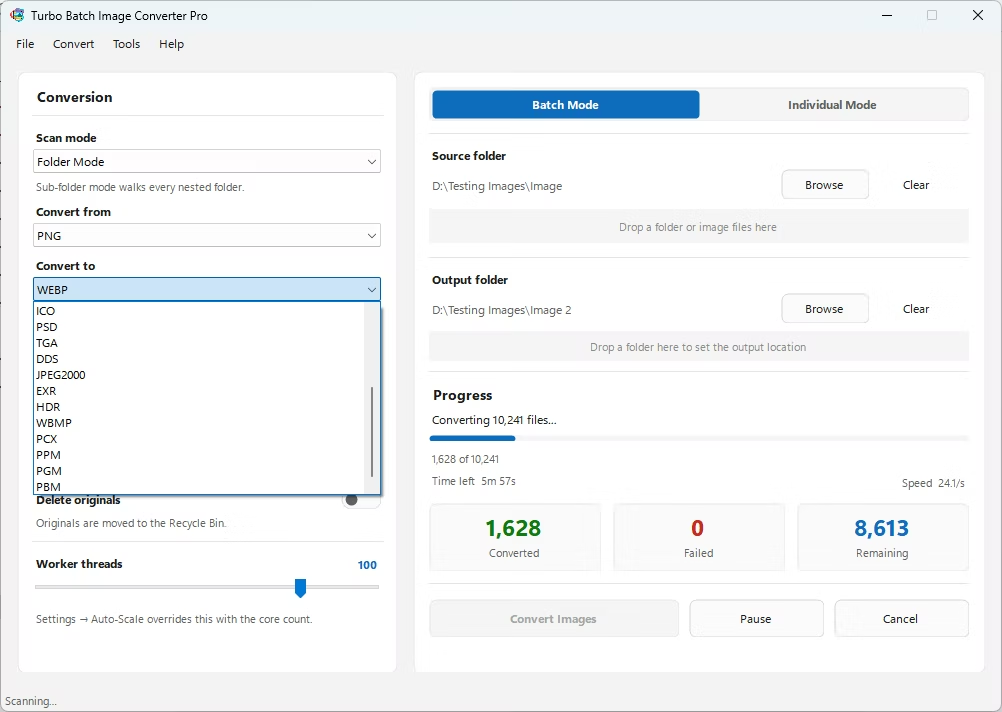
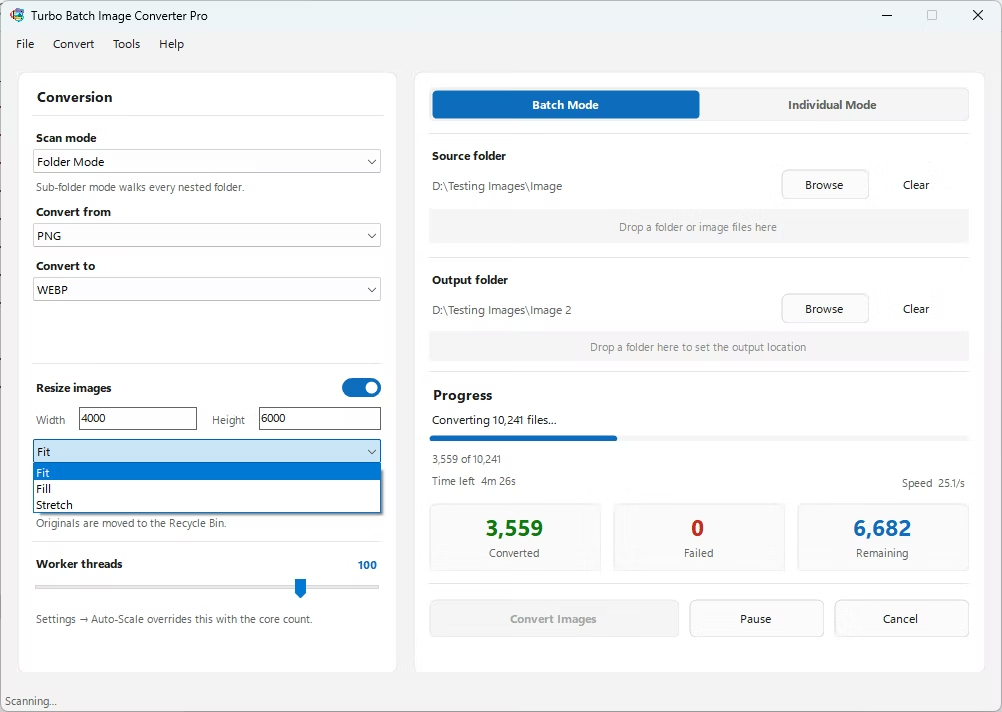
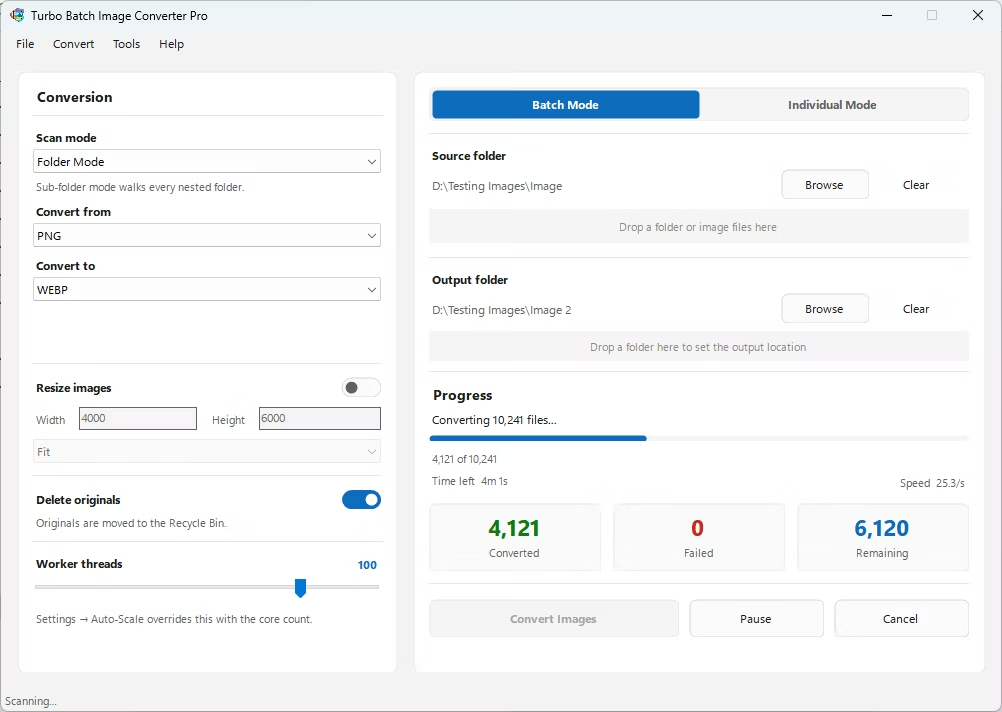
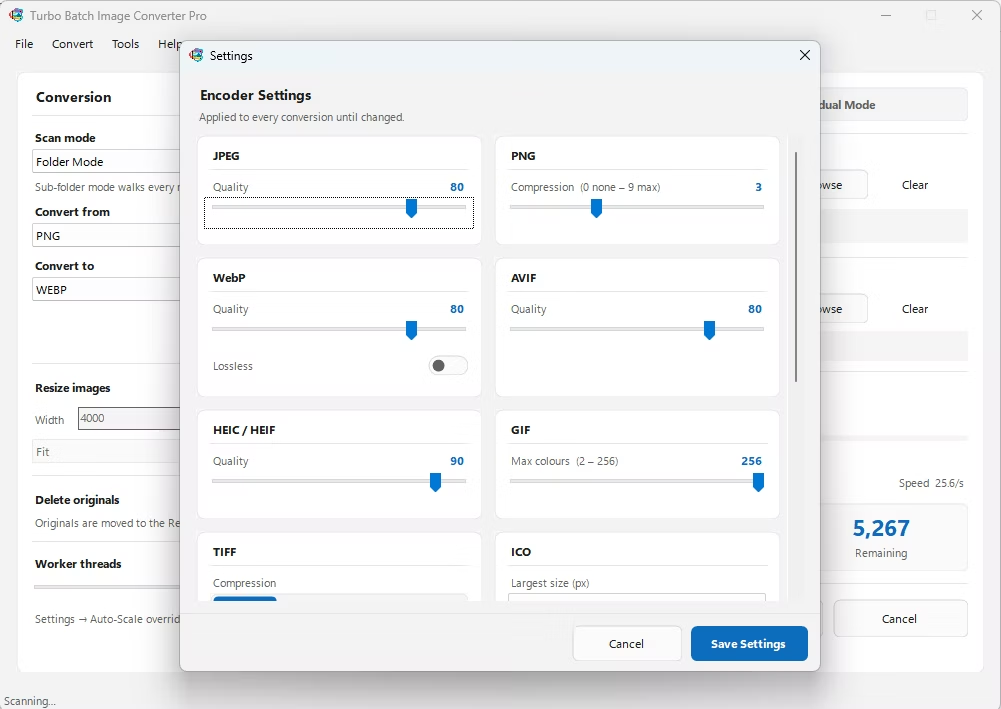
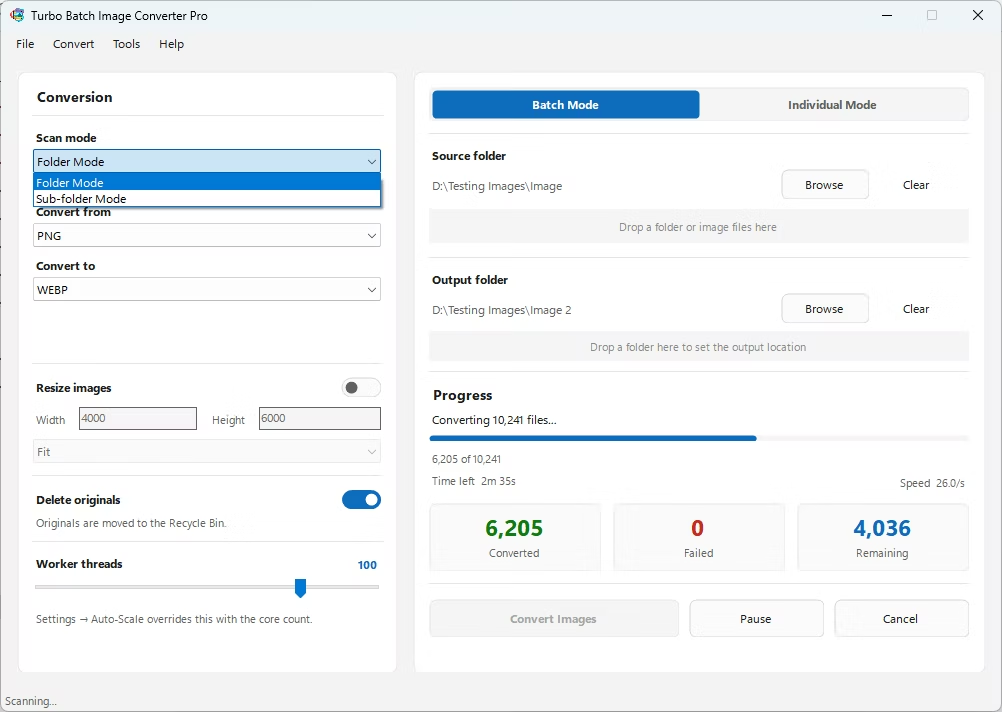
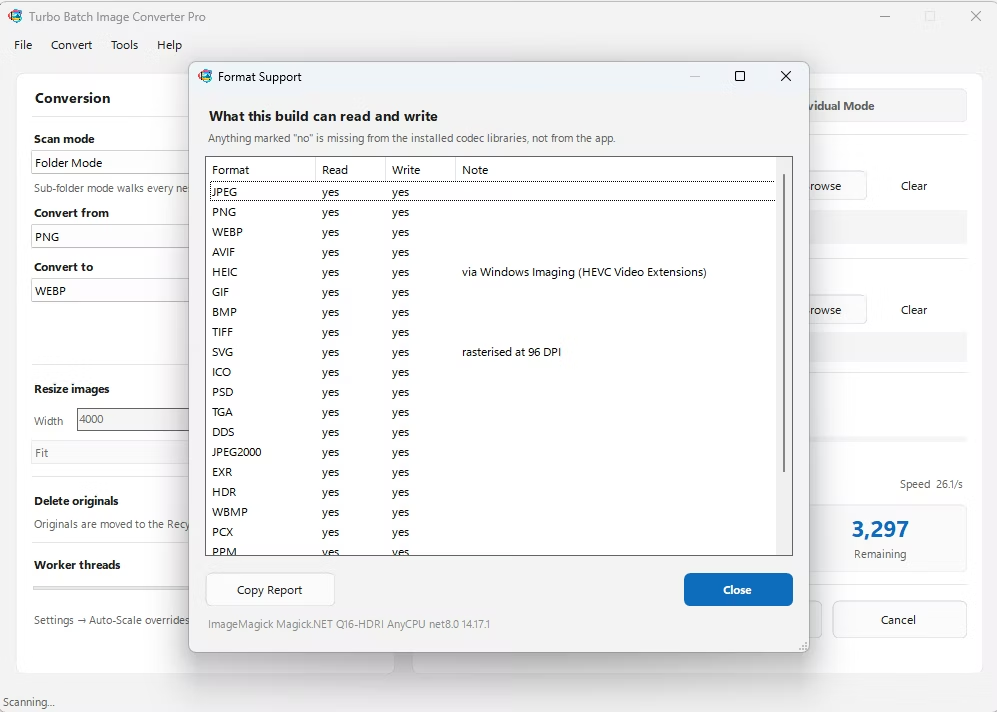
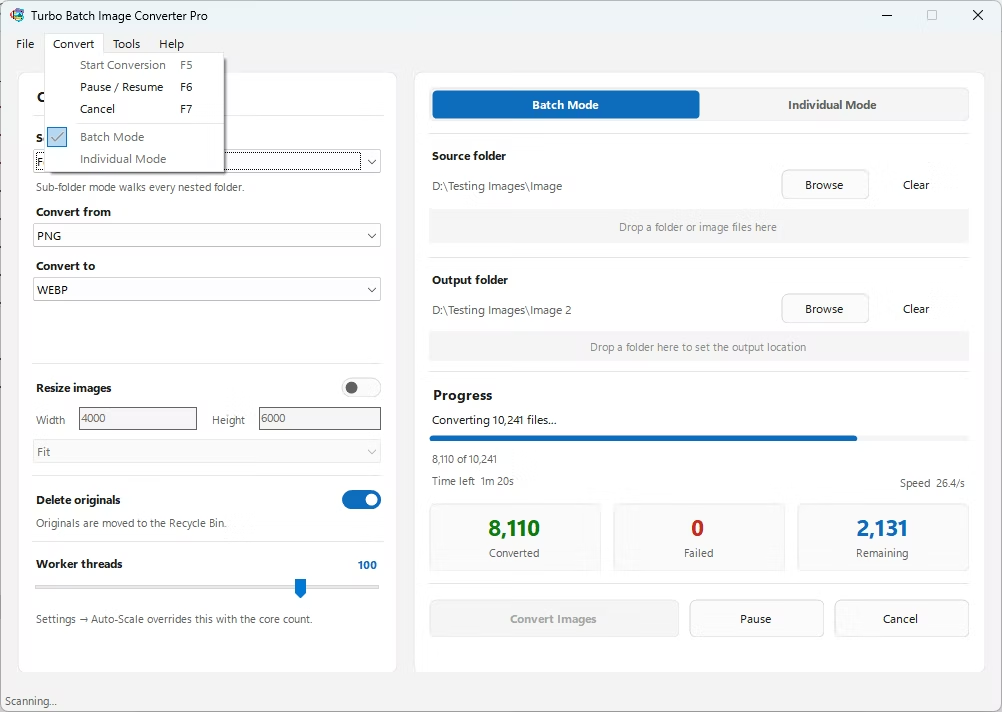
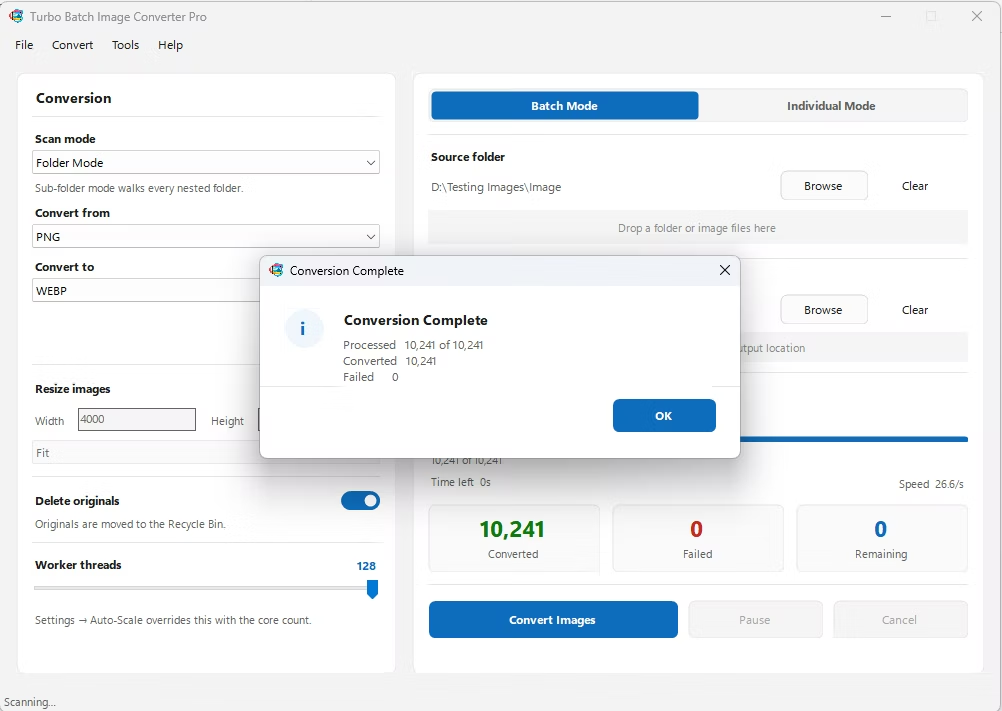
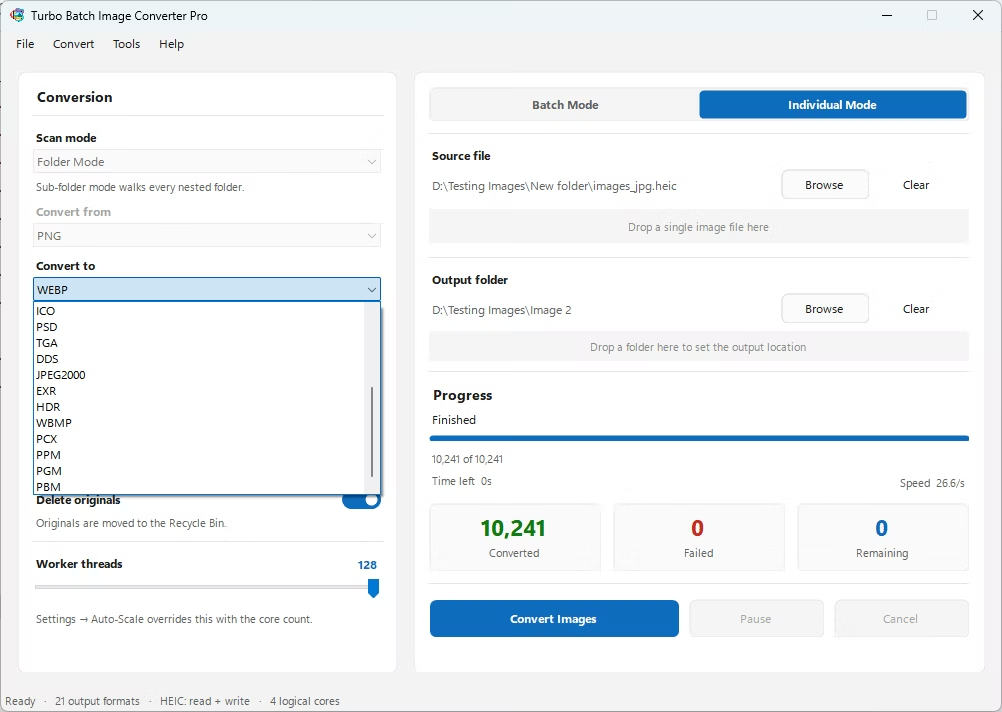
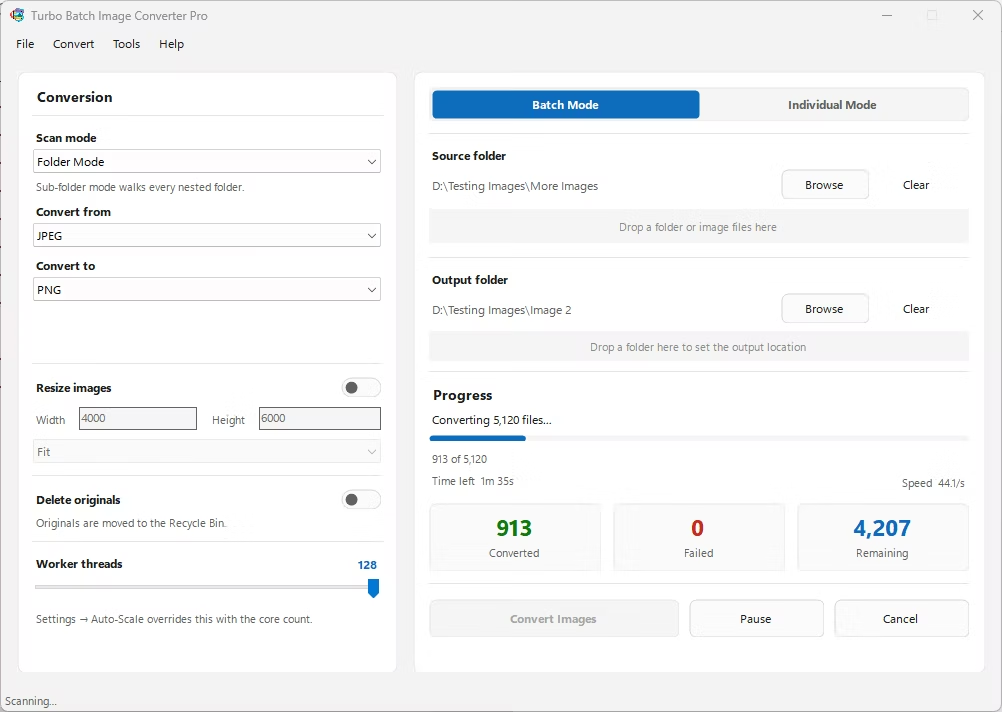
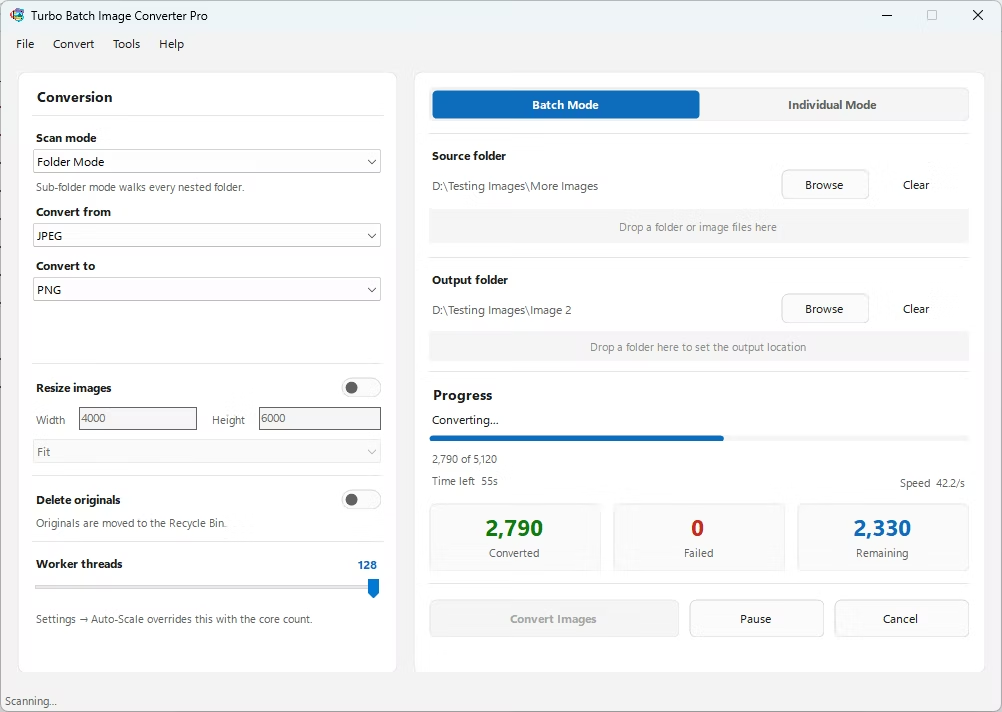
- Install Turbo Batch Image Converter Pro on your Windows PC.
- Open the app and select Batch Mode for an entire shoot, or Individual Mode for a single DNG file.
- Drag your DNG files or folder into the app window, enabling recursive folder scanning if needed.
- Set the "From" format to DNG and the "To" format to JPG, PNG, or TIFF.
- Adjust the output quality slider to balance file size against image detail.
- Click Convert. Your output files are written to your output folder, fully offline.
- Native support for Adobe's DNG RAW format
- Bulk-convert an entire shoot's worth of files in one batch
- Adjustable output compression for sharing or client delivery
- Runs fully offline, keeping unreleased shoots private
- Multi-core processing scales up to 128 parallel workers
Does converting DNG affect my original files?
No, the converter reads your DNG files and writes new output files to your chosen output folder, leaving the original RAW files untouched.
Which cameras produce DNG files?
DNG is Adobe's open, camera-agnostic RAW format, found across cameras that shoot DNG natively, and as a common RAW archive format from Adobe's converters.
Can I convert an entire shoot of DNG files at once?
Yes, Batch Mode processes an entire folder of DNG files in one pass, including nested sub-folders if recursive scanning is enabled.
Ready to convert your RAW camera files offline, in bulk, with full privacy?