A True Desktop Image Converter
A browser tab isn't really a desktop application: it depends on your internet connection, often caps file sizes, and closes its work the moment the tab does. A genuine desktop image converter runs natively on your PC, independent of any browser or connection.
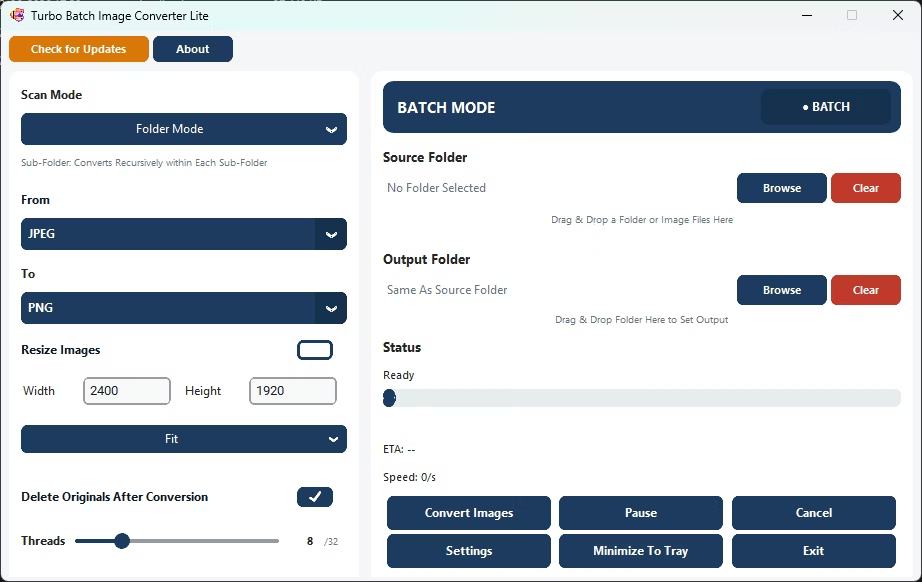
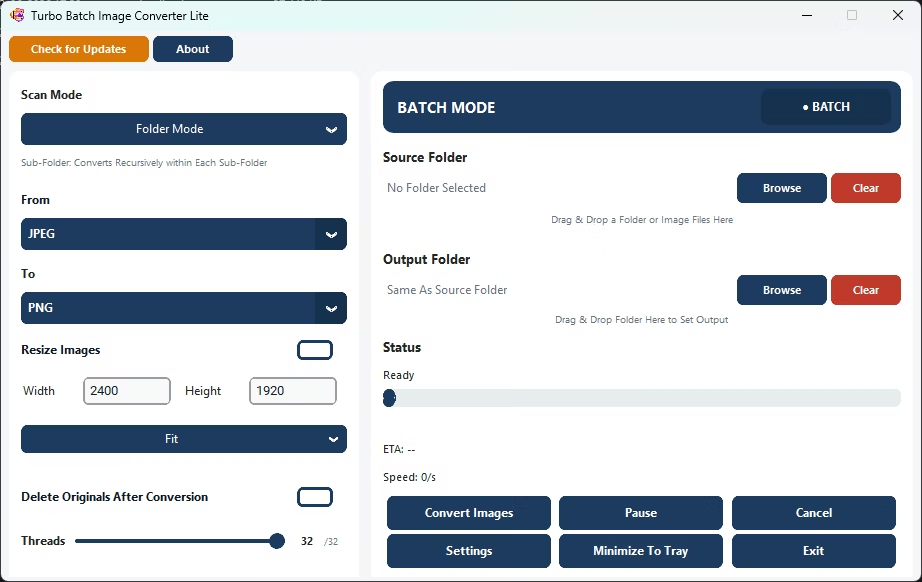
Turbo Batch Image Converter Lite is a native Windows desktop application that converts images entirely locally, with no browser, no uploads, and no dependency on your internet connection.
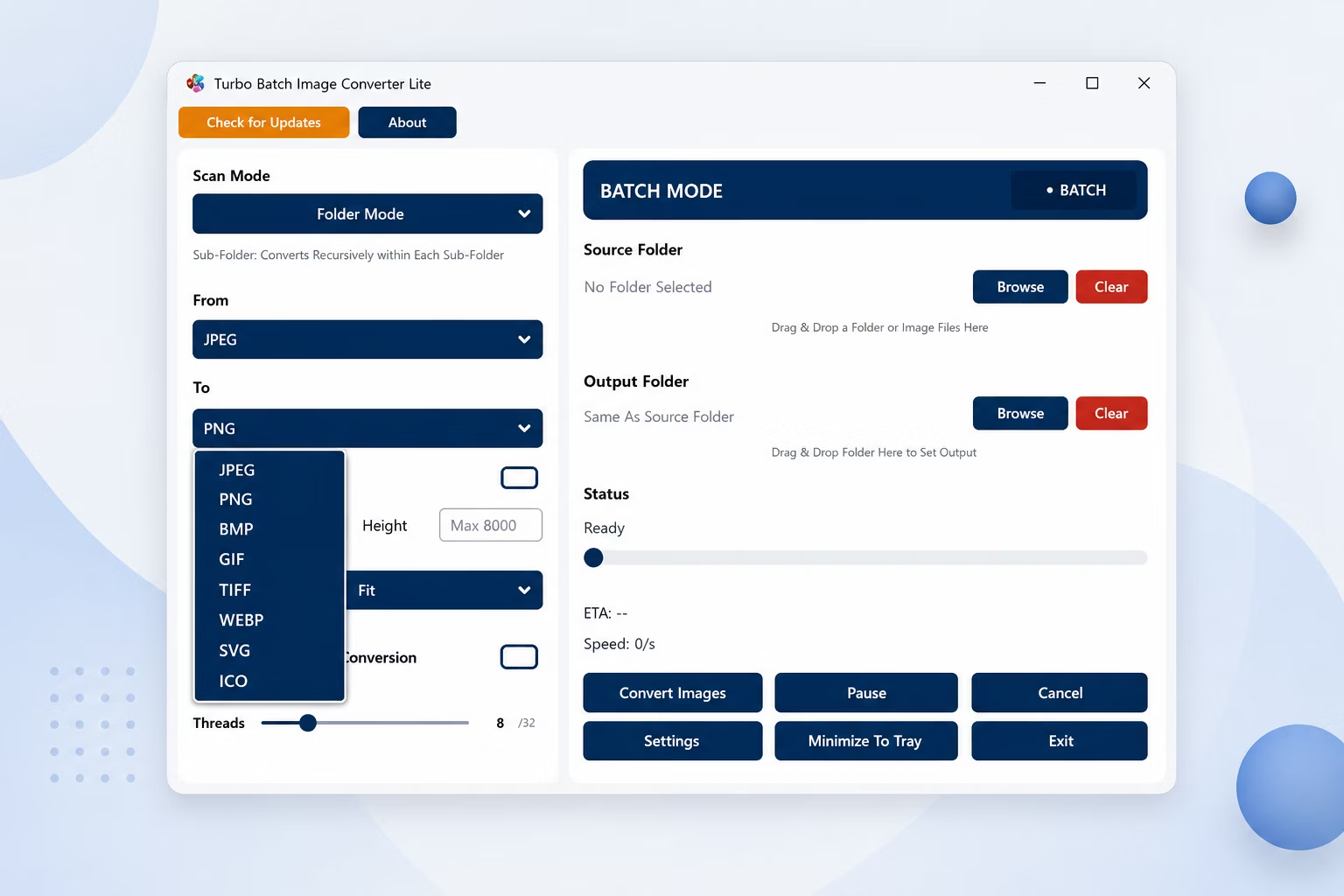
App Screenshots
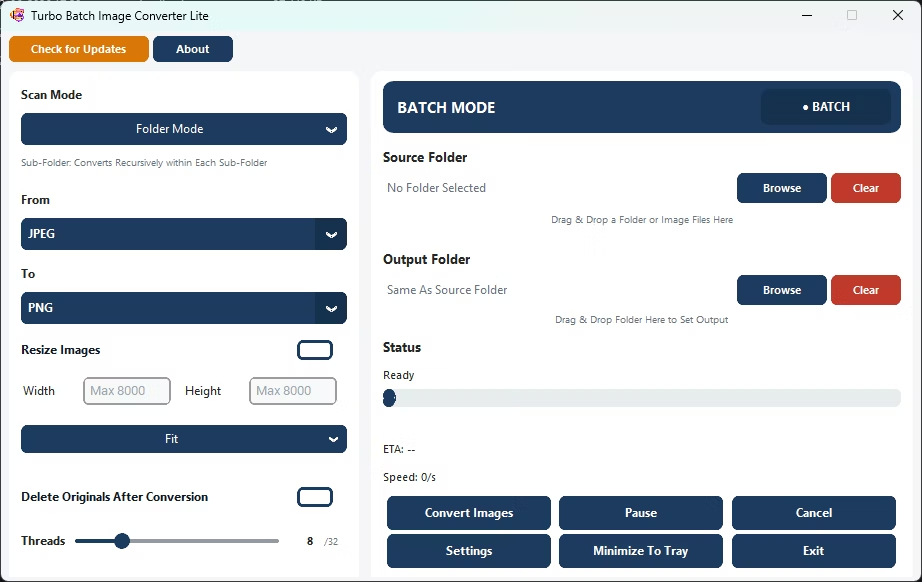
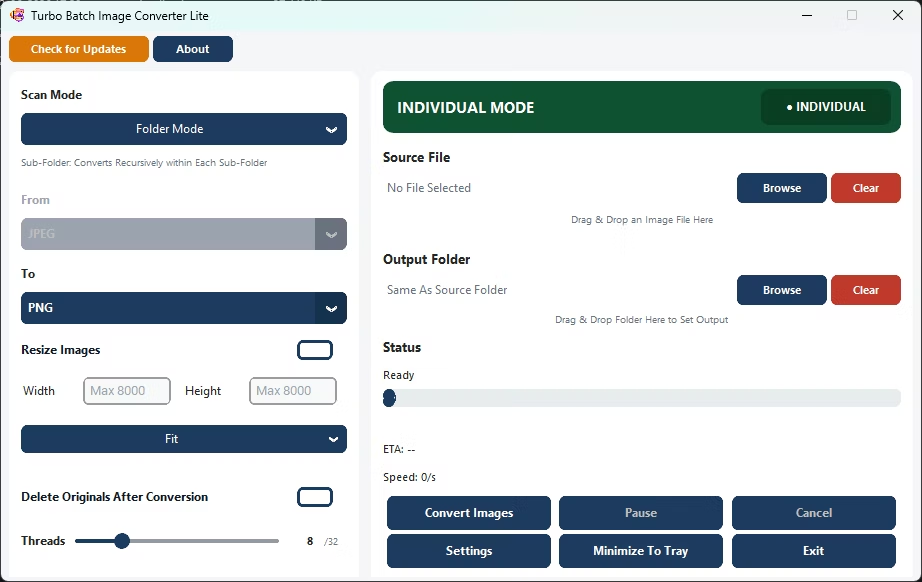
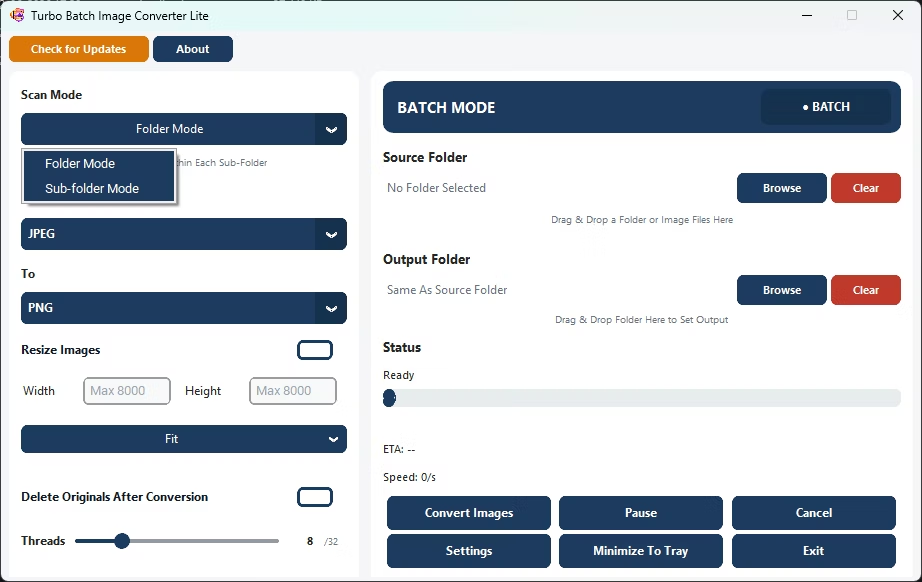
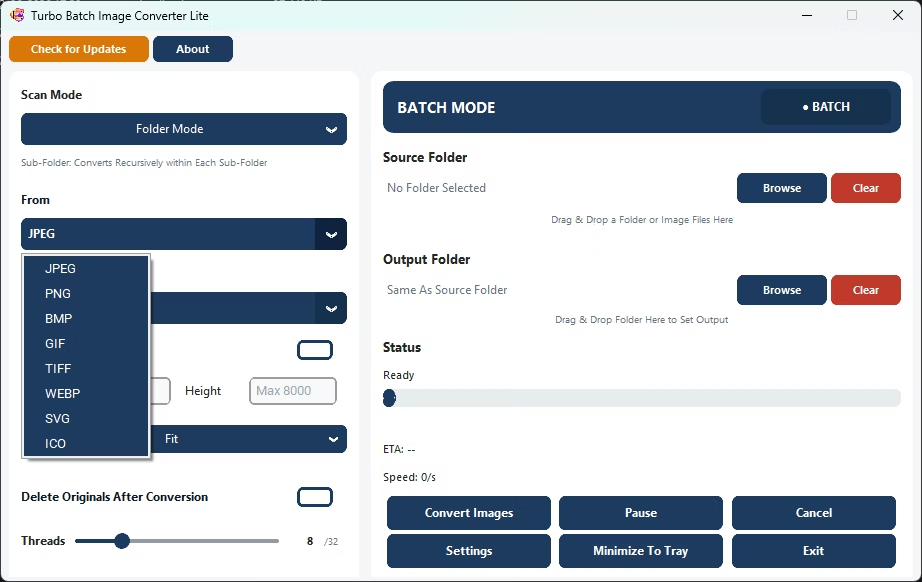
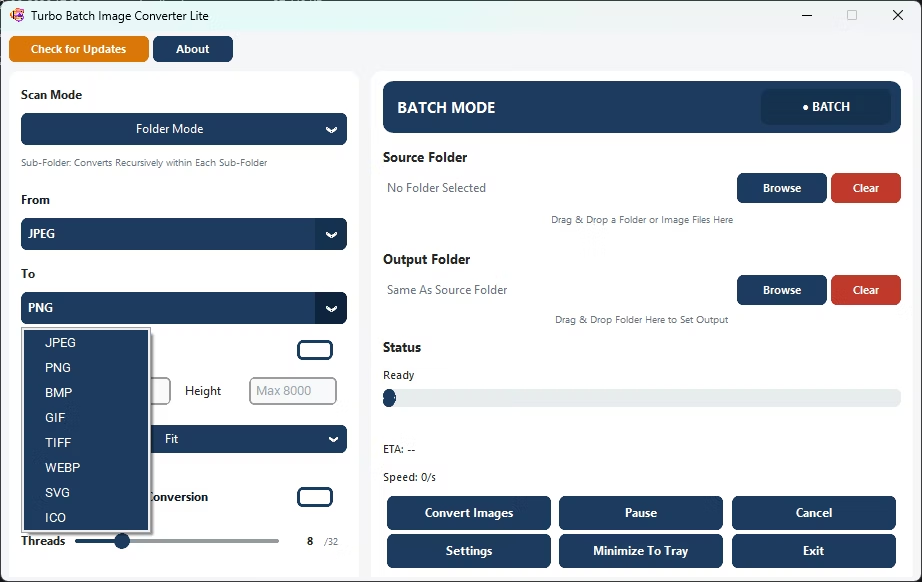
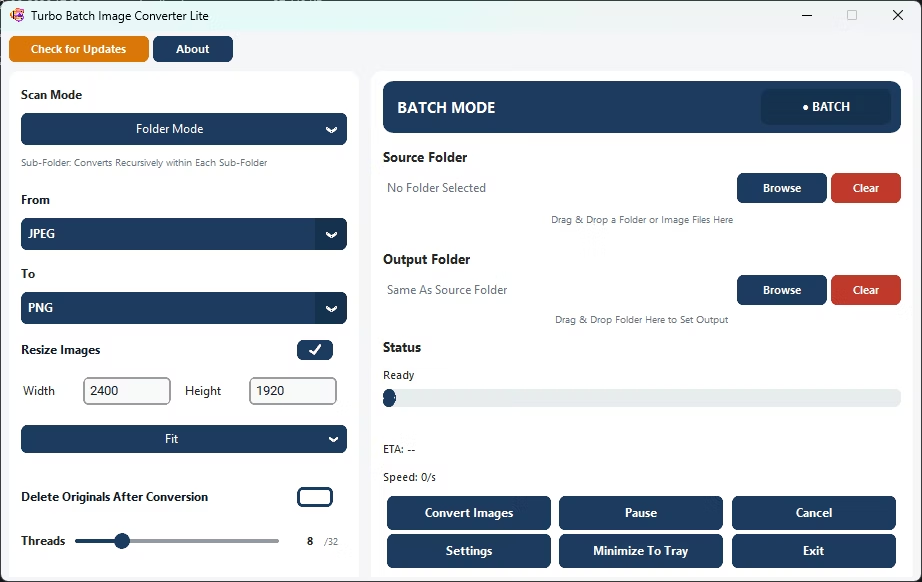
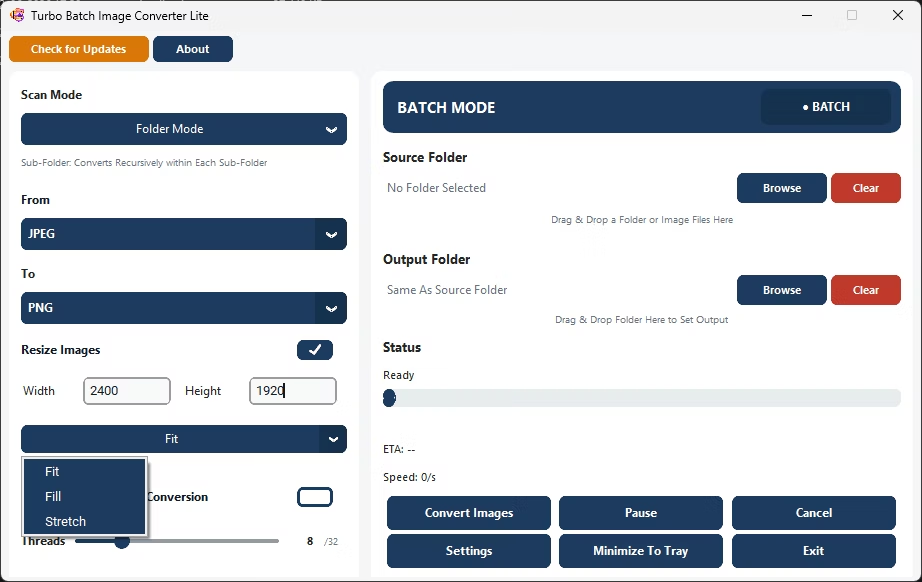
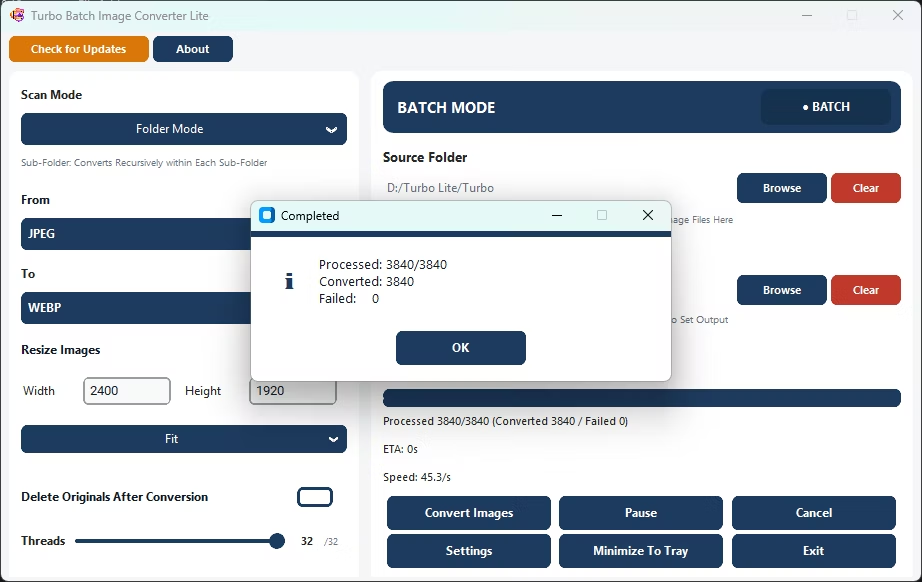
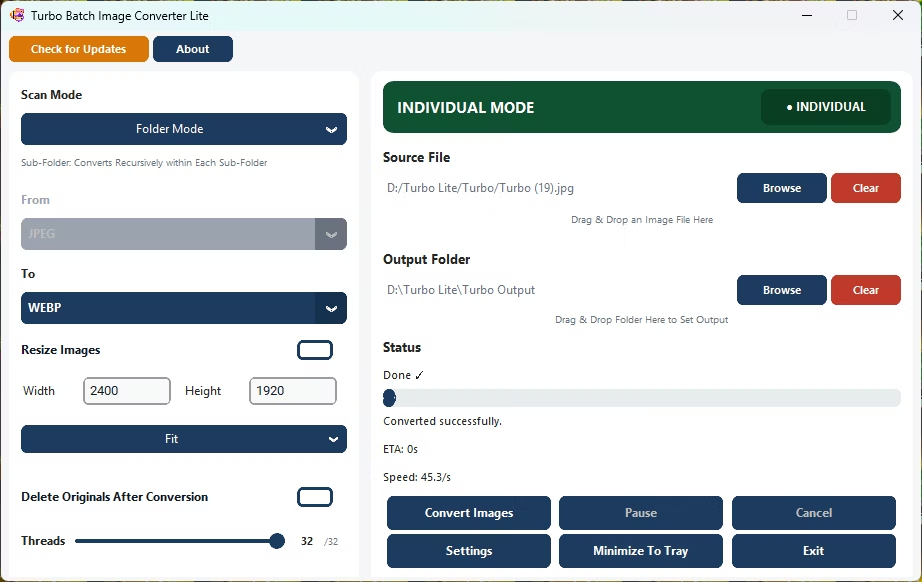
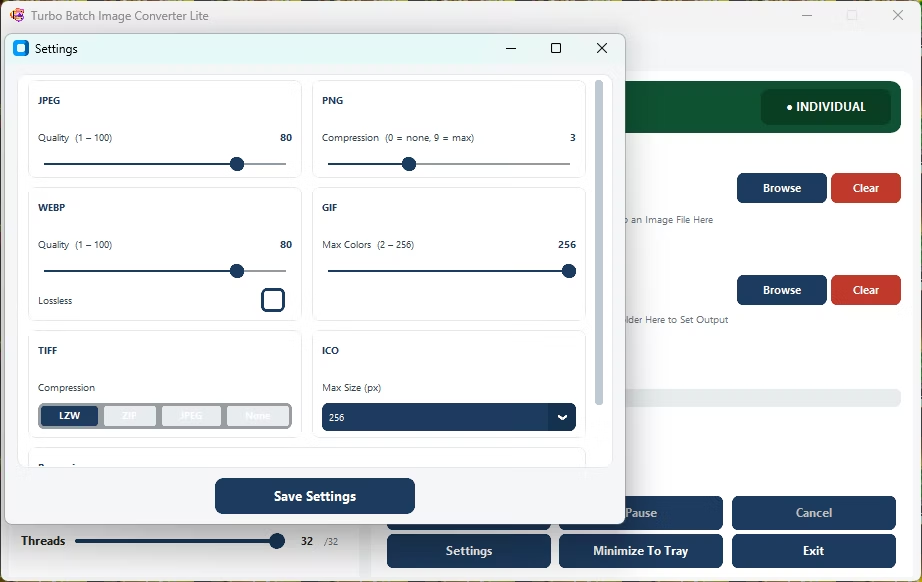
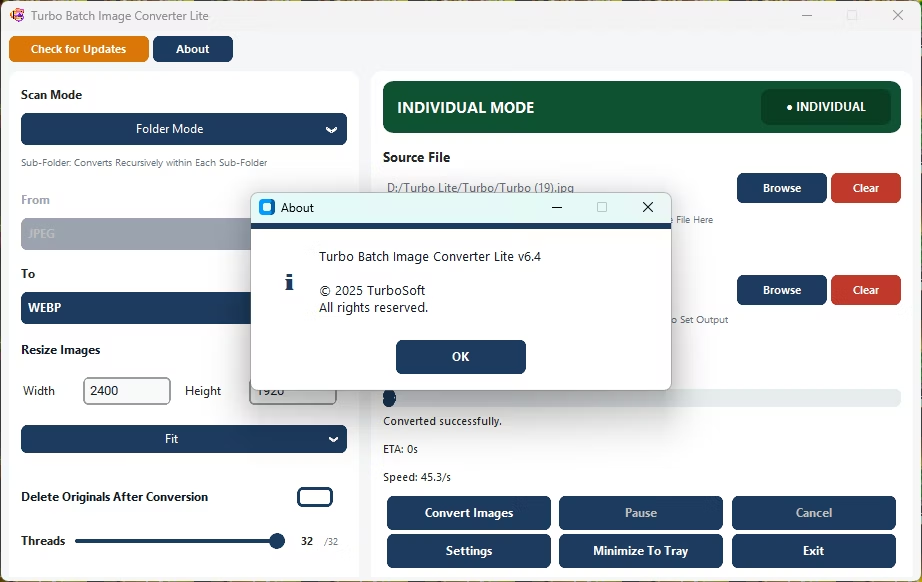
How to Convert Images Locally on Windows
- Install Turbo Batch Image Converter Lite on your Windows desktop.
- Launch the native app; no browser required.
- Open Batch Mode and select your image folder.
- Choose your target format and settings.
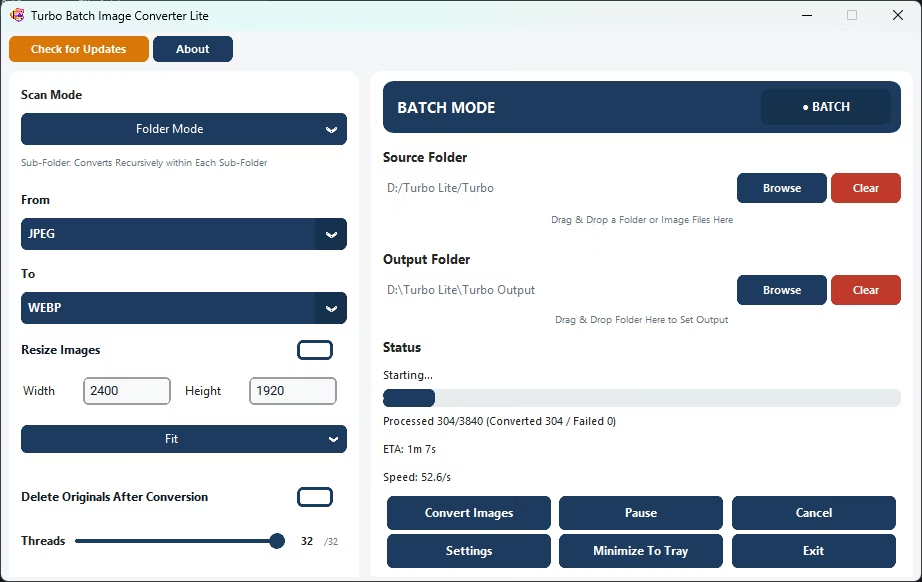
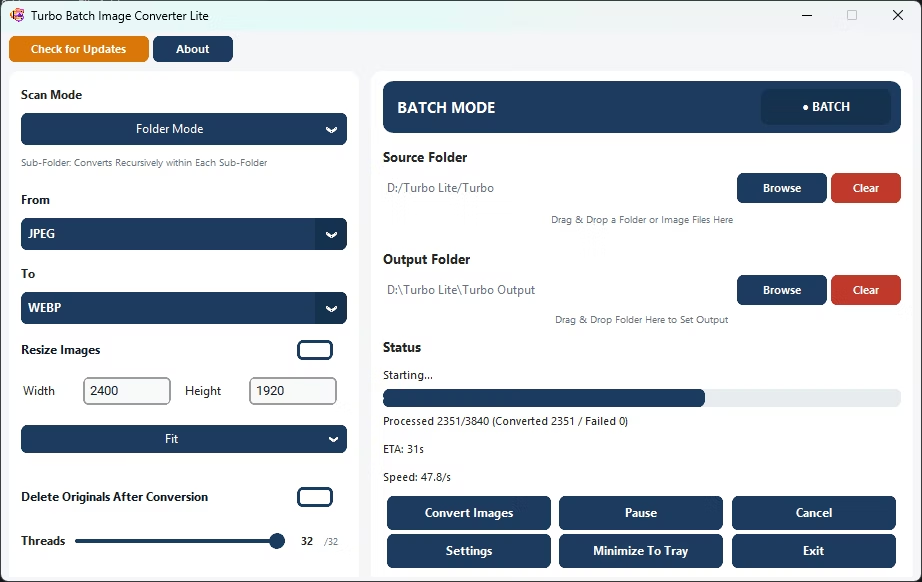
- Click Convert; processing happens entirely on your local machine.
- Find your converted files in the output folder.
Why Use This Desktop Image Converter
- Native Windows desktop application, not a browser tab
- Converts images entirely locally, no internet dependency
- Covers JPEG, PNG, WebP, GIF, BMP, TIFF, SVG and ICO
- No file size caps imposed by an upload service
- Multi-core engine scales up to 32 parallel workers
Frequently Asked Questions
Does this run in a browser or as a real app?
It's a real native Windows desktop application, not a browser-based tool.
Do I need an internet connection to use it?
No, once installed, the app converts images fully offline.
Are there file size limits like an online converter would have?
No, since everything runs locally there are no upload-based file size limits.
Ready to convert your images locally on Windows, without a browser?