Searching for a way to merge CSV files online typically surfaces browser tools that ask you to upload each file one at a time before combining them. This works for a couple of small files, but it becomes tedious and slow once you're merging a dozen files, or files that are individually large.
Turbo Large Data Splitter includes a merge mode that combines multiple CSV files into one, entirely on your own computer. You select all the files you want combined at once, rather than uploading them individually, and the merge runs locally with no file size restriction tied to a website.
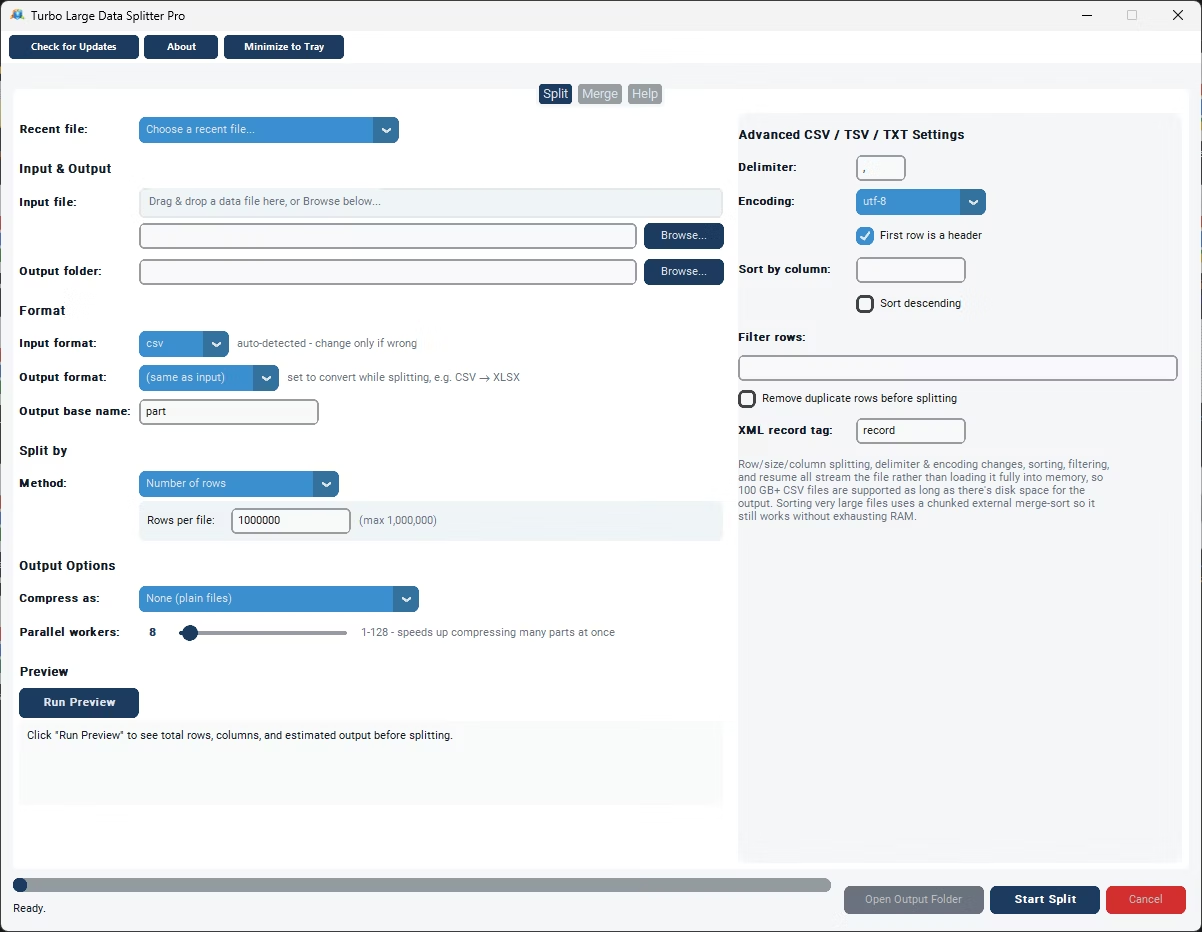
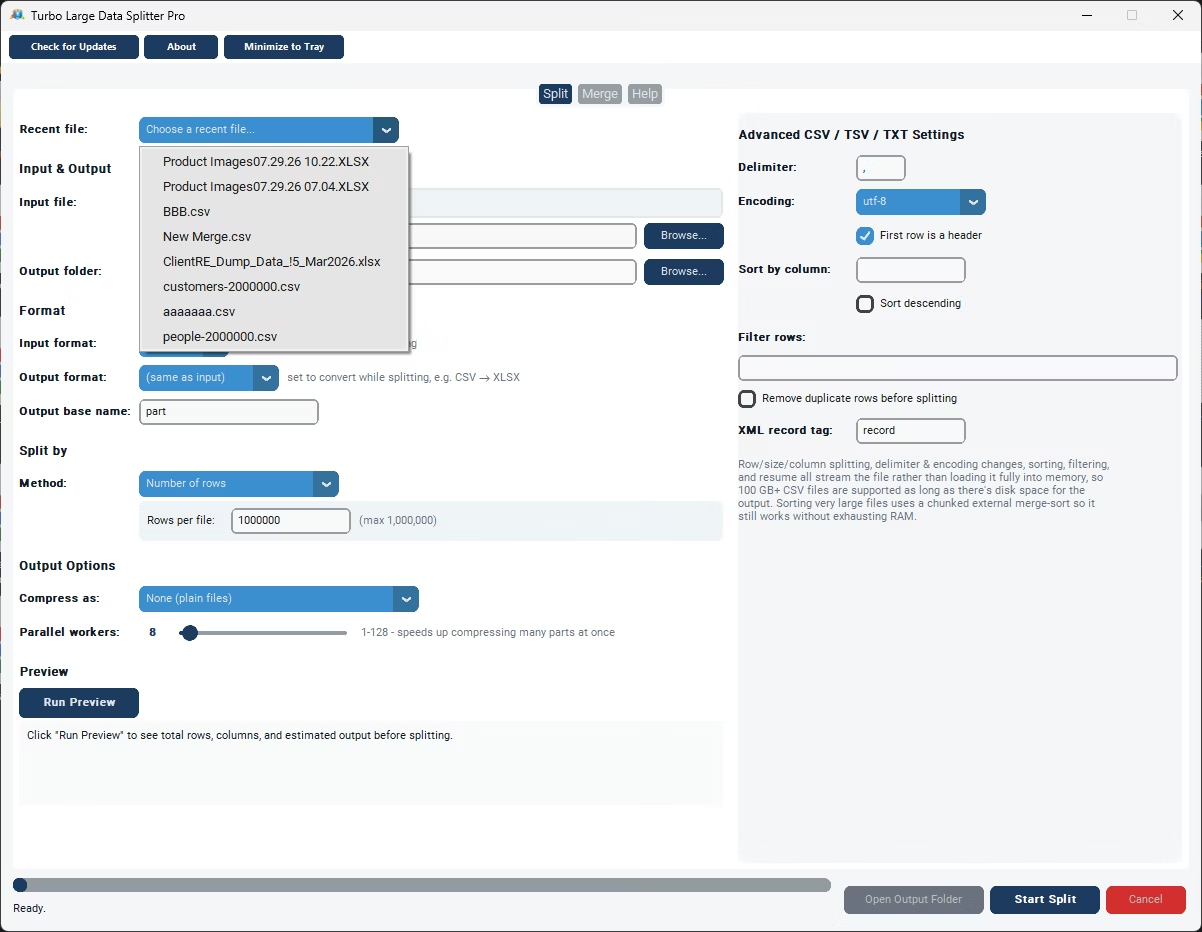
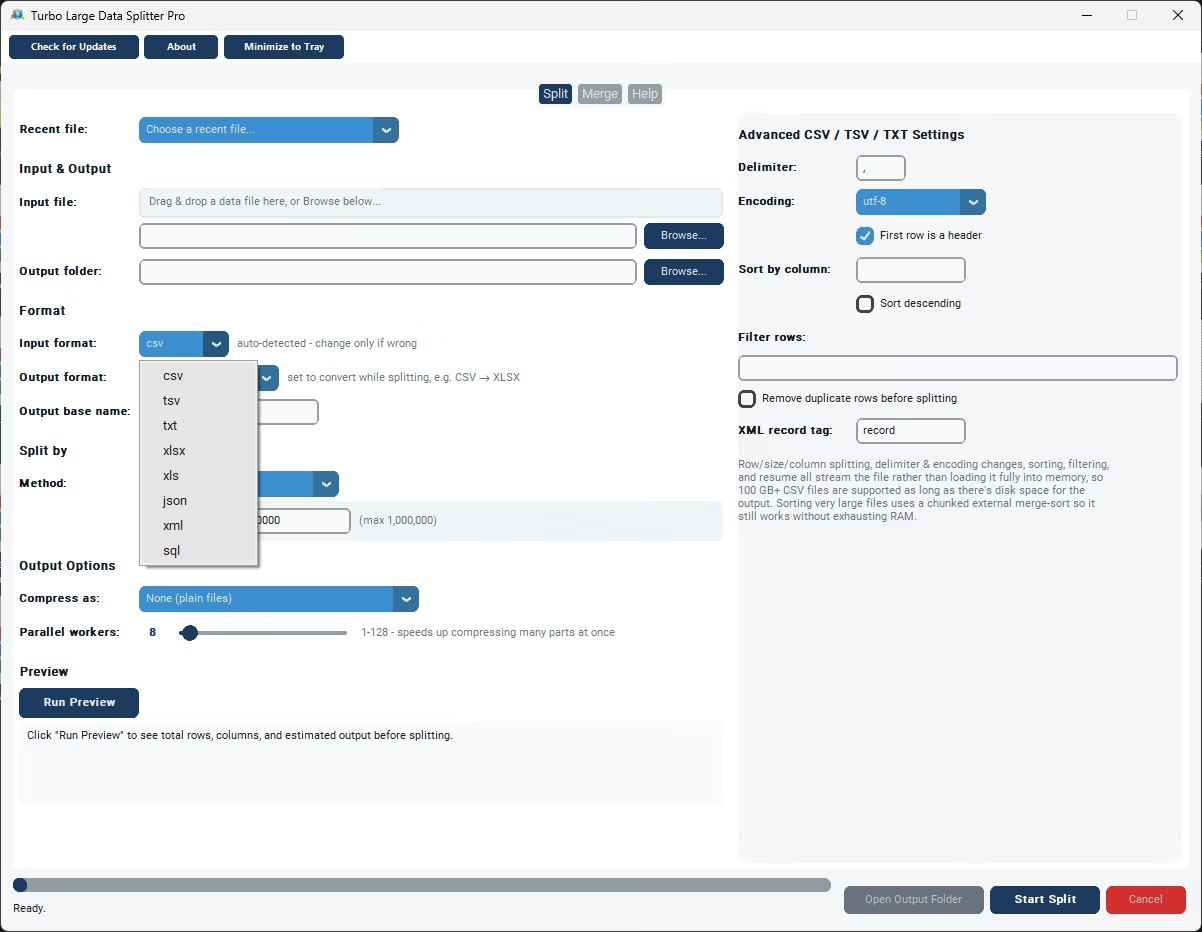
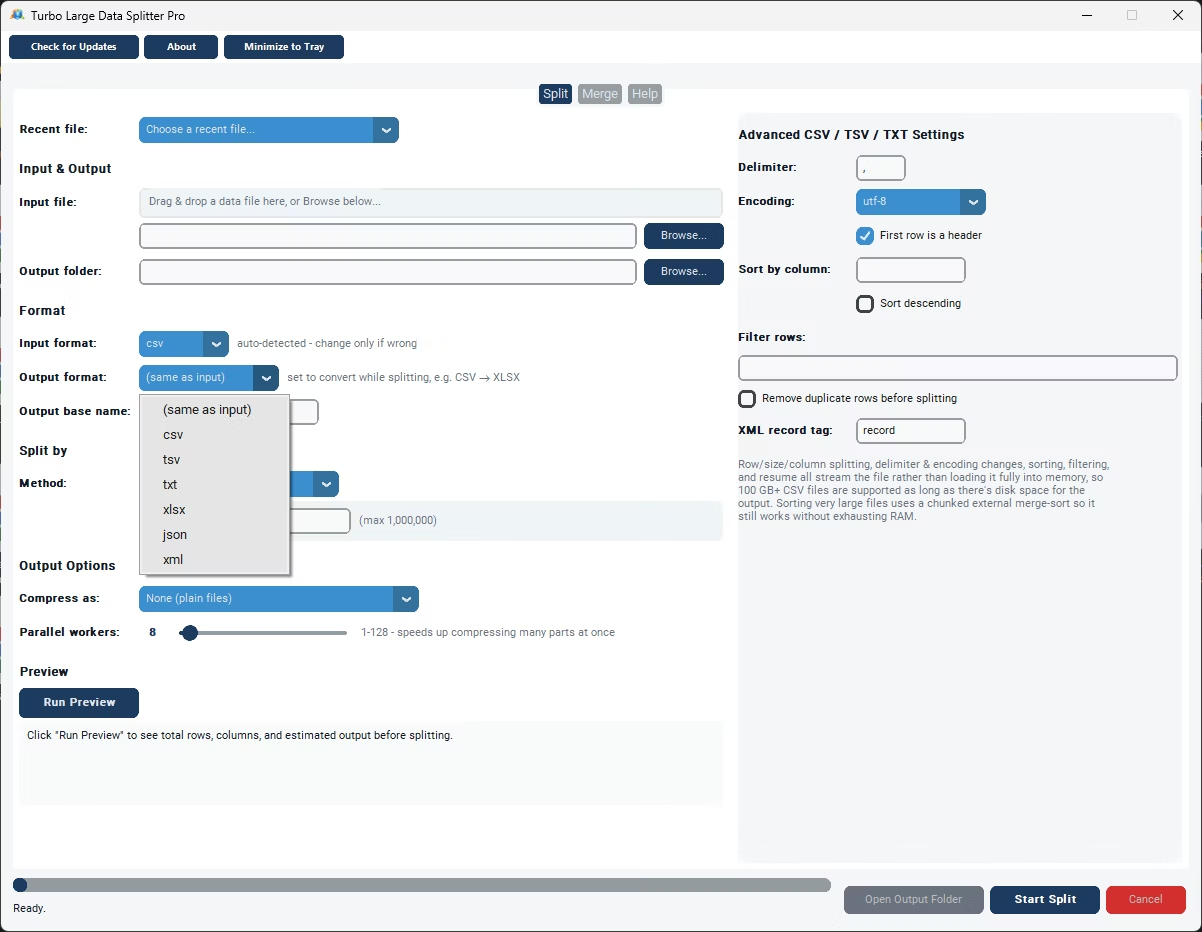
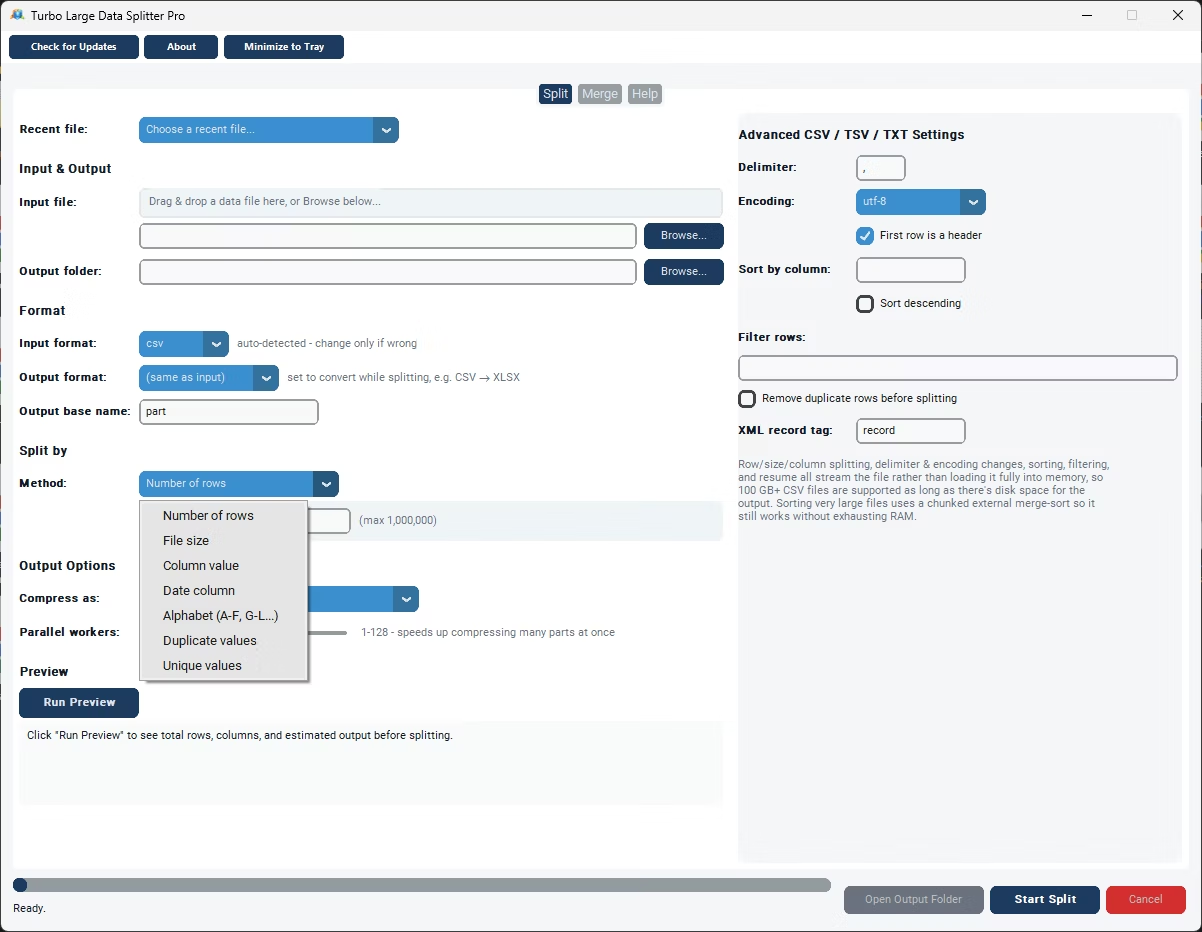
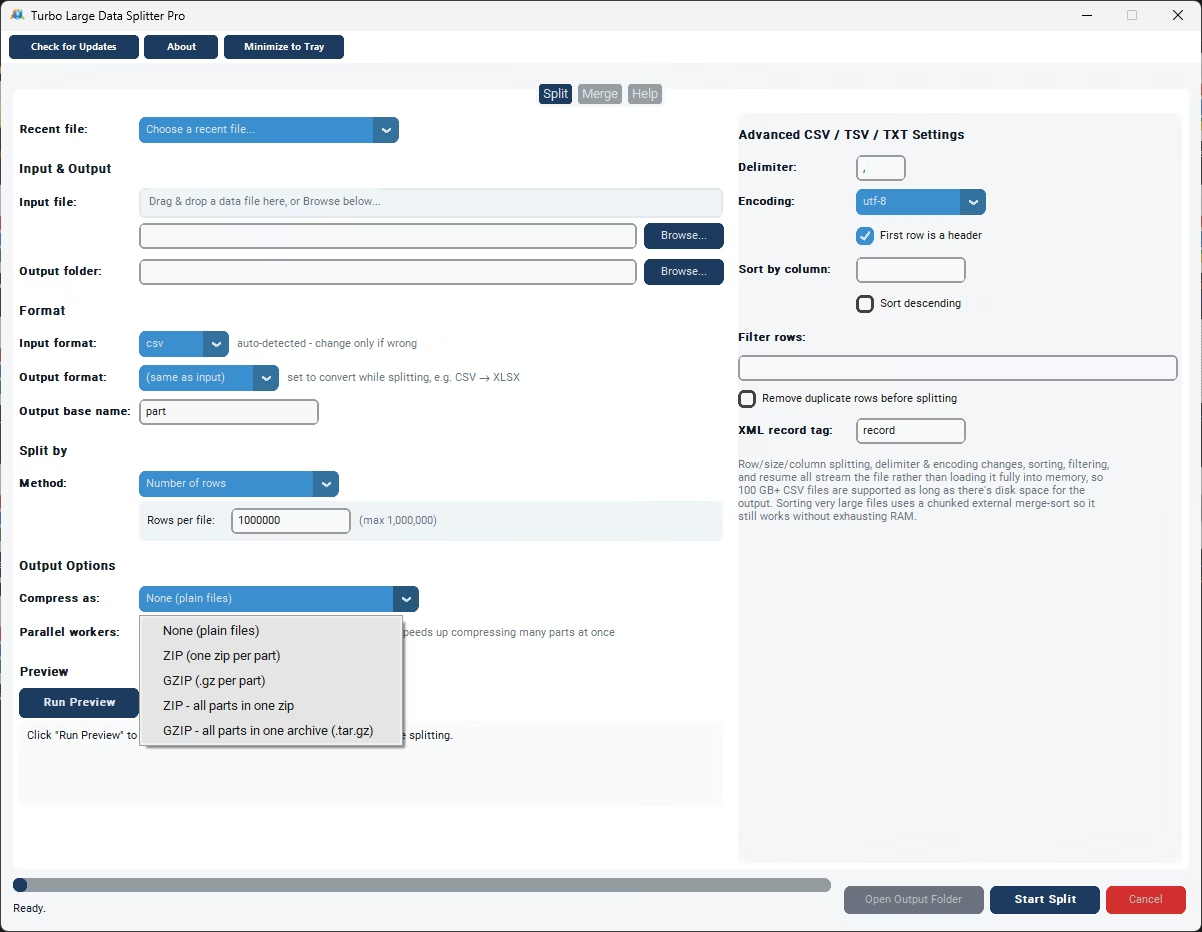
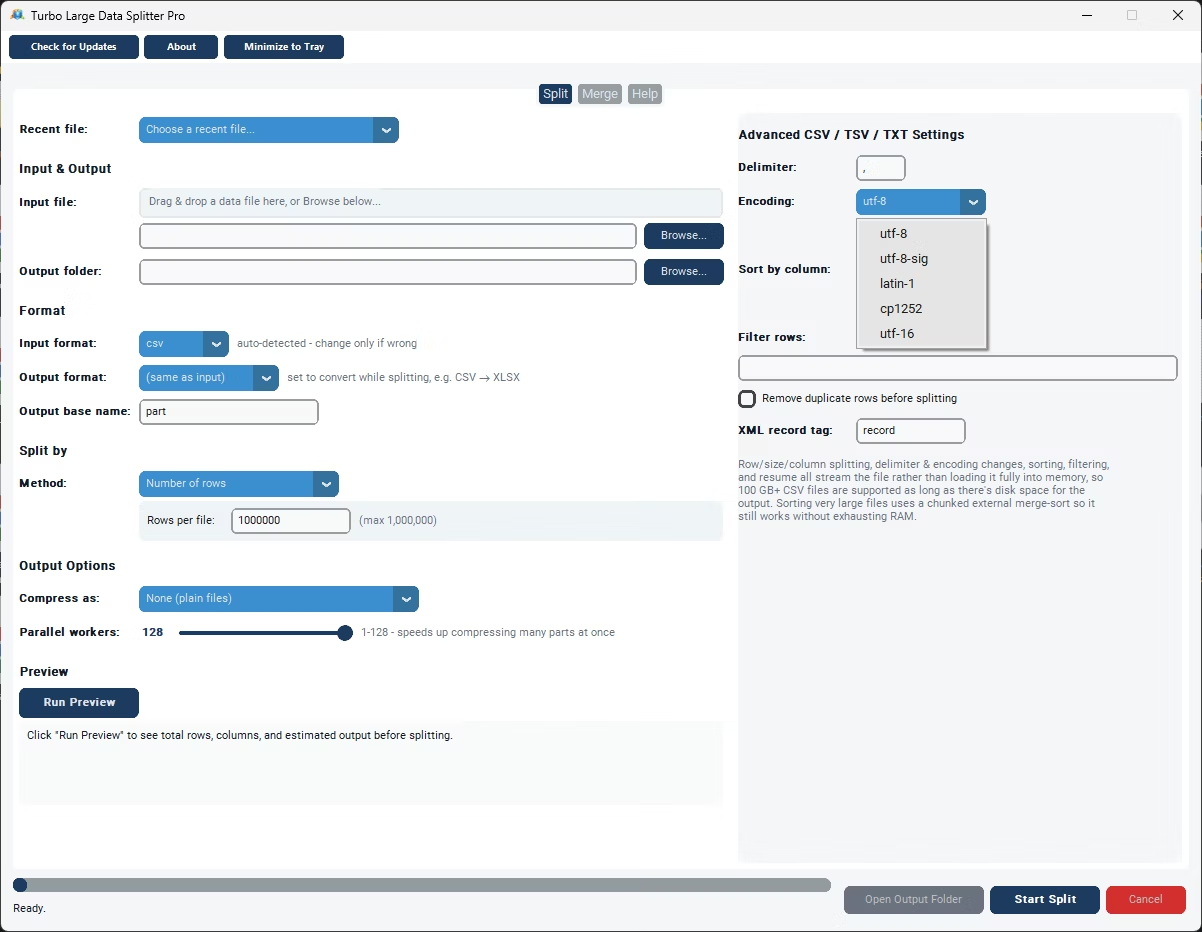
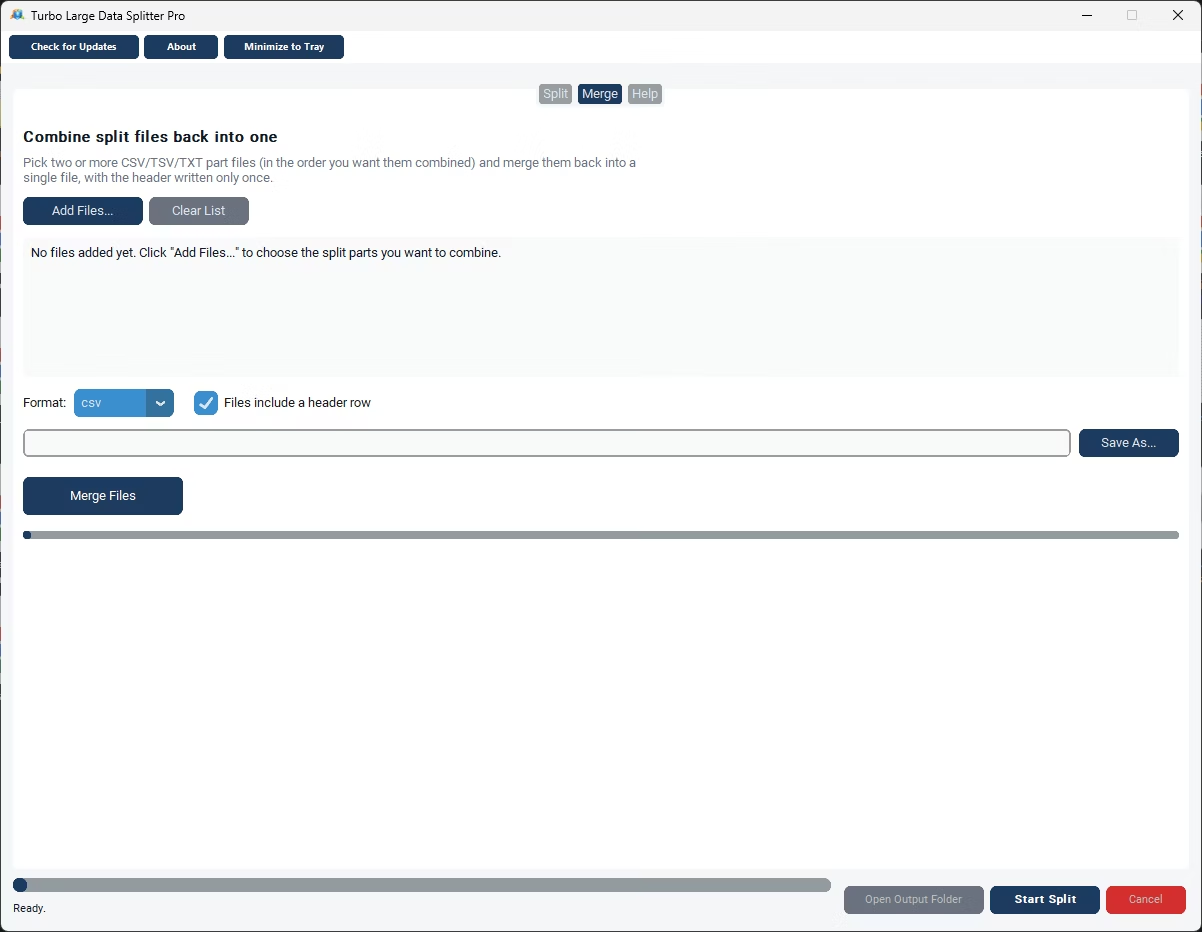
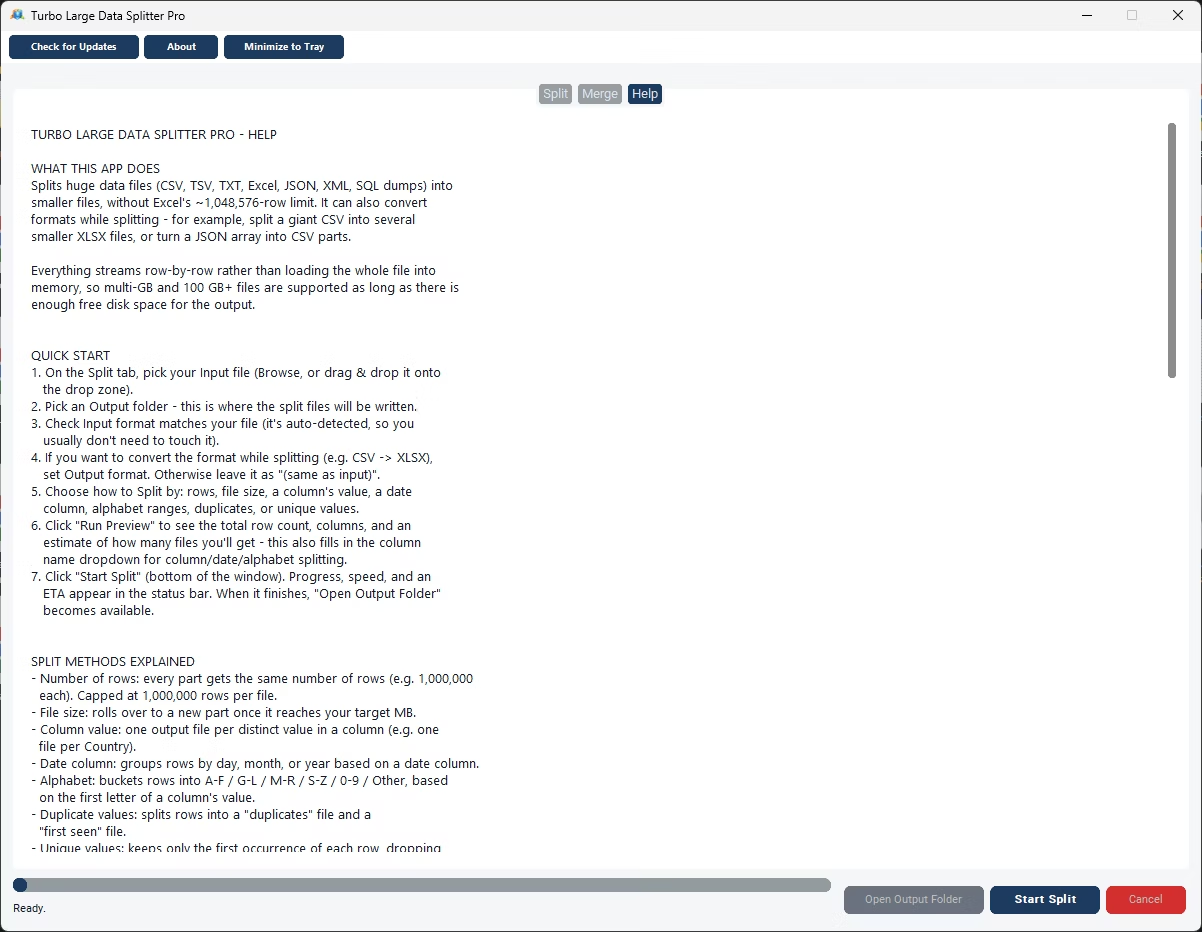
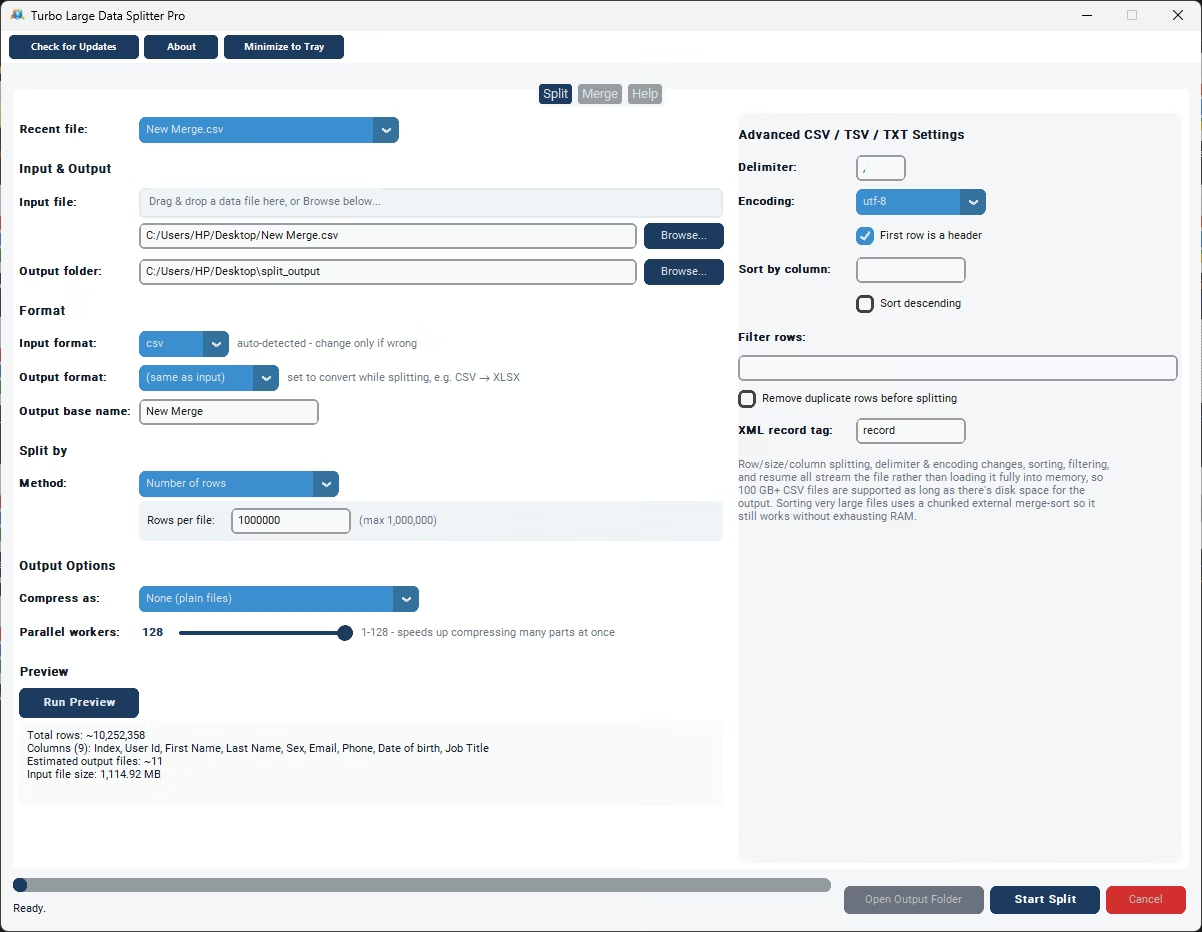
- Install Turbo Large Data Splitter on your Windows PC.
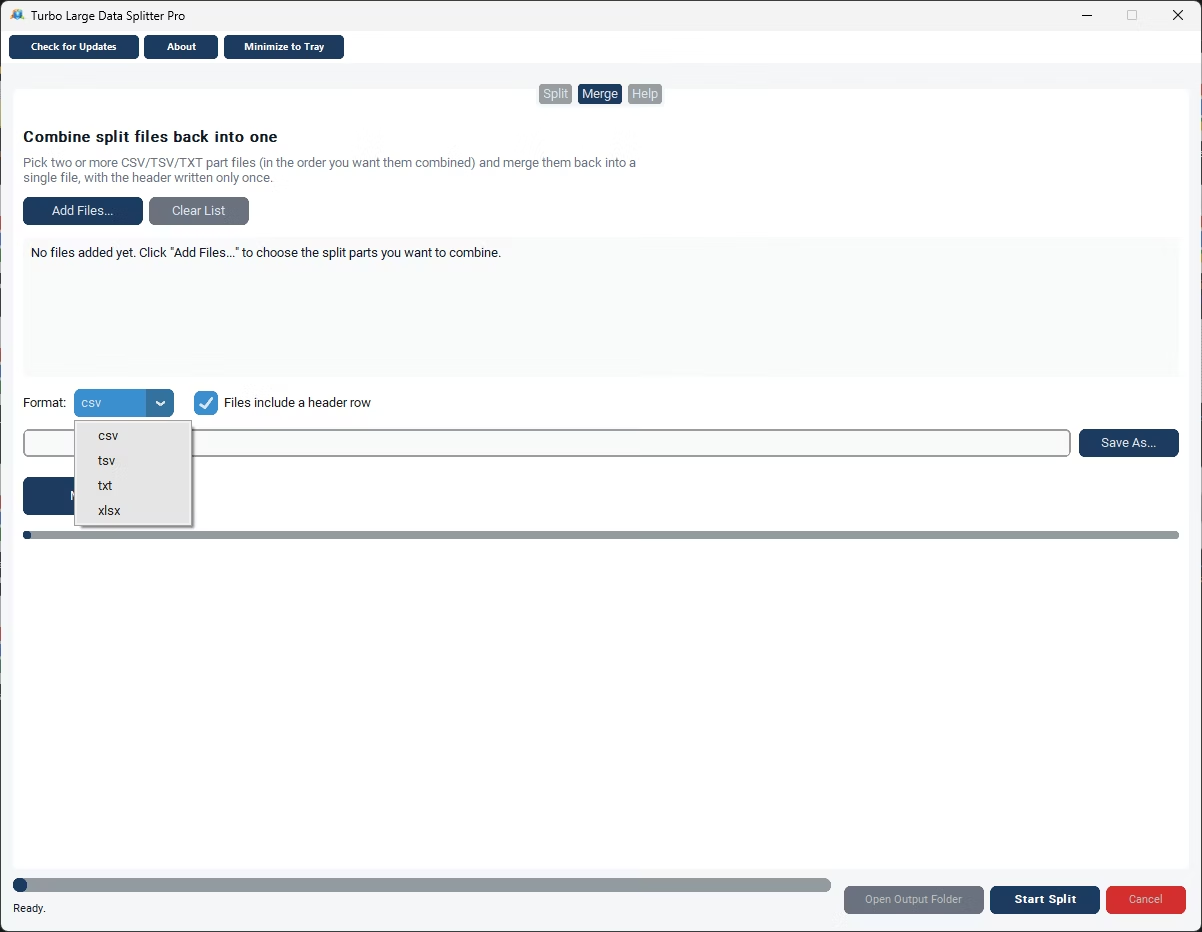
- Switch to the merge mode within the app.
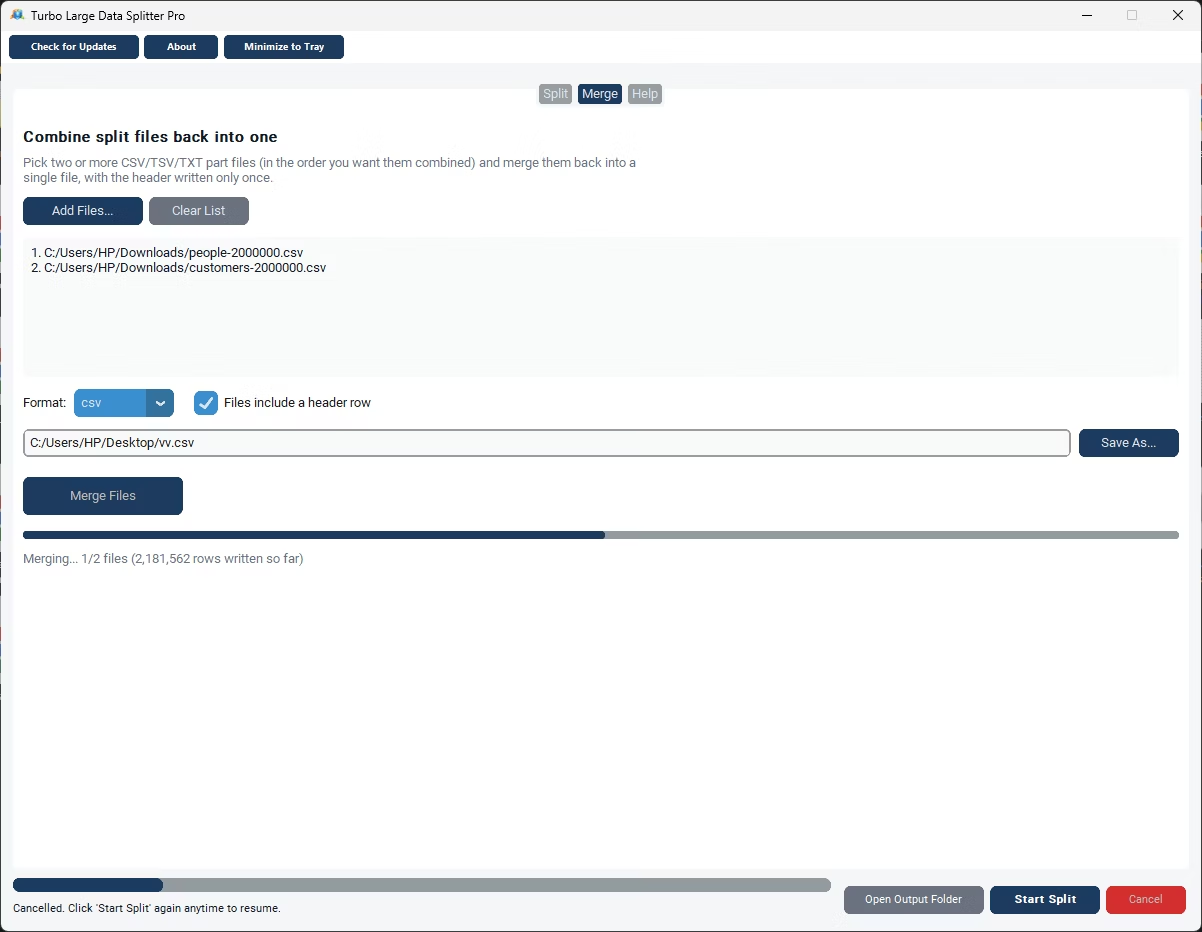
- Select all the CSV files you want to combine.
- Confirm that column headers match across the files, or map them if needed.
- Click Merge to combine everything into one CSV file.
- Save the merged file to your chosen output location.
- Merge multiple CSV files in one batch, not one at a time
- No upload size limit since processing is local
- Handles files with mismatched column order
- Keeps your data on your own computer throughout
- Works offline with no internet connection required
- One-time purchase instead of a recurring web tool
Can I merge more than two CSV files at once?
Yes, you can select any number of CSV files and combine them together in a single merge operation.
What happens if the files have columns in a different order?
The app can align columns by header name, so mismatched column order across files doesn't cause data to end up in the wrong place.
Is merging CSV files online risky for sensitive data?
Uploading multiple files with sensitive data to an unfamiliar site multiplies the exposure compared to a single file, which is one reason many people prefer a local tool.
Ready to merge your CSV files locally, without uploading anything?