General-purpose photo editors can convert images one at a time, but they aren't built for automating conversion across an entire folder. Dedicated batch image conversion software is purpose-built for exactly that.
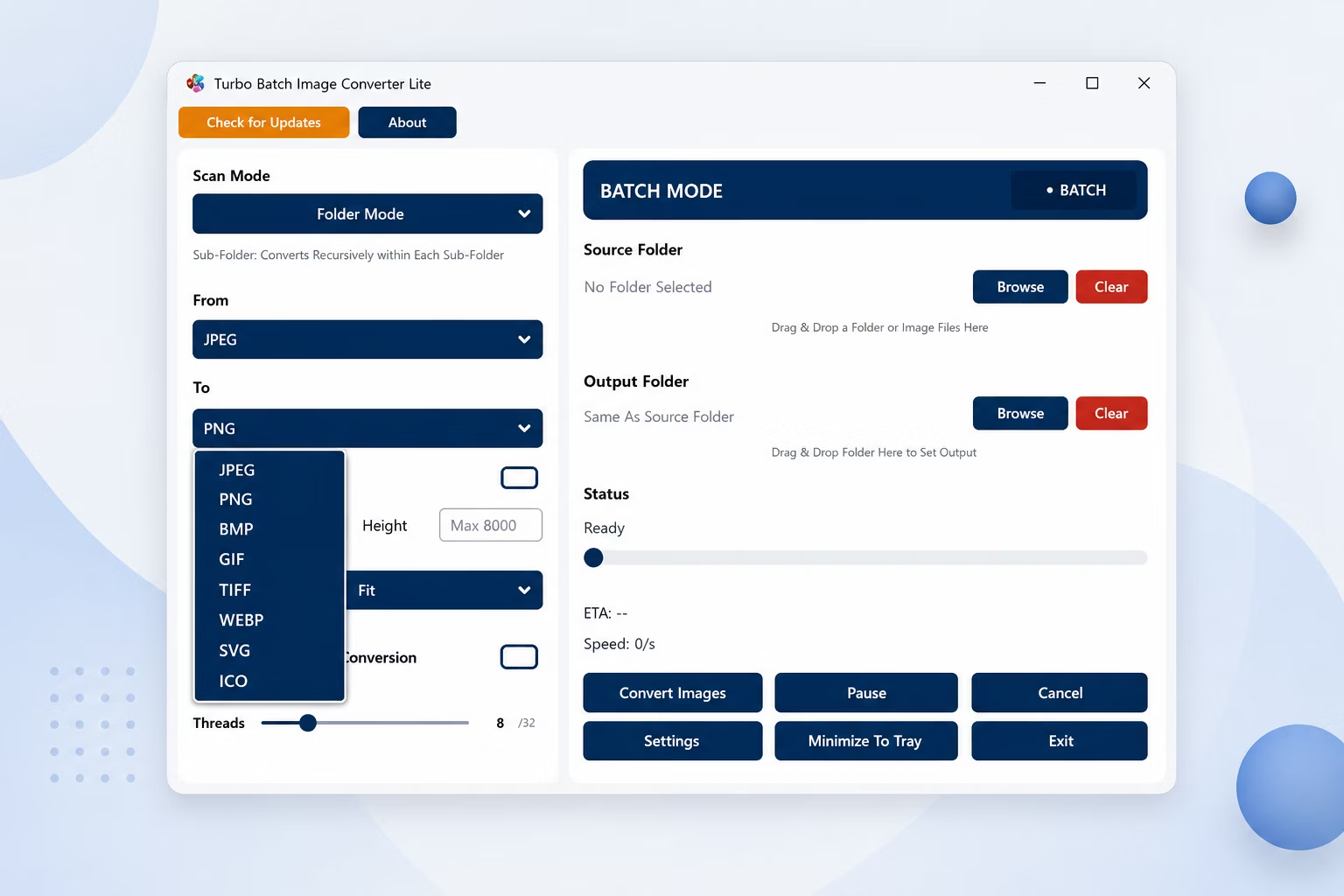
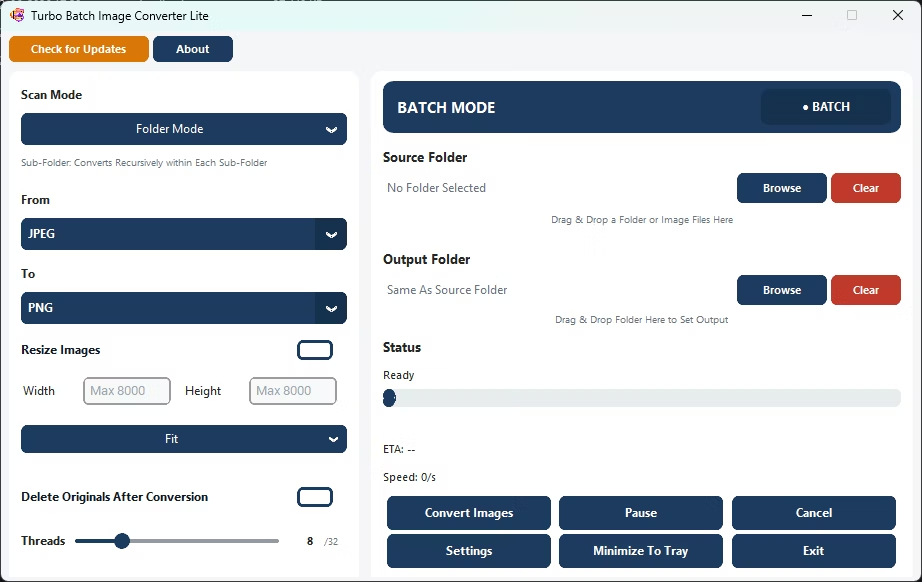
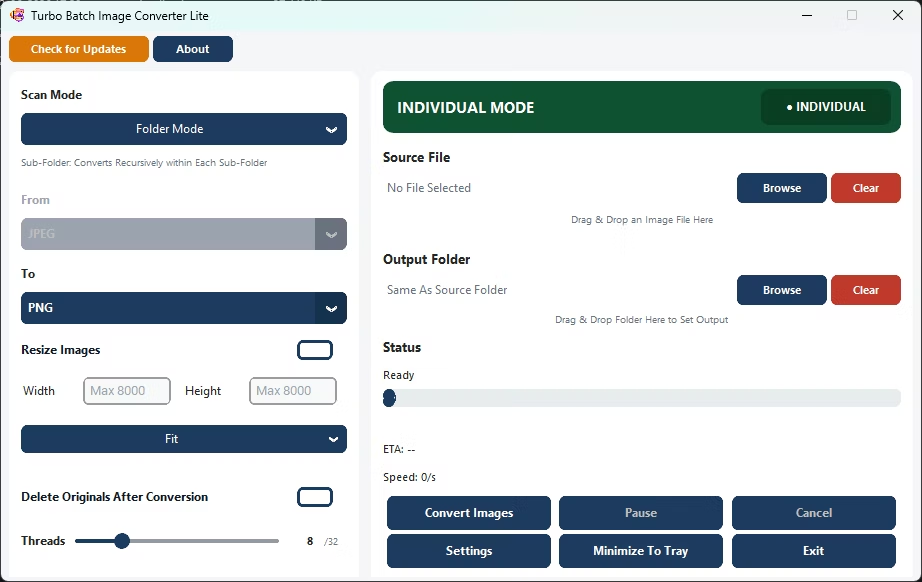
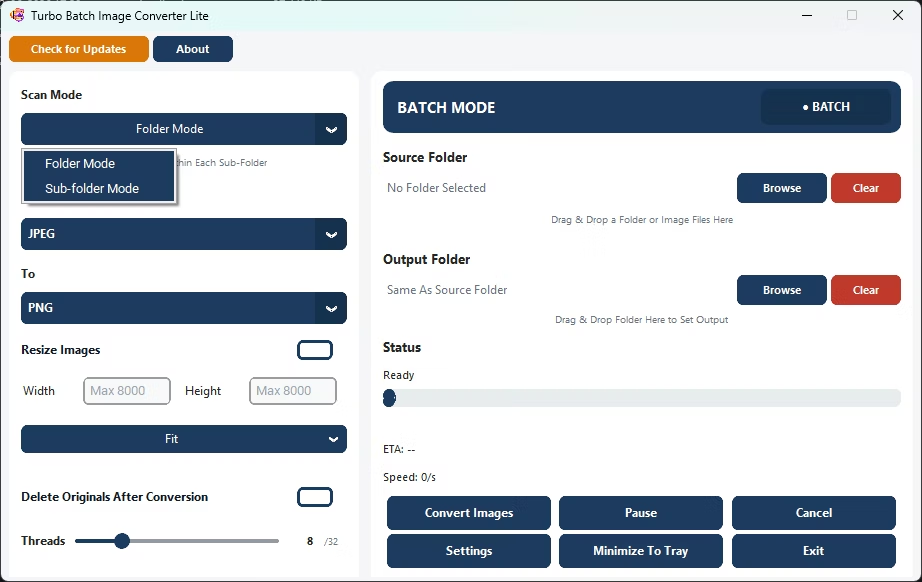
Turbo Batch Image Converter Lite is standalone conversion software for Windows that automatically processes an entire folder of images, converting between 8 everyday formats without manual per-file work.
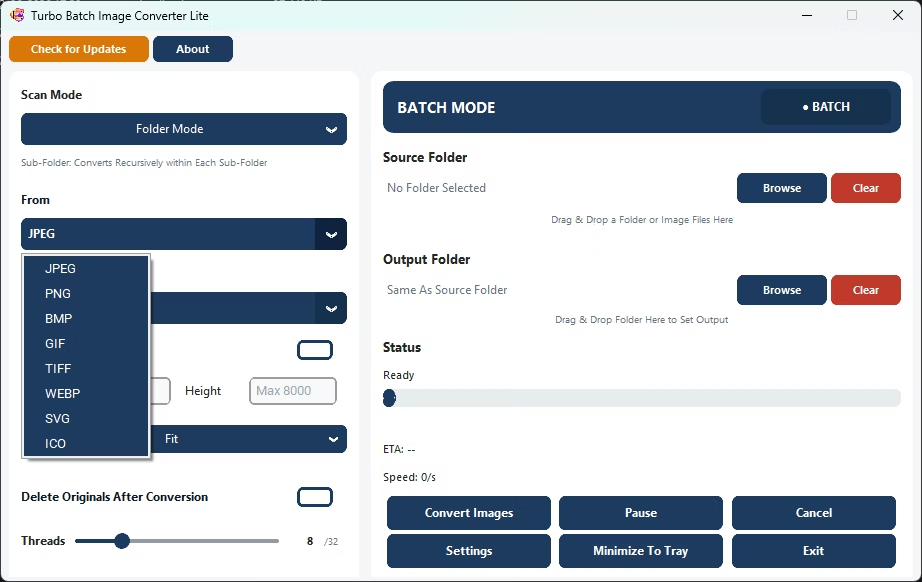
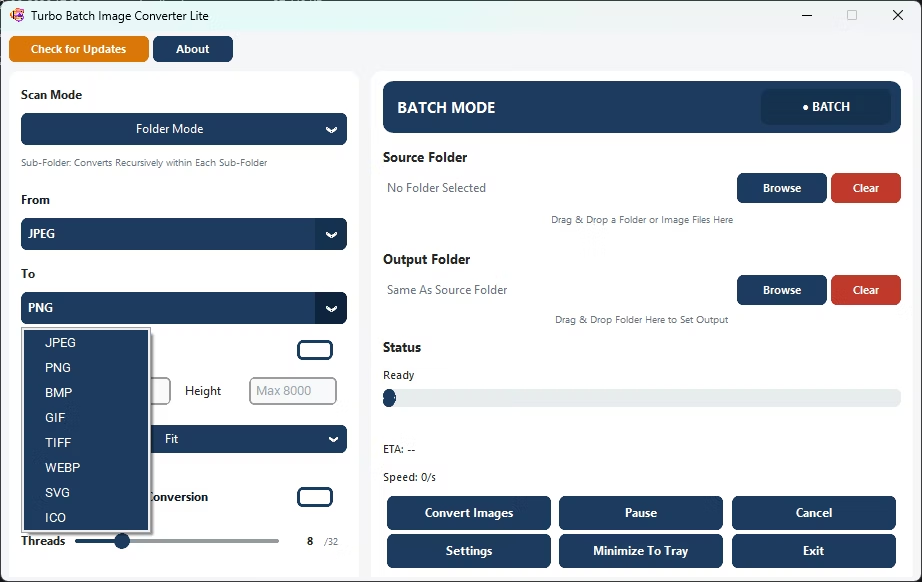
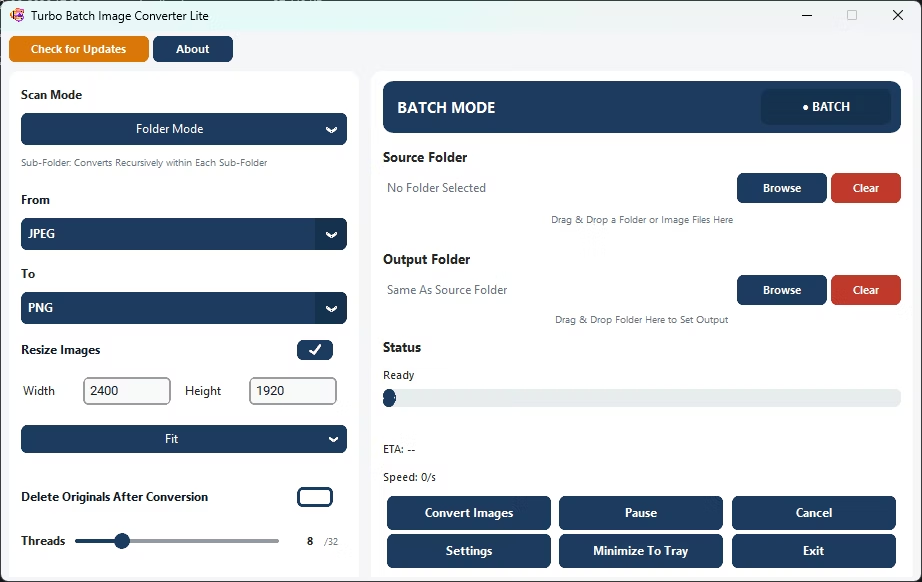
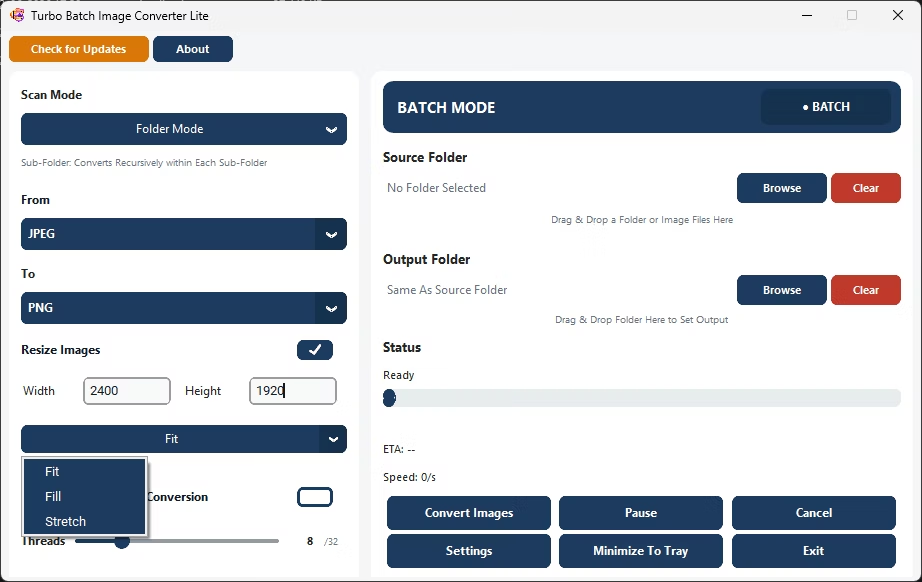
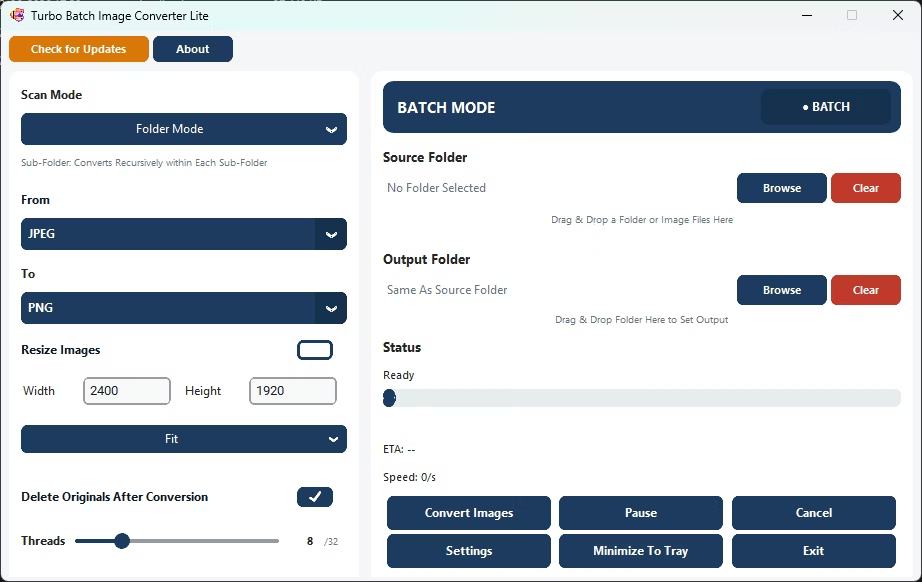
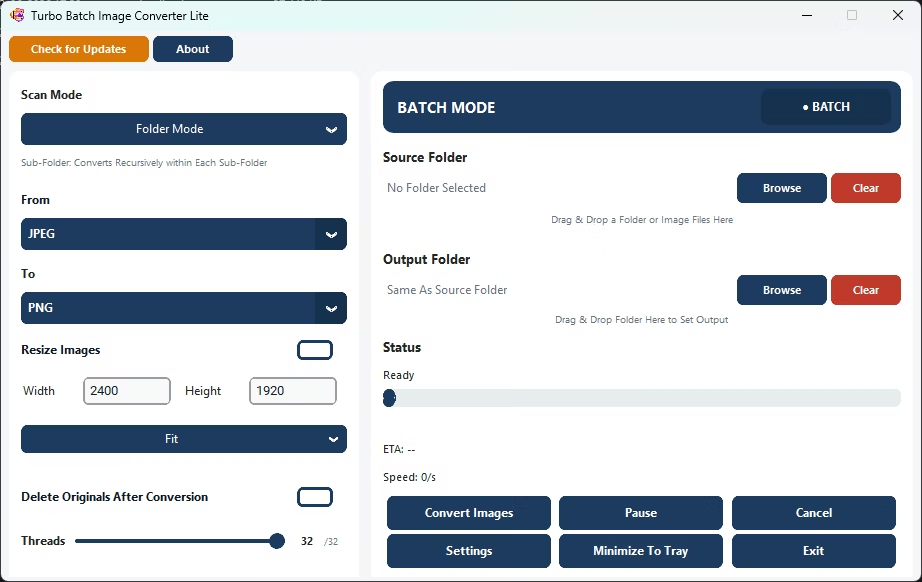
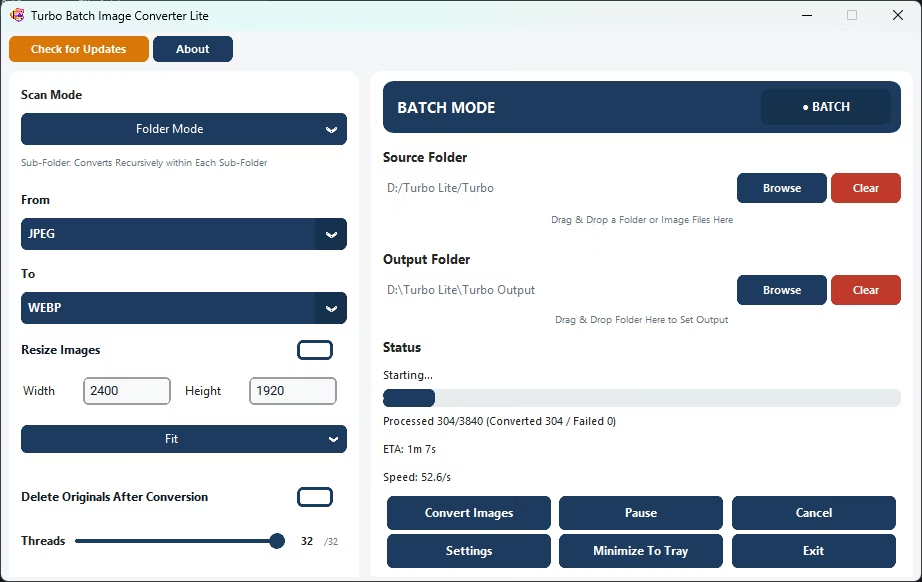
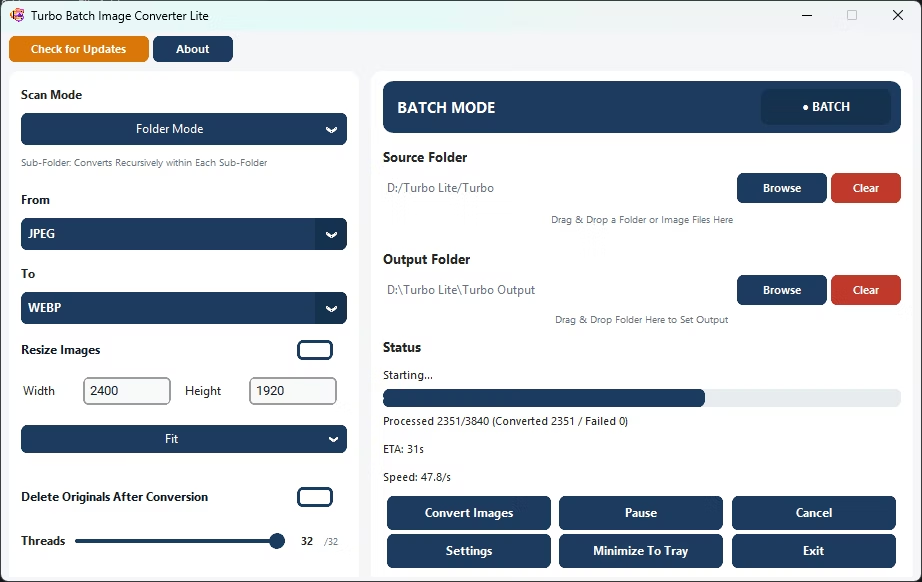
- Install Turbo Batch Image Converter Lite on your Windows PC.
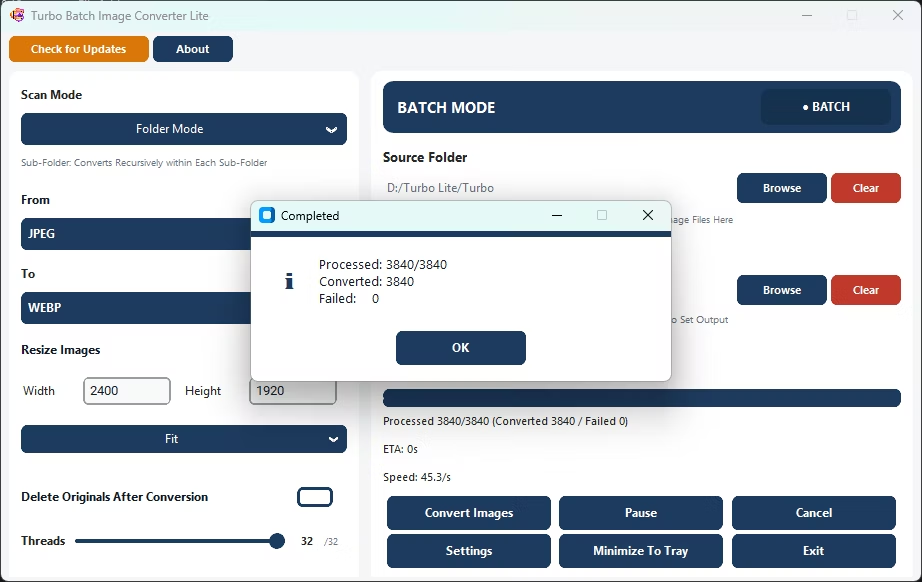
- Open Batch Mode and select your image folder.
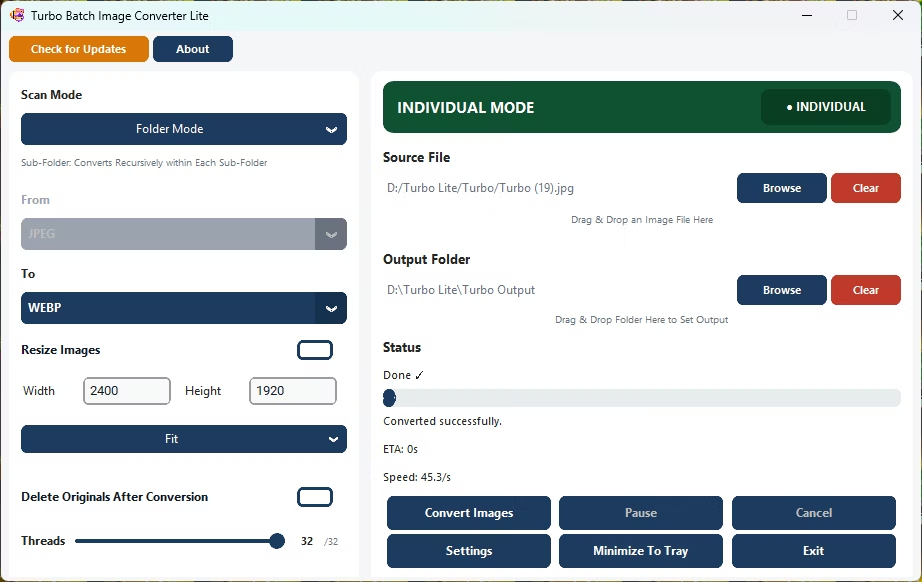
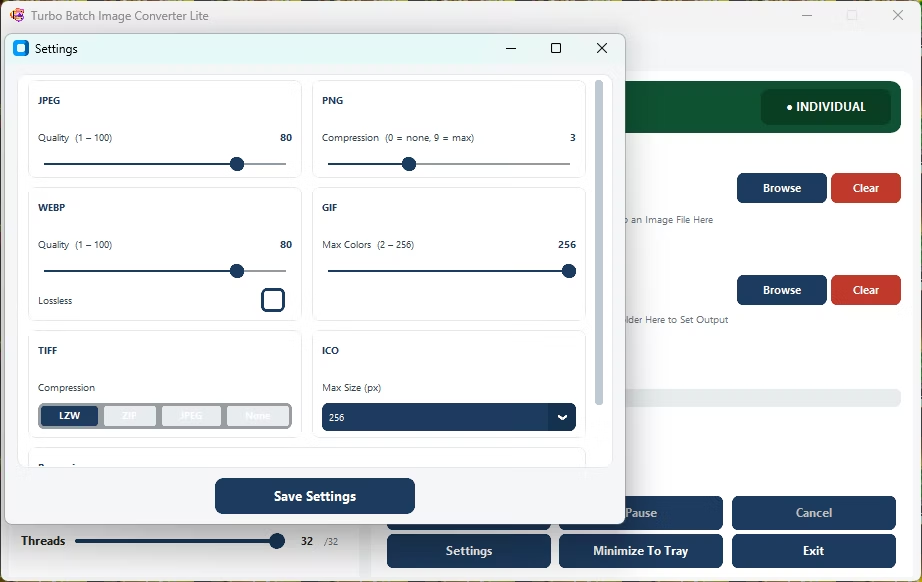
- Set your target format, quality, and resize options once.
- Click Convert to let the software process every file automatically.
- Review the completion pop-up for processed and converted counts.
- Repeat with new settings for any additional folders.
- Automatically applies your settings across an entire folder
- Supports 8 everyday formats: JPEG, PNG, WebP, GIF, BMP, TIFF, SVG and ICO
- Standalone Windows installer, one-time purchase, no subscription
- Runs fully offline with no upload limits
- Multi-core engine scales up to 32 parallel workers
Is this a one-time purchase or a subscription?
The app is a standalone Windows installer licensed for a one-time purchase, not a recurring subscription.
Can the software run unattended on a folder?
Yes, once you set your target format and options, Batch Mode processes the entire folder automatically without further input.
Does the software require any other programs to be installed?
No, it's a standalone installer with everything it needs bundled in.
Ready to automatically convert your images with lightweight Windows software?