VLOOKUP and HLOOKUP are essentially the same function pointed in two different directions: VLOOKUP searches down a column, while HLOOKUP searches across a row. Both were designed for the same underlying task - finding a value and returning related data from the same record - but which one applies depends entirely on how your data is laid out on the sheet.
This page explains how the two functions work together, when each is appropriate, and how Turbo Excel Lookup handles both layouts without needing to pick between two different formulas.
The arguments are structured almost identically between the two - both take a lookup value, a range, an index number, and an optional match type. The only real difference is which axis they search: VLOOKUP's third argument (col_index_num) counts columns to the right, while HLOOKUP's third argument (row_index_num) counts rows downward.
HLOOKUP becomes necessary when a dataset is transposed relative to what VLOOKUP expects - for example, a sheet where each column represents a different month, and each row underneath a month header holds a different metric. Monthly budget templates, comparison sheets, and some financial exports are laid out this way, and HLOOKUP is the direct fit rather than VLOOKUP.
In practice, HLOOKUP is used far less often than VLOOKUP simply because most spreadsheet data is naturally organized in columns rather than rows, but it becomes essential the moment you inherit a horizontally-oriented sheet.
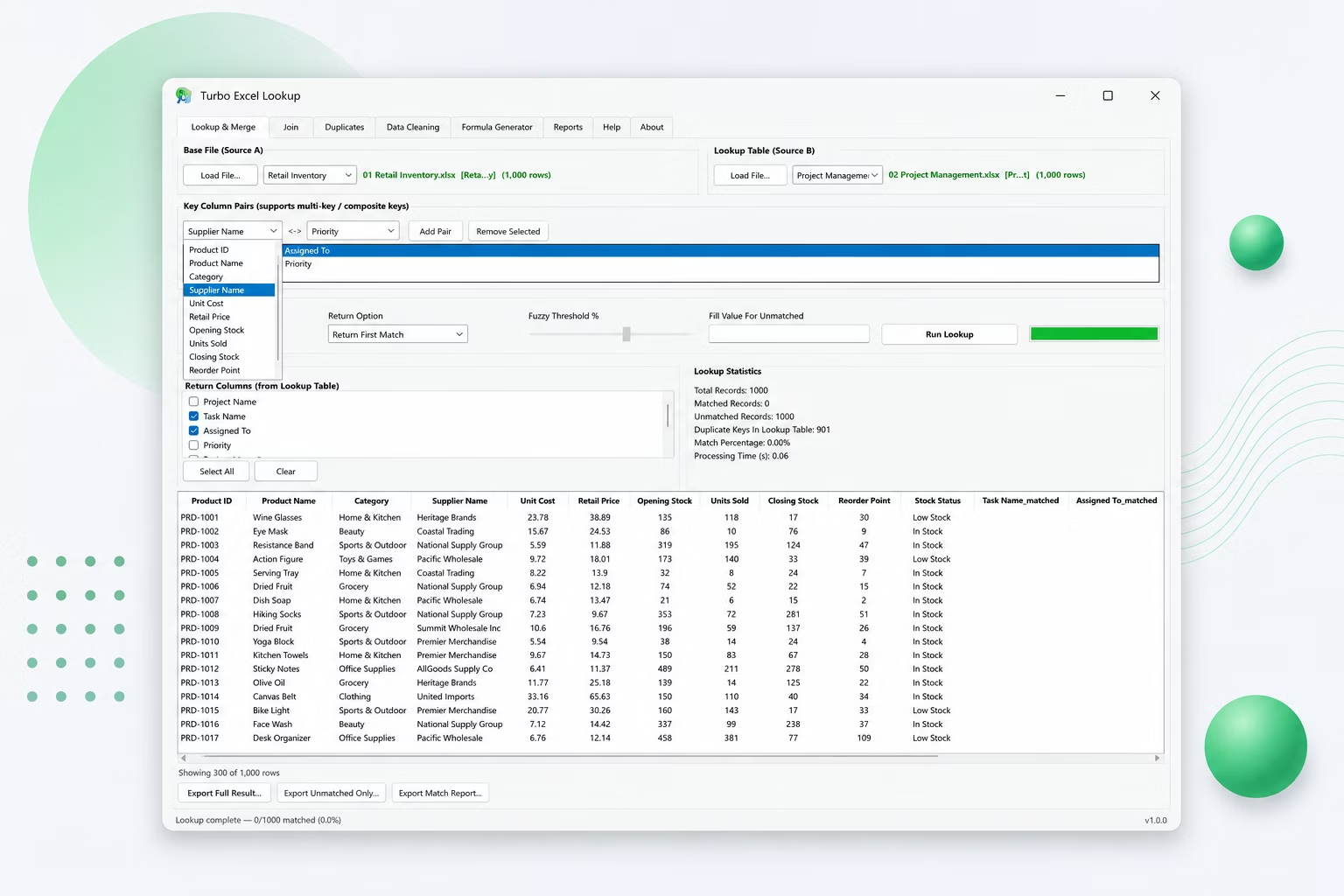
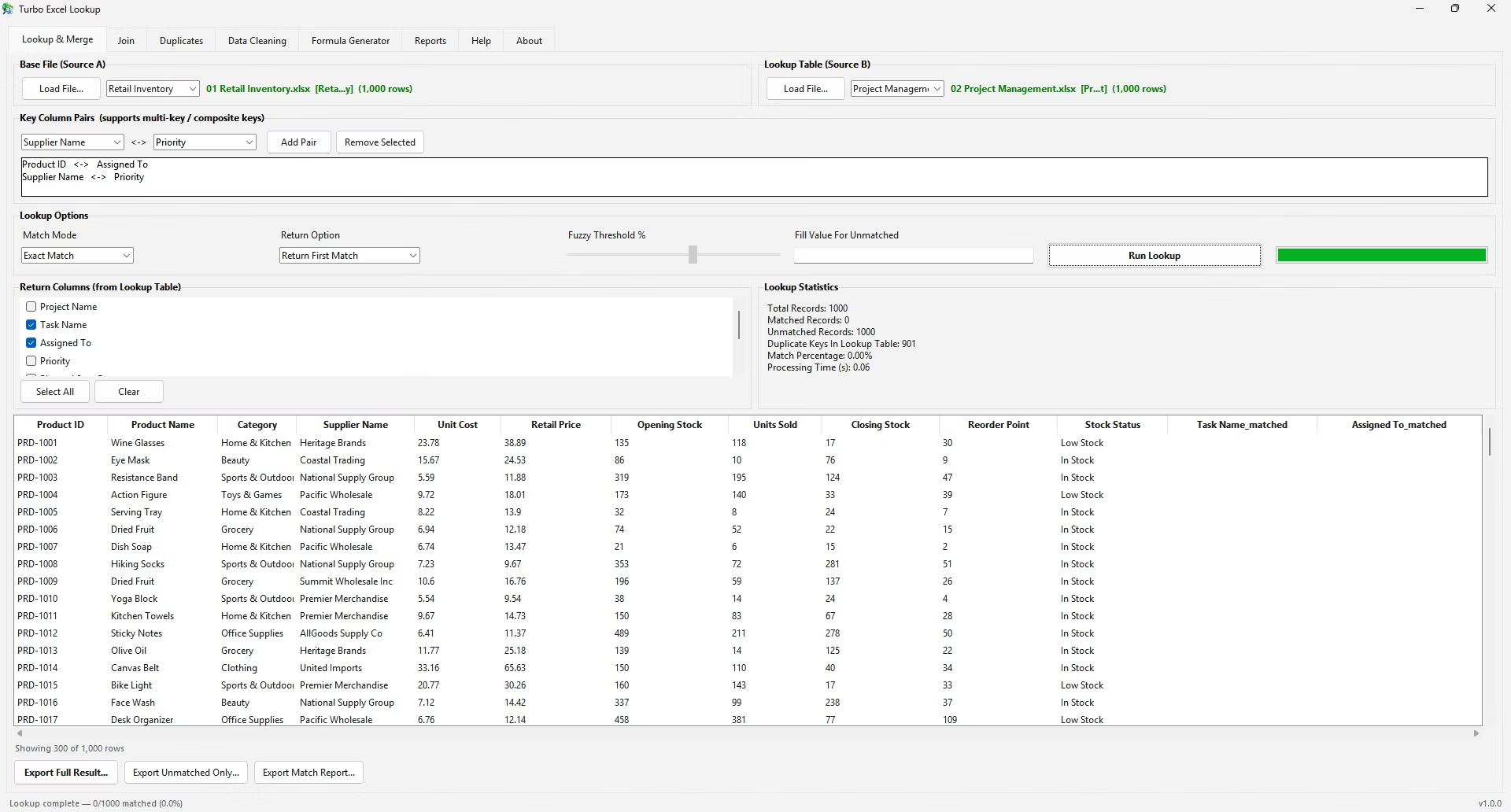
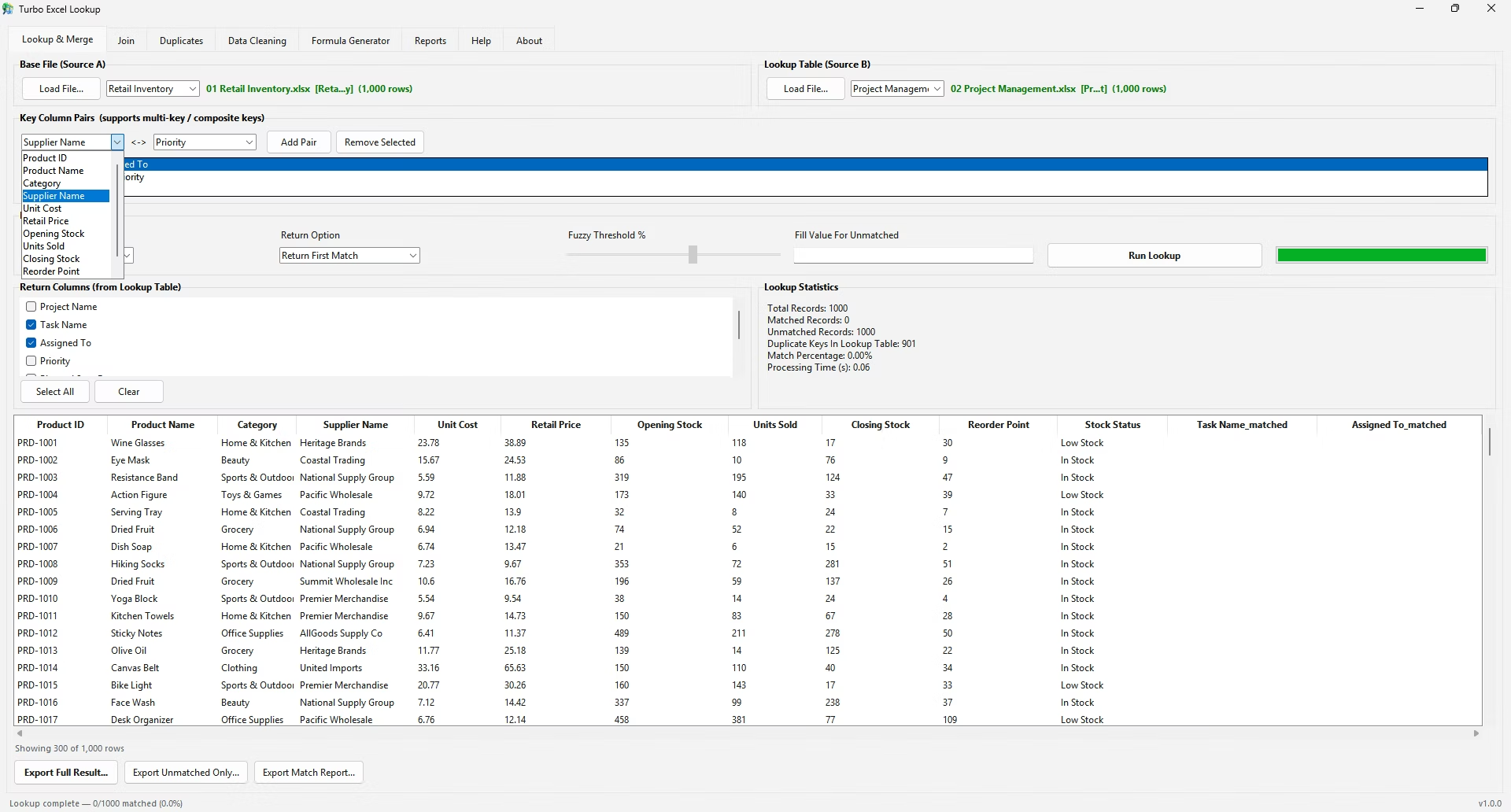
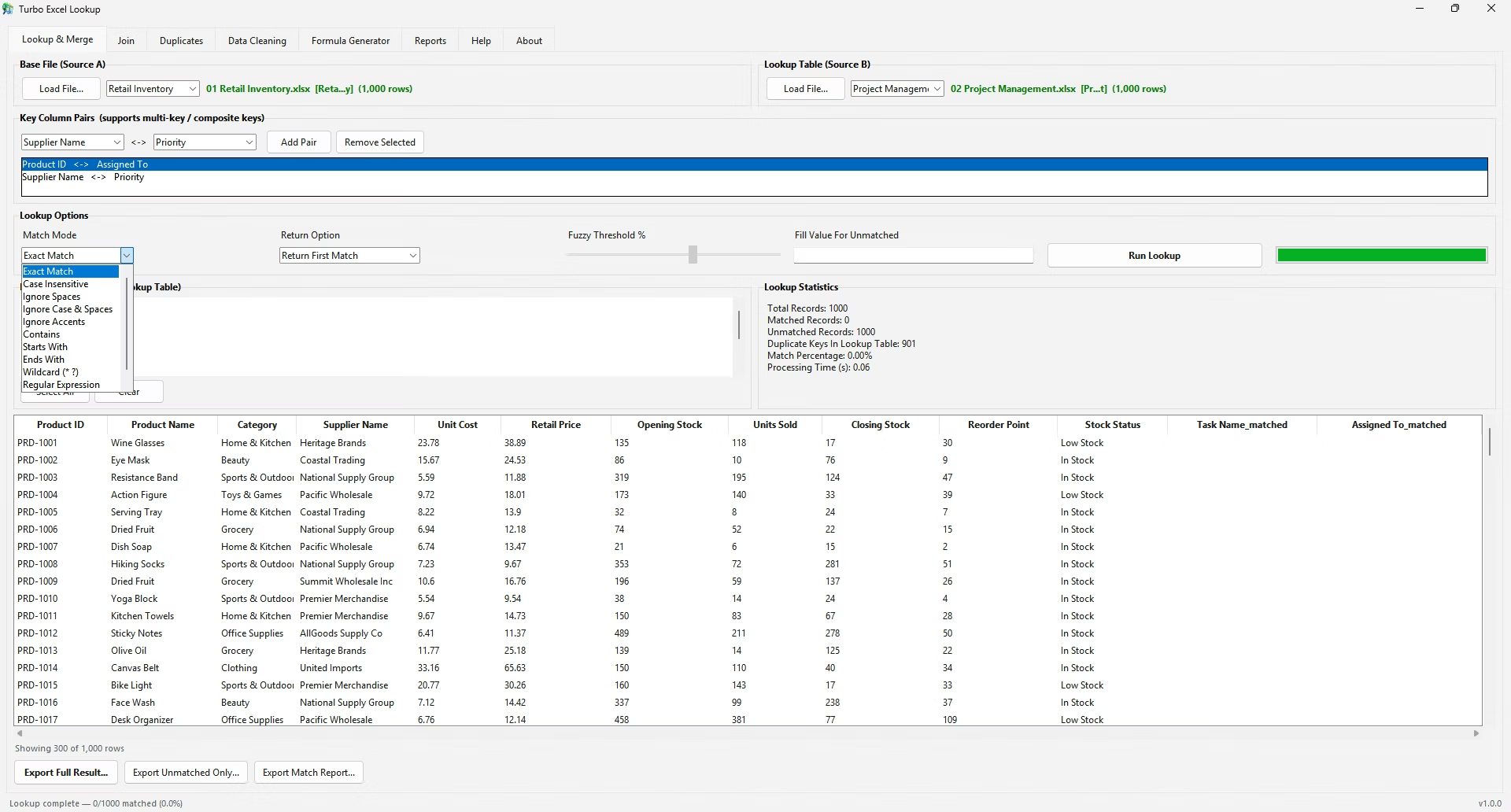
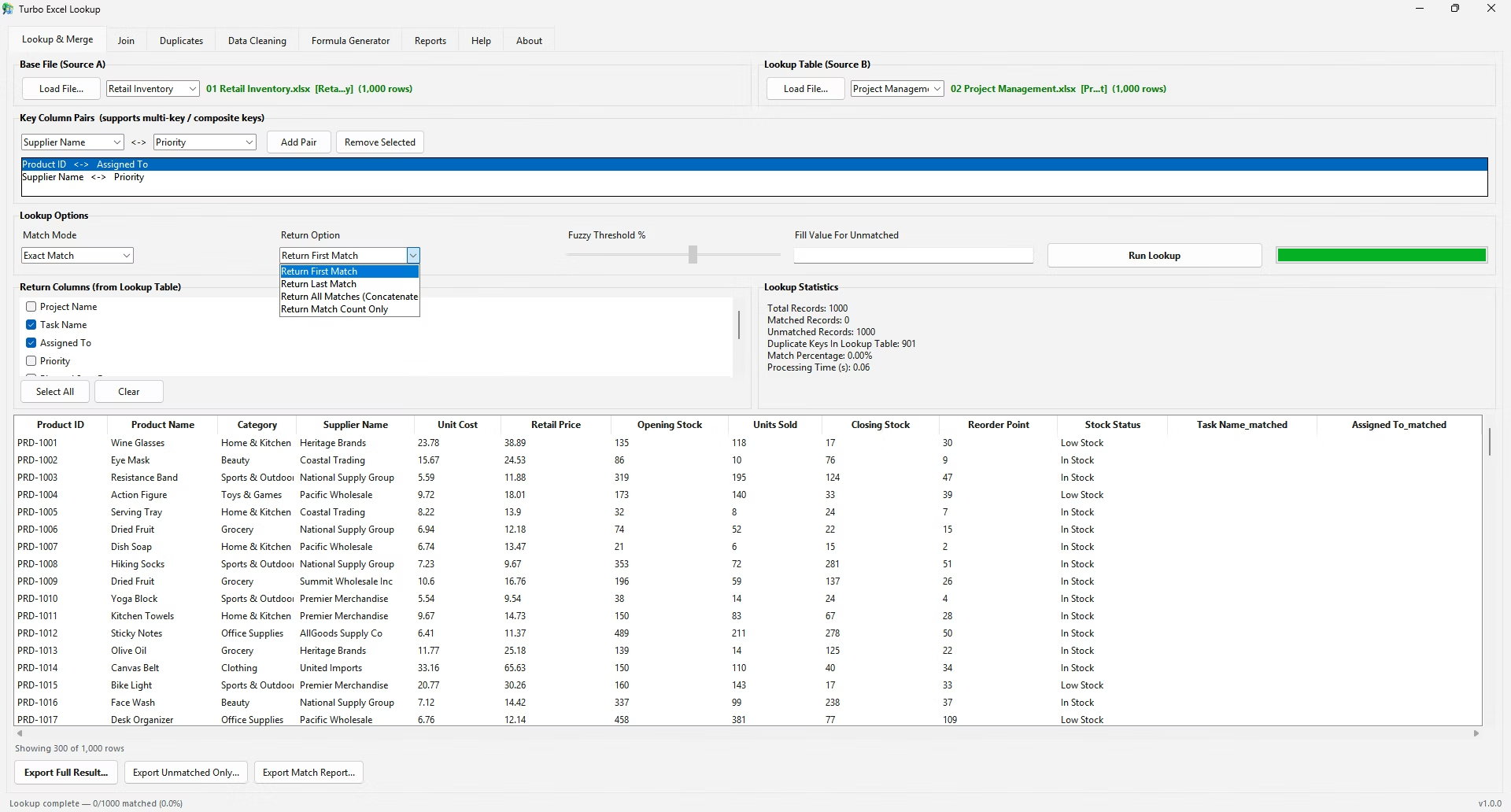
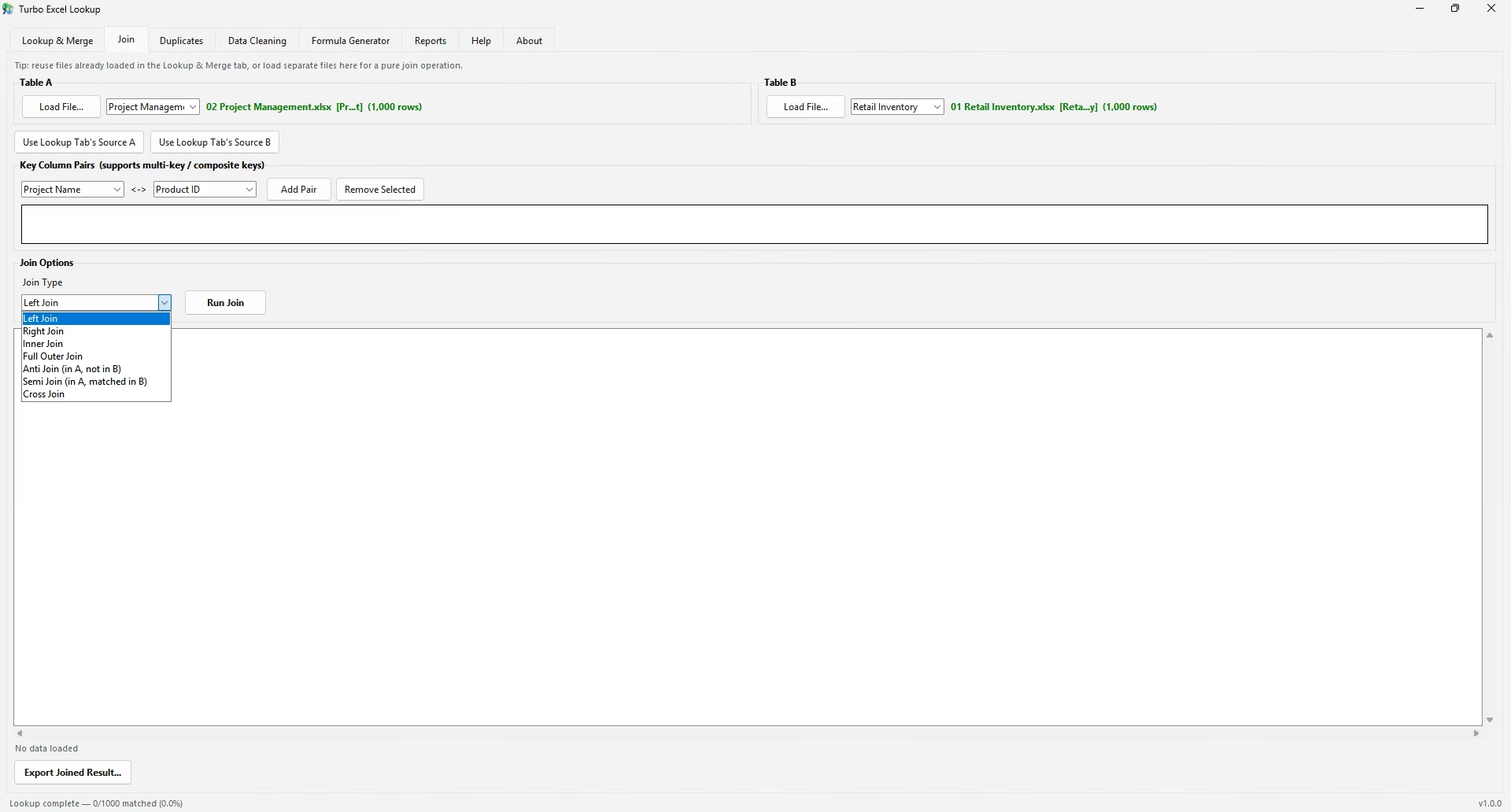
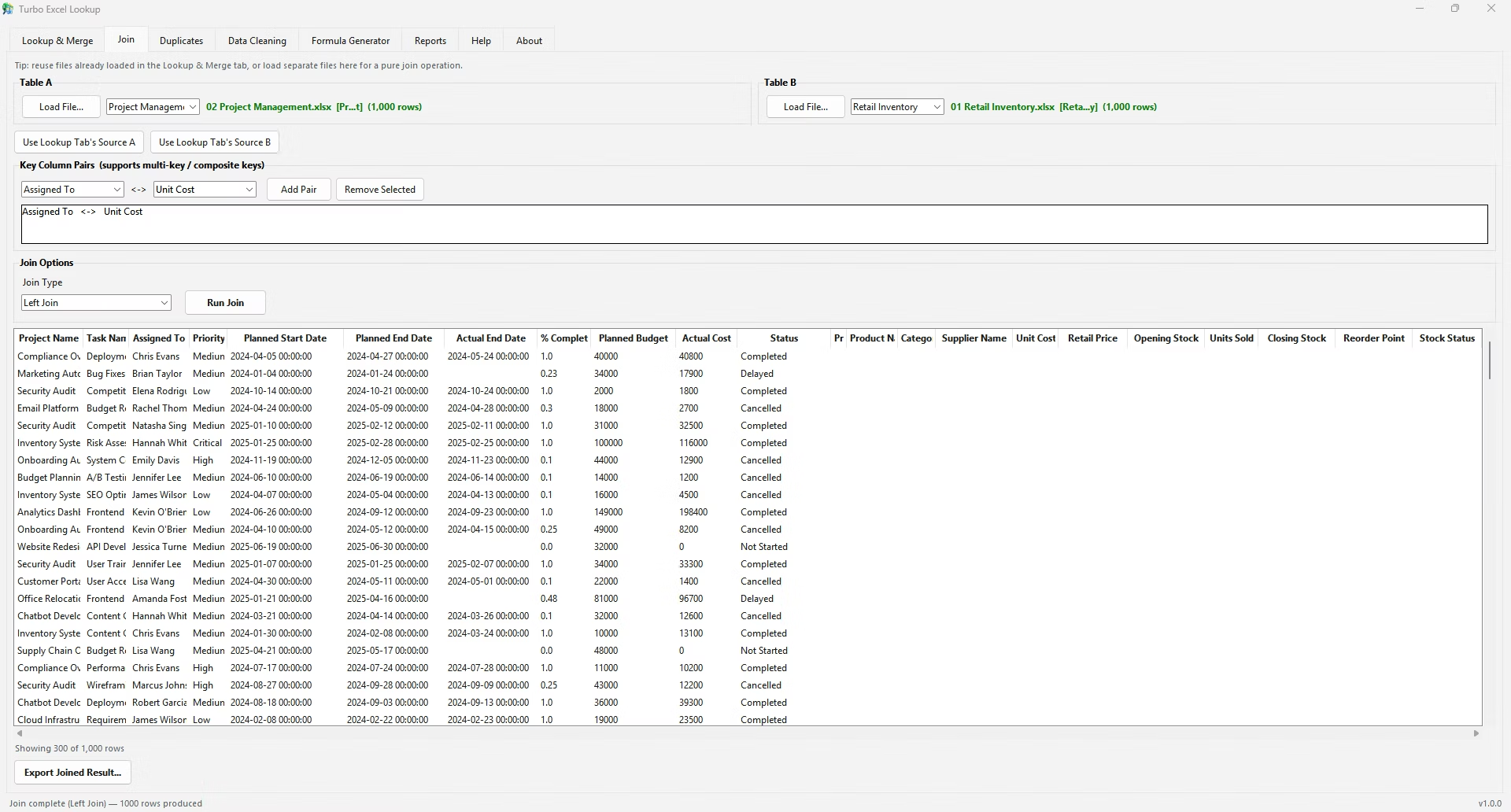
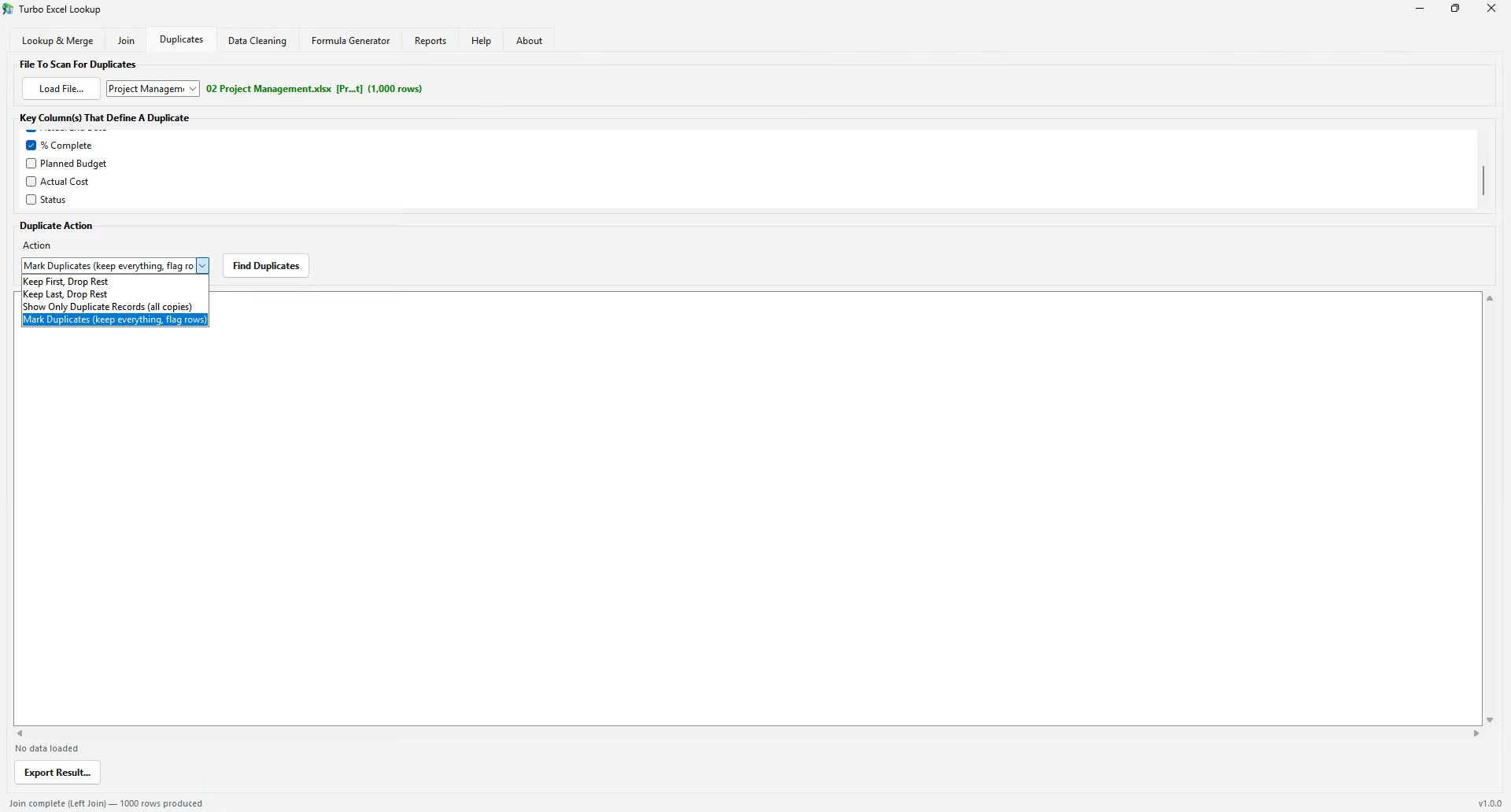
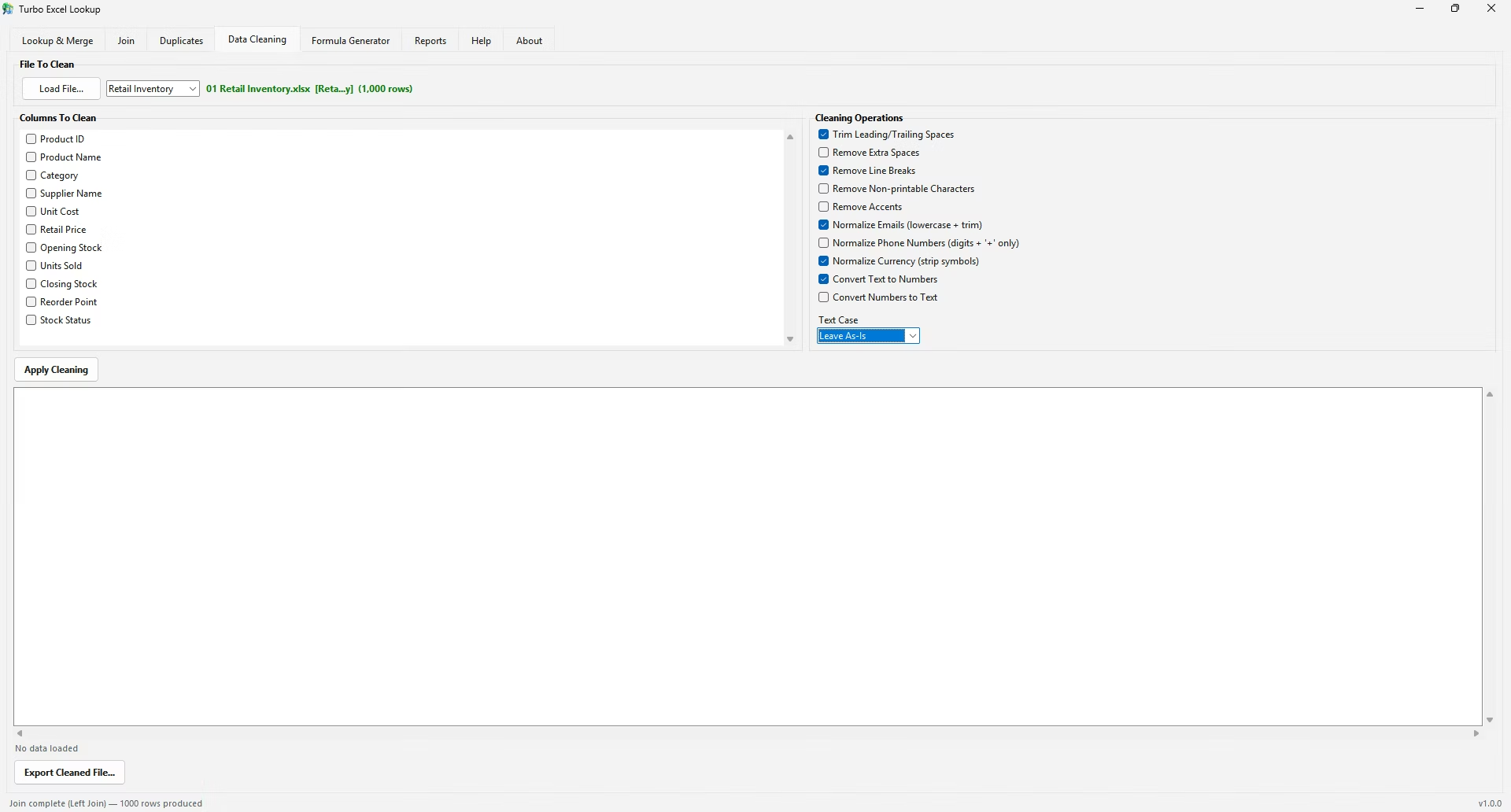
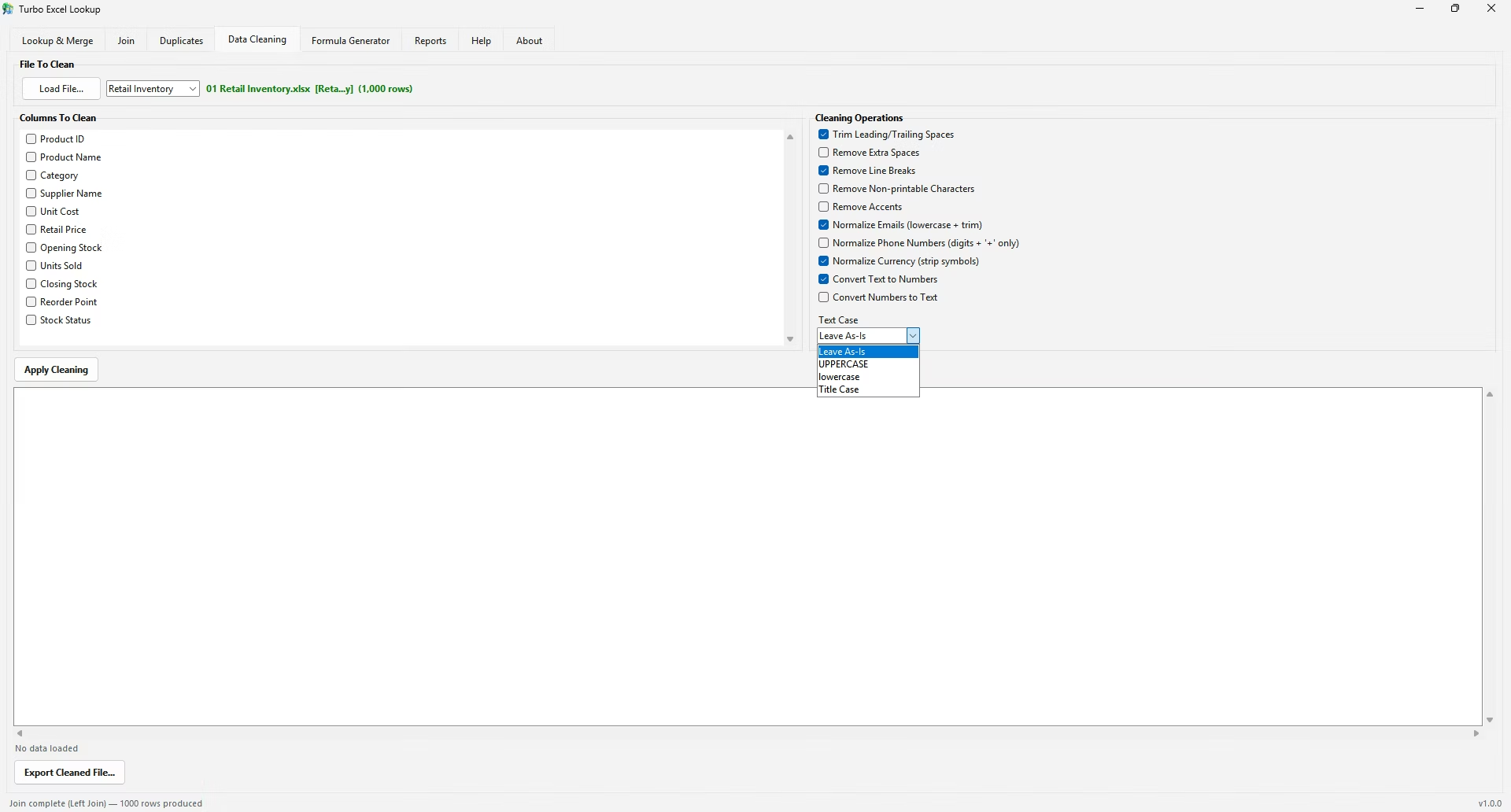
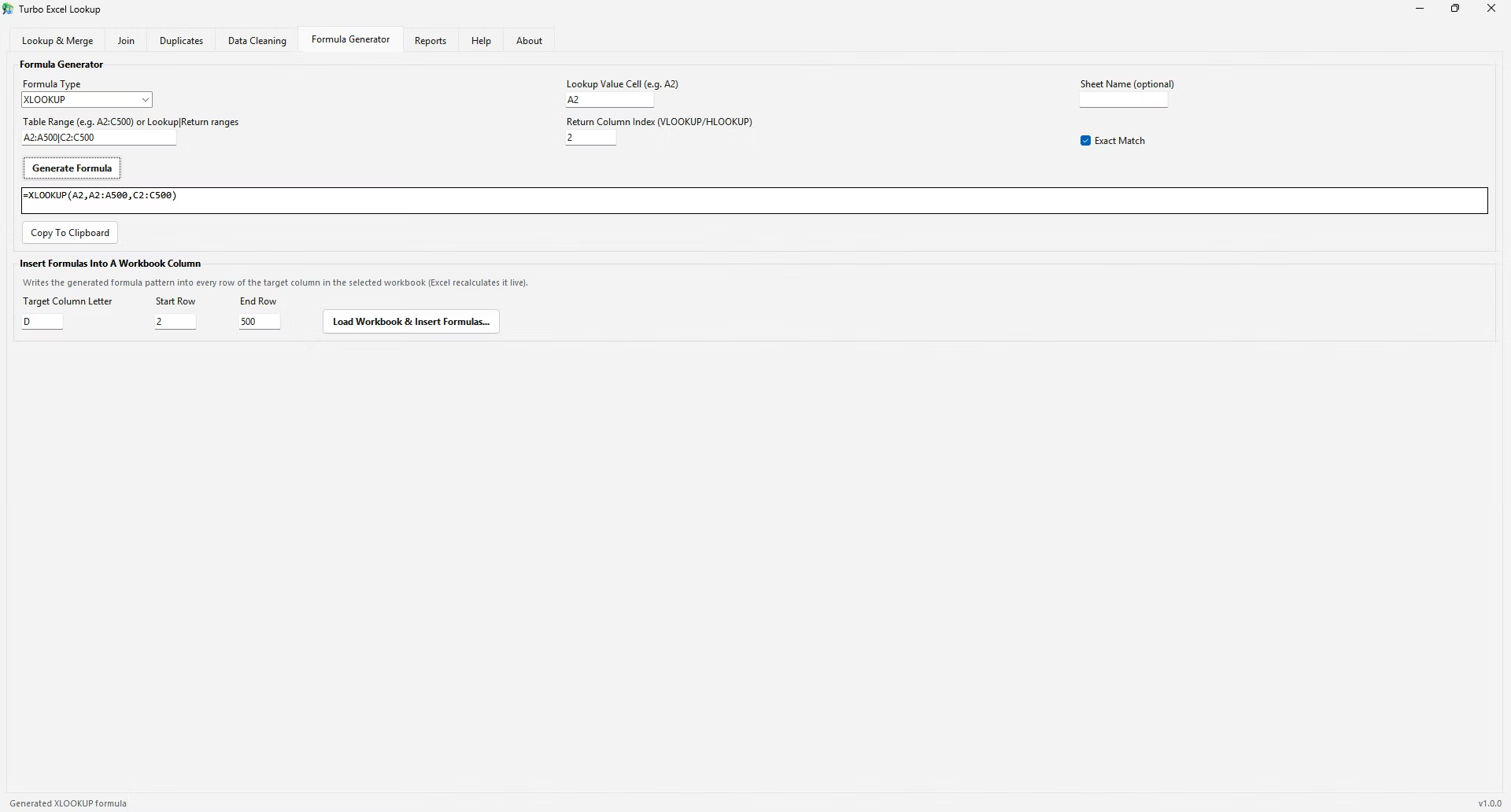
Turbo Excel Lookup's Lookup & Merge tab doesn't require you to know in advance whether your data calls for VLOOKUP-style or HLOOKUP-style matching - you simply select the matching column (or, for transposed data, transpose it first using the app's data tools) and the columns to return, and the underlying pandas merge handles the matching regardless of the original orientation. If you specifically need a native HLOOKUP formula string in your workbook, the Formula Generator tab supports HLOOKUP directly alongside VLOOKUP, XLOOKUP, INDEX/MATCH, and INDEX/XMATCH.
Using the horizontally-laid-out sales table from earlier, finding Q1 sales for the South region would use: =HLOOKUP("South", A1:D2, 2, FALSE). Here, "South" is searched for across row 1 of the range A1:D2, and row_index_num 2 tells Excel to return the value from the second row of that range - the Q1 Sales row - directly below wherever "South" was found. This mirrors VLOOKUP's logic exactly, just rotated ninety degrees.
If the same table needed both Q1 and Q2 figures returned, that would require two separate HLOOKUP formulas with row_index_num set to 2 and 3 respectively, the same one-column-per-formula limitation VLOOKUP has. Turbo Excel Lookup's Formula Generator can produce either of these HLOOKUP formulas directly if a live formula is specifically what's needed.
Some genuinely two-dimensional data - like a grid where both the row and column headers matter, such as a price that depends on both product size and color - needs both a vertical and horizontal match simultaneously. This is typically solved with INDEX combined with two MATCH functions, one for the row position and one for the column position, since neither VLOOKUP nor HLOOKUP alone can search on both axes at once.
In most day-to-day spreadsheet work, HLOOKUP is used far less frequently than VLOOKUP simply because most business data - transaction logs, customer lists, inventory records - is naturally organized with records running down rows rather than across columns. HLOOKUP tends to appear mainly in financial templates, budget models, and certain scientific or engineering datasets where a horizontal time-series or category layout is more conventional within that specific field.
VLOOKUP and HLOOKUP solve the same problem along two different axes, and picking the right one is simply a matter of checking which direction your data actually runs. Most spreadsheets favor VLOOKUP's vertical orientation, which is why it sees far more everyday use than its horizontal counterpart.
How do I know if I need VLOOKUP or HLOOKUP?
Check the orientation of your lookup values: if they run down a column, use VLOOKUP; if they run across a row, use HLOOKUP.
Can XLOOKUP replace HLOOKUP too?
Yes, XLOOKUP works on both rows and columns depending on how lookup_array and return_array are defined, effectively covering both VLOOKUP's and HLOOKUP's use cases.
Is HLOOKUP slower than VLOOKUP?
Performance is essentially the same between the two; the difference is purely about which axis of the data they search.
Does Turbo Excel Lookup support horizontally-oriented data?
Yes. Its Formula Generator can build native HLOOKUP formulas, and its Data Cleaning tools can transpose horizontally laid out data before running it through the standard Lookup & Merge workflow if a vertical layout is preferred.
Does HLOOKUP need FALSE for an exact match, same as VLOOKUP?
Yes, the range_lookup argument works identically in HLOOKUP, requiring FALSE for an exact match on unsorted data.
Can HLOOKUP search a range with more than a few rows?
Yes, there's no practical row limit, though HLOOKUP's data is typically organized in a small number of rows by nature of being row-oriented rather than column-oriented.
What if I need to match on both a row and a column header at the same time?
That scenario typically needs INDEX combined with two MATCH functions - one locating the row, one locating the column - since neither VLOOKUP nor HLOOKUP alone searches both axes simultaneously.
Why is HLOOKUP used less often than VLOOKUP in general?
Most everyday business data is naturally organized with records running down columns rather than across rows, so the vertical orientation VLOOKUP expects matches how spreadsheets are typically built.
Ready to stop fighting #N/A errors and match your spreadsheets visually?