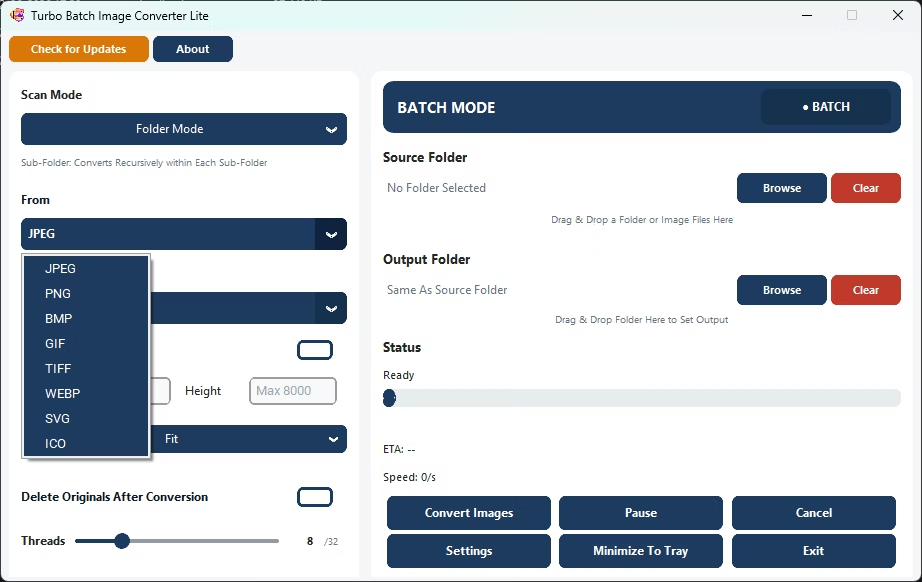
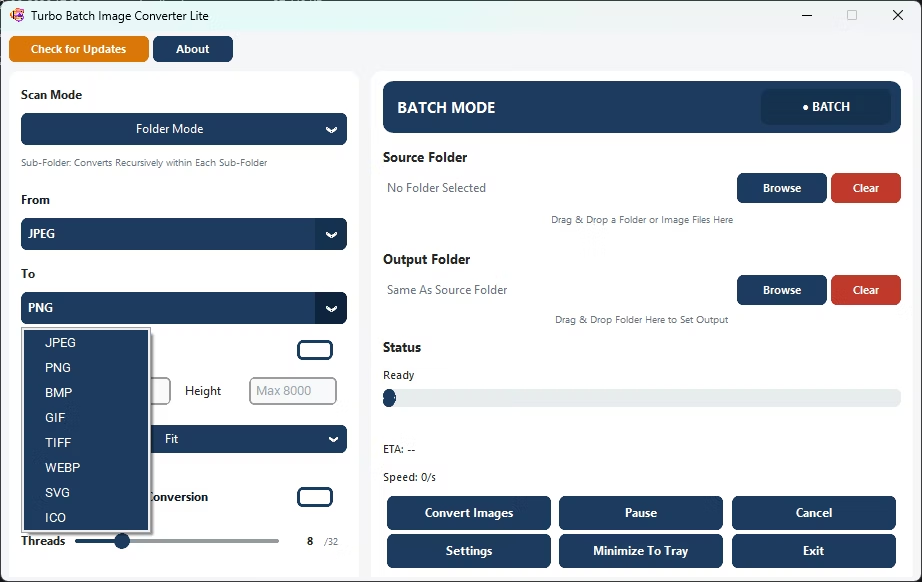
Turbo Batch Image Converter Lite is a fast, fully offline batch image converter and bulk image resizer for Windows 10 and Windows 11. It focuses on the 8 formats most people actually use every day — JPEG, PNG, WebP, GIF, BMP, TIFF, SVG and ICO — and converts freely in any direction between them, whether you need a single file or an entire folder tree.
Everything runs locally on your PC with no uploads, no watermarks, and no file-count limits. A multi-threaded engine scales up to 32 parallel workers, per-format quality settings give you control over each output, and built-in Fit, Fill, and Stretch resizing lets you convert and resize in one pass. Lite gives you the core power of a professional converter in a light, uncomplicated package, ideal if you don't need RAW, HEIC, or the more exotic formats found in Turbo Batch Image Converter Pro.
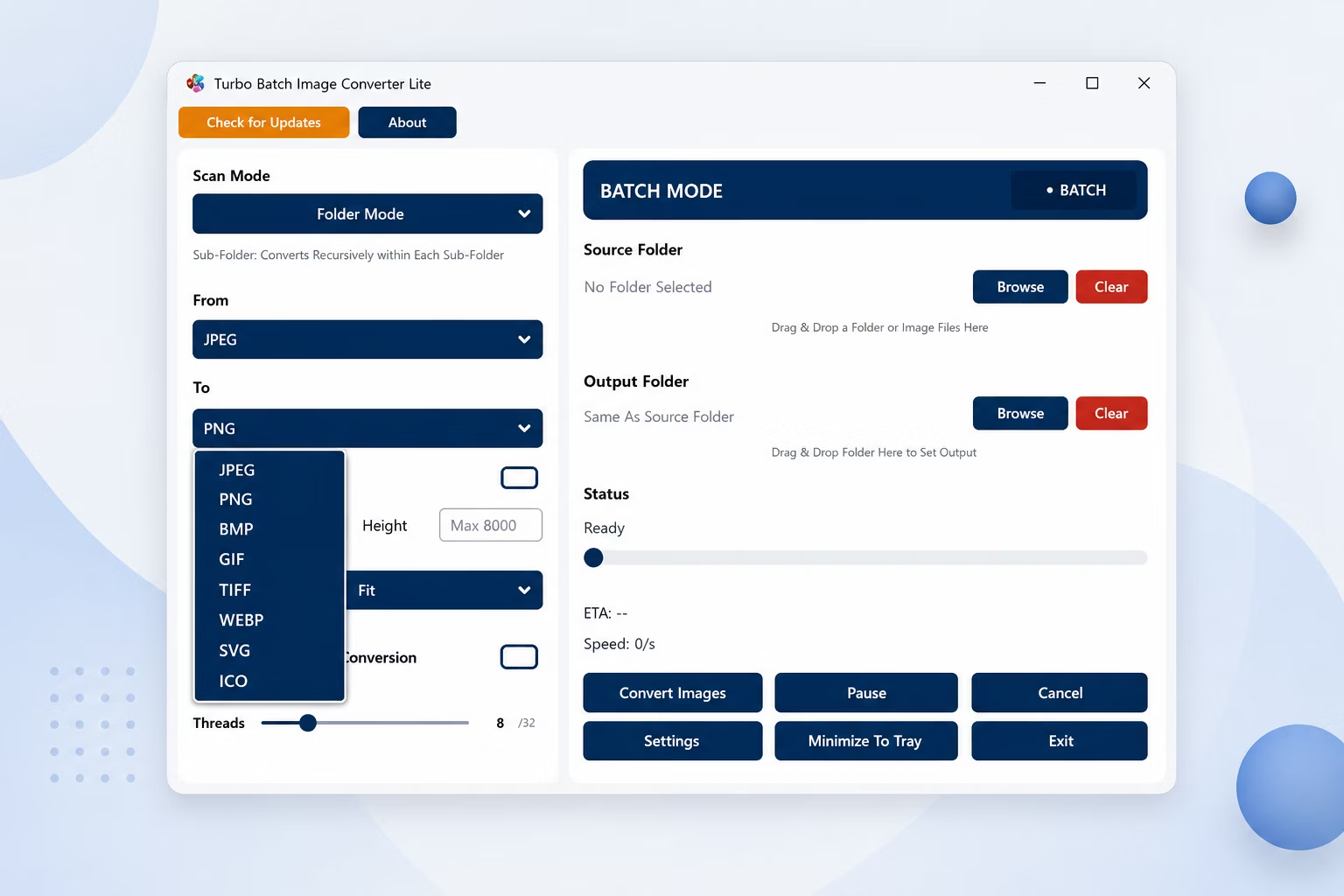
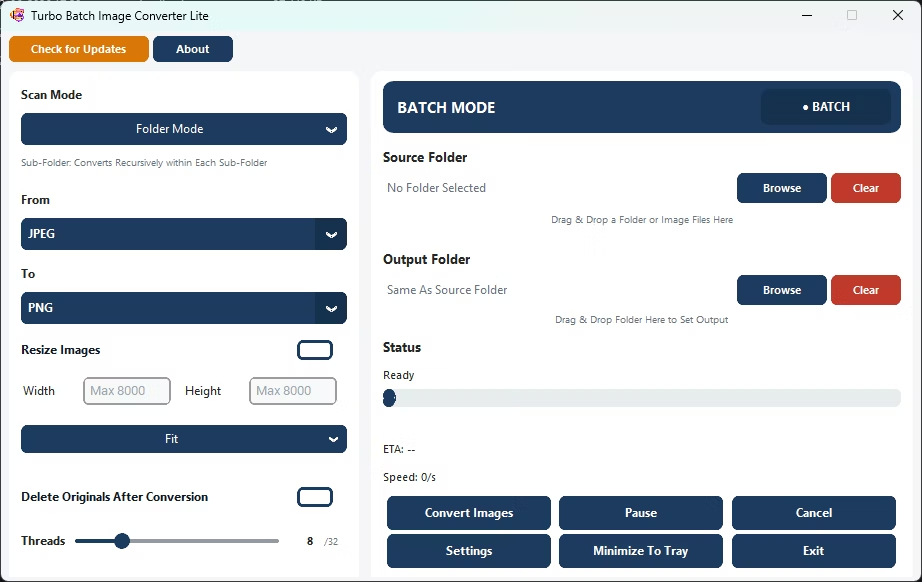
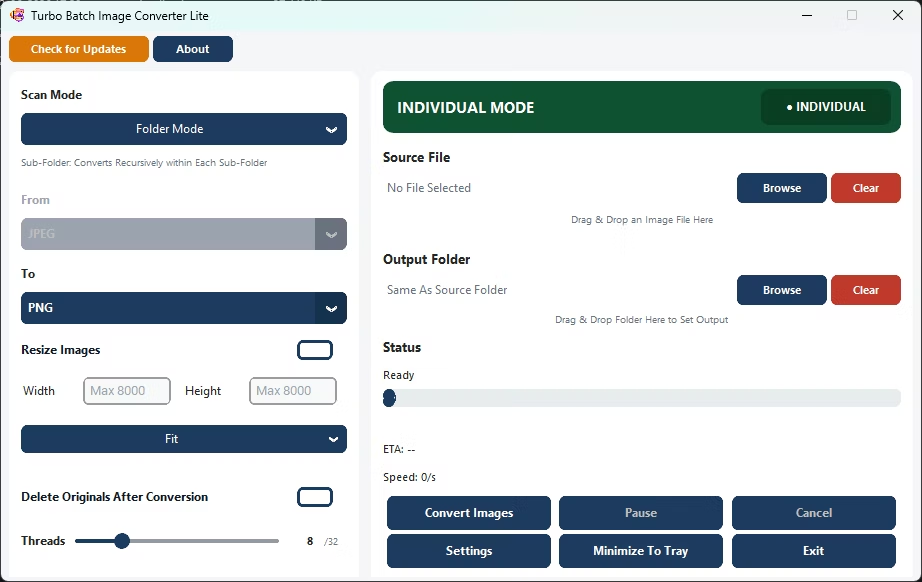
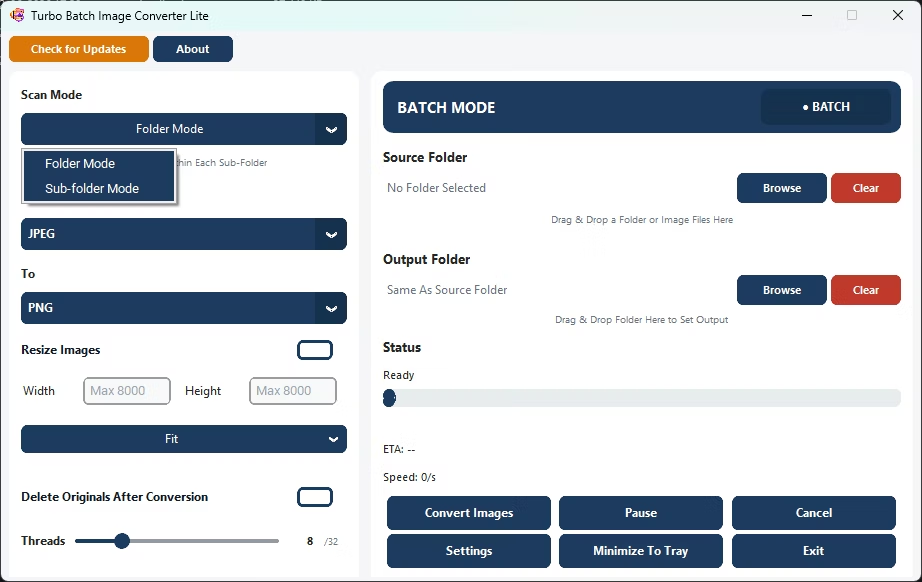
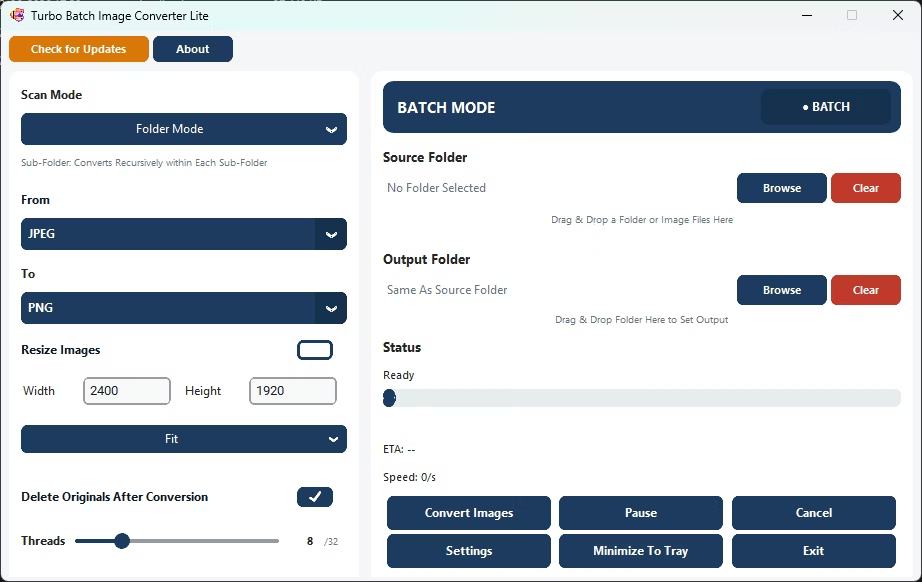
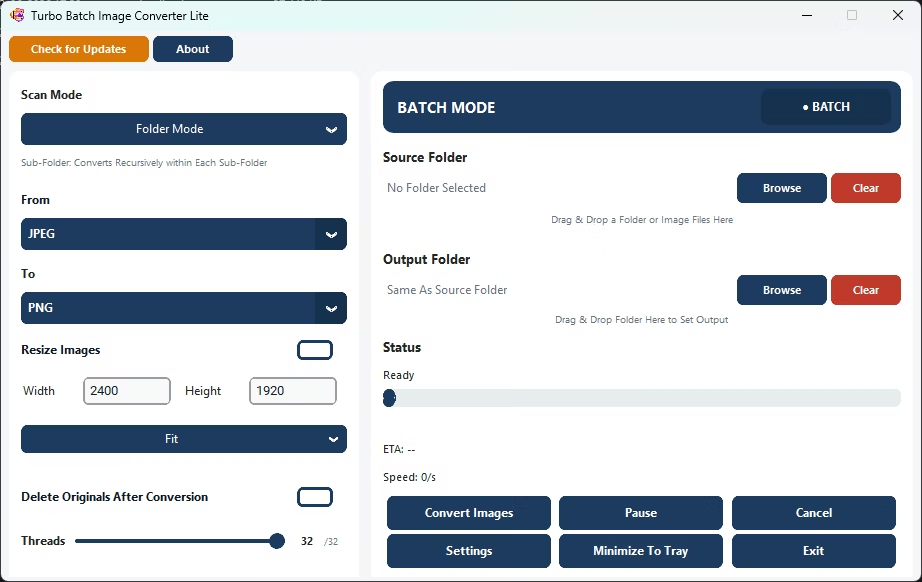
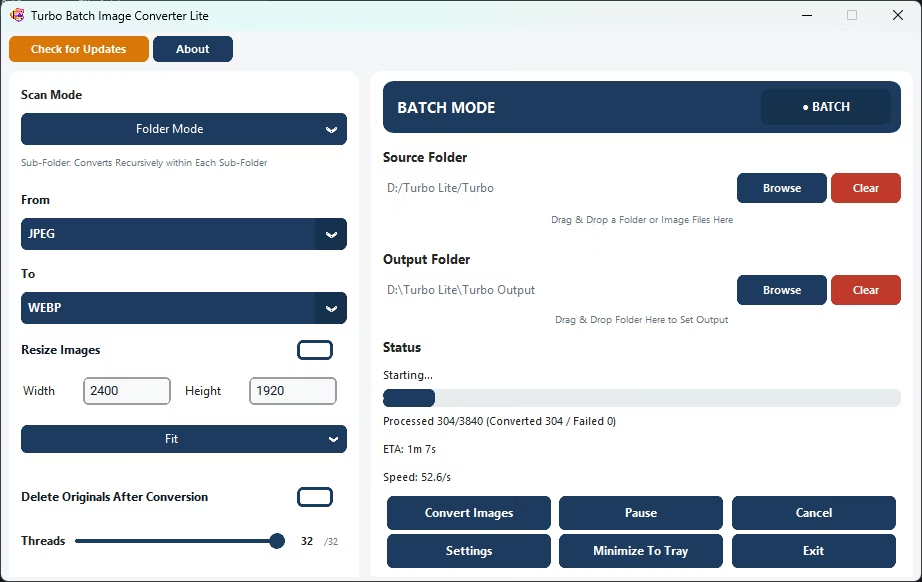
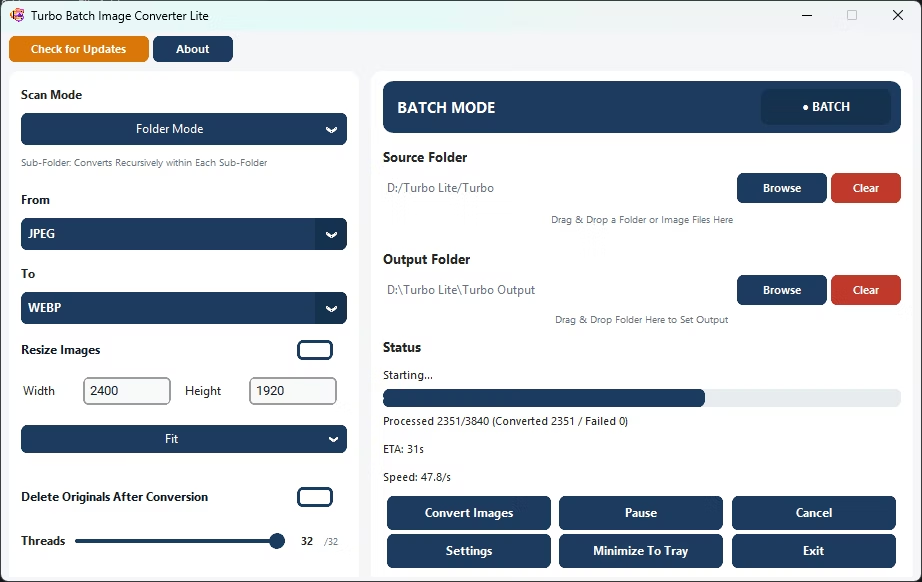
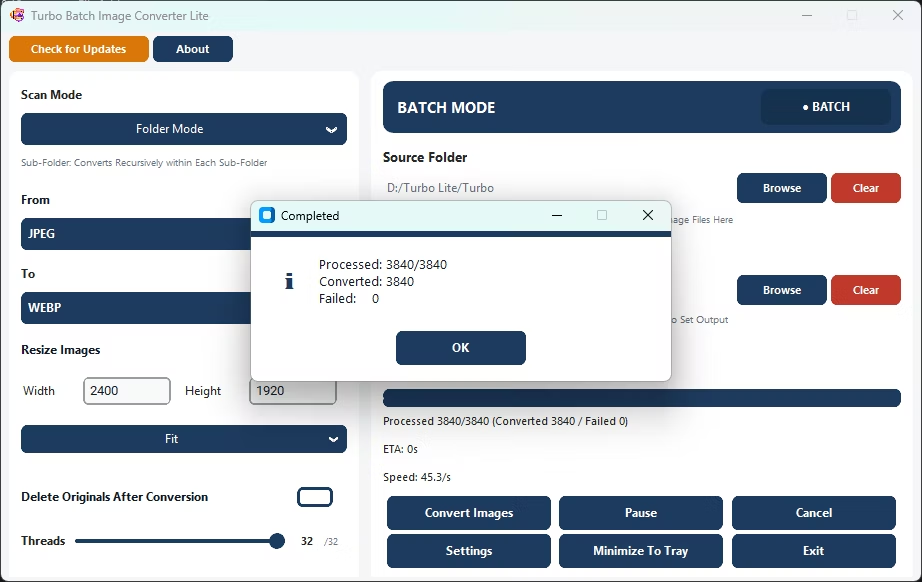
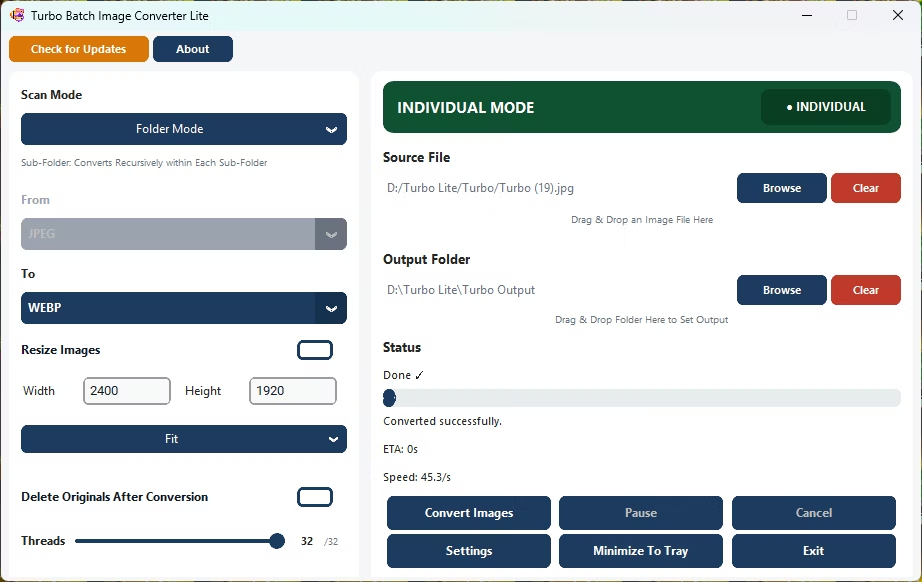
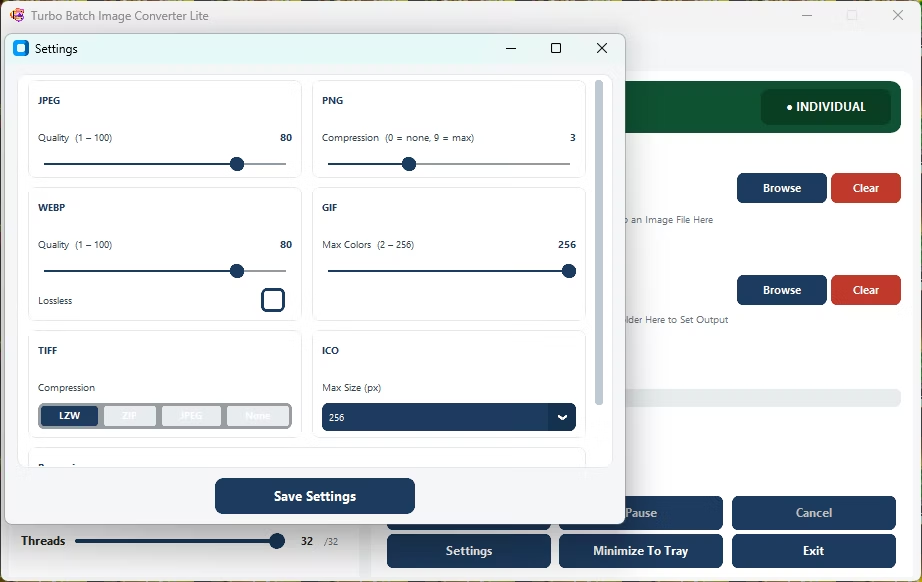
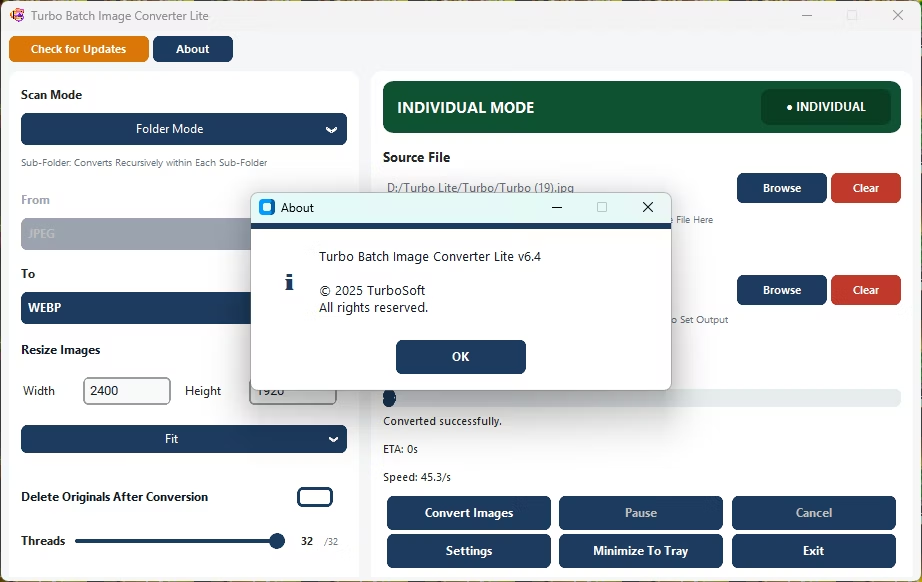
- Install Turbo Batch Image Converter Lite on your Windows 10 or Windows 11 PC.
- Open the app and choose Batch Mode for a folder, or Single Mode for one file.
- Select your images, enabling recursive scanning for nested folders if needed.
- Choose your target format from the 8 supported outputs.
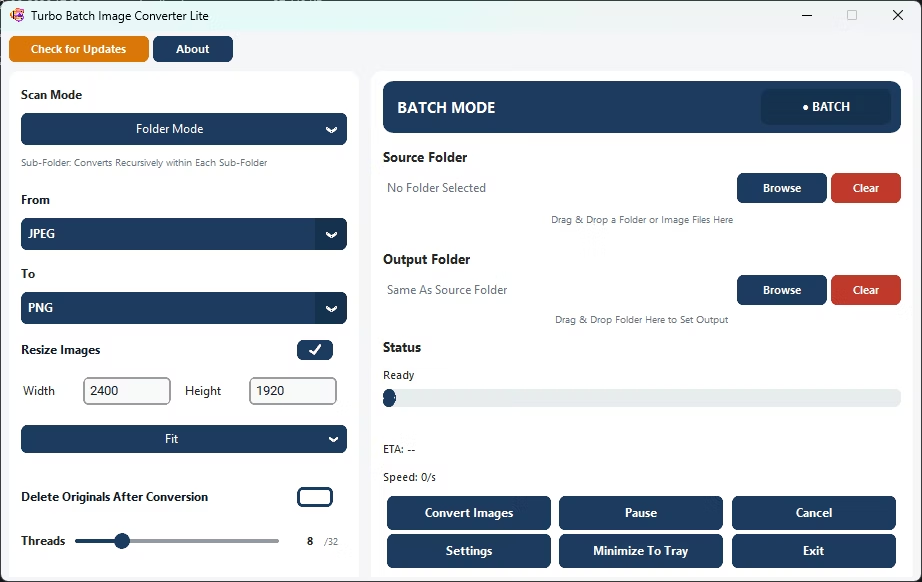
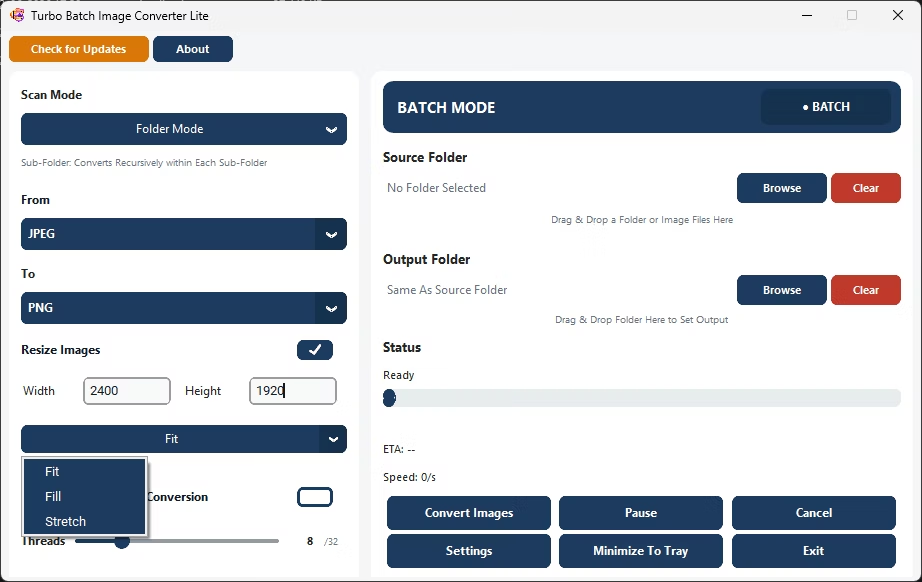
- Adjust quality, compression, or resize settings to match your needs.
- Click Convert and let the app process your images, fully offline.
- 8 everyday formats in one lightweight app: JPEG, PNG, WebP, GIF, BMP, TIFF, SVG and ICO
- One-time purchase, no subscription
- Multi-threaded engine scales up to 32 parallel workers
- Fit, Fill, and Stretch batch resizing alongside conversion
- Runs fully offline with no uploads and no watermarks
What formats does Turbo Batch Image Converter Lite support?
It supports 8 everyday formats: JPEG, PNG, WebP, GIF, BMP, TIFF, SVG and ICO.
How is Lite different from Pro?
Lite covers the everyday formats most people need in a smaller, more affordable package, while Pro adds RAW camera support, HEIC, AVIF, and other more exotic formats.
Does it work without an internet connection?
Yes, all conversion happens locally on your PC with no uploads required.
Ready to convert your images with Turbo Batch Image Converter Lite?