Photo collections and project archives are often organized into layers of sub-folders, by date or by category. Converting each sub-folder separately is tedious, so a converter that can recursively walk an entire folder tree in one pass saves time.
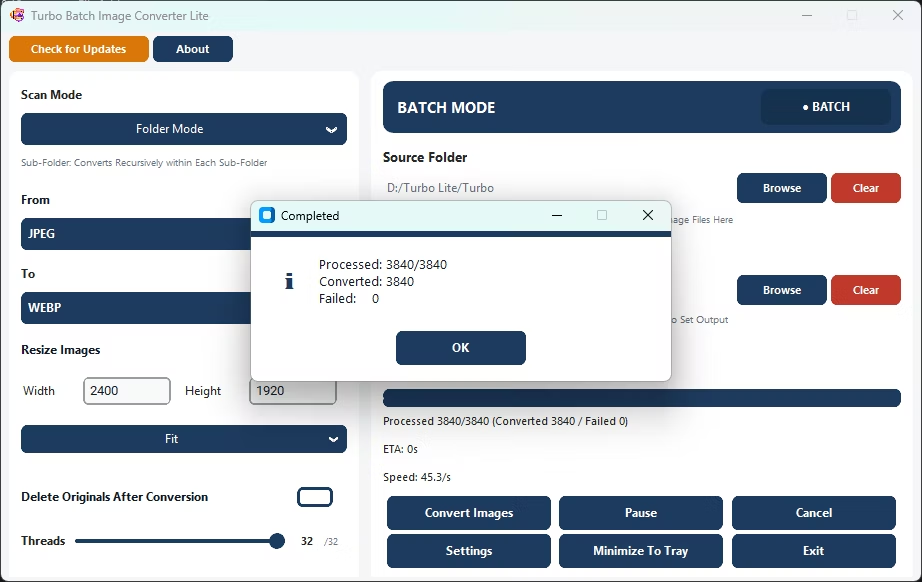
Turbo Batch Image Converter Lite supports recursive sub-folder scanning in Batch Mode, converting images across an entire nested folder tree, no matter how many levels deep, in a single run.
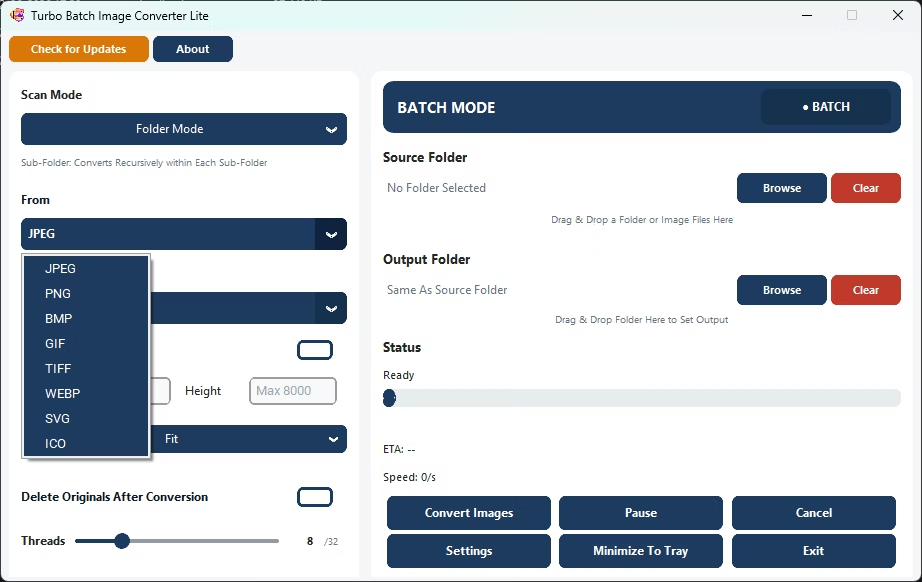
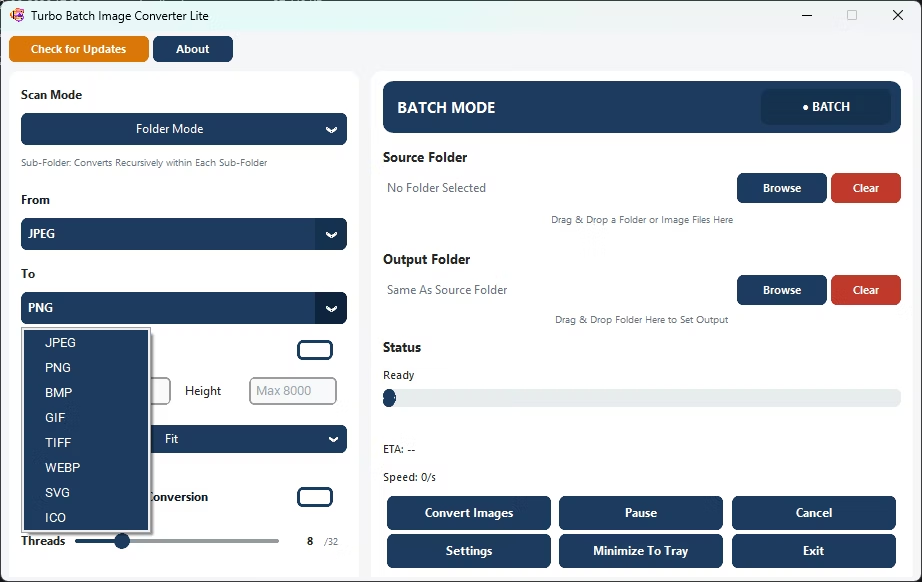
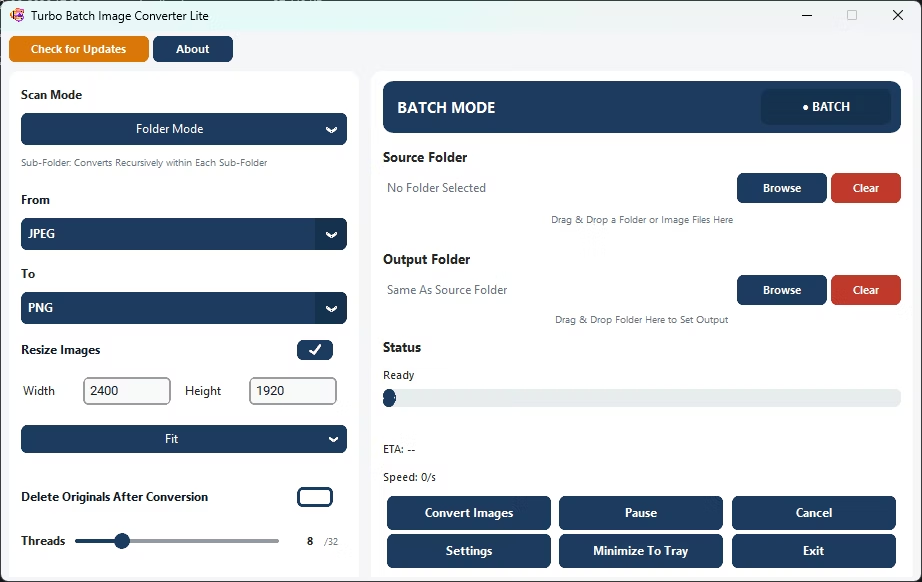
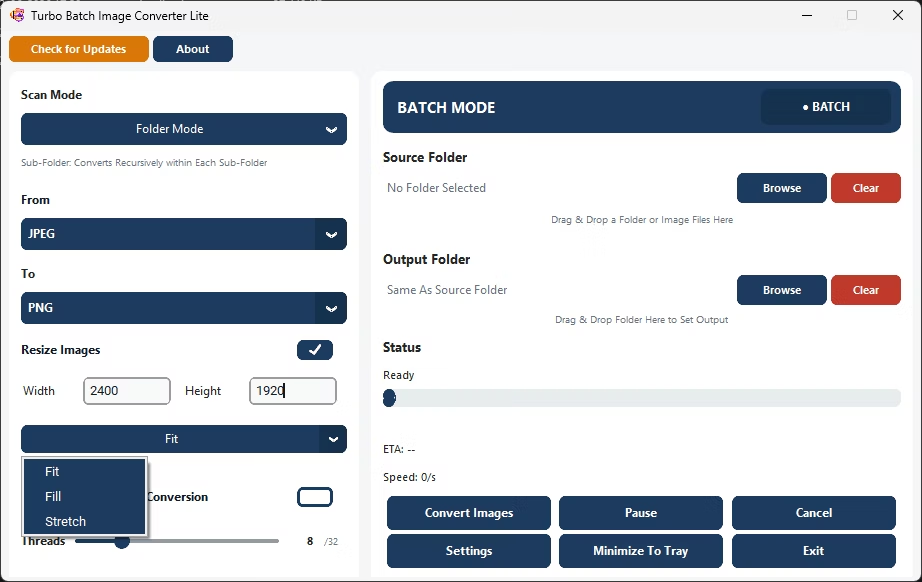
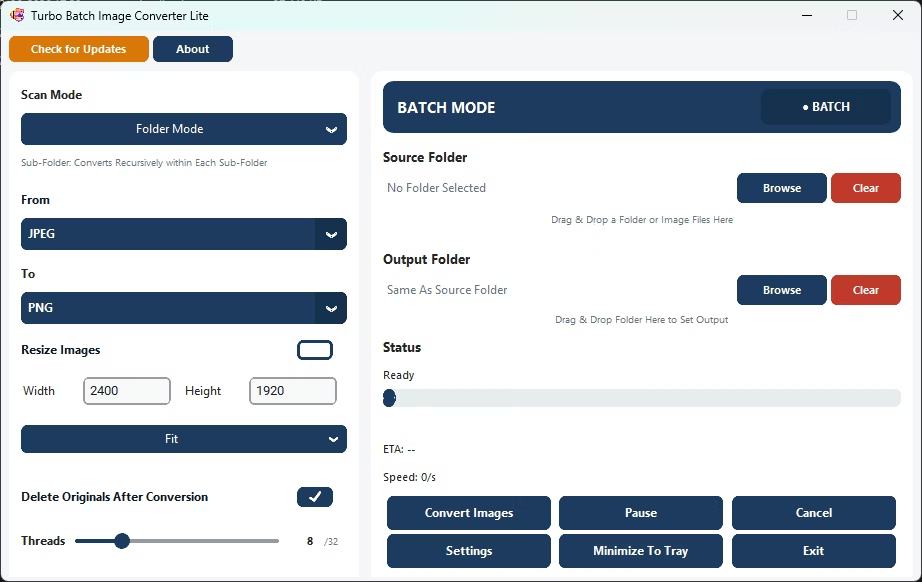
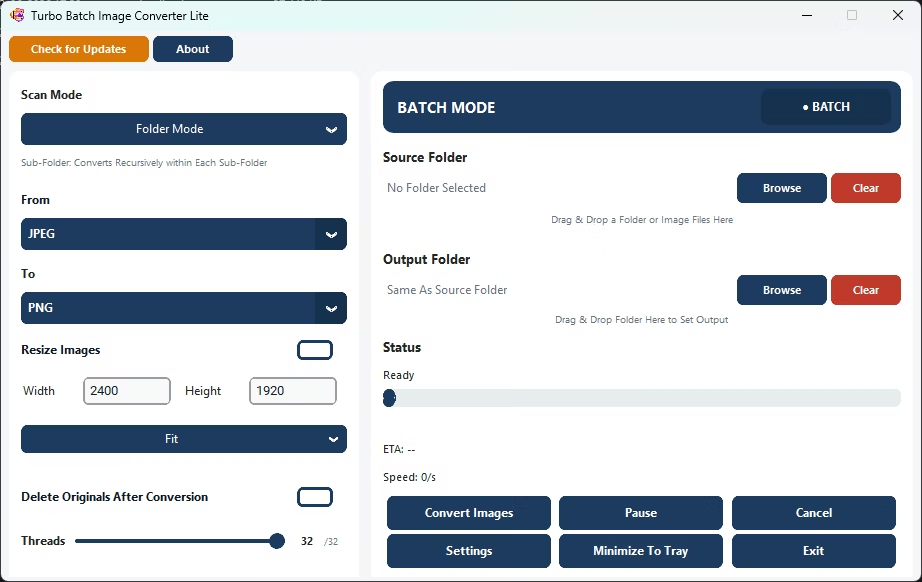
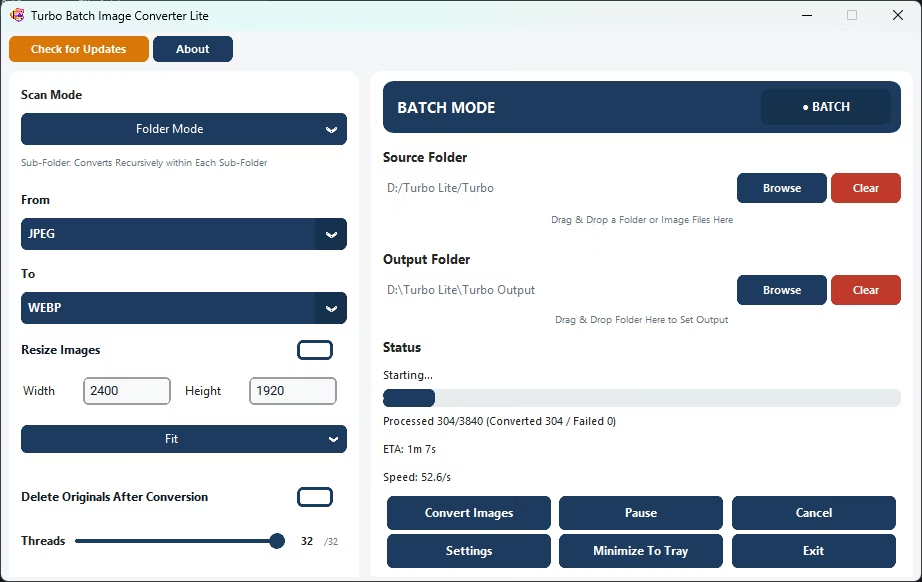
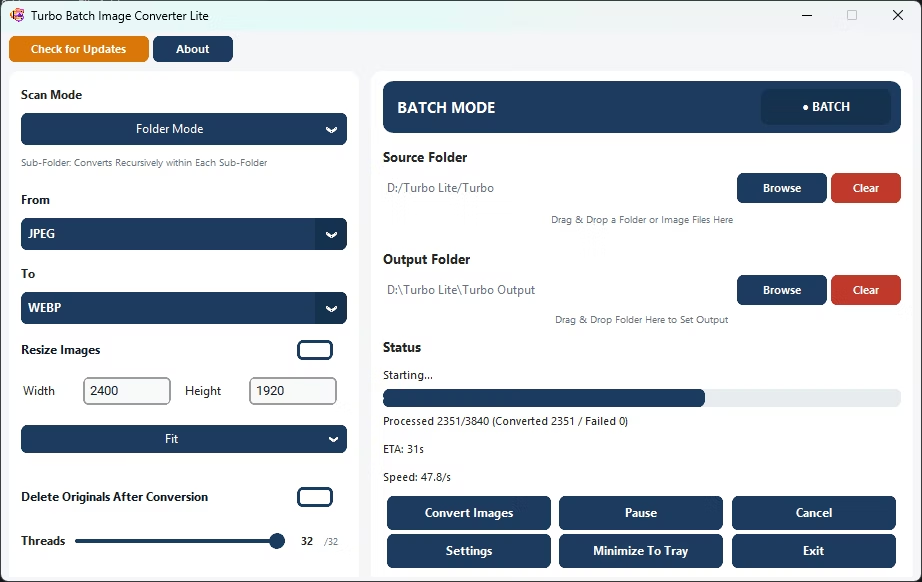
- Install Turbo Batch Image Converter Lite on your Windows PC.
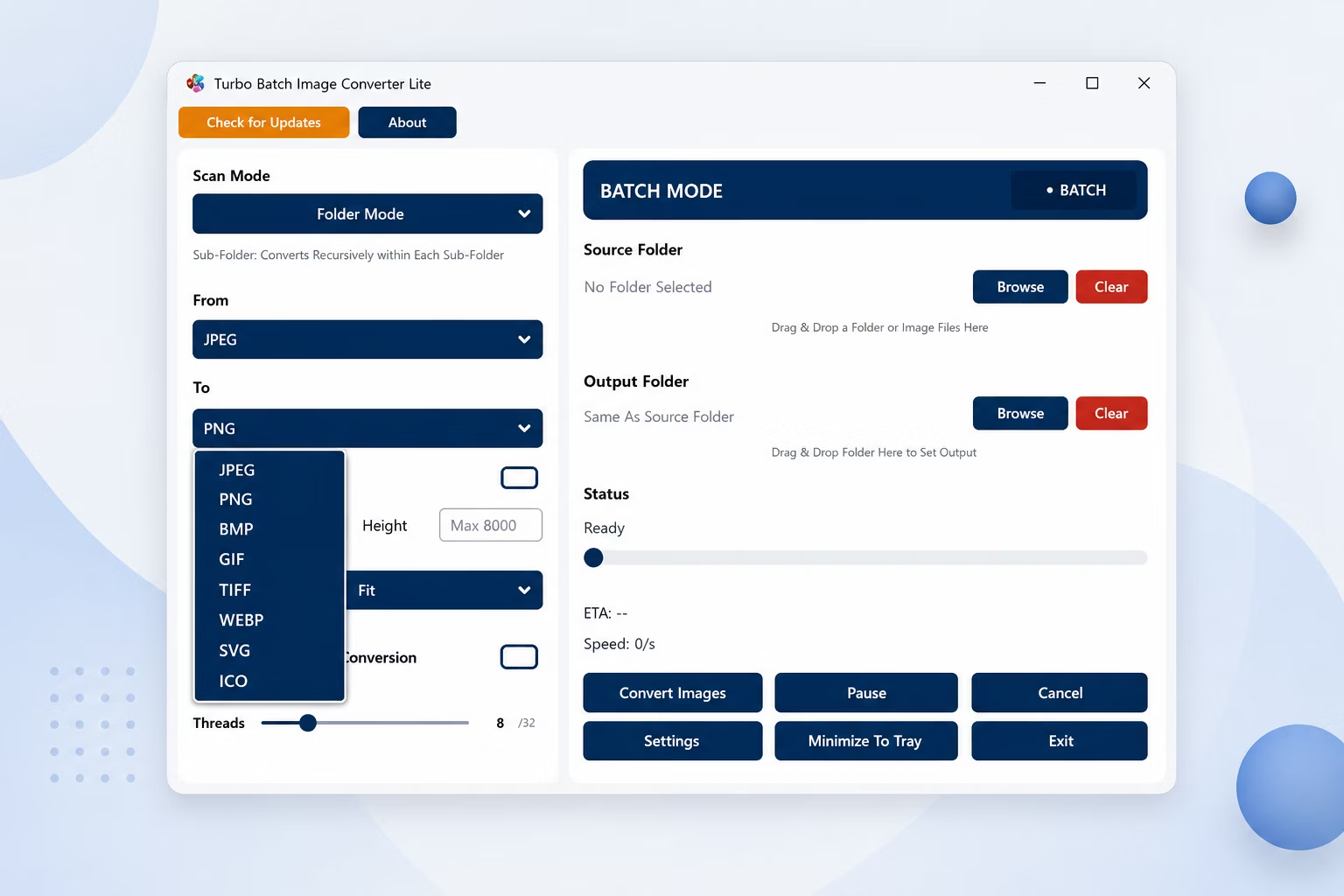
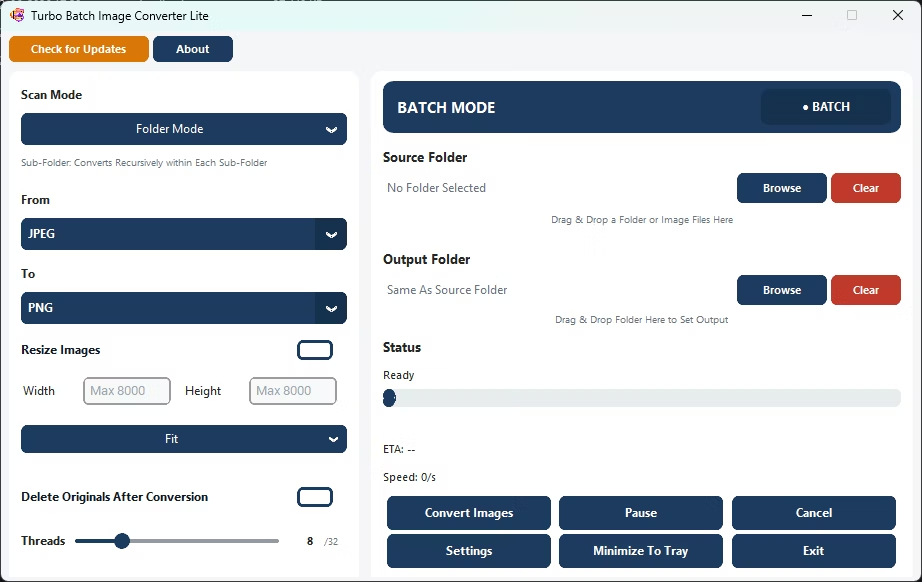
- Open Batch Mode and select the top-level folder of your folder tree.
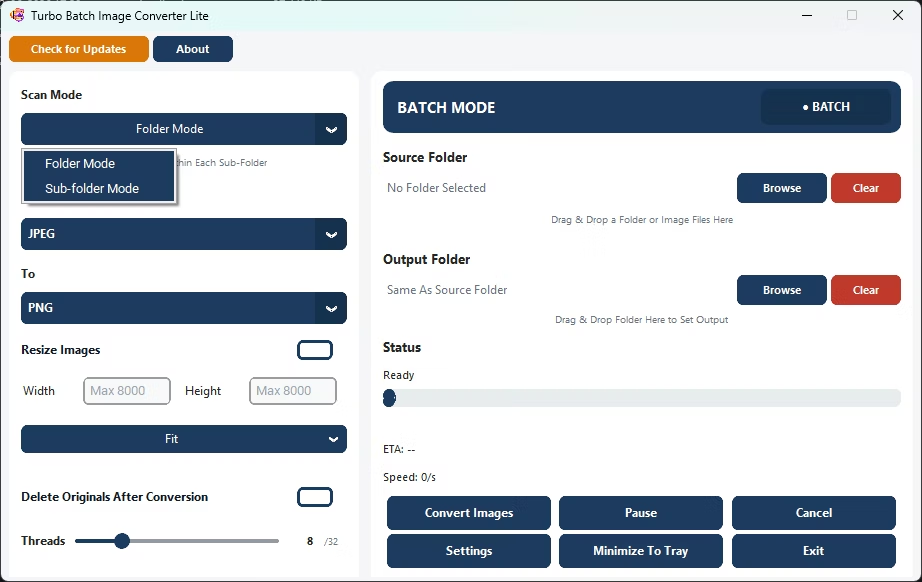
- Enable recursive folder scanning.
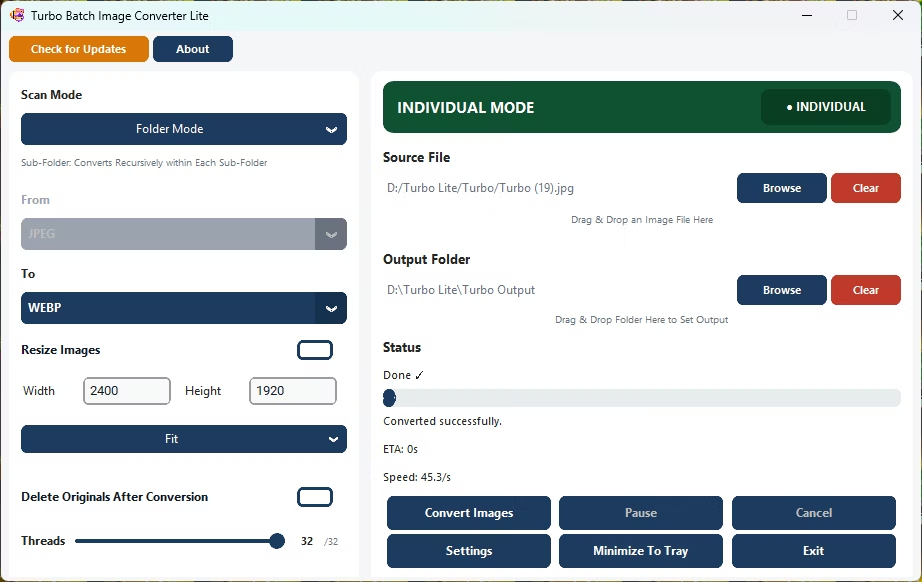
- Set your source and target formats.
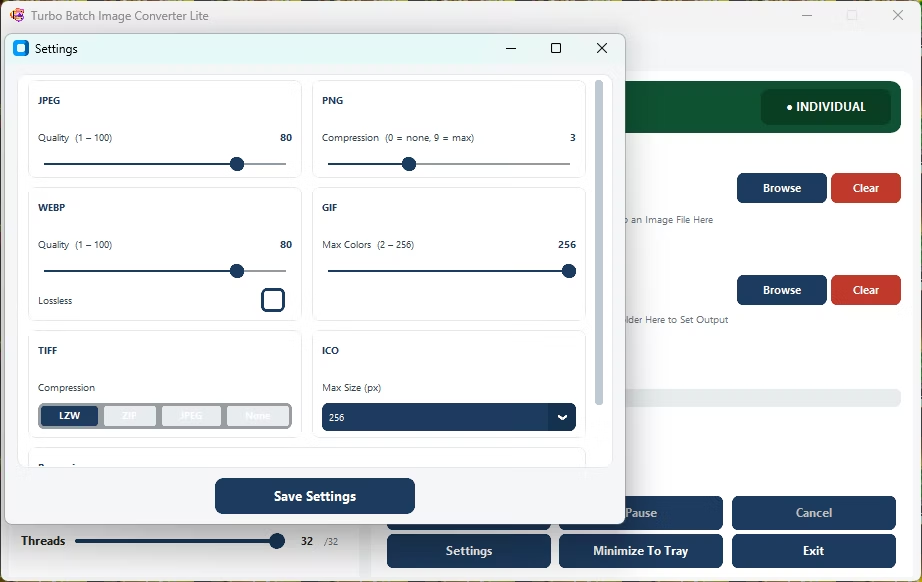
- Adjust quality or resize settings as needed.
- Click Convert to process every image across every nested sub-folder.
- Recursive scanning covers folder trees of any depth
- Converts images across every nested sub-folder in one run
- No need to convert each sub-folder separately
- Runs fully offline with no upload limits
- Multi-core engine scales up to 32 parallel workers
How deep can the folder tree be for recursive scanning?
There's no fixed depth limit; the app walks through as many nested levels as your folder structure contains.
Do converted files keep their original sub-folder organization?
Yes, the output preserves the same folder structure as the source, mirrored into your output folder.
Can I turn off recursive scanning if I only want the top folder?
Yes, recursive scanning is optional and can be disabled to convert only files in the selected top-level folder.
Ready to convert images in nested sub-folders, fully offline?