A project folder rarely sticks to one image format for long; screenshots come in PNG, exported photos in JPEG, and downloaded graphics in whatever the source used. A multiple image format converter handles all of that in one tool.
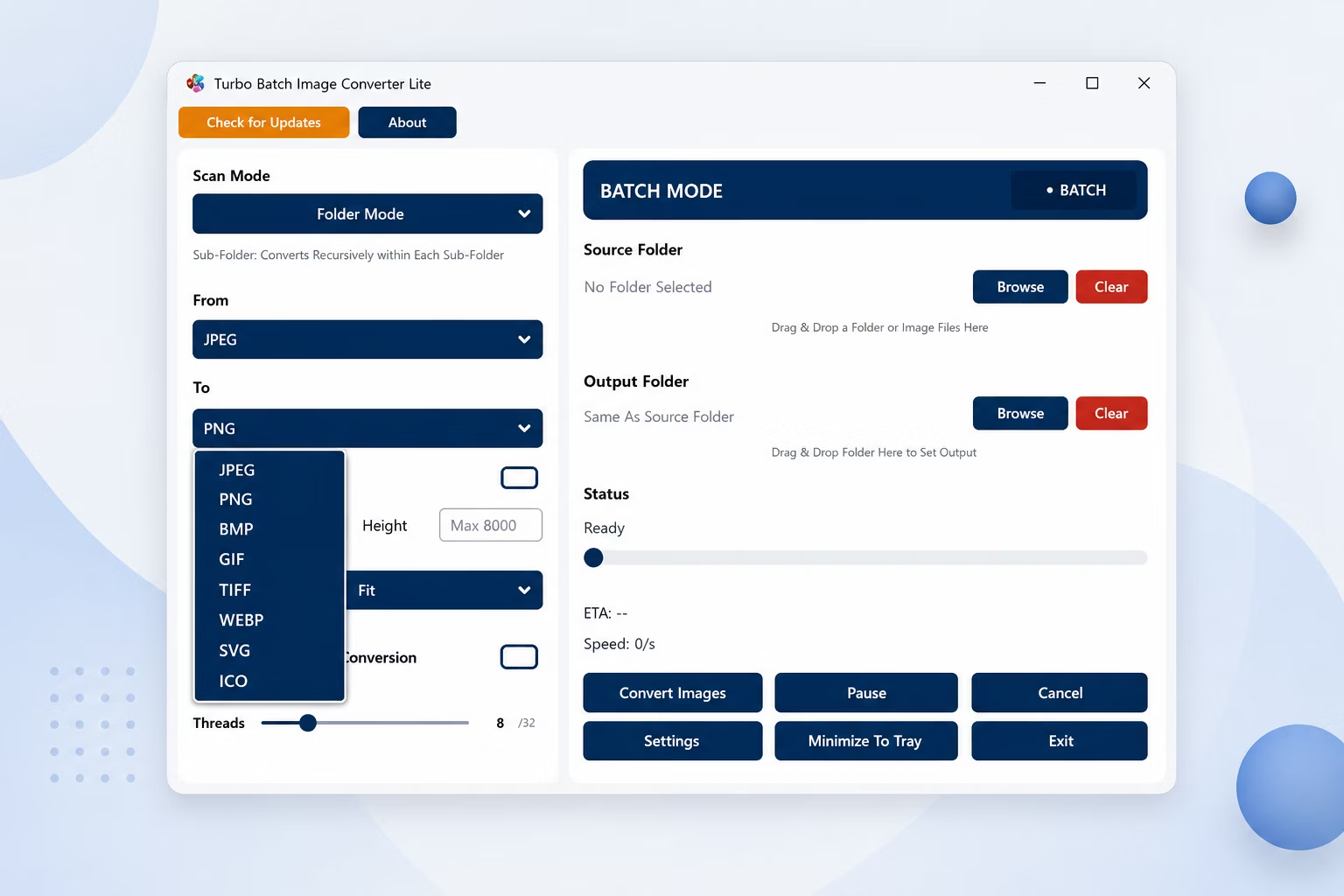
Turbo Batch Image Converter Lite batch converts image files across JPEG, PNG, WebP, GIF, BMP, TIFF, SVG and ICO, letting you standardize a mixed-format folder into a single consistent output.
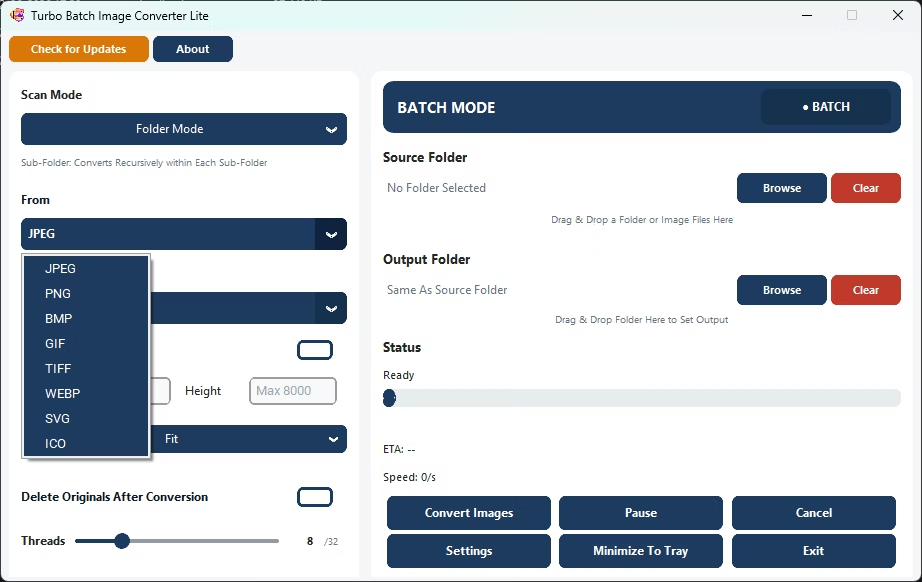
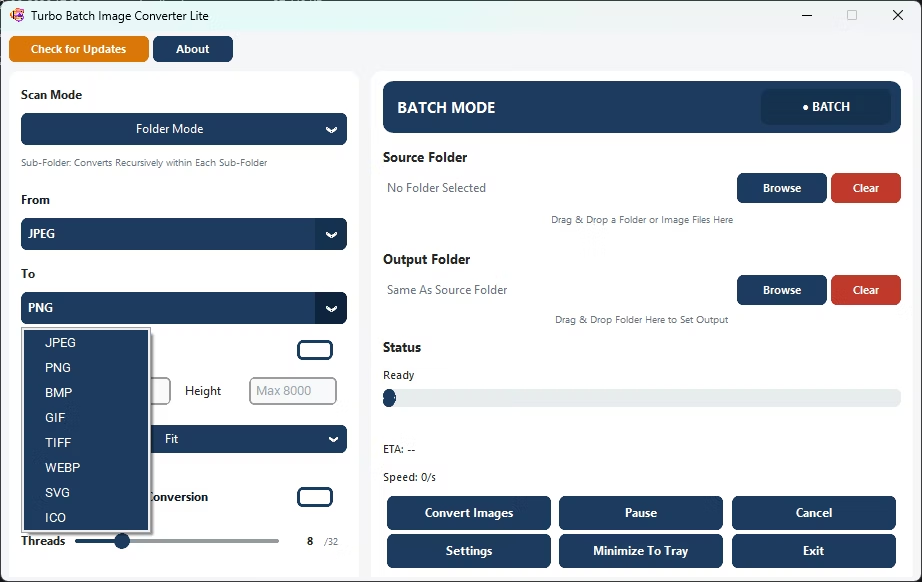
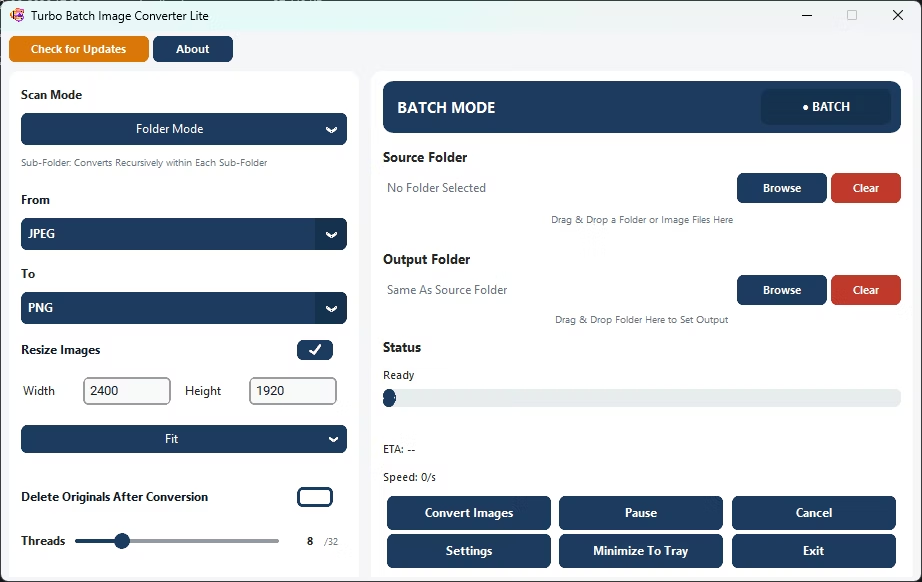
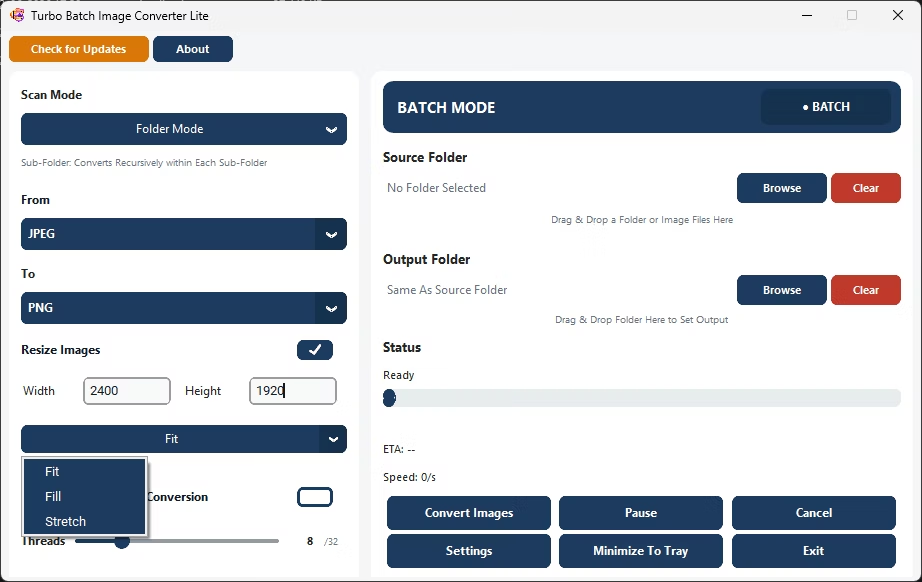
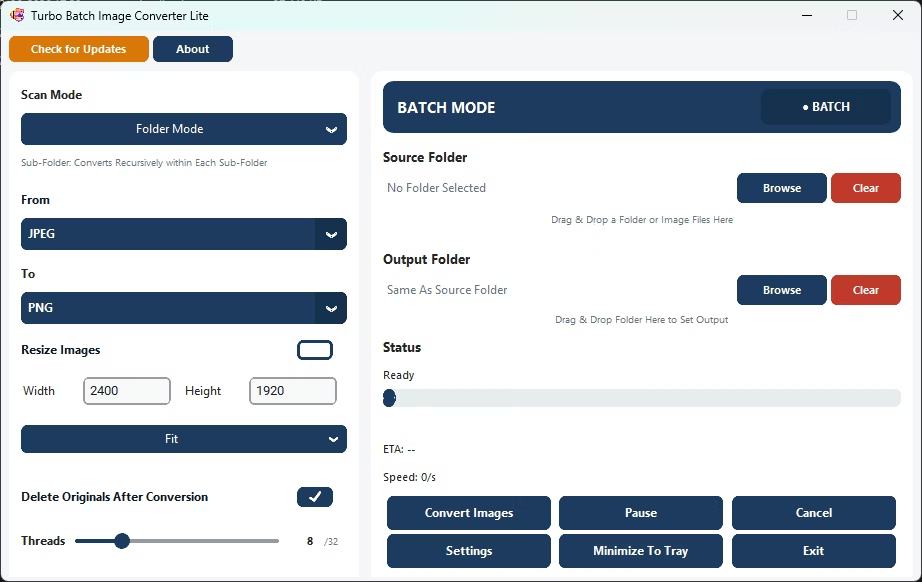
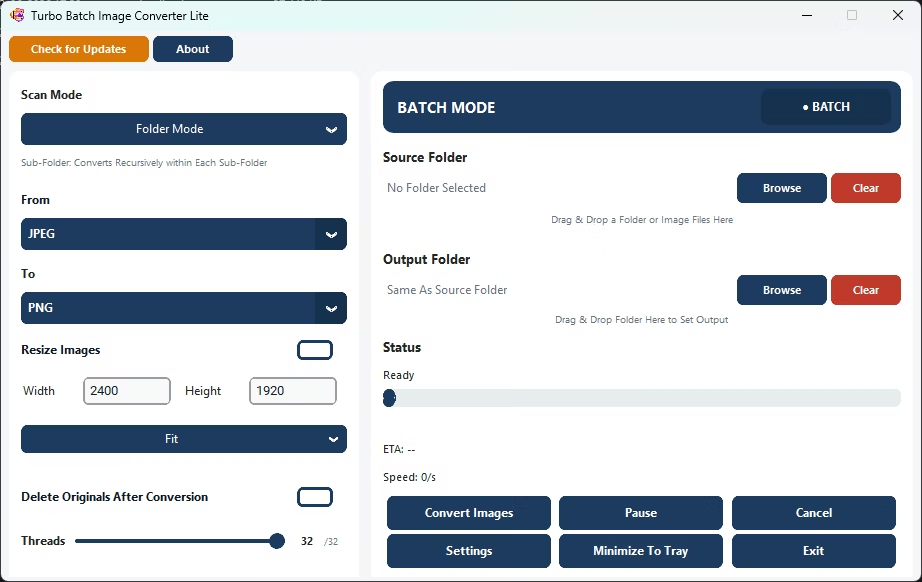
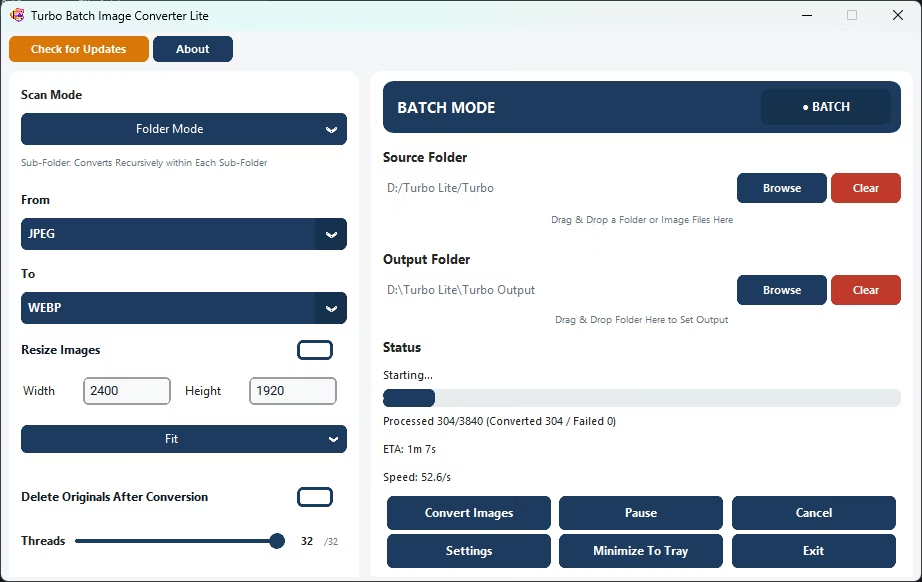
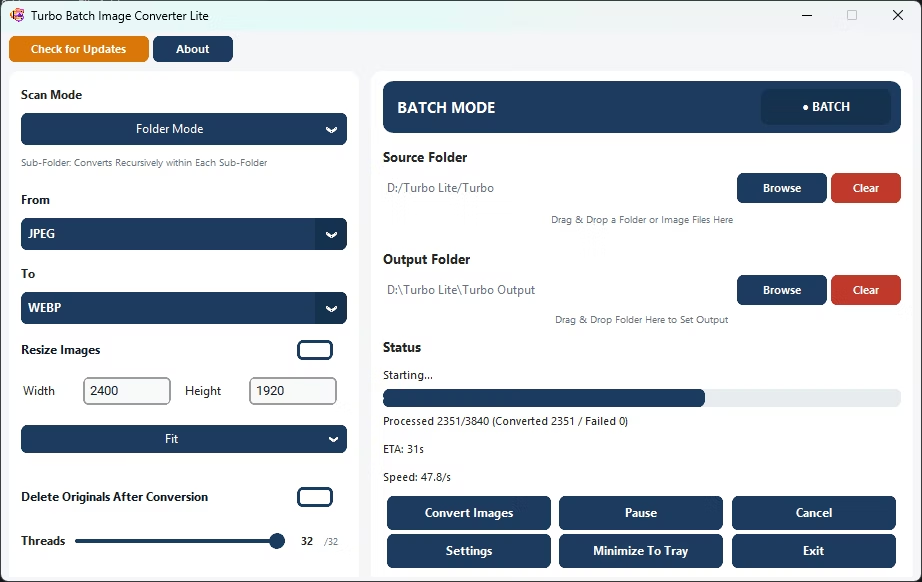
- Install Turbo Batch Image Converter Lite on your Windows PC.
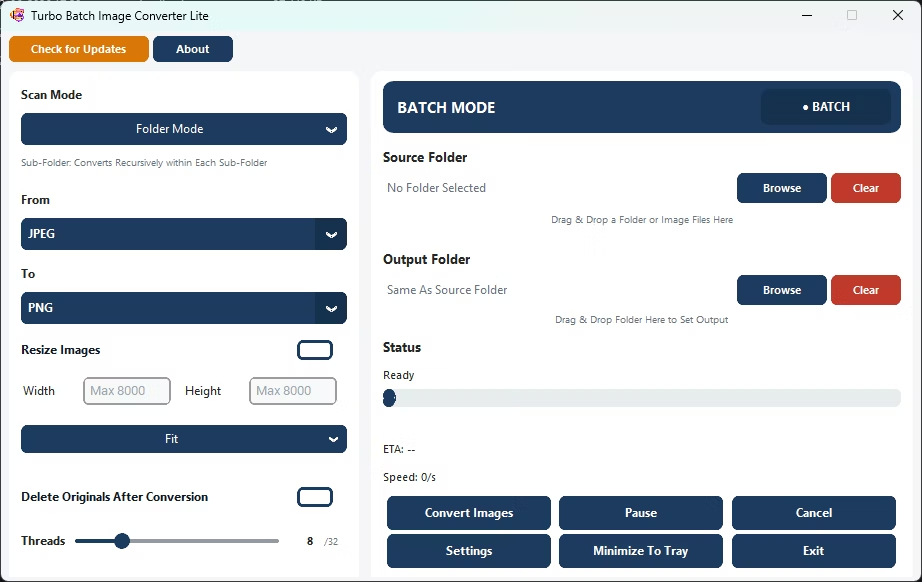
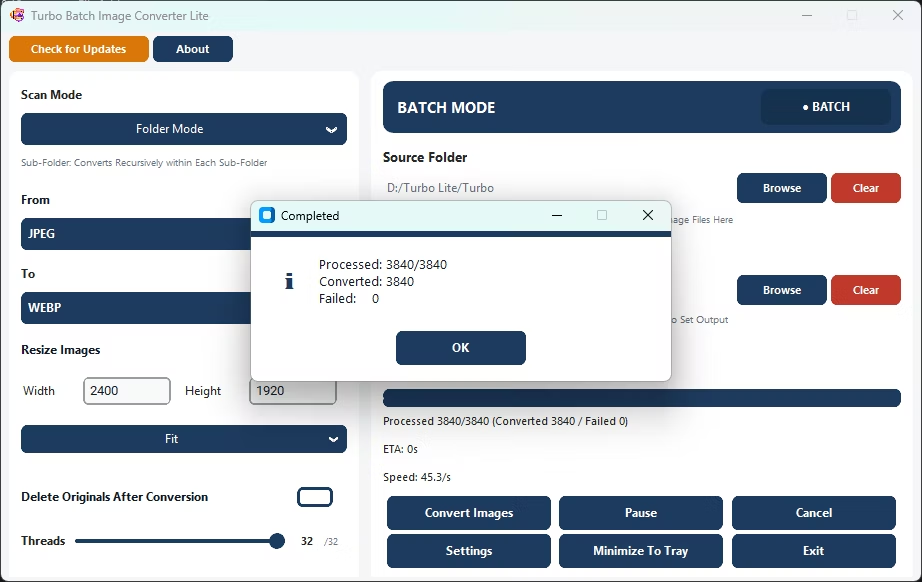
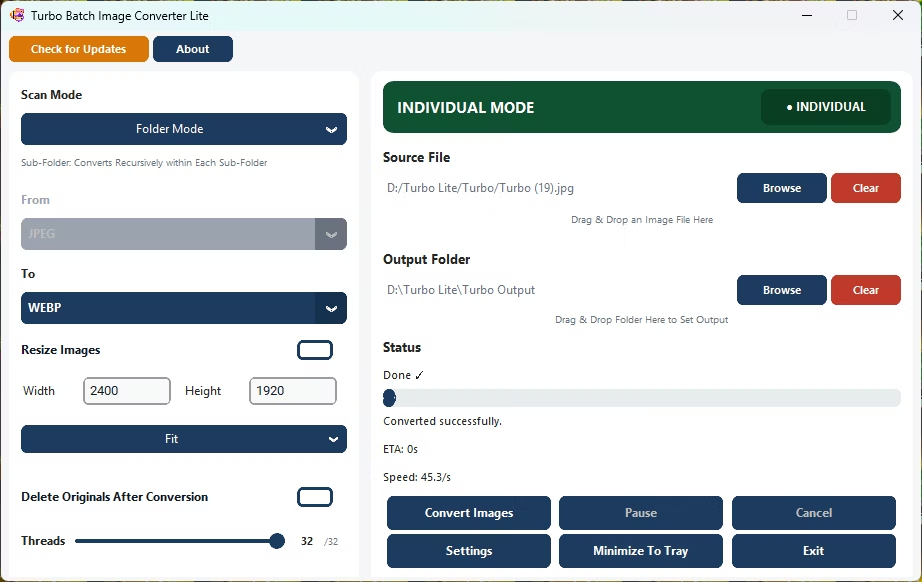
- Open Batch Mode and select your mixed-format folder.
- Leave the "From" format on auto-detect to handle multiple source formats.
- Set a single "To" format for consistent output.
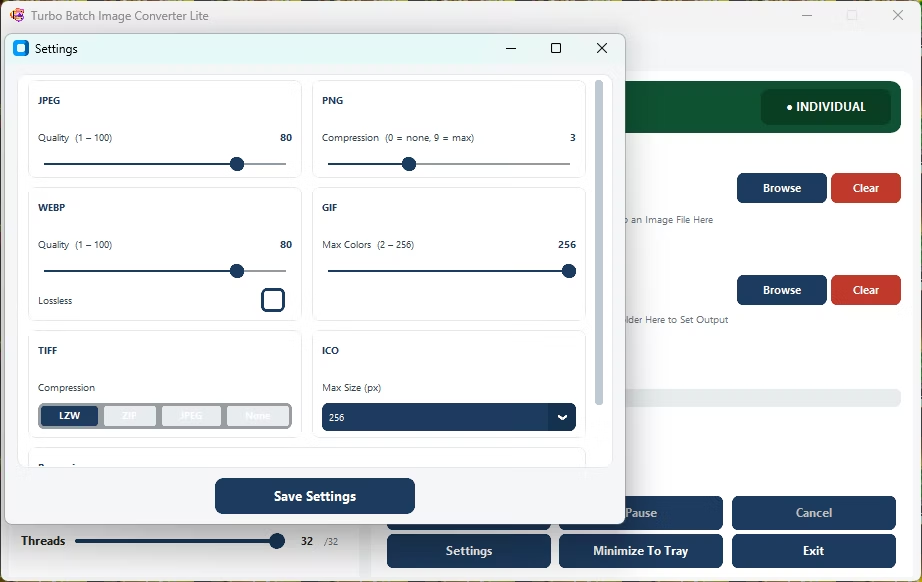
- Adjust quality settings for your chosen output format.
- Click Convert to bulk-process the entire folder.
- Processes 8 everyday input formats
- Auto-detects mixed formats within a single folder
- Standardizes an entire folder into one consistent format
- Runs fully offline with no upload limits
- Multi-core engine scales up to 32 parallel workers
Can it process a folder containing several different image formats?
Yes, auto-detect handles mixed-format folders, converting every recognized format to your chosen output.
How many formats does the app support in total?
It supports 8 everyday formats: JPEG, PNG, WebP, GIF, BMP, TIFF, SVG and ICO.
Is bulk processing suitable for a whole project folder?
Yes, the app is designed to standardize an entire project folder into a single consistent format in one run.
Ready to batch convert your image files across formats, fully offline?