A full professional image suite with RAW support, dozens of exotic formats, and a large install footprint is more than most people need. A lightweight image converter focuses on the formats people actually encounter day to day, keeping the app small and fast.
Turbo Batch Image Converter Lite is built around JPEG, PNG, WebP, GIF, BMP, TIFF, SVG and ICO, the 8 formats covering the vast majority of everyday conversion needs, in a small installer that launches quickly and converts fast.
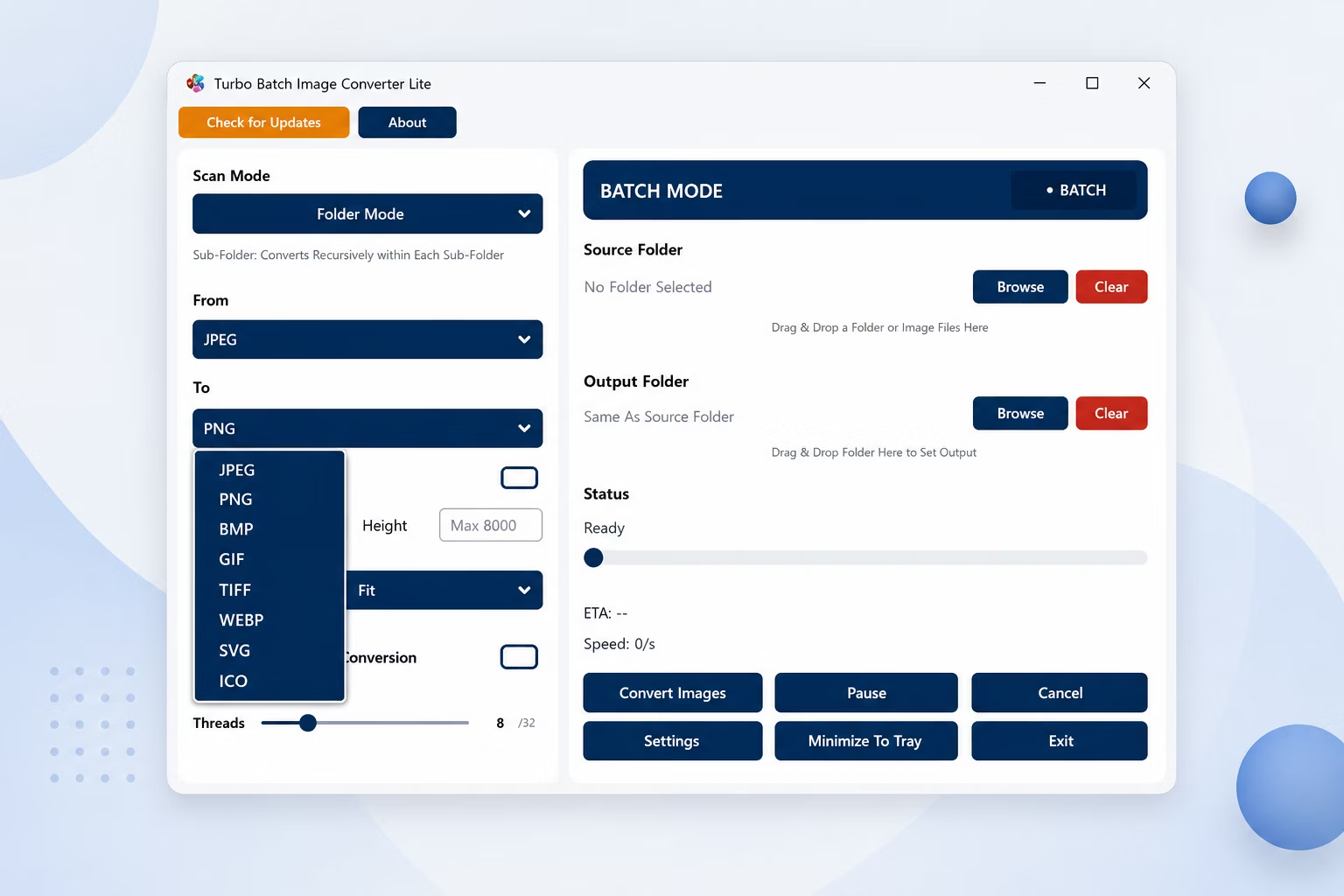
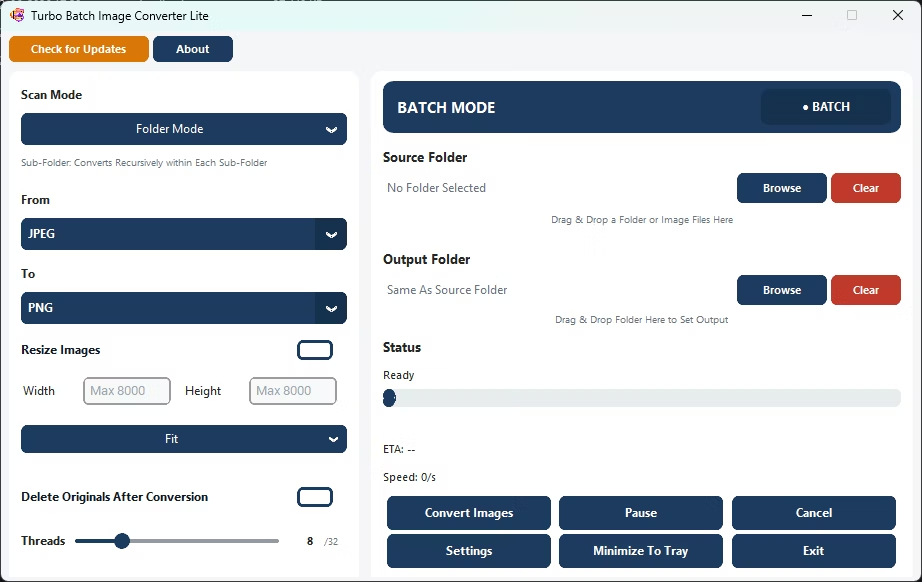
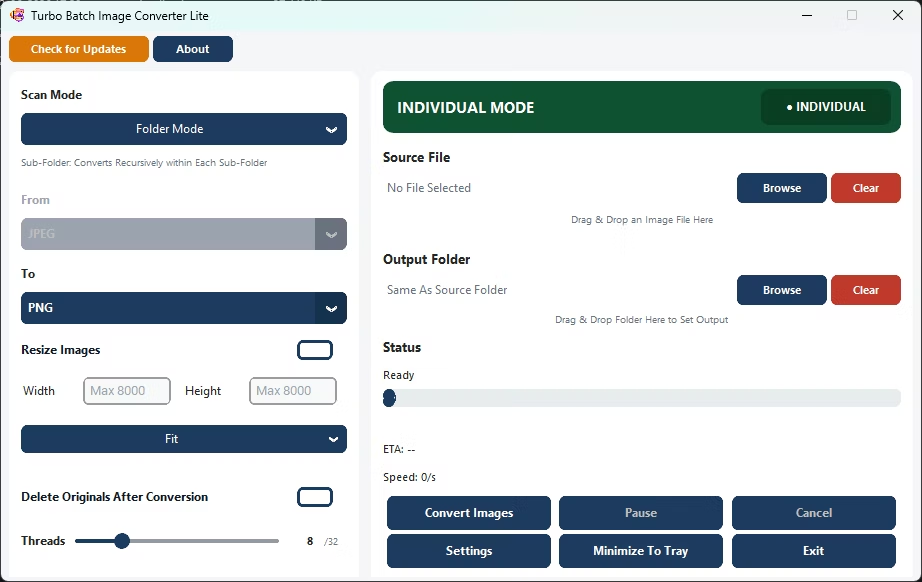
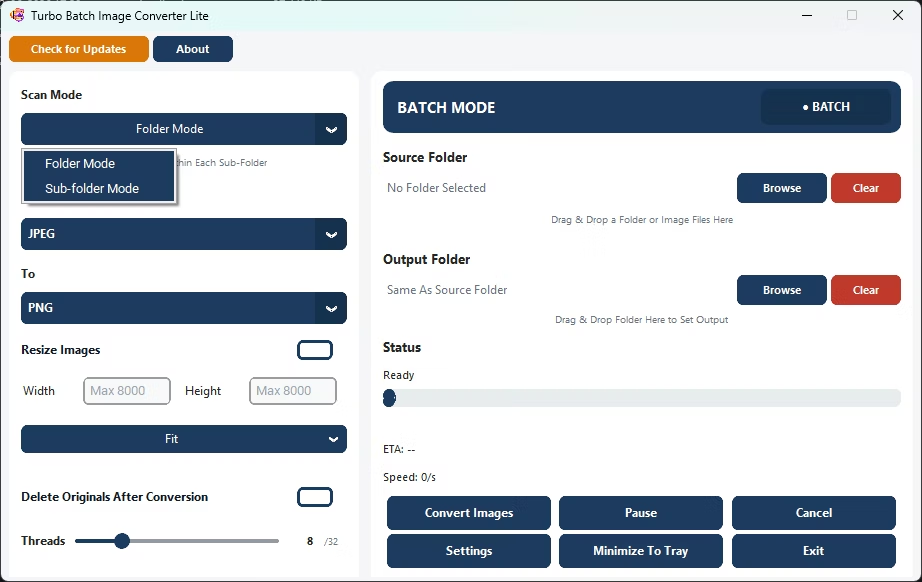
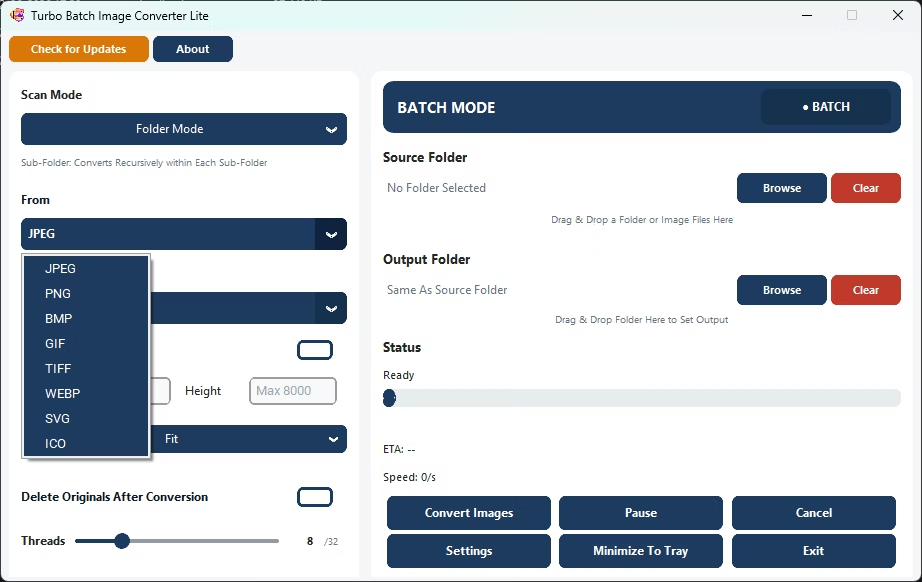
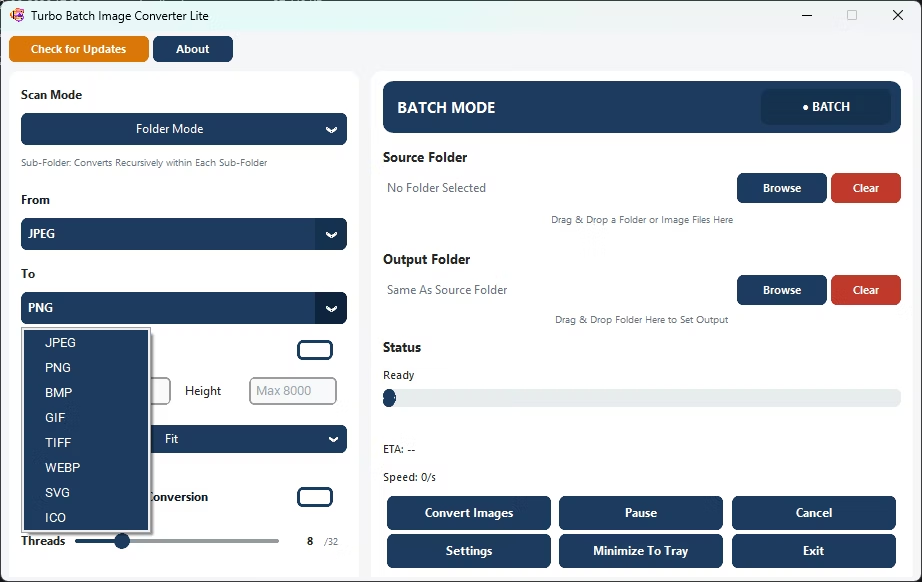
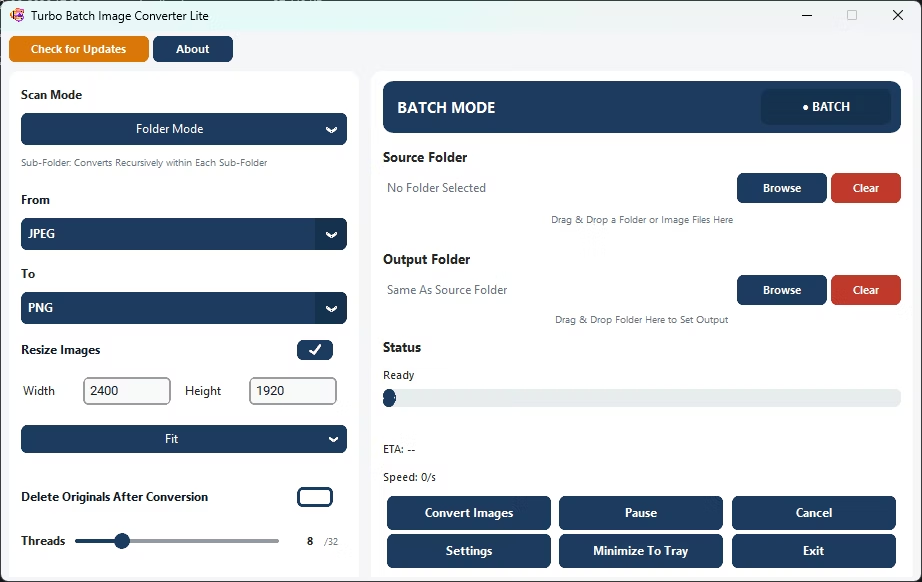
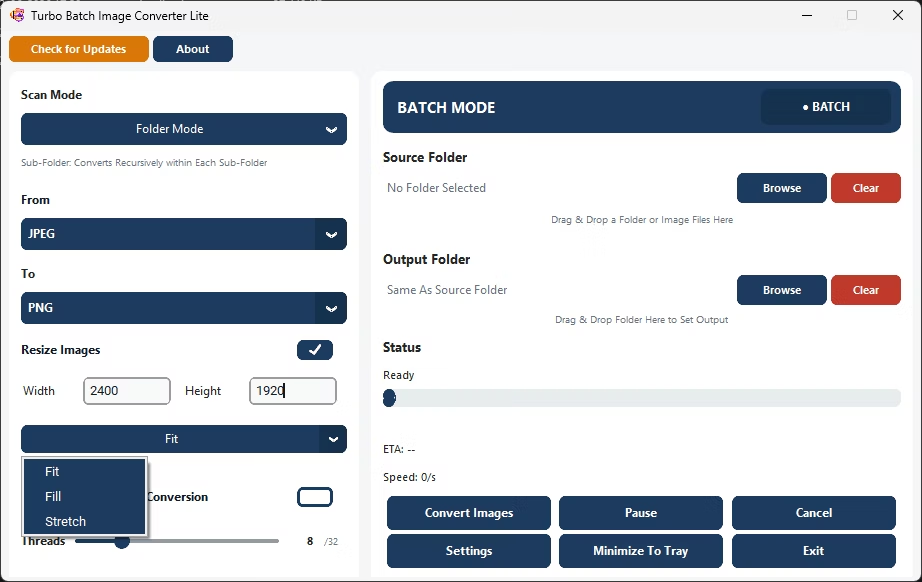
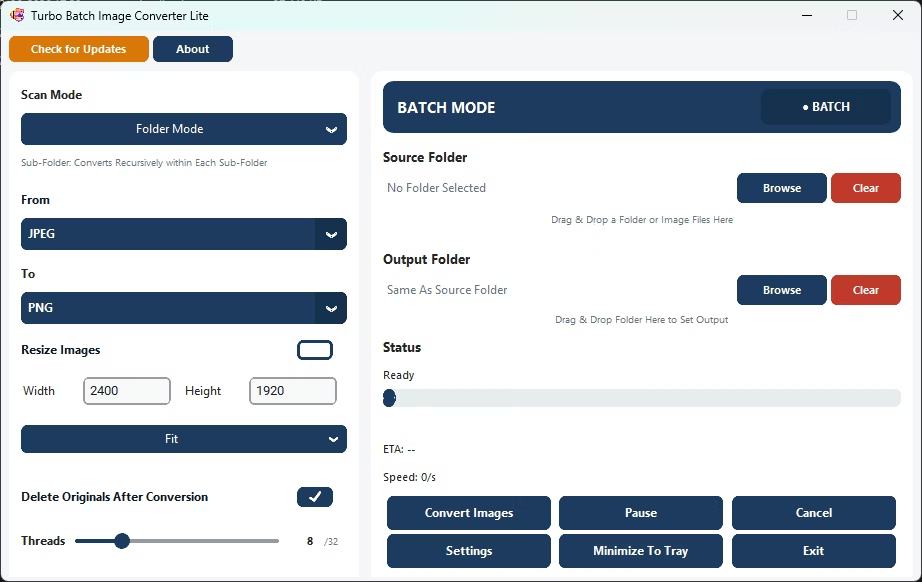
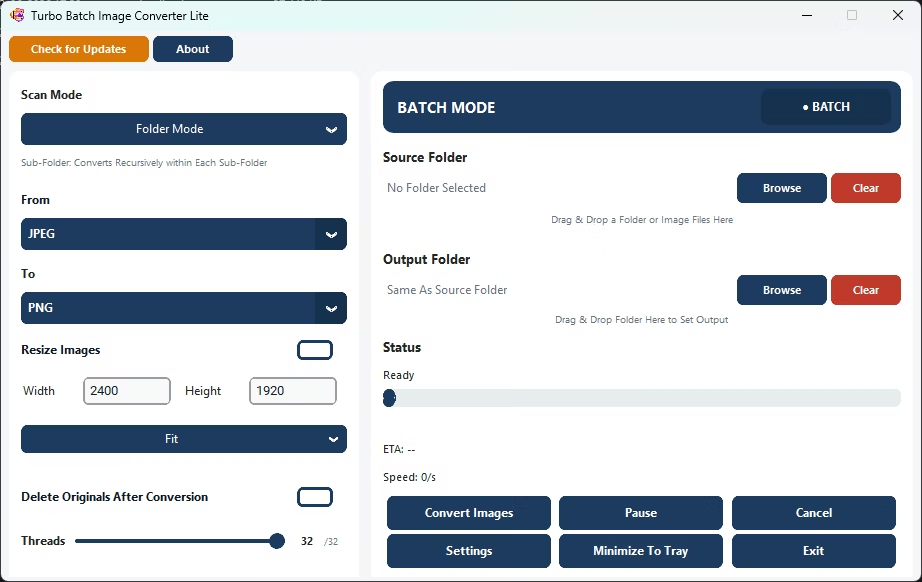
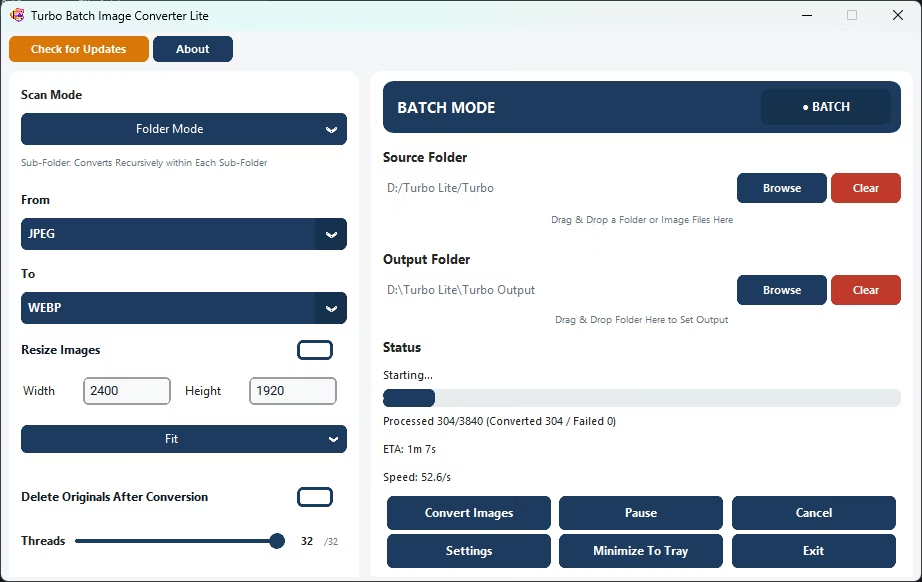
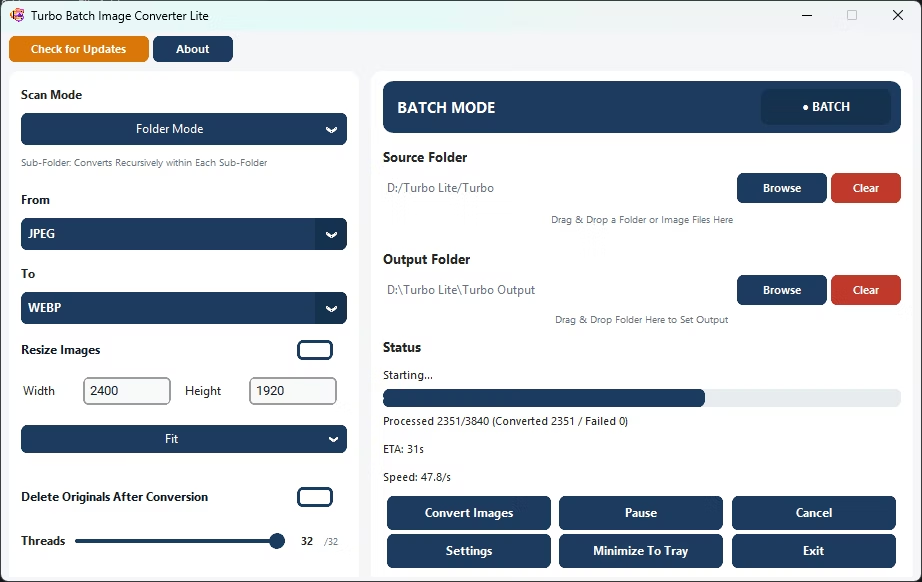
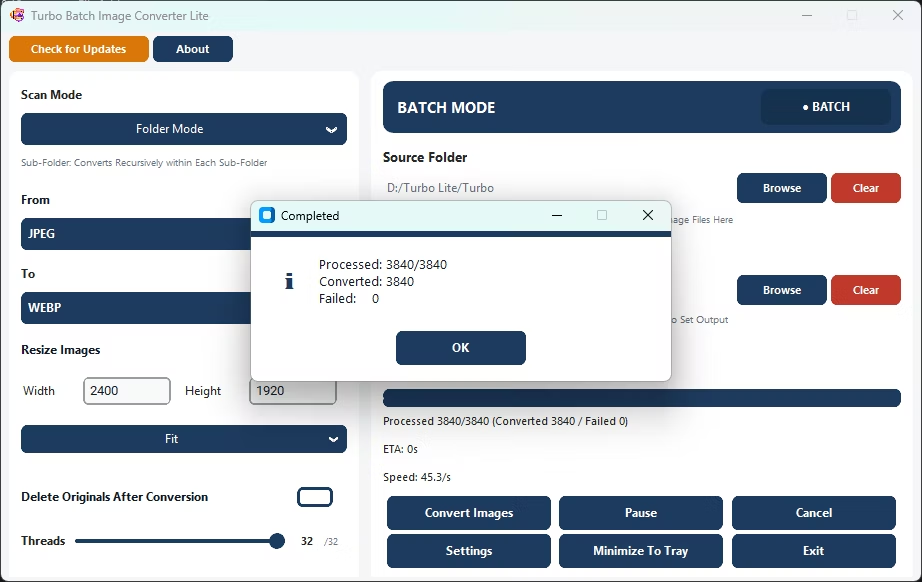
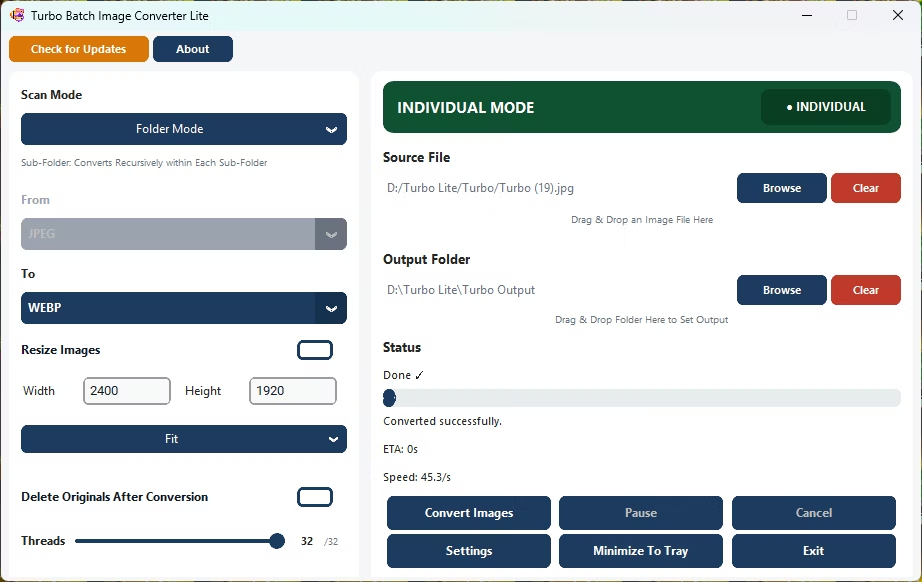
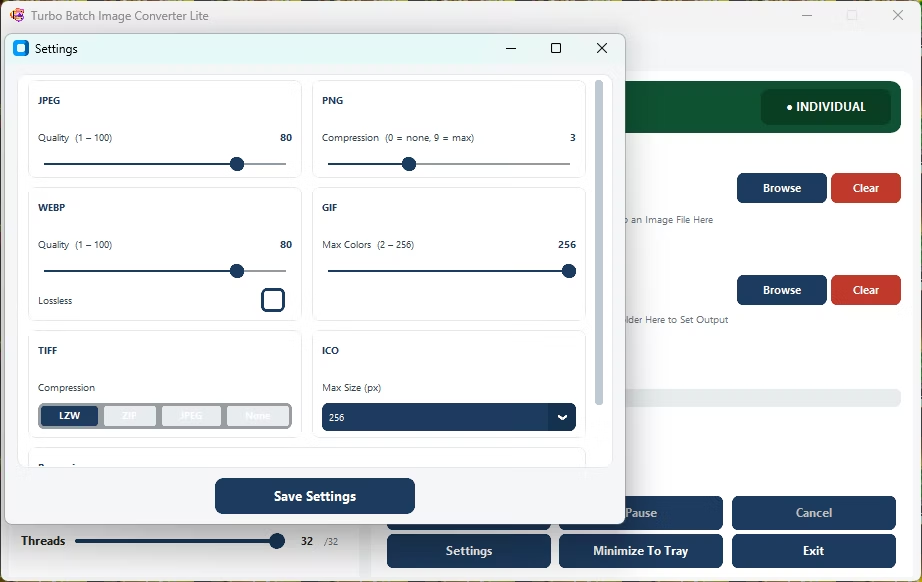
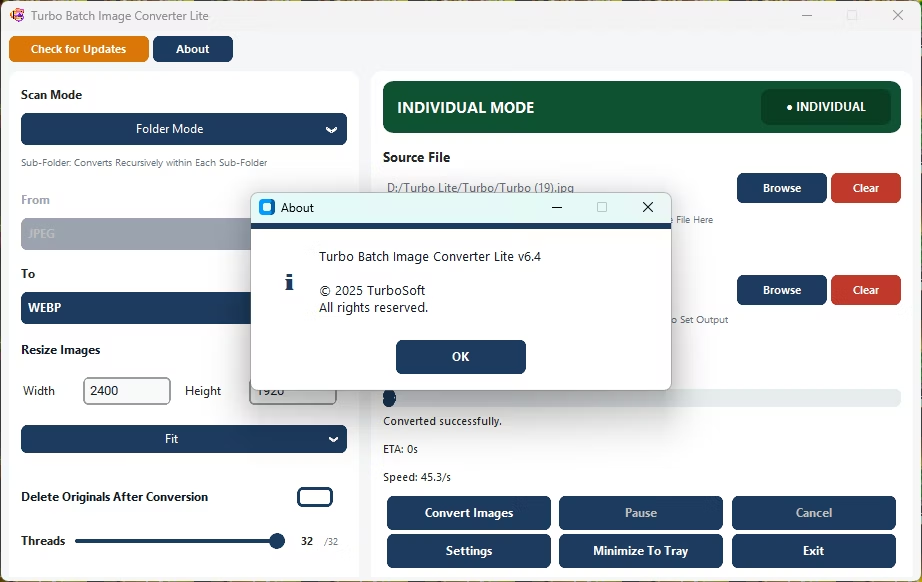
- Install Turbo Batch Image Converter Lite, a small download that installs quickly.
- Open Batch Mode and select your image folder.
- Choose your target format.
- Adjust quality or resize settings if needed.
- Click Convert.
- The app processes your images quickly thanks to its focused feature set.
- Small installer with no unnecessary bloat
- Focused on the 8 formats people actually use
- Multi-threaded engine still scales up to 32 parallel workers
- Fast to launch and fast to convert
- Runs fully offline with no upload limits
Does 'lightweight' mean it's missing important features?
No, it keeps core batch conversion, resizing, and multi-core processing, while leaving out RAW and other formats most people never use.
Is the installer small?
Yes, by focusing on everyday formats the app keeps a smaller footprint than a full professional suite.
Can it still process large batches quickly?
Yes, the multi-threaded engine scales up to 32 parallel workers even in this lightweight build.
Ready for fast, lightweight batch image conversion?