WebP was developed by Google specifically to replace JPG and PNG on the web, and it typically produces files 25 to 35 percent smaller than a comparable JPG at similar visual quality, while also supporting transparency, which JPG cannot do at all. Because WebP supports both lossy and lossless compression modes in the same format, it can serve as a replacement for both JPG-style photos and PNG-style graphics depending on which mode is used.
WebP has broad support across all current major browsers, which is why it's become a popular target format for website images where faster page loads directly affect user experience and search ranking. The main thing to verify is whether any older software or specific platform you're working with has full WebP support, since adoption, while now widespread, wasn't always universal.
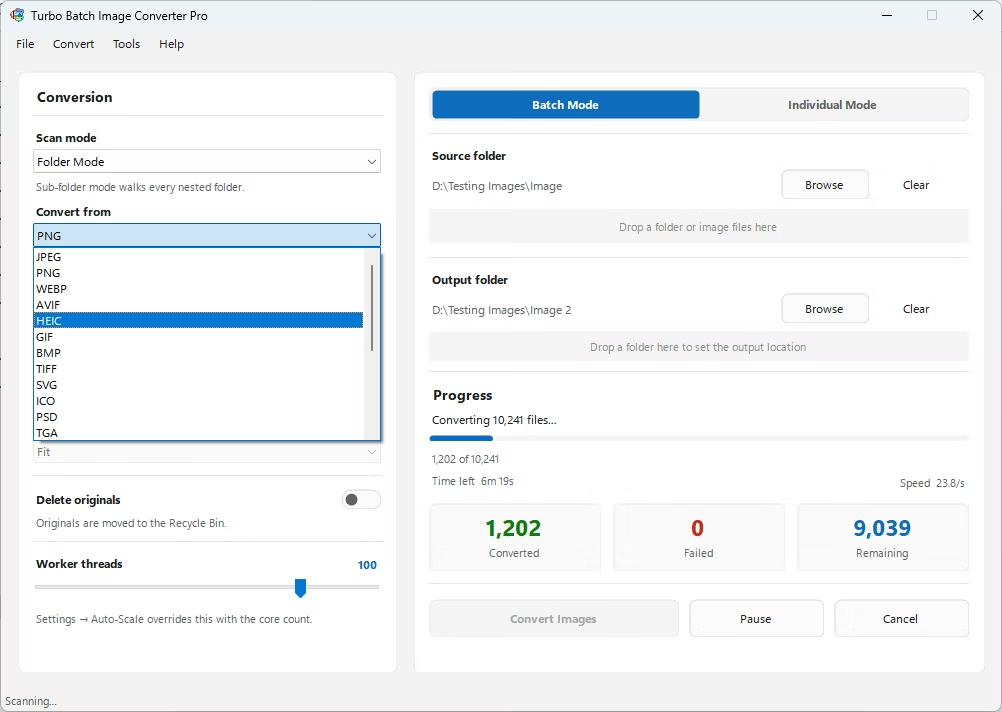
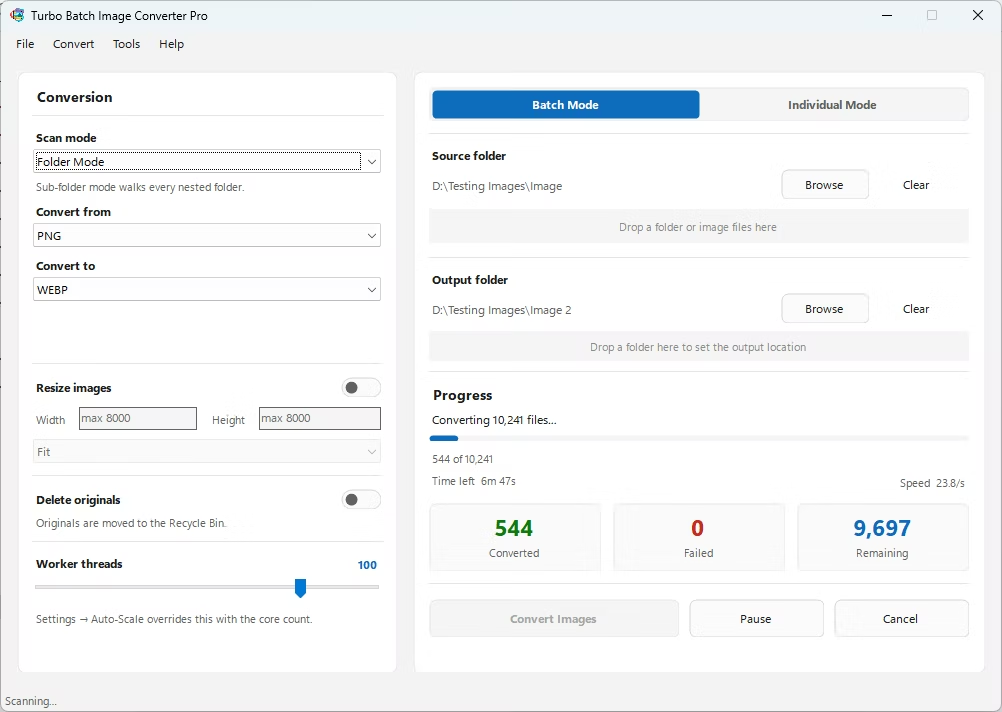
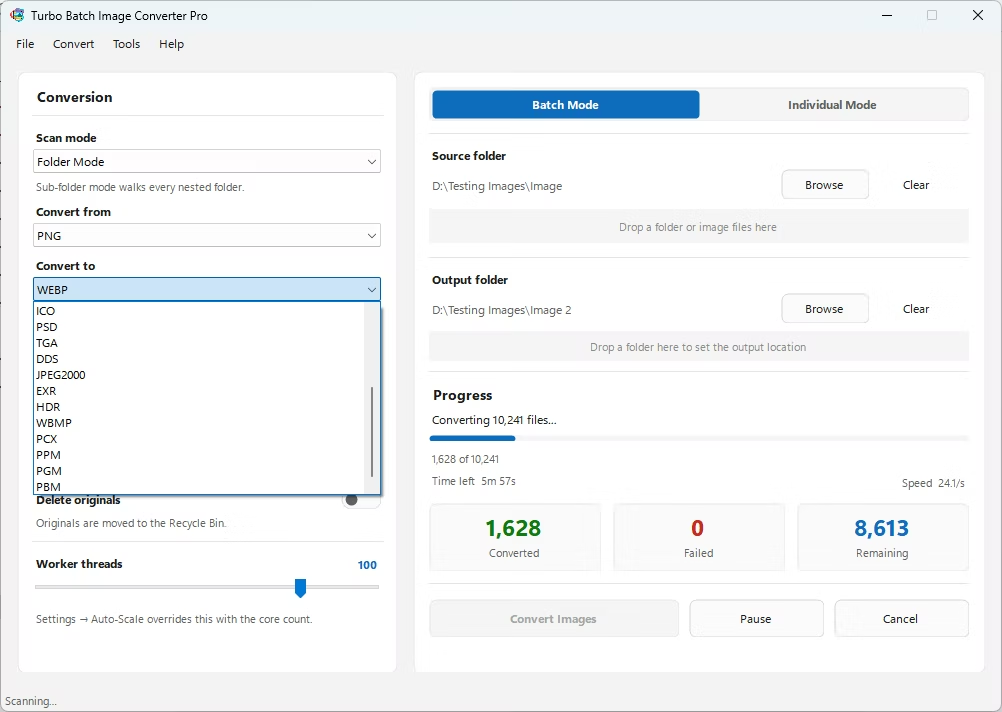
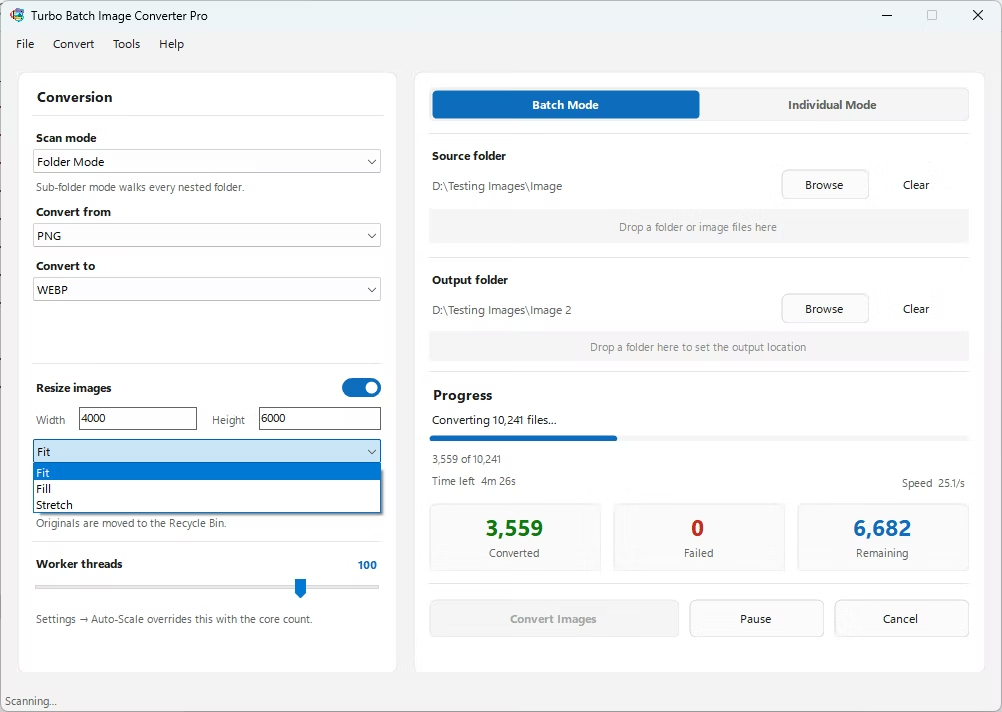
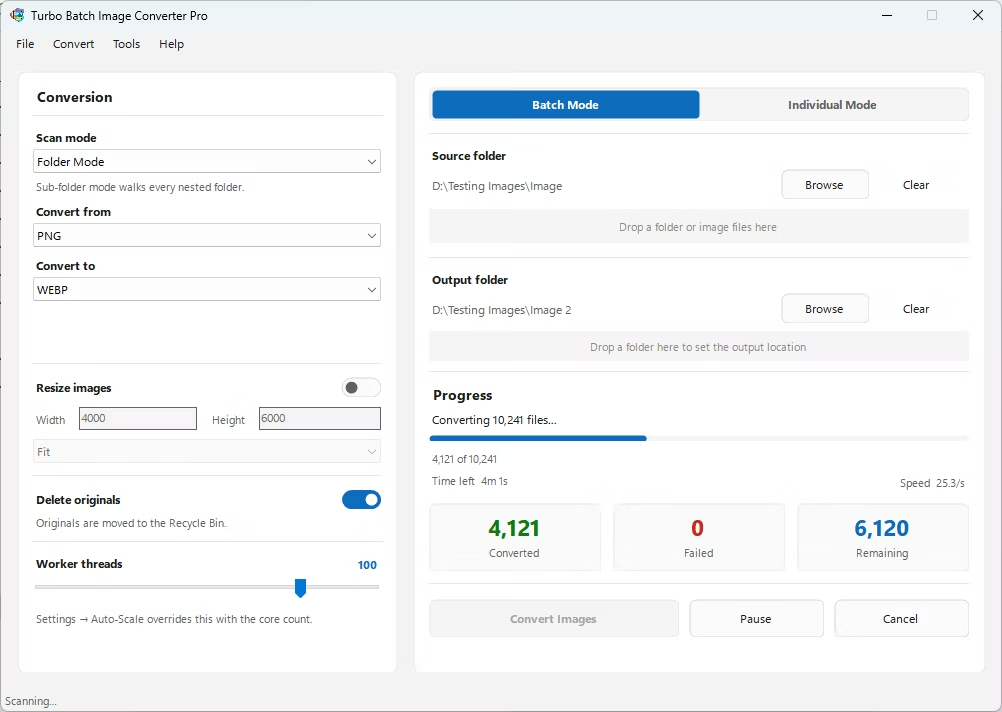
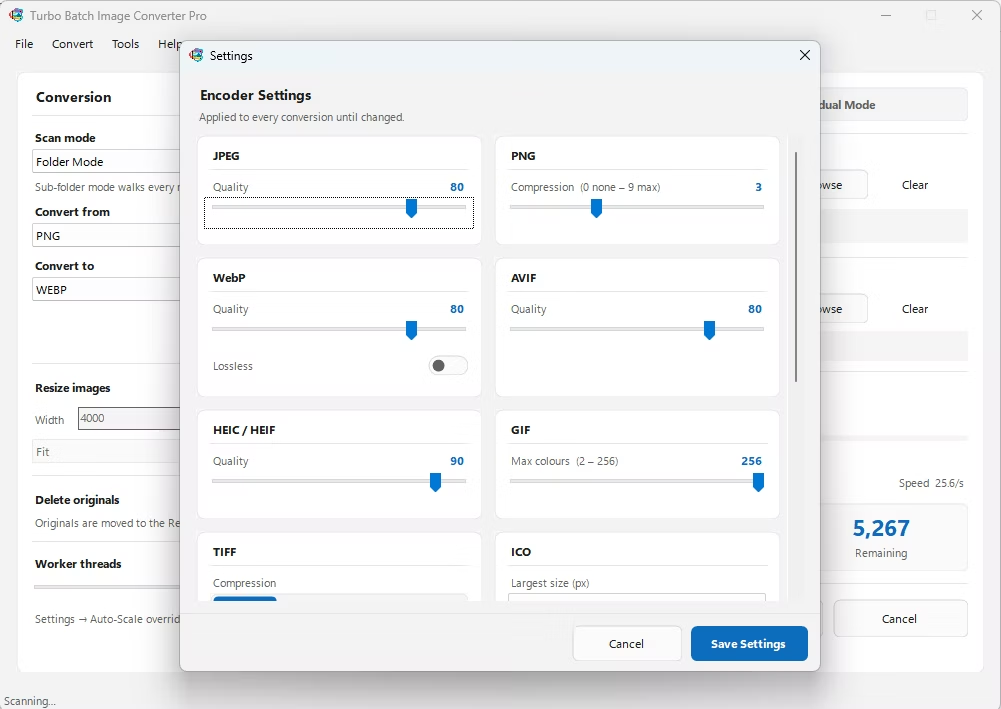
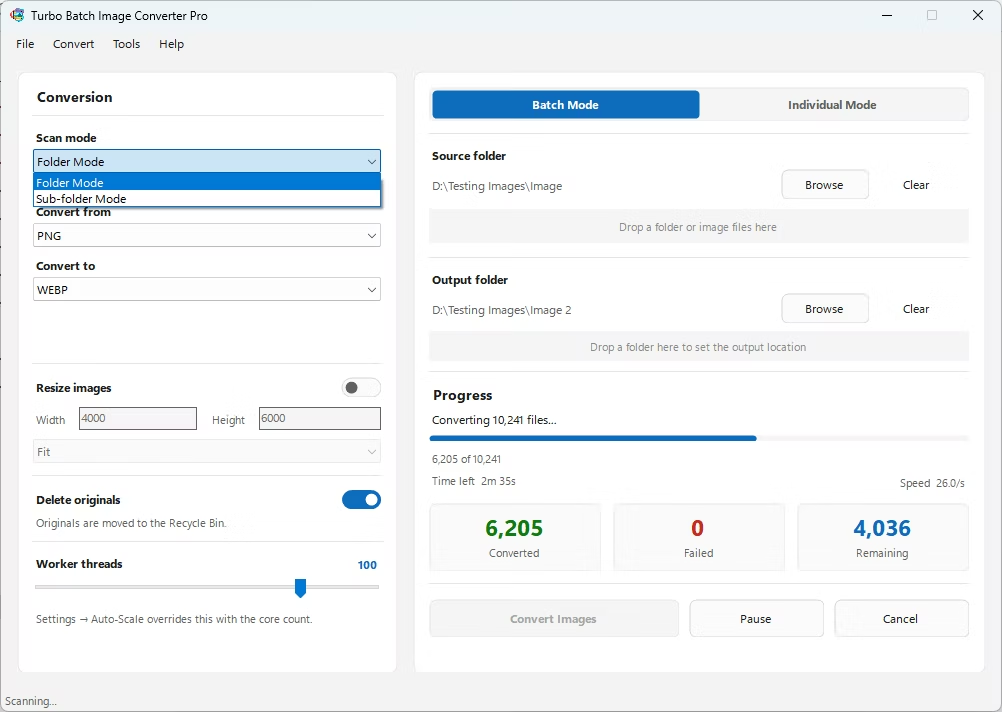
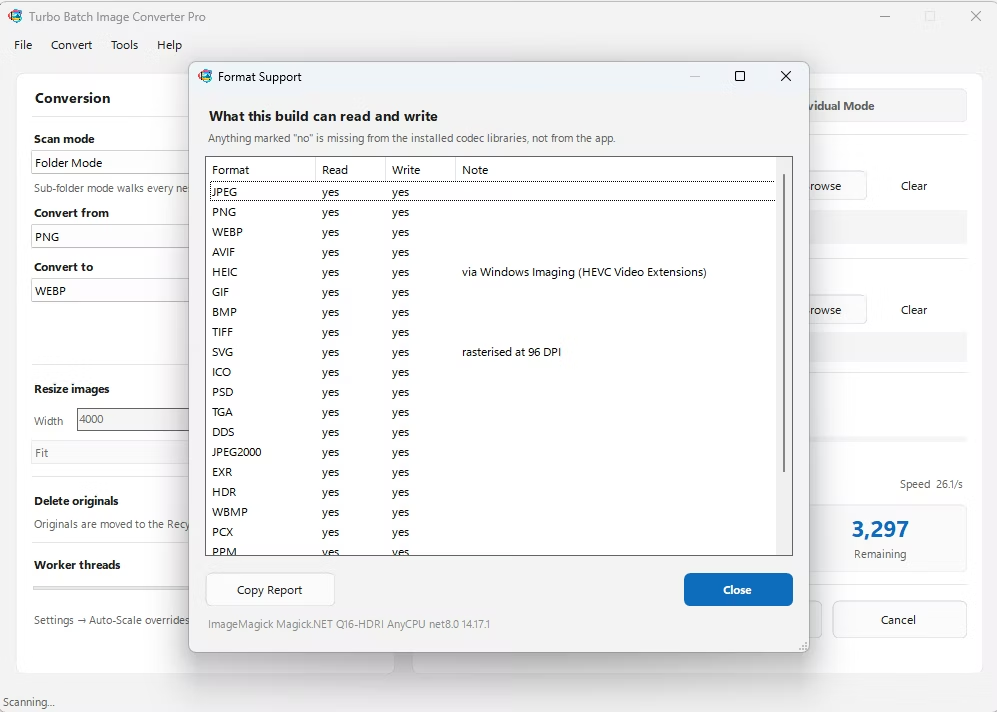
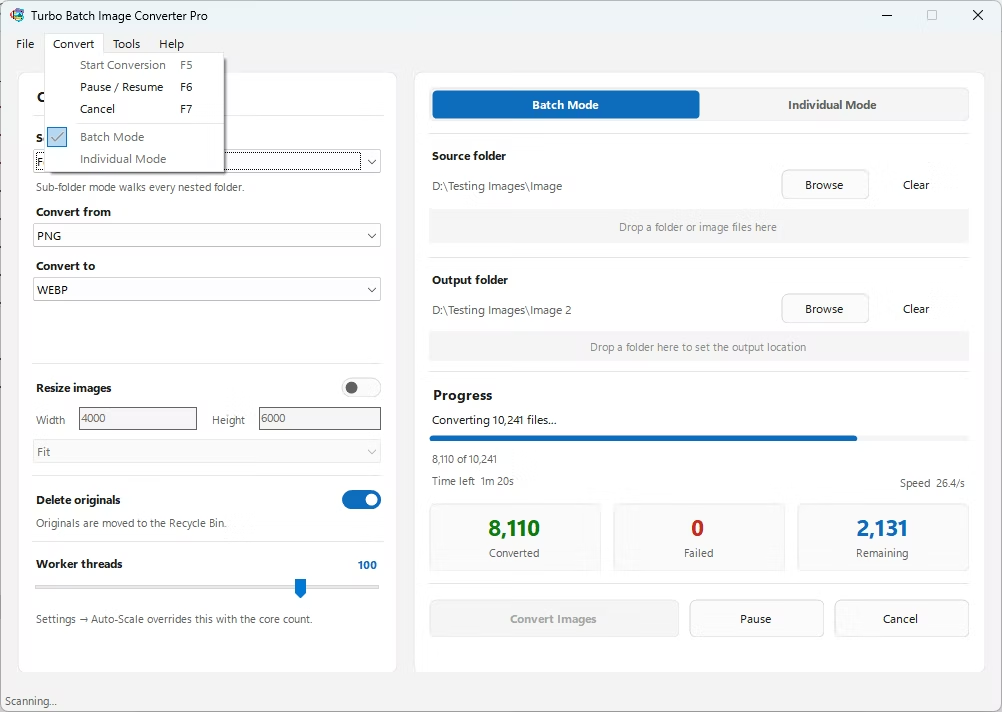
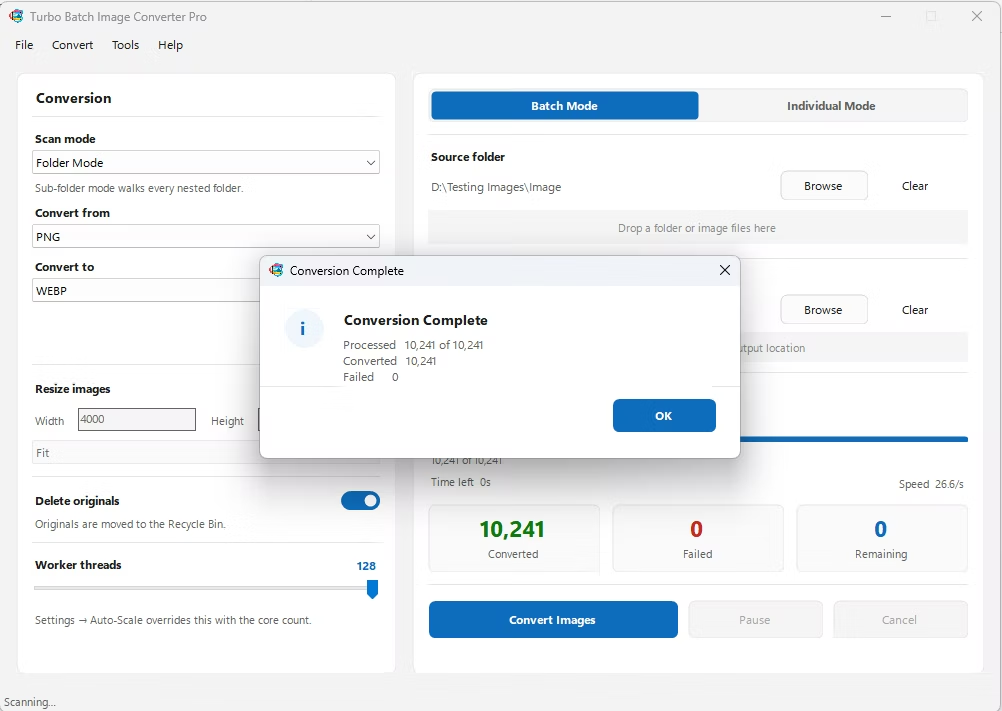
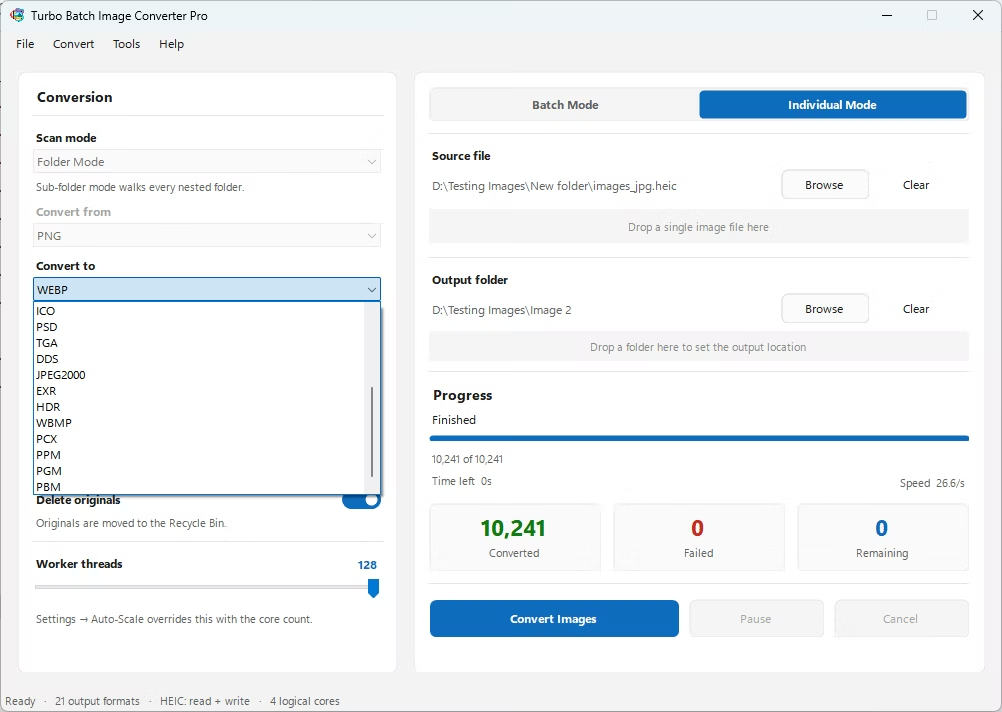
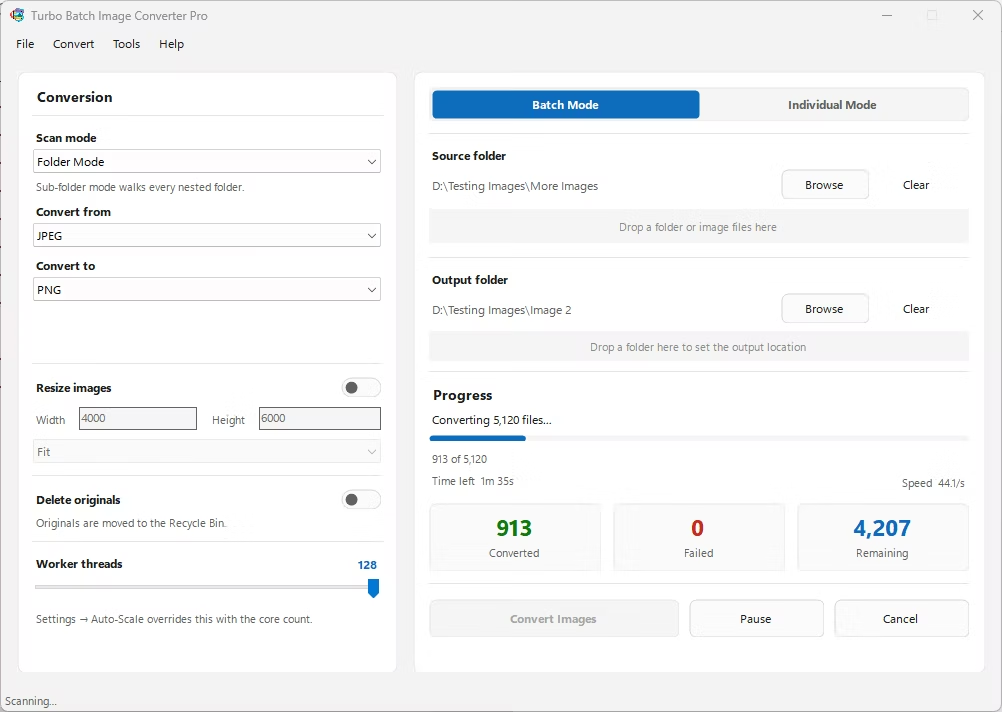
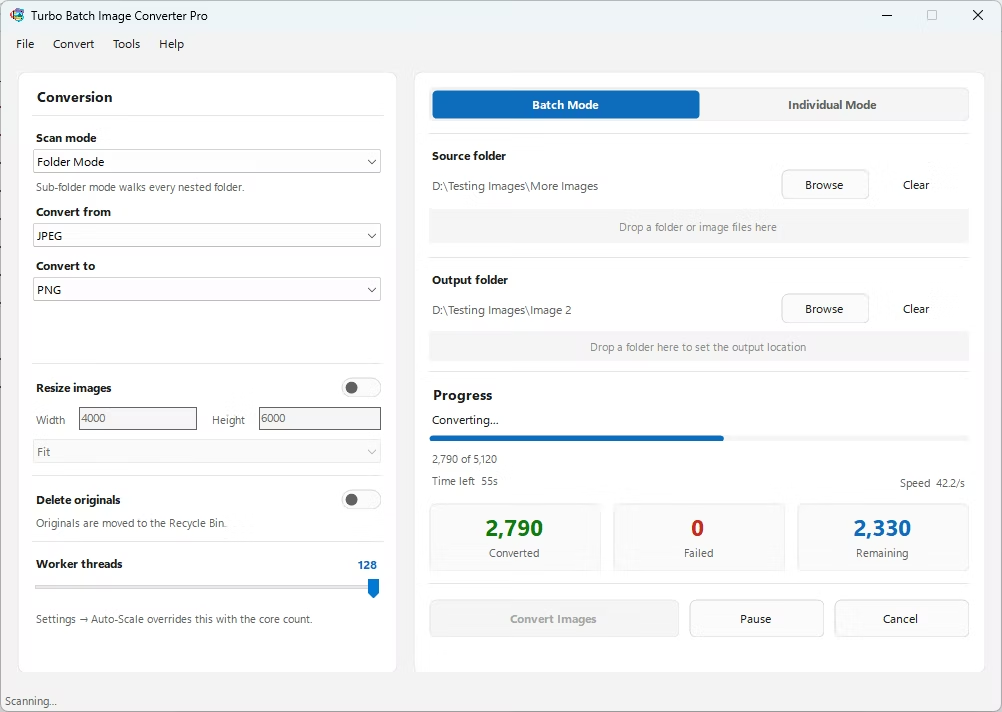
- Install Turbo Batch Image Converter Pro on your Windows PC.
- Open the app and select Batch Mode for multiple files, or Individual Mode for a single JPG.
- Drag your JPG file or folder into the app window, enabling recursive folder scanning if needed.
- Set the "From" format to JPG and the "To" format to WebP.
- Adjust the quality setting to balance file size against visual detail.
- Click Convert. WebP files are written to the output folder, fully offline.
- 100% offline — your images are never uploaded anywhere
- Bulk conversion of entire folders, including sub-folders, in one click
- Adjustable quality settings for the right size-to-detail balance
- Multi-core processing for fast handling of large batches
- Option to delete original JPG files automatically after conversion
- No recurring subscription or hidden upload limits
How much smaller will my images be in WebP?
WebP typically produces files 25 to 35 percent smaller than a comparable JPG at similar visual quality, though the exact savings depend on the specific image content.
Does WebP support transparency like PNG?
Yes, WebP supports an alpha channel for transparency, which JPG cannot do, making it more versatile for certain web graphics that need a transparent background.
Is WebP supported everywhere JPG is?
All current major browsers support WebP, though it's worth verifying compatibility with any older software or specific platform you're working with before fully replacing JPG.
Ready to convert your images offline, in bulk, with full privacy?