Splitting a large CSV file into smaller chunks is a slightly different problem from splitting it for readability. When people talk about chunking, they usually have a downstream system in mind - an API that only accepts a certain payload size per request, a batch-processing pipeline that expects fixed-size inputs, a machine learning job that needs the data divided into train and test sets, or an upload form that rejects anything over a set number of megabytes. The chunk size isn't arbitrary; it's dictated by whatever is going to consume the file next, which means the splitting tool needs to support several different ways of defining what a "chunk" actually means.
A fixed number of rows per chunk works well when the receiving system counts records rather than bytes. A fixed file size in megabytes works better when the constraint is a byte limit, such as an email attachment cap or an HTTP request size limit, since rows of very different lengths can otherwise produce wildly inconsistent row counts for the same target size. Sometimes the requirement isn't a size at all but a count - exactly four chunks for four regional teams, or exactly ten shards for a ten-node processing cluster. And in machine learning contexts, chunking often means randomly scattering rows across a fixed number of files rather than keeping them in their original order, so each chunk is a representative random sample of the whole dataset.
Manually chunking a large file to match one of these requirements - especially the row-length-aware or randomized versions - is tedious to do by hand and easy to get subtly wrong, particularly around keeping headers consistent and making sure no rows are dropped or duplicated at the boundaries between chunks.
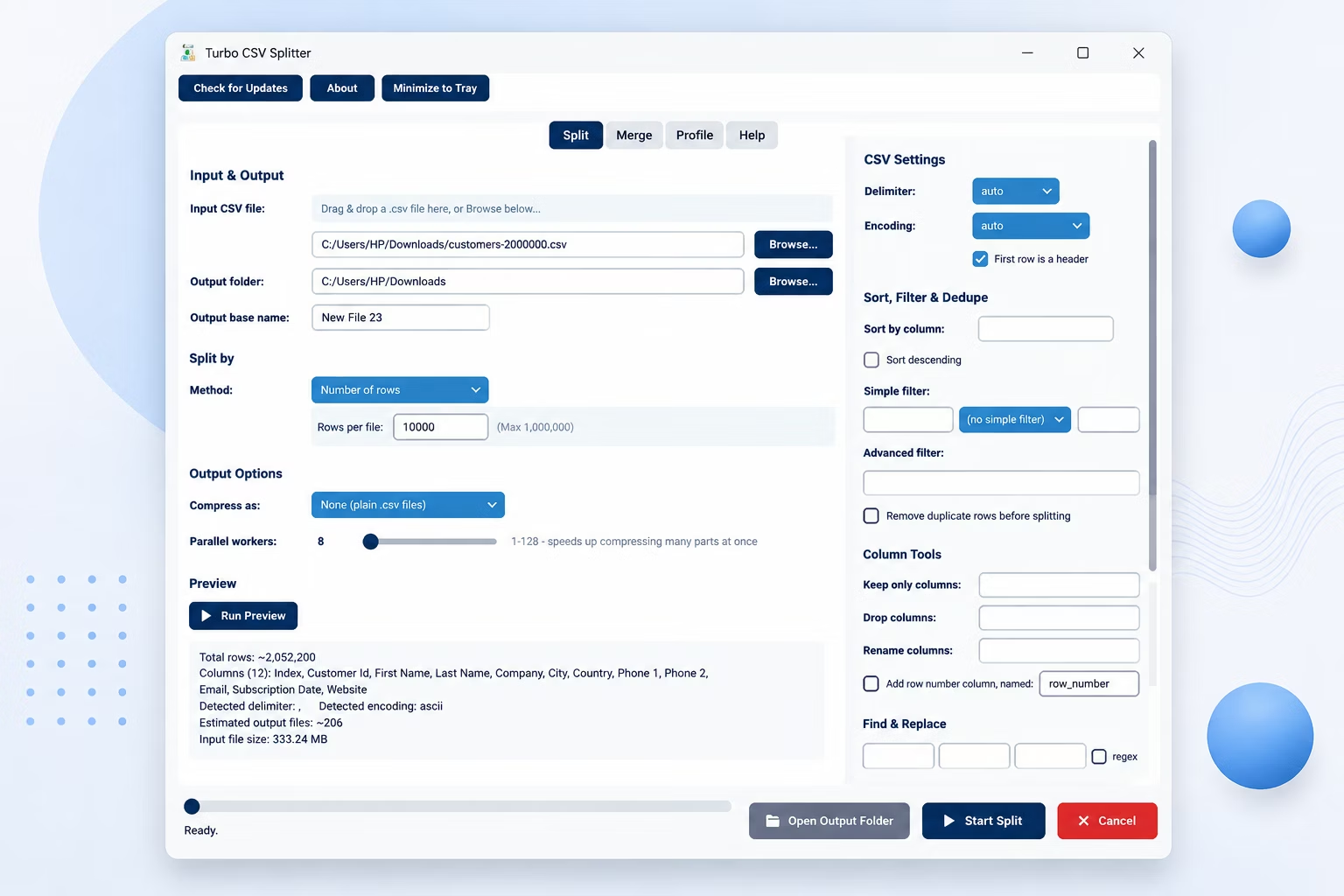
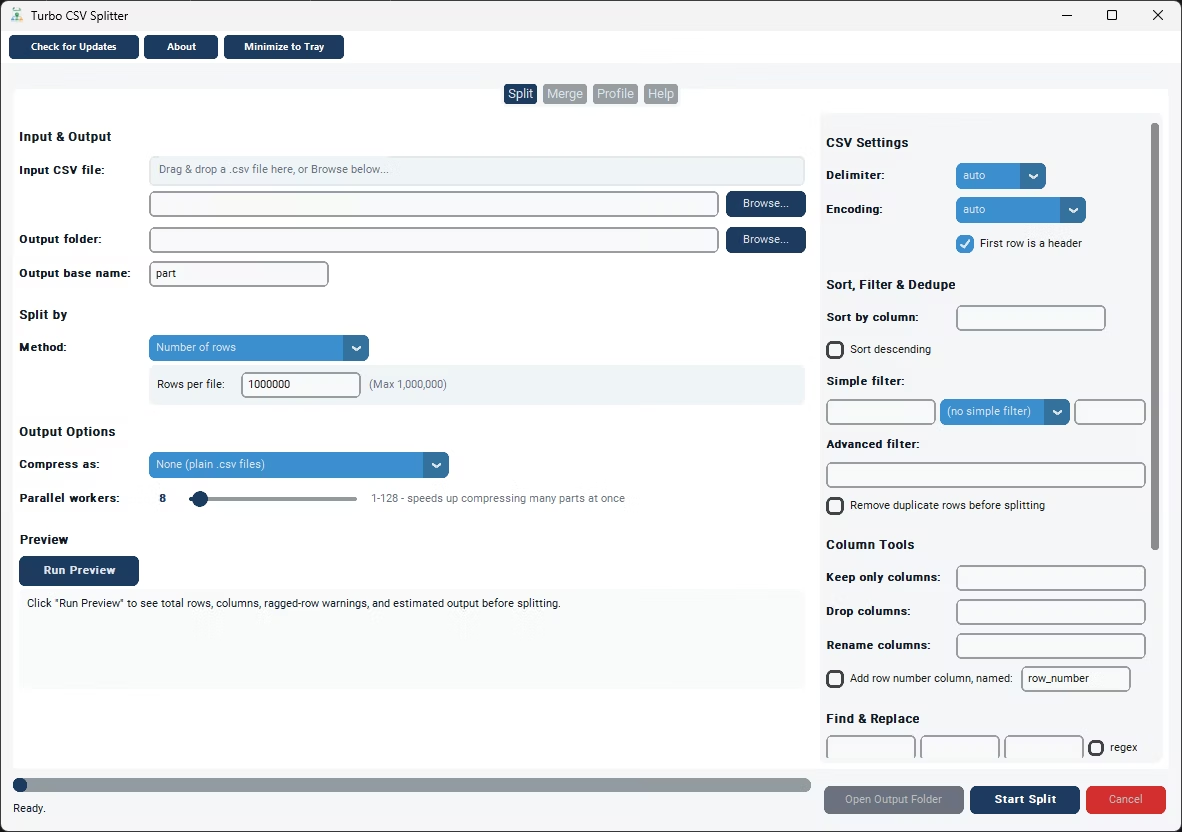
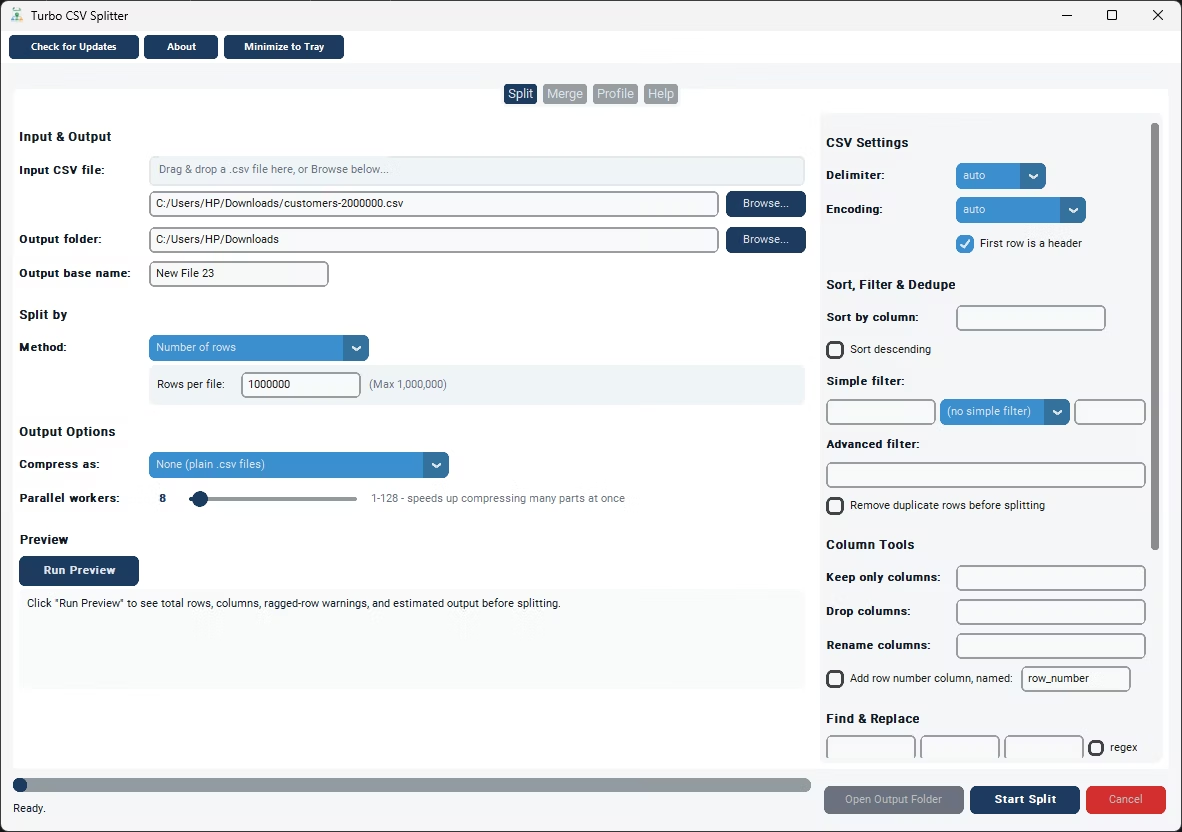
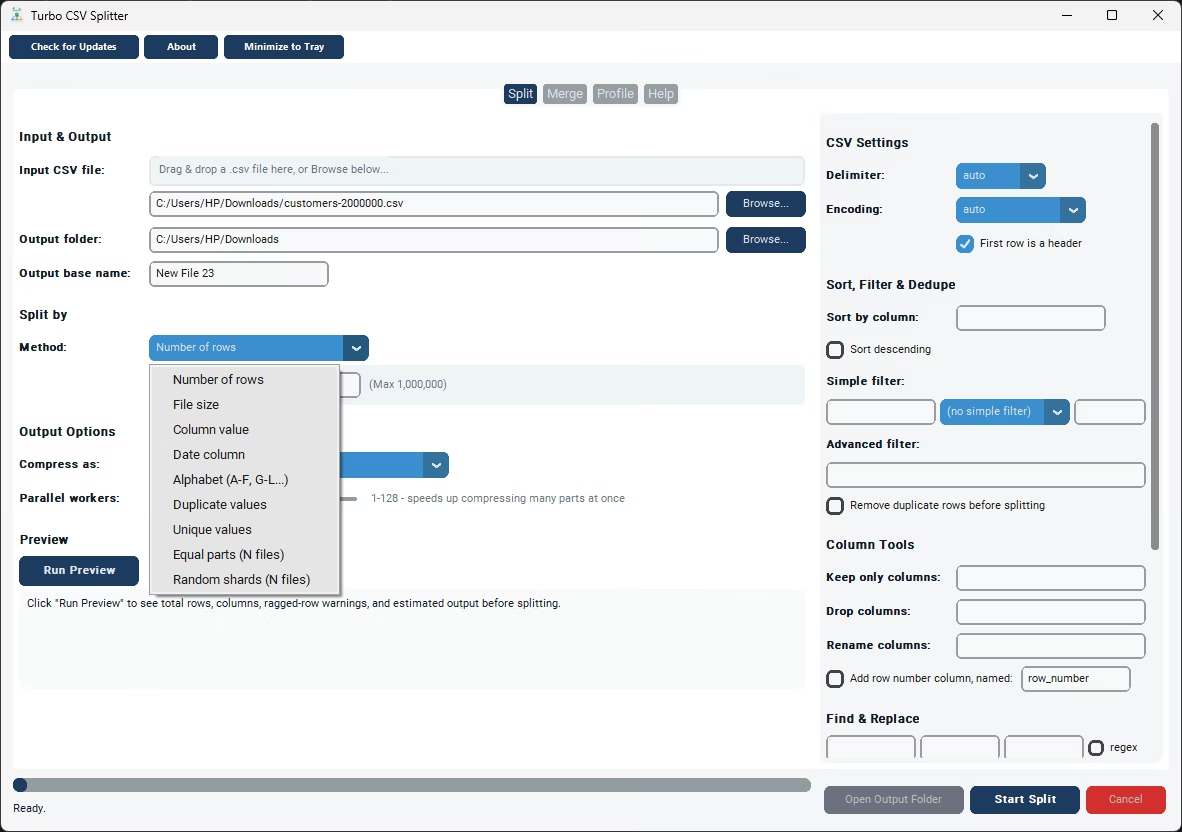
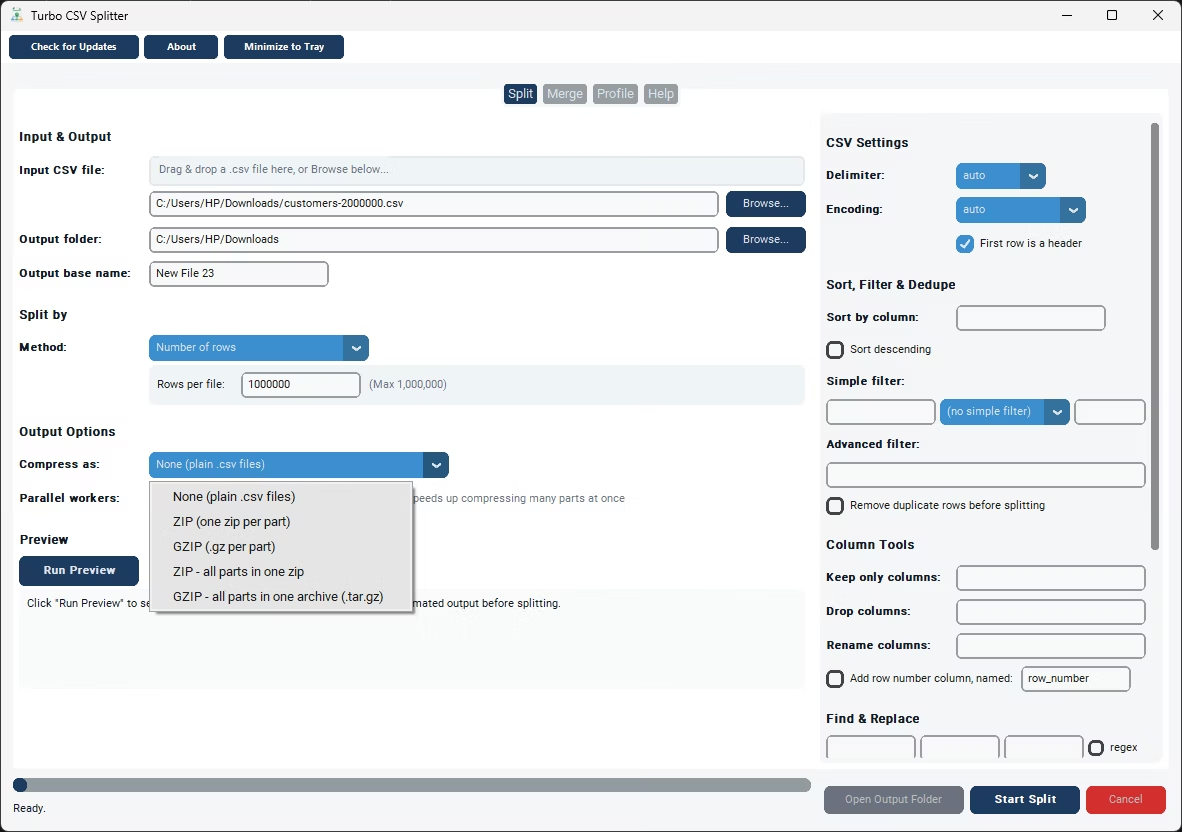
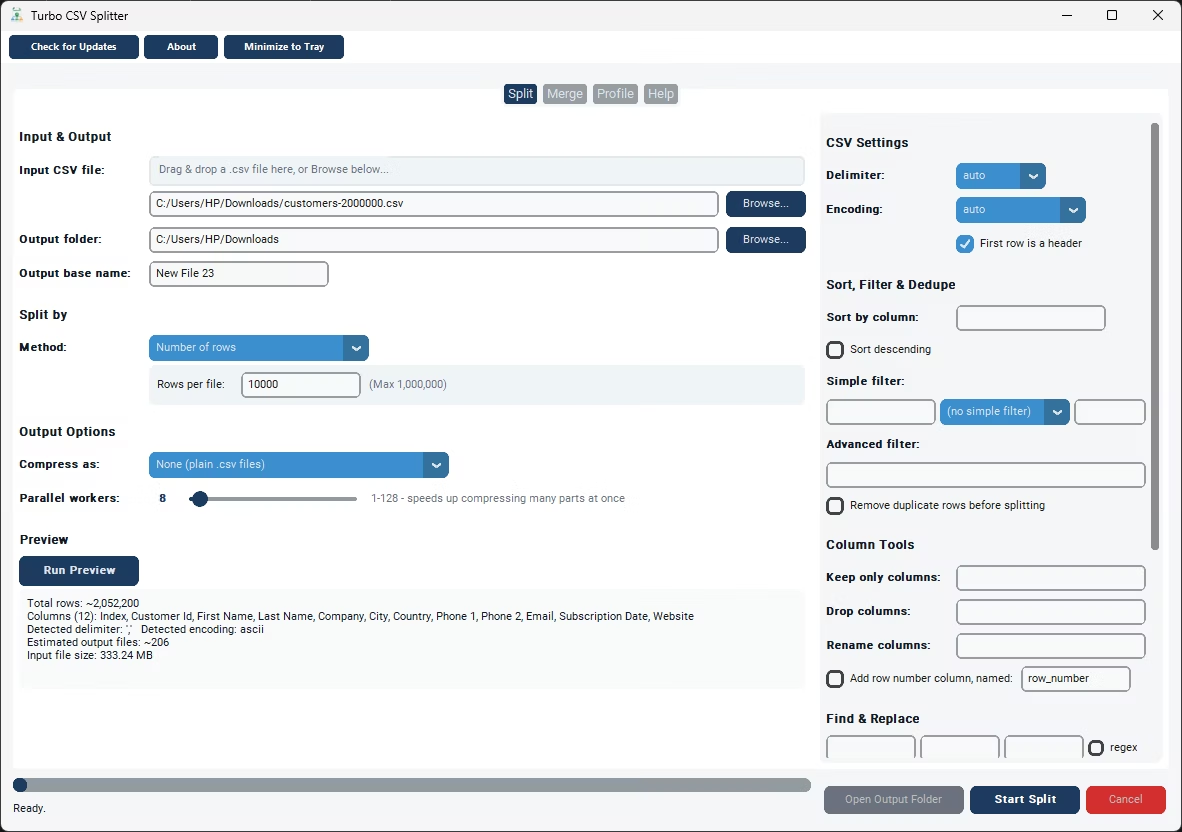
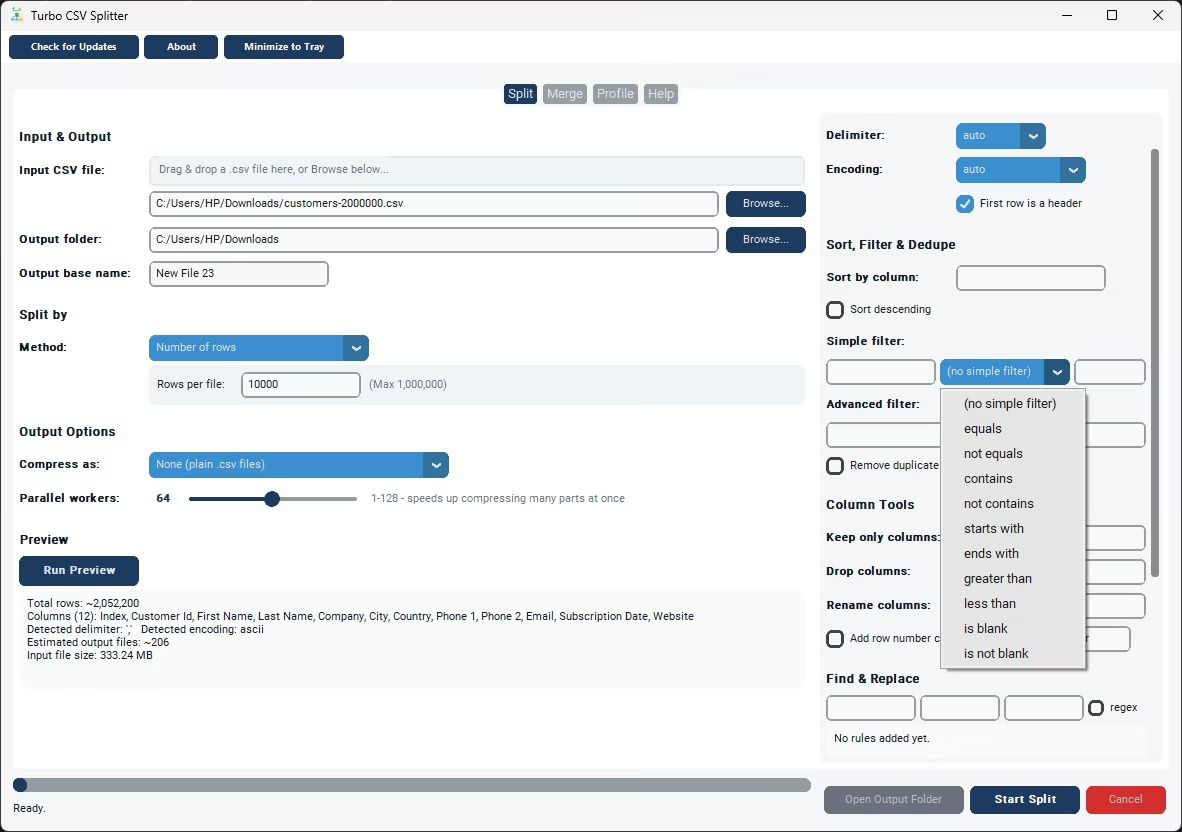
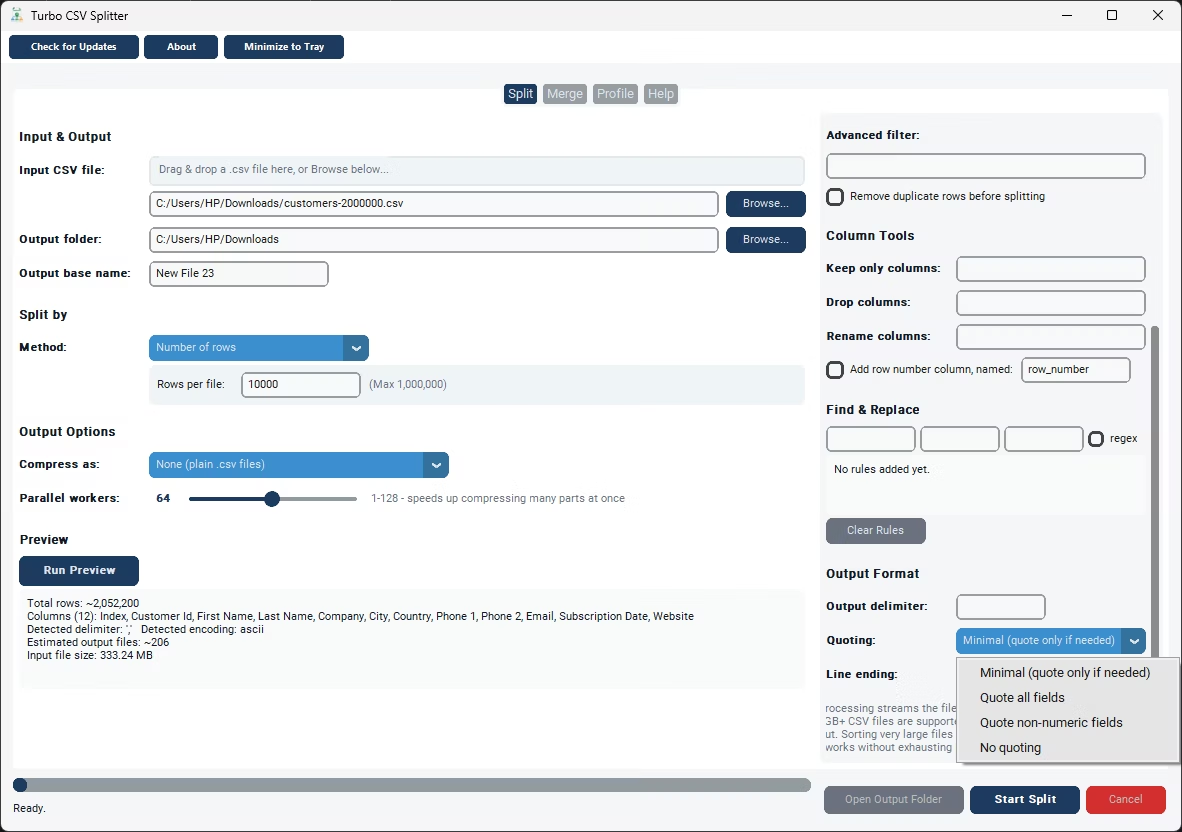
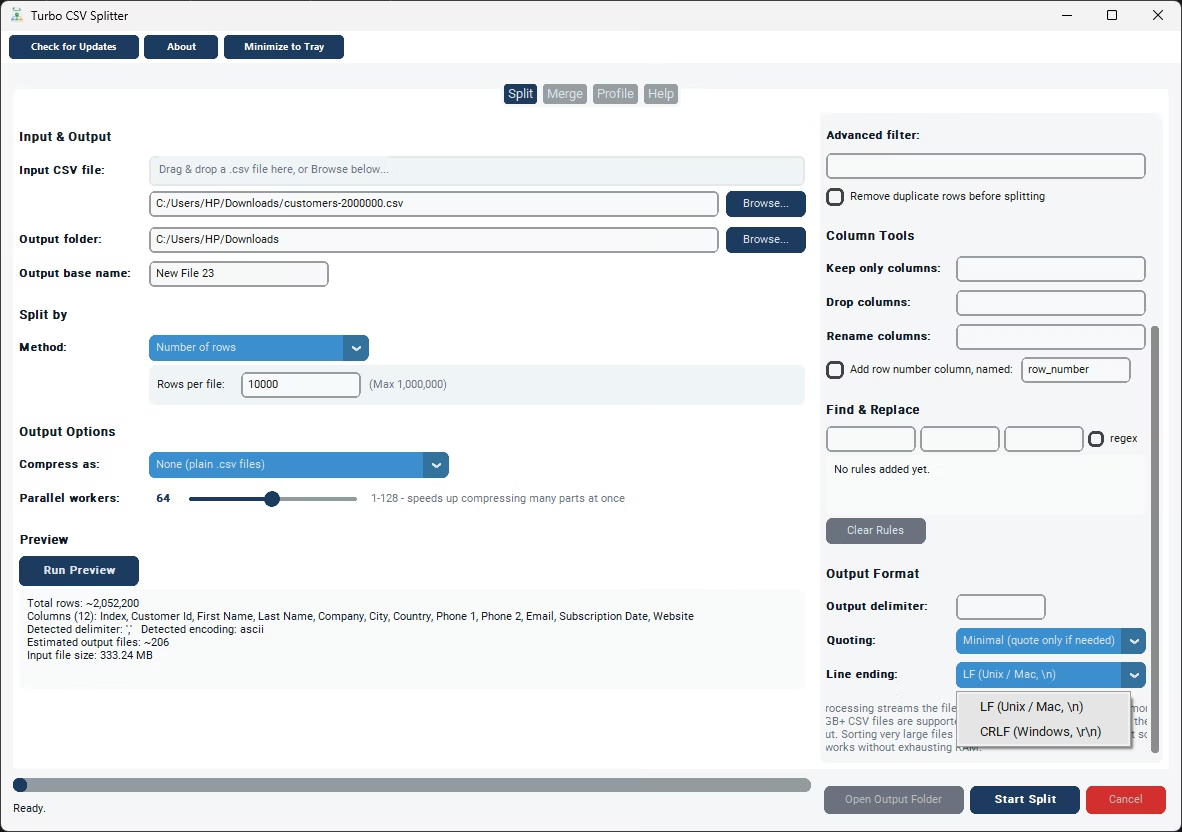
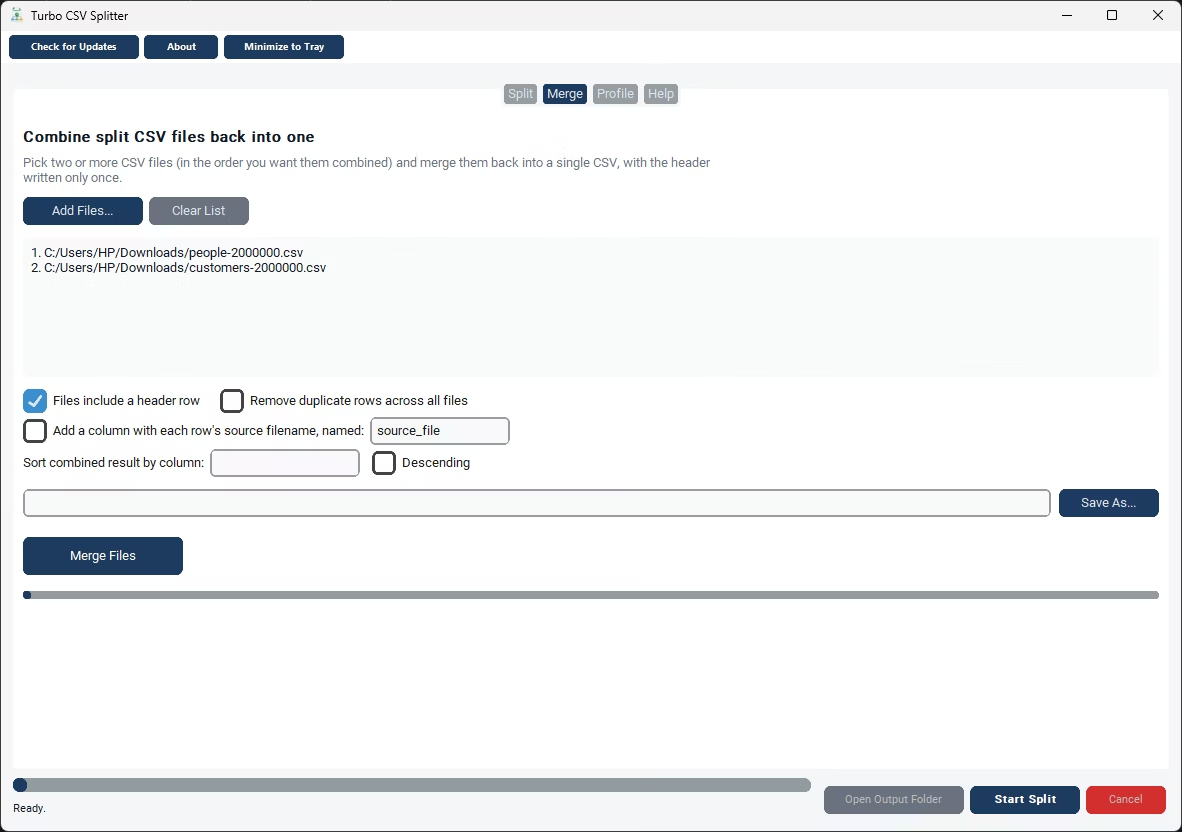
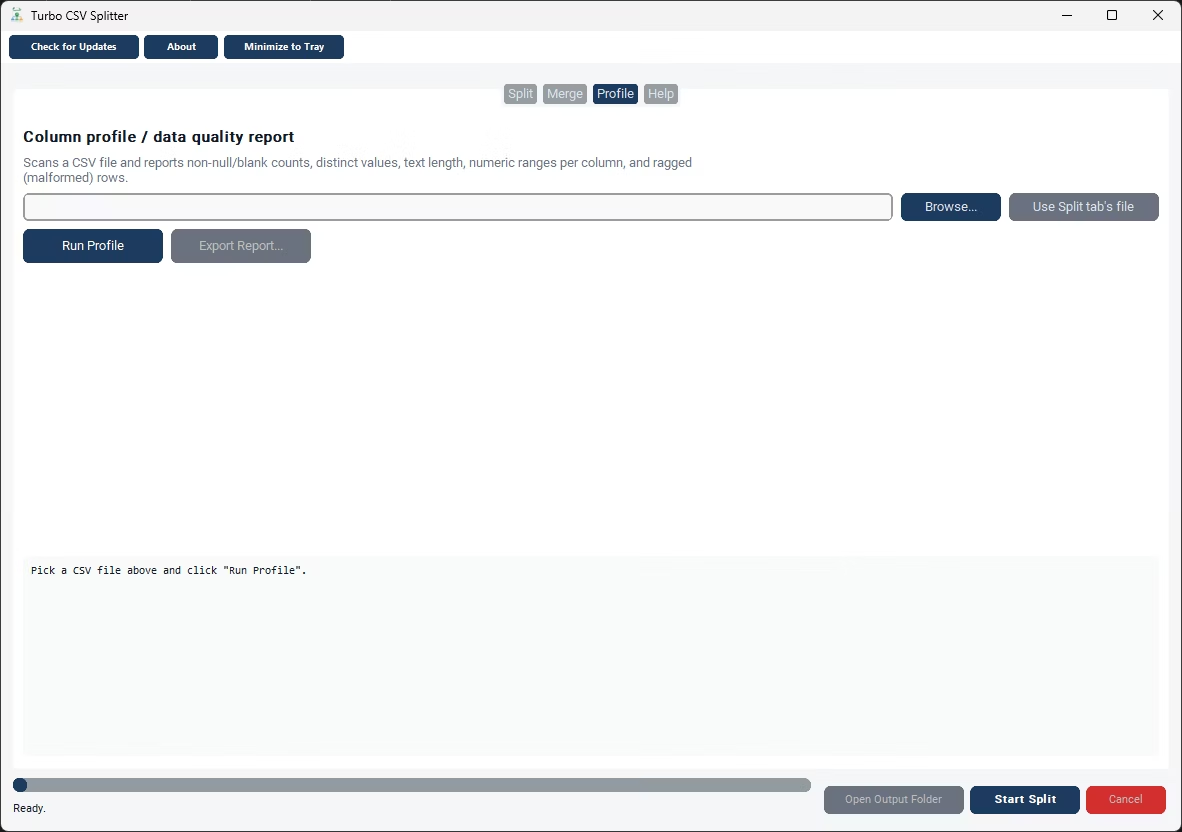
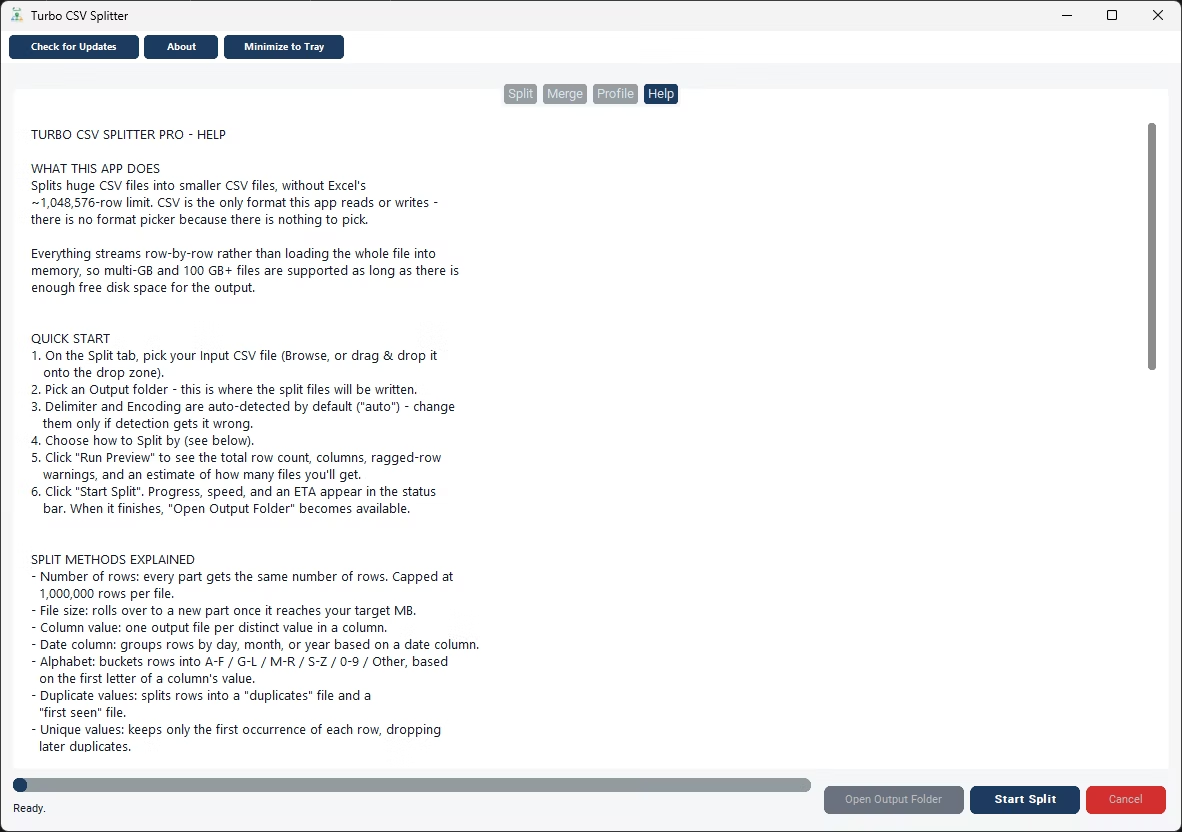
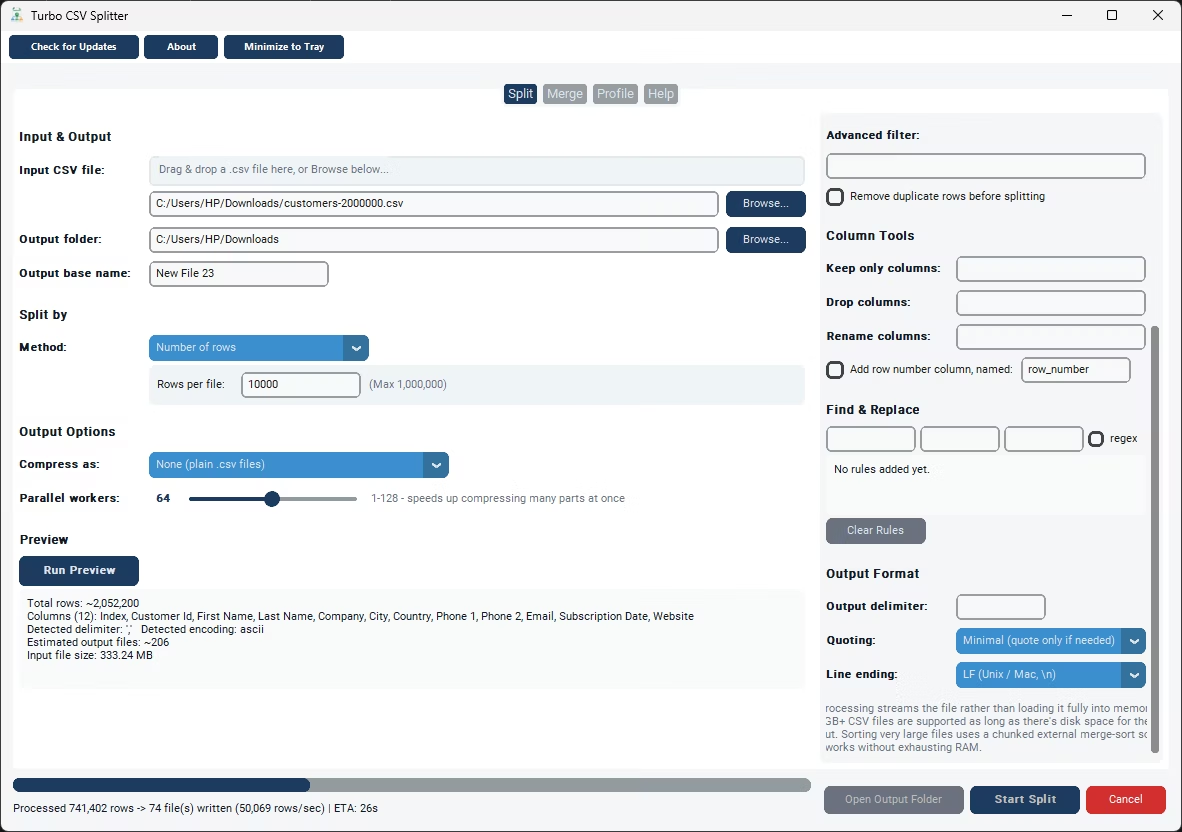
Turbo CSV Splitter offers several split methods that map directly onto the different ways "chunk" gets used. Number of Rows gives every output file the same row count, which suits systems that impose a per-request or per-batch record limit. File Size rolls a new chunk over once it reaches a target size in megabytes, which is the better fit when the constraint is bytes rather than rows - useful for email attachment limits or upload caps measured in MB. If the requirement is a specific number of chunks rather than a chunk size, Equal Parts (N Files) takes a number you specify and divides the source file into that many roughly equal chunks, running a quick row count first to calculate where the split points fall.
For machine learning and statistical sampling work, Random Shards (N Files) randomly assigns every row to one of N output files rather than keeping the original row order, which is exactly the shape of a train/validation/test split or a random sample for testing. A seed value makes that random assignment reproducible - running the same file and seed again produces the same shard assignment, and that consistency holds even if the job needs to be resumed from a checkpoint partway through. Every chunk produced by any of these methods gets the original header row written in automatically, so each chunk is a complete, independent CSV file rather than a raw slice of data that needs its header reconstructed manually.
Because rows are streamed through rather than loaded into memory, the size of the source file being chunked doesn't matter much - a 50-million-row file is chunked with the same reliability as a 50,000-row one, just over a longer runtime, with live throughput and an ETA shown in the status bar the whole time. Before running the full job, Run Preview reports the total row count and an estimate of how many chunks your chosen settings will produce, so you can fine-tune the target size or count before committing. If a large chunking job is interrupted, a checkpoint file lets it resume exactly where it stopped rather than restarting the entire job.
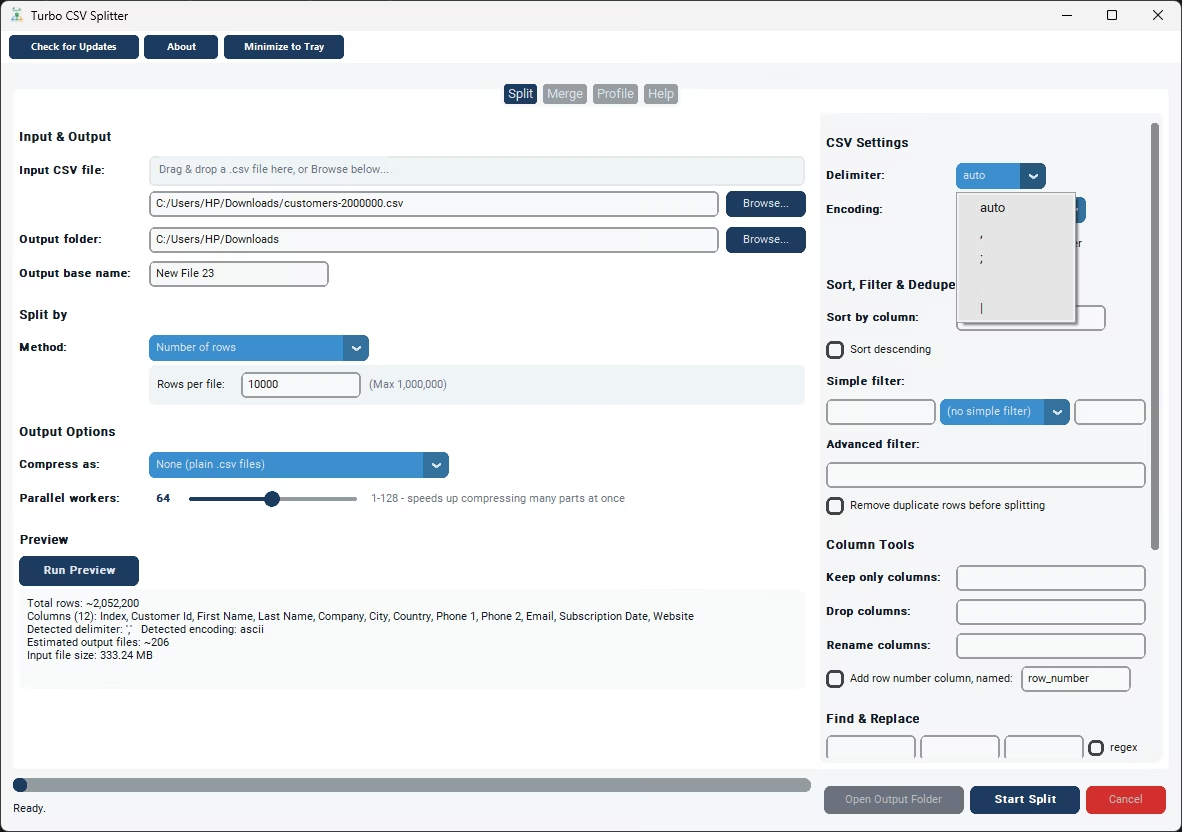
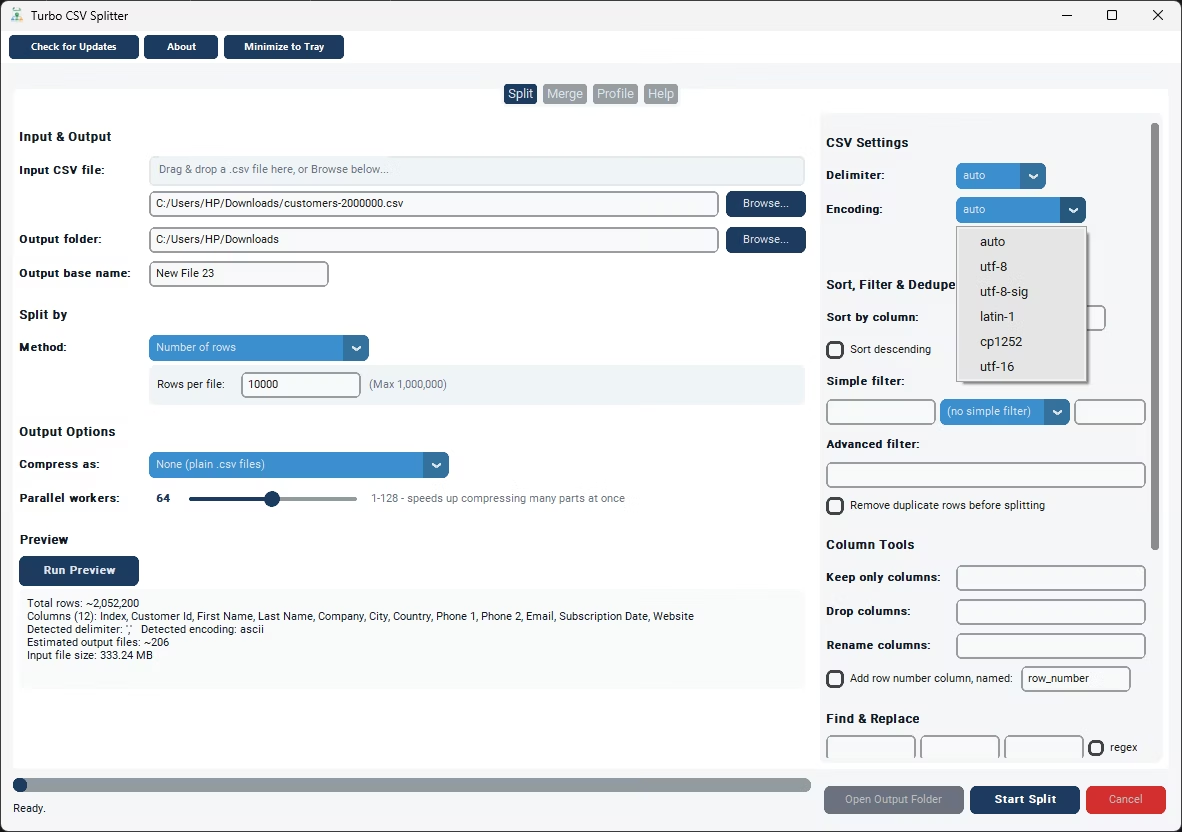
All of this runs locally on your Windows PC, with delimiter and encoding auto-detected from the source file, so files coming from different upstream systems still chunk correctly without manual configuration.
- Install Turbo CSV Splitter and open the app.
- Browse to the large CSV file you want broken into chunks.
- Choose the split method that matches your constraint - Number of Rows, File Size, Equal Parts, or Random Shards.
- Set your target chunk size, chunk count, or seed value as needed.
- Run Preview to check the estimated number of chunks before starting.
- Click Start Split and monitor progress until every chunk has been written.
- Chunk by row count, file size in MB, or an exact number of files
- Random Shards method with a reproducible seed for ML train/test splits
- Header row written automatically into every chunk
- Streaming engine handles large source files without high memory use
- Preview estimates the number of chunks before you commit
- Checkpoint and resume for interrupted chunking jobs
What's the difference between splitting by rows and splitting by file size?
Number of Rows gives every output file the same row count regardless of how much text is in each row, while File Size rolls over to a new part once the file reaches a target size in megabytes - useful when row length varies a lot and you care more about upload or attachment size than row counts.
Can I split a file into an exact number of chunks instead of a chunk size?
Yes. The Equal Parts method takes a number of files (N) and divides the source file into that many roughly equal chunks, running a quick row count first to work out the split points.
Is chunking useful for machine learning workflows?
Yes. The Random Shards method randomly assigns every row to one of N output files, which is a common way to create train, validation, and test splits. A seed value makes the random assignment reproducible, even if the job is resumed later.
Does chunking a file change the data inside each row?
No. Splitting into chunks only changes which output file each row ends up in - the row's contents are written through unchanged, aside from the header being repeated at the top of every chunk.
Ready to split your CSV files the easy way?