A large CSV file — one that's several gigabytes and holds tens of millions of rows — needs a slightly different approach than a modest spreadsheet export. Standard tools like Excel can't even open a file that size in full, and text editors tend to struggle or crash before the file finishes loading.
This guide walks through splitting that kind of file using Turbo Large Data Splitter, which reads large CSV files in manageable chunks rather than all at once, so a multi-gigabyte file can be processed on an ordinary Windows PC without special hardware.
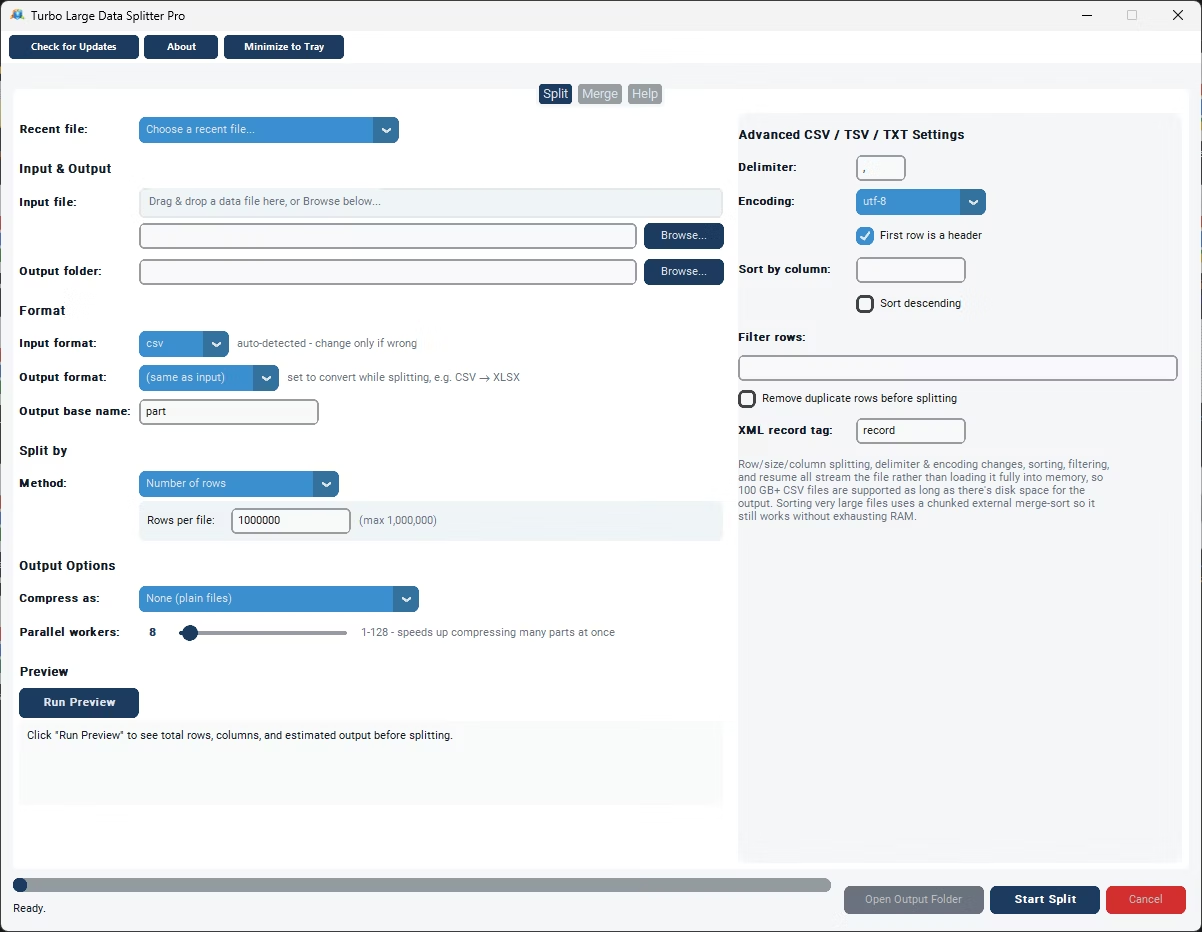
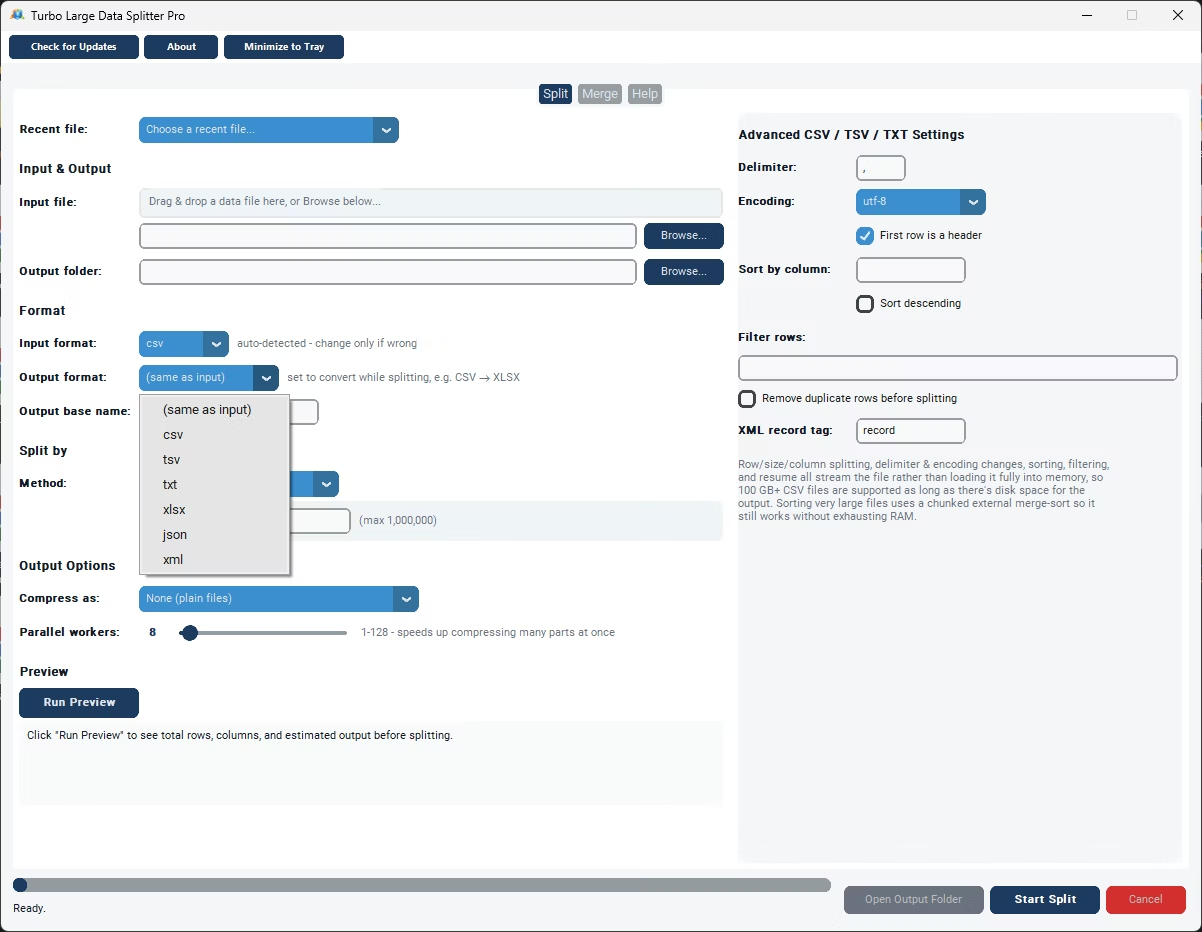
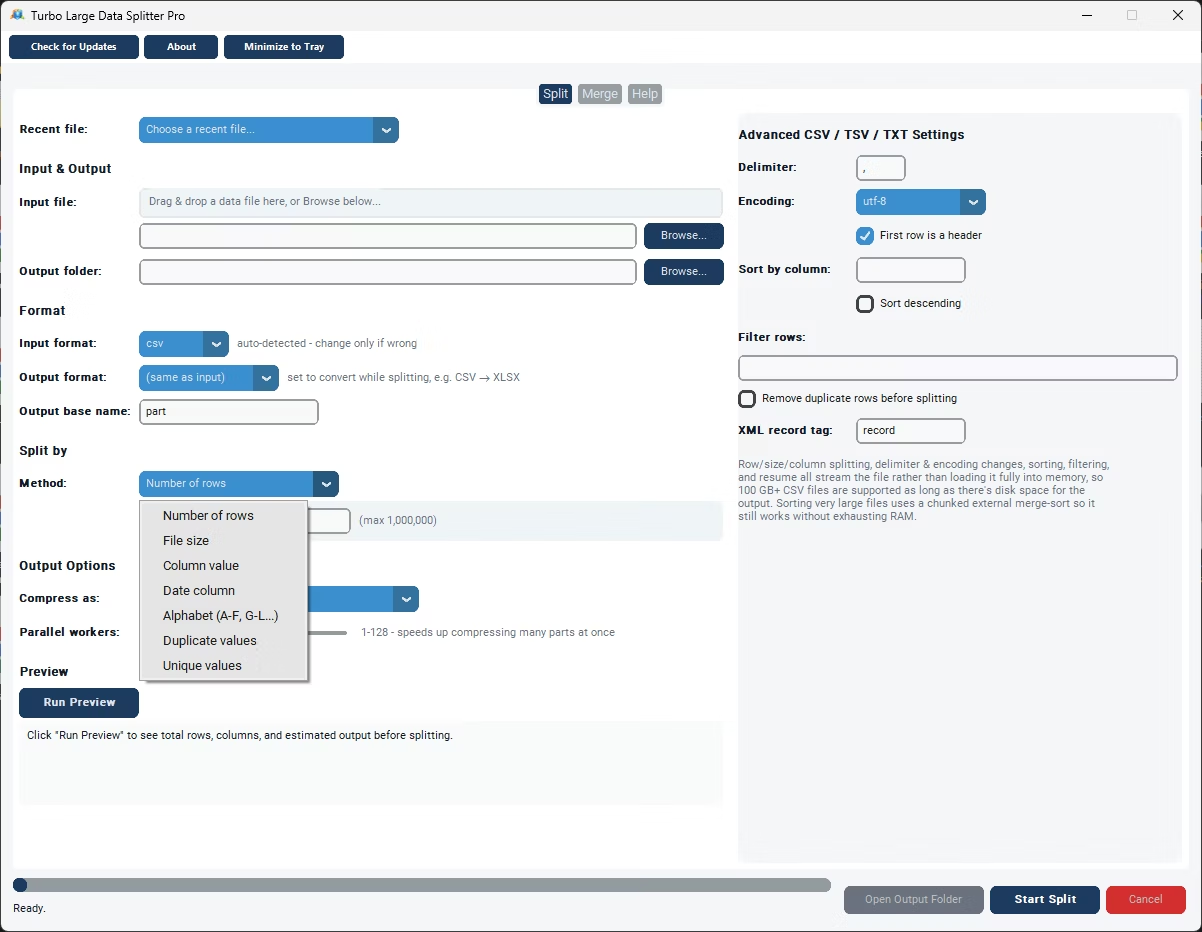
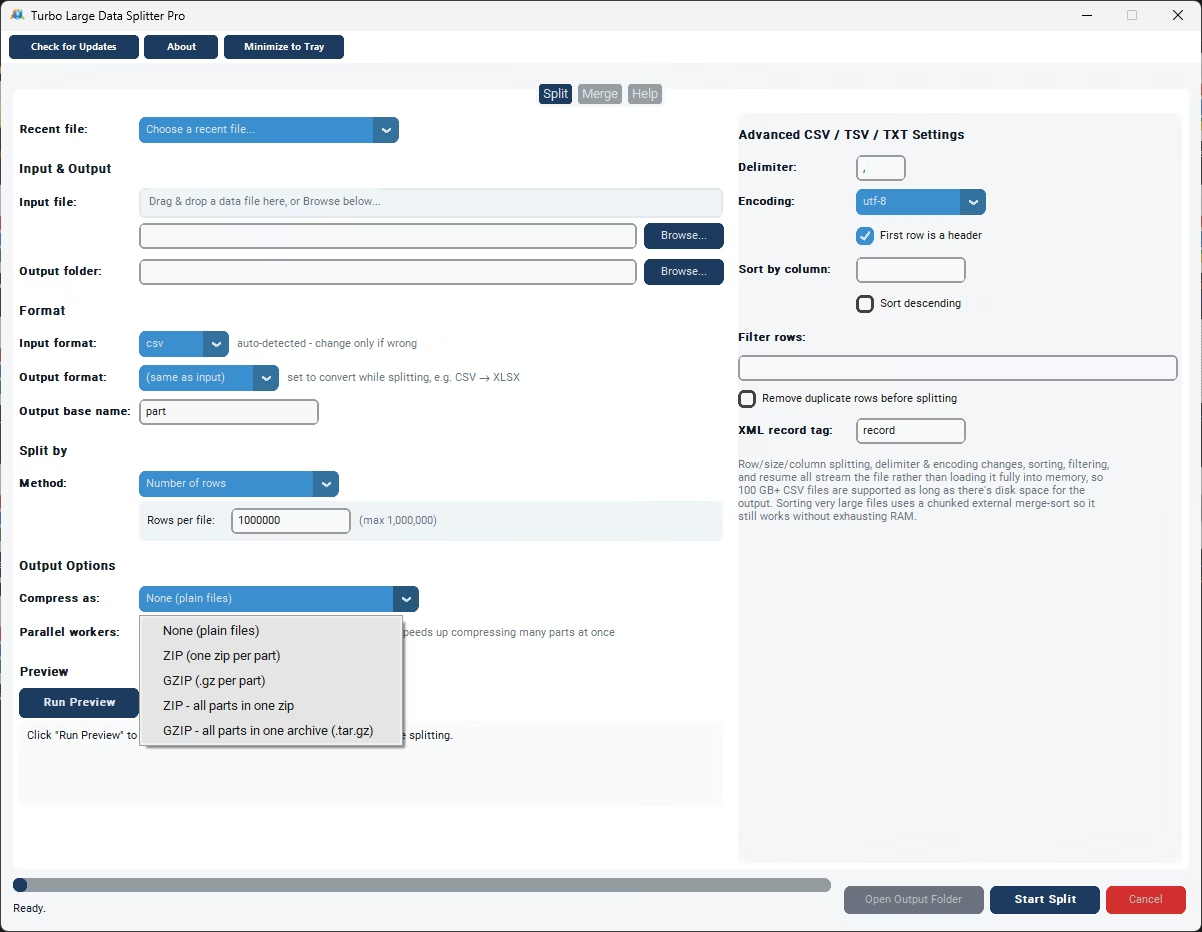
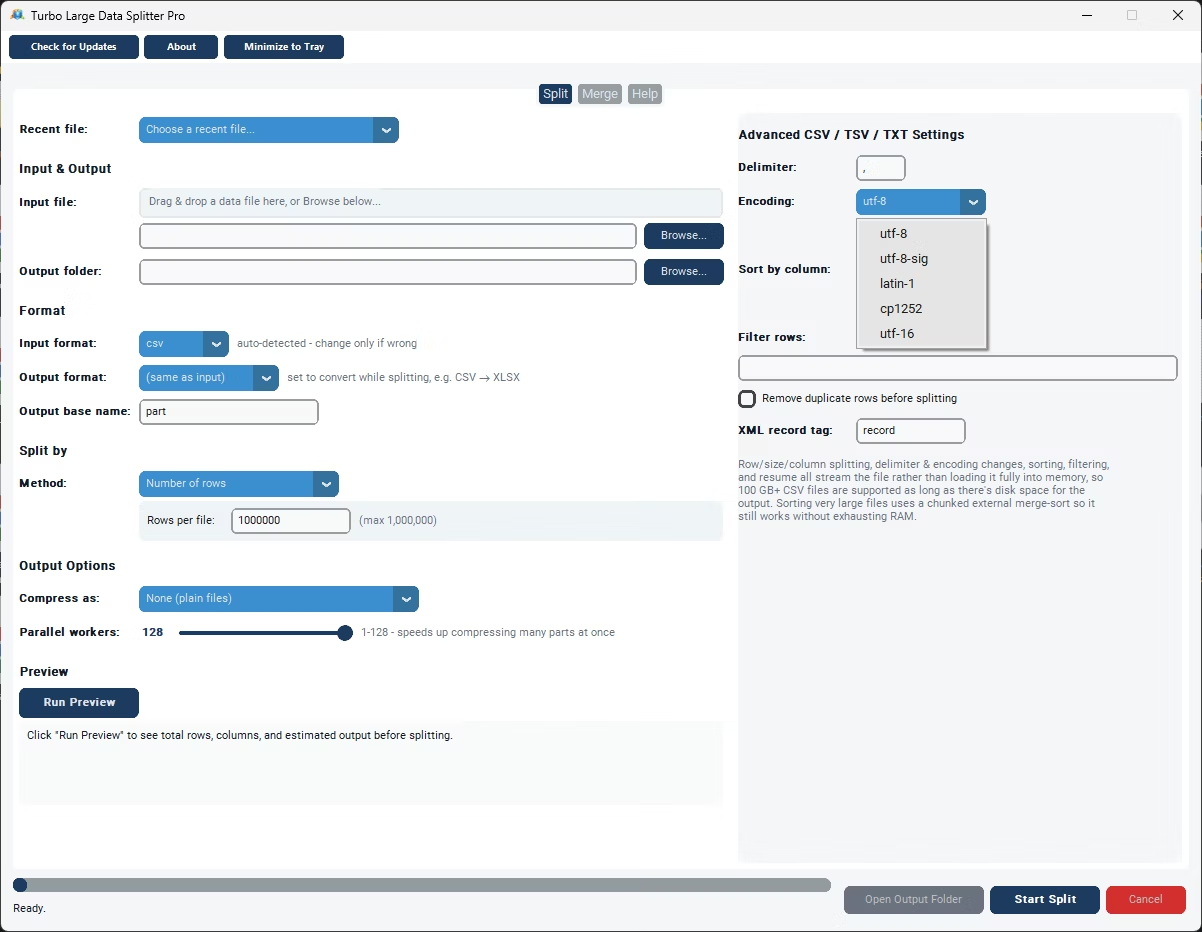
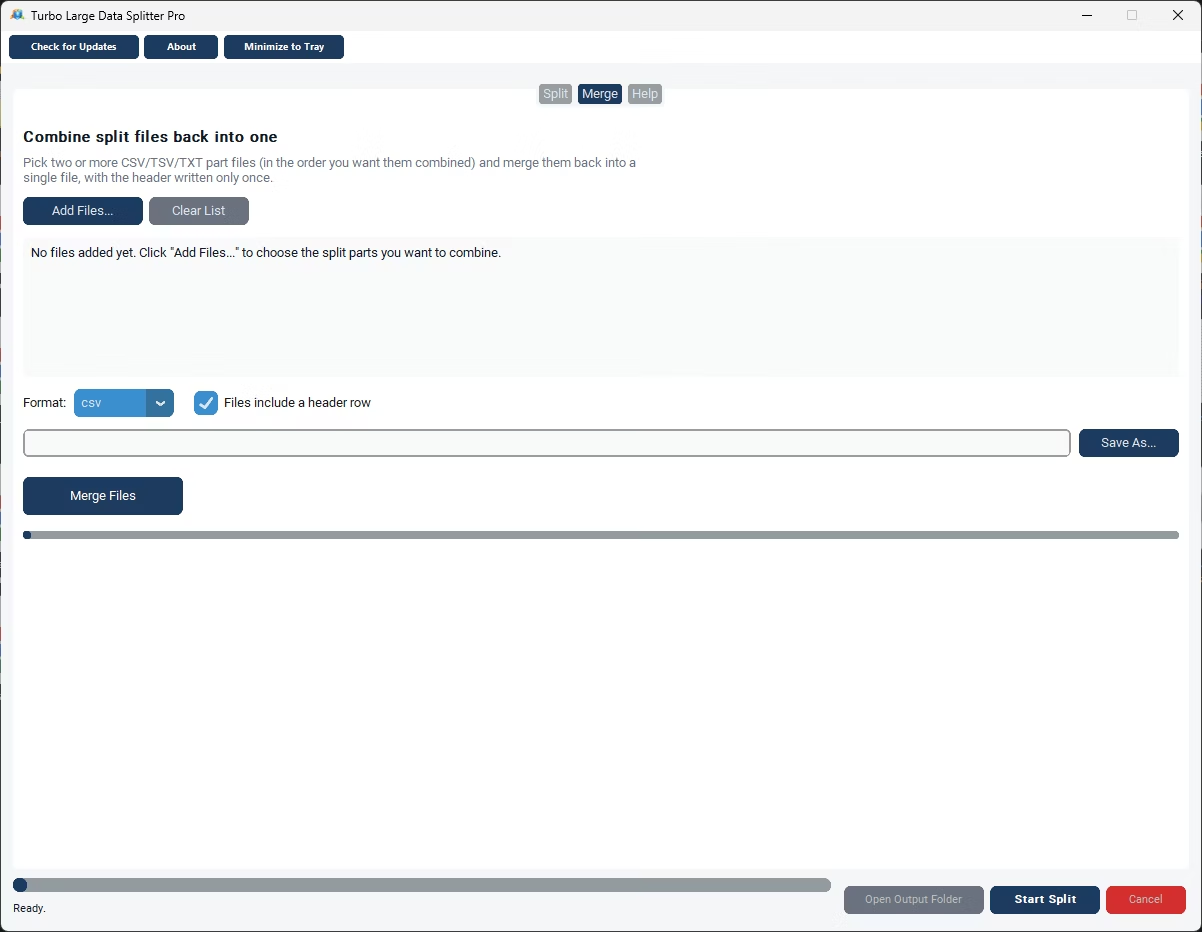
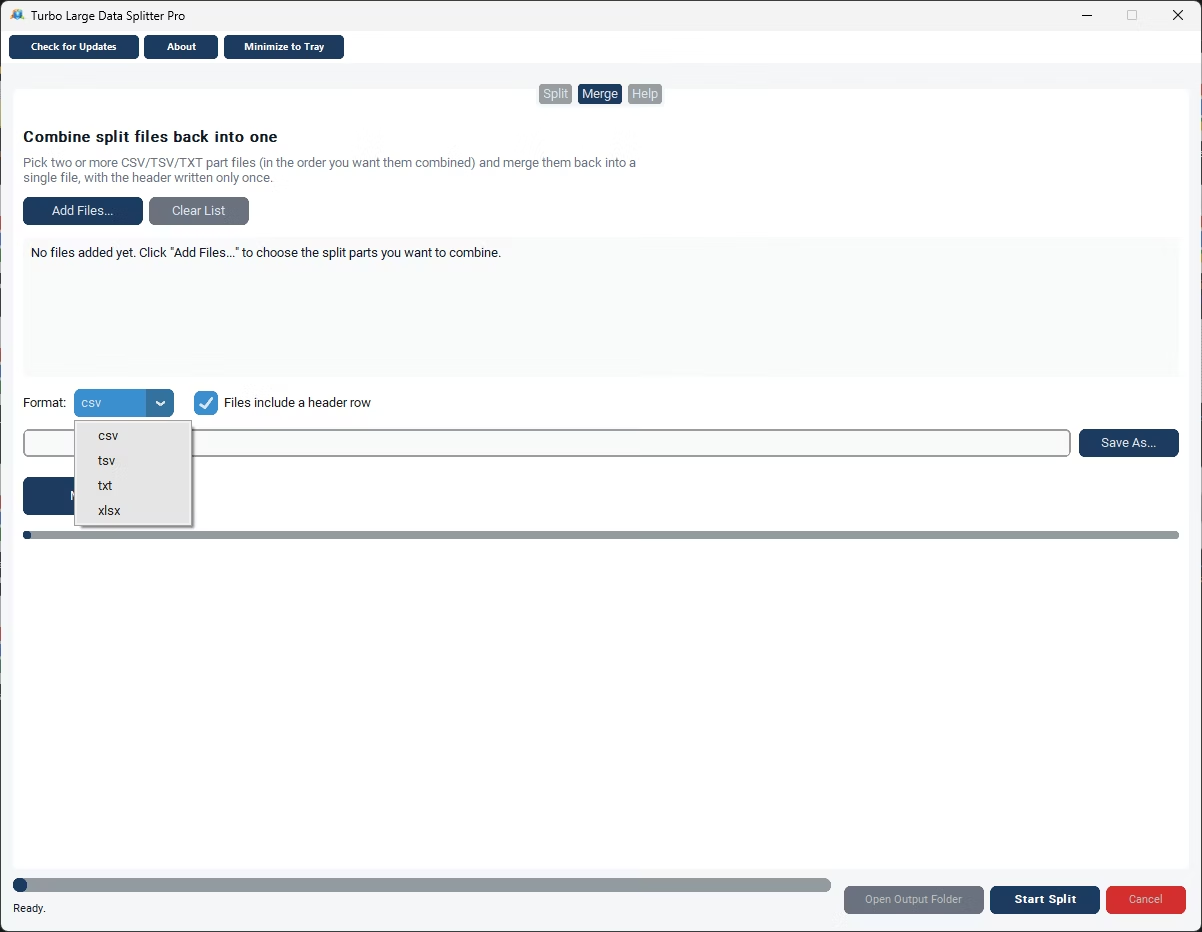
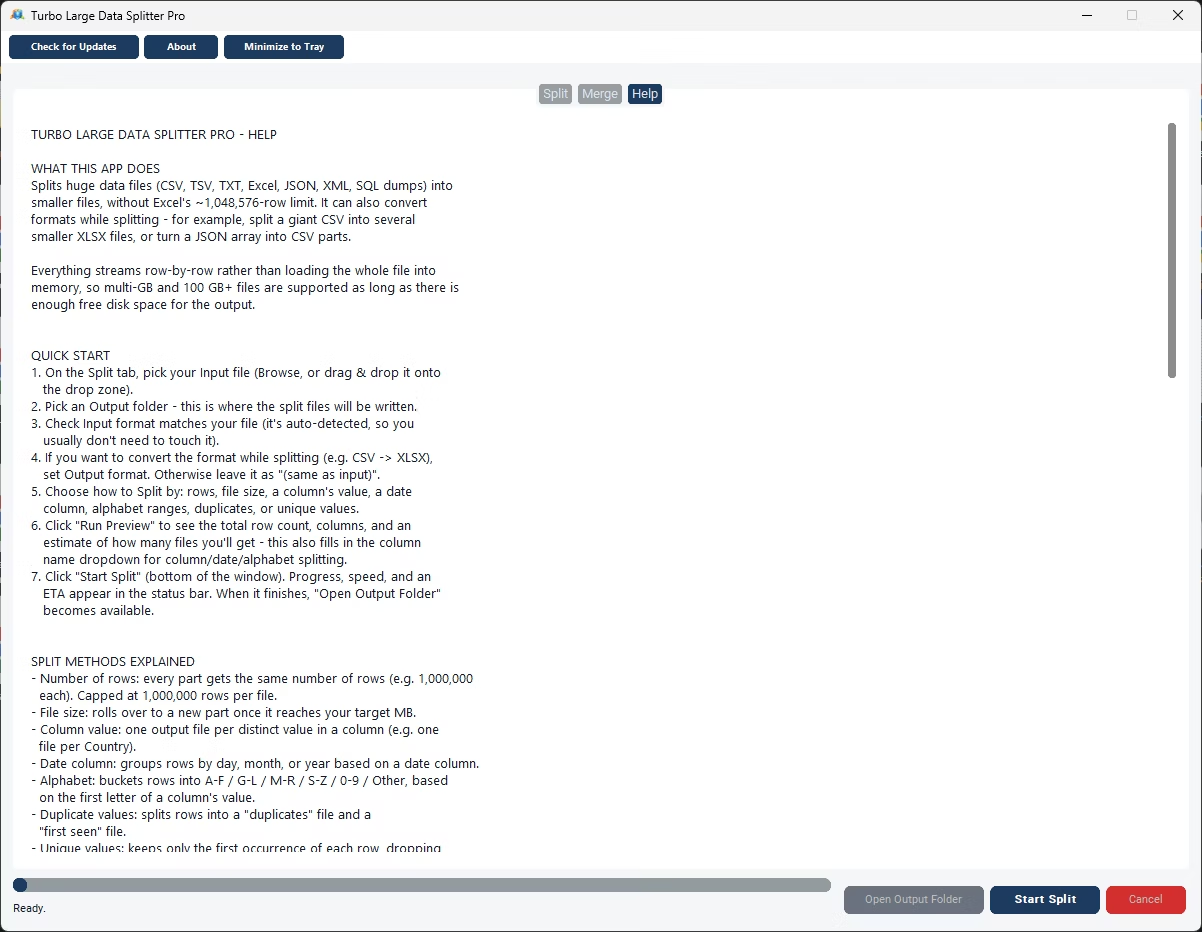
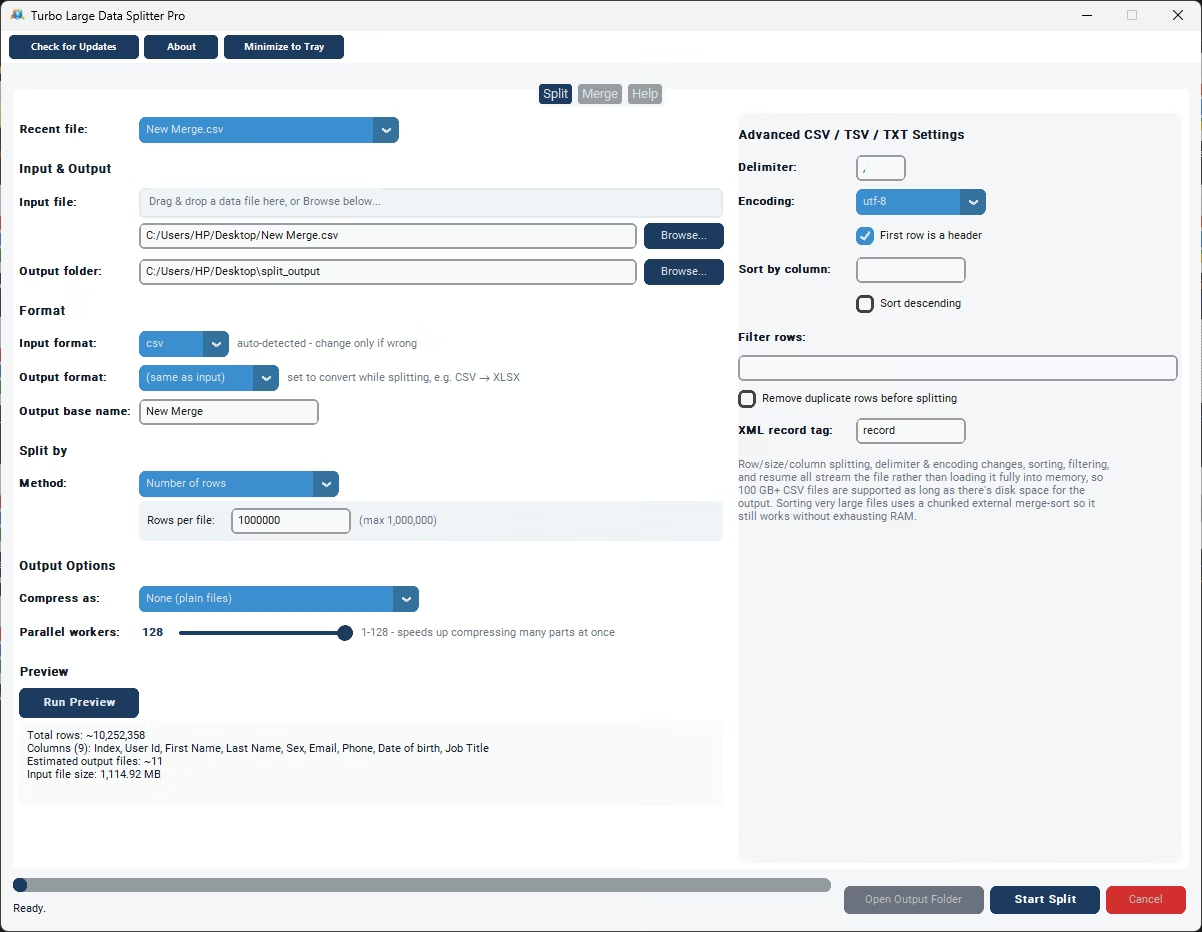
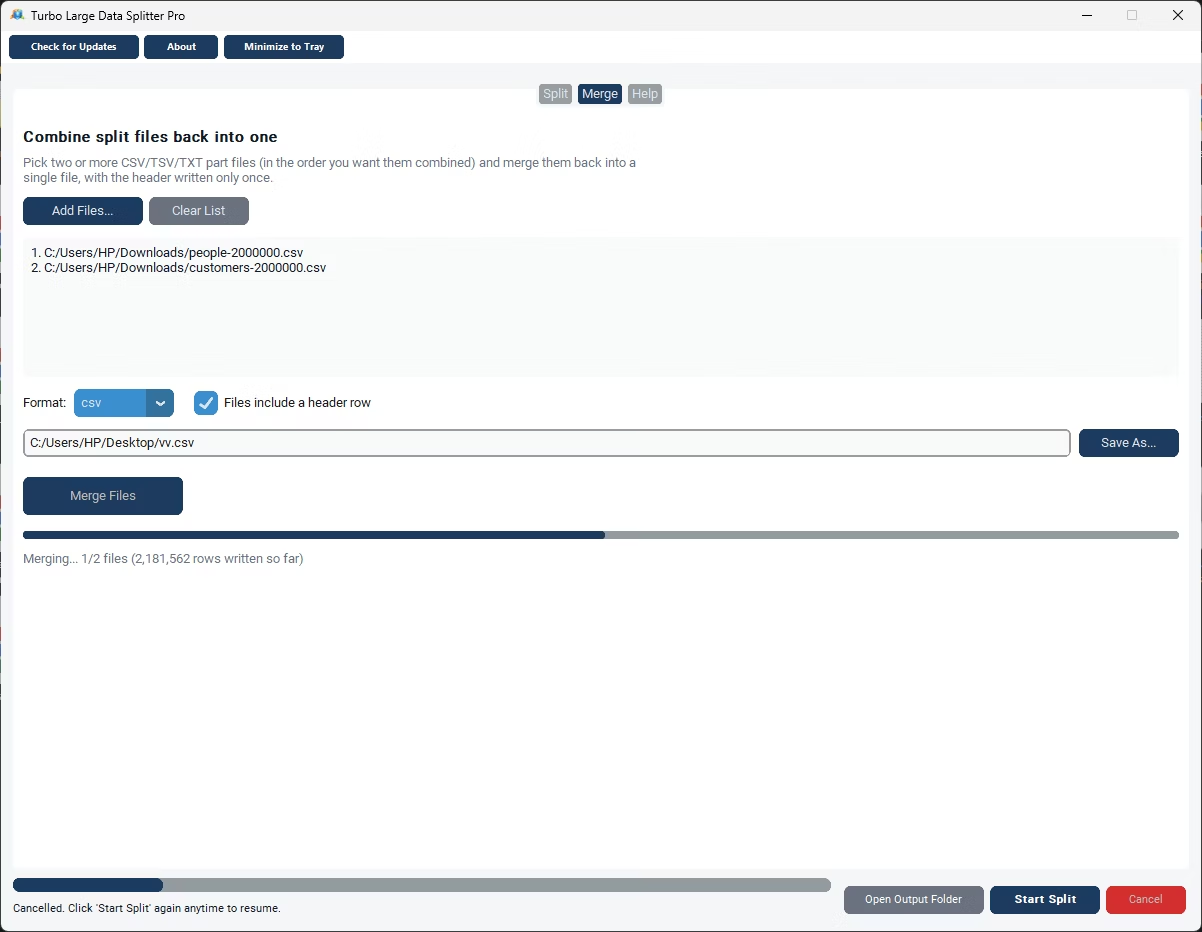
- Install Turbo Large Data Splitter on your Windows PC.
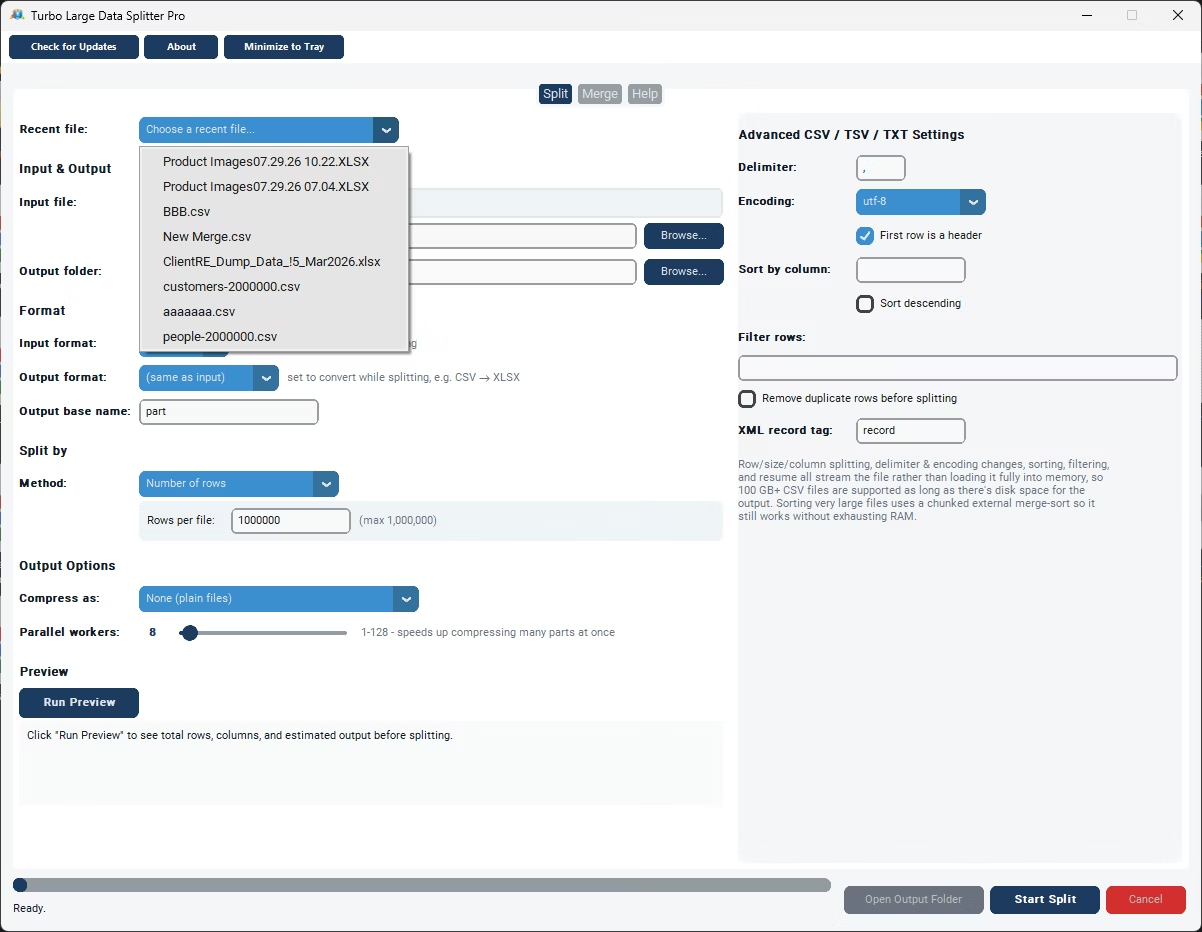
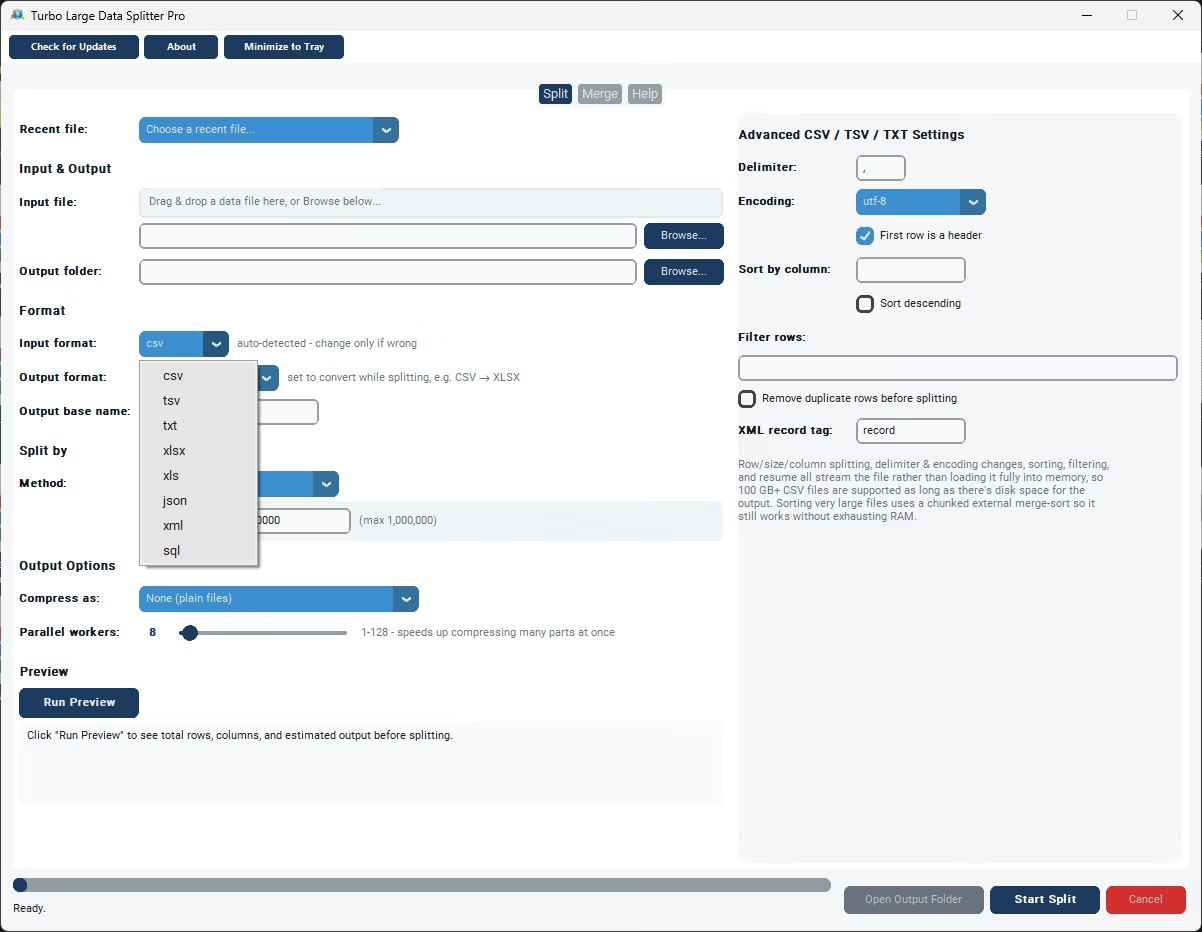
- Load your large CSV file into the app directly from disk.
- Choose to split by row count or by target file size.
- Enter a value that produces files small enough for your next step.
- Click Split and let the app stream through the file in chunks.
- Check the output folder for your new, smaller CSV files.
- Processes multi-gigabyte CSV files without special hardware
- Chunked reading keeps memory use low throughout
- Split by row count or file size
- No need to open the full file in Excel first
- Fast performance on files with tens of millions of rows
- Fully offline, so large datasets never leave your PC
Can this tool split a CSV file that's several gigabytes in size?
Yes, the chunked reading approach is designed specifically for files in that range, so file size alone doesn't slow the process down significantly.
Do I need a powerful computer to split a large CSV file?
No, because the app doesn't load the entire file into memory at once, an ordinary Windows PC is enough to handle even very large files.
What's the best row count to use when splitting a very large file?
It depends on what you're preparing the files for; a common approach is to match the row count to whatever limit your next tool or import process requires.
Ready to split your large CSV file into manageable pieces?