Stray quote characters most often appear after importing a CSV file where text fields were wrapped in double quotes to protect commas inside them. When the import process does not fully strip those wrapping quotes, or when a field itself already contained quote characters as part of its content, the result is text values that start or end with a visible quotation mark, or contain doubled quote characters left over from escaping.
These stray characters are more than a cosmetic issue - they prevent exact-match formulas and lookups from working, and they can cause a value to be re-exported incorrectly if the file is converted to CSV again later.
The CSV format uses double quotes to wrap any text field that itself contains a comma, and a literal quote character inside such a field is represented by doubling it. If a tool reads or writes this format incorrectly, the wrapping quotes can be left in place instead of being stripped, or a doubled quote can remain as two characters instead of being collapsed to one. The result is text like ""Acme, Inc."" sitting in a cell instead of the clean value Acme, Inc.
Because this pattern is predictable, it can usually be cleaned with a targeted Find & Replace or a SUBSTITUTE formula.
A common mistake is running a blanket Find & Replace for every quote character in a file, which can strip out quotation marks that were genuinely part of a text field, such as a quoted phrase inside a customer comment. It is worth reviewing a sample of affected cells first to confirm the quotes really are leftover CSV artifacts rather than intentional punctuation before applying a broad replace across an entire column or sheet.
- Select the column or range containing the affected text.
- Open Find & Replace with Ctrl+H.
- In Find what, enter a double quote character; leave Replace with blank.
- Click Replace All to strip every quote character from the selected range.
- Review the result, since this also removes quotes that were intentionally part of the text, not just stray ones.
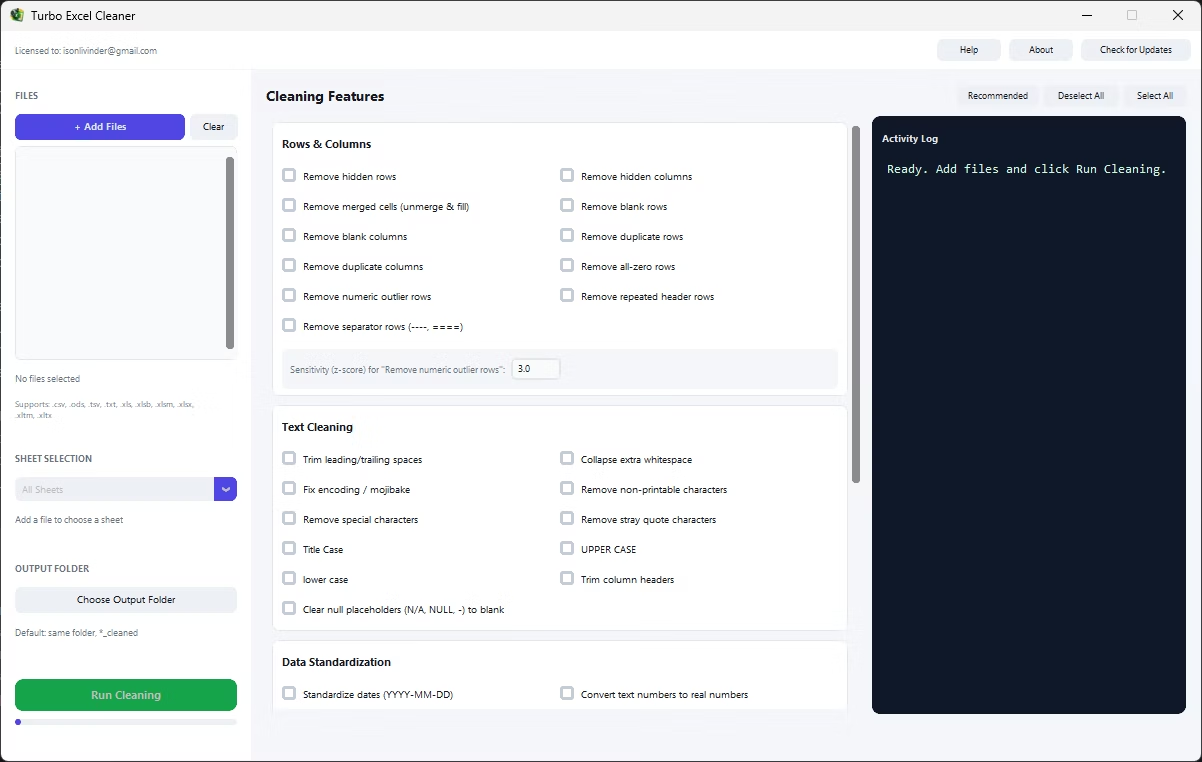
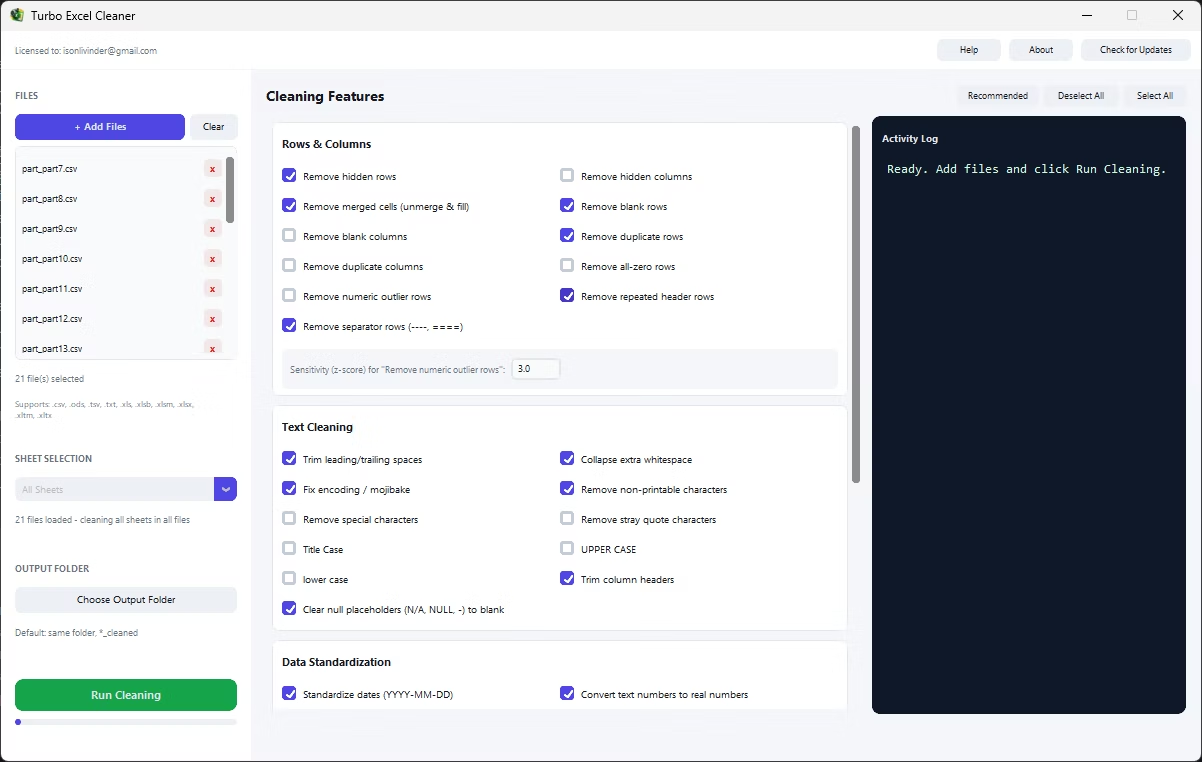
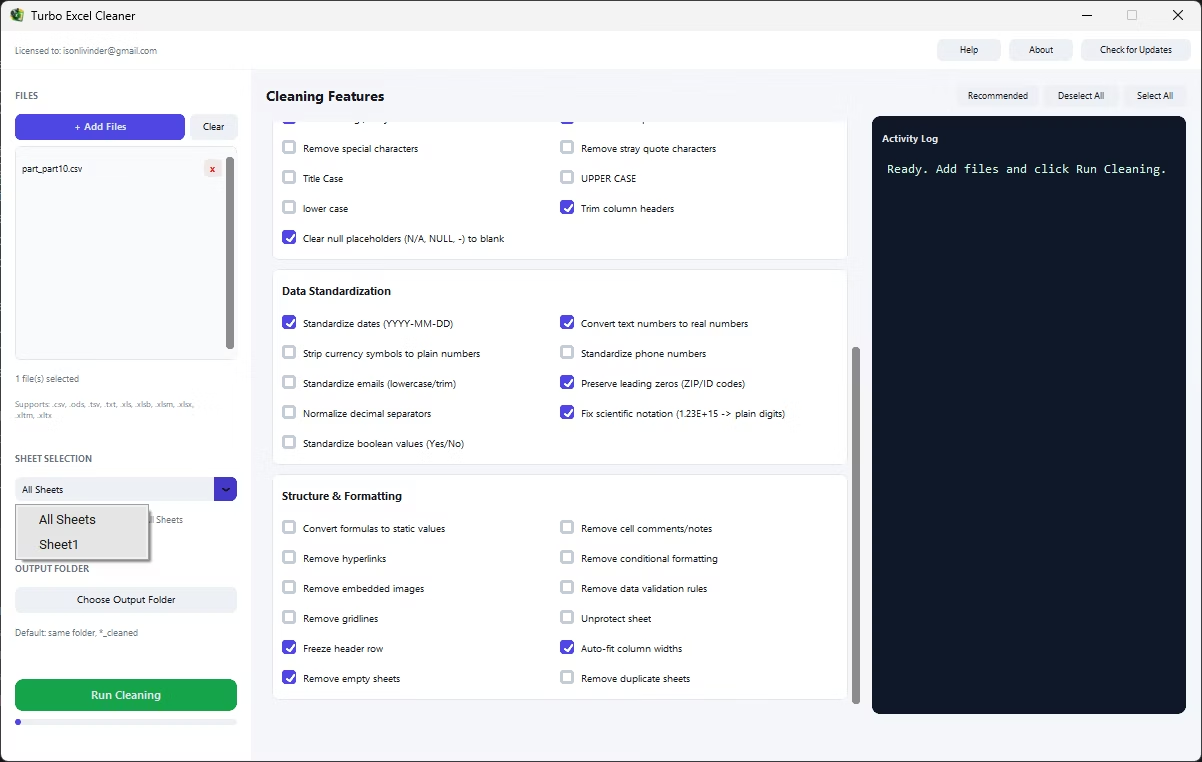
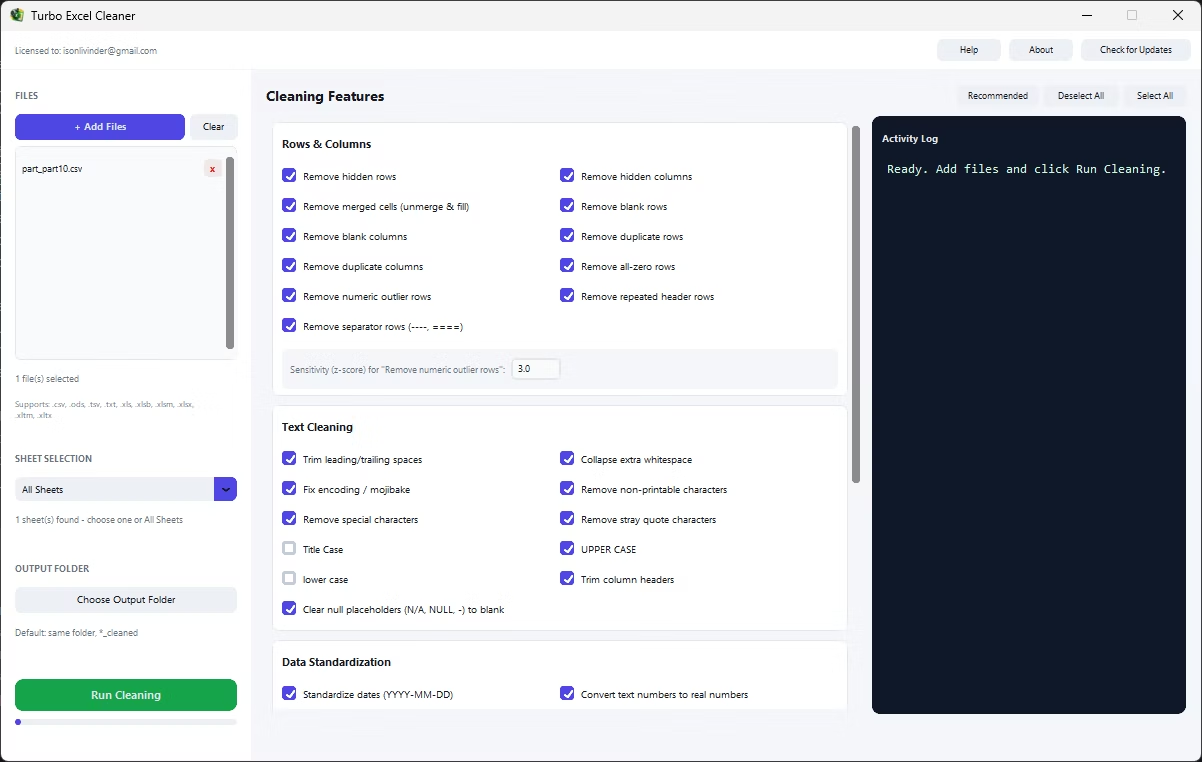
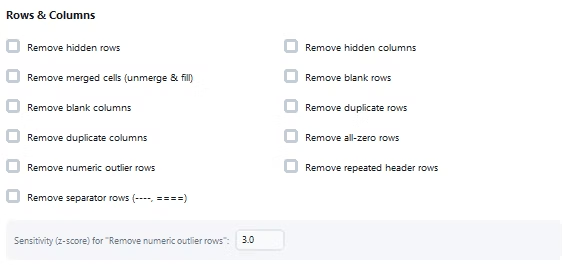
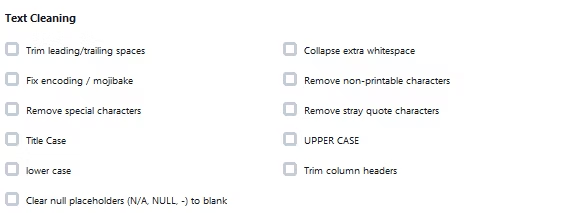
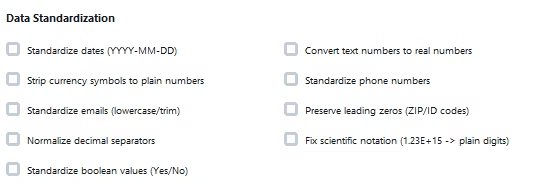
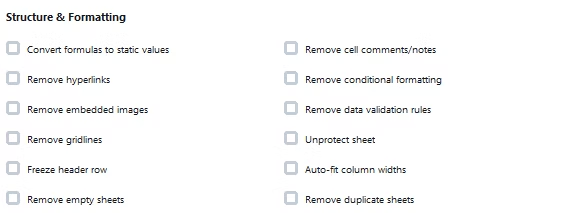
A blanket Find & Replace on quote characters can accidentally remove quotation marks that were genuinely meant to be part of the text, such as a quoted phrase inside a comment field. Turbo Excel Cleaner's Remove Stray Quote Characters feature specifically targets the leftover wrapping and doubled-quote patterns typical of CSV import artifacts, rather than stripping every quote mark indiscriminately.
This runs automatically across every text cell in every sheet you load, and is especially useful right after importing CSV exports from CRMs, accounting systems, and other tools that commonly wrap fields in quotes.
- Targets leftover CSV-style wrapping and doubled quote patterns
- Avoids stripping quotes that are meaningfully part of the text
- Runs automatically across every sheet in the batch
- Pairs well with whitespace trimming after a CSV import
- Works on Excel, OpenDocument, CSV, TSV, and TXT files
Will this remove quotes I actually want to keep?
The feature is designed to target the wrapping and doubled-quote patterns typical of CSV import leftovers rather than every quote mark, but reviewing the cleaned file is still recommended for text-heavy fields.
Does this fix single quotes as well as double quotes?
The feature focuses on double-quote artifacts, since that is the character CSV uses for field wrapping and escaping.
Why does this happen with CSV files specifically?
CSV's quoting and escaping rules exist to handle commas and quotes inside text fields; when a tool does not fully implement those rules, leftover quote characters are the most common visible symptom.
Ready to clean your spreadsheets in bulk, offline, with full privacy?