Separator rows are rows deliberately inserted to visually divide sections of a spreadsheet - often filled with dashes, equal signs, underscores, or repeated punctuation characters instead of real data. They are common in reports exported from accounting systems, point-of-sale software, and printed statements that use a line of dashes to mark the end of one section and the start of another.
While they help a human reader see where one block of data ends, separator rows are meaningless to formulas and break any attempt to treat the sheet as a single continuous data range for sorting, filtering, or importing into another system.
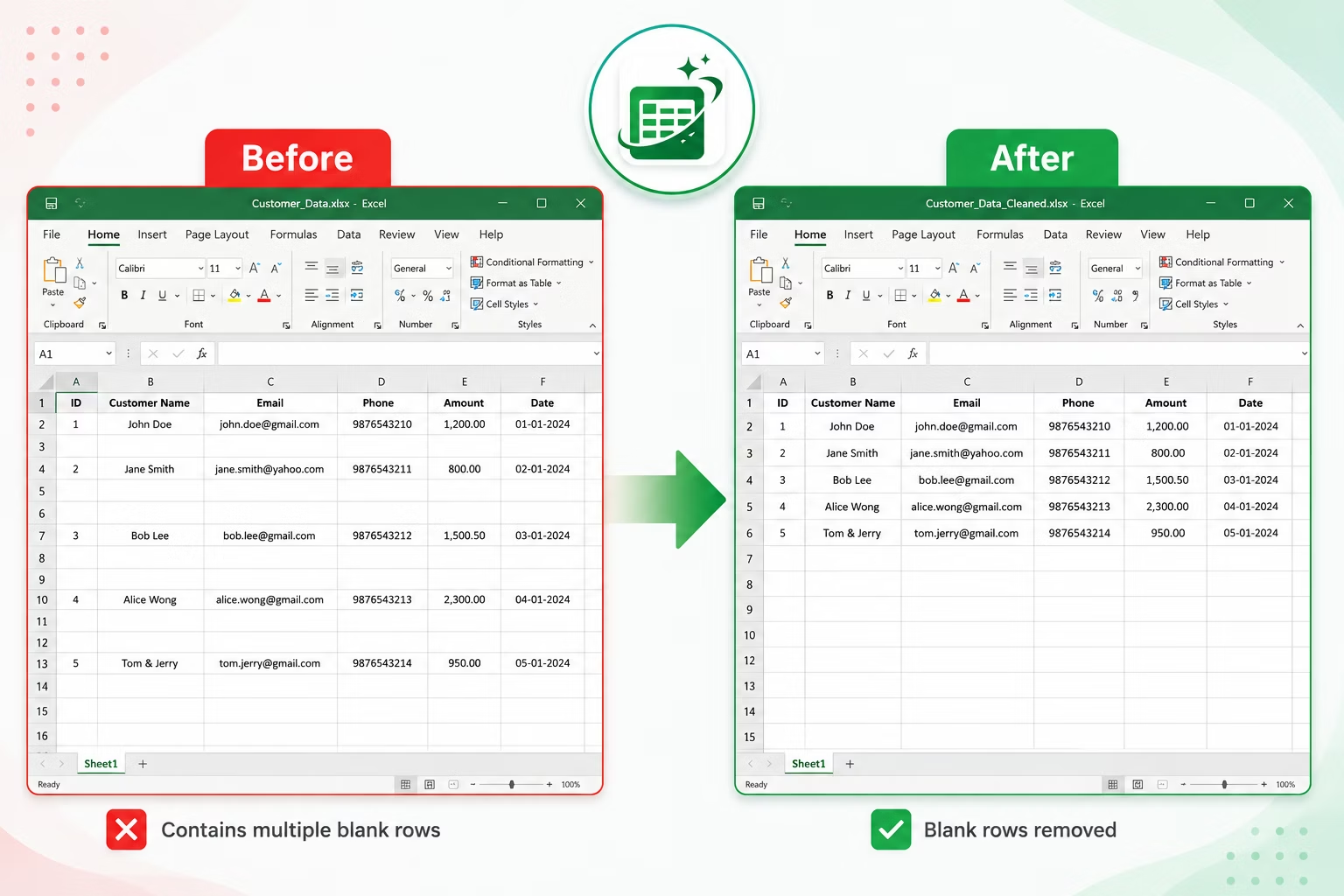

Separator rows are usually easy to spot visually - a row of dashes, asterisks, or equals signs stands out clearly against normal data. The safest way to confirm a row is a separator rather than legitimate data is to check whether the same character repeats across most or all of the row's cells, since real data rarely looks like that. A quick formula check with LEN and a repeated-character test can automate this confirmation for larger sheets.
Once confirmed, separator rows can be selected and removed the same way as any other unwanted row.
A common mistake is deleting a row that merely looks like a separator but actually contains a legitimate data value, such as a product code that happens to be composed entirely of dashes or a serial number using repeated characters. It is worth spot-checking a handful of flagged rows against the surrounding data before bulk-deleting anything, particularly in files exported from unfamiliar systems where formatting conventions are not yet well understood.
- Scroll through the sheet and visually identify rows made up of repeated characters like dashes or equals signs.
- Click the row number to select the entire row, holding Ctrl to select multiple separator rows at once.
- Right-click any selected row number and choose Delete.
- Confirm the remaining data now flows as a continuous range without visual divider rows.
- Save the file once every separator row has been removed.
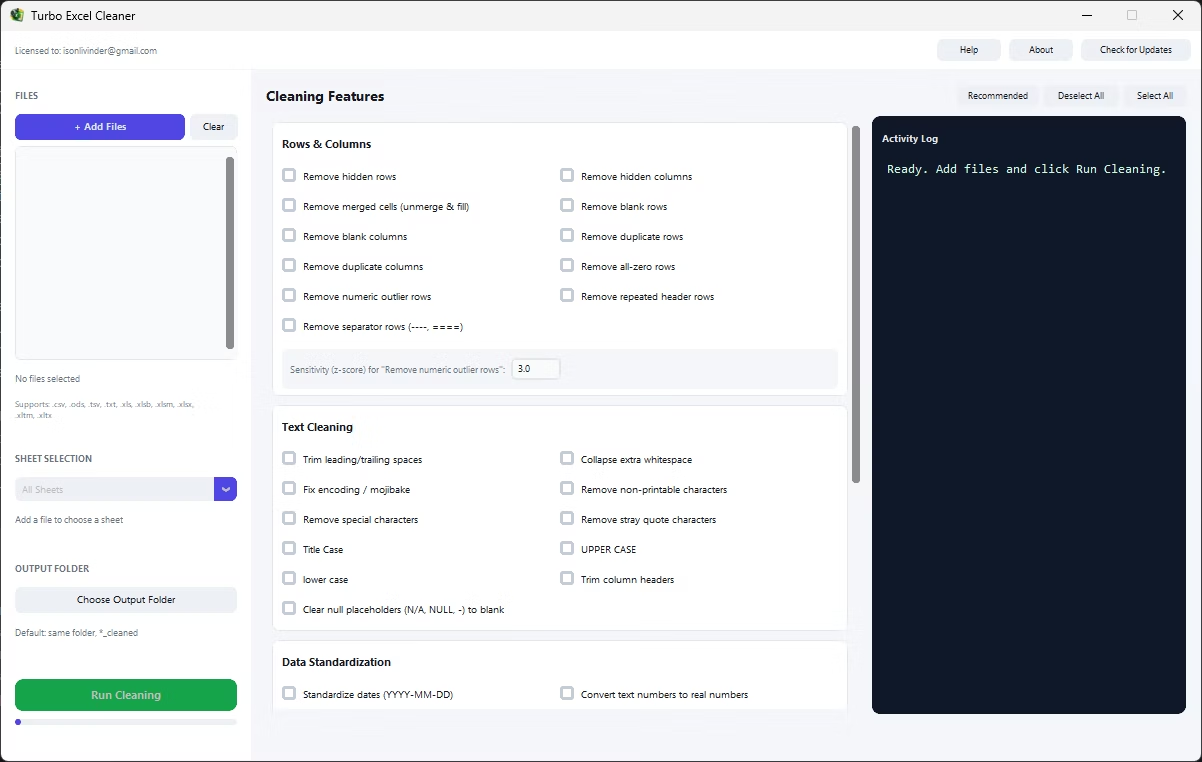
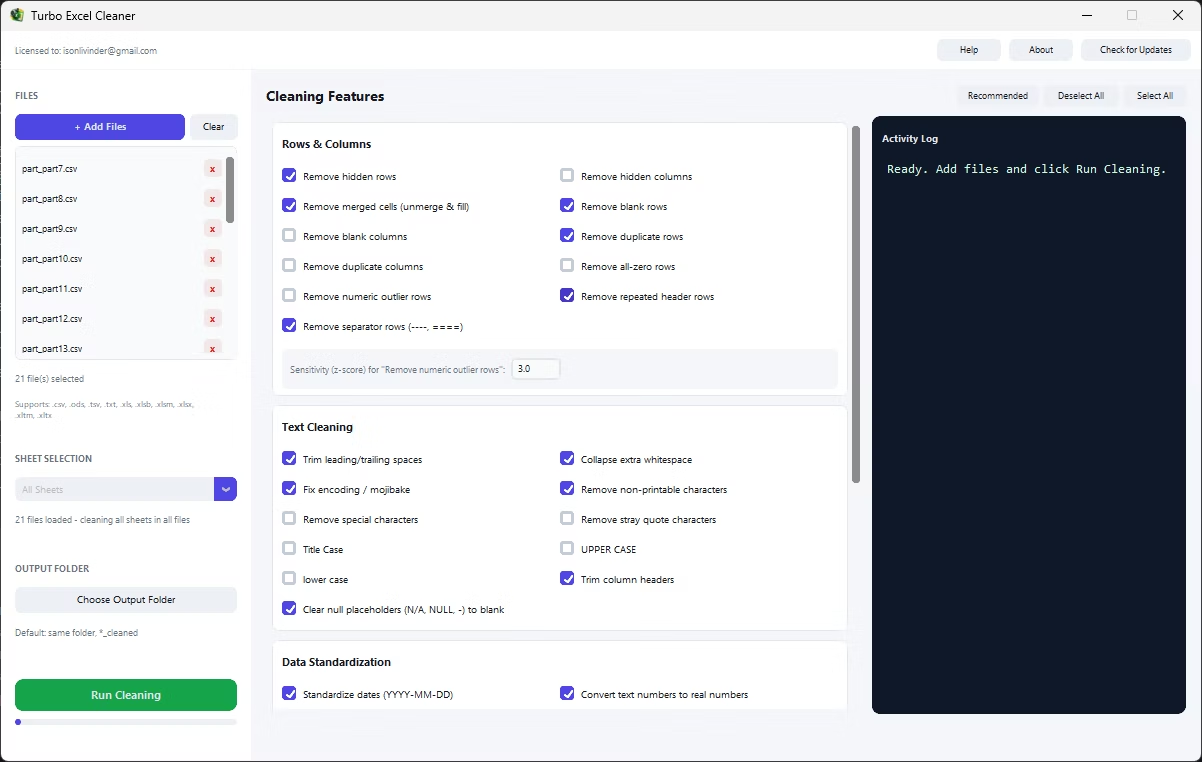
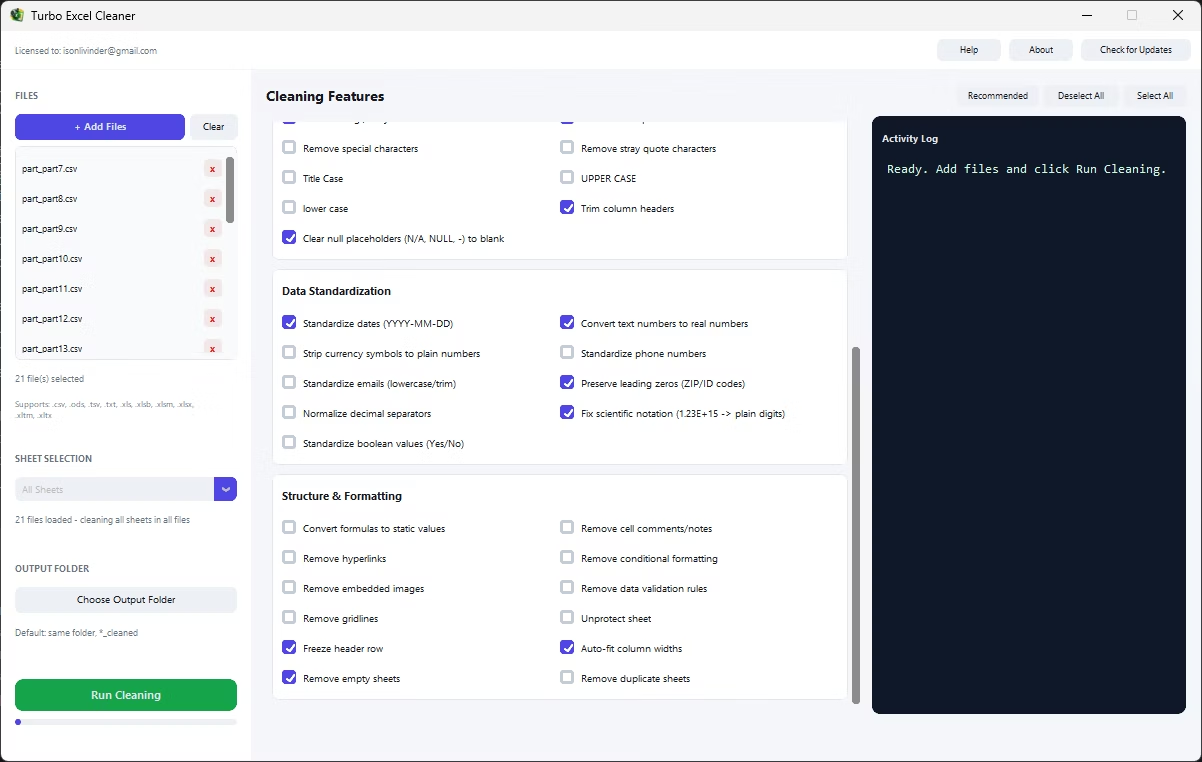
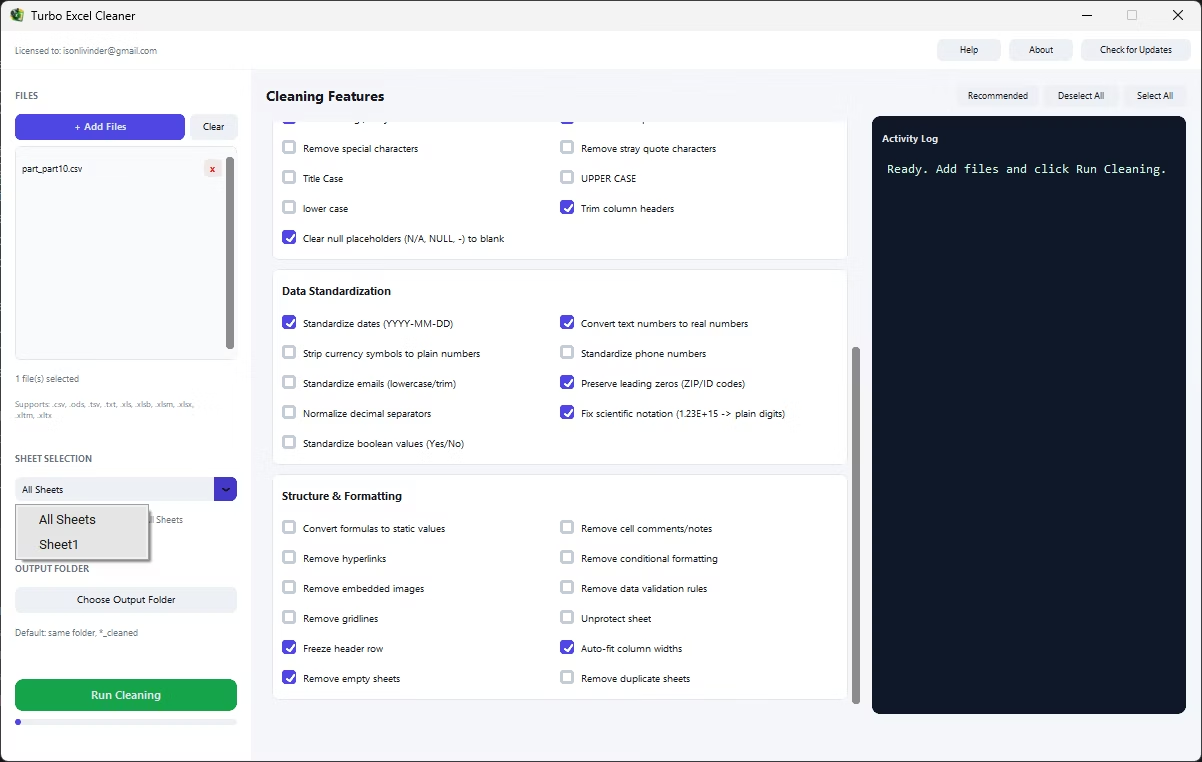
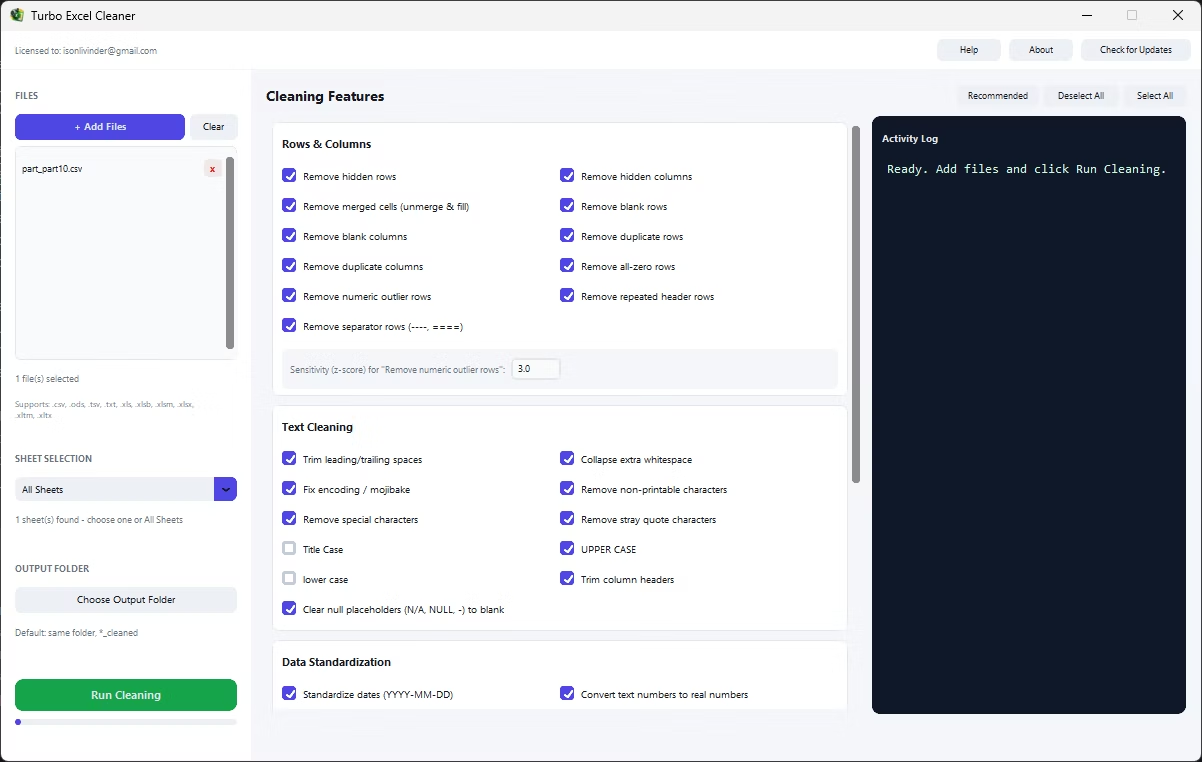
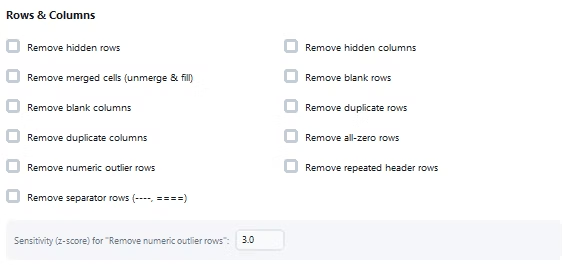
Manually scanning for separator rows works for a short sheet, but it becomes slow and error-prone across long exports or a whole folder of statements that each use their own style of divider. Turbo Excel Cleaner's Remove Separator Rows feature detects rows made up of repeated punctuation or divider characters and removes them automatically, without requiring you to scroll through the sheet by eye.
Because it is part of the Rows & Columns category, it works alongside blank row removal and repeated header removal, so a combined report full of section dividers, repeated headers, and blank spacer rows can be fully normalized into one clean data range in a single run.
- Automatic detection of dash, equals-sign, and similar divider rows
- No manual scrolling or visual inspection required
- Combine with blank row and repeated header removal
- Applies across every sheet in every file in the batch
- Supports Excel, OpenDocument, CSV, TSV, and TXT formats
What characters count as a separator row?
Rows made up predominantly of repeated non-alphanumeric characters such as dashes, equals signs, underscores, or asterisks are treated as separator rows.
Could a legitimate data row be mistaken for a separator?
This is uncommon since real data rarely consists of a single repeated character across an entire row, but reviewing the cleaned output is always a good practice after any batch cleaning run.
Does this feature work on reports exported as CSV?
Yes, separator row detection applies equally to CSV, TSV, and TXT files, which are saved back out in their original delimited format.
Ready to clean your spreadsheets in bulk, offline, with full privacy?