Radiance HDR's RGBE structure stores genuine extended dynamic range data, while AVIF supports up to 12-bit color and HDR transfer characteristics, making it one of the few common consumer formats with any meaningful HDR-adjacent capability. Converting an HDR file to AVIF can preserve more of the tone-mapped detail than converting to a standard 8-bit format, while still producing a file small enough to publish online or share easily.
This is still a reduction from HDR's full extended range, since AVIF's 12-bit integer values can't match the RGBE structure's effectively unbounded brightness range, but it's a reasonable middle ground for sharing lighting references or environment map previews that benefit from more tonal range than JPG or PNG provide.
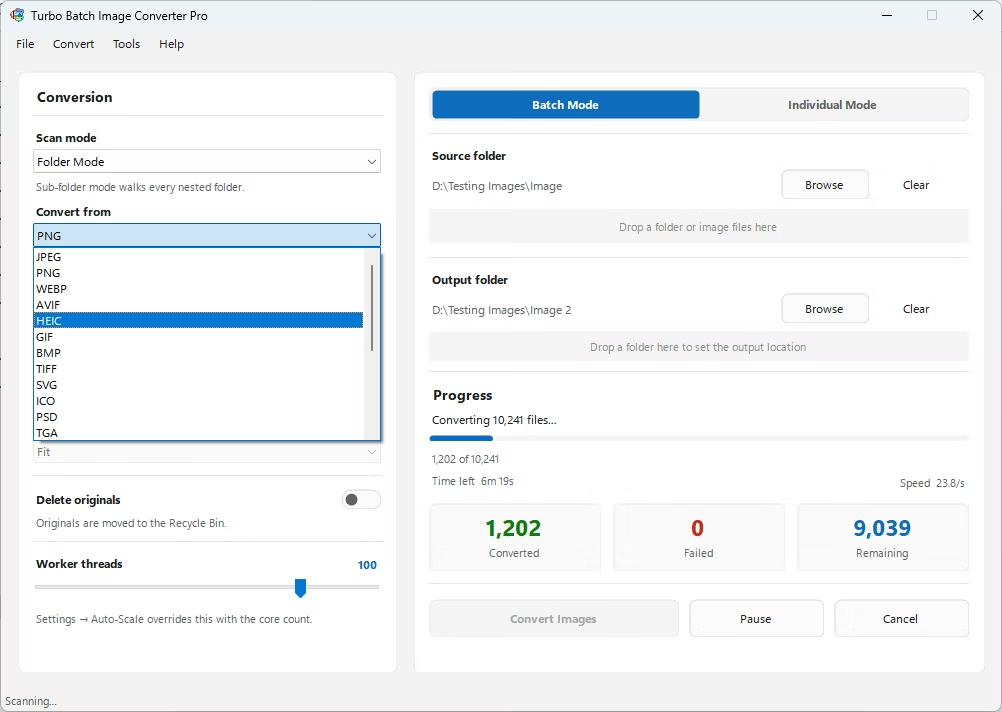
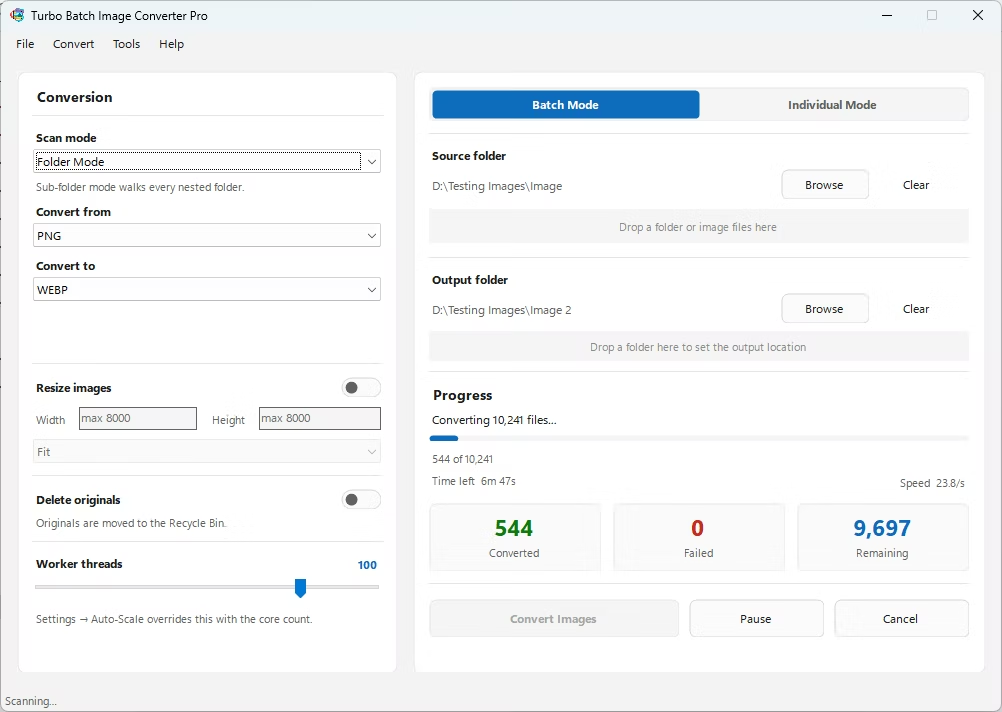
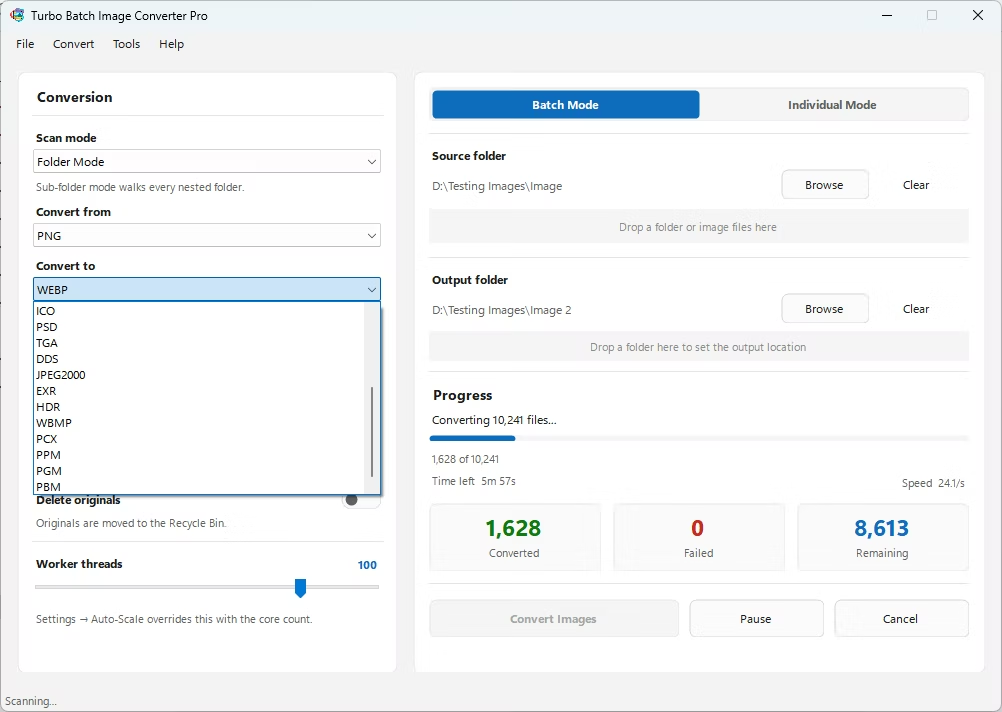
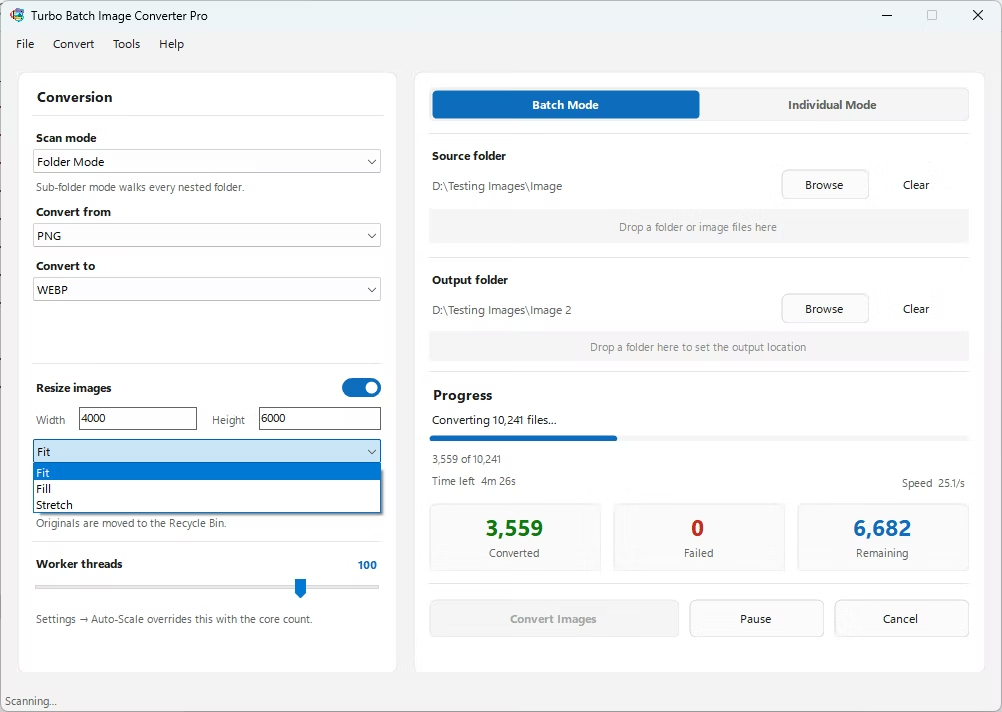
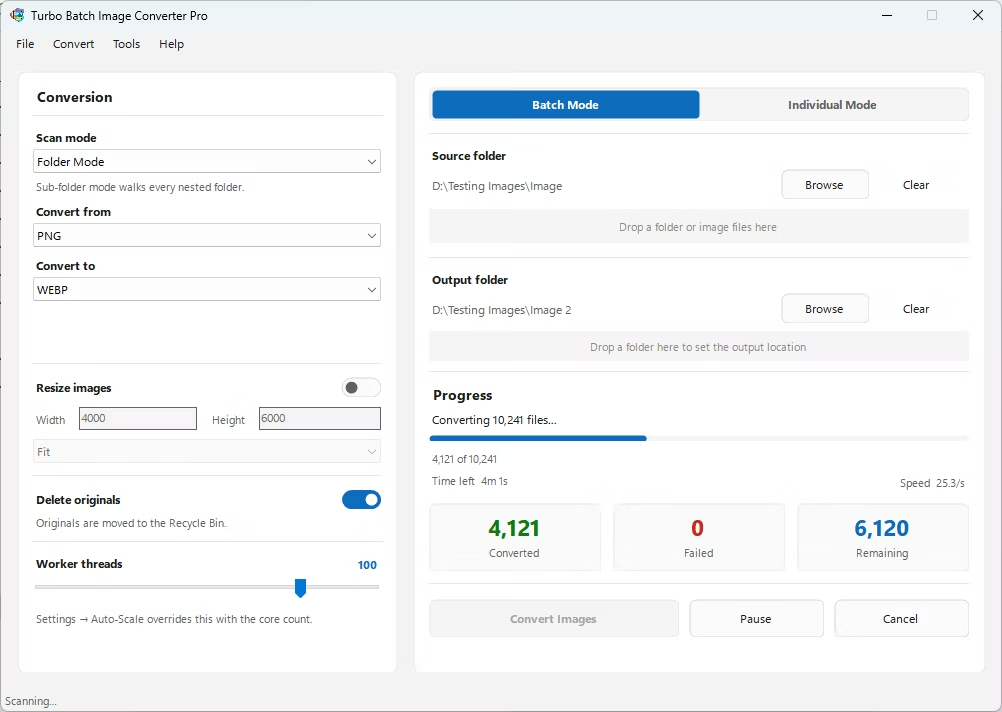
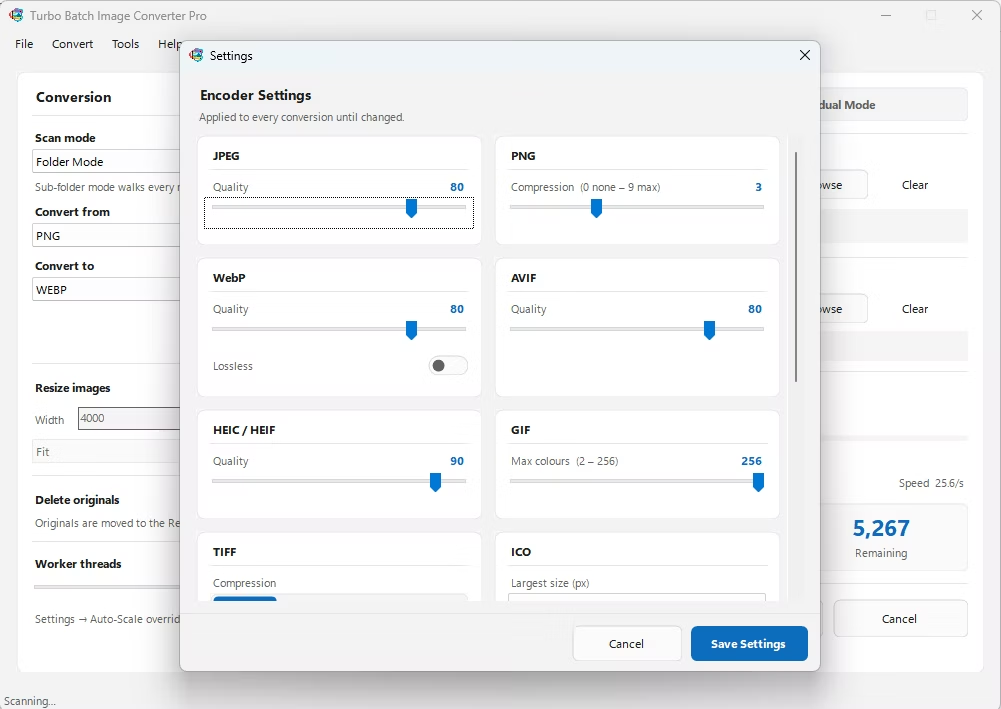
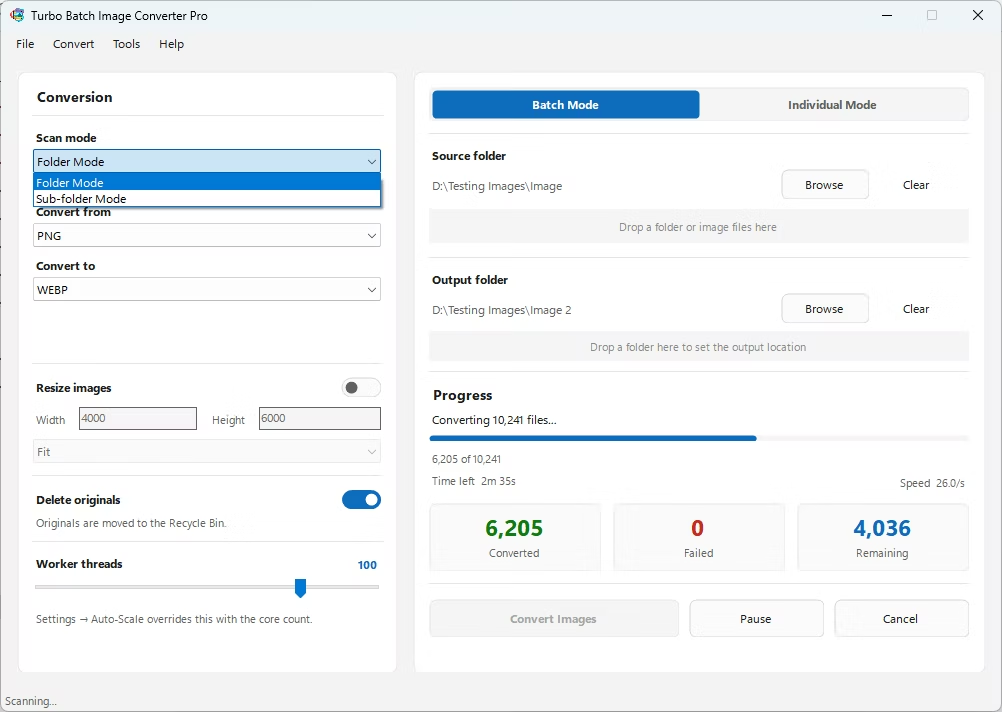
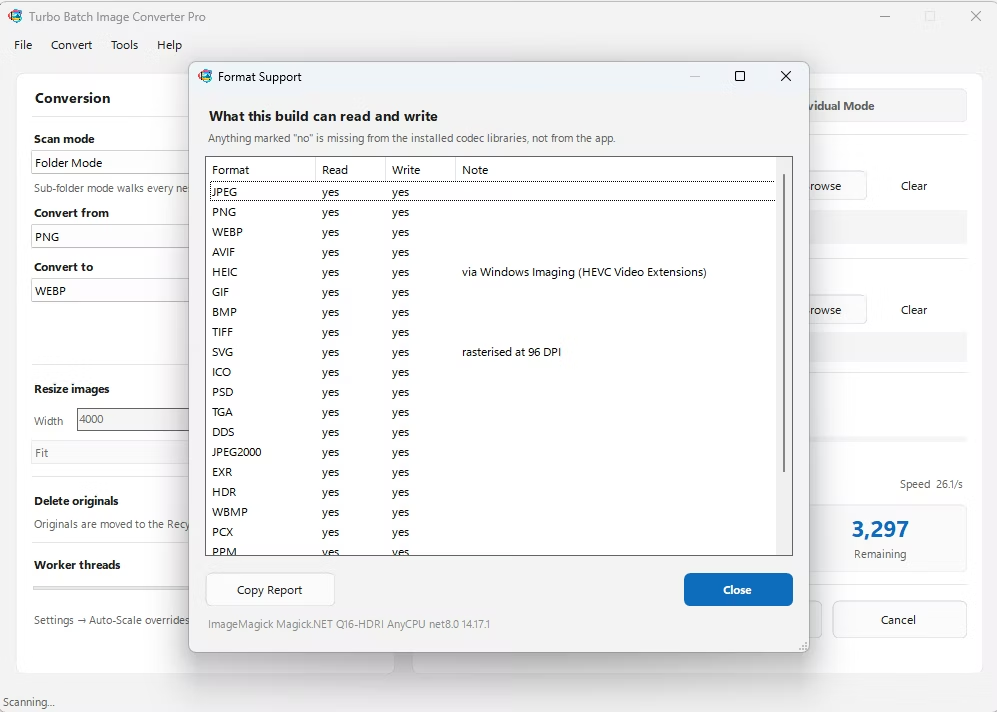
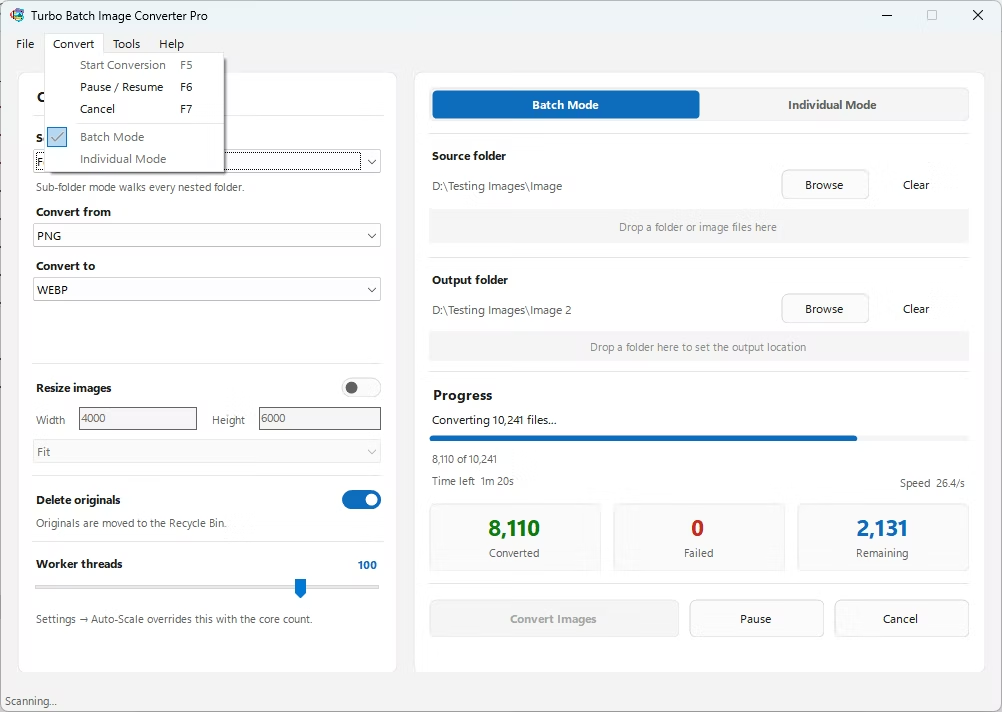
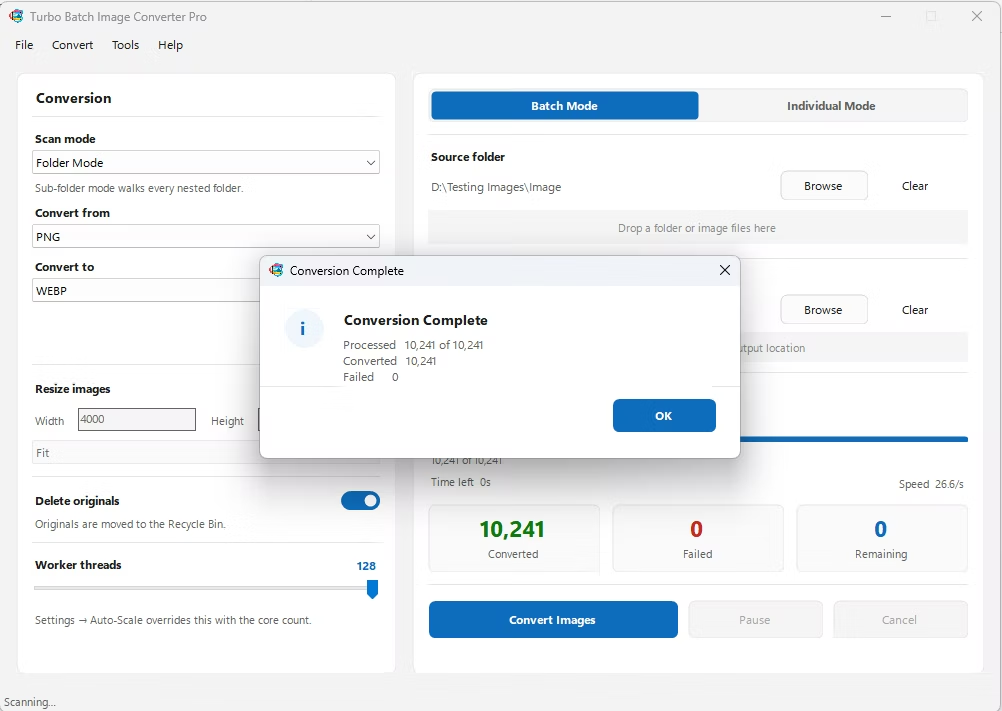
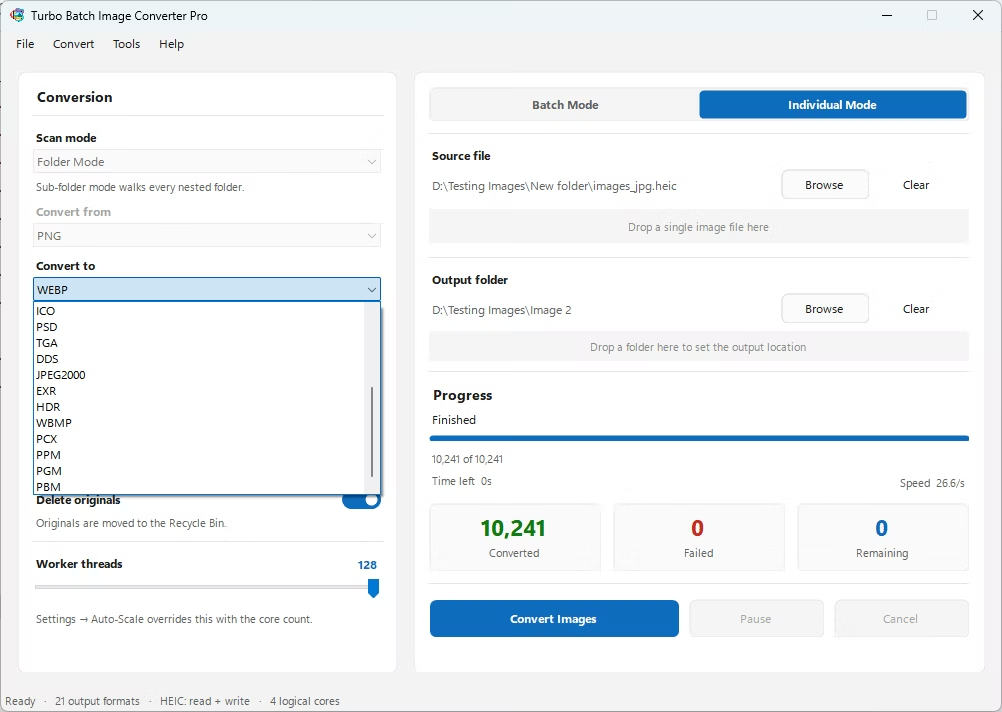
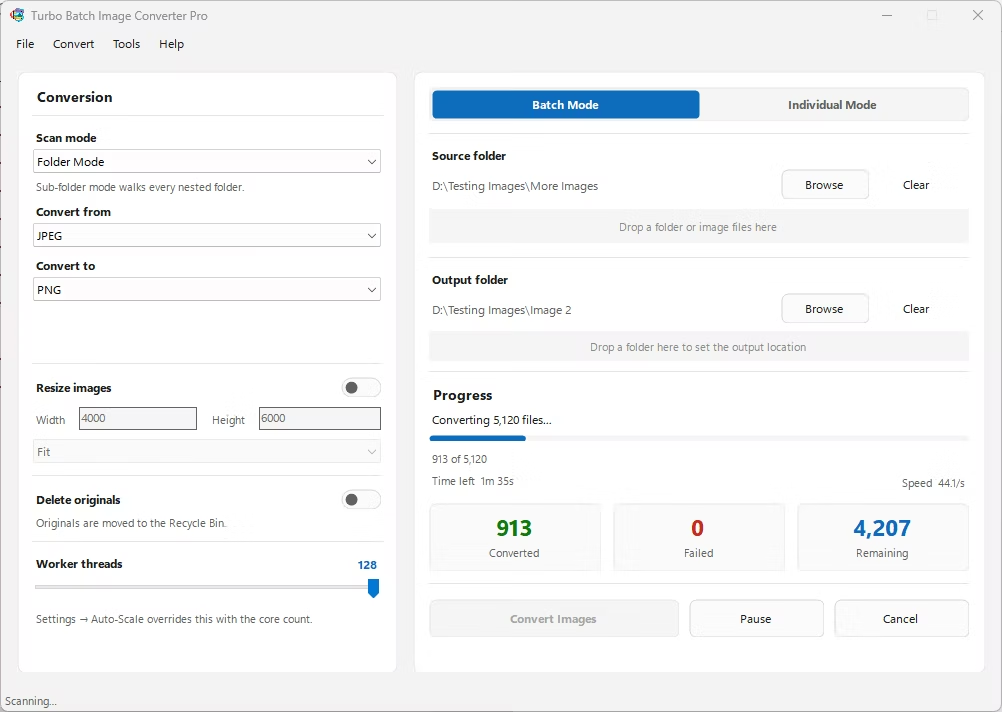
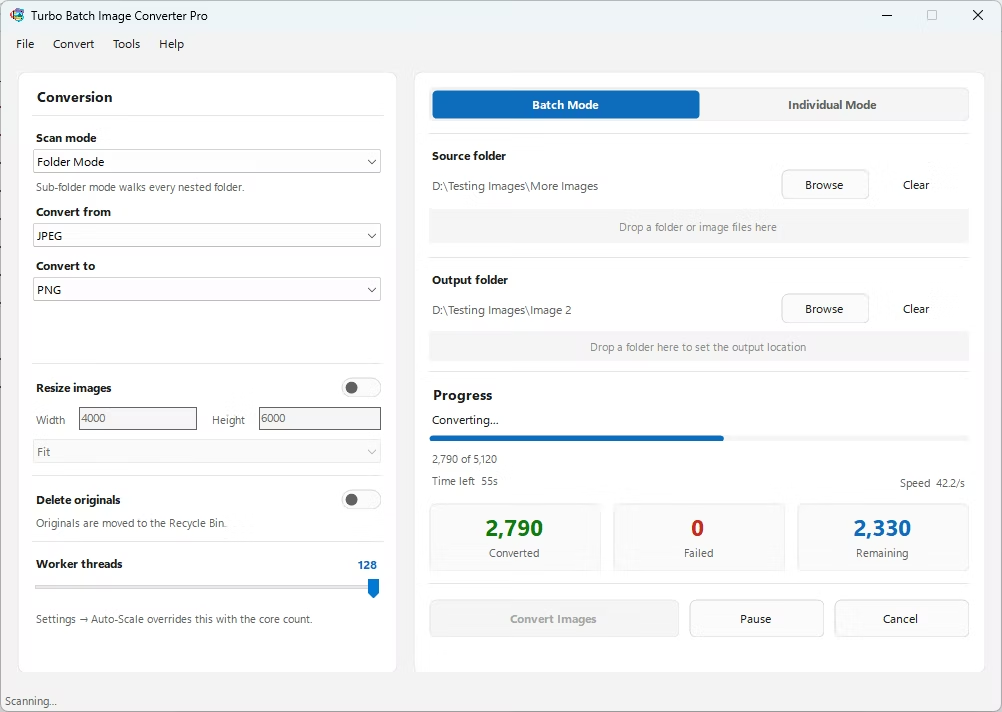
- Install Turbo Batch Image Converter Pro on your Windows PC.
- Open the app and select Batch Mode for multiple files, or Individual Mode for a single HDR.
- Drag your HDR file or folder into the app window, enabling recursive folder scanning if needed.
- Set the "From" format to HDR and the "To" format to AVIF.
- Adjust the quality setting to balance file size against visual detail.
- Click Convert. AVIF files are written to your output folder, fully offline.
- 100% offline — your HDRI maps and lighting data are never uploaded anywhere
- Better preserves tonal detail than converting to standard 8-bit formats
- Bulk conversion of entire folders, including sub-folders, in one pass
- Multi-core processing helps offset AVIF's heavier encoding cost
- Option to delete original HDR files automatically once converted
- No recurring subscription or hidden upload limits
Does AVIF preserve HDR's full dynamic range?
No, AVIF's 12-bit color is a significant step down from HDR's RGBE structure, though it's still capable of retaining more detail than standard 8-bit formats like JPG or PNG.
Why share an HDRI map as AVIF instead of JPG?
AVIF can preserve slightly more tonal range during the conversion from HDR while also producing a smaller file than an equivalent JPG.
Can I batch-convert an entire folder of HDR files to AVIF at once?
Yes, Batch Mode handles entire folders, including nested sub-folders, in a single conversion run.
Ready to convert your images offline, in bulk, with full privacy?