DDS is Microsoft's GPU-optimized texture format, built so graphics cards can read compressed texture data directly without a separate decompression step, which is why it's the standard format for DirectX games and engines like Unity and Unreal. GIF's web-focused design and limited color palette make it an unusual but occasionally necessary source for simple texture work, since some basic graphics or UI elements originally created as GIF need to become actual in-game textures.
Converting GIF to DDS handles that format change, letting the GPU load and render the image efficiently the way it's specifically designed to handle DDS files, though the resulting texture will still be limited by whatever color detail the original GIF preserved.
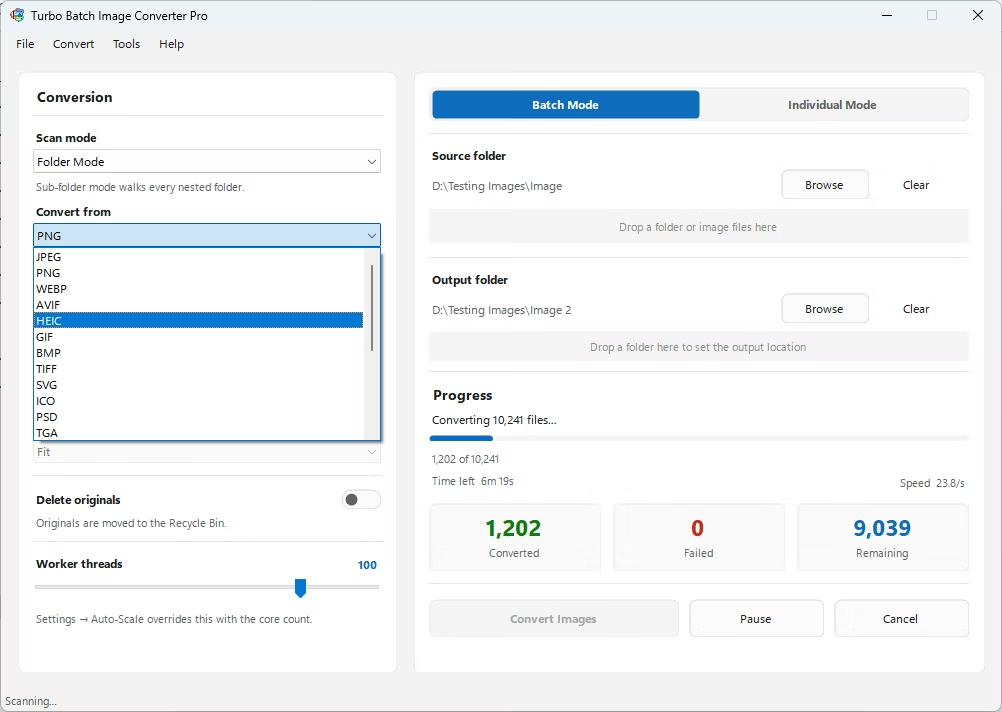
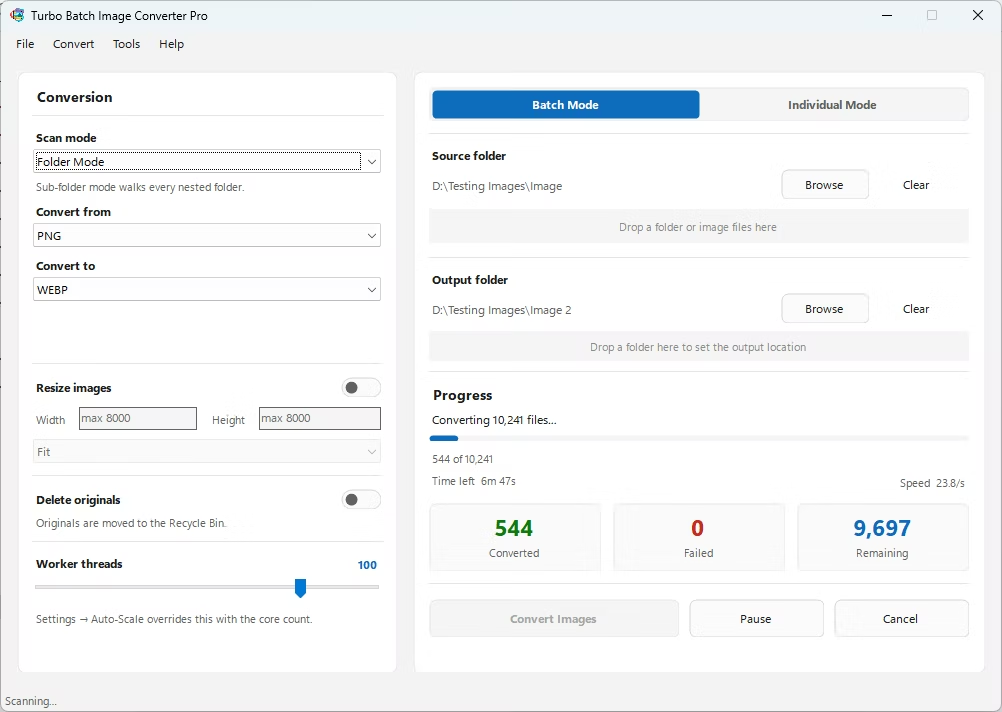
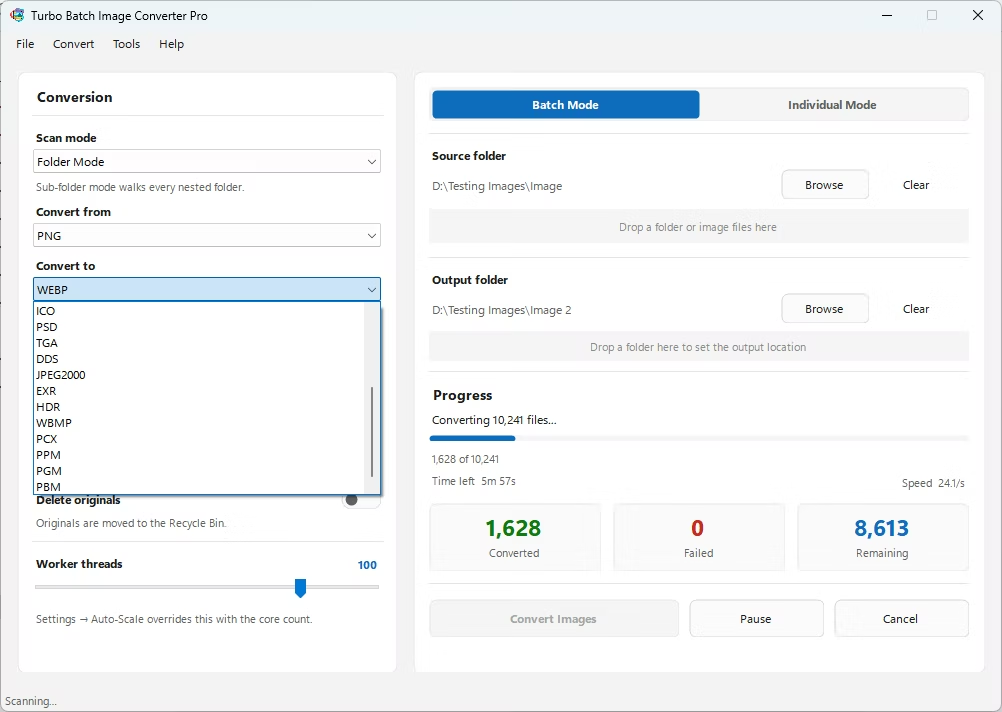
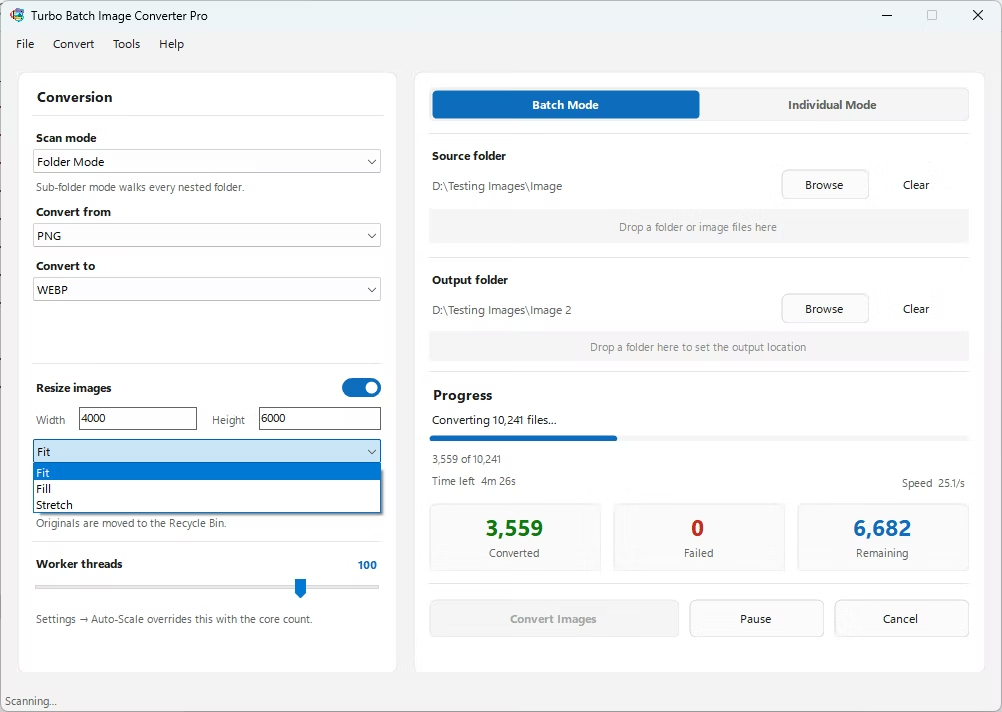
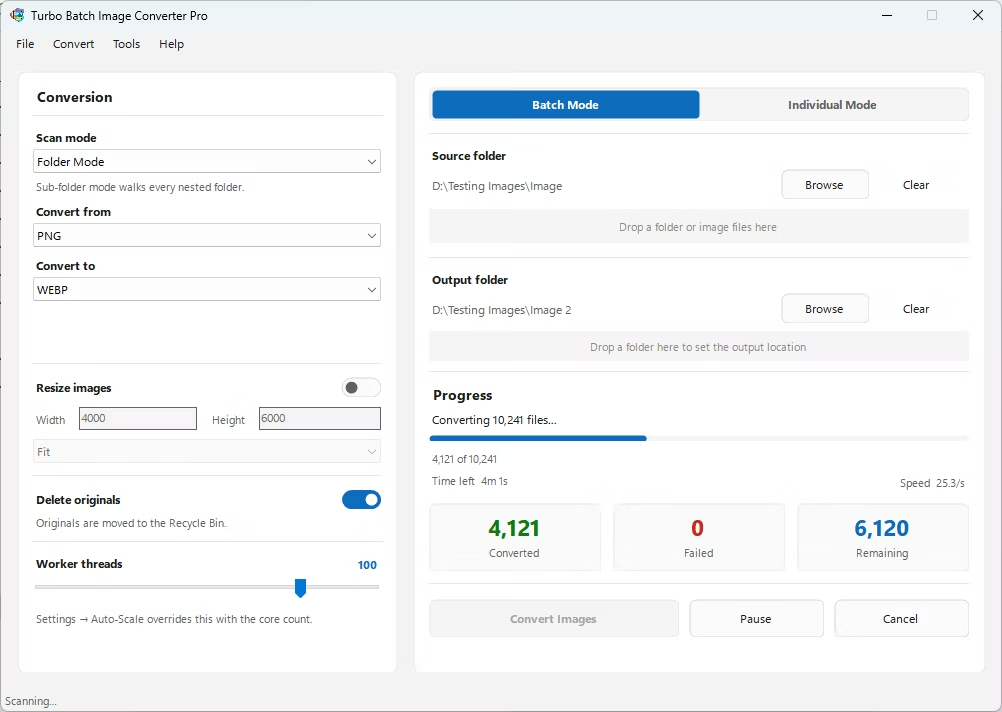
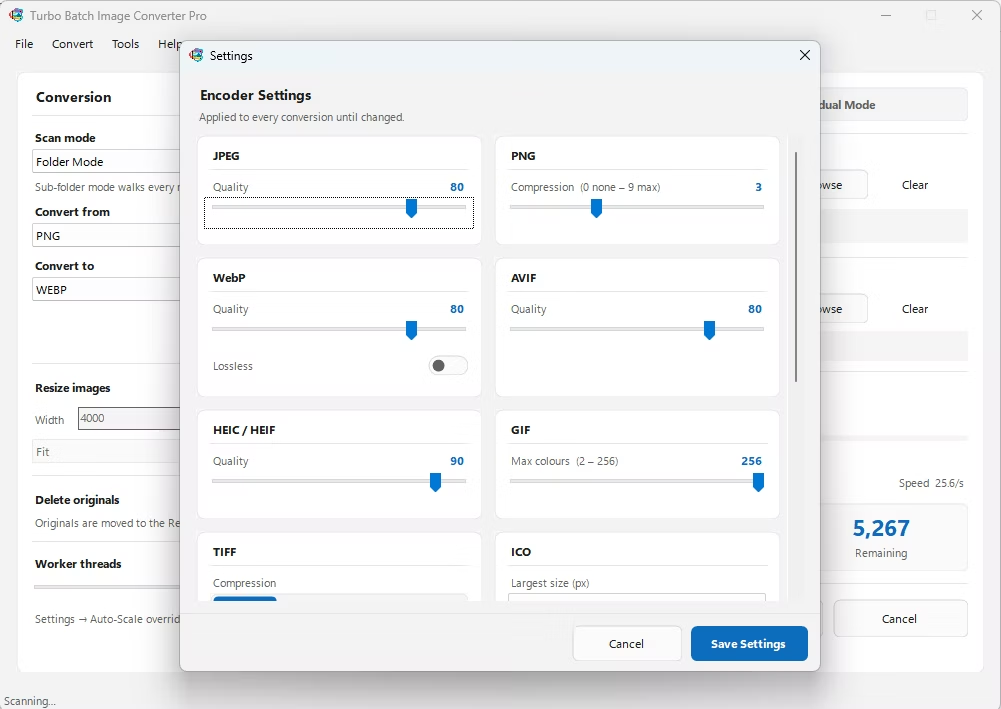
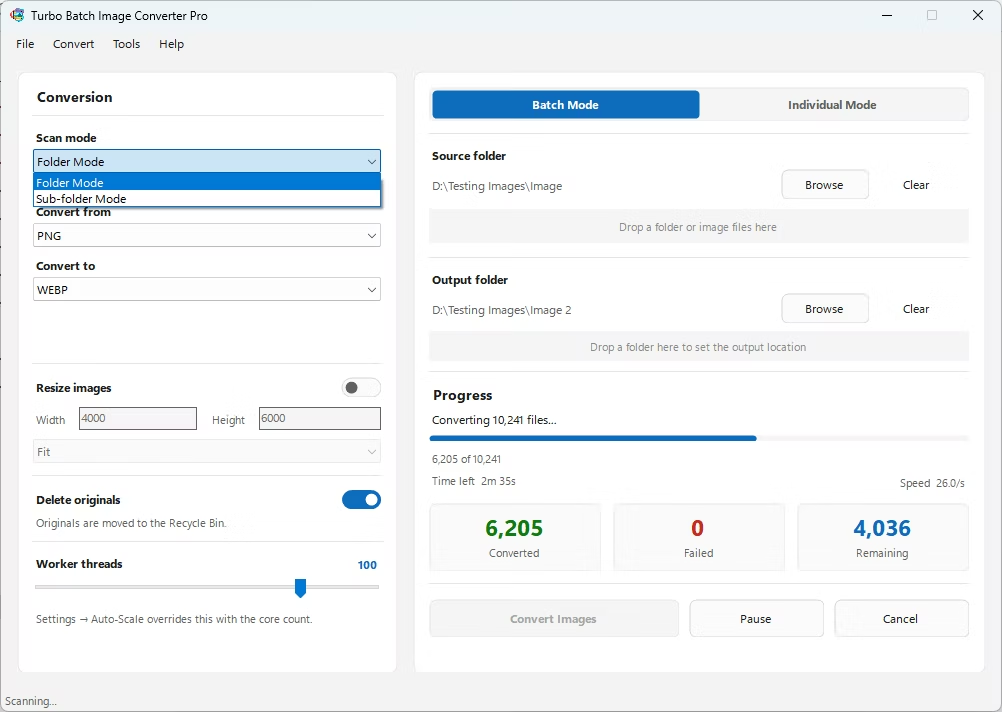
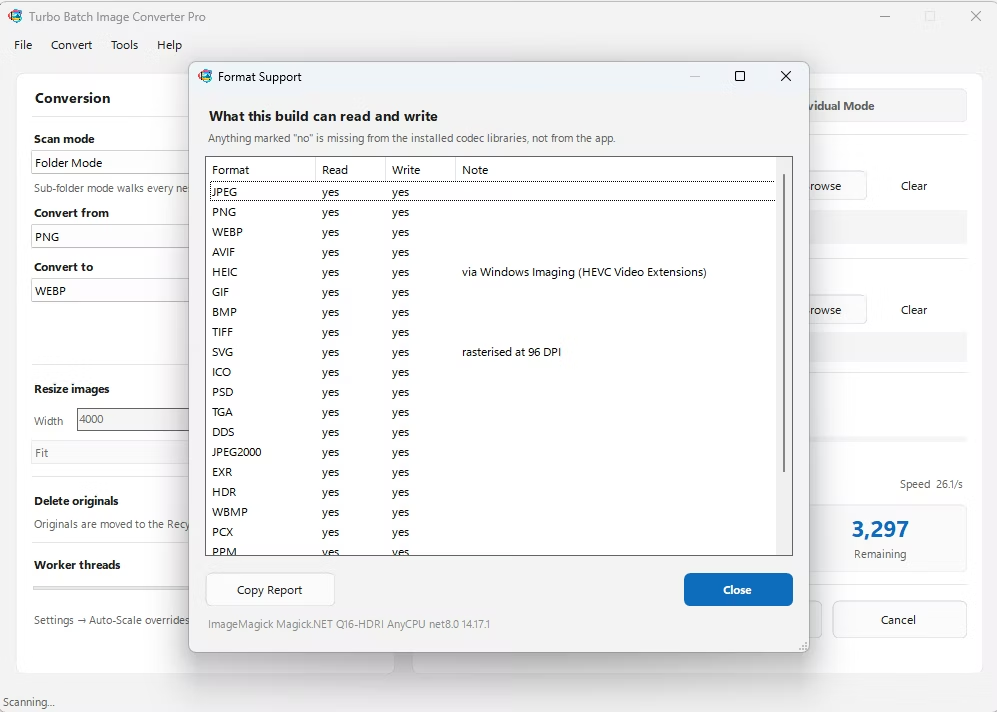
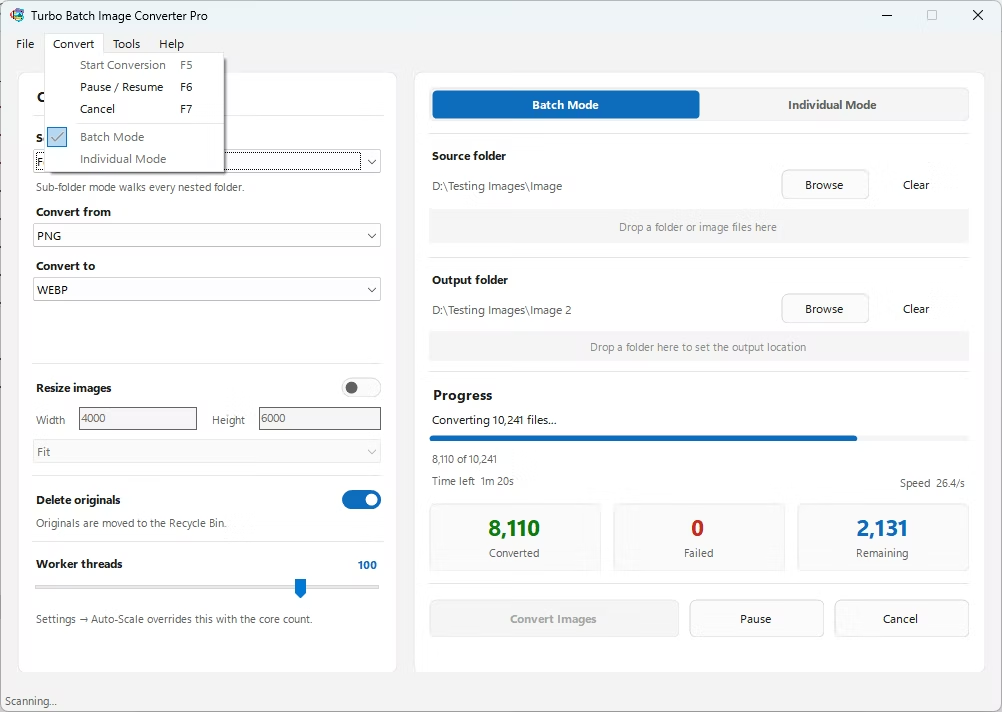
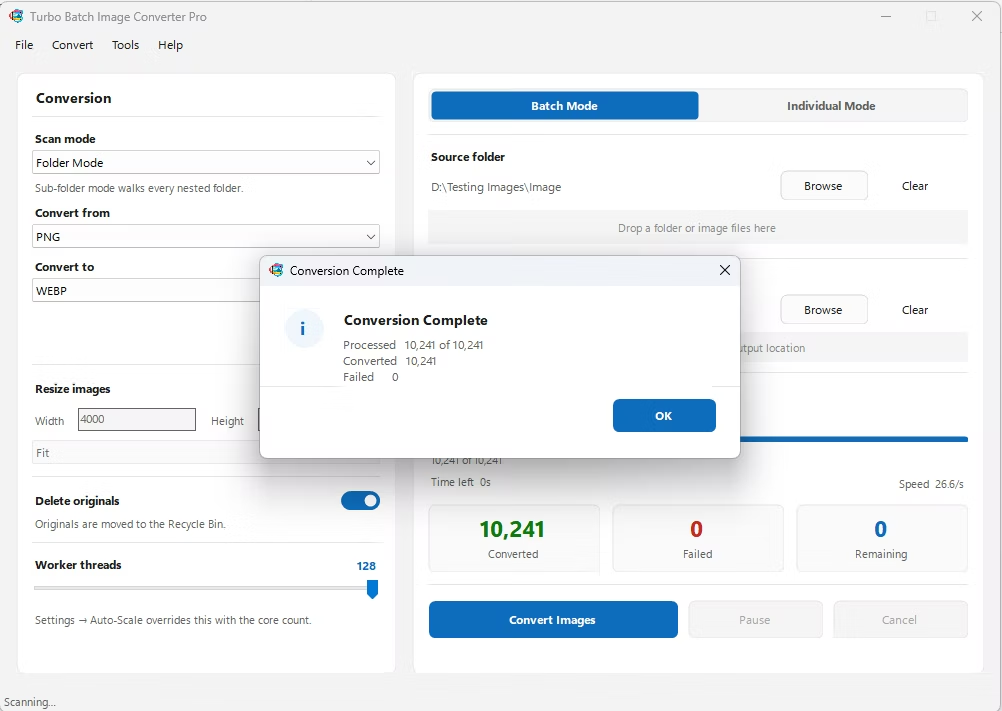
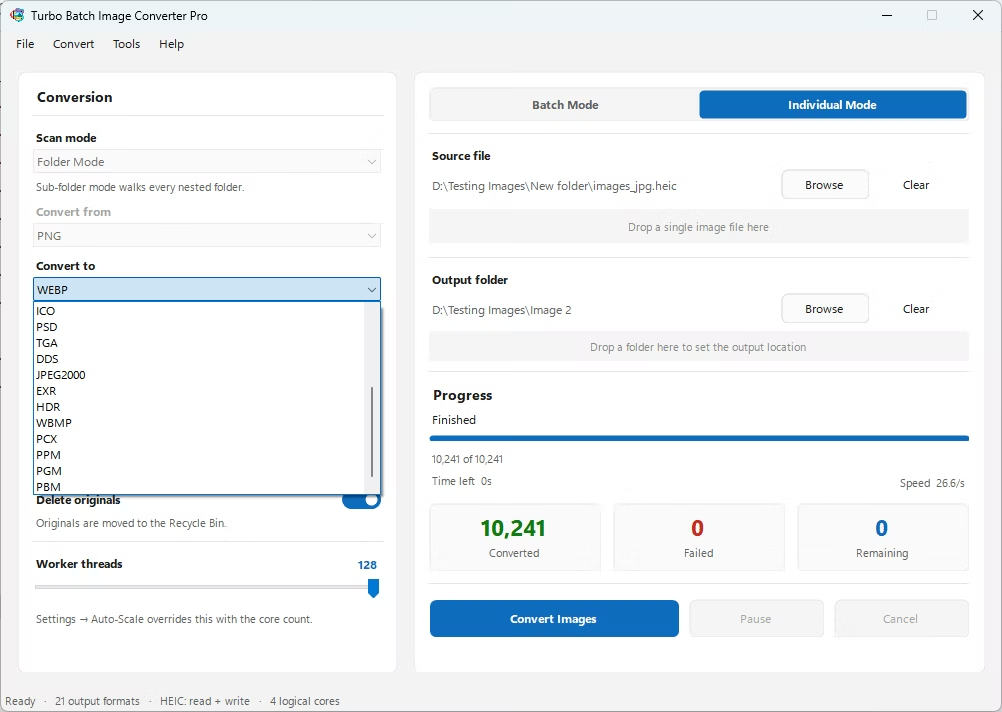
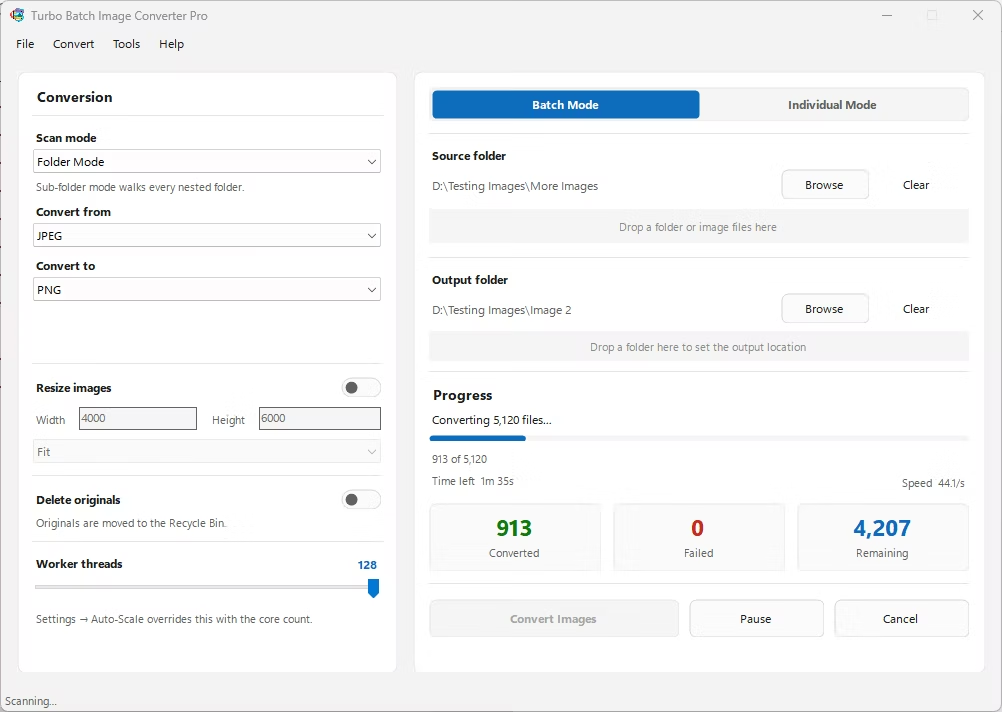
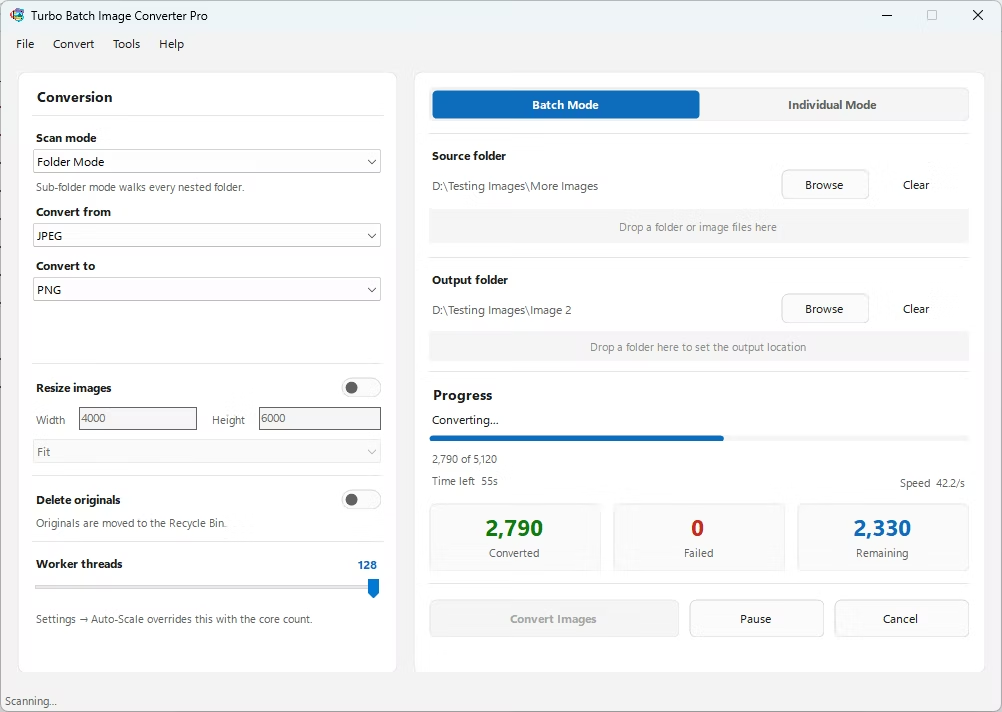
- Install Turbo Batch Image Converter Pro on your Windows PC.
- Open the app and select Batch Mode for multiple files, or Individual Mode for a single GIF.
- Drag your GIF file or folder into the app window, enabling recursive folder scanning if needed.
- Set the "From" format to GIF and the "To" format to DDS.
- Click Convert. DDS files are written to the output folder, fully offline.
- 100% offline — your texture assets are never uploaded anywhere
- Bulk conversion of entire folders, including sub-folders, in one click
- Produces DDS files compatible with DirectX games and game engines
- Multi-core processing for fast handling of large batches
- Option to delete original GIF files automatically after conversion
- No recurring subscription or hidden upload limits
Why do game textures use DDS instead of GIF?
GPUs can read DDS's compressed texture formats directly without a separate decompression step, which makes textures load faster and use less video memory than an equivalent GIF would at runtime.
Will my converted DDS include mipmaps automatically?
Mipmap generation depends on the specific export settings used; a single conversion produces the base texture, with mipmap chains typically generated as part of a dedicated texture-processing step in your game engine.
Can I batch-convert many GIF graphics to DDS for a project?
Yes, Batch Mode handles entire folders, including nested sub-folders, in a single conversion run.
Ready to convert your images offline, in bulk, with full privacy?