Inconsistent formatting across a spreadsheet, mixed capitalization in a text column, stray whitespace from copy-pasted content, inconsistent number formatting between rows, makes data harder to filter, sort, and compare accurately, even when the underlying values are technically correct.
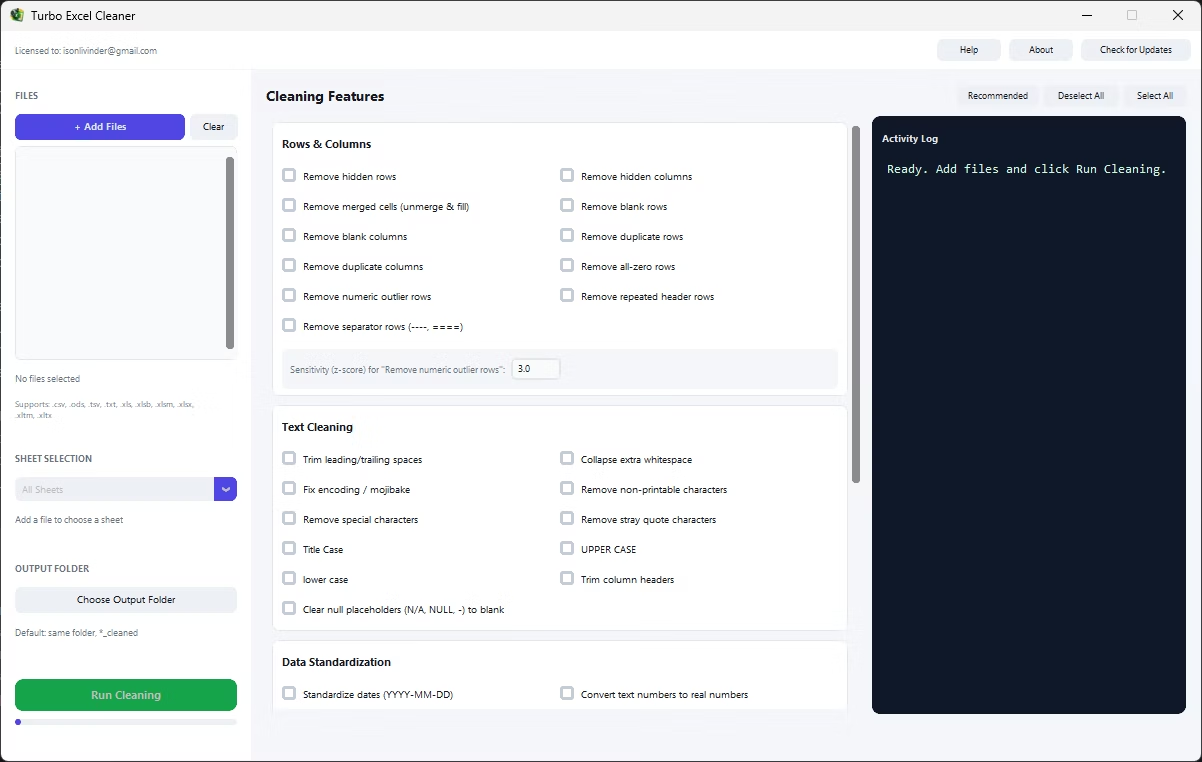
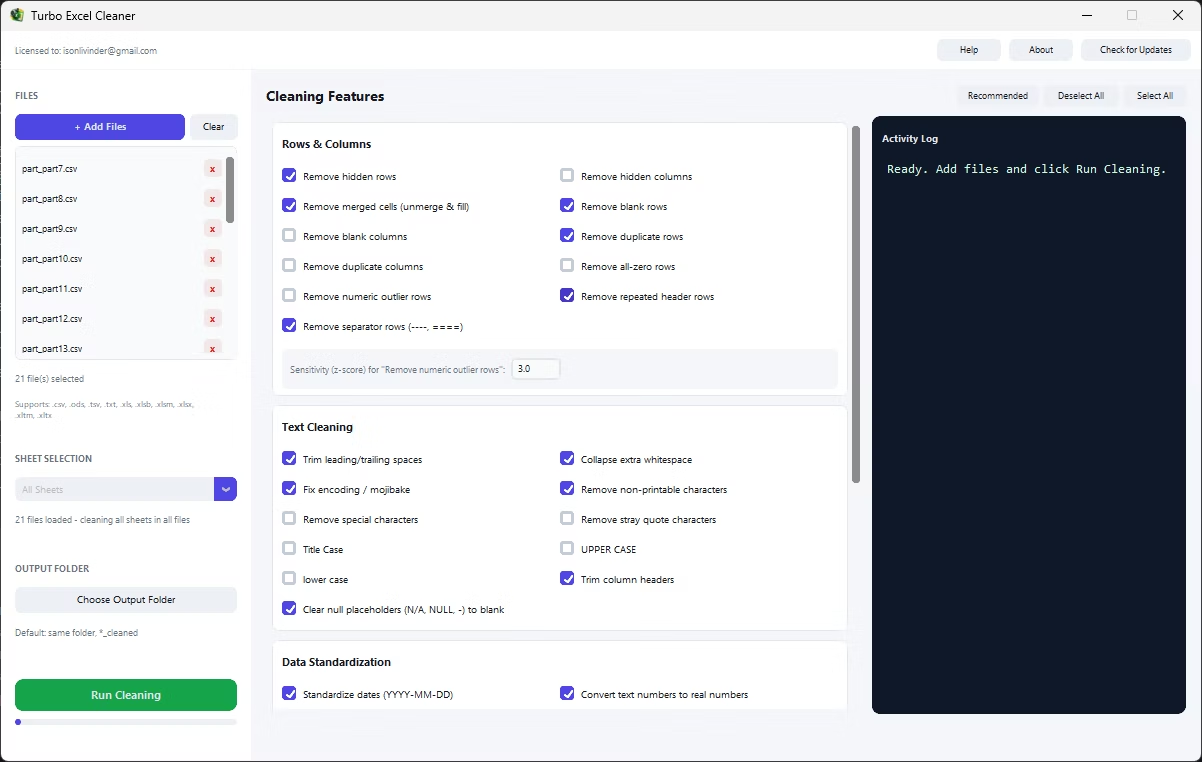
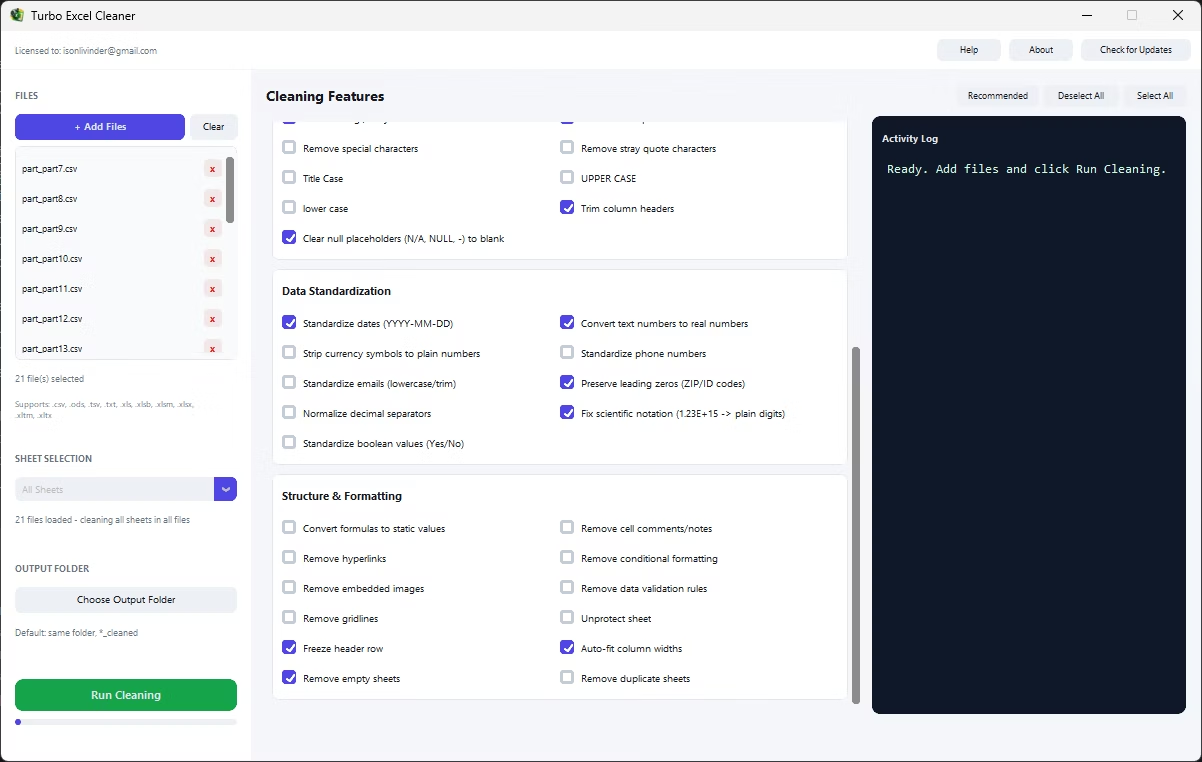
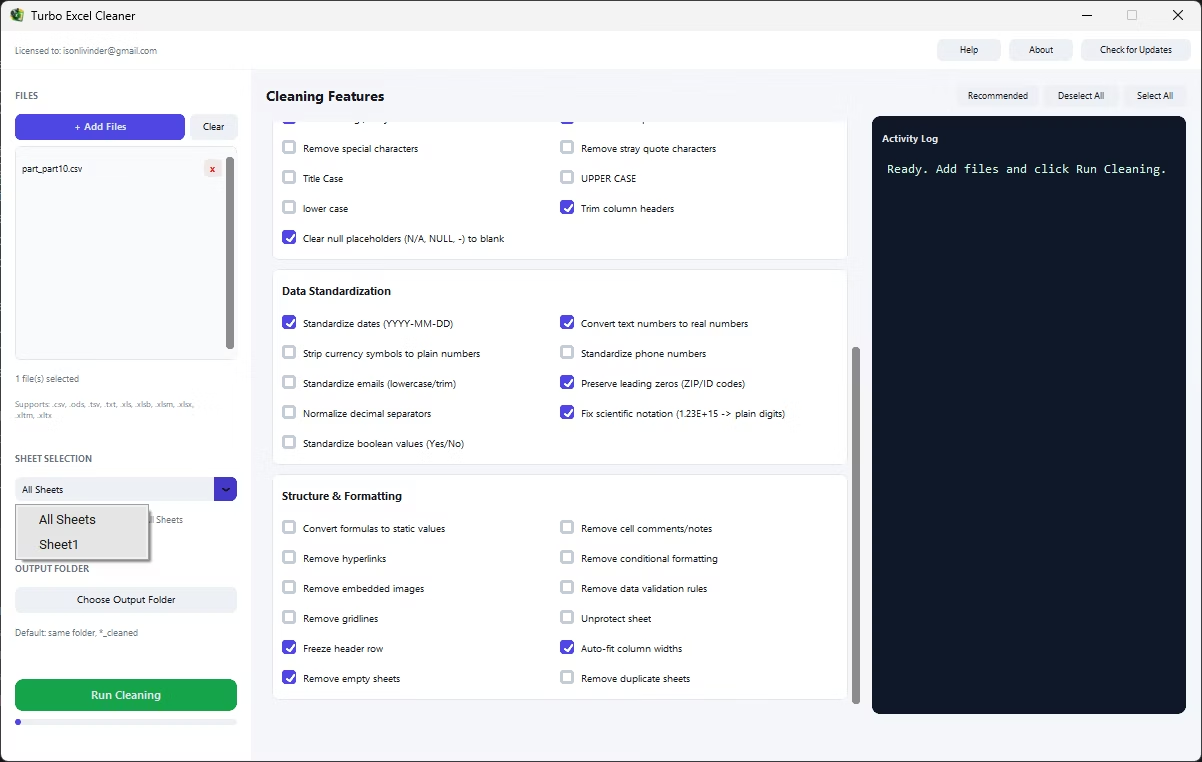
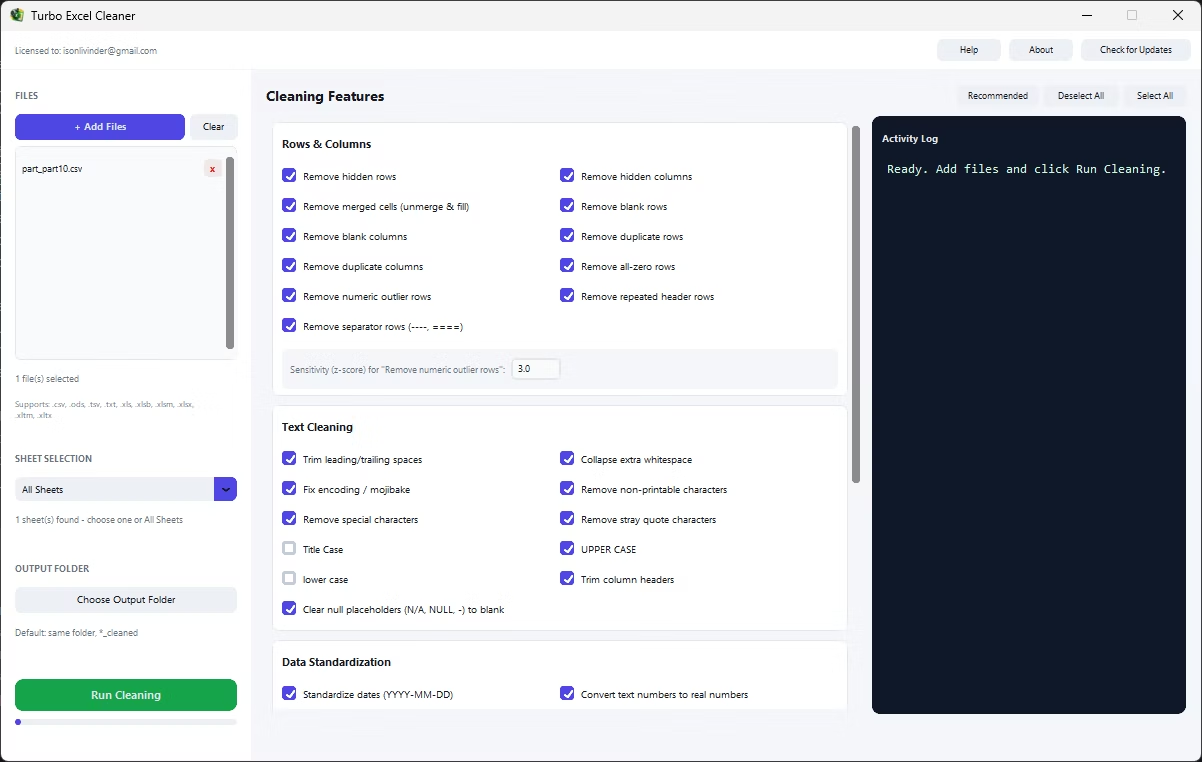
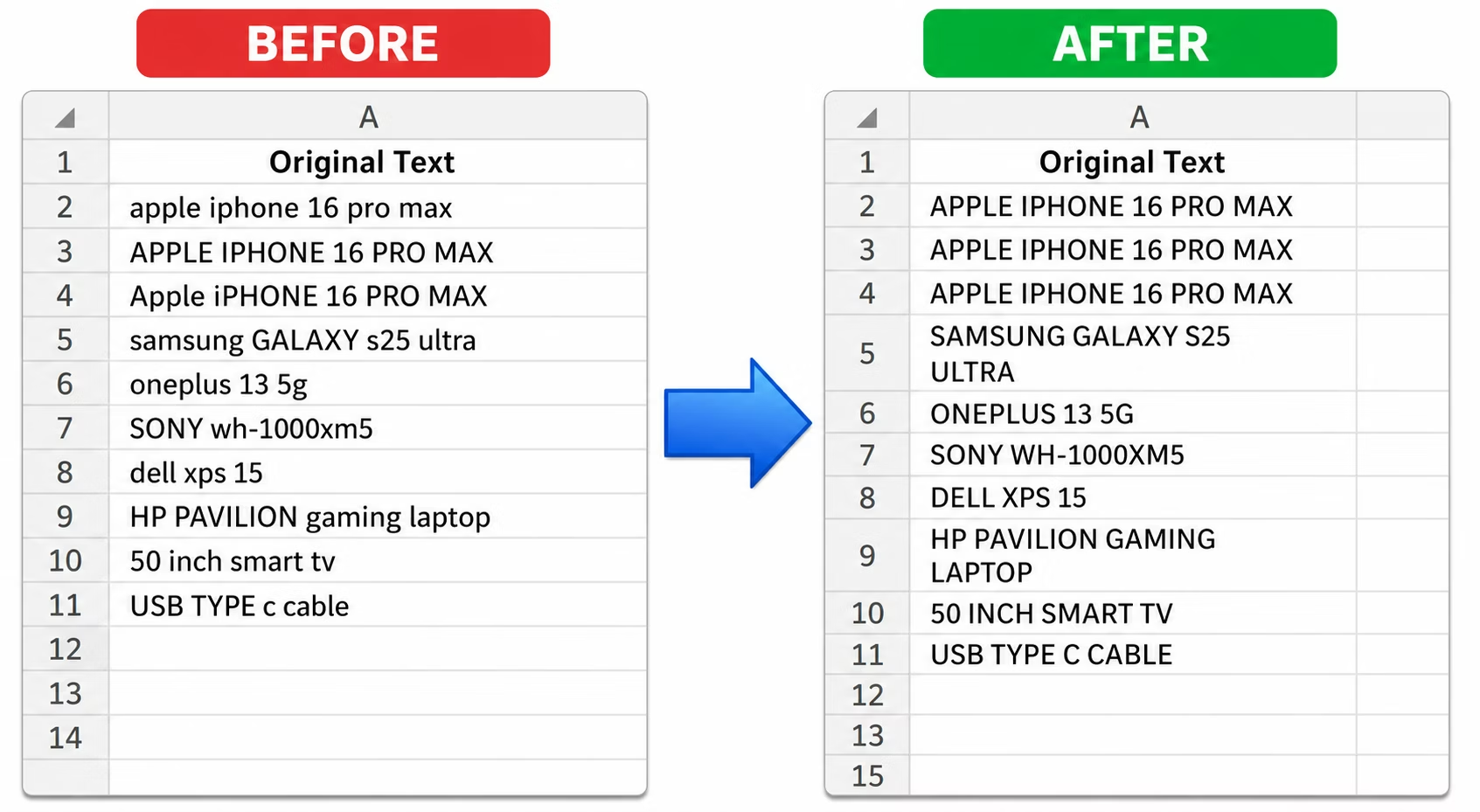
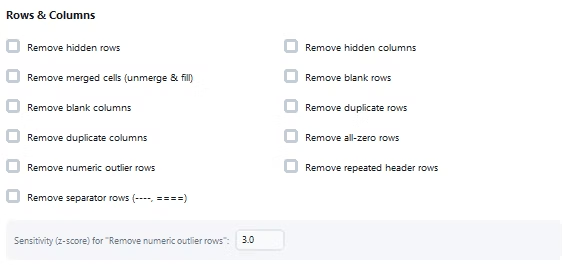
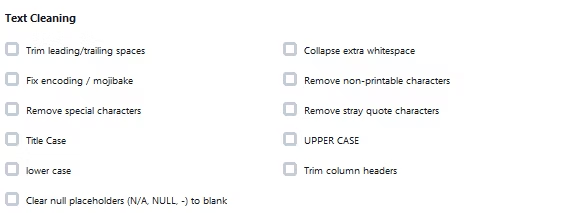
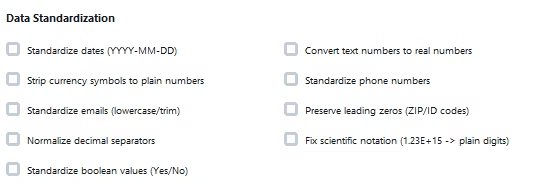
Turbo Excel Cleaner cleans inconsistent formatting through dedicated text and data standardization features: Title Case, UPPER CASE, and lower case rewrite text consistently, Trim Leading/Trailing Spaces and Collapse Extra Whitespace fix spacing issues, and Standardize Dates, Standardize Phone Numbers, and Standardize Emails bring consistent structure to specific data types.
Beyond text case and spacing, the tool addresses deeper formatting inconsistencies too: Fix Encoding/Mojibake repairs garbled characters from encoding mismatches, Fix Scientific Notation converts values like 1.23E+15 back into plain digits, and Normalize Decimal Separators handles inconsistent comma versus period formatting when merging data from different regions.
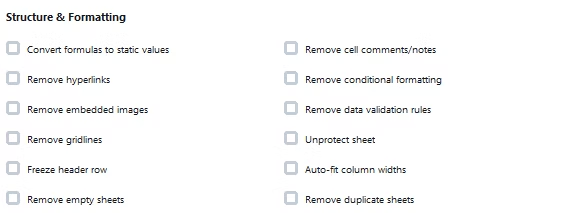
Each standardization feature is a simple checkbox, so cleaning several kinds of formatting inconsistency, mixed case, inconsistent dates, and stray whitespace, all at once takes one run rather than separate manual passes for each issue.
A real-time activity log documents formatting cleanup as it happens, and the process runs in a deterministic order so operations don't conflict, phone and email standardization happens before generic number conversion, for instance, so formatted values aren't accidentally mangled.
The entire process runs offline, on your own PC, keeping any sensitive content in your spreadsheet private throughout the formatting cleanup. The application supports a wide range of spreadsheet formats and works whether your files come from an accounting system, a CRM export, a survey platform, or an internal template, since the cleaning logic operates on the underlying rows, columns, and cells rather than assuming any particular source. Bookkeepers and accountants, operations and data analysts, e-commerce and inventory teams, researchers and survey teams, marketing and contact list owners, and IT and migration teams all rely on the same underlying feature set for their own recurring cleanup needs.
- Install Turbo Excel Cleaner on your Windows PC.
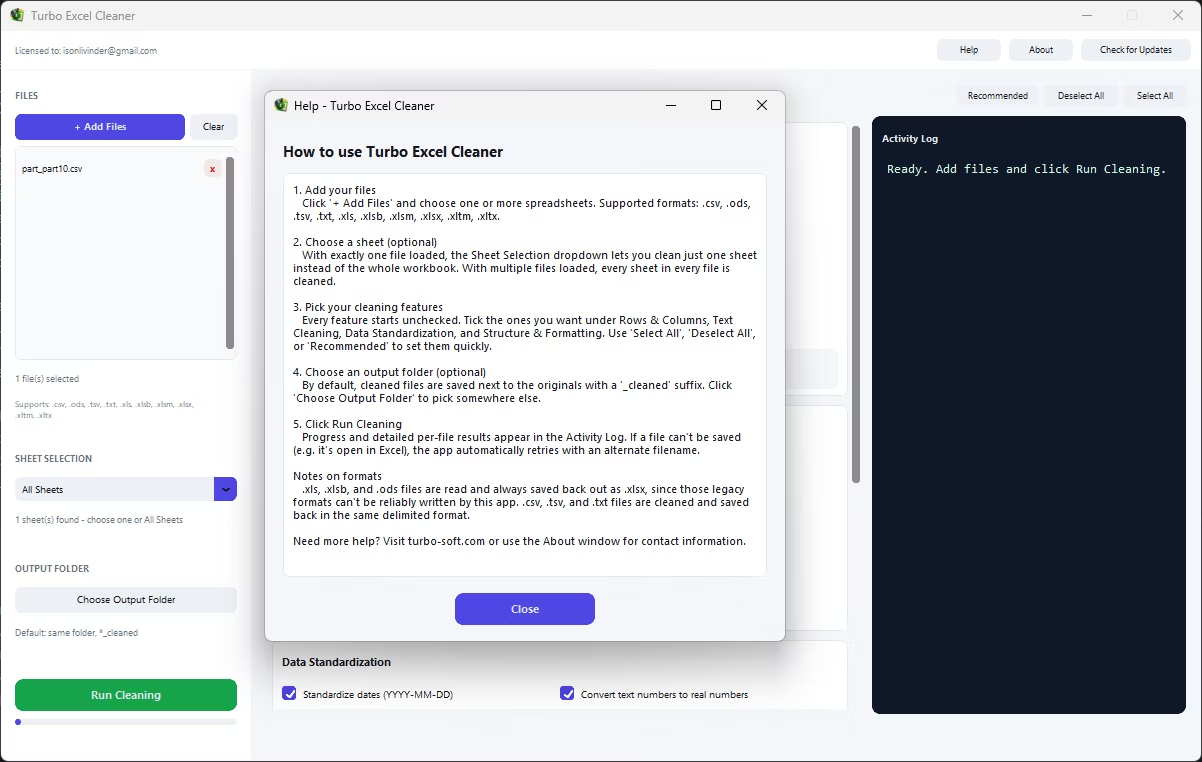
- Load your workbook or workbooks.
- Select text case, whitespace, and standardization features as needed.
- Add data-type standardization like dates, phones, or emails if relevant.
- Combine with other cleaning features if needed.
- Target a specific sheet or the whole workbook.
- Set your output folder and click Start.
- Review the cleaned, consistently formatted file.
- Double-check the activity log for any files that need a second look.
- Save your feature selection to reuse the same configuration next time.
- Standardizes text case, whitespace, and encoding issues
- Consistent formatting for dates, phone numbers, and emails
- Fixes scientific notation and decimal separator inconsistencies
- Combine multiple standardization features in one run
- Deterministic processing order avoids conflicting fixes
- Real-time activity log documents formatting cleanup
- Runs fully offline with no uploads required
- One-time purchase for Windows, with Gumroad license activation
- Safe output handling protects your original files from being overwritten
- Works with files on local drives, external drives, and network shares
Can I standardize text case across an entire column?
Yes, Title Case, UPPER CASE, and lower case features rewrite text consistently across your selected sheet or workbook.
Does this fix dates that are stored inconsistently between rows?
Yes, Standardize Dates parses a wide range of date formats and rewrites them consistently as YYYY-MM-DD.
What is mojibake, and can this tool fix it?
Mojibake is garbled text caused by an encoding mismatch; Fix Encoding/Mojibake repairs it, restoring accented letters and symbols that display as odd character sequences.
Will phone numbers be accidentally converted to plain numbers?
No, Standardize Phone Numbers runs before any generic number conversion, specifically to prevent phone number digit strings from being mistakenly turned into plain numeric values.
Does this work on both Windows 10 and Windows 11?
Yes, Turbo Excel Cleaner is built and tested for both Windows 10 and Windows 11.
Is my data safe when using this tool?
Yes, all cleaning happens locally on your PC; no workbooks are ever uploaded, so proprietary or sensitive spreadsheet data stays fully under your control.
Does the tool overwrite my original files?
No, safe output handling writes cleaned files to your chosen output folder, leaving your original files untouched.
Can I use this on files stored on an external or network drive?
Yes, workbooks on local drives, external drives, or mapped network shares all work the same as any local folder.
Can I cancel a cleaning job partway through if I need to?
Yes, if a run needs to be stopped, files already processed at that point remain cleaned while the rest keep their original state.
Is there a trial version available before buying?
Check the product page on turbo-soft.com for current trial availability and details.
Can I preview results before running the cleanup on my real data?
Testing your feature selection on a small sample file first, then reviewing the result, is a good way to confirm settings before running the full job.
Ready to clean inconsistent cell formatting in your Excel files, fully offline?