A search for a CSV splitter tool download usually turns up two very different kinds of results: browser-based sites where you upload a file and wait for it to process on someone else's server, and downloadable desktop applications that run entirely on your own machine. The two aren't equivalent, even when they claim to do the same job. An online tool has to accept your file over an internet connection, which means an upload wait proportional to your file size and connection speed, a file-size cap that's often set fairly low to keep server costs down, and - depending on the specific site - genuine uncertainty about what happens to your data once it leaves your computer and lands on a server you don't control.
For a CSV file that only contains harmless test data, none of that matters much. For a file with customer records, financial transactions, internal reports, or anything else with real sensitivity, it matters quite a bit. A downloadable tool avoids the question entirely, because the file never leaves your computer in the first place - there's no upload, no third-party server, and no dependency on your internet connection actually being fast or stable enough to move a large file back and forth.
The other practical difference is capability. Online tools tend to impose fairly conservative file-size limits precisely because they're processing everything on shared server infrastructure. A desktop tool built around a streaming engine isn't constrained the same way, since it's only limited by the free disk space on your own machine rather than a server-side quota.
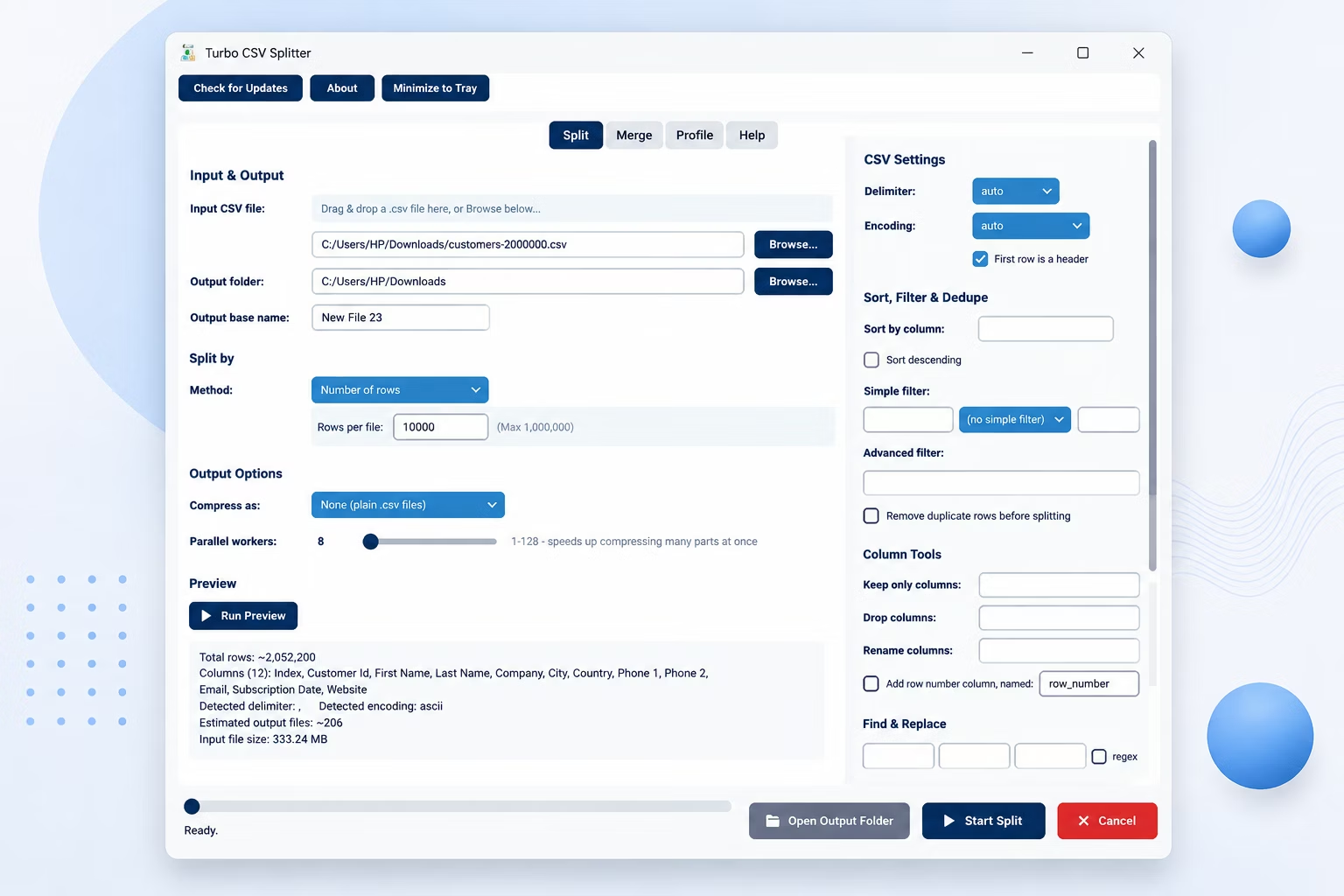
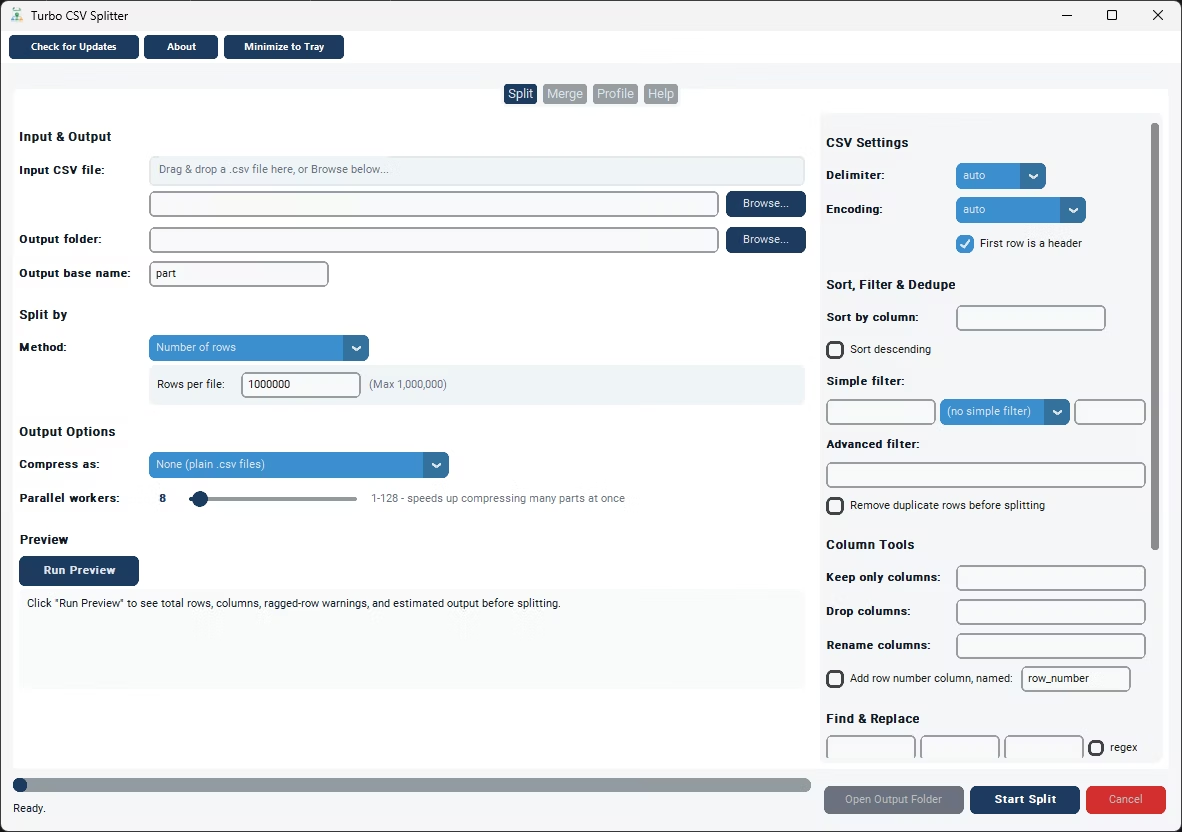
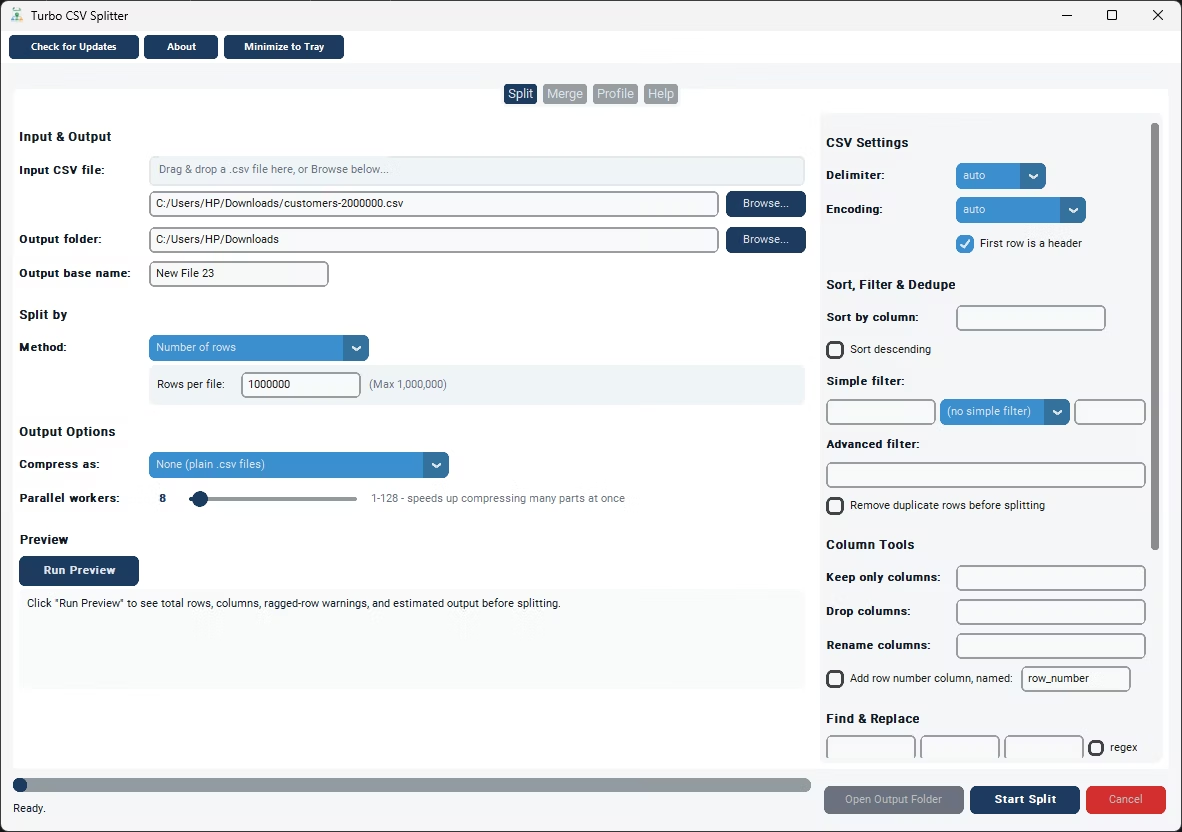
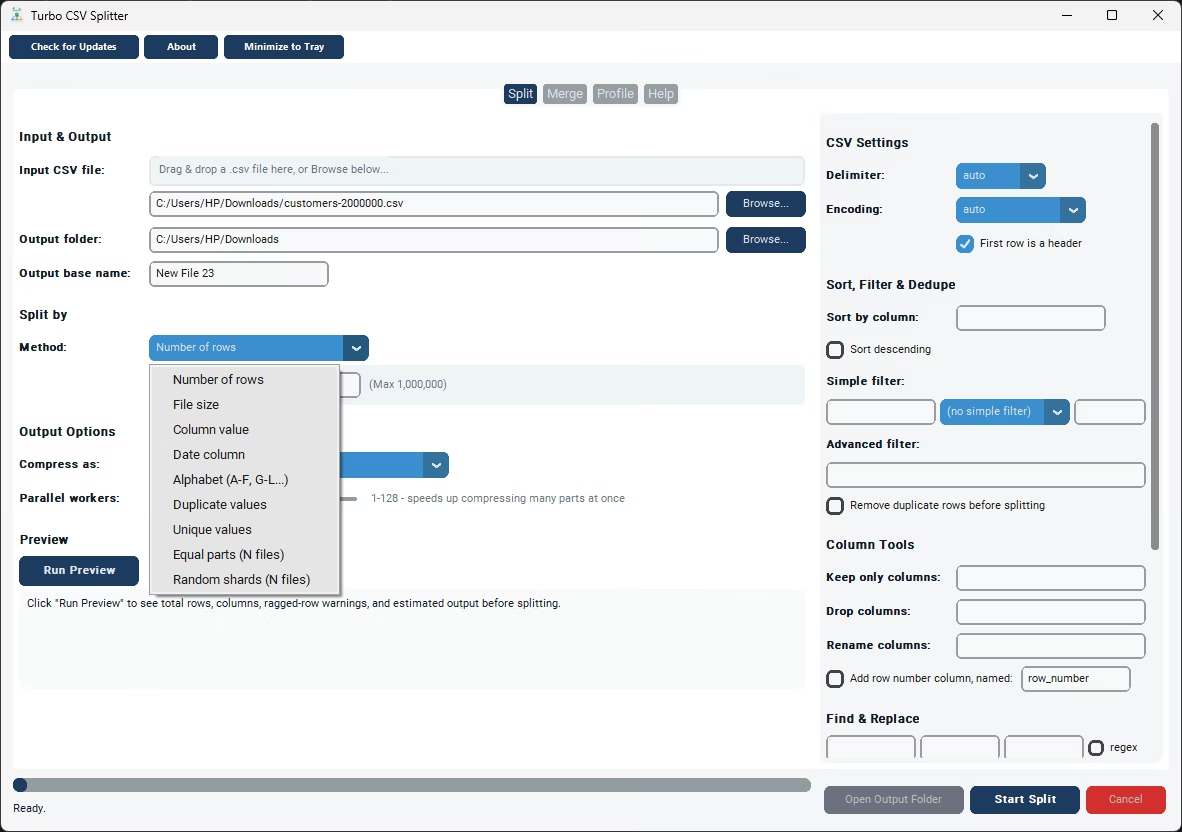
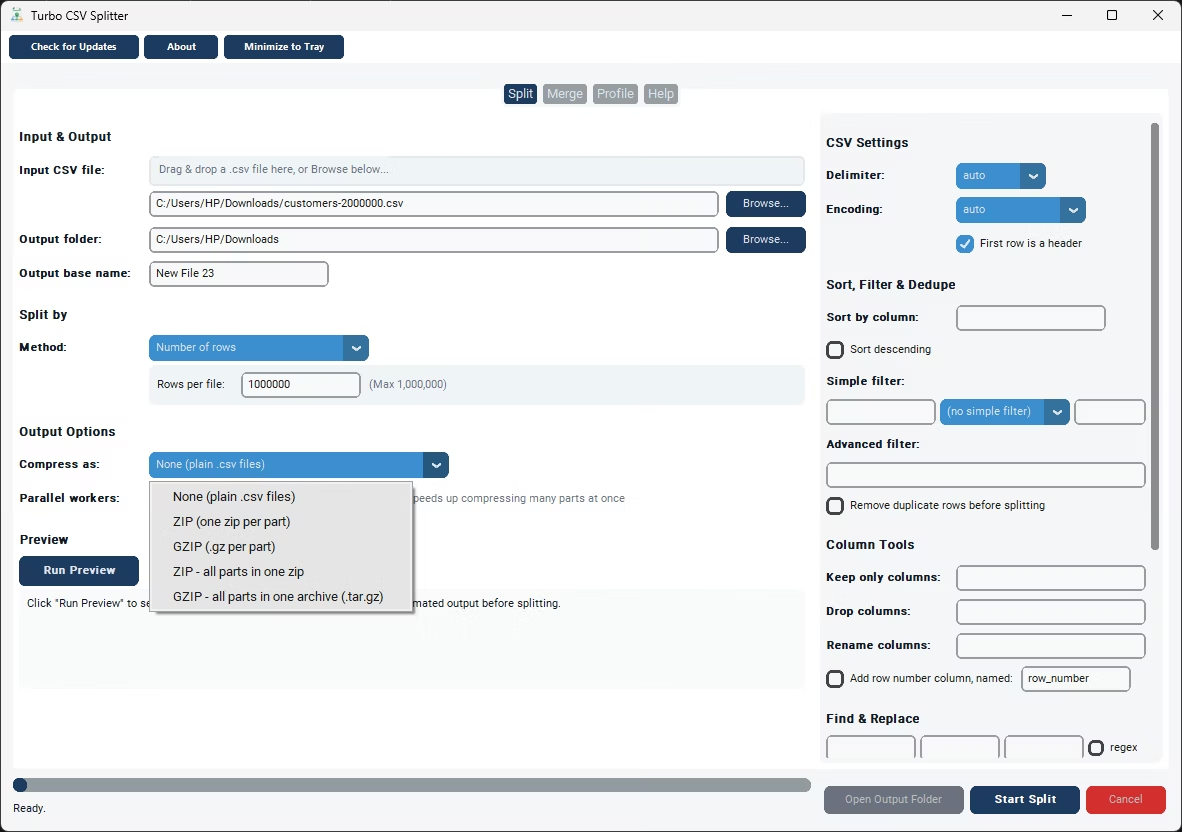
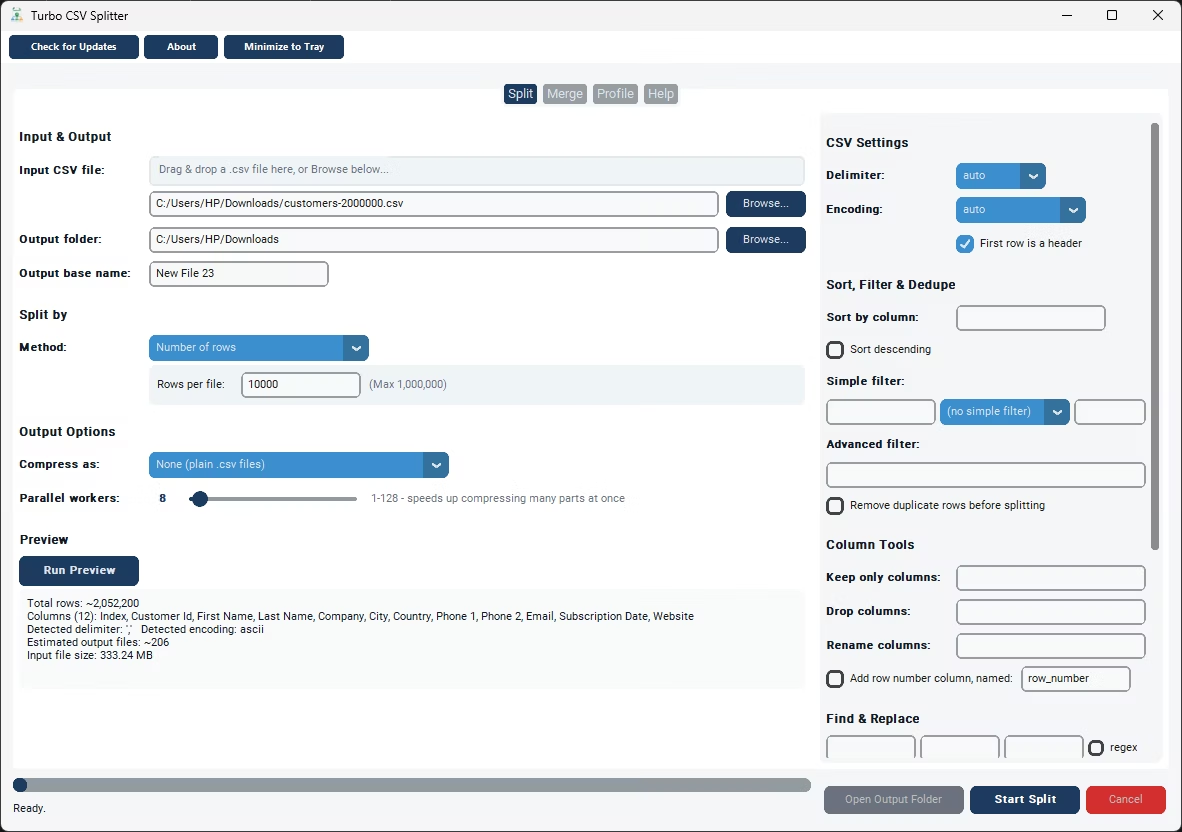
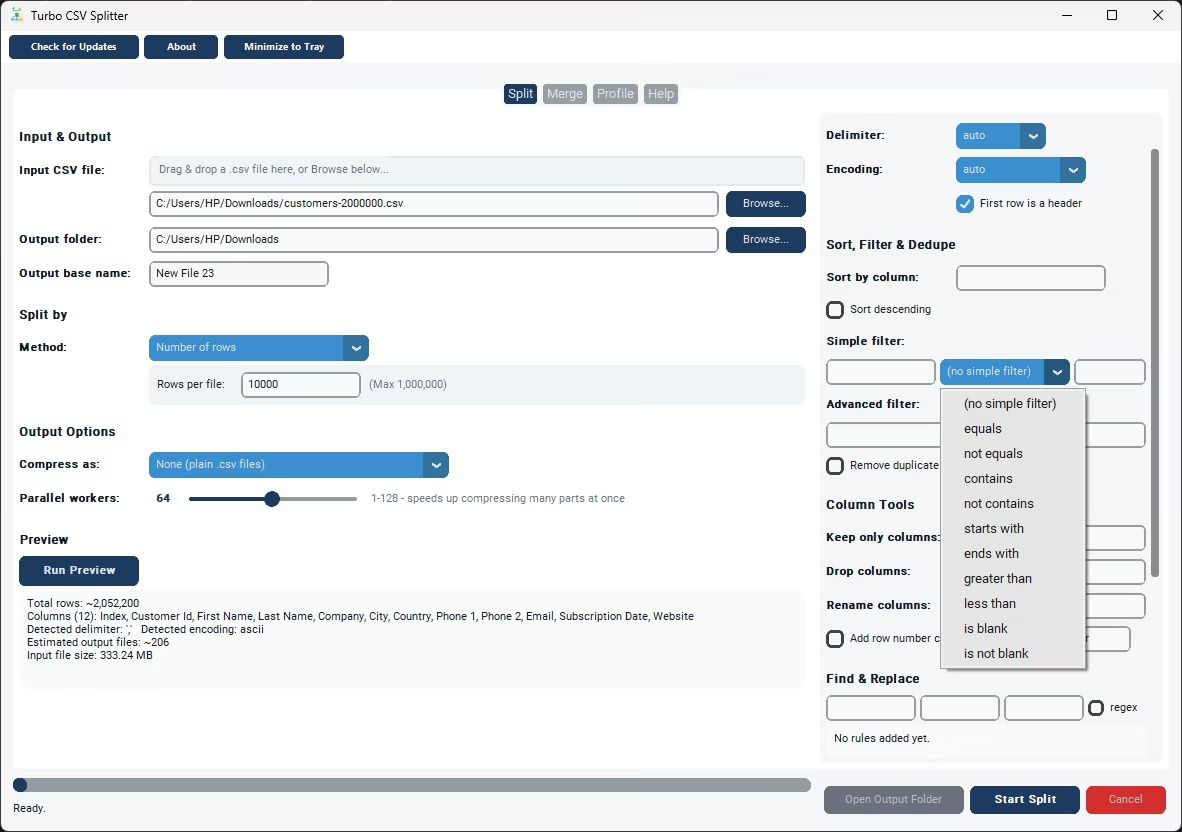
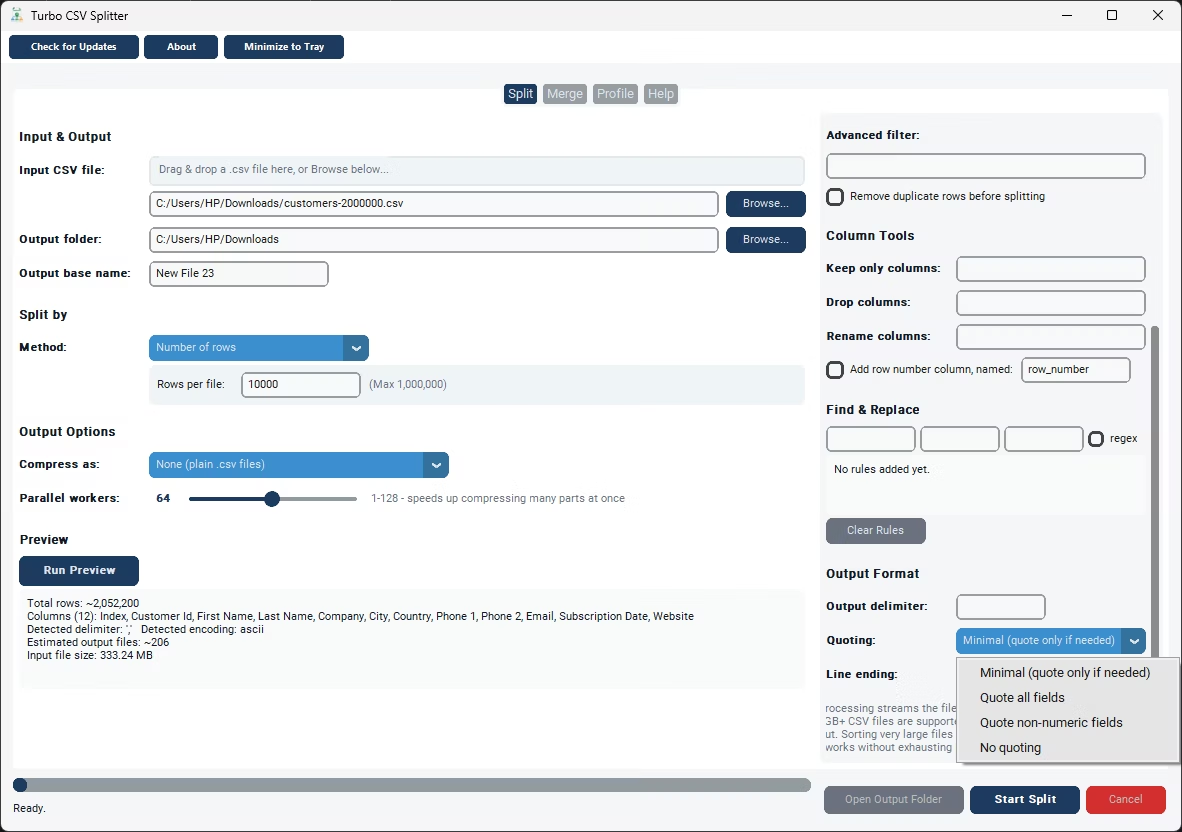
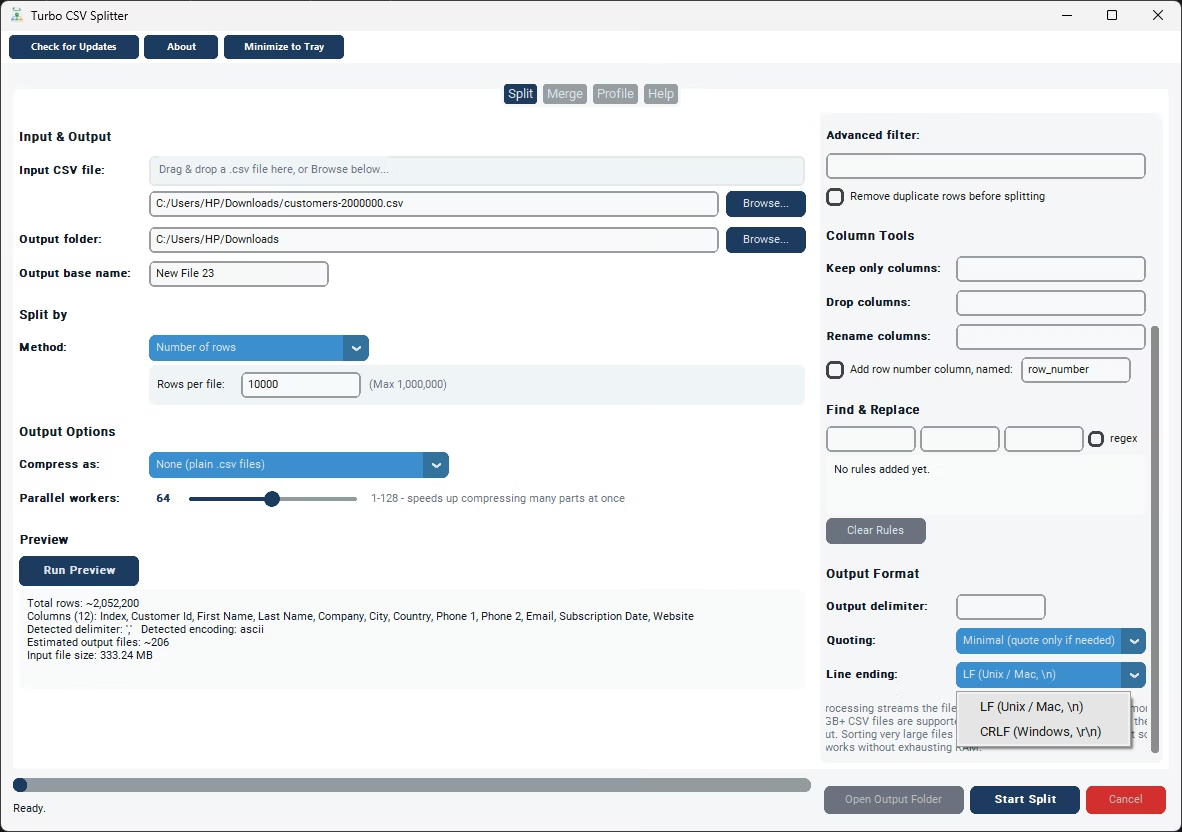
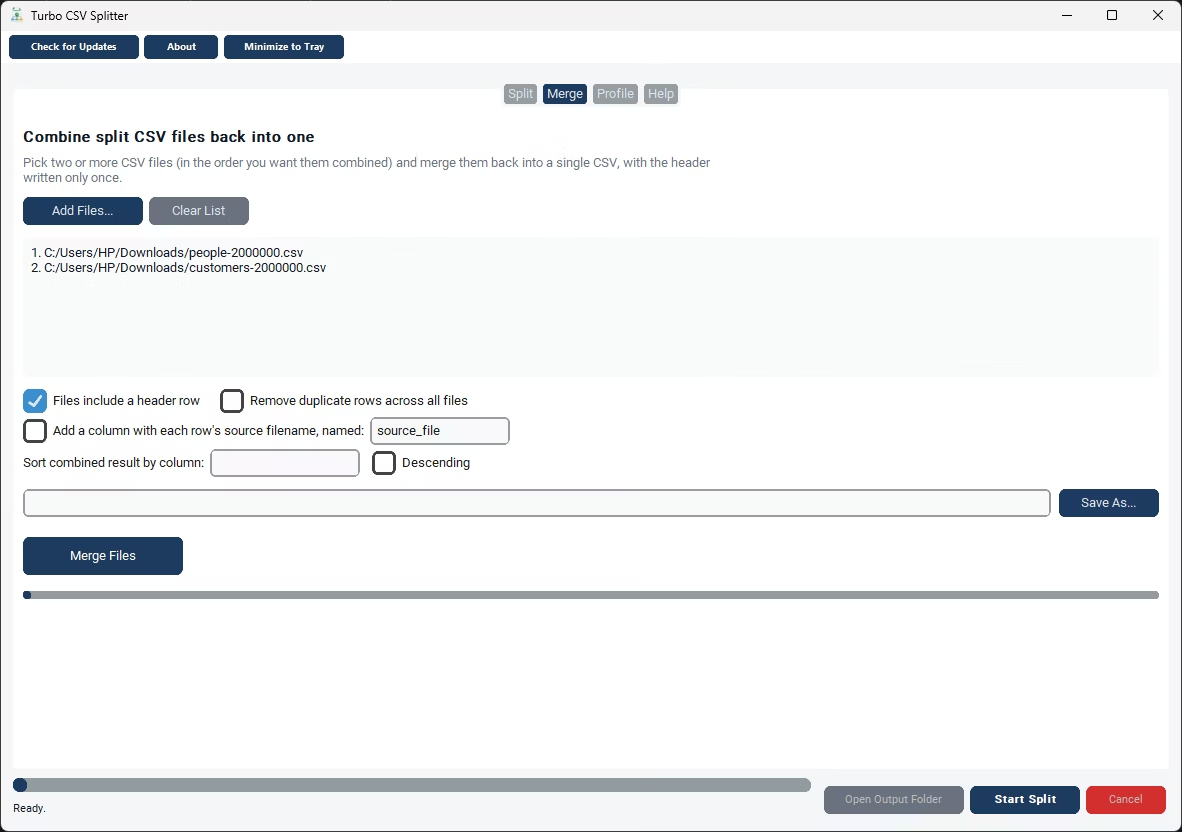
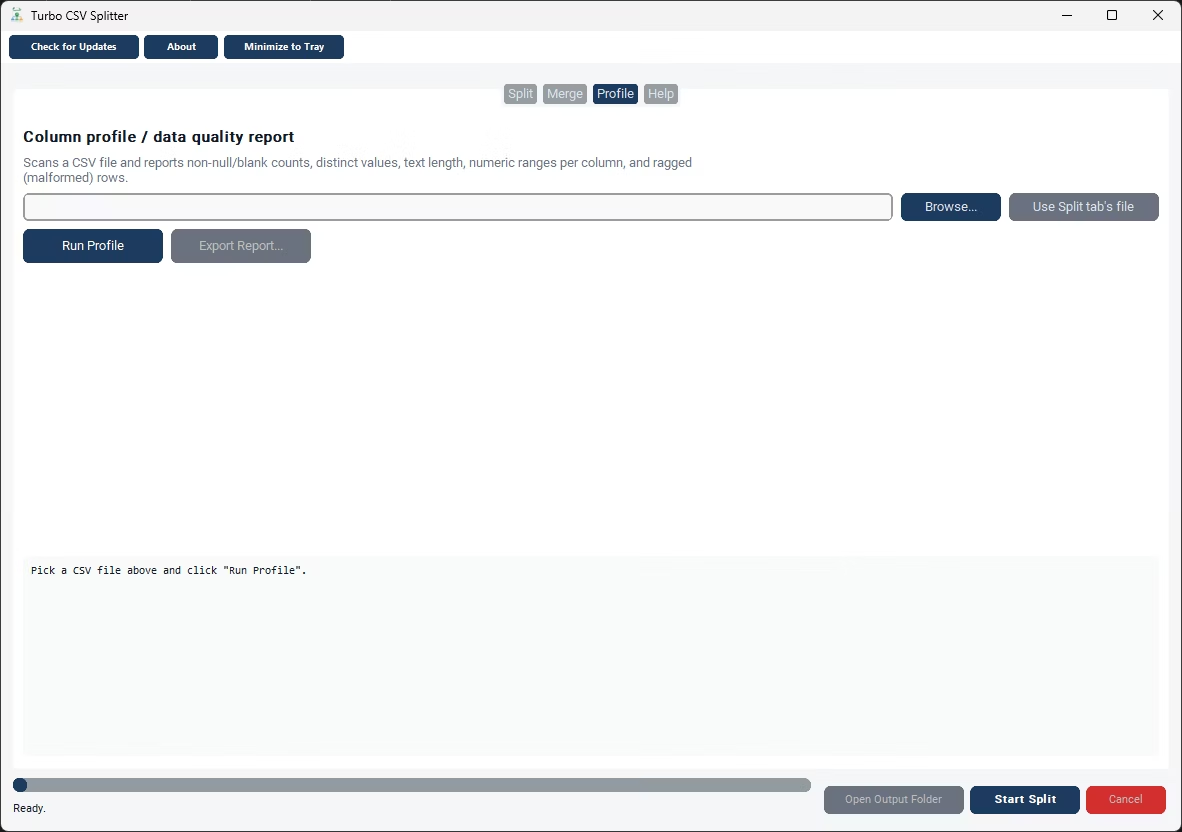
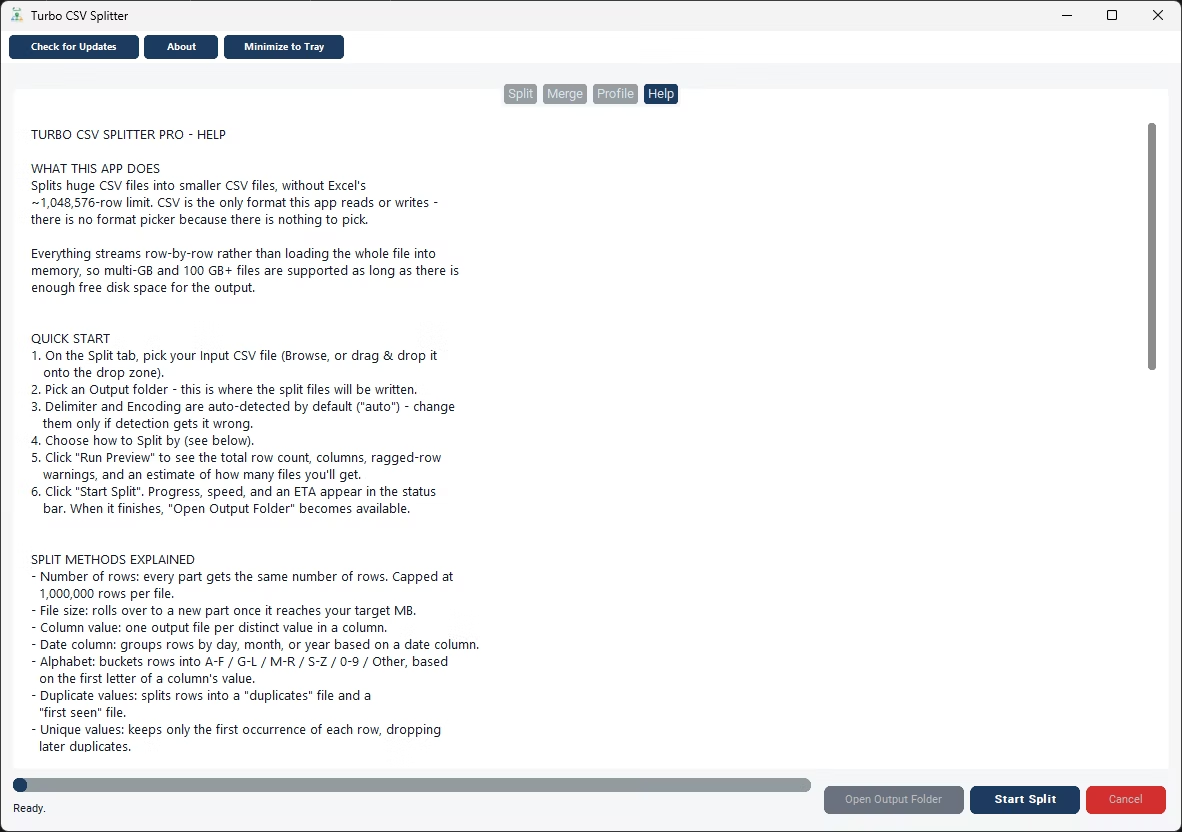
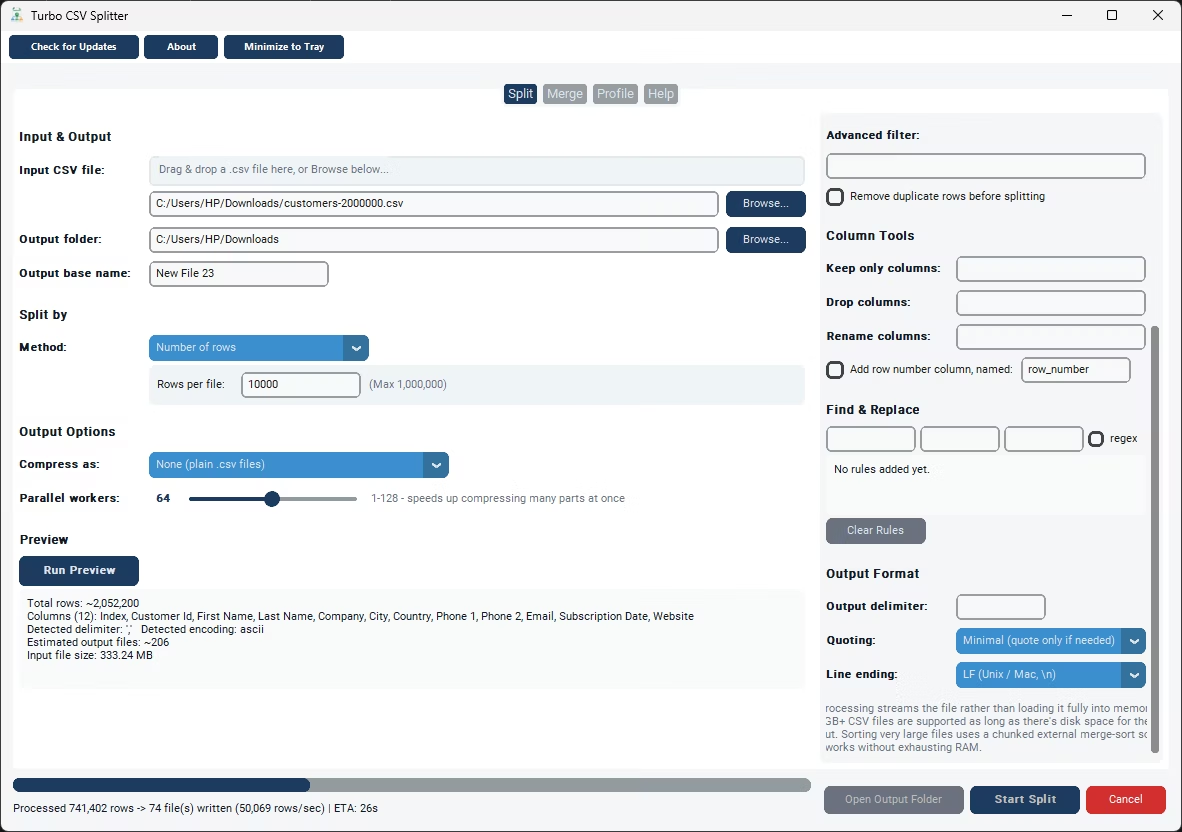
Turbo CSV Splitter is a Windows desktop tool, not a browser upload form. Once downloaded and installed, it opens as a standalone application with Split, Merge, and Profile tabs, and every operation runs against files sitting on your own drives. Splitting a file into smaller parts, merging several files back into one, or profiling a file's columns for data-quality issues all happen without any file content being transmitted anywhere - the only network activity the tool needs is a one-time license activation after installation.
Because the tool streams rows instead of loading a file fully into memory, the file-size caps that online splitters typically enforce simply don't apply here. A multi-gigabyte CSV with tens of millions of rows is handled the same way a small file is, just over a longer runtime, with a live rows-per-second speed reading and an estimated time remaining shown as the job runs. Nine split methods are available - by row count, file size, column value, date, alphabet, duplicate status, unique rows, equal parts, or random shards - along with a Merge tab for recombining files and a Profile tab for checking data quality before or after splitting.
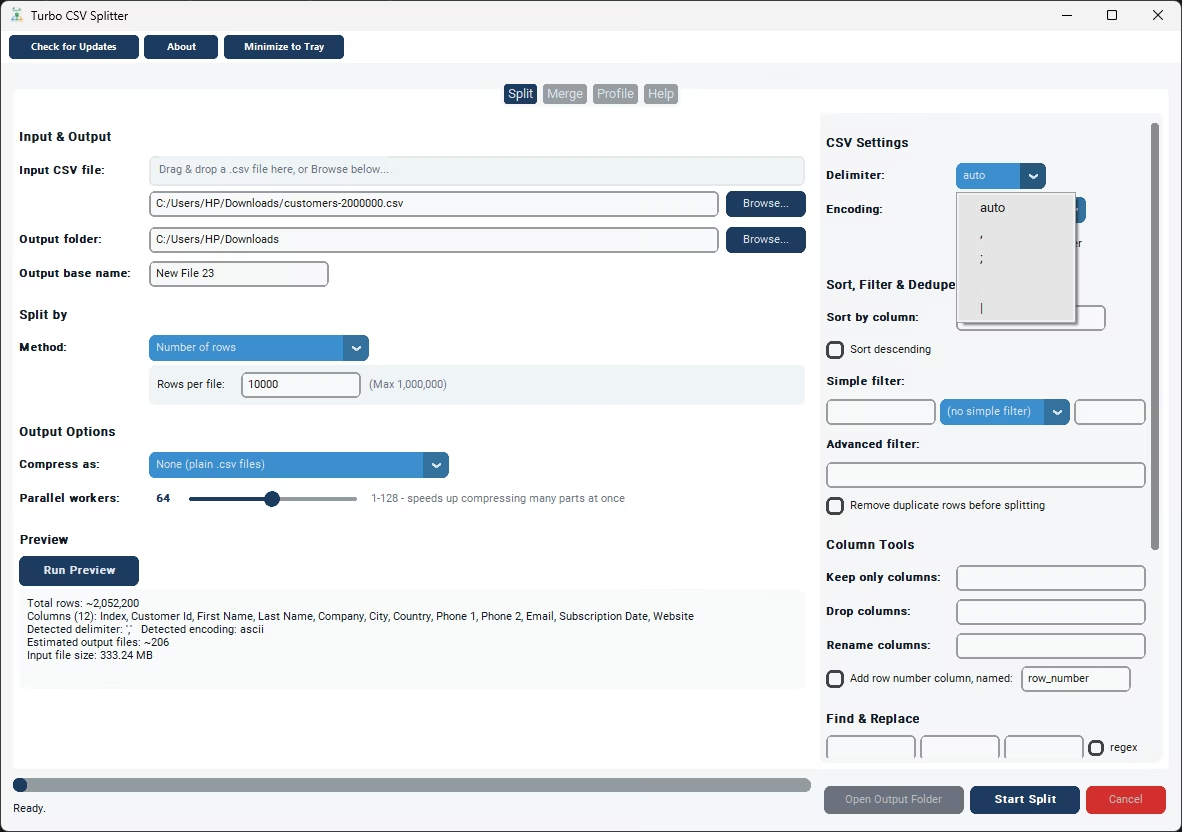
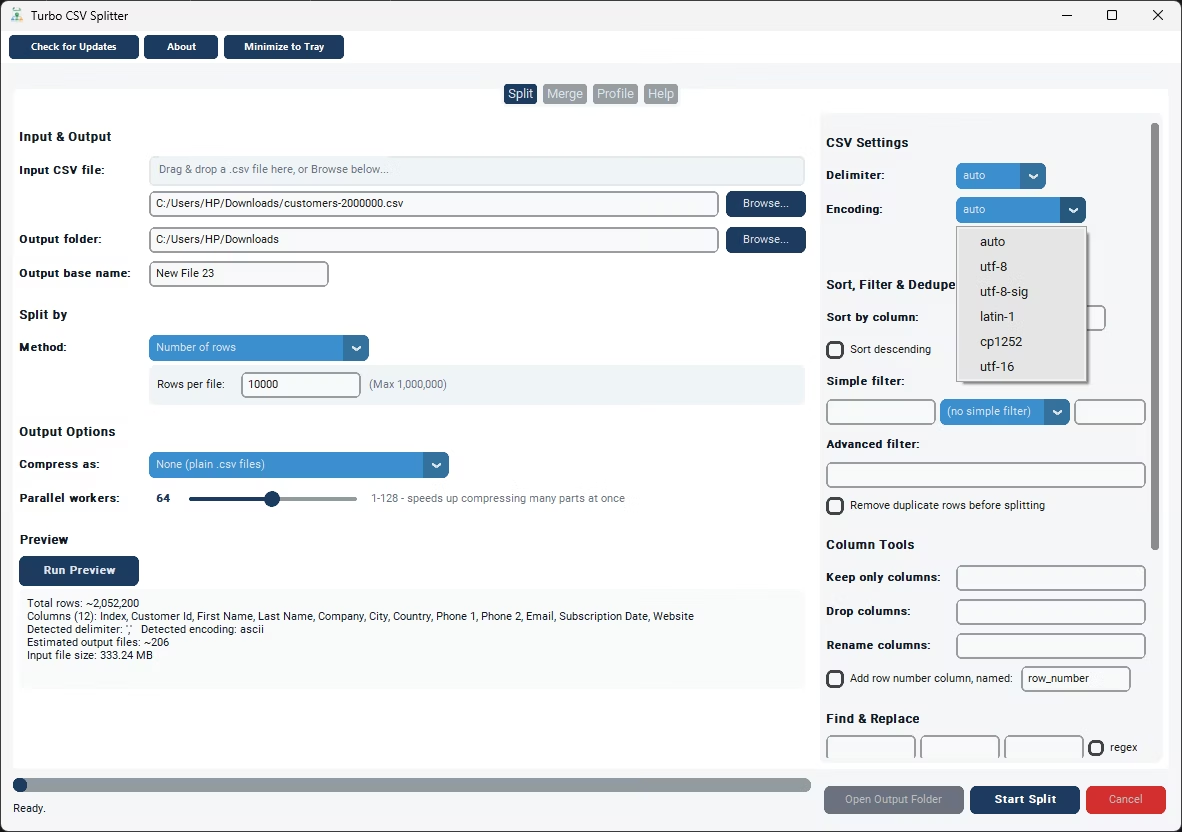
Delimiter and encoding are auto-detected from the file itself, covering comma, semicolon, tab, and pipe delimiters along with UTF-8, UTF-8 with a byte-order mark, UTF-16, CP1252, and Latin-1 encodings, so files coming from different systems are handled correctly without manual setup. A checkpoint system means a large job that gets interrupted - whether cancelled deliberately or stopped by a computer restart - can be resumed from where it left off rather than started over. All of this is built around the idea that a tool used regularly for real data work should run locally, respond quickly, and not depend on someone else's server being available or fast.
There's also a practical speed argument for a downloaded tool over a web-based one. An online splitter has to push your entire file across the internet before it can even start working, and push the result back down again once it's done - twice the transfer time for every job, on top of however long the actual processing takes on their end. A local installation skips both transfers entirely, since the file never has to leave the drive it's already sitting on. For anyone who splits, merges, or profiles CSV files more than occasionally, that difference adds up quickly, especially on the kind of large files where an online tool's upload limit would have rejected the job outright.
- Download Turbo CSV Splitter using the link on this page.
- Install it on your Windows PC - no separate runtime is required.
- Activate your license once you have an internet connection.
- Browse to the CSV file you want to split, merge, or profile.
- Choose your settings and start the job.
- Find your output files in the folder you selected - all processed locally.
- No file upload - everything processes on your own PC
- No online file-size caps - limited only by your free disk space
- Internet used only once, for license activation
- Nine split methods, plus merge and profiling tools
- Auto-detected delimiter and encoding
- Checkpoint and resume for interrupted jobs
Why choose a downloadable tool instead of an online CSV splitter?
An online splitter requires uploading your file to someone else's server, which adds an upload wait, a file-size cap, and a data-privacy question you don't have with a desktop tool that processes everything locally.
Does the tool need to stay connected to the internet while splitting?
No. Splitting, merging, and profiling all run locally. An internet connection is only used once, to activate the license after installation.
Can the tool handle files that online splitters typically reject for being too large?
Yes. Because the tool streams rows instead of loading the whole file into memory, it isn't bound by the upload size caps that online tools commonly enforce.
Is the tool a one-time purchase or a subscription?
It's licensed through Gumroad as a purchase that activates the app - check the current listing on this page for exact pricing details.
Ready to split your CSV files the easy way?