A quick search for a CSV splitter online brings up plenty of browser-based tools, and for a small test file they often work fine. The trouble starts once a real-world CSV file grows past a few tens of thousands of rows, since most online splitters run inside your browser tab or a shared server, both of which have hard memory limits.
Turbo Large Data Splitter takes the "splitter" part of that search and pairs it with a desktop app instead of a browser page. Your file loads directly from your hard drive, gets split by row count or size, and never has to travel over the internet at all.
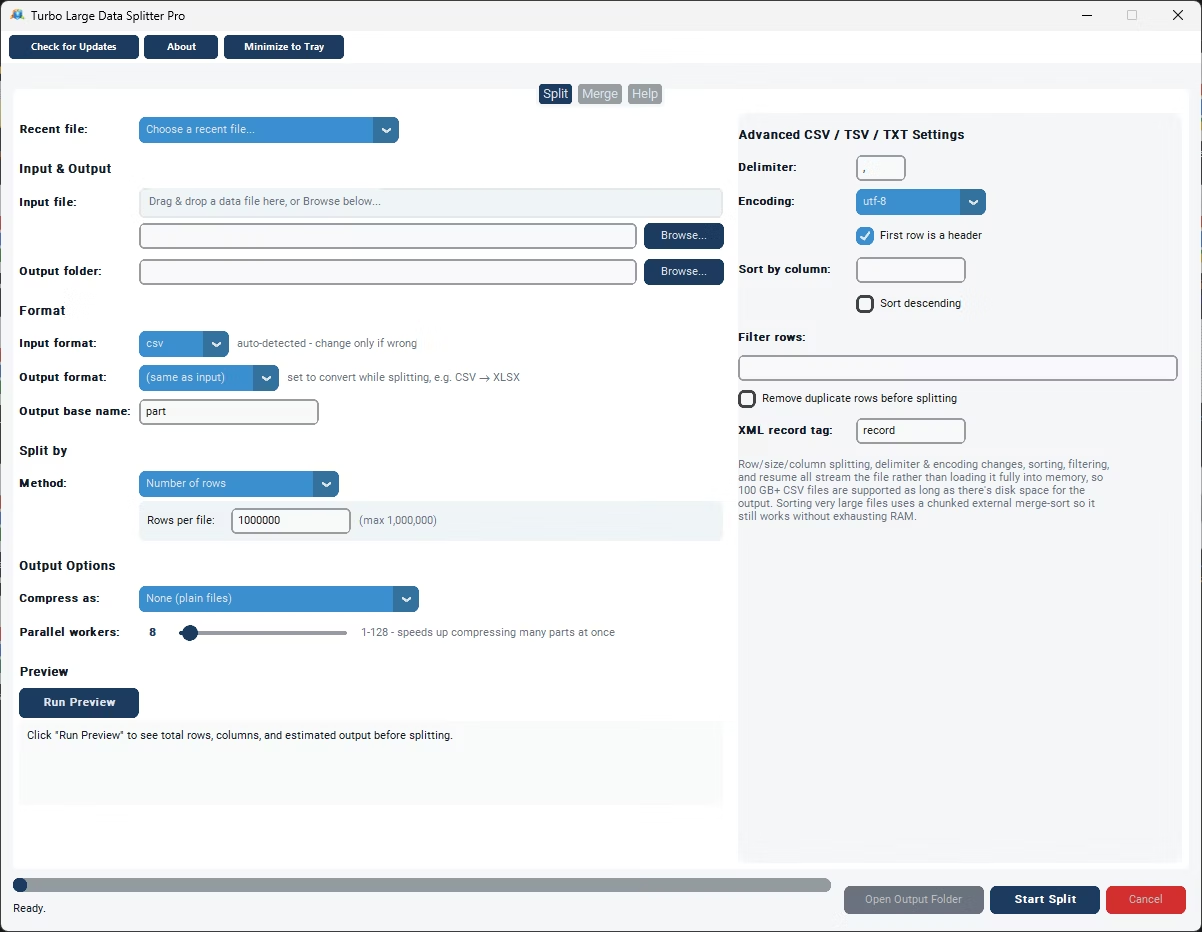
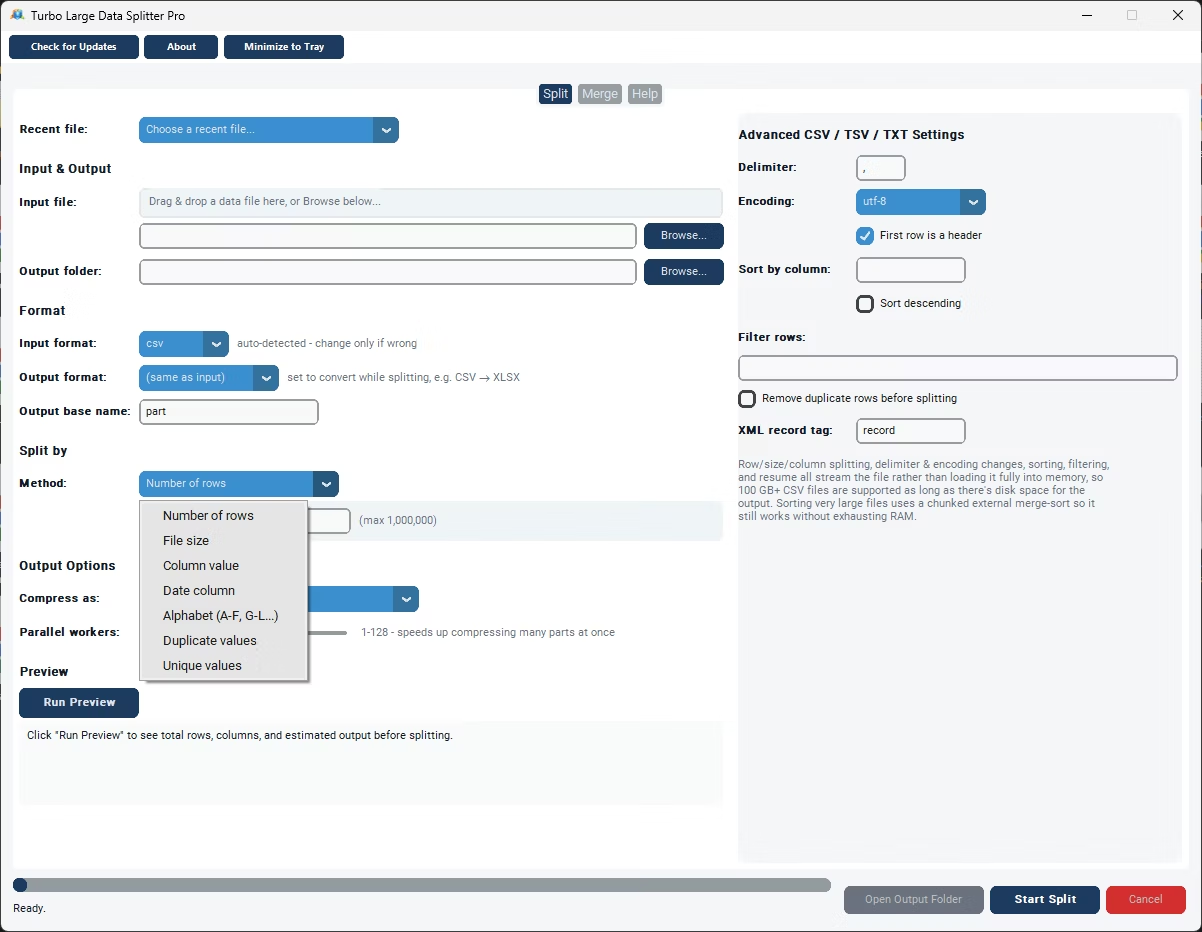
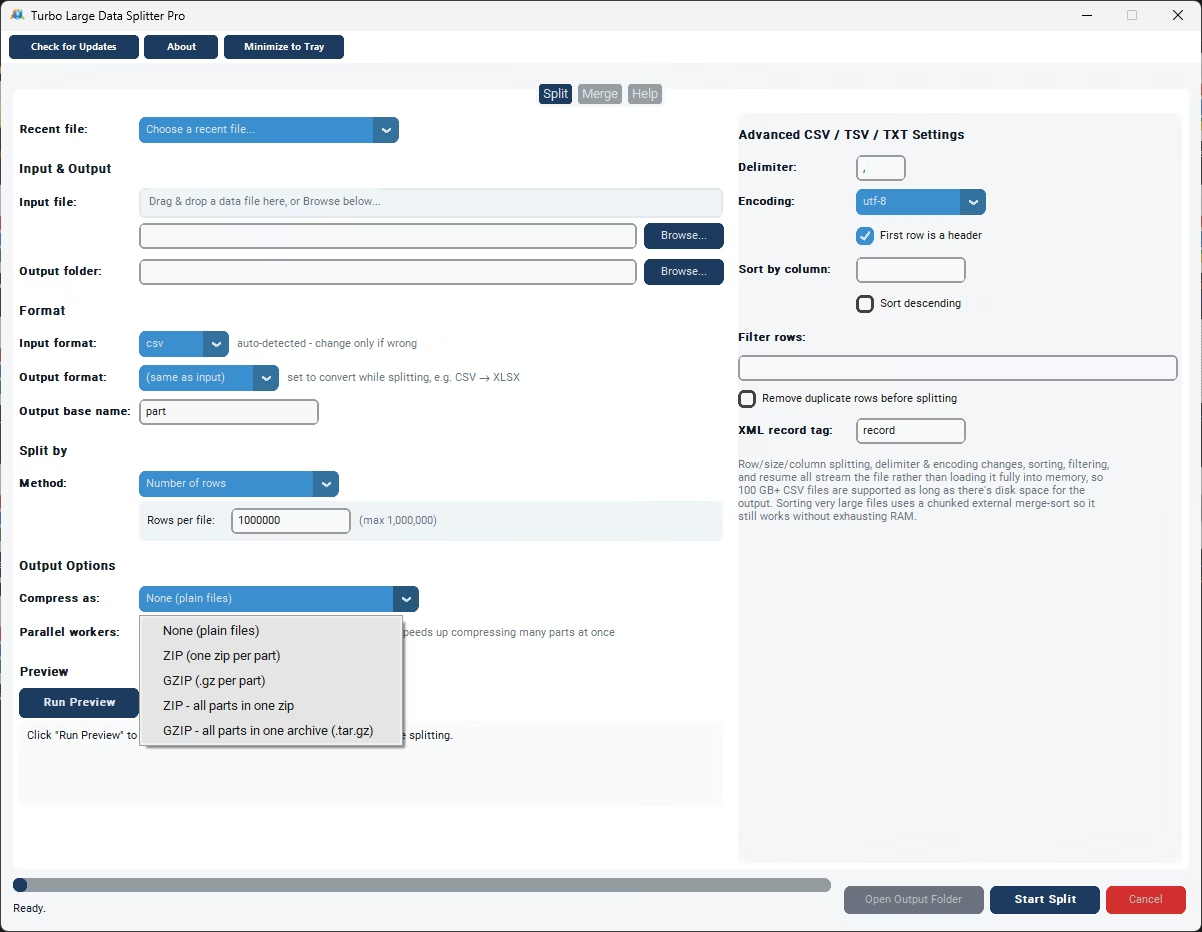
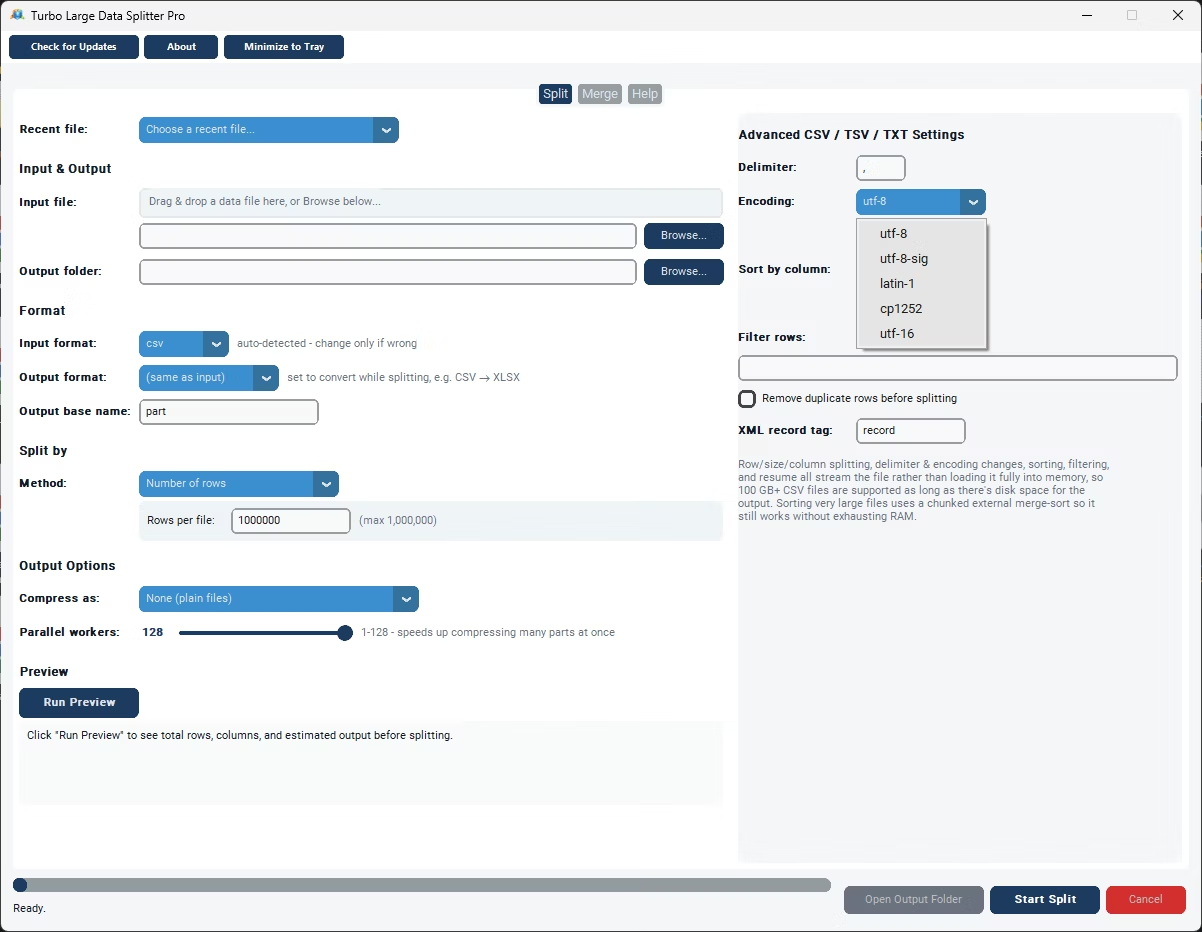
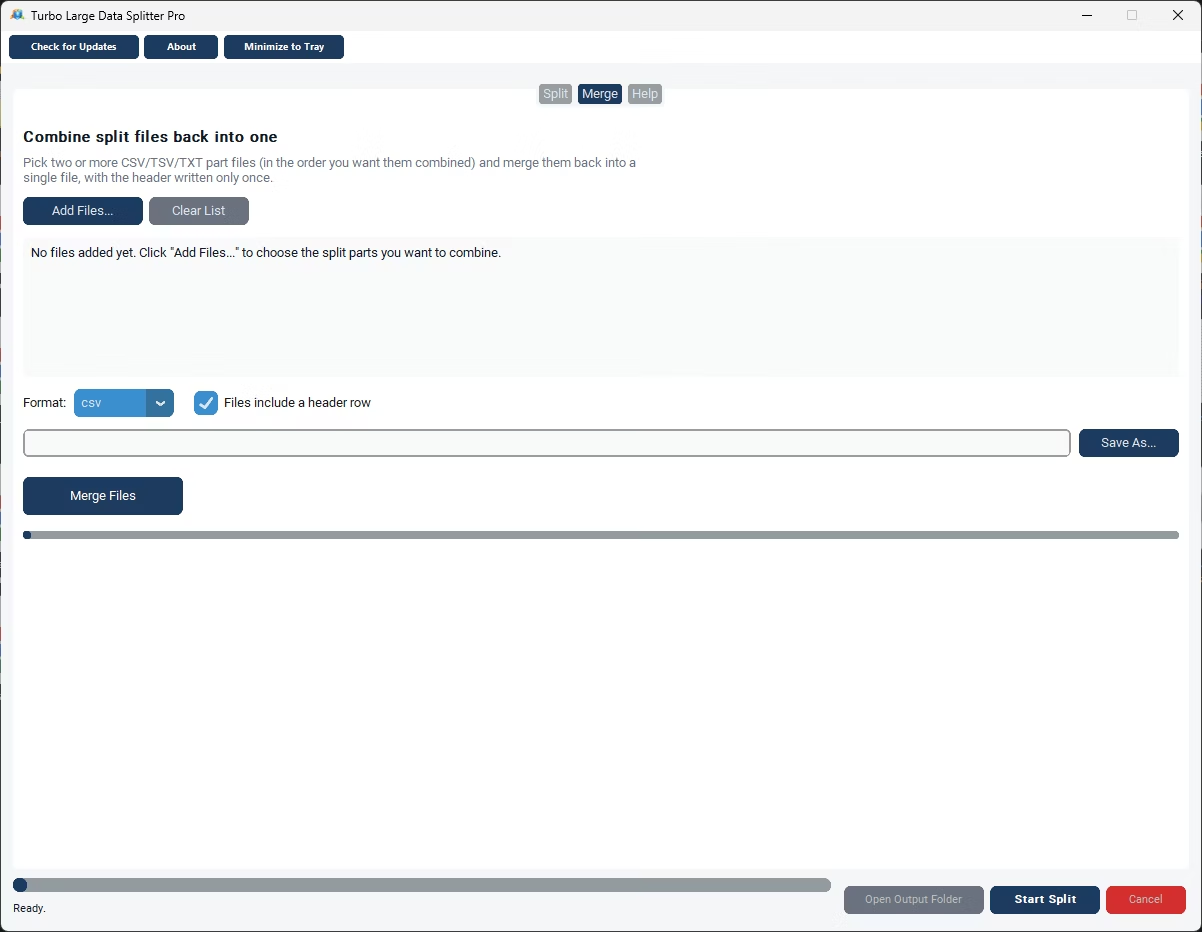
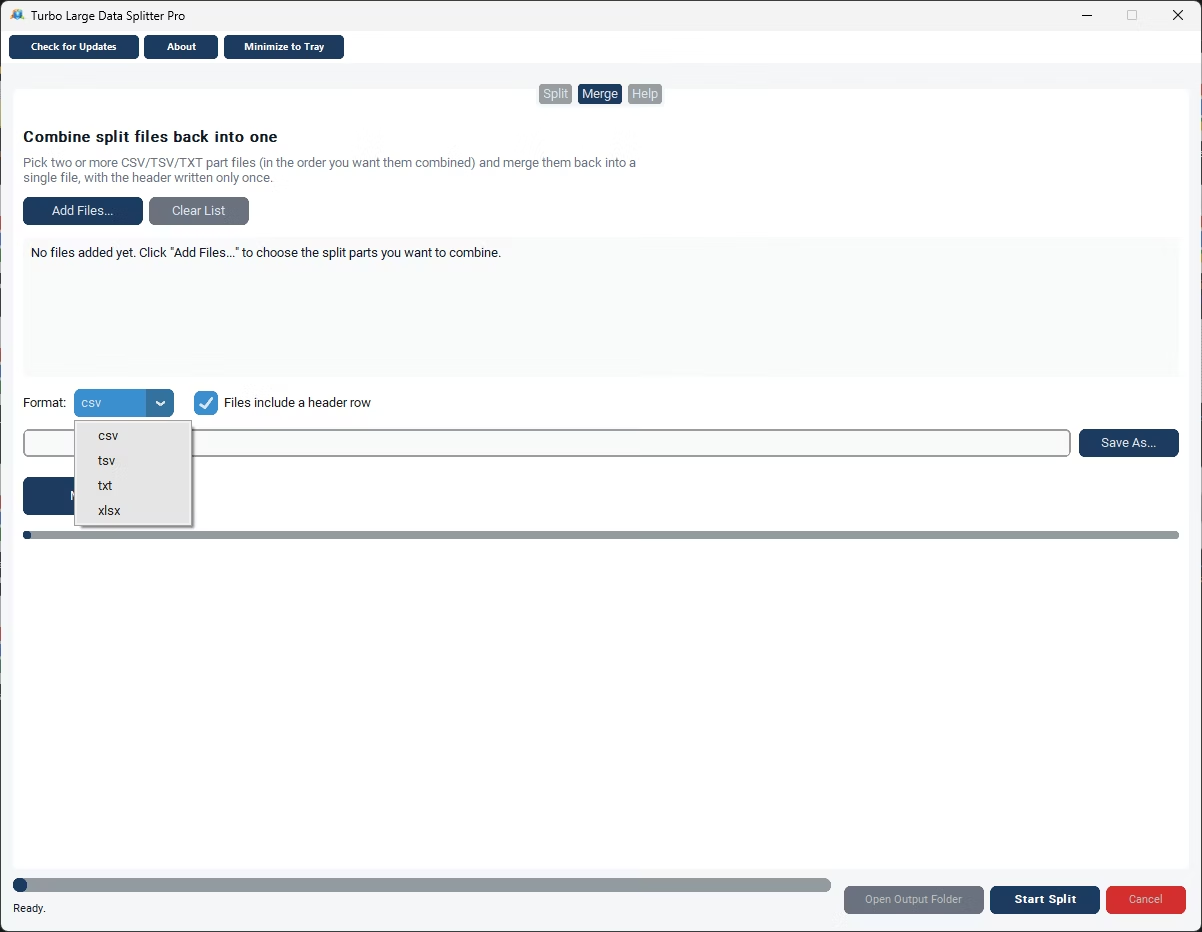
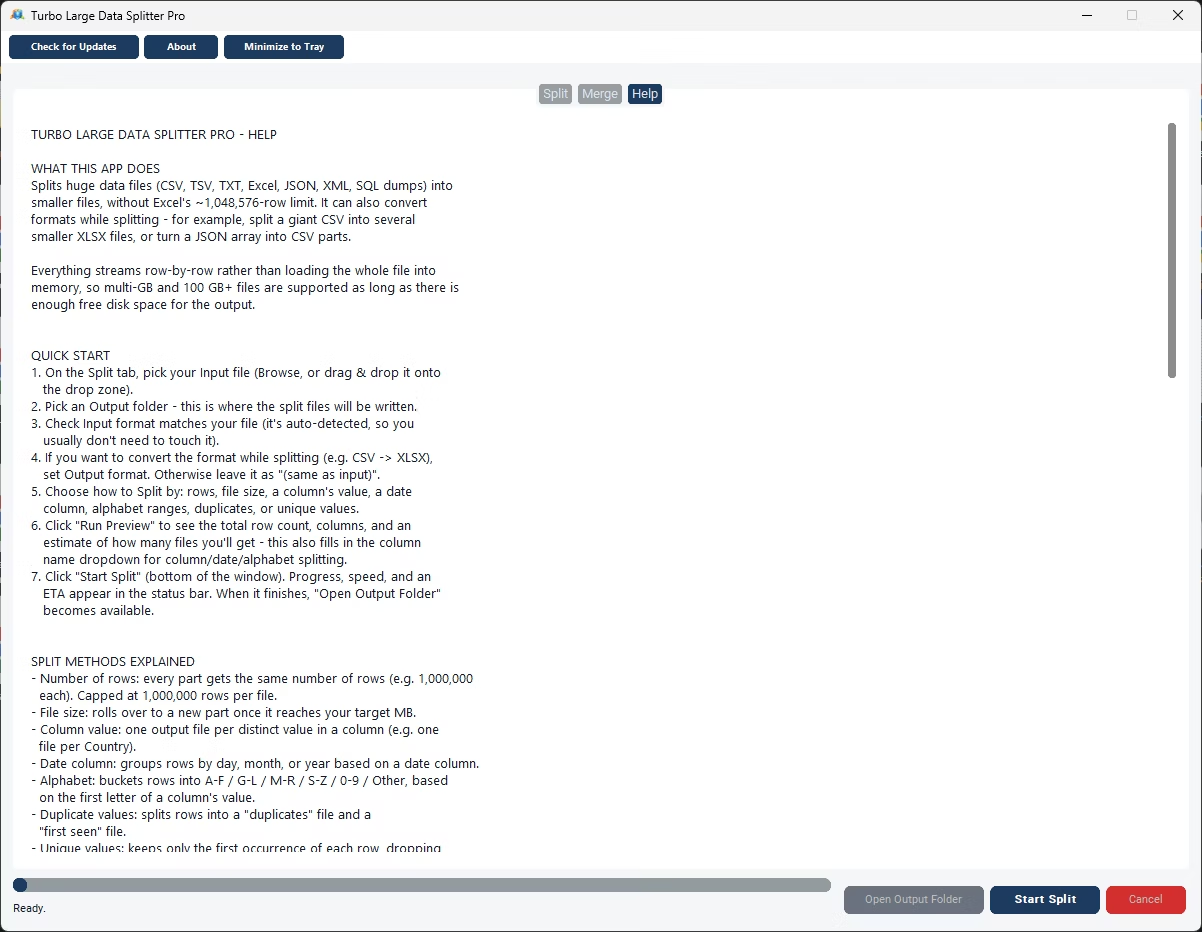
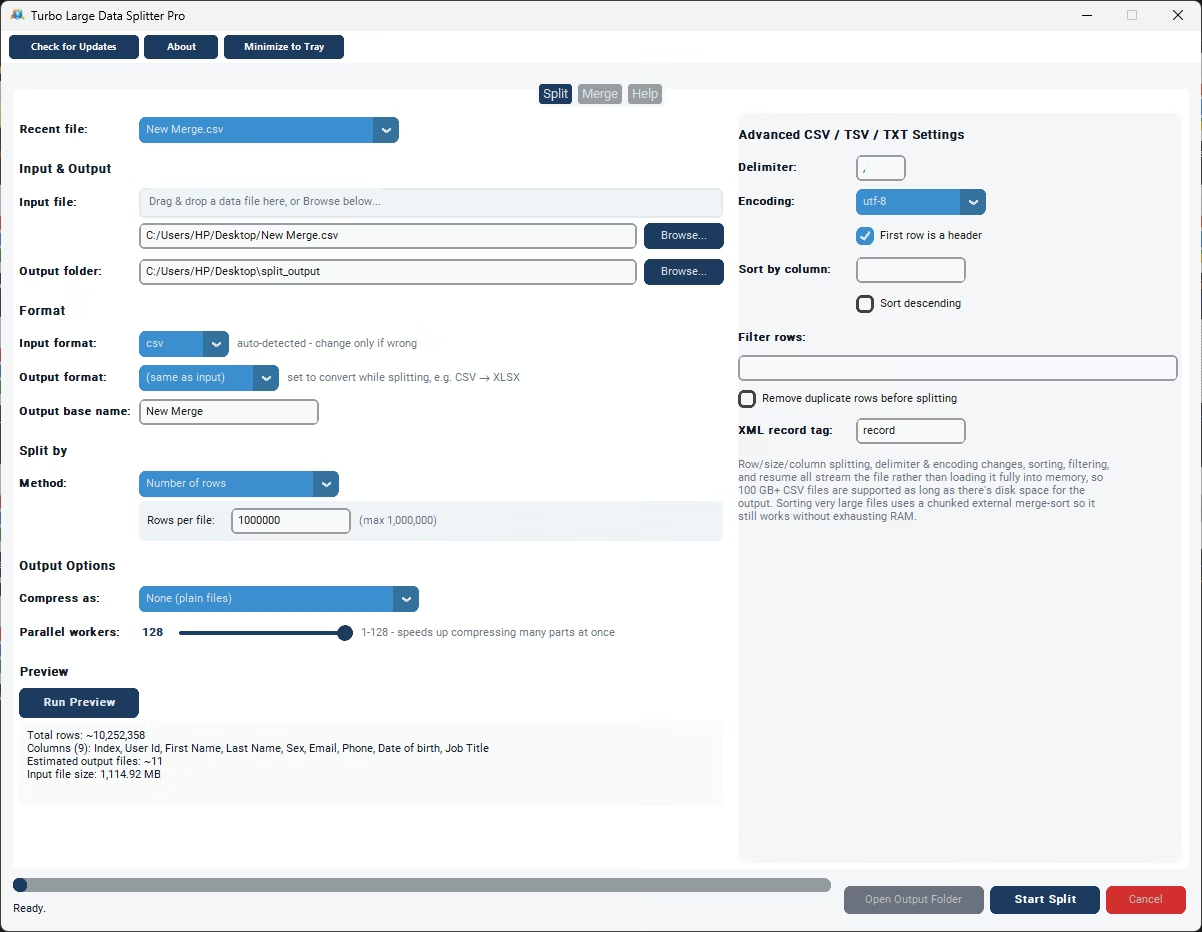
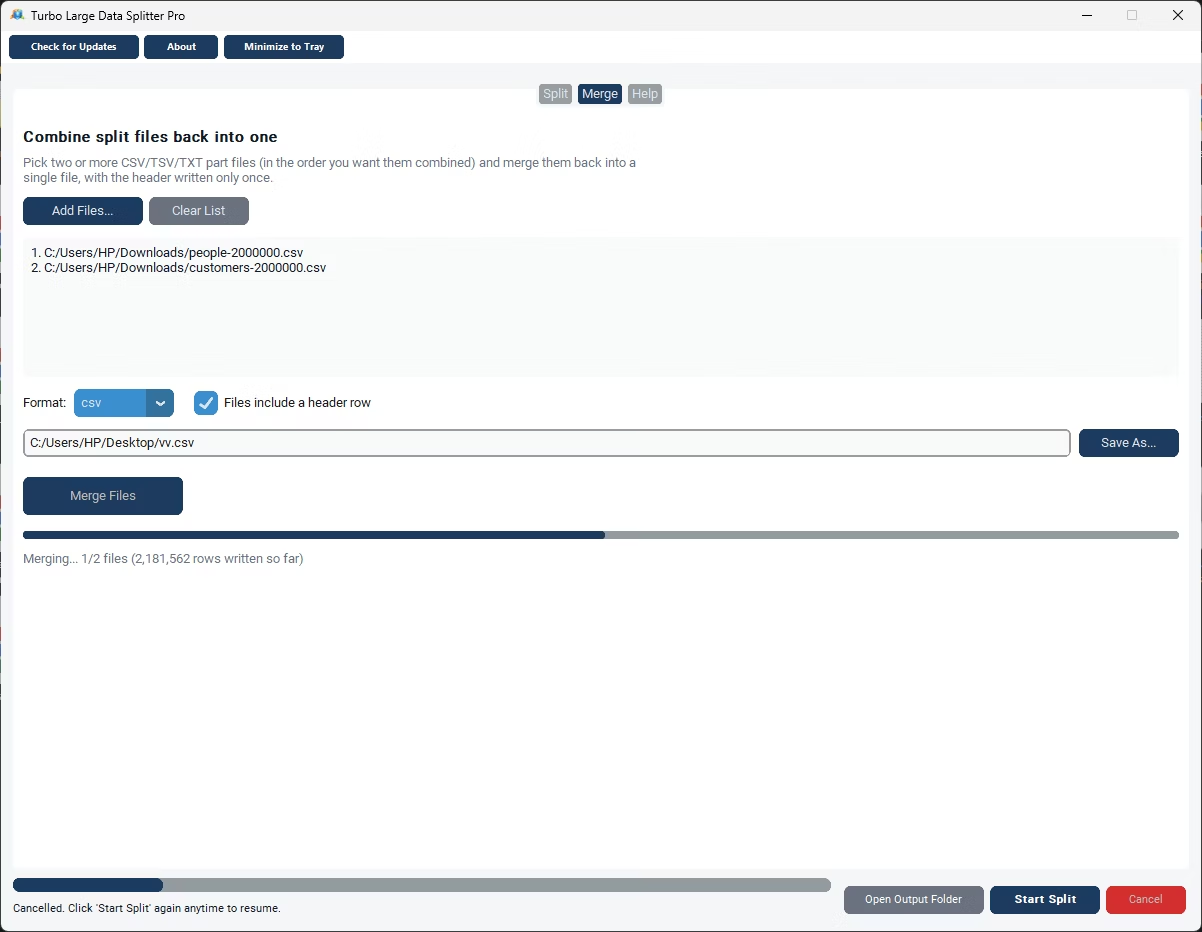
- Install Turbo Large Data Splitter instead of relying on a browser tool.
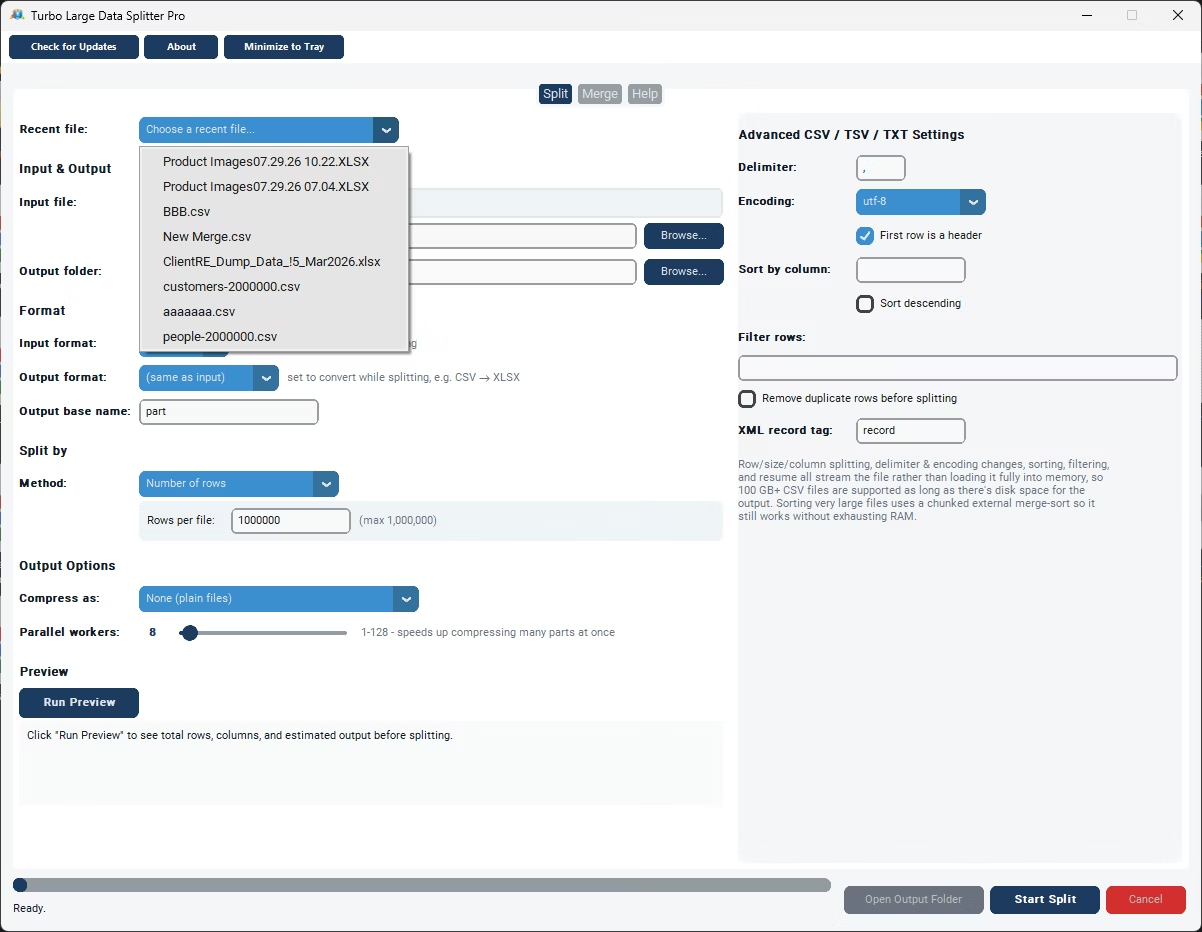
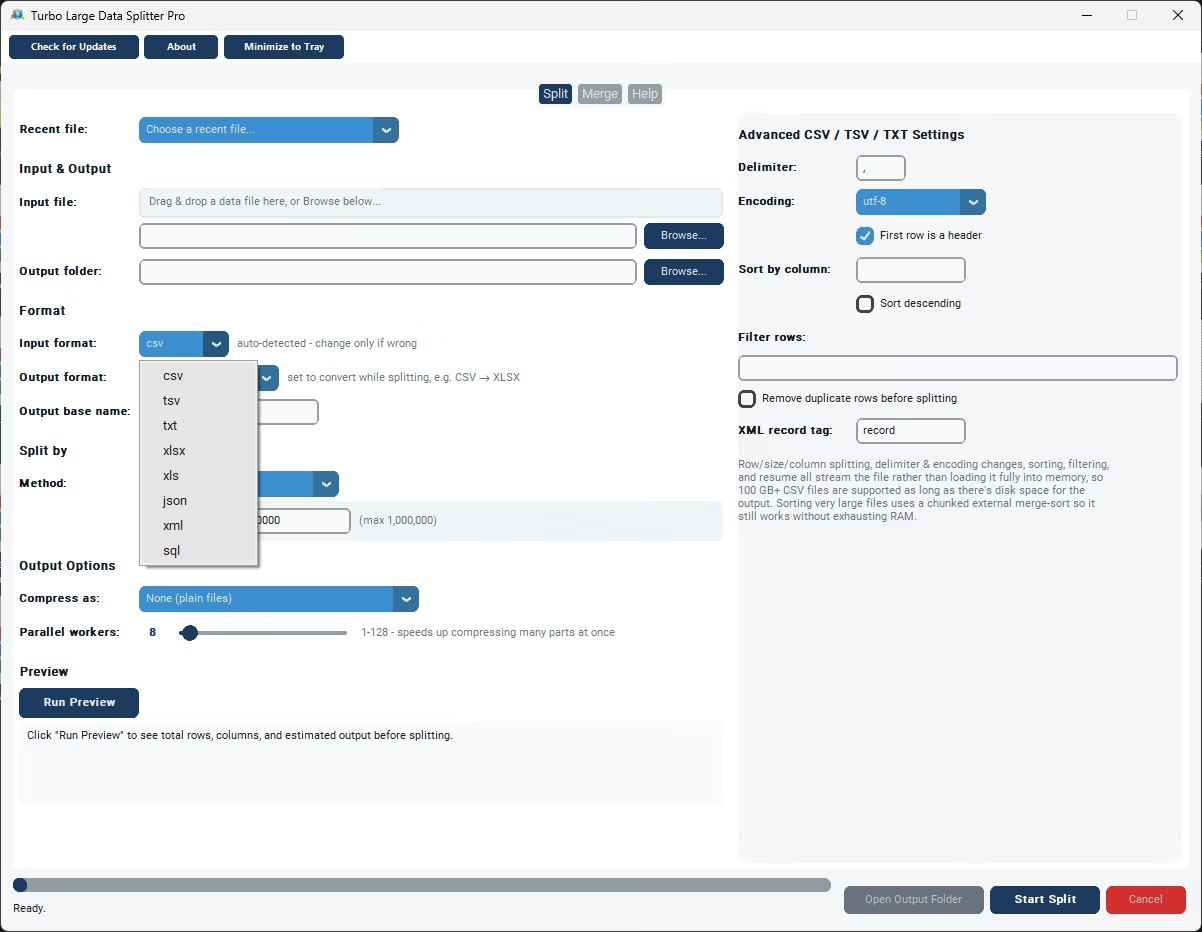
- Load your CSV file locally from your computer.
- Pick a split method: by rows or by file size.
- Enter your preferred value and confirm any header settings.
- Click Split and let the app process the file on your own machine.
- Retrieve your split files instantly from the output folder.
- No upload size cap, unlike most browser-based splitters
- Processes CSV files with millions of rows smoothly
- Split by row count or file size
- Data never leaves your computer during processing
- No browser crashes or tab freezing on large files
- One-time purchase instead of a recurring web tool fee
Are online CSV splitters safe for confidential data?
Uploading confidential data to a website you don't control always carries some risk, since you're trusting an unfamiliar service with your file. Local processing avoids that question entirely.
Why does an online CSV splitter sometimes crash my browser?
Browser-based splitters typically load the entire file into memory within the tab itself, which can exhaust available memory once the file reaches a certain size.
Is a desktop CSV splitter harder to use than an online one?
No, Turbo Large Data Splitter uses the same simple load-and-click workflow as most online tools, just without the upload step.
Ready to split CSV files locally instead of through a browser?