Large image collections need more than a simple converter; they need a desktop application that can use your PC's full CPU to process files in parallel, rather than a single-threaded tool or a browser tab that queues uploads one at a time.
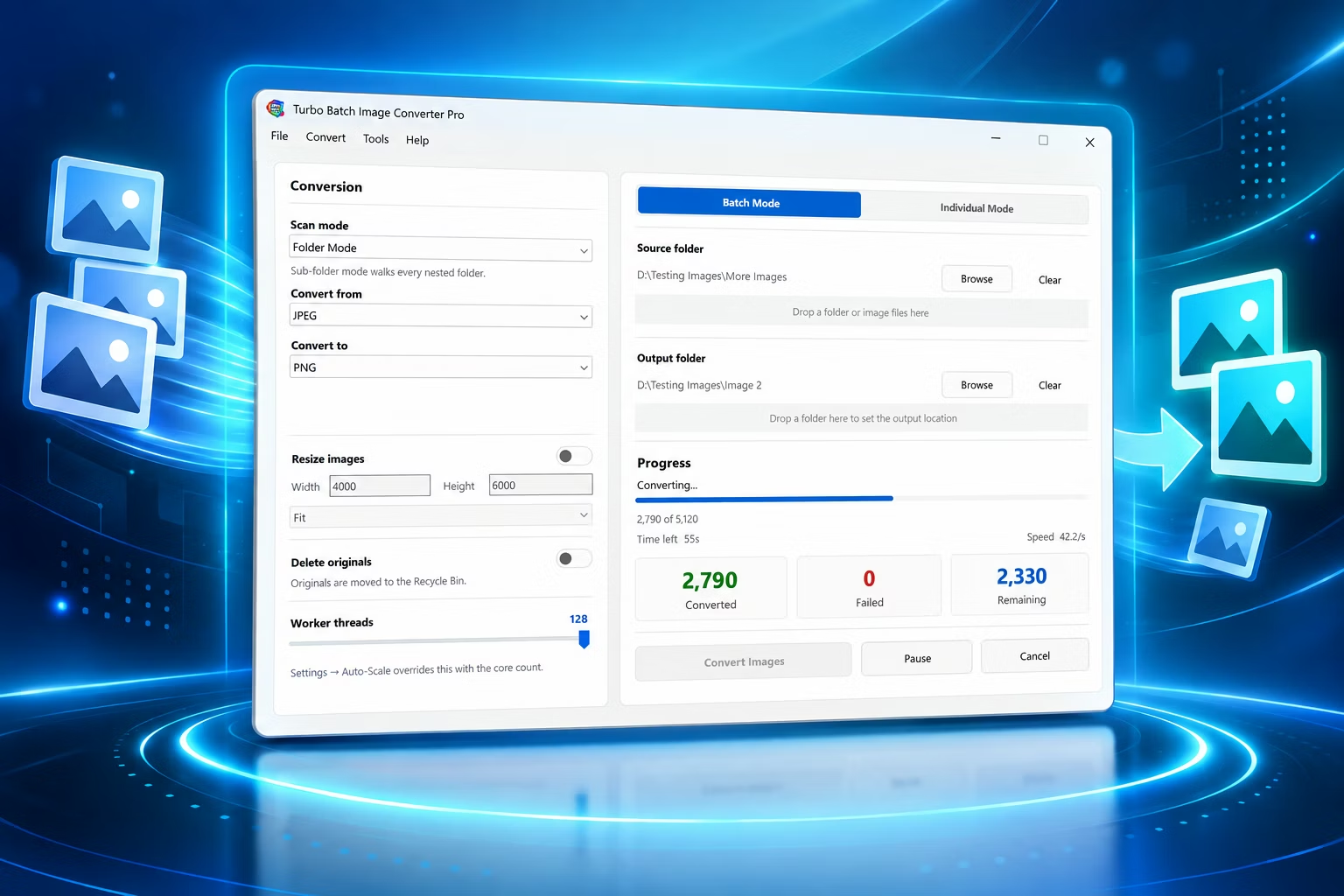
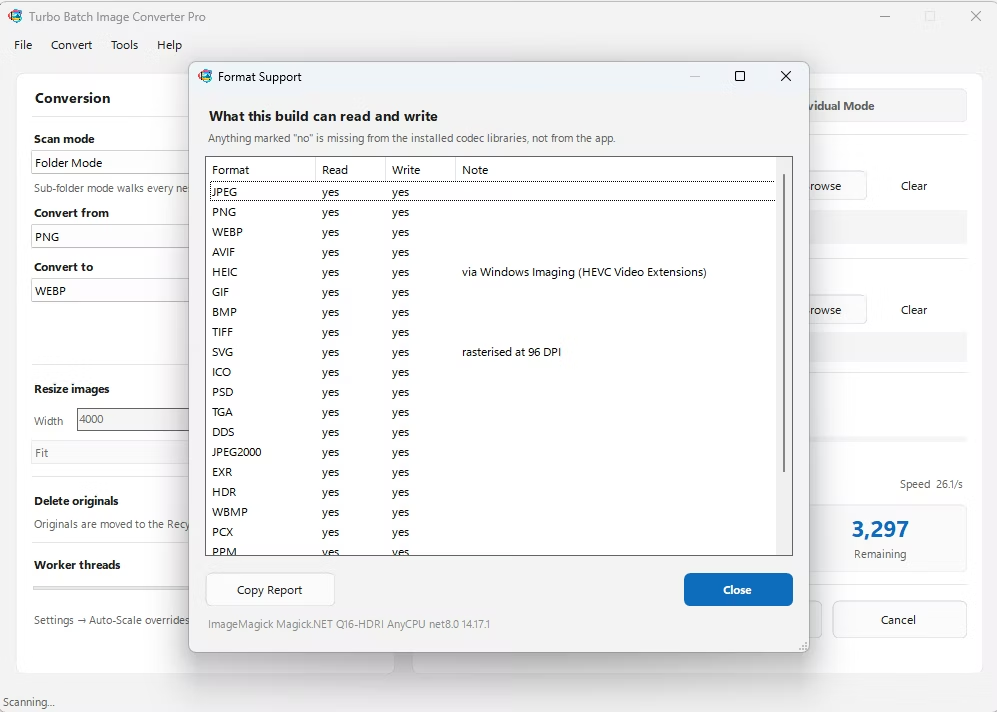
Turbo Batch Image Converter Pro is a bulk image converter built as a native Windows desktop app, with a multi-threaded engine that scales up to 128 parallel workers to convert large collections quickly, entirely on your own hardware.
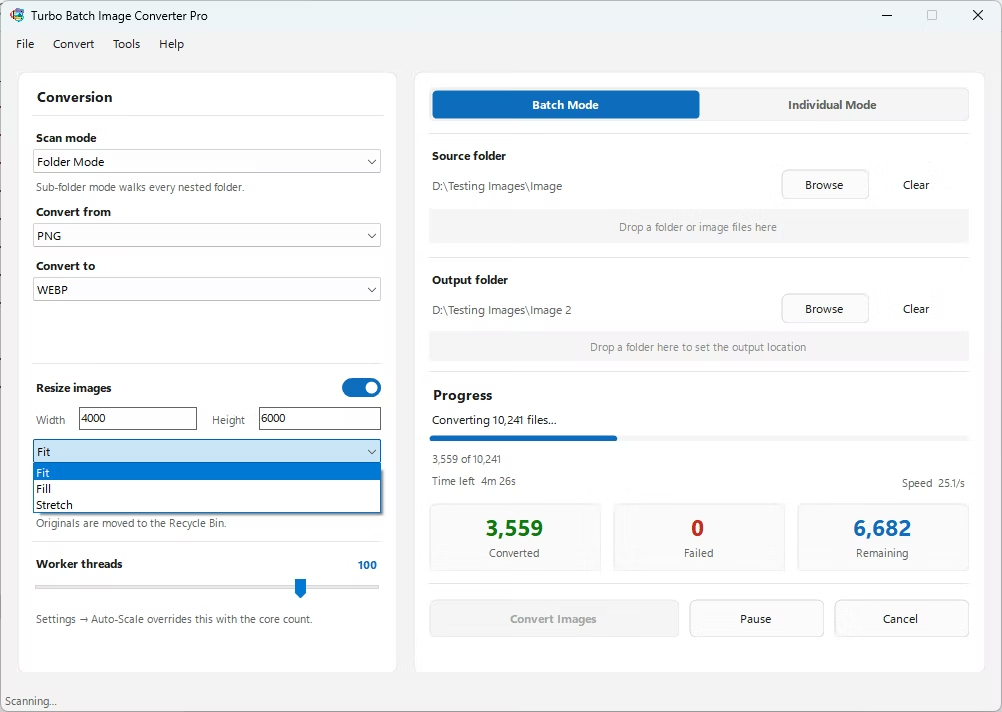
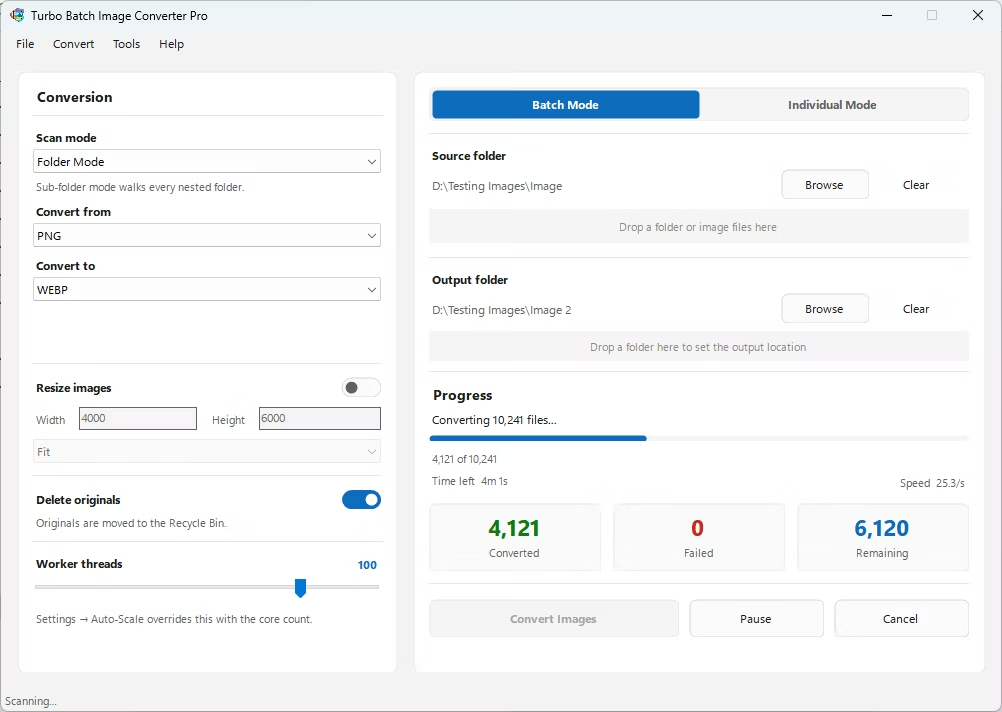
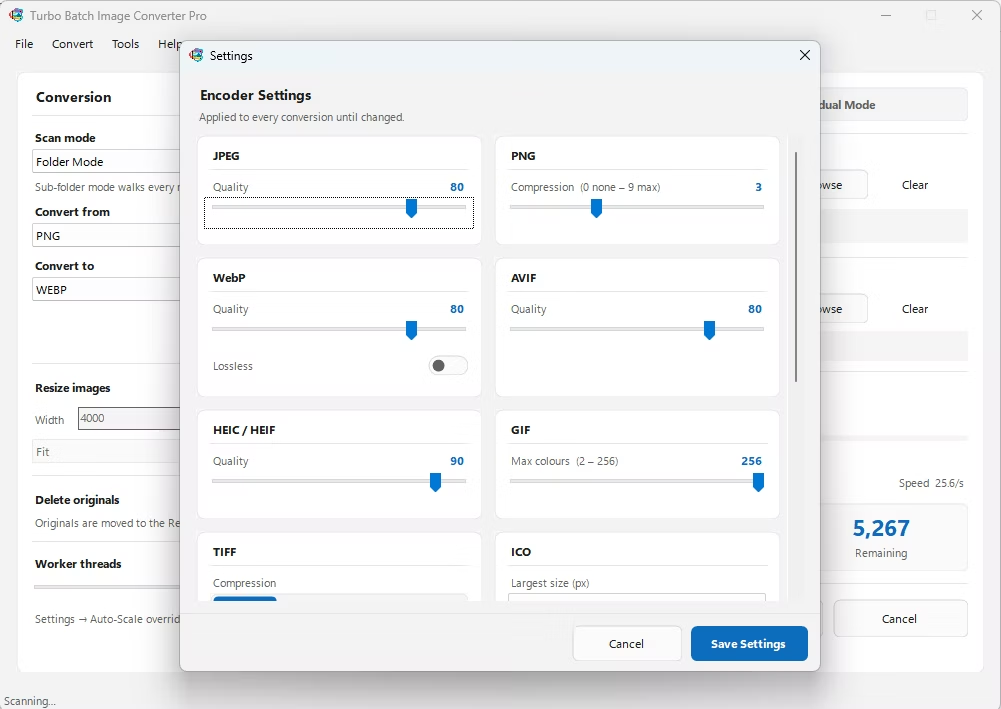
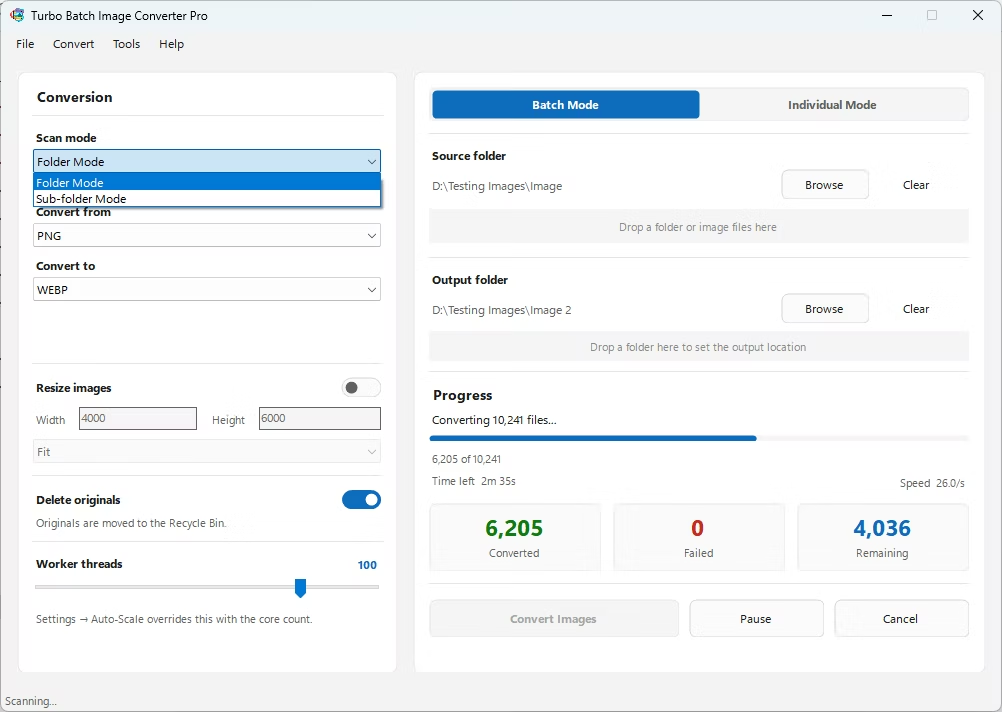
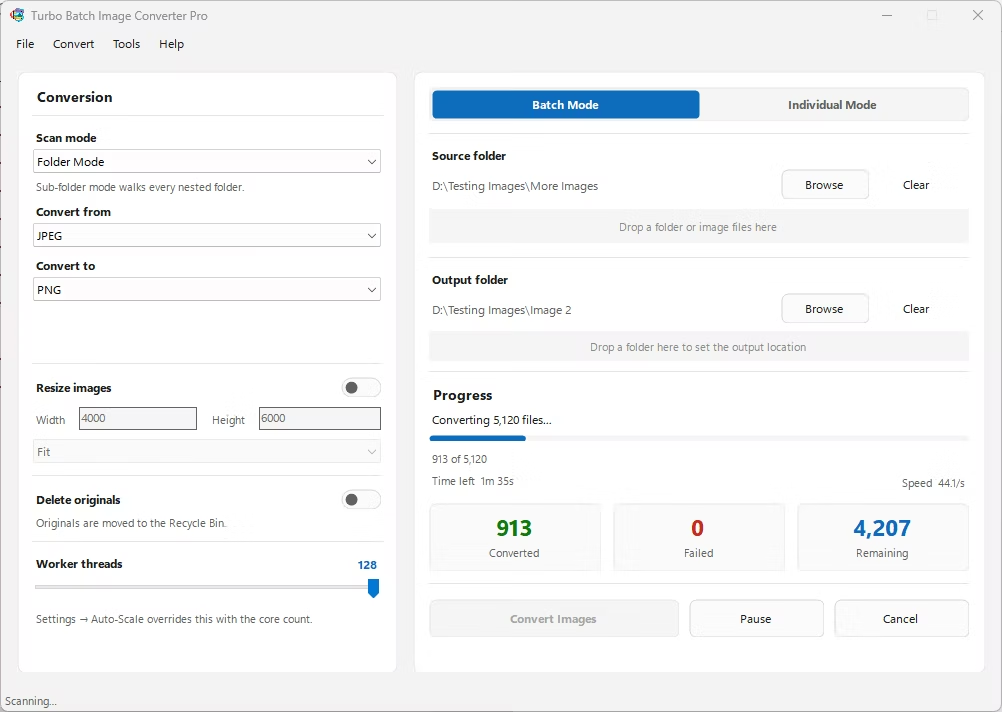
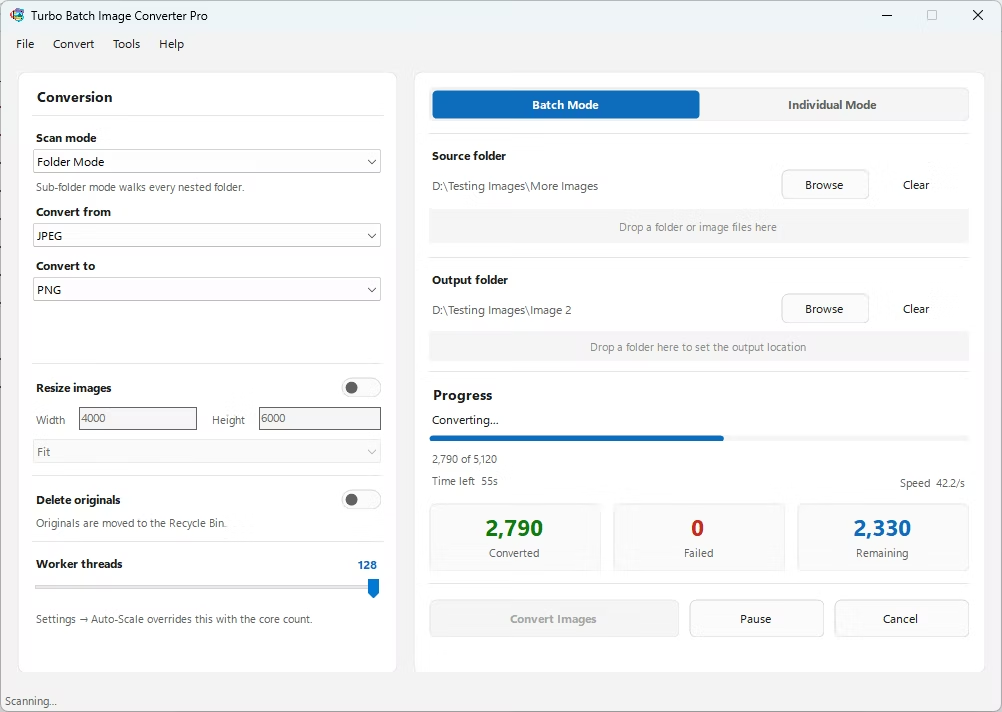
- Install Turbo Batch Image Converter Pro on your Windows desktop.
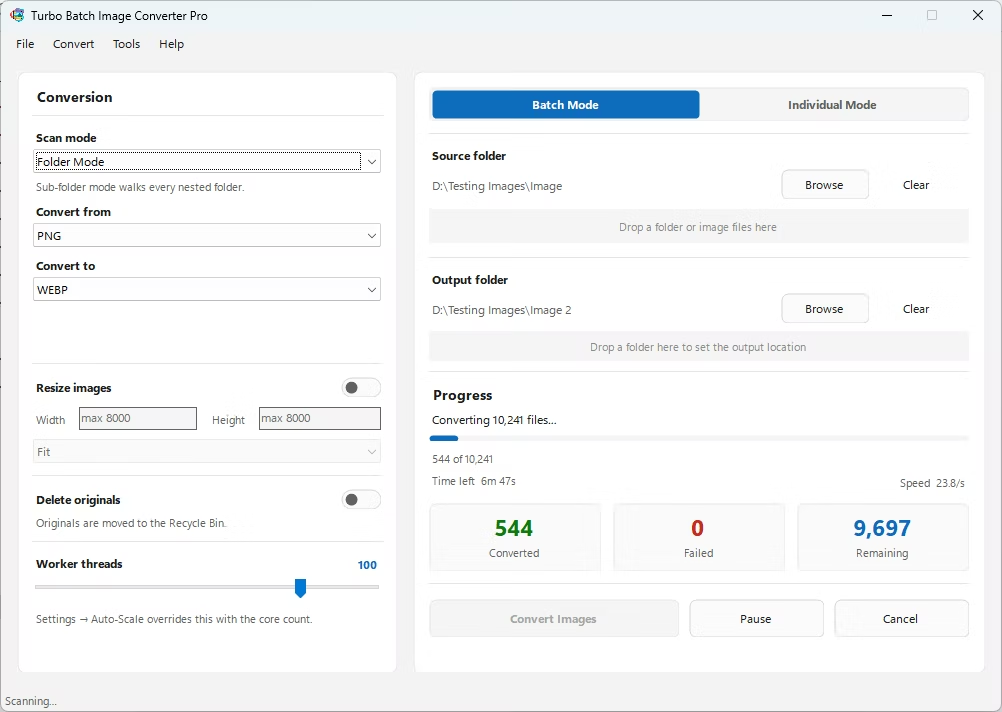
- Open Batch Mode and select your image collection folder.
- Set your worker count under Settings to match your CPU.
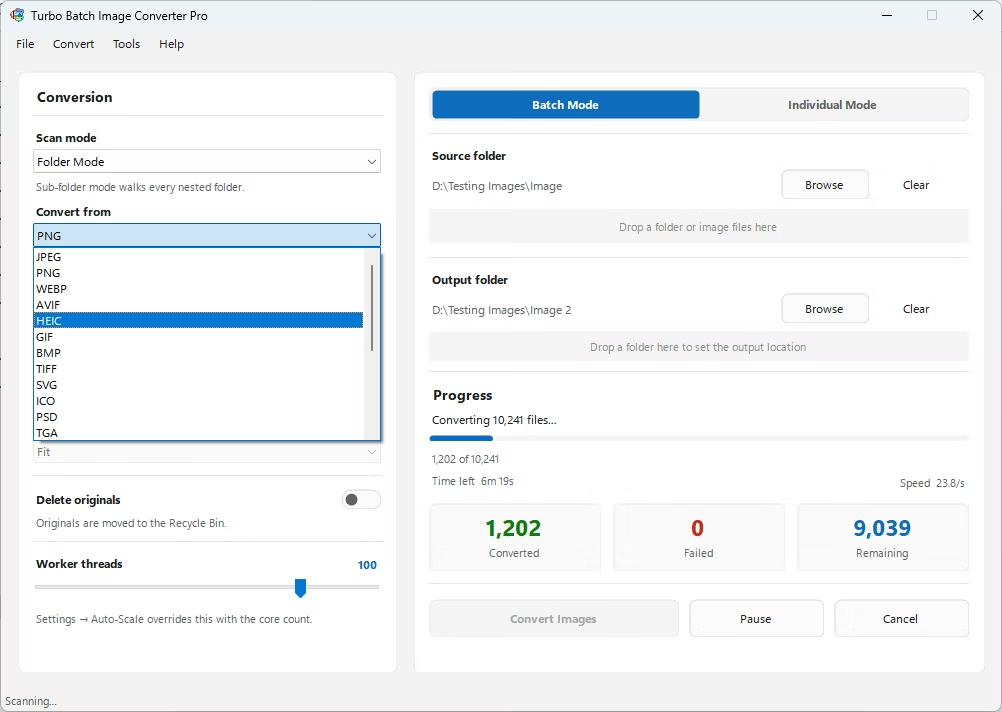
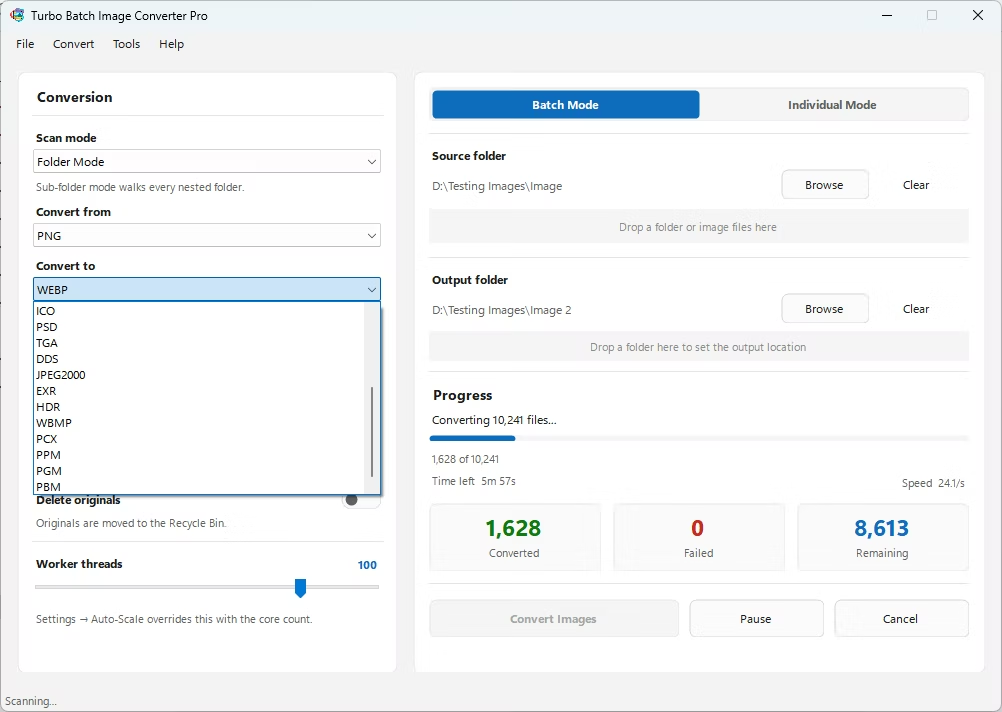
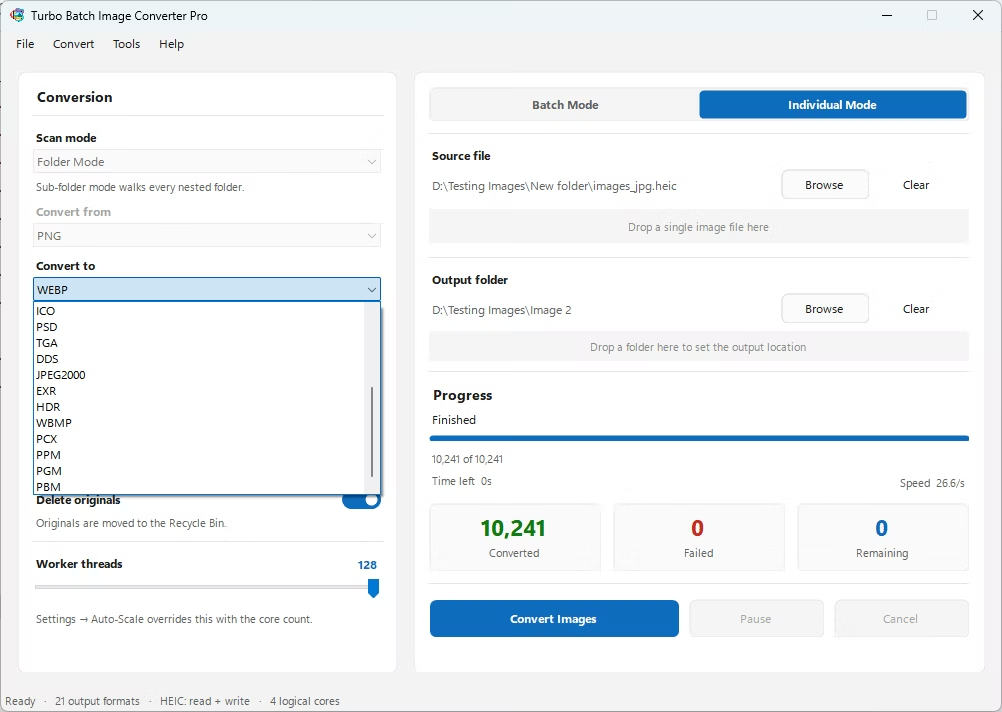
- Choose your target format and quality settings.
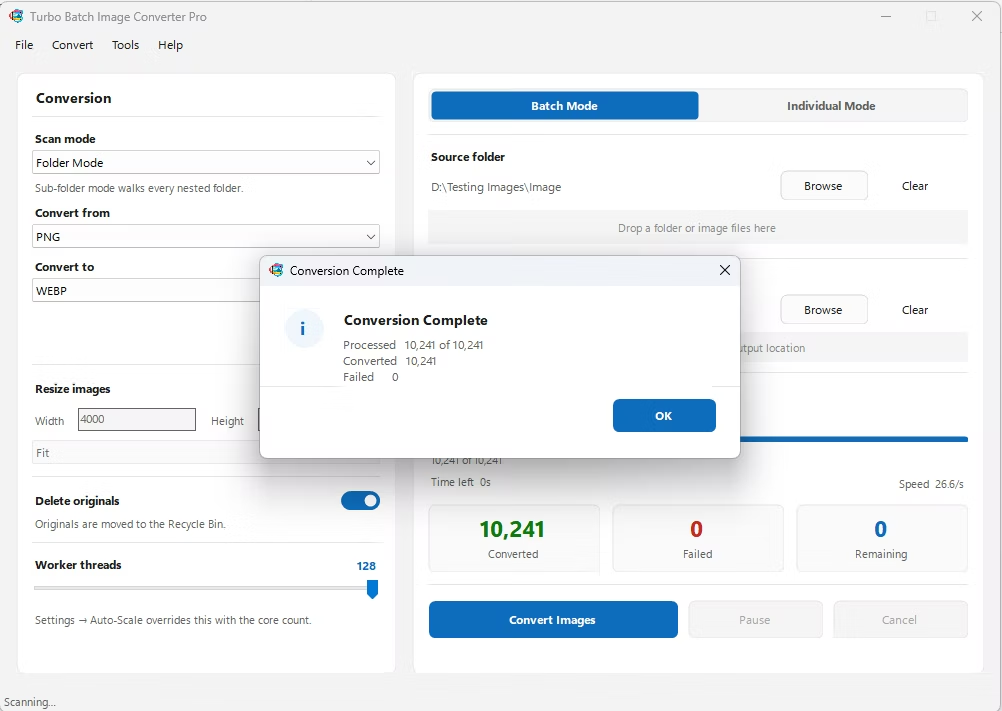
- Click Convert to start fast, parallel desktop processing.
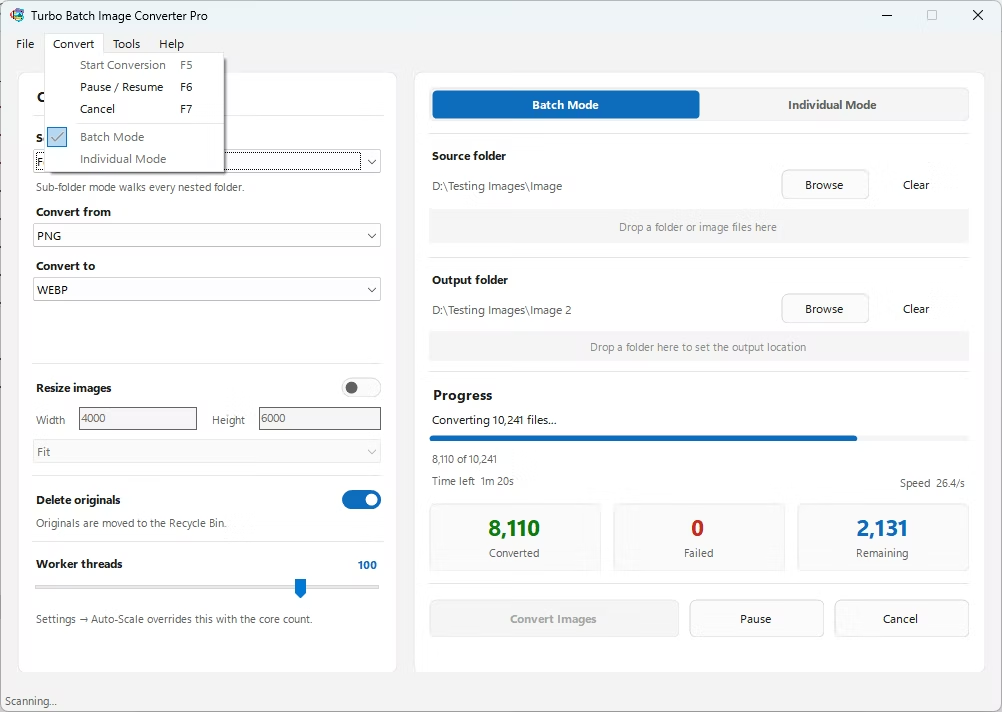
- Monitor live speed and progress on the conversion dashboard.
- Multi-threaded desktop engine scales up to 128 parallel workers
- Live dashboard shows conversion speed and time remaining
- Handles large collections without upload size limits
- Native desktop performance, not a browser-based queue
- Runs fully offline on your own Windows PC
How does desktop conversion compare in speed to online tools?
Because processing runs locally across multiple CPU cores instead of queuing uploads, desktop conversion is typically much faster for large collections.
Can I control how many CPU cores are used?
Yes, the worker count is adjustable in Settings, letting you balance conversion speed against other work on your PC.
Is there a limit to collection size?
No artificial limit is enforced; the practical limit is your available disk space and processing time.
Ready for fast, desktop-powered bulk image conversion on Windows?