A folder of everyday photos, whether from a phone export, a website gallery, or a shared drive, rarely needs the heavyweight tooling a professional photo suite demands. What it needs is a fast, simple way to convert every photo in the folder at once.
Turbo Batch Image Converter Lite converts an entire folder of photos in one pass, covering JPEG, PNG, WebP, GIF, BMP, TIFF, SVG and ICO, so common photo formats can all be batch-converted together quickly, without a bulky install.
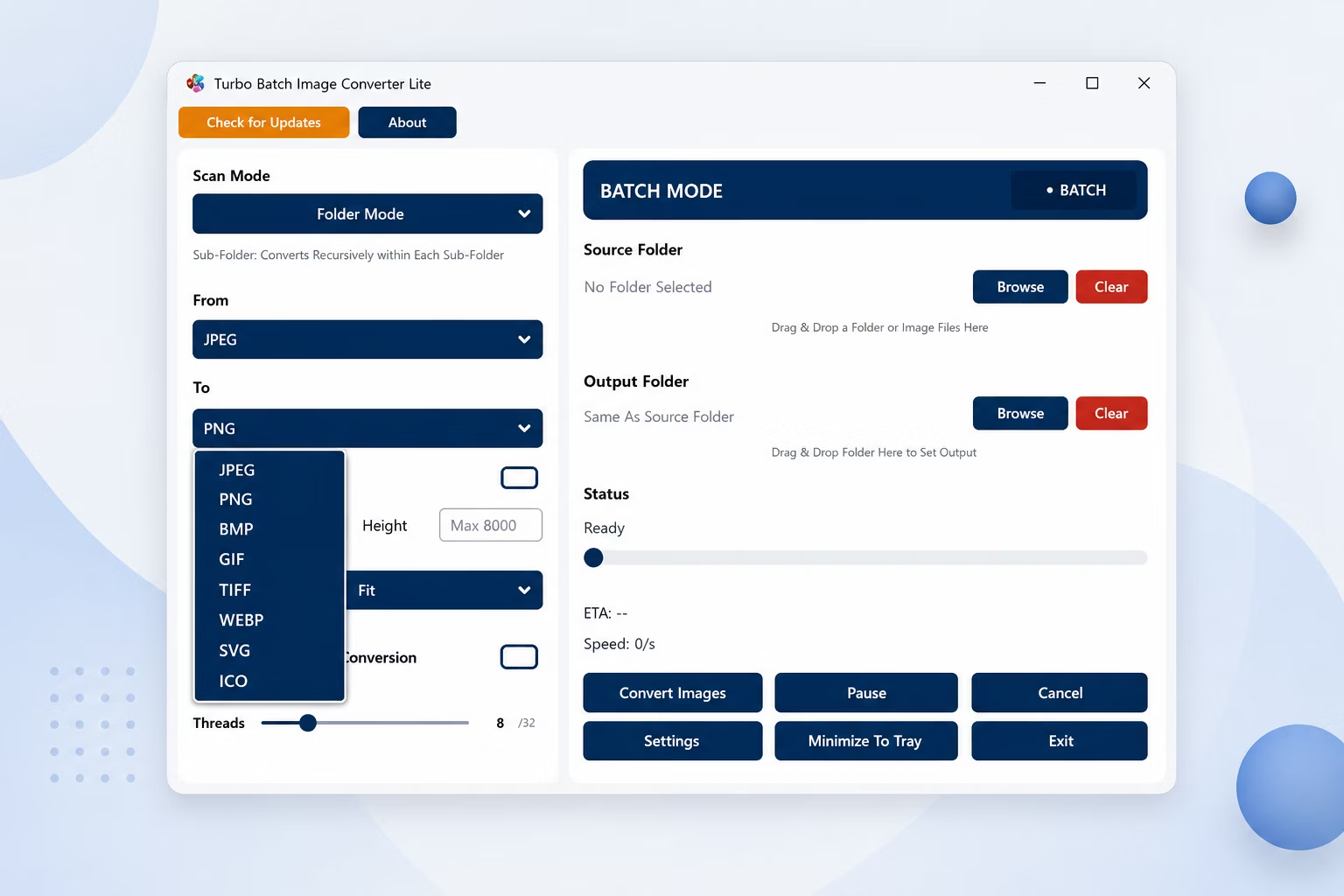
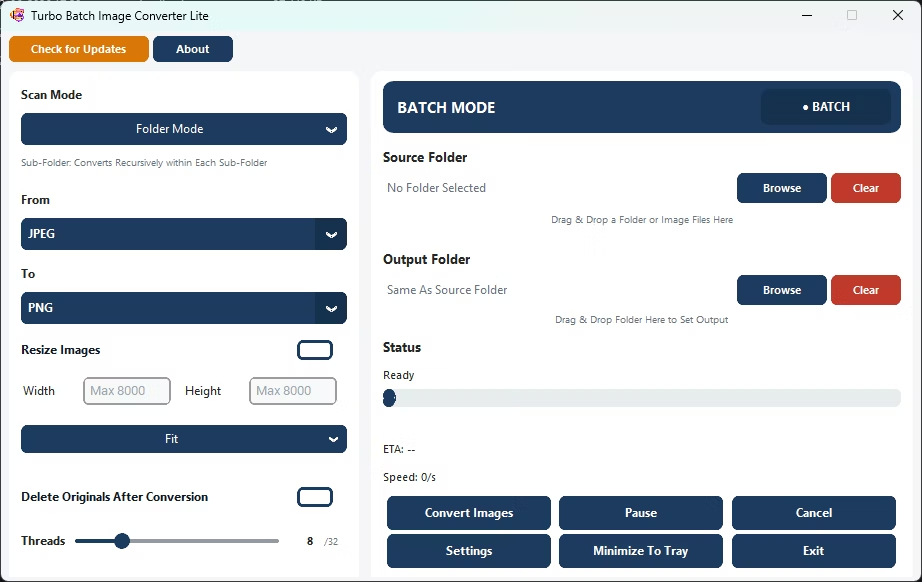
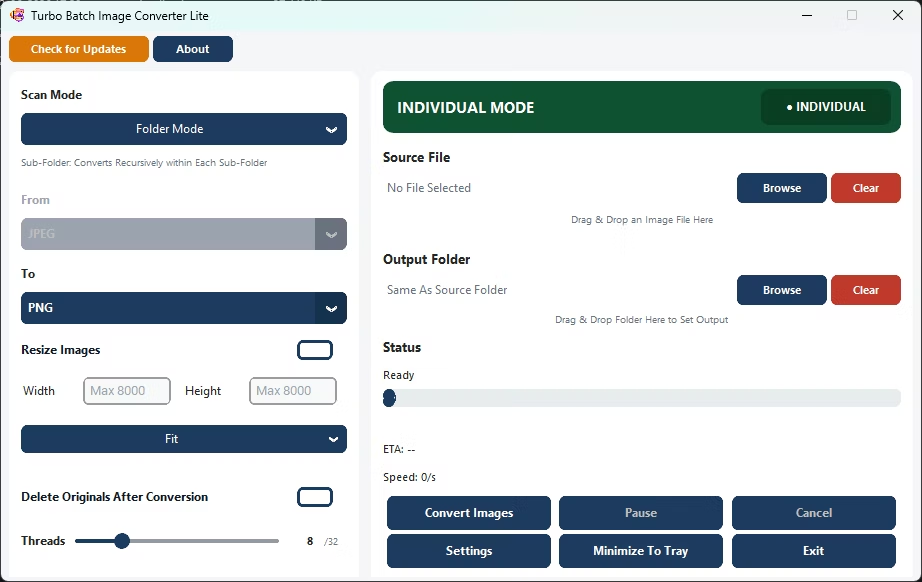
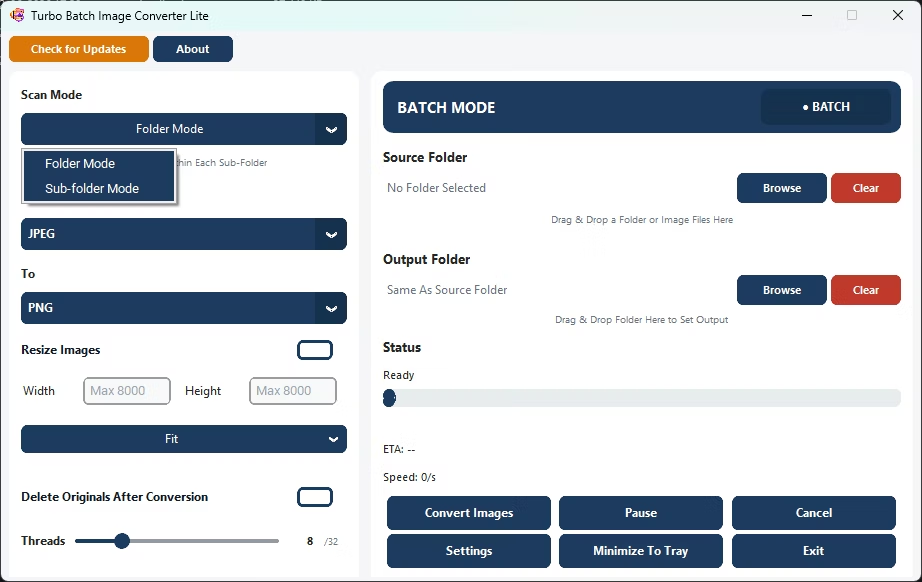
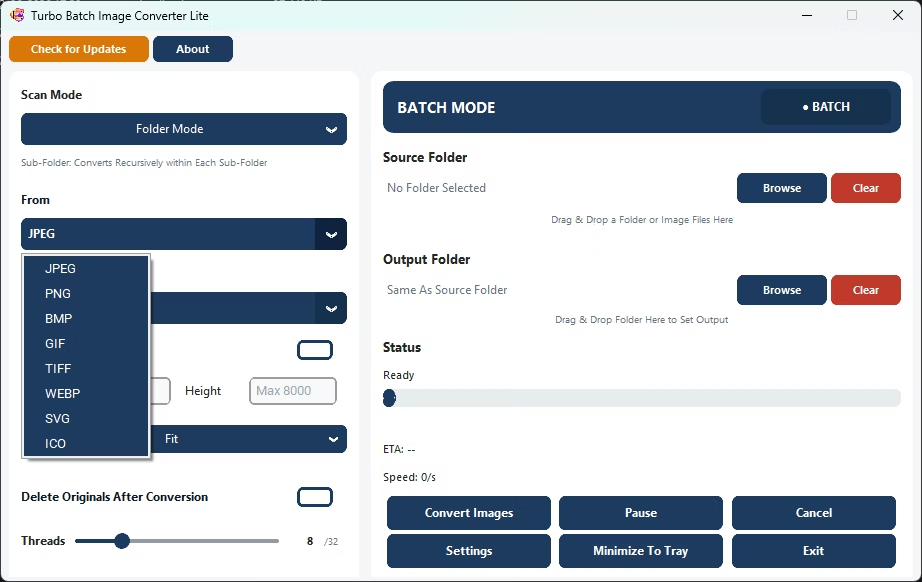
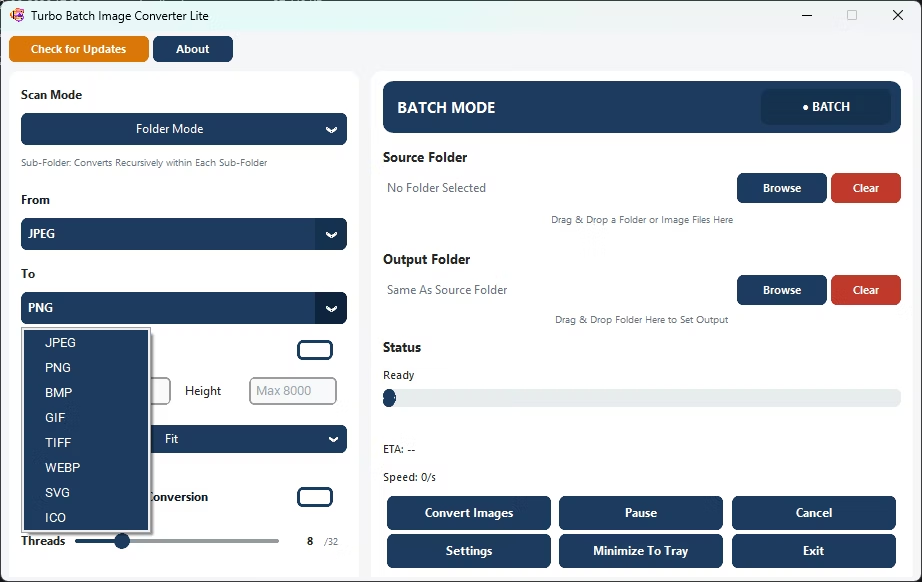
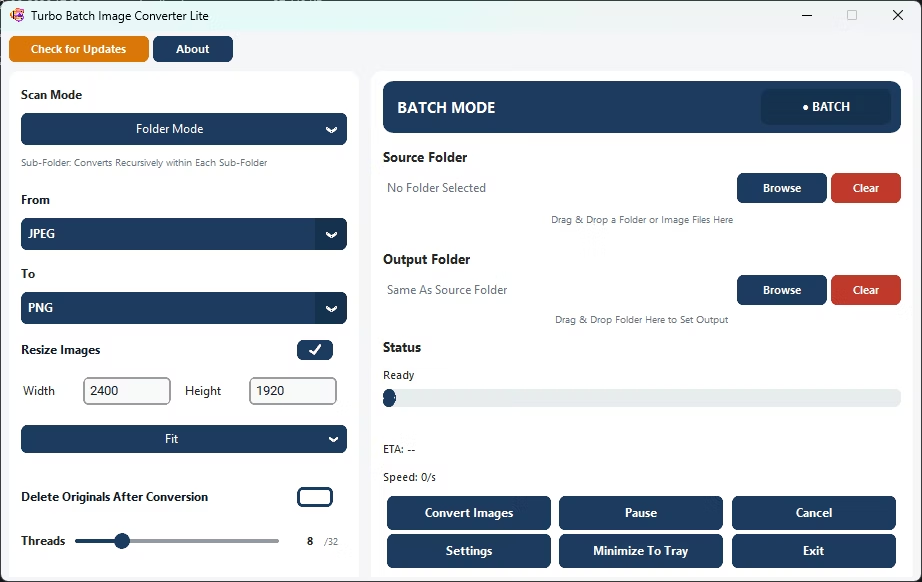
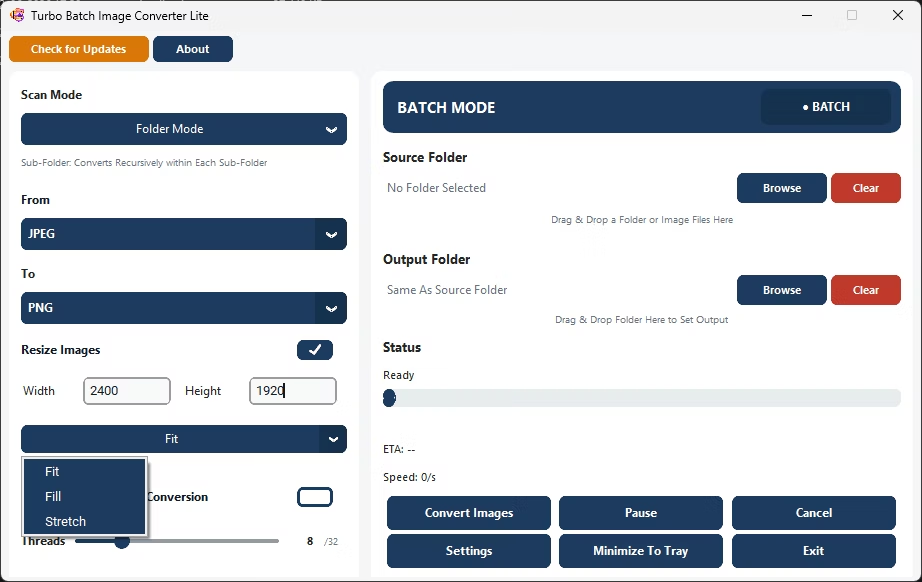
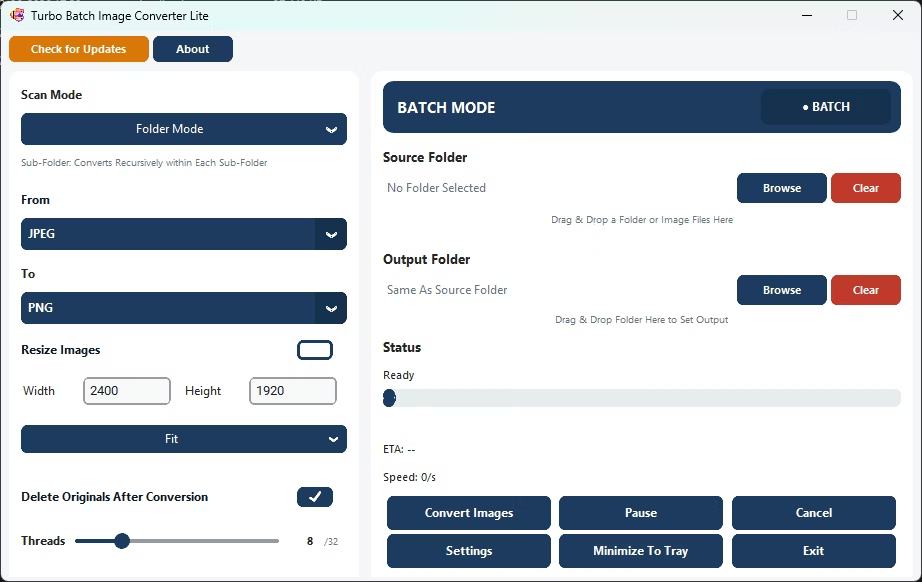
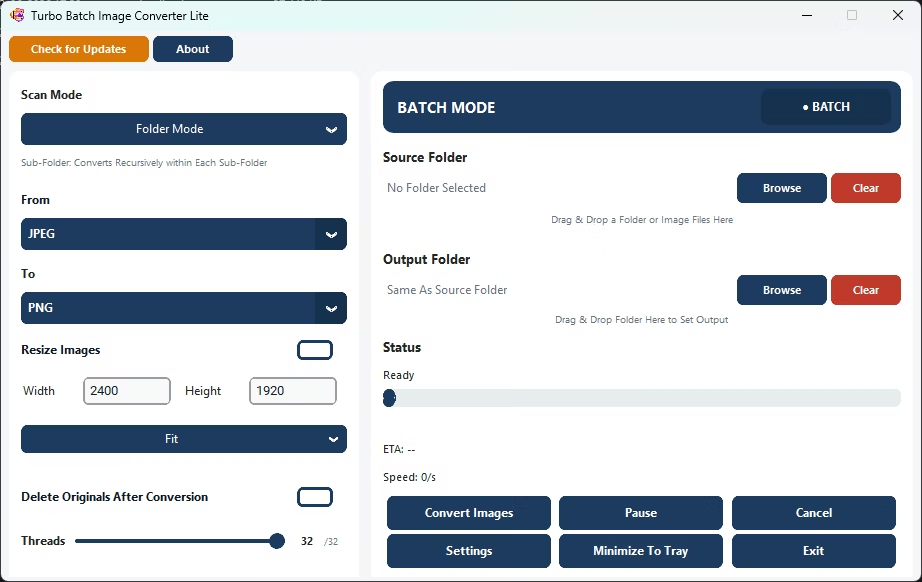
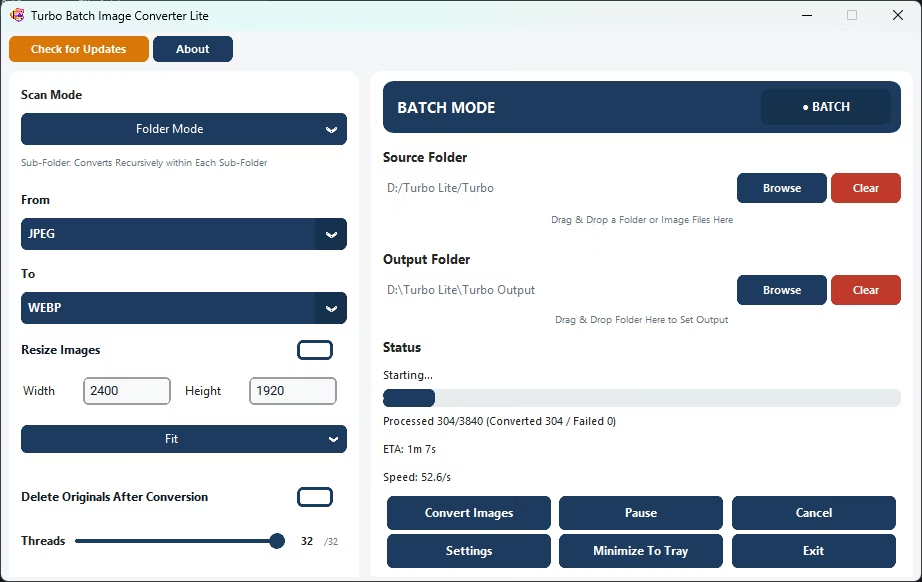
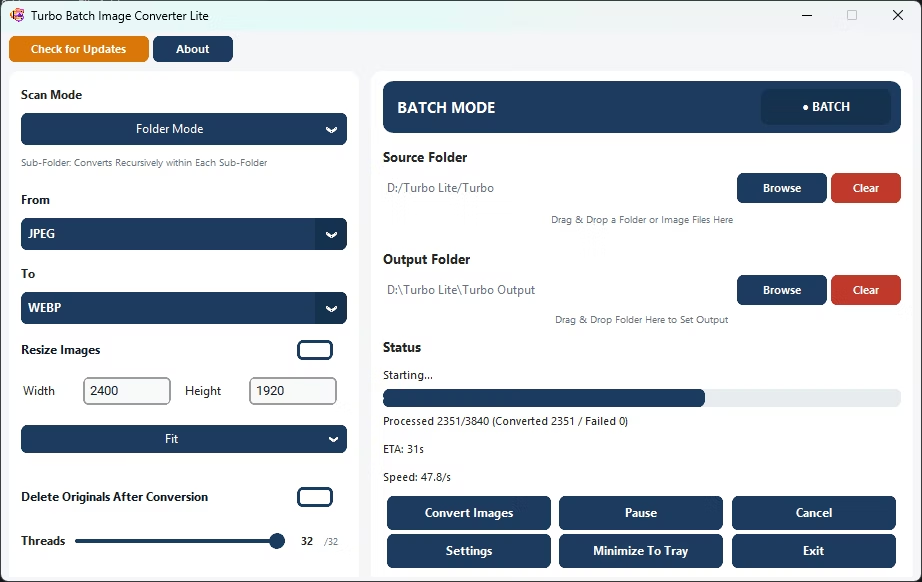
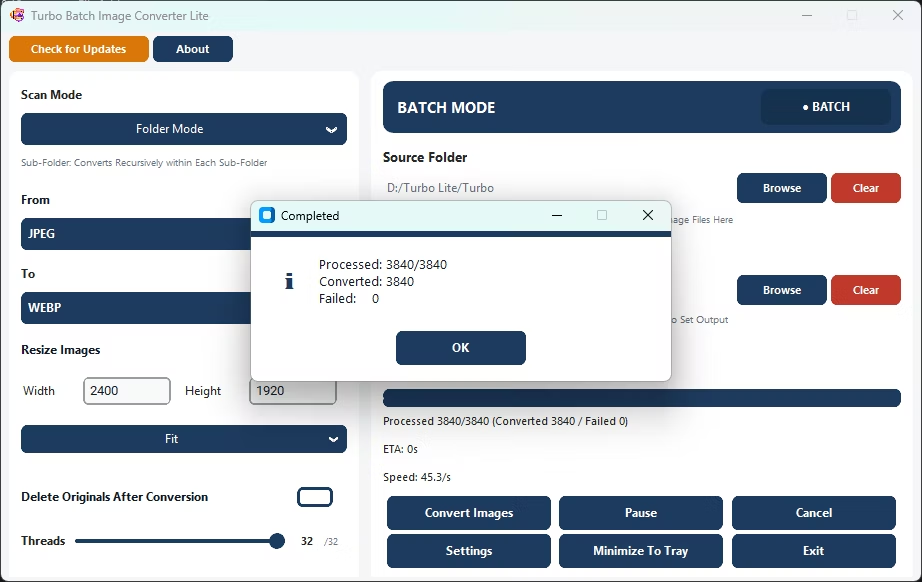
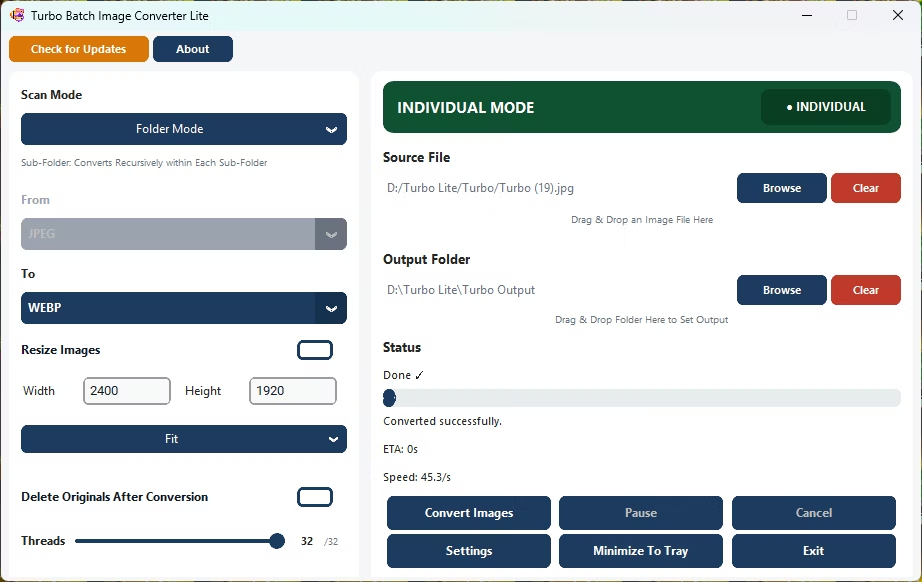
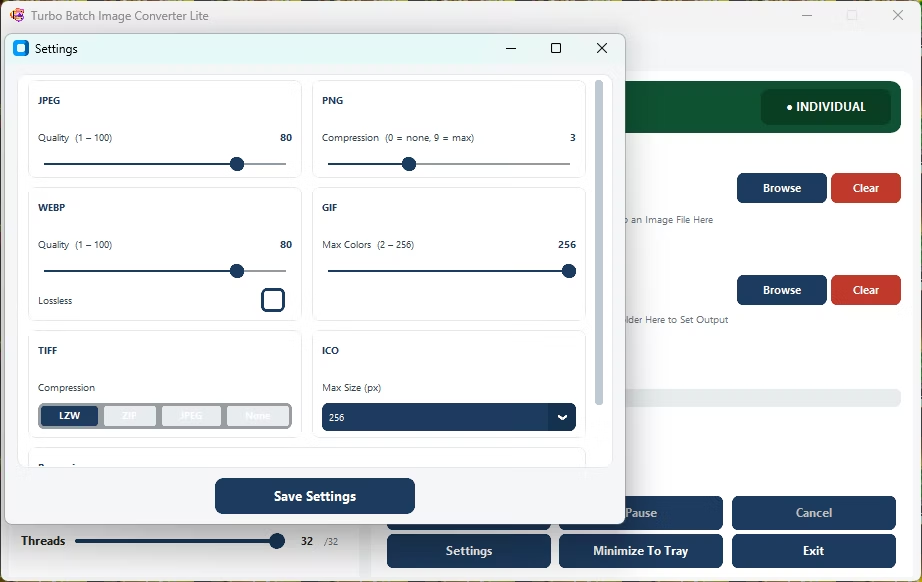
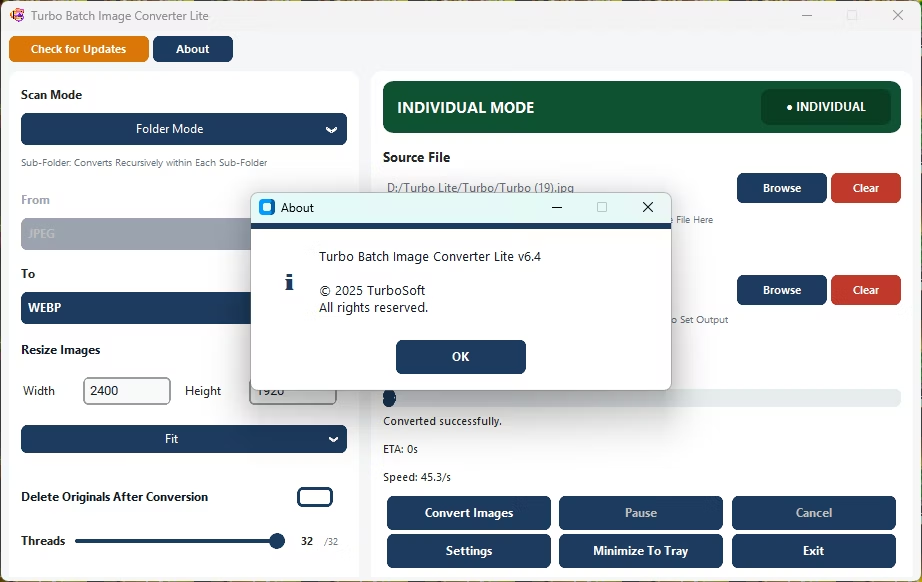
- Install Turbo Batch Image Converter Lite on your Windows PC.
- Open Batch Mode and select your photo folder.
- Set the source format, or leave it to auto-detect mixed formats.
- Choose your target photo format.
- Optionally enable resizing to prepare photos for web or sharing.
- Click Convert to process the whole folder of photos at once.
- Covers the 8 formats most people actually use day to day
- Processes an entire photo folder in one quick run
- Per-format quality settings keep photo detail intact
- Optional batch resize for web or sharing
- Fully offline, so photos never leave your PC
Is this app fast for everyday photo folders?
Yes, its lightweight, multi-threaded engine is built to convert everyday photo folders quickly without a heavy install.
Will converting in bulk reduce my photo quality?
You control the output quality with per-format compression settings, letting you balance file size against visual detail.
Does it handle RAW camera photos?
No, Turbo Batch Image Converter Lite focuses on everyday formats; for RAW support, see Turbo Batch Image Converter Pro.
Ready to convert your photos quickly, fully offline and for free?