Unlike most everyday image formats, AVIF was actually designed with HDR support in mind, supporting up to 12-bit color depth and HDR transfer characteristics for displays that can take advantage of them. OpenEXR, the floating-point format used throughout VFX and film production, still works at a different precision level entirely — 16 or 32-bit float compared to AVIF's 12-bit integer — but converting an HDR-encoded AVIF to EXR can carry forward more of that extended range than converting a standard 8-bit image would.
This matters most if your source AVIF was actually created with HDR content in mind; a standard 8-bit AVIF photo won't gain dynamic range simply by changing its container to EXR, since the conversion can't add highlight or shadow detail that was never captured.
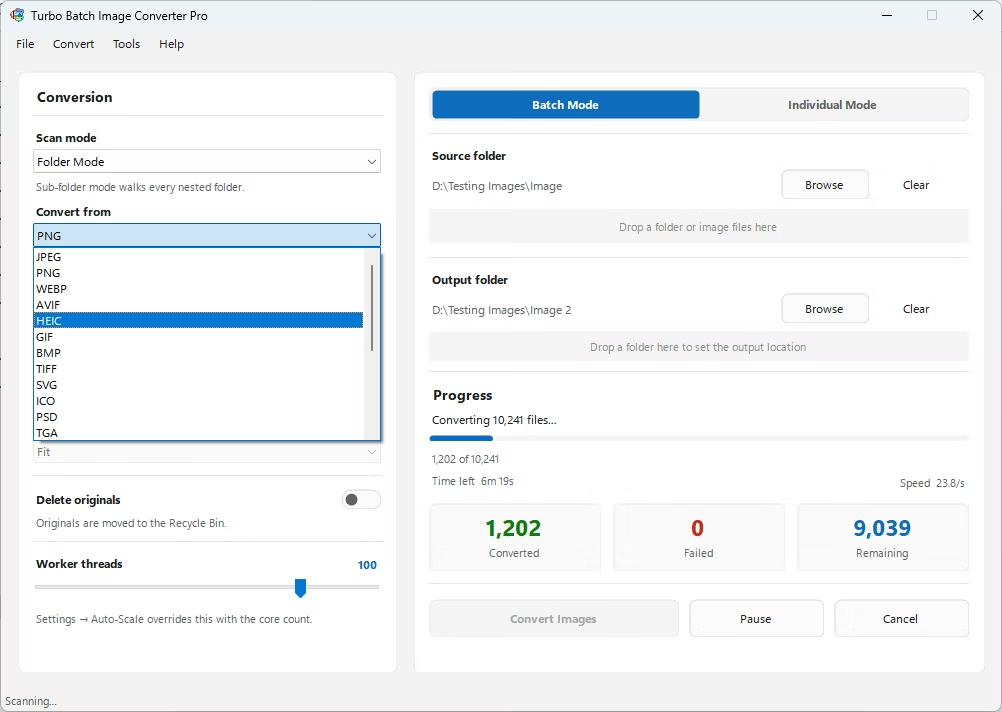
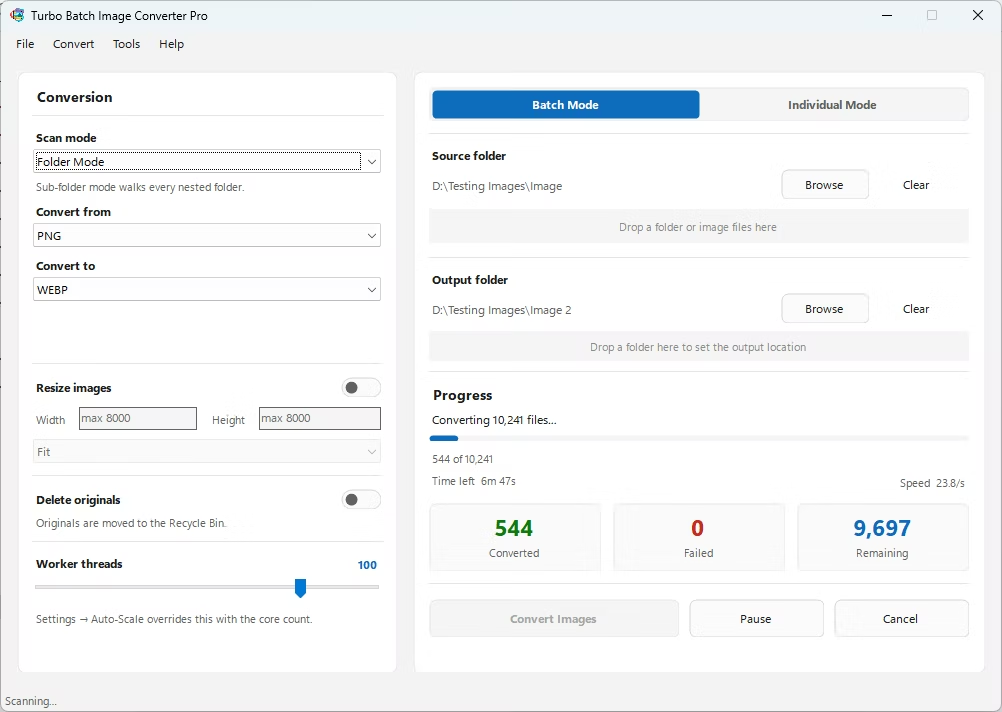
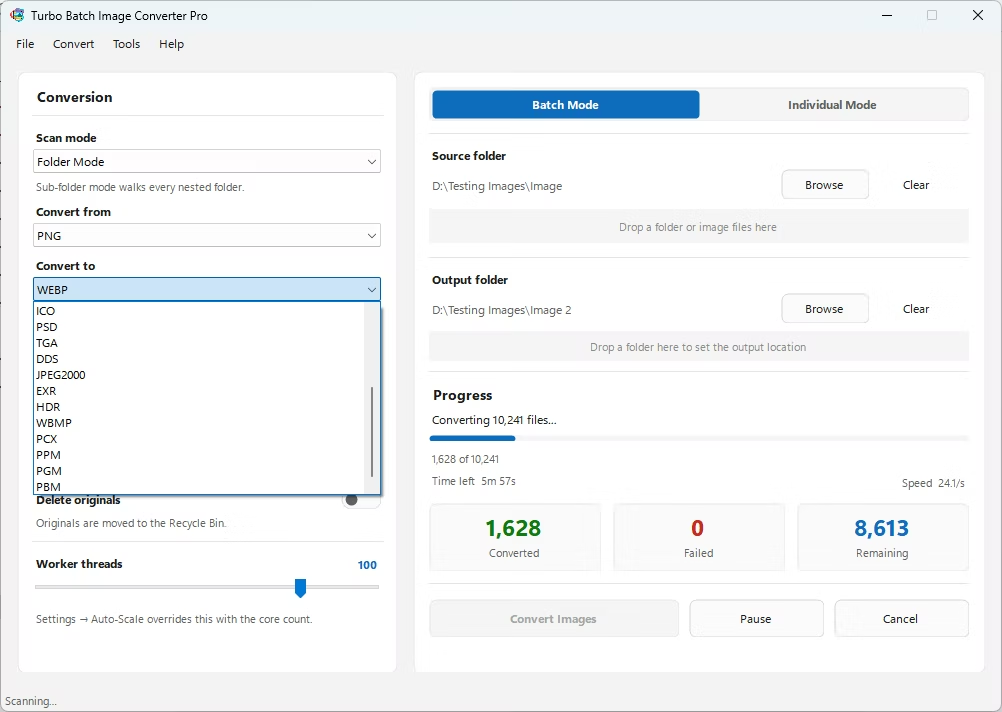
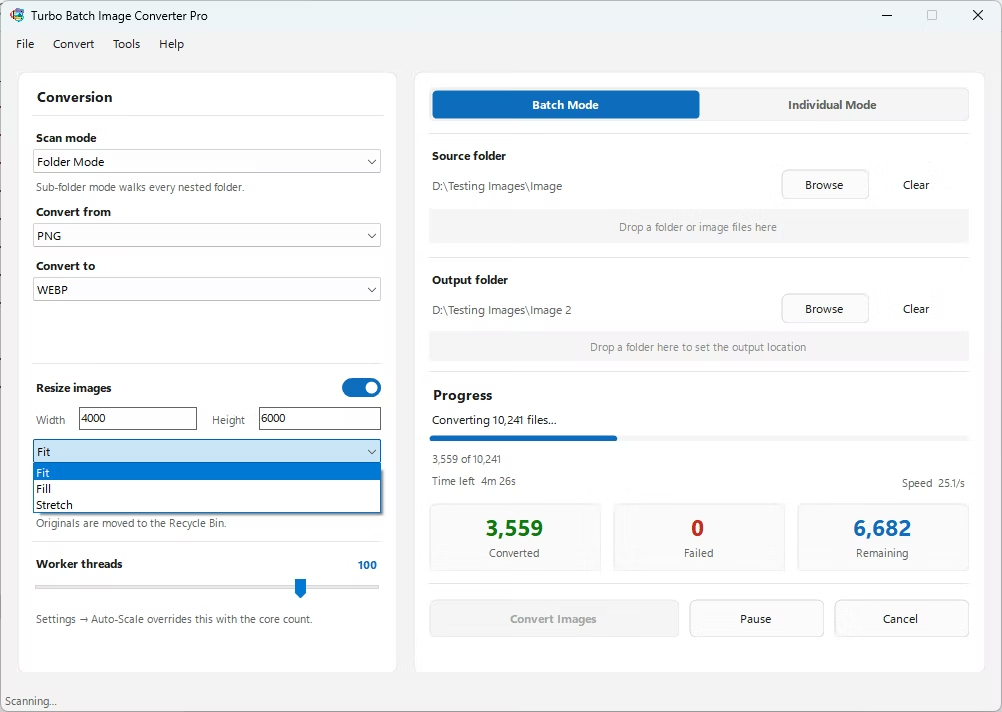
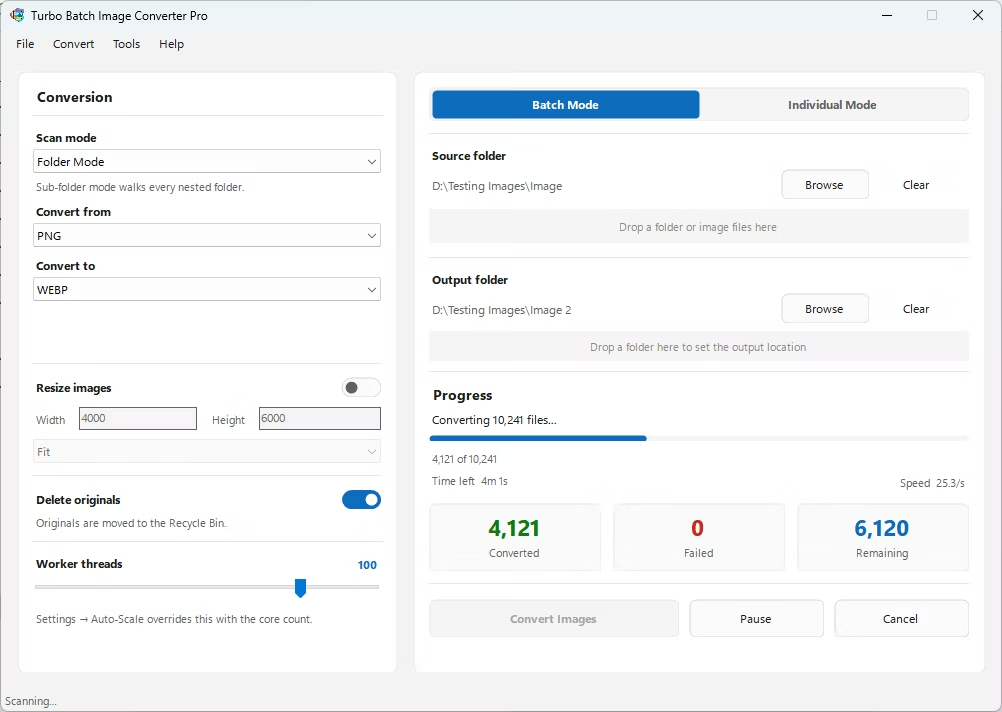
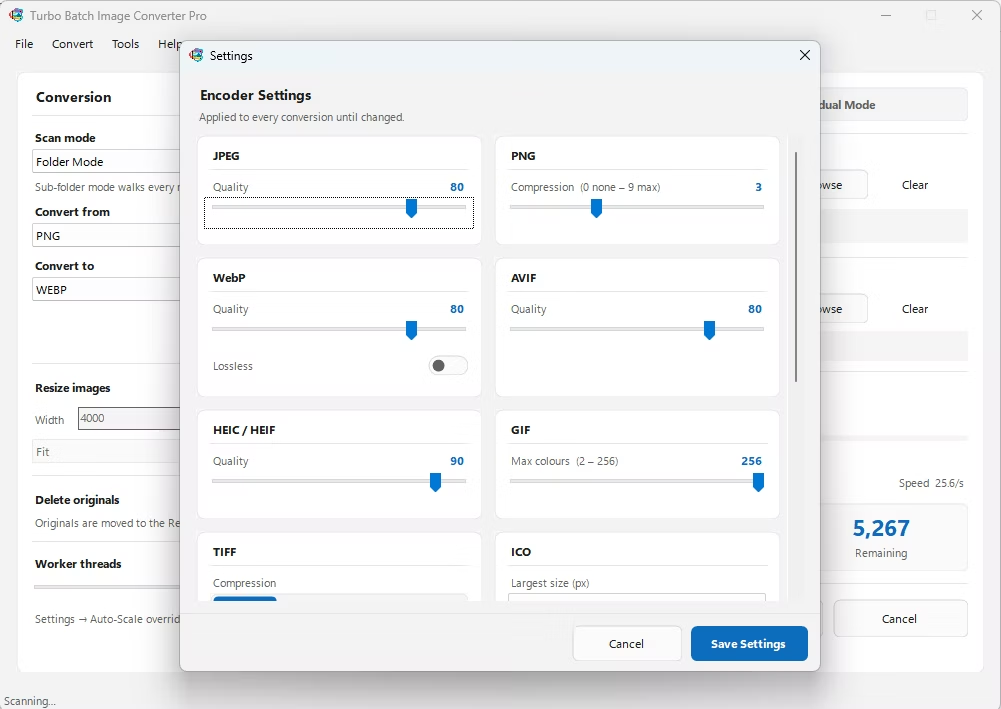
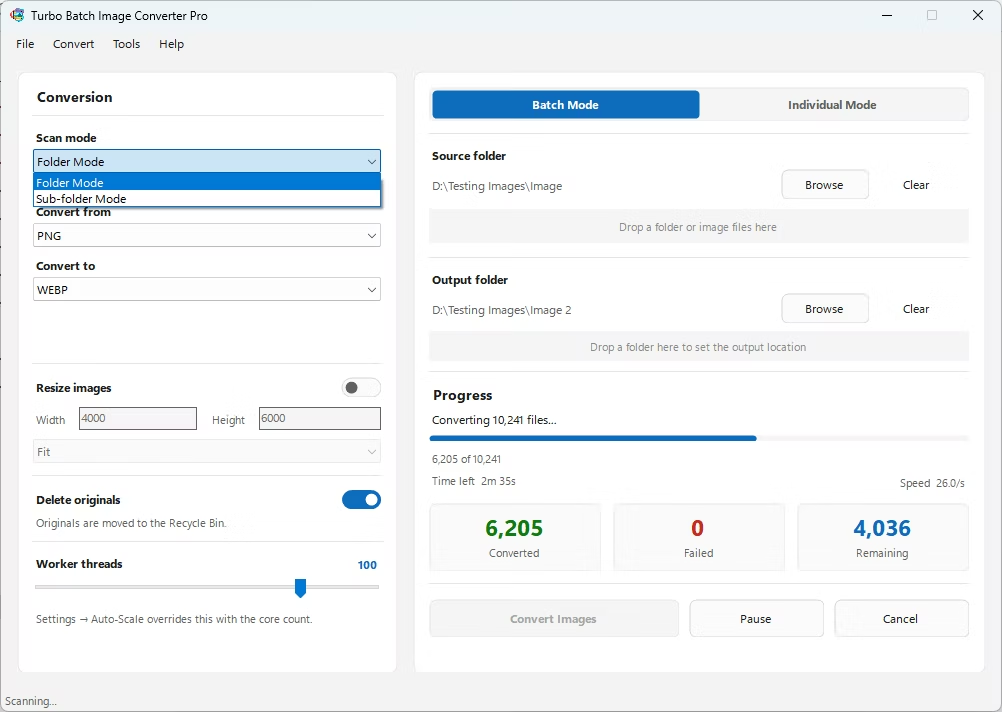
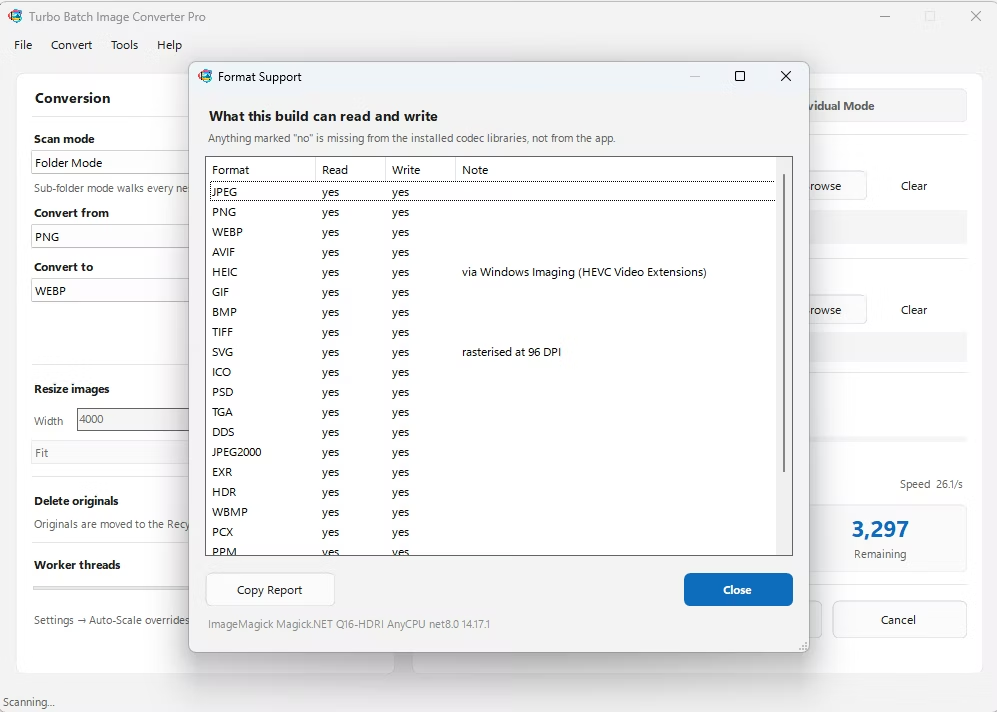
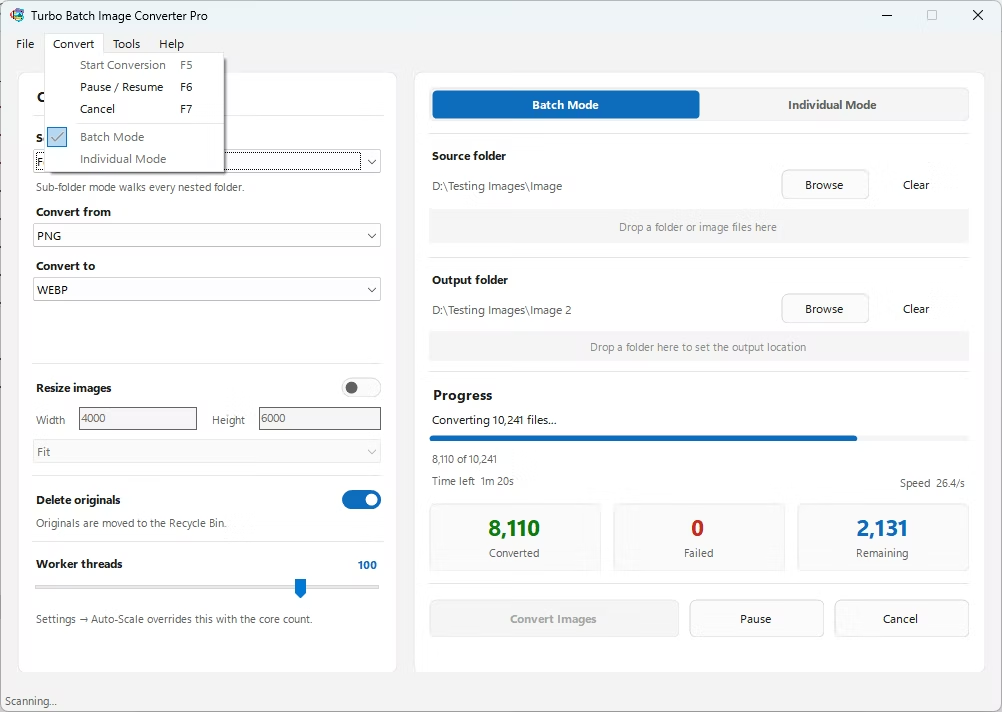
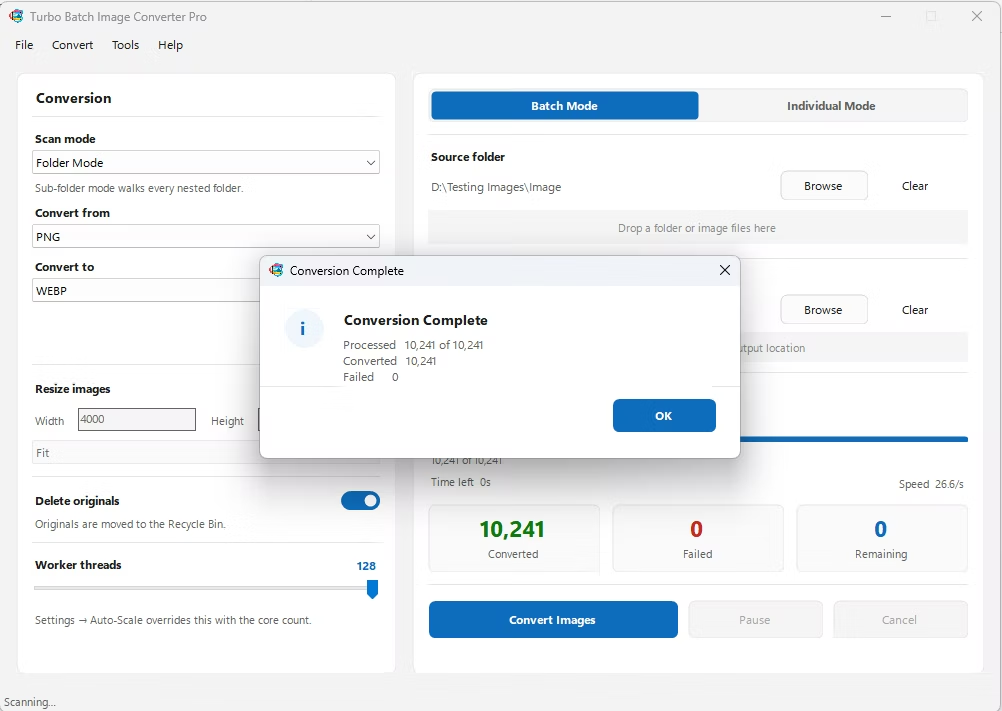
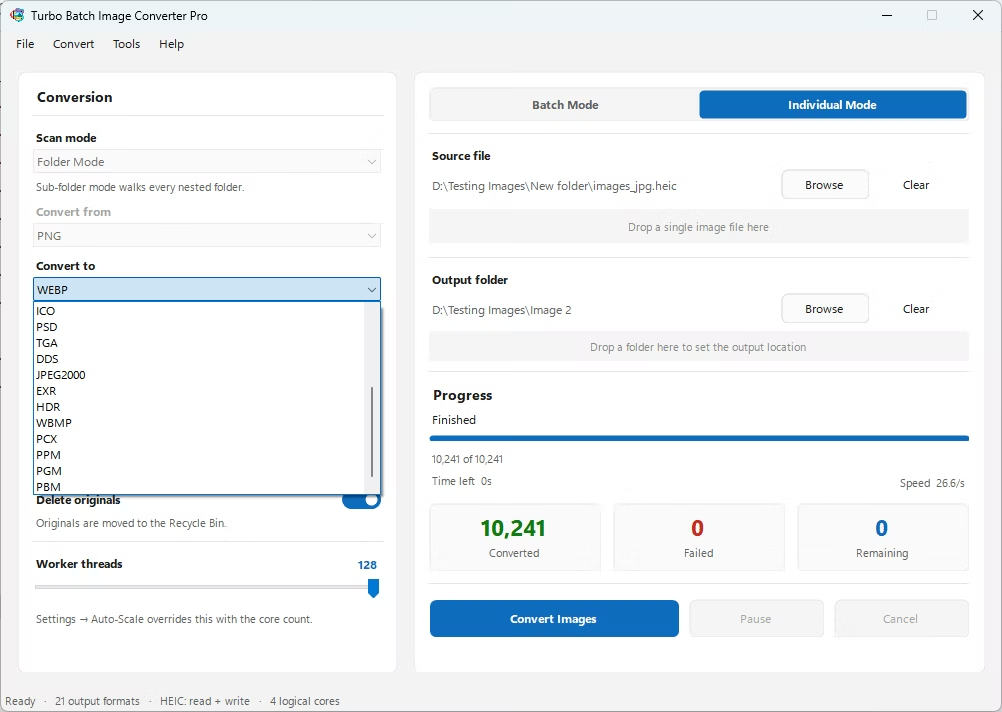
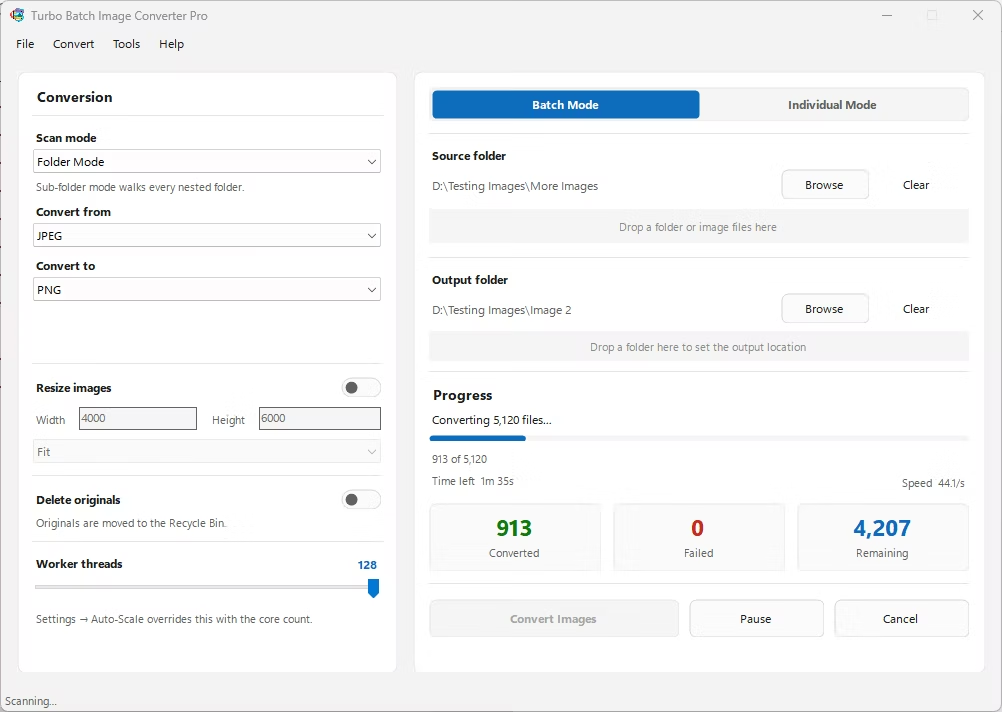
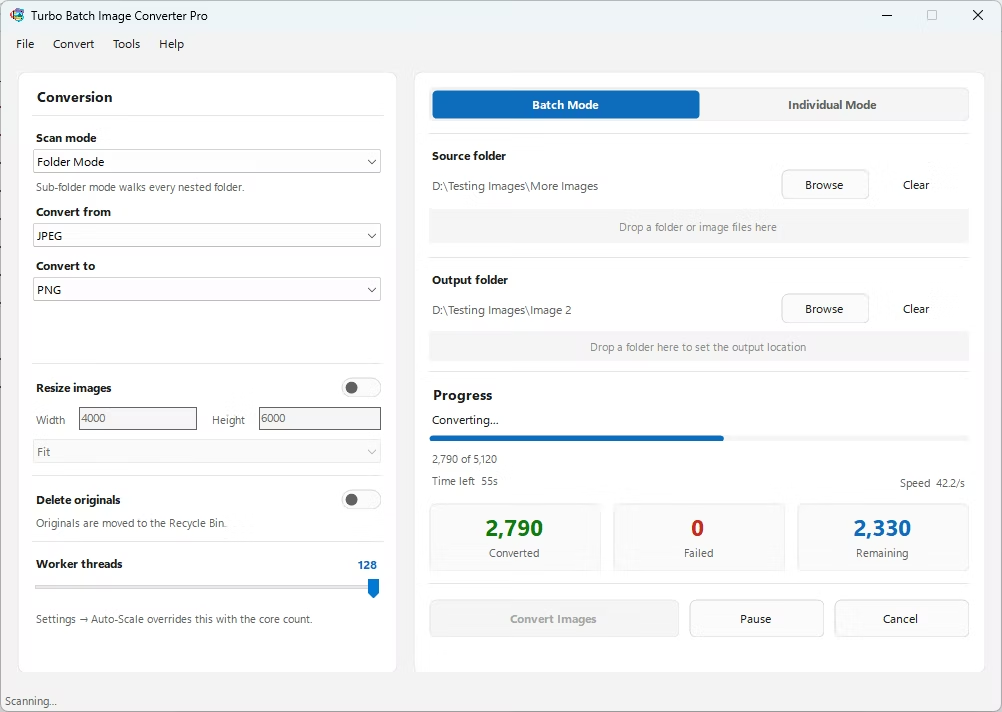
- Install Turbo Batch Image Converter Pro on your Windows PC.
- Open the app and select Batch Mode for multiple files, or Individual Mode for a single AVIF file.
- Drag your AVIF file or folder into the app window, enabling recursive folder scanning if needed.
- Set the "From" format to AVIF and the "To" format to EXR.
- Click Convert. EXR files are written to the output folder, fully offline.
- 100% offline — your images are never uploaded anywhere
- Bulk conversion of entire folders, including sub-folders, in one click
- Produces EXR files compatible with Nuke, Blender, Maya, and other VFX software
- Multi-core processing for fast handling of large batches
- Option to delete original AVIF files automatically after conversion
- No recurring subscription or hidden upload limits
Does AVIF actually support HDR content?
Yes, unlike many everyday formats, AVIF supports up to 12-bit color depth and HDR transfer characteristics, making it one of the few common formats with genuine HDR capability.
Will converting AVIF to EXR add dynamic range?
Only if the source AVIF was actually encoded with HDR content. A standard 8-bit AVIF photo won't gain highlight or shadow detail simply by converting to EXR's higher-precision container.
Why would I need an AVIF image in EXR format?
VFX and compositing software like Nuke, Flame, and After Effects are built around EXR as a native working format, so converting can simplify bringing reference images into those pipelines.
Ready to convert your images offline, in bulk, with full privacy?