"Top rated" for a piece of software usually comes down to a combination of factors: how reliably it does what it claims, how complete its feature set is for real-world use, how often users run into bugs or limitations, and whether it keeps improving over time. For a renaming tool specifically, that translates into things like rule variety, a safe preview-before-you-commit workflow, and not introducing unwanted formatting like brackets or parentheses that Windows' own batch rename feature adds.
Rather than chasing a single ranking number, it's worth looking at the same criteria reviewers and users tend to weigh, then judging a given tool against your own actual renaming needs.
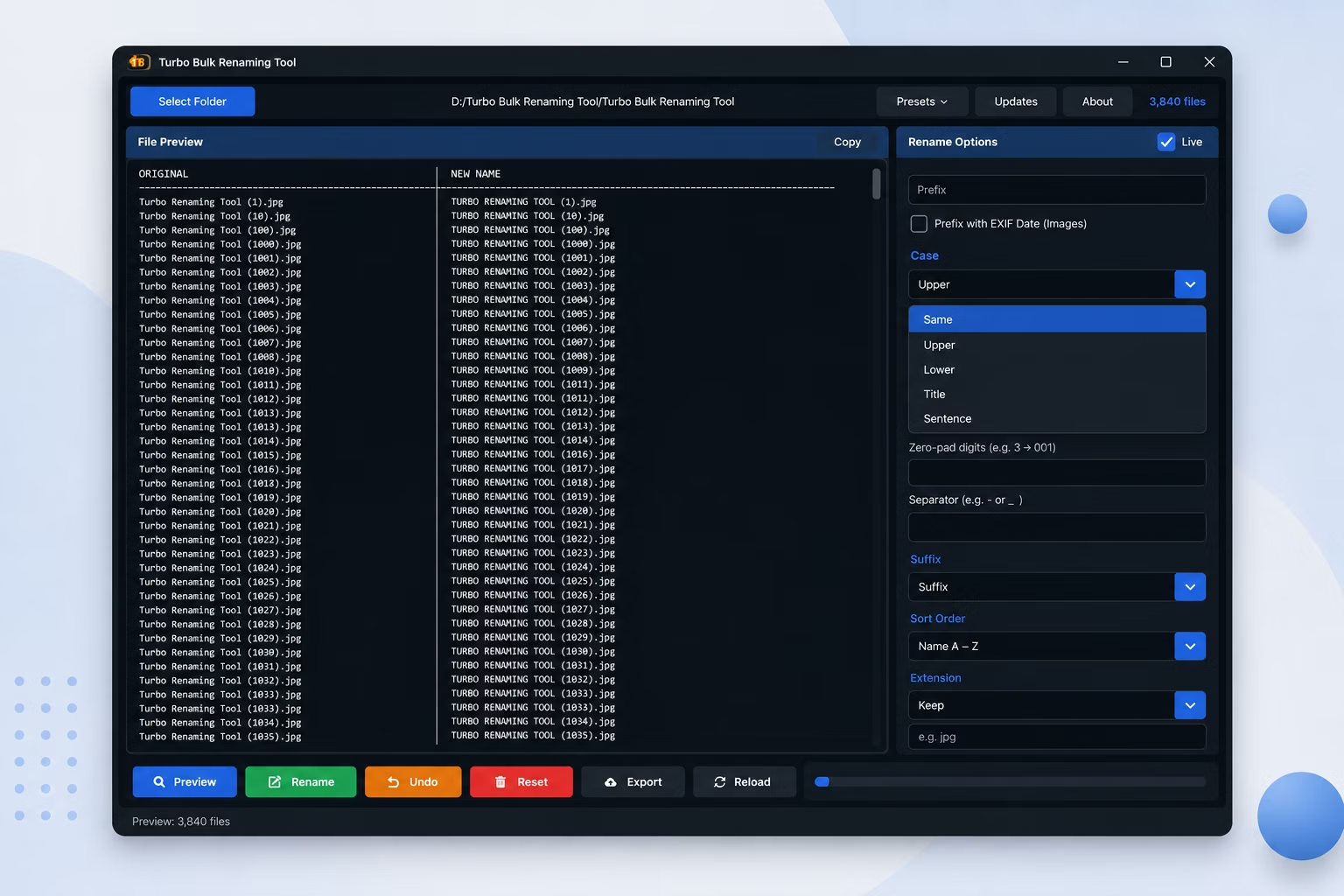
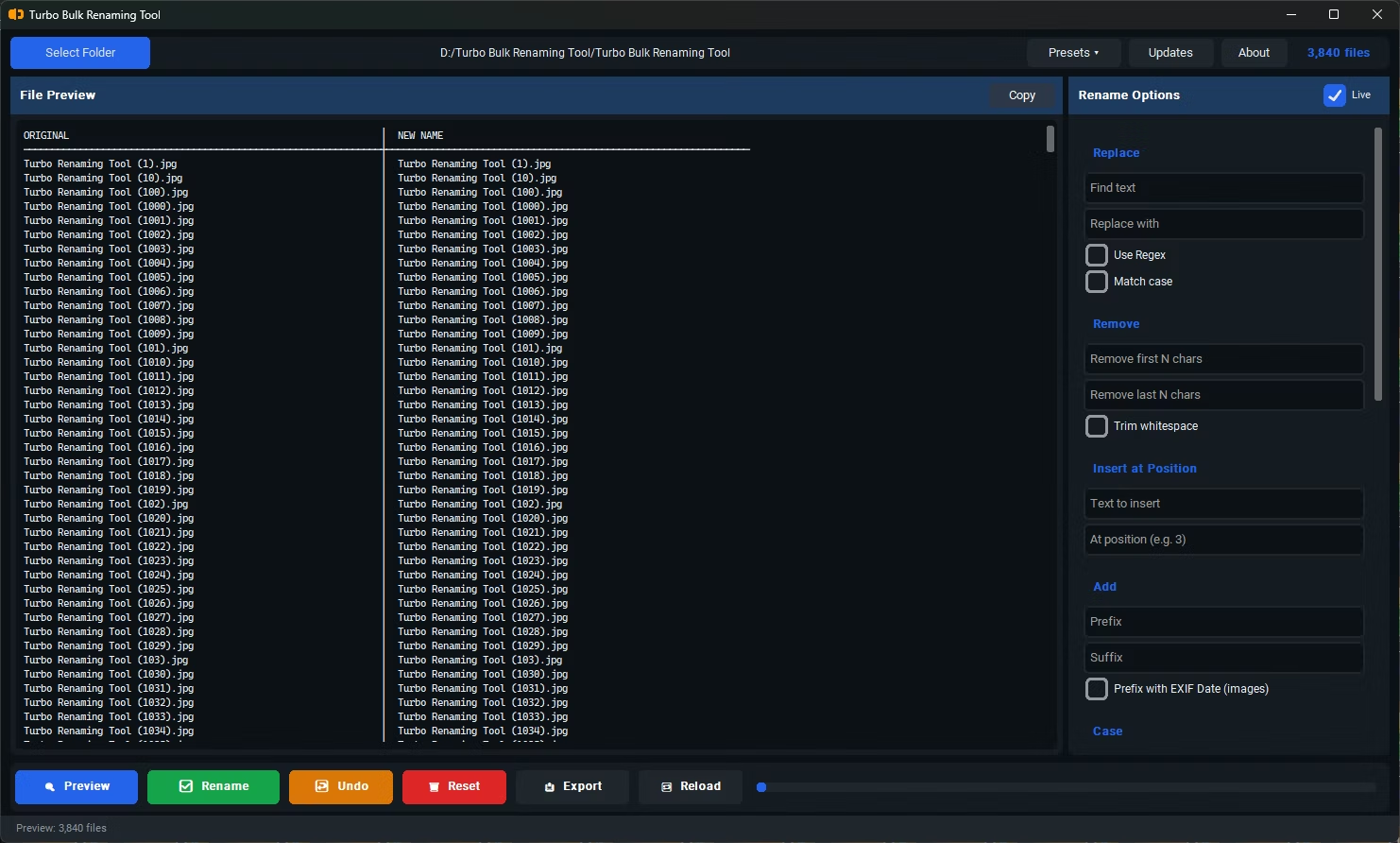
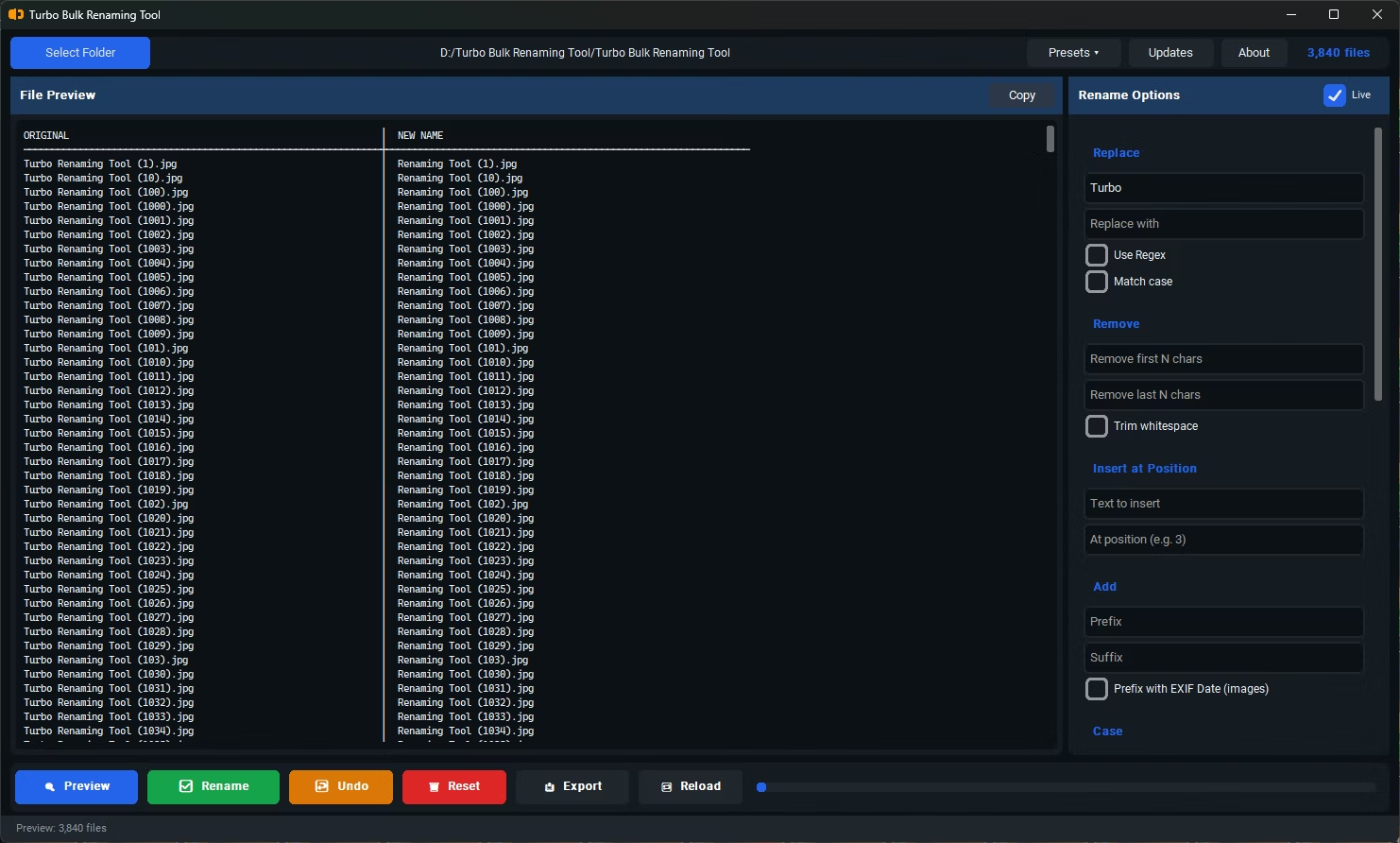
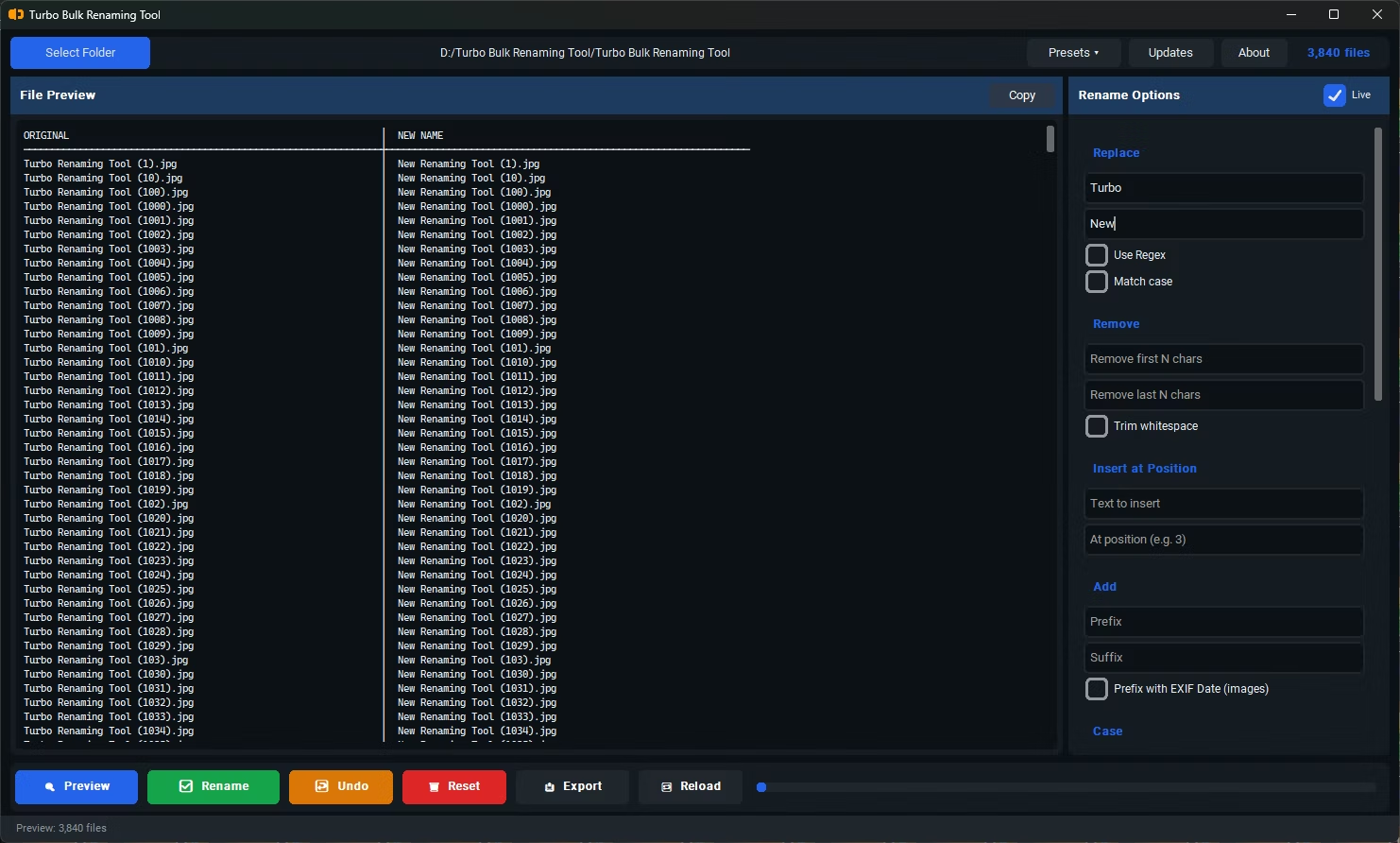
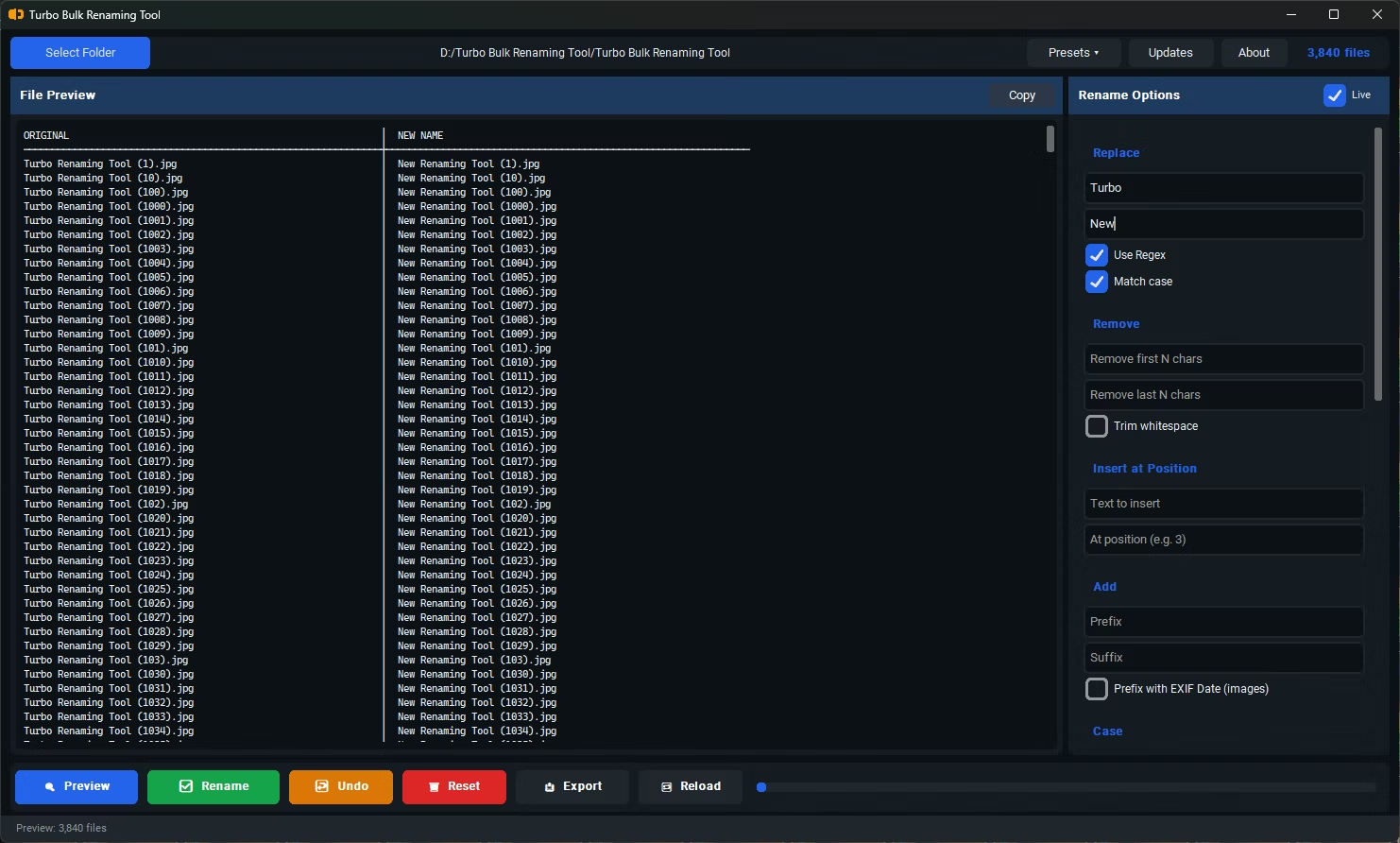
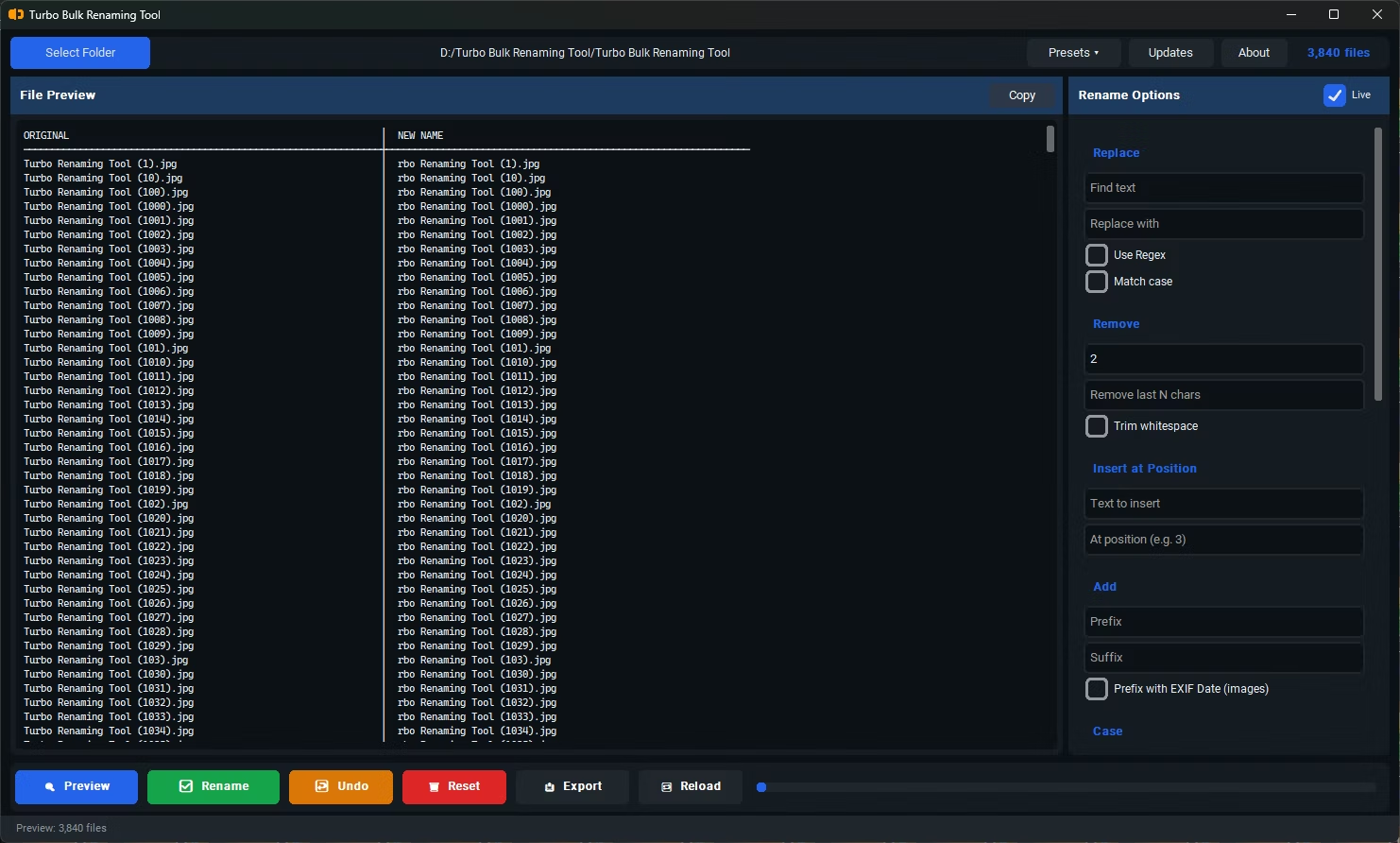
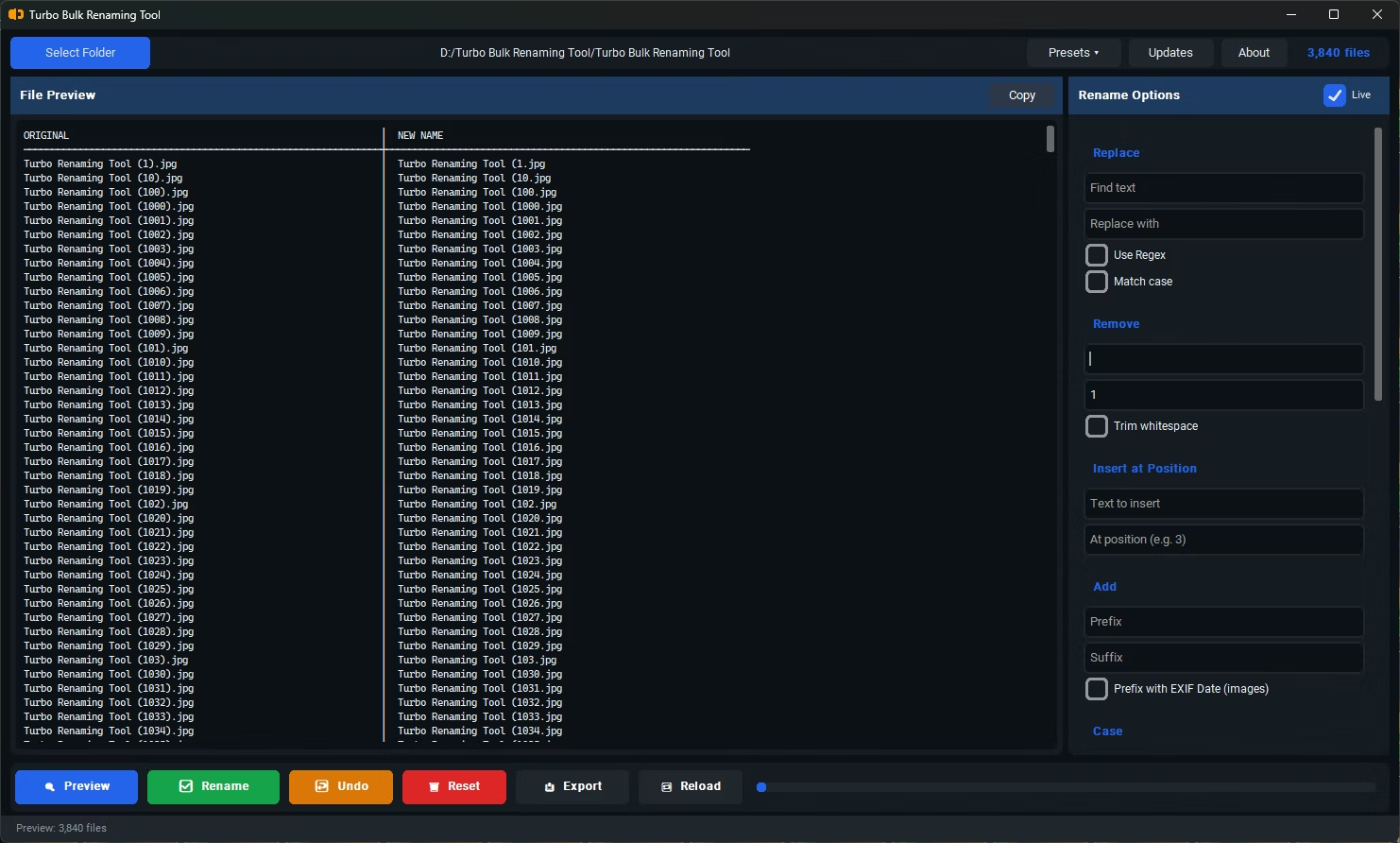
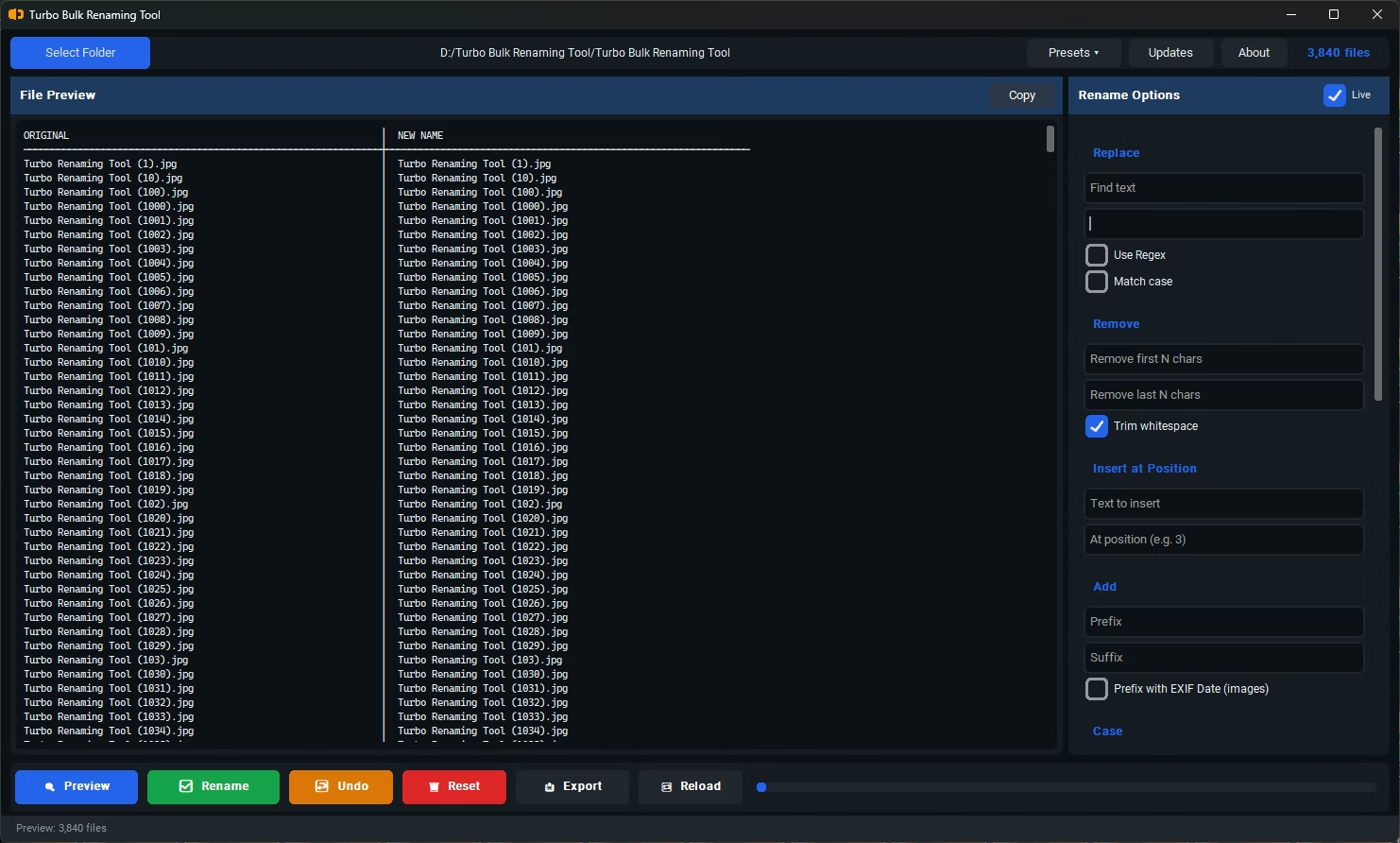
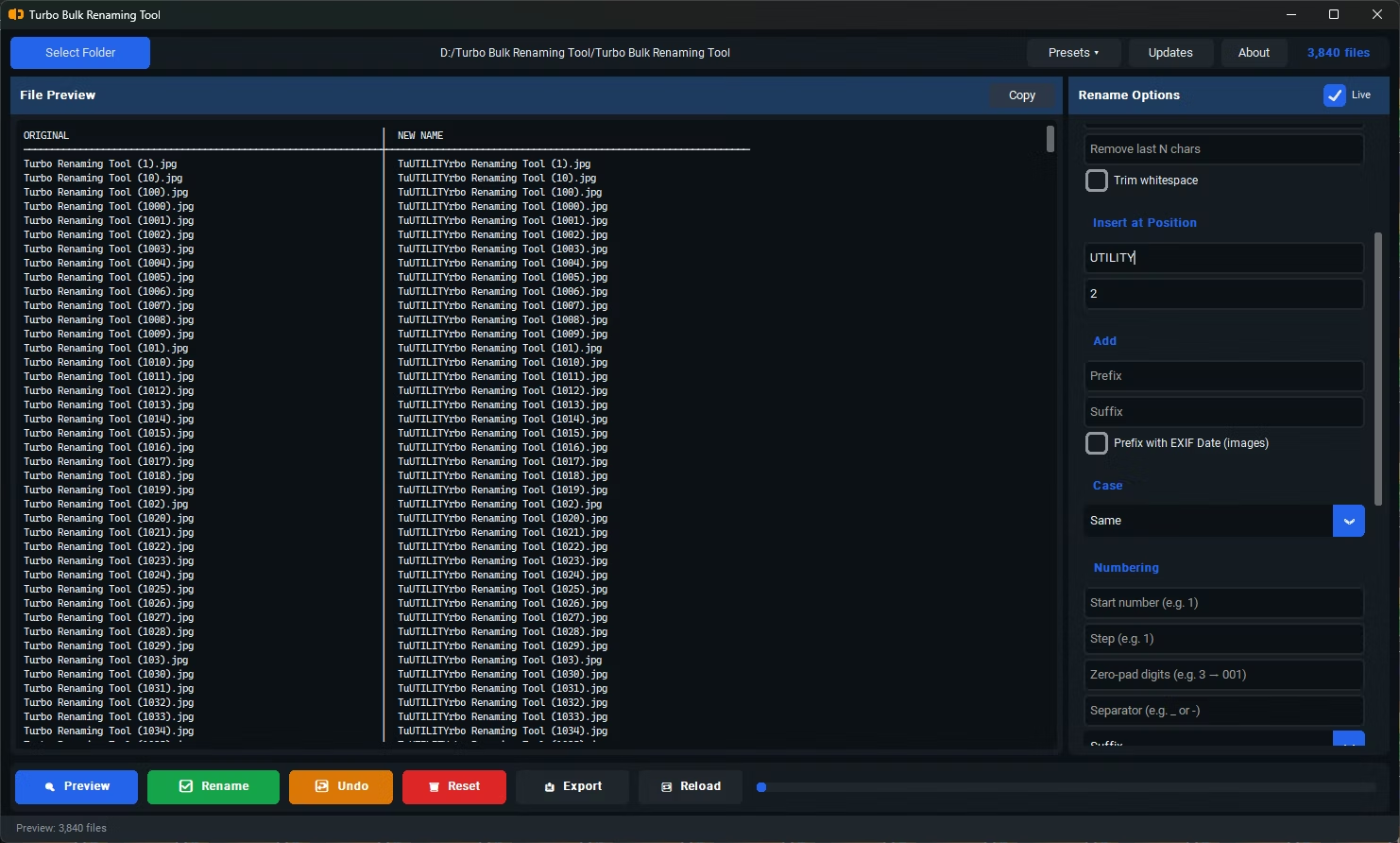
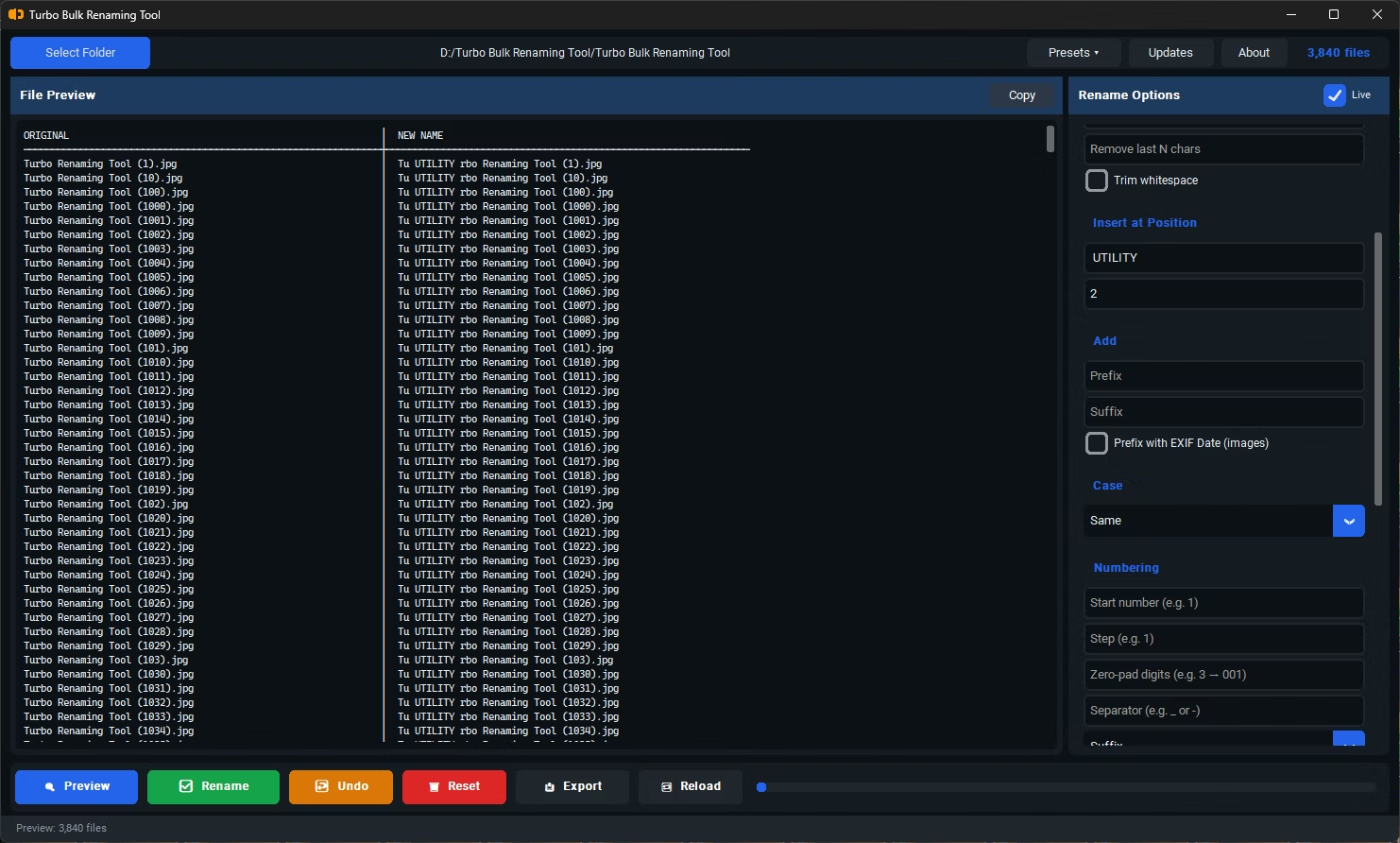
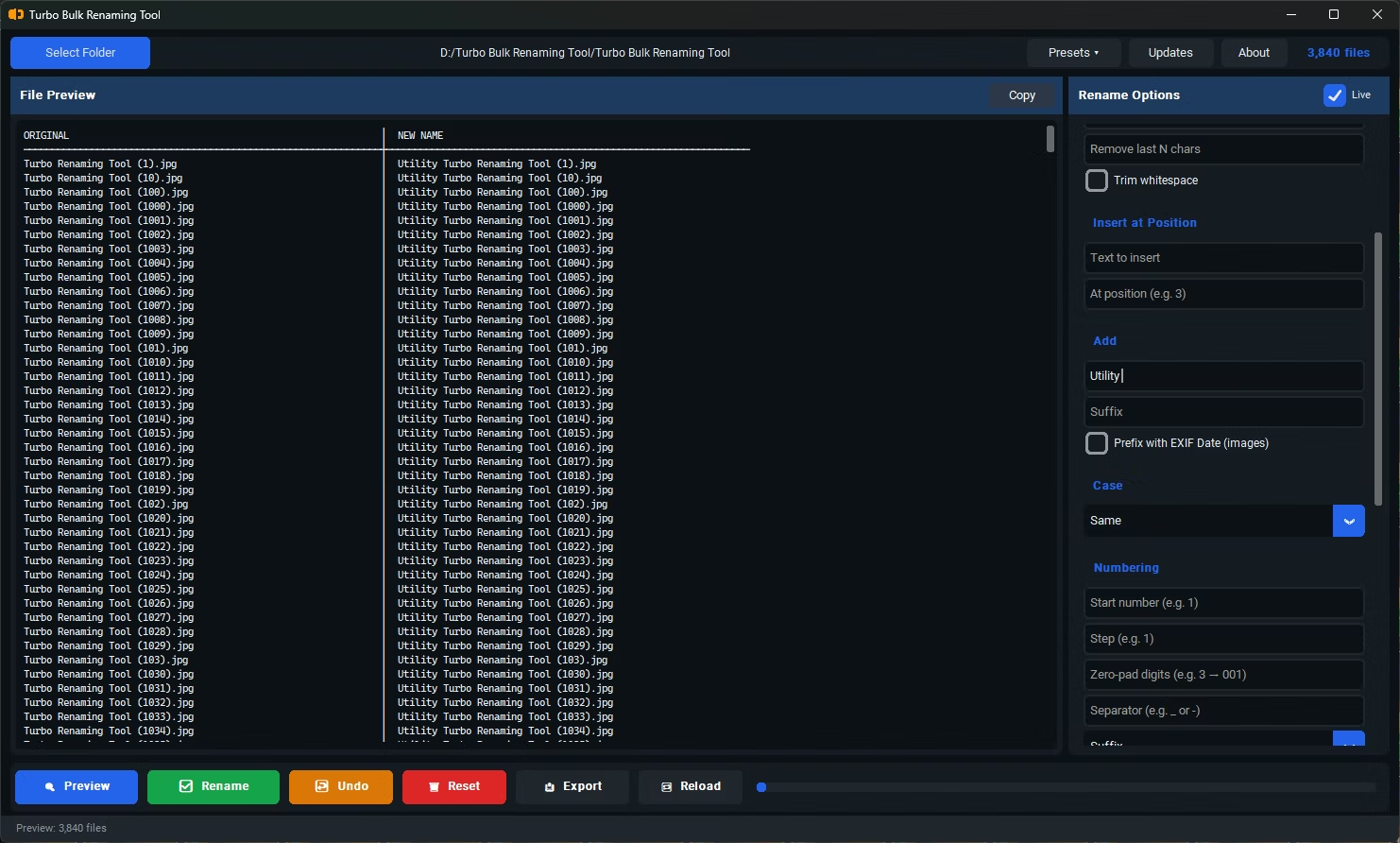
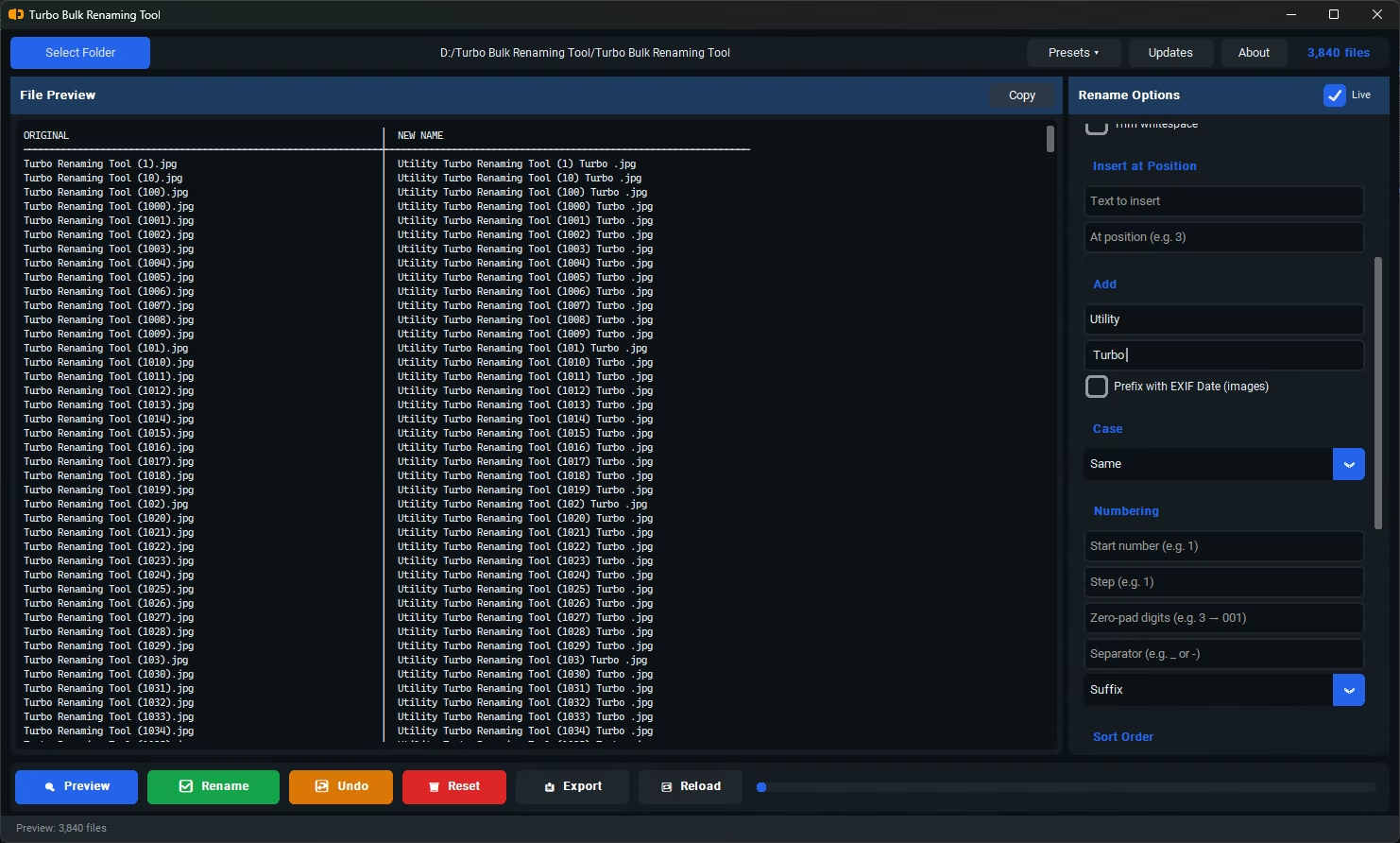
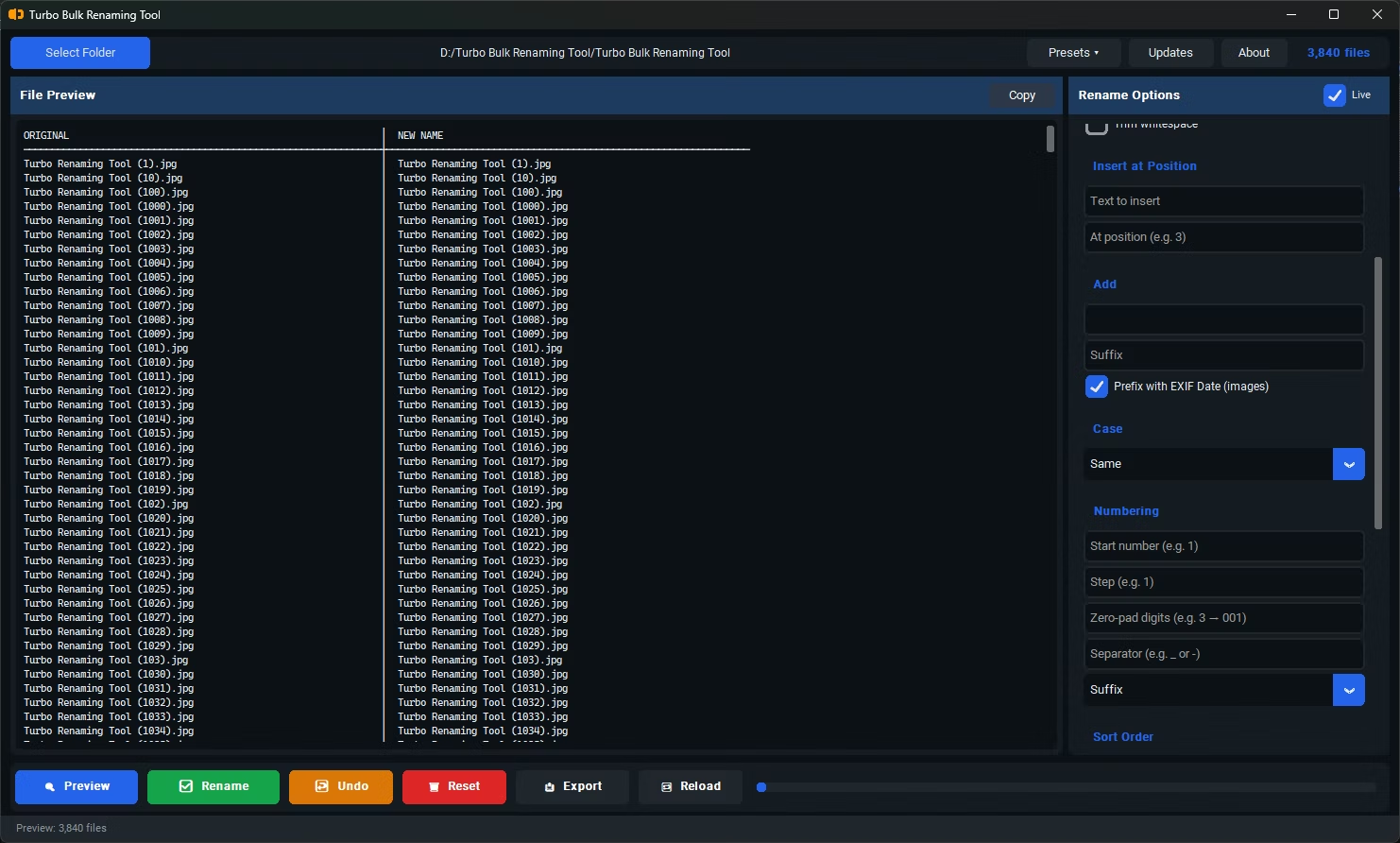
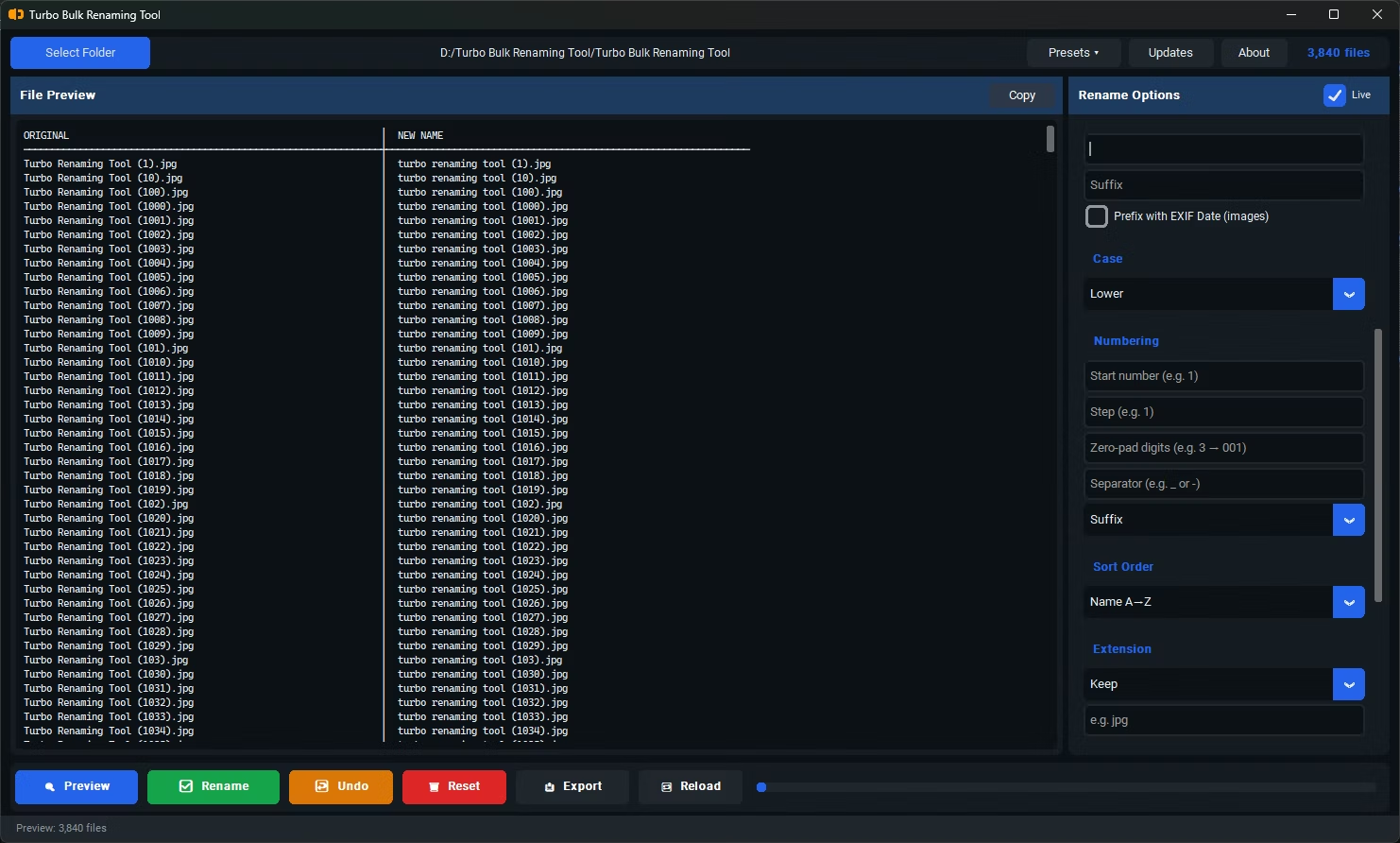
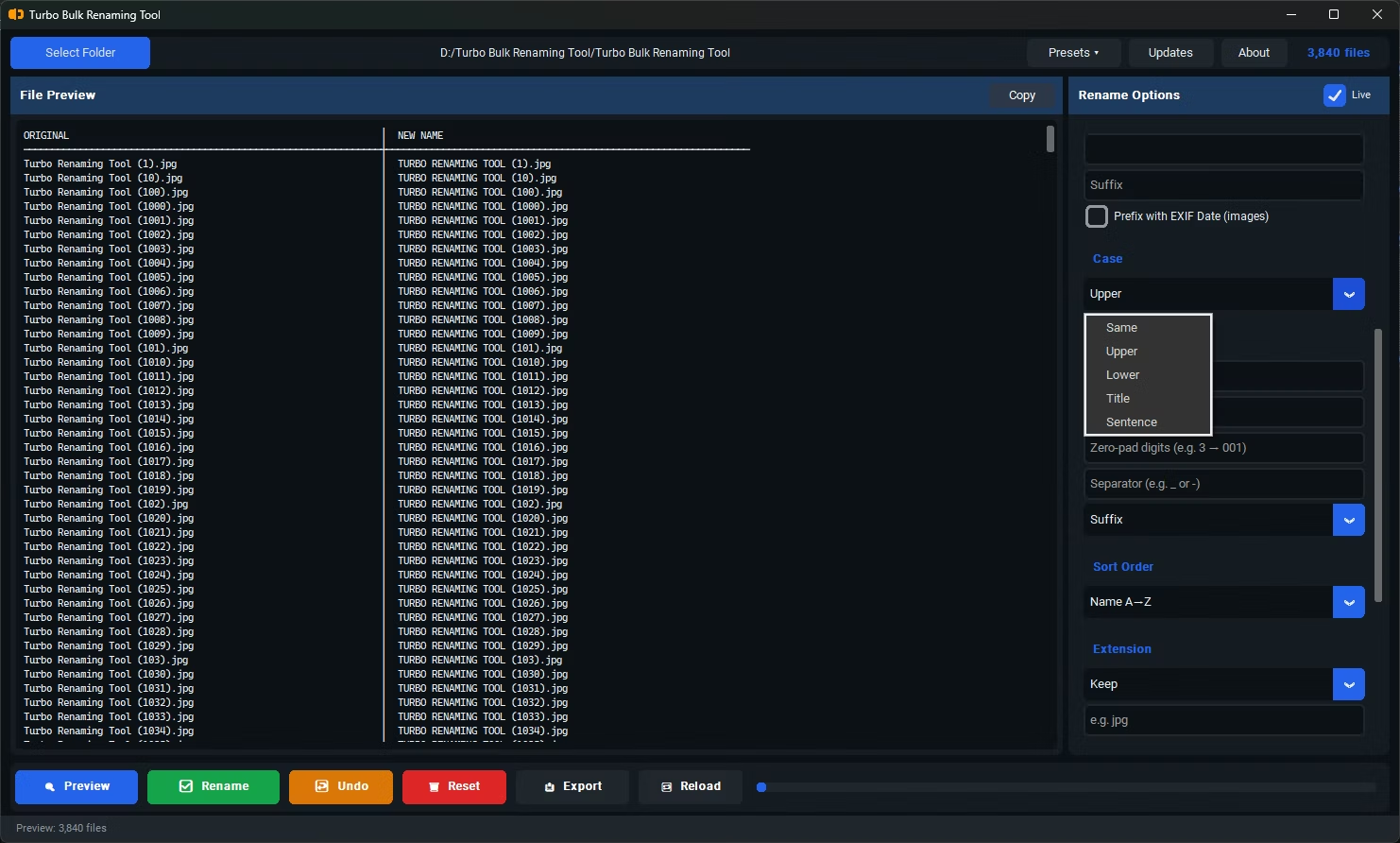
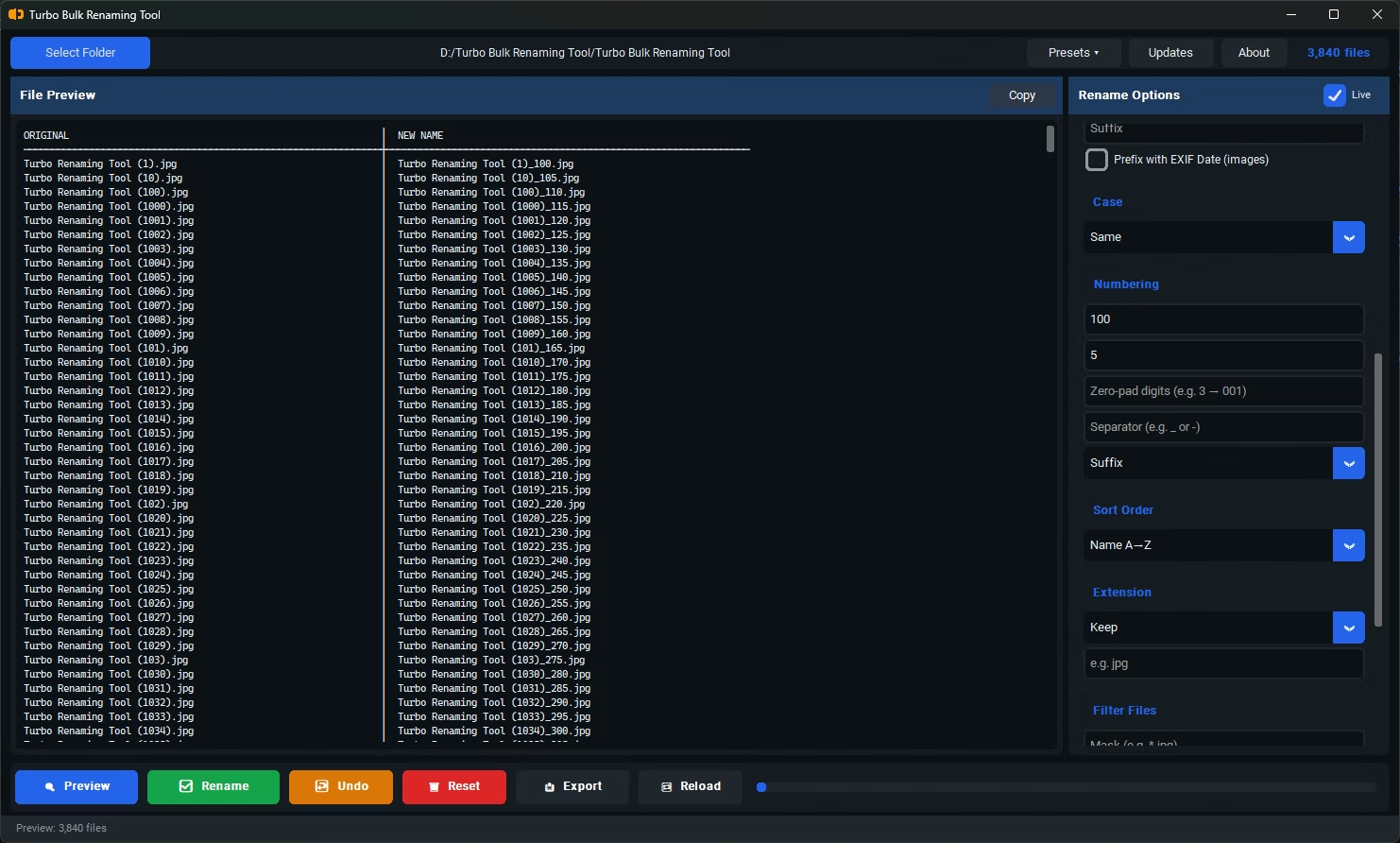
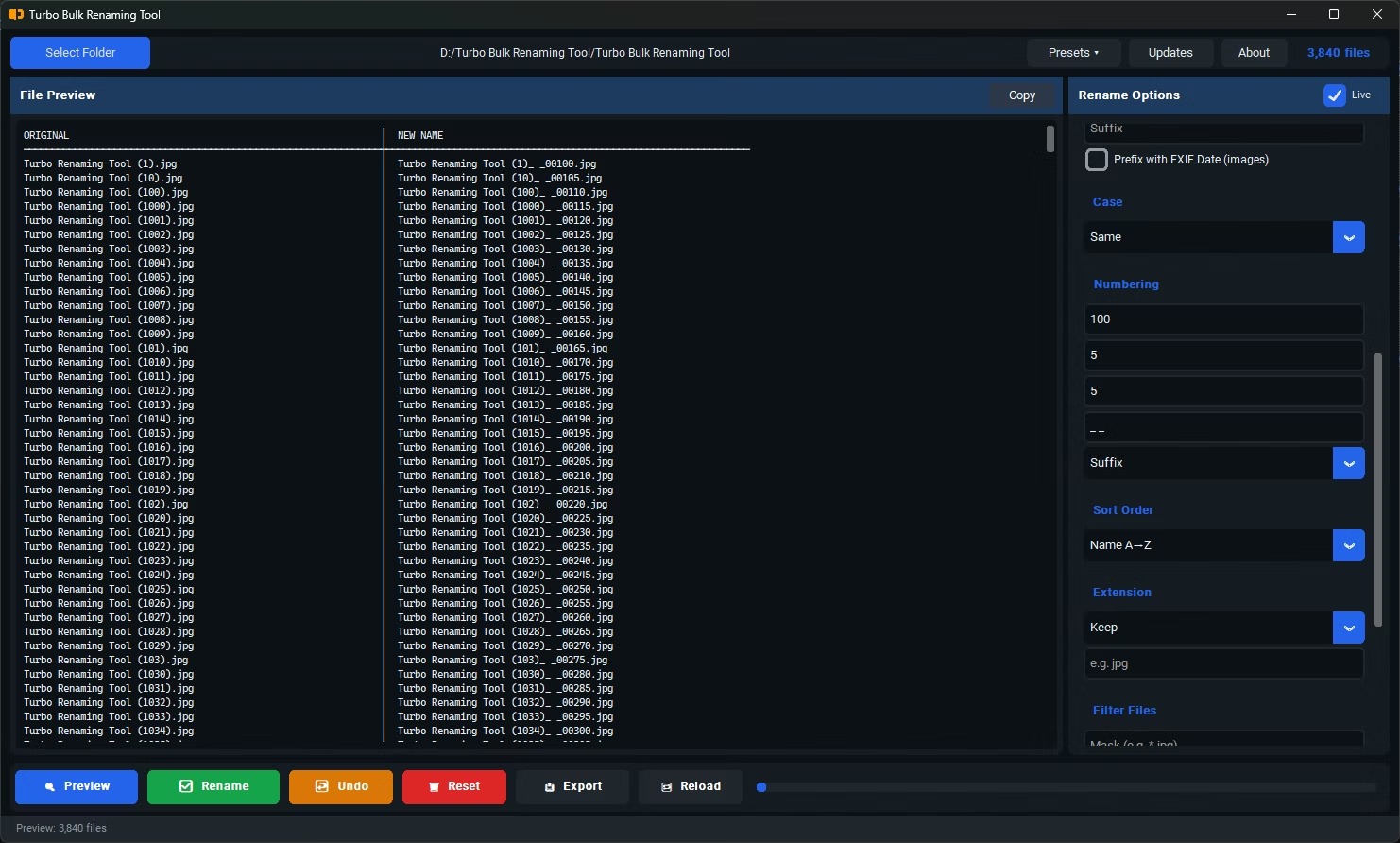
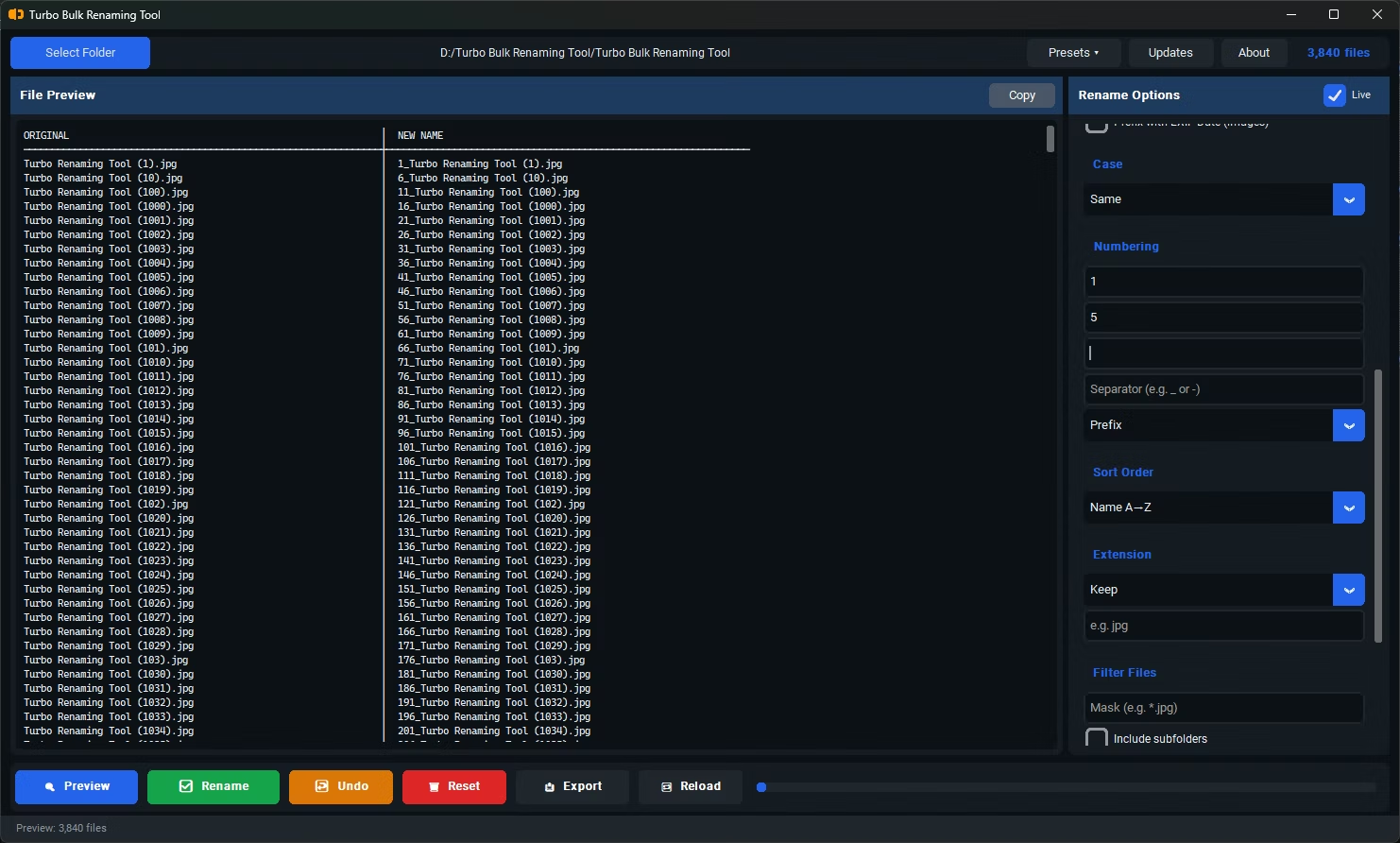
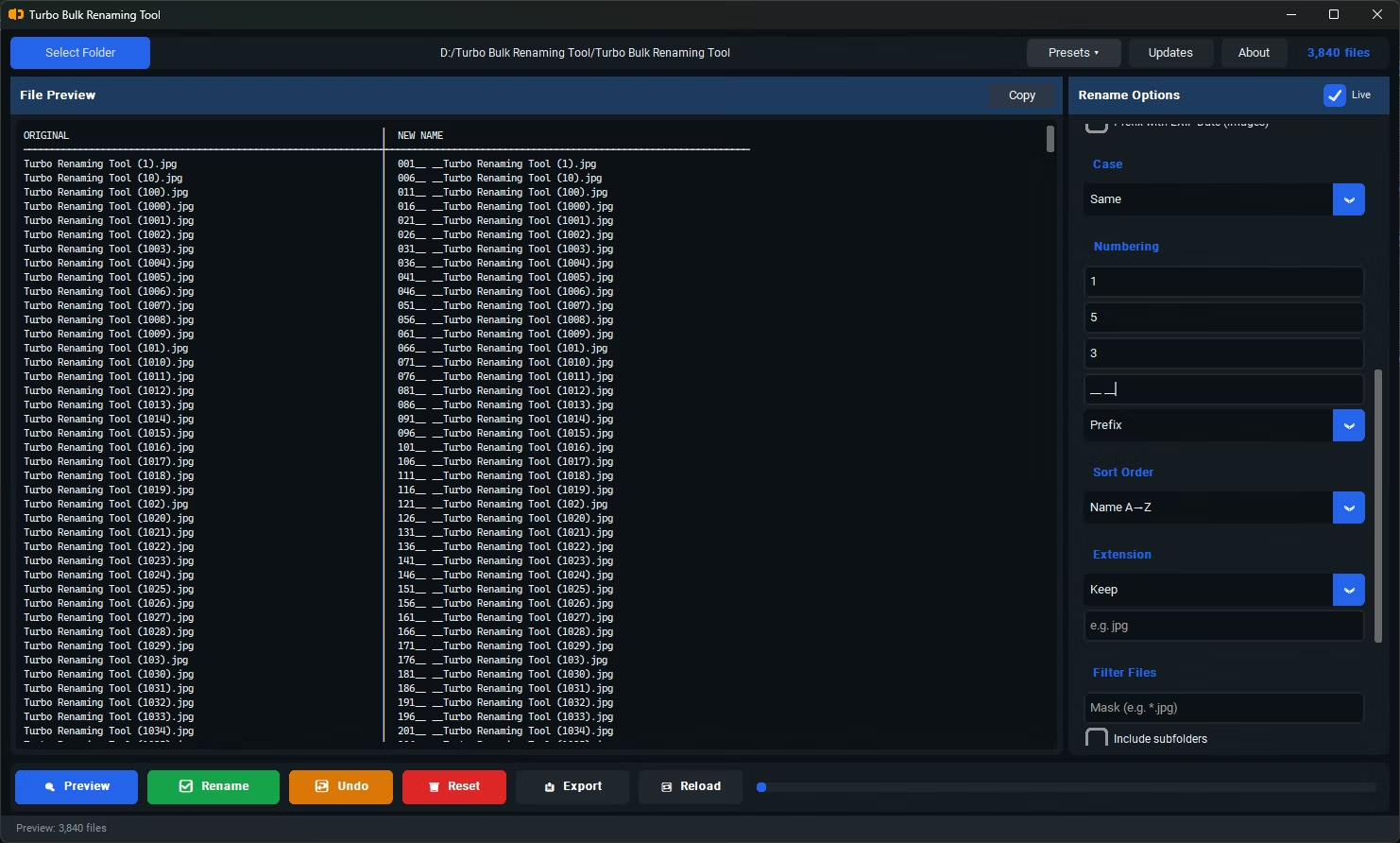
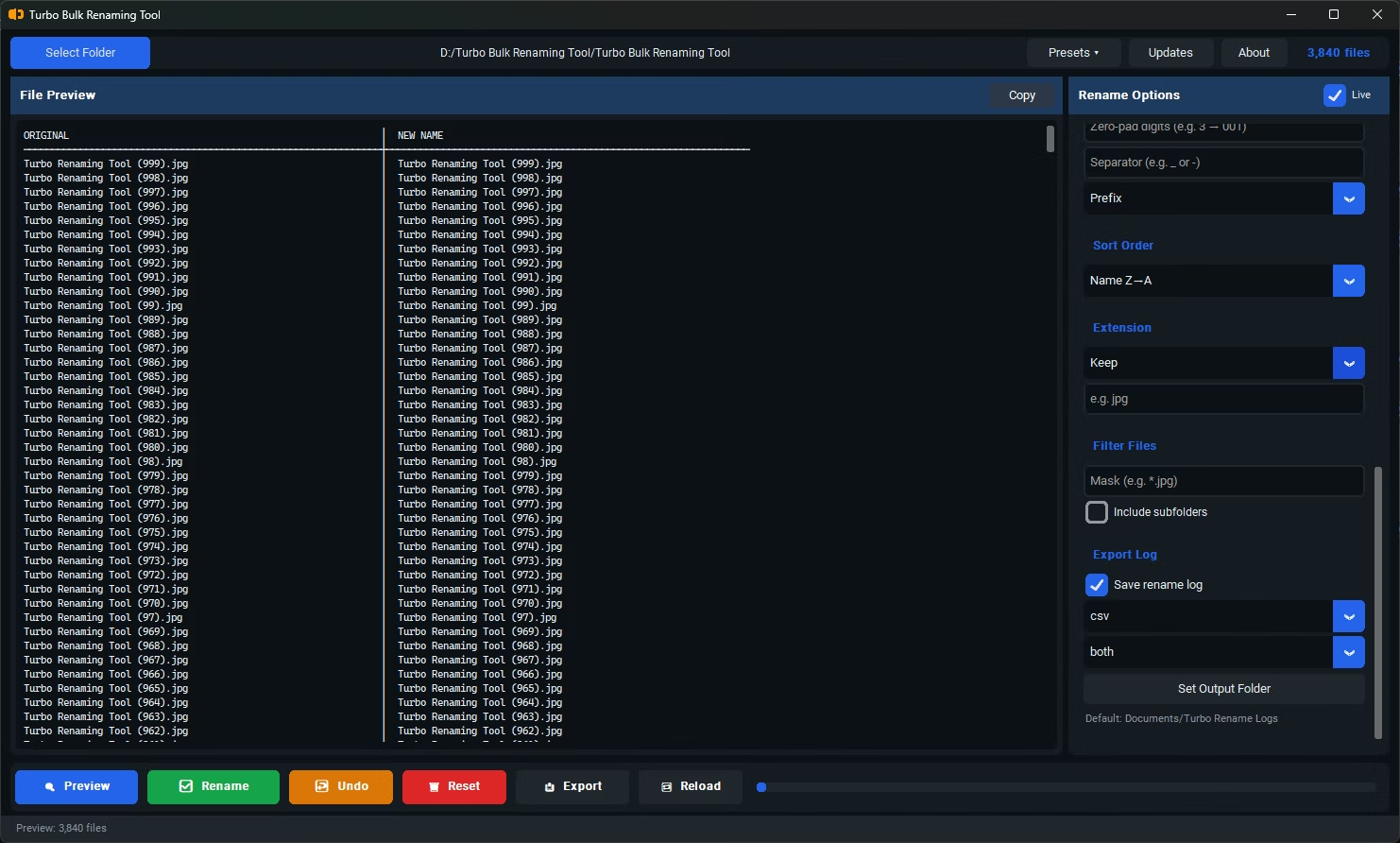
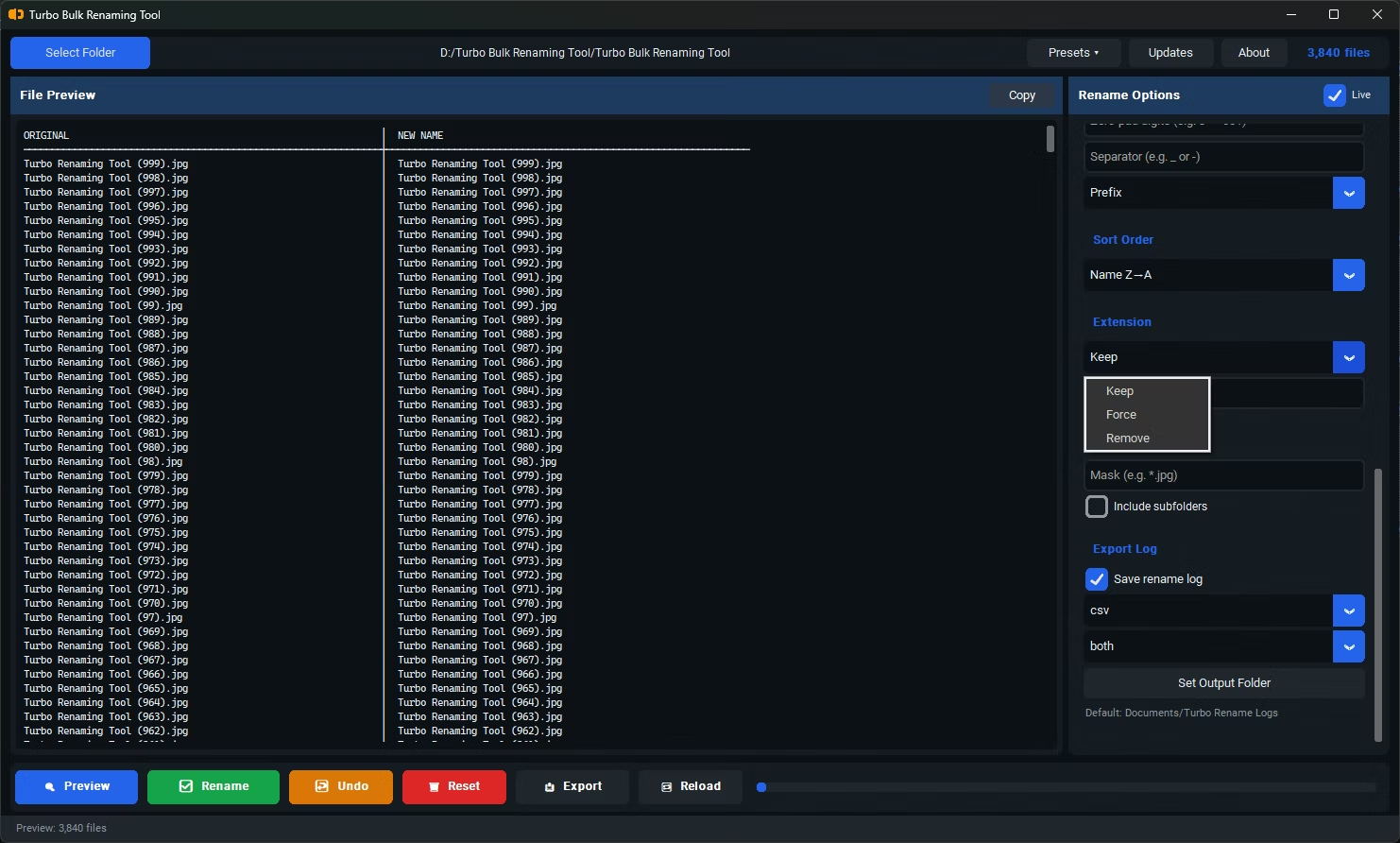
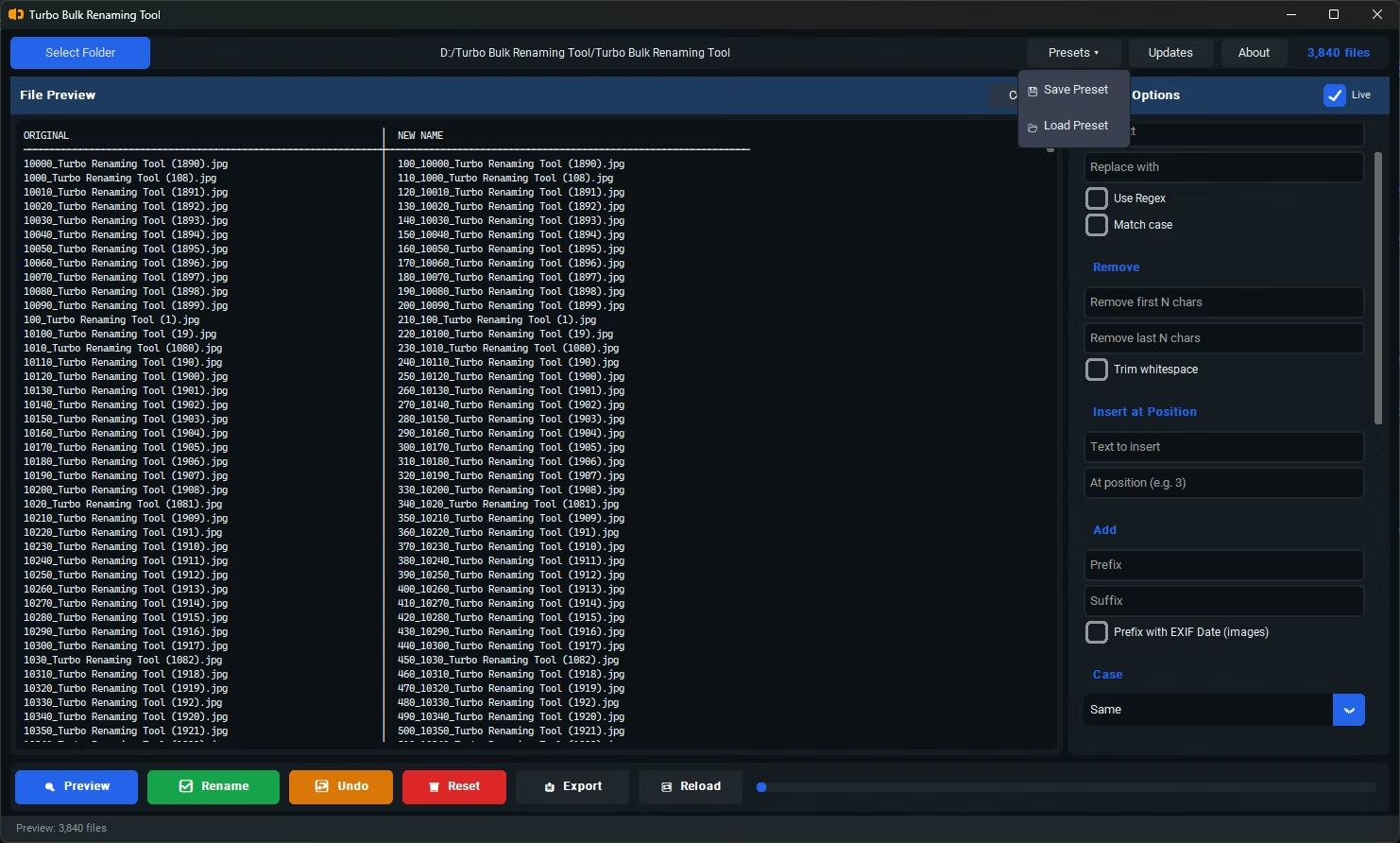
- A wide range of renaming rules covering numbering, case, find & replace, and trimming
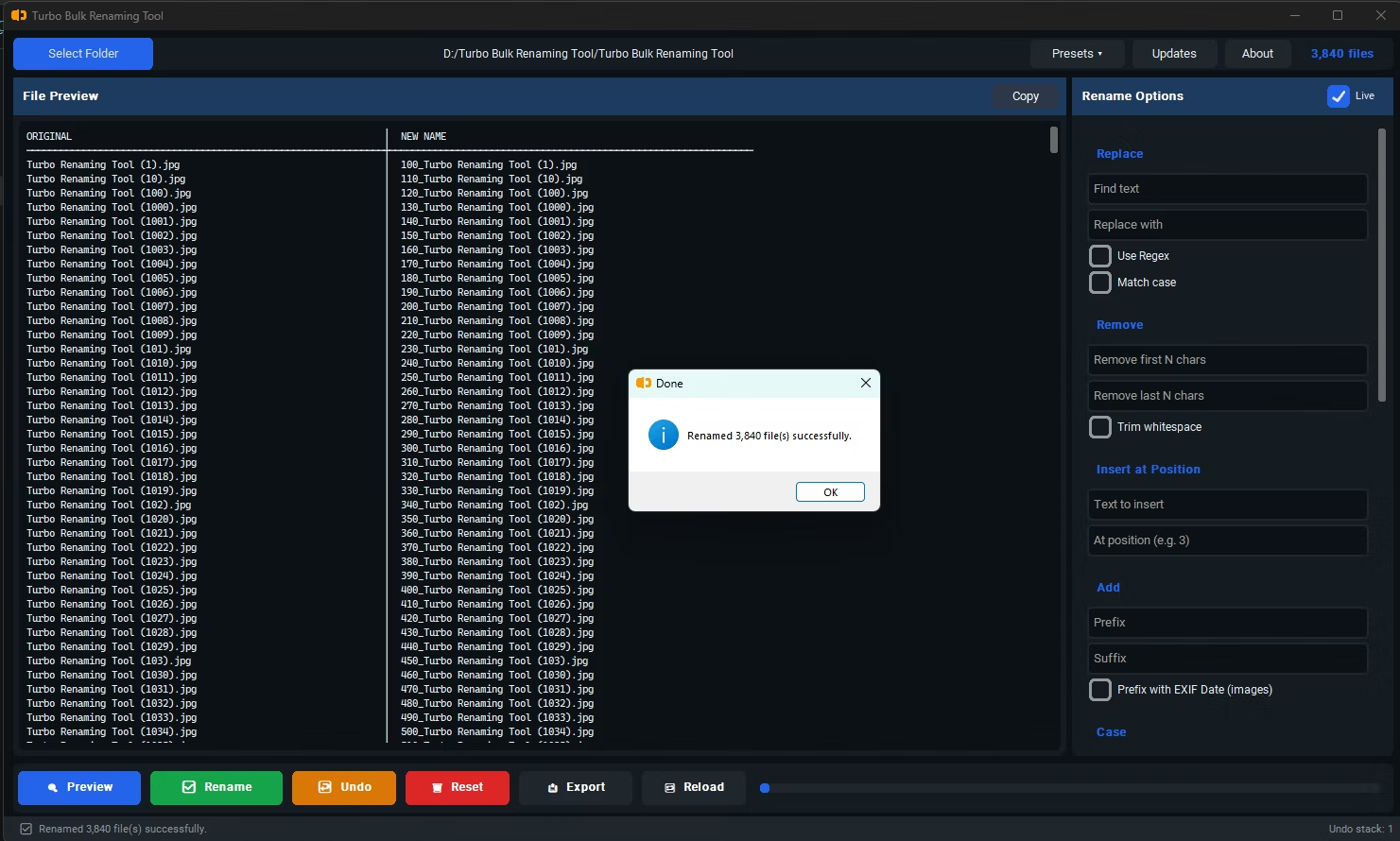
- A live preview that shows results before any files are actually changed
- Clean output with no unwanted brackets or parentheses added automatically
- Reliable Undo support in case a rename doesn't turn out as expected
- Recursive sub-folder handling for organized, nested file collections
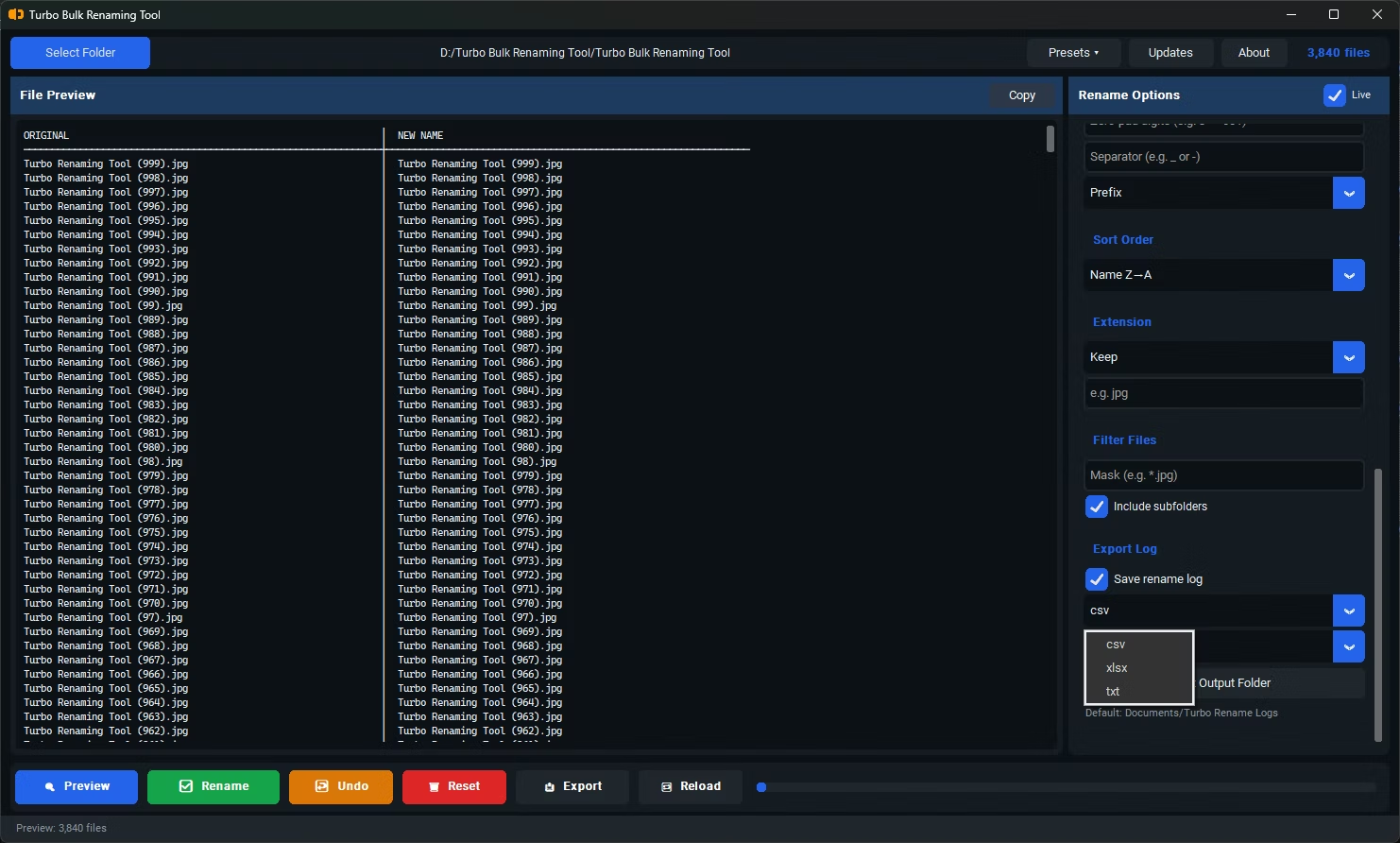
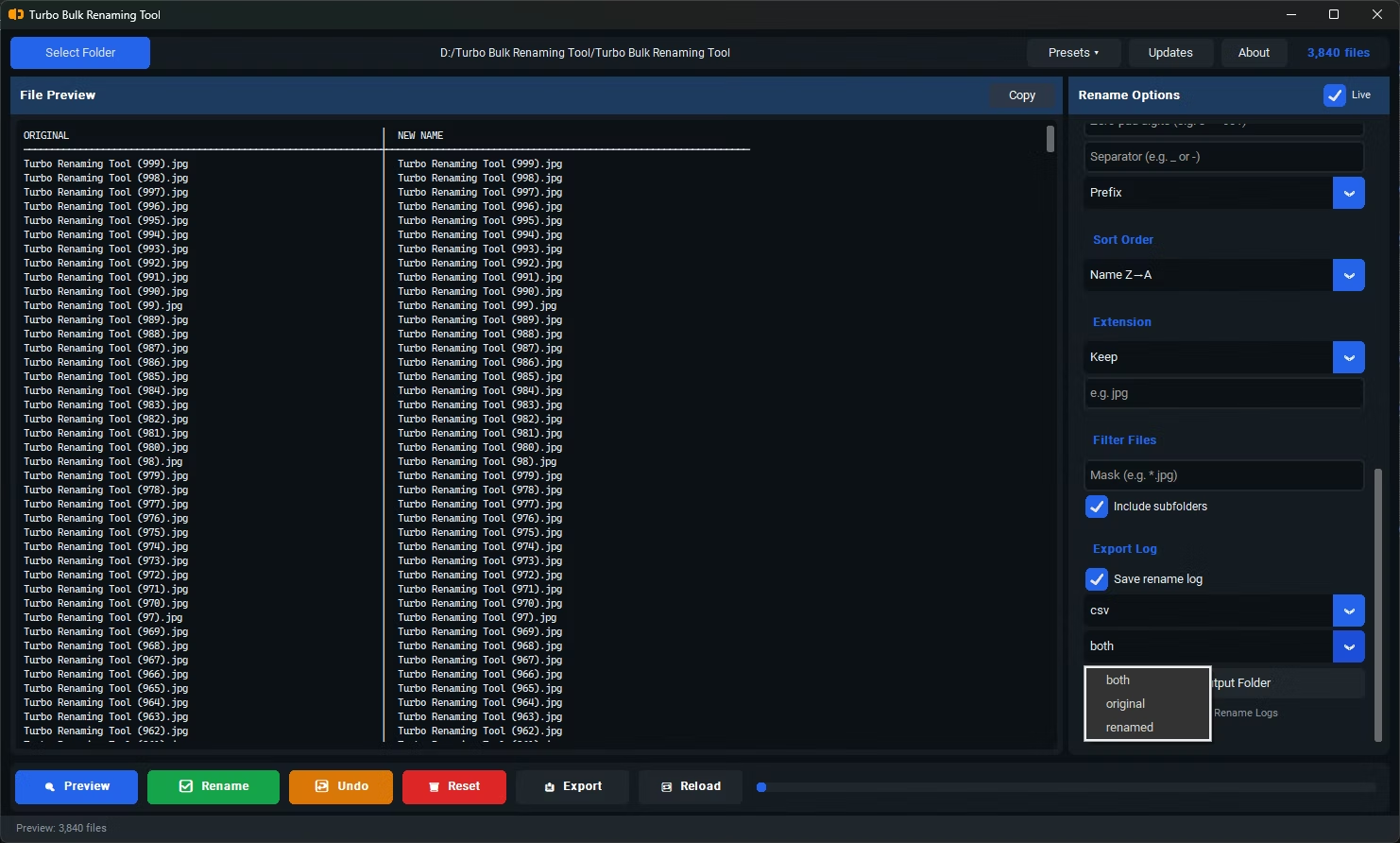
- Export functionality for documenting filenames before or after a rename
Turbo Bulk Renaming Tool was built around exactly that list of priorities. It includes 15 renaming rules — Find & Replace with optional regex, Sequential Numbering, Case Conversion, Insert at Position, Remove First or Last N Characters, Trim Whitespace, EXIF Date Prefix, and more — each backed by a live preview so you see the outcome before committing. Unlike Windows Explorer's default batch rename, it never appends brackets or parentheses to numbered files. Conflict detection and one-level Undo provide a safety net, and recursive sub-folder support means the same rule applies consistently across nested directories.
It also includes Export Only functionality to generate a CSV, XLSX, or TXT file of filenames, which is the kind of practical, everyday feature that tends to separate a well-rounded tool from a narrowly-scoped one.
What's wrong with Windows' built-in batch rename?
It works for very basic cases but offers little pattern control and automatically appends a number in parentheses, which doesn't suit more structured renaming needs.
Does a higher rating always mean more features?
Not necessarily — reliability and ease of use matter just as much as feature count. A tool with fewer features that works predictably can rate well alongside more feature-dense alternatives.
How many renaming rules does Turbo Bulk Renaming Tool include?
It includes 15 renaming rules covering common needs such as numbering, case conversion, find & replace, character trimming, and EXIF date-based renaming for photos.
Ready to rename your files in bulk, offline, with full privacy?