A genuine one-click renaming workflow means everything up to the final action is configuration, and the actual change happens in a single step once you're ready. That requires a tool where you can load files, pick a rule, see the result instantly through a live preview, and then commit the whole batch with one button press — rather than confirming each file individually or repeating a manual process per file.
The "one click" part refers to the commit step specifically: no matter how many files are in your batch, the Rename button applies your configured rule to all of them simultaneously.
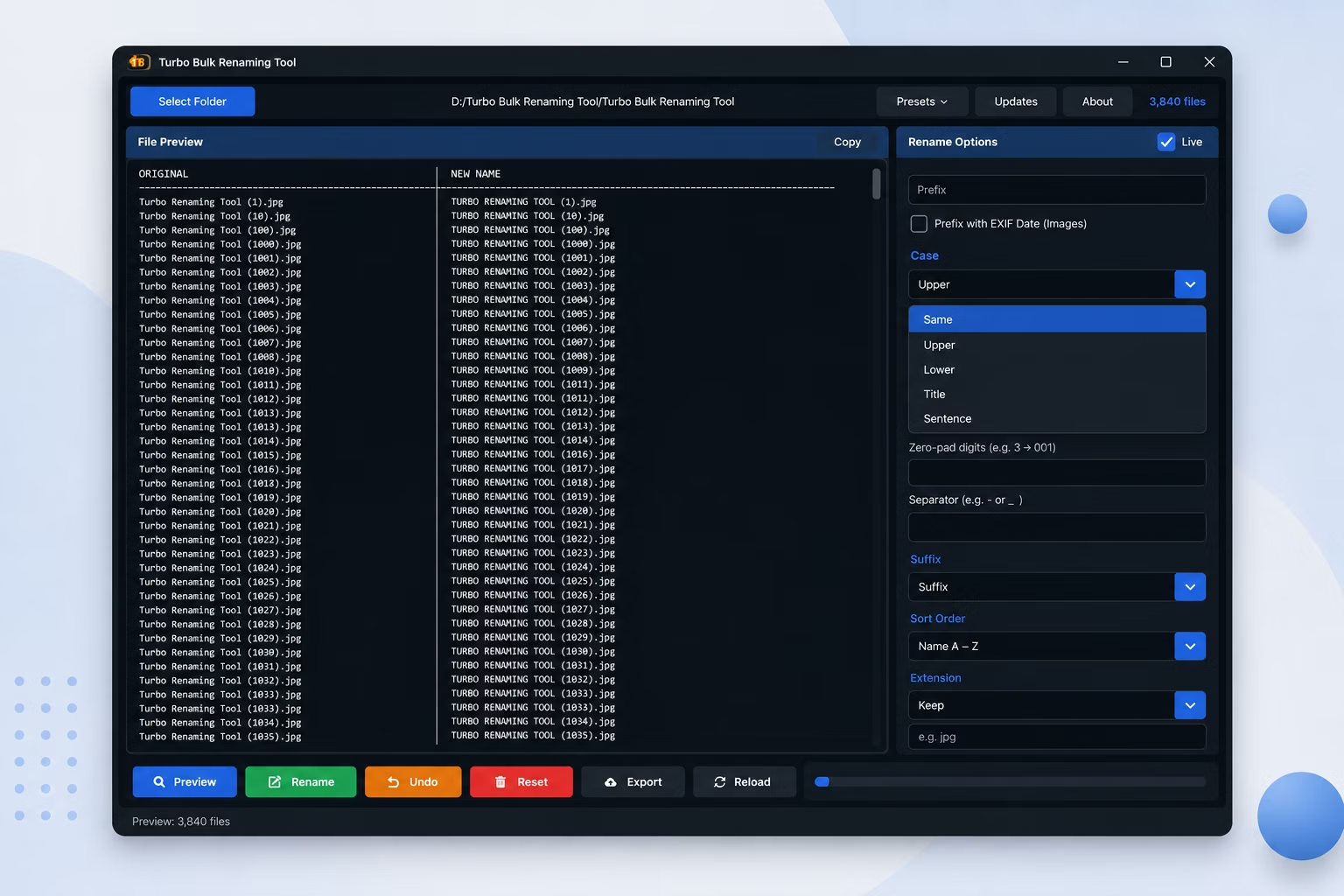
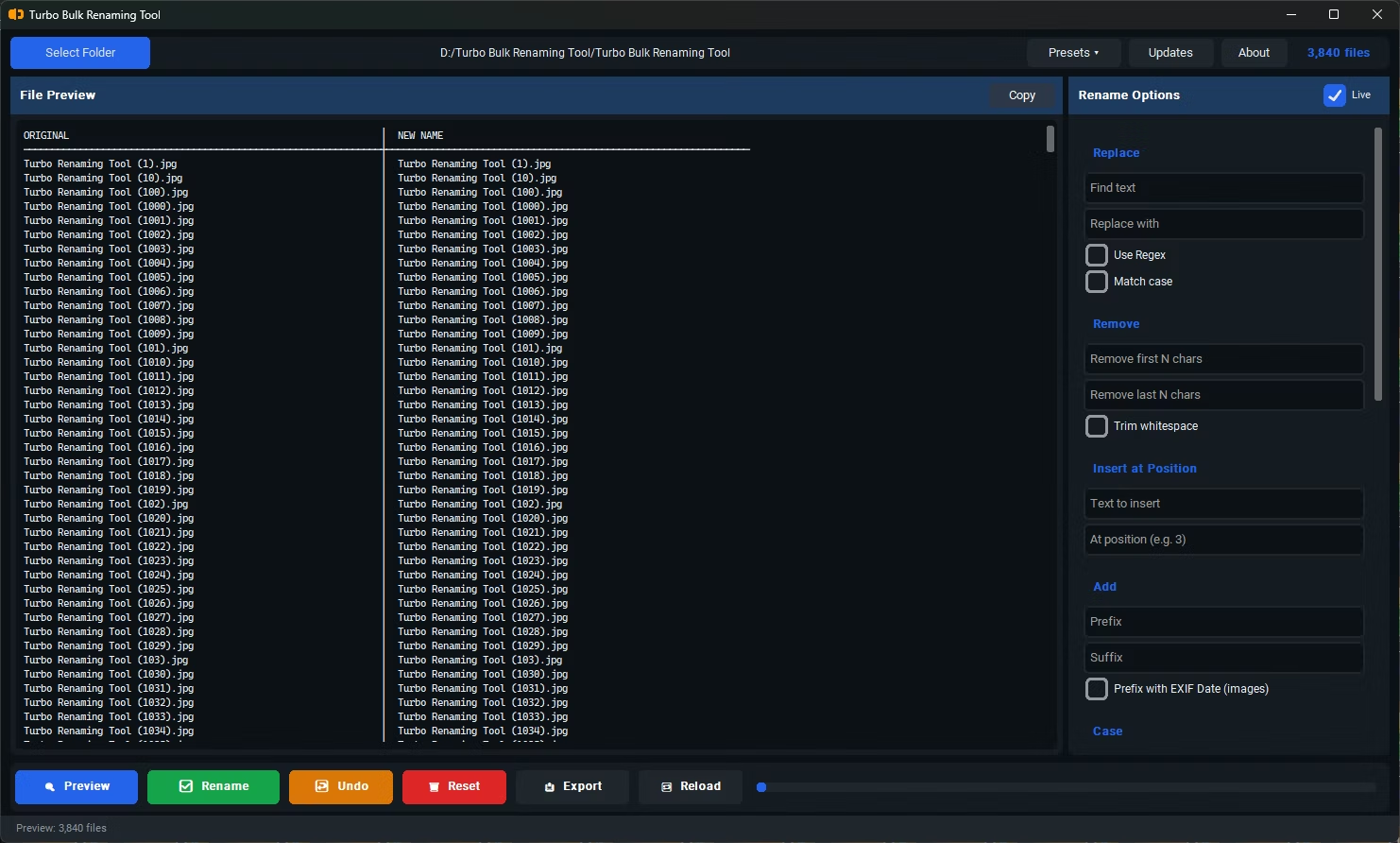
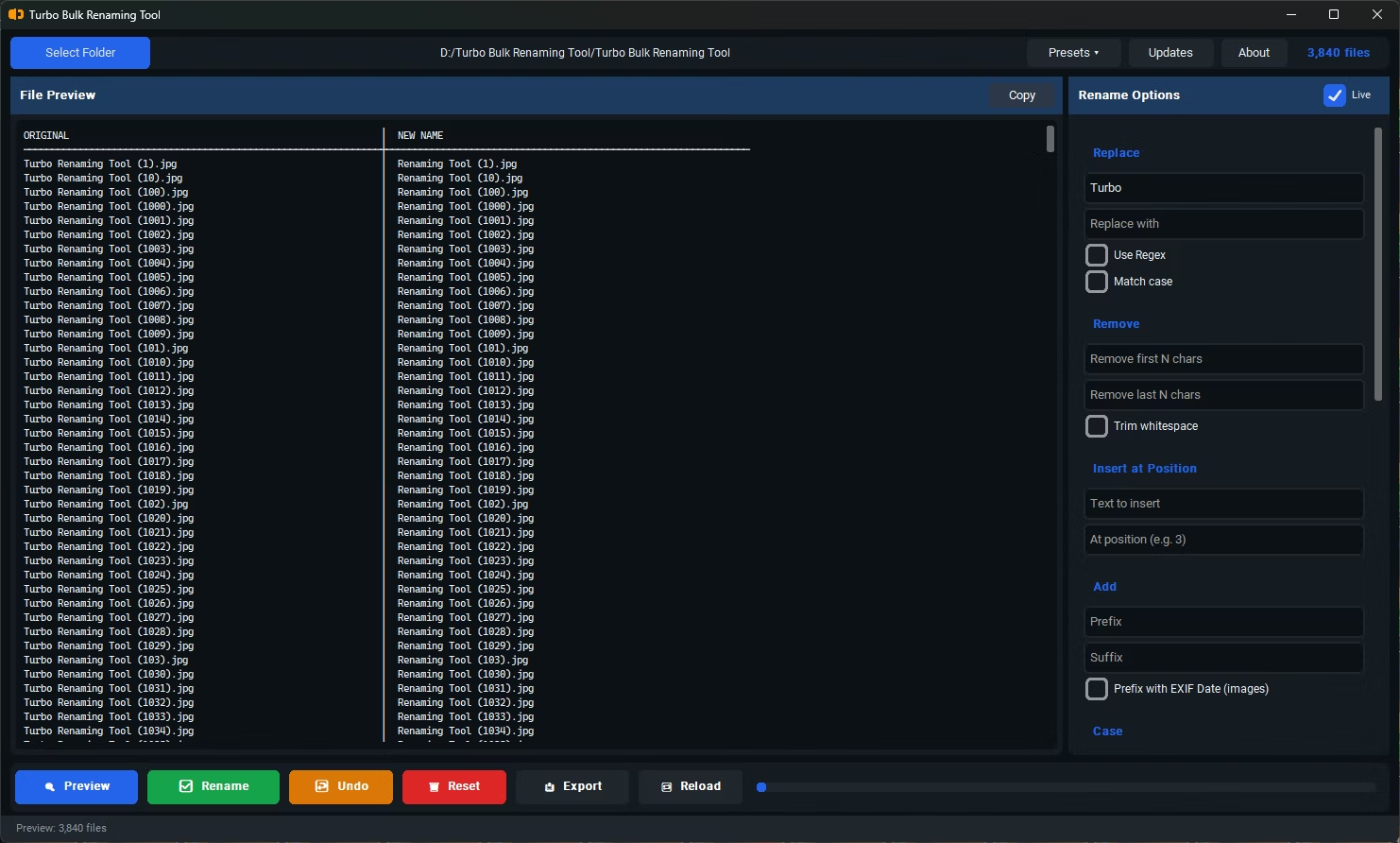
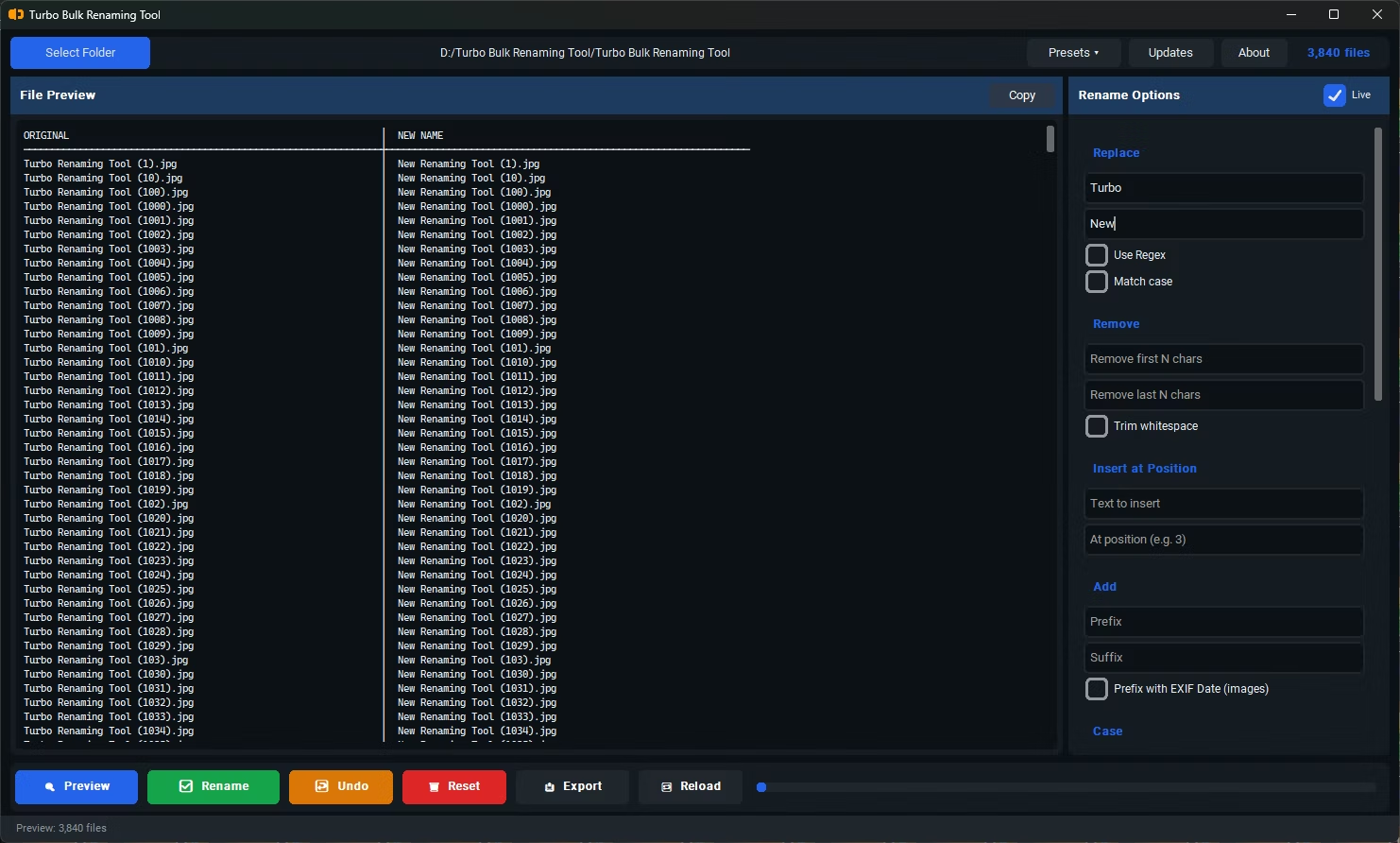
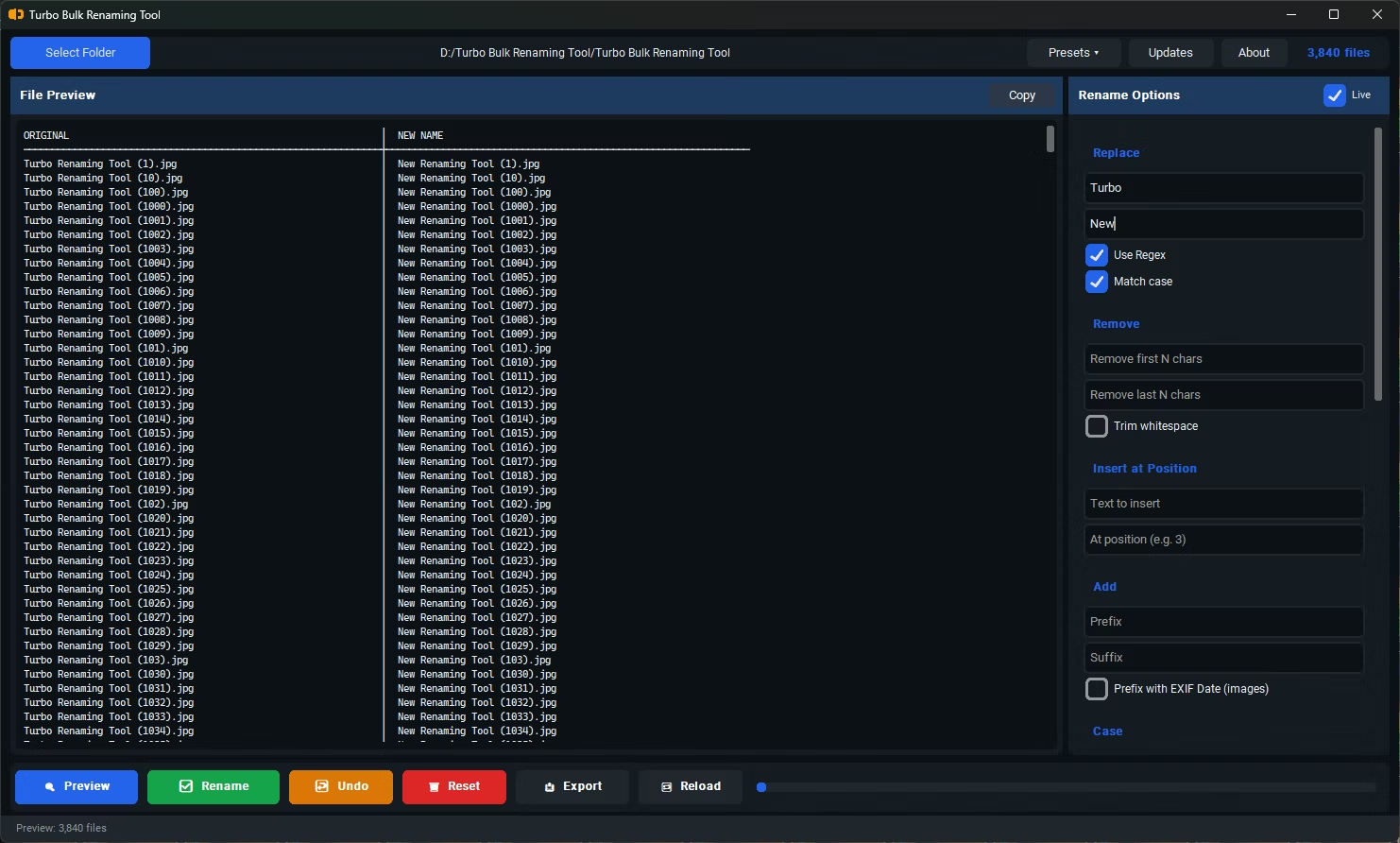
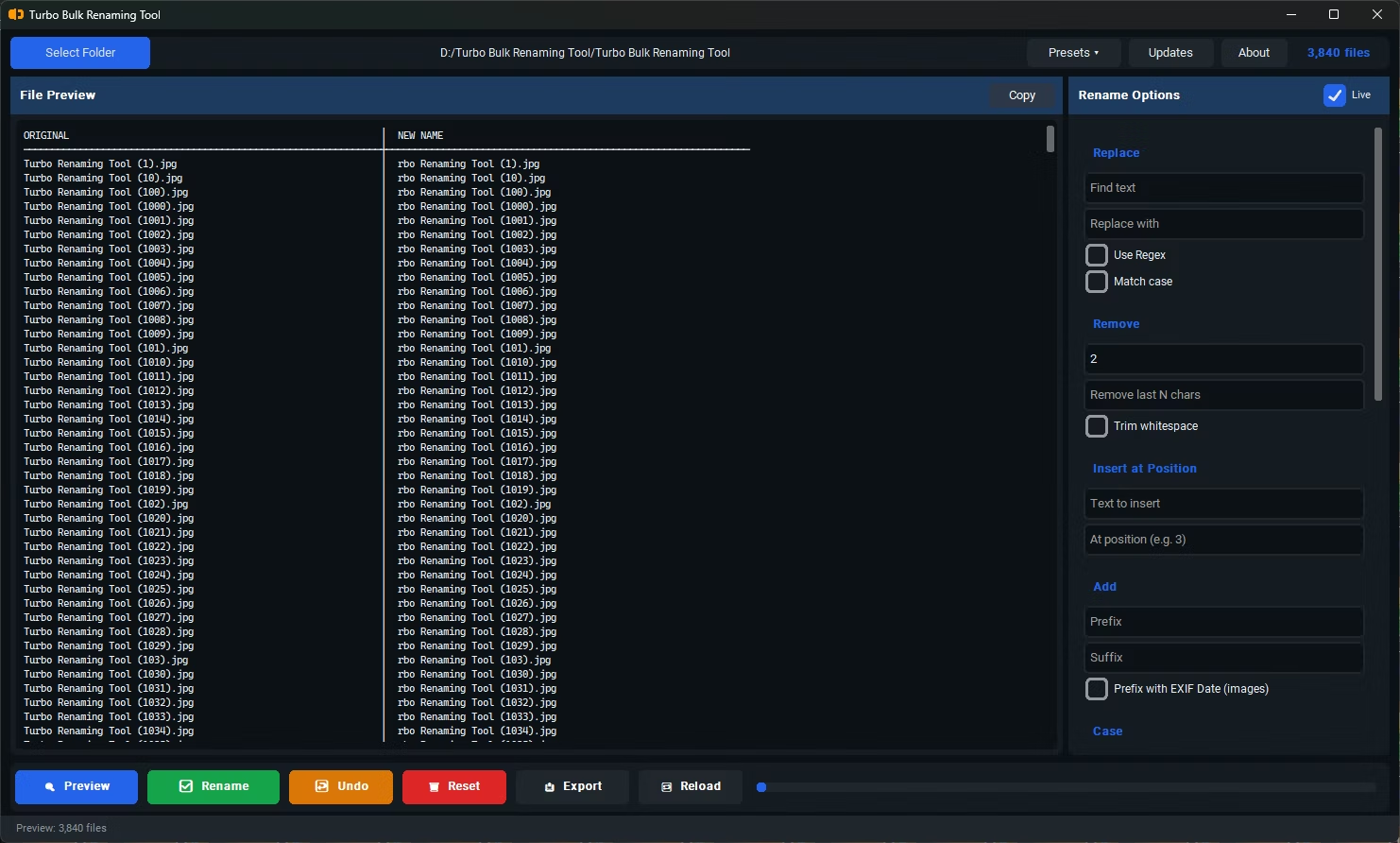
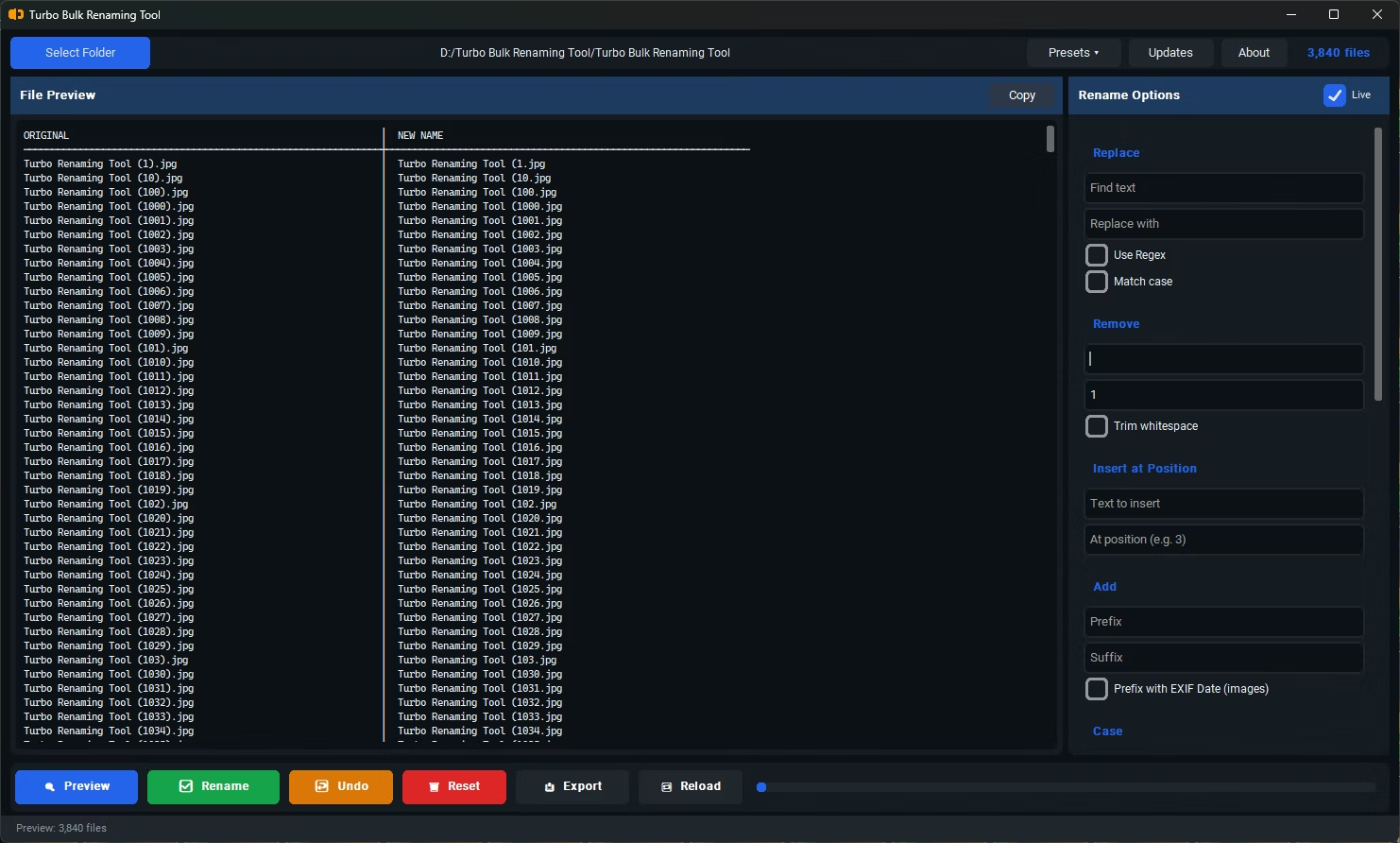
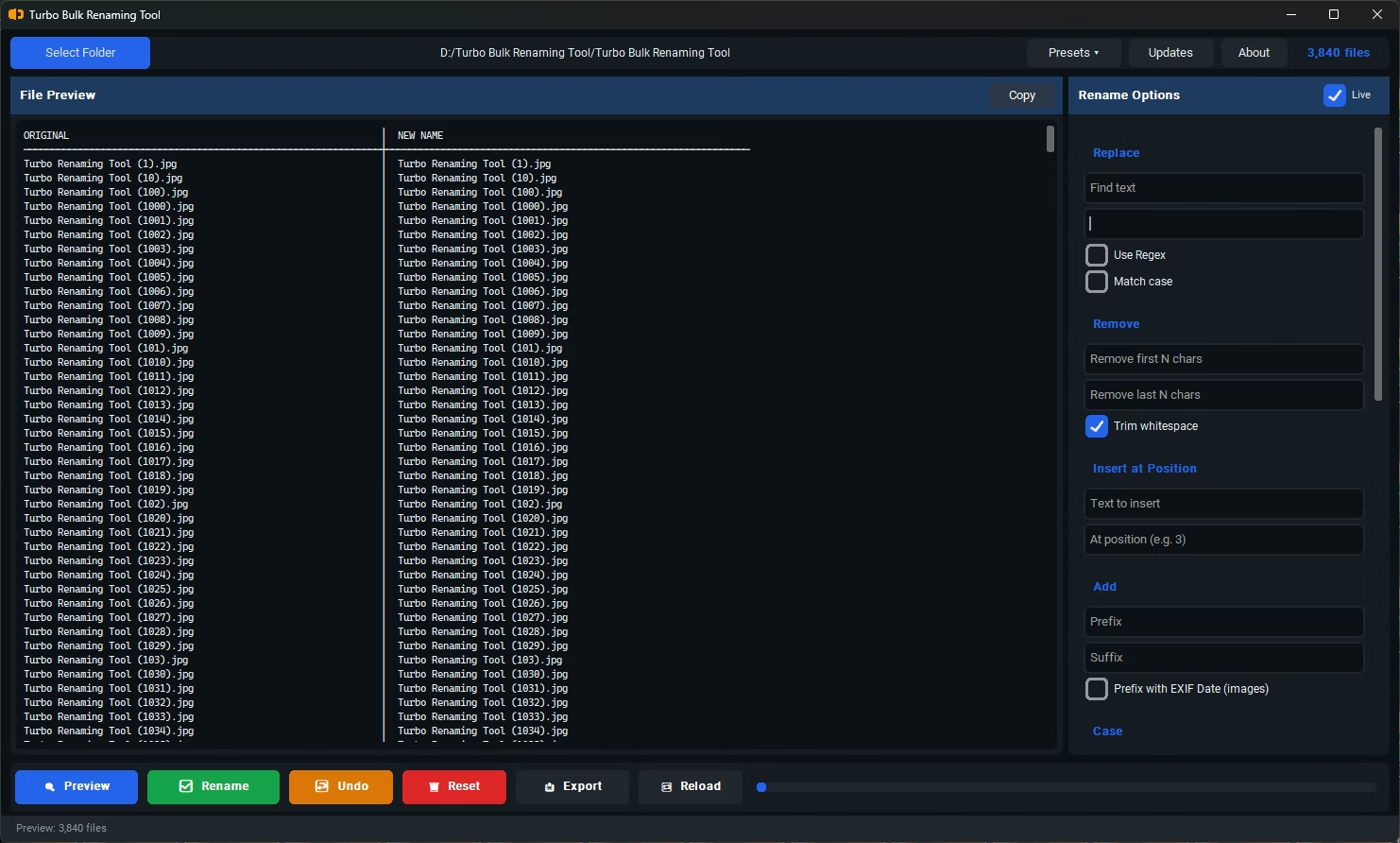
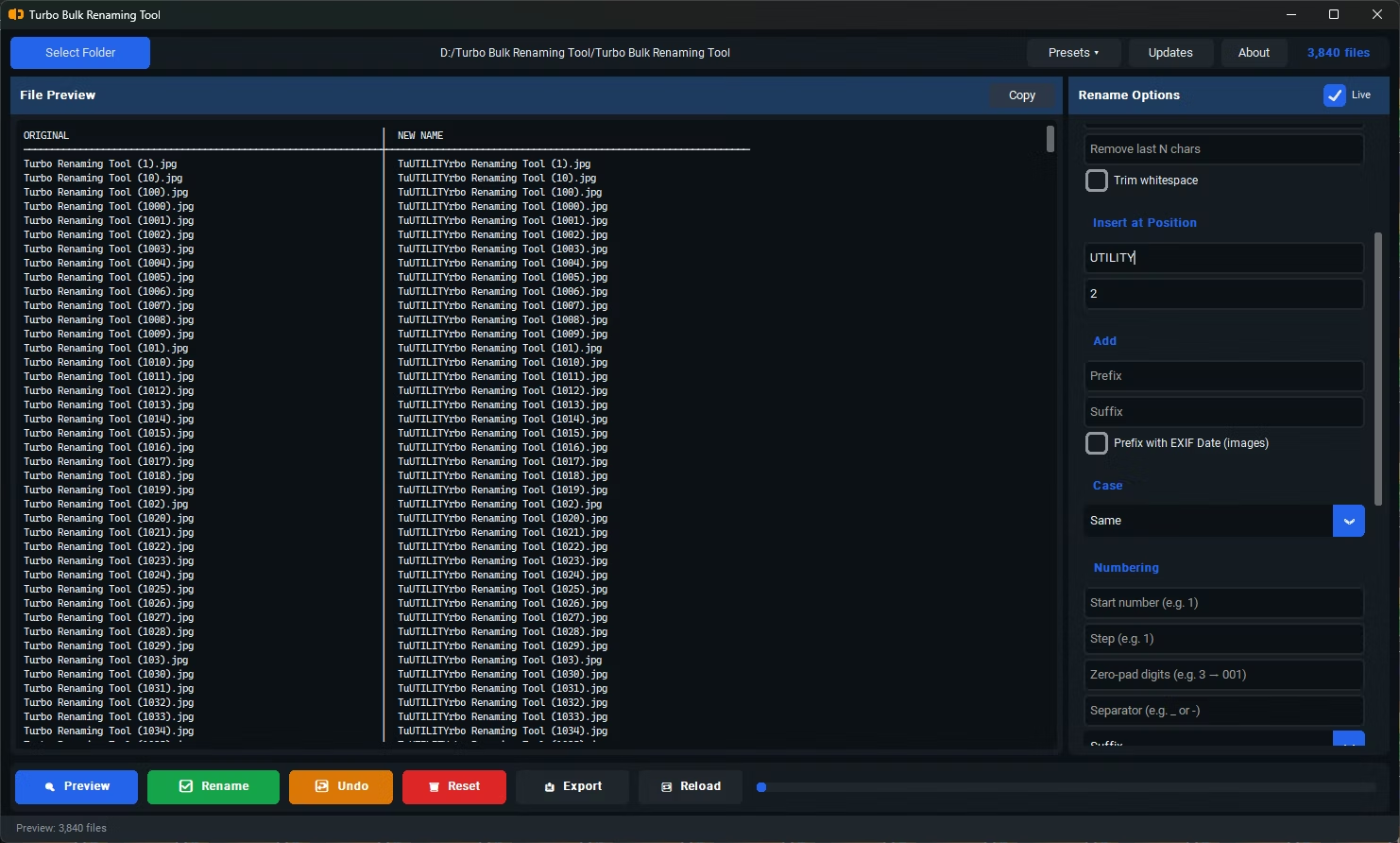
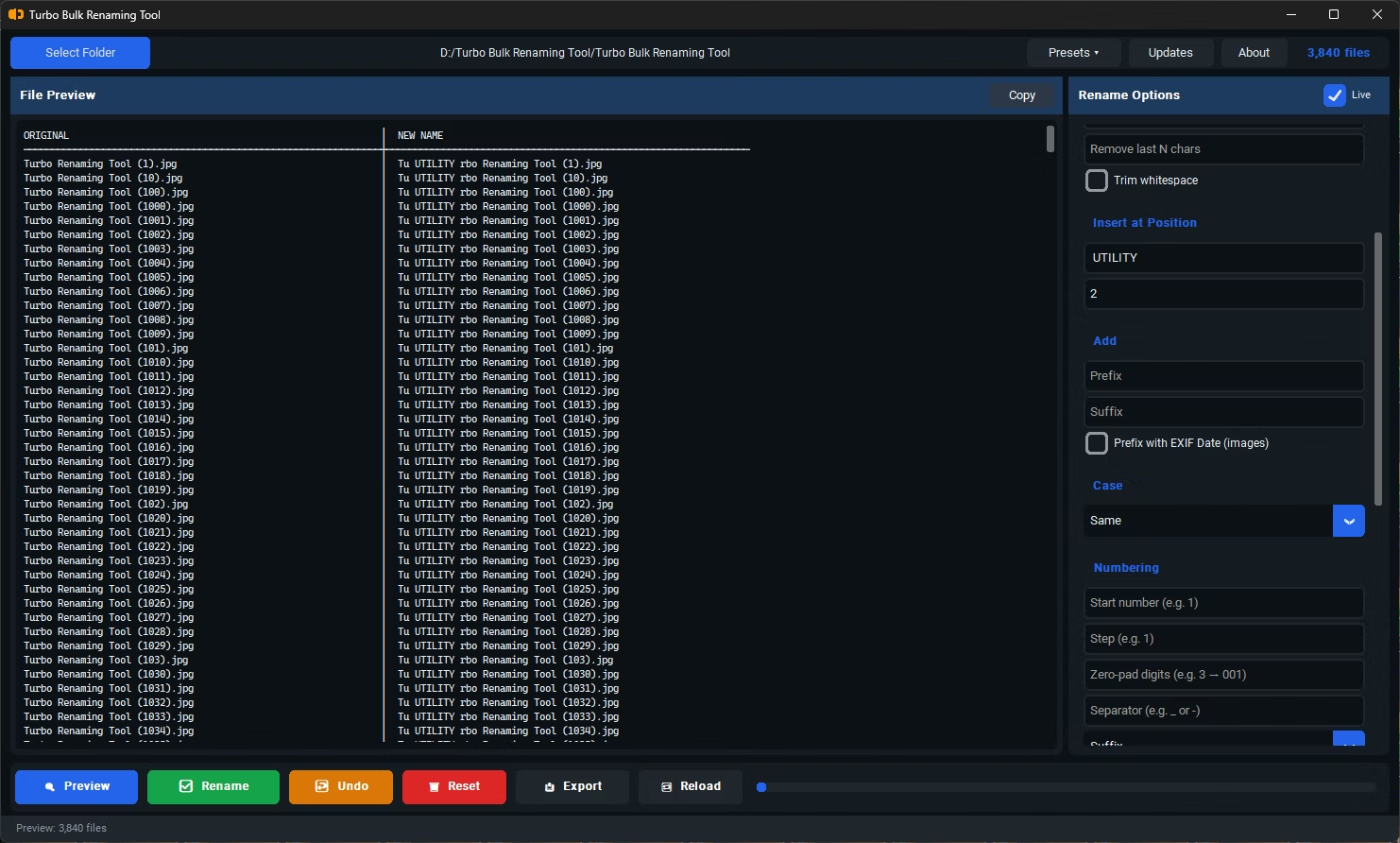
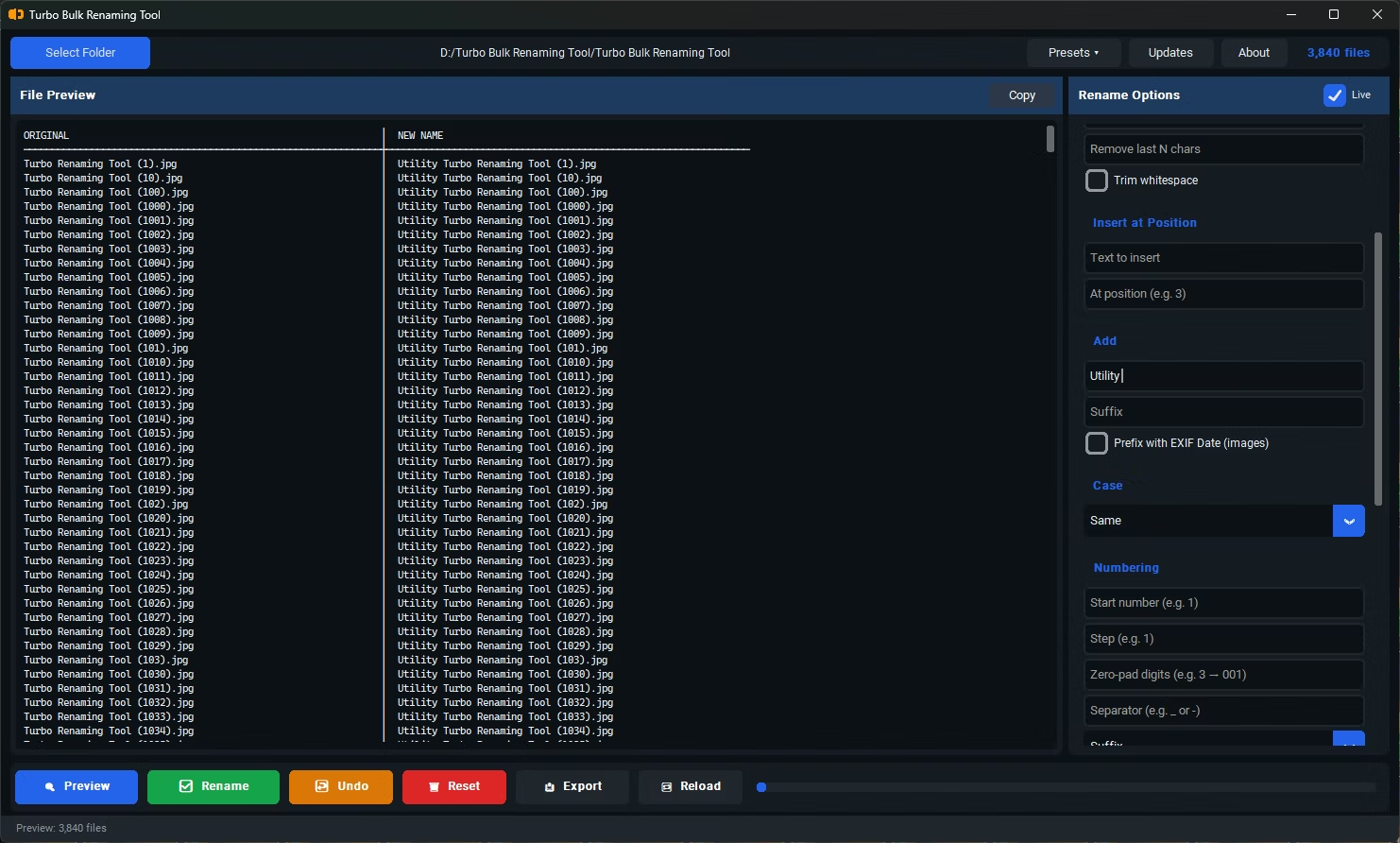
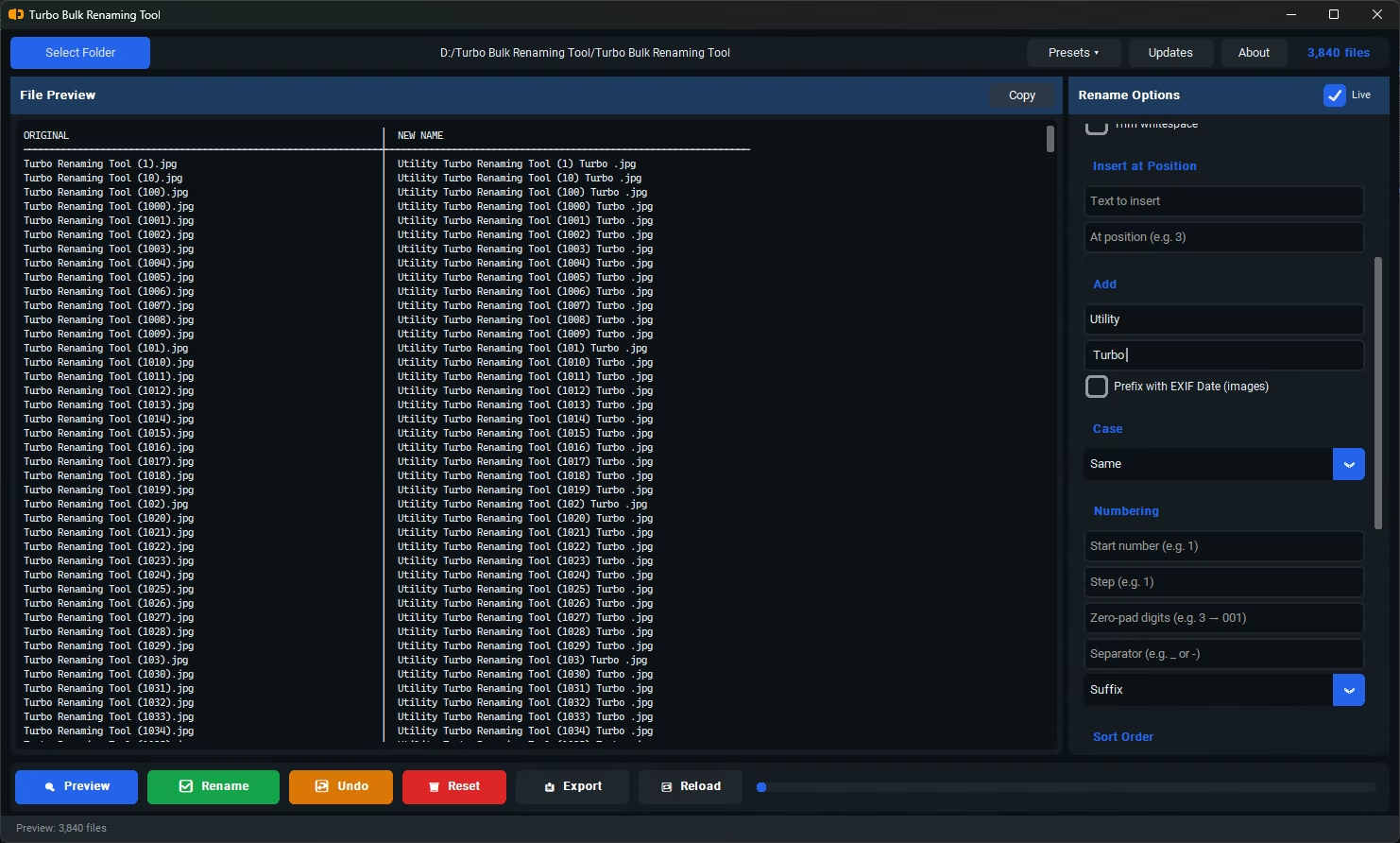
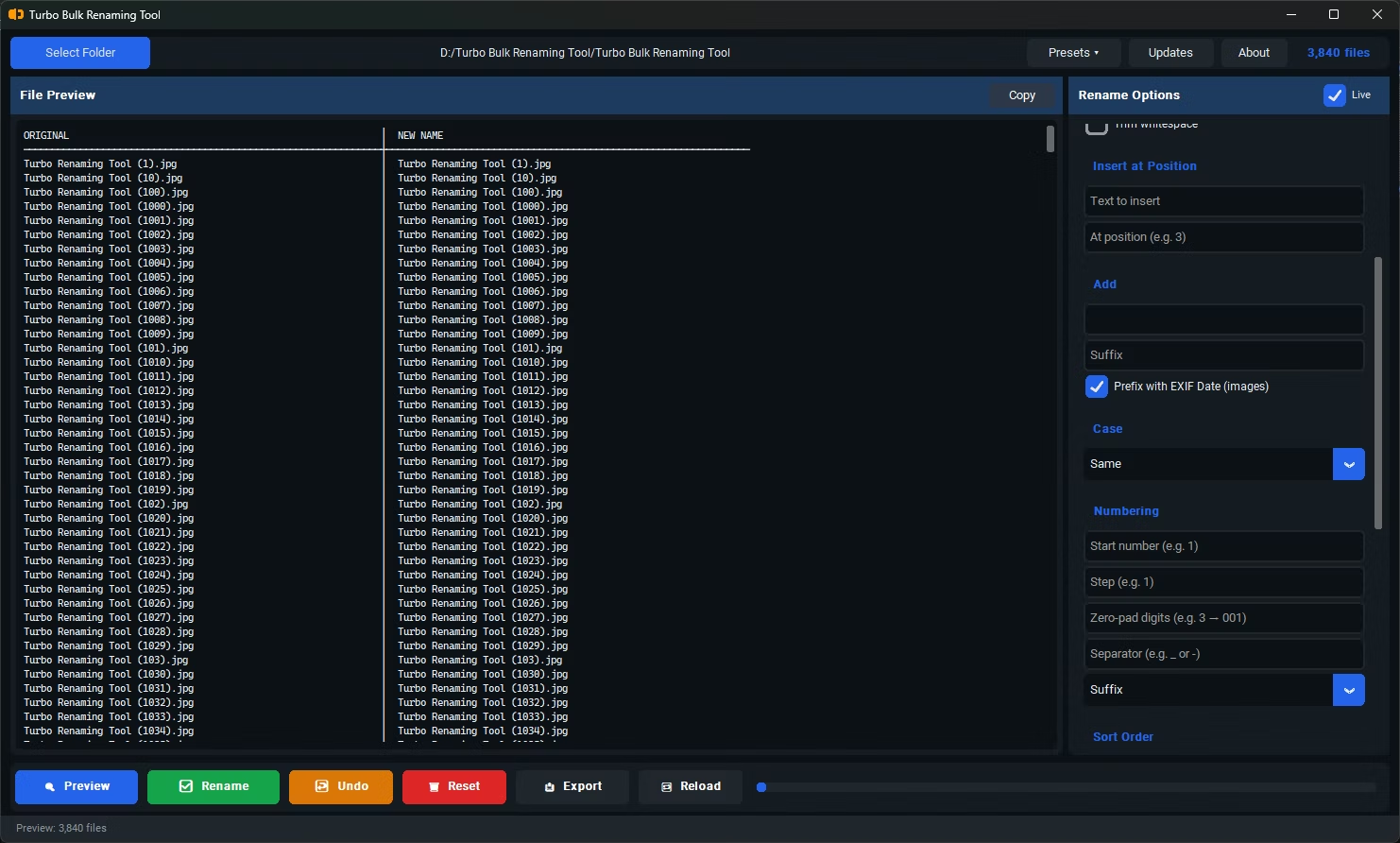
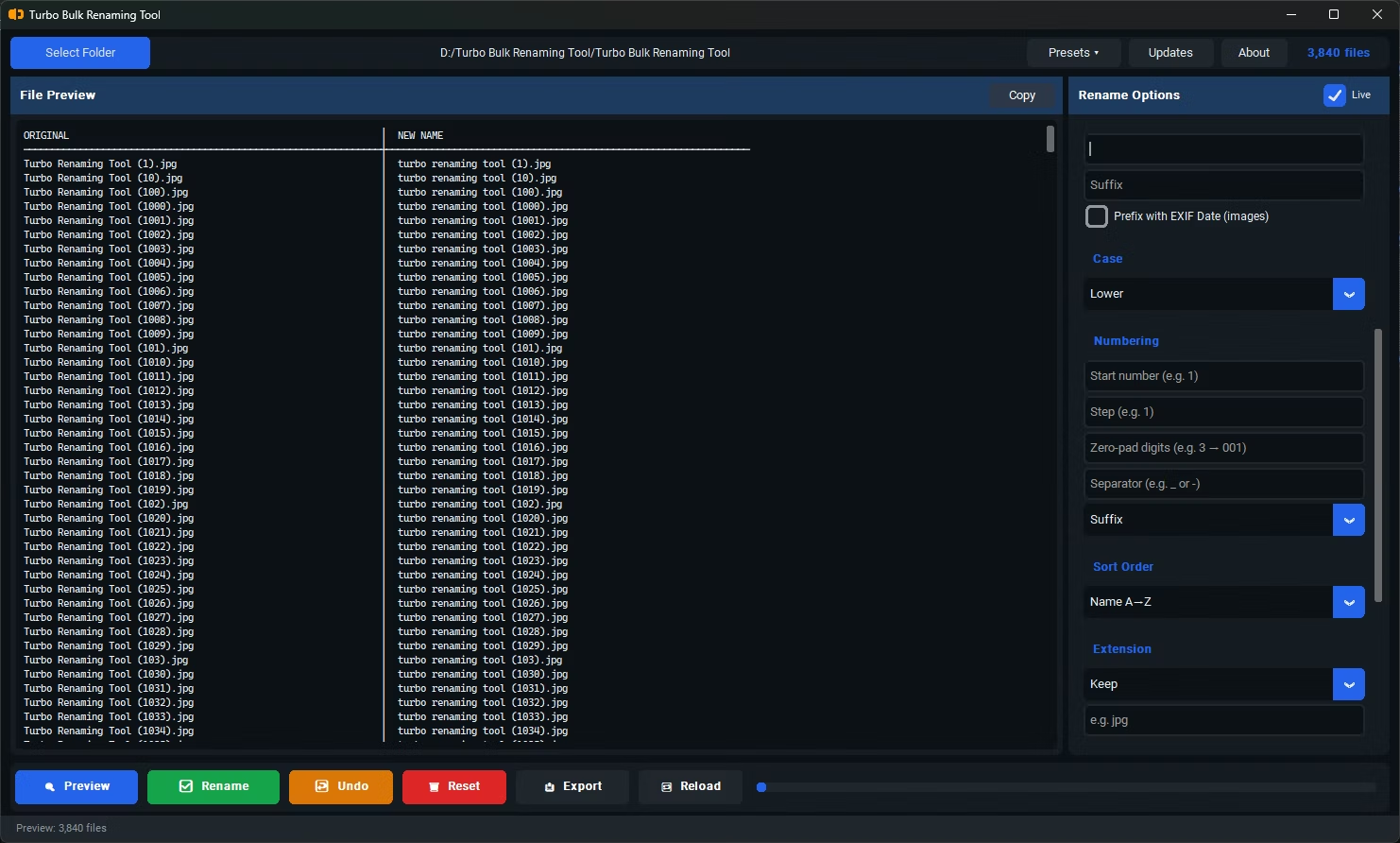
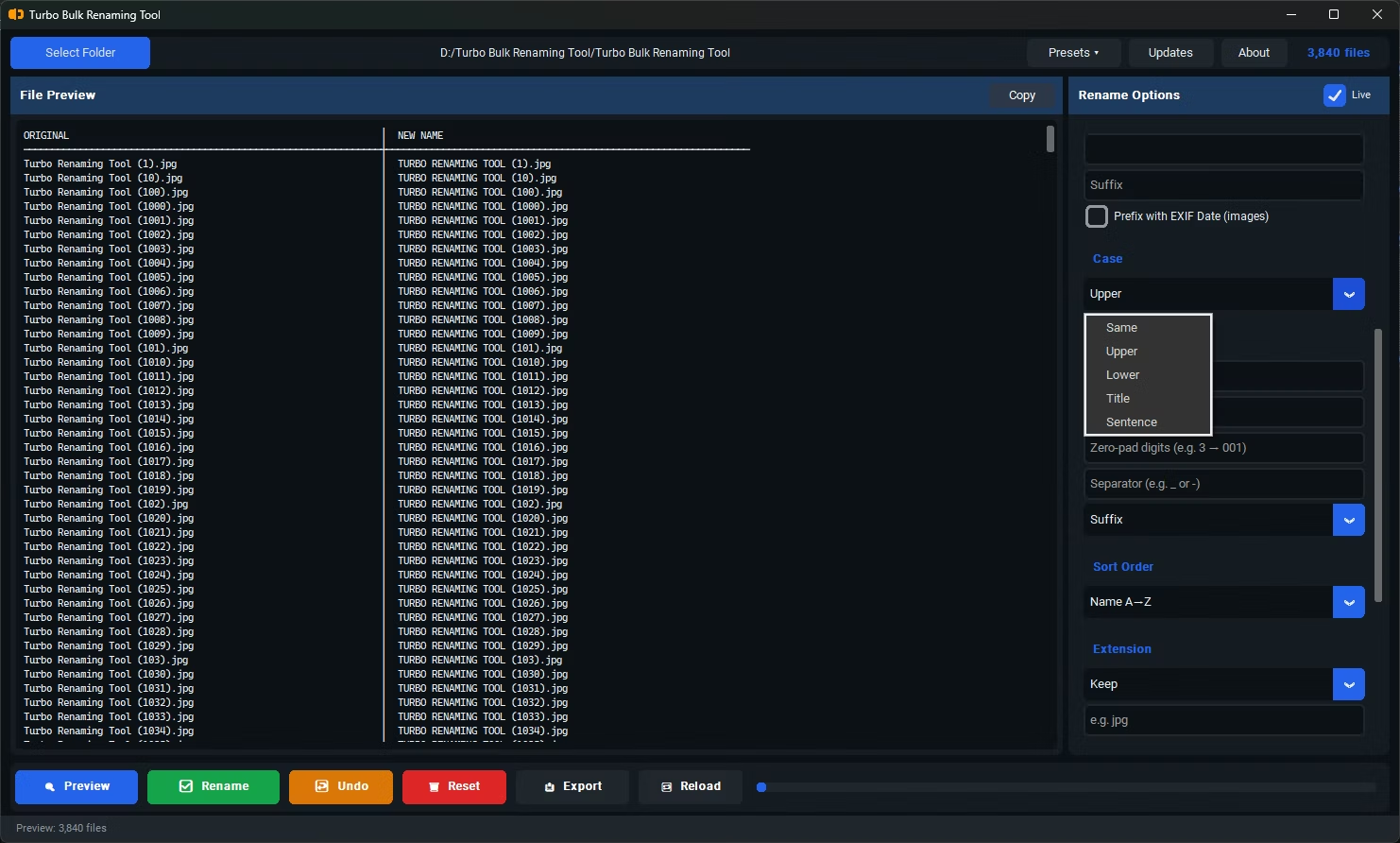
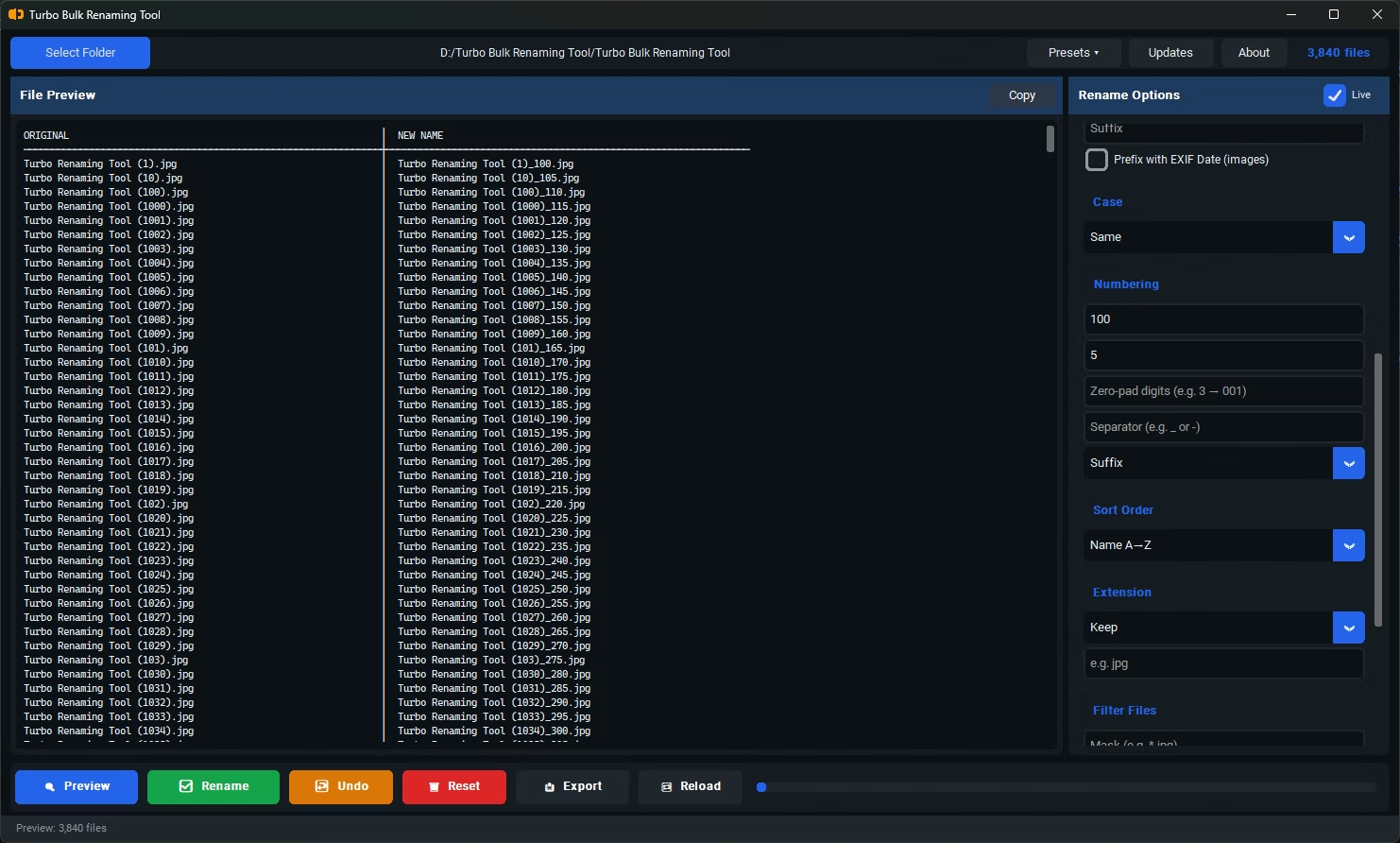
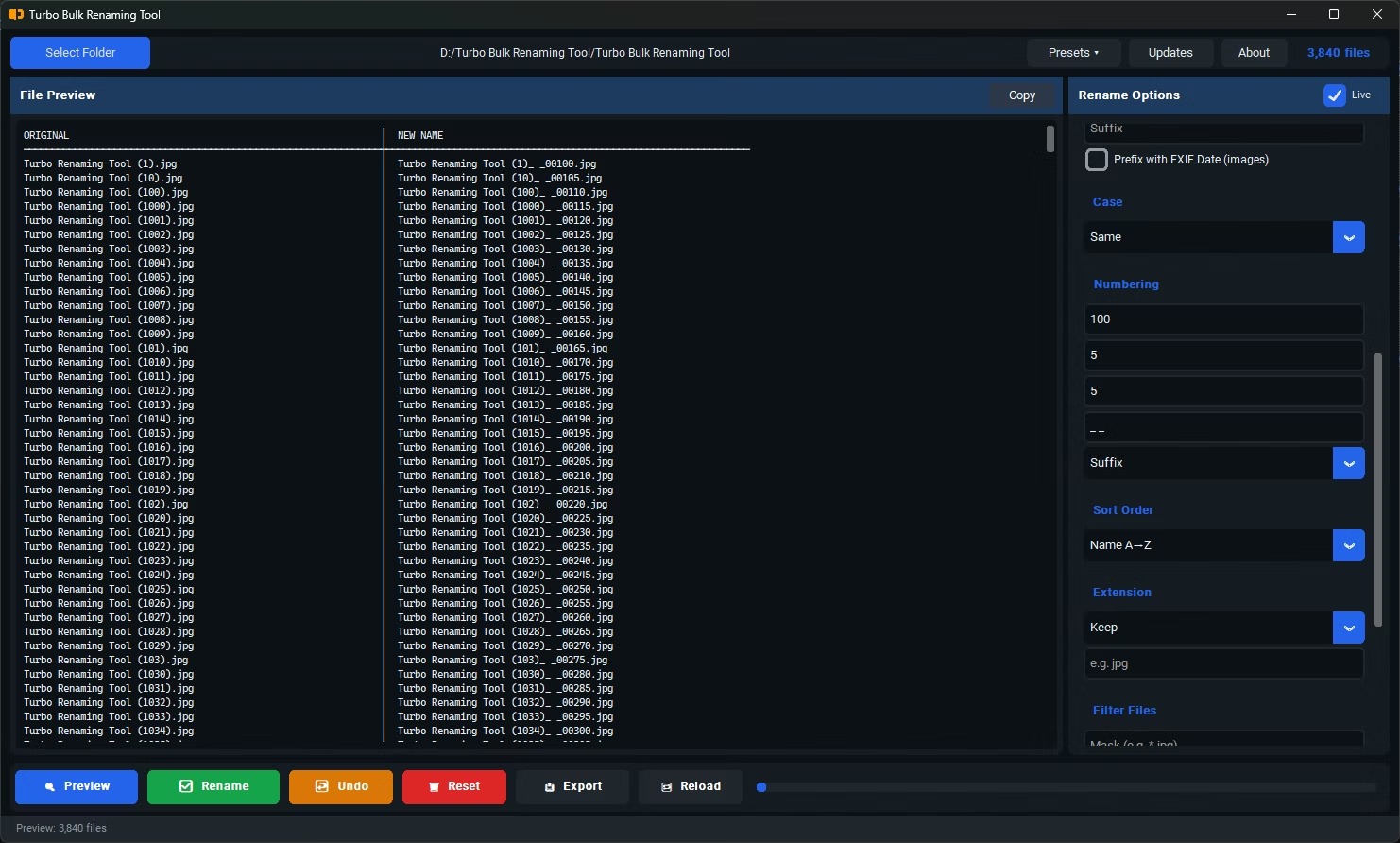
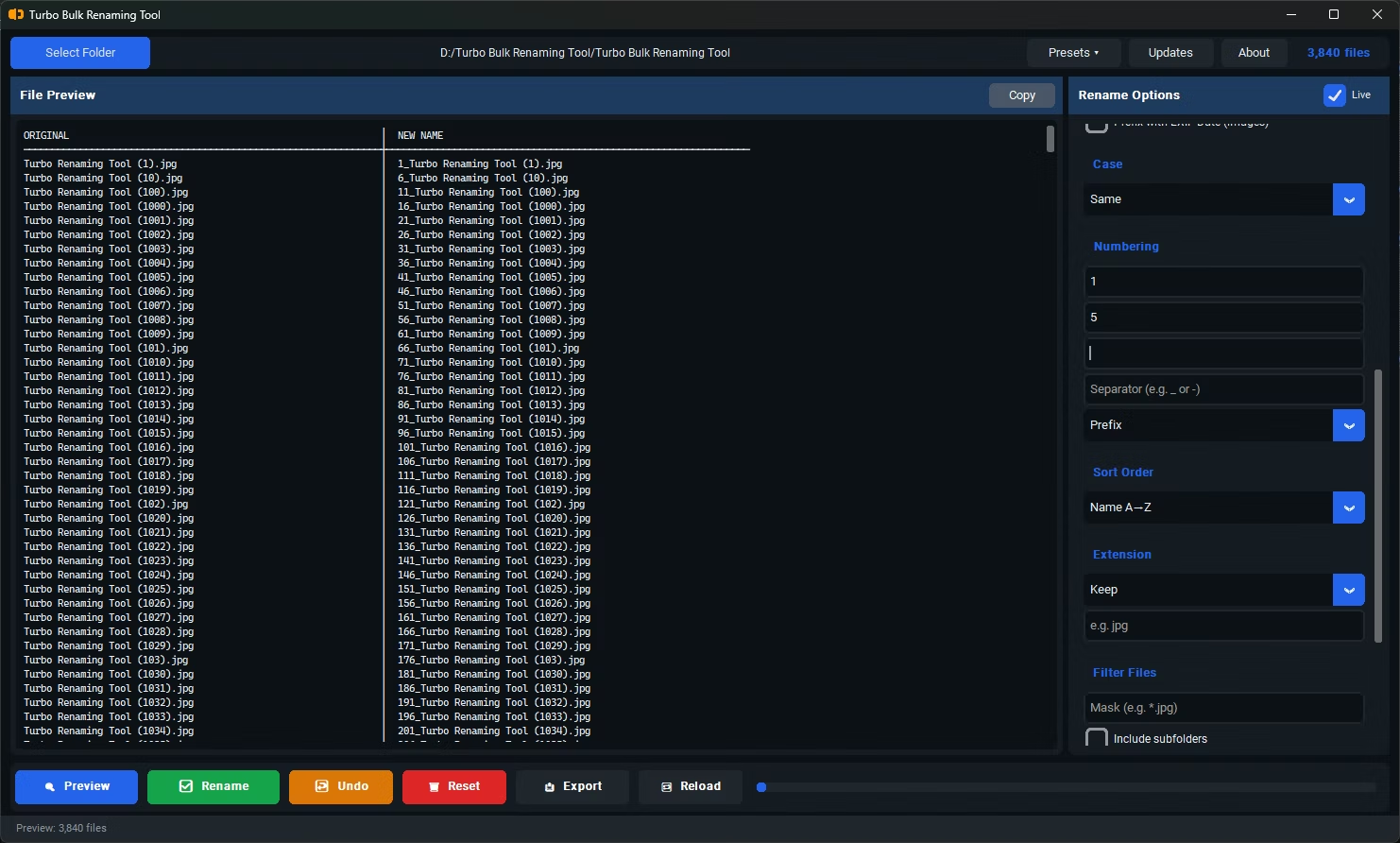
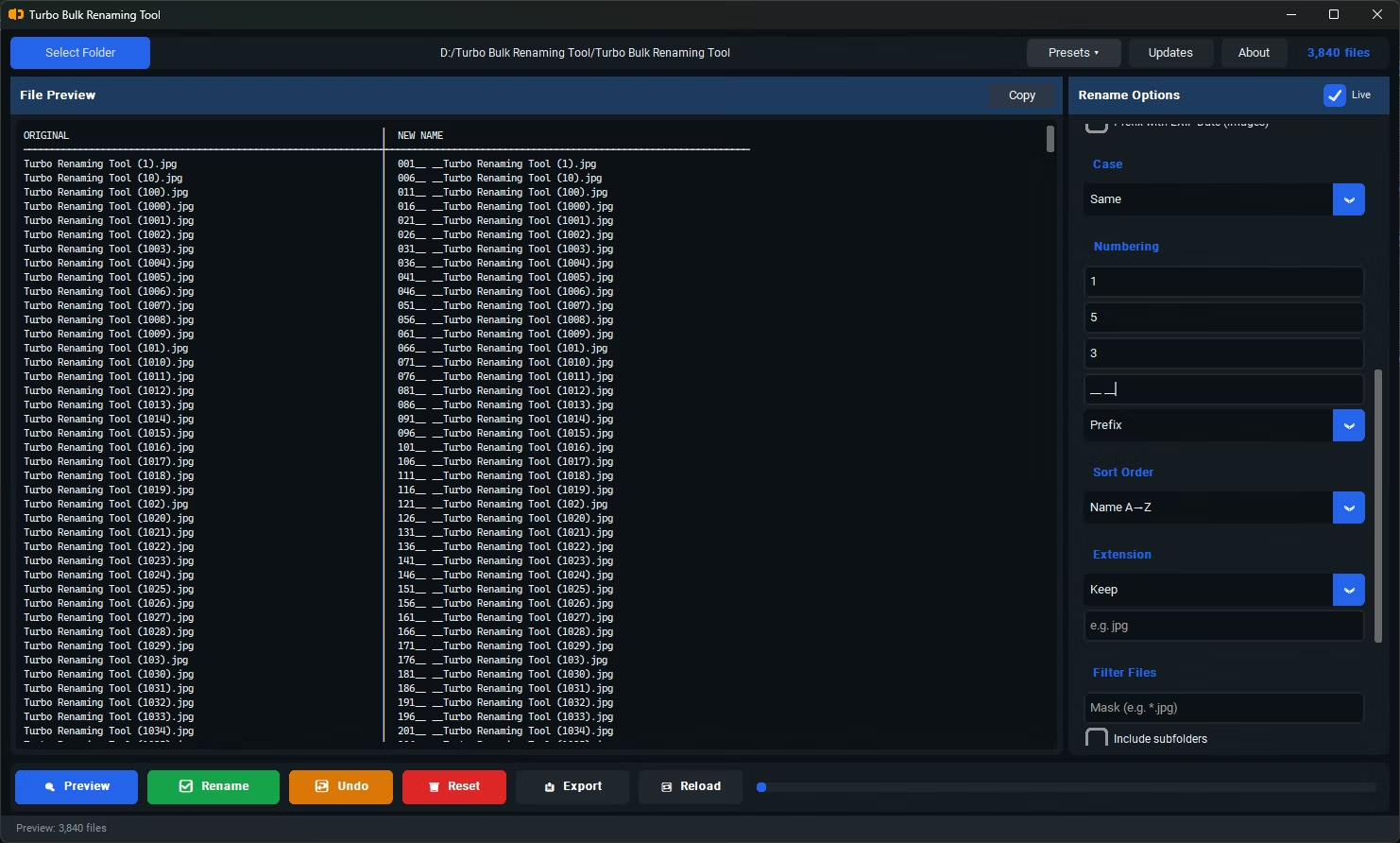
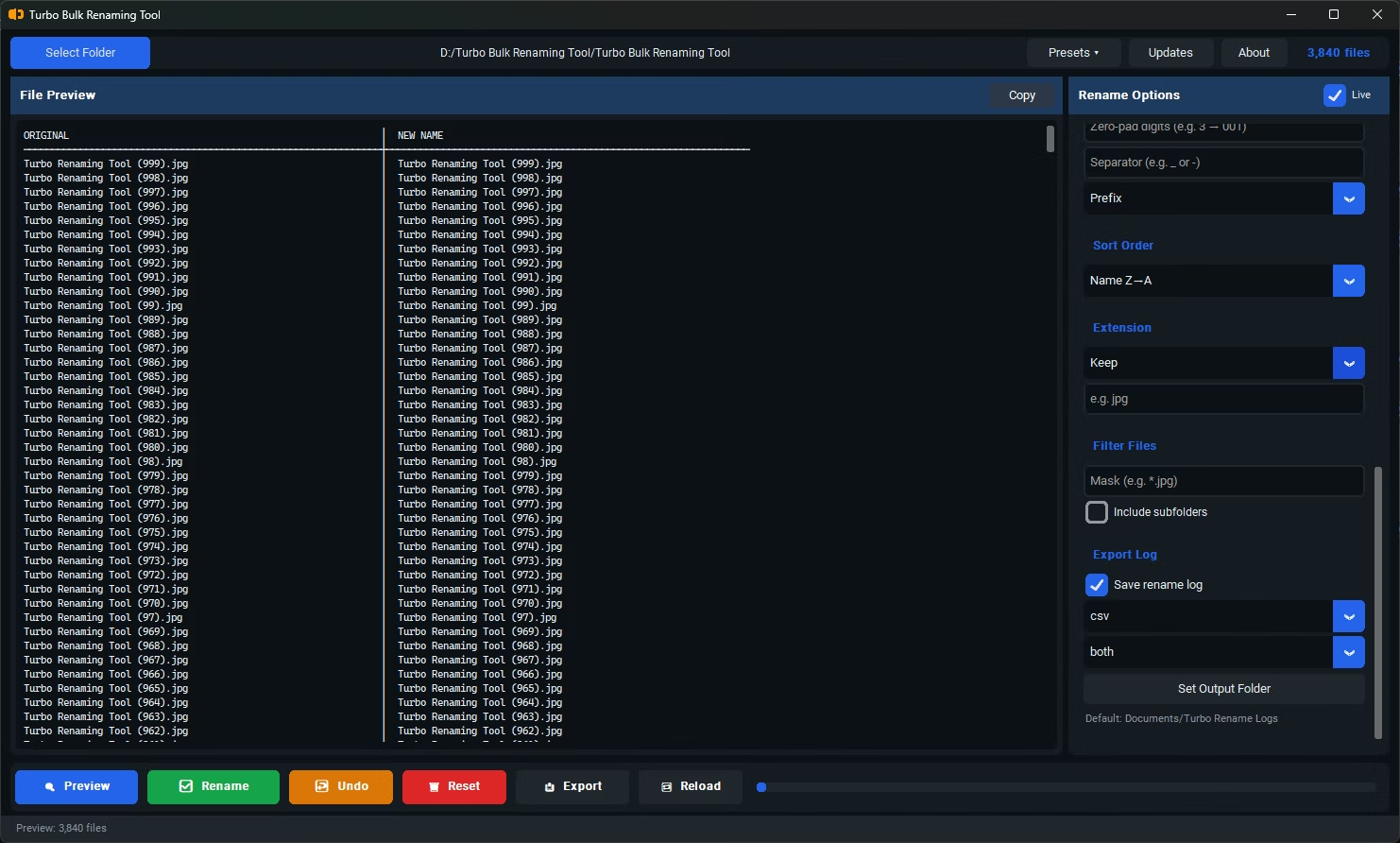
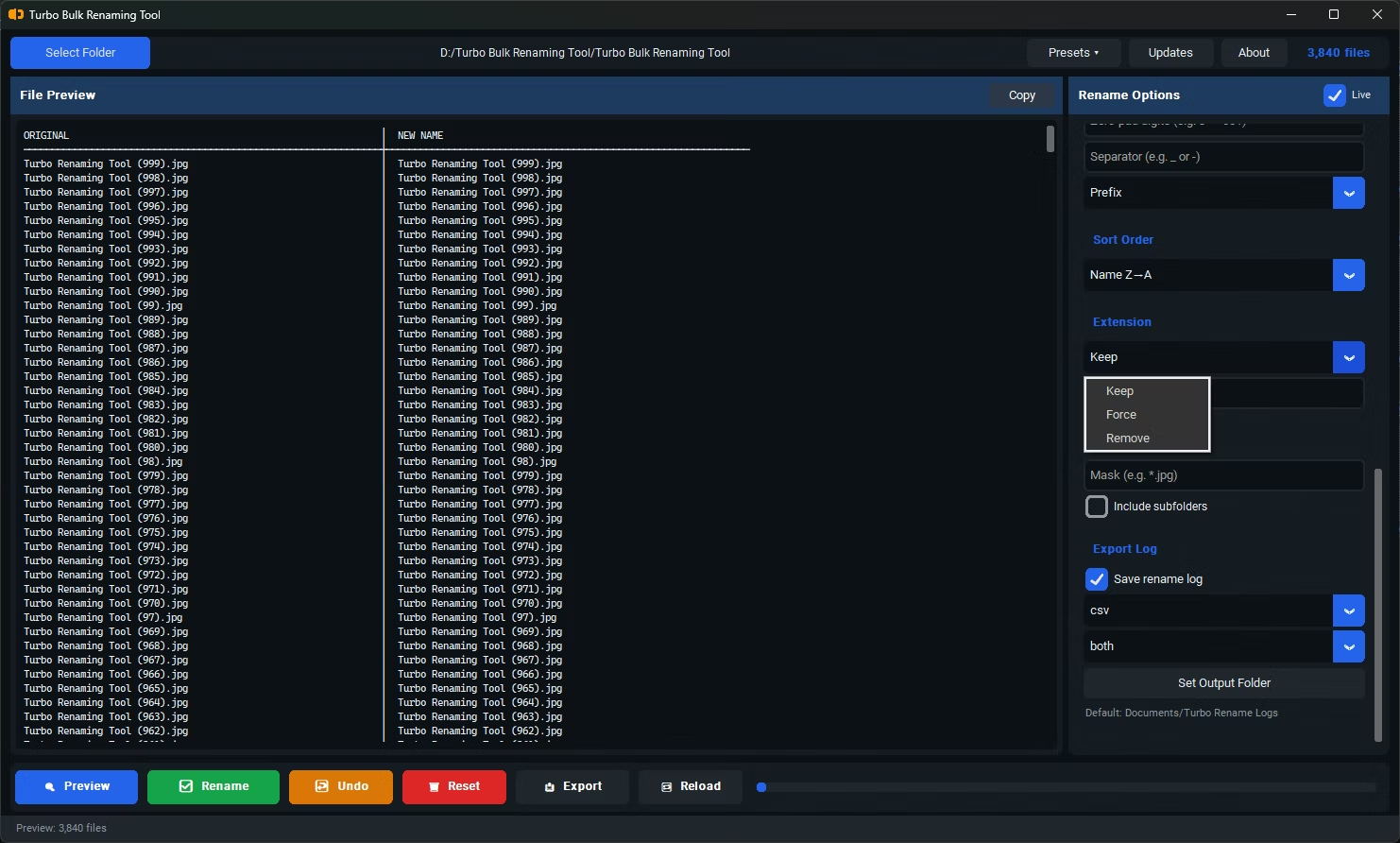
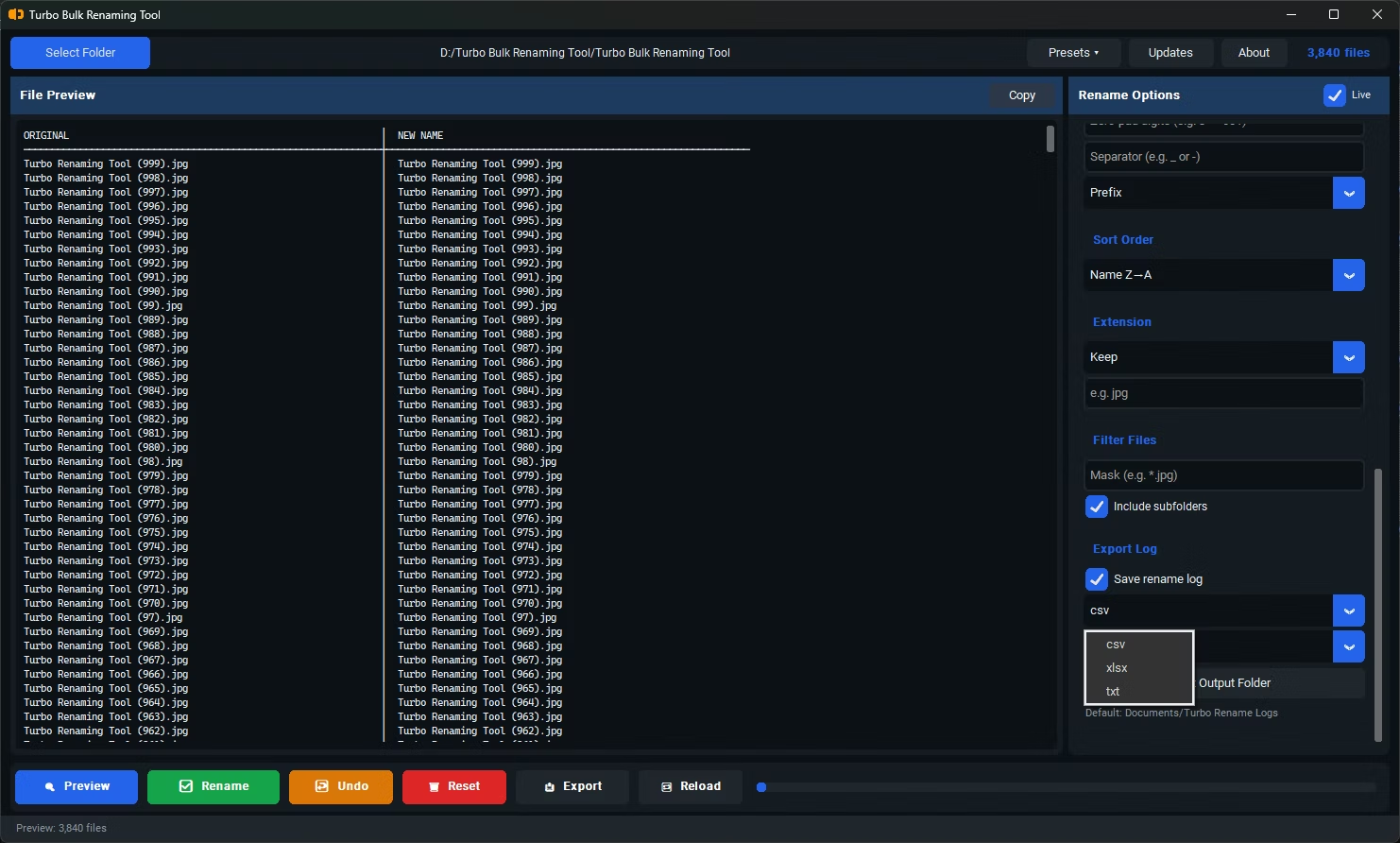
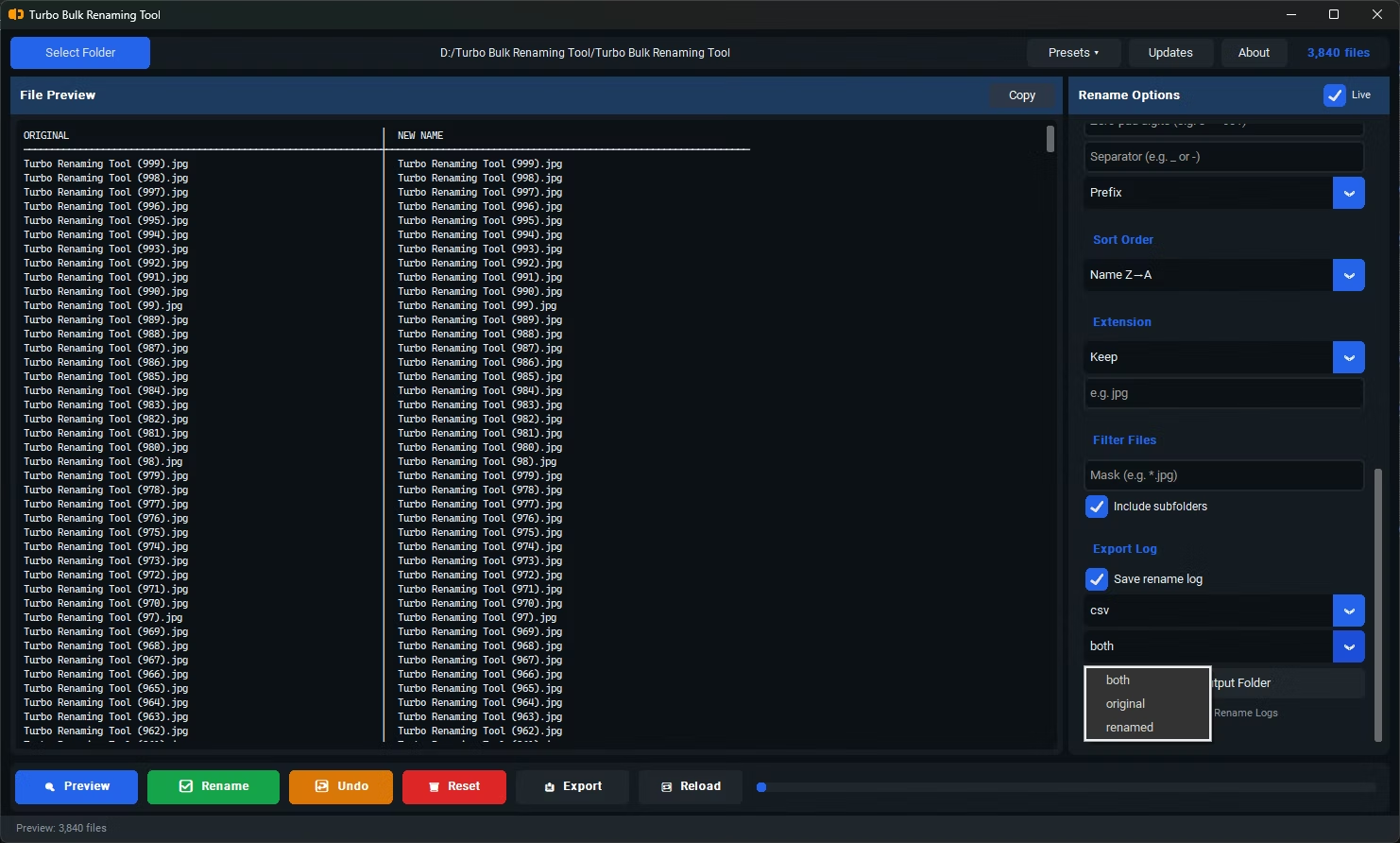
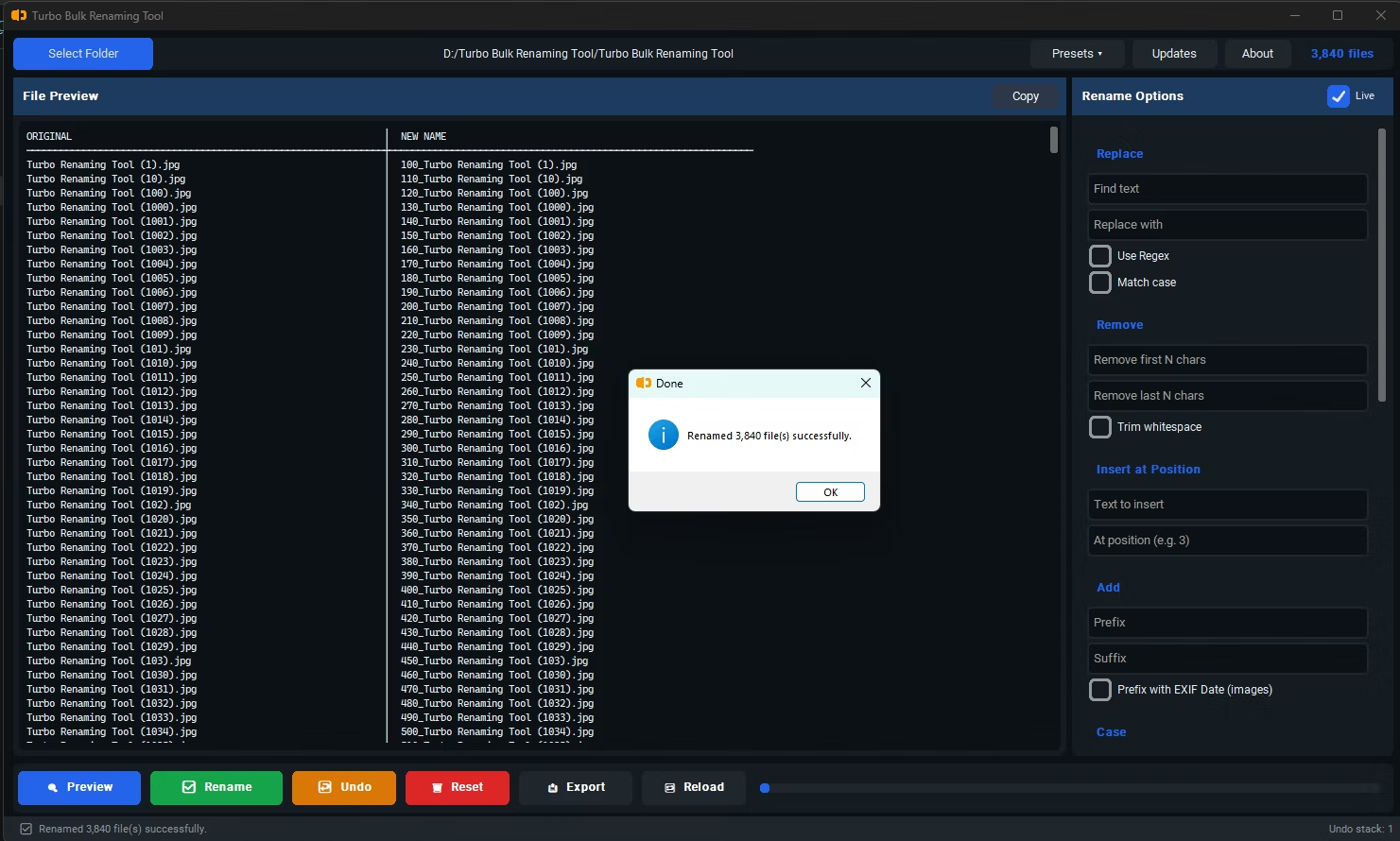
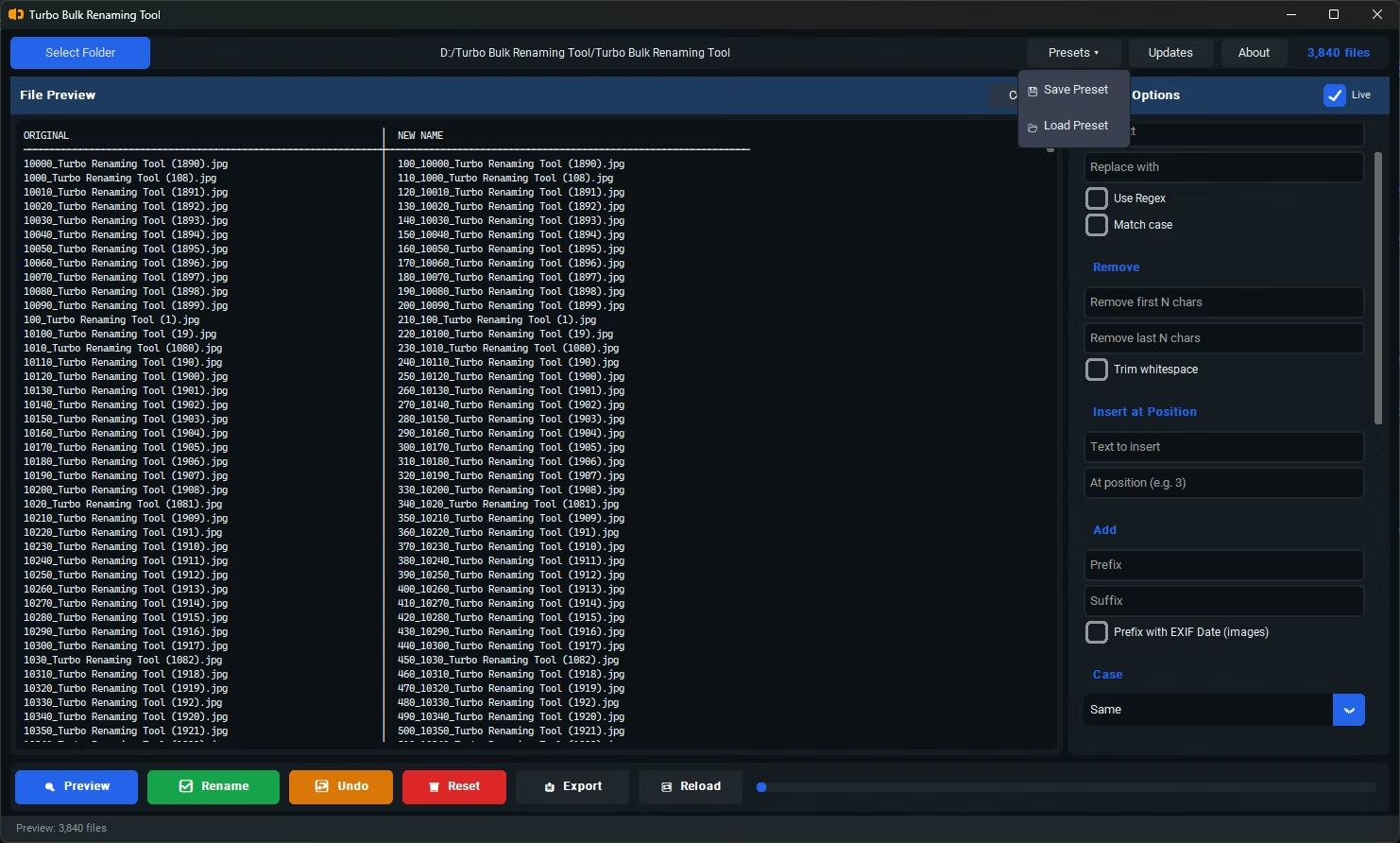
- Install Turbo Bulk Renaming Tool on your Windows PC.
- Open the app and drag in the folder or files you want to rename.
- Choose a renaming rule and configure it — this is the only setup step required.
- Watch the live preview update instantly as you adjust your settings, with no separate "test" step needed.
- Once the preview looks correct, click Rename once. Every file in the loaded batch is renamed in that single action.
- A single Rename action applies to the entire loaded batch, regardless of file count
- Live preview removes the need for a separate "test run" before committing
- Drag-and-drop loading gets your files into the app quickly
- Conflict detection runs automatically alongside the preview, with no extra step
- One-click Undo if you need to reverse the action just as quickly
- Runs fully offline, so there's no upload delay before the rename can happen
Does "one click" mean no configuration is needed at all?
It refers to the final commit step — applying your configured rule to the whole batch happens in a single action, though setting up the rule itself still takes a moment depending on what you're trying to achieve.
Is it safe to commit a large batch in one click?
Yes, since the live preview and conflict detection run before you click Rename, you can verify the result is correct first, and Undo is available immediately afterward if needed.
Does the one-click rename work the same for large and small batches?
Yes, the same single action applies whether you're renaming a handful of files or a folder with thousands.
Ready to rename your files in bulk, offline, with full privacy?