Renaming a handful of files one by one in File Explorer is fine, but the moment you have hundreds or thousands of files — photos from a trip, scanned documents, exported project files — manual renaming becomes a multi-hour chore prone to mistakes. Windows' built-in batch rename feature also has real limitations: it appends a number in brackets by default and offers little control over patterns, positions, or formatting.
A dedicated bulk renaming tool solves this by letting you define a rule once — a pattern, a prefix, a sequential numbering scheme — and apply it instantly to every selected file, with a live preview so you can confirm the result before committing.
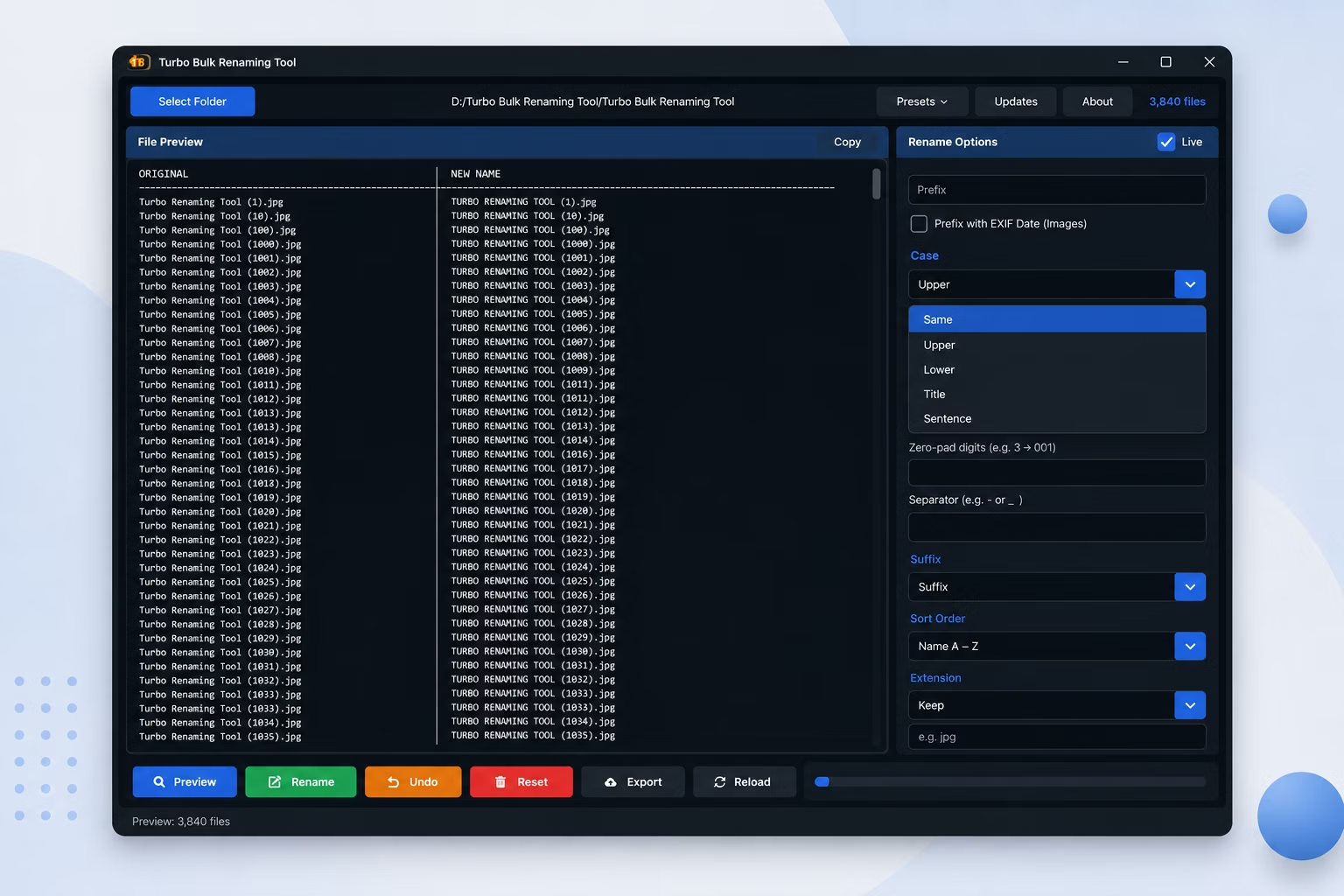
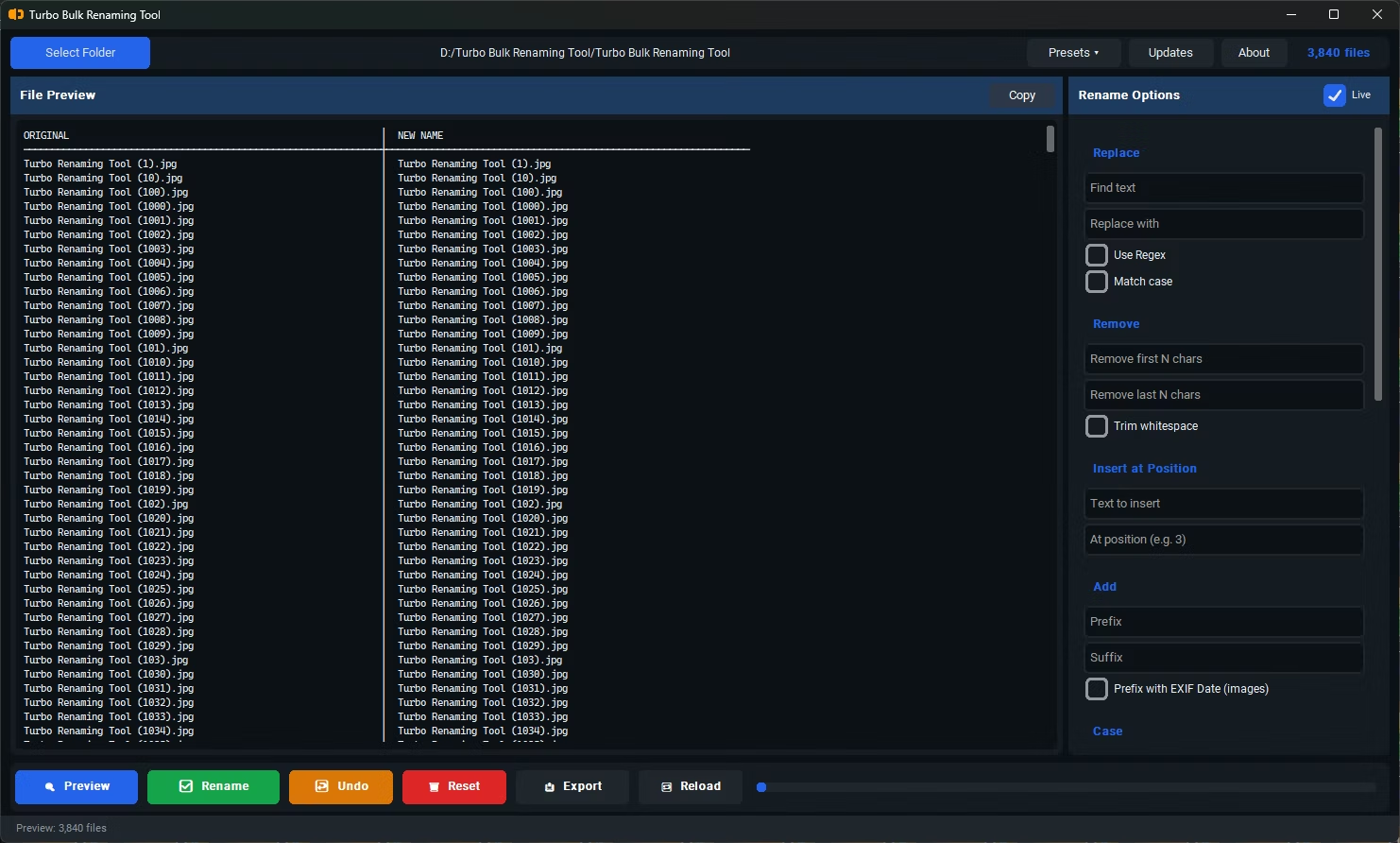
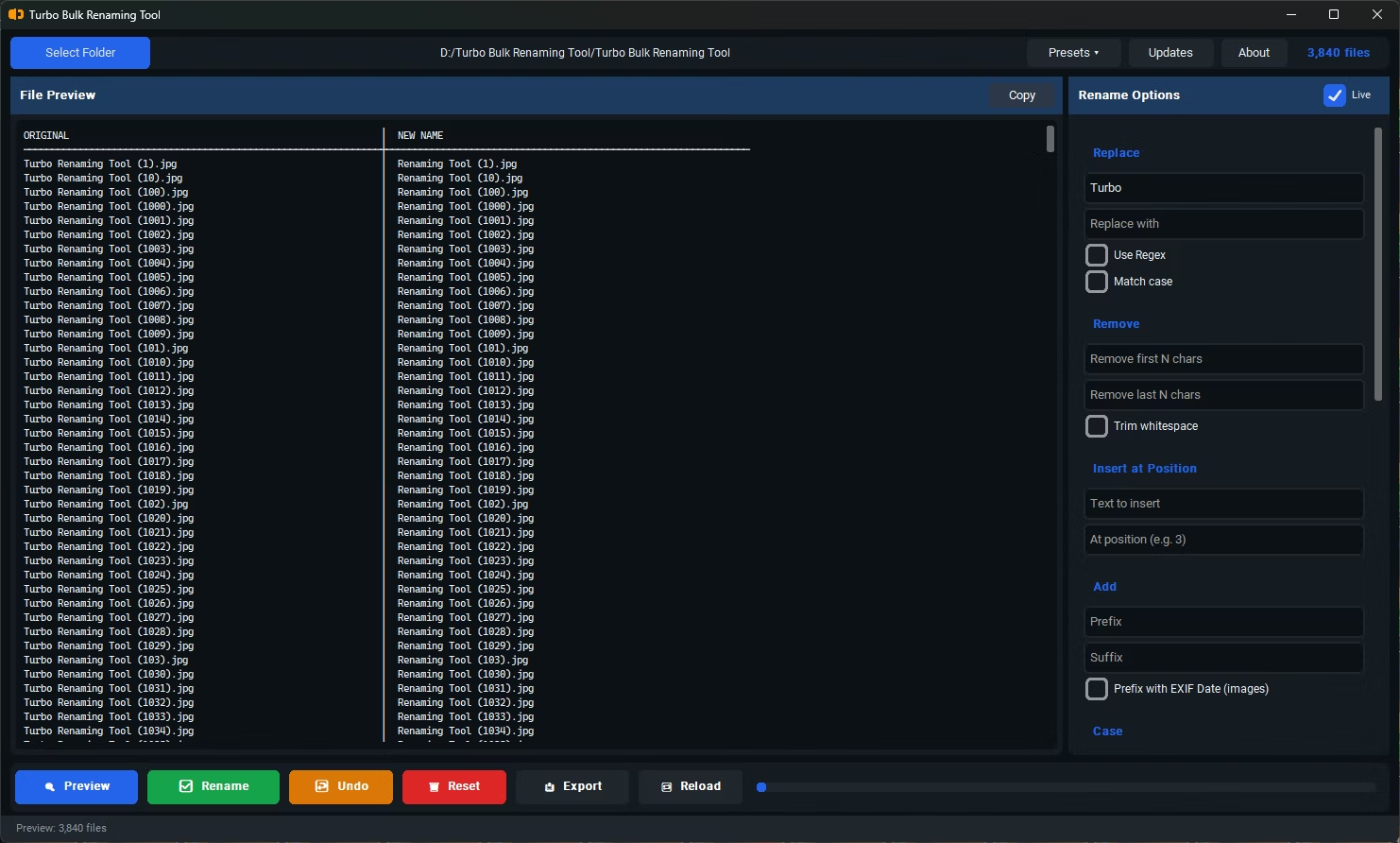
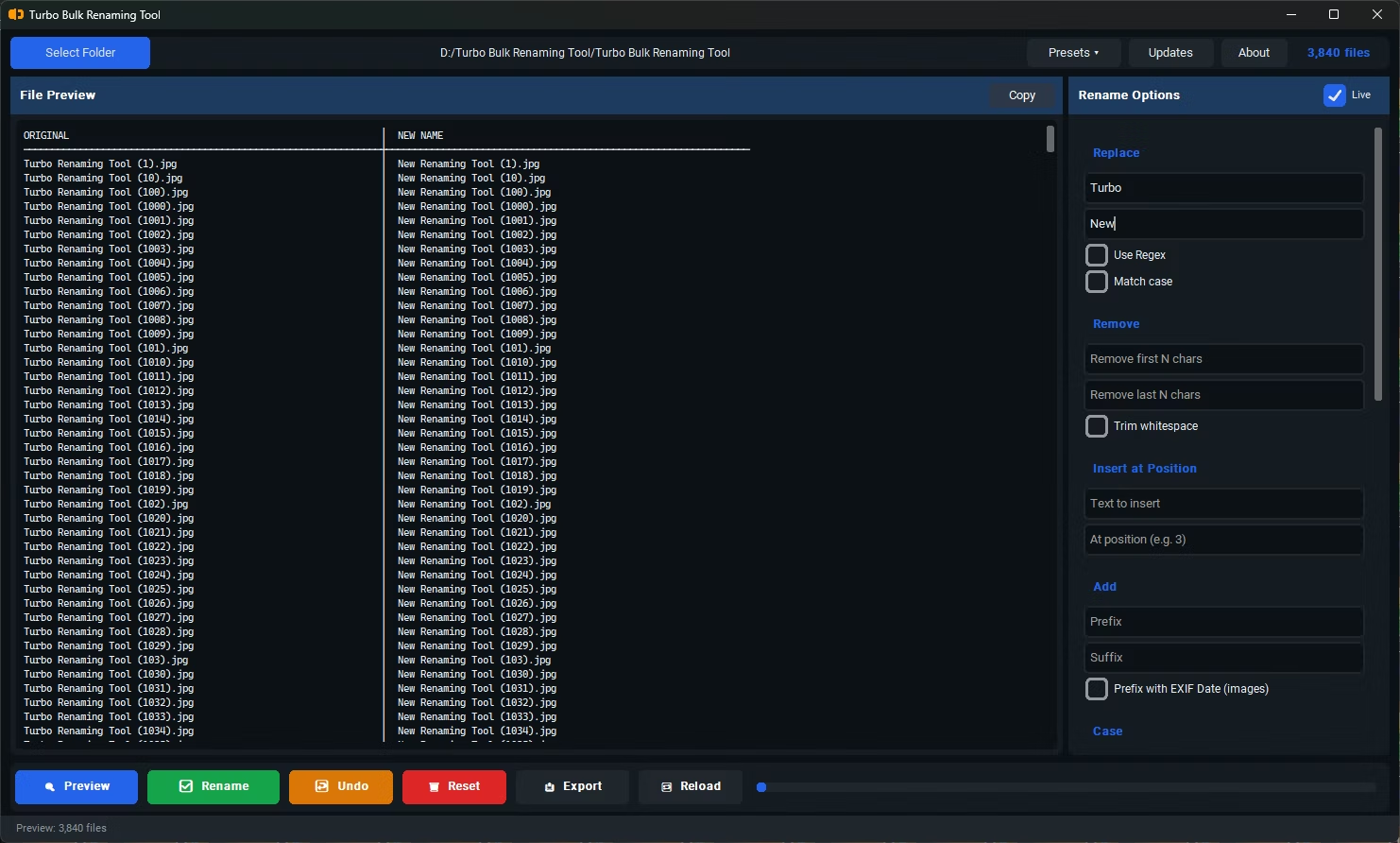
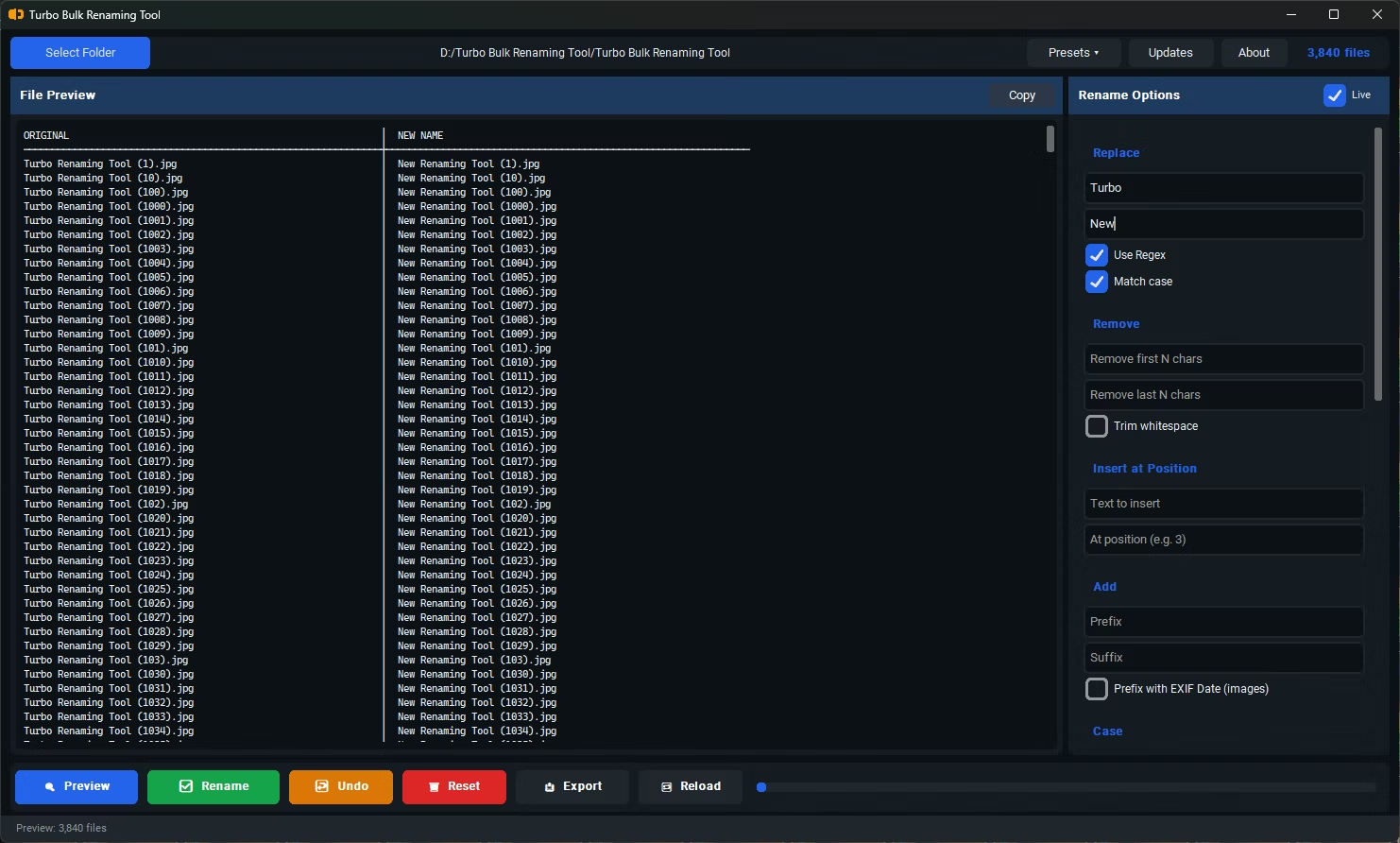
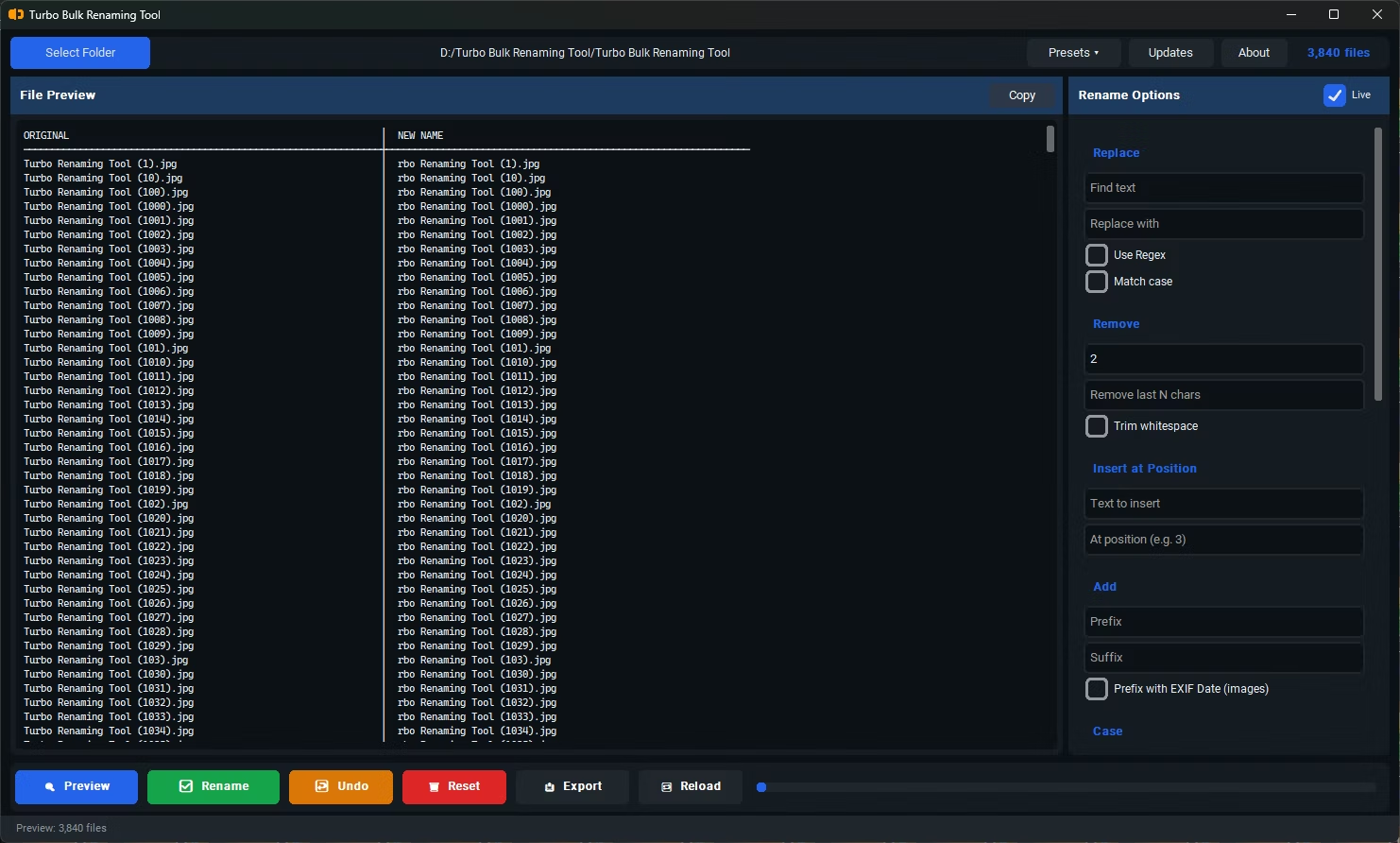
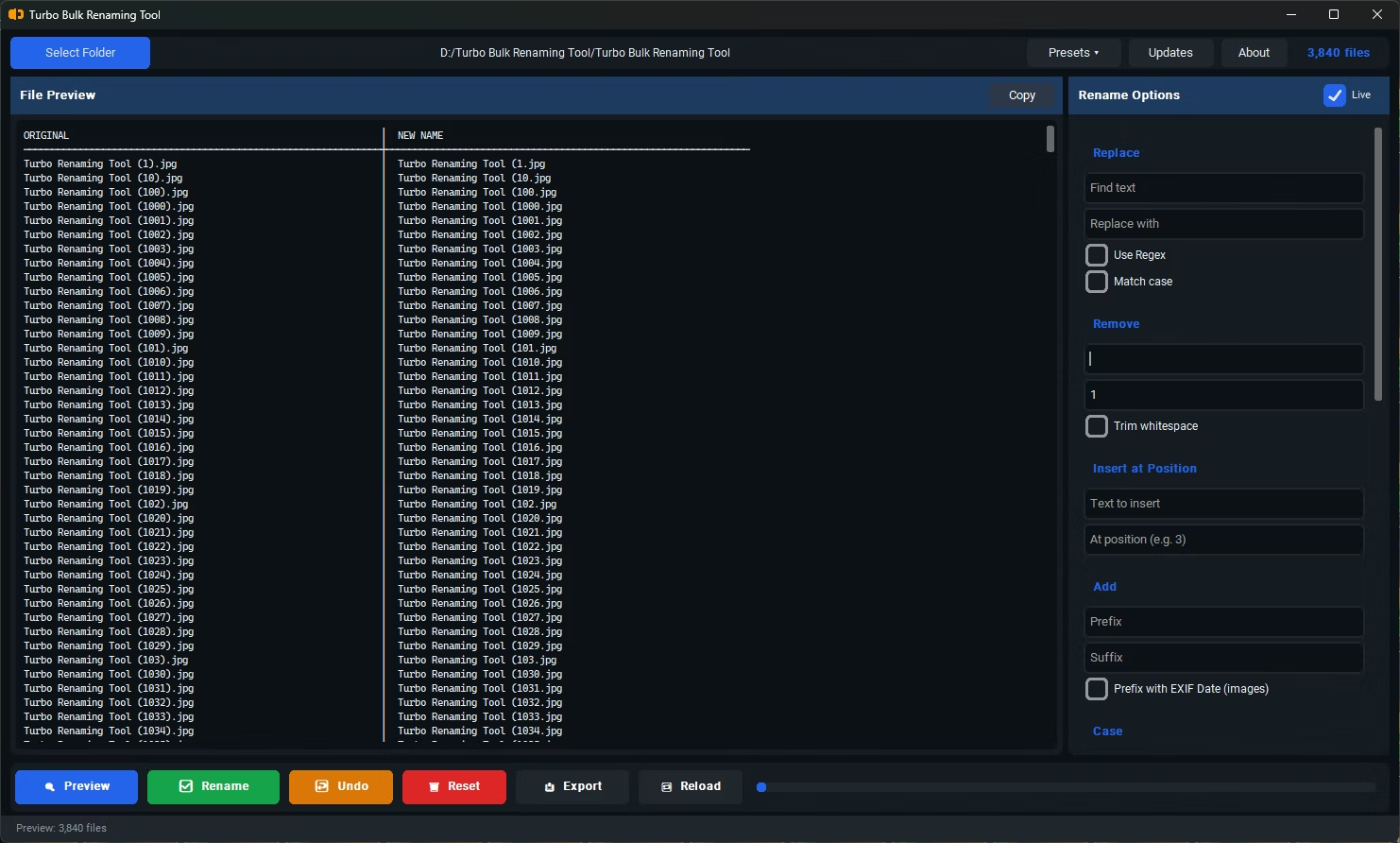
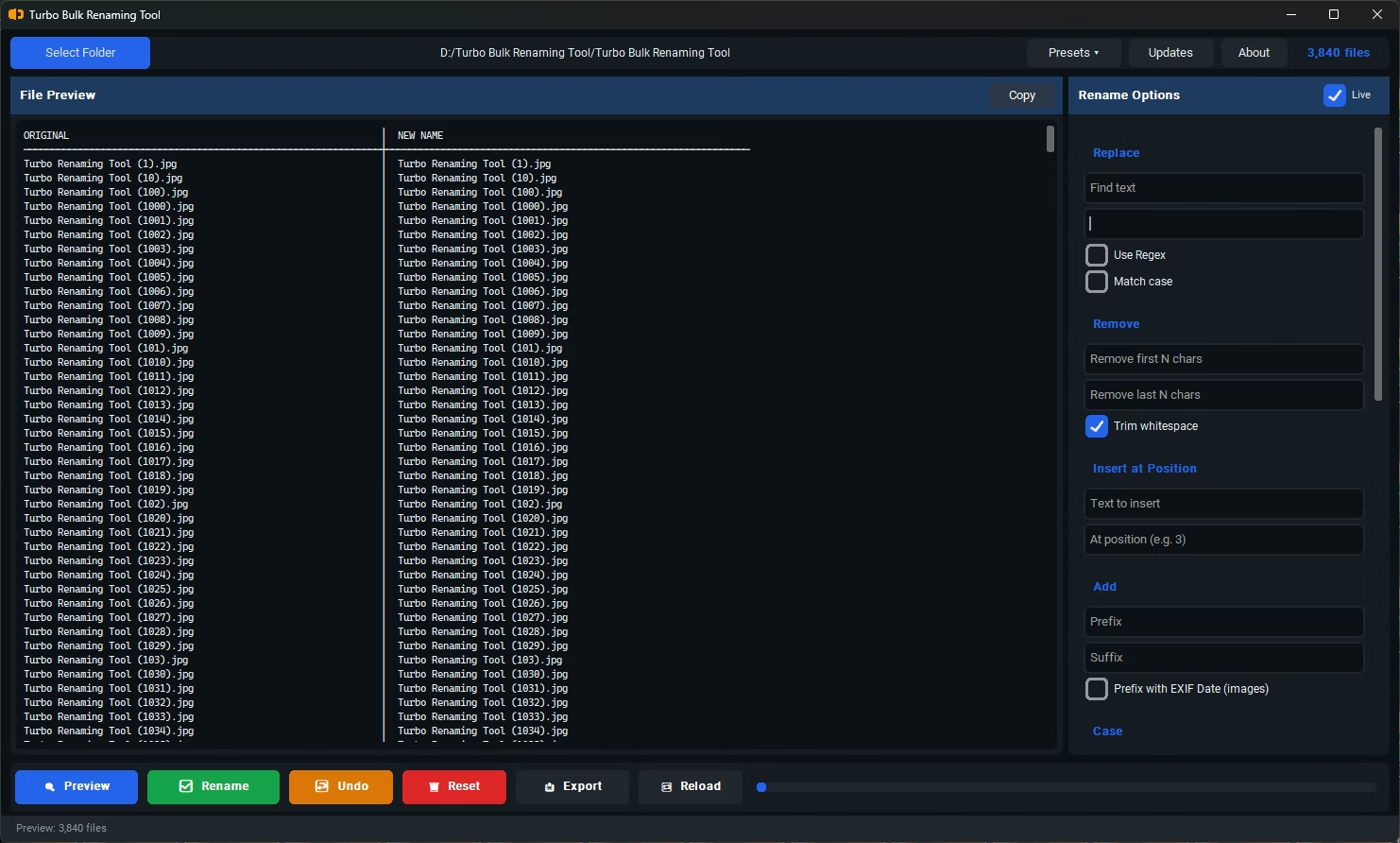
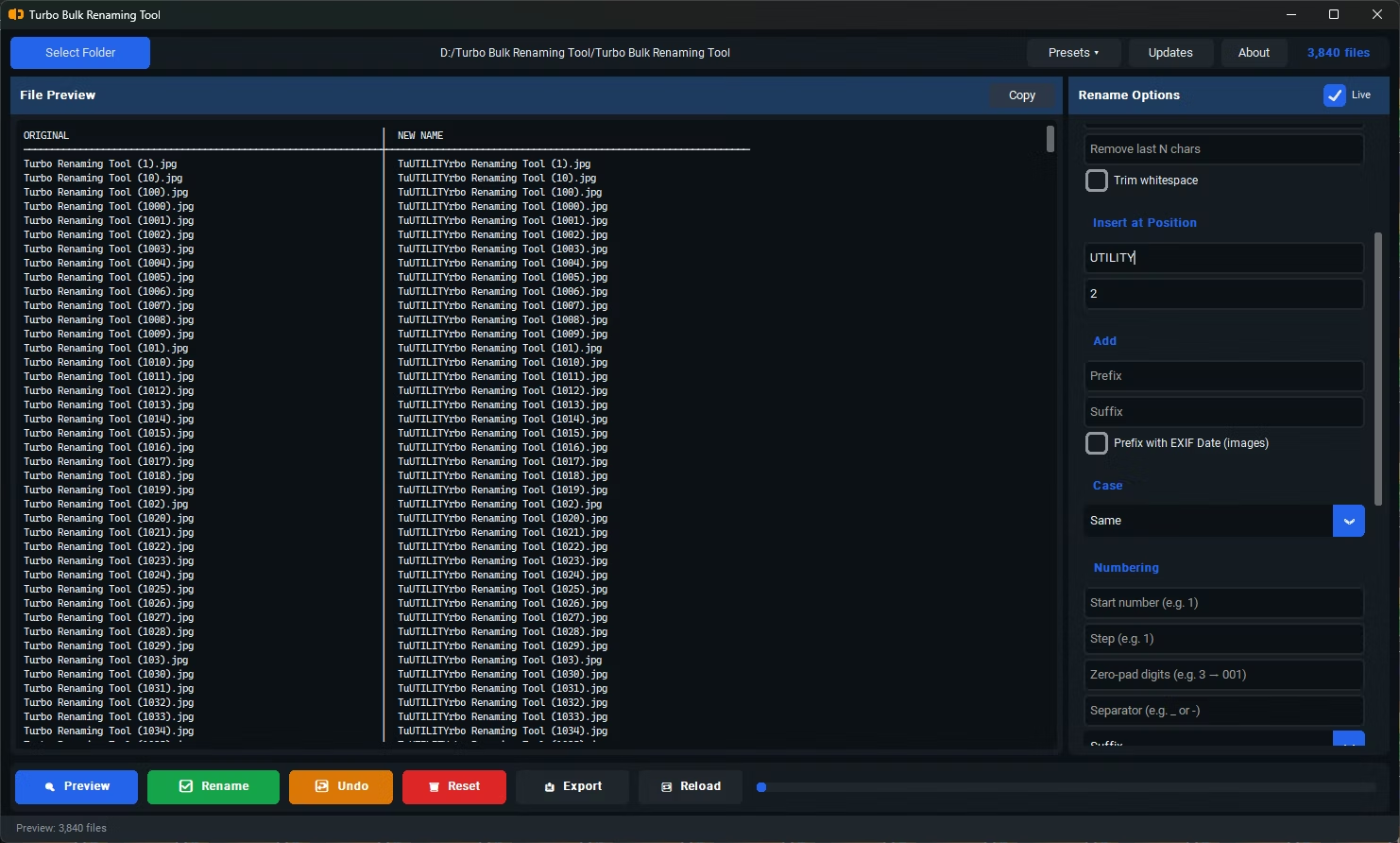
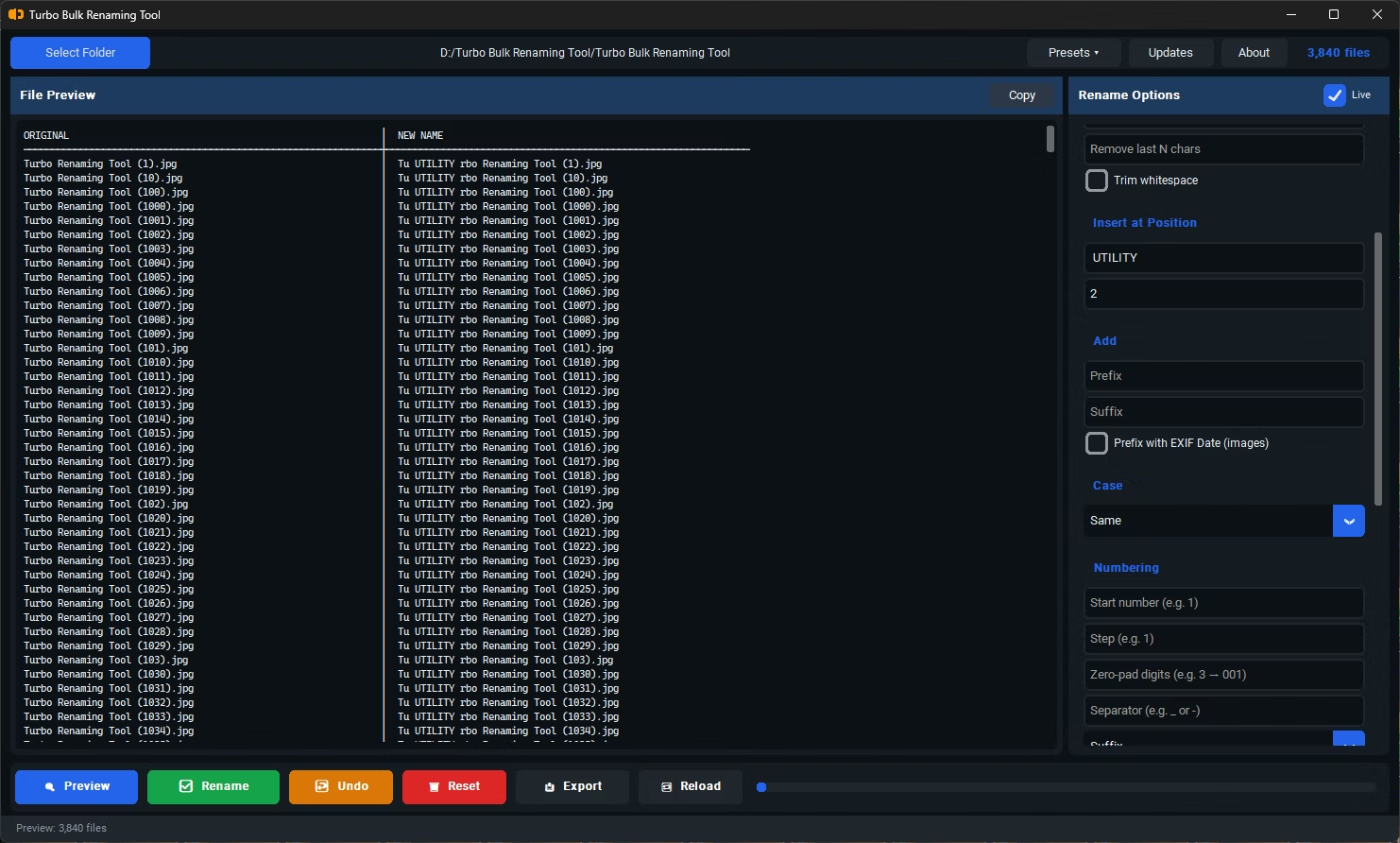
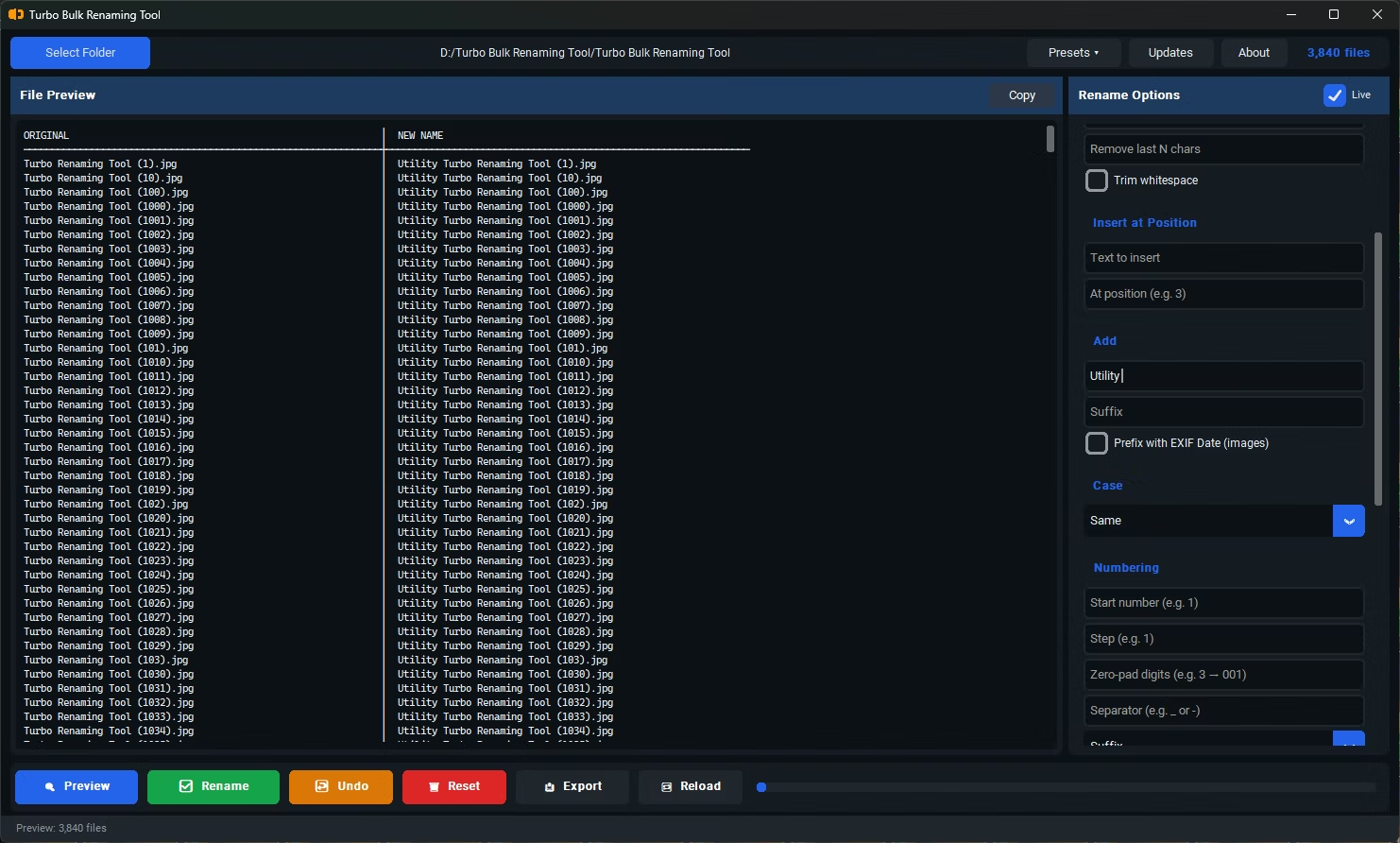
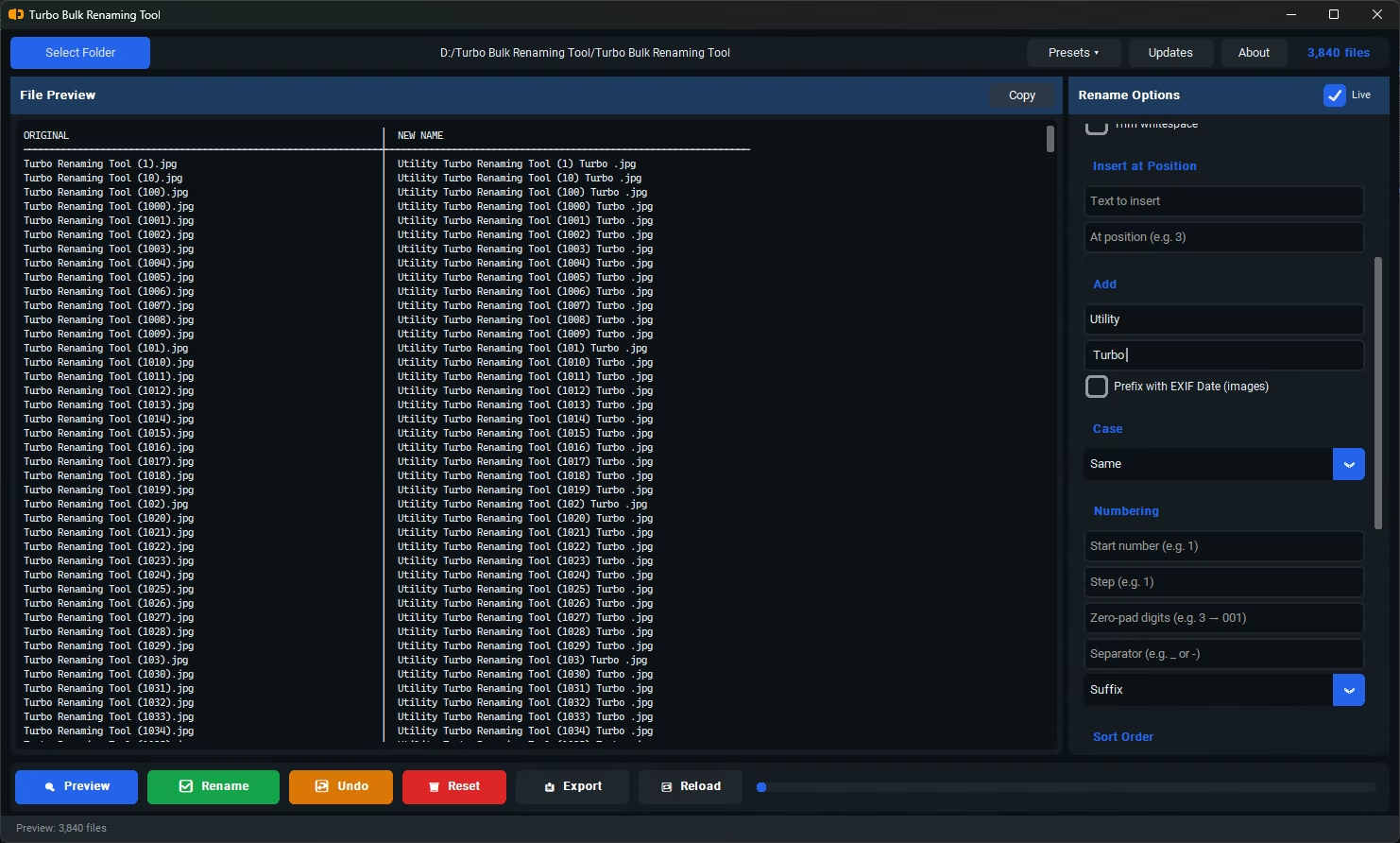
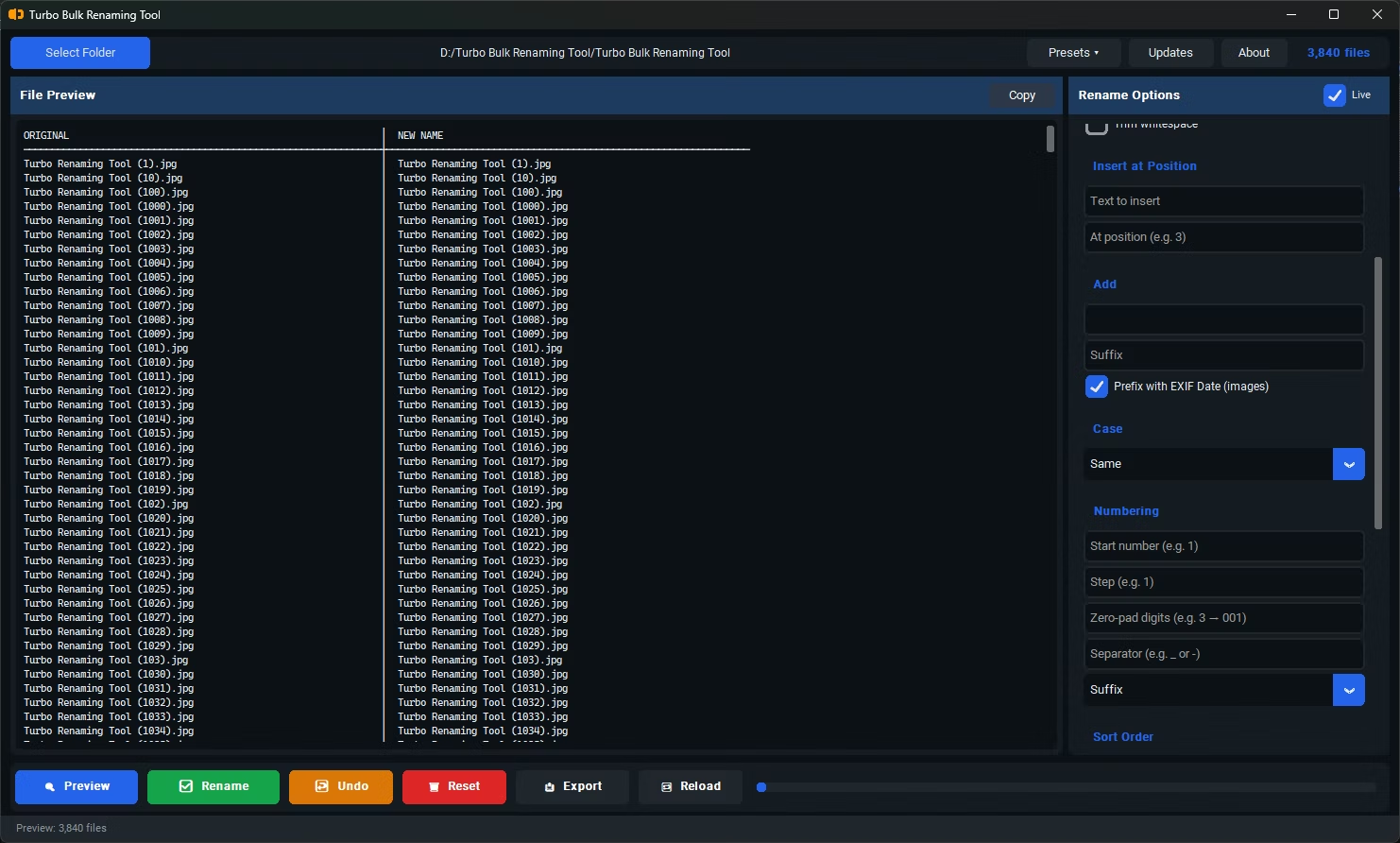
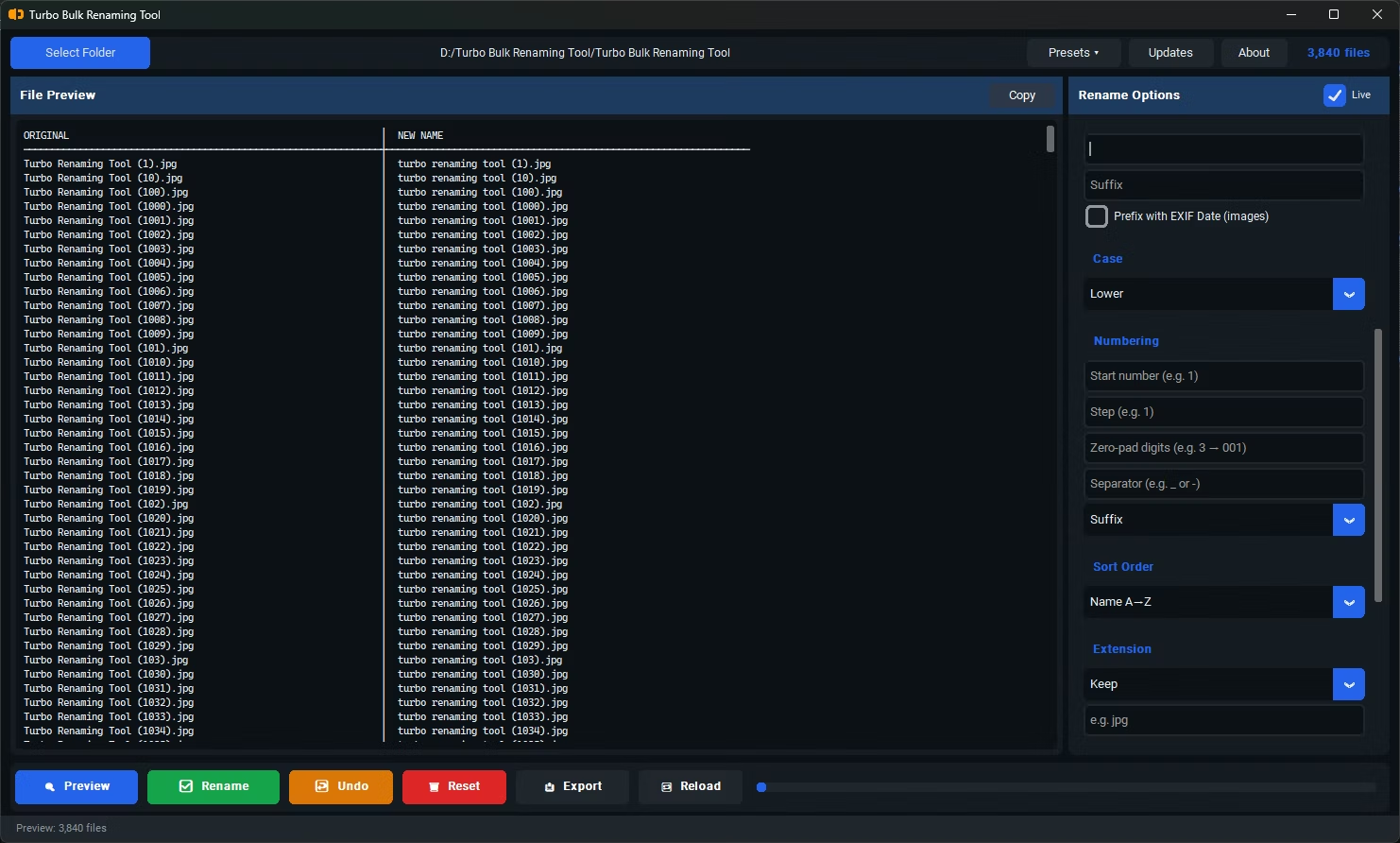
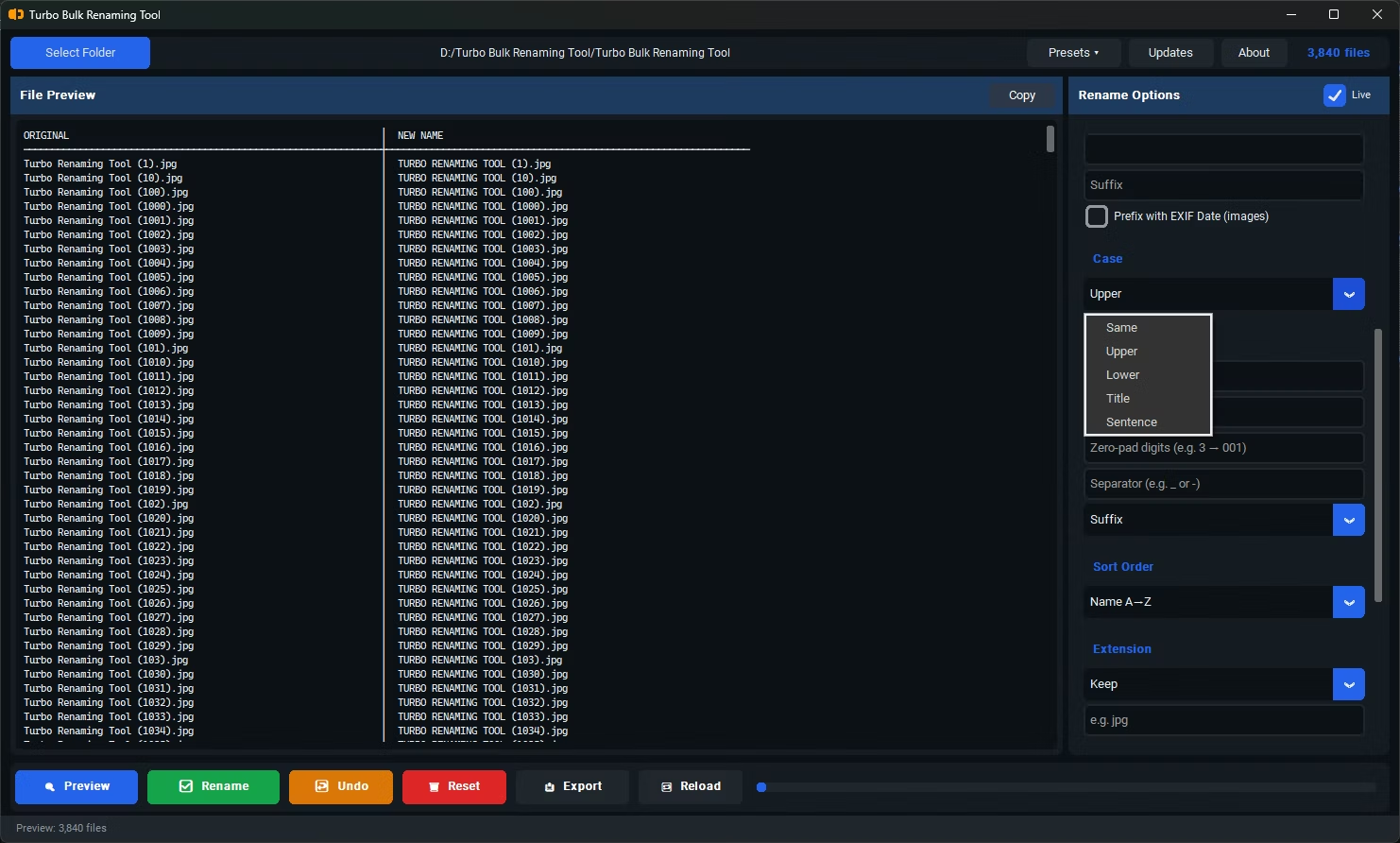
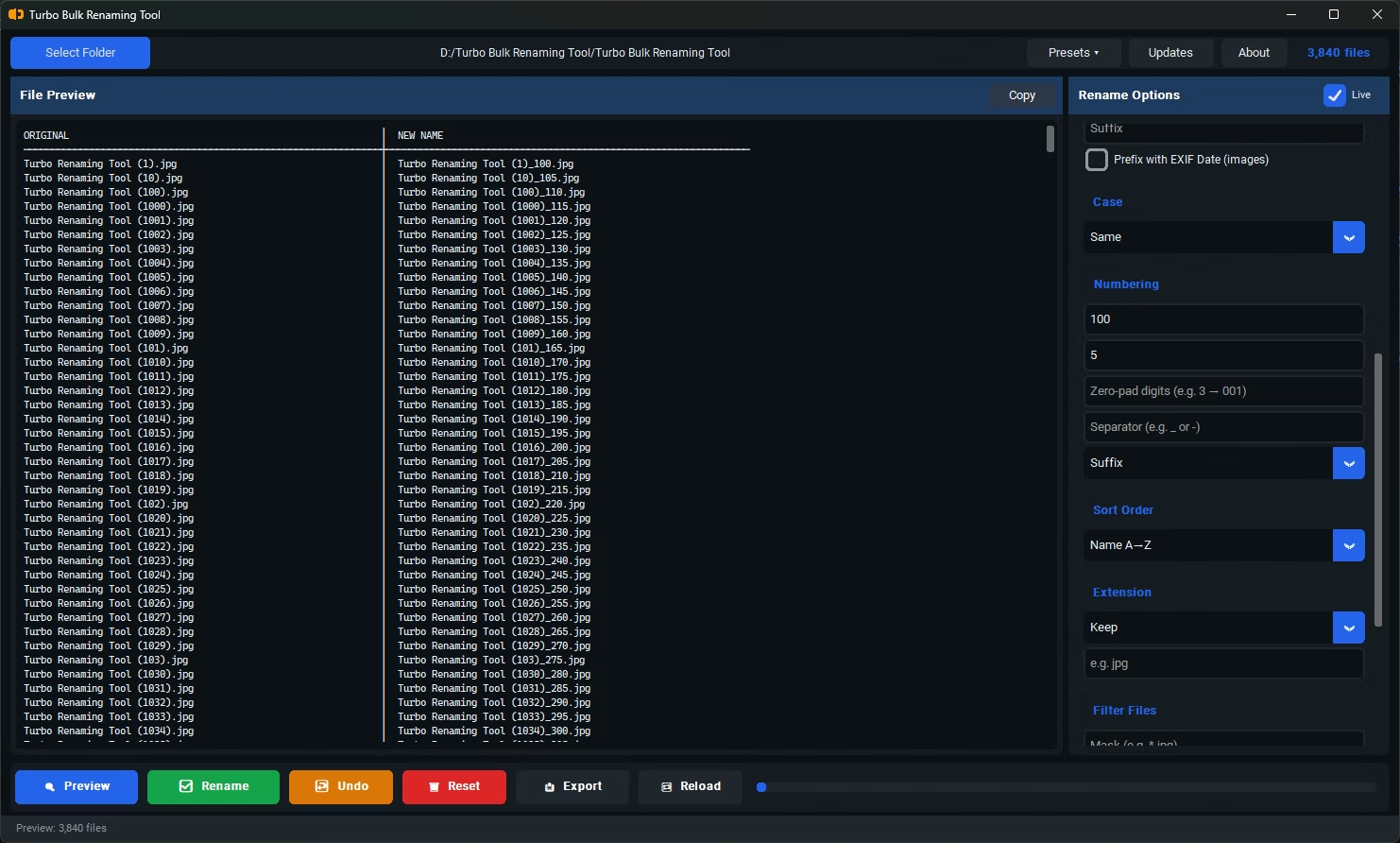
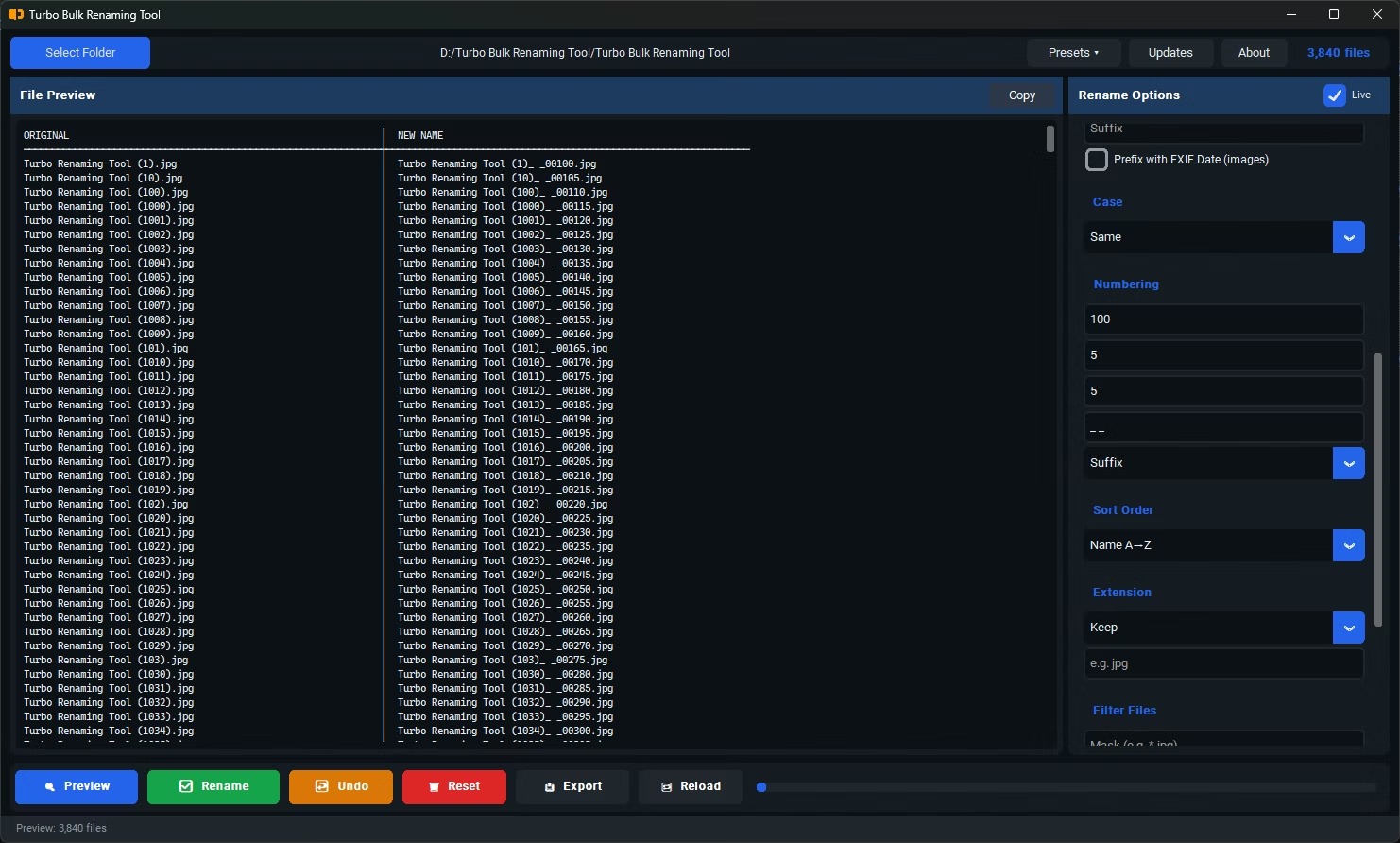
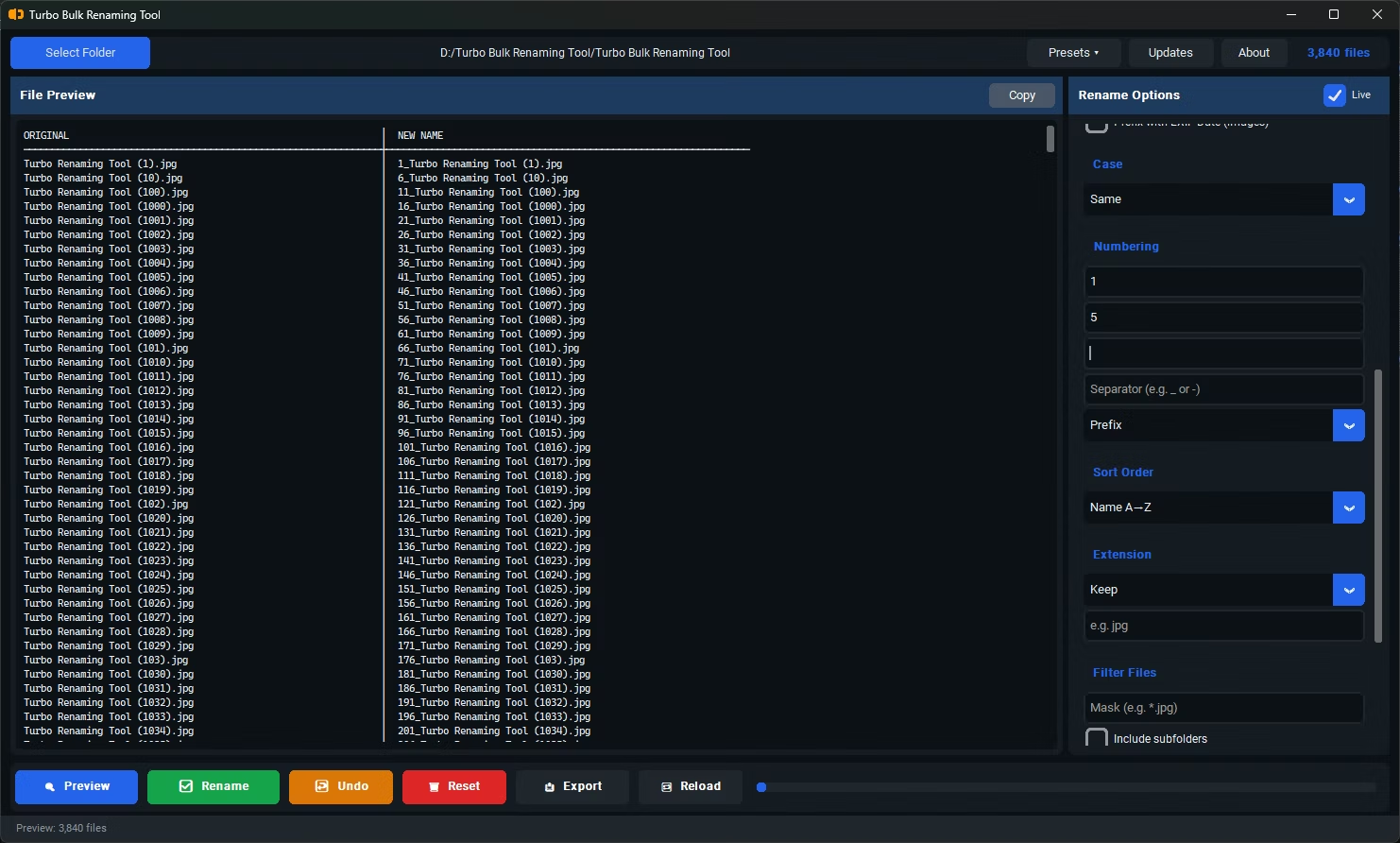
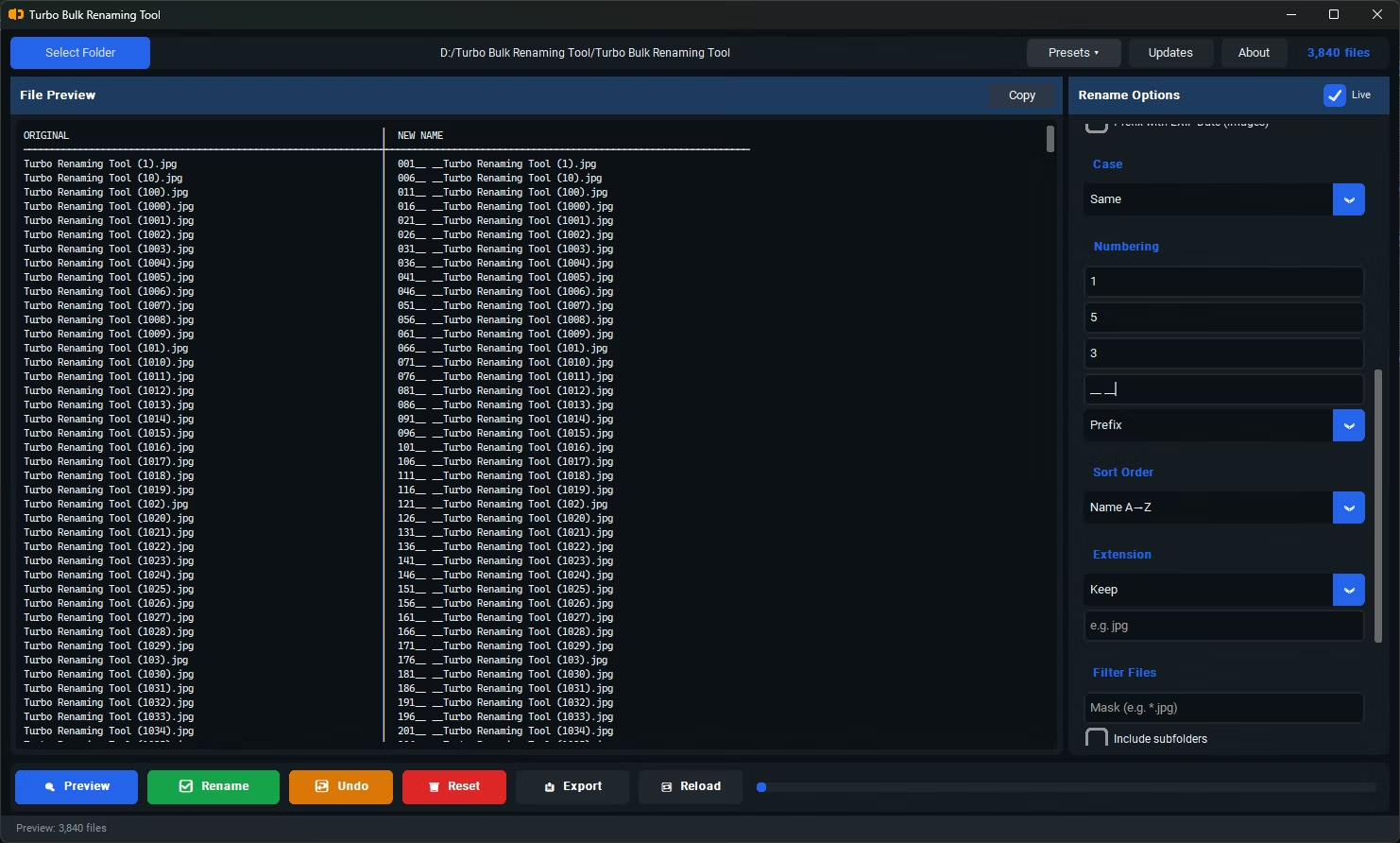
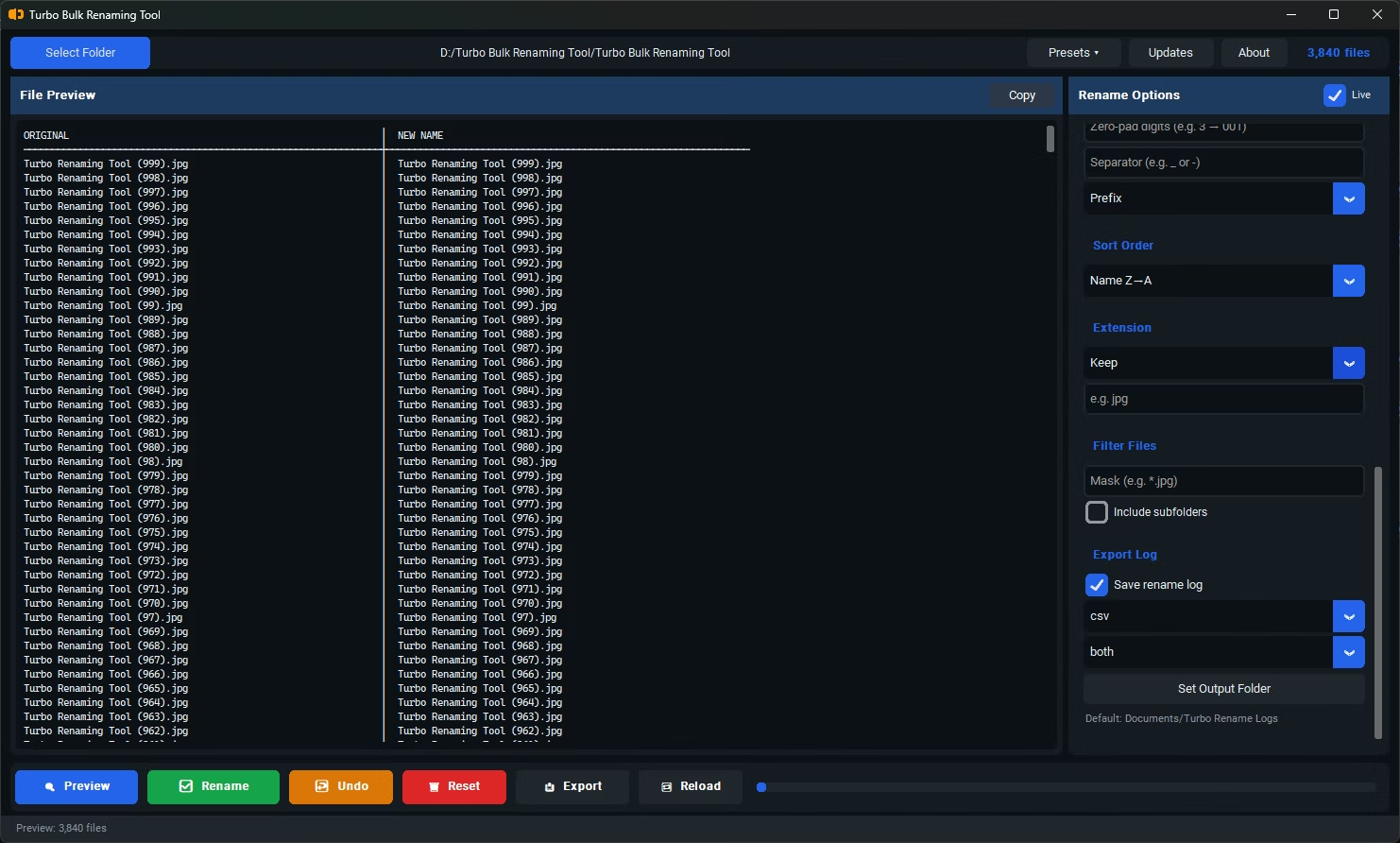
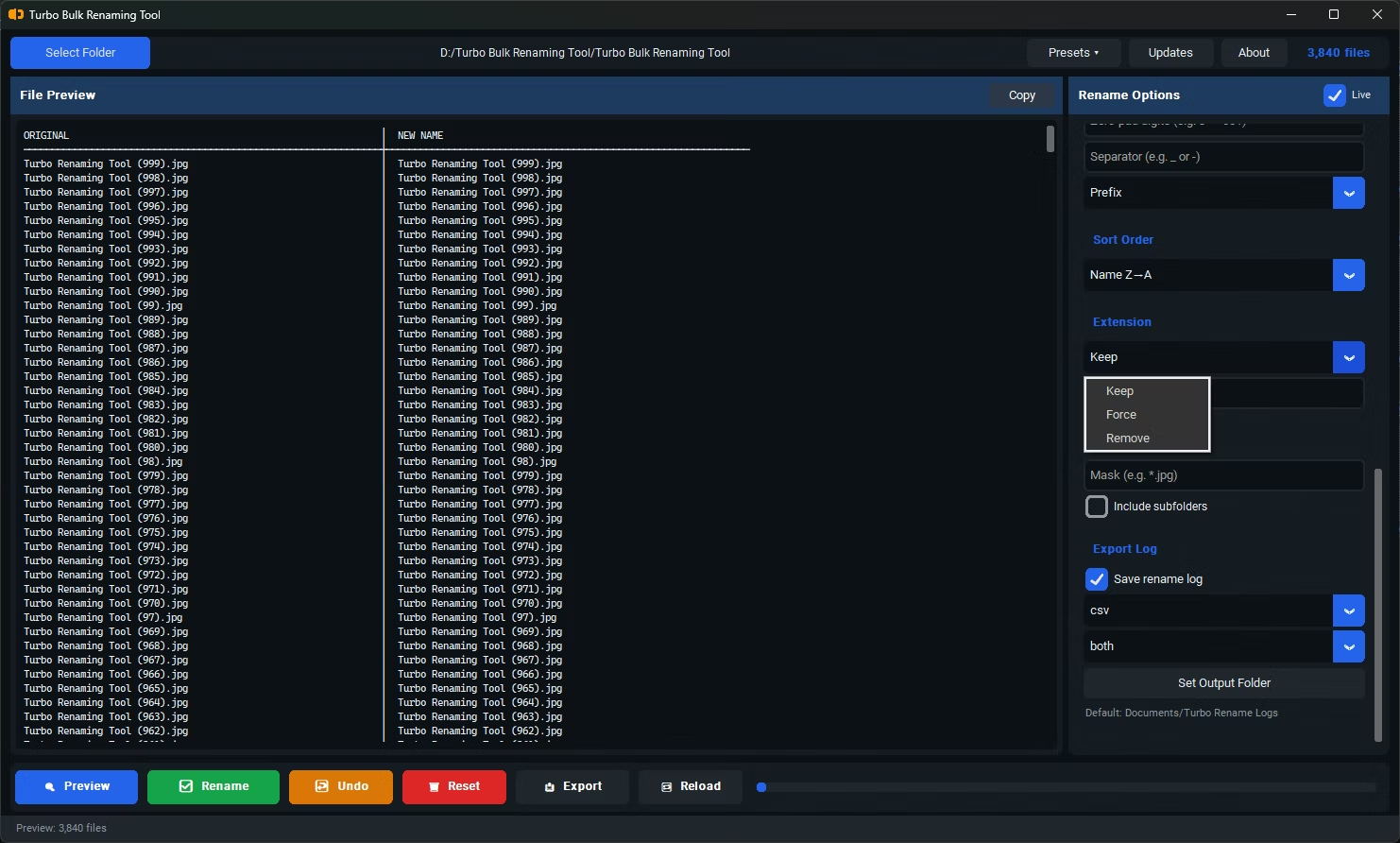
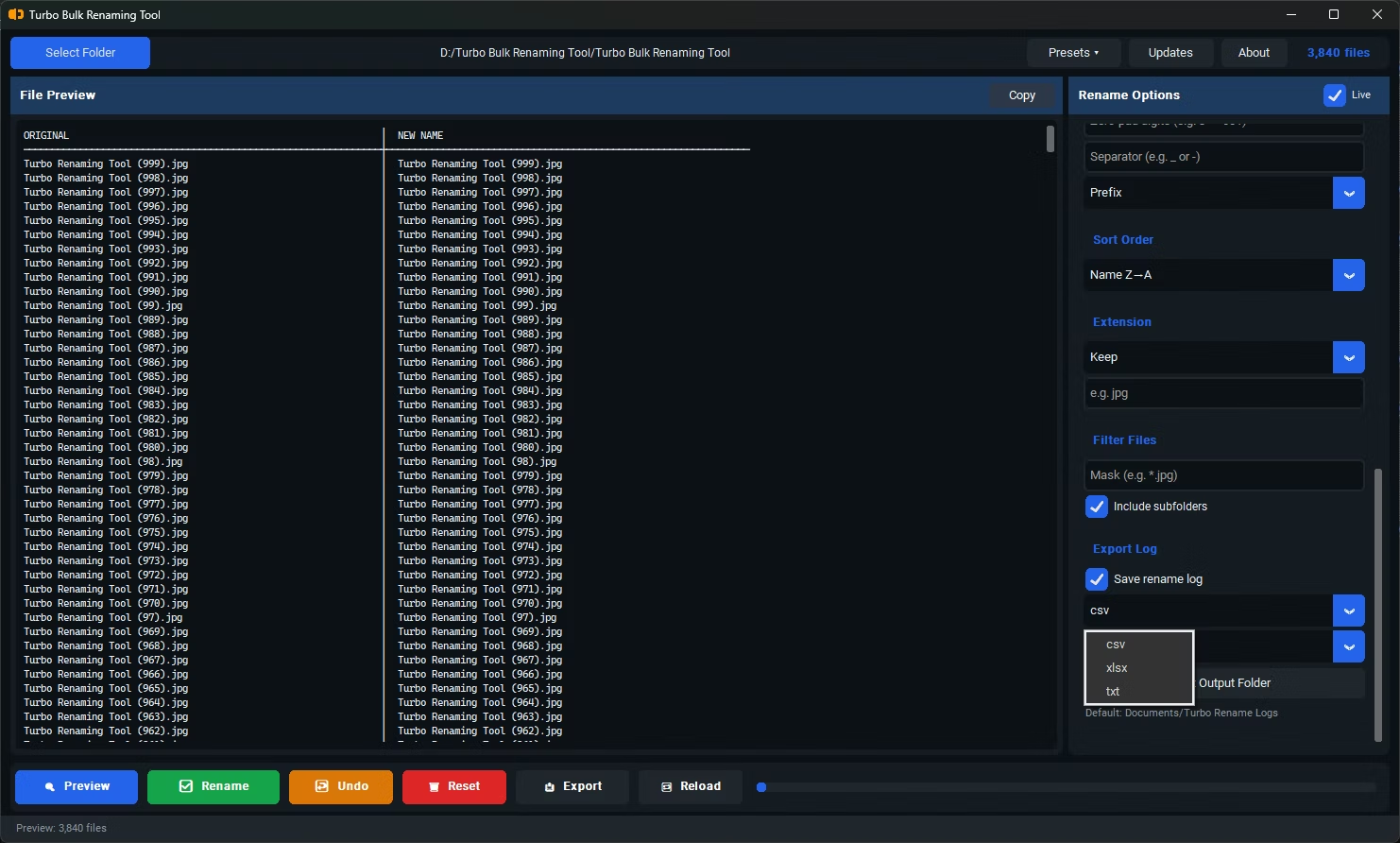
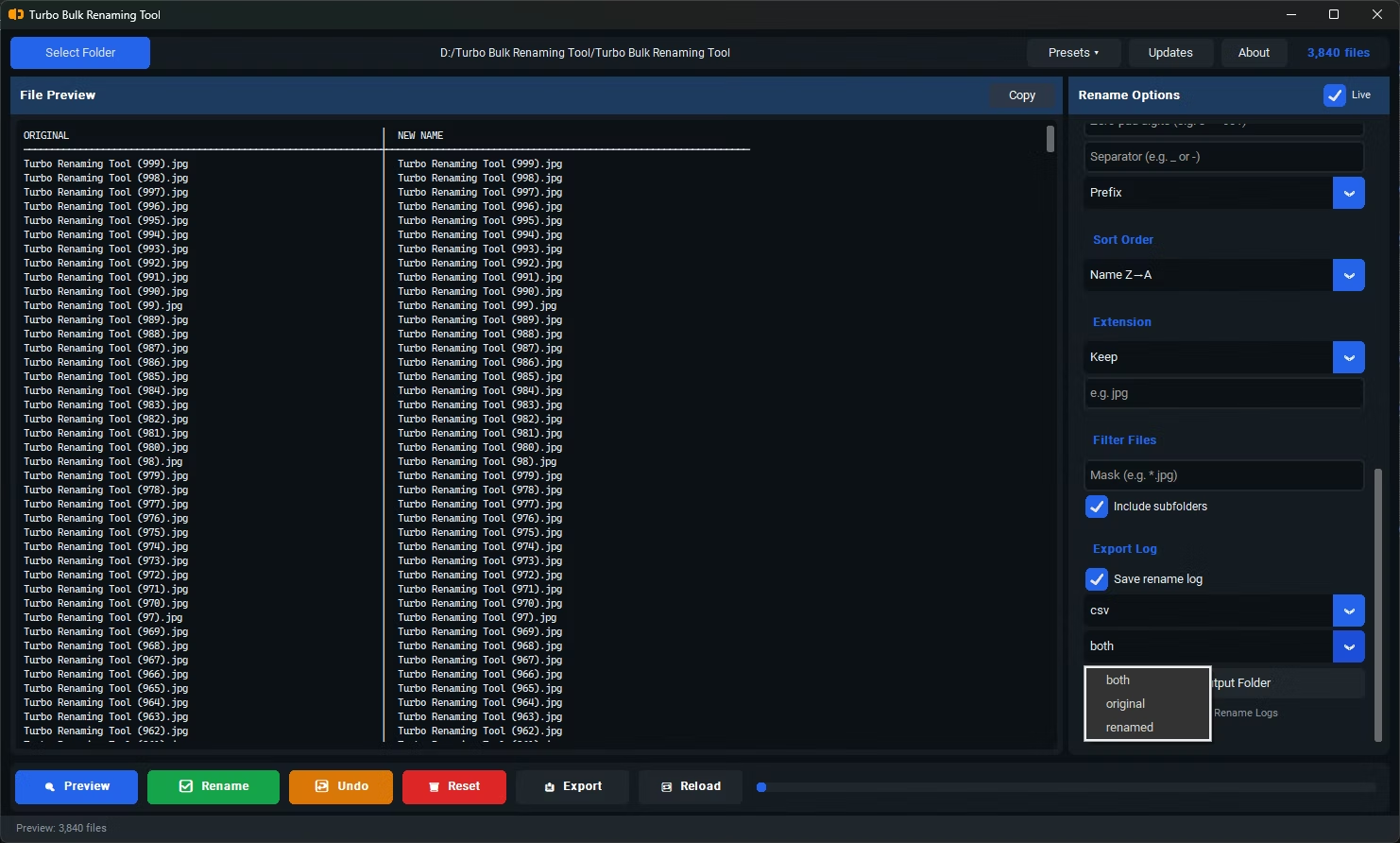
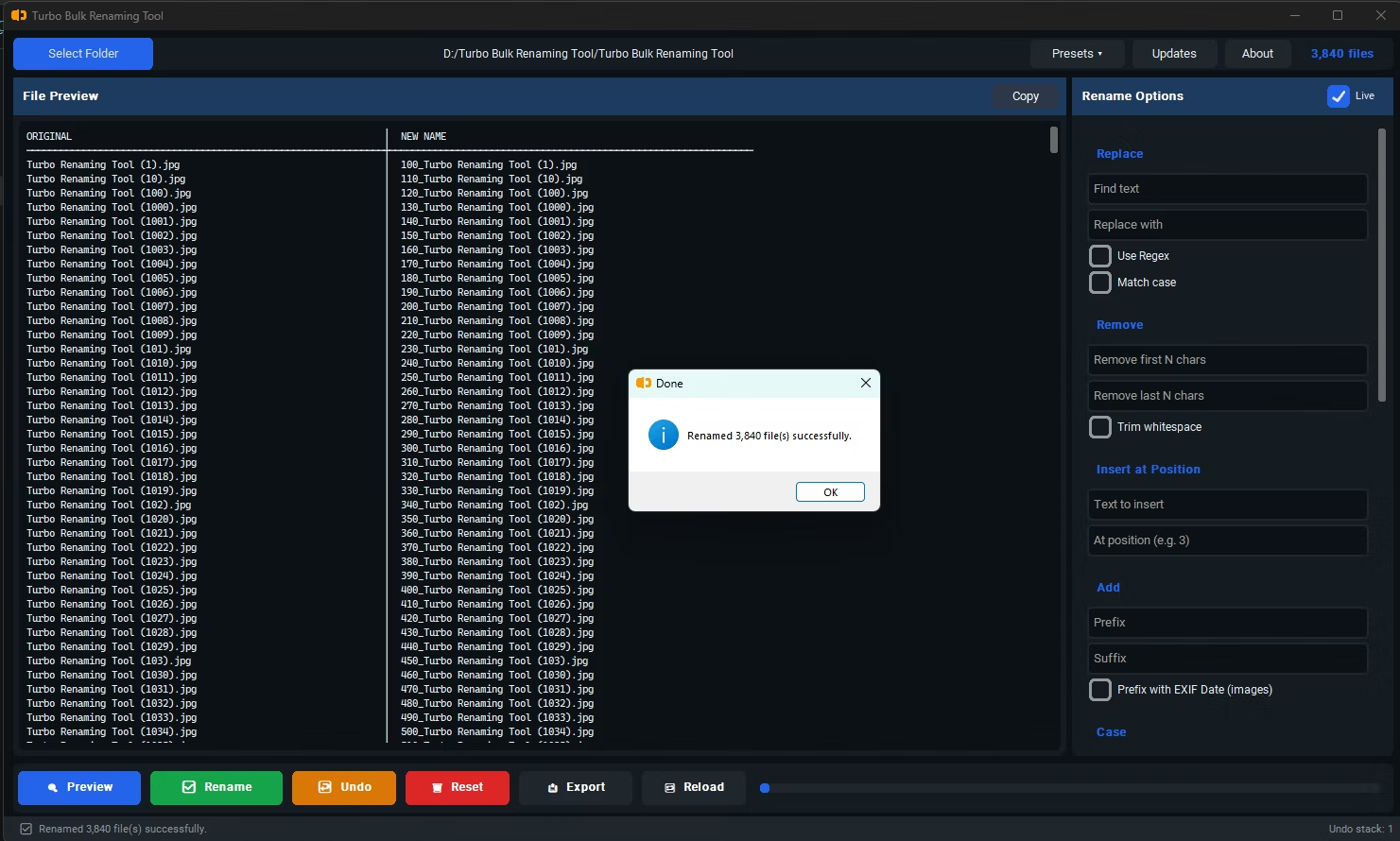
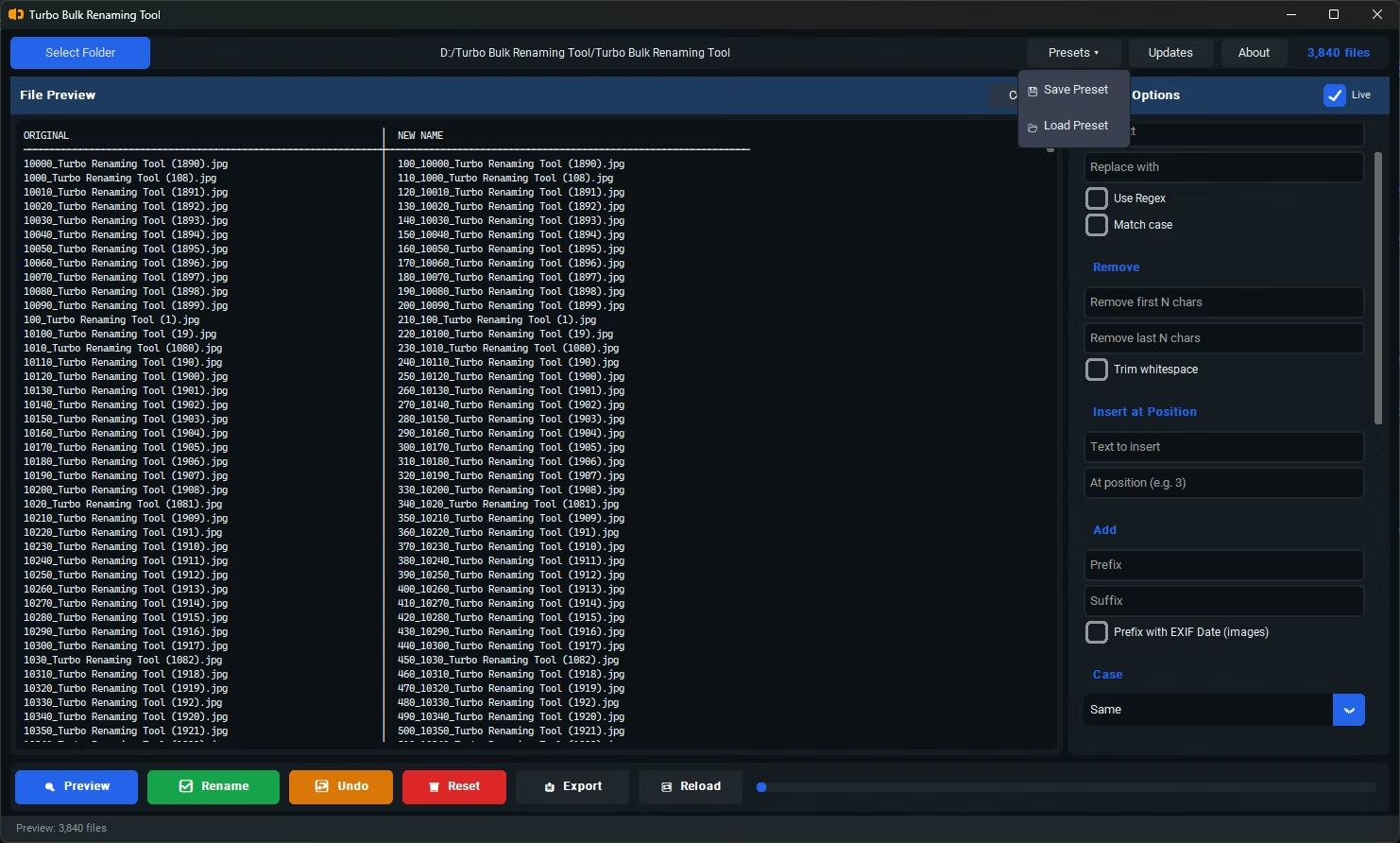
- Install Turbo Batch File Rename Tool on your Windows PC. It runs entirely offline.
- Open the app and load the folder containing your files. Enable "Include Subfolders" if your files span nested folders.
- Choose a renaming rule, such as Sequential Numbering, Find & Replace, Prefix, Suffix, or Case Conversion.
- Review the live preview, which shows exactly how each file will be renamed before anything happens on disk.
- Adjust your rule settings if needed — the preview updates instantly as you change them.
- Click Rename to apply the change to every file in the list in one action.
- 15 renaming rules covering numbering, case conversion, find & replace, and more
- Live preview shows the exact result before you commit to anything
- Recursive sub-folder support for renaming across nested directories
- Conflict detection warns you before creating duplicate filenames
- One-click Undo restores the previous filenames if something looks off
- Runs fully offline, so there's no upload step slowing down large batches
How many files can be renamed in one batch?
There's no artificial limit built into the software — it's designed to handle large folders, including thousands of files, in a single operation.
Can I undo a rename if I make a mistake?
Yes. Clicking Undo immediately after a rename restores the previous filenames for that batch.
Does the tool warn me about naming conflicts?
Yes, conflict detection flags any rename that would result in duplicate filenames before you commit the change.
Ready to rename your files in bulk, offline, with full privacy?